A complete look, from top to bottom.
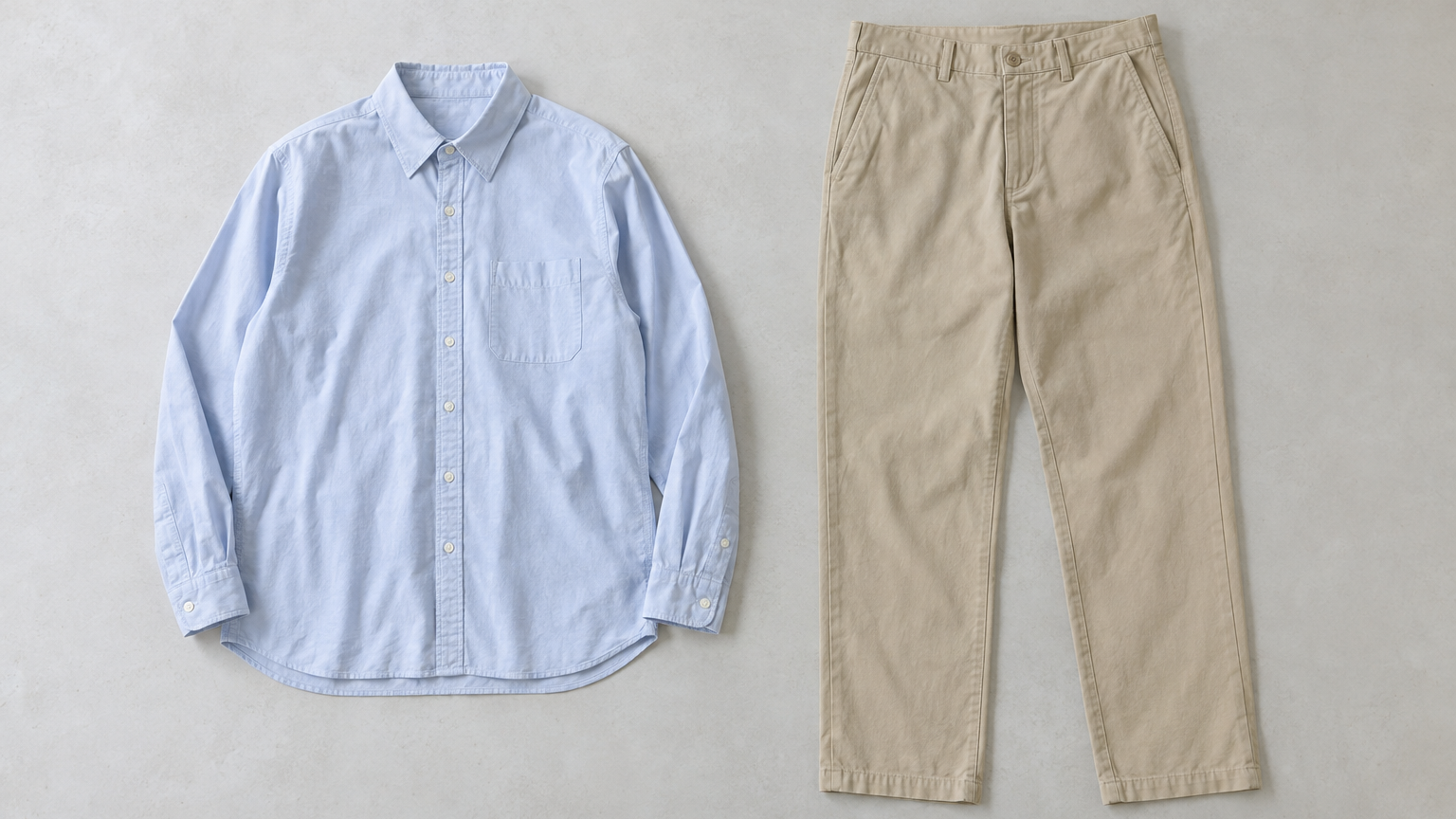
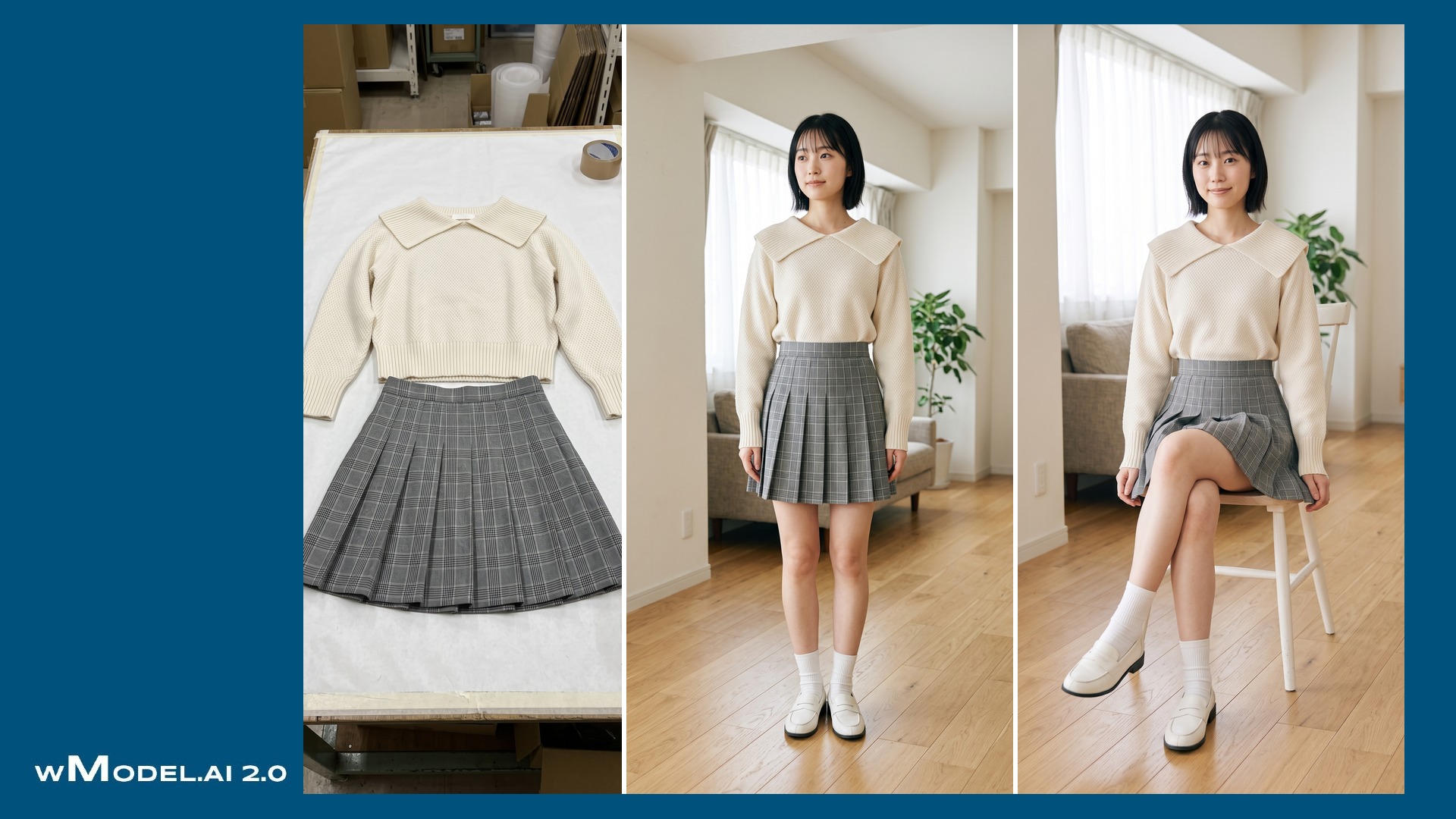
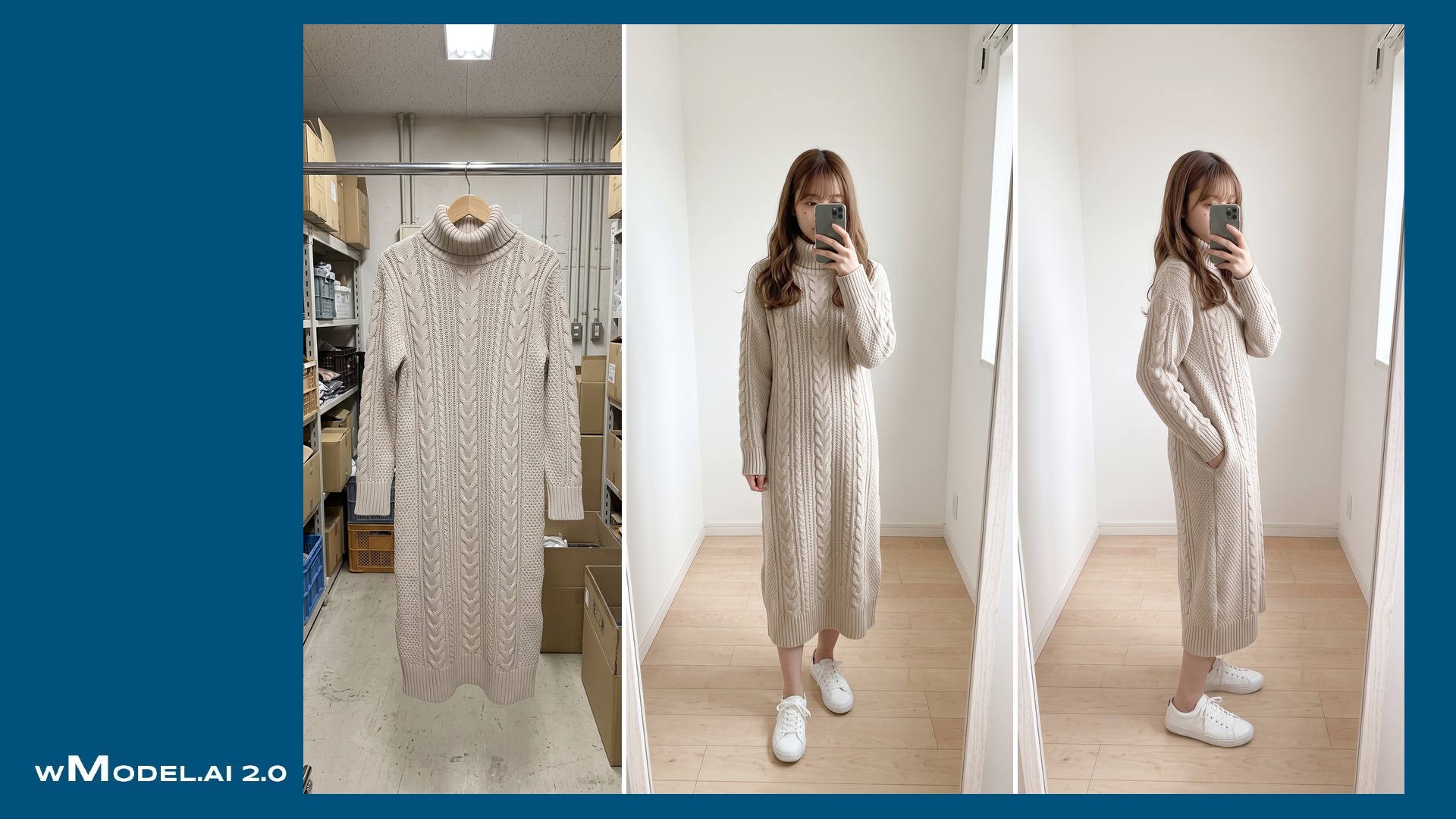
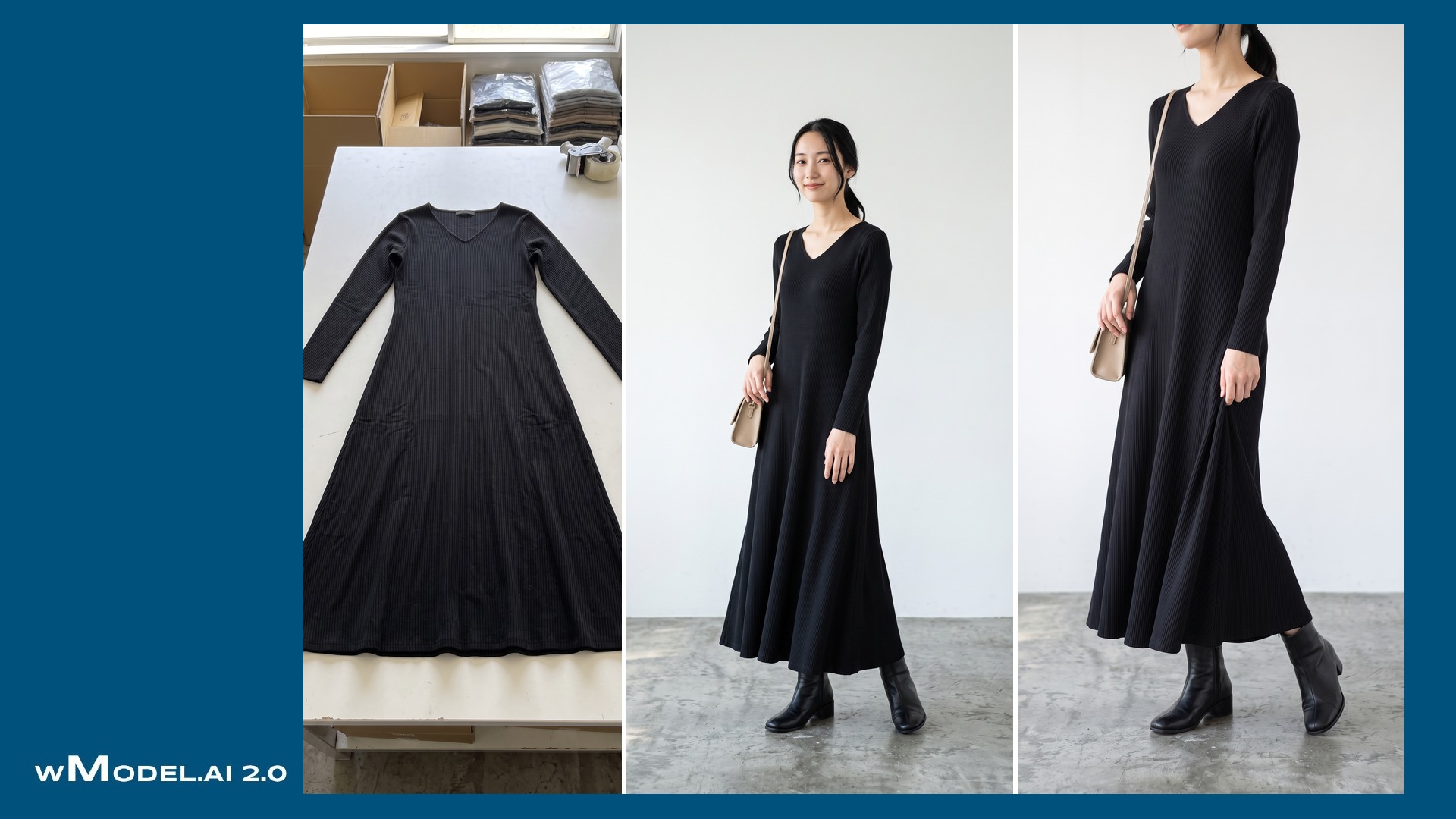
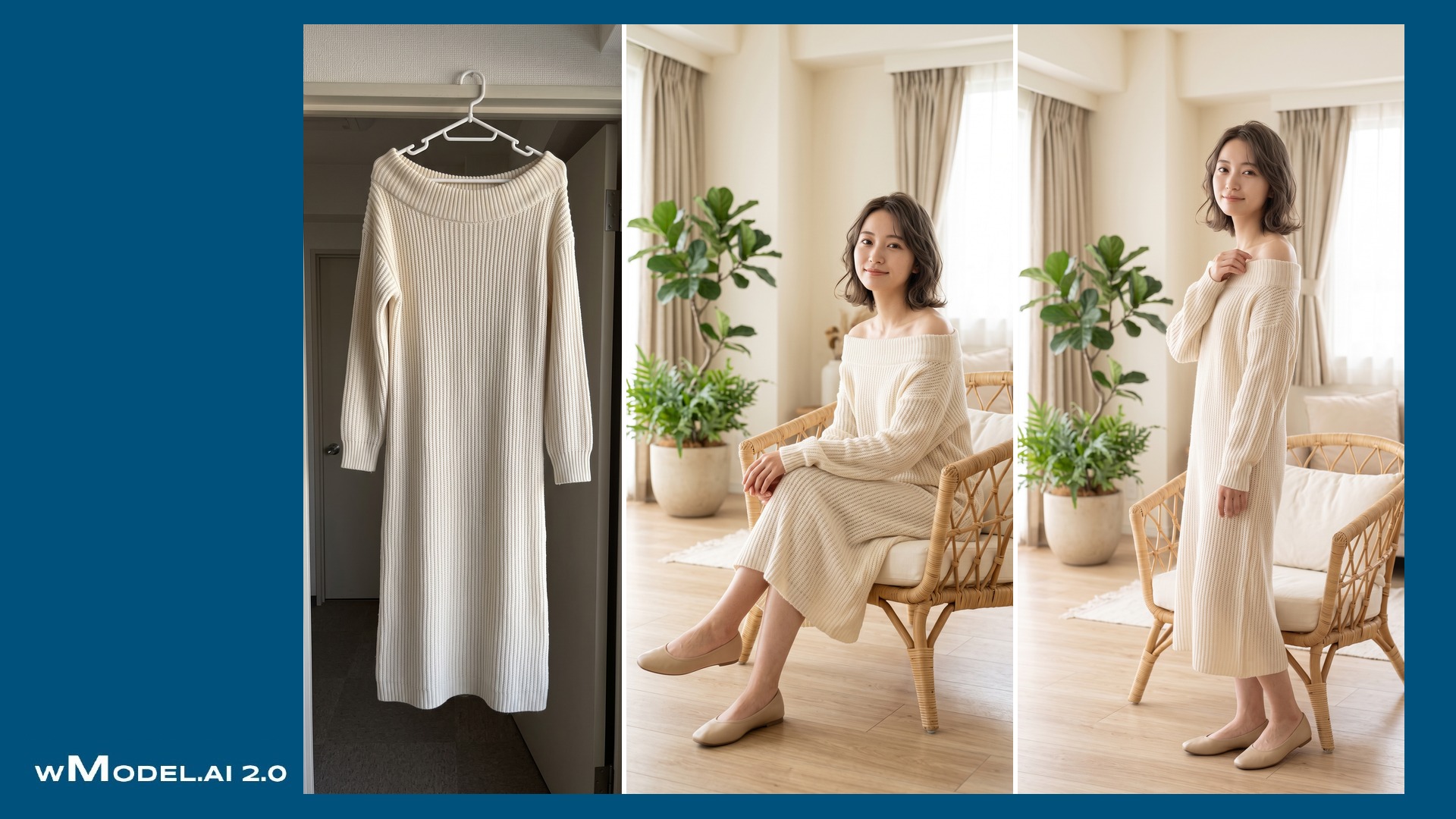
Product photo → On-model view → Movement → Detail

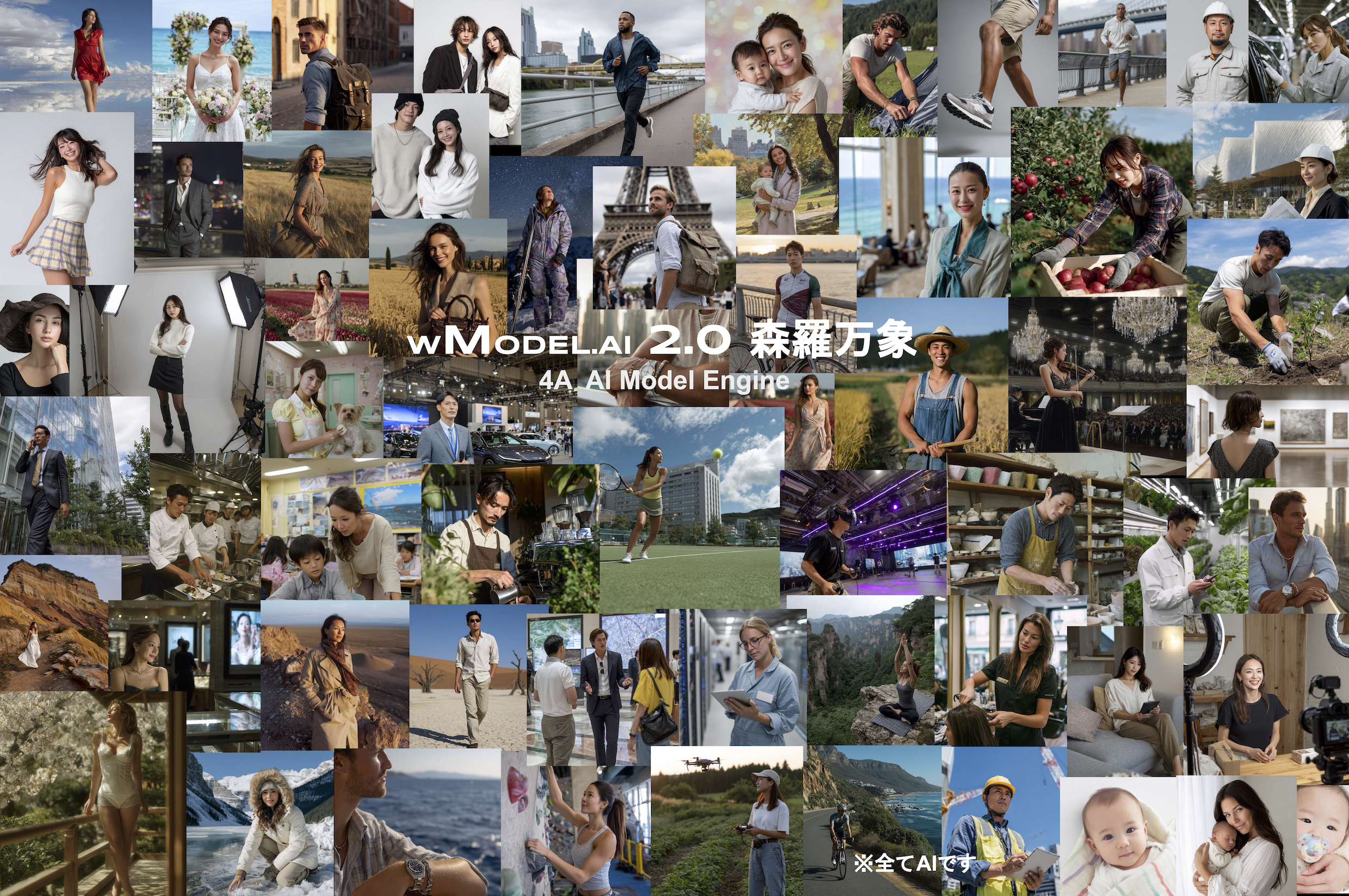
wModel.AI 2.0 森羅万象|AI fashion model images and video for brands
World-class technology, applied to enterprise production.
An AI that learns your business and keeps improving.
wModel.AI 2.0 is a B2B service that turns a single product photo into AI model wearing images and videos for fashion and advertising, delivered as finished assets you can publish as-is on ecommerce sites and in ads. We learn your brand and quality standards and keep sharpening how we meet your requirements. Our in-house AI platform learns from experience and improves generation, quality review and refinement on its own. With a generation line tailored to your business, we handle everything from image and video generation at scale to delivery of finished assets. AI models for apparel, from a single product photo: we generate AI model wearing images and videos for apparel and deliver them as finished, inspected assets.
Tell us what you need and how you plan to use it. wModel.AI handles generation, quality review, and refinement, delivering finished images and videos ready to use.
Your existing product photos become images and video, ready to use.
wModel.AI 2.0 combines its 4A capabilities with an in-house technology foundation for product fidelity, consistent identities, quality and safety management, and generation at scale.
Turn proprietary AI technology into productive capacity for your business. wModel learns from your requirements and feedback, continually improving its generation, quality review, and refinement processes. A dedicated generation platform supports work at scale and delivers finished images and videos ready to use.
Explore our technology foundationIn fashion and advertising, an AI model is a model generated by AI, usually a human model. It is not the same thing as an "AI model" in machine learning. From a single product photo, wModel.AI produces images and videos of a person wearing clothes, carrying a bag or using cosmetics. First, explore the finished visuals delivered by an AI dedicated to your company. Behind them is a system that learns from requirements and feedback and keeps refining how it generates.
From here, we present AI model images and videos for 14 product categories, from fashion to accessories and cosmetics. Jump to a category from the menu or keep scrolling through the page.
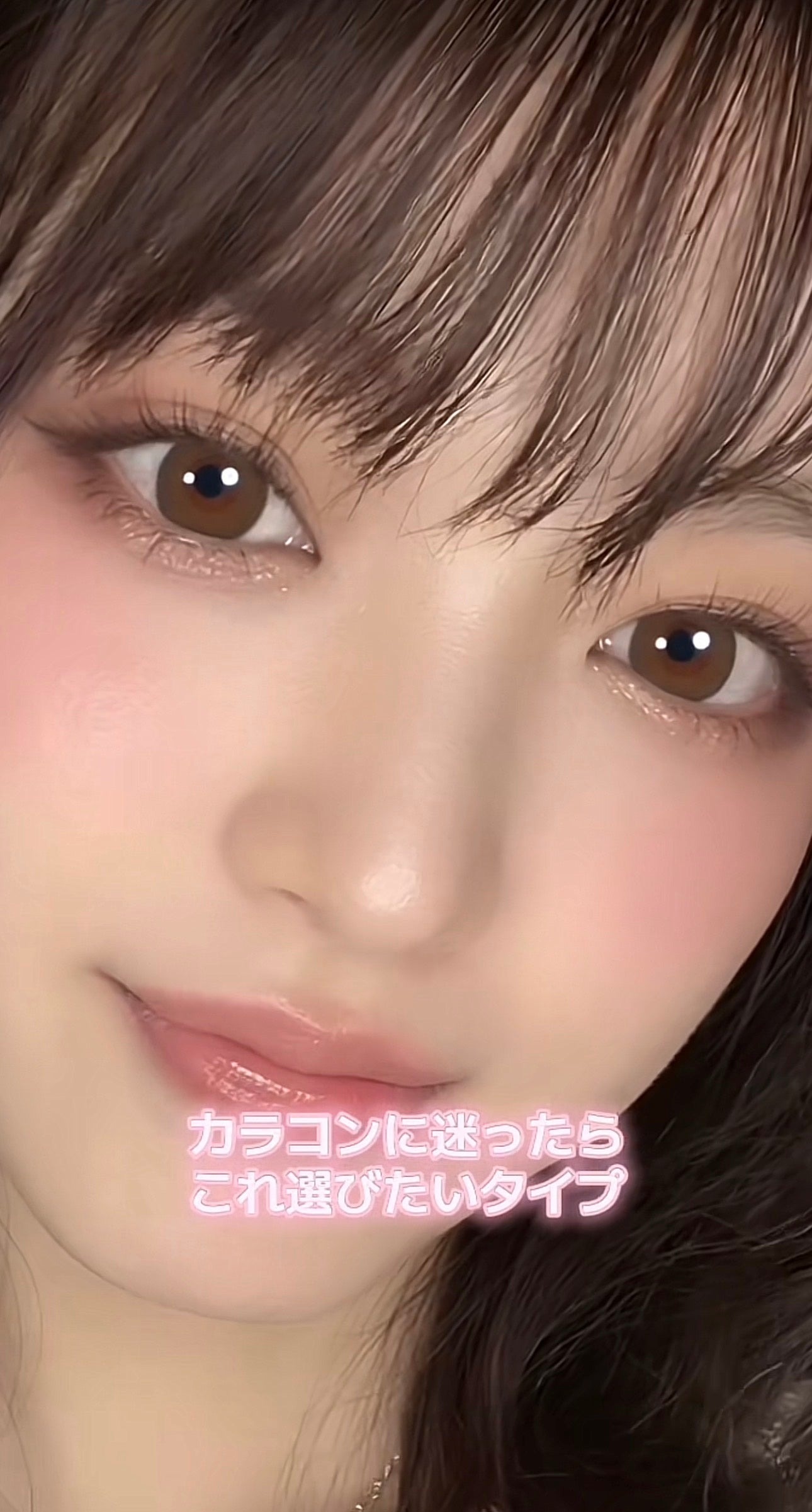
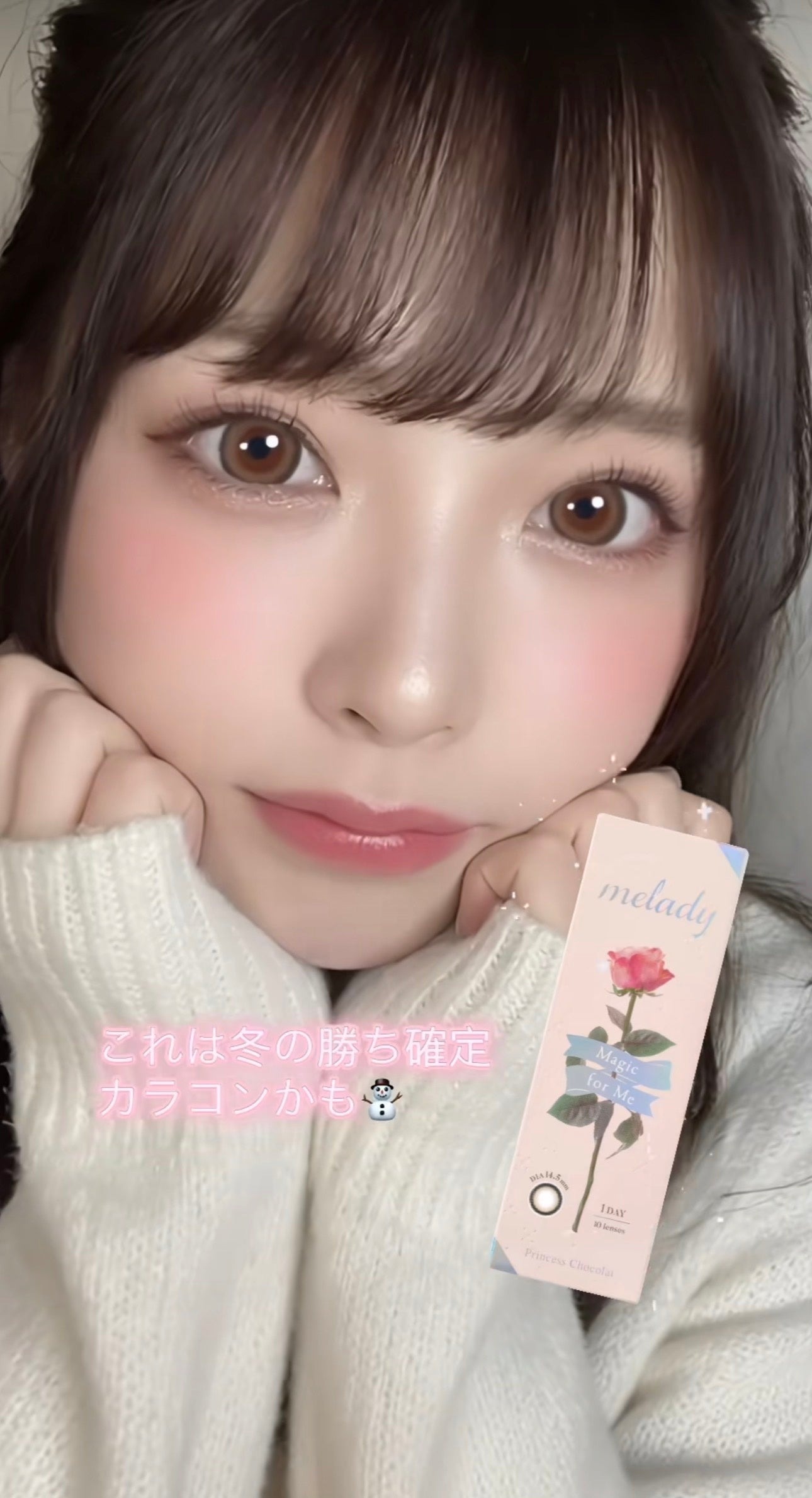
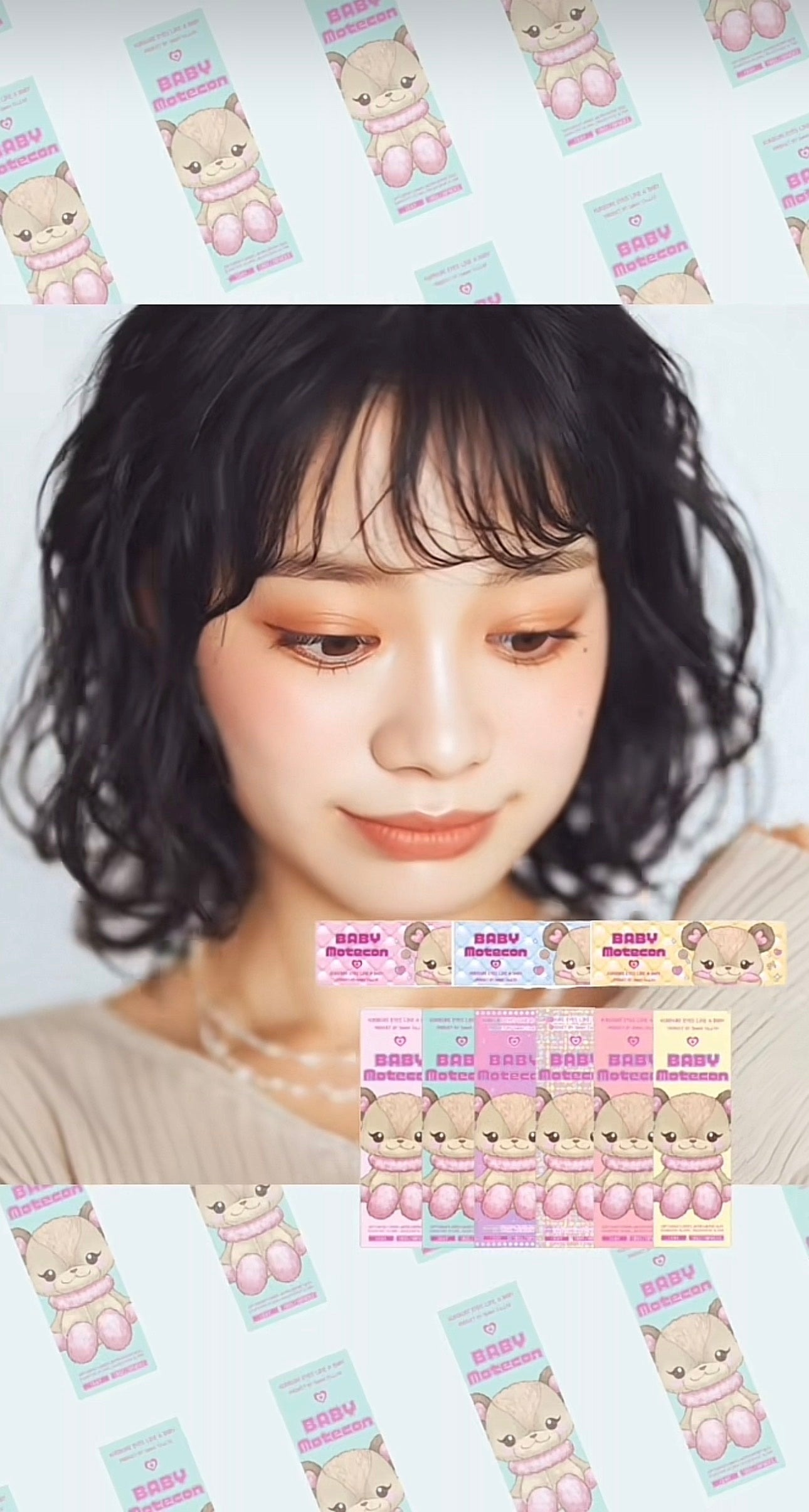
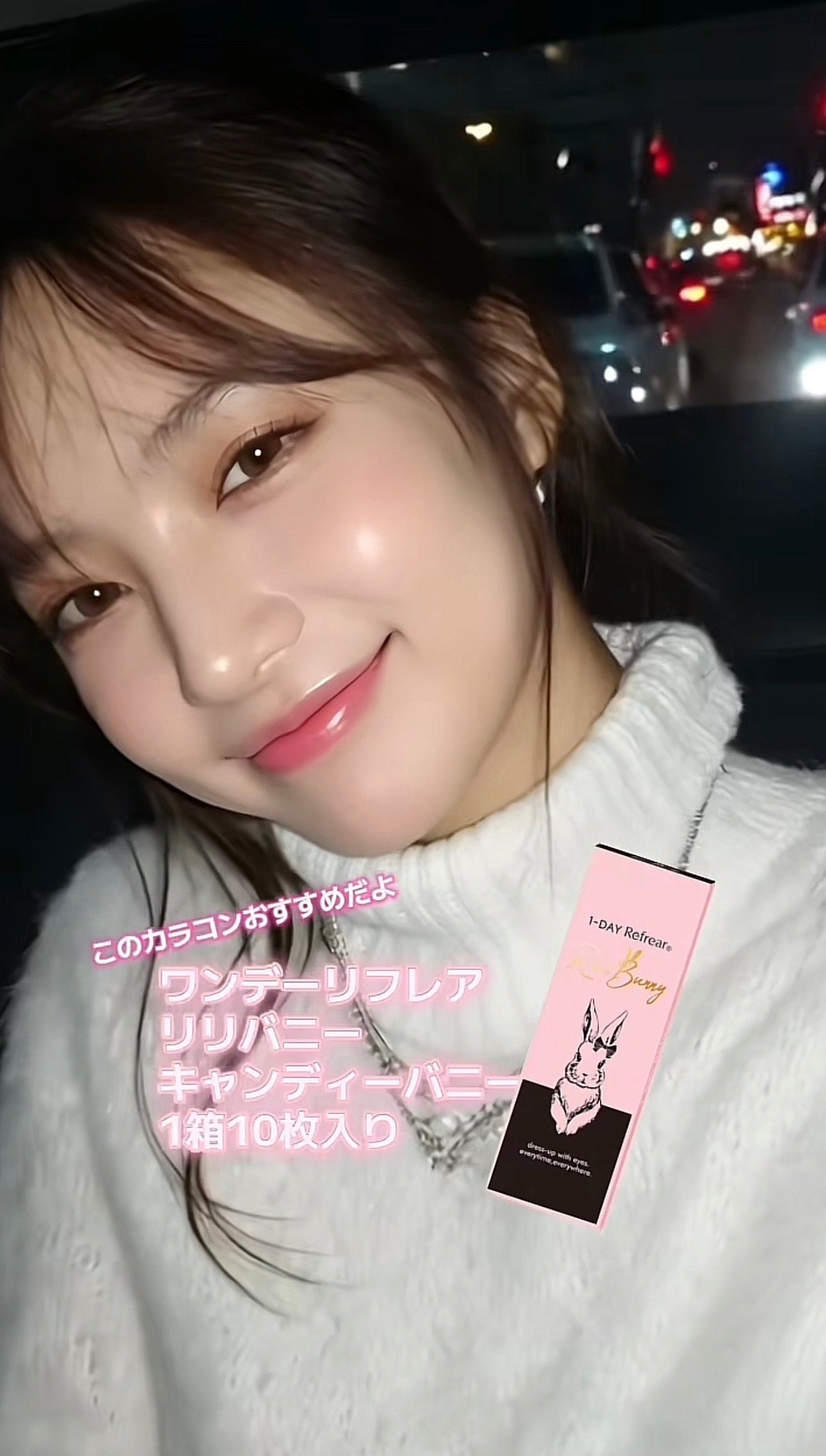
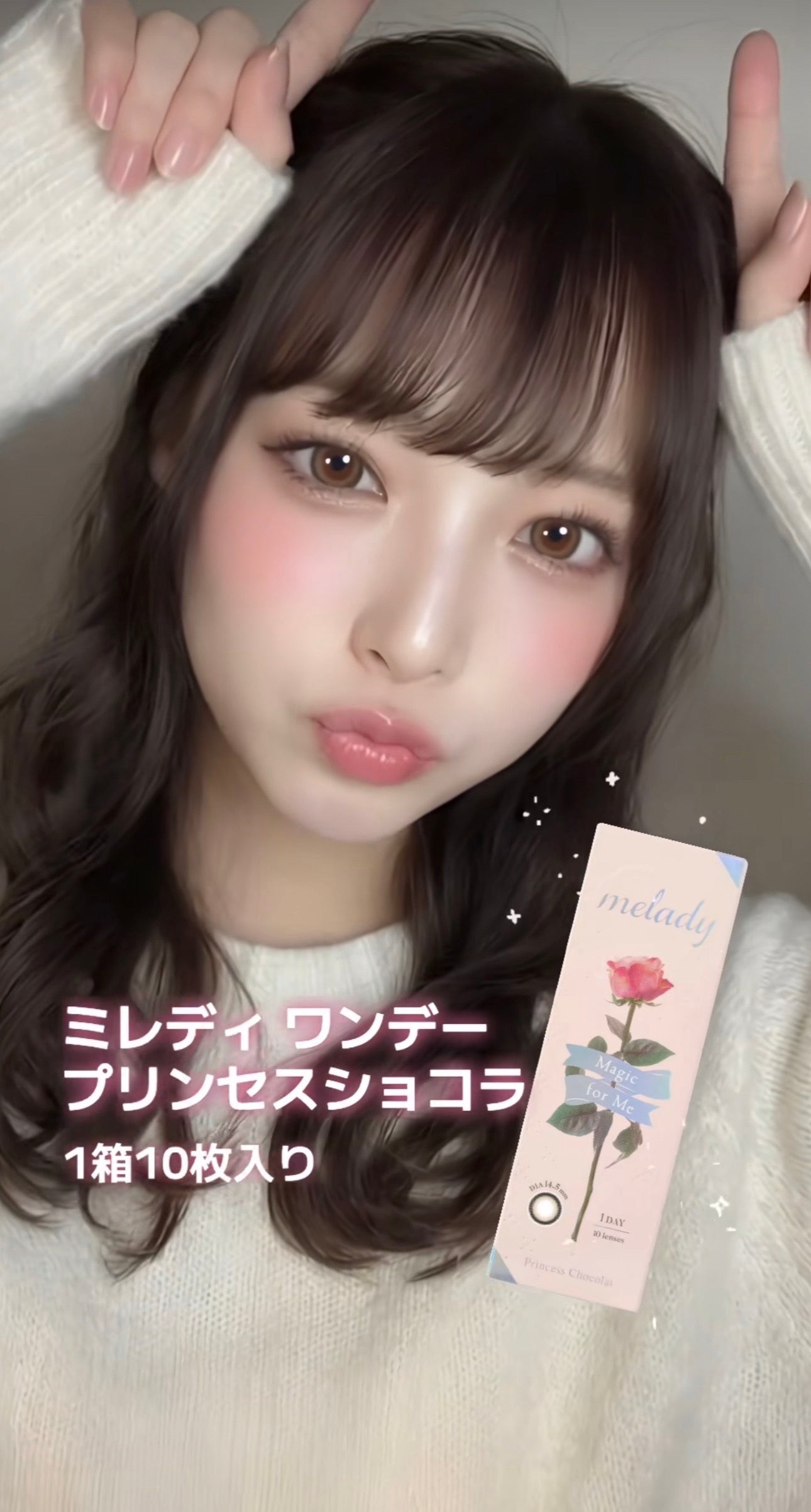
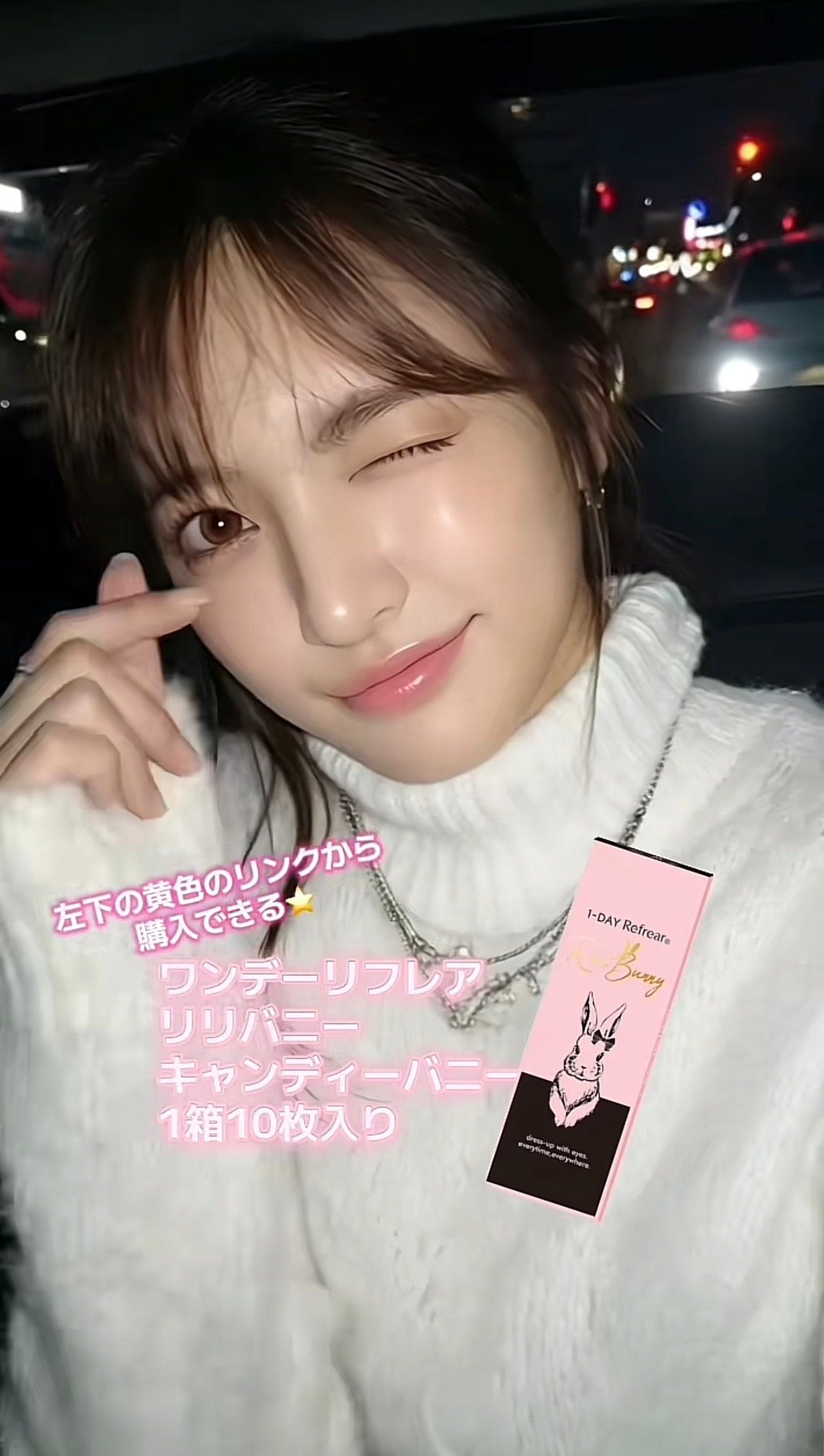
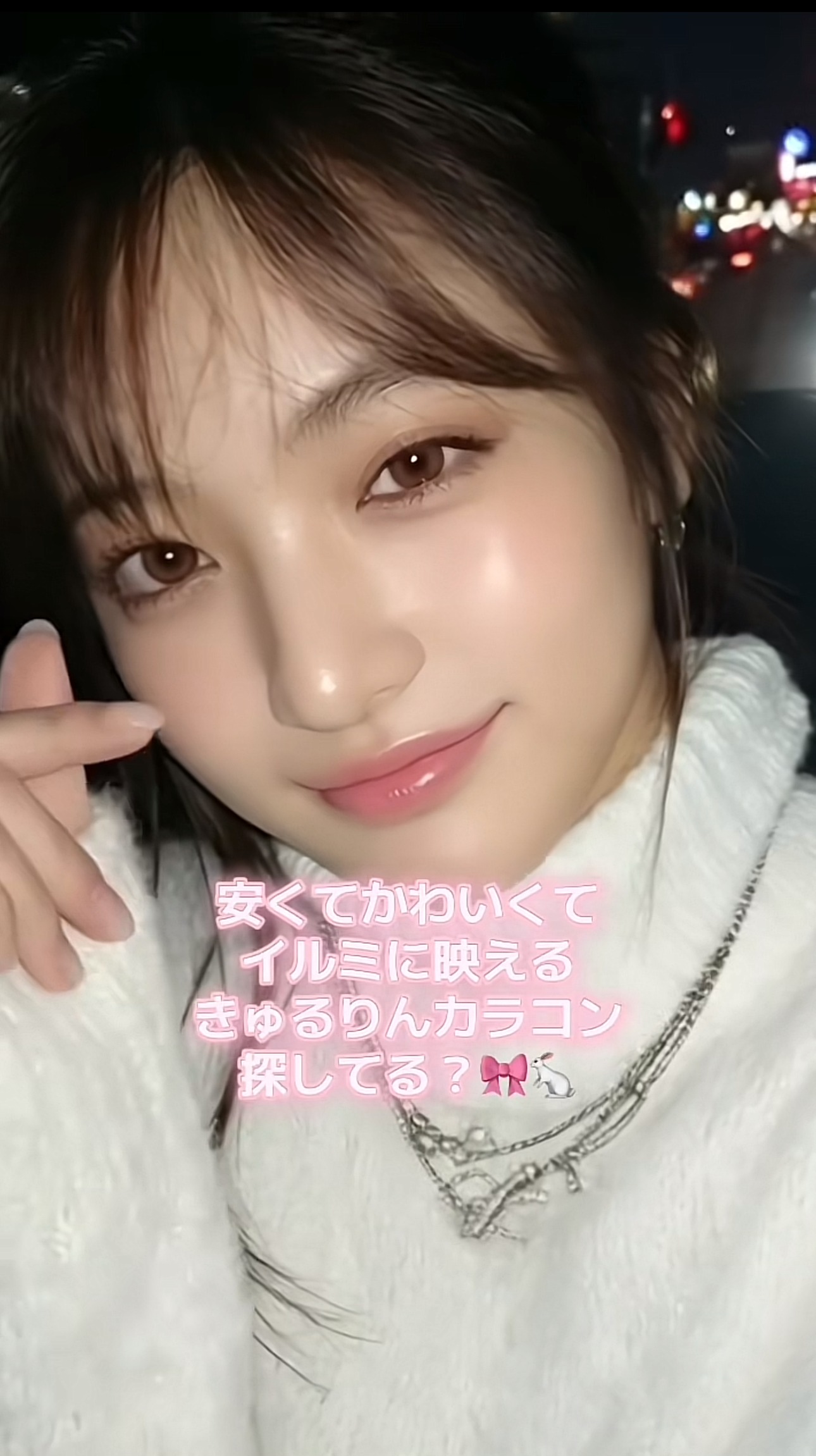
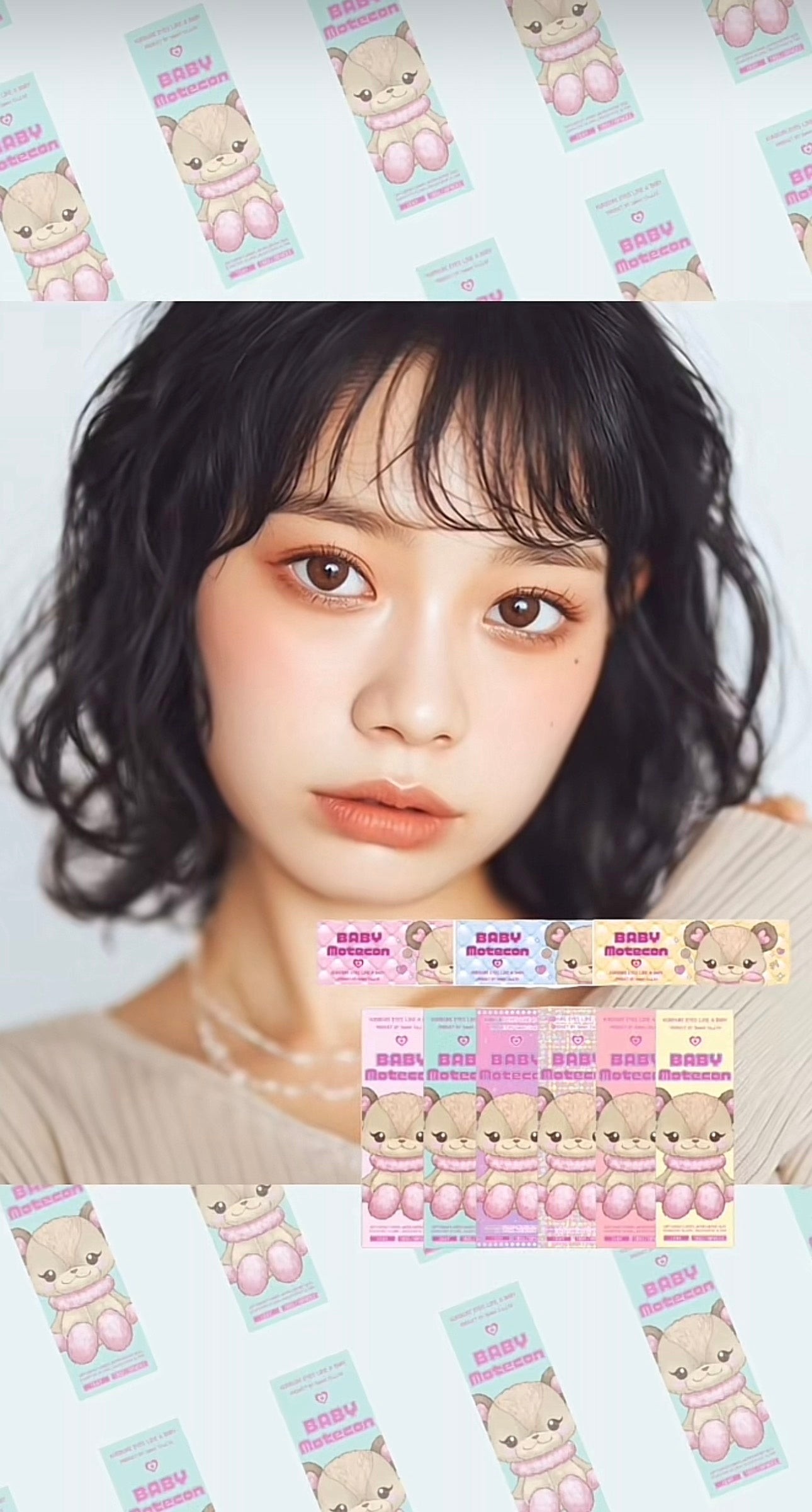
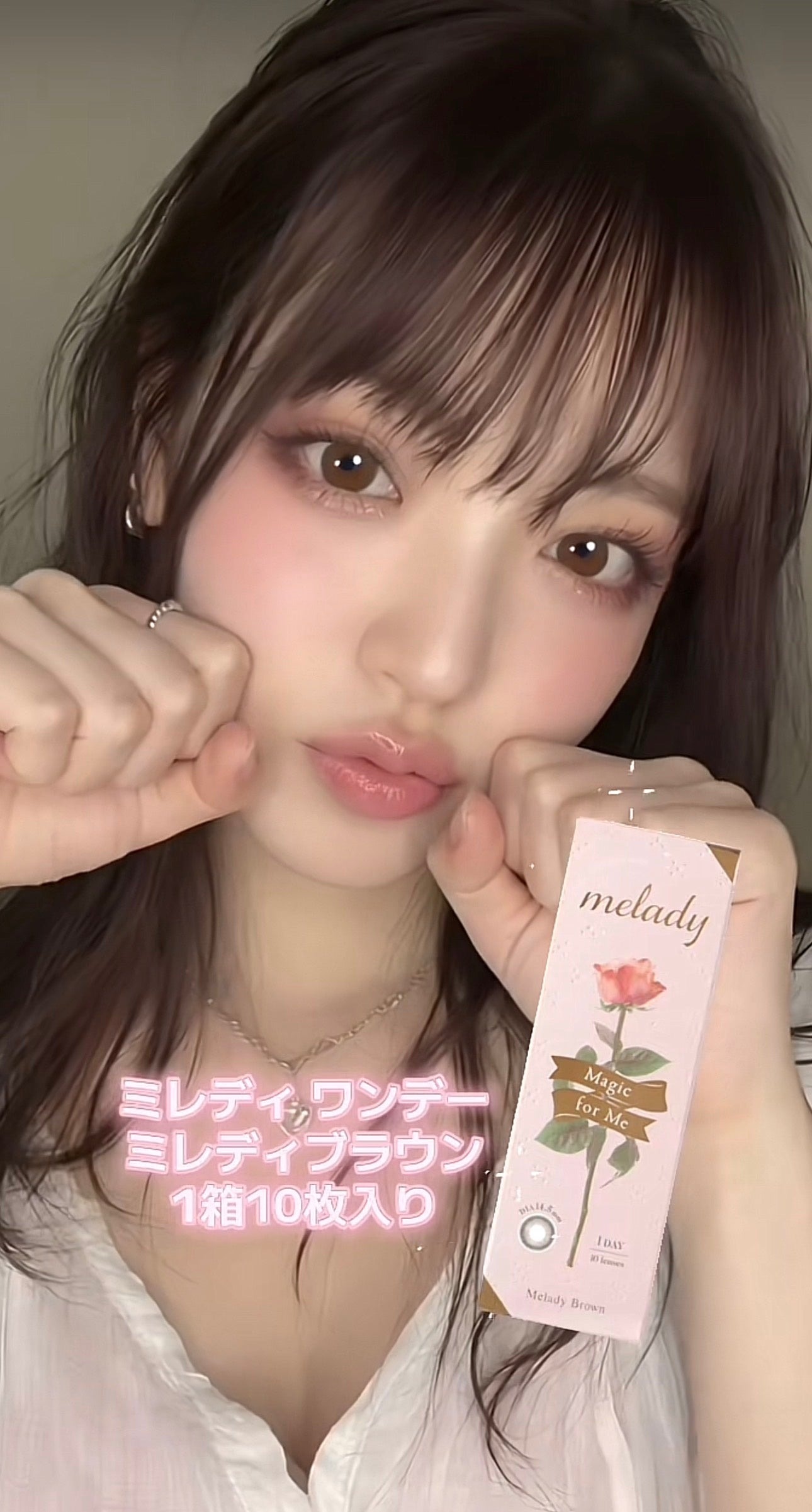
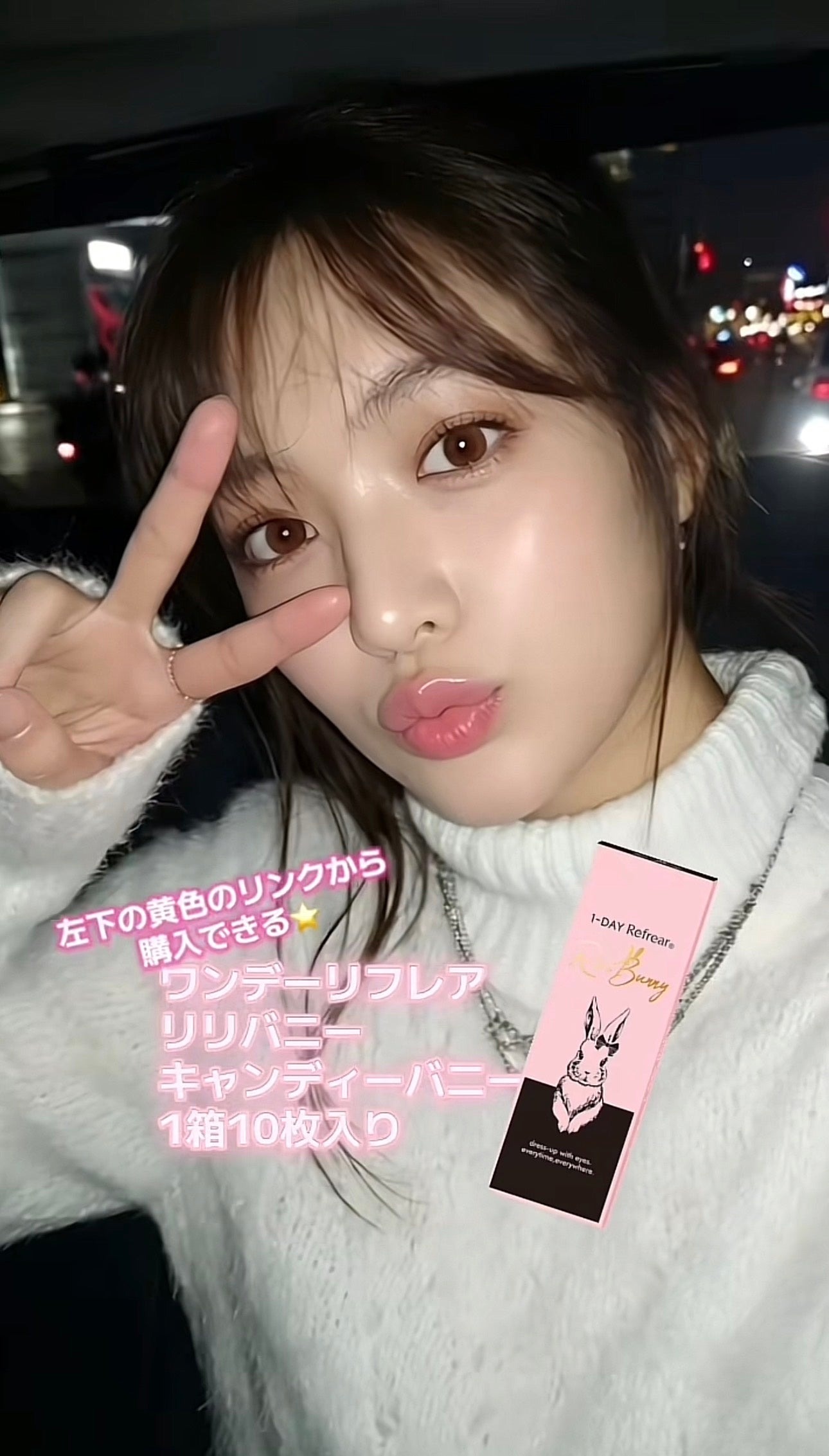
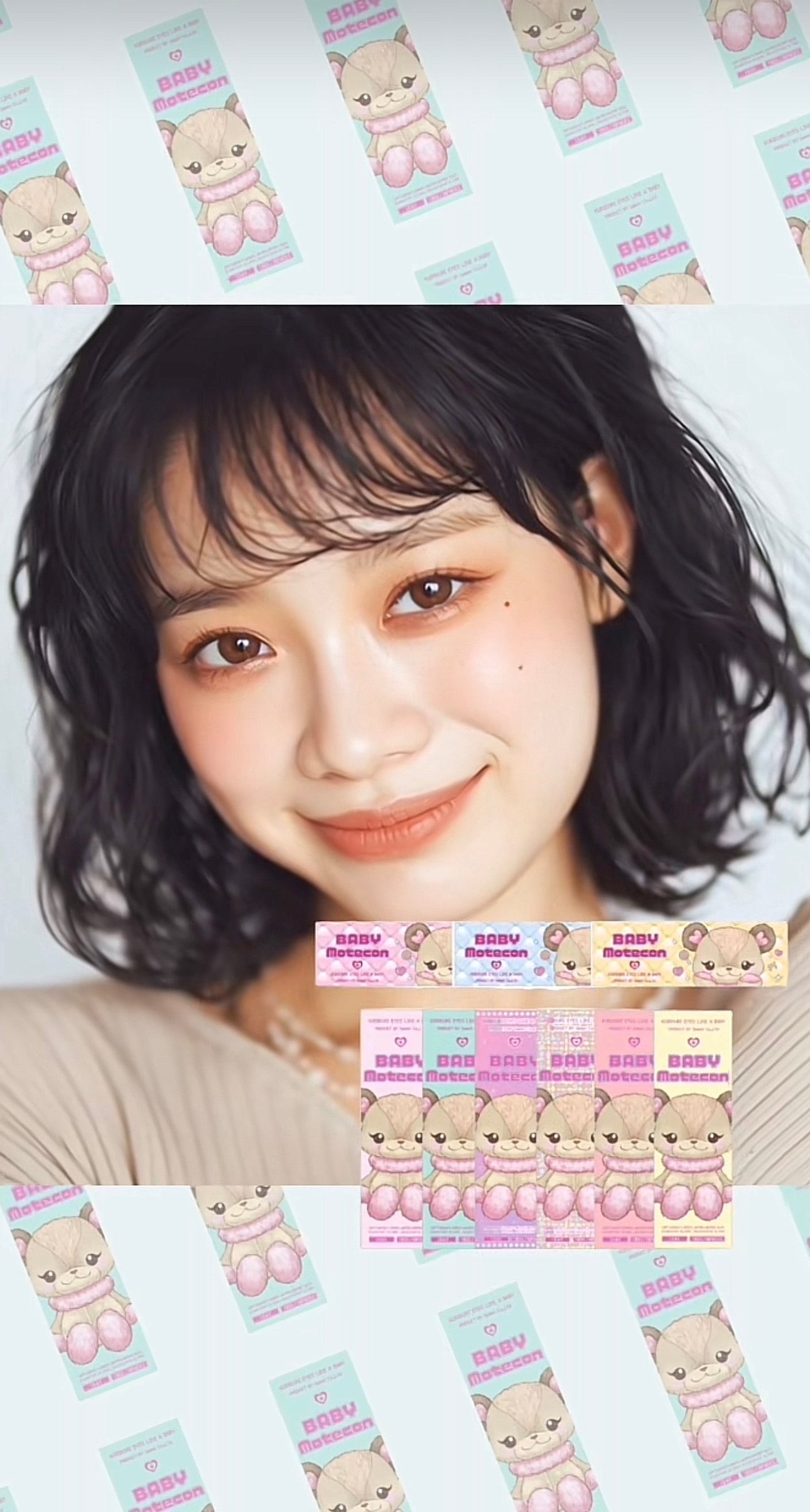
AI model videos for colored contact lenses
Explore 30 AI model videos for colored contact lenses, showing expressions, eye movements and the lenses in motion. You can watch the AI model videos published in our own shop, which has a proven sales record, exactly as they appear there.
CASE · Our own shop
The source case describes SSQQB's own TikTok Shop store @earthmade_lens using AI model images and videos generated with wModel.AI. Its claim of top-tier sales in the color-contact category is dated January 2026 and based on the company's own research.
Brand history, product characteristics, audience and trends inform the visual direction before generation. The case emphasizes lens texture, pattern and color. The AI model videos for colored contact lenses use images and videos generated with wModel.AI, and the shop records top-tier sales in the color-contact category on TikTok Shop (as of January 2026, based on the company's own research). The product visuals of this shop, which has a proven sales record, were generated with our service.
These images and videos were generated by SSQQB for its own shop; they are not official manufacturer assets.
Product names, brands, logos and packaging belong to their respective owners. Their display does not imply endorsement, partnership or sponsorship.
Models are AI-generated, not real people or official manufacturer models. Lens appearance may differ from the actual product.
Source: company press release, PR TIMES, February 2, 2026
PICK UP
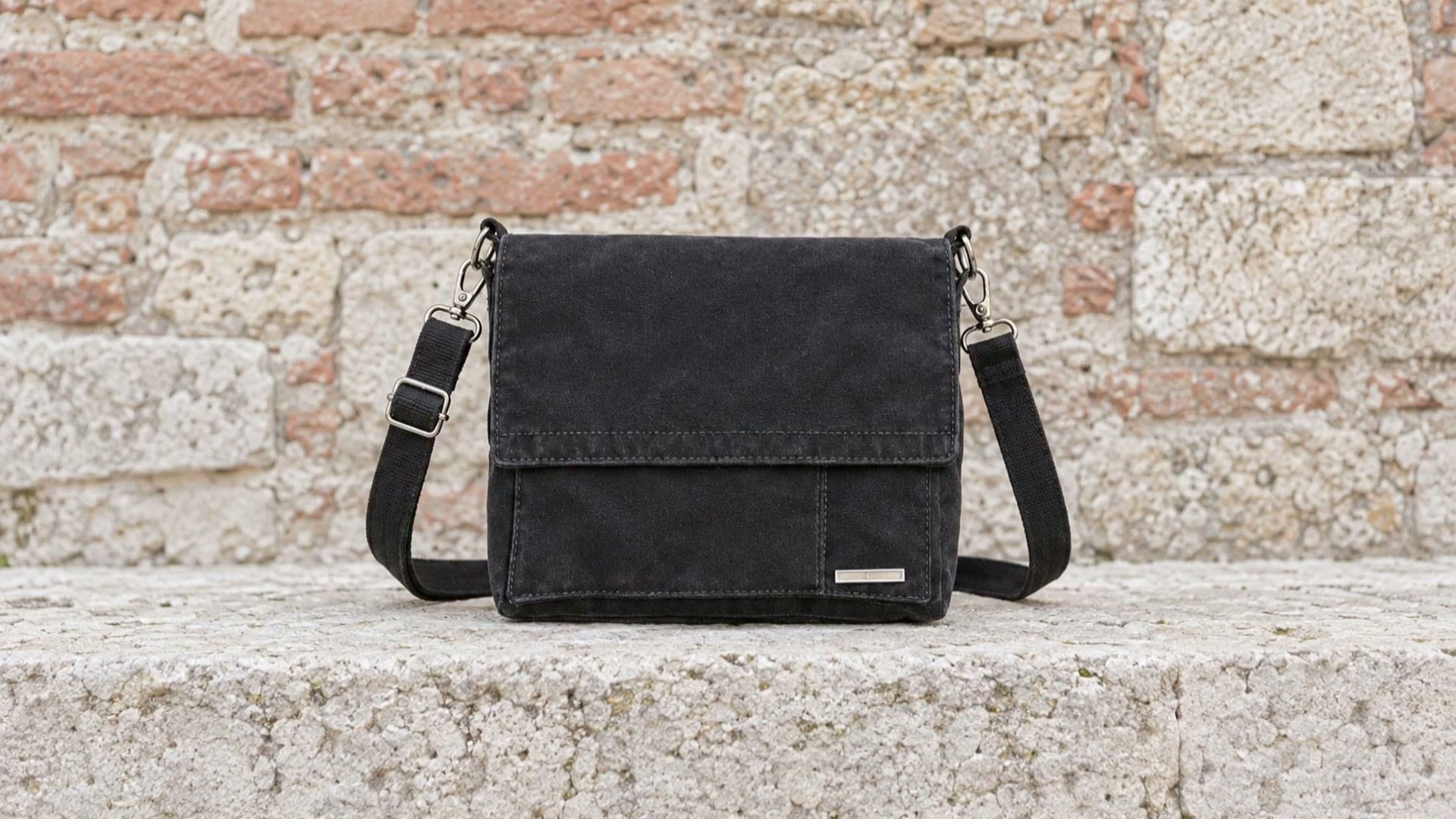
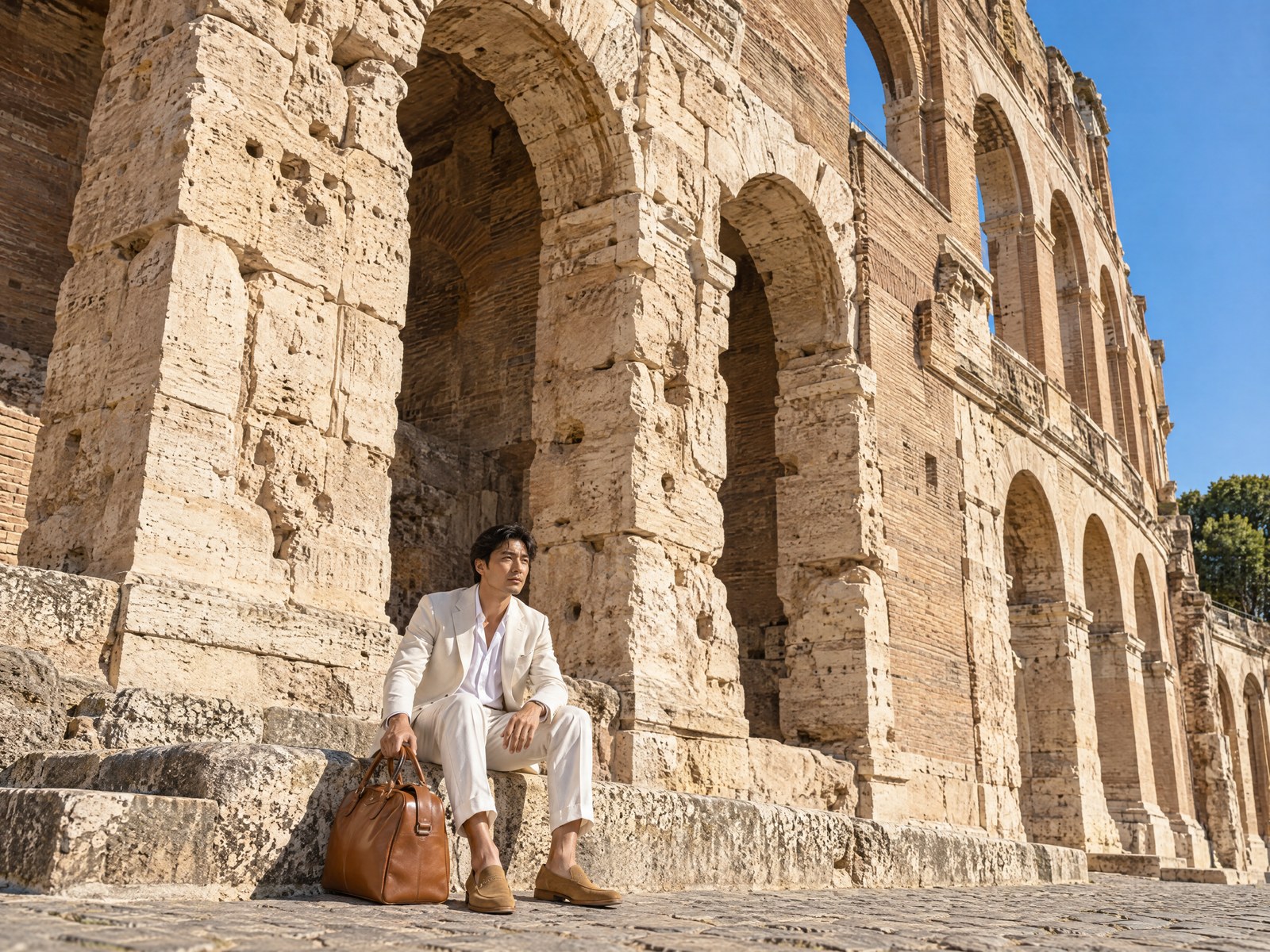
A men's shoulder bag example. From the same bag, we can produce a product-only video and a video of an AI model wearing it and walking.
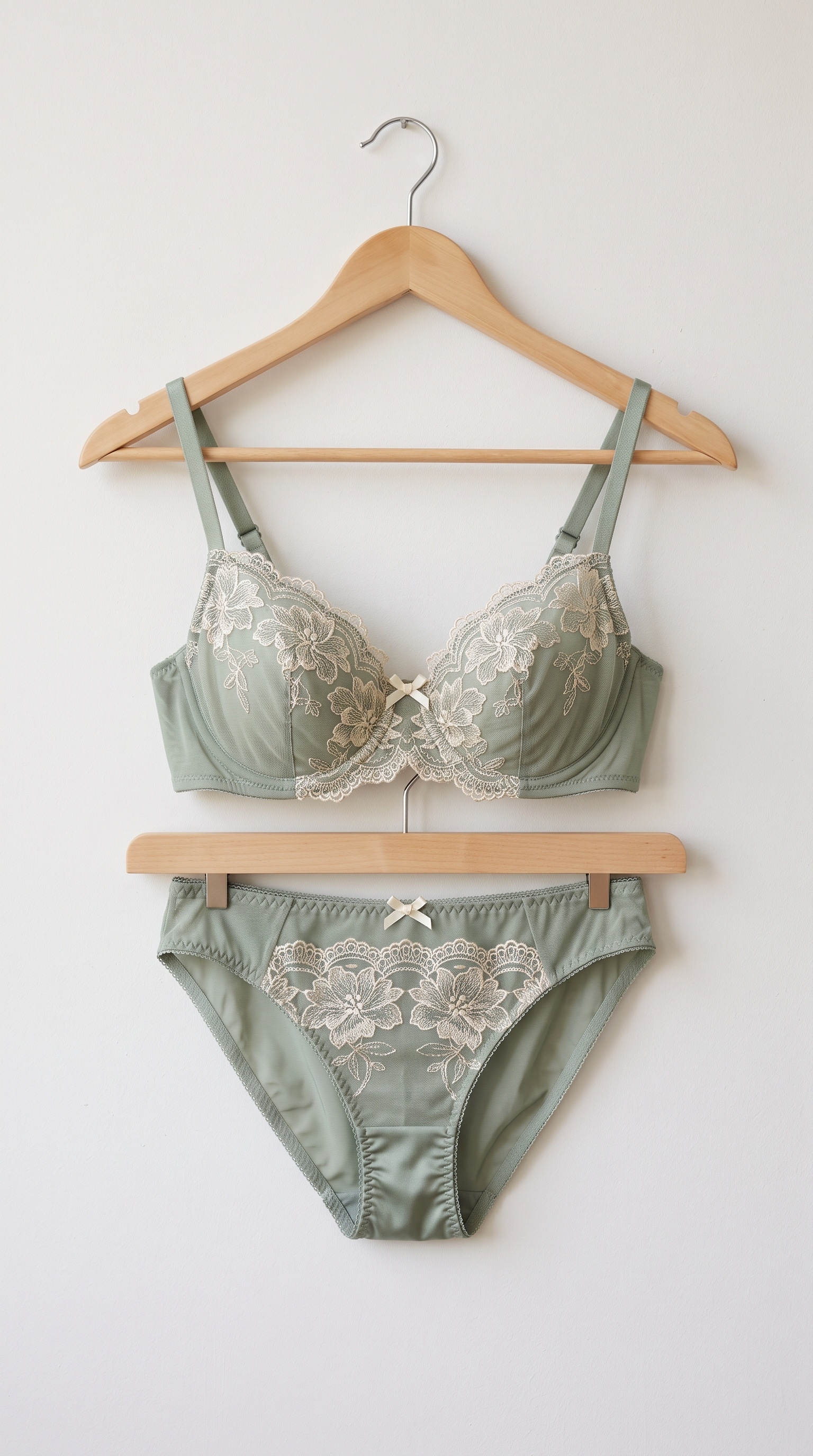
From a single product photo to AI model wearing images and videos. See flat-lay and hanger photos turned into worn, moving results in detail.
Built for apparel ecommerce. From flat-lay and hanger photos to on-model images, movement and detail.
See the product on a model. Explore the look in motion.
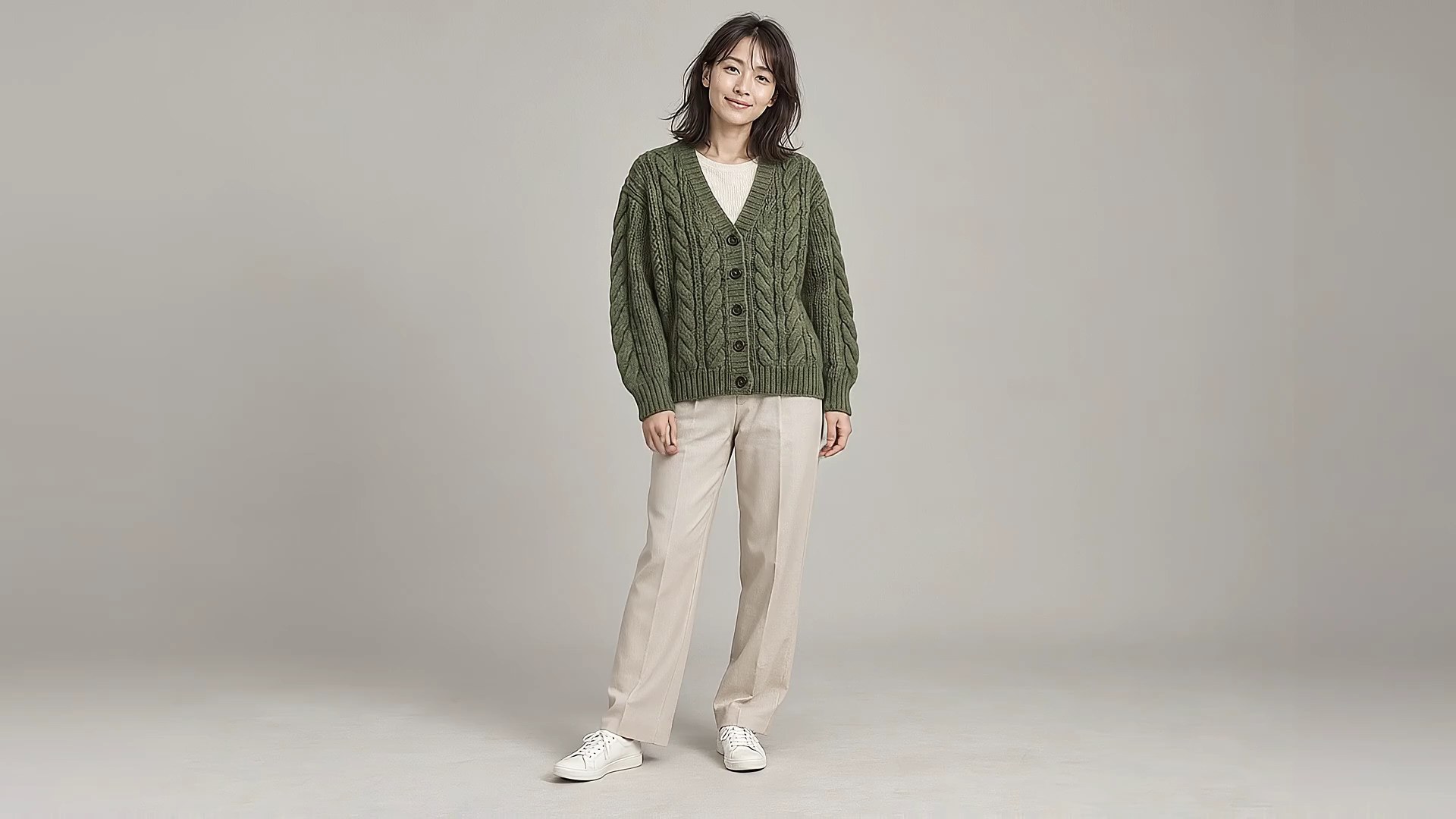
Wearing images and videos, ready to use.
Product photo → On-model view → Movement → Detail
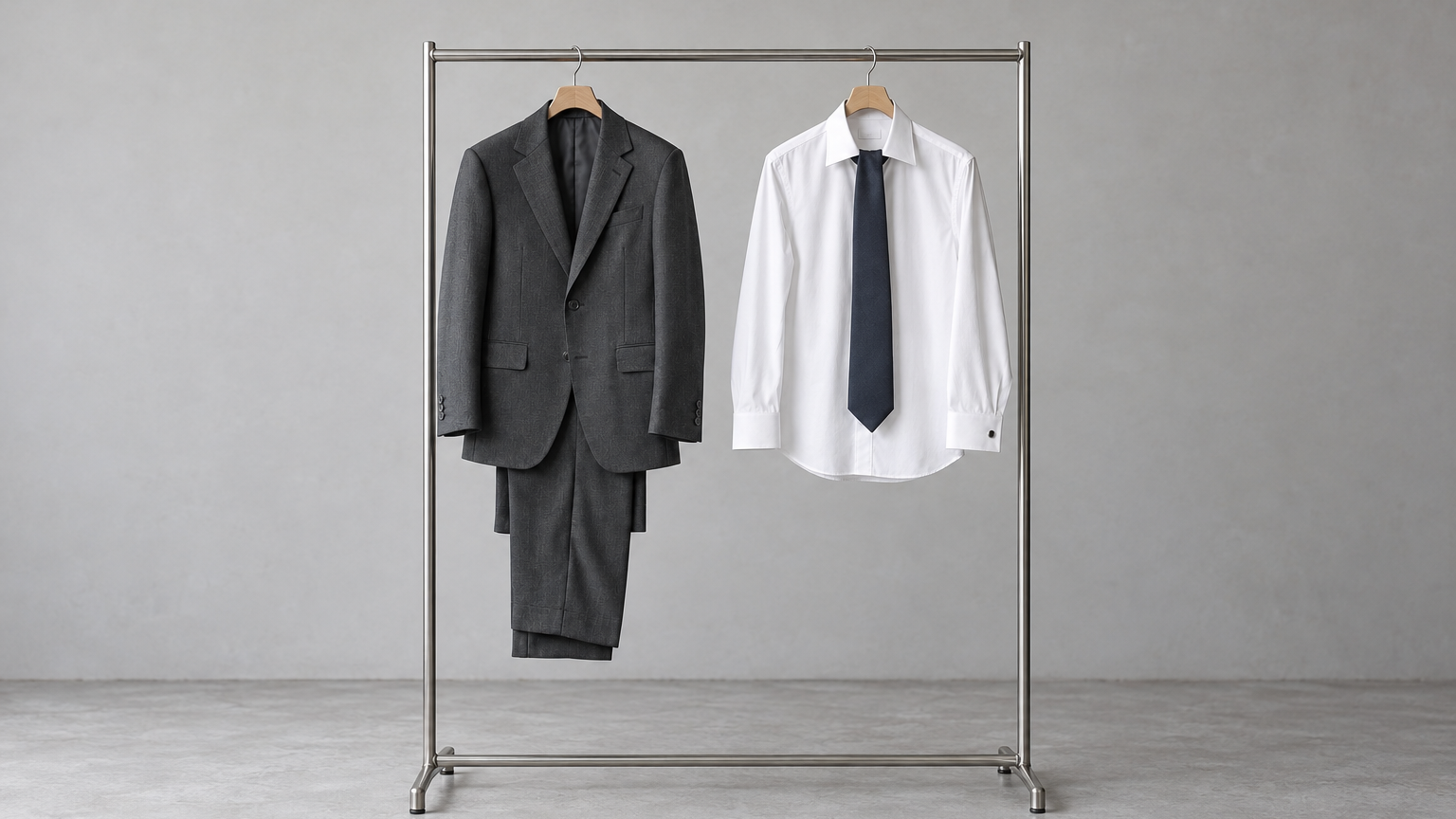
Product photo → On-model view → Movement → Detail
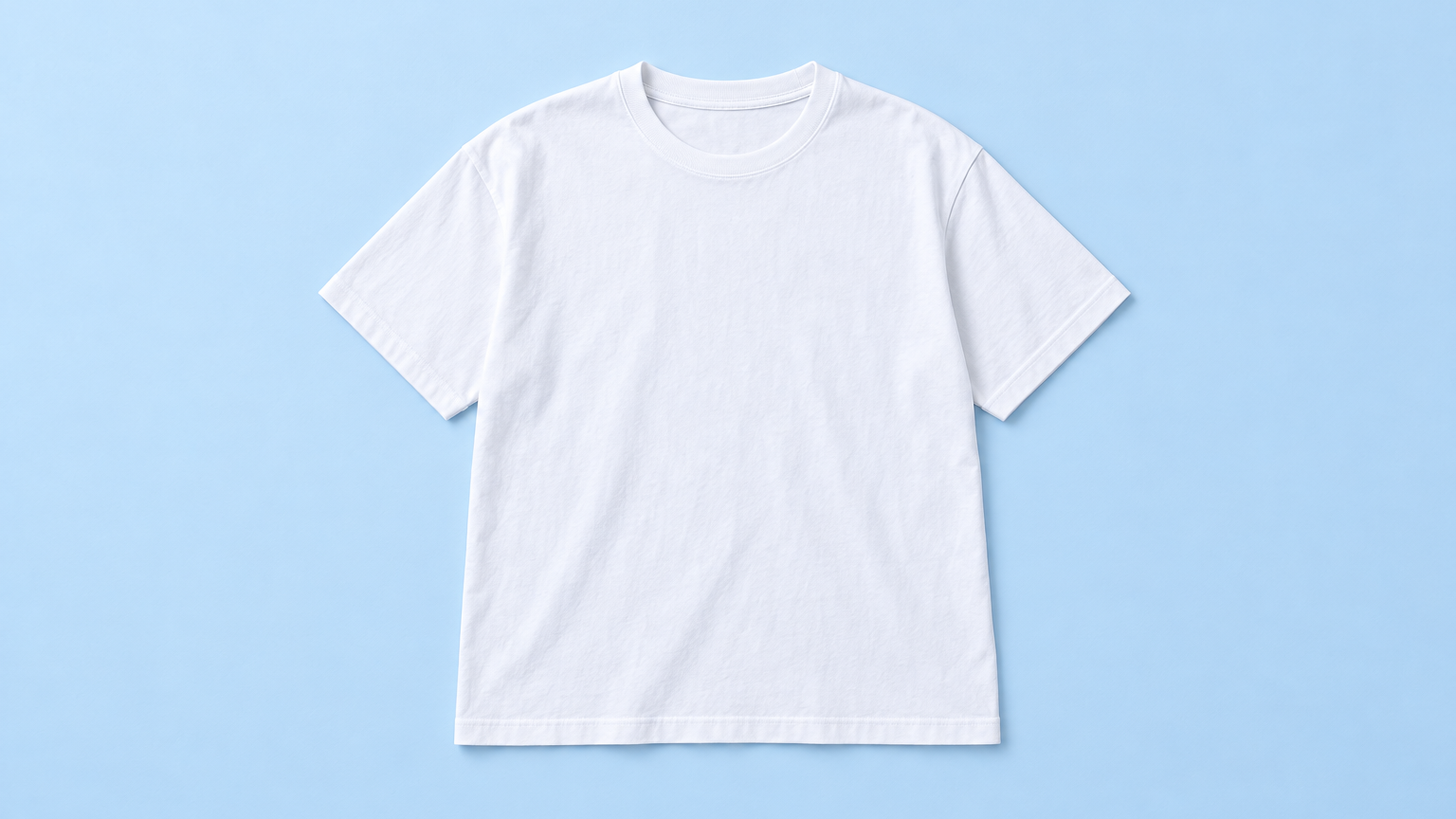
Product photo → On-model view → Movement → Detail
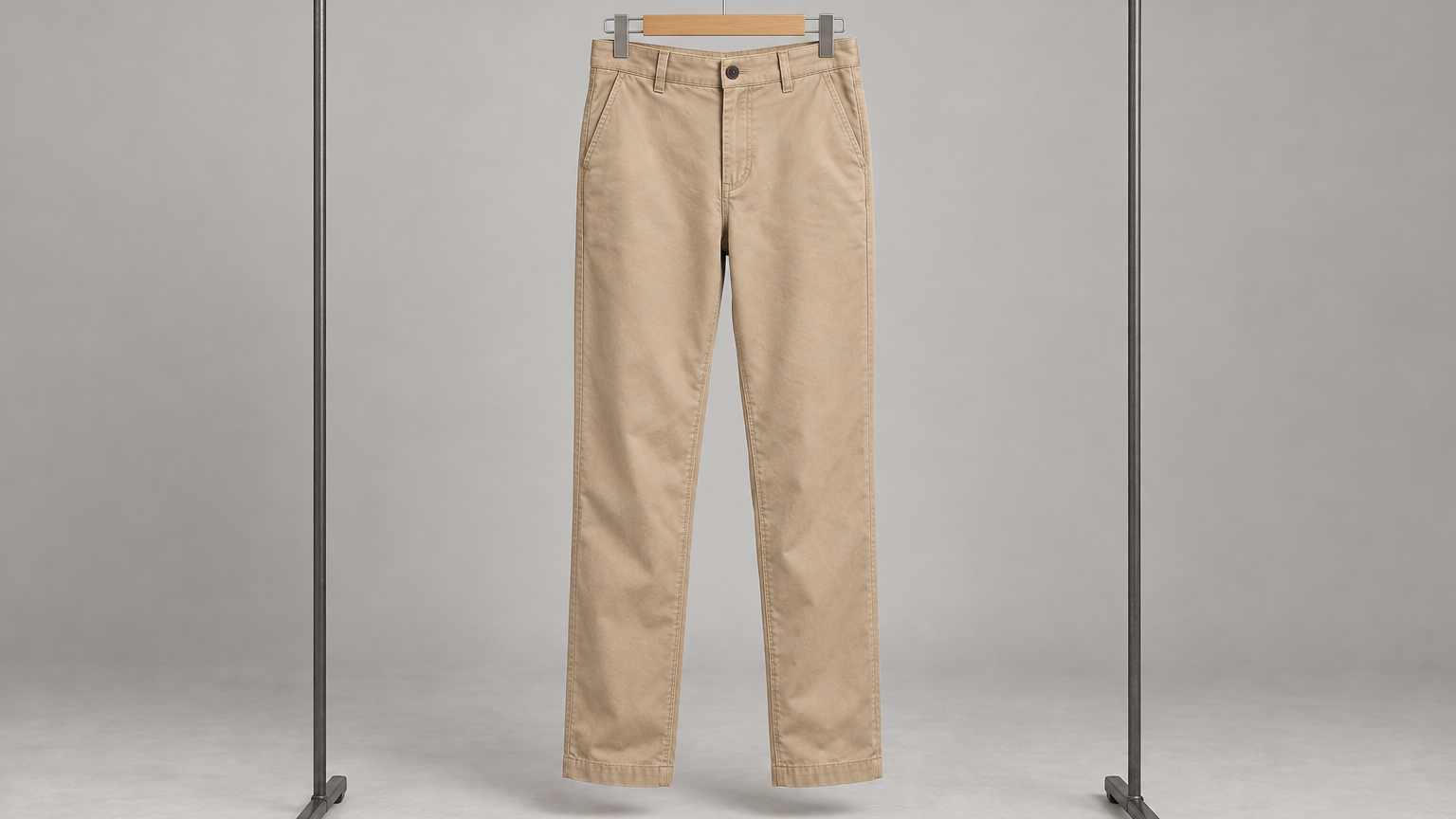
Product photo → On-model view → Movement → Detail
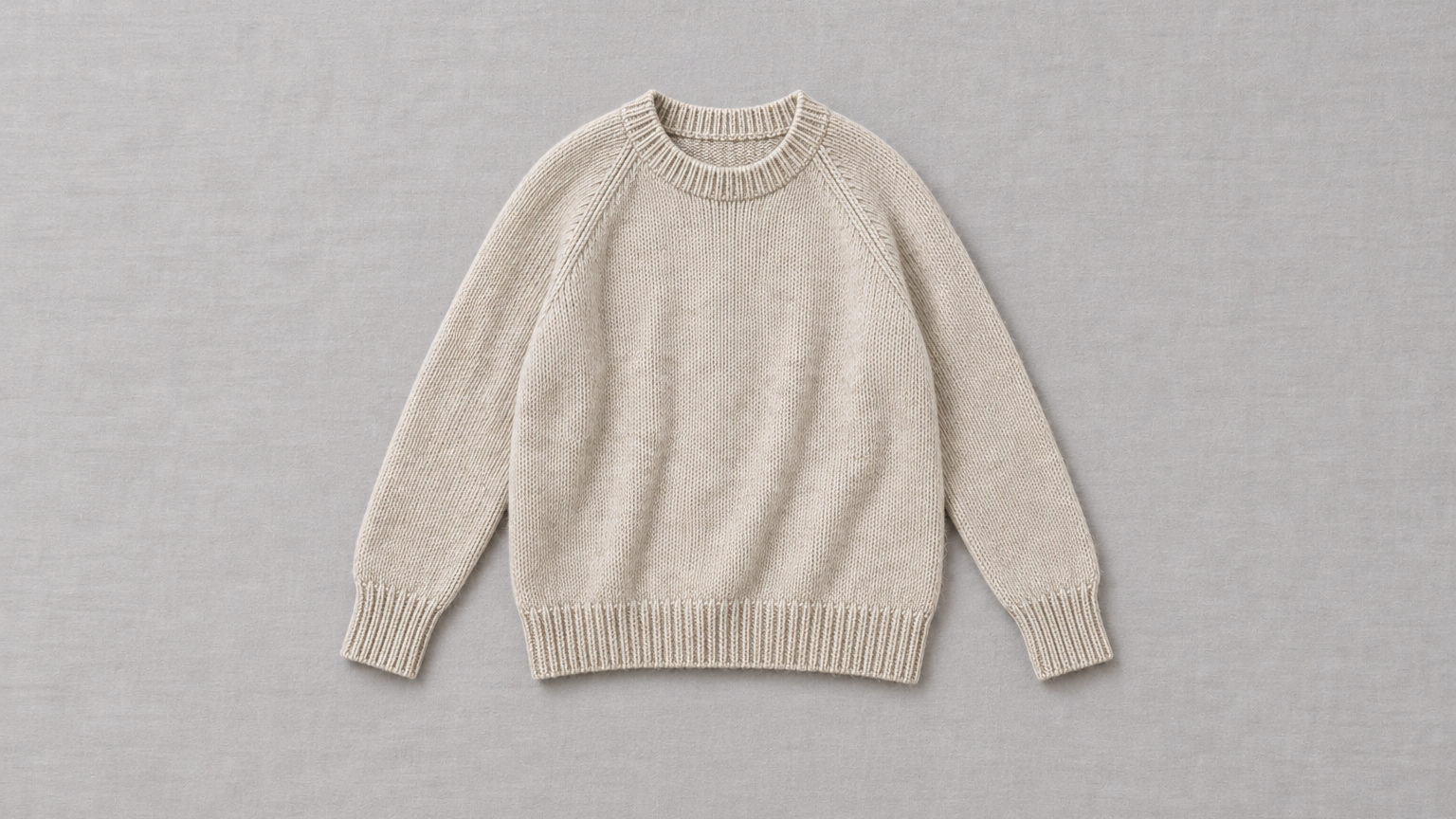
Product photo → On-model view → Movement → Detail
Find AI model examples for products like yours.
Fourteen categories, from fashion such as womenswear, menswear and kidswear to bags, hats, shoes, pet products and cosmetics. Open a category to see examples of images and videos in which an AI model wears or uses the product.
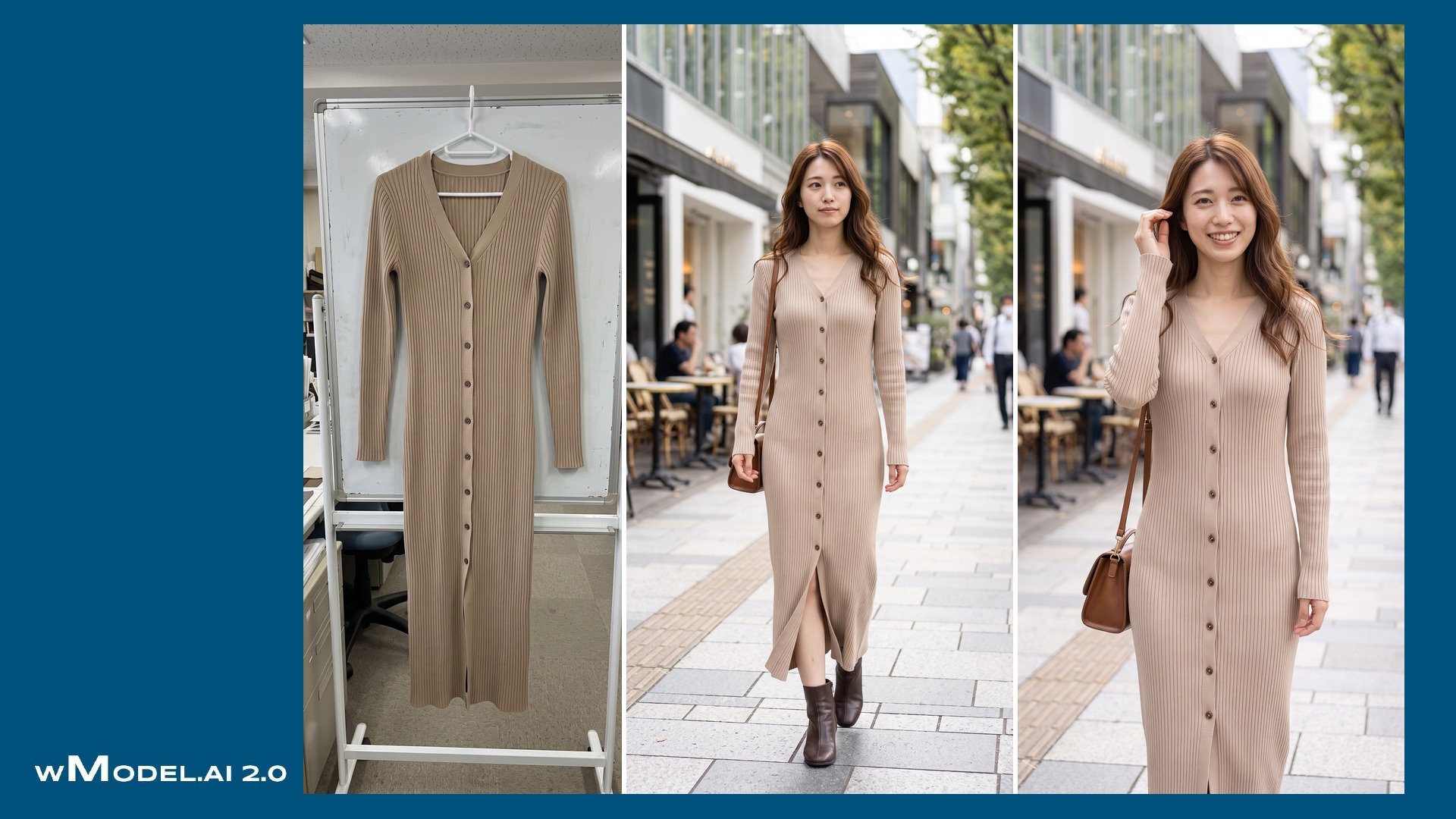
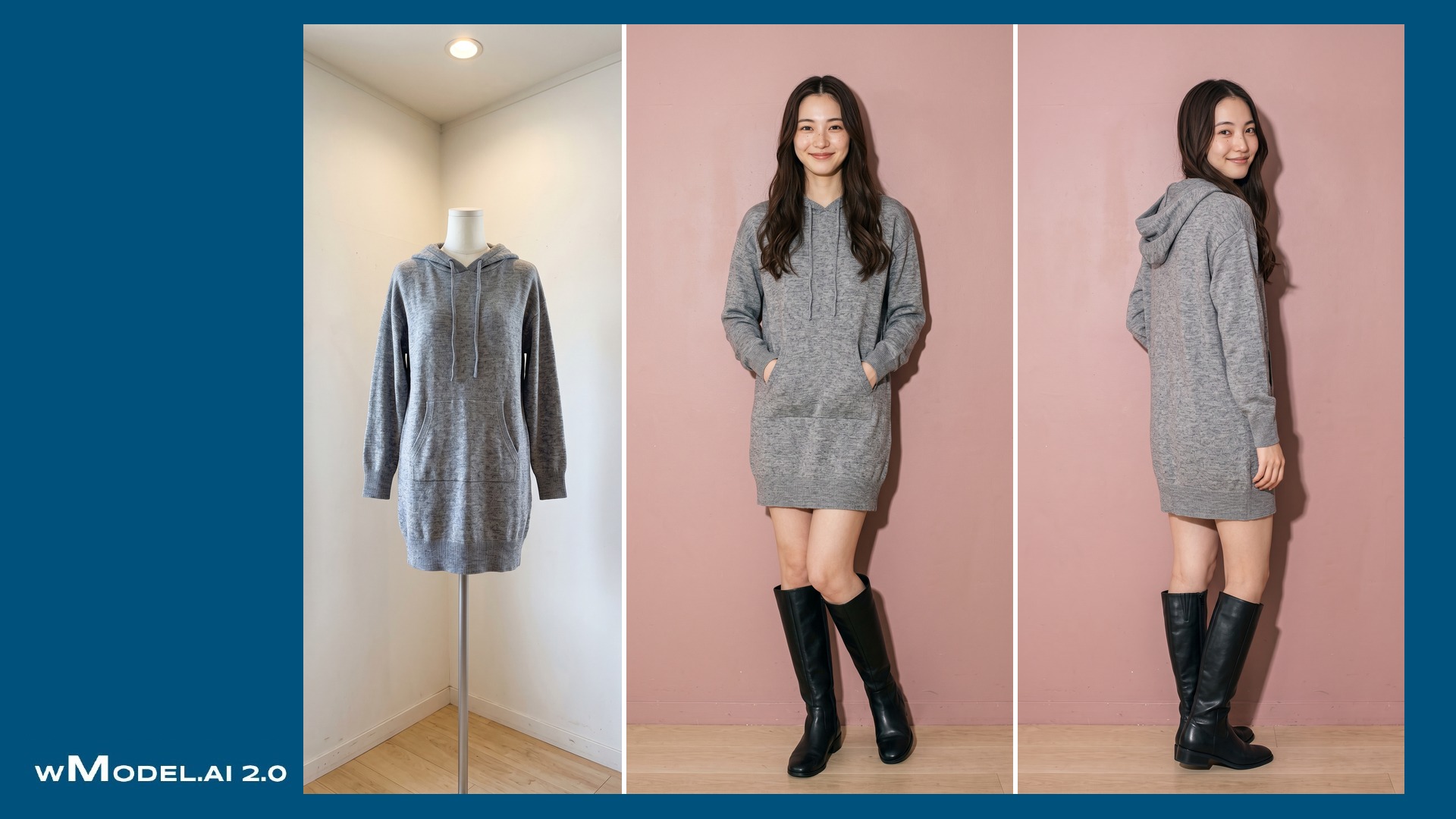
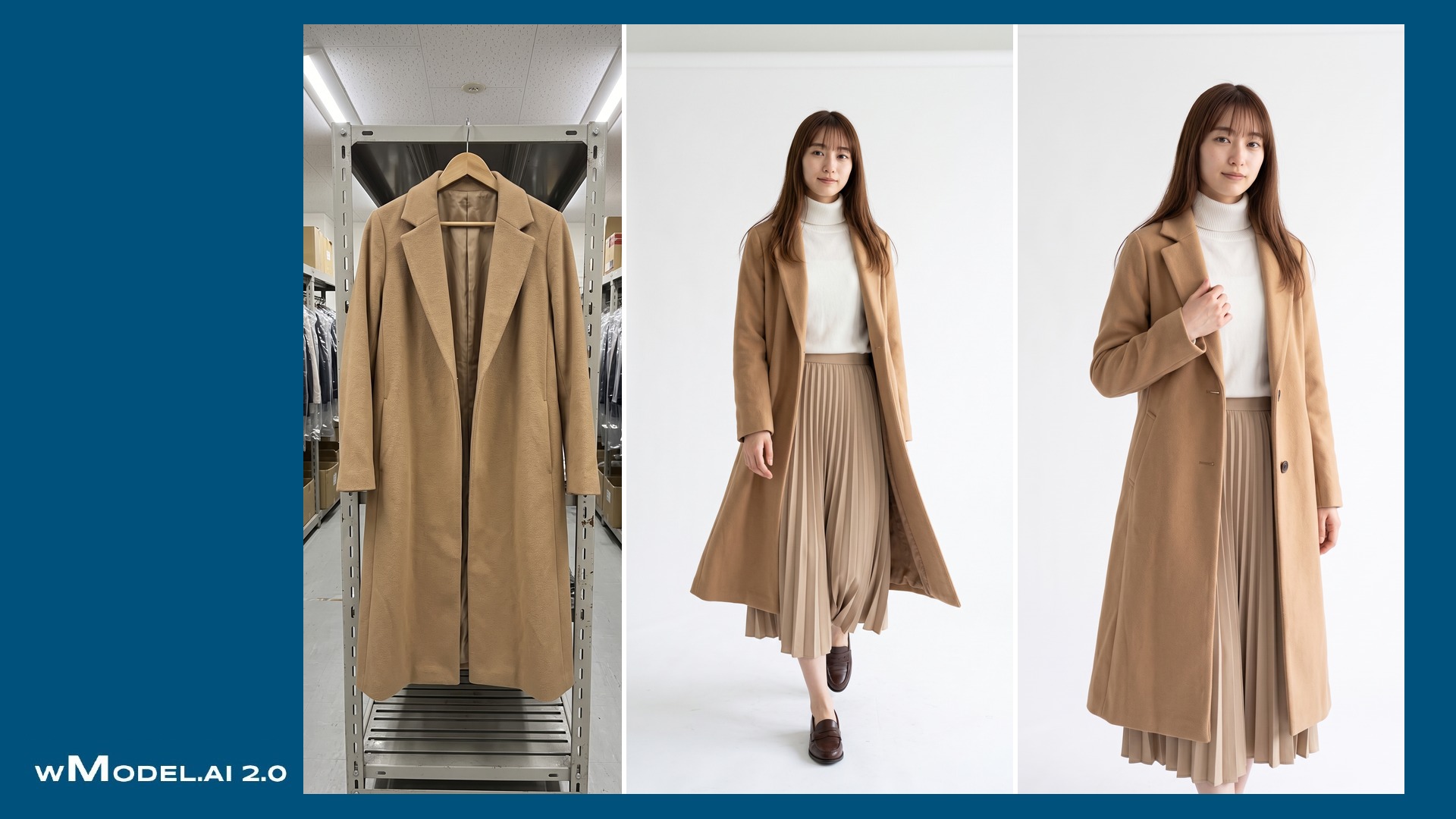
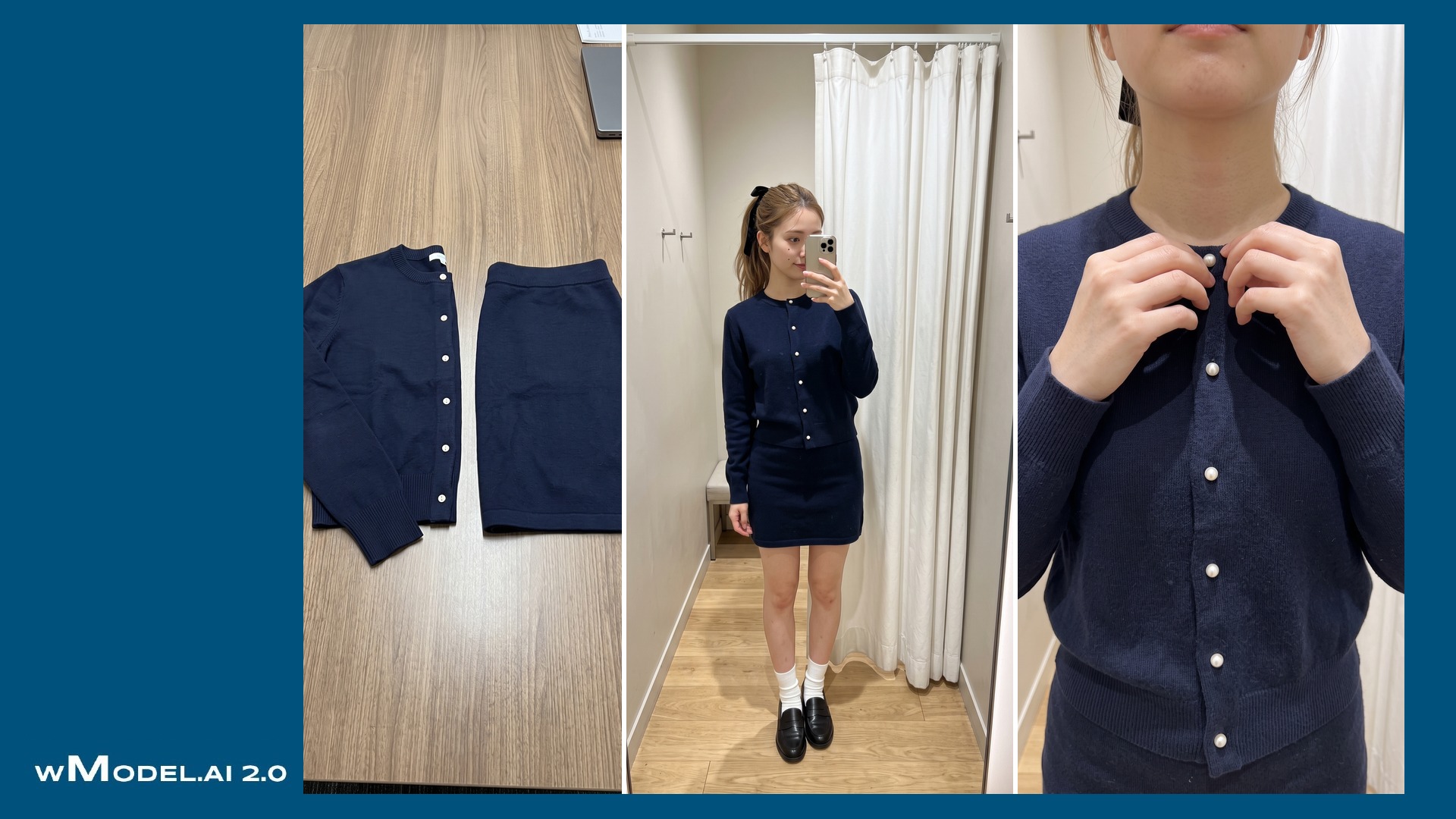
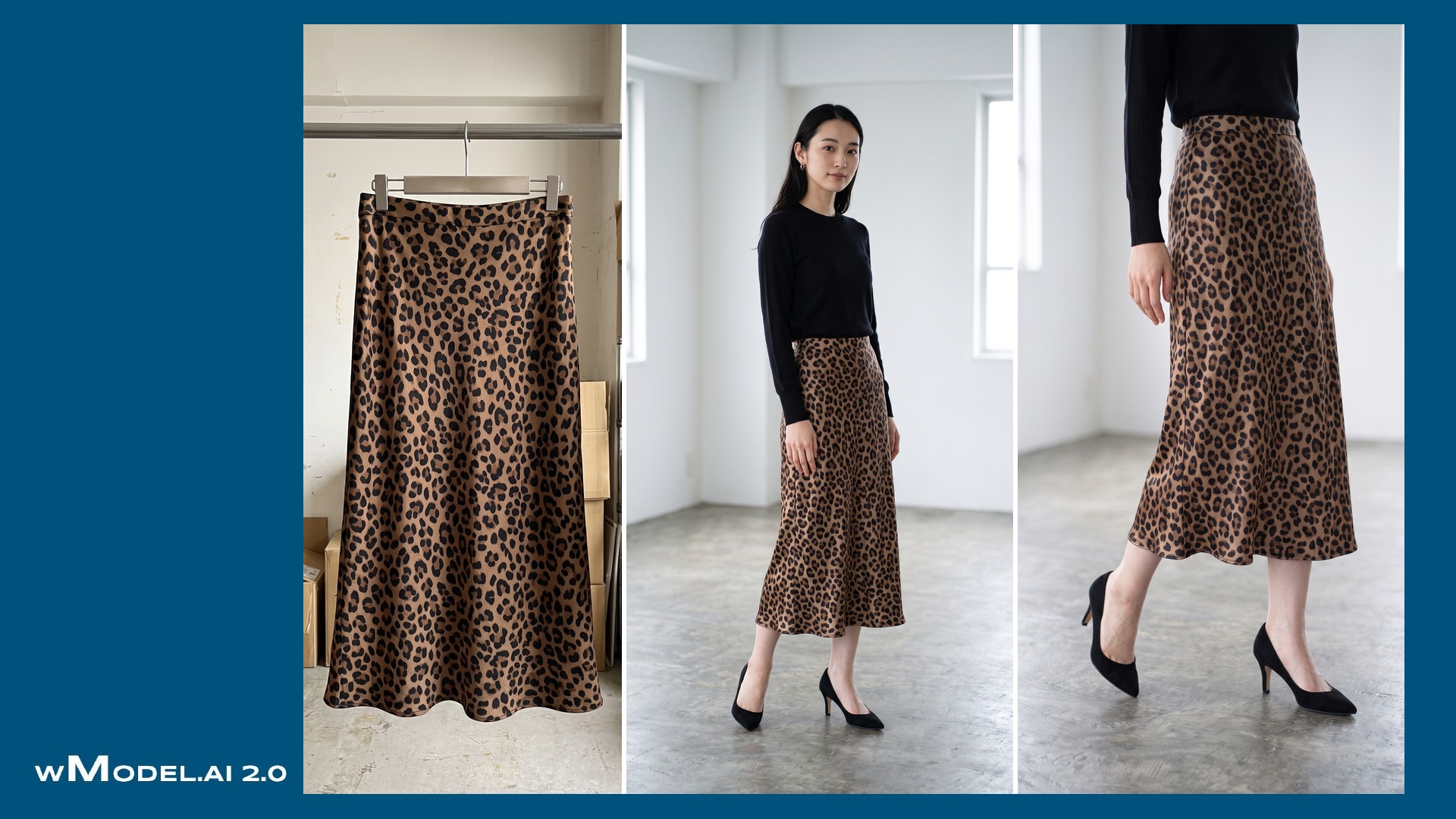
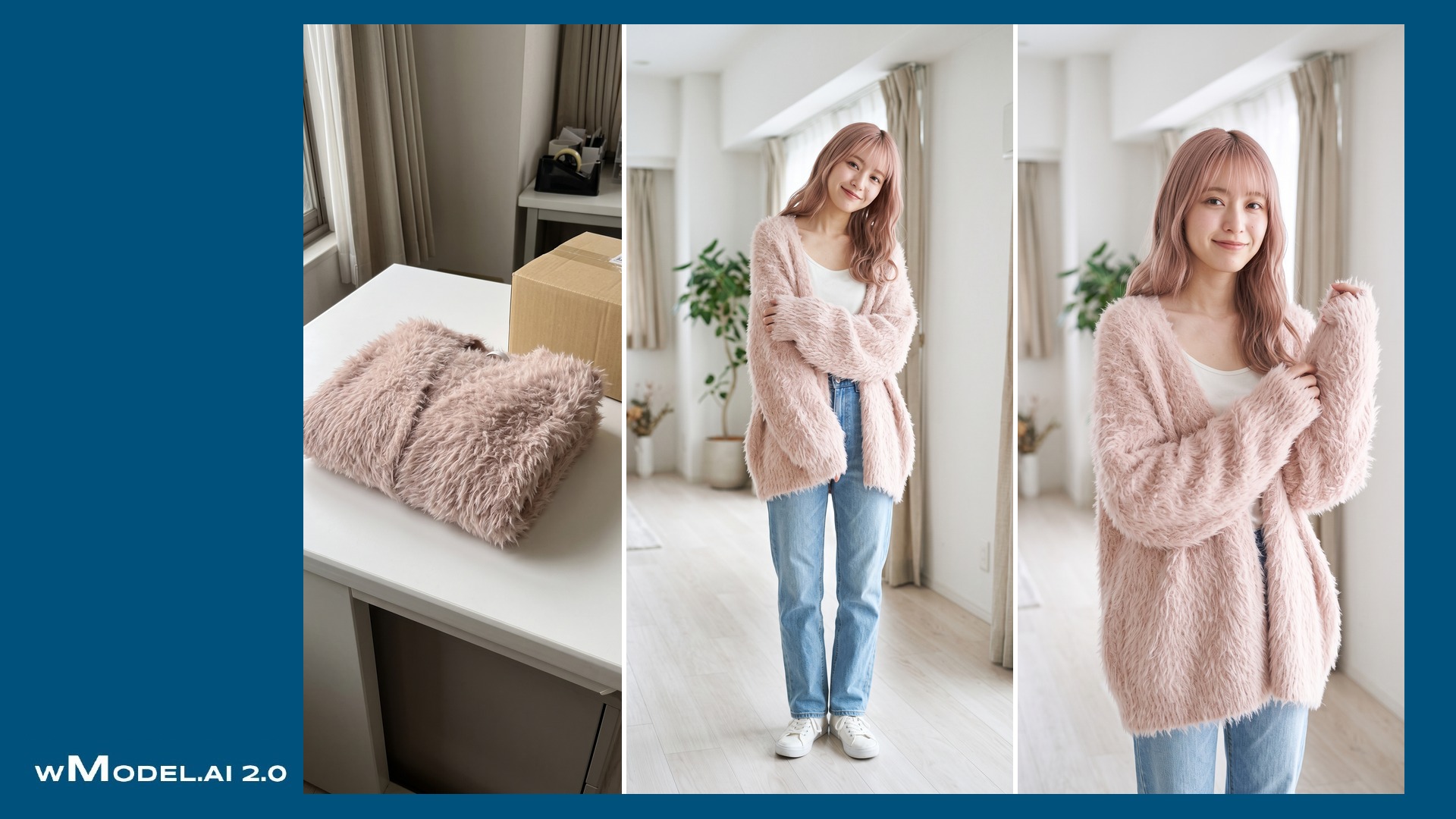
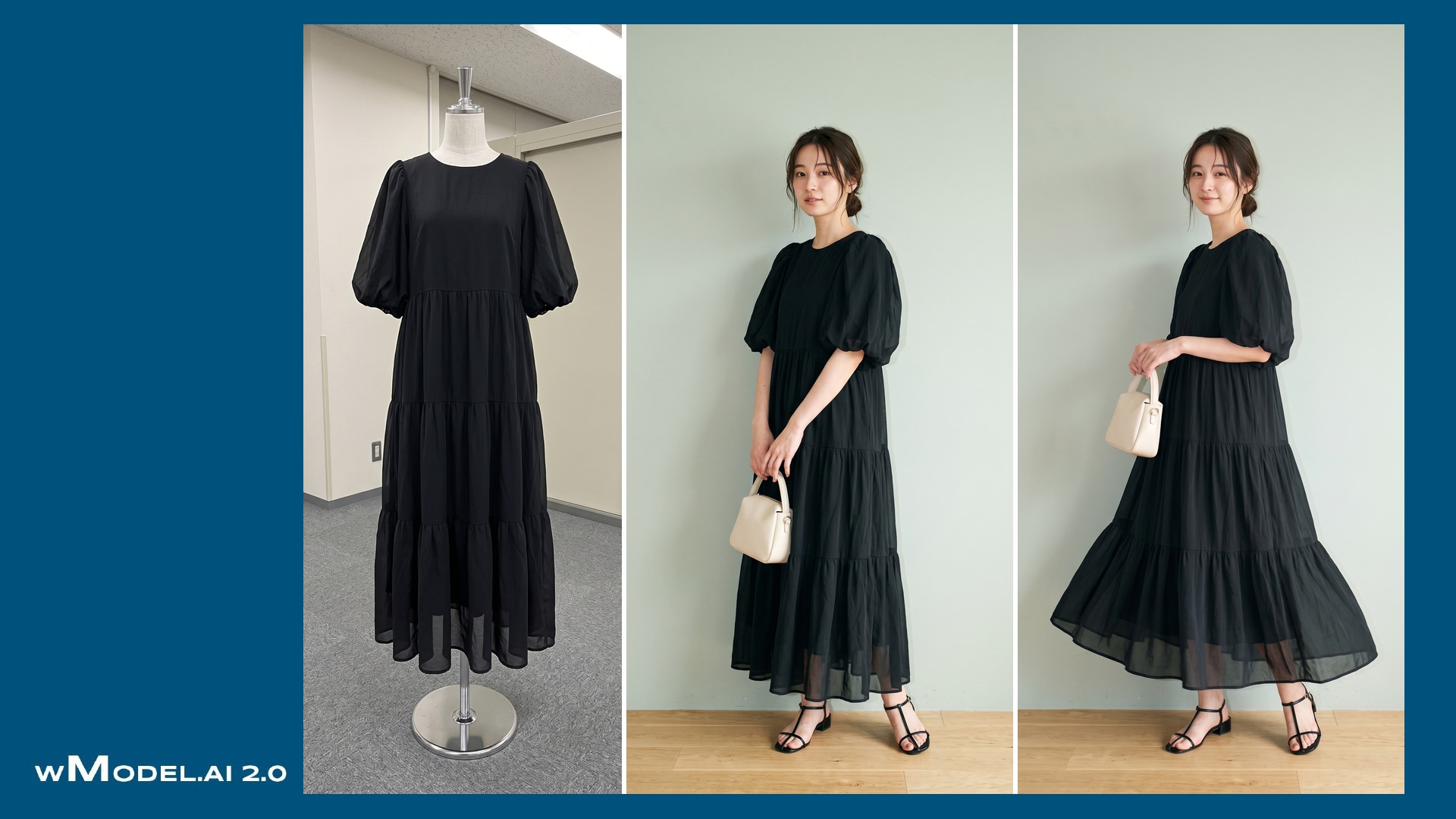
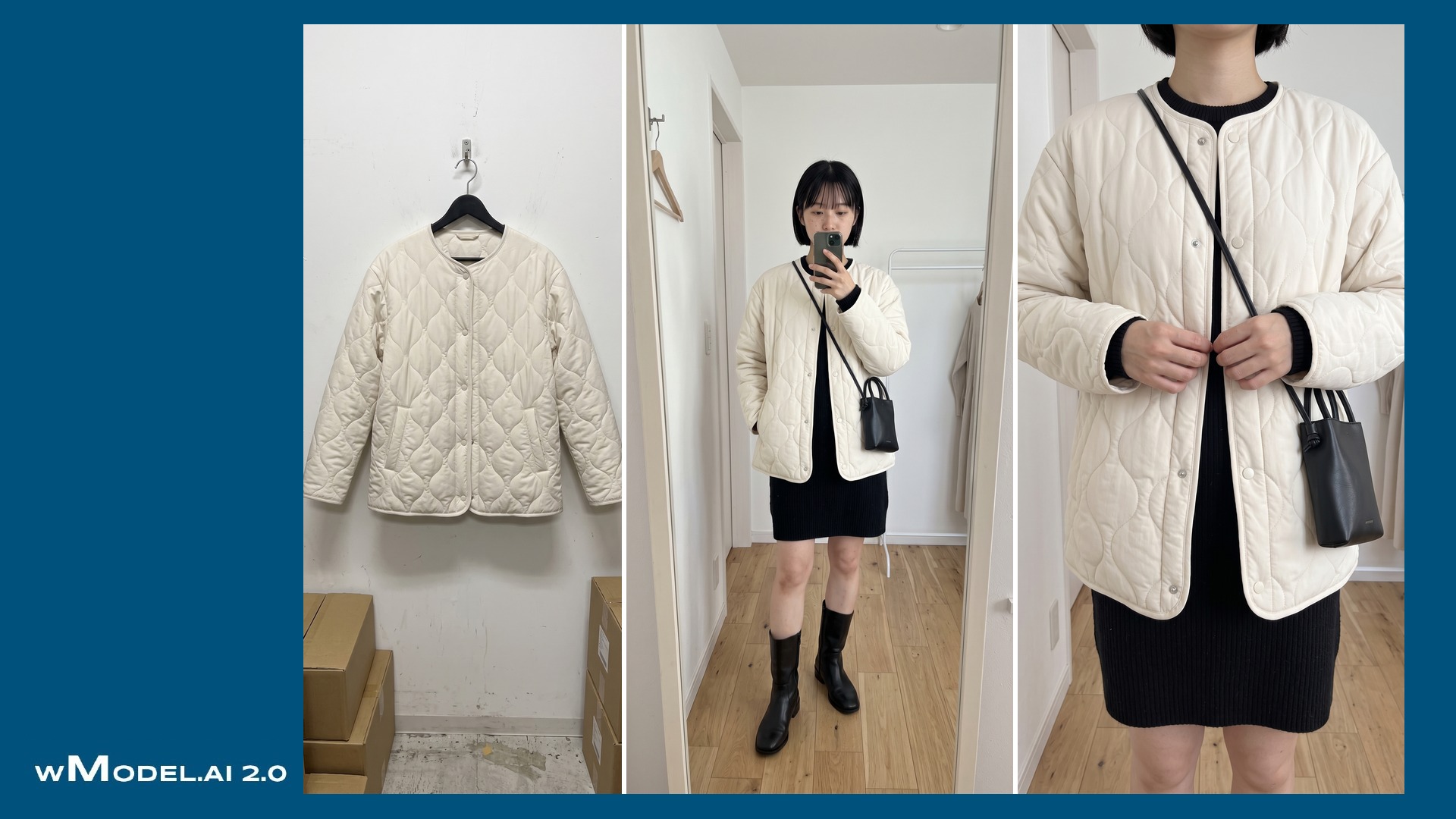
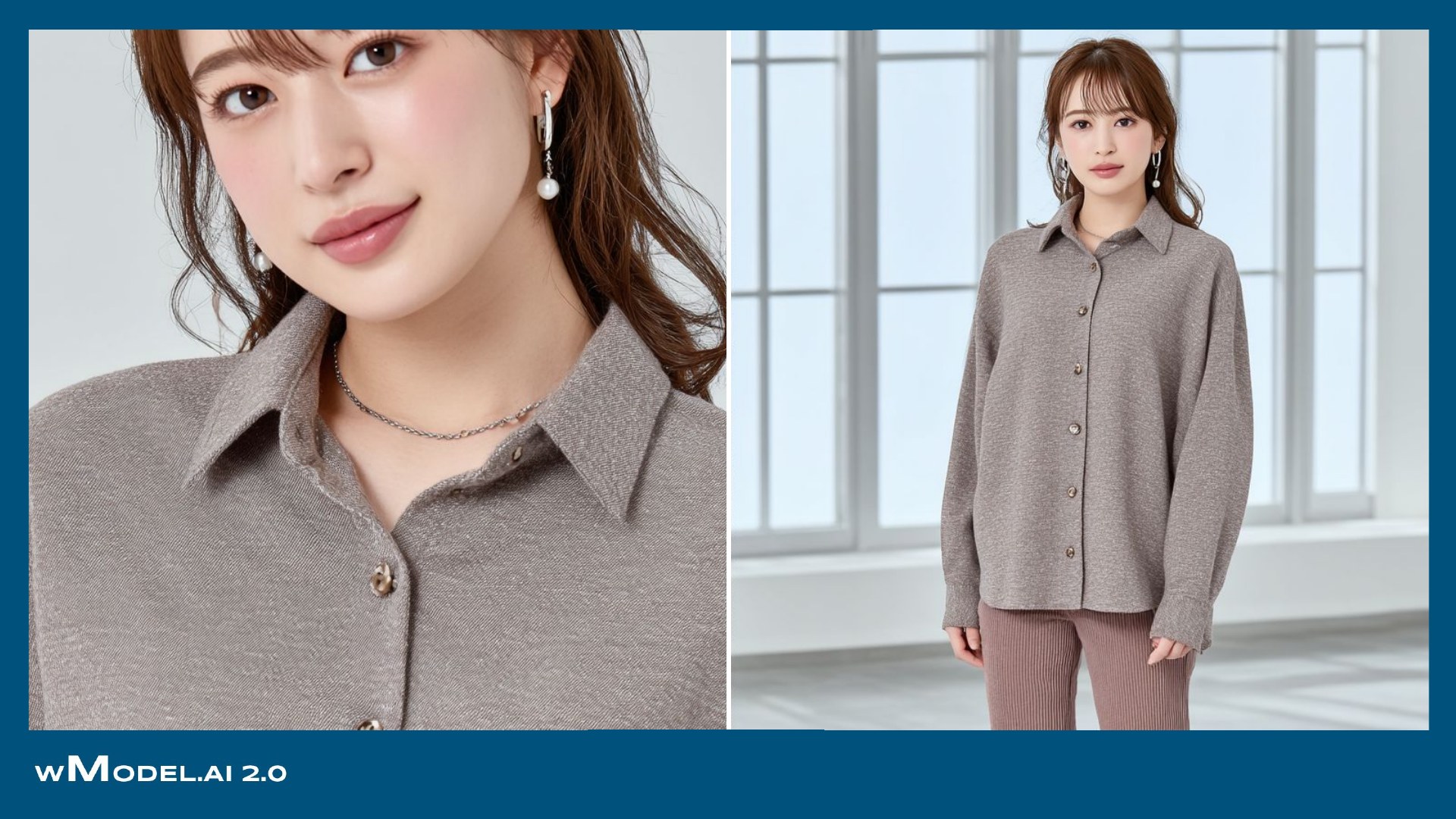
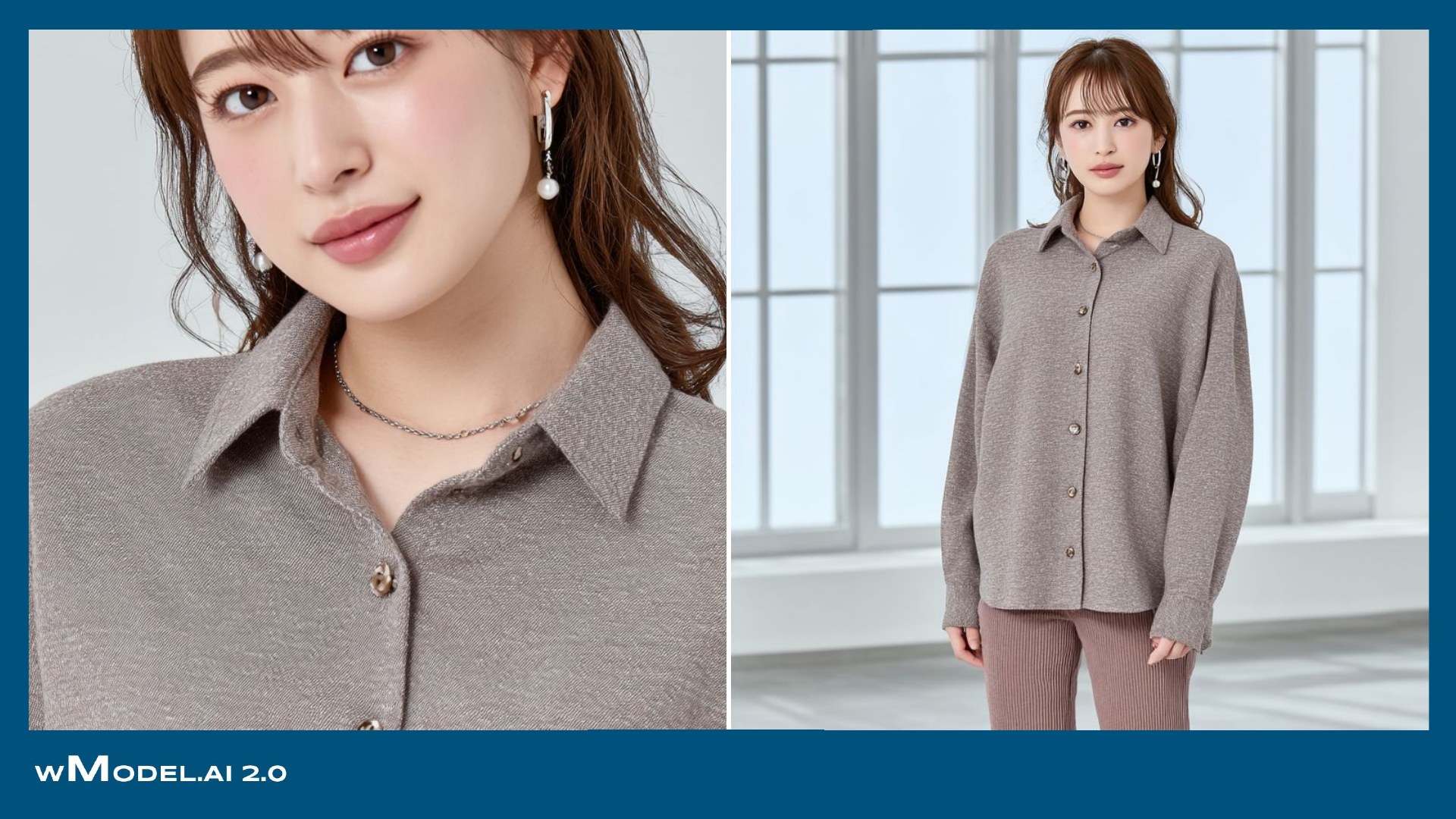
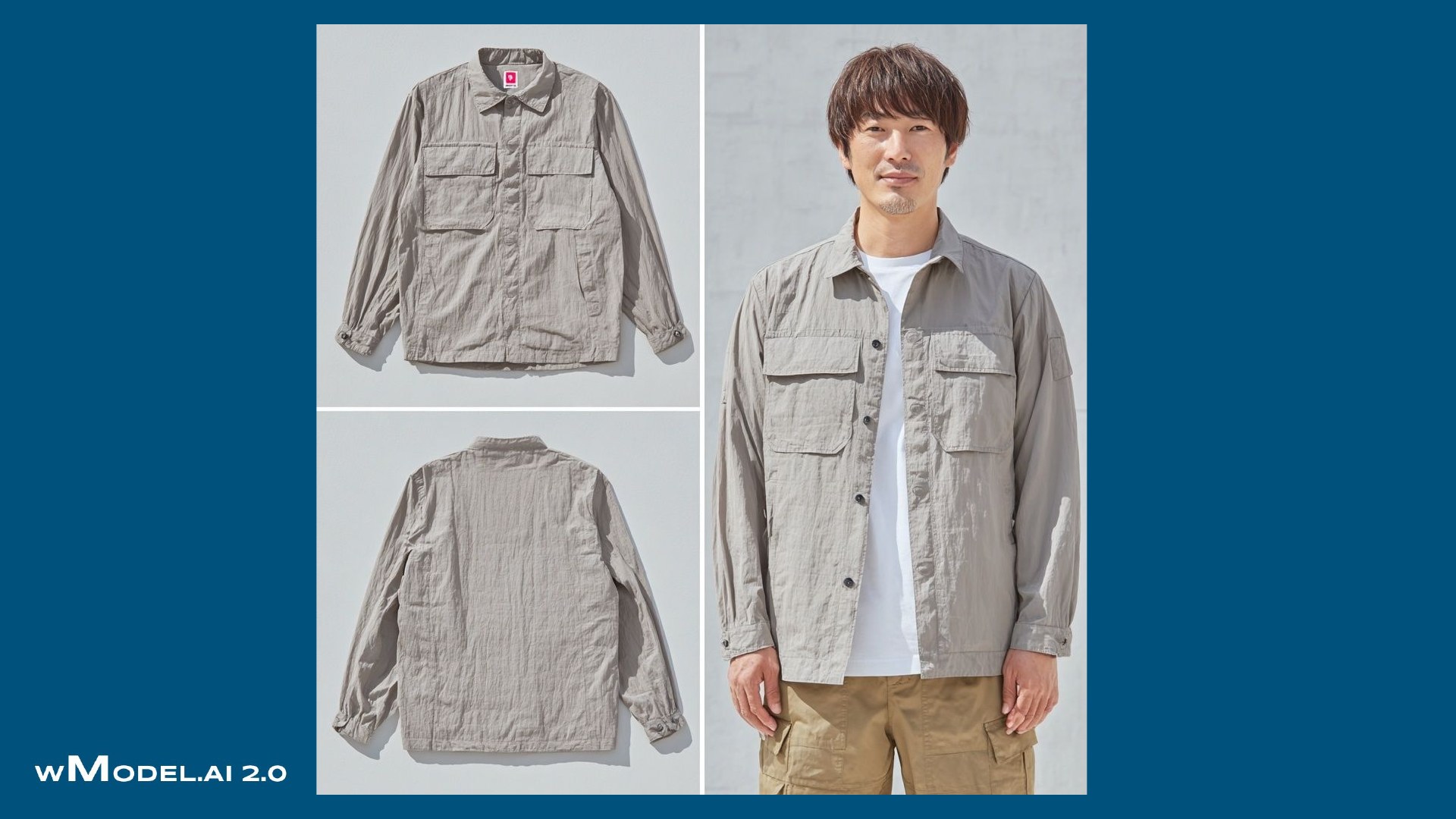
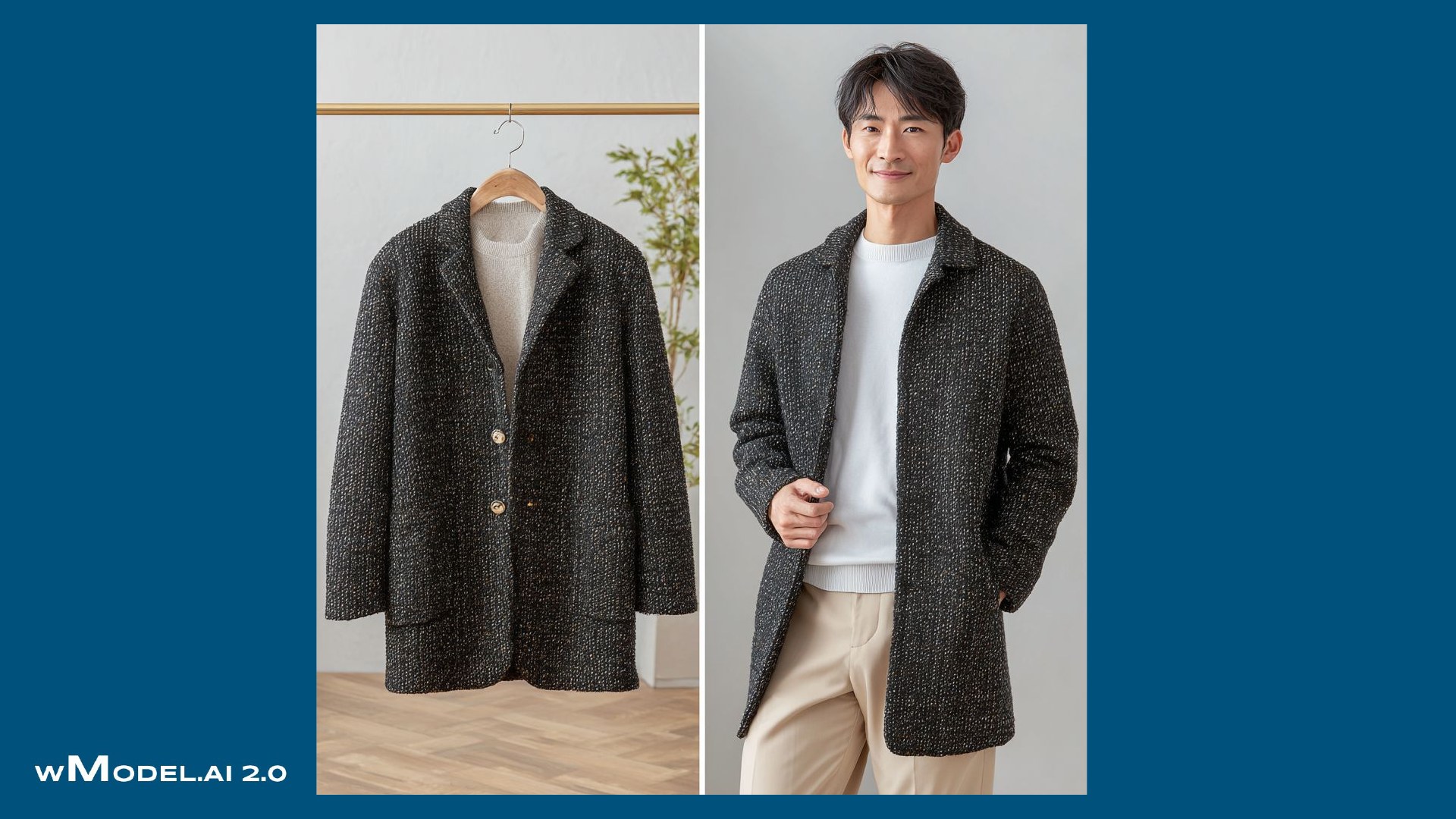
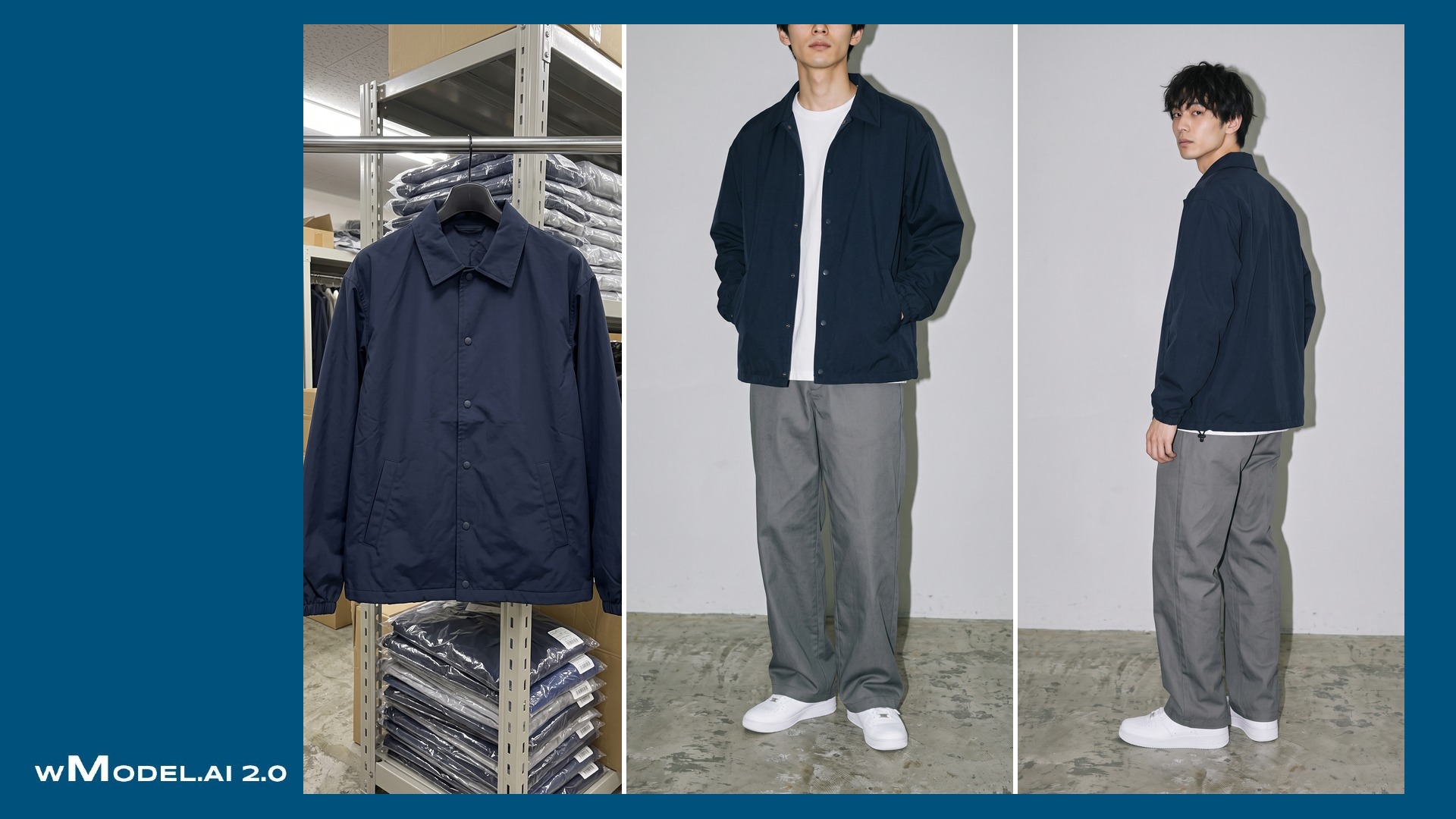
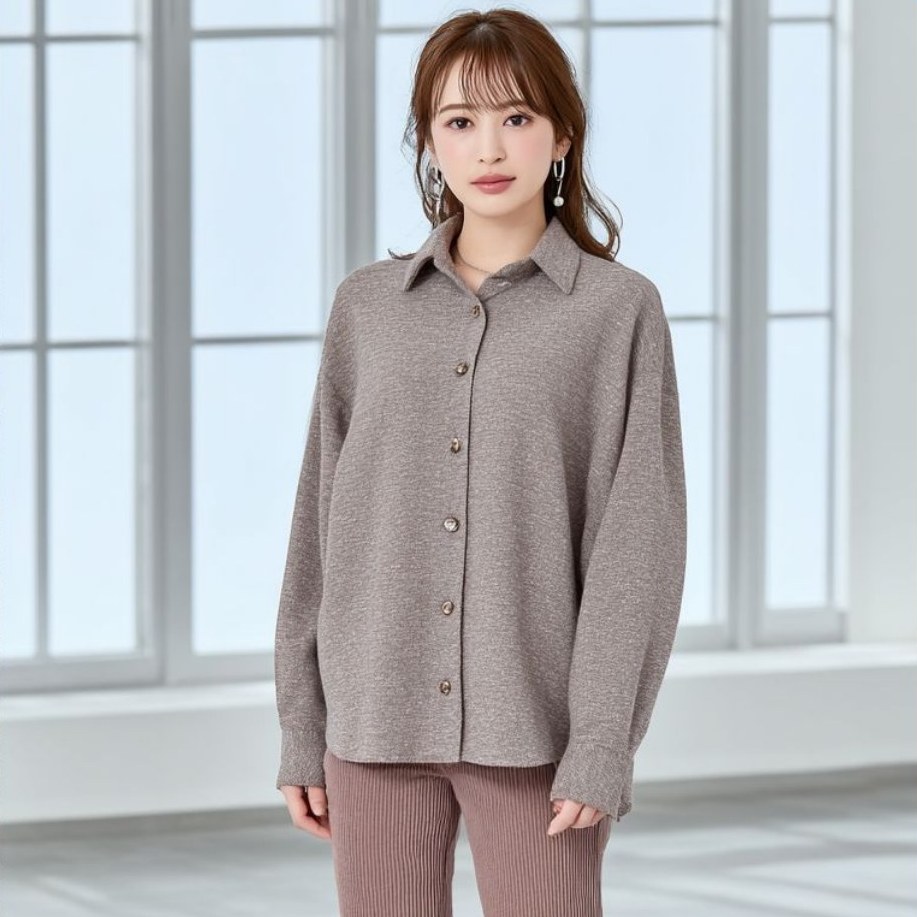
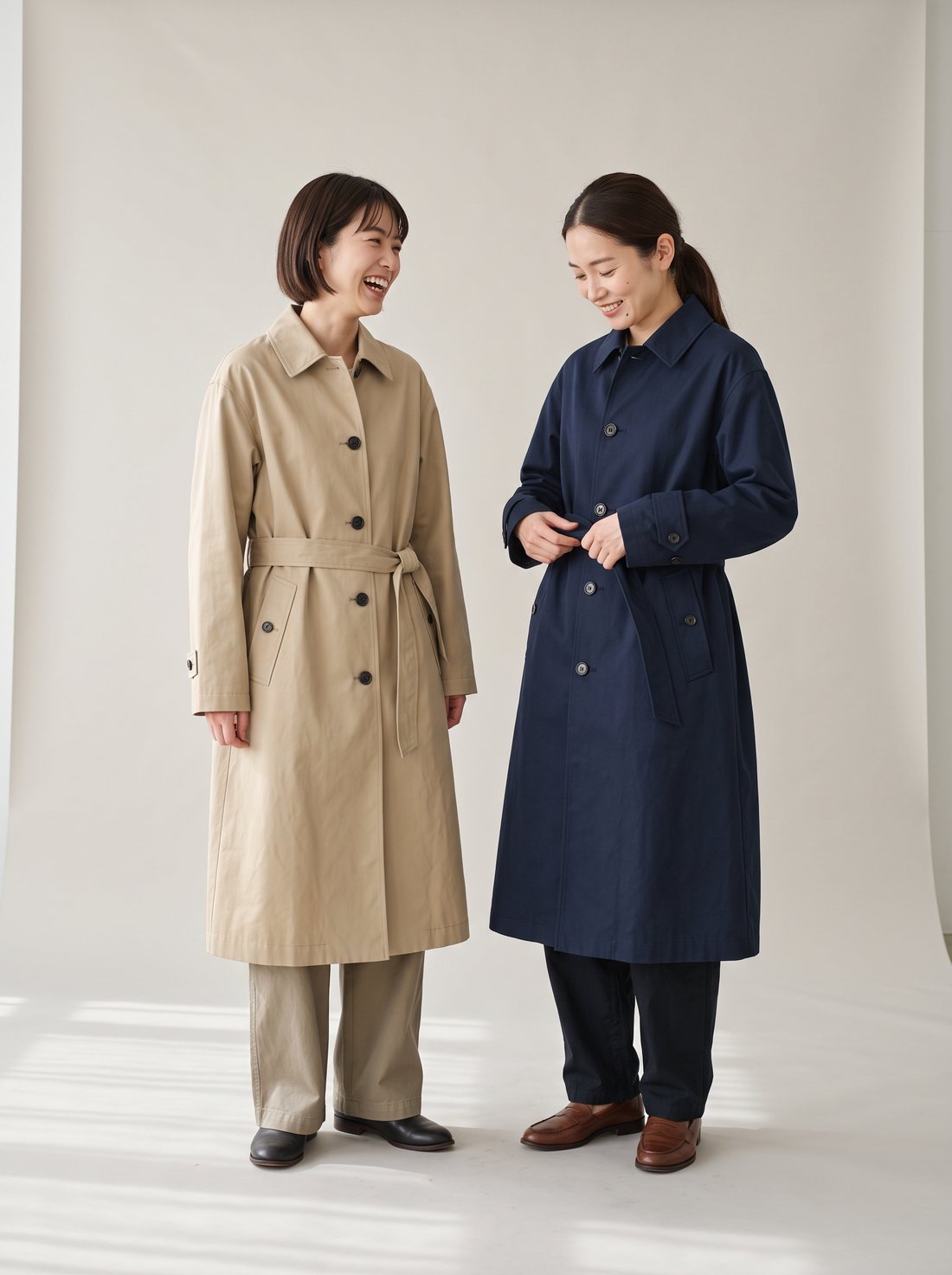
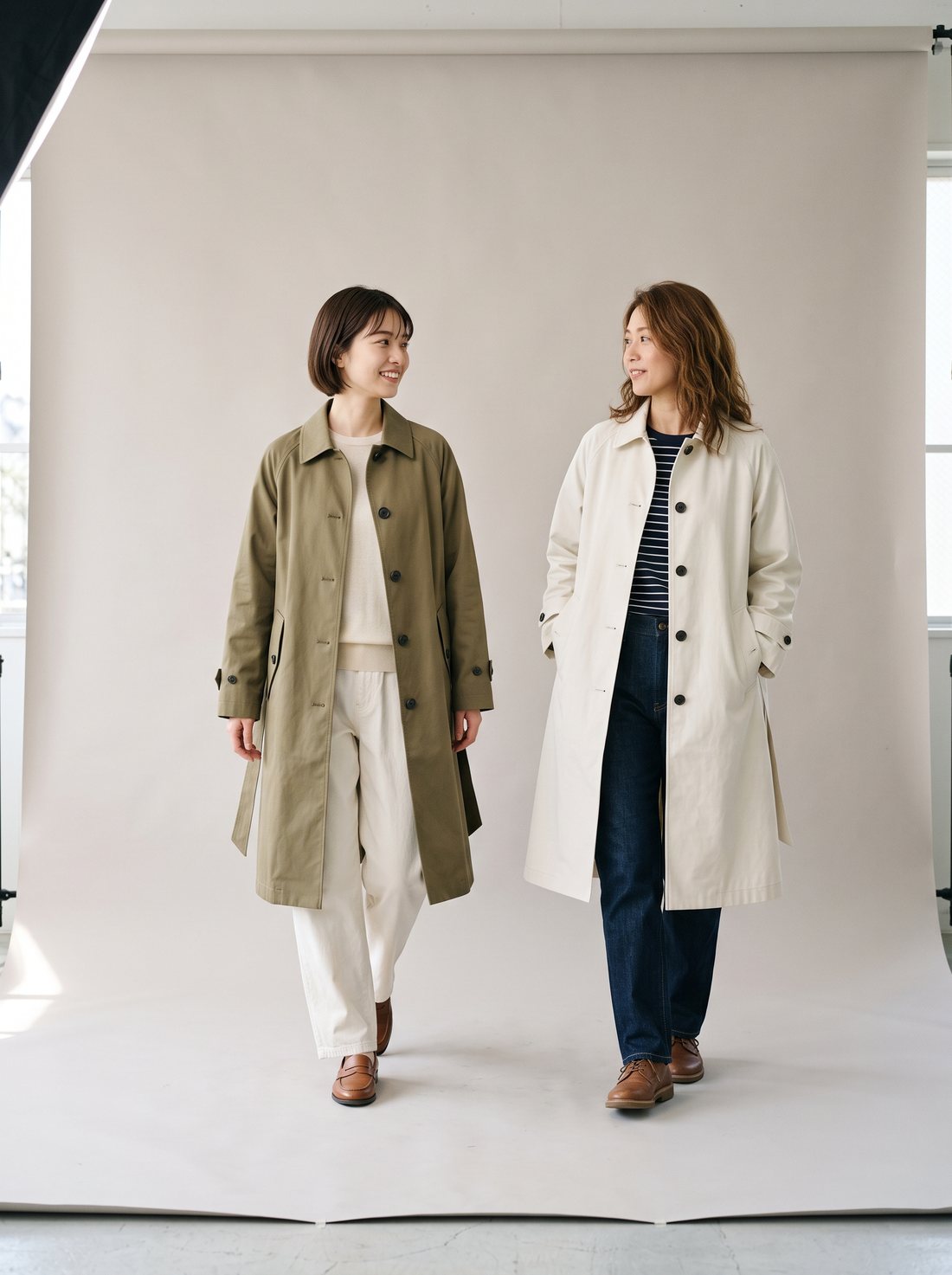
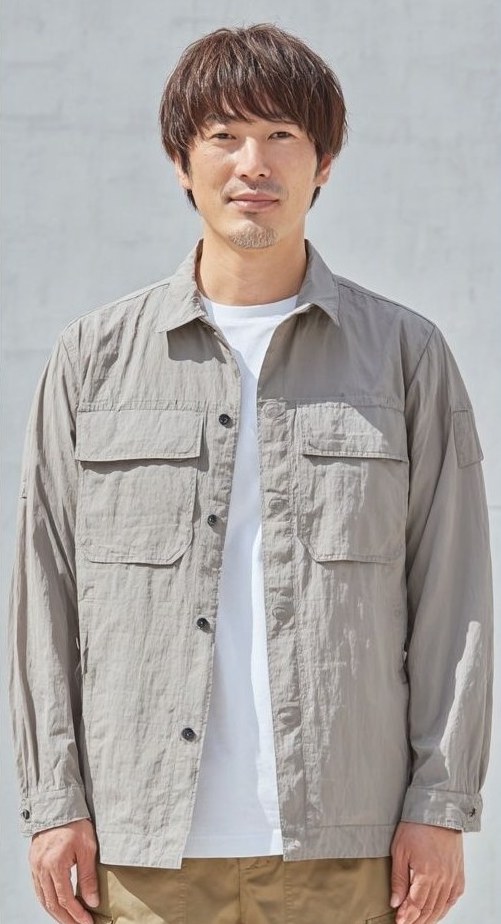
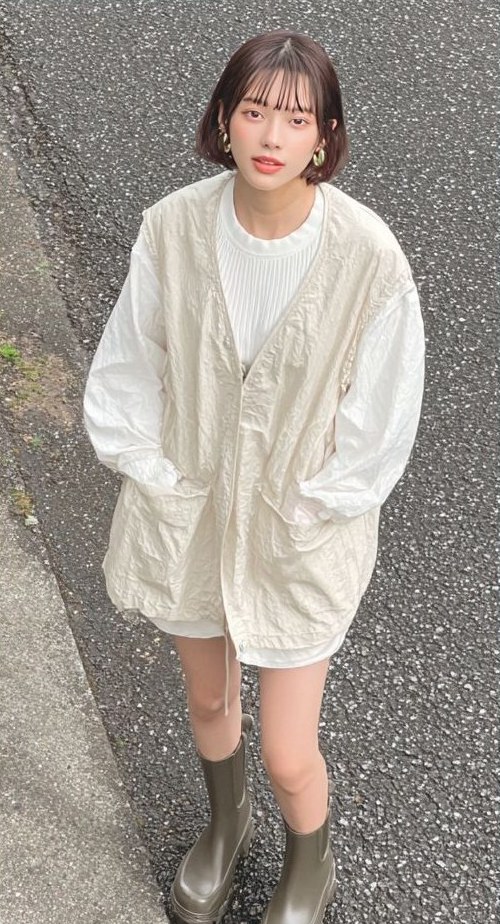
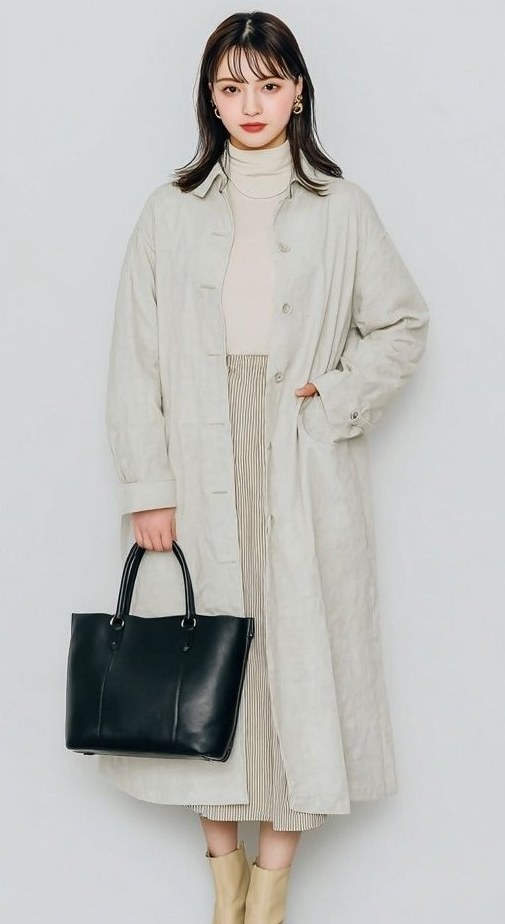
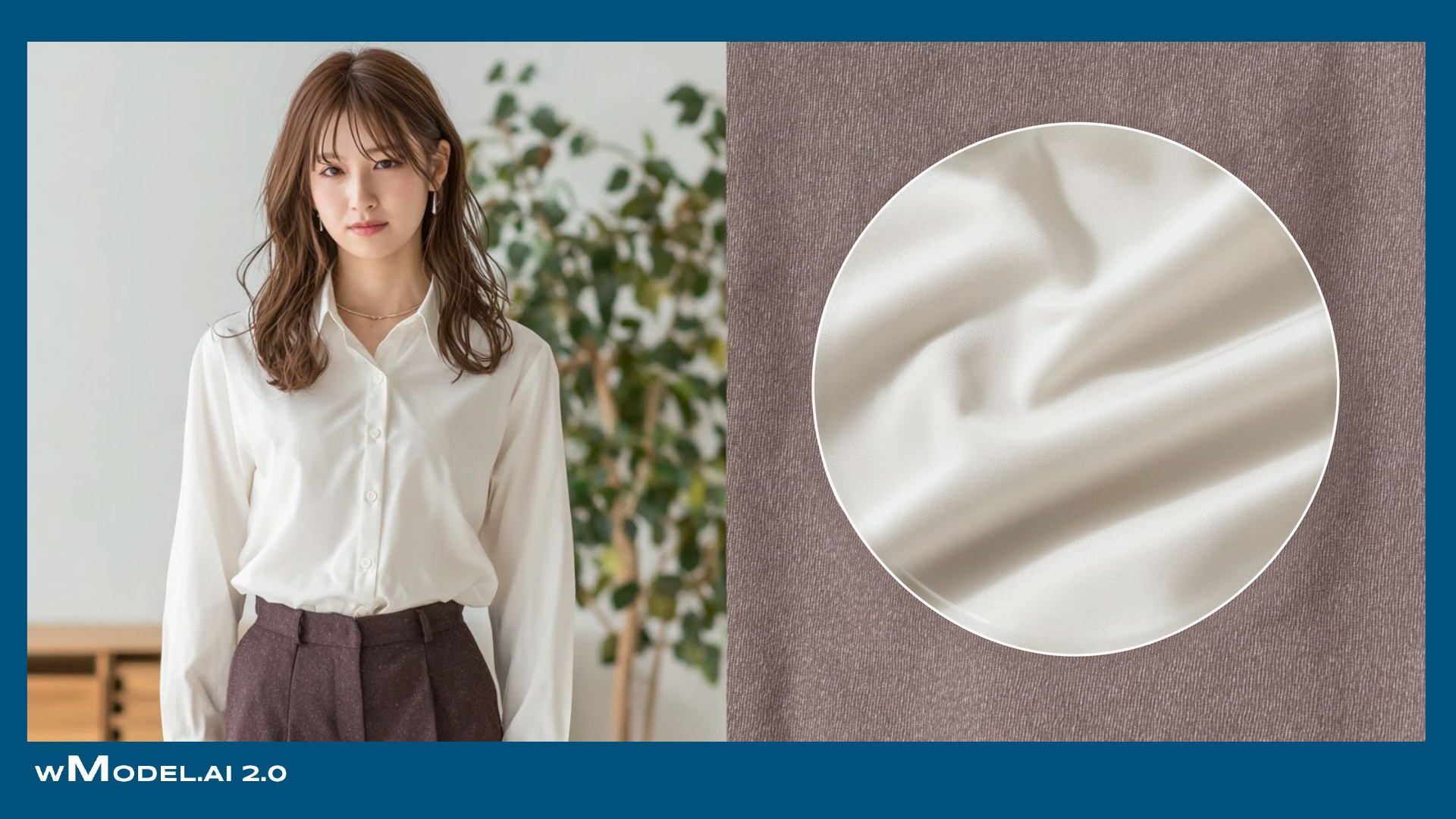
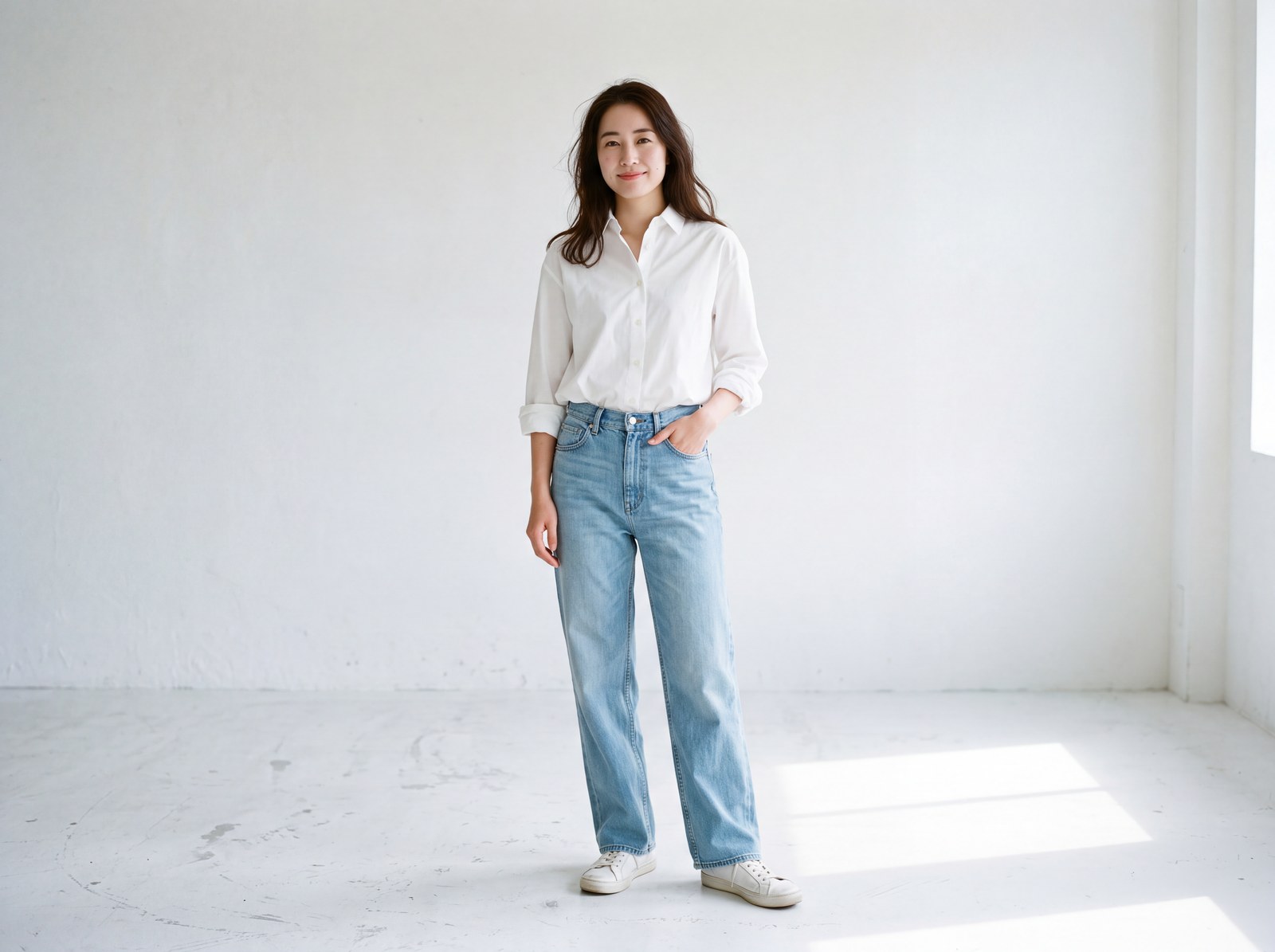
Trench coats and shirts too: create AI model wearing images from a single product photo, with no model shoot to arrange.
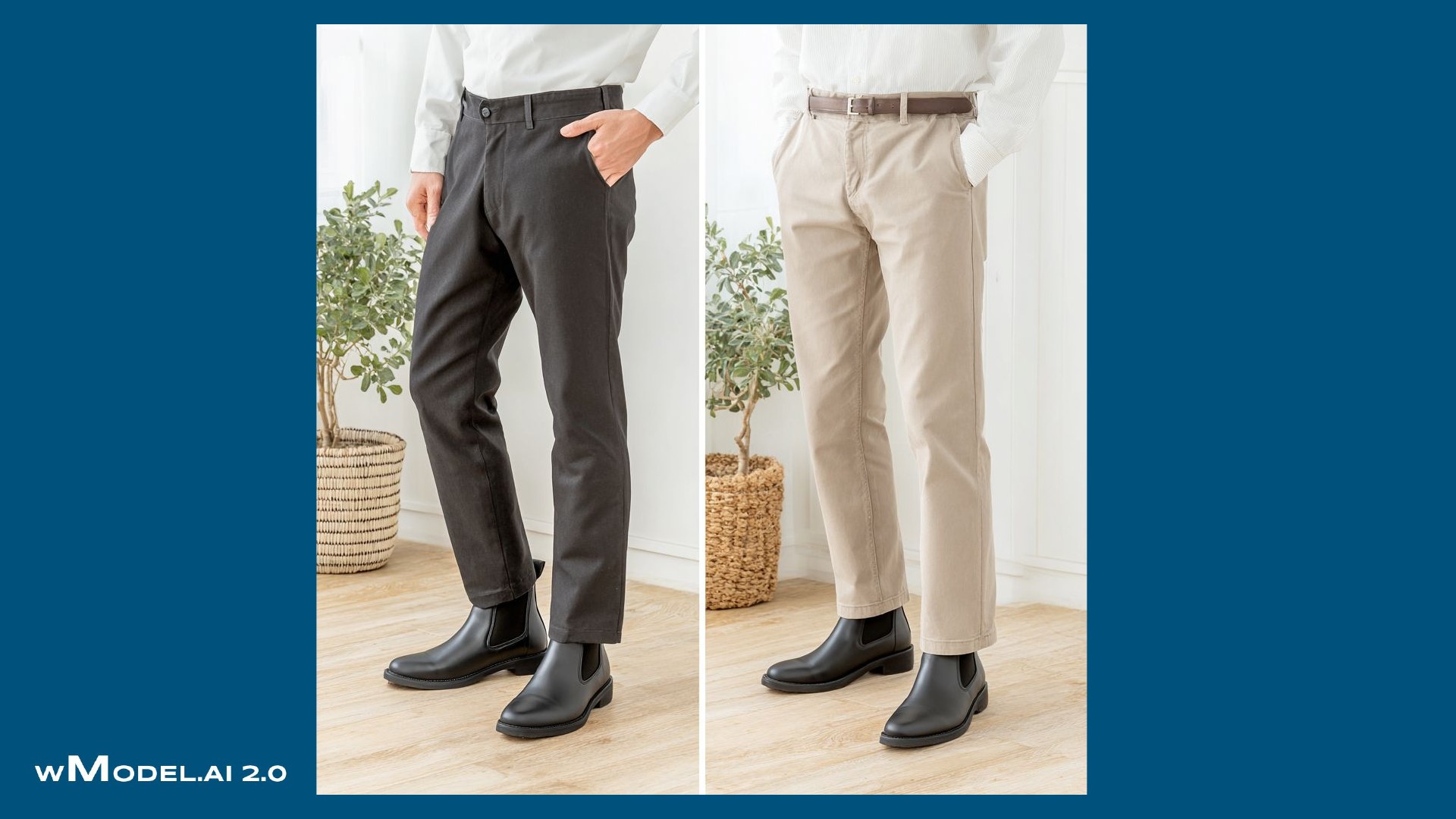
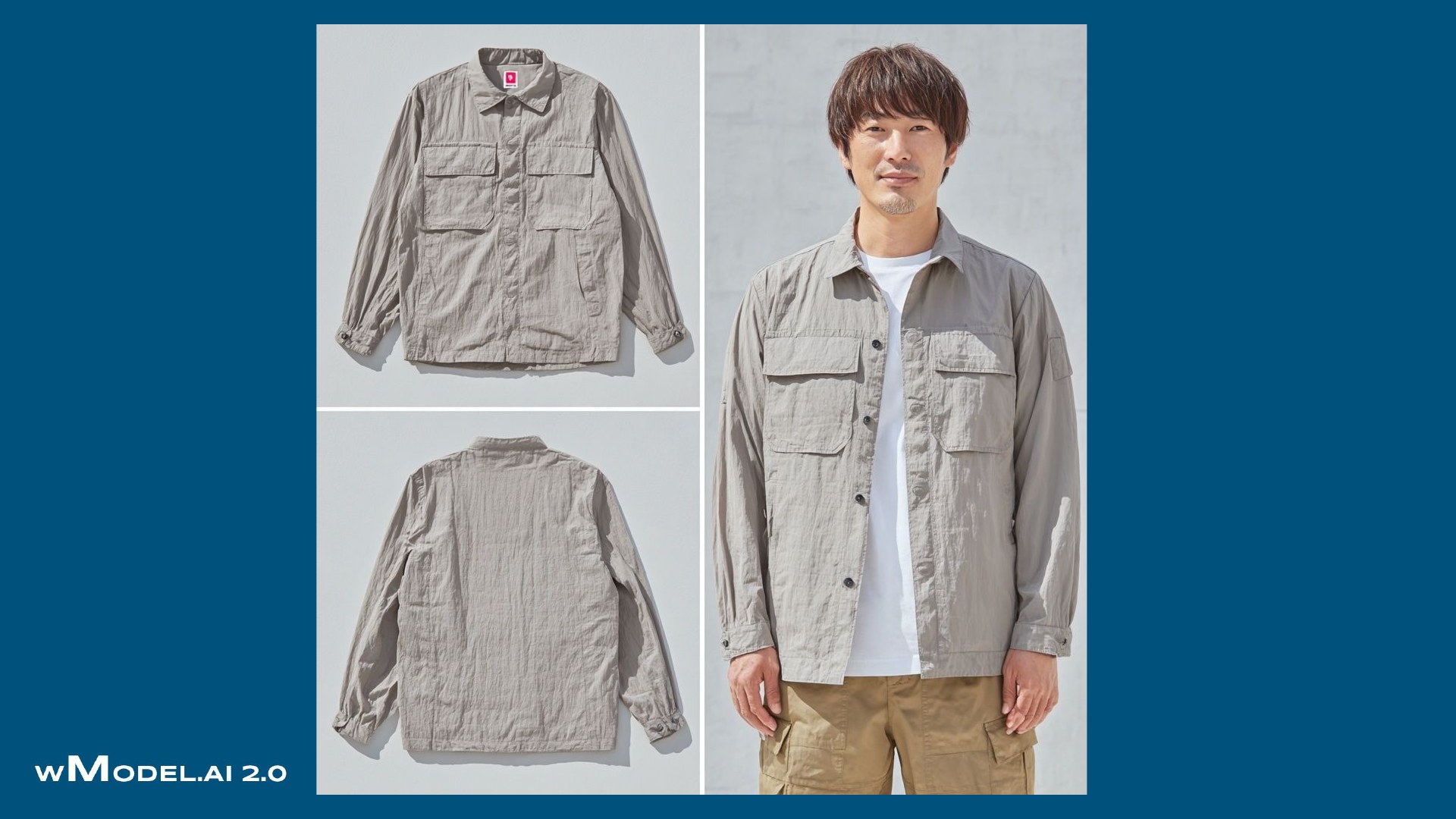
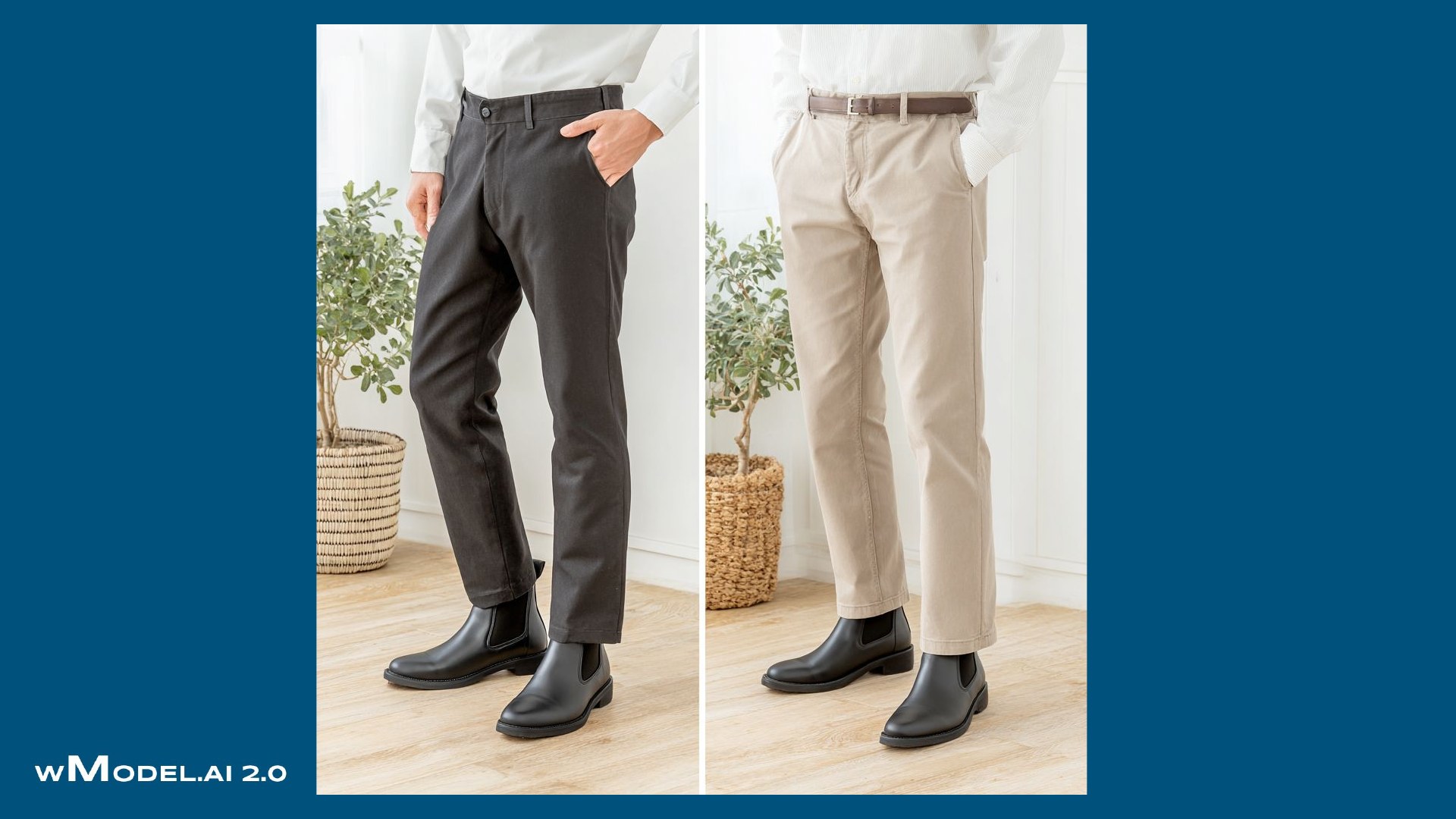
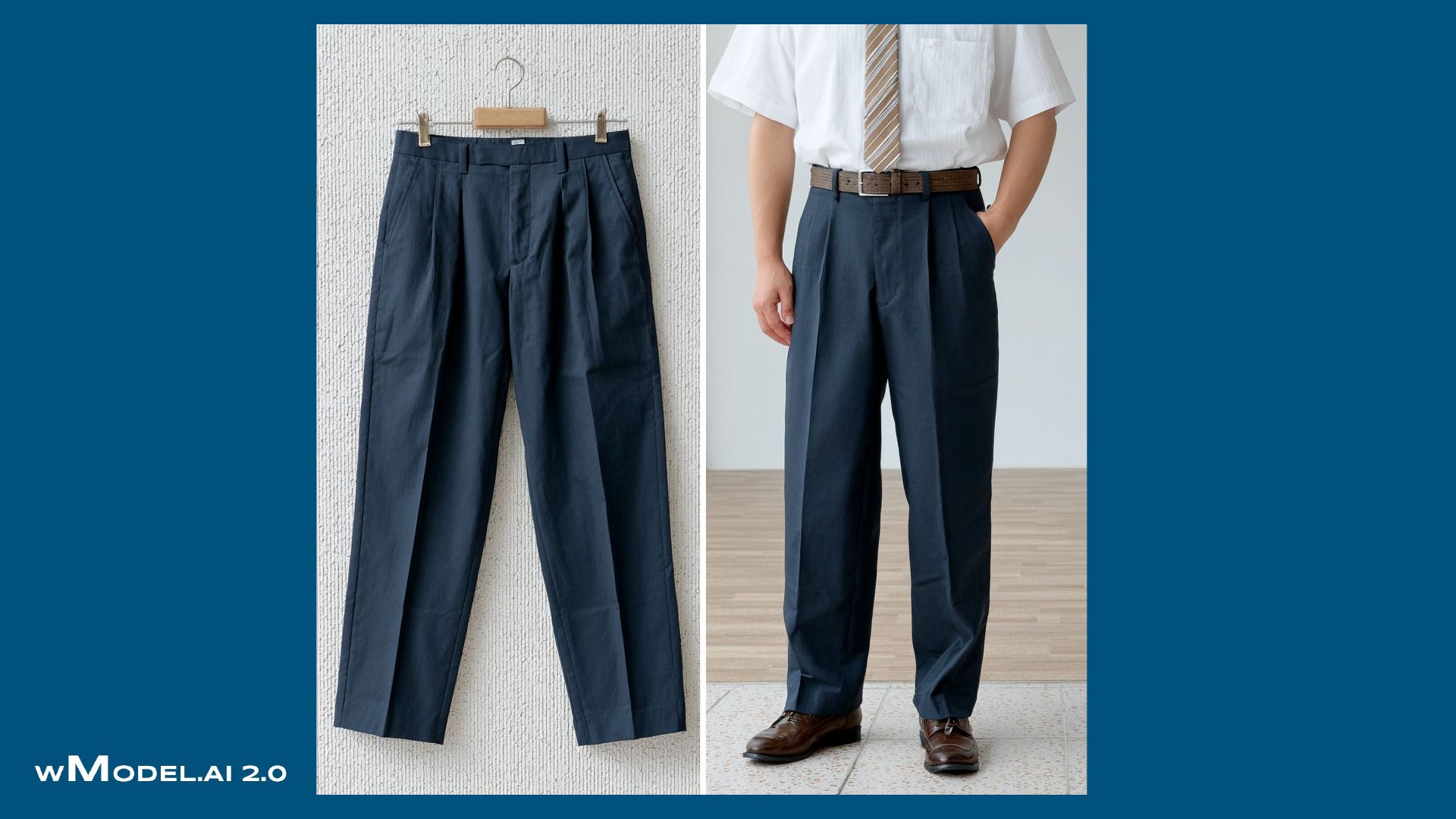
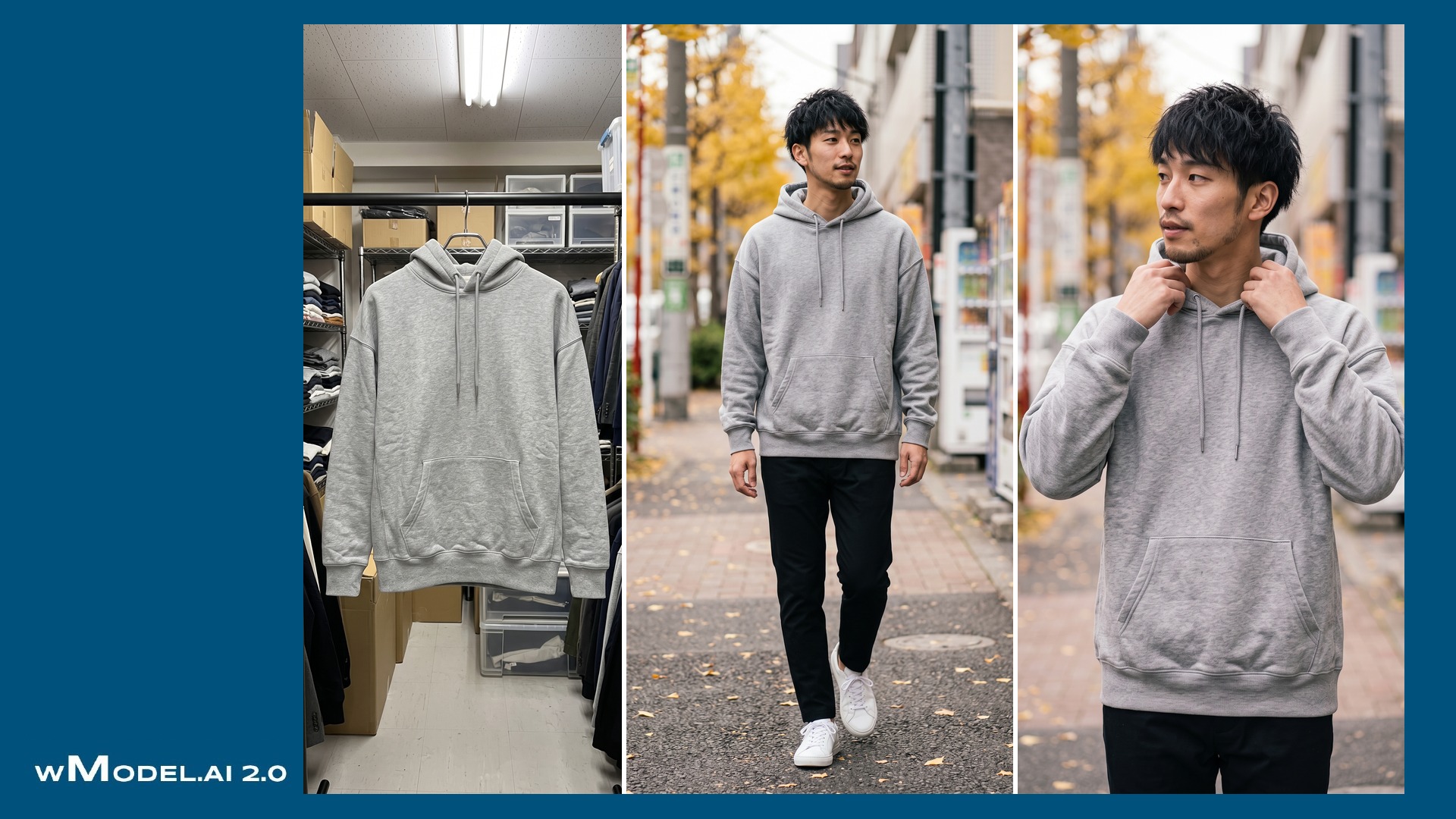
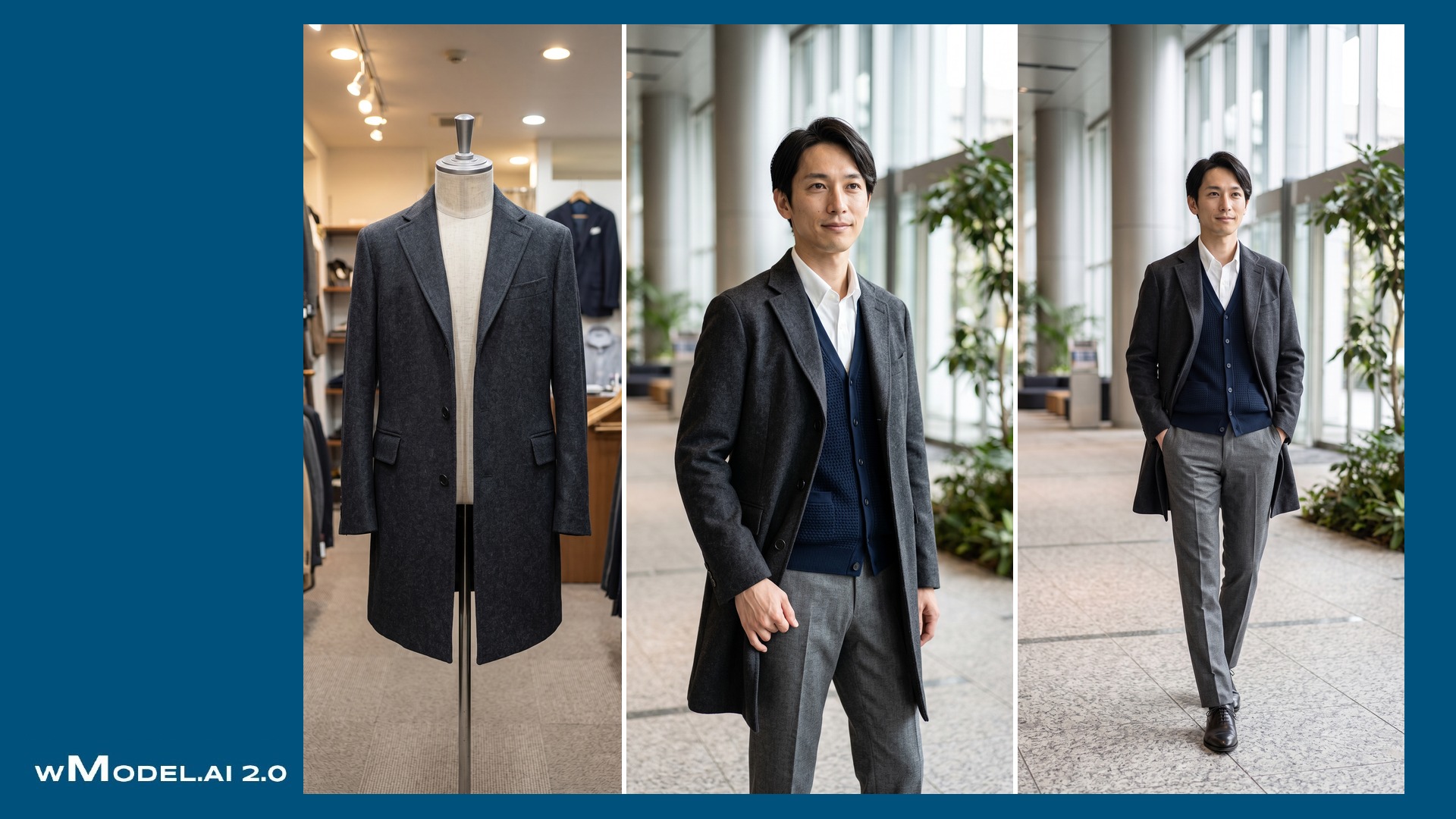
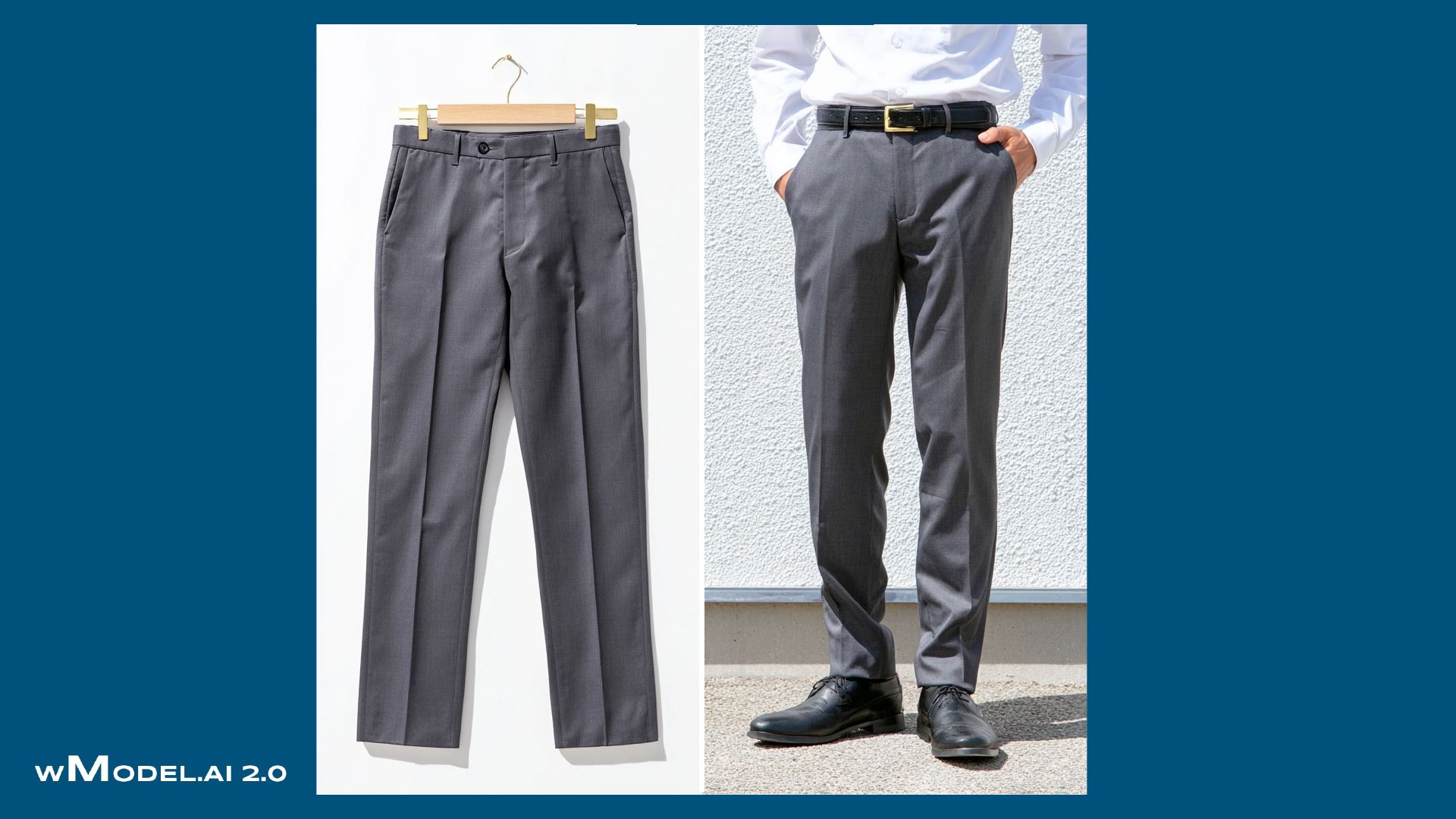
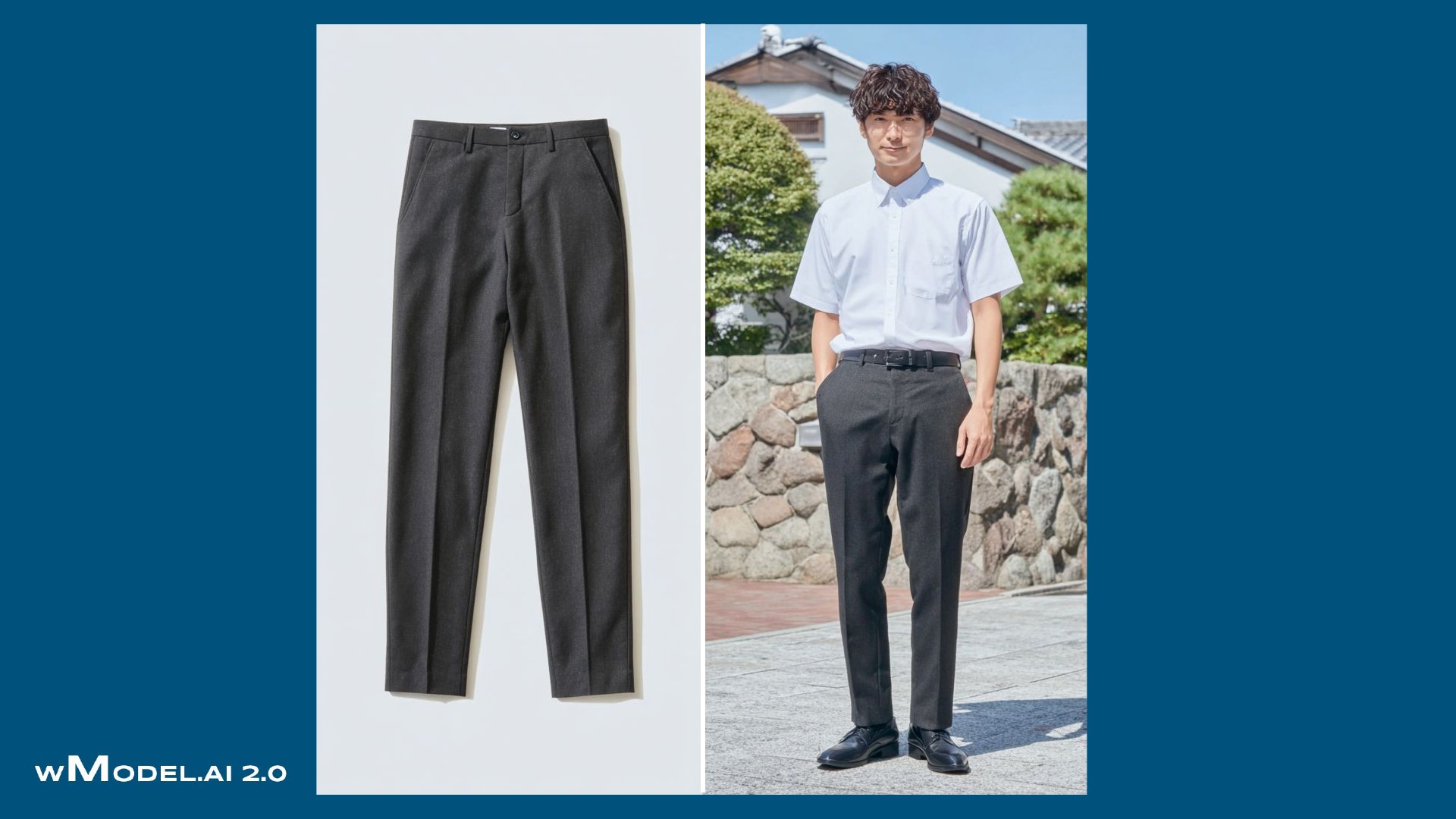
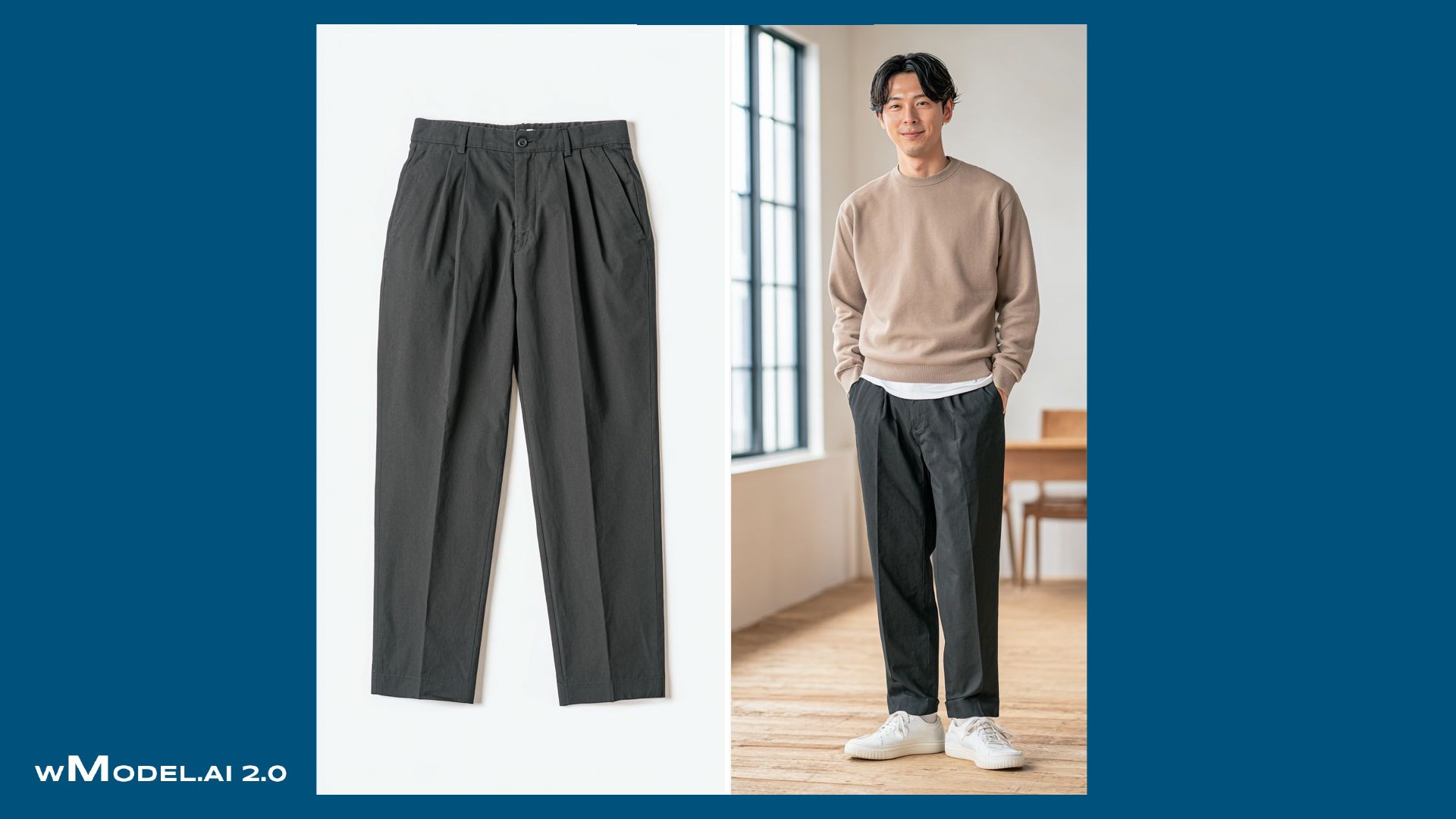
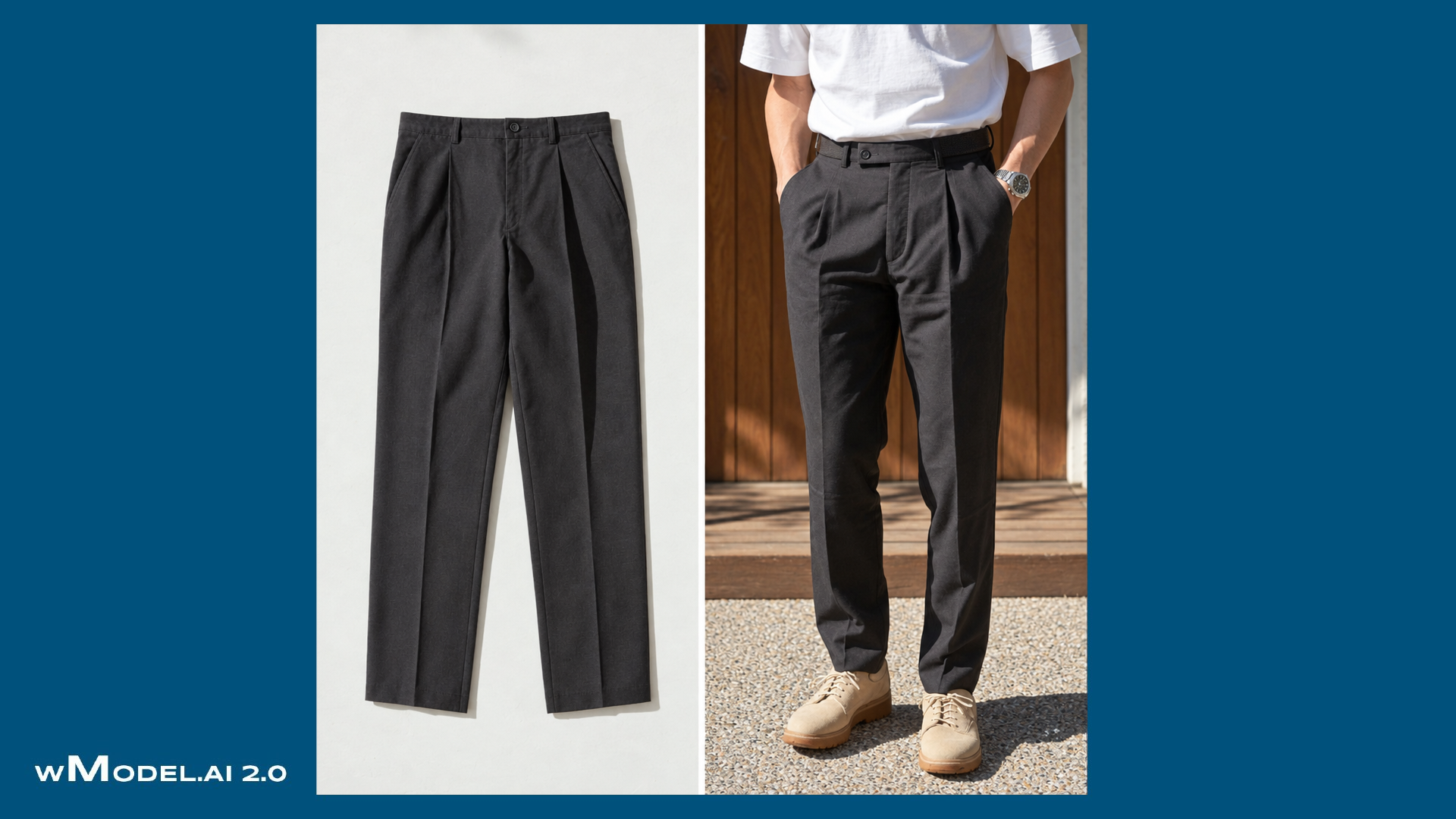
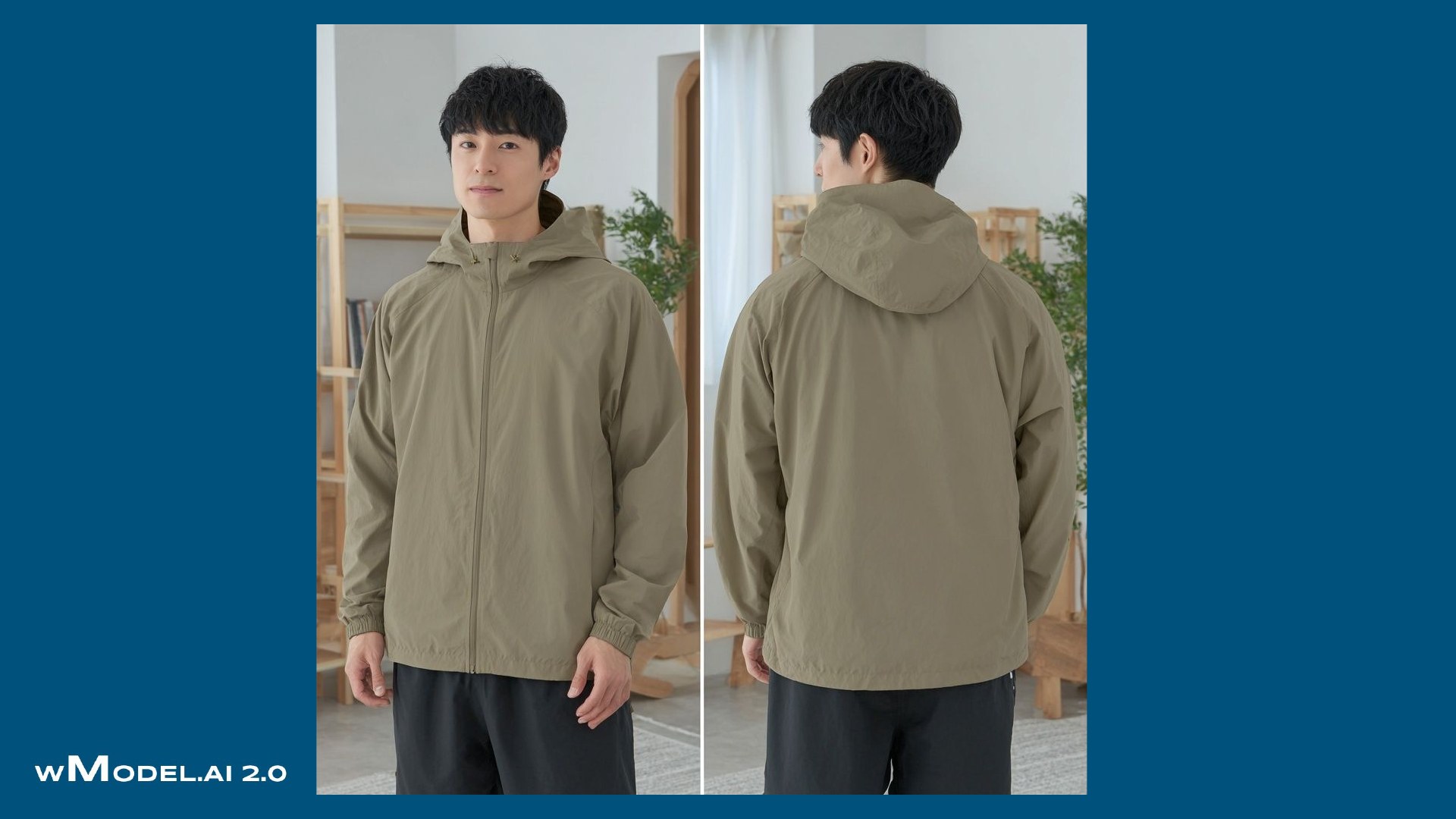
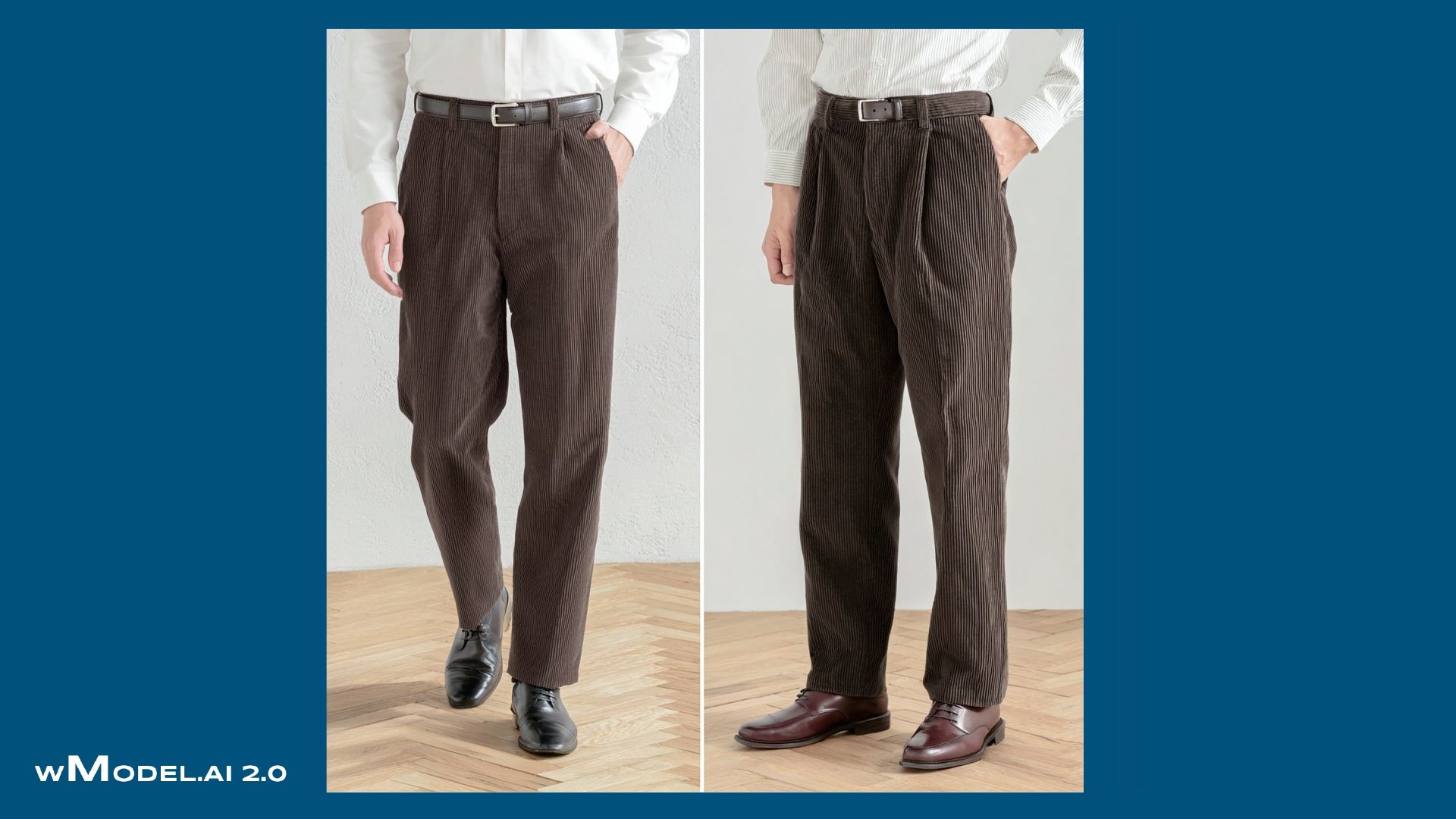
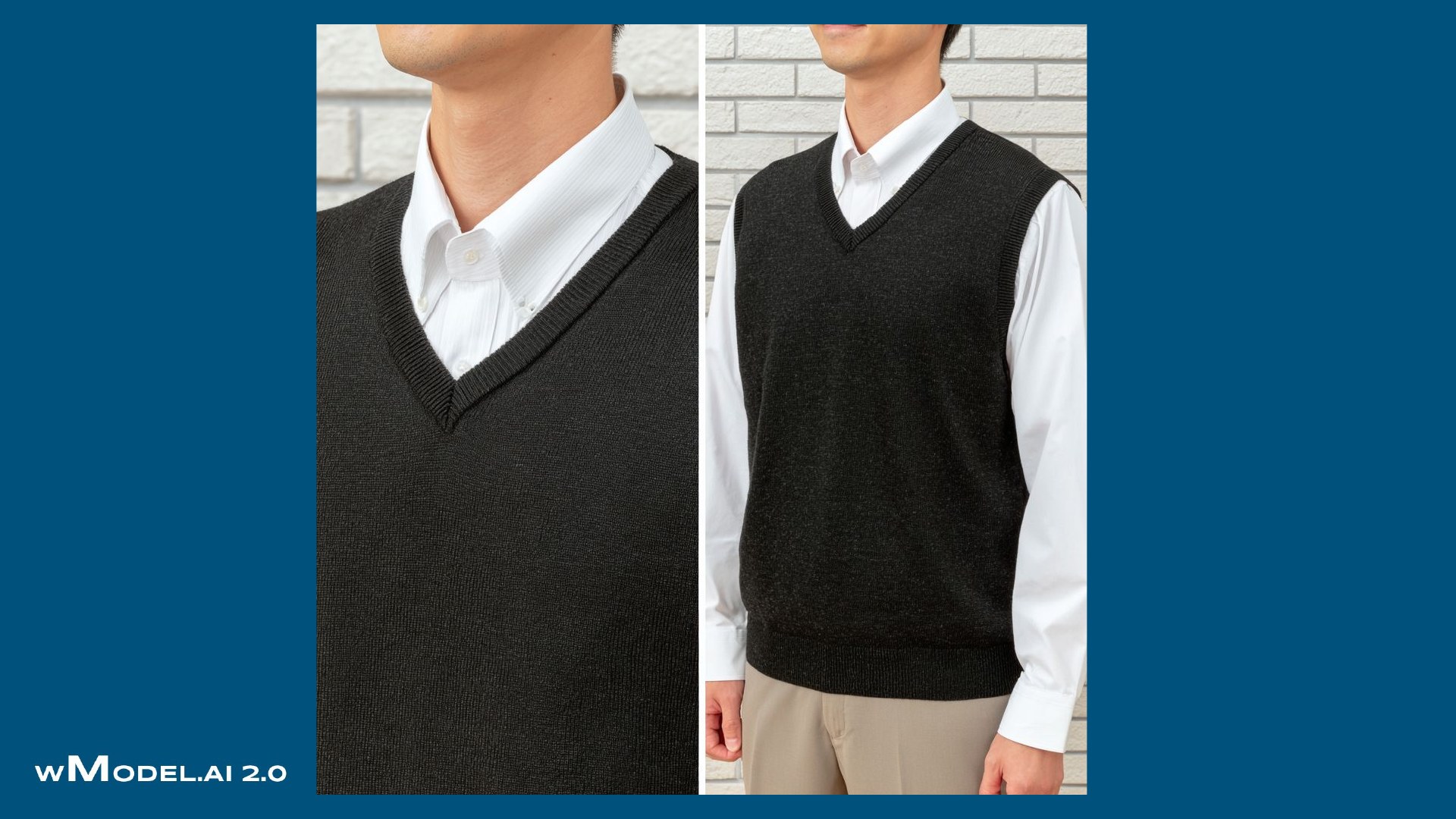
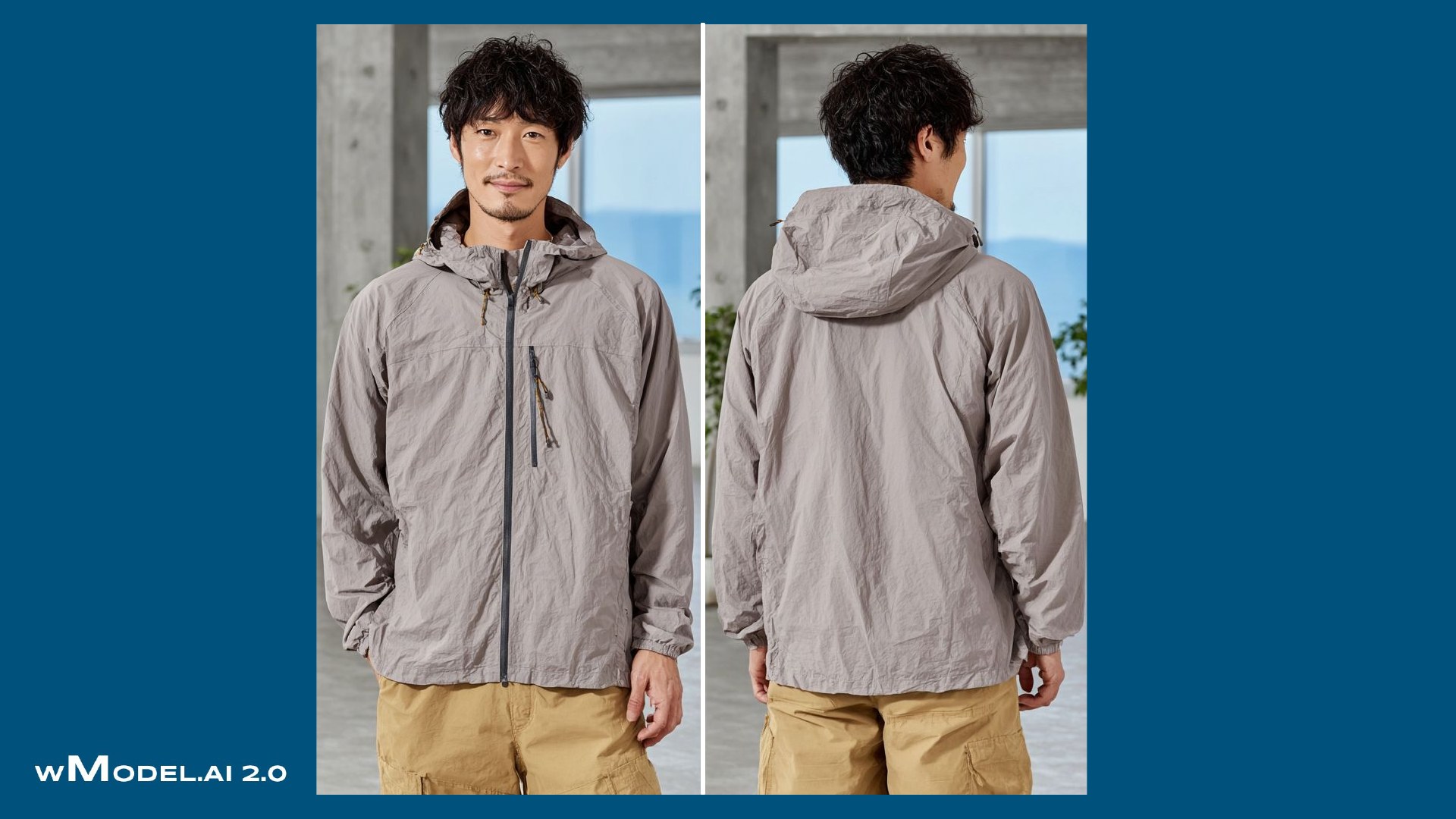
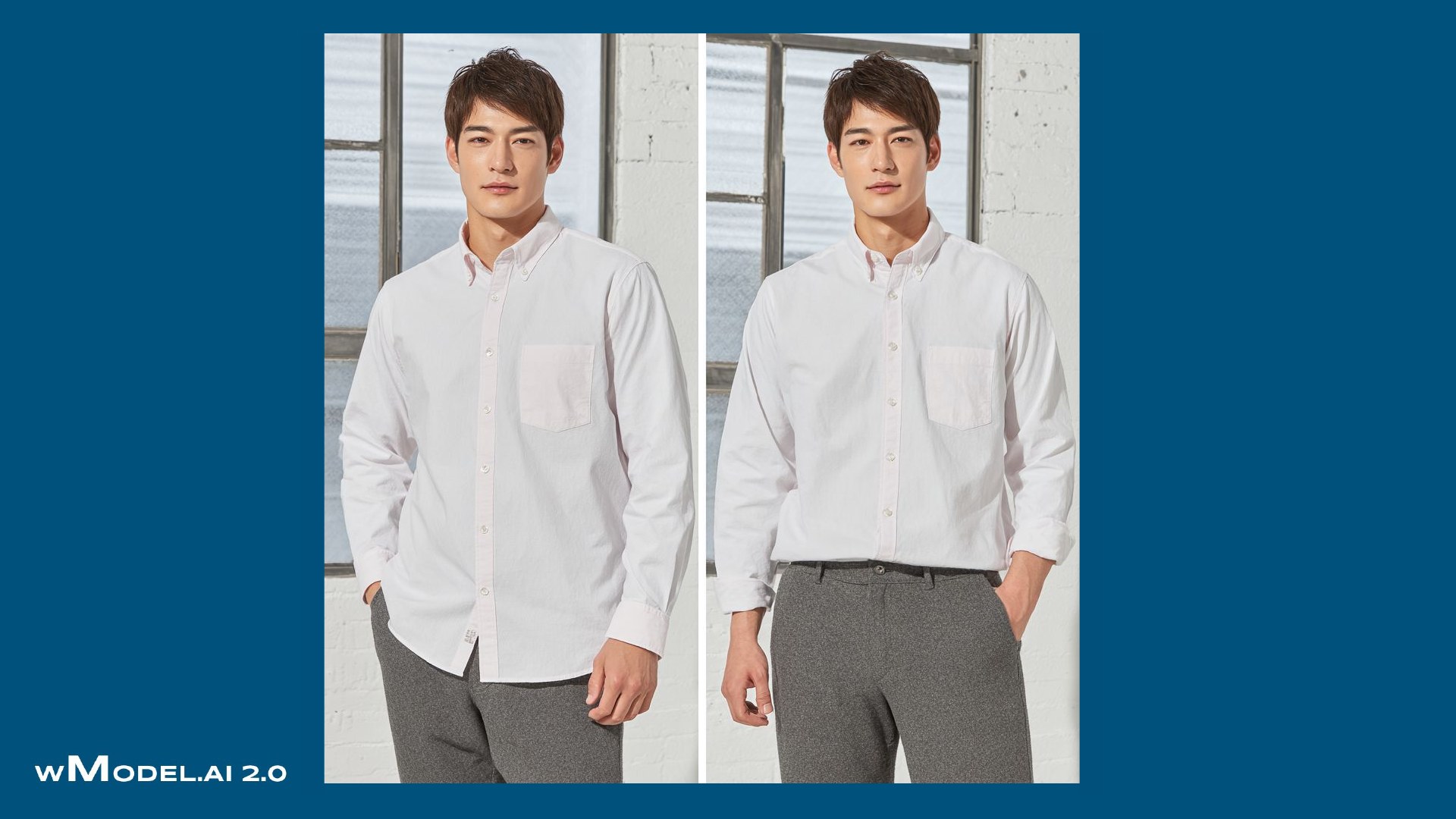
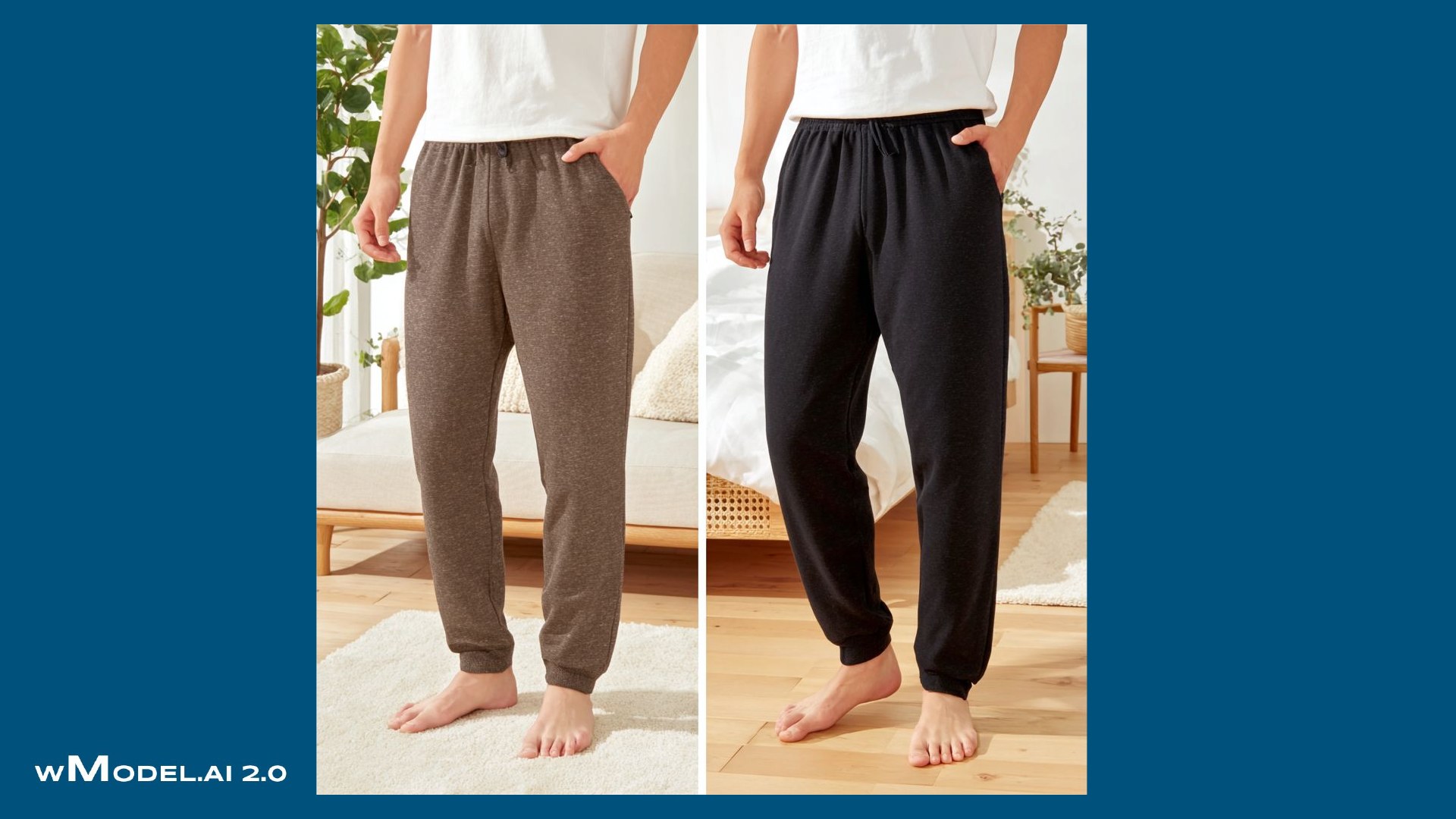
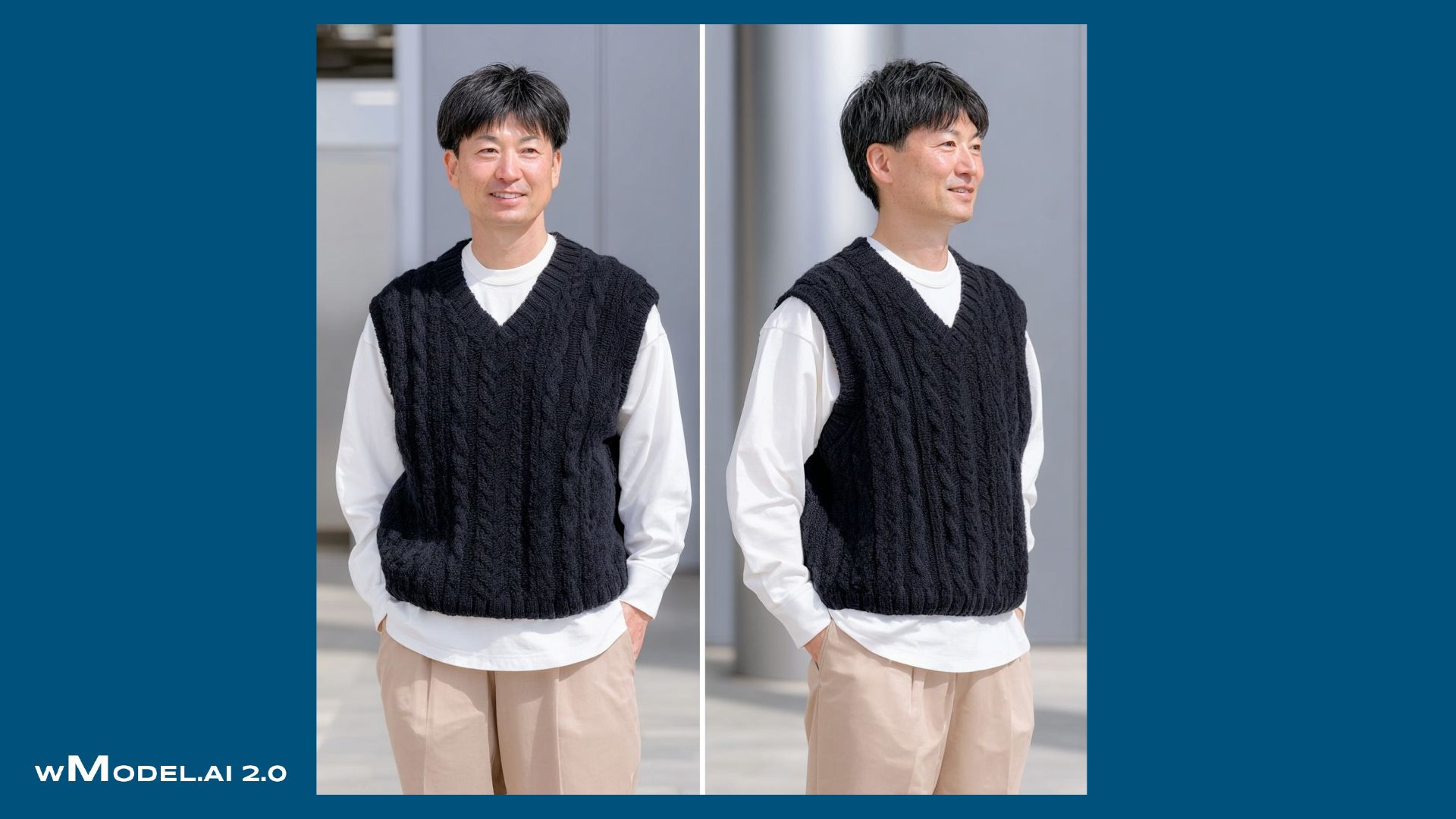
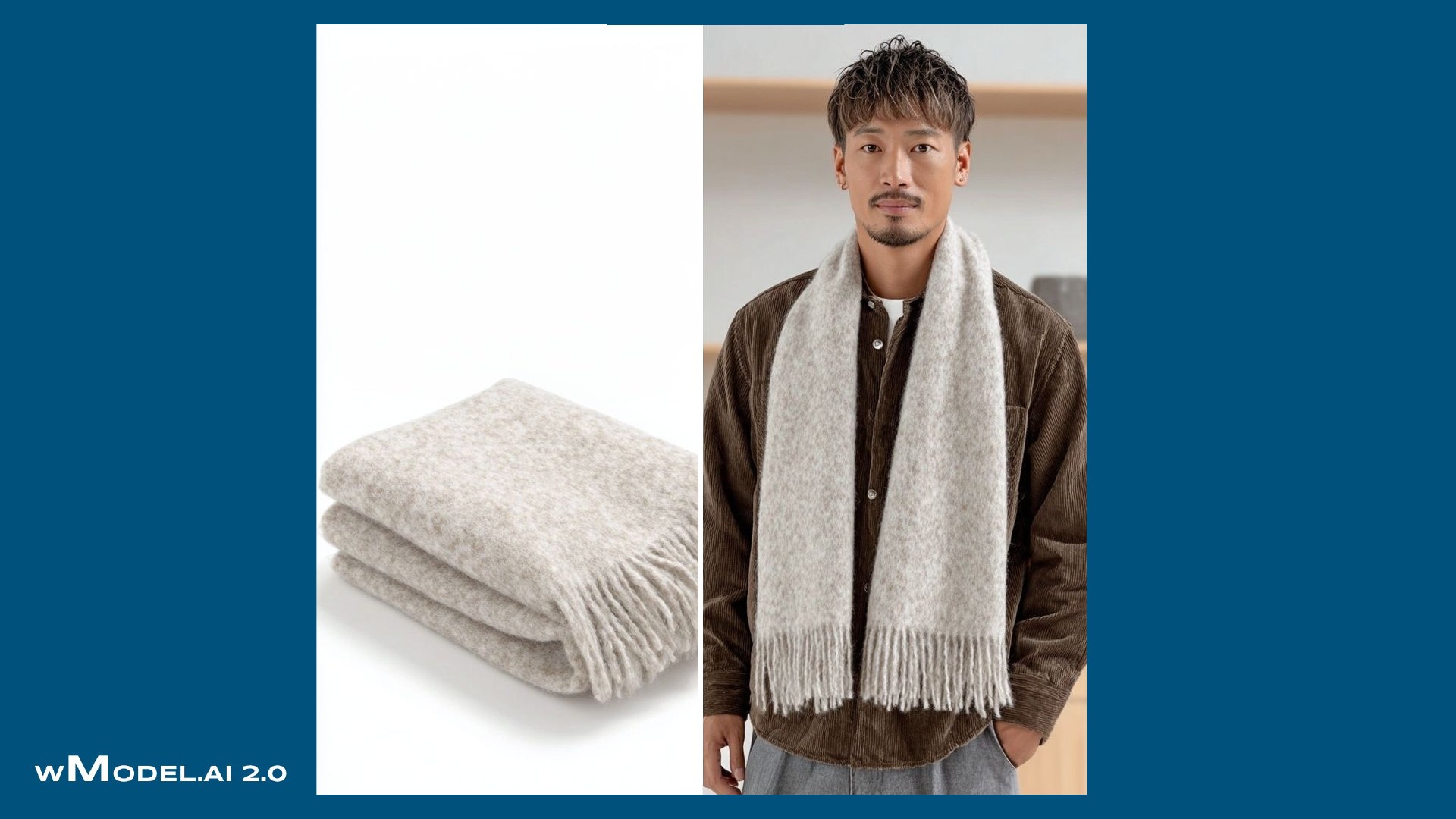
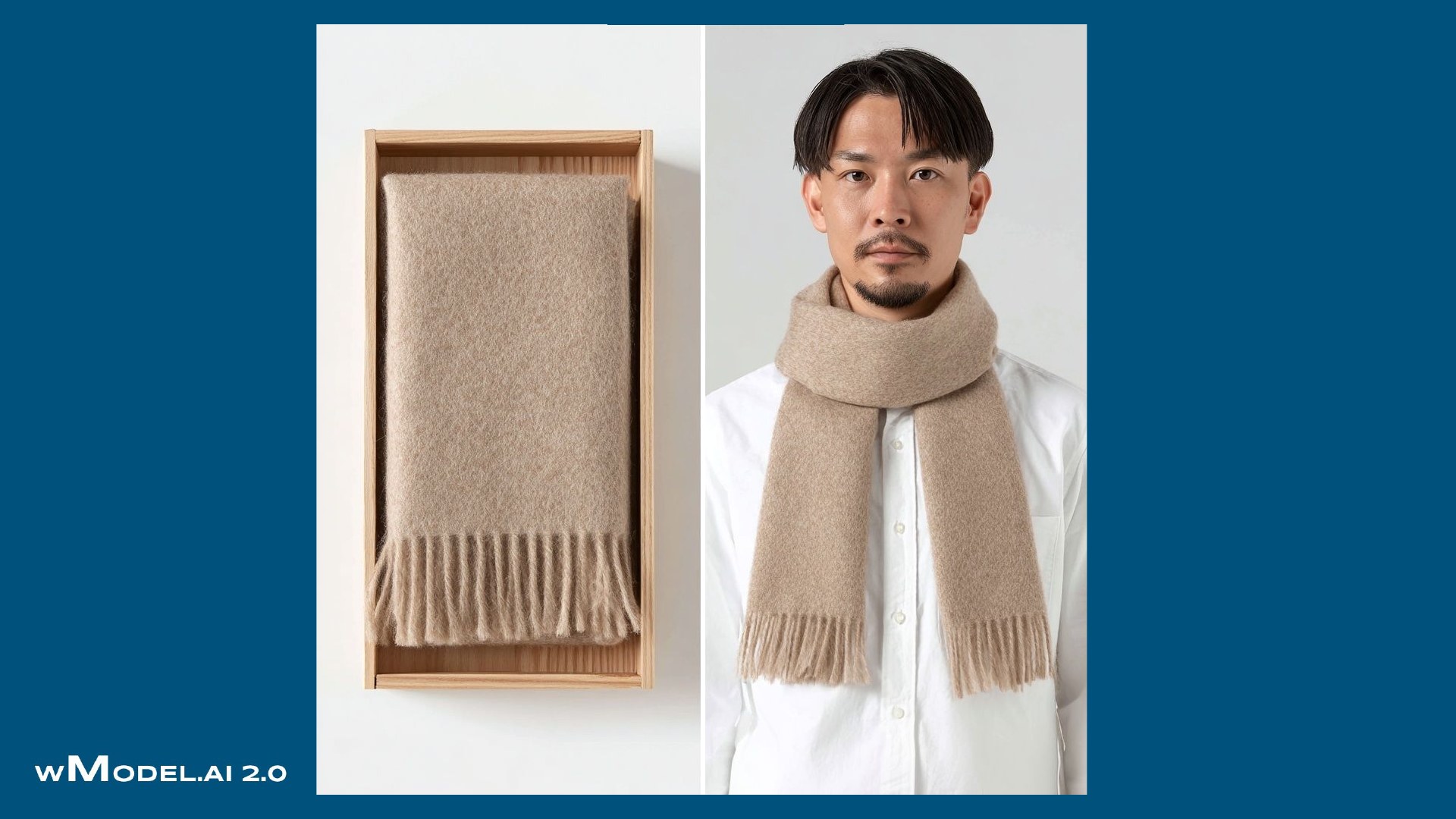
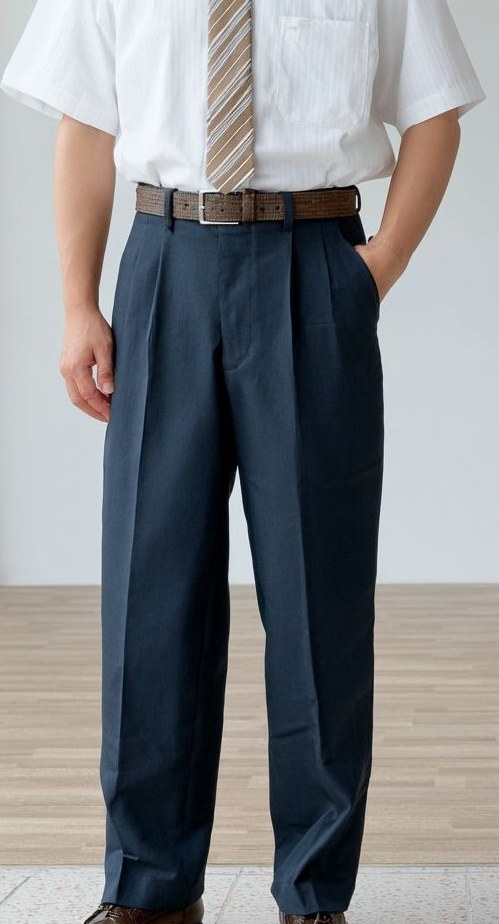
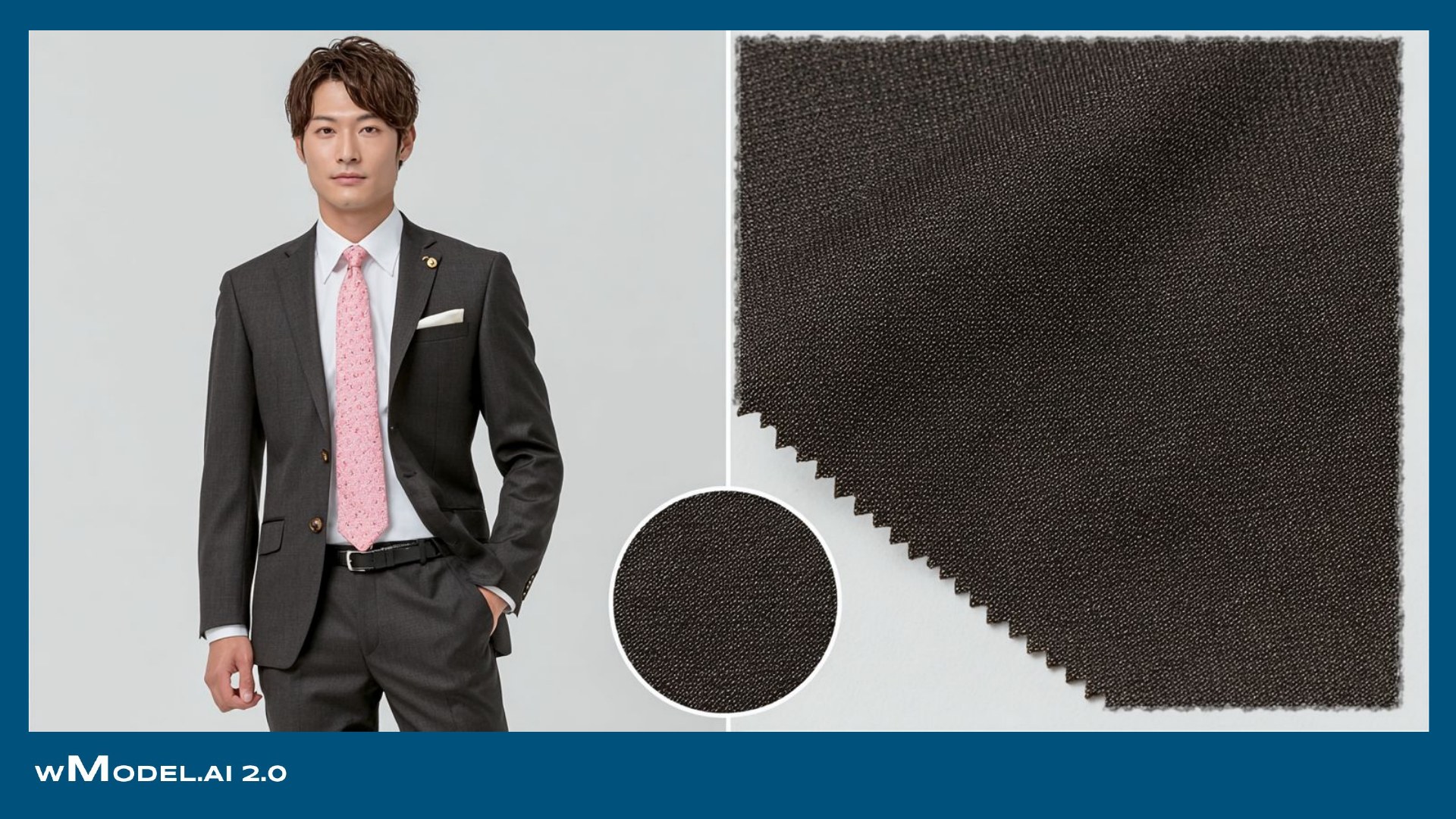
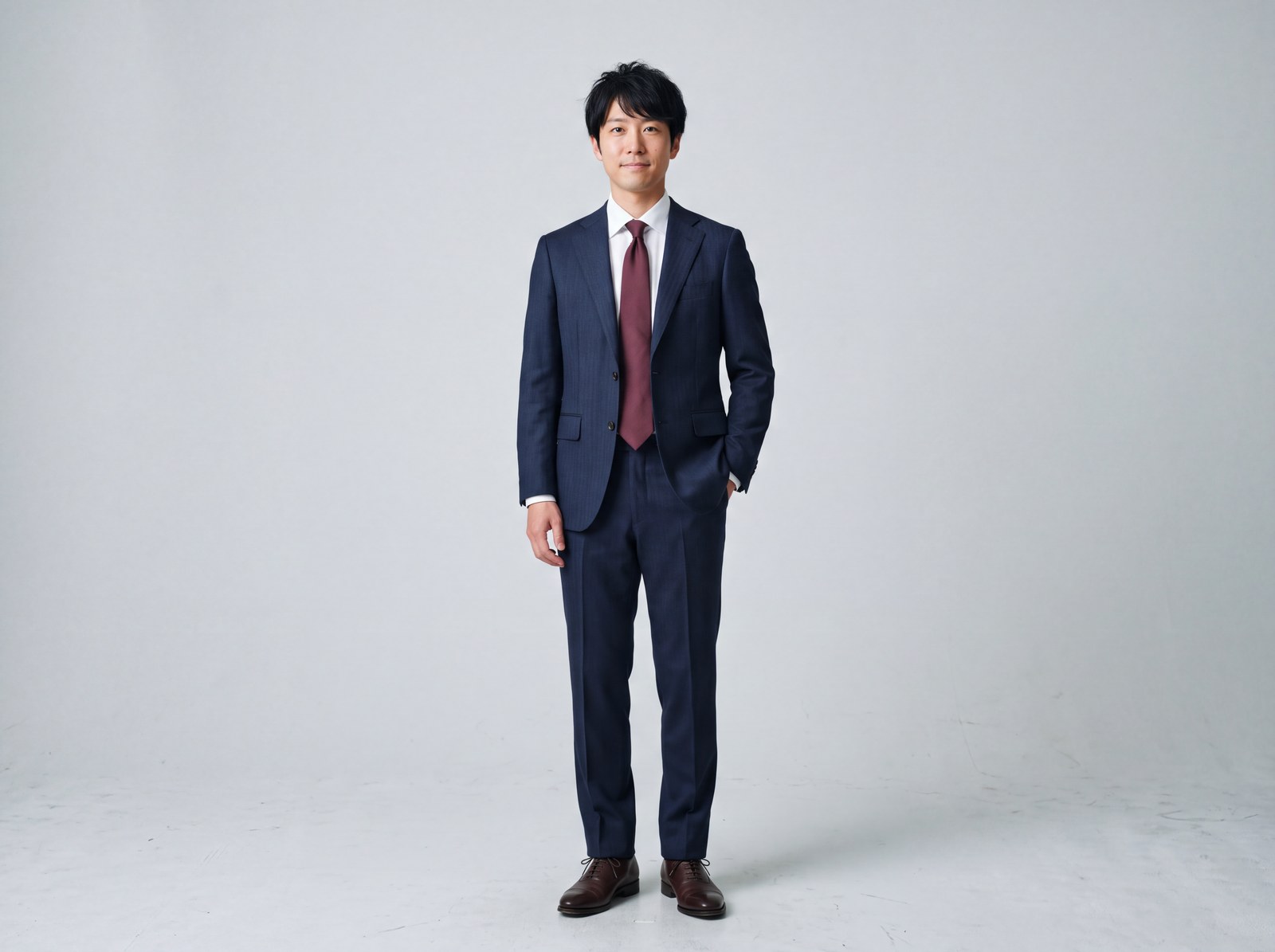
Suits and pants too: create AI model wearing photos from flat-lay or hanger photos, without setting up a studio shoot.
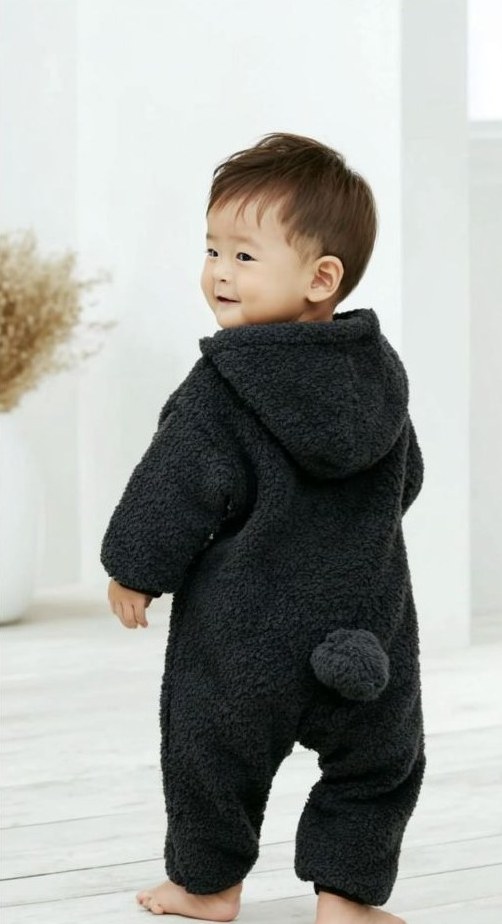
Maternity and baby products.
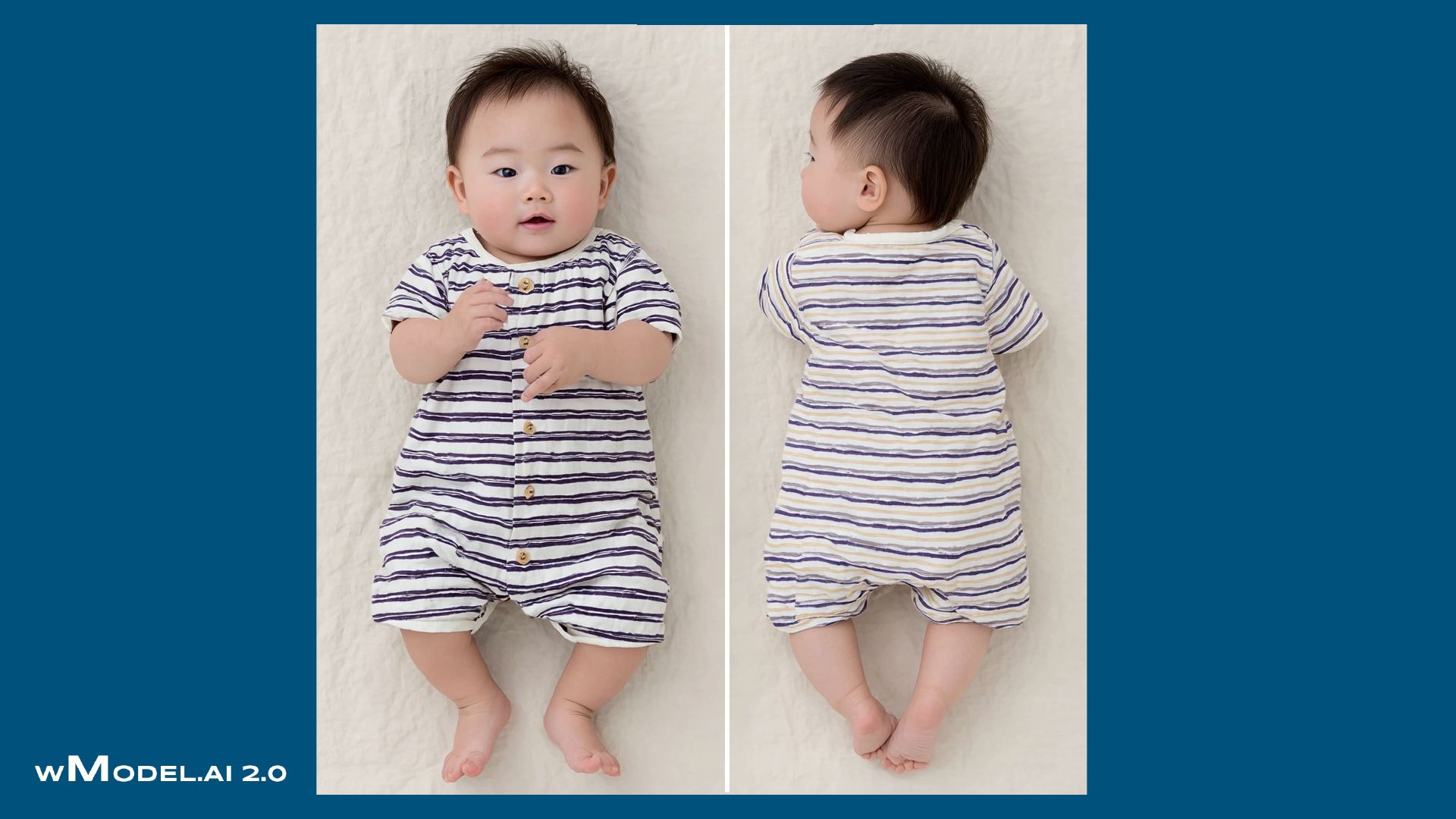
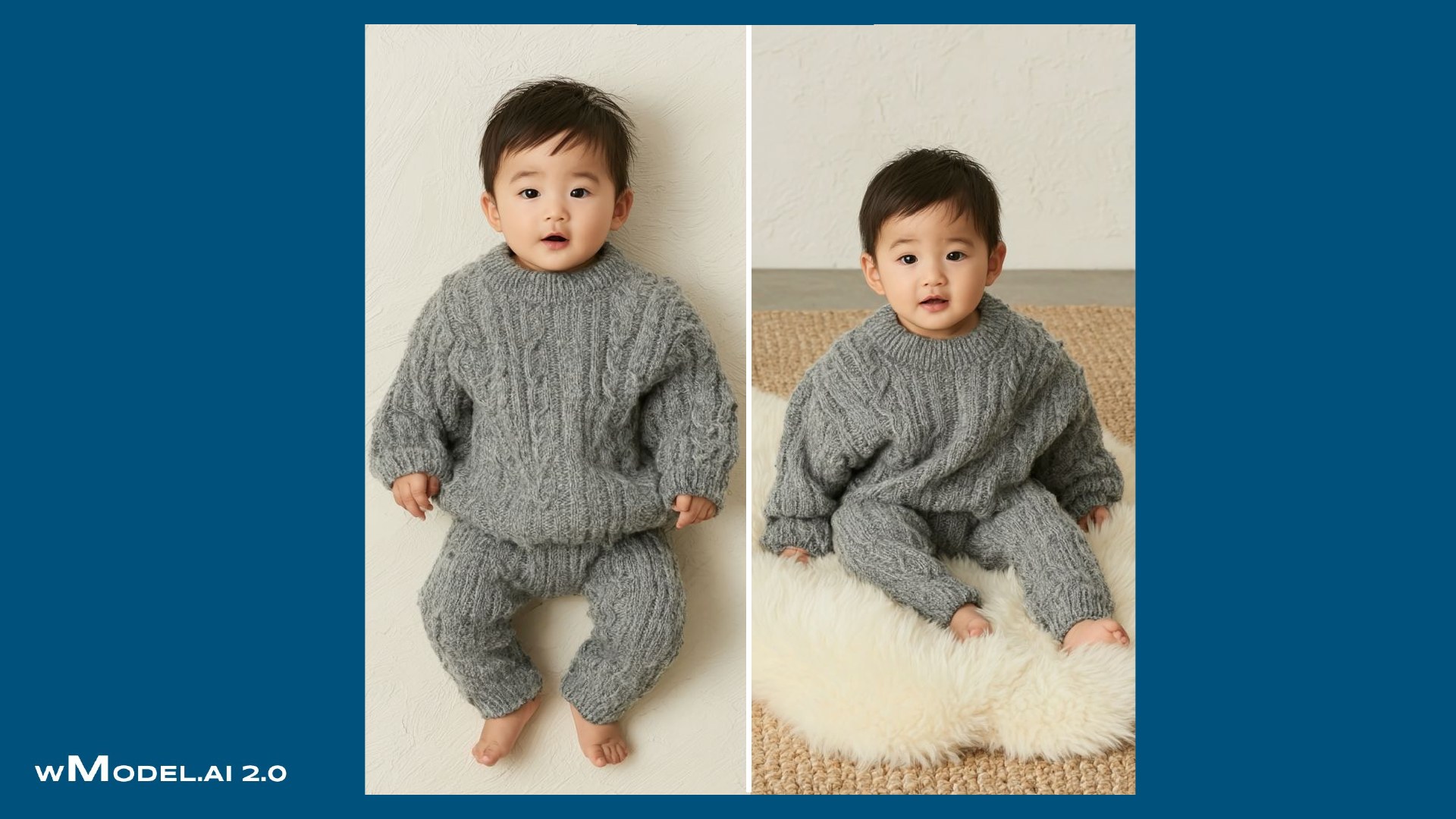
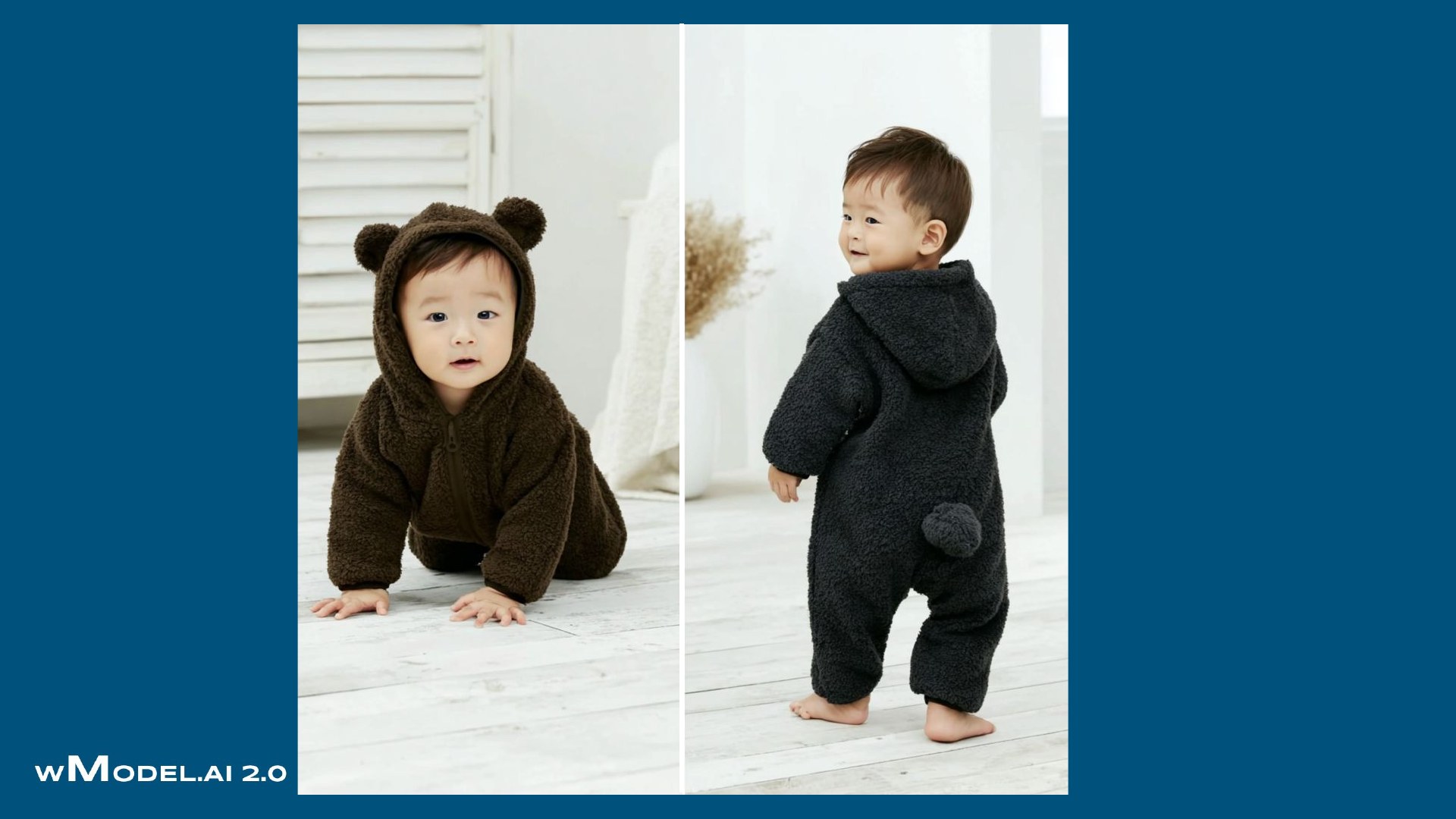
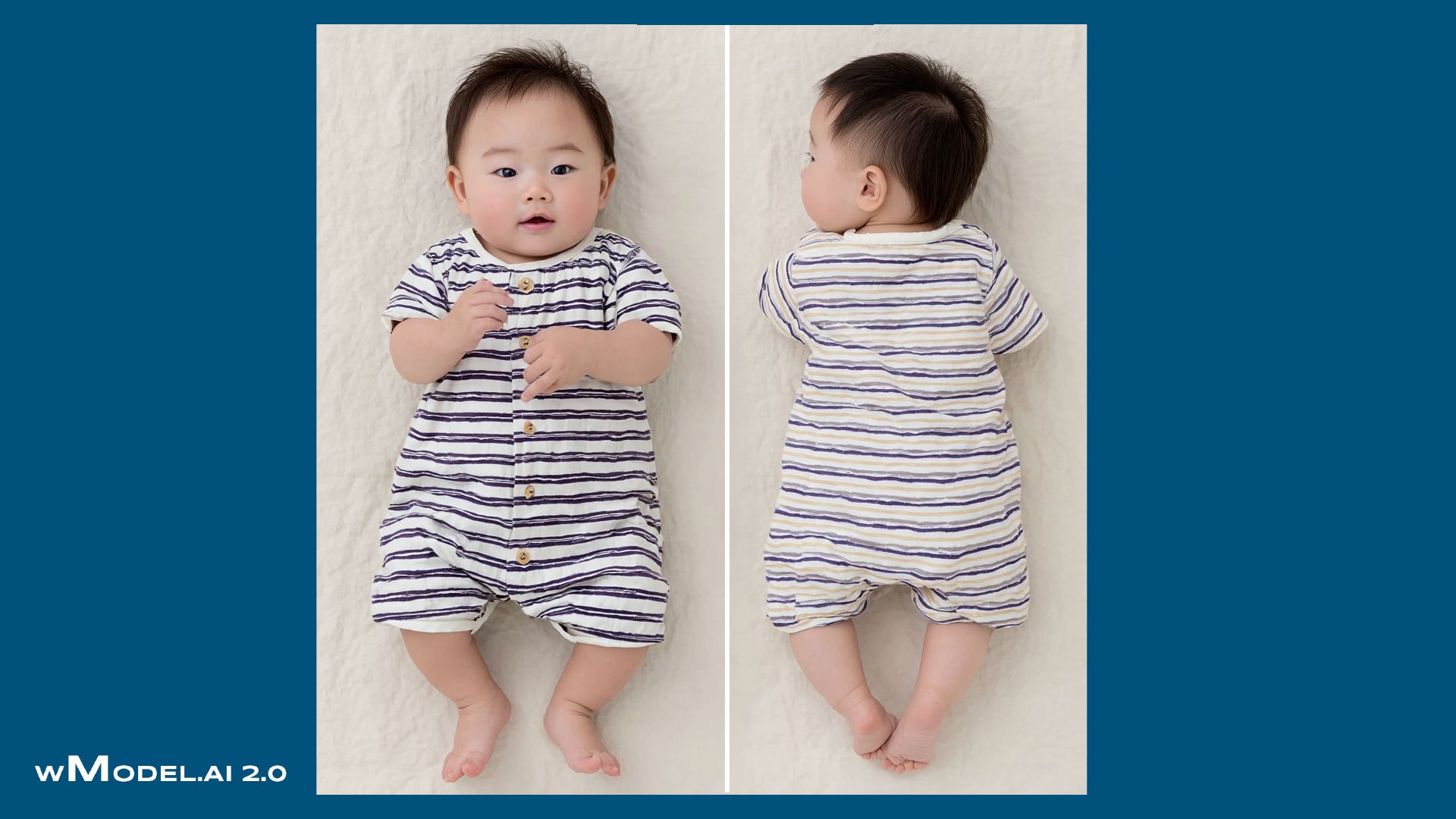
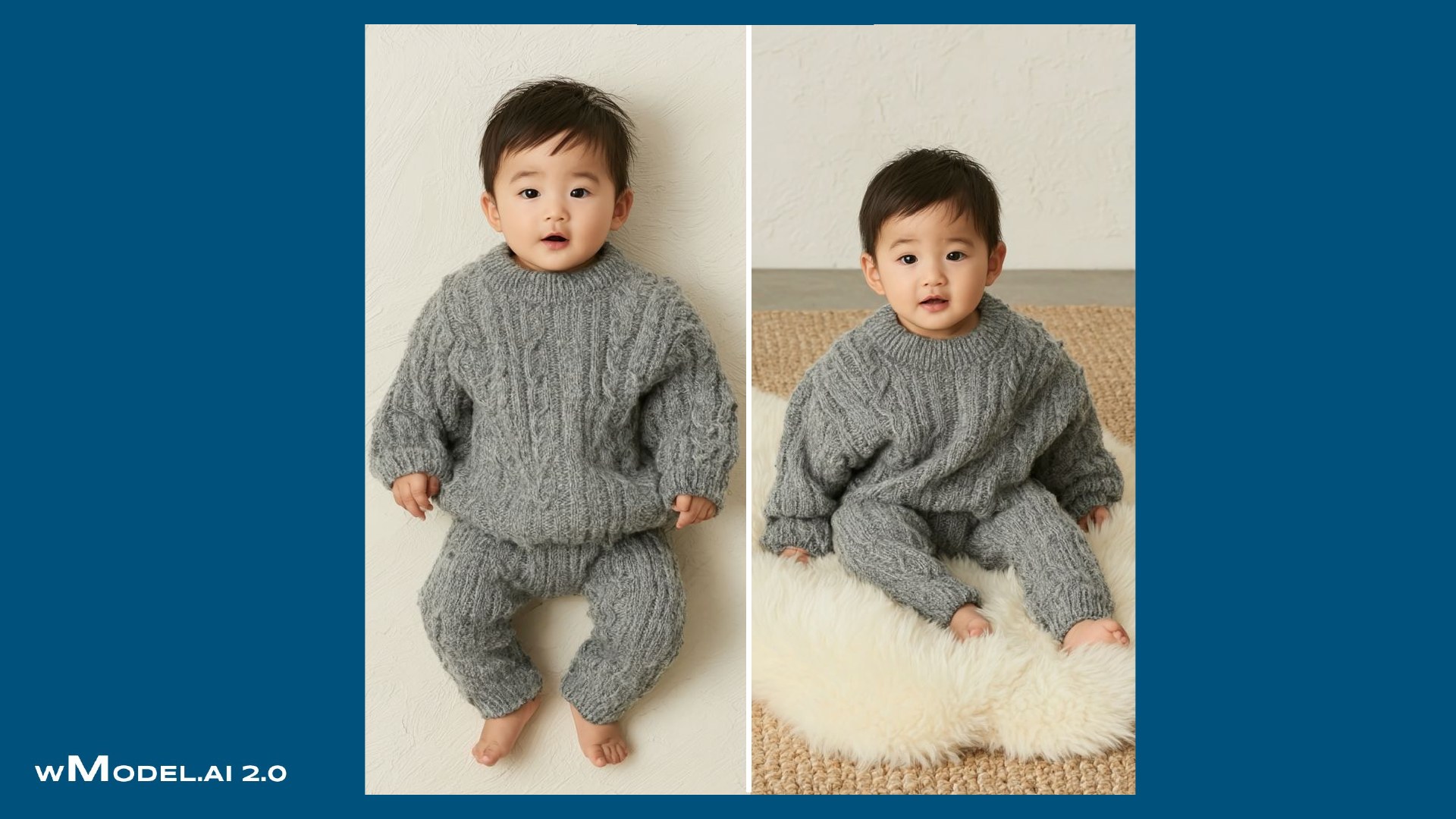
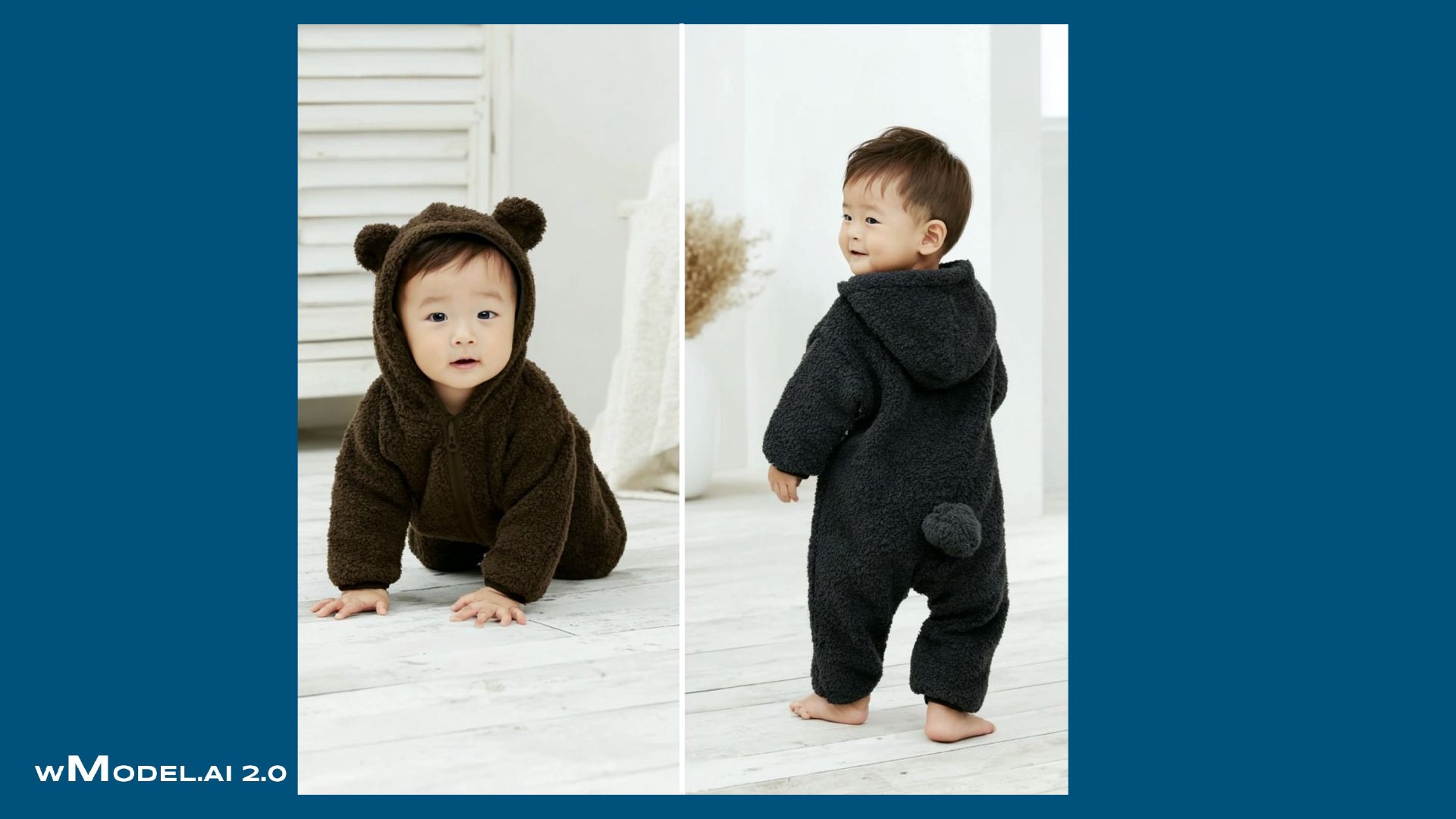
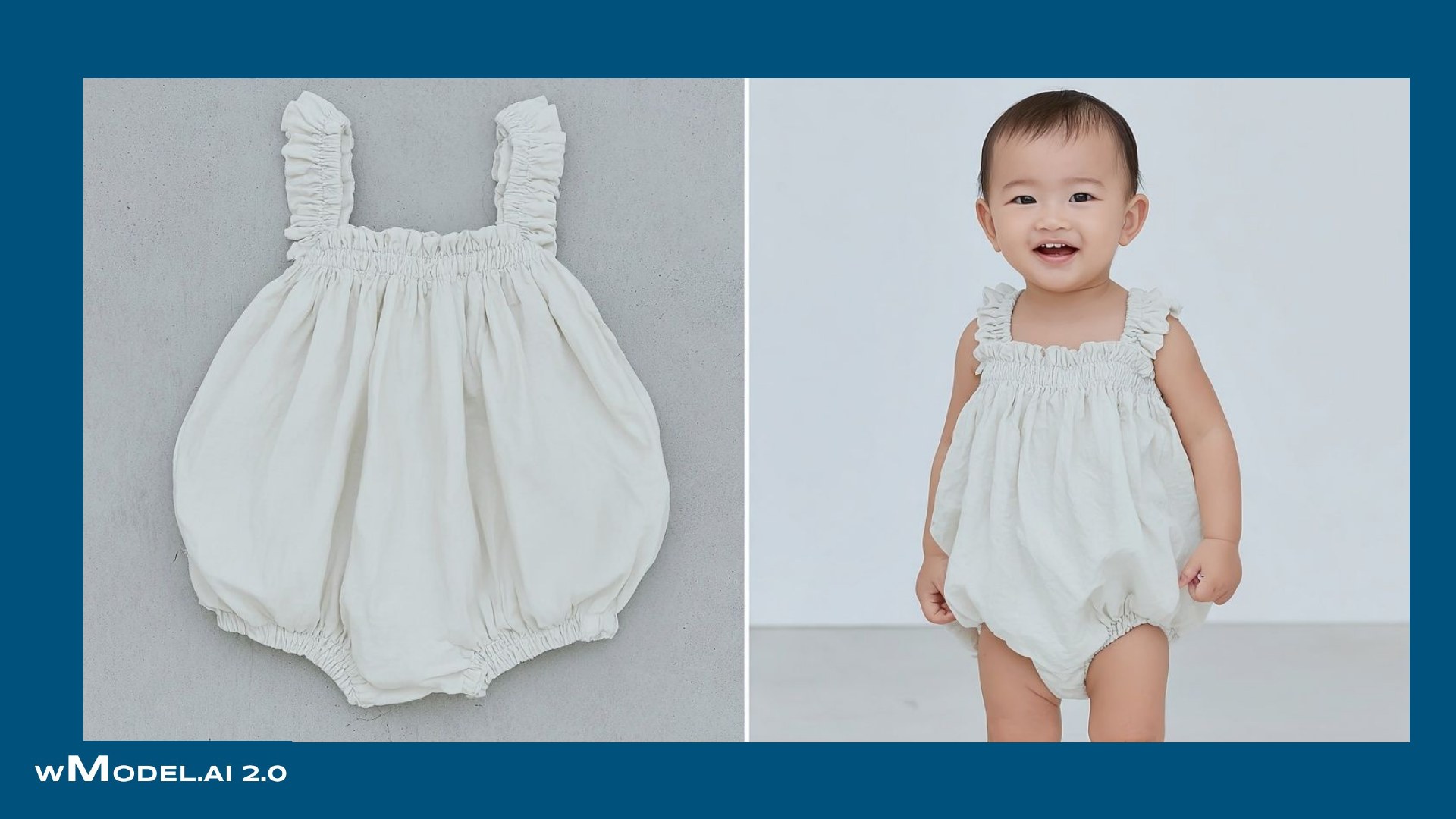
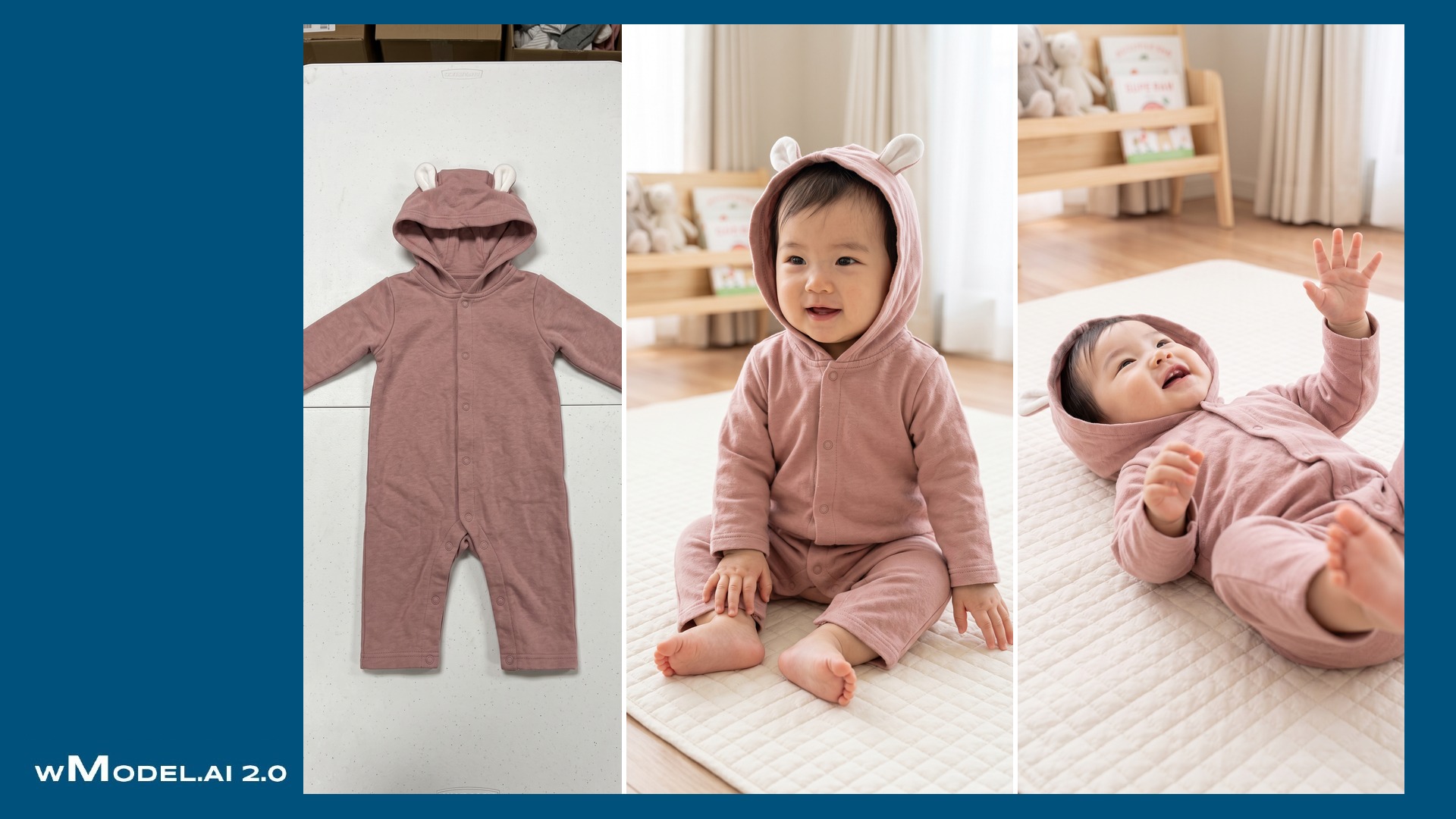
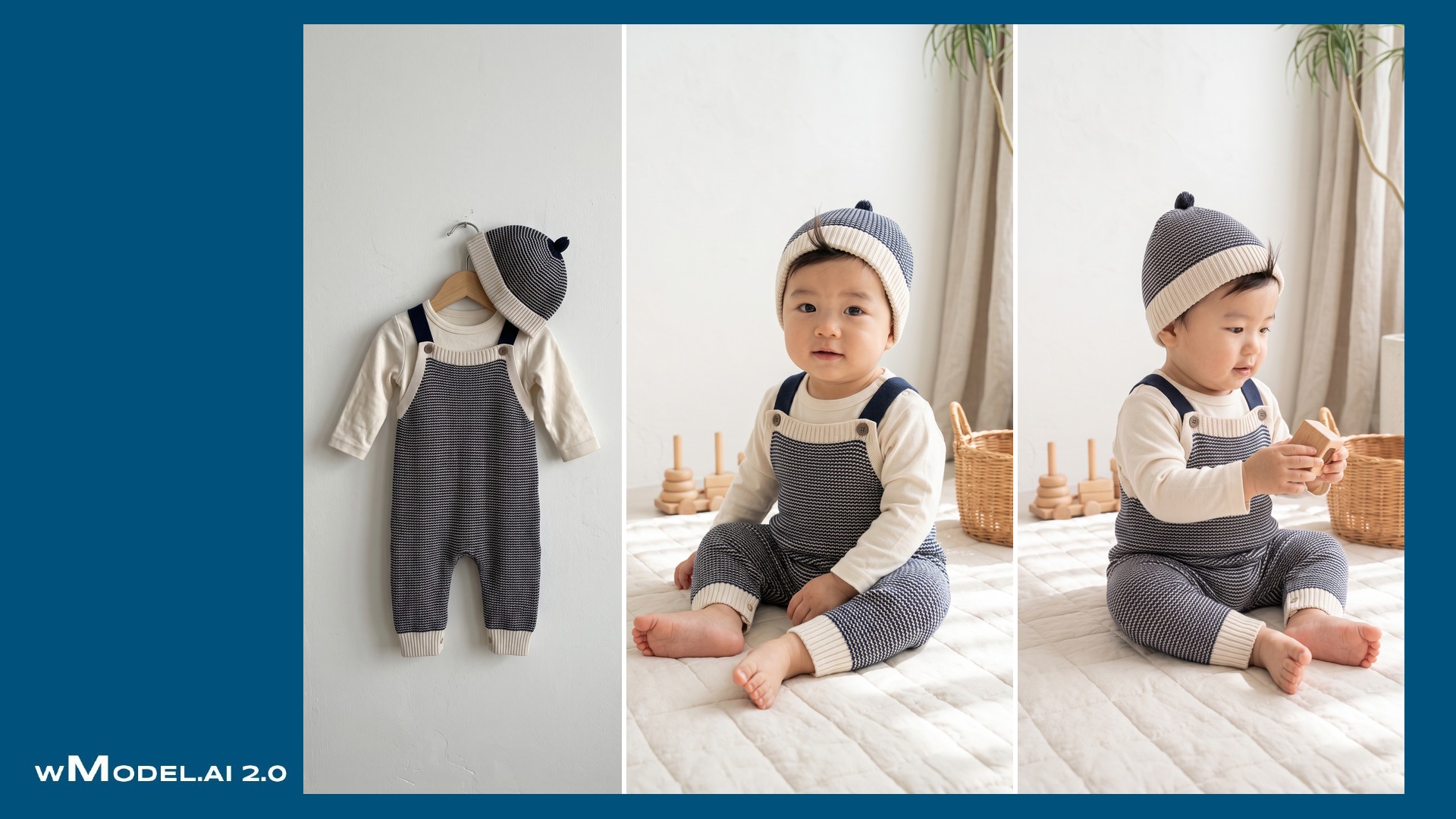
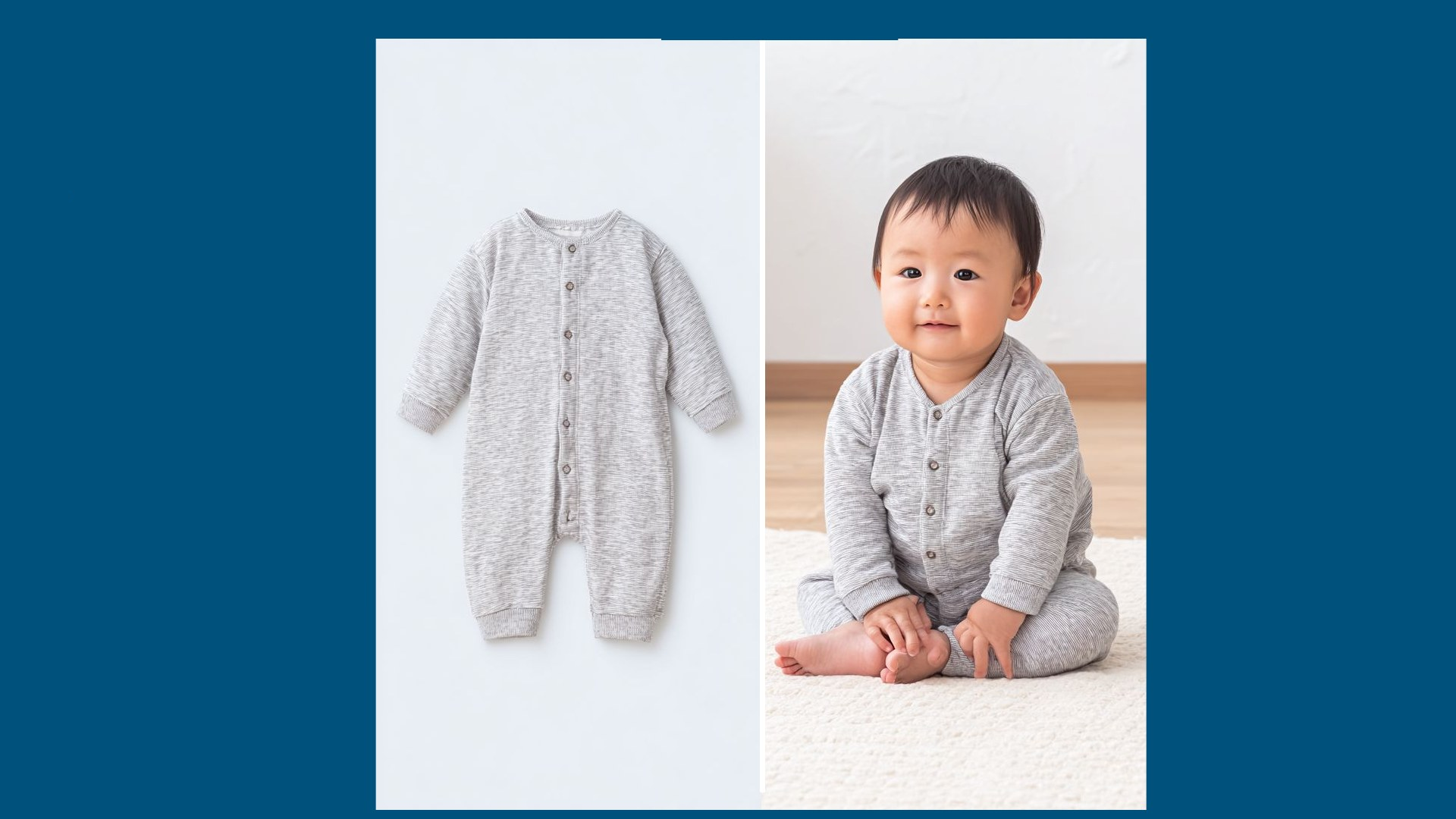
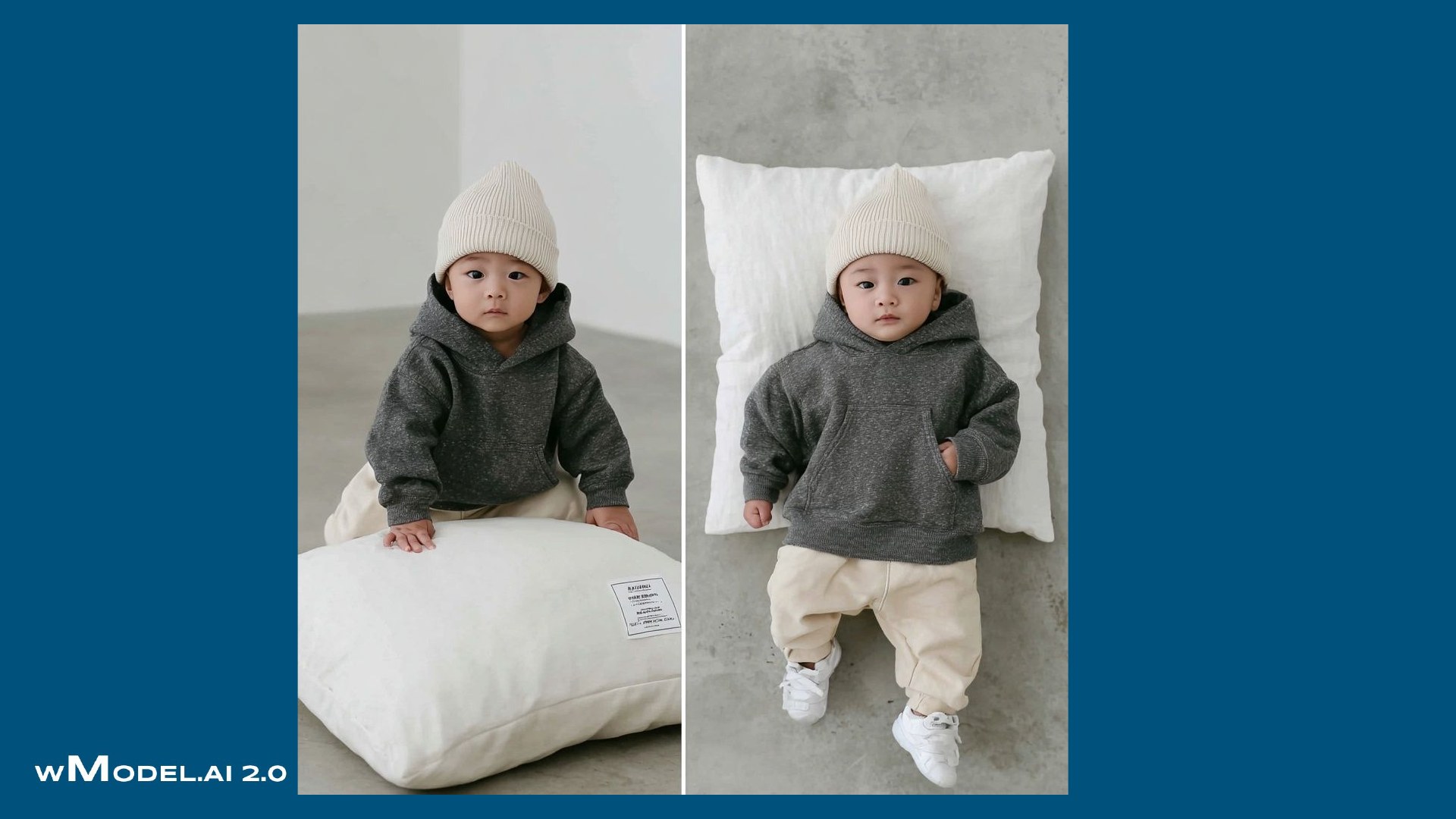
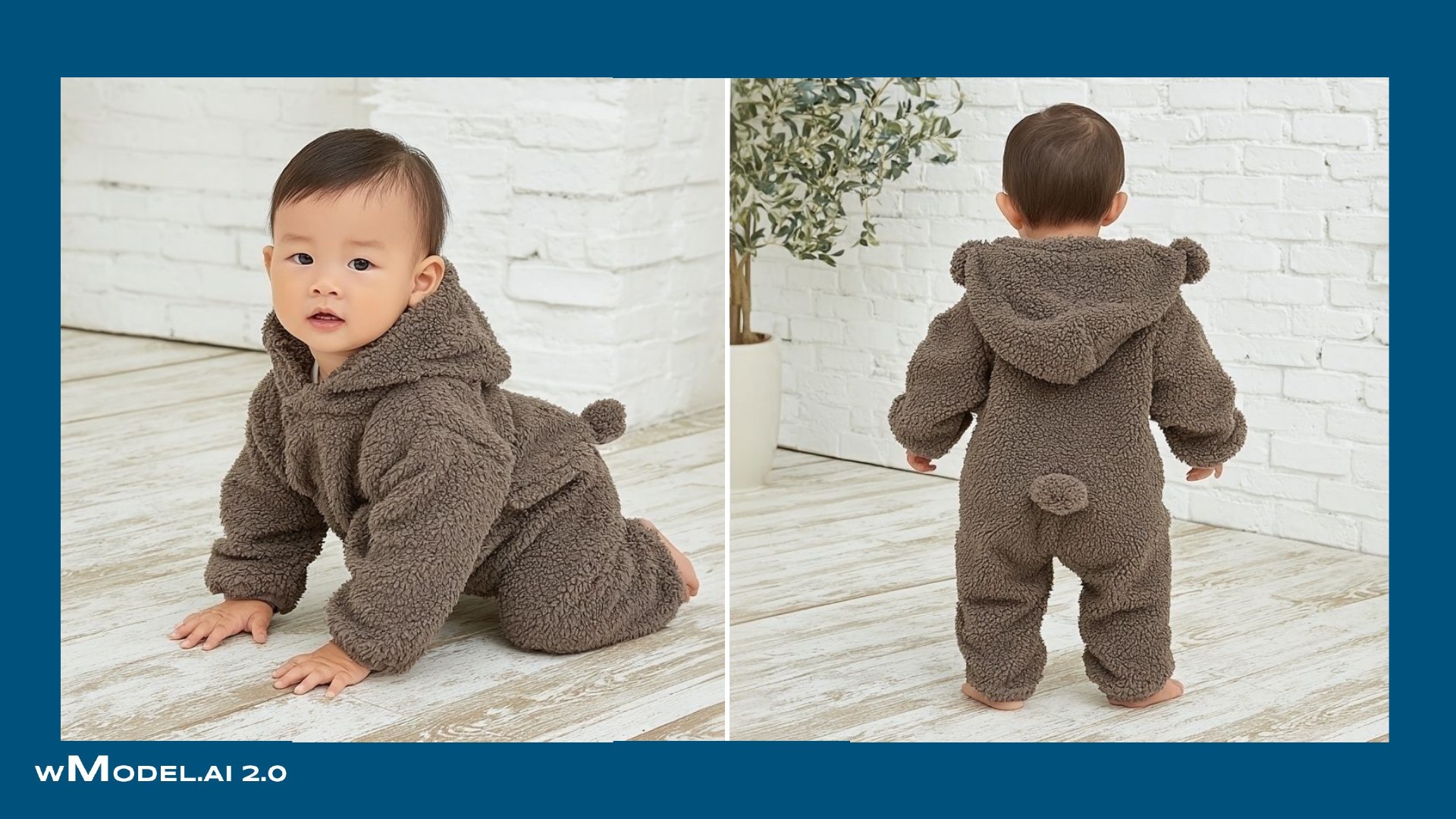
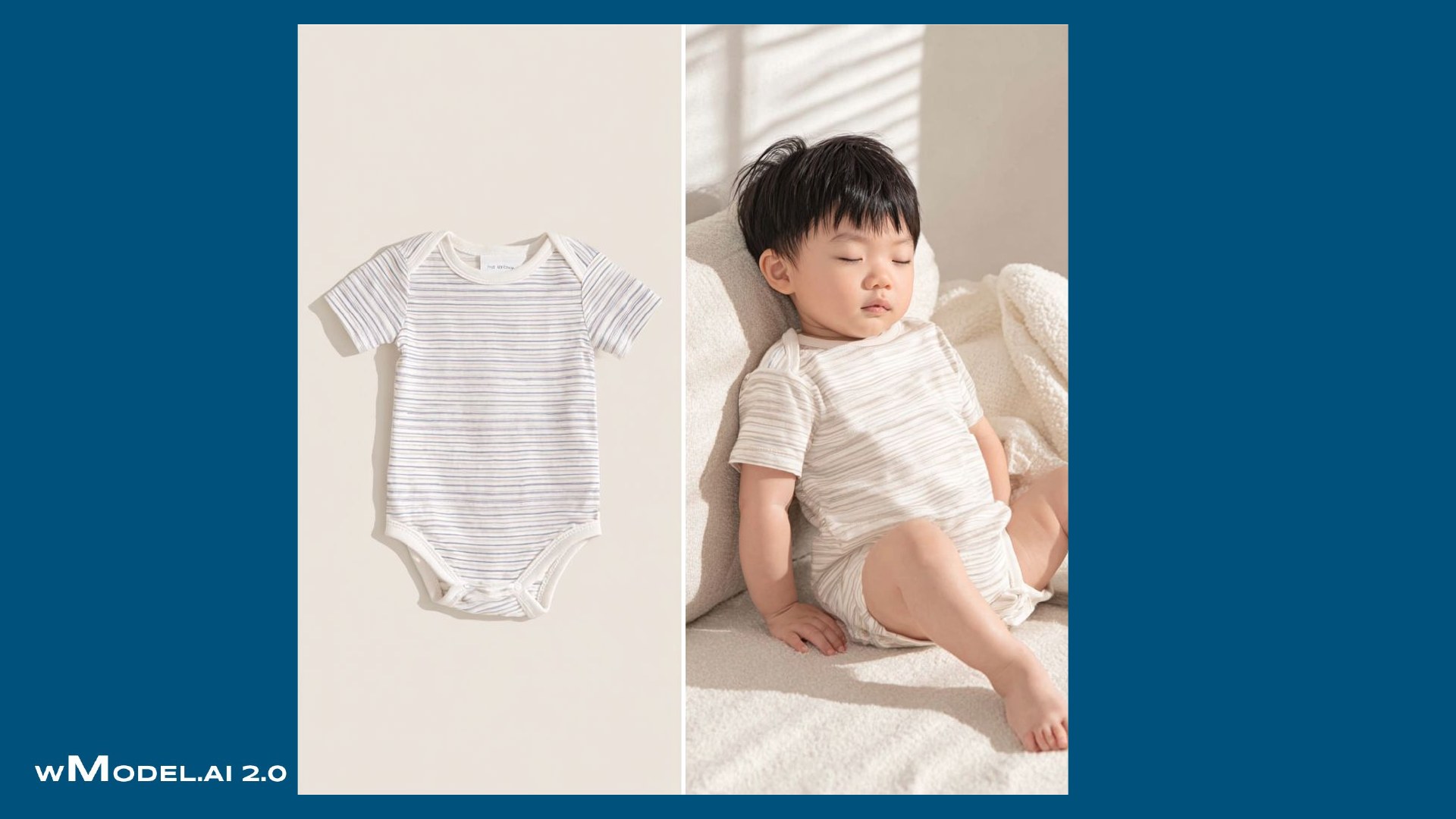
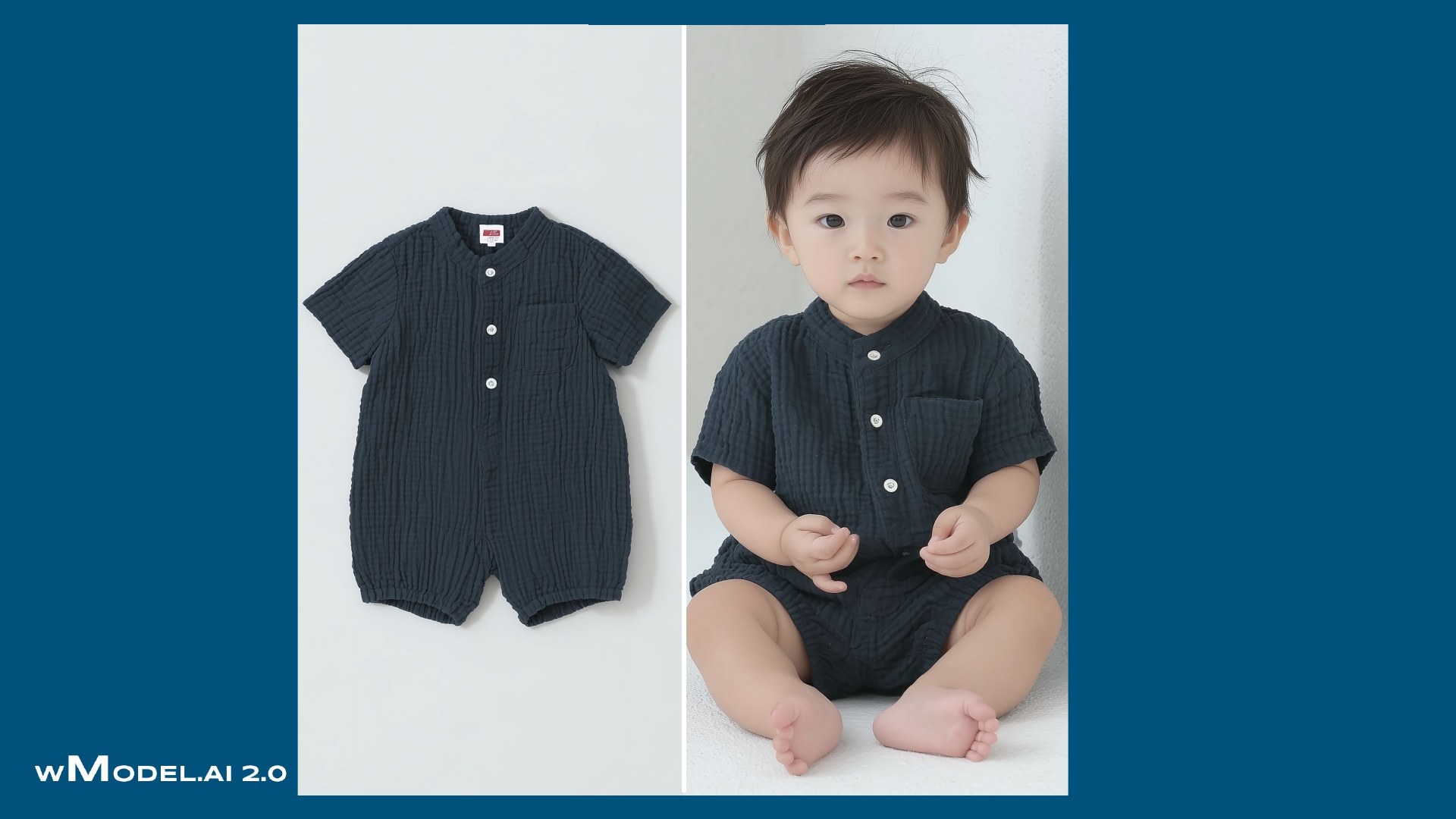
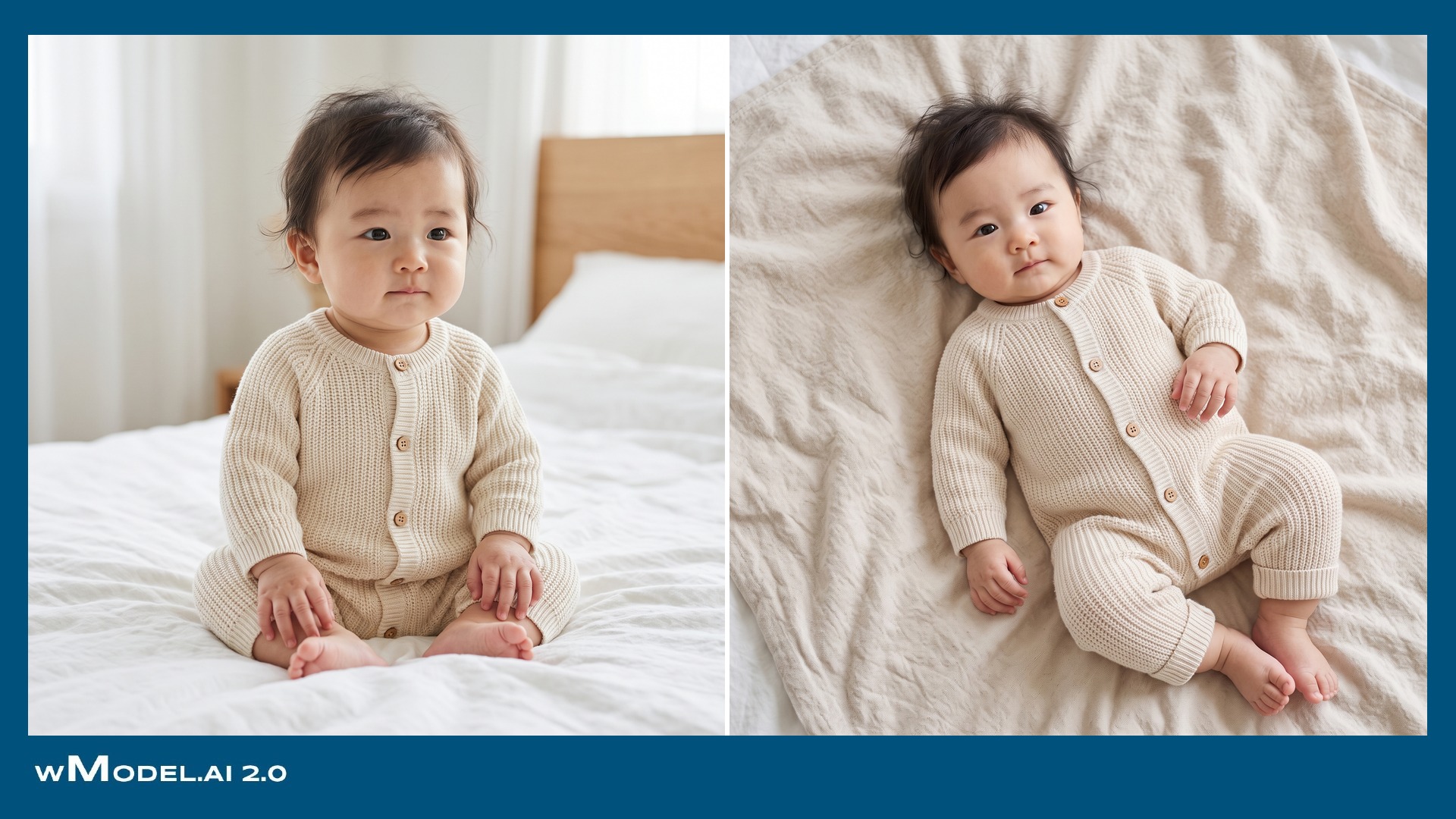
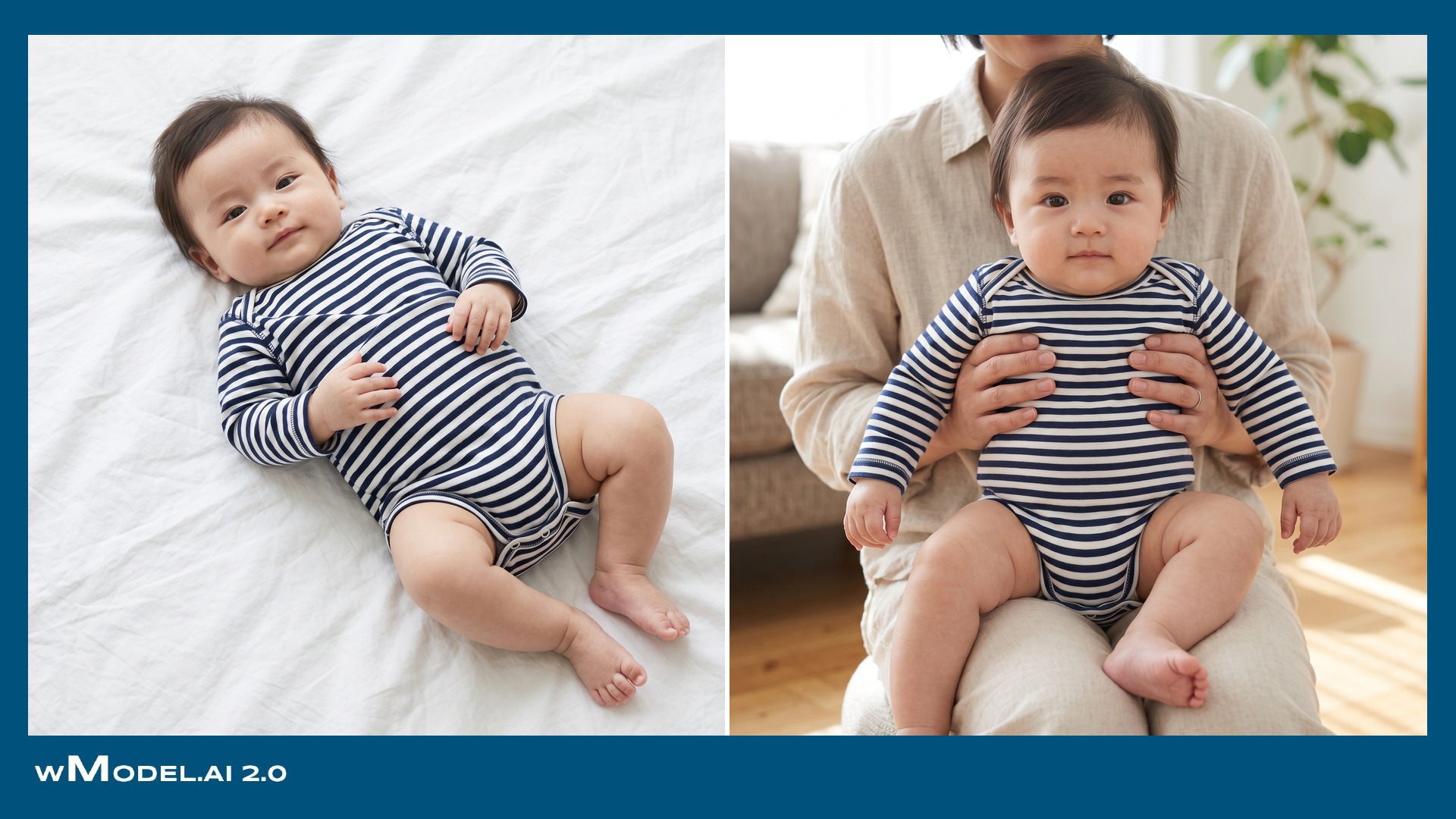
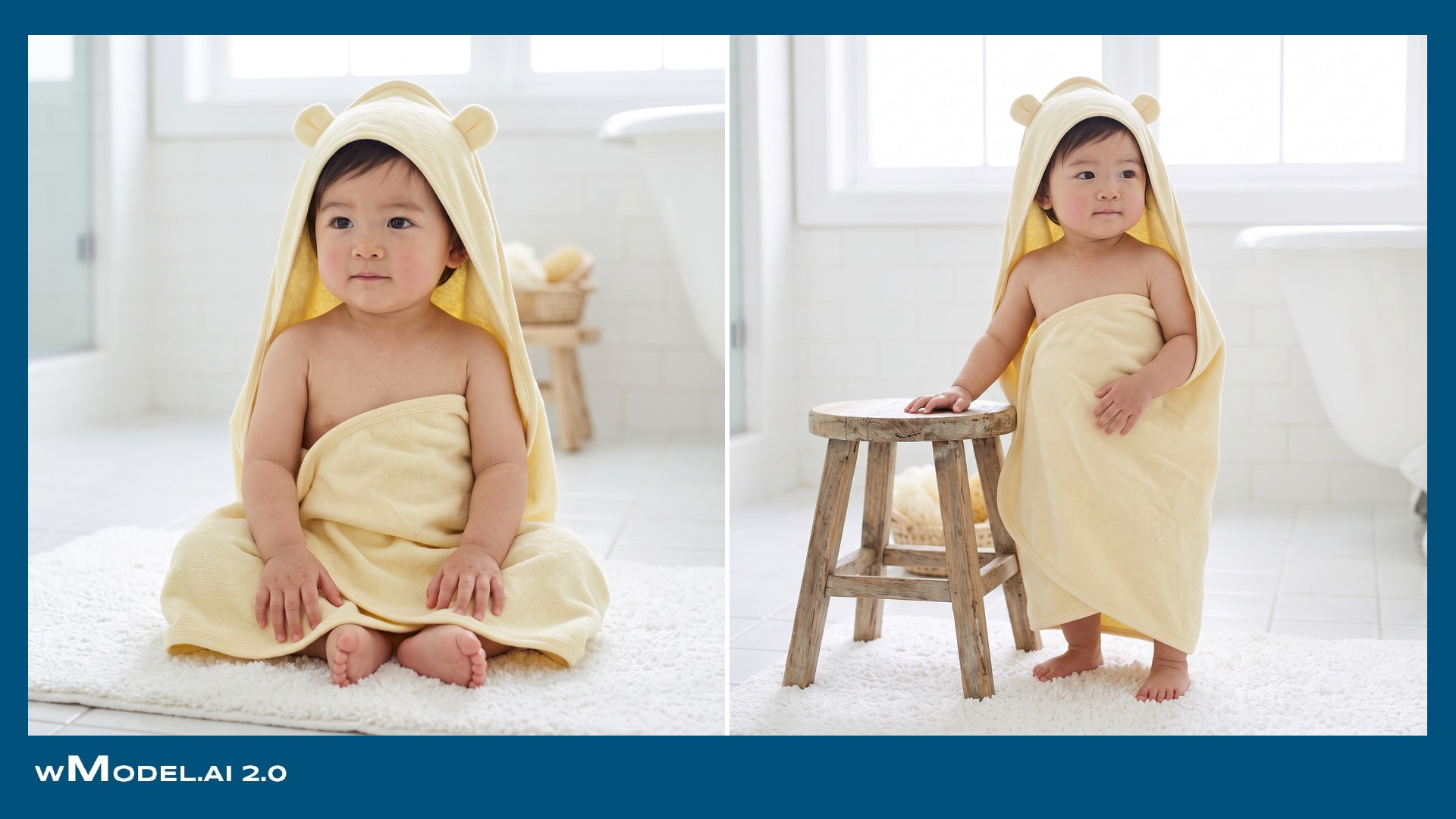
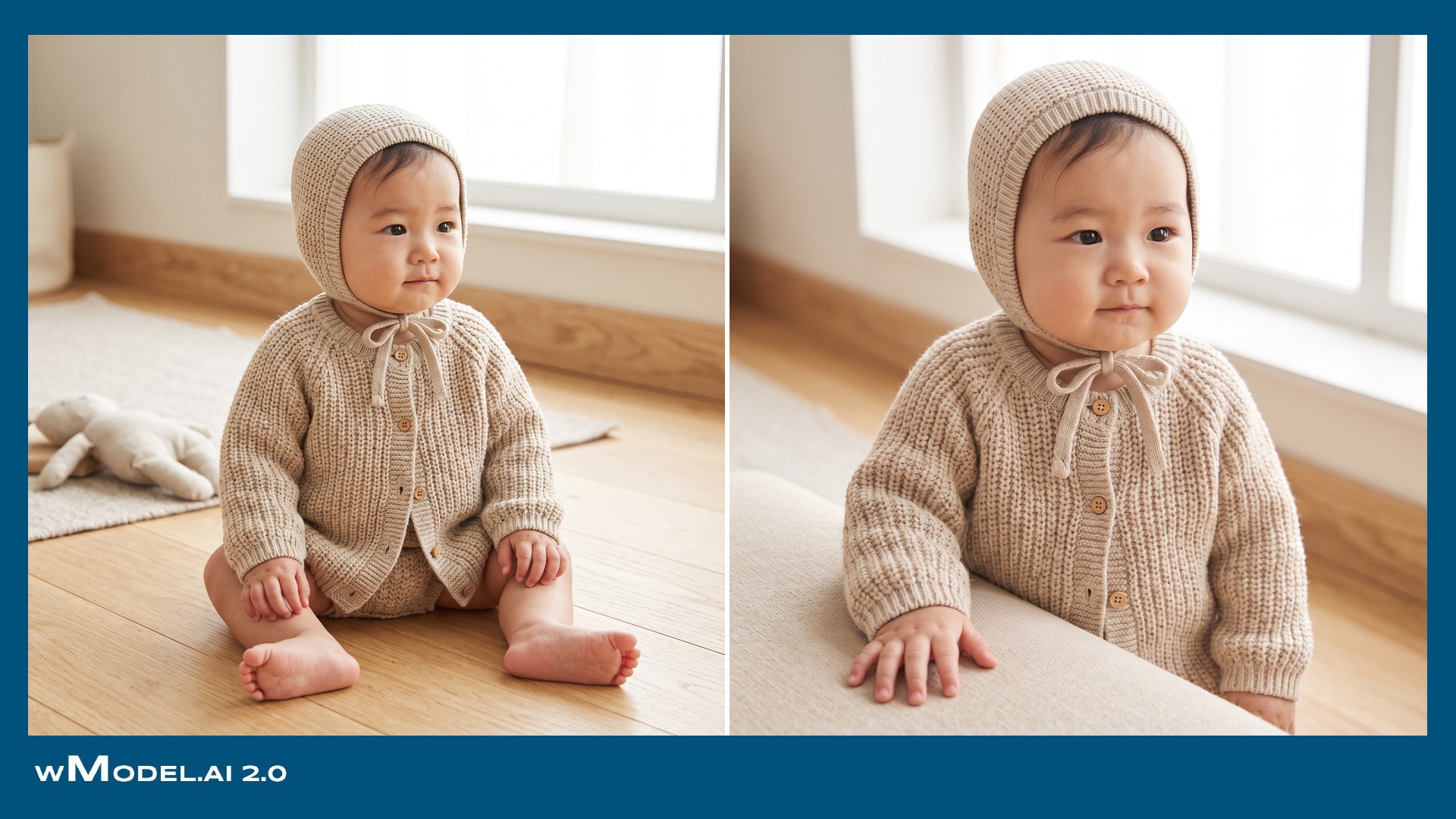
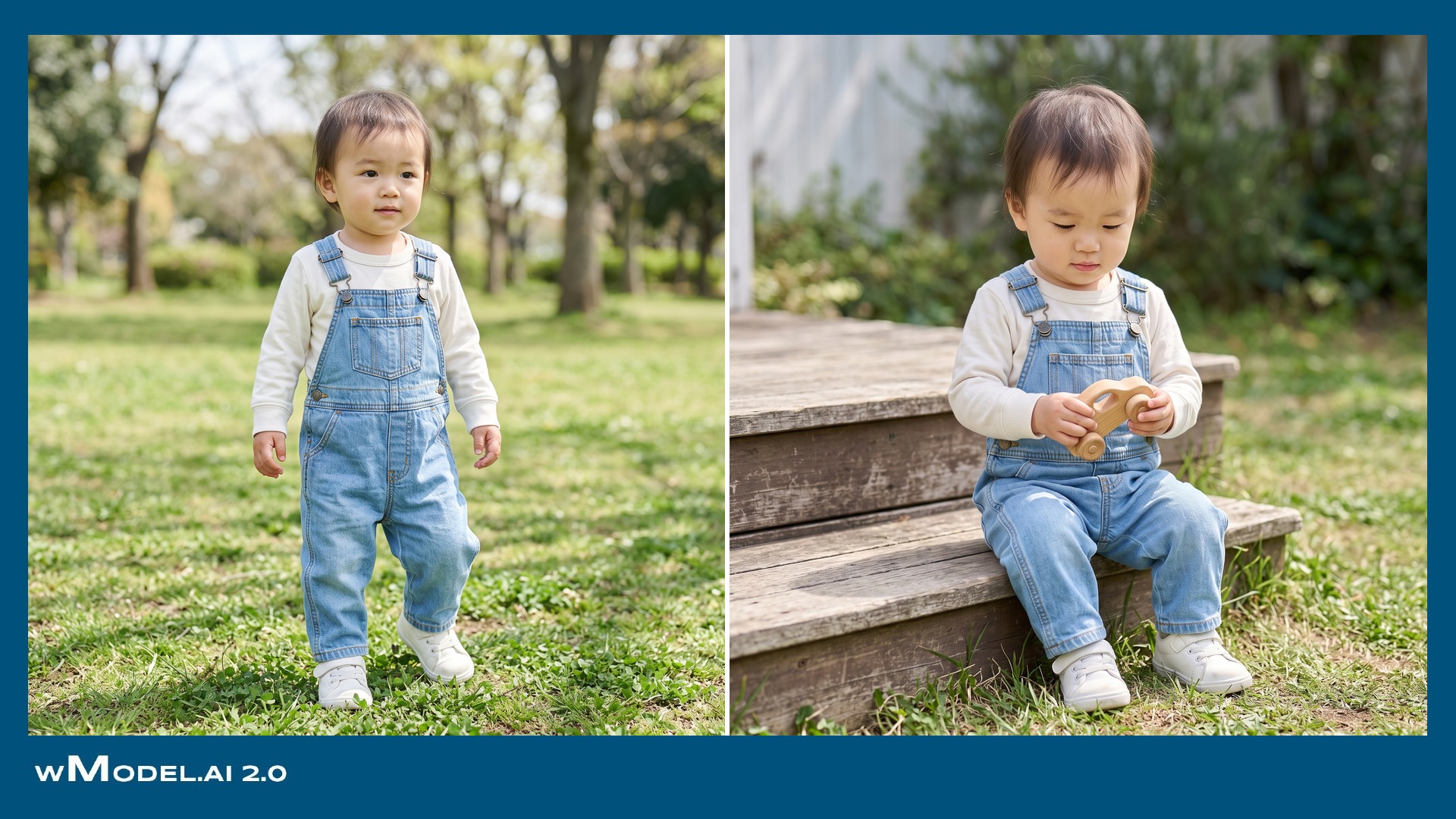
No need to cast baby models or plan a shoot: we can prepare AI model wearing photos from a single flat-lay product photo.
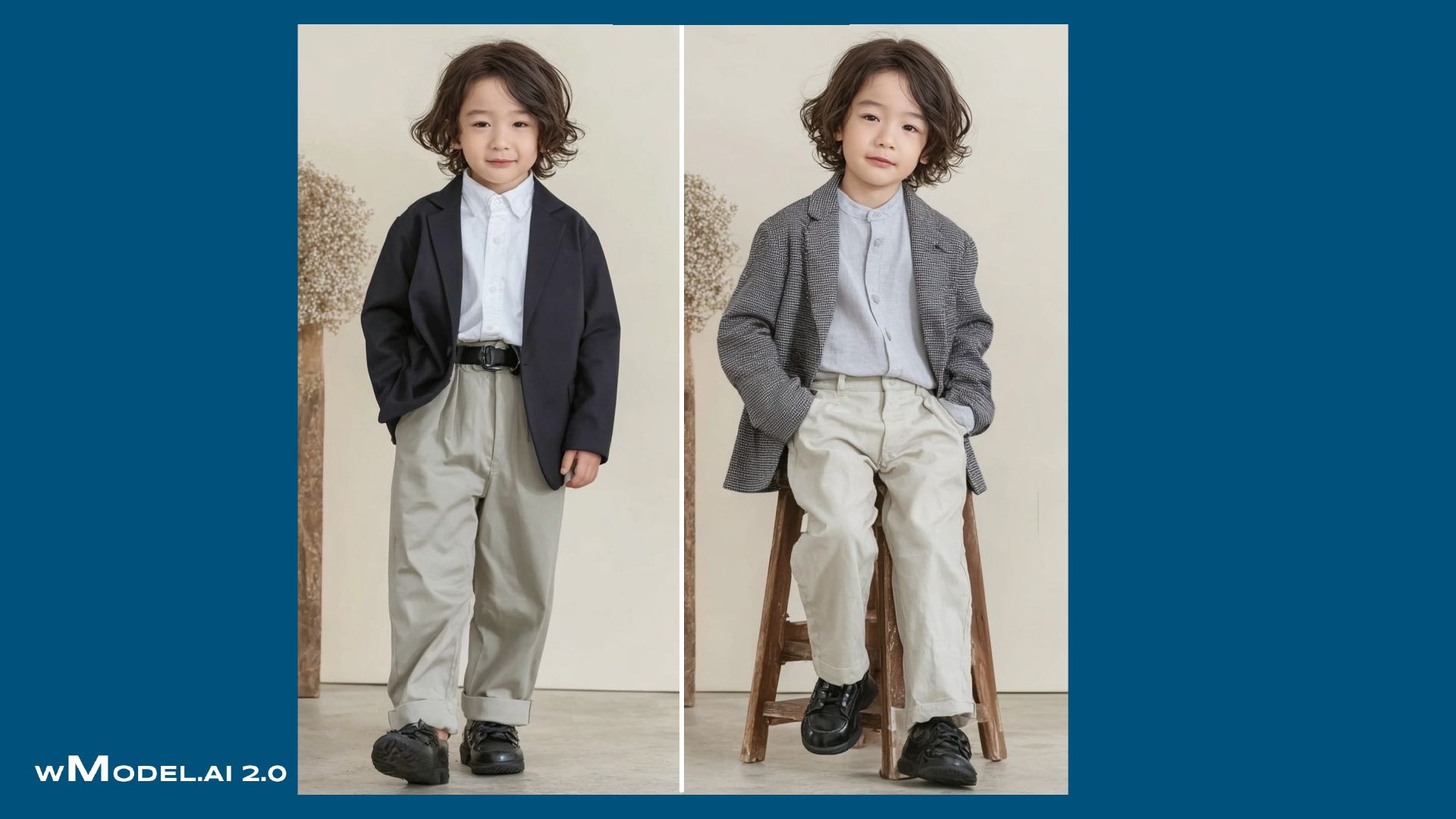
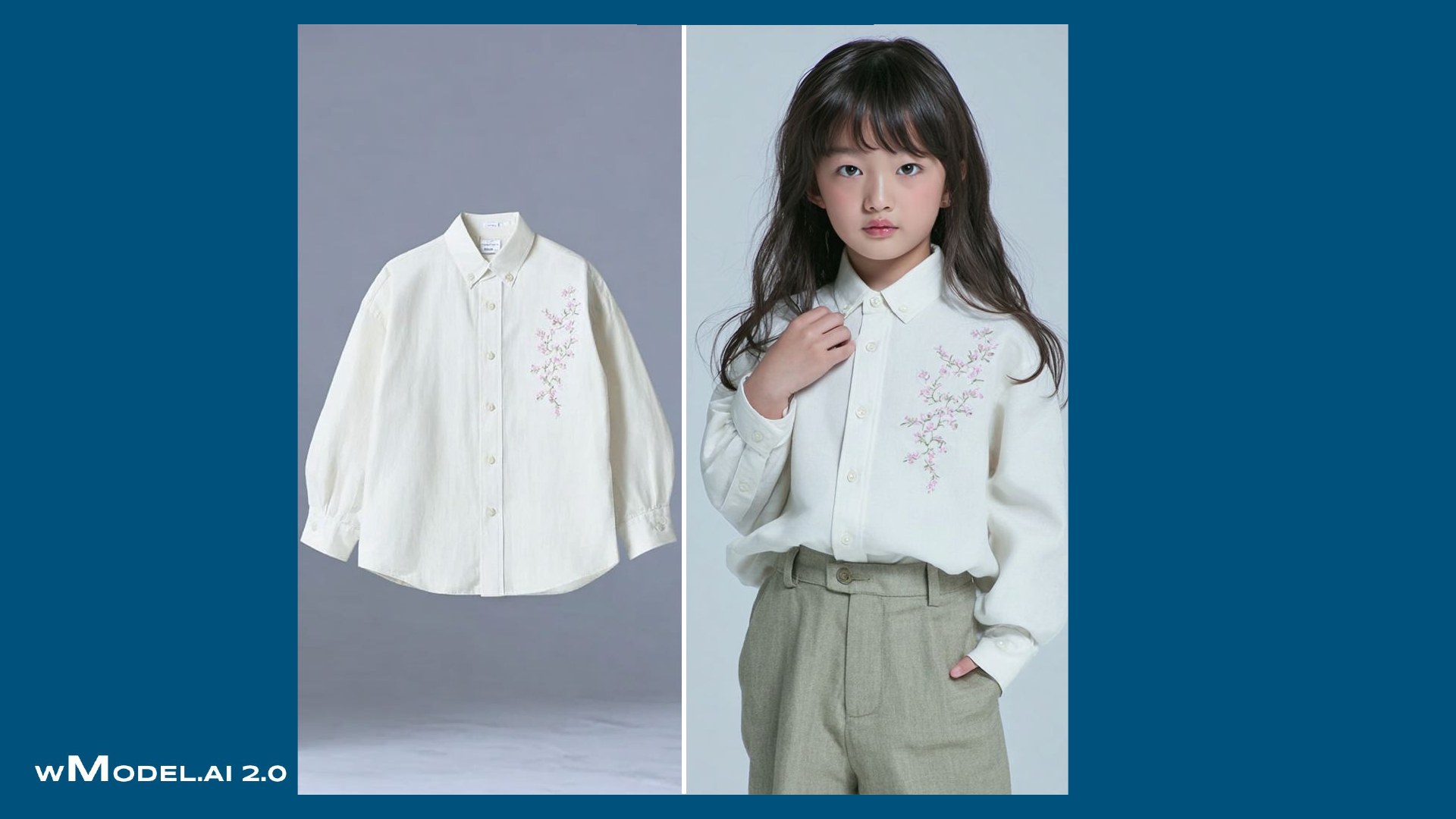
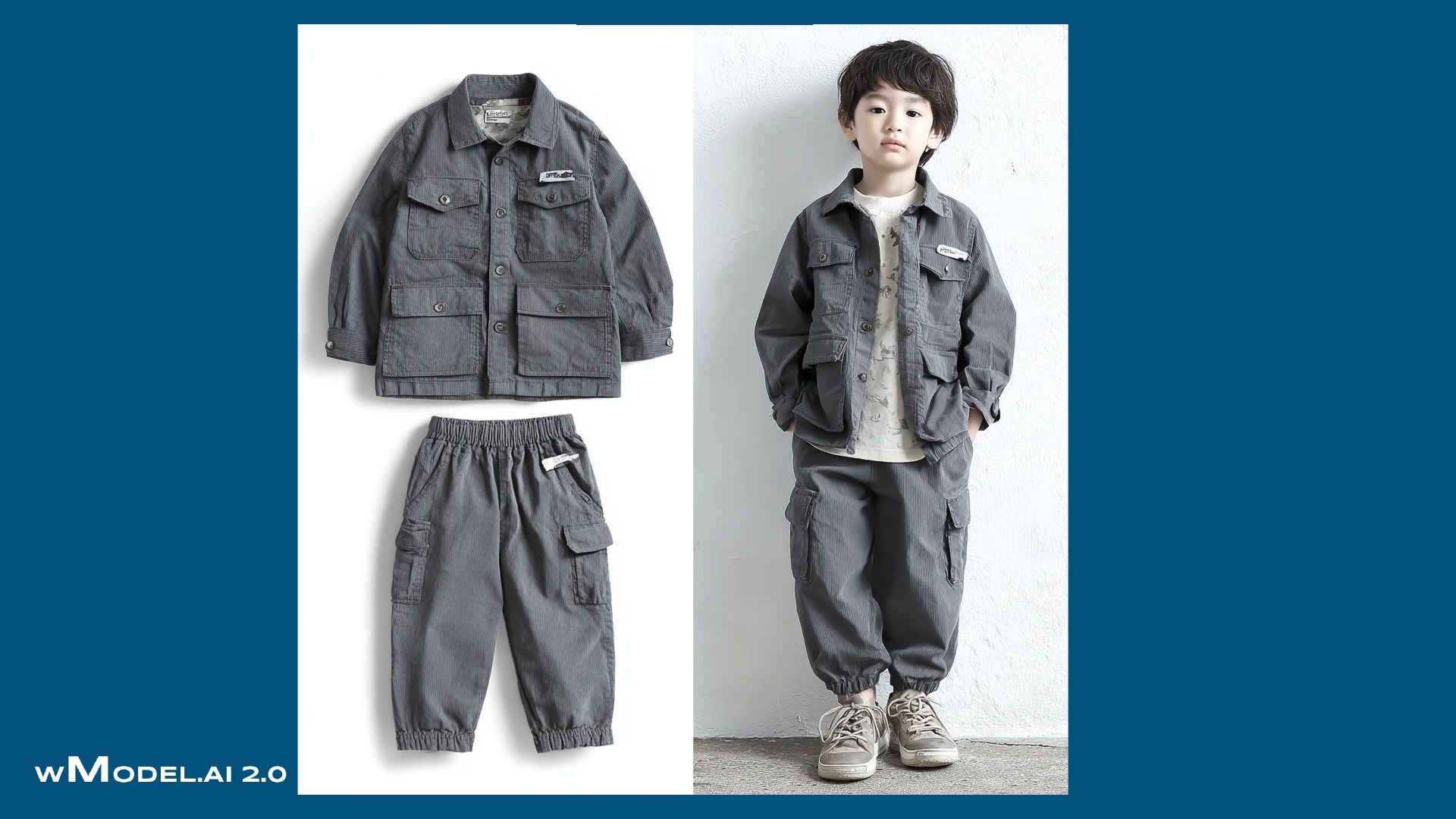
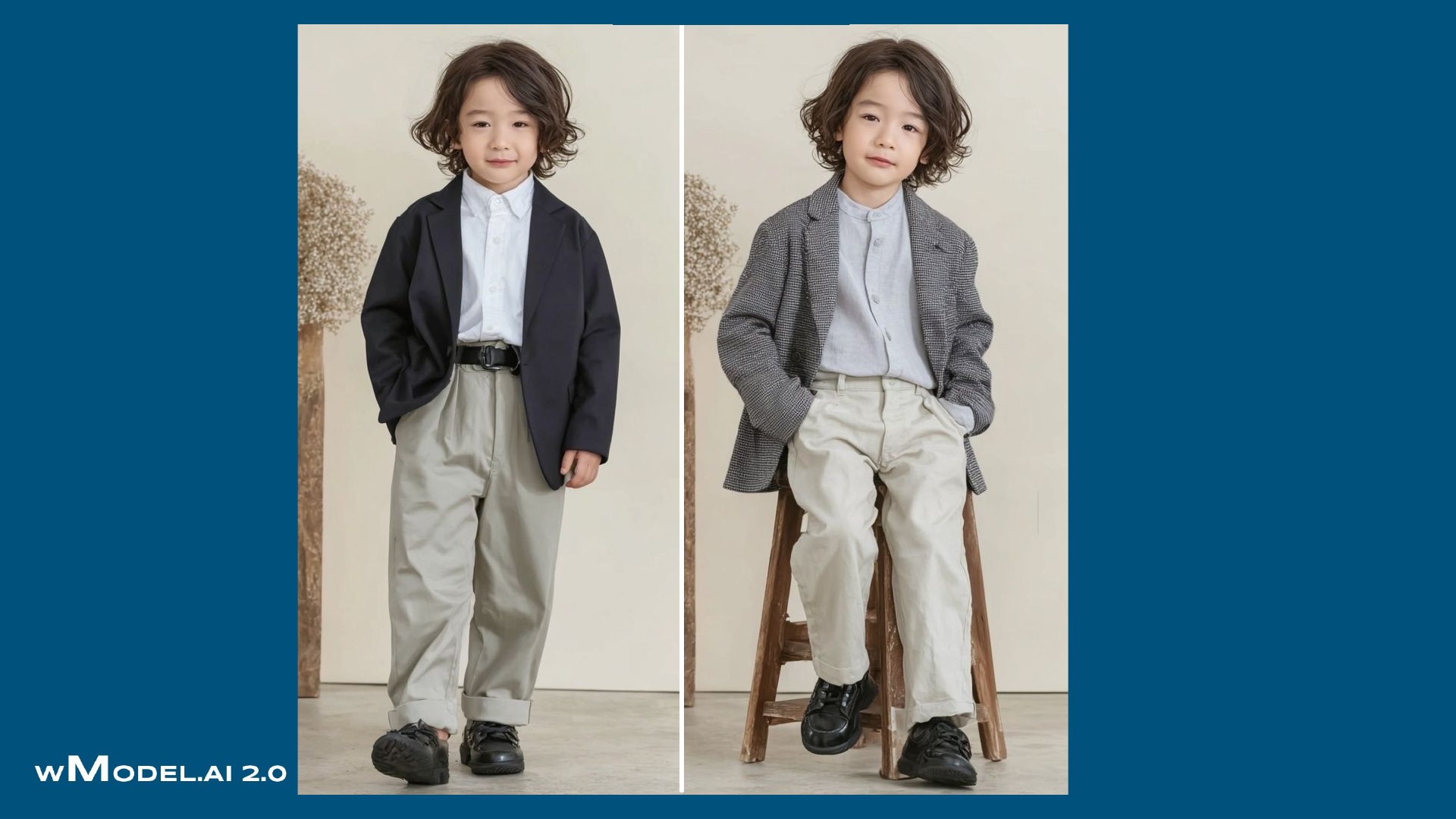
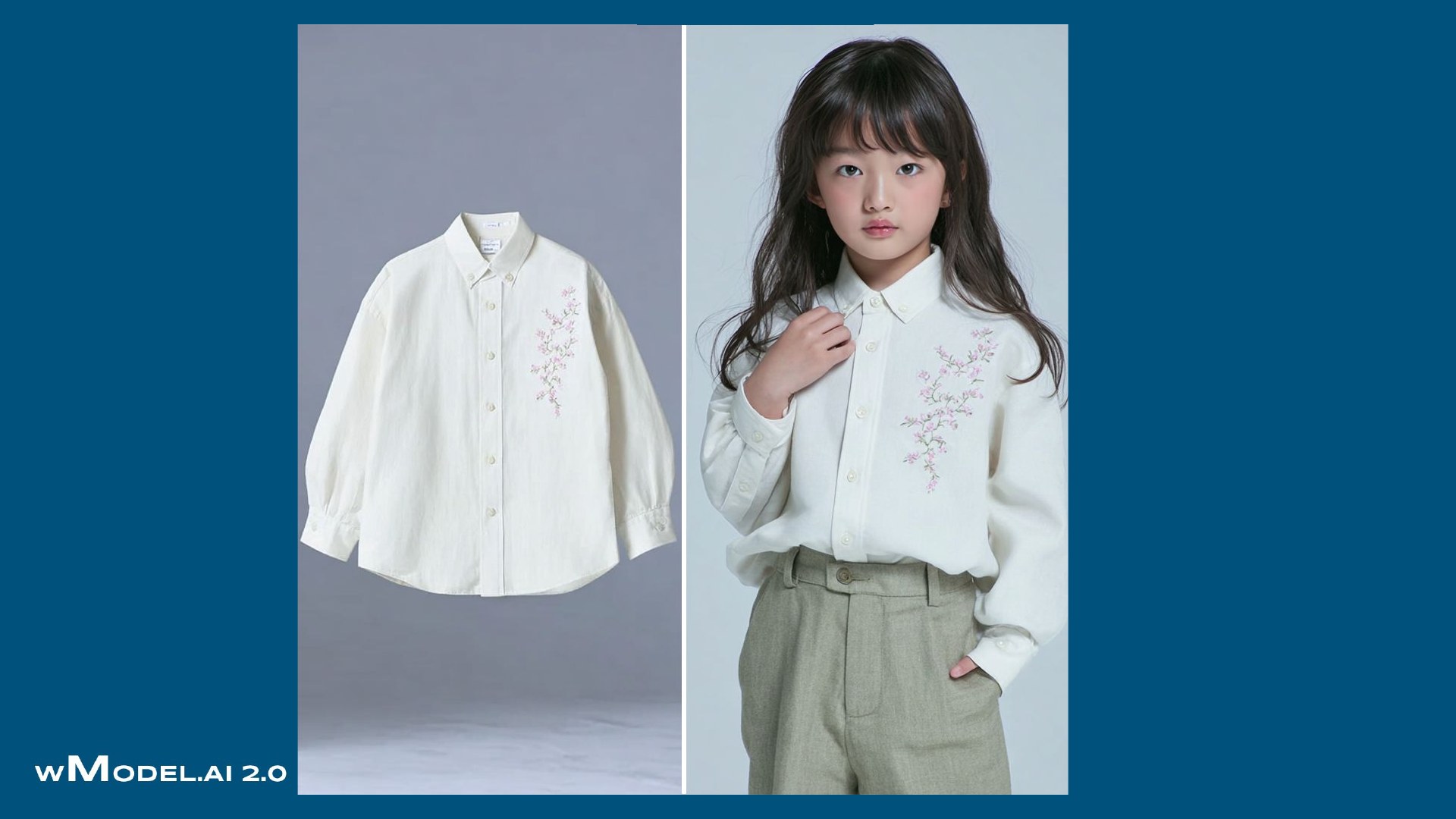
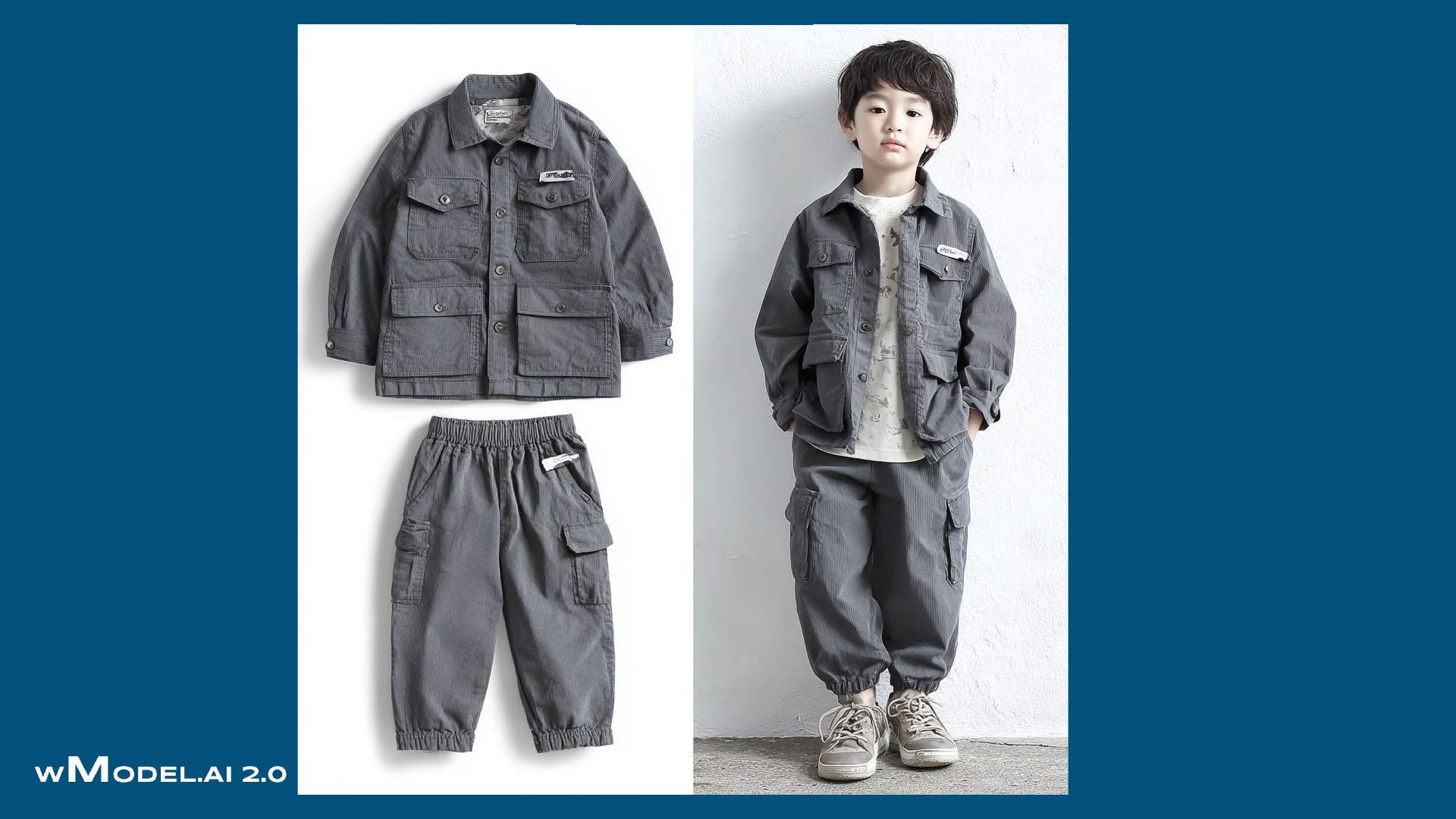
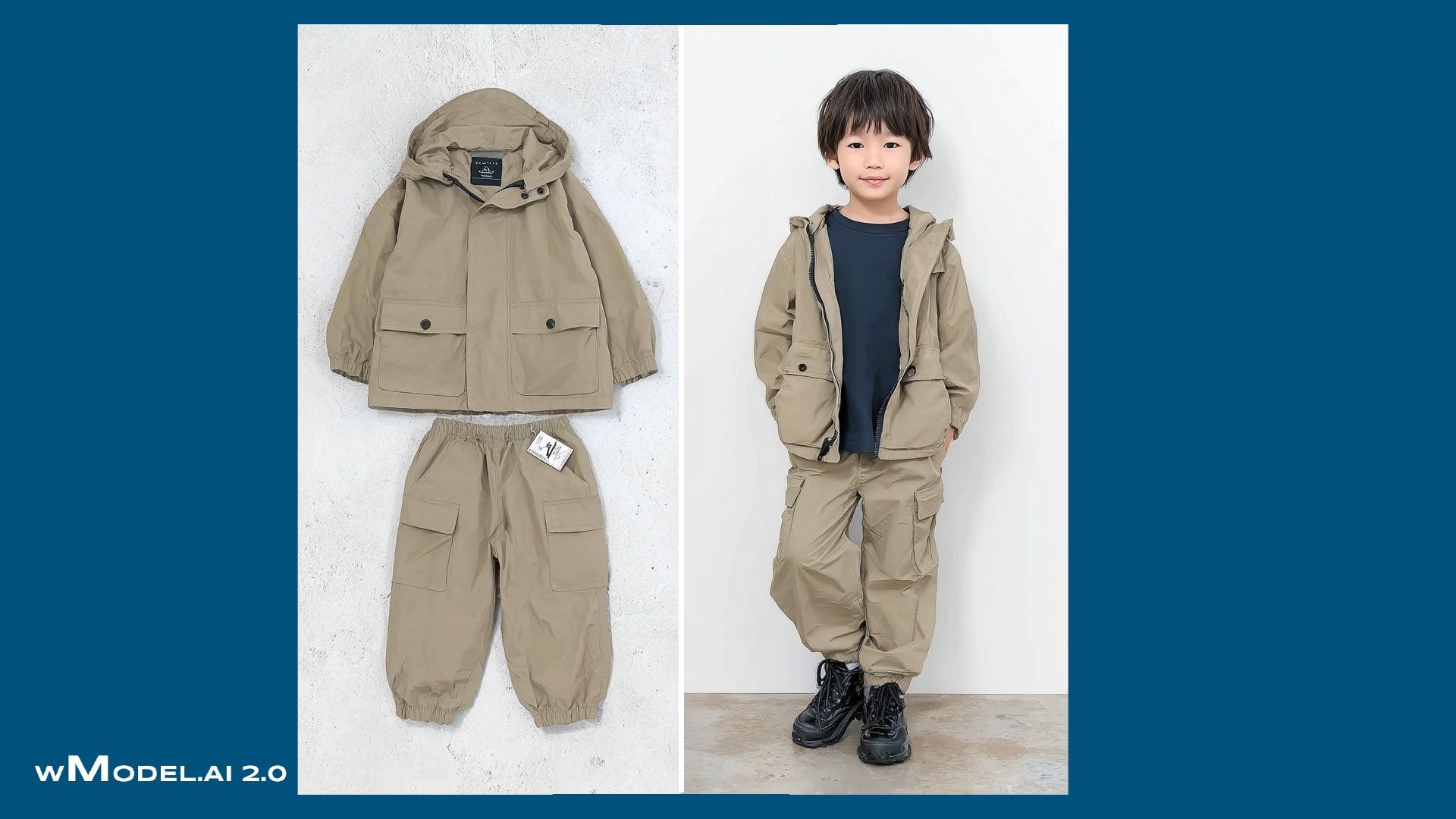
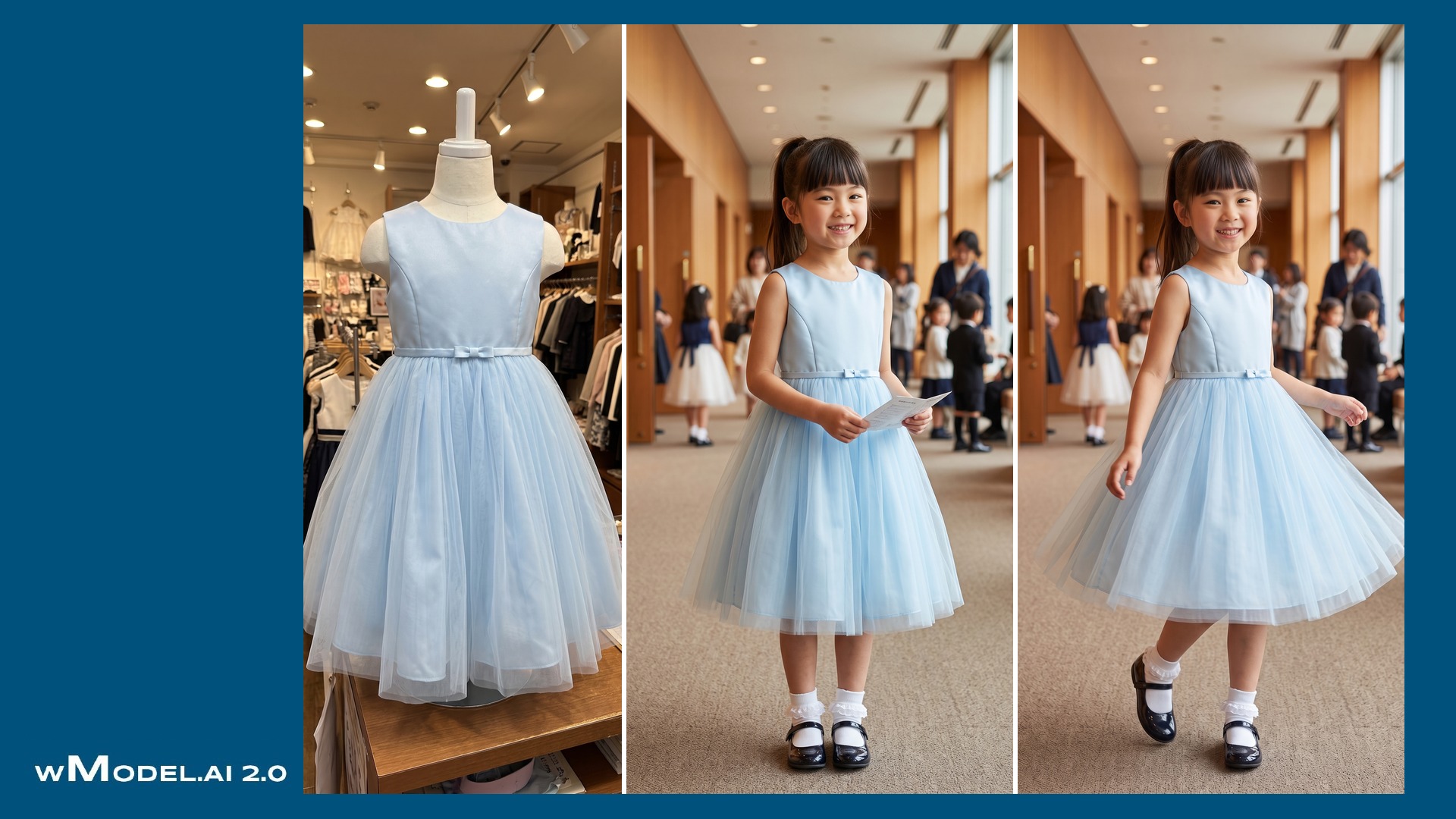
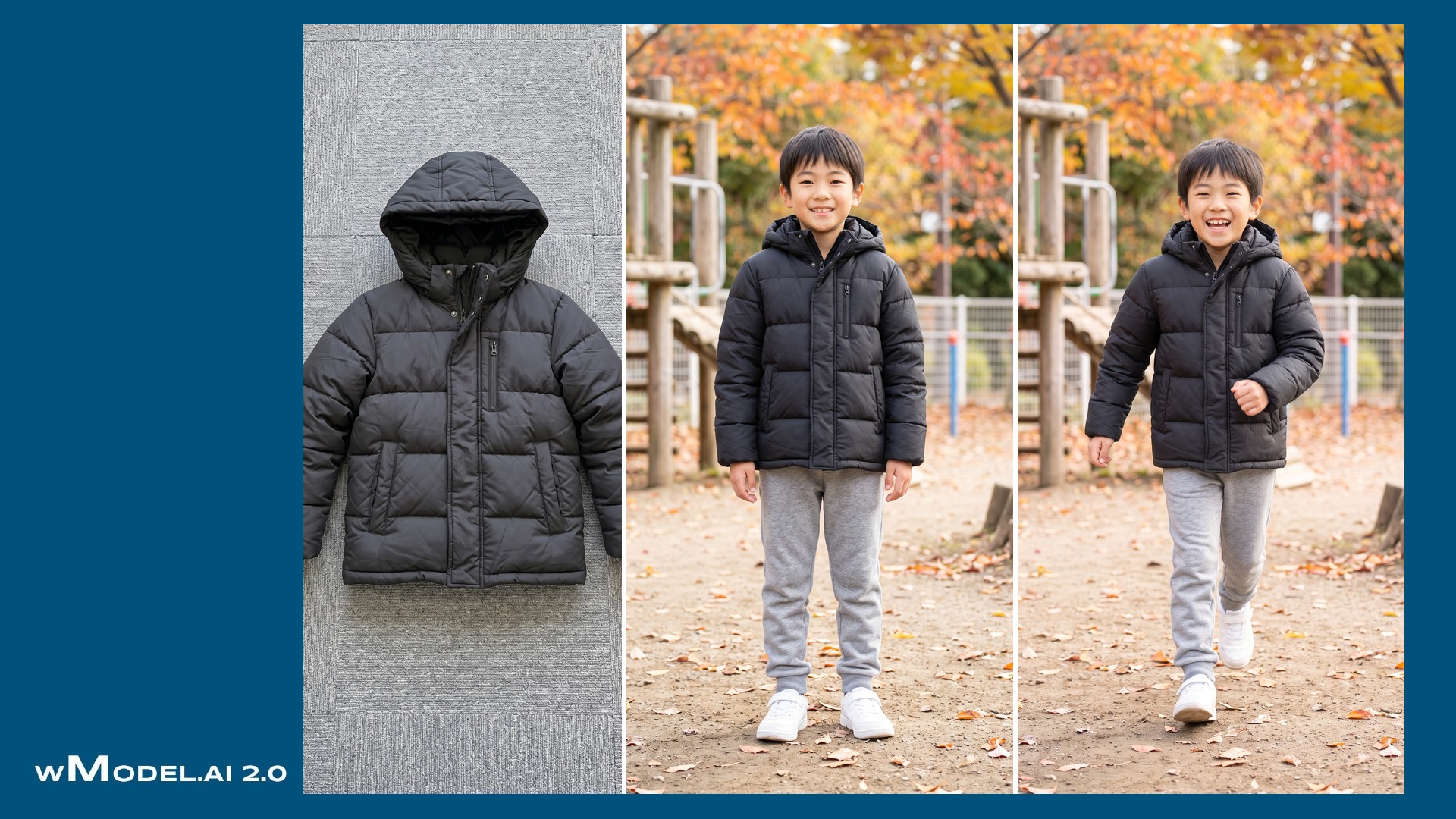
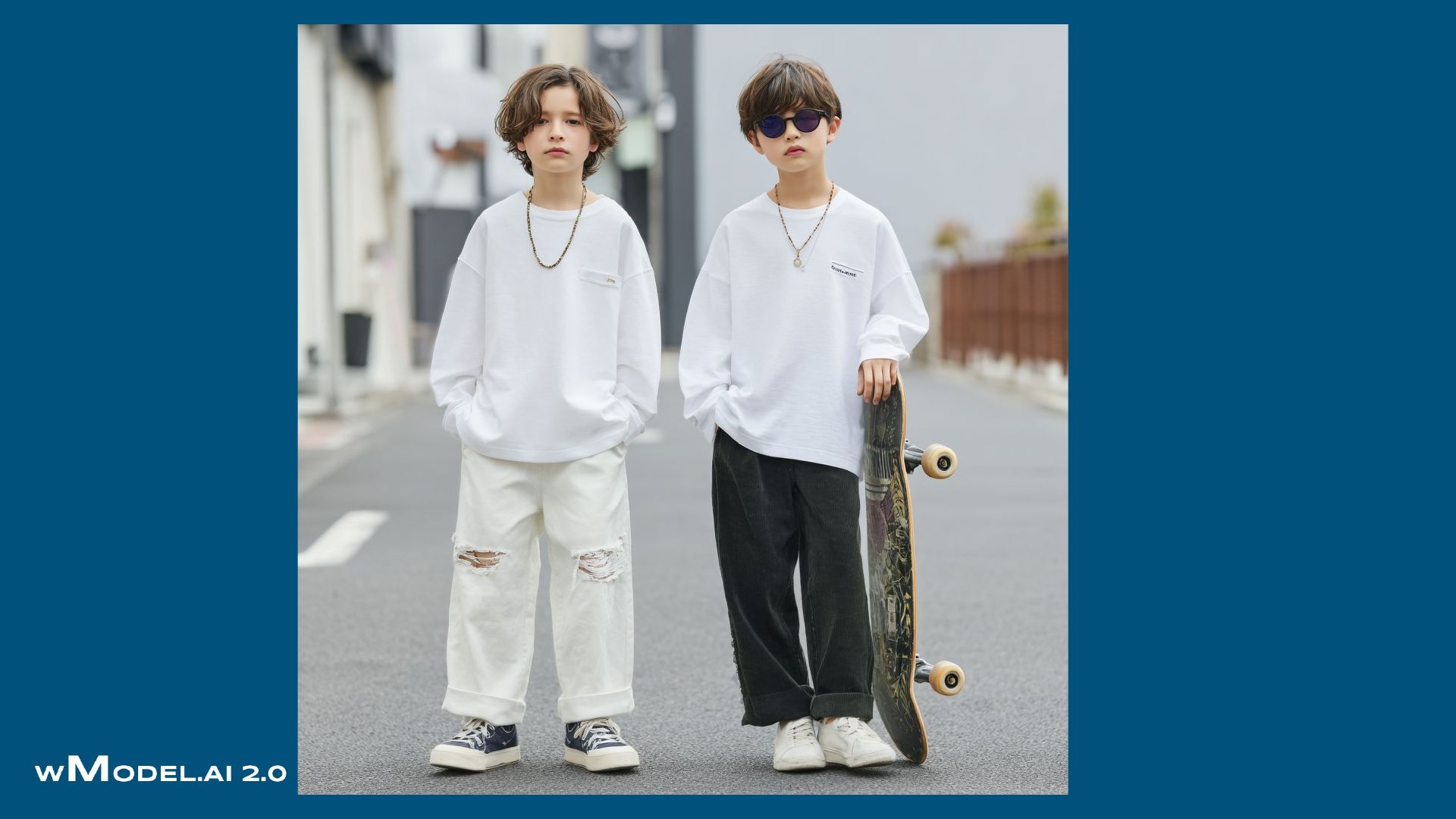
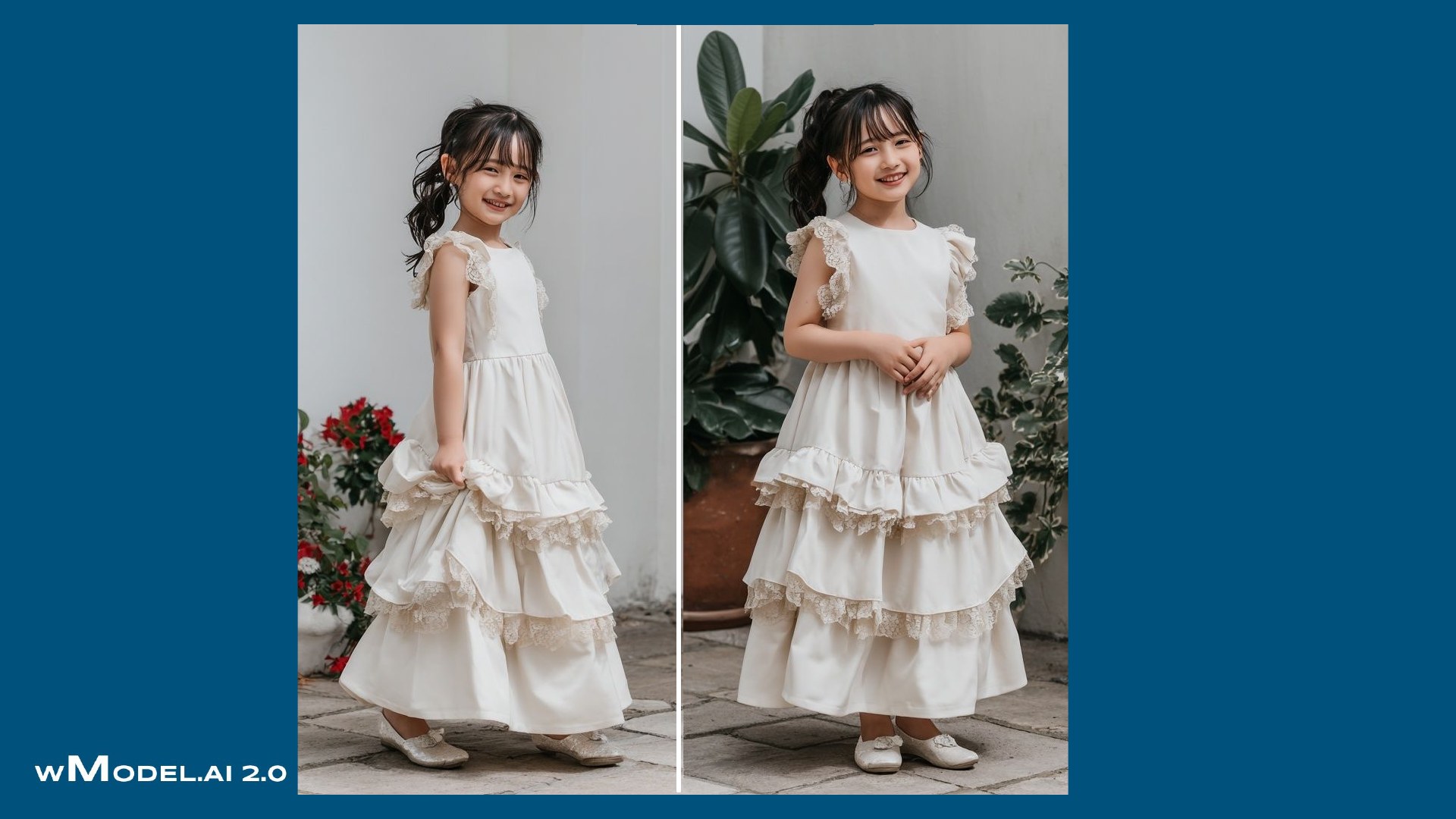
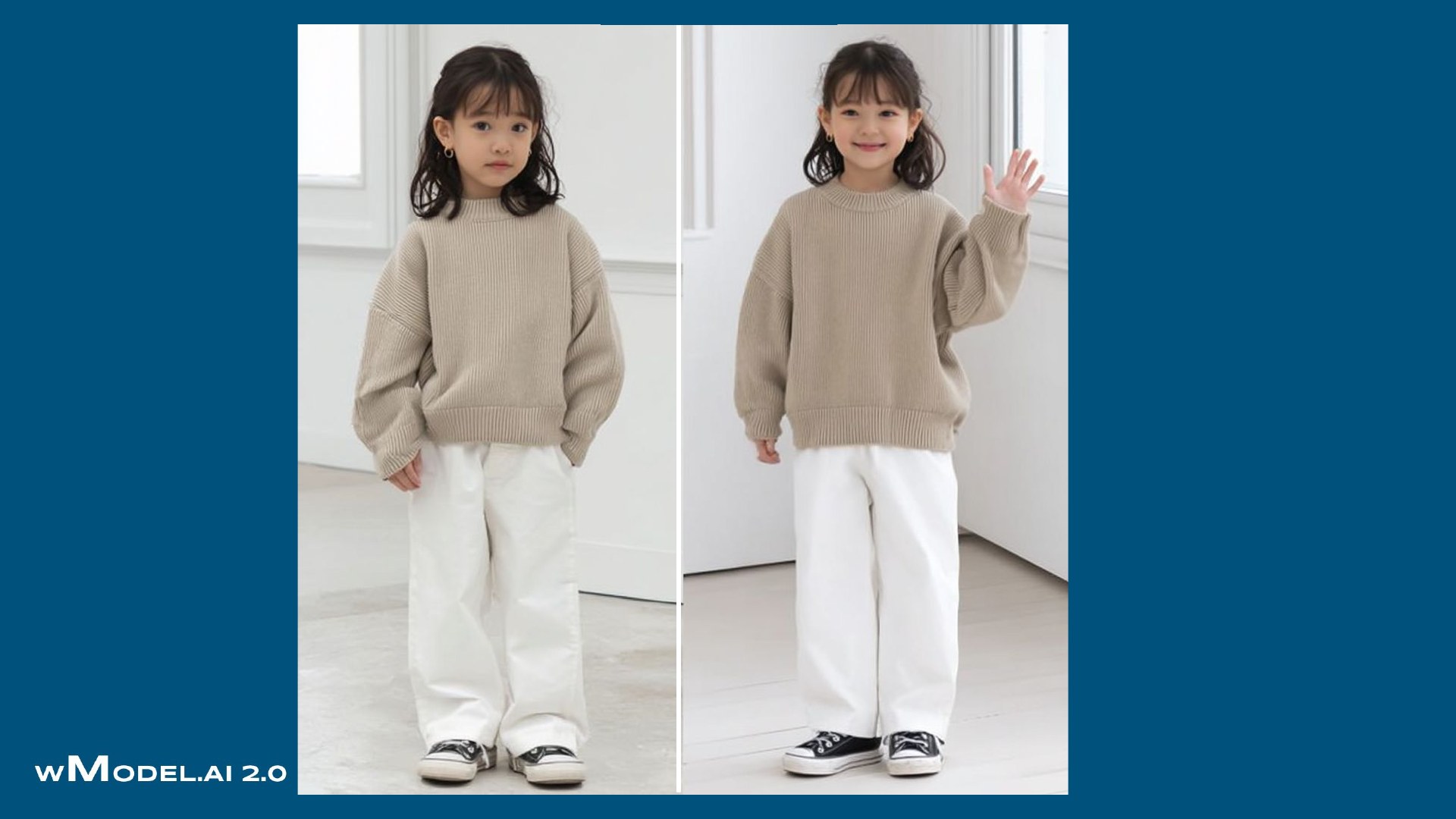
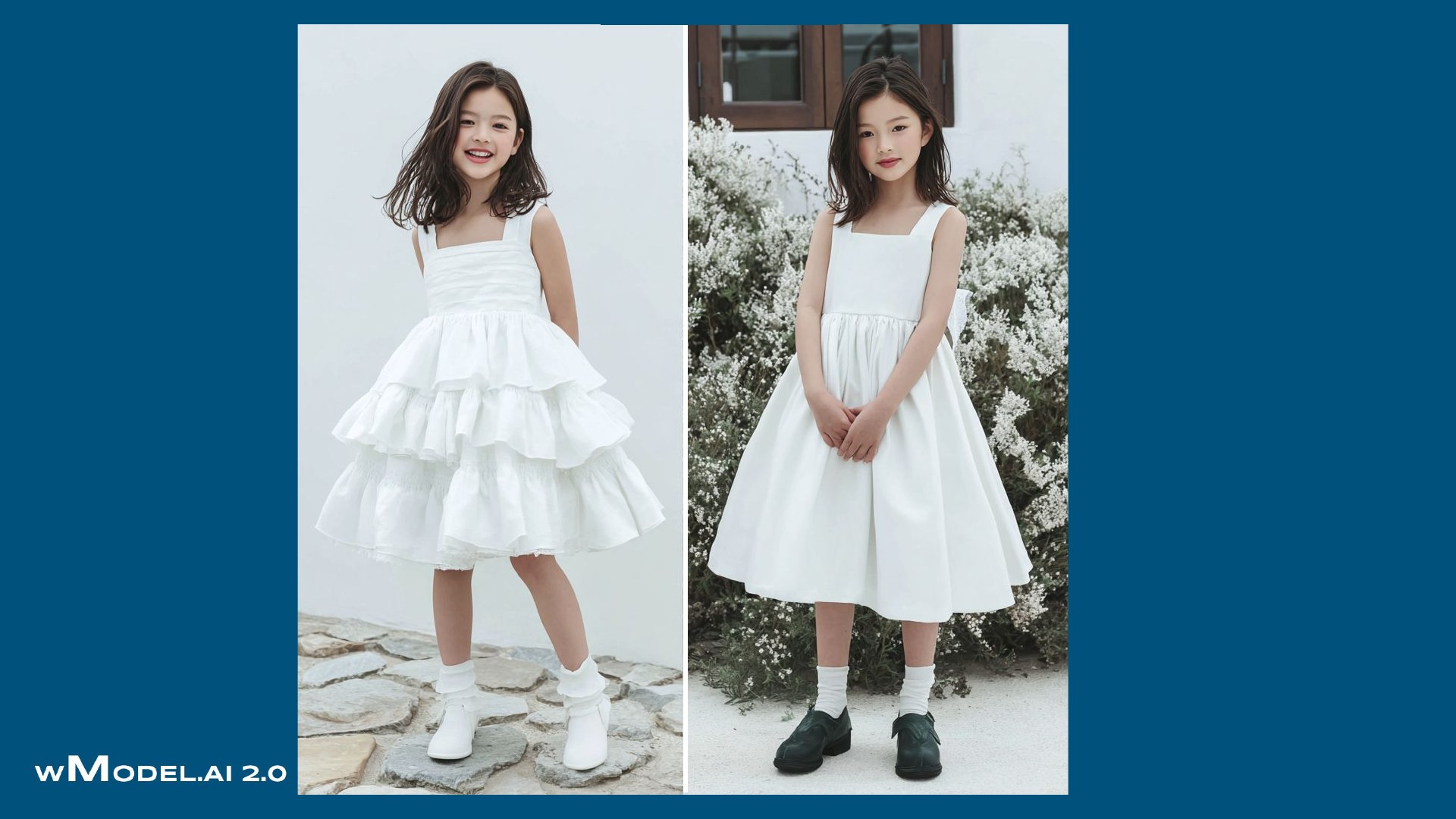
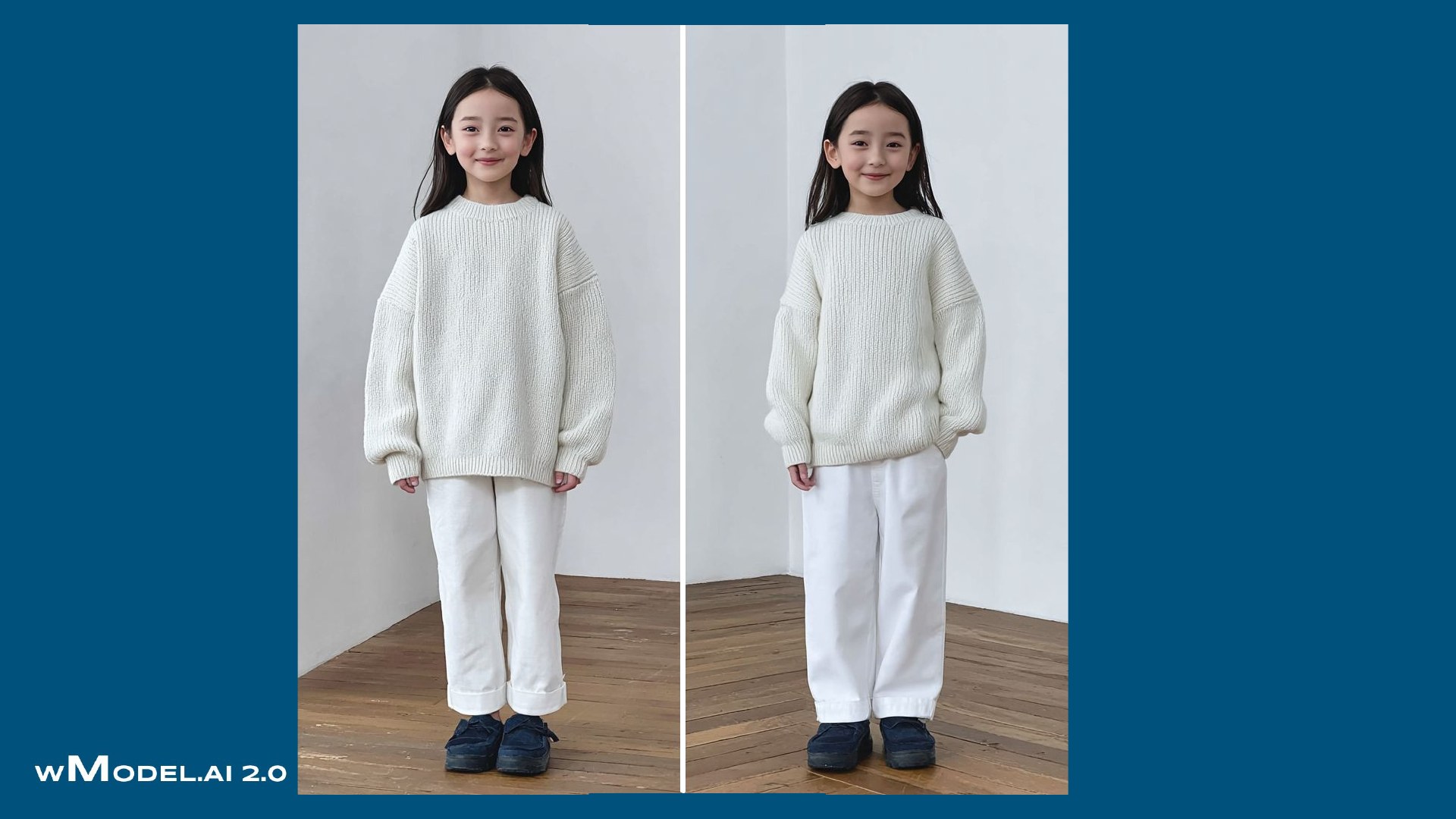
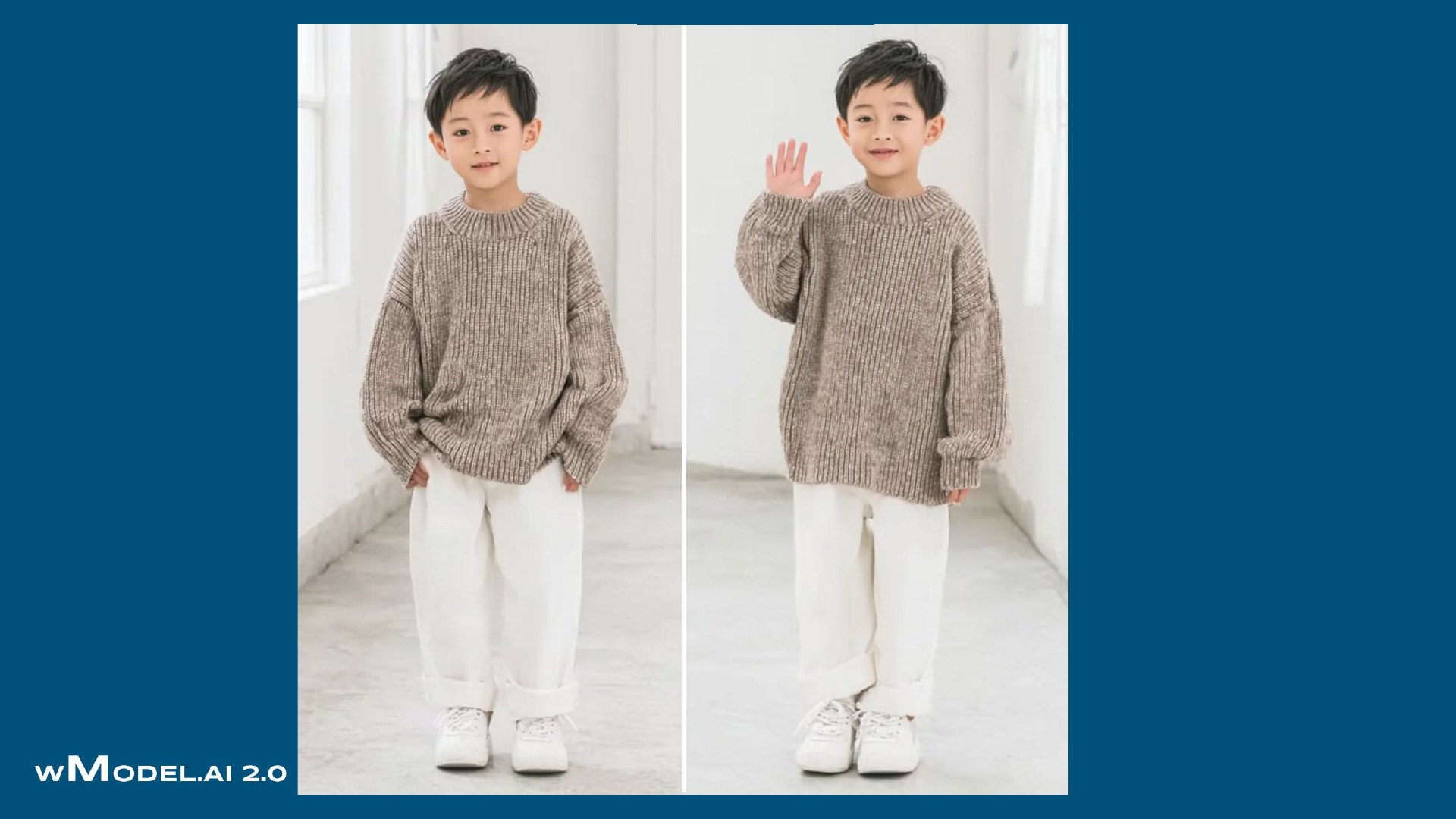
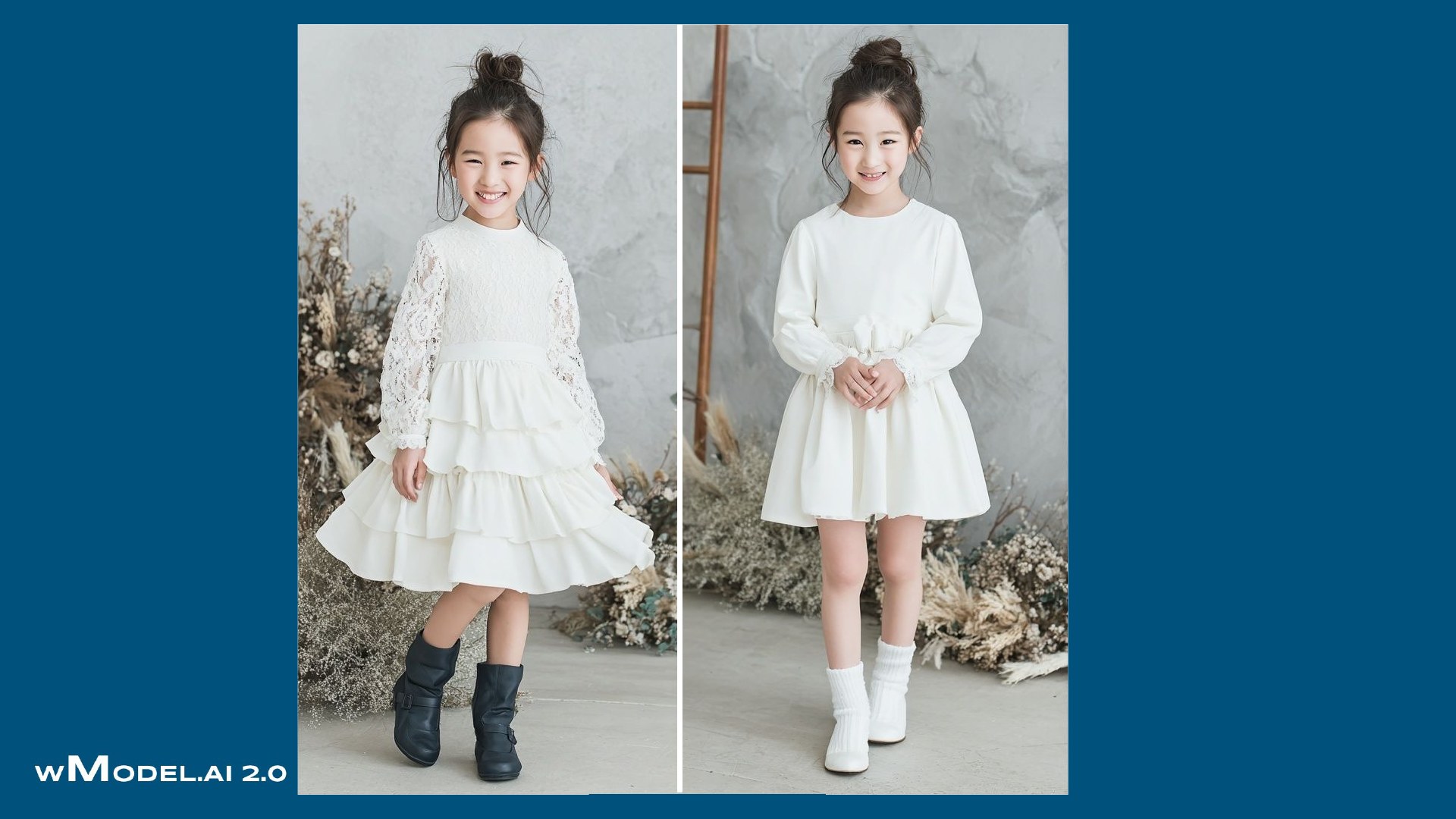
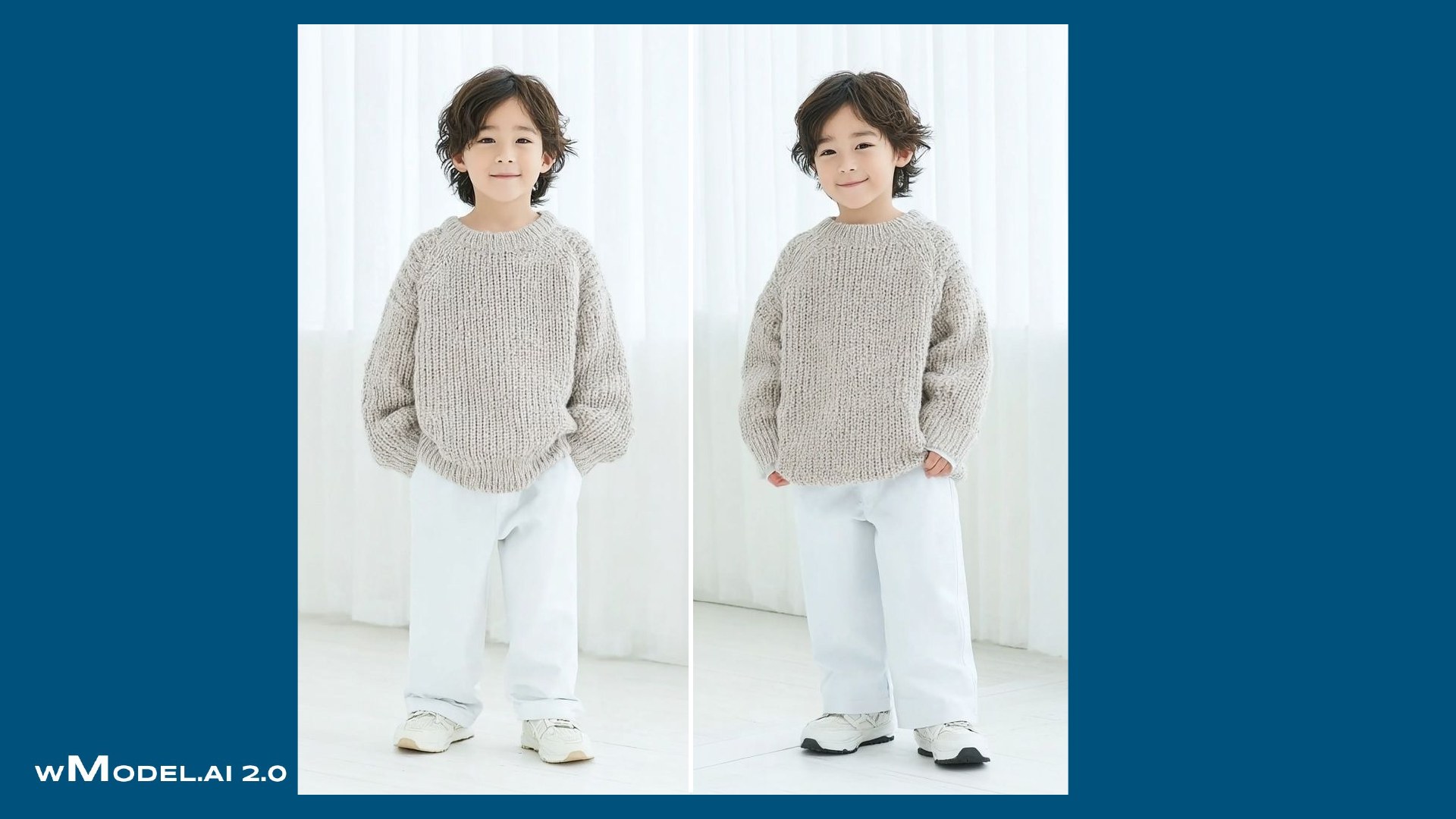
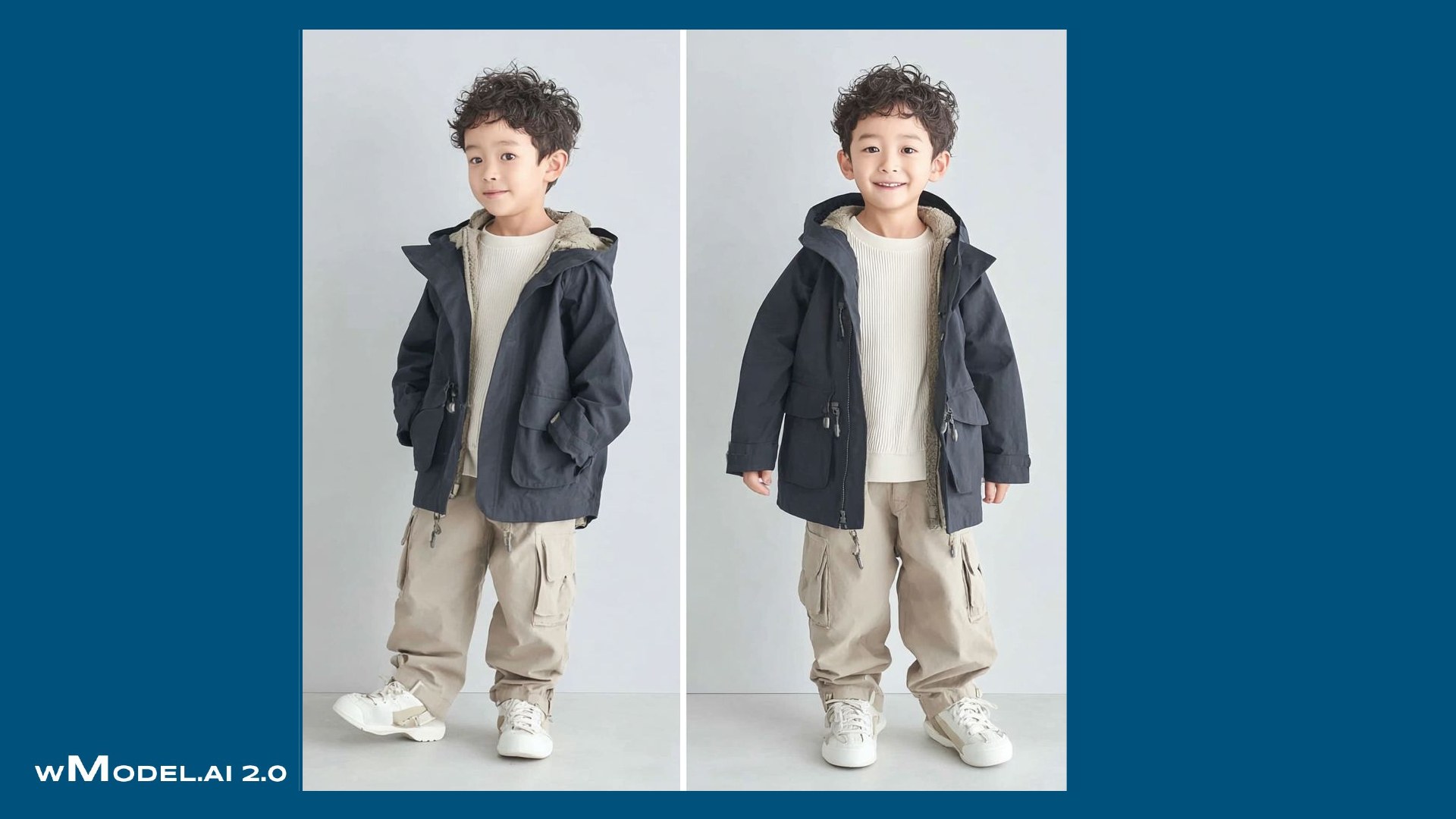
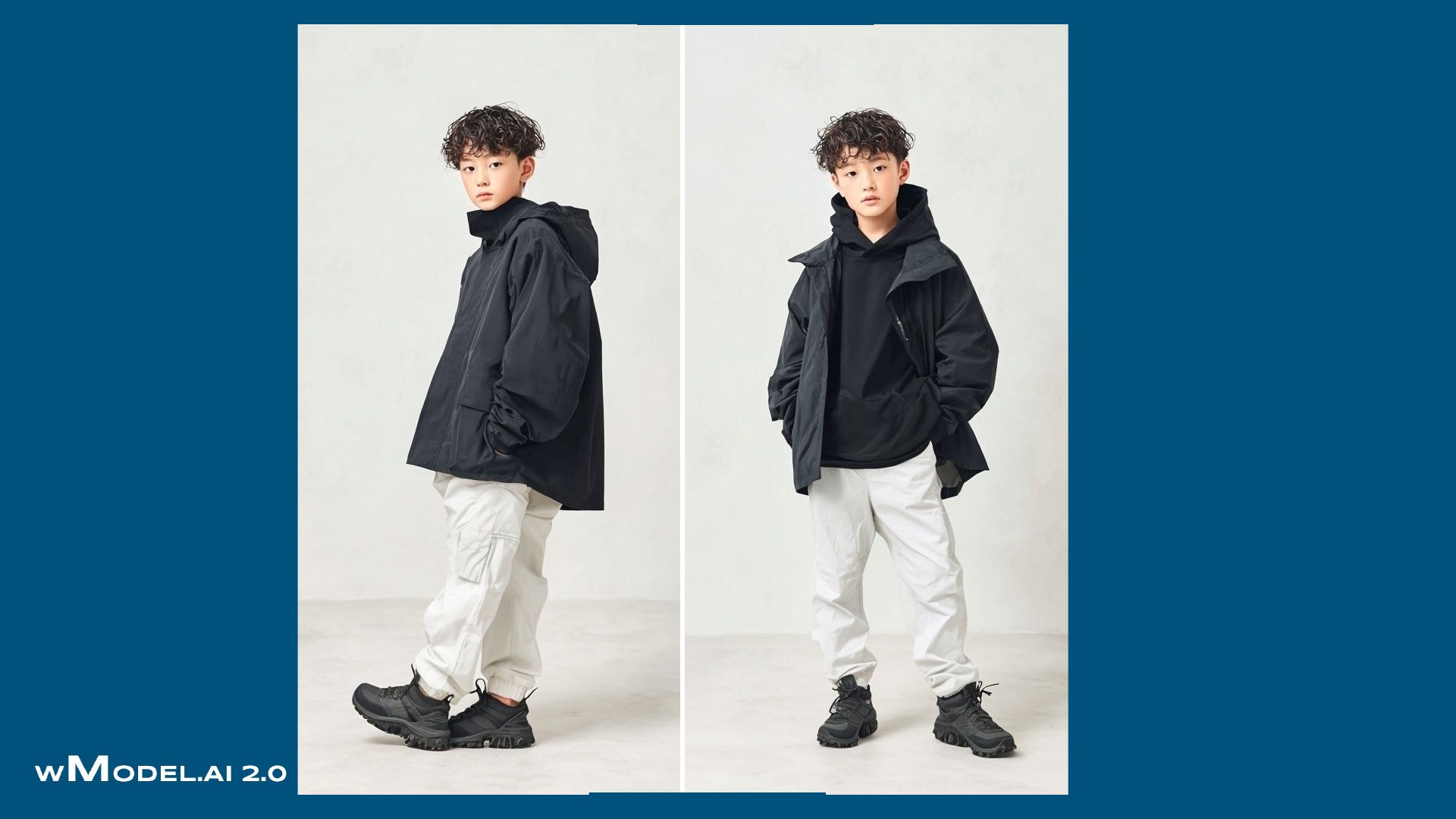
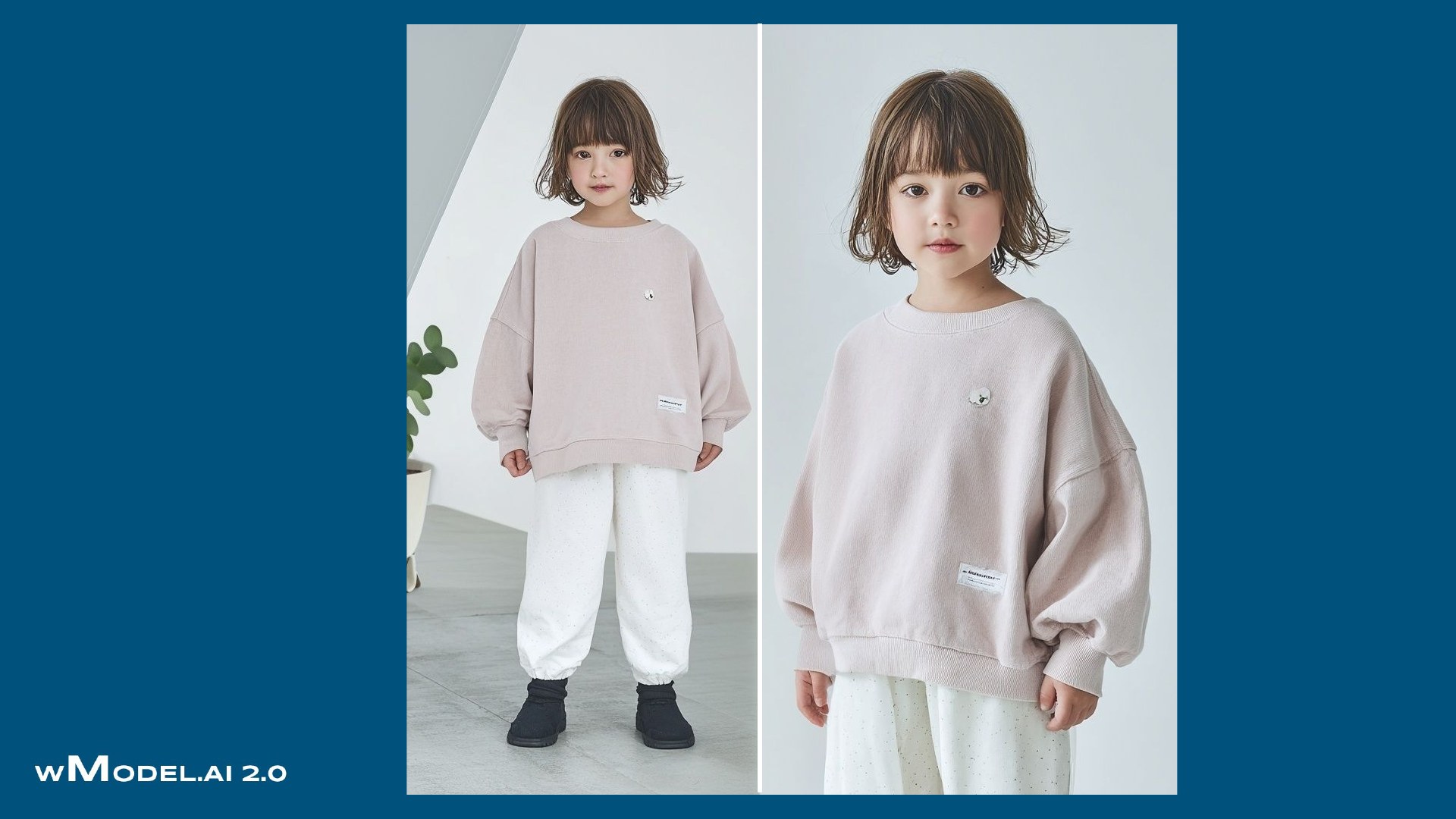
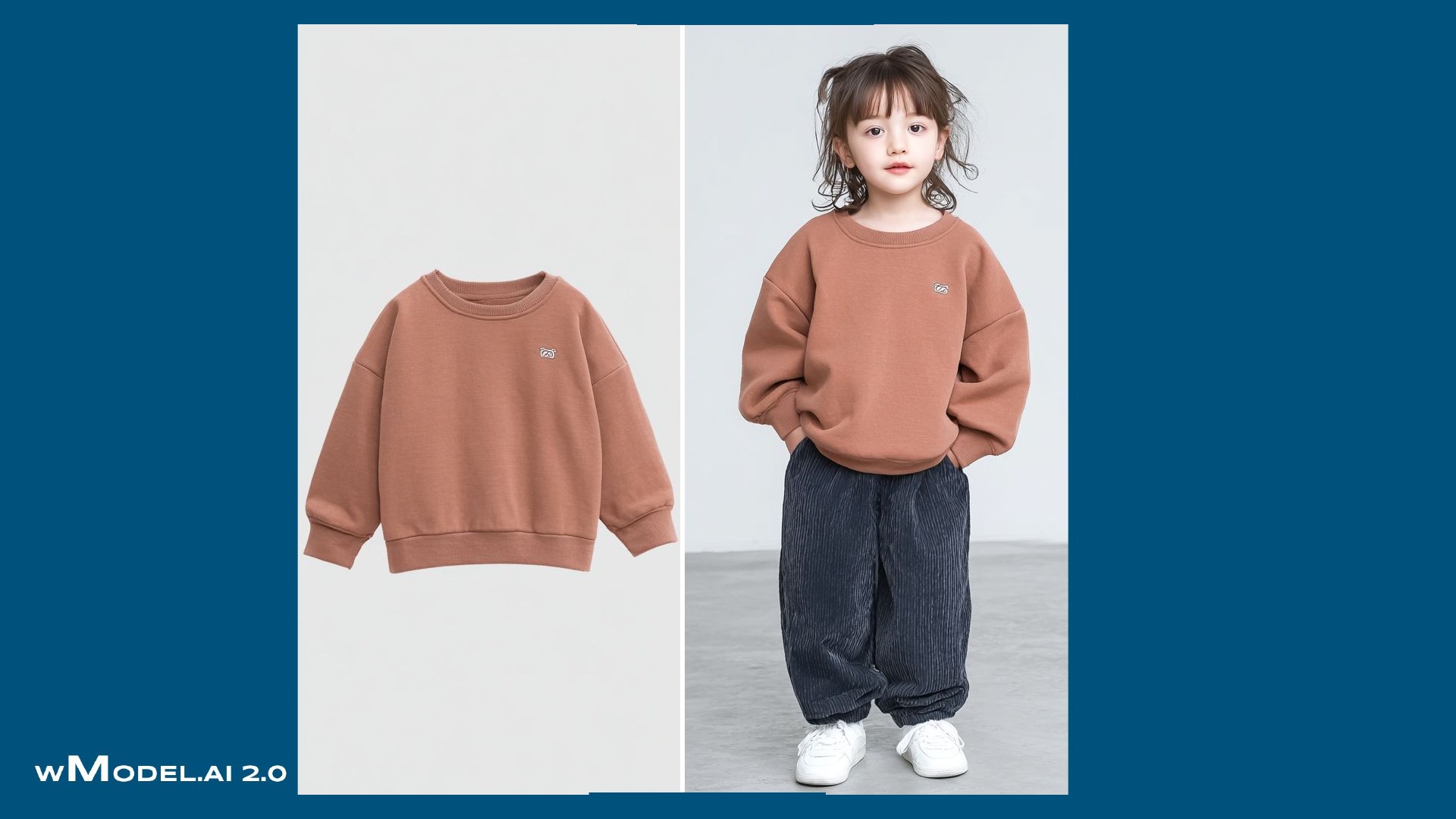
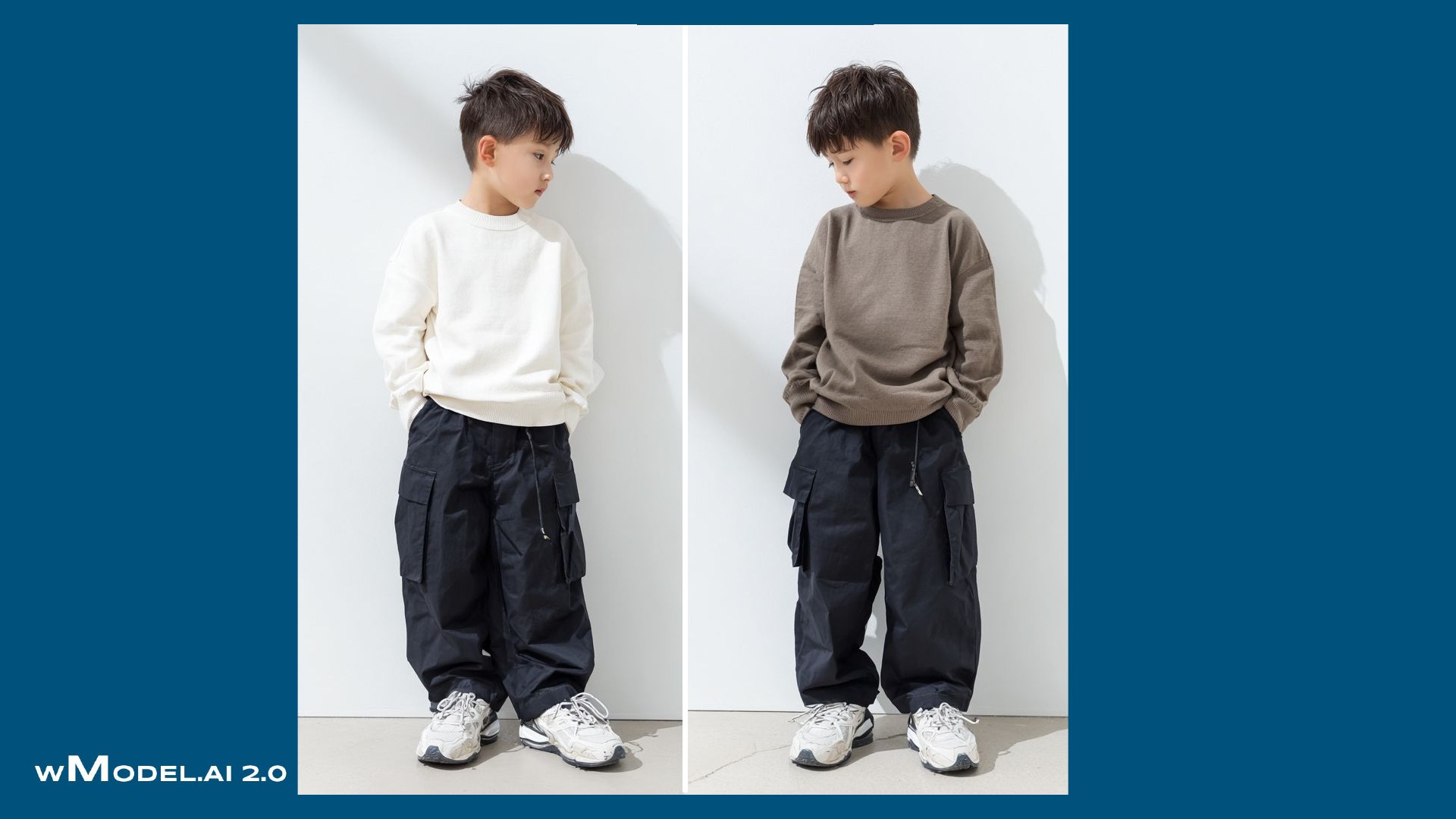
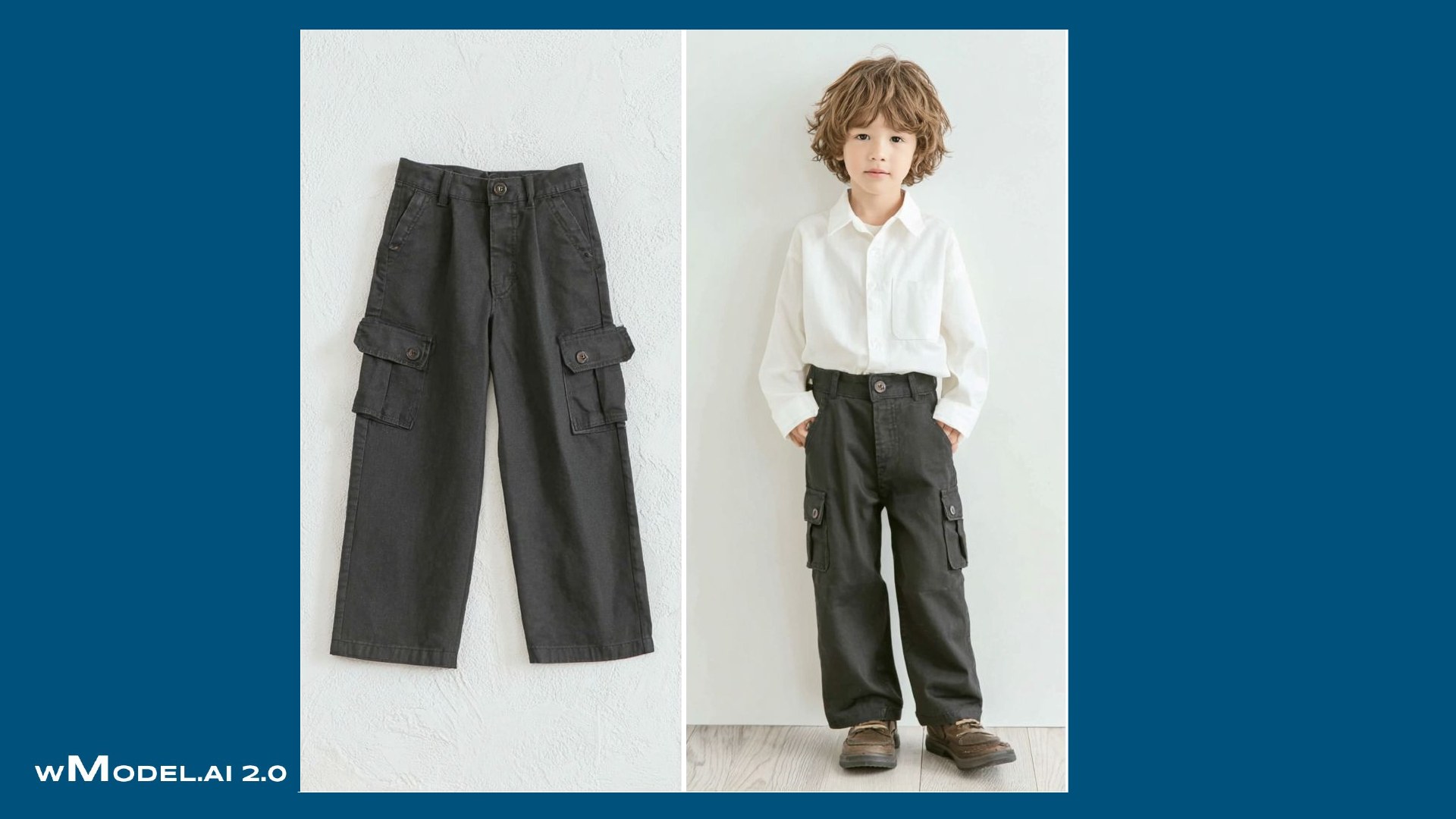
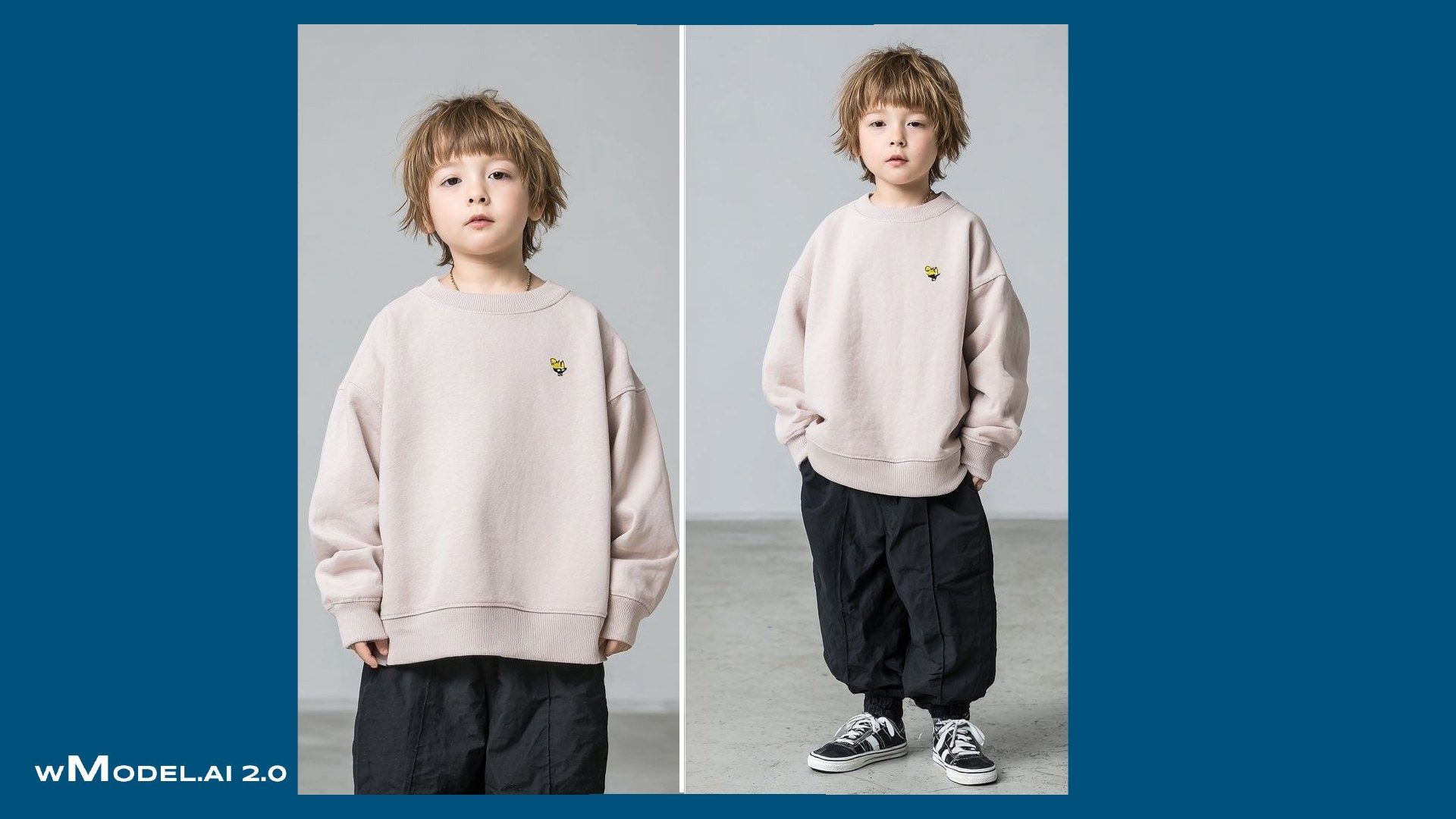
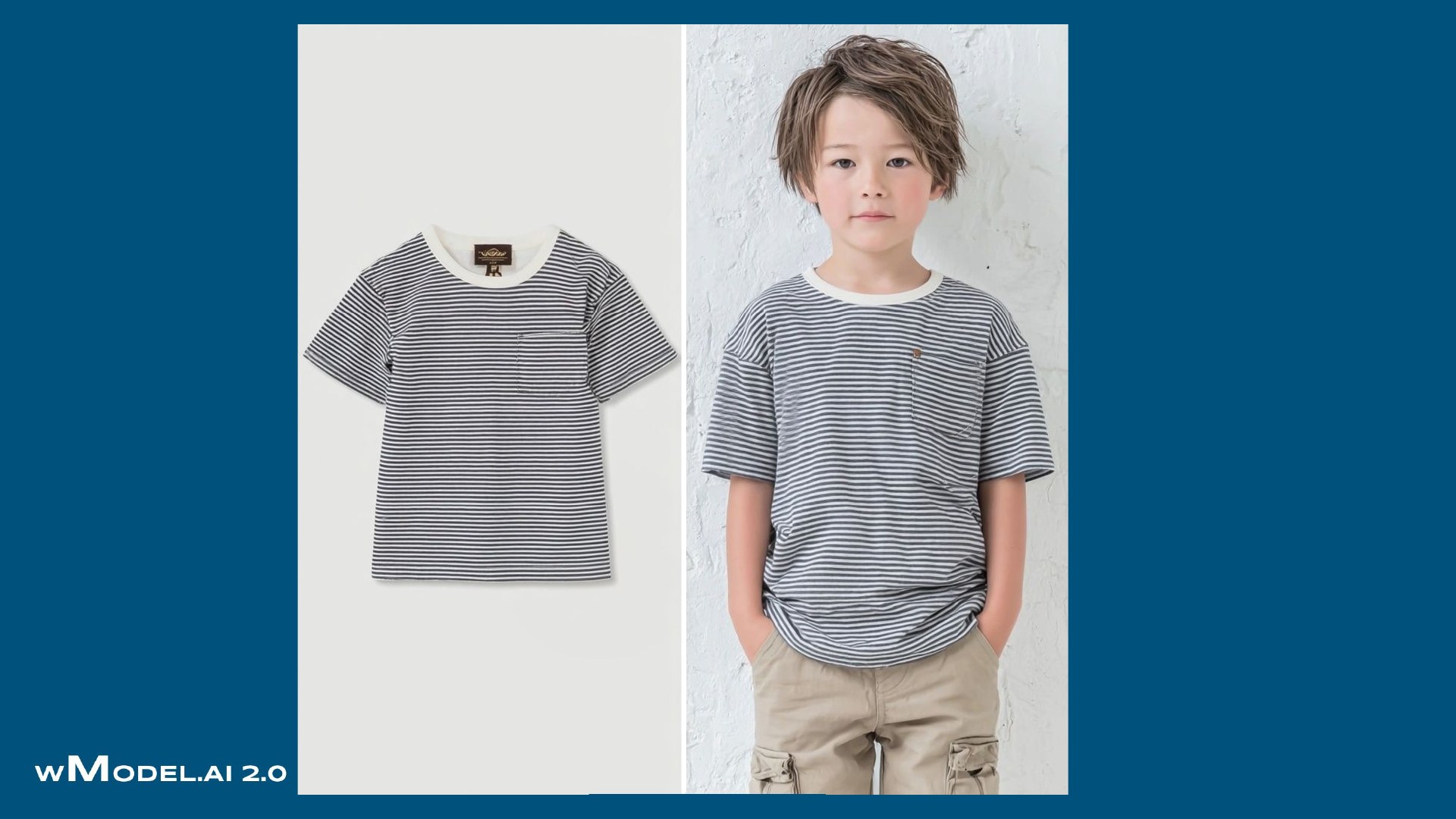
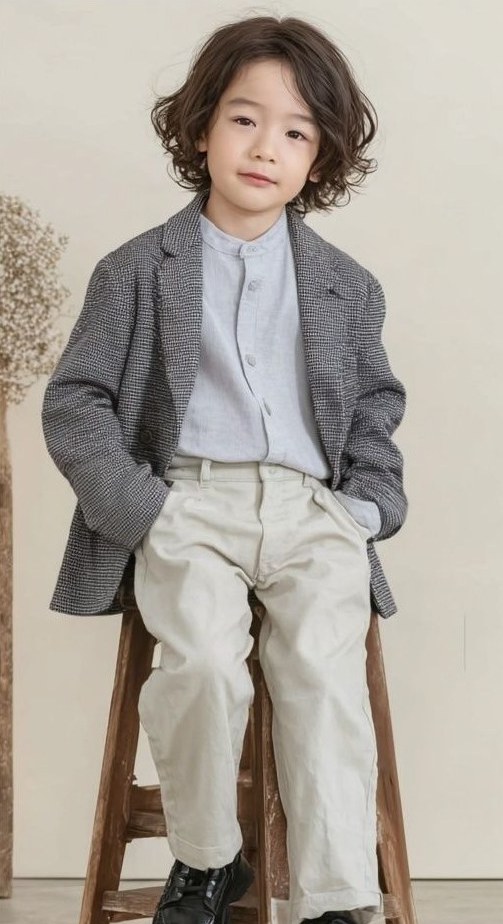
Kidswear too: with no scheduling of child-model shoots, you can create standing and seated views on the same kids AI model.
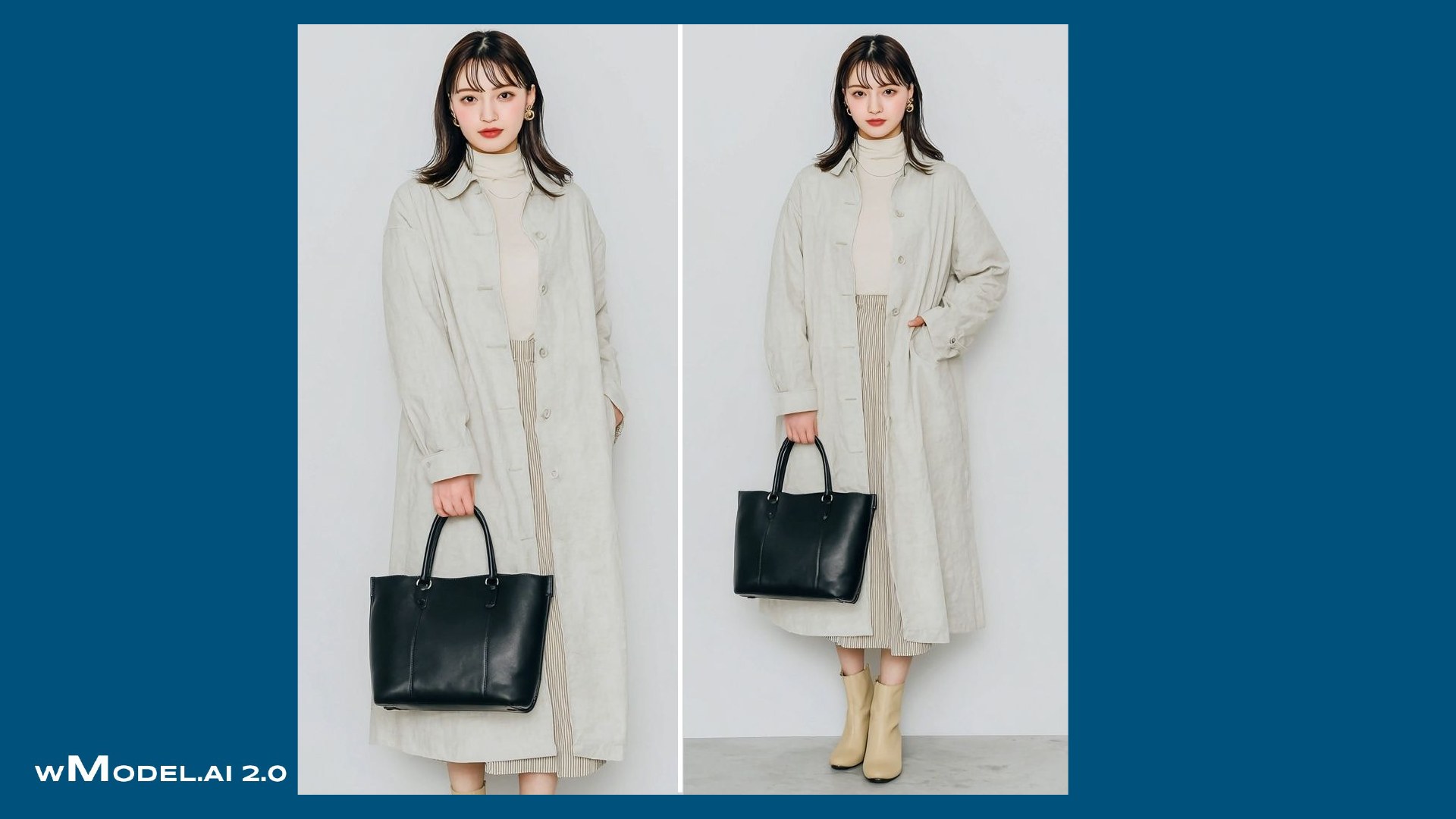
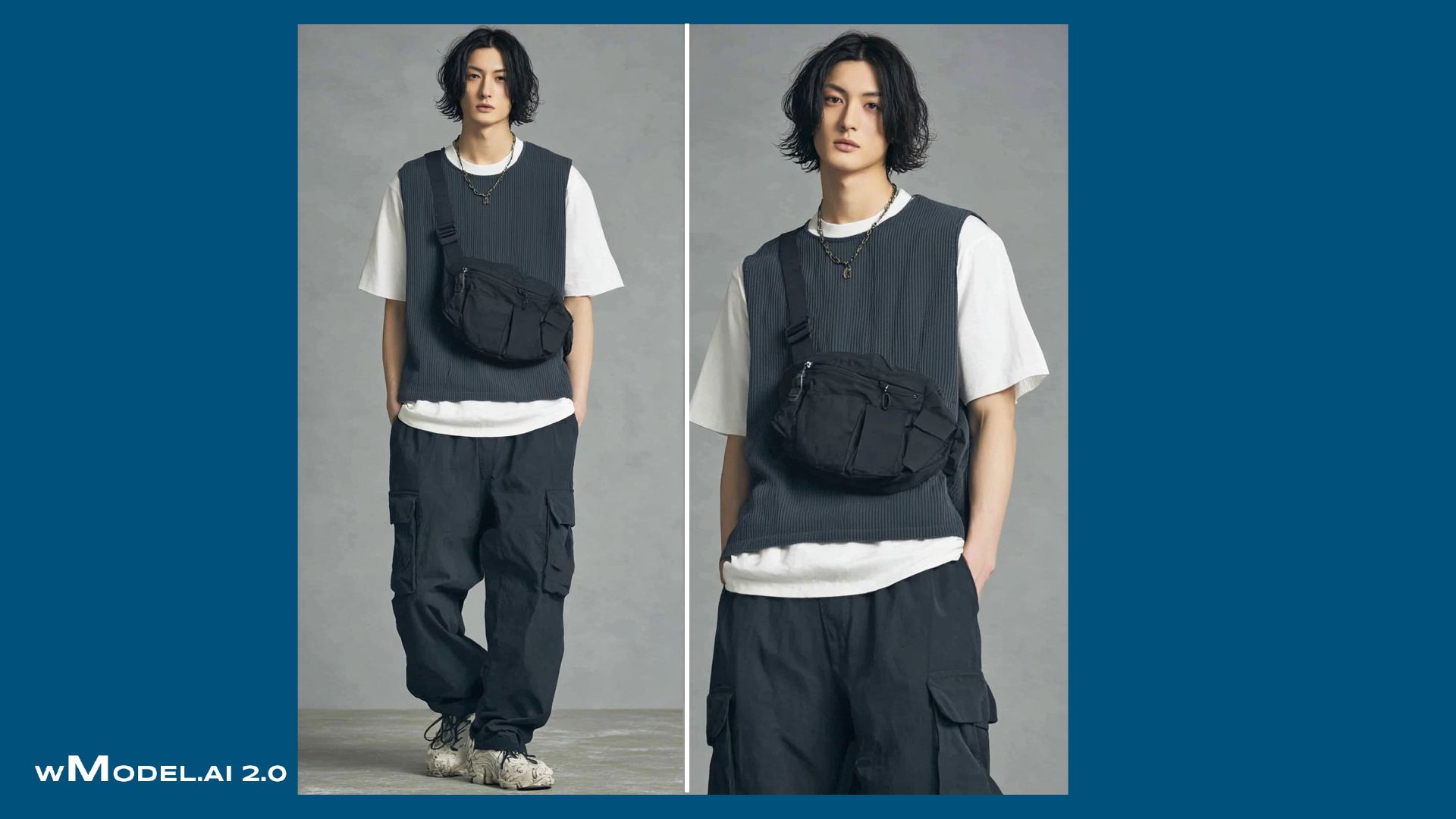
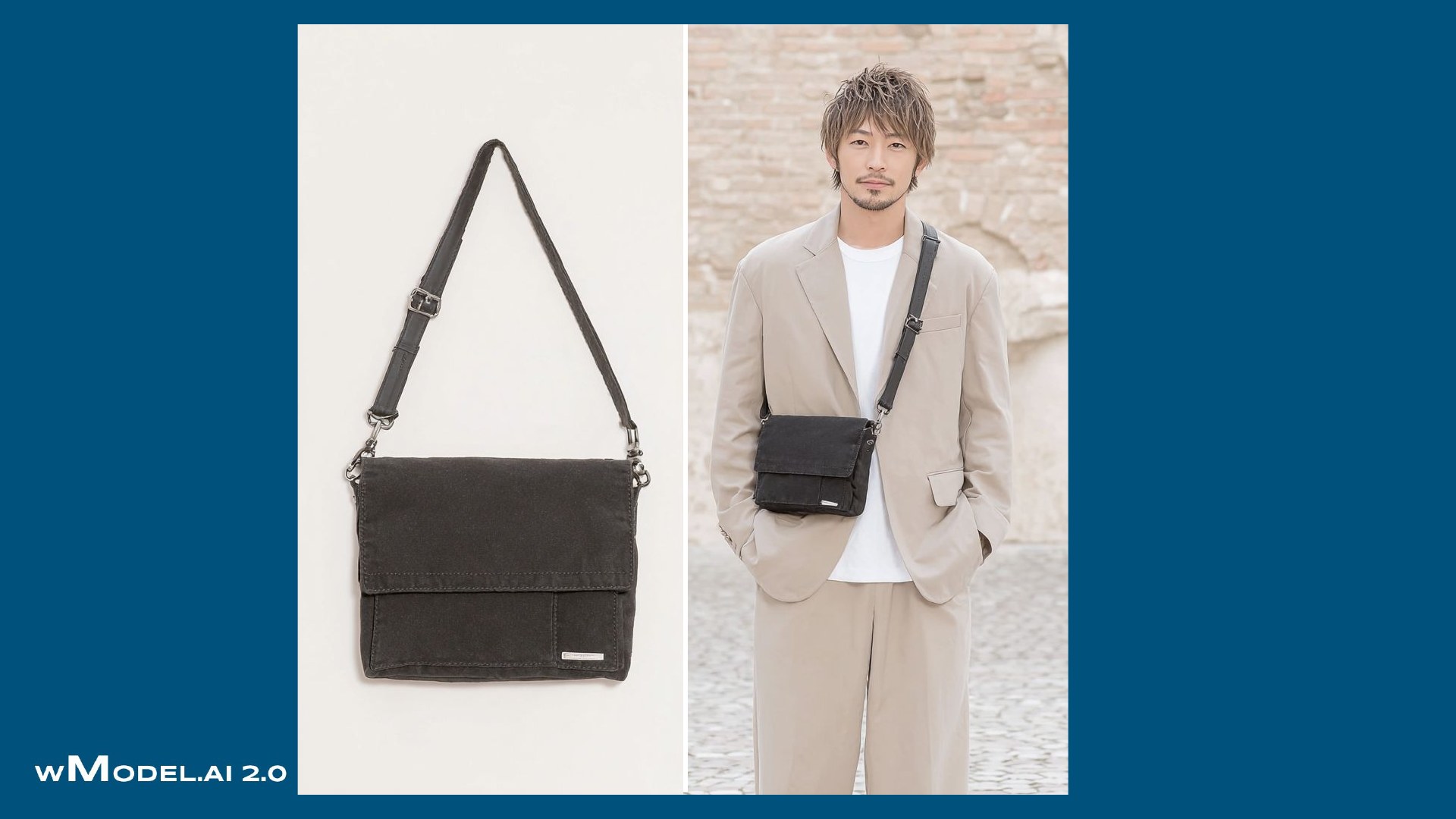
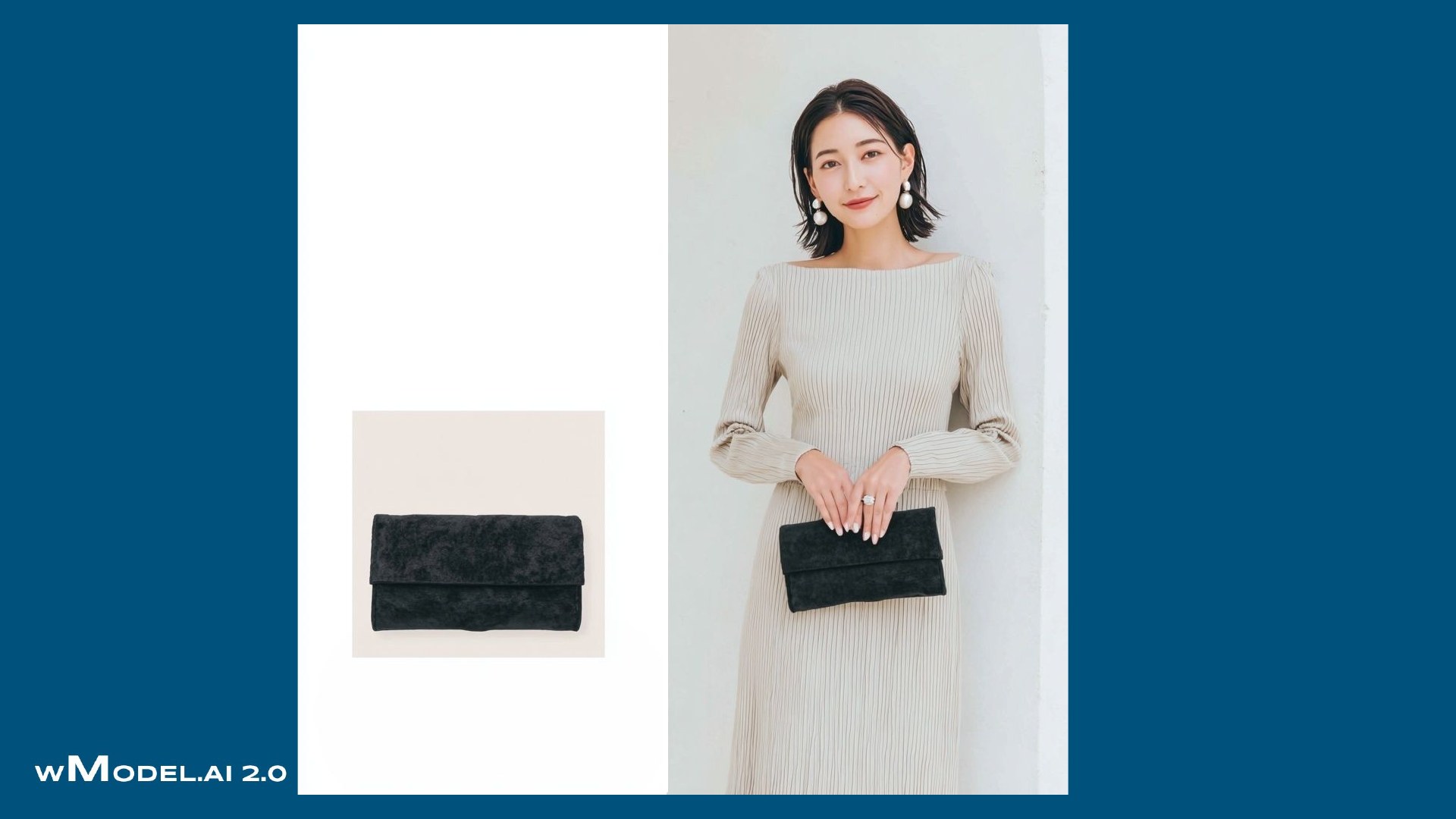
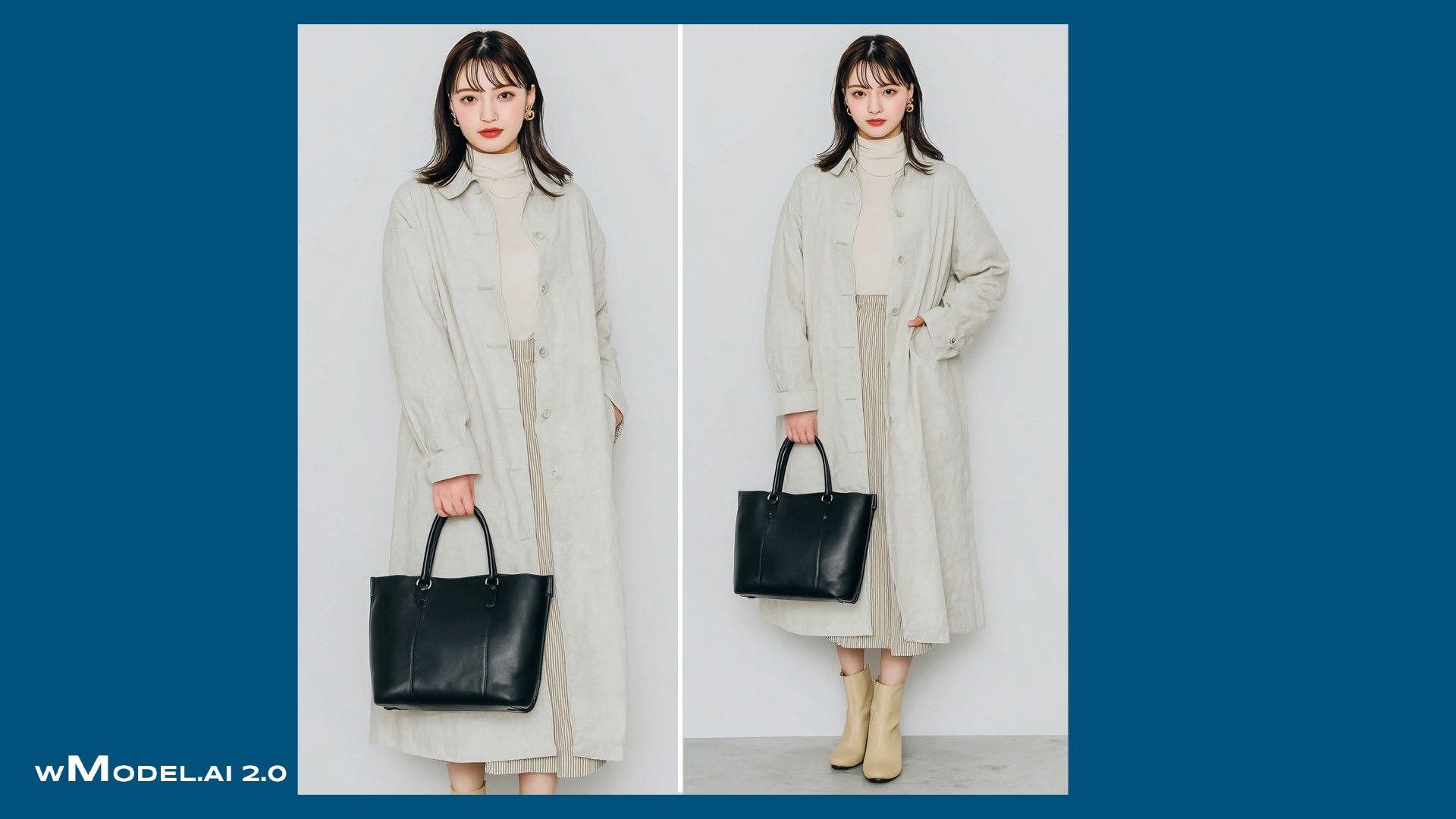
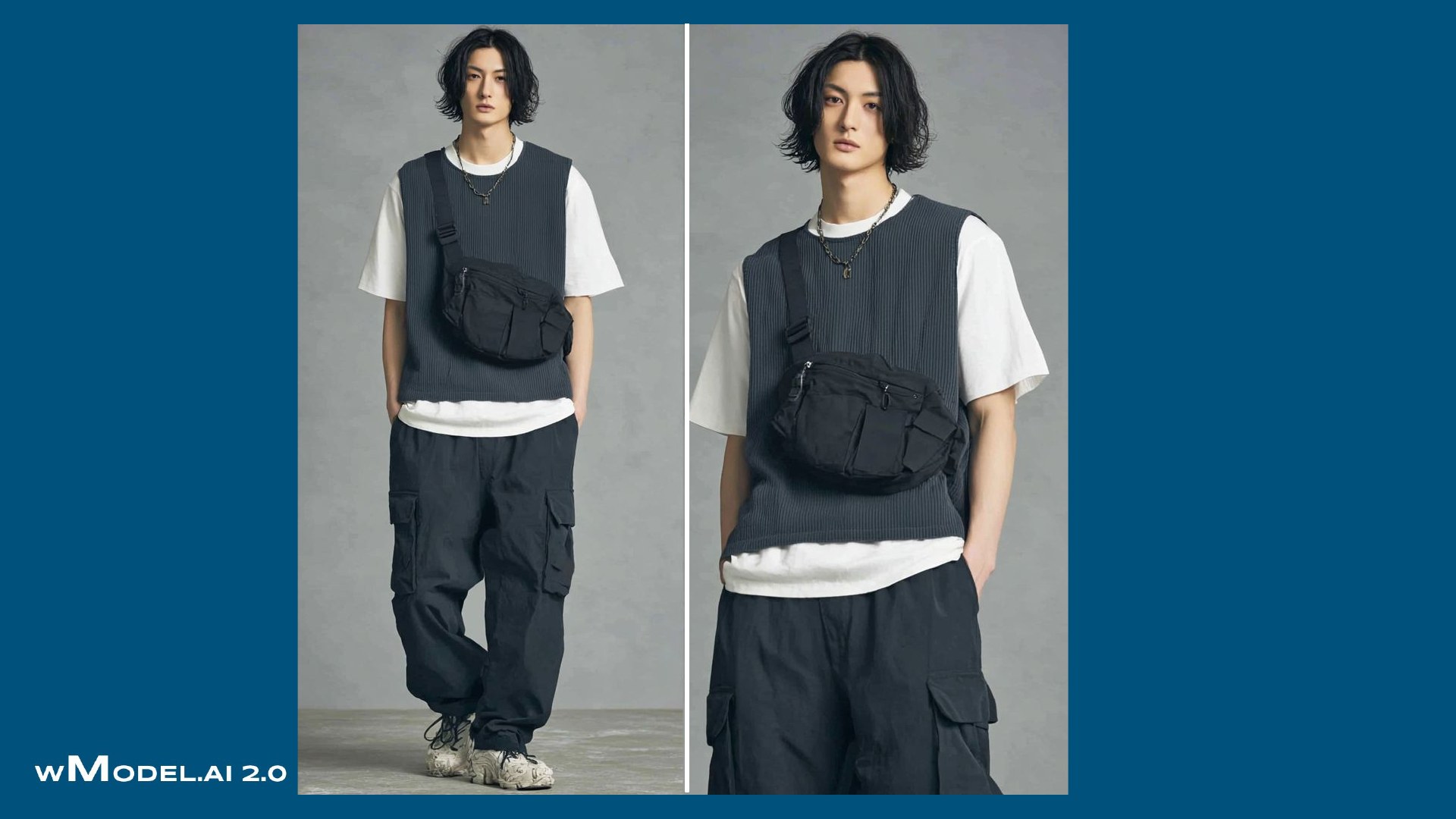
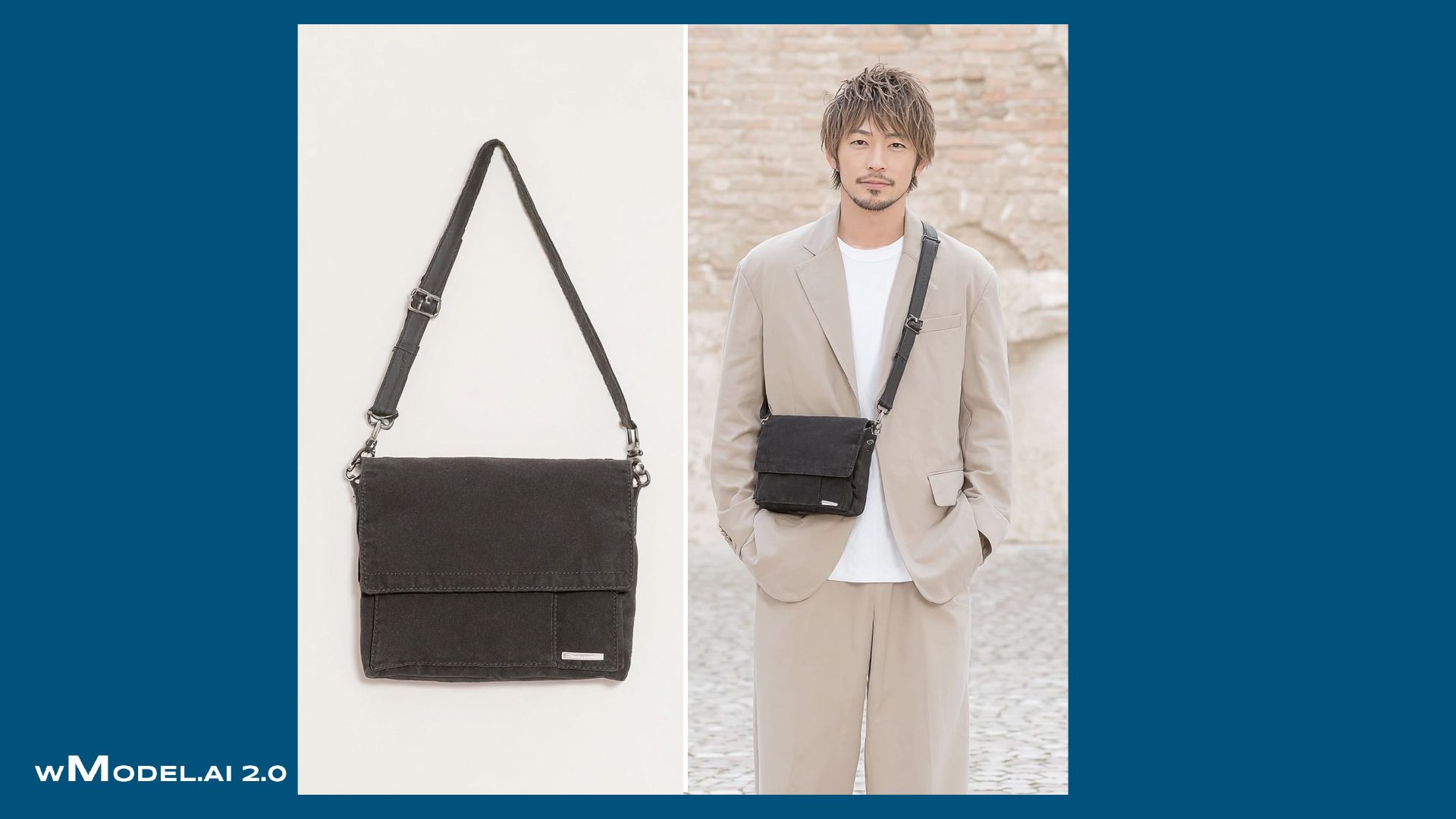
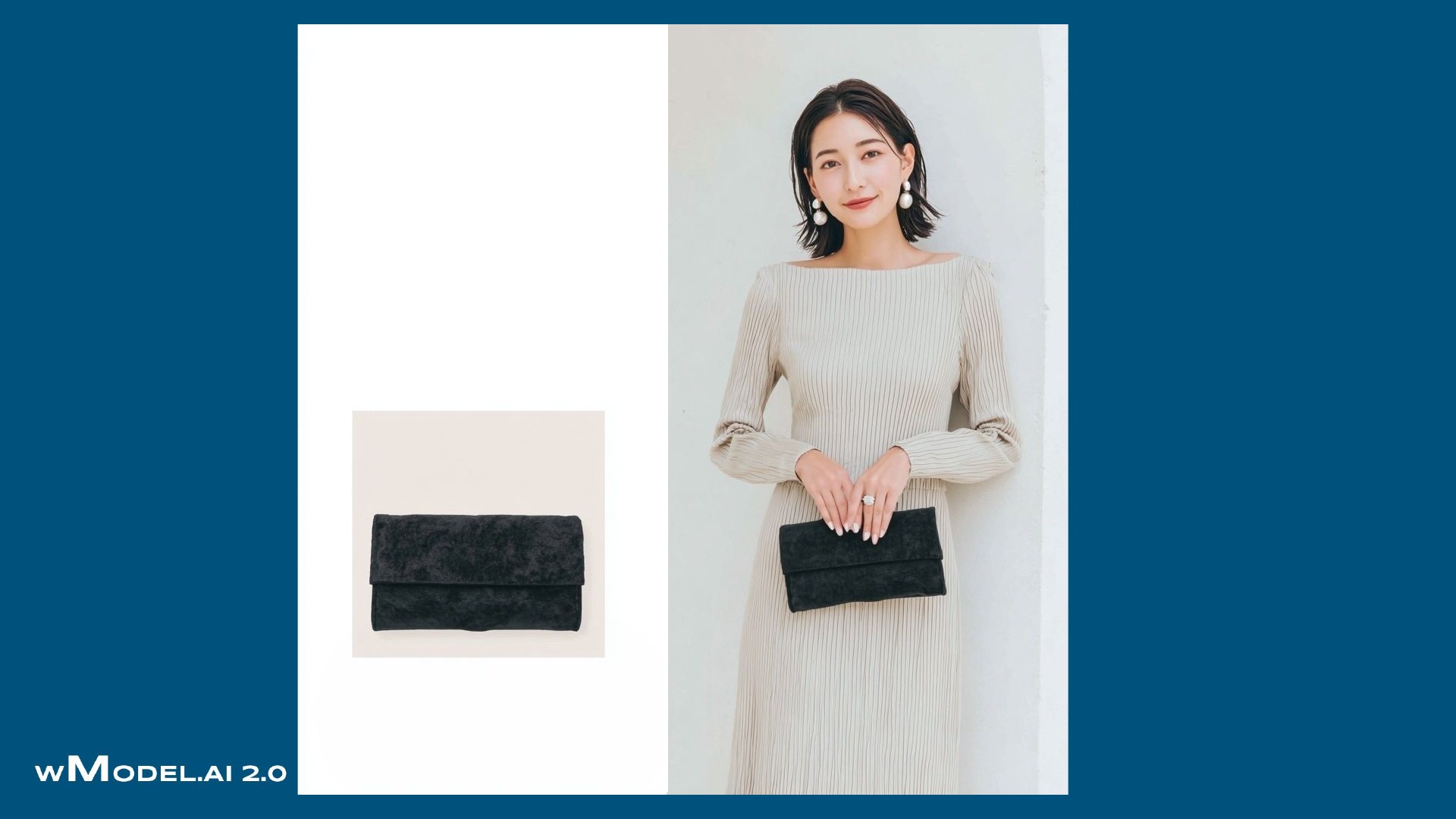
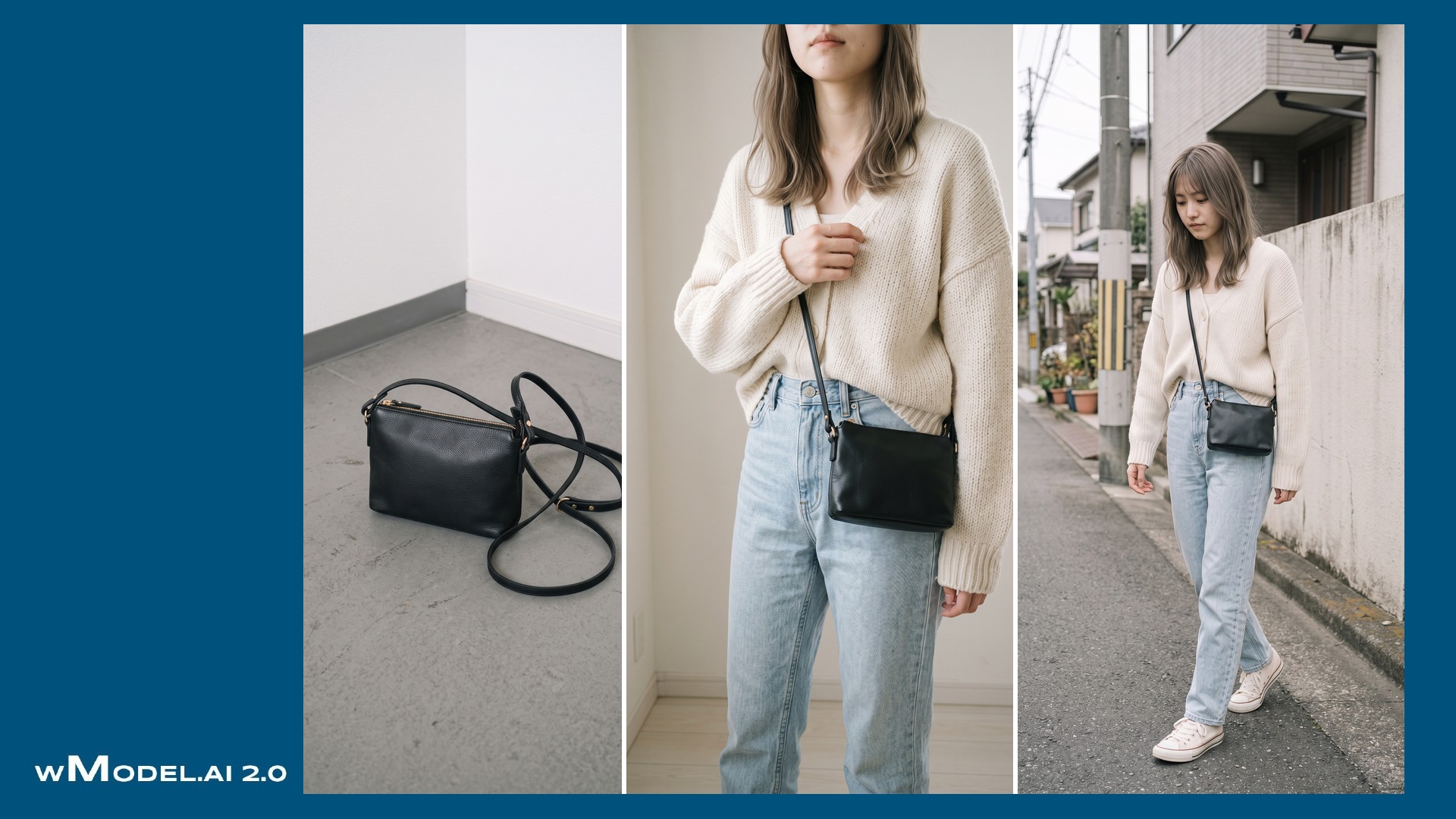
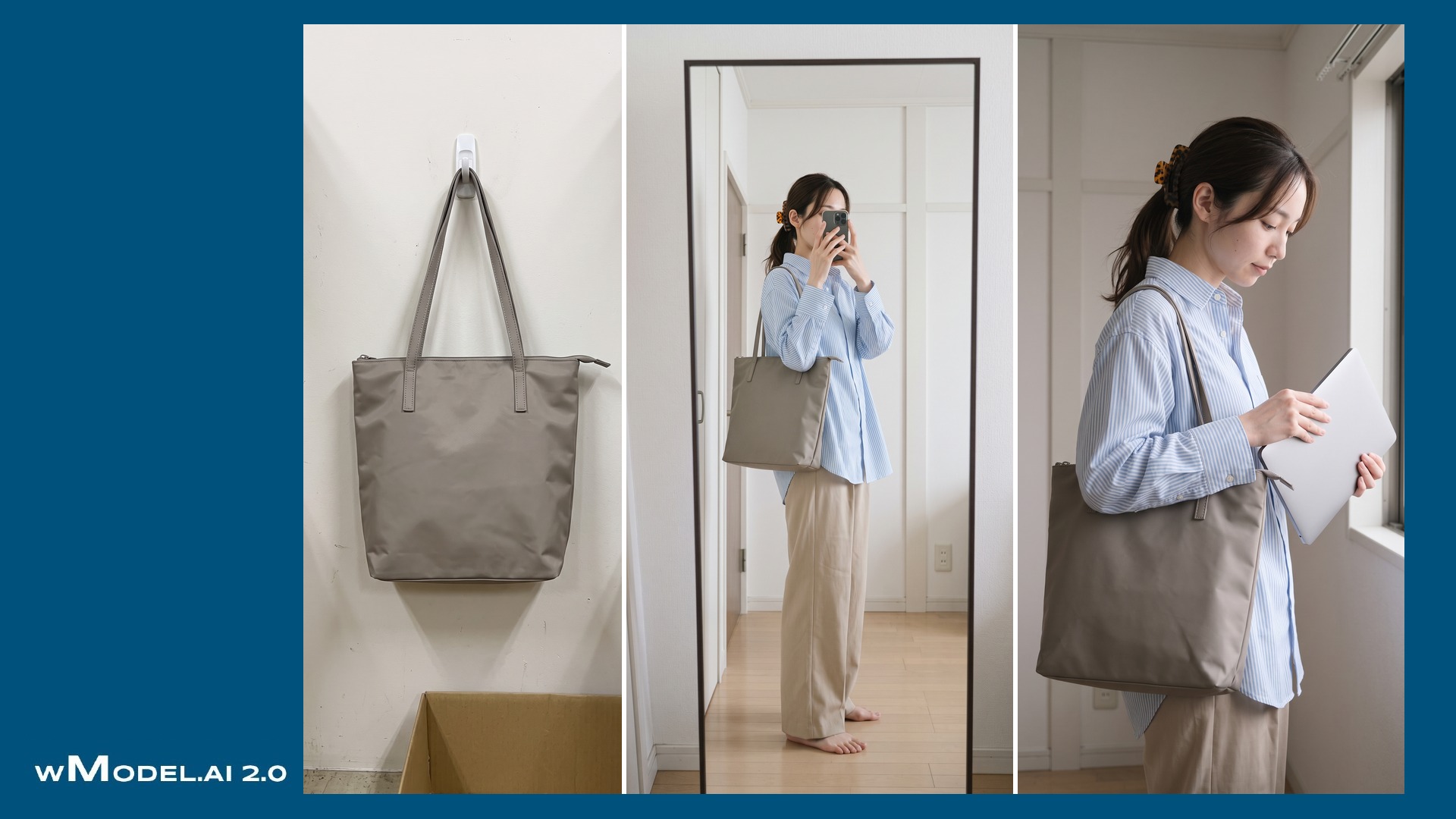
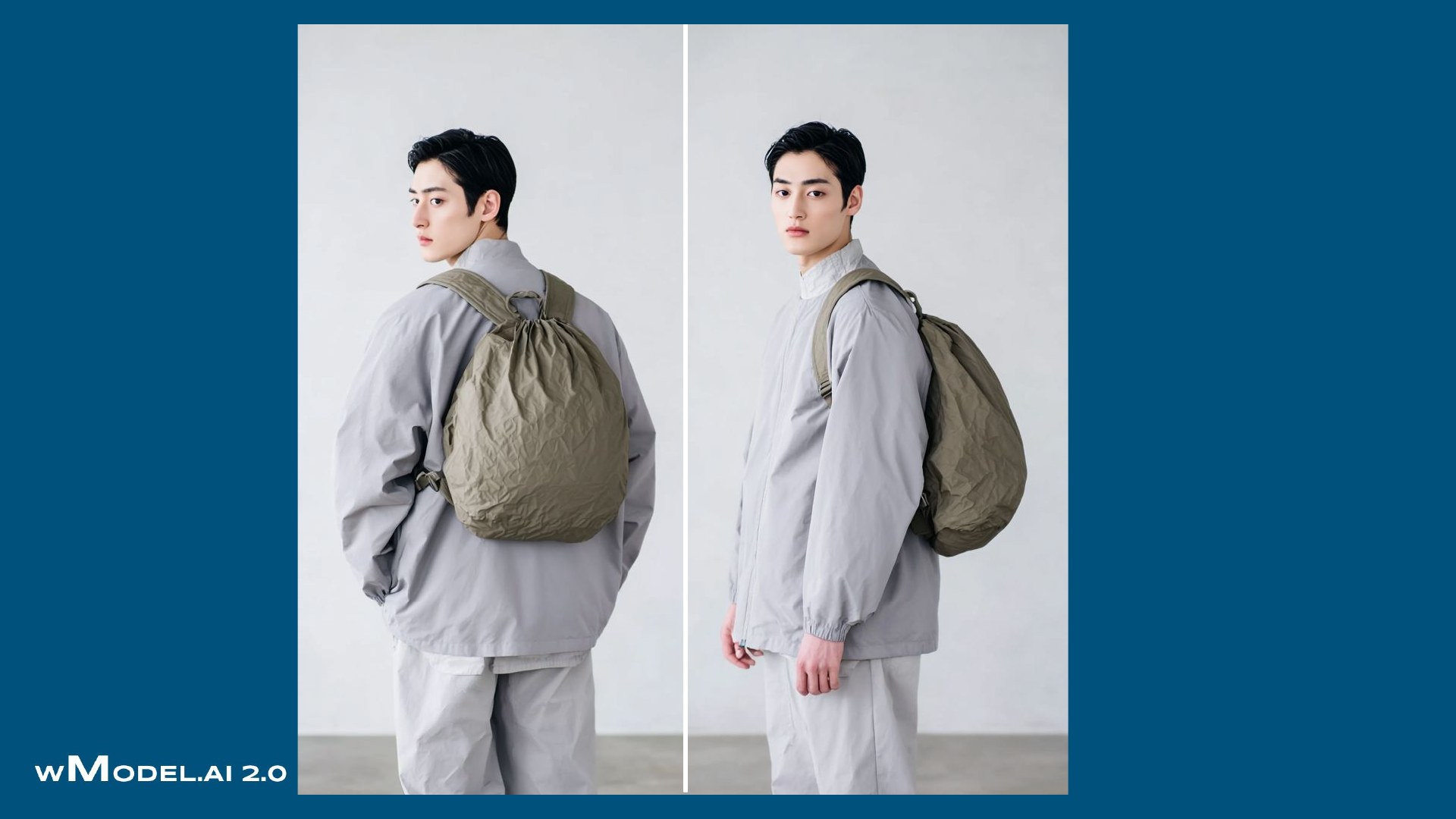
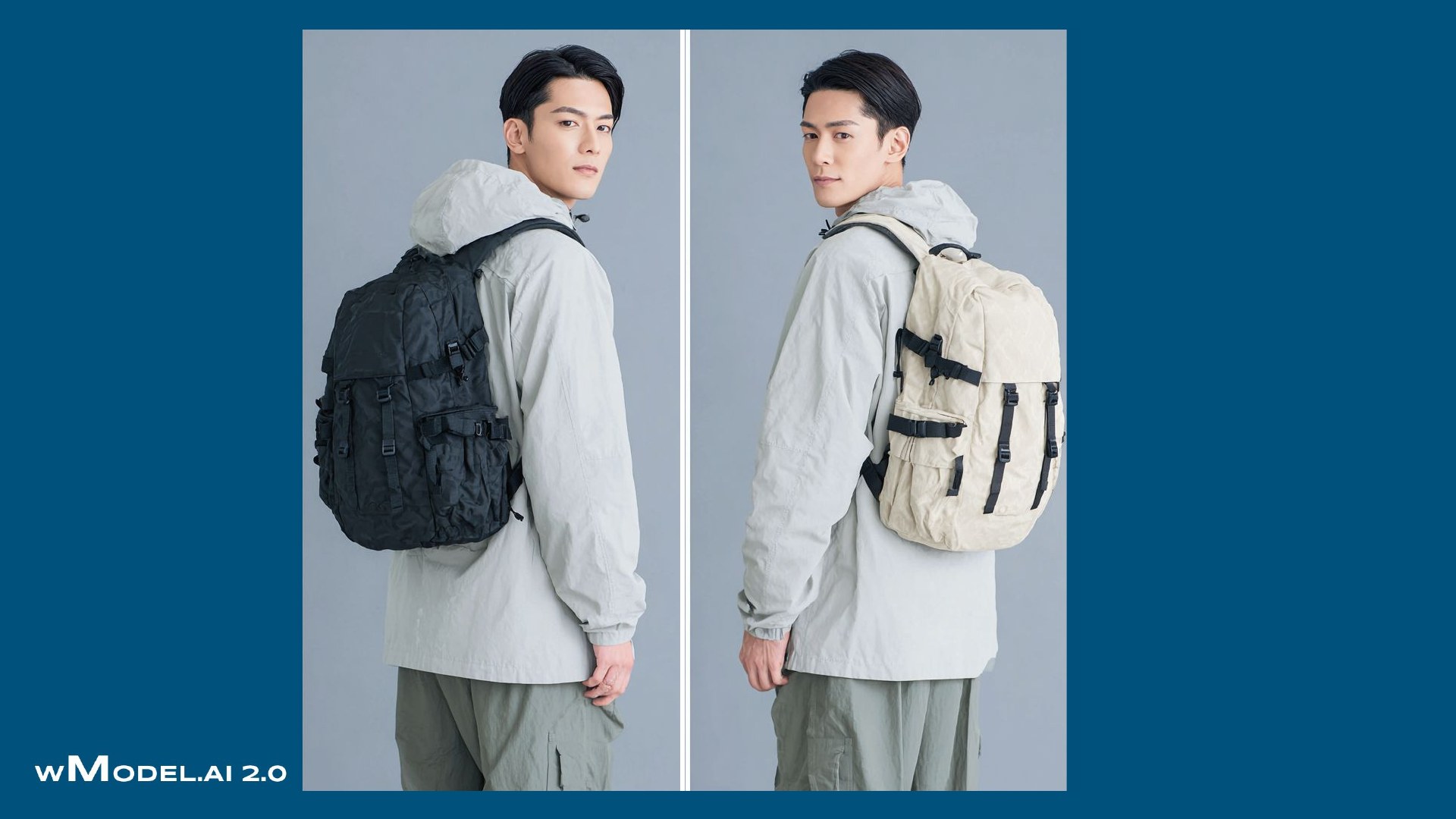
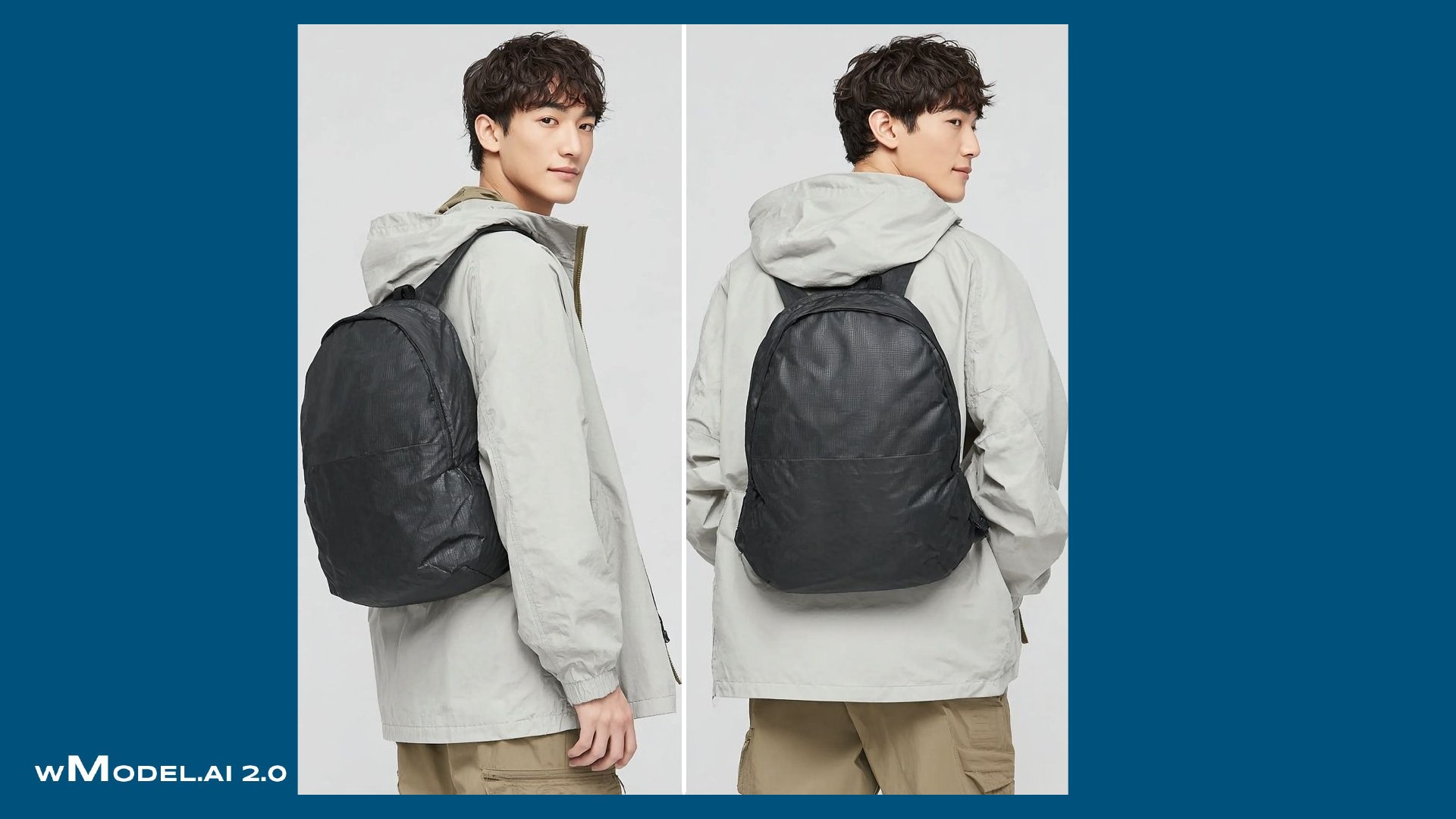
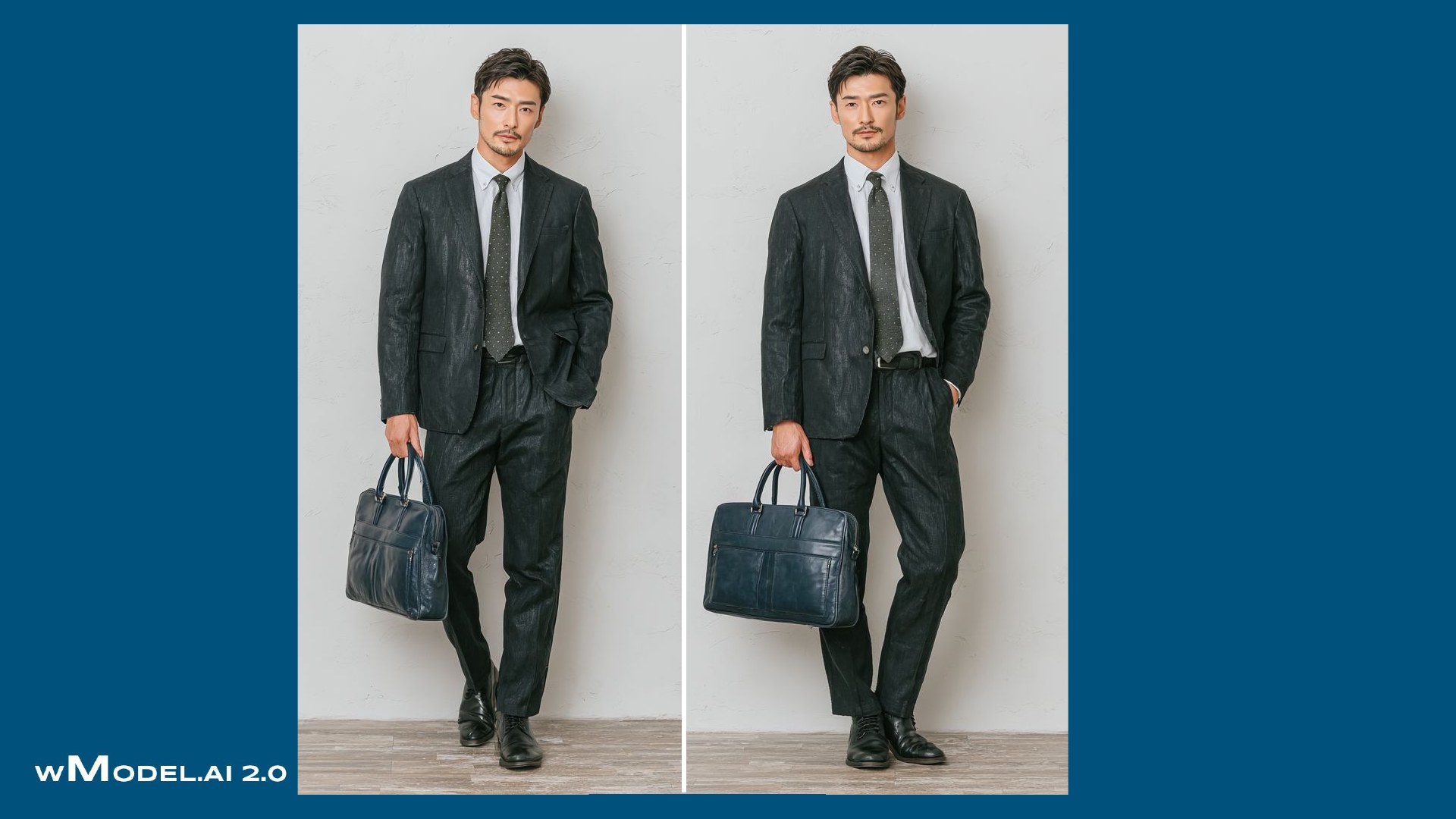
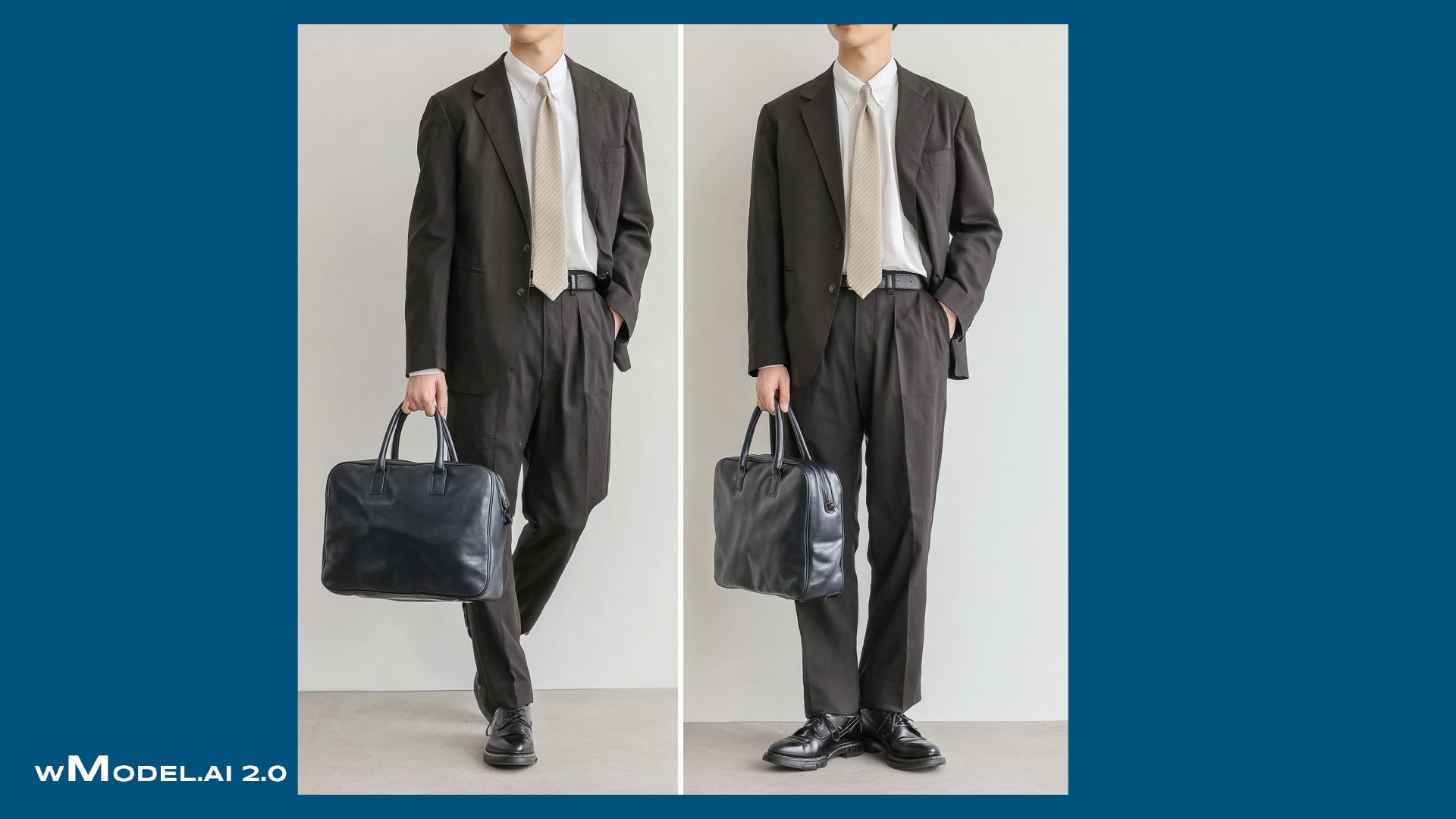
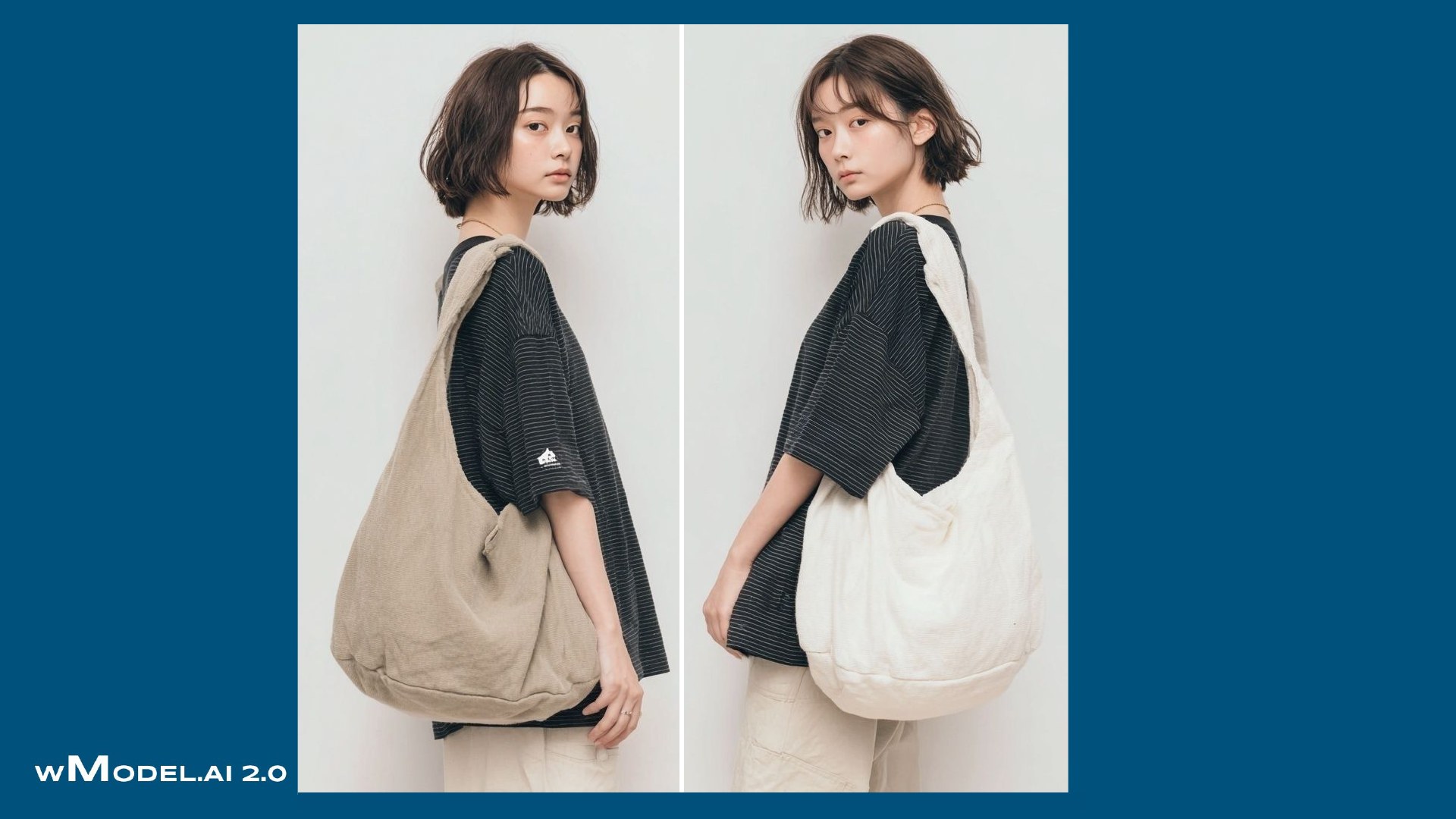
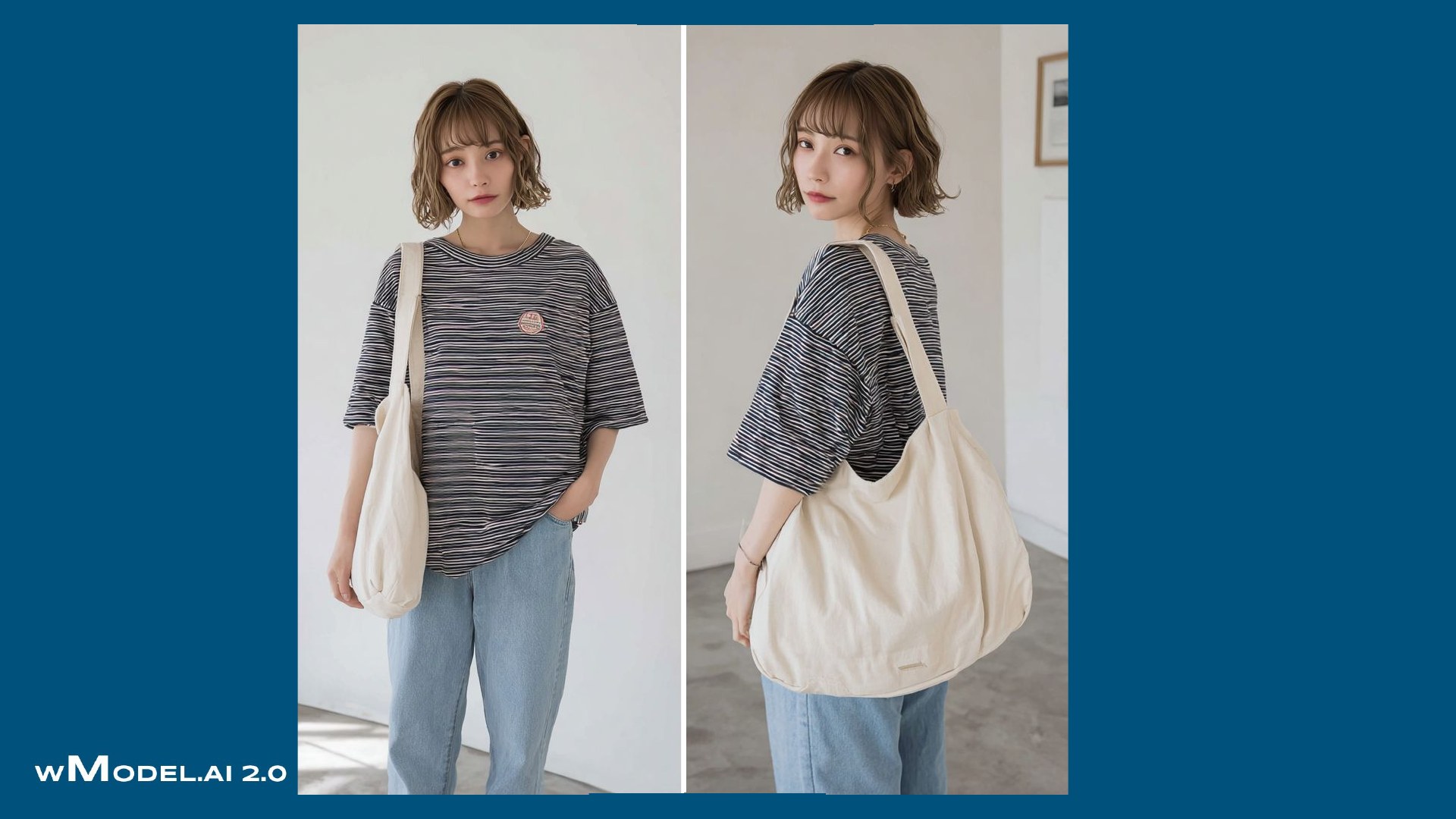
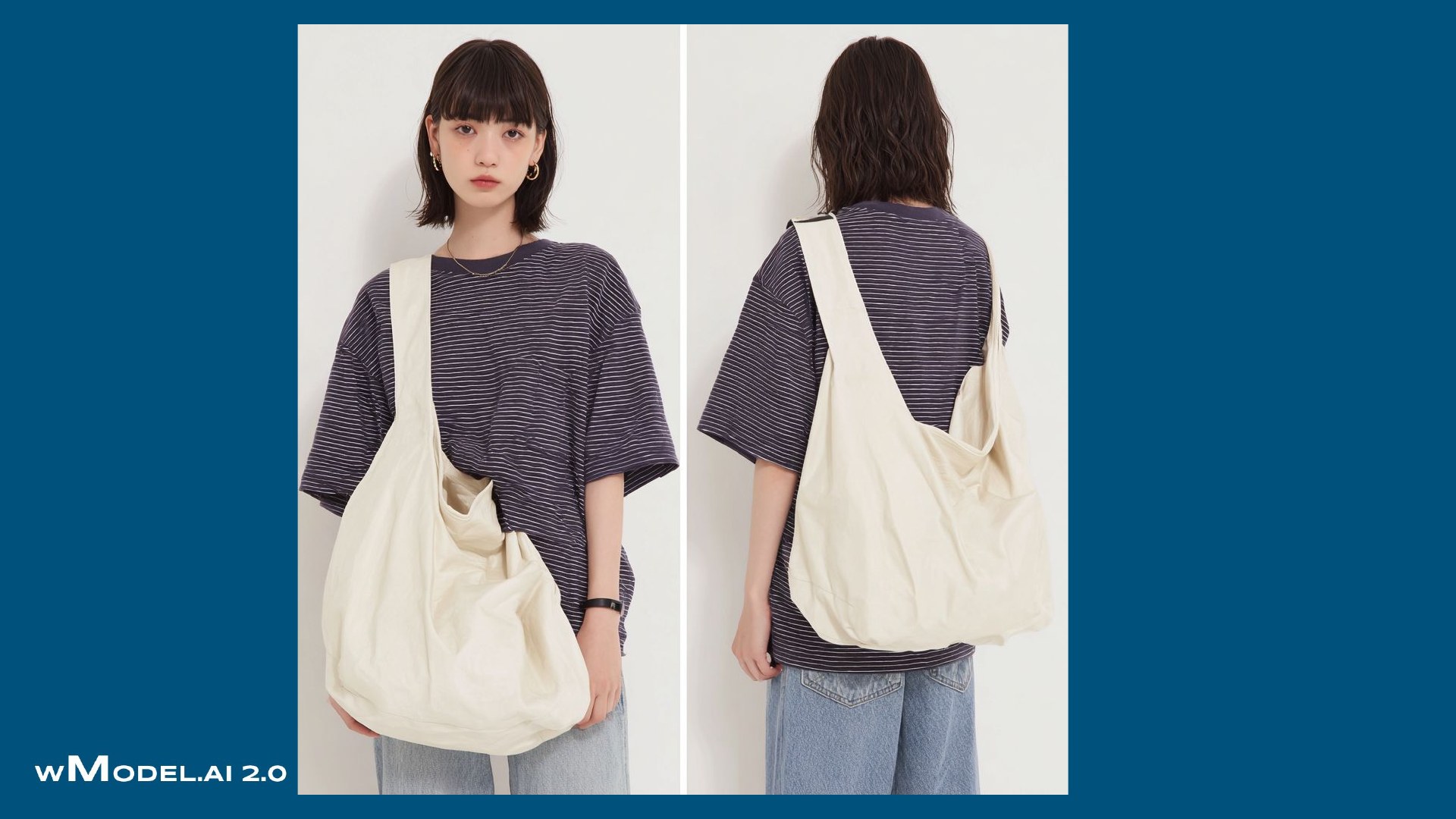
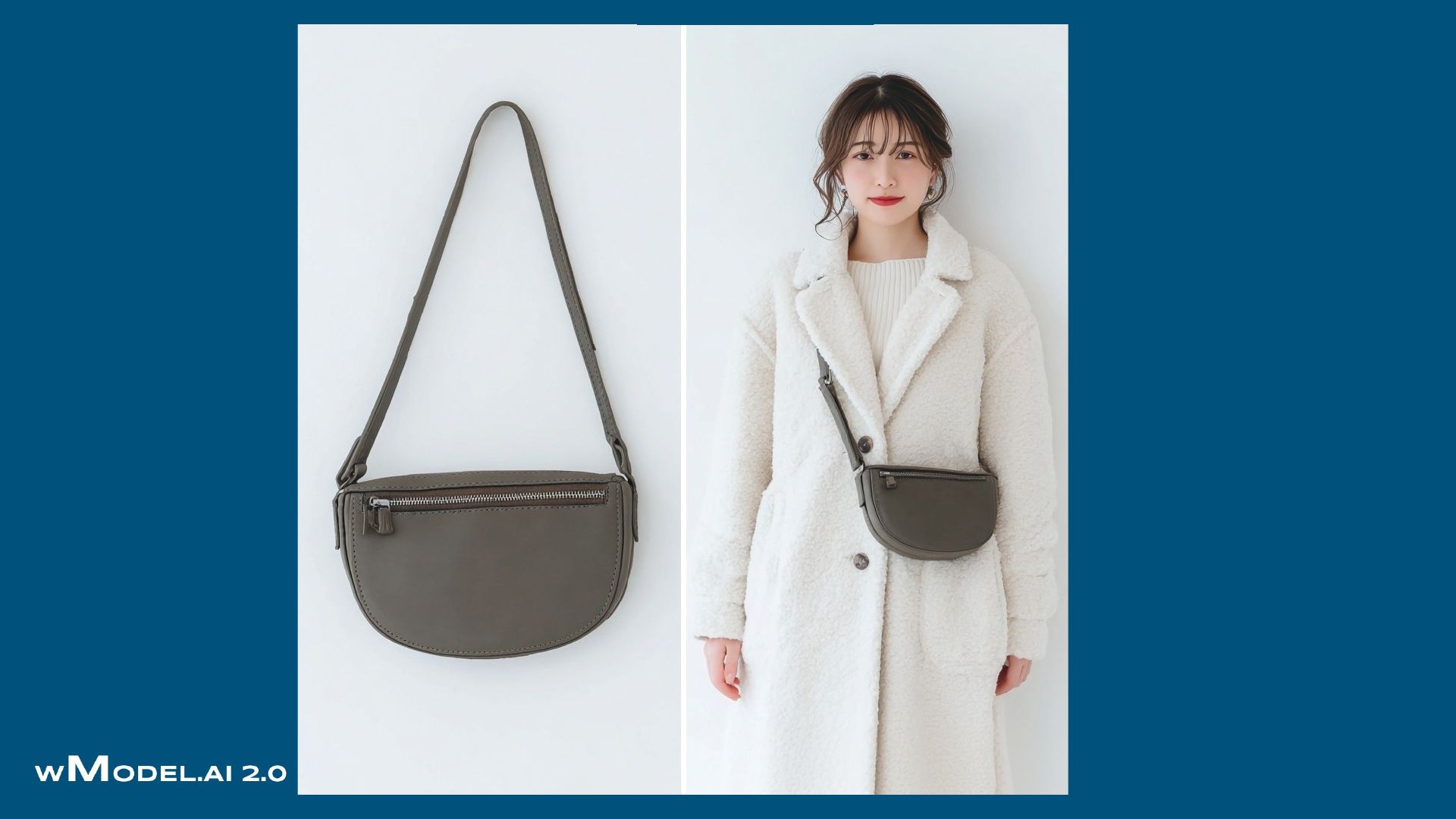
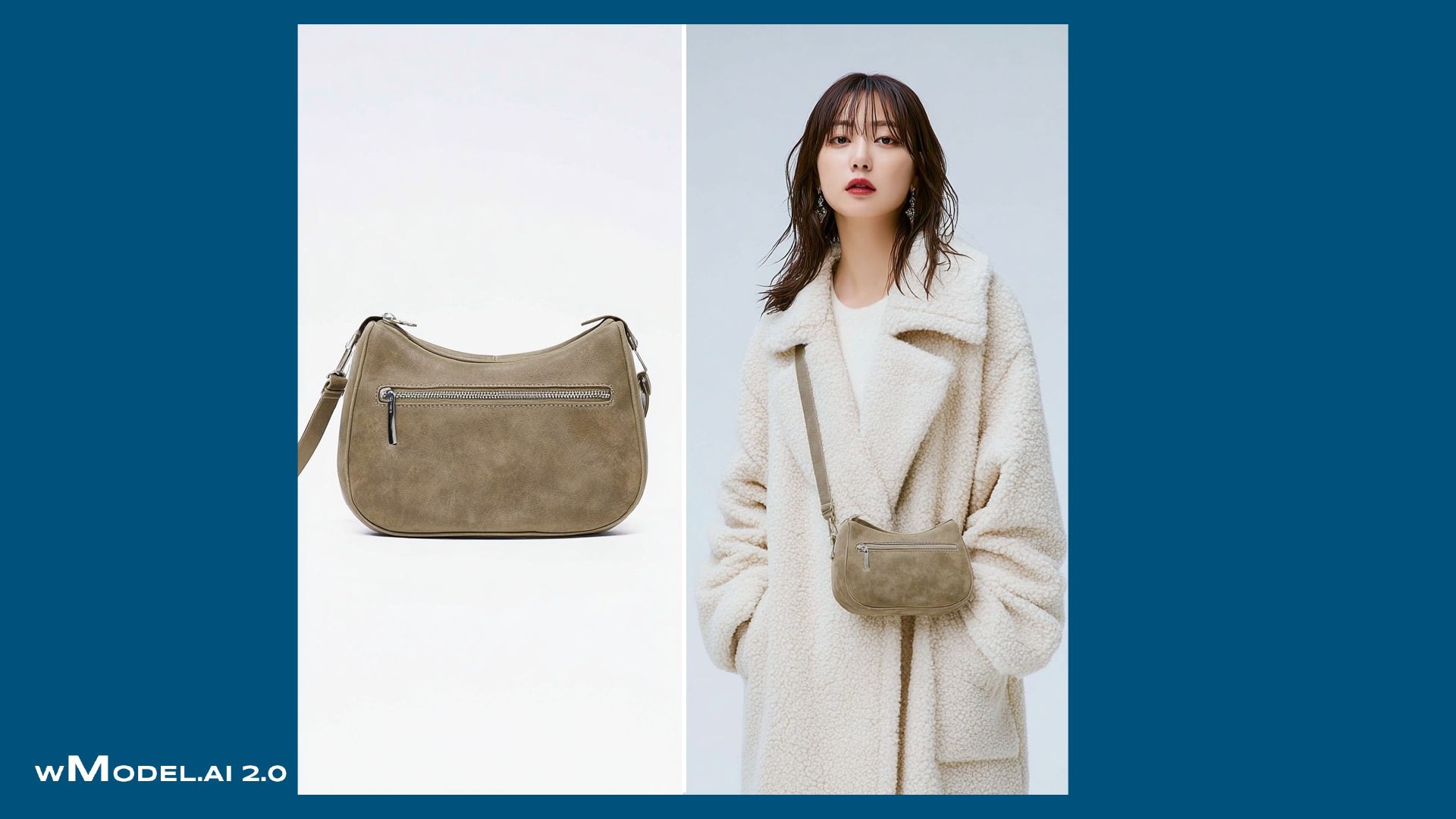
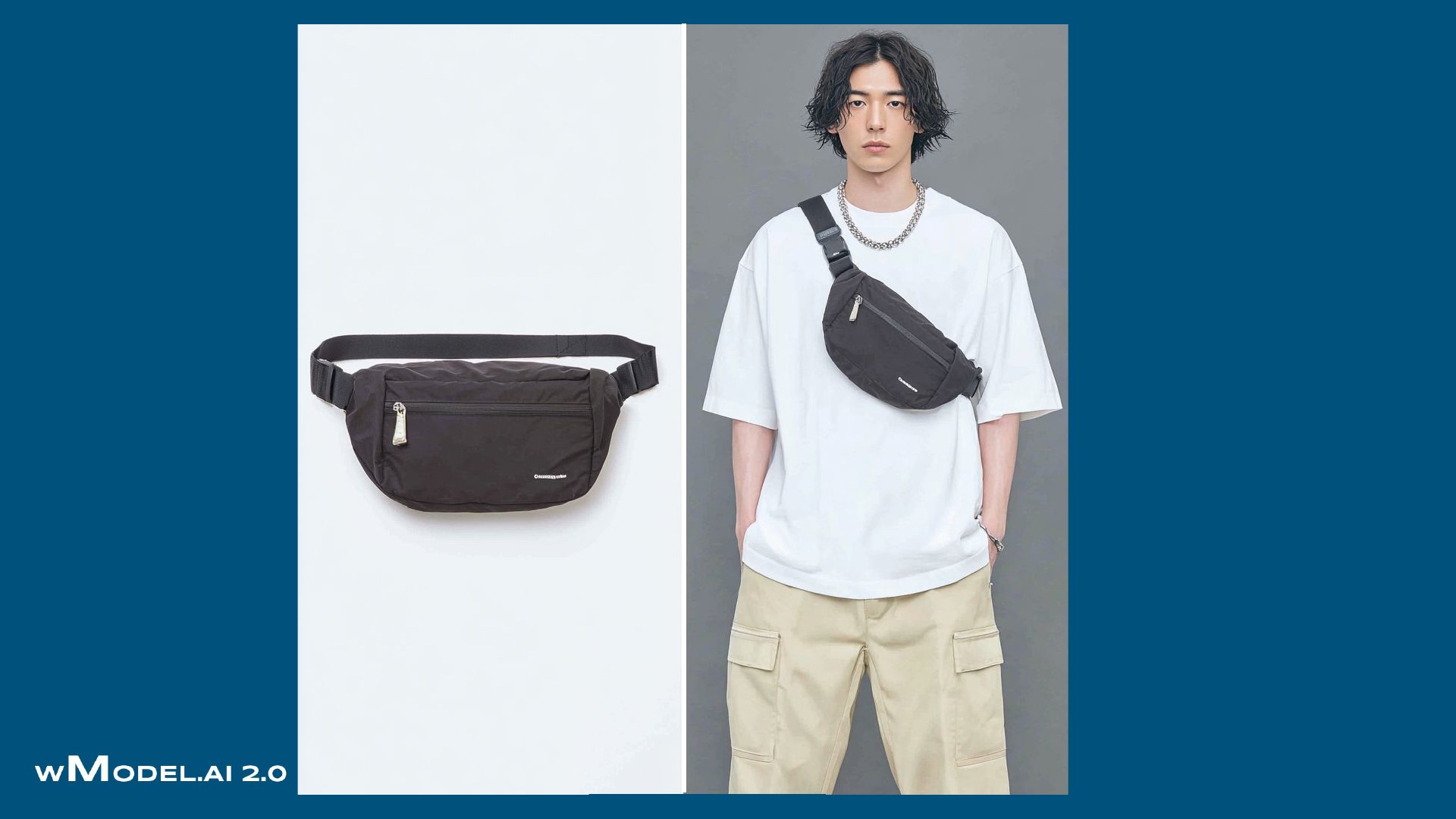
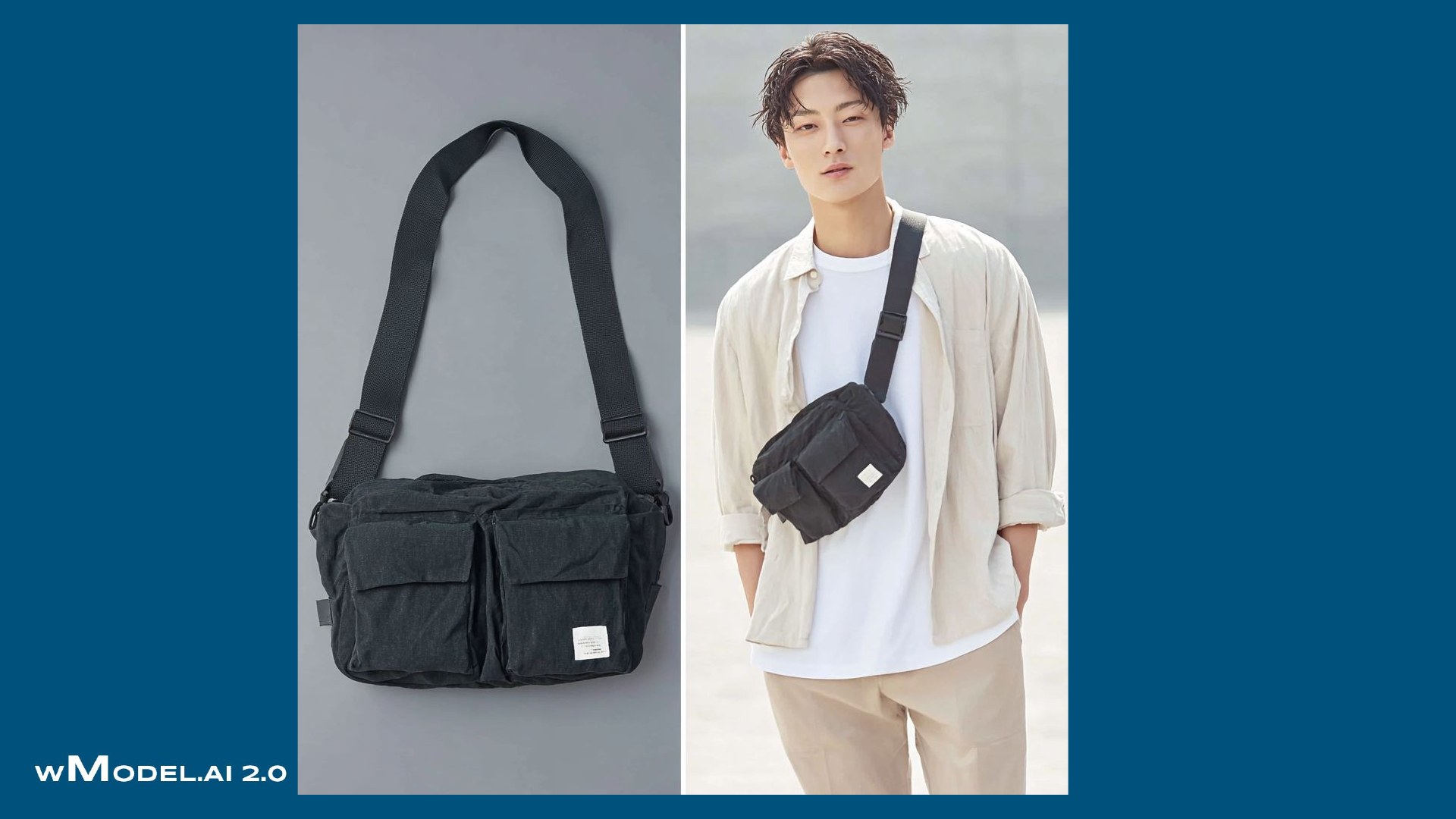
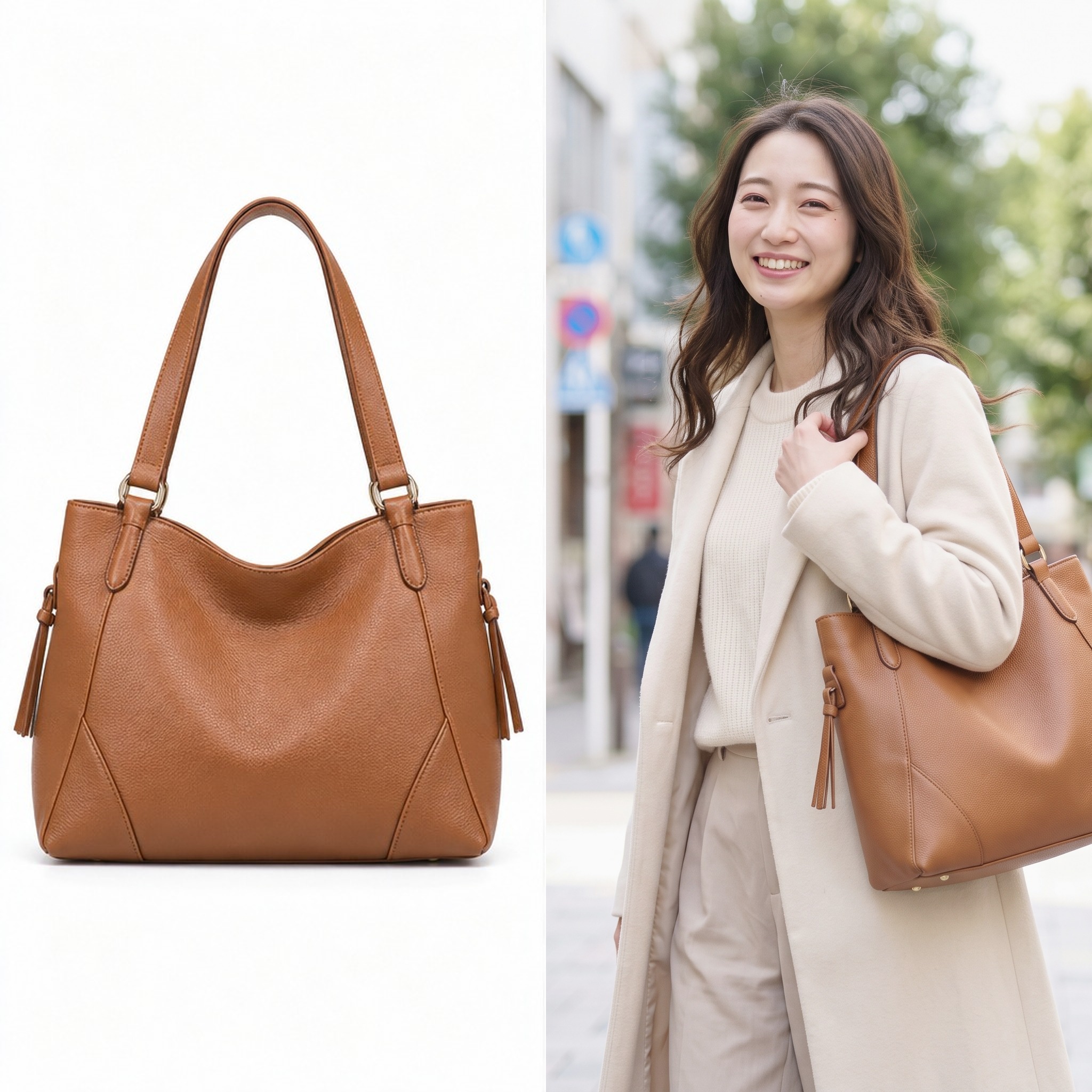
For bag-wearing shots, no model shoot means no shooting costs: we create photos of an AI model carrying the bag from your product image, and models of different genders and ages can carry it.
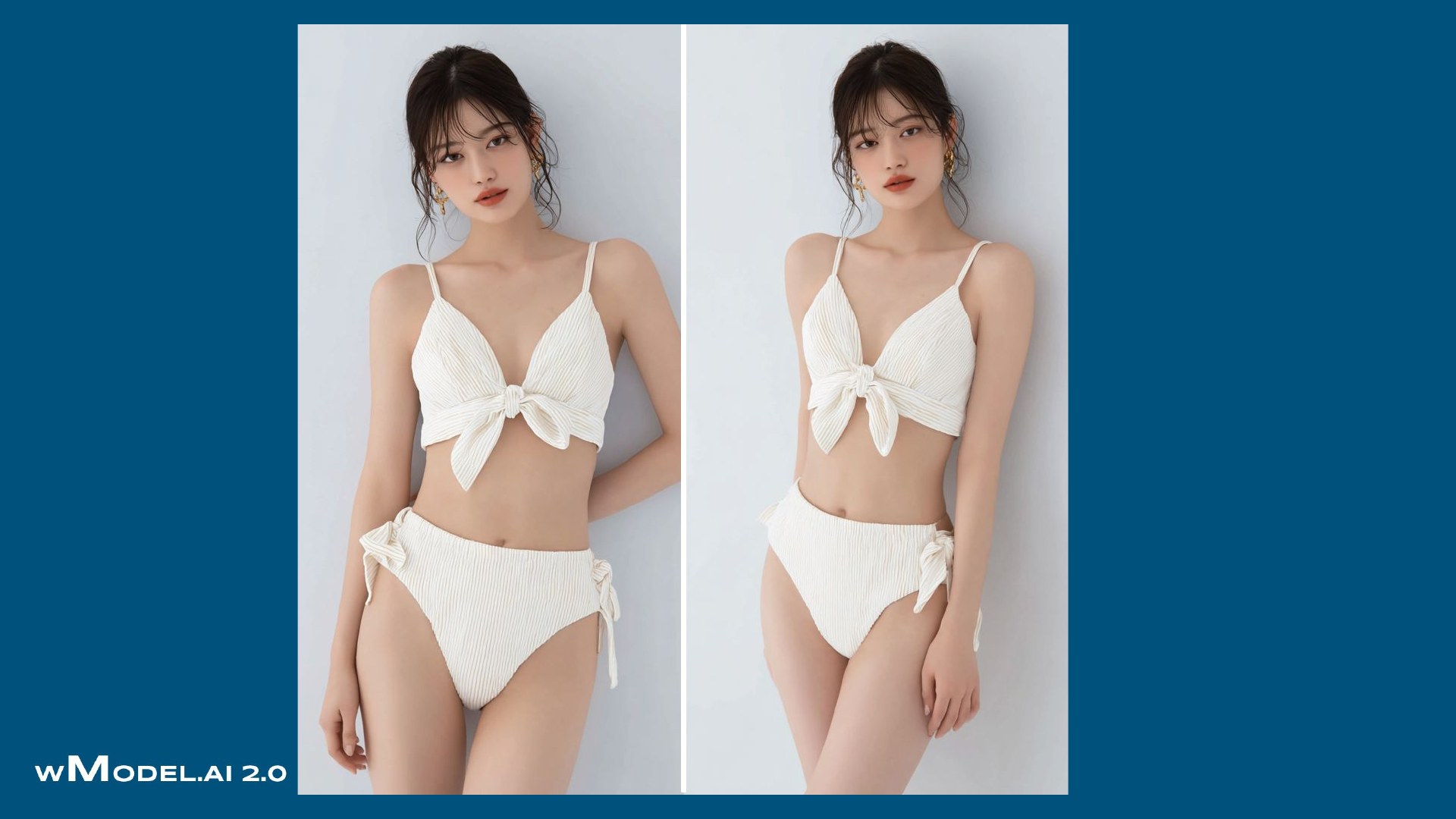
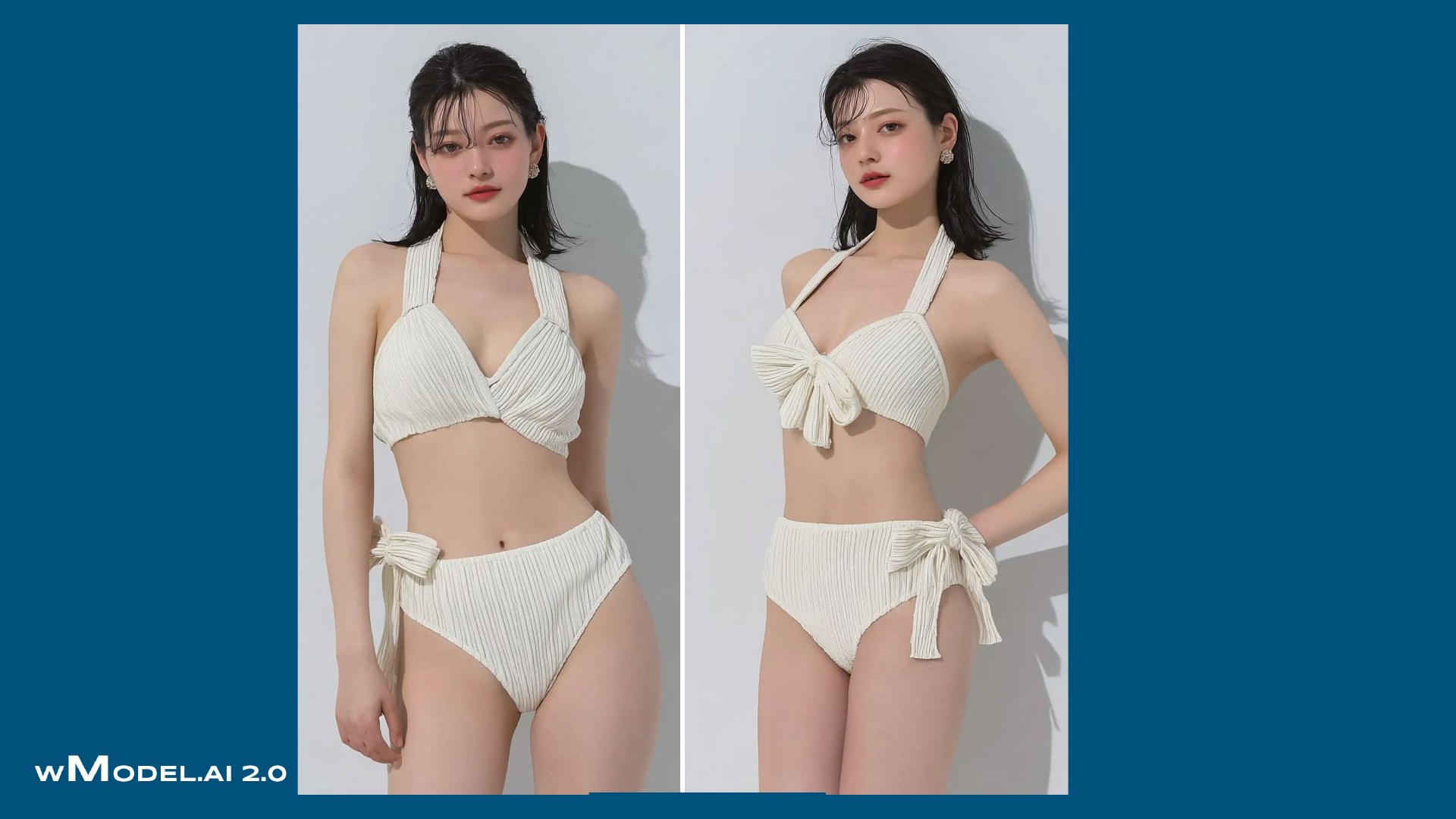
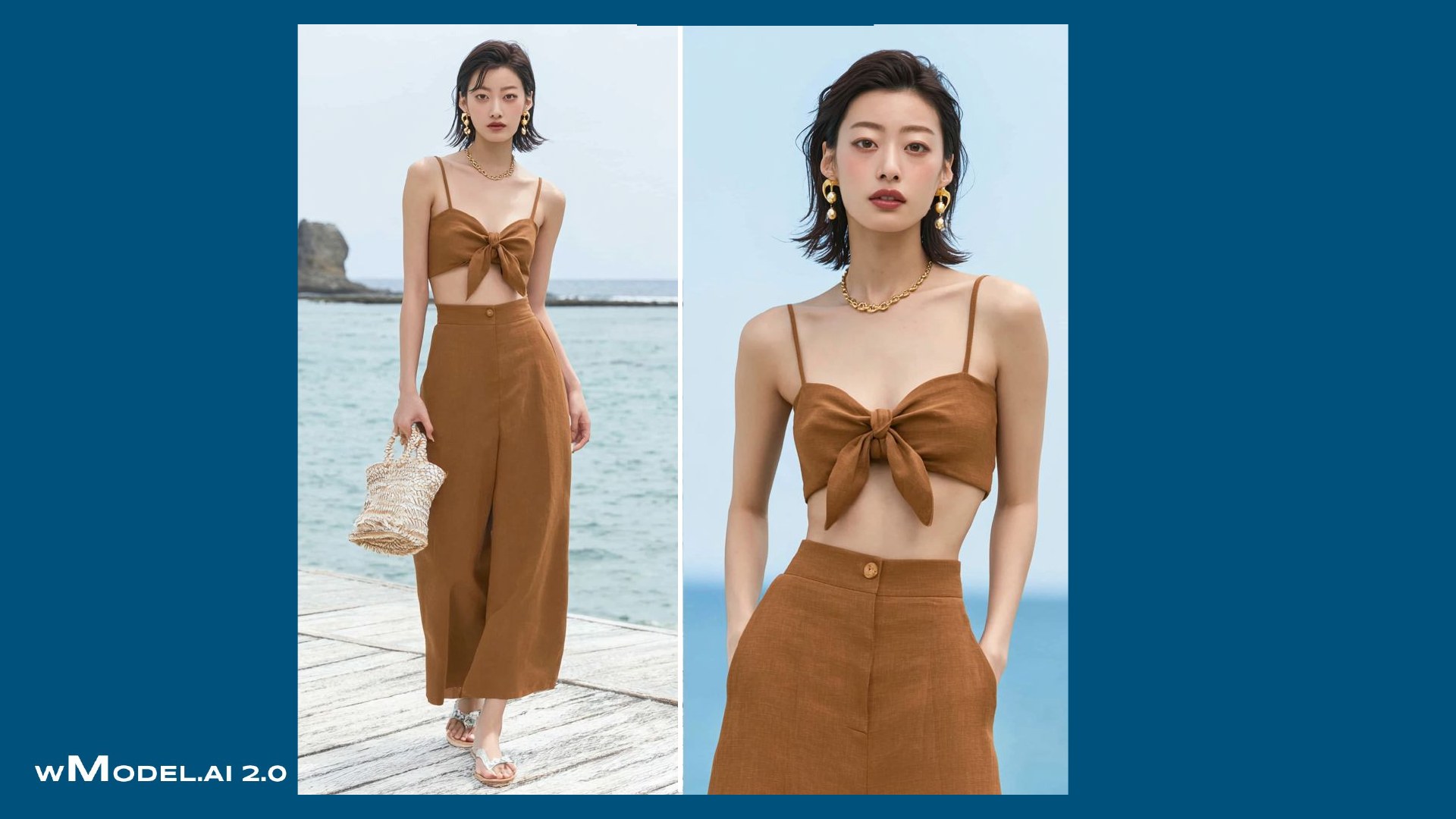
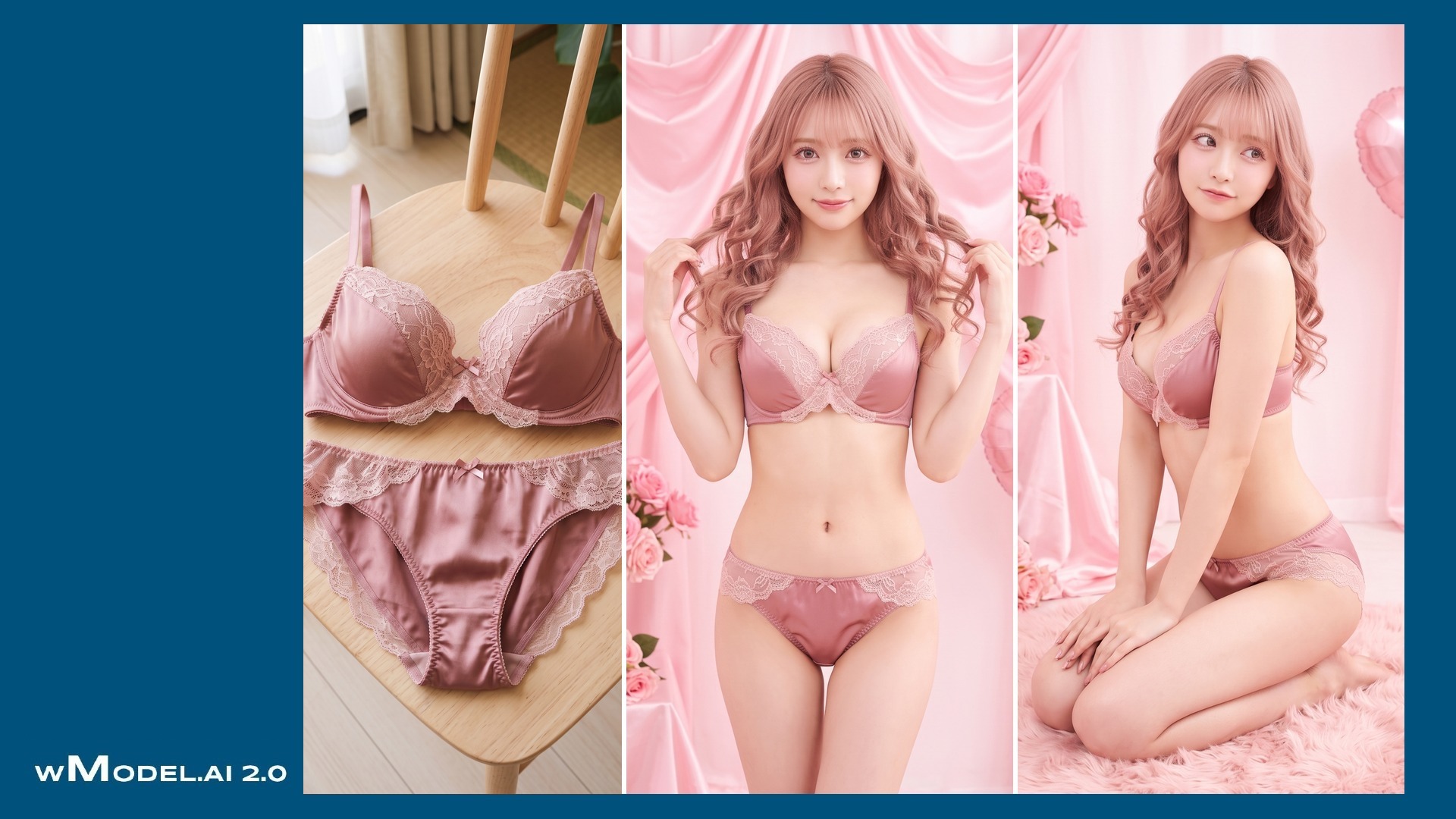
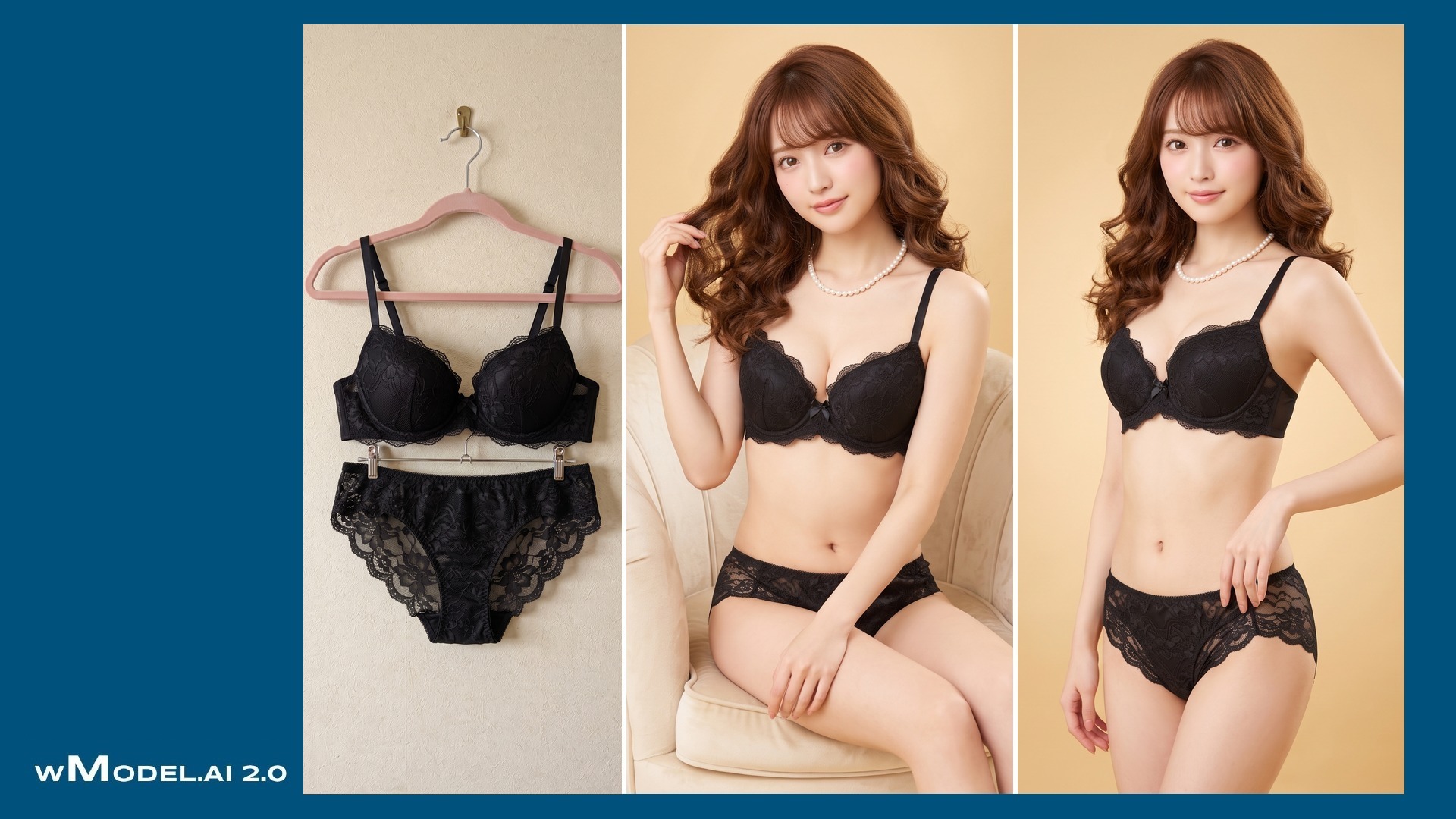
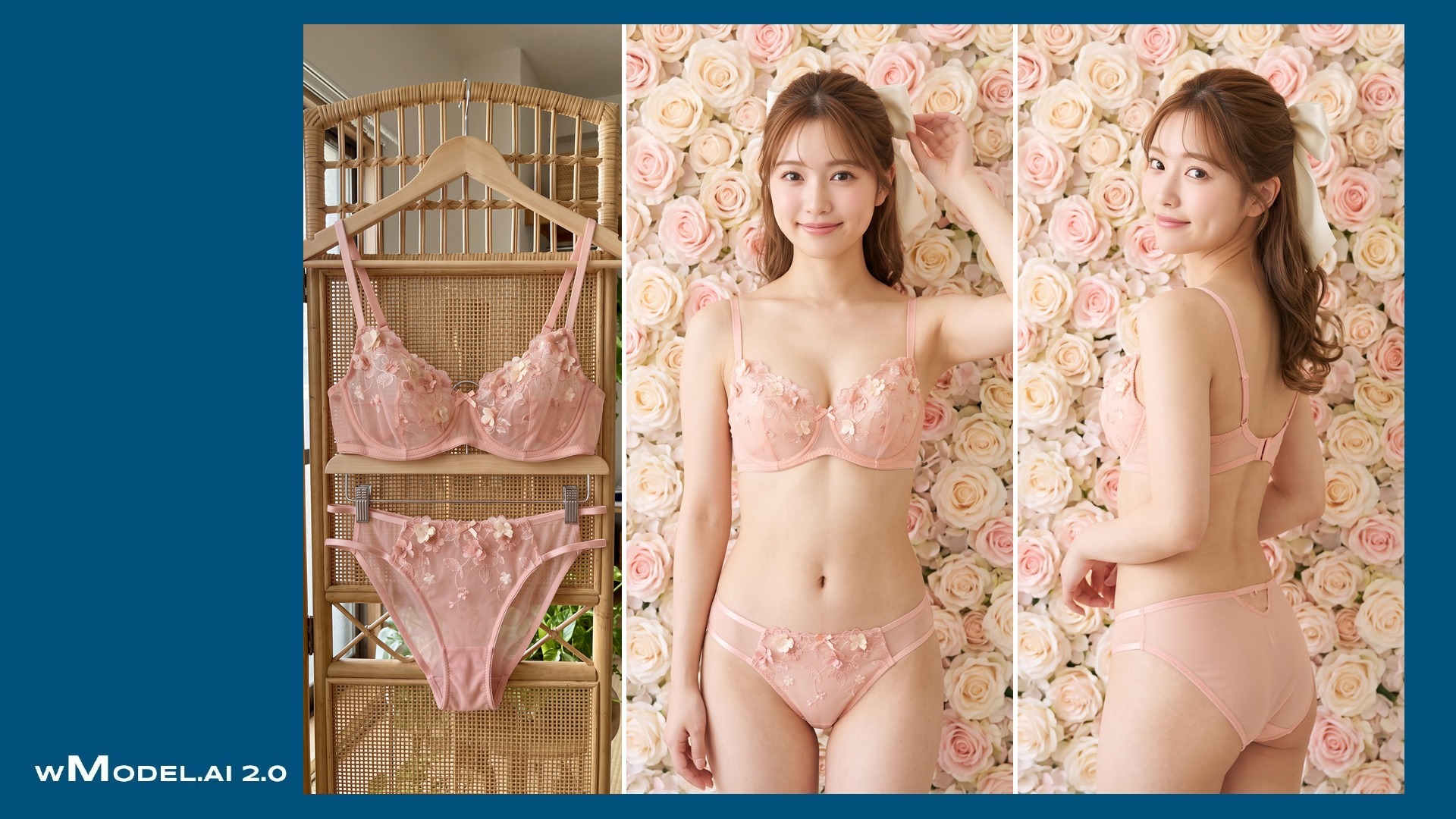
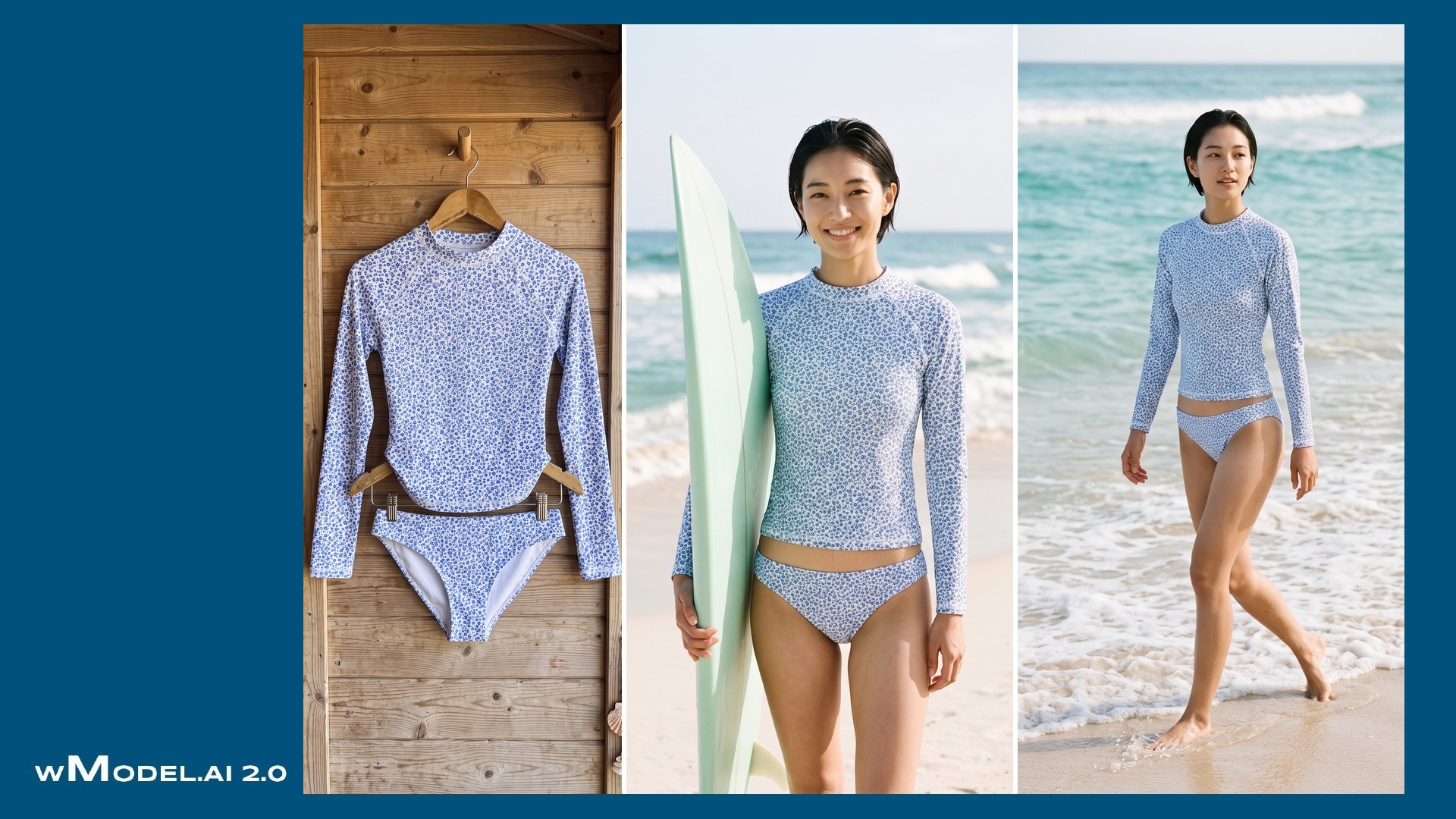
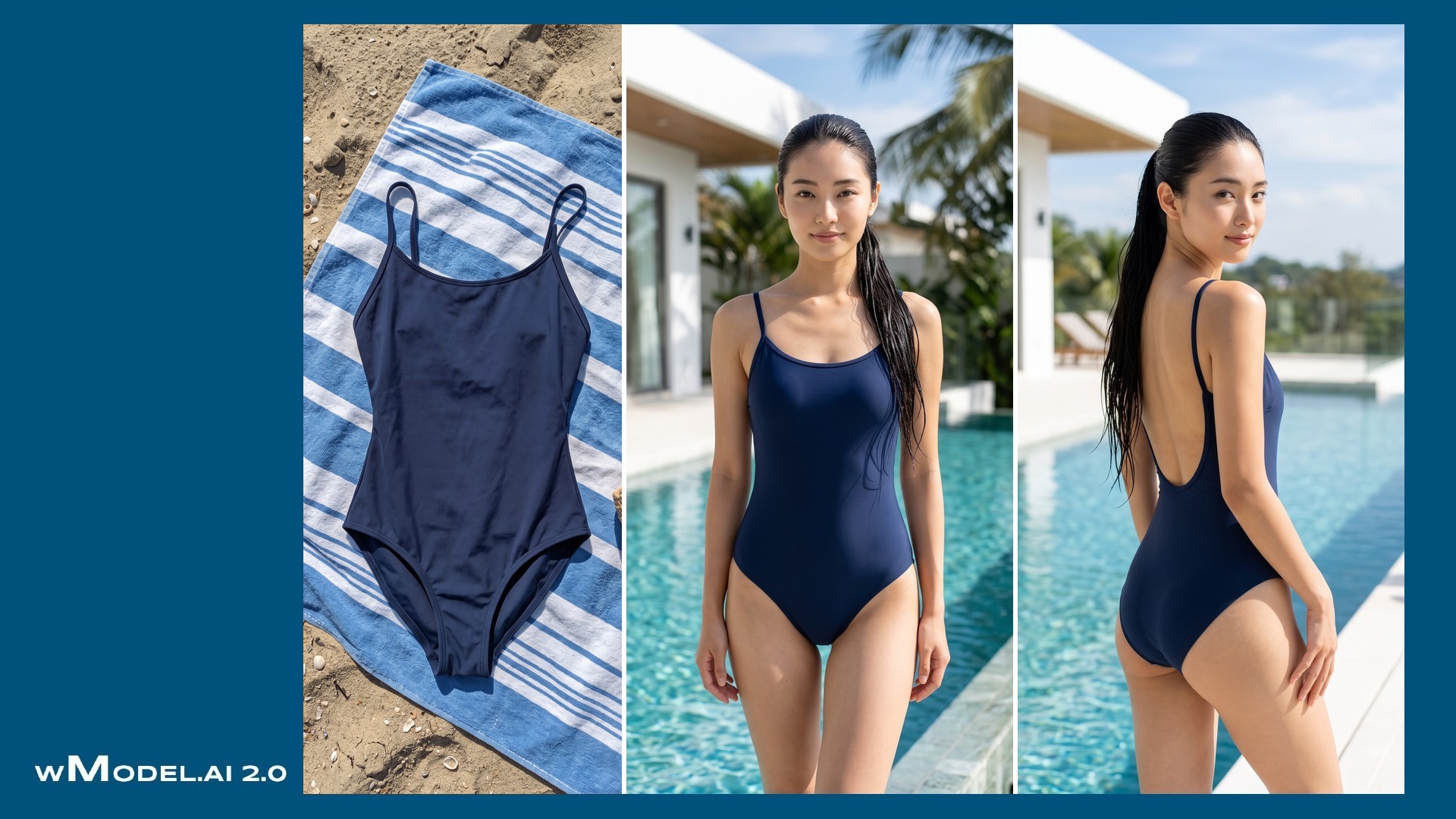
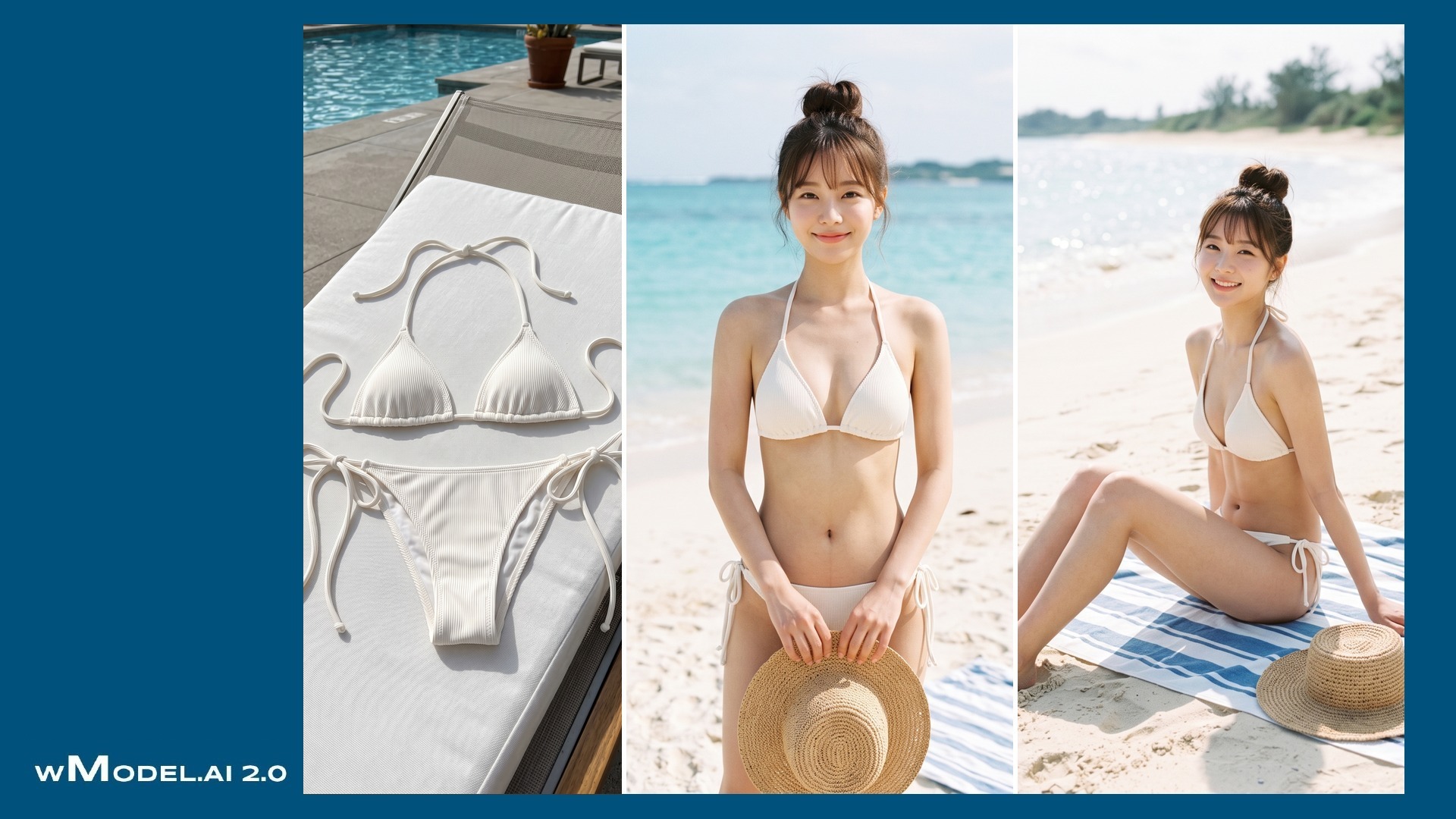
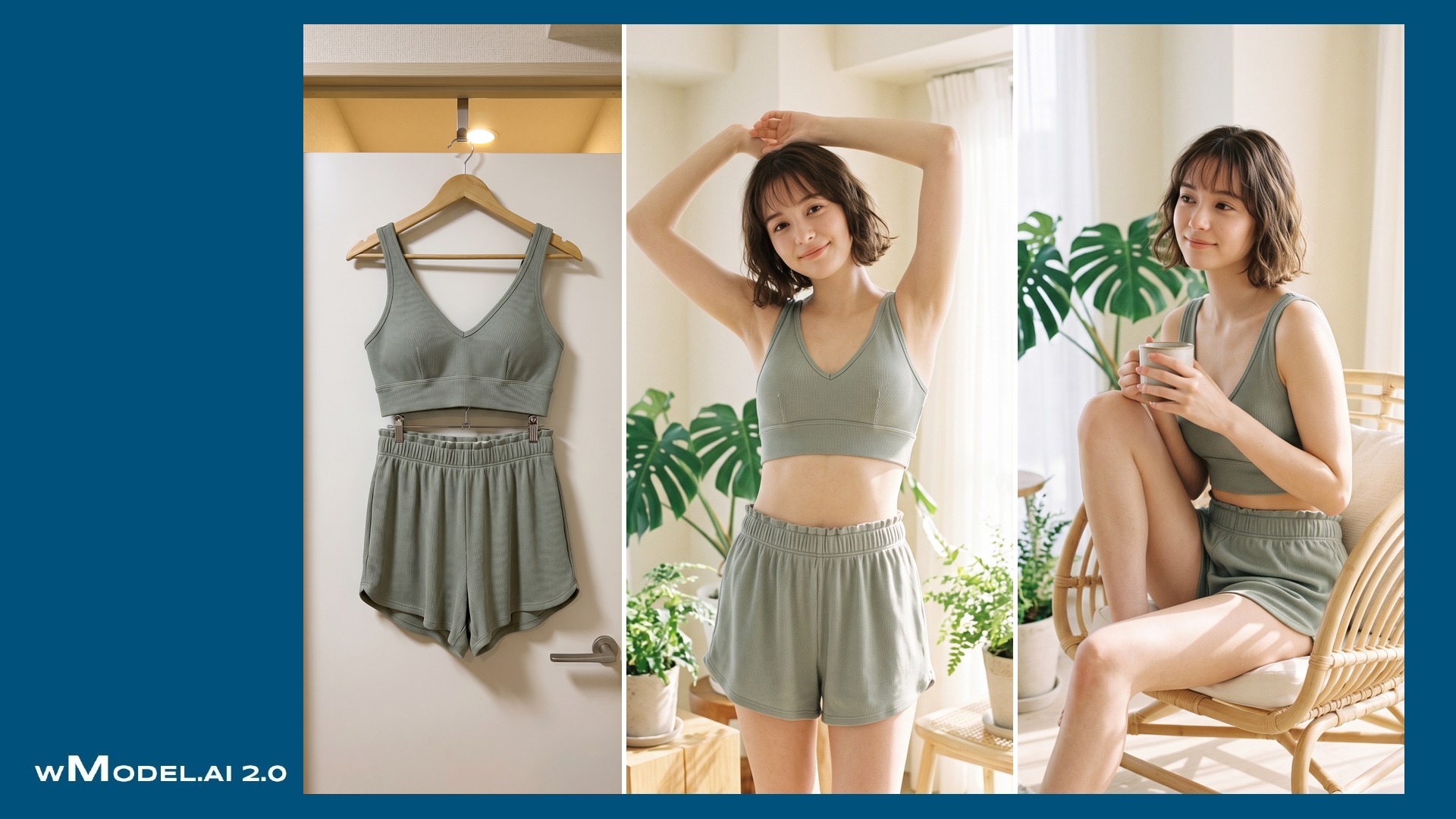
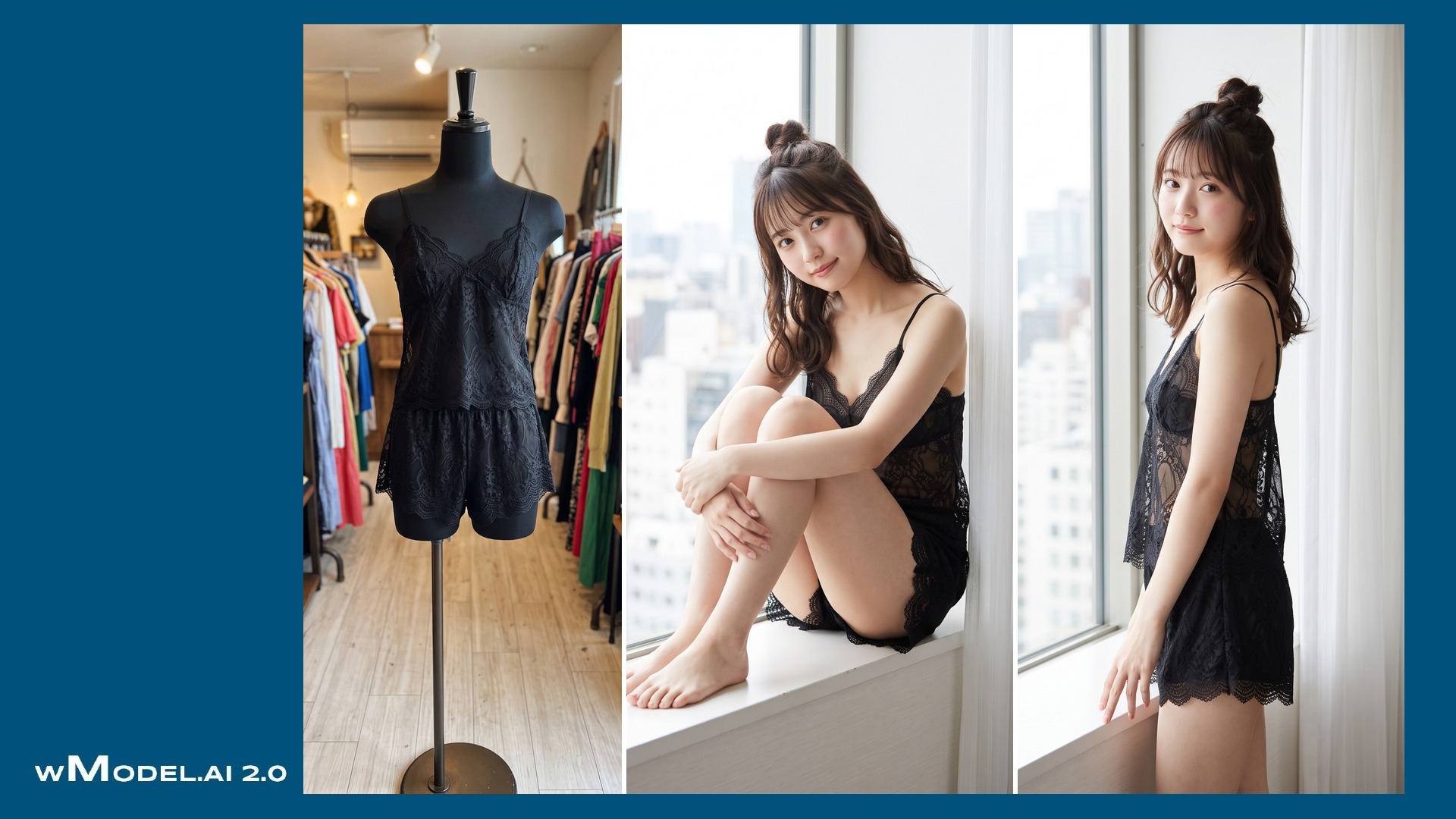
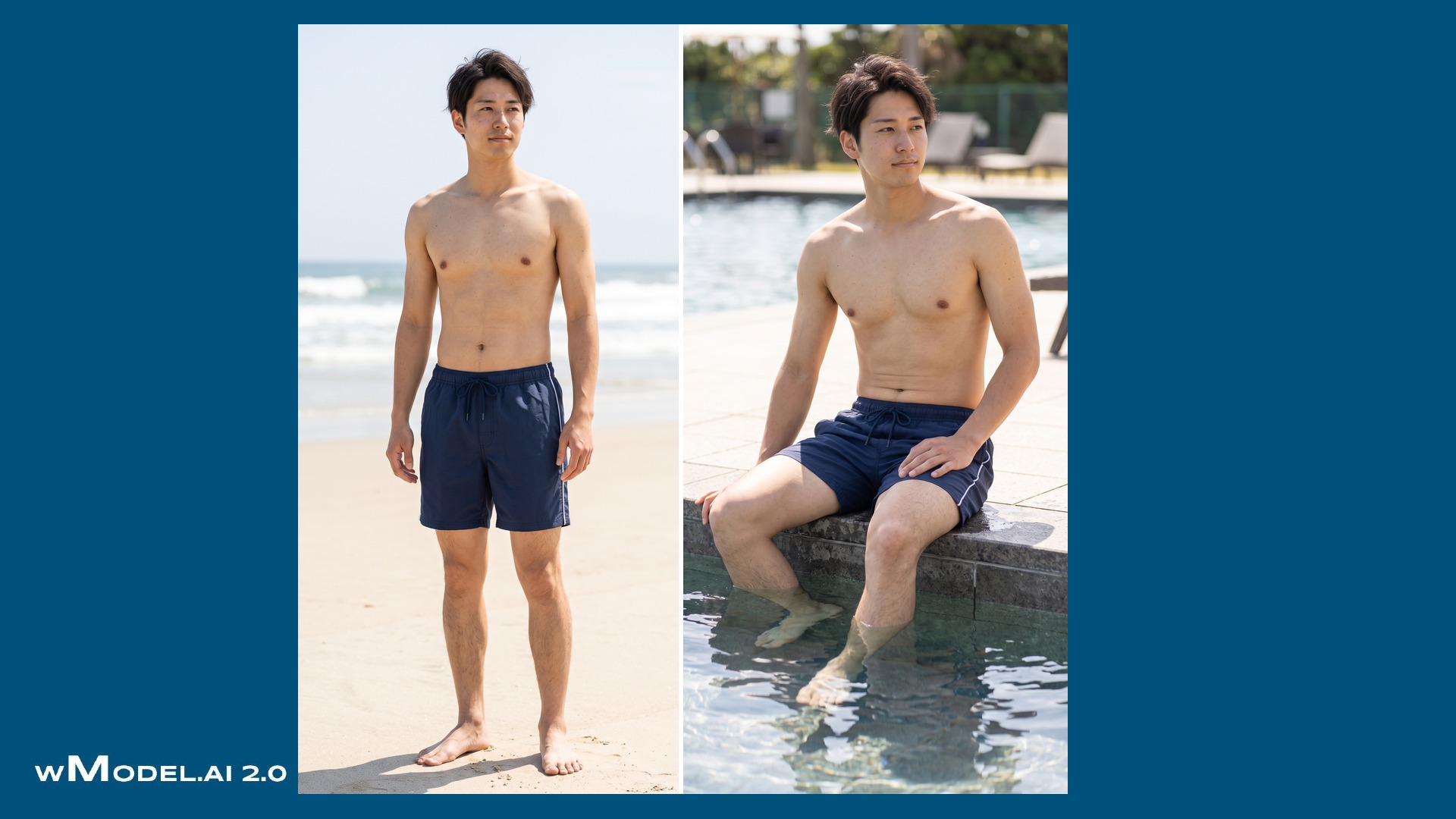
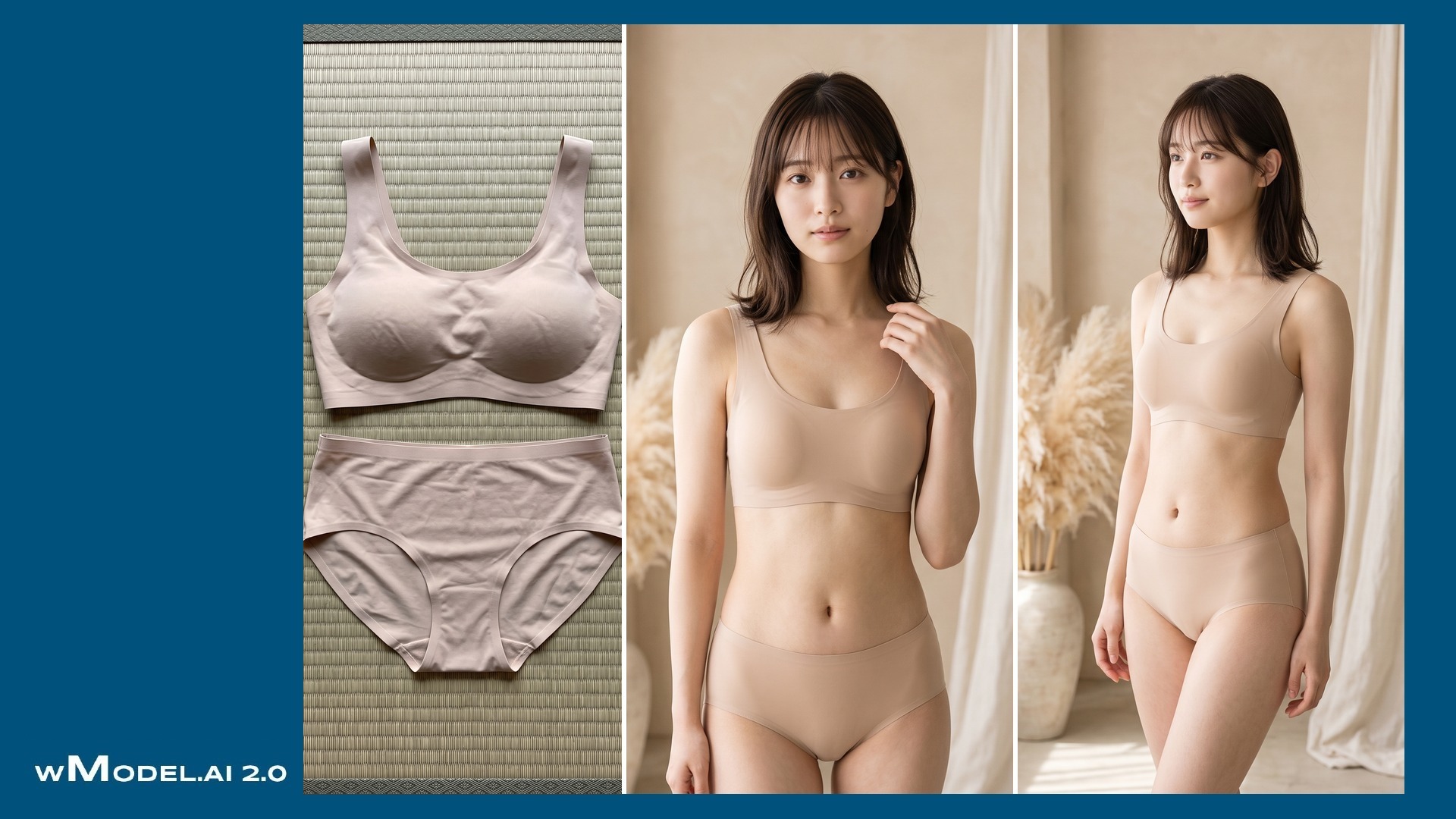
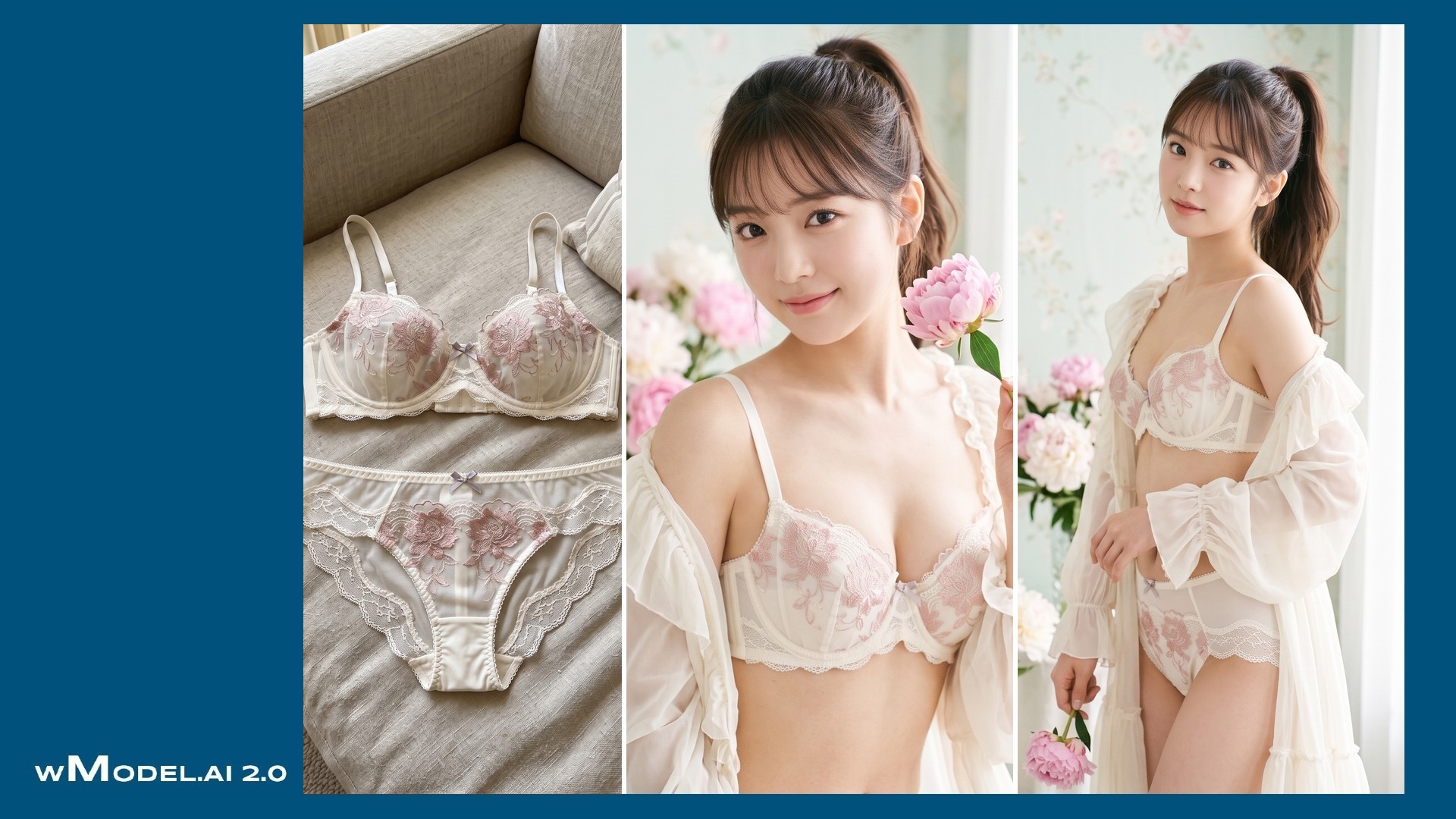
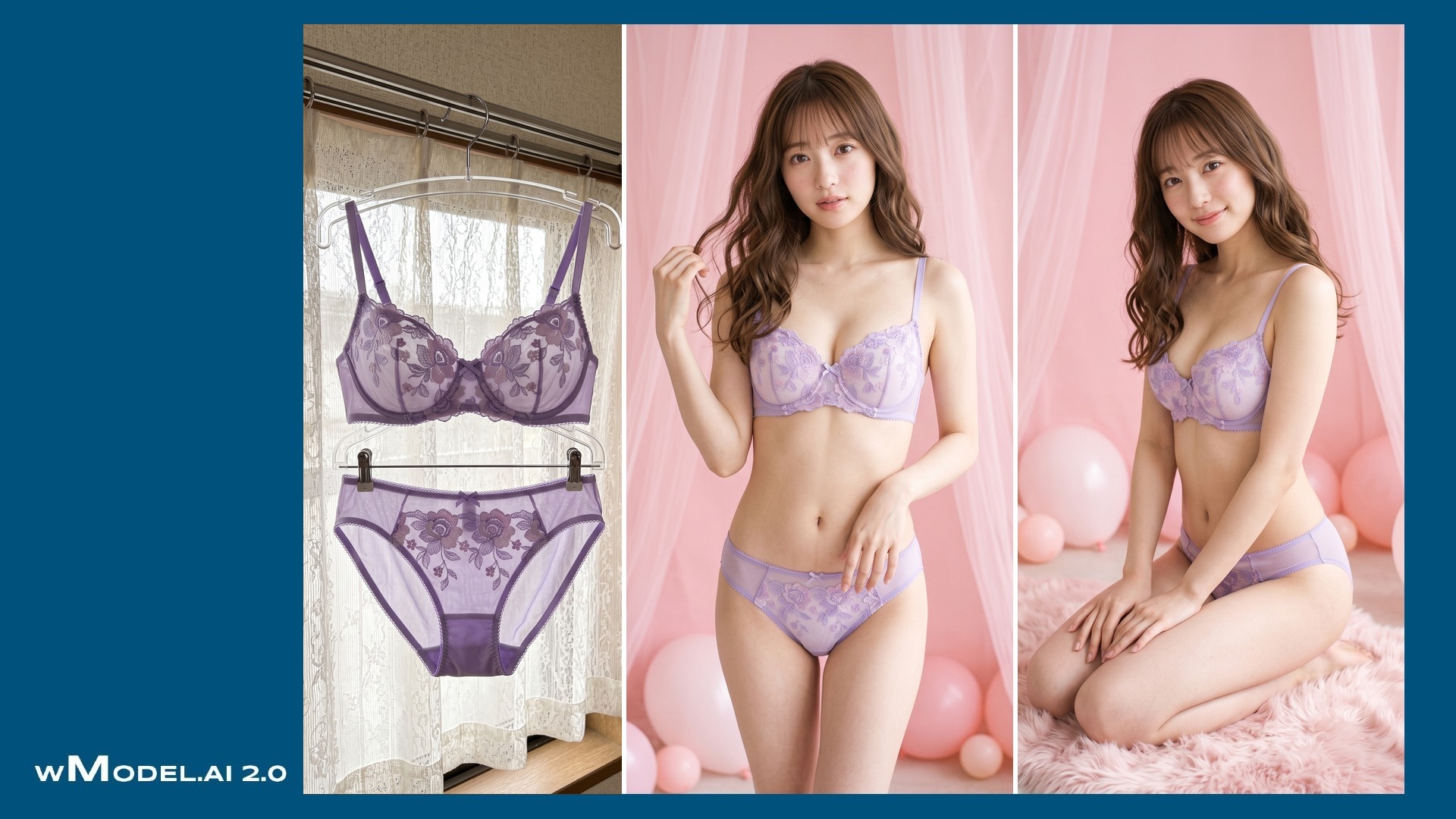
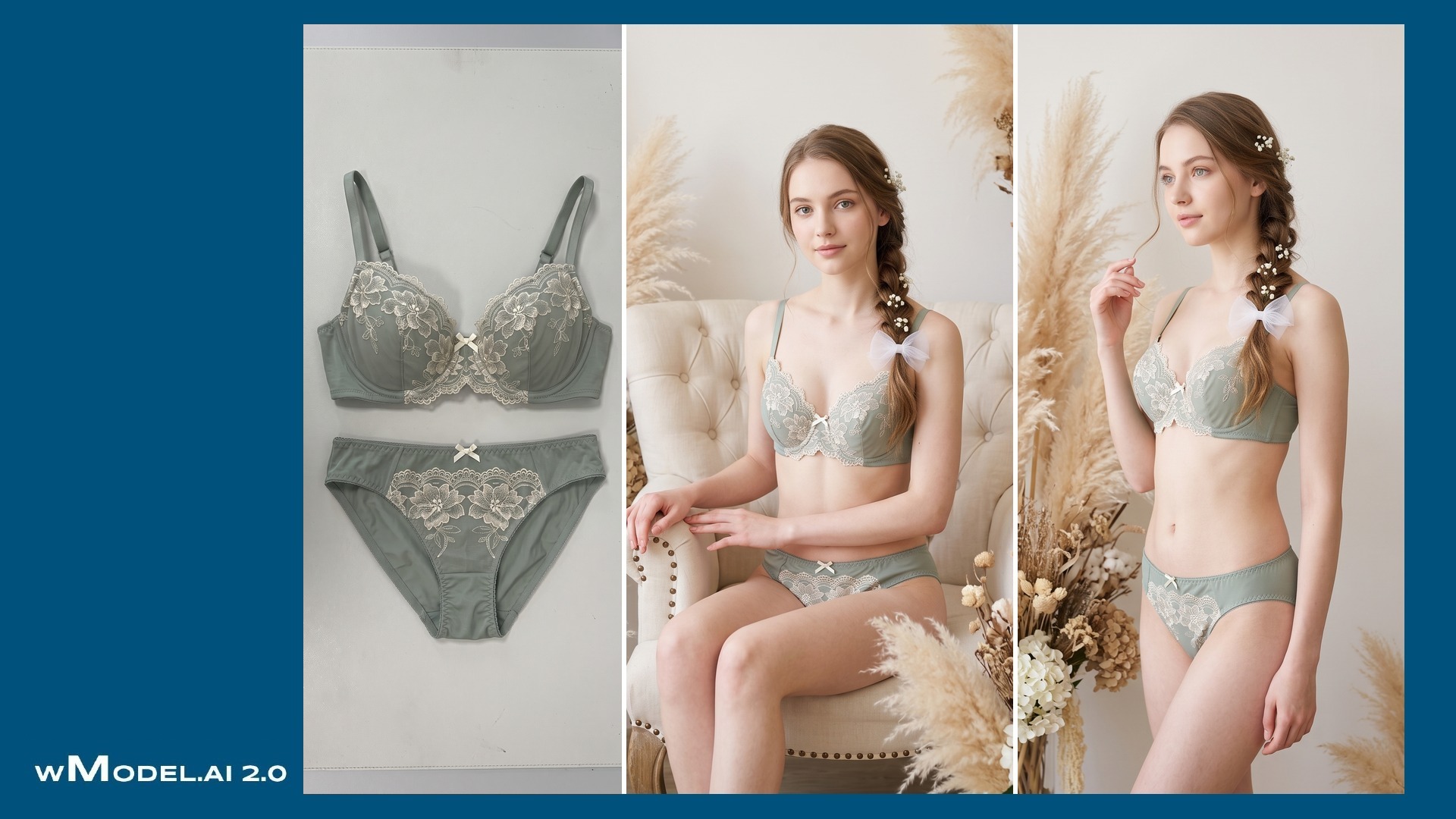
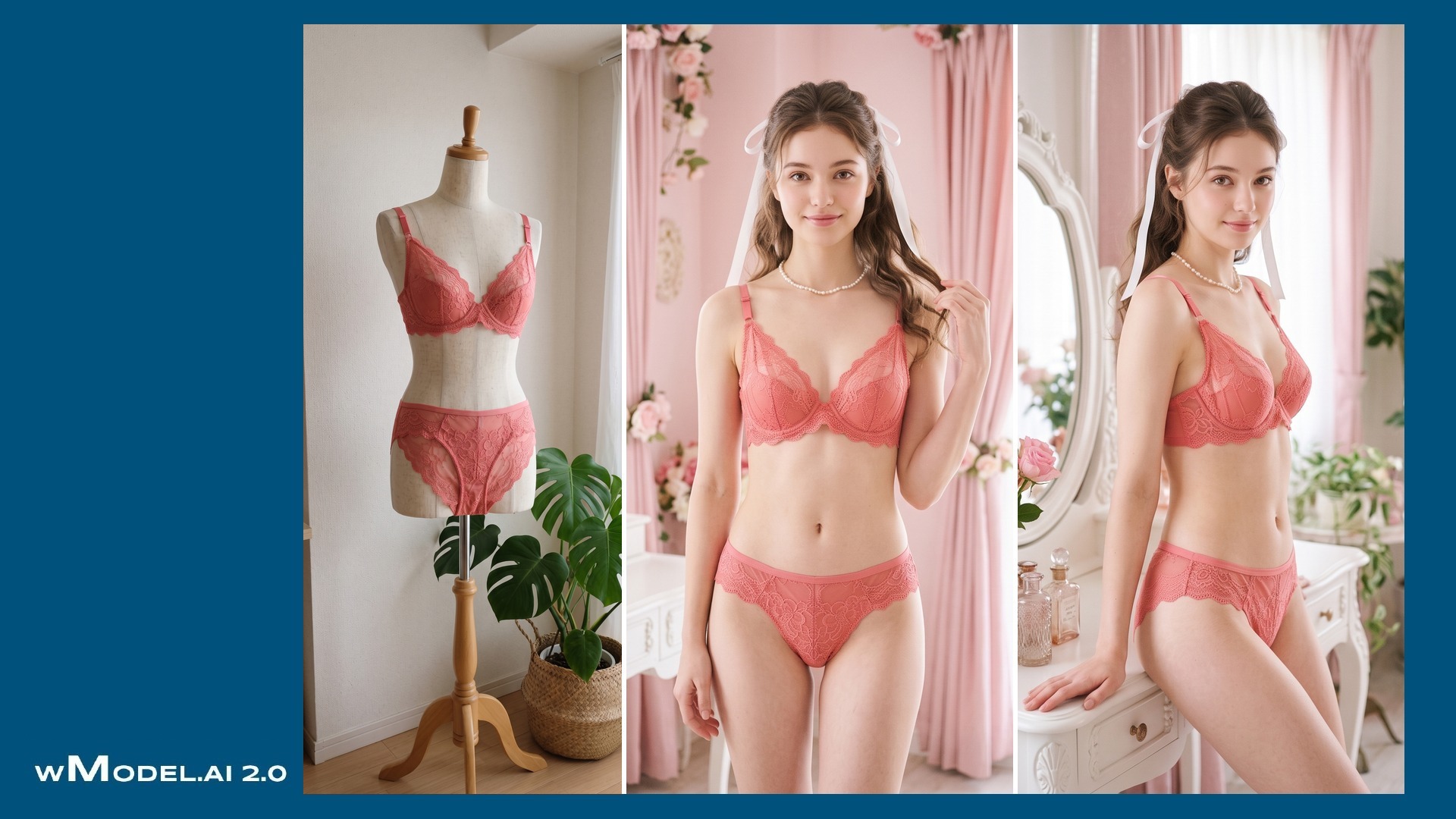
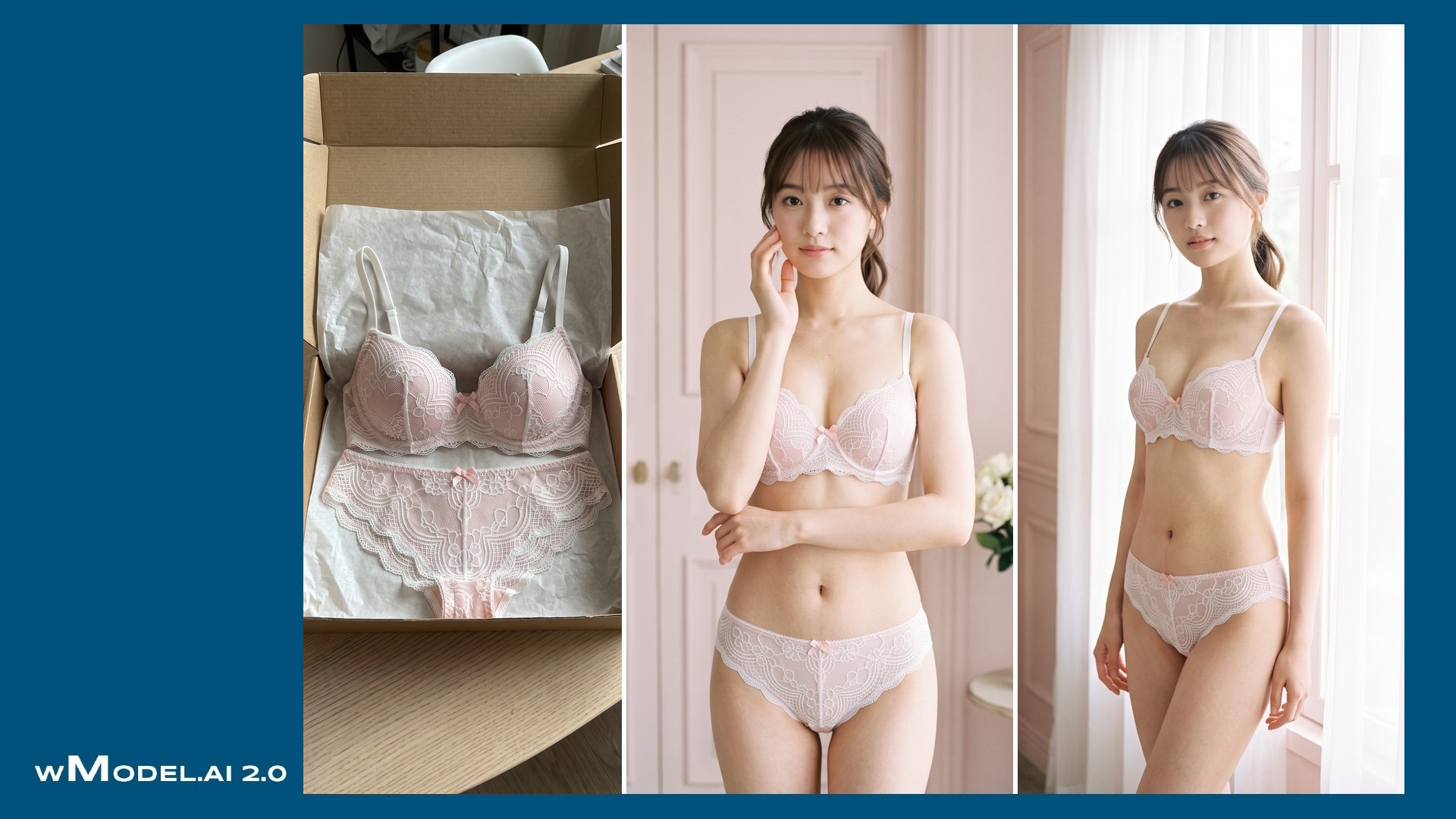
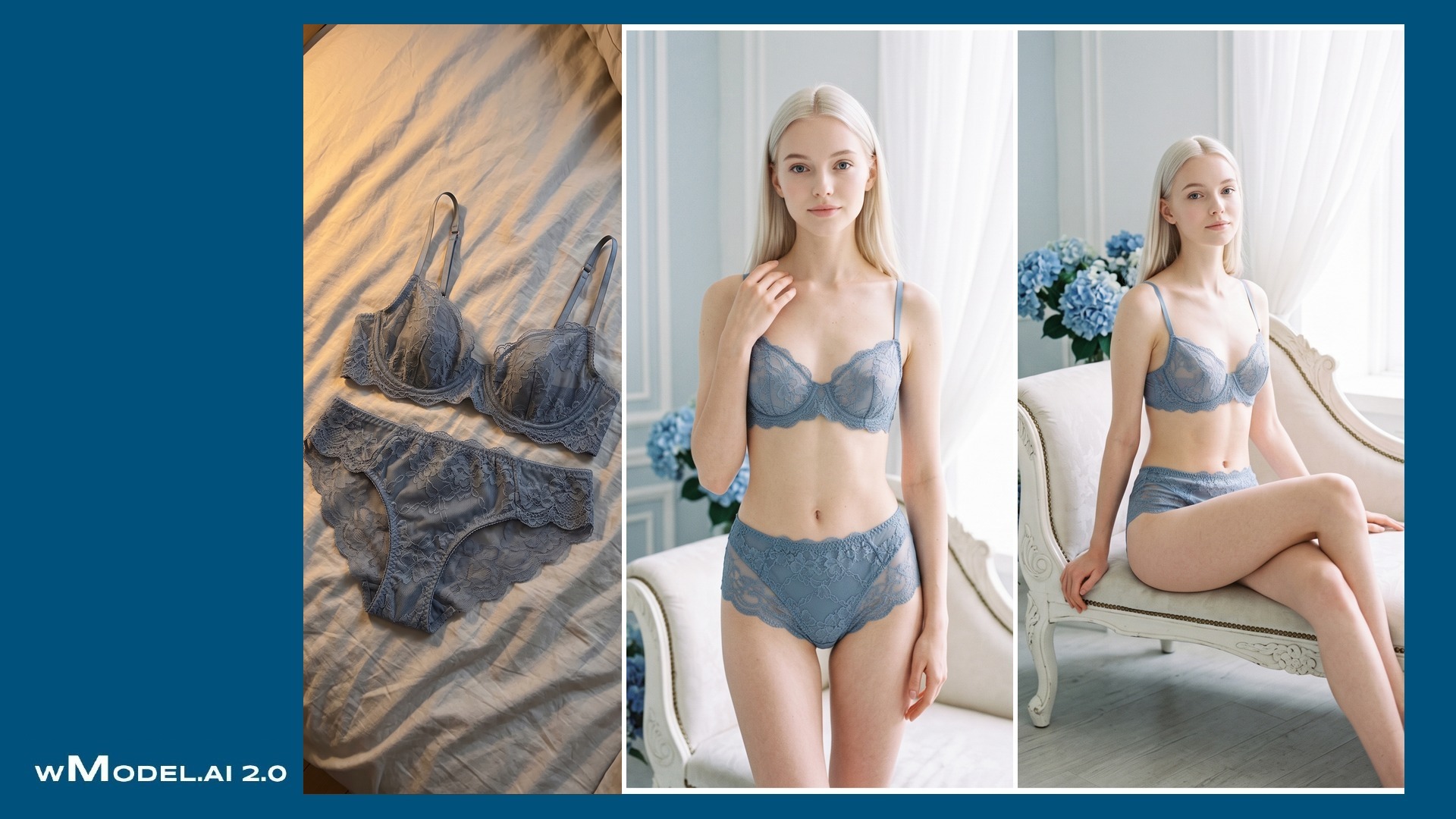
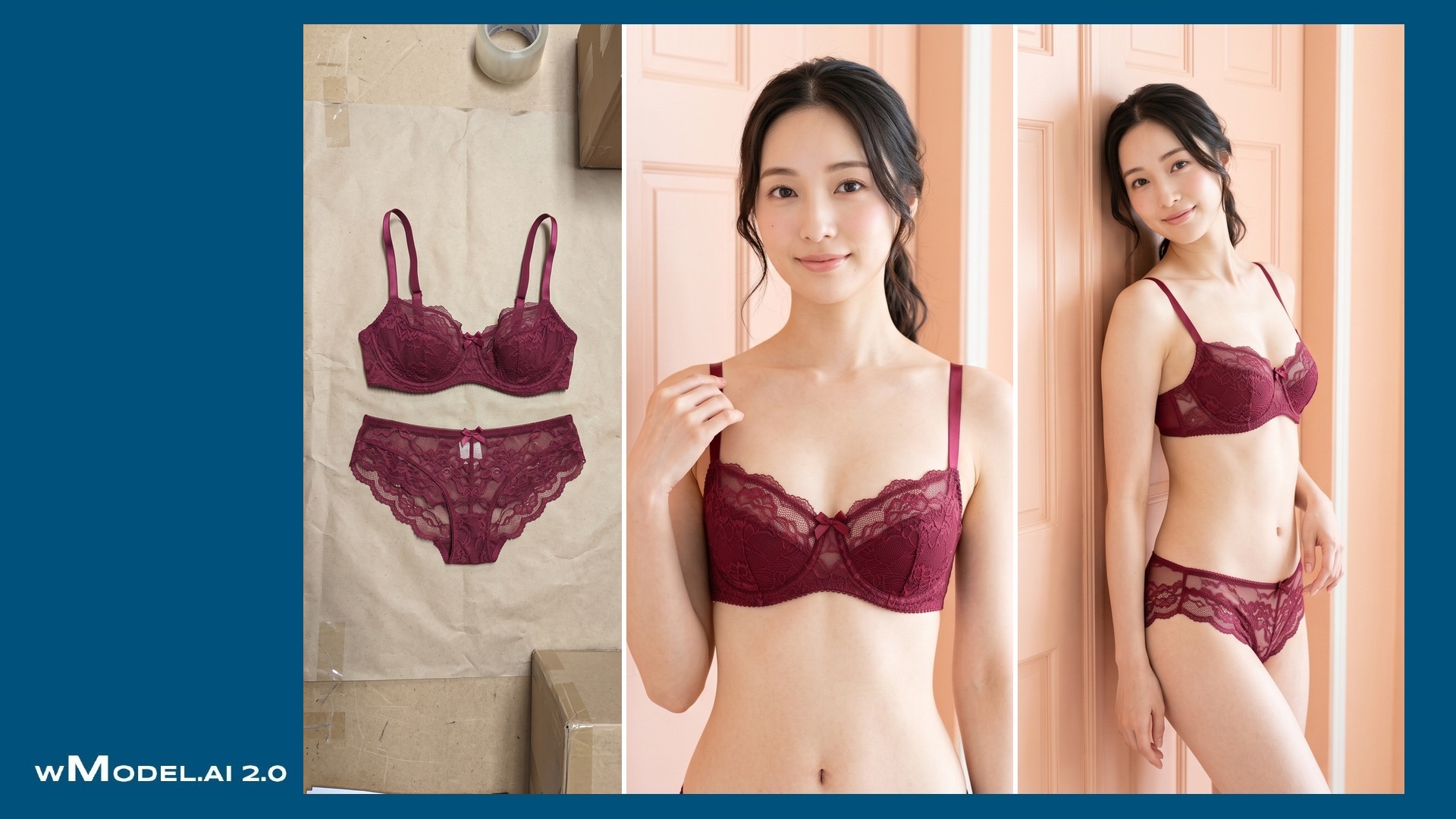
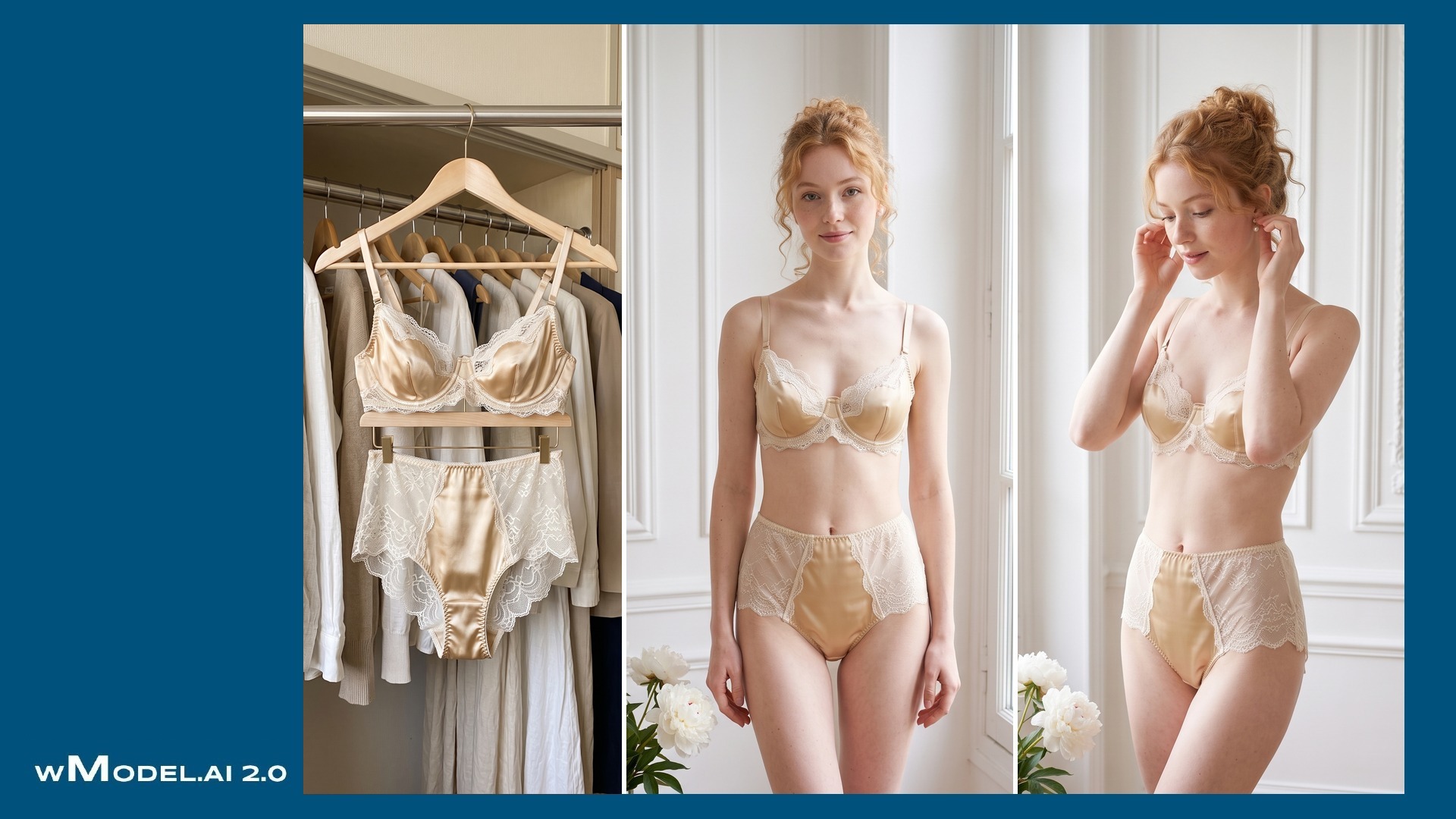
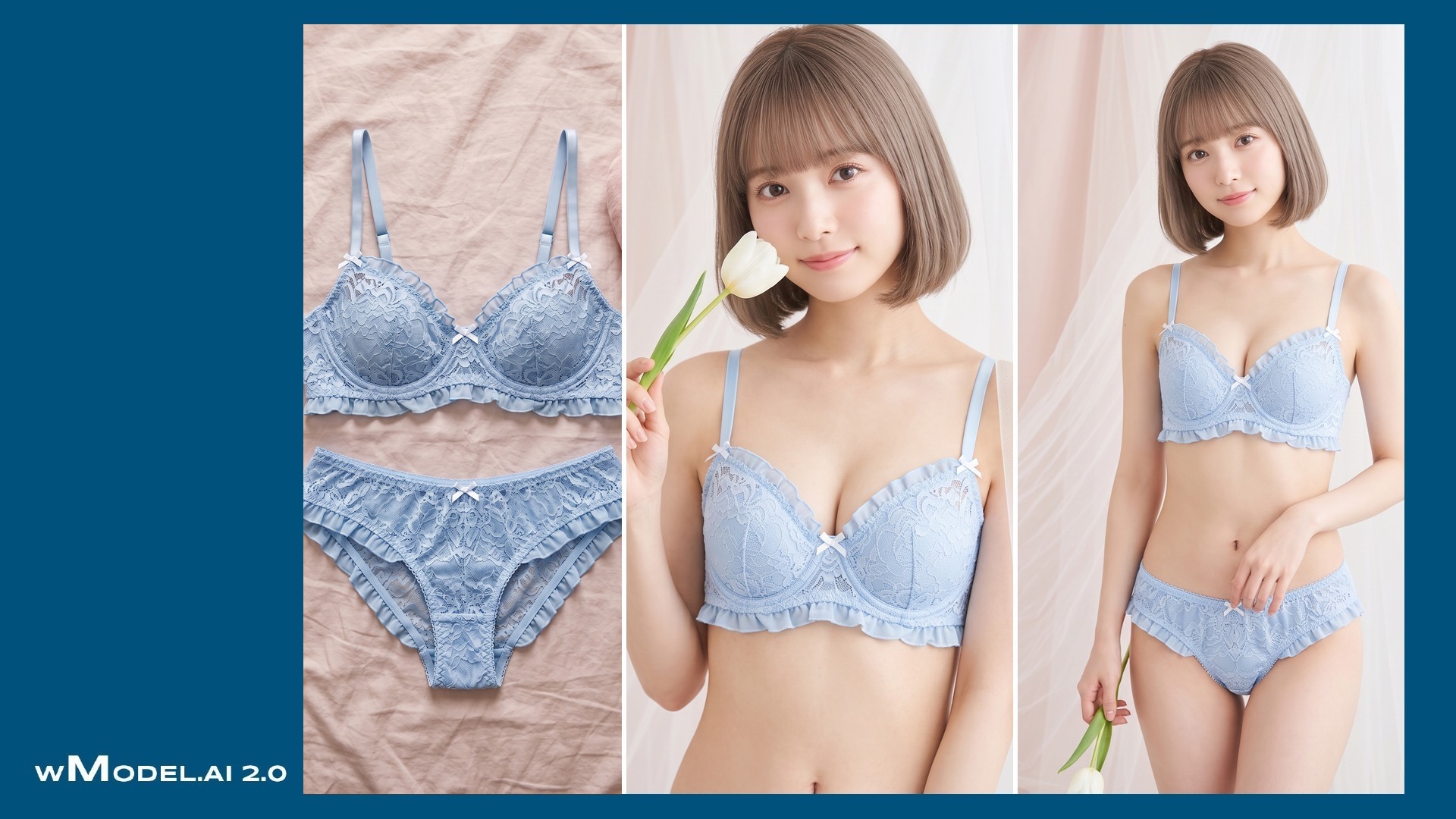
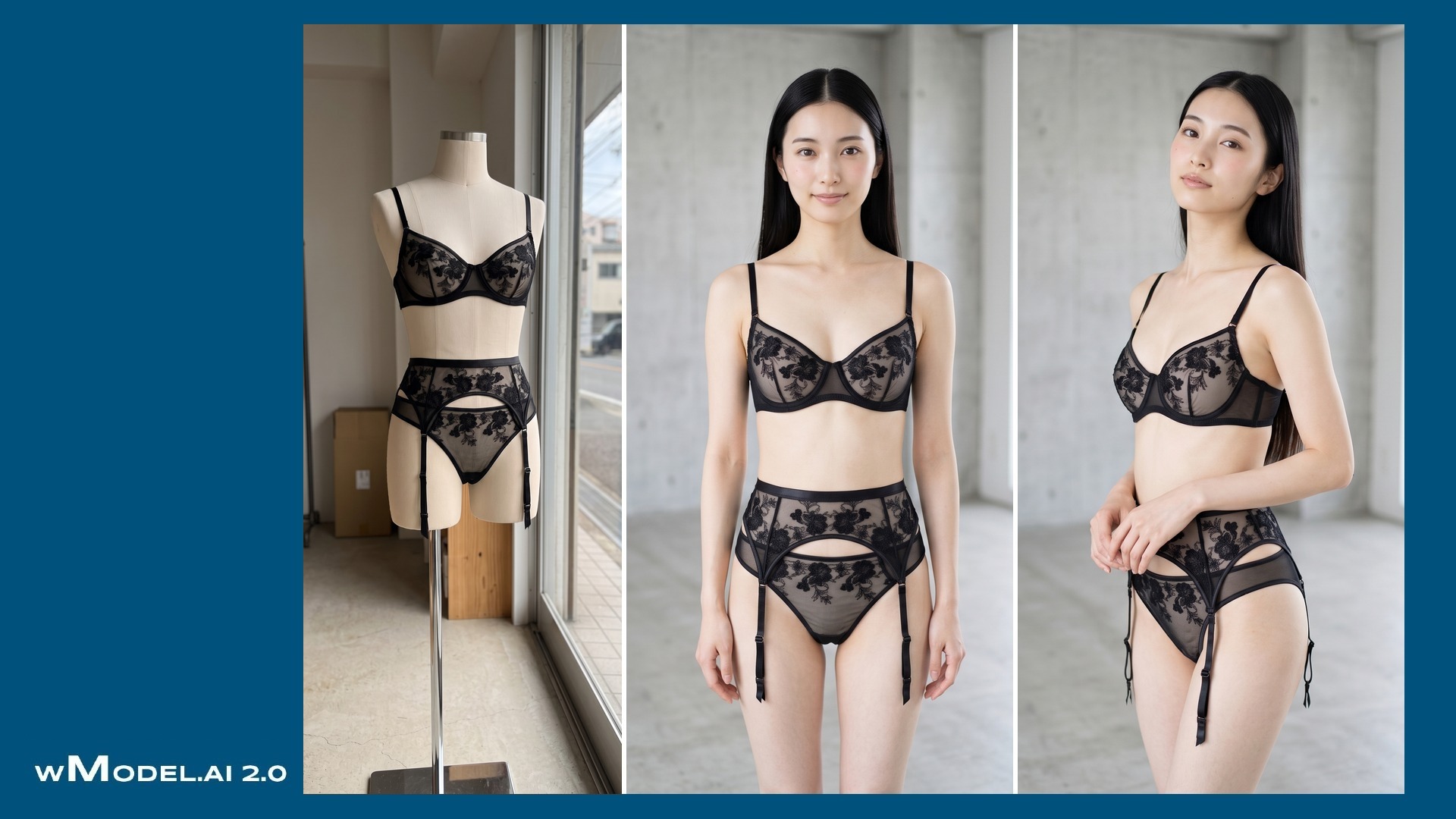
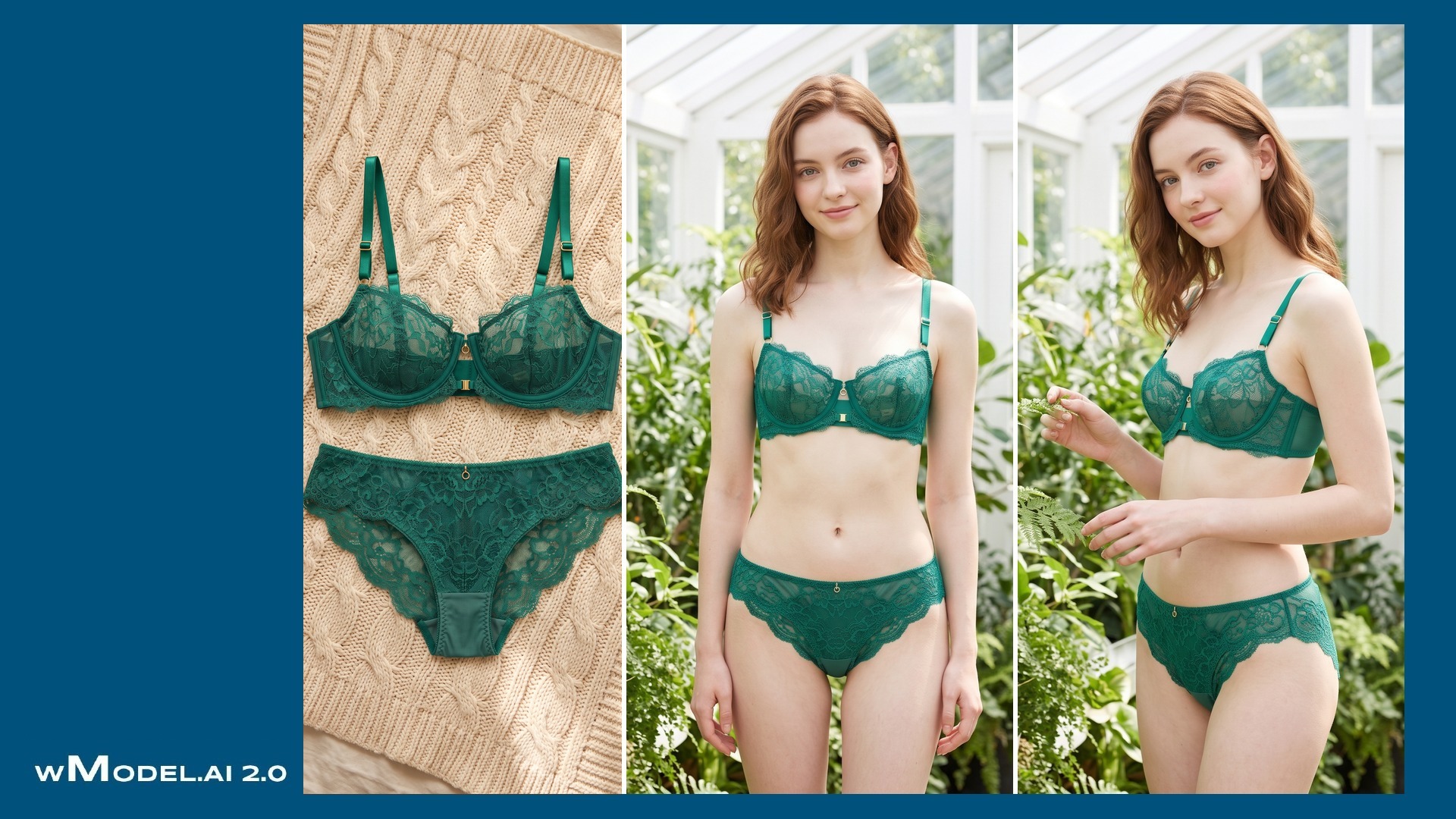
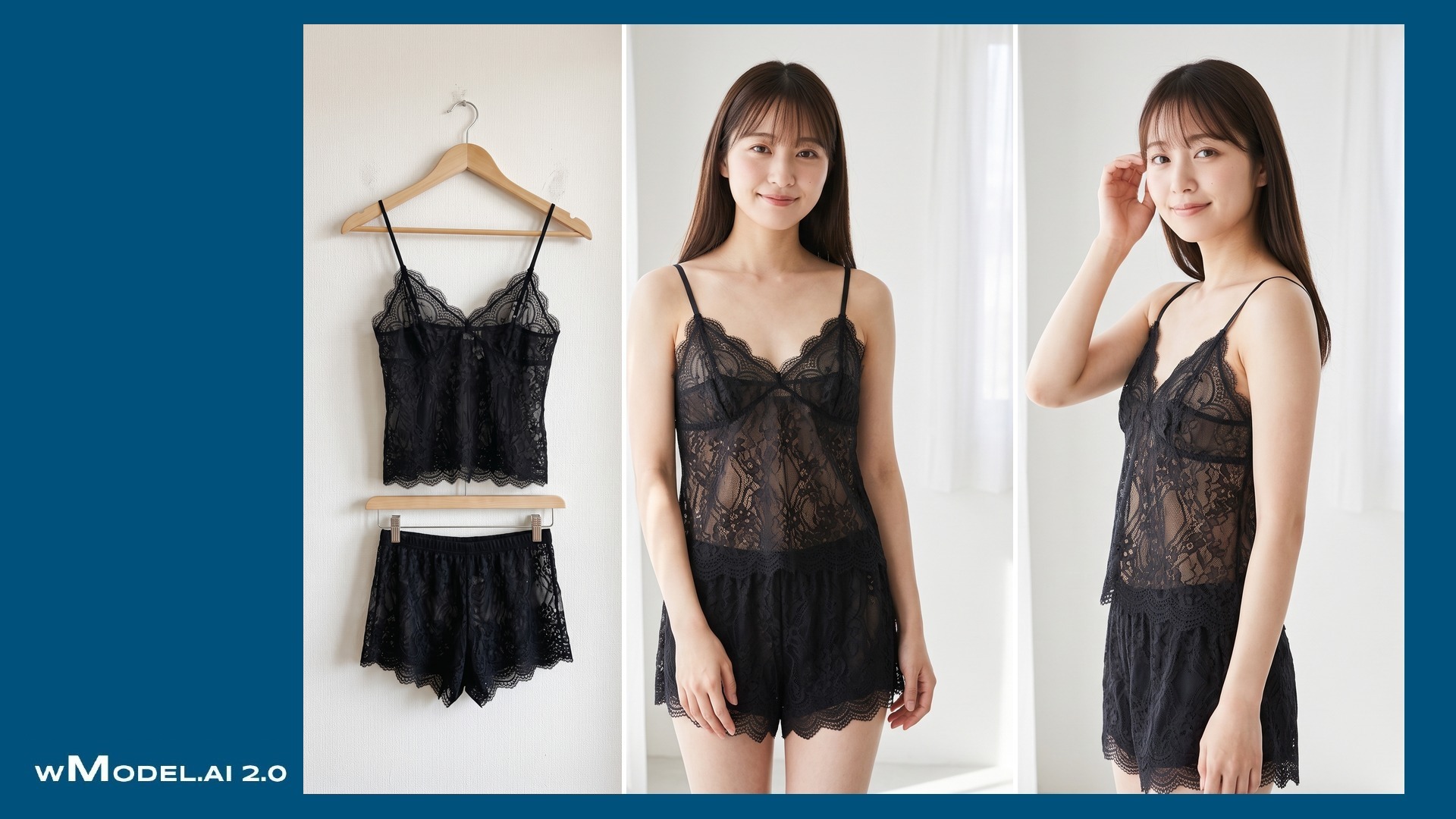
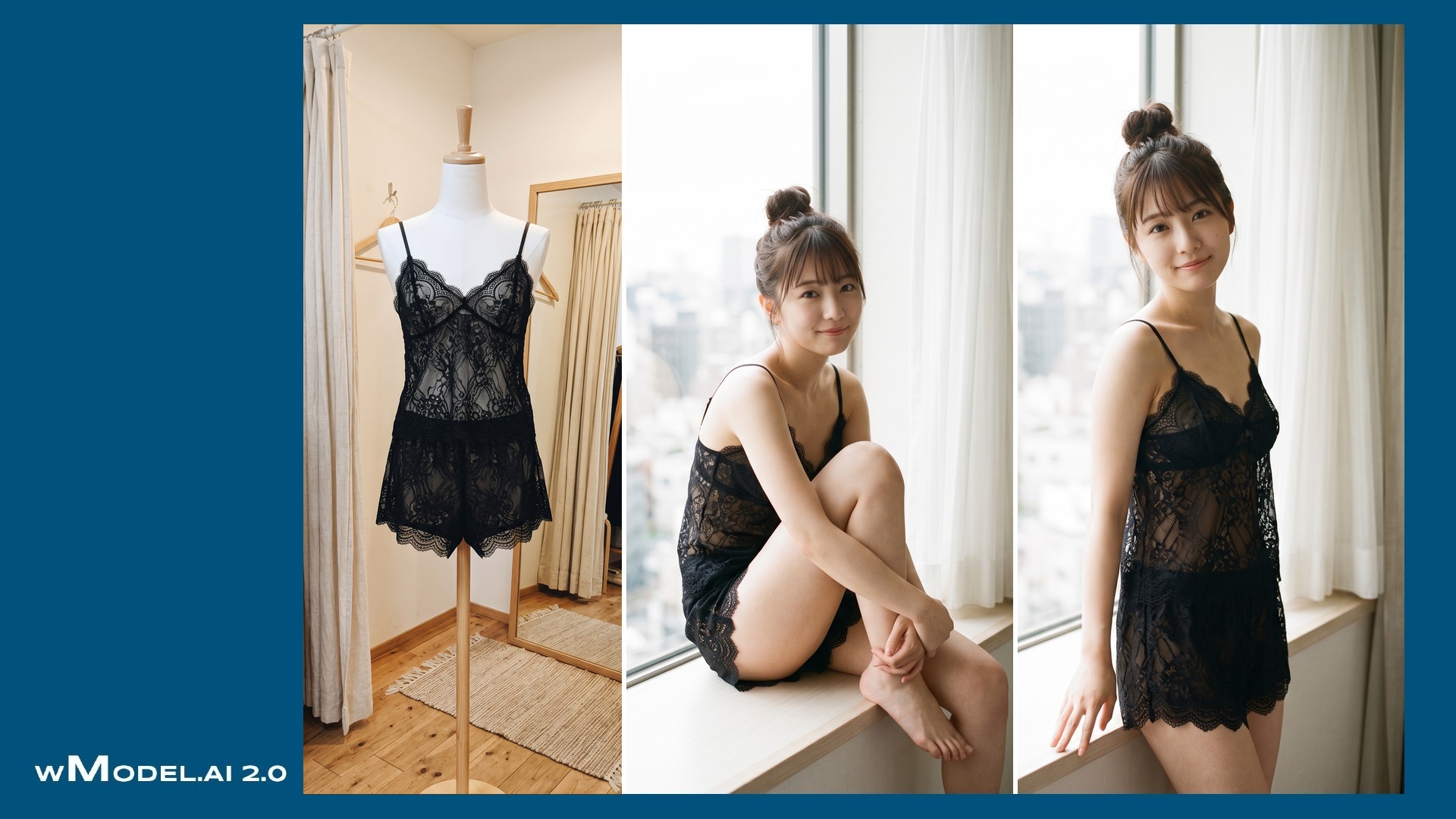
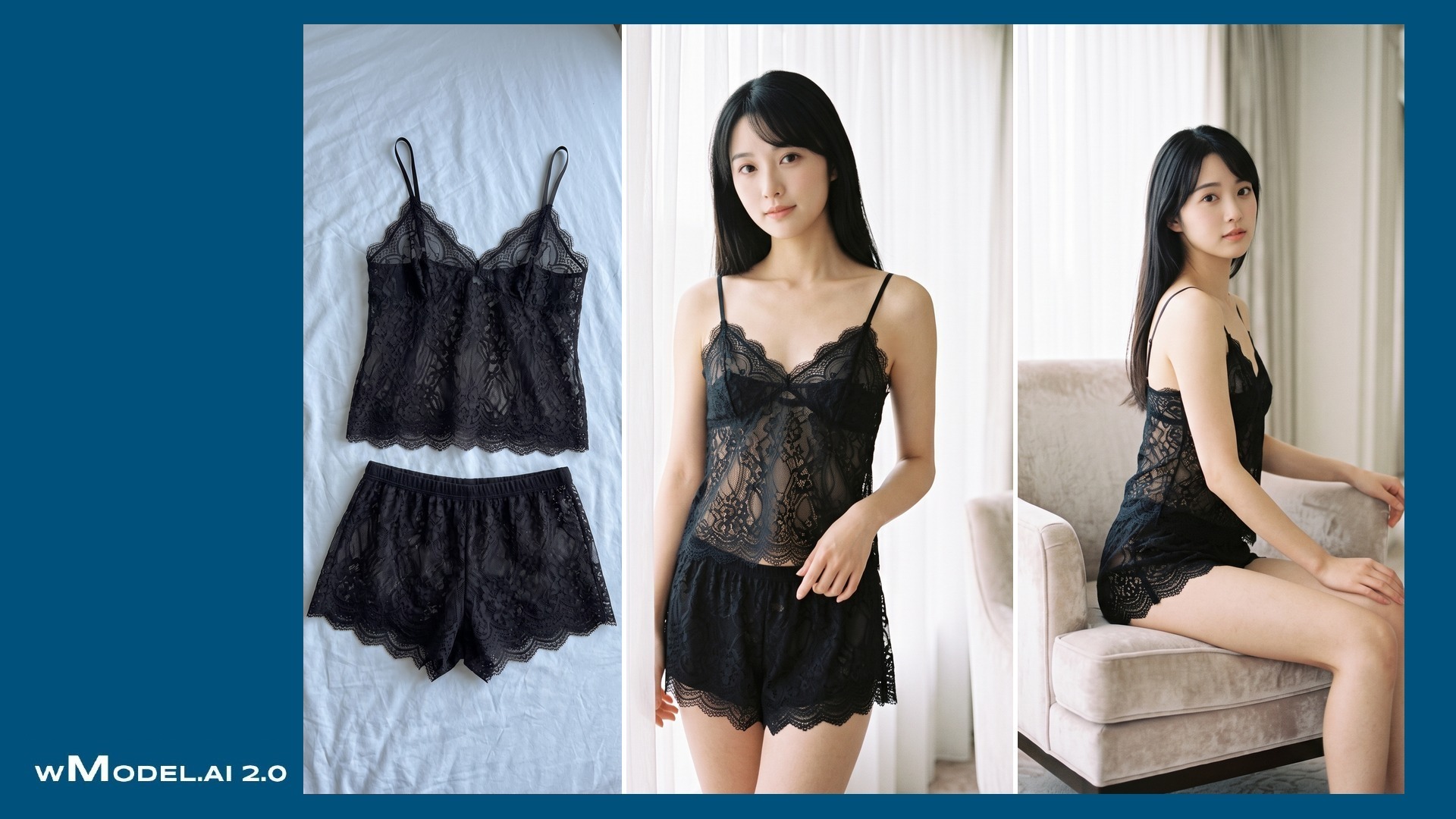
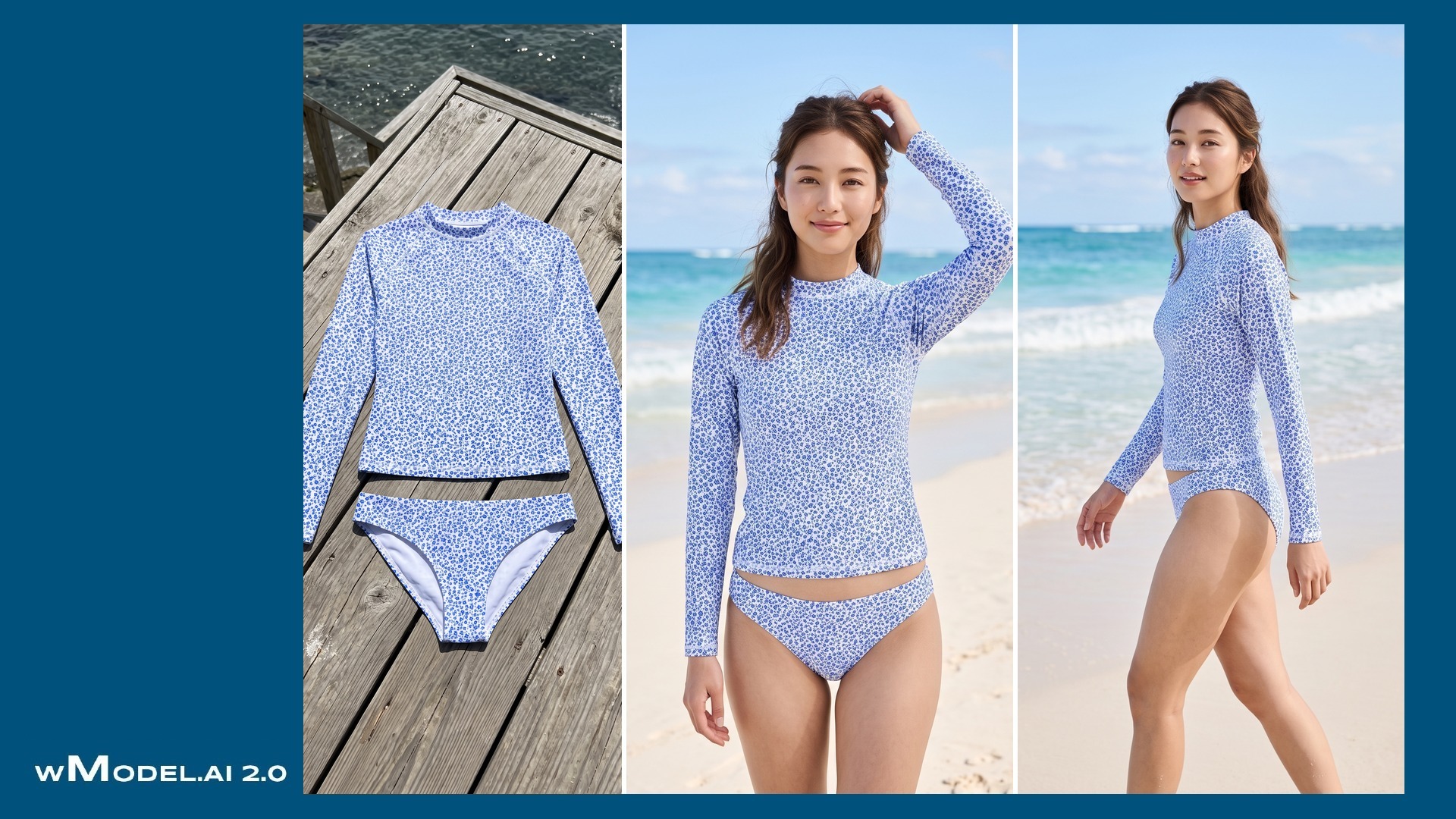
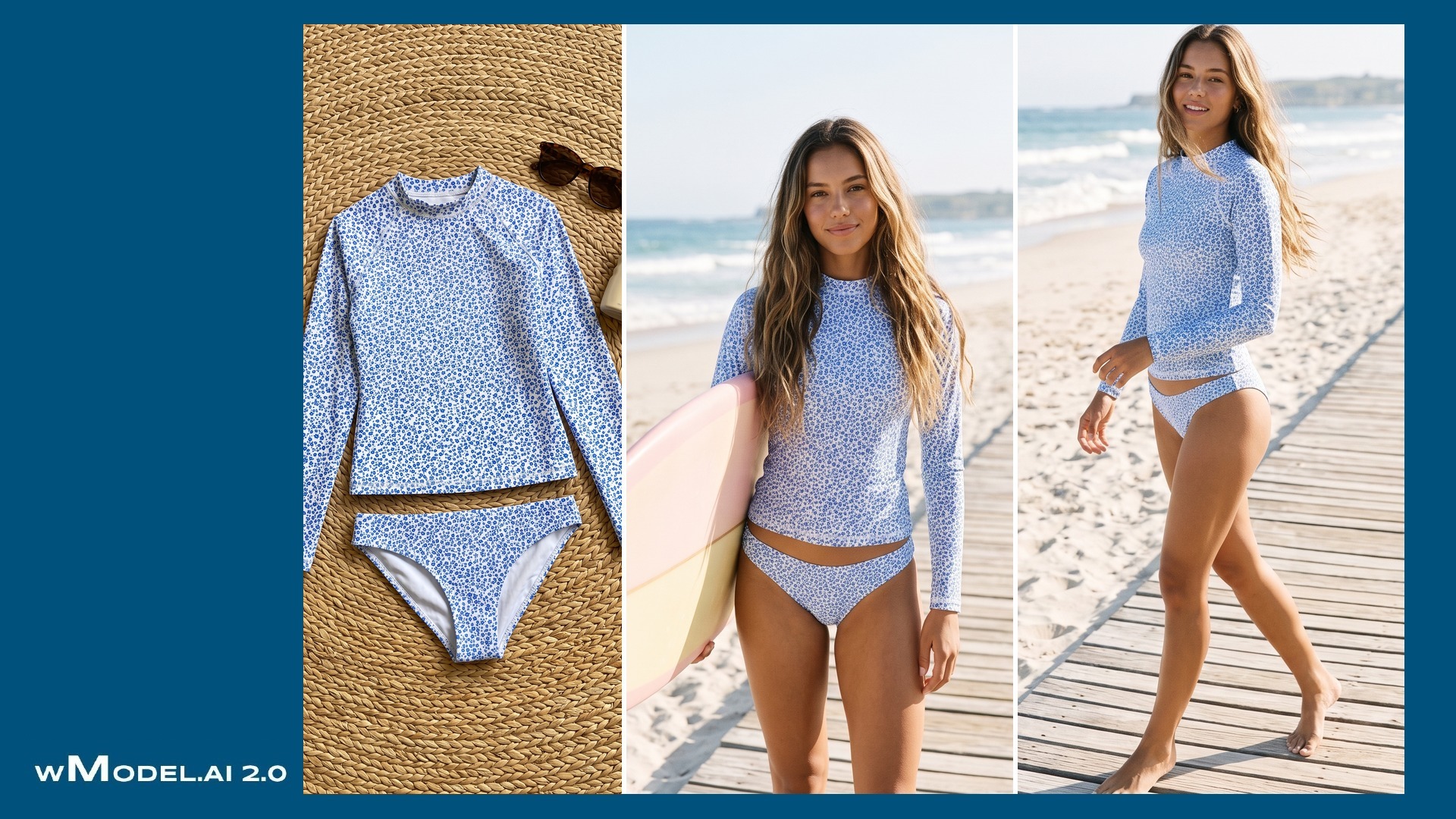
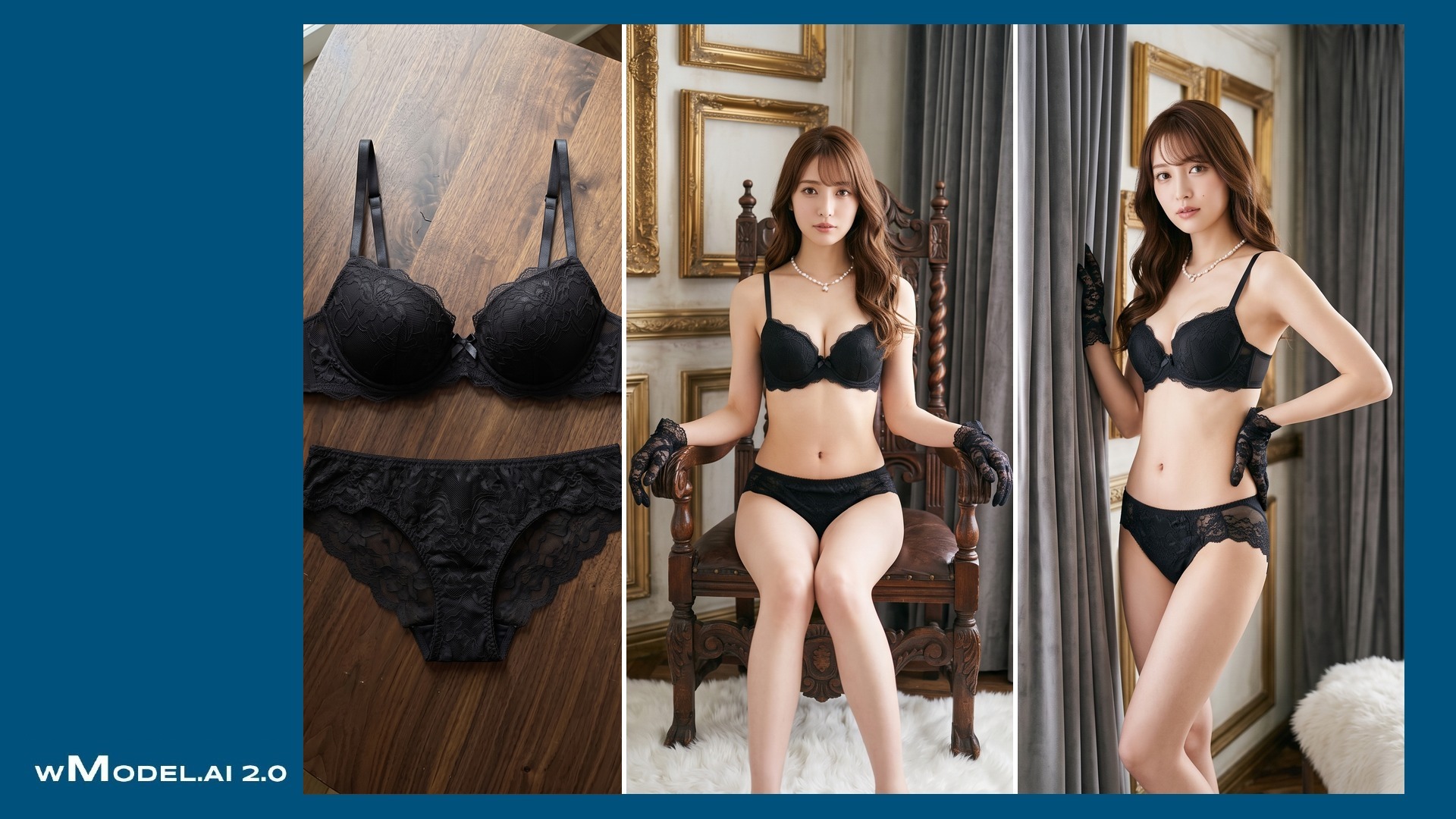
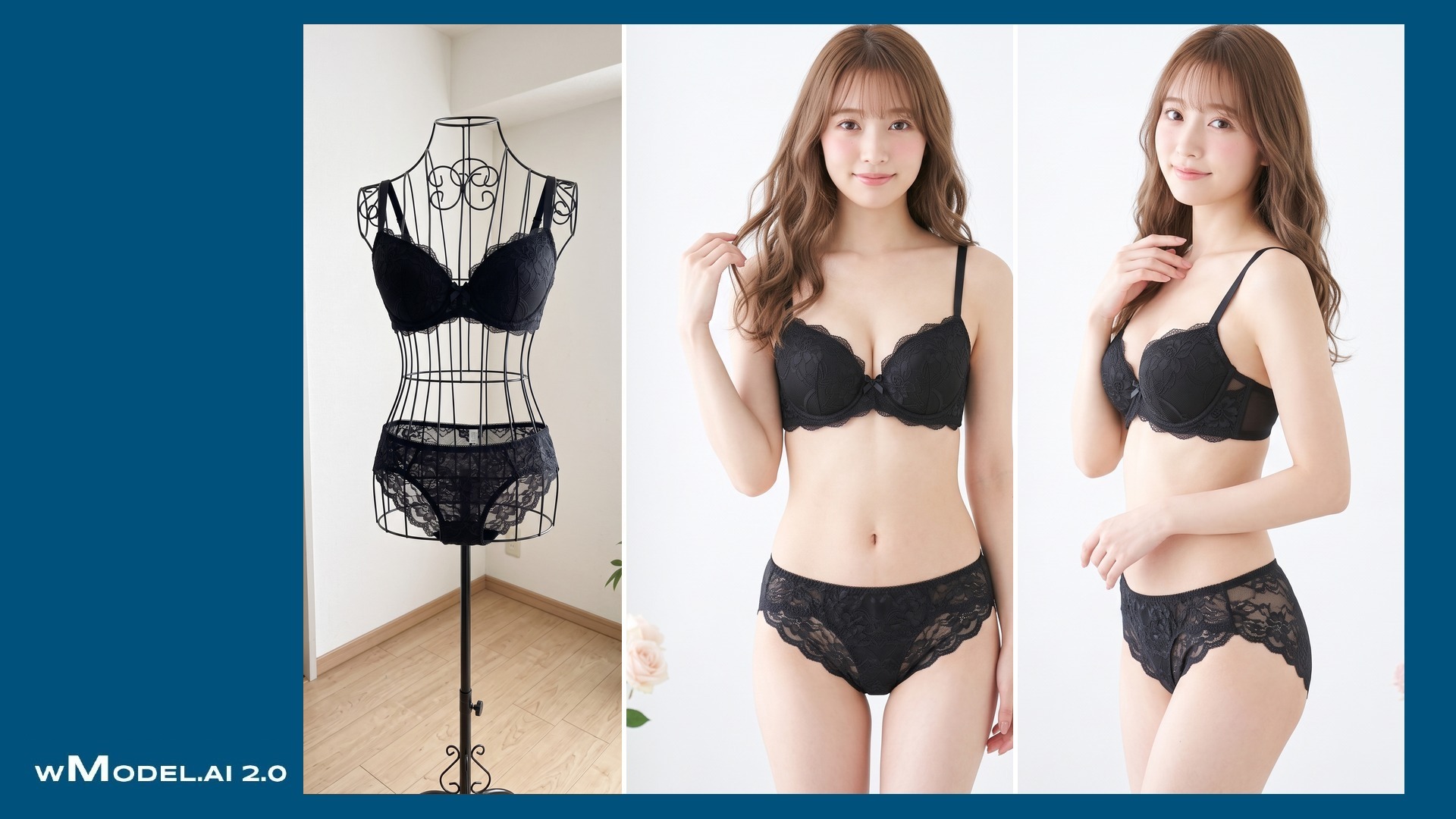
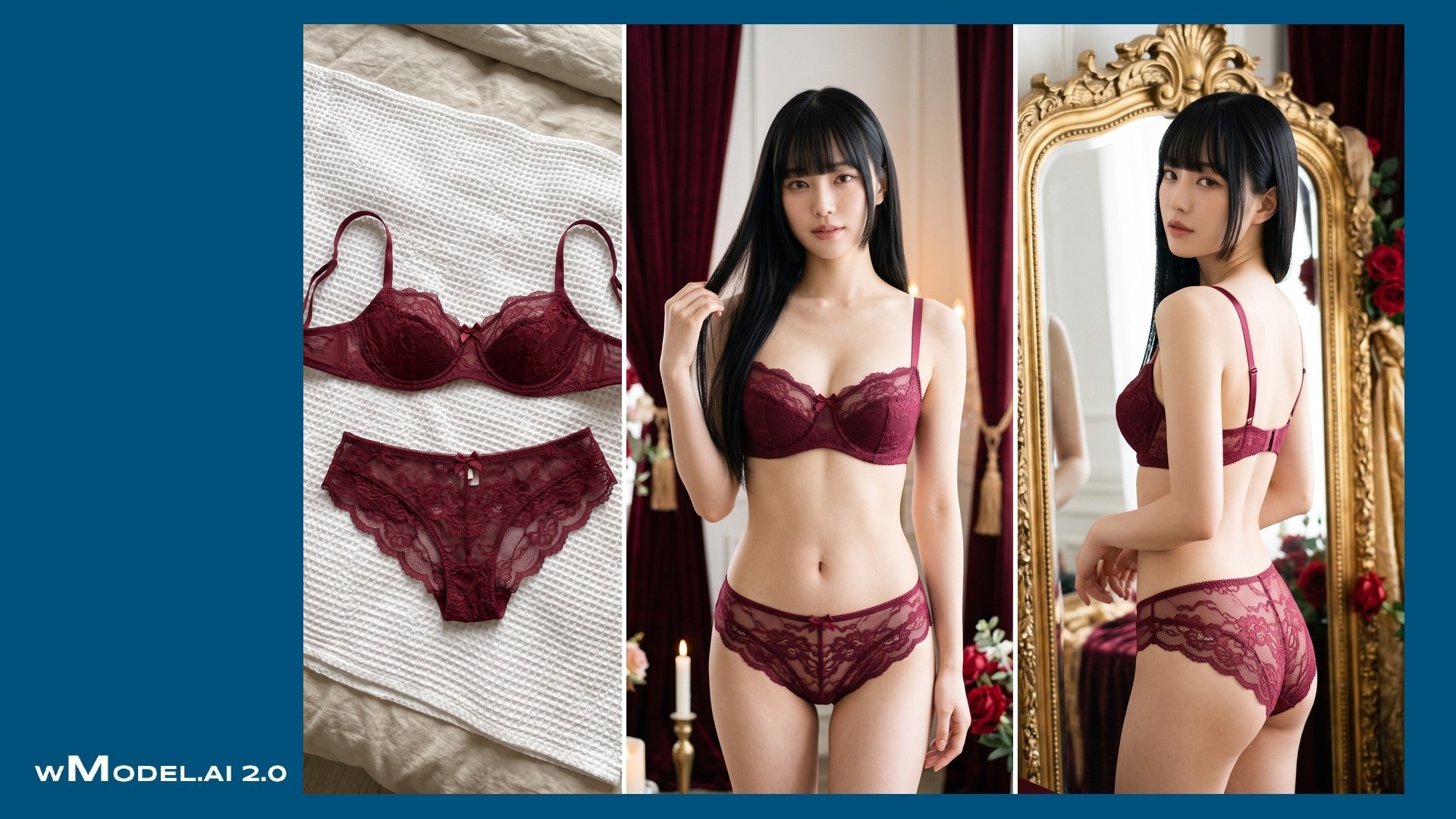
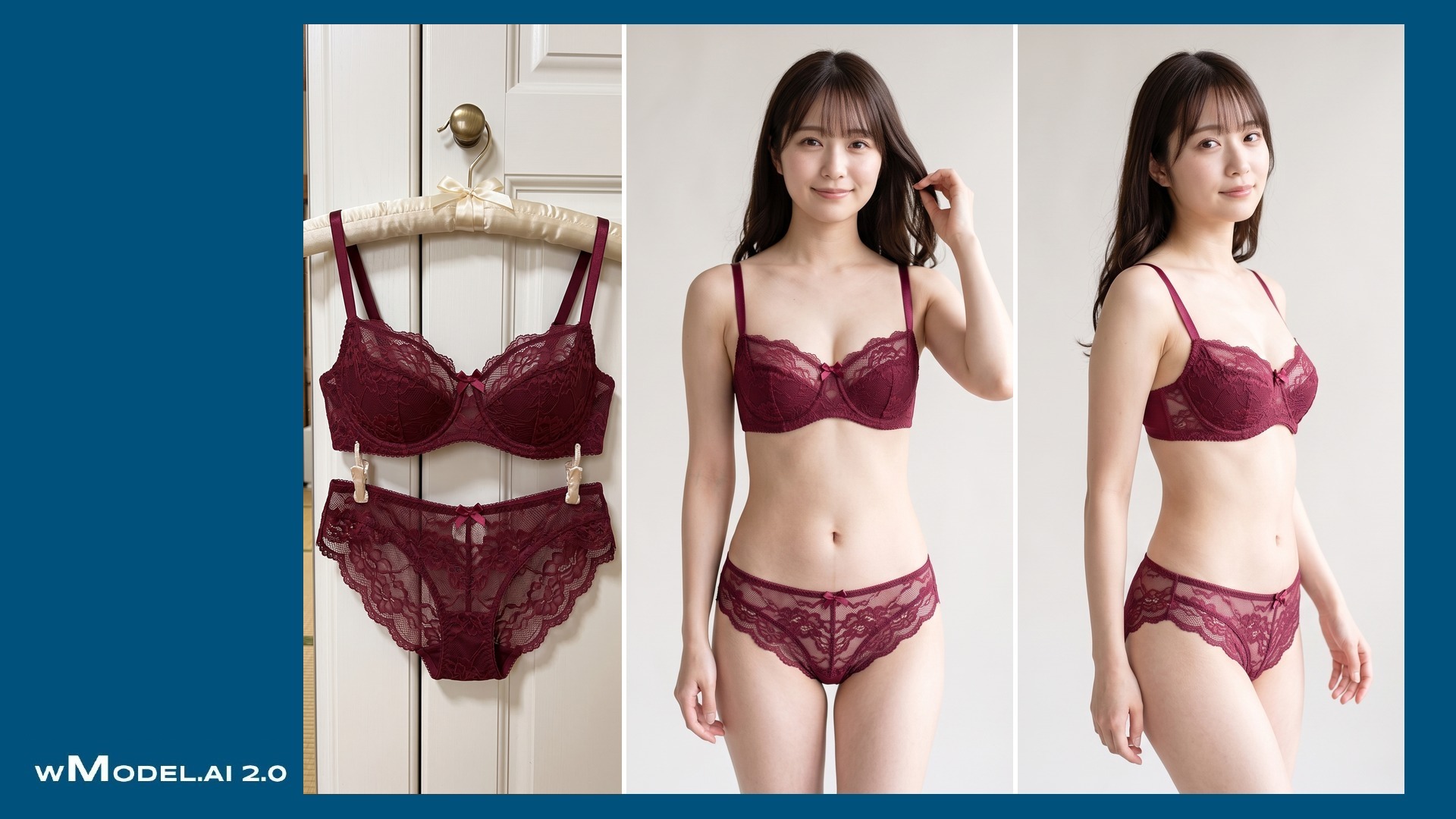
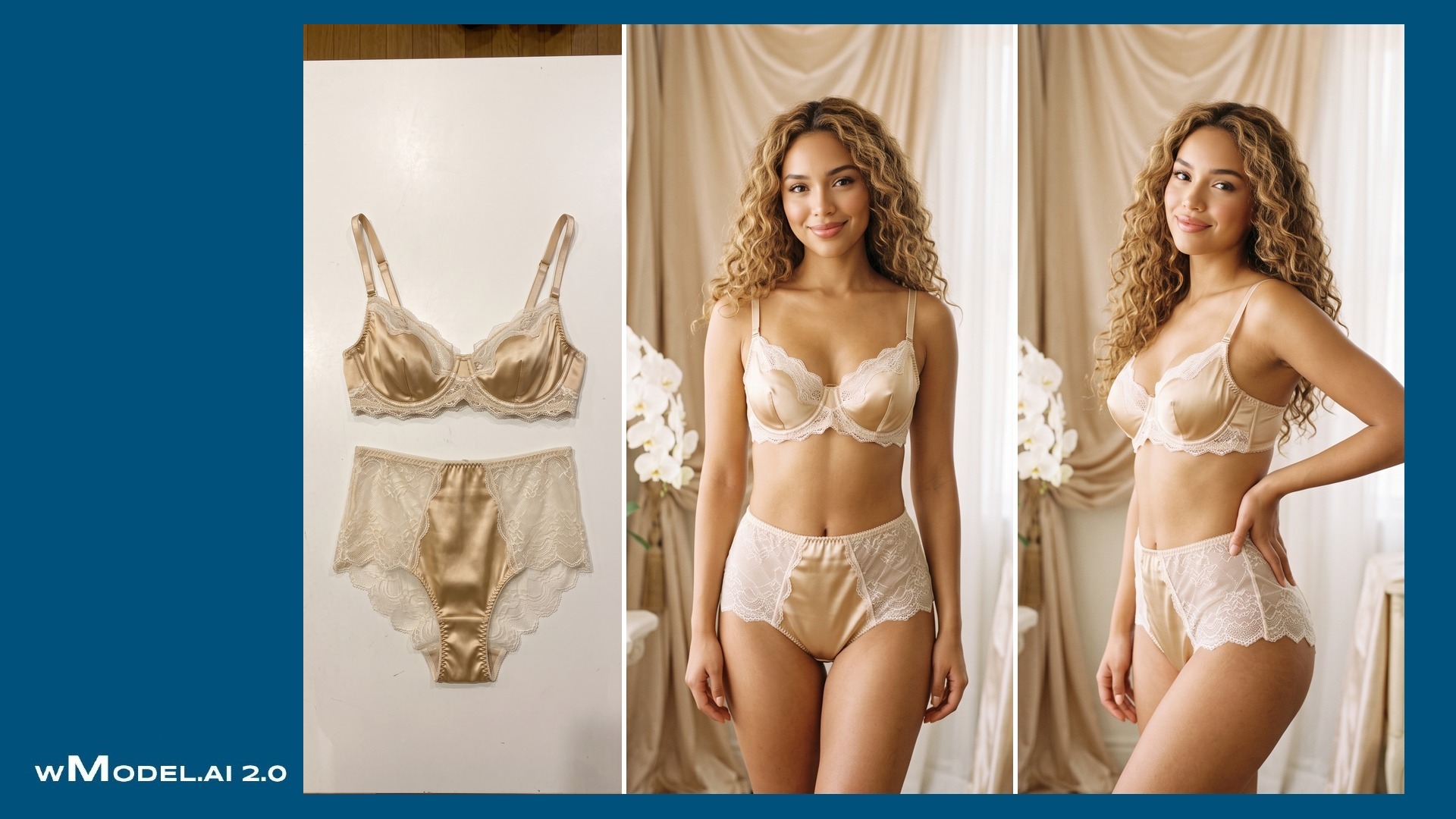
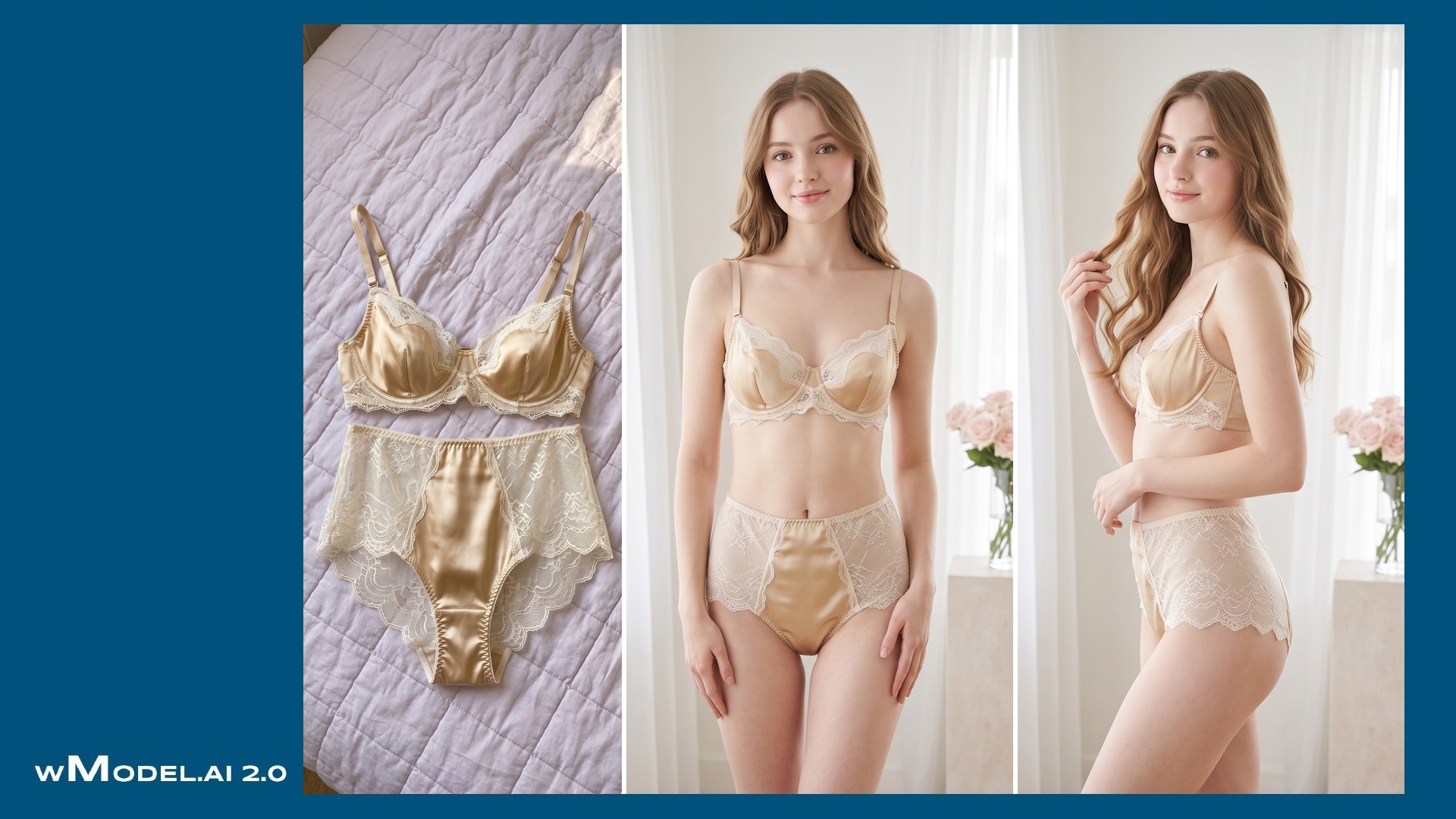
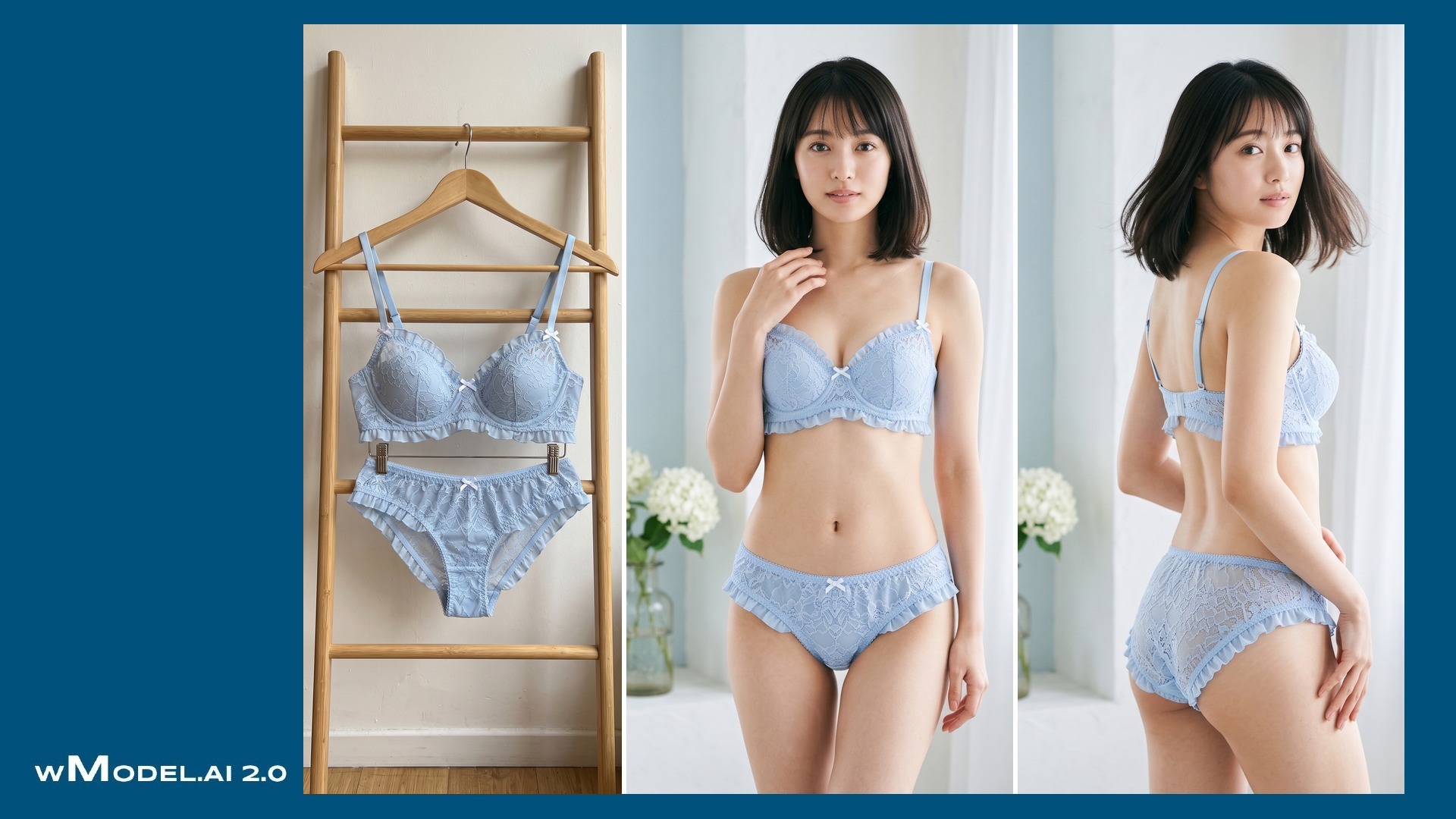
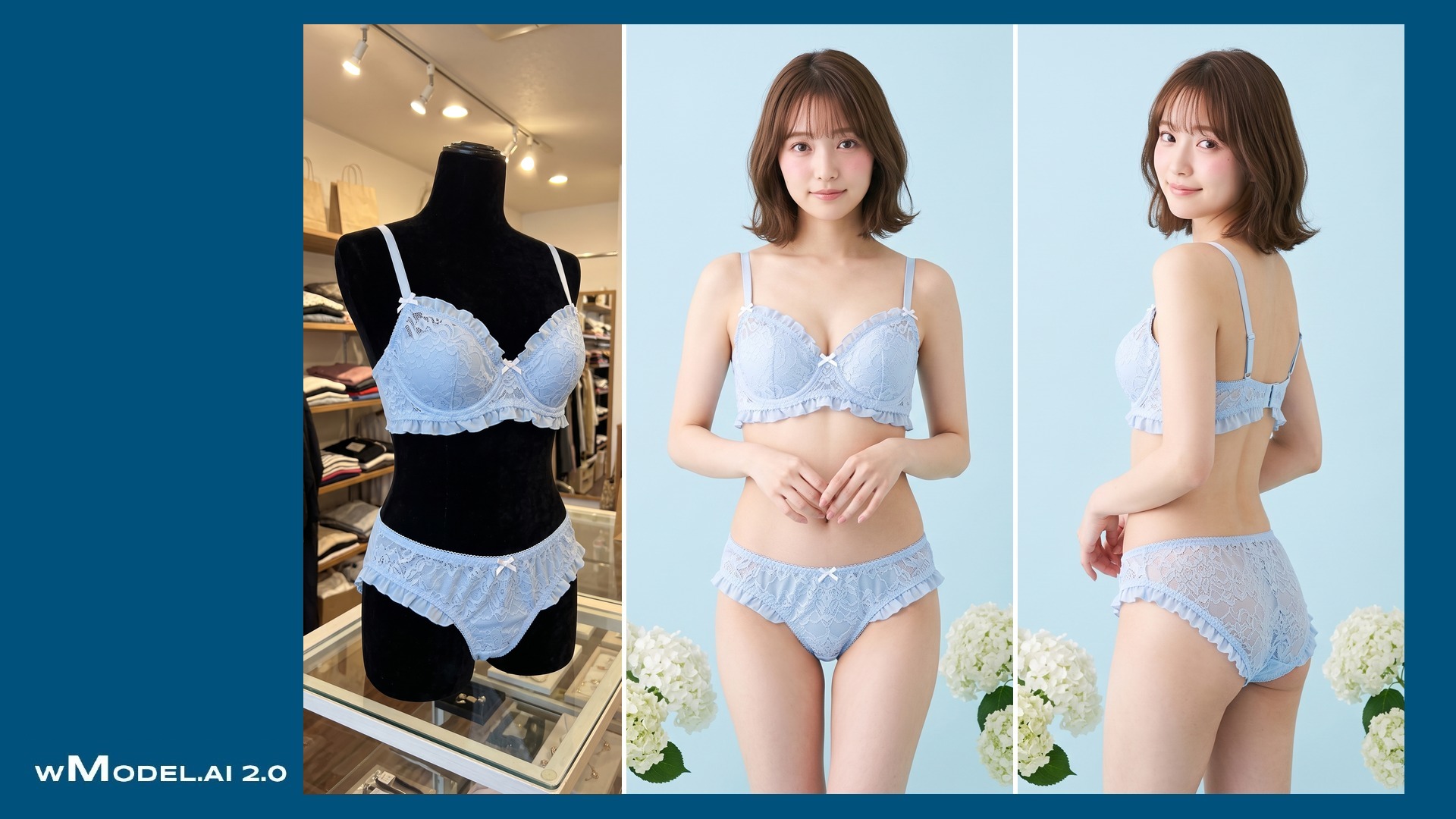
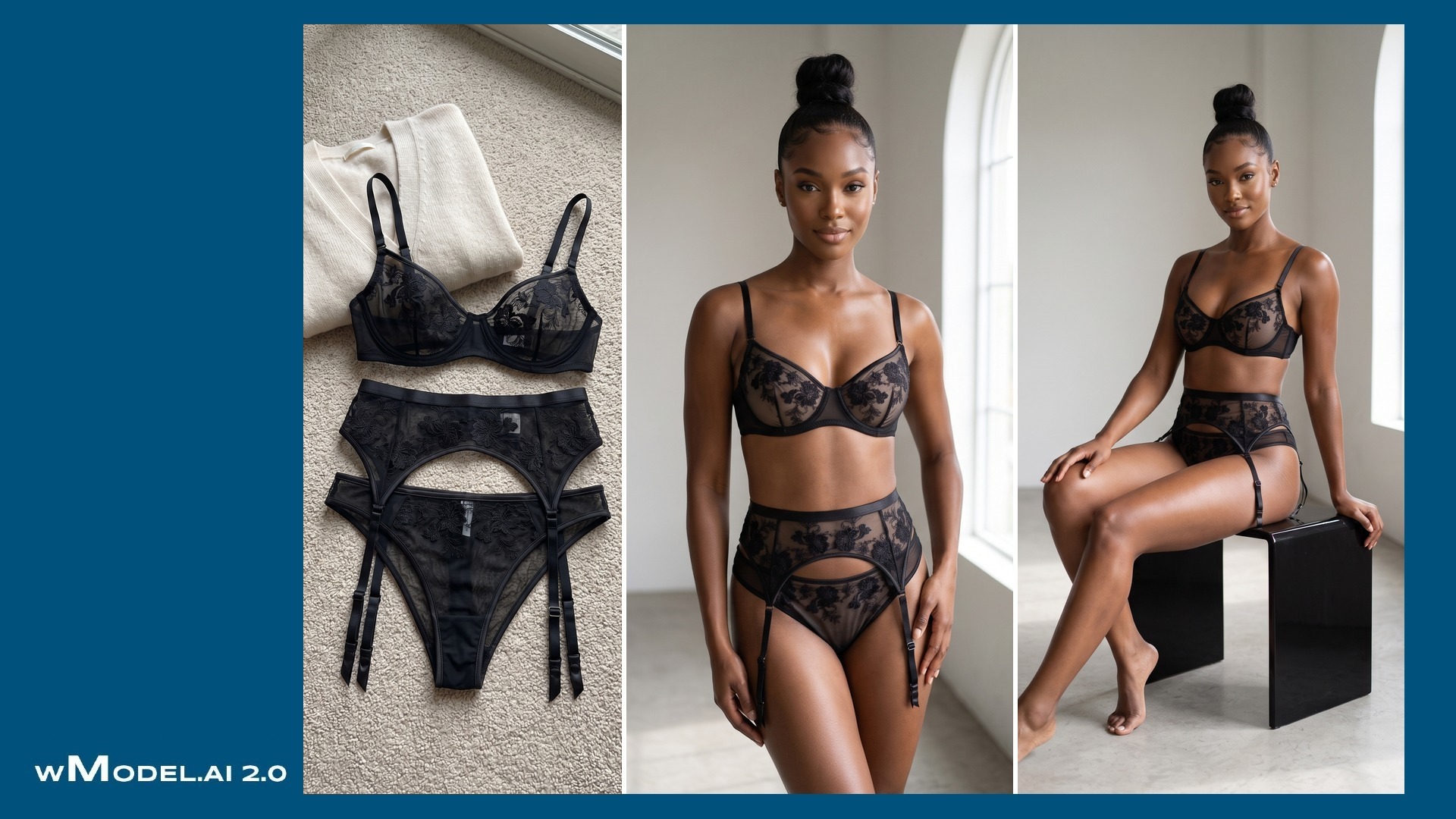
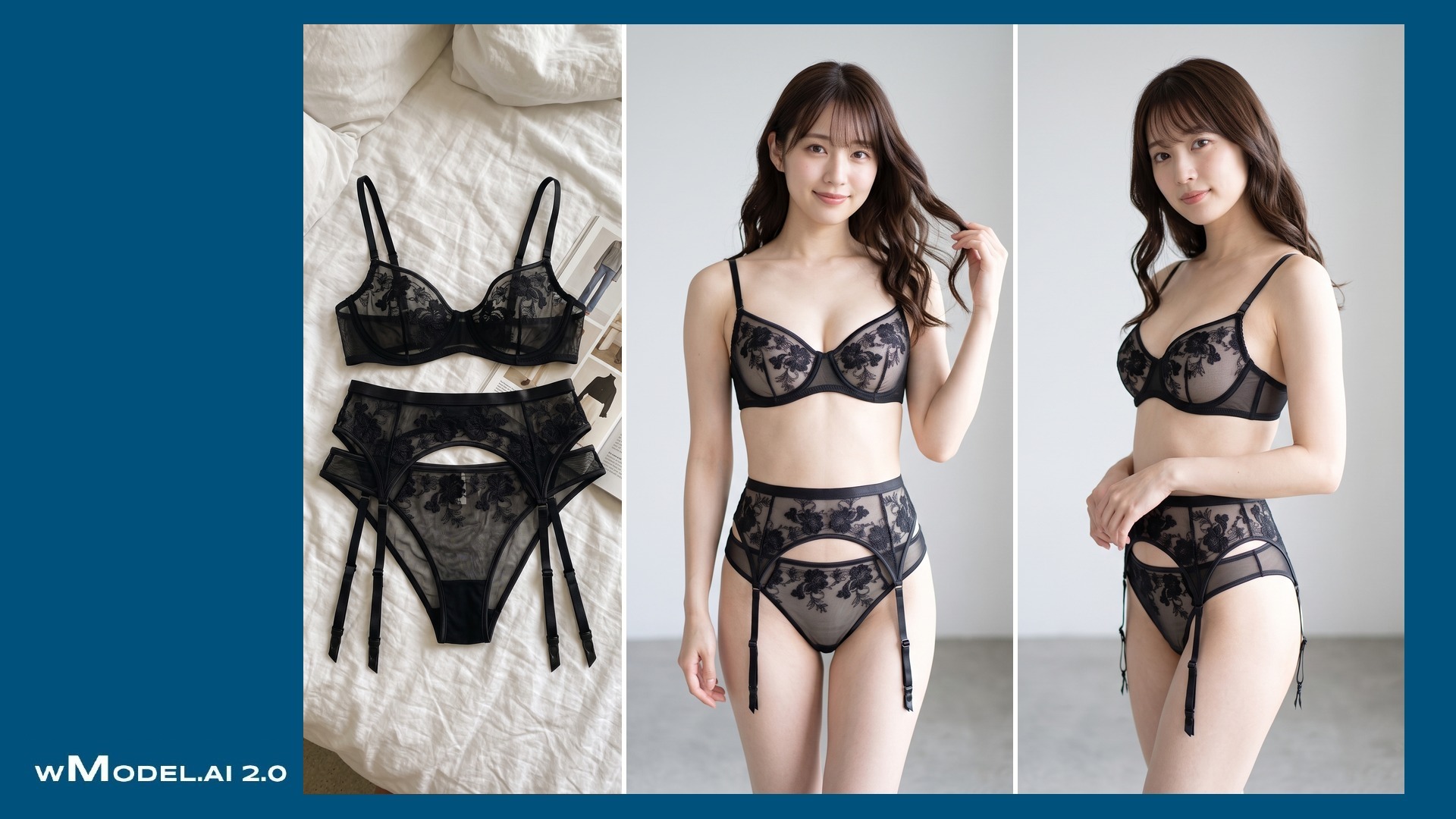
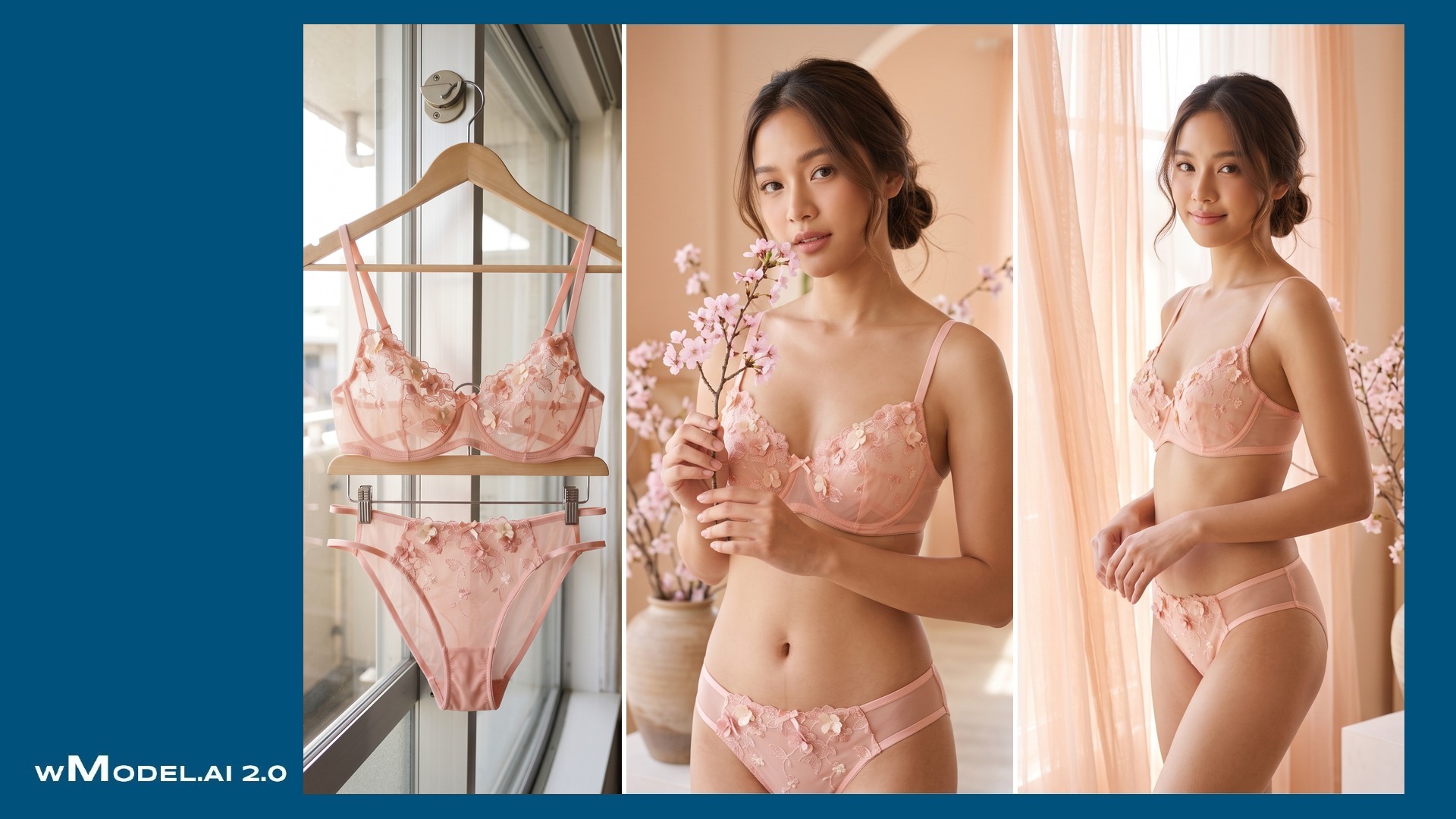
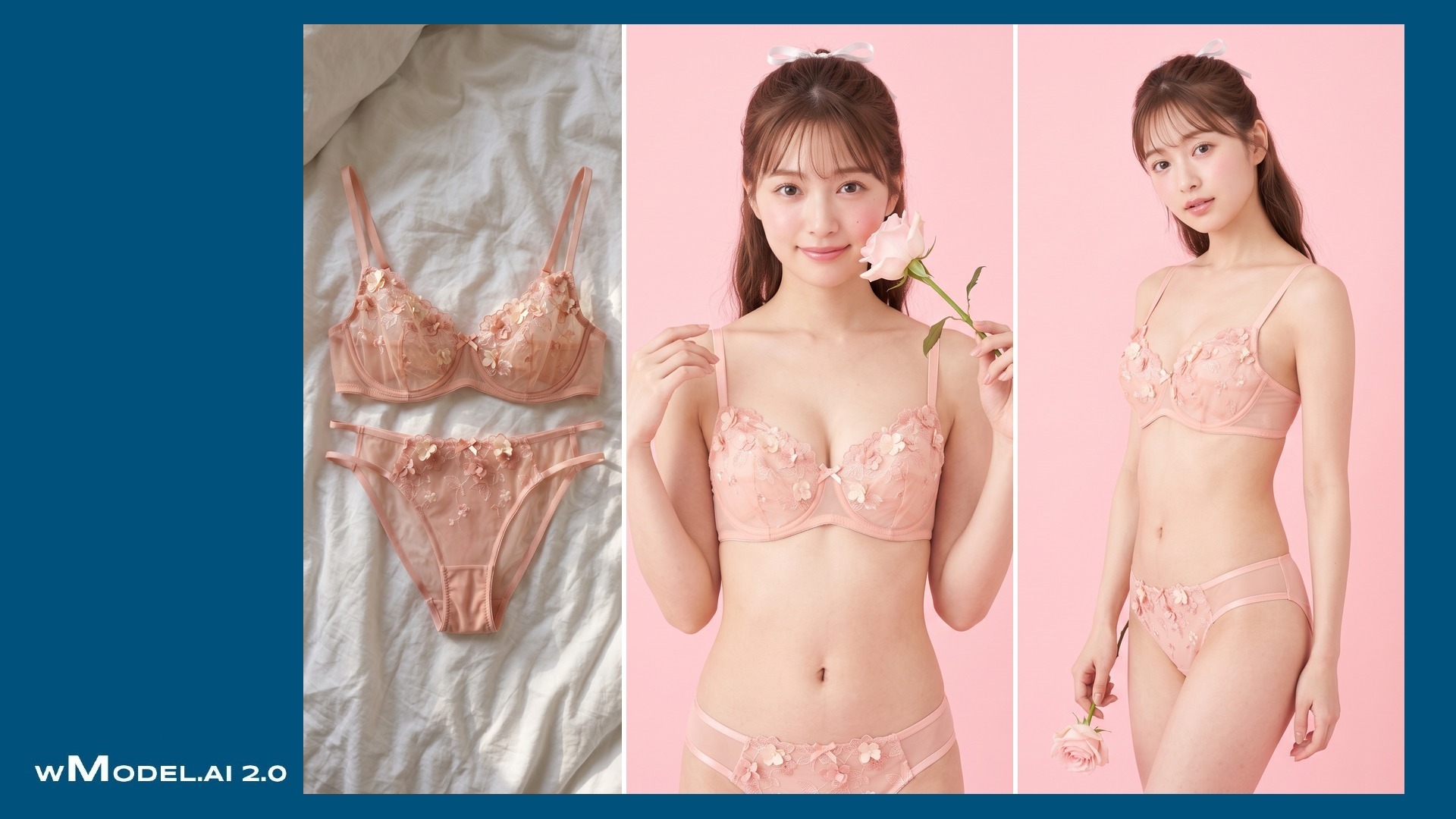
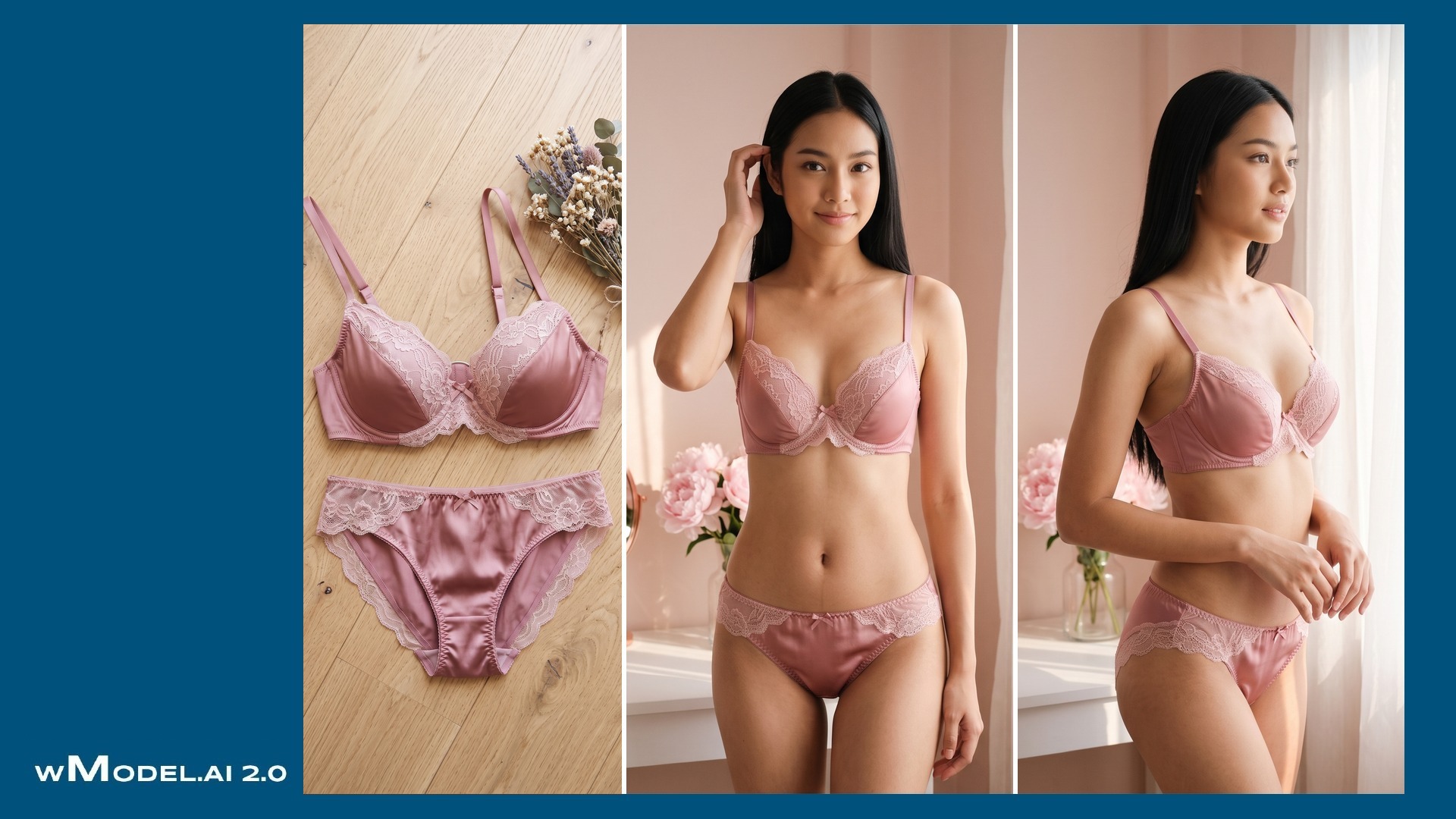
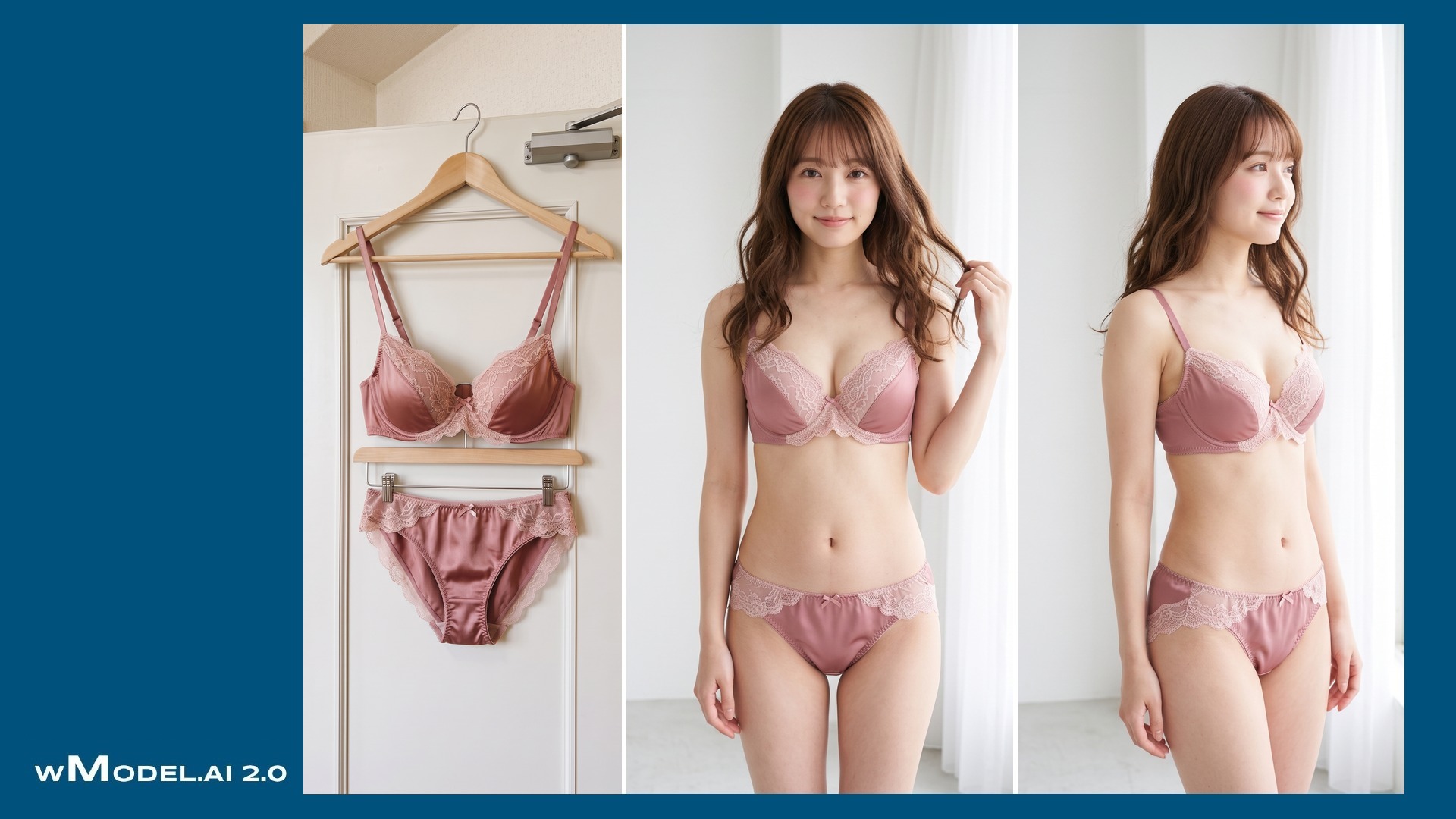
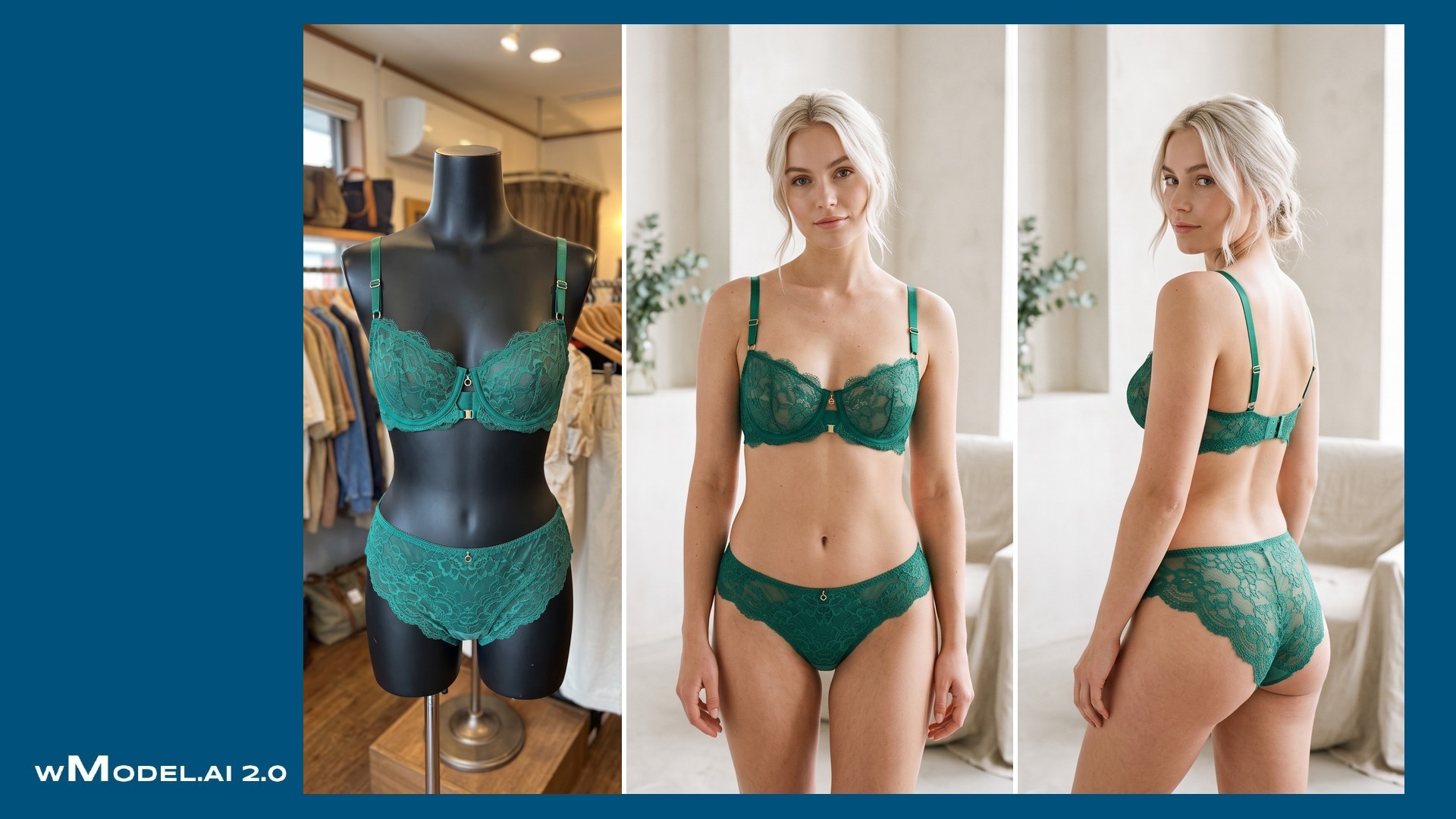
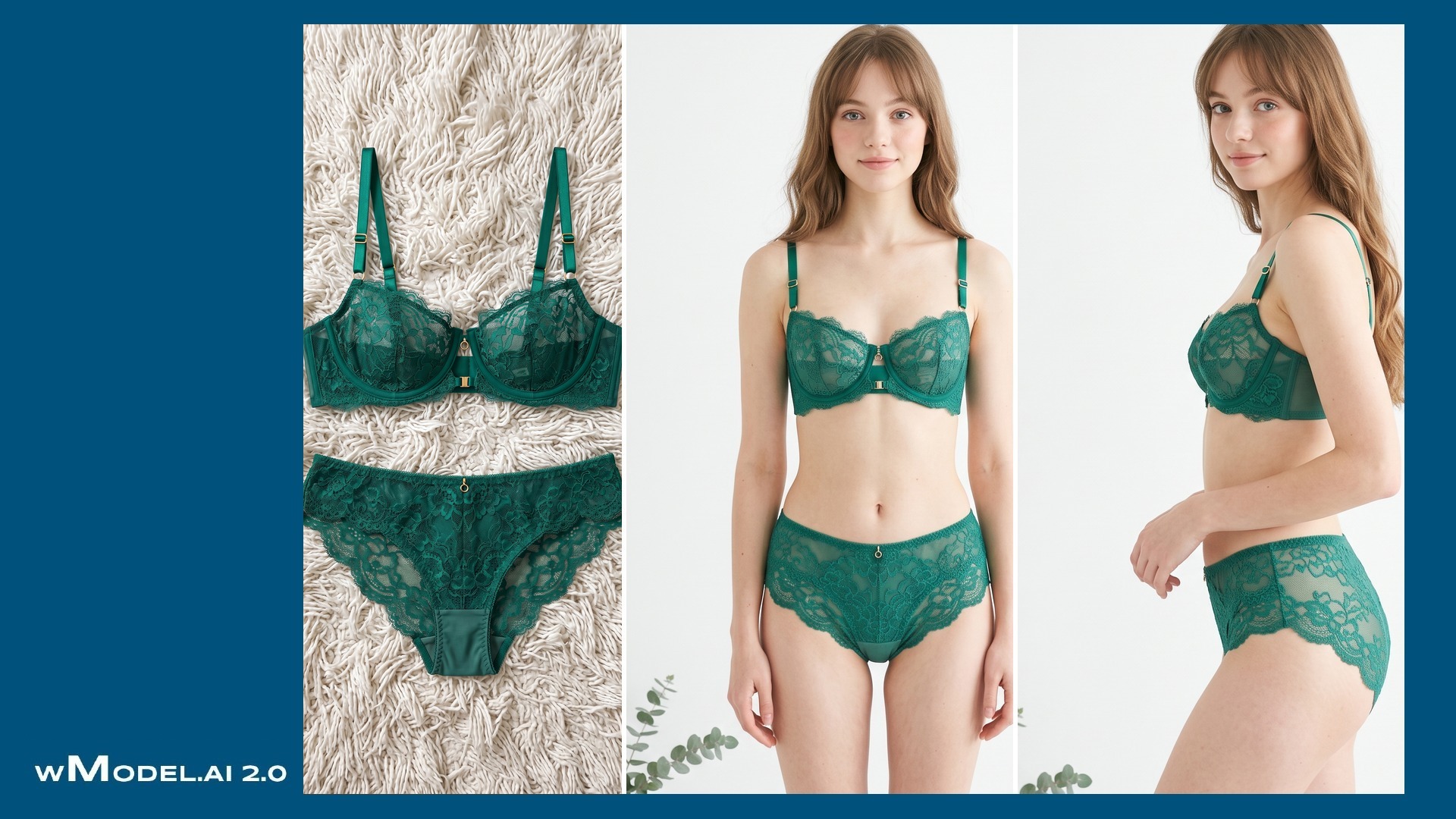
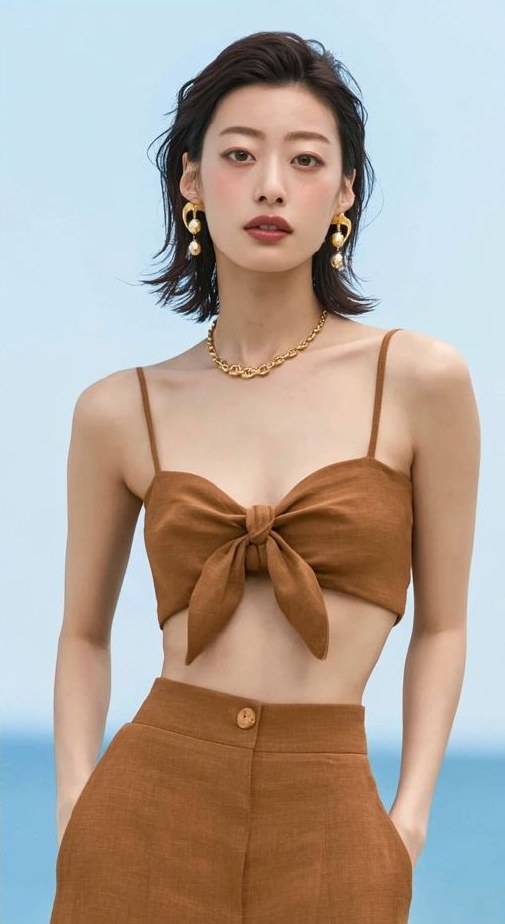
Swimwear and underwear too: with no studio or shooting site to arrange, there are no shooting costs, and we can create AI model wearing shots from your product photos.
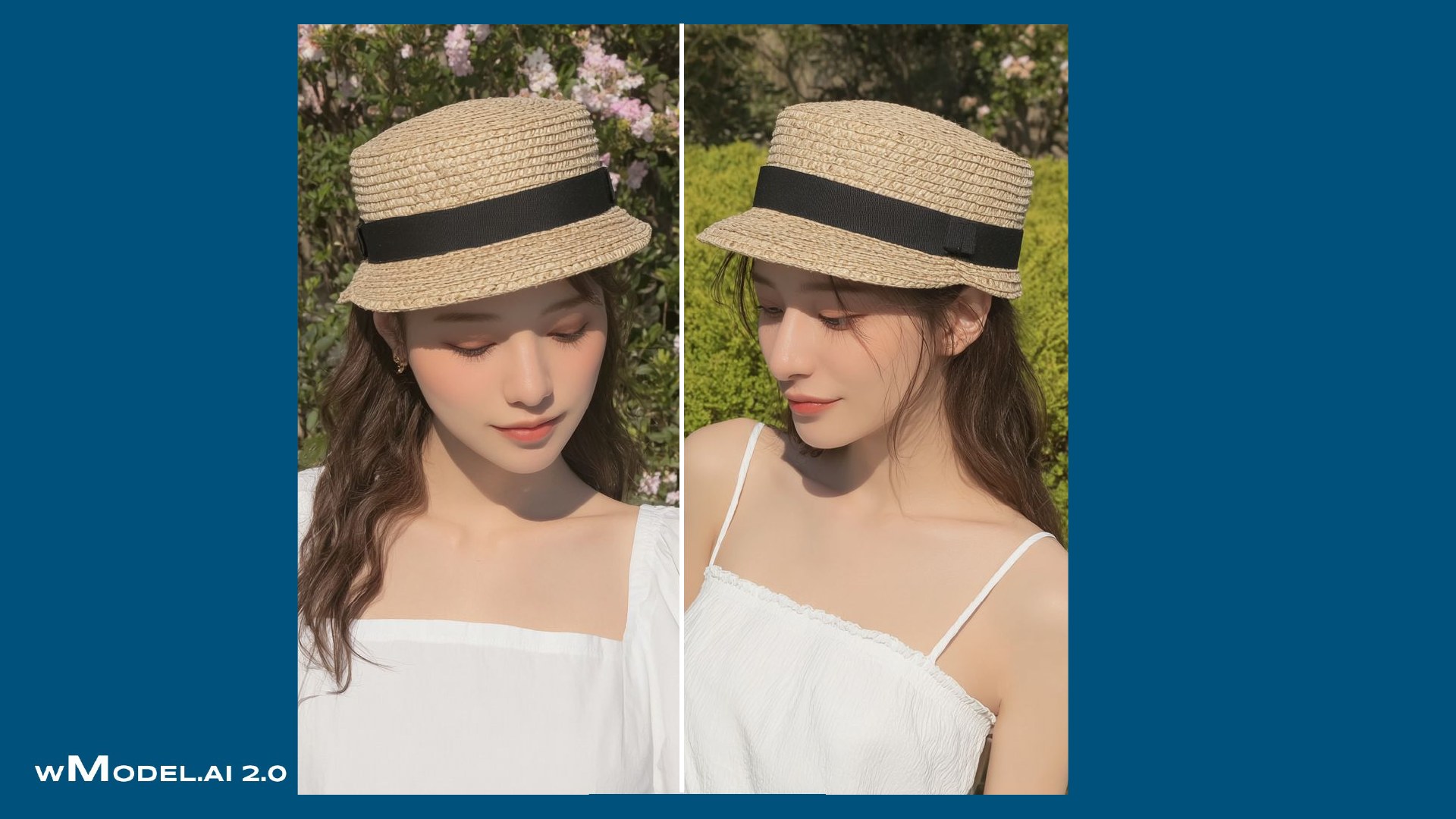
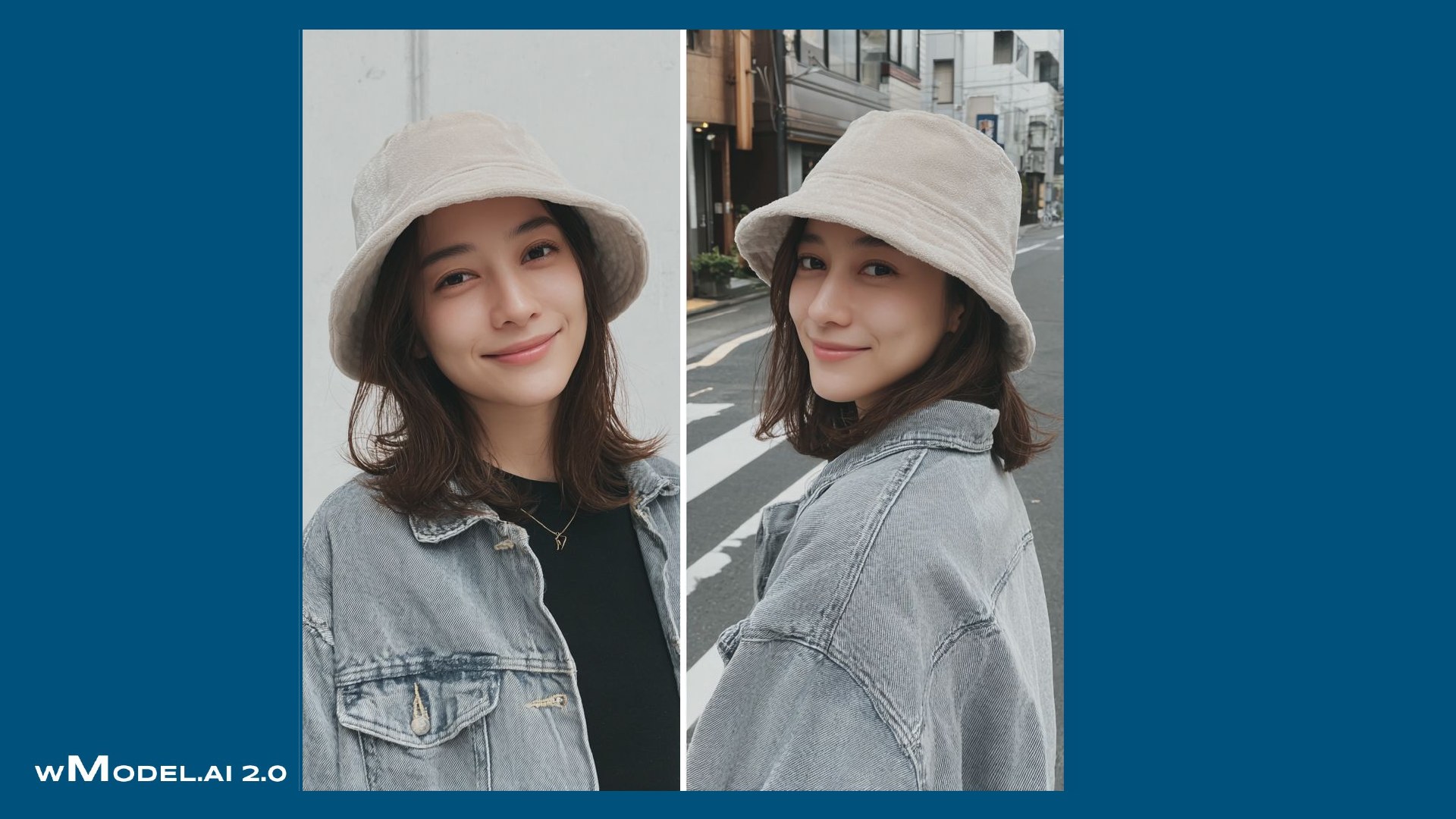
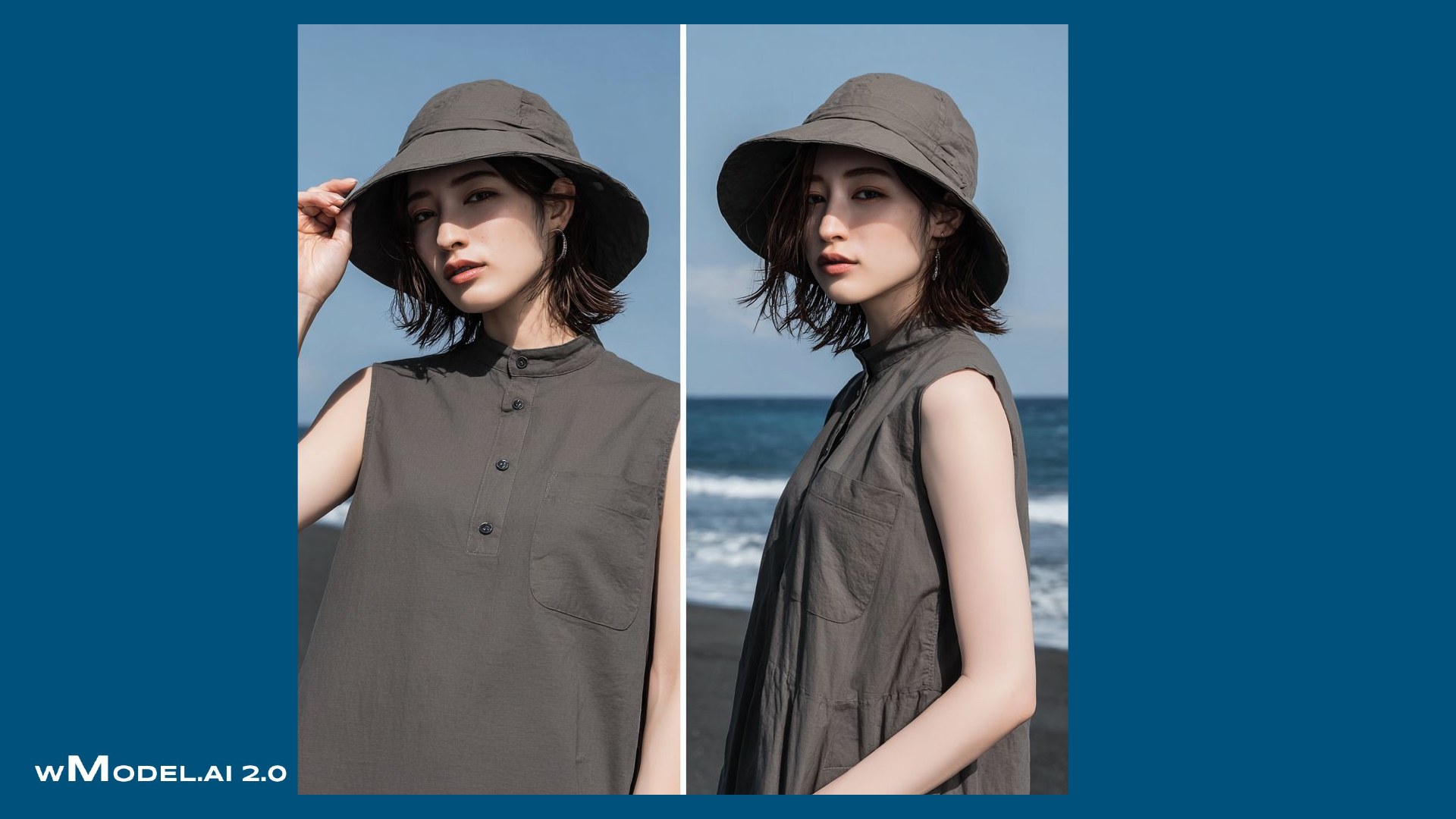
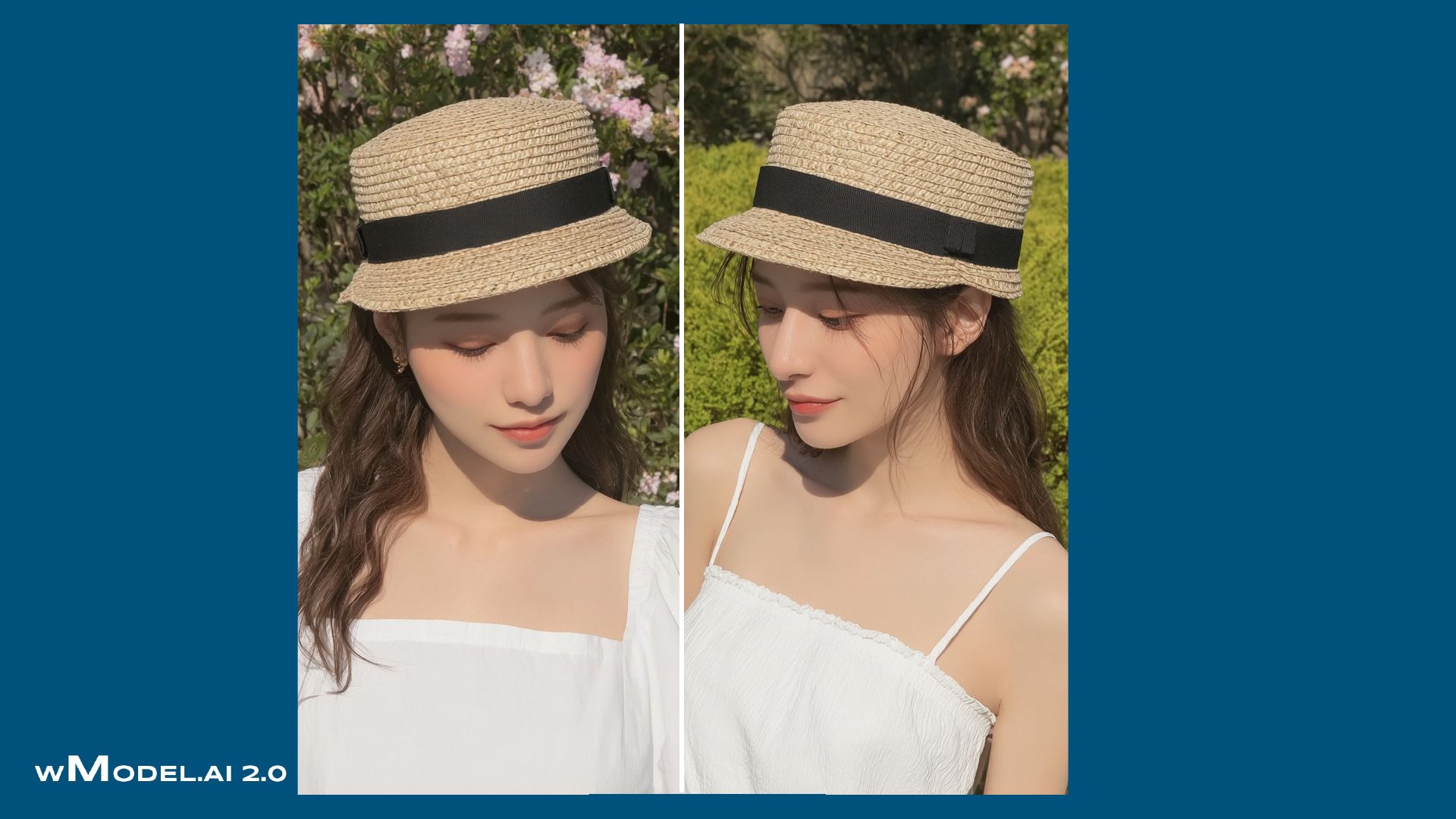
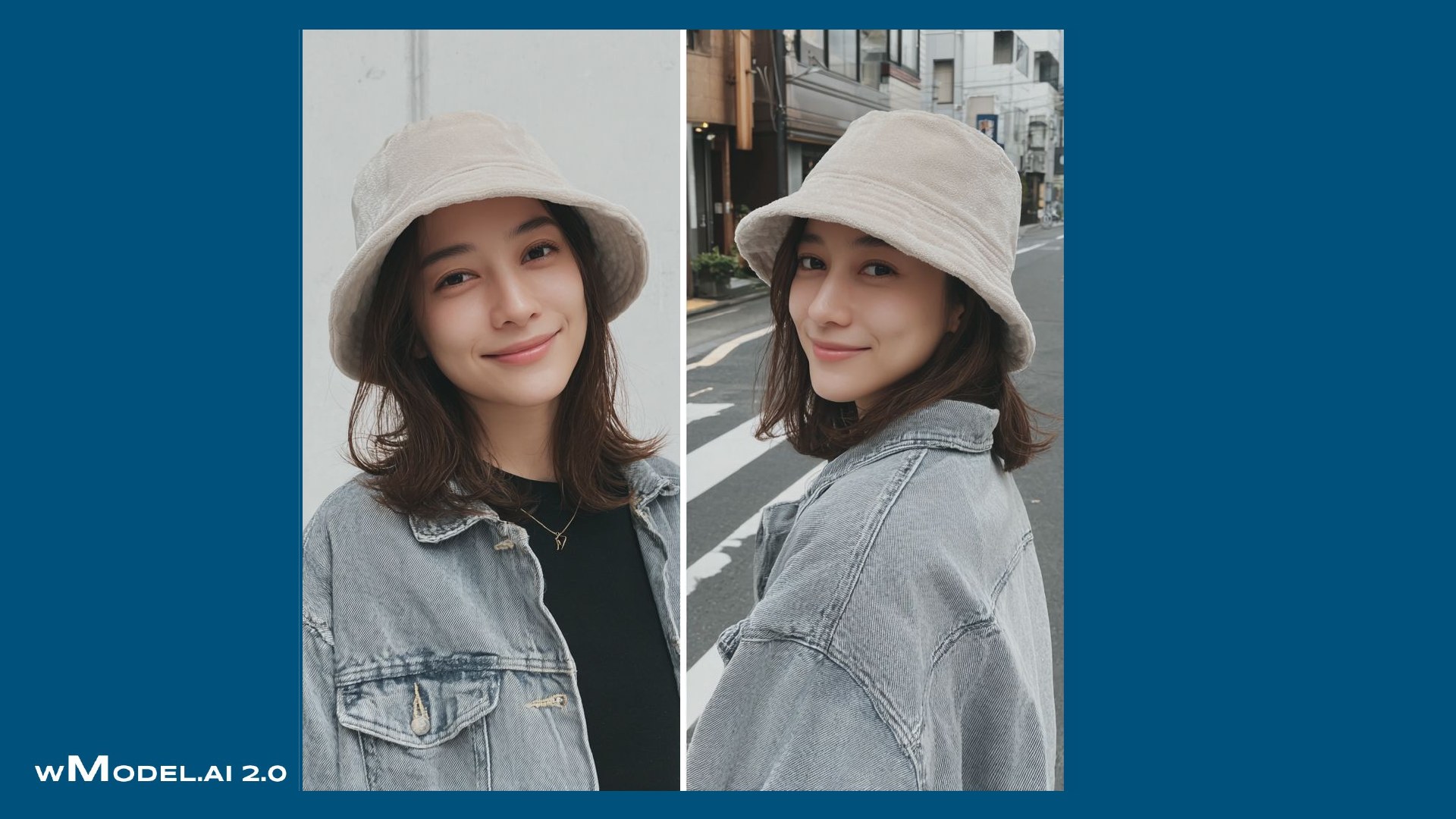
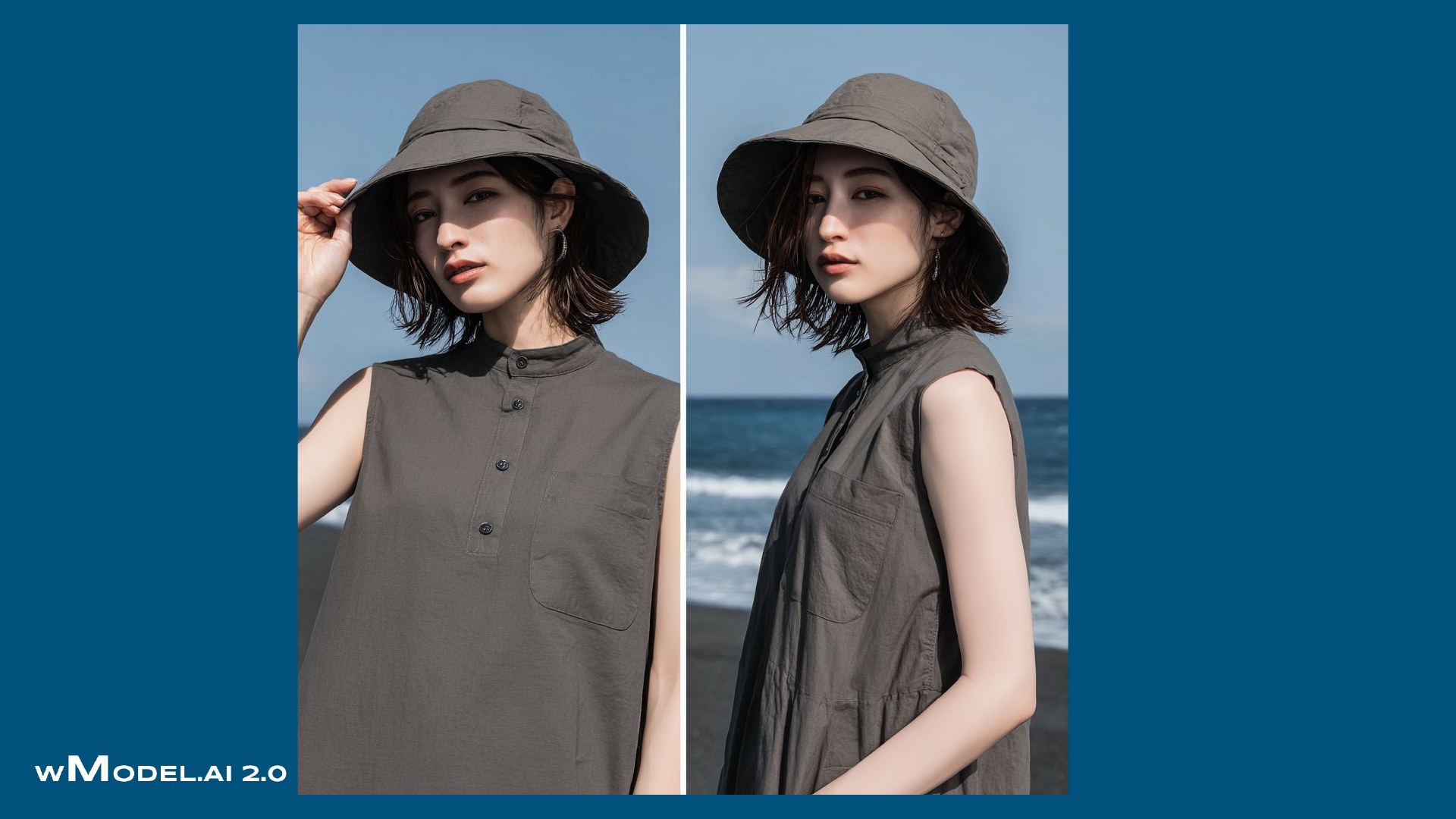
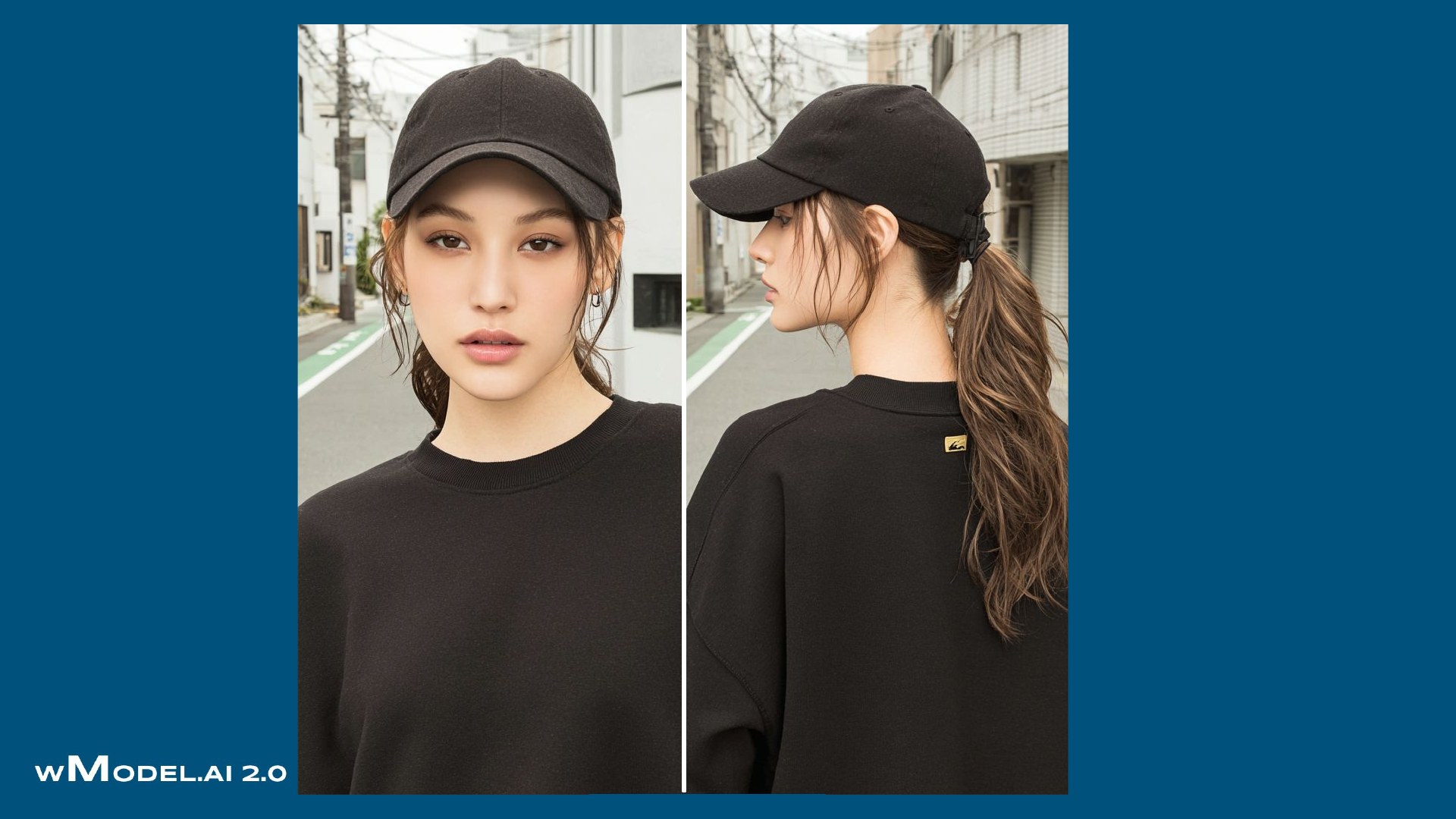
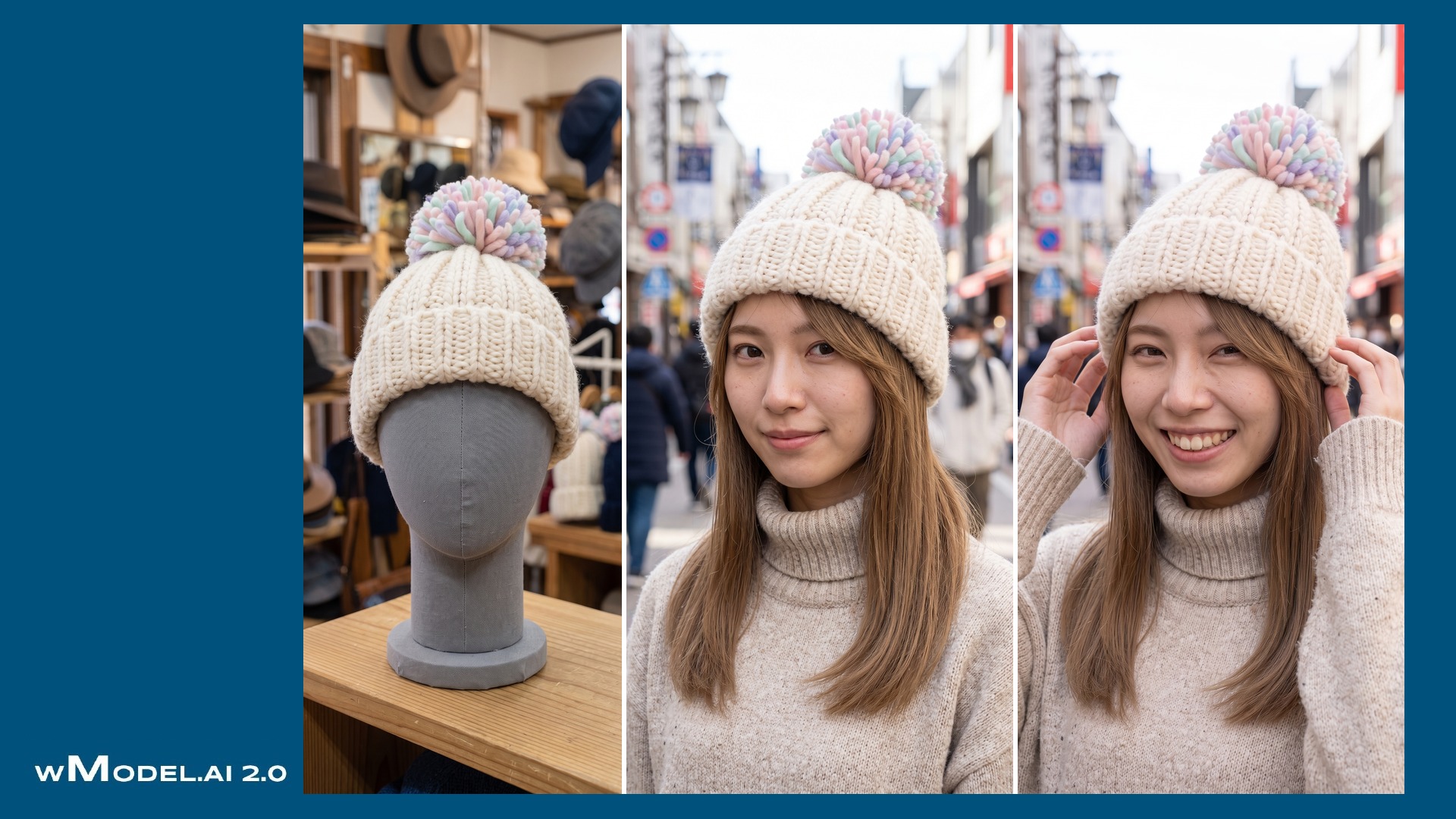
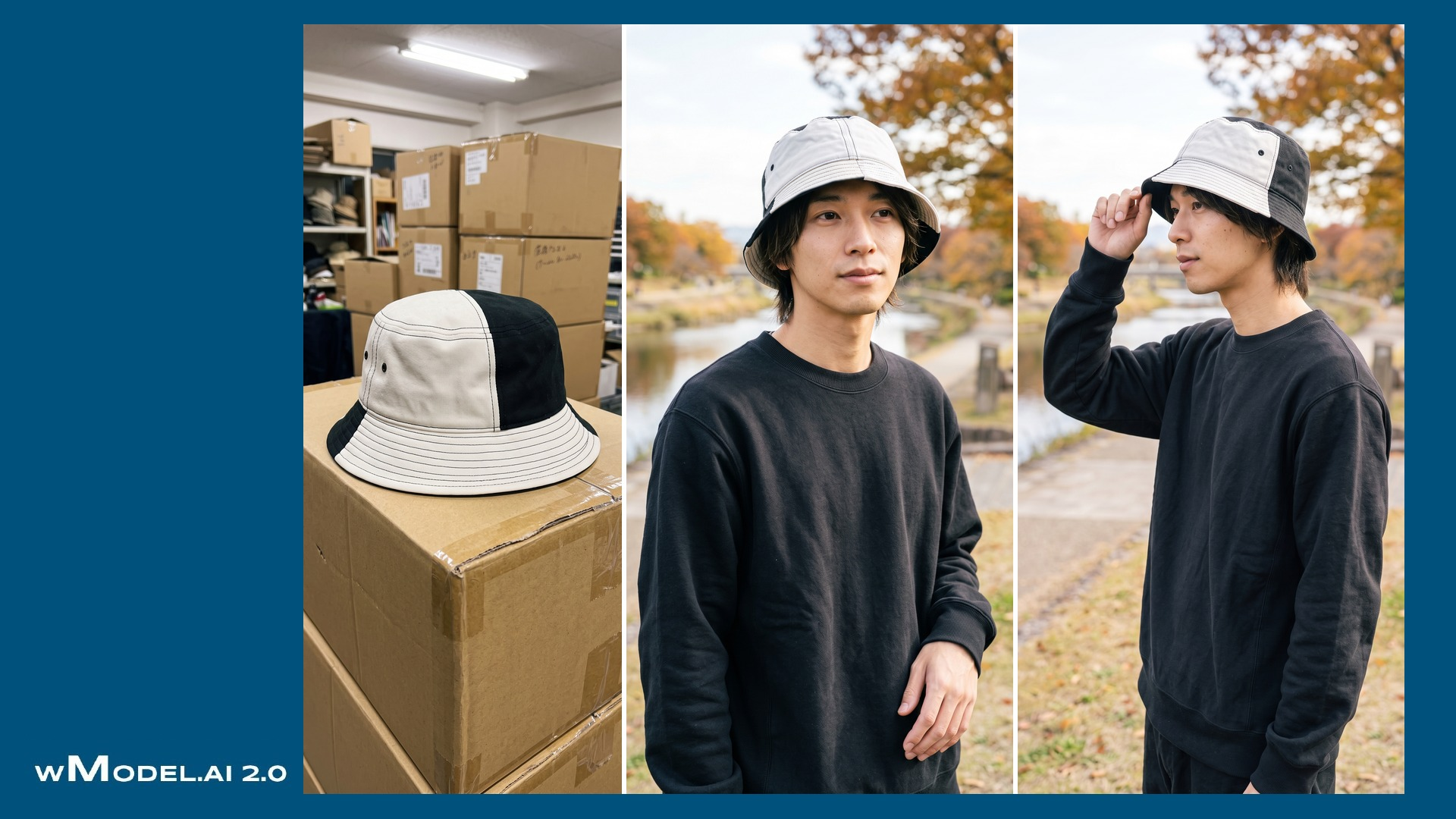
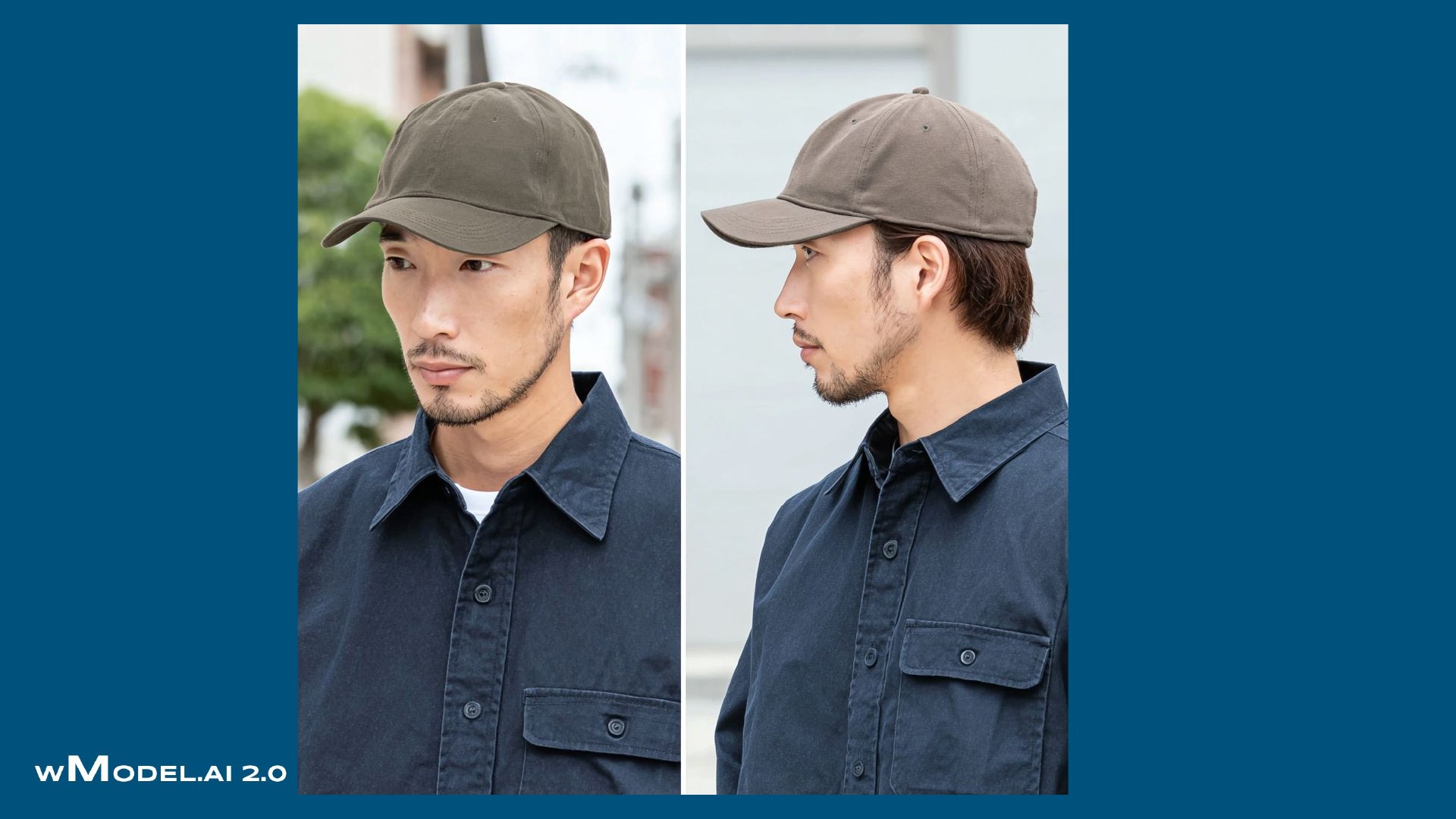
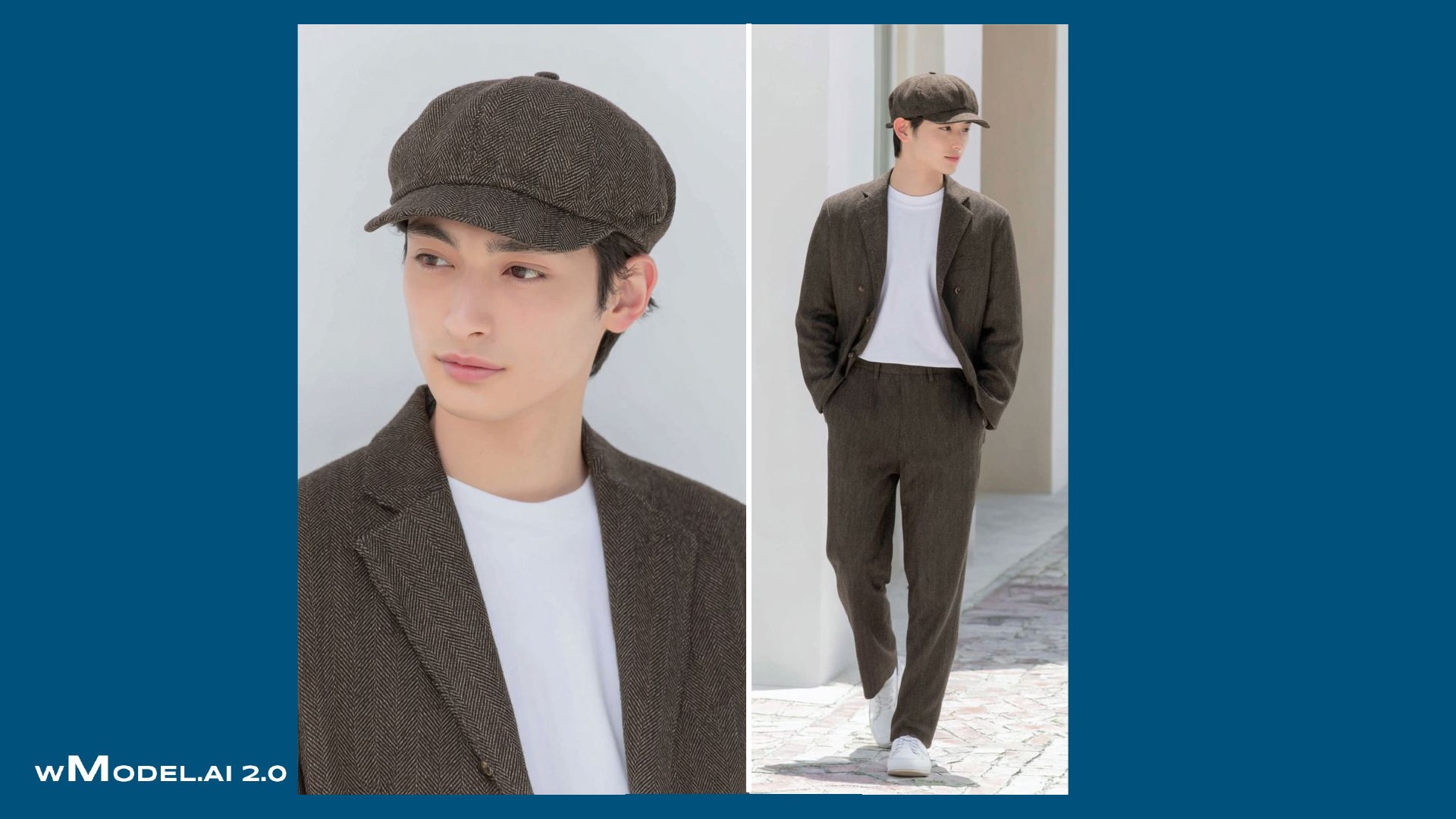
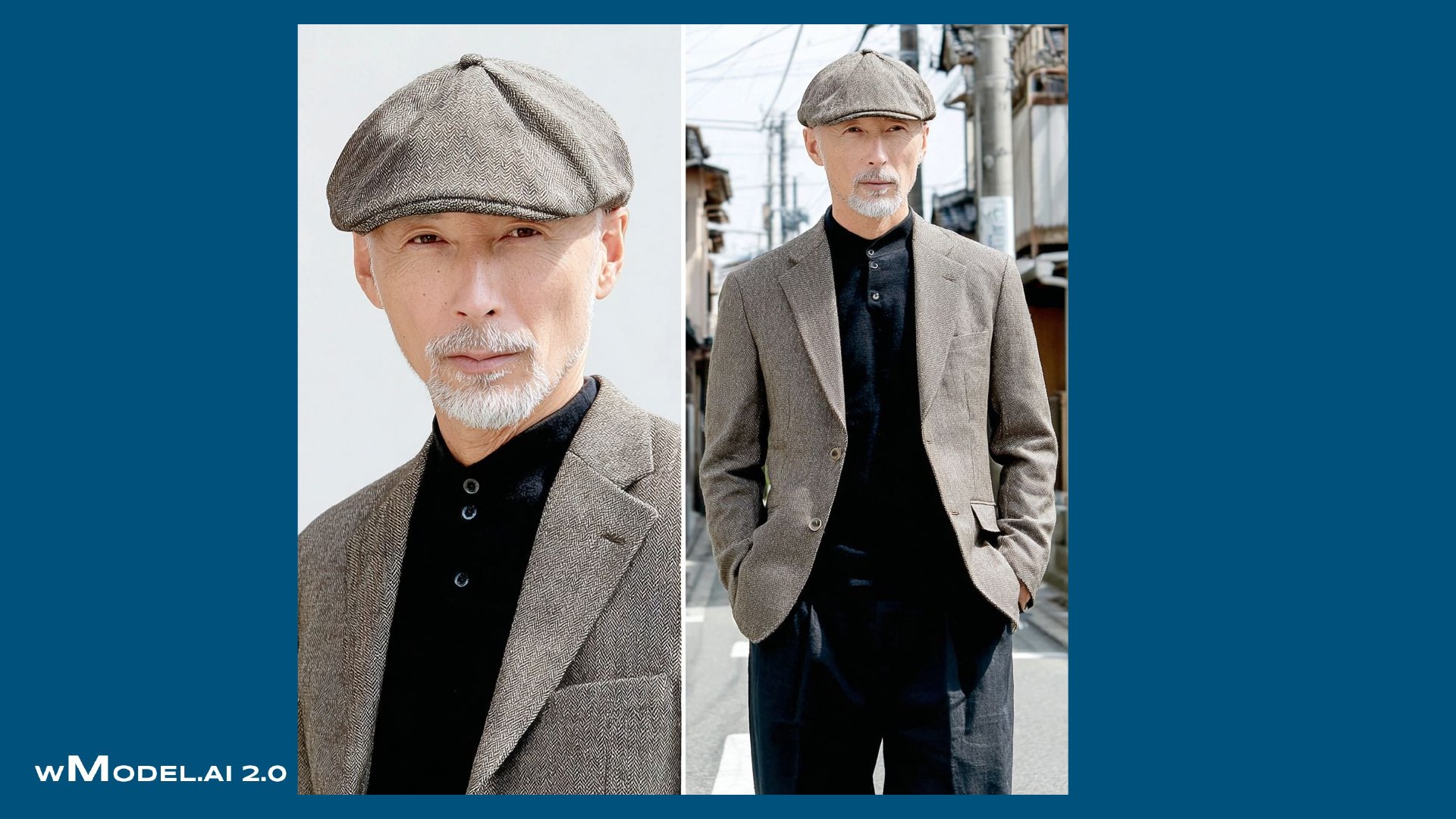
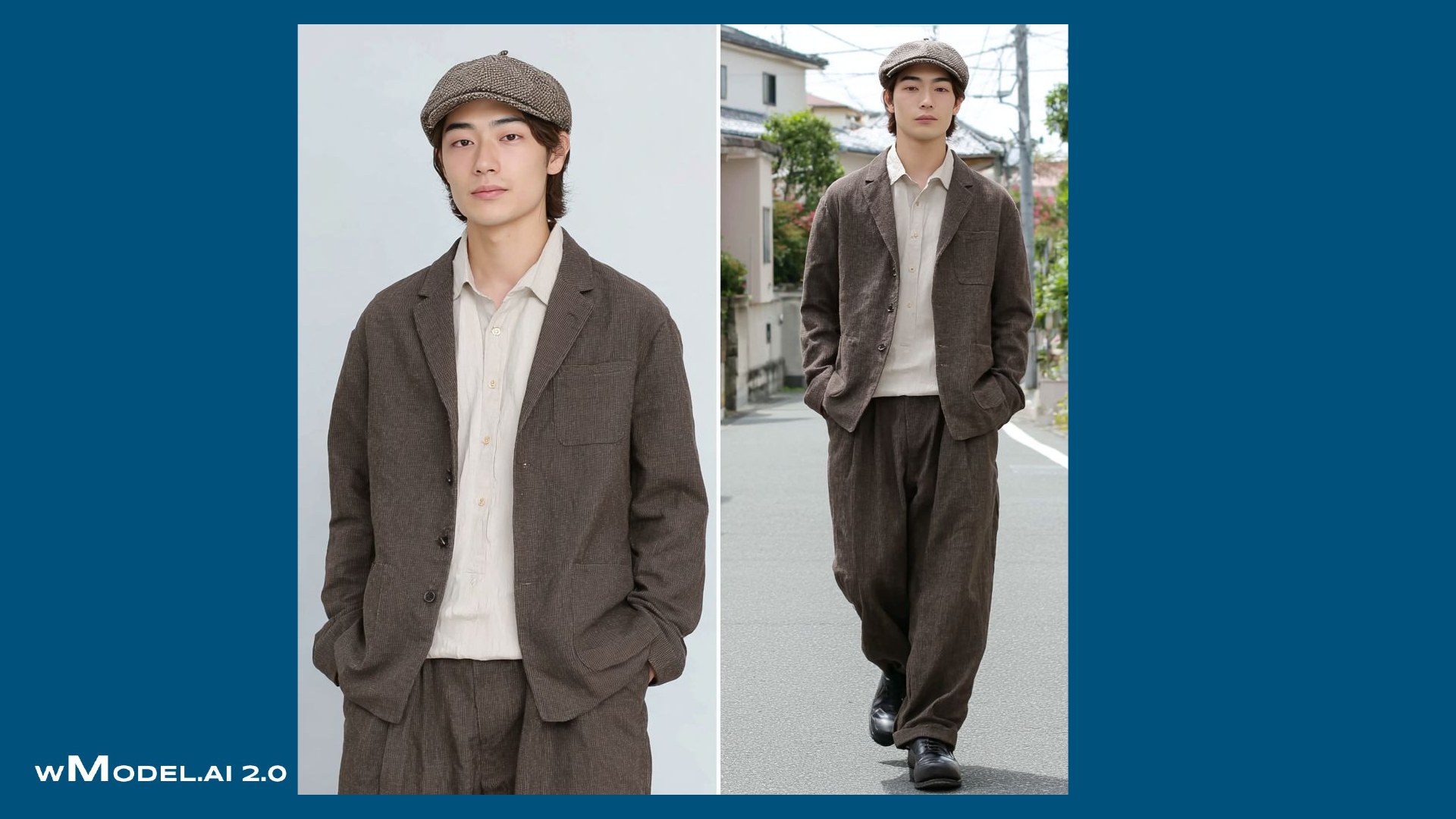
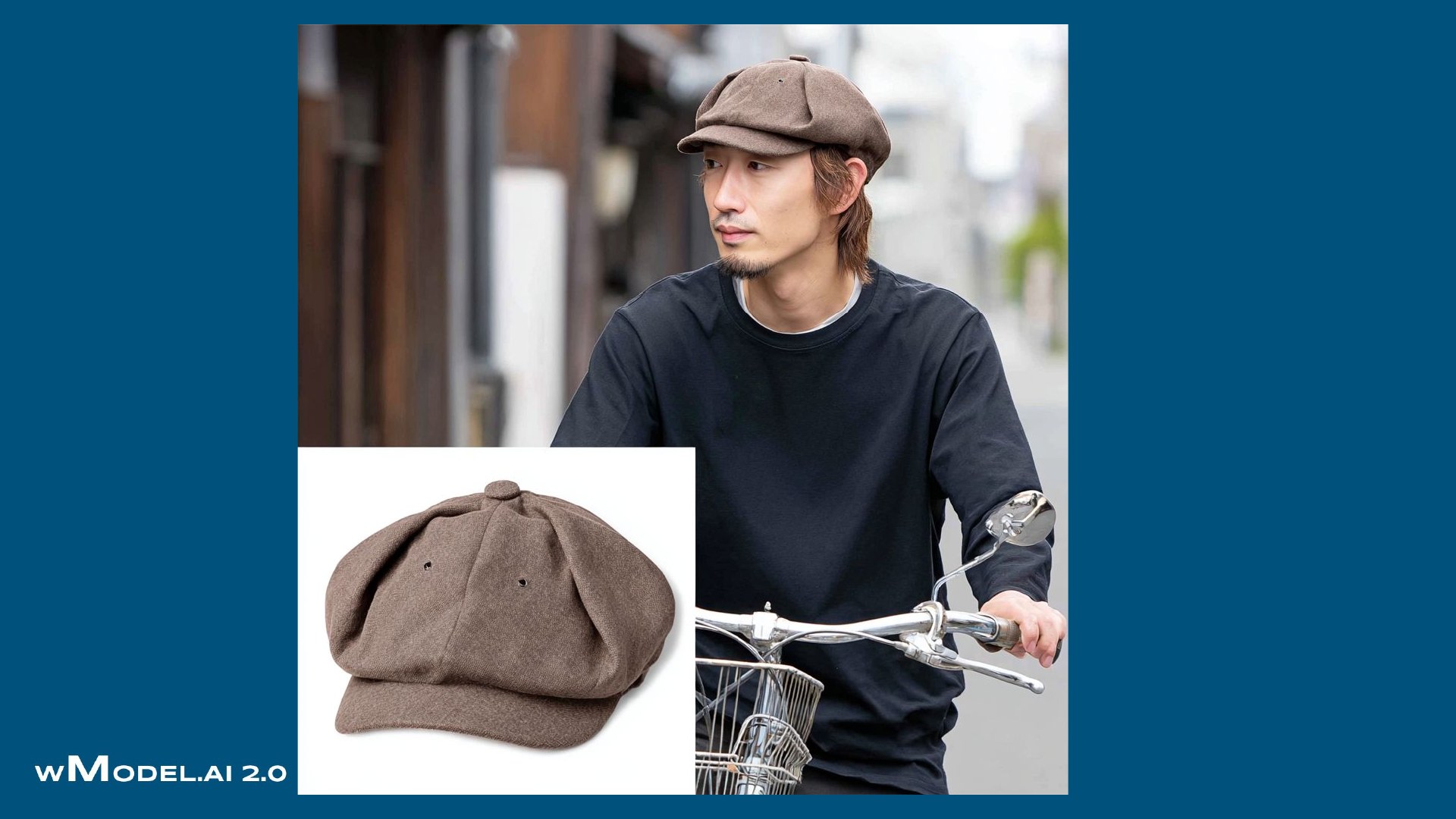
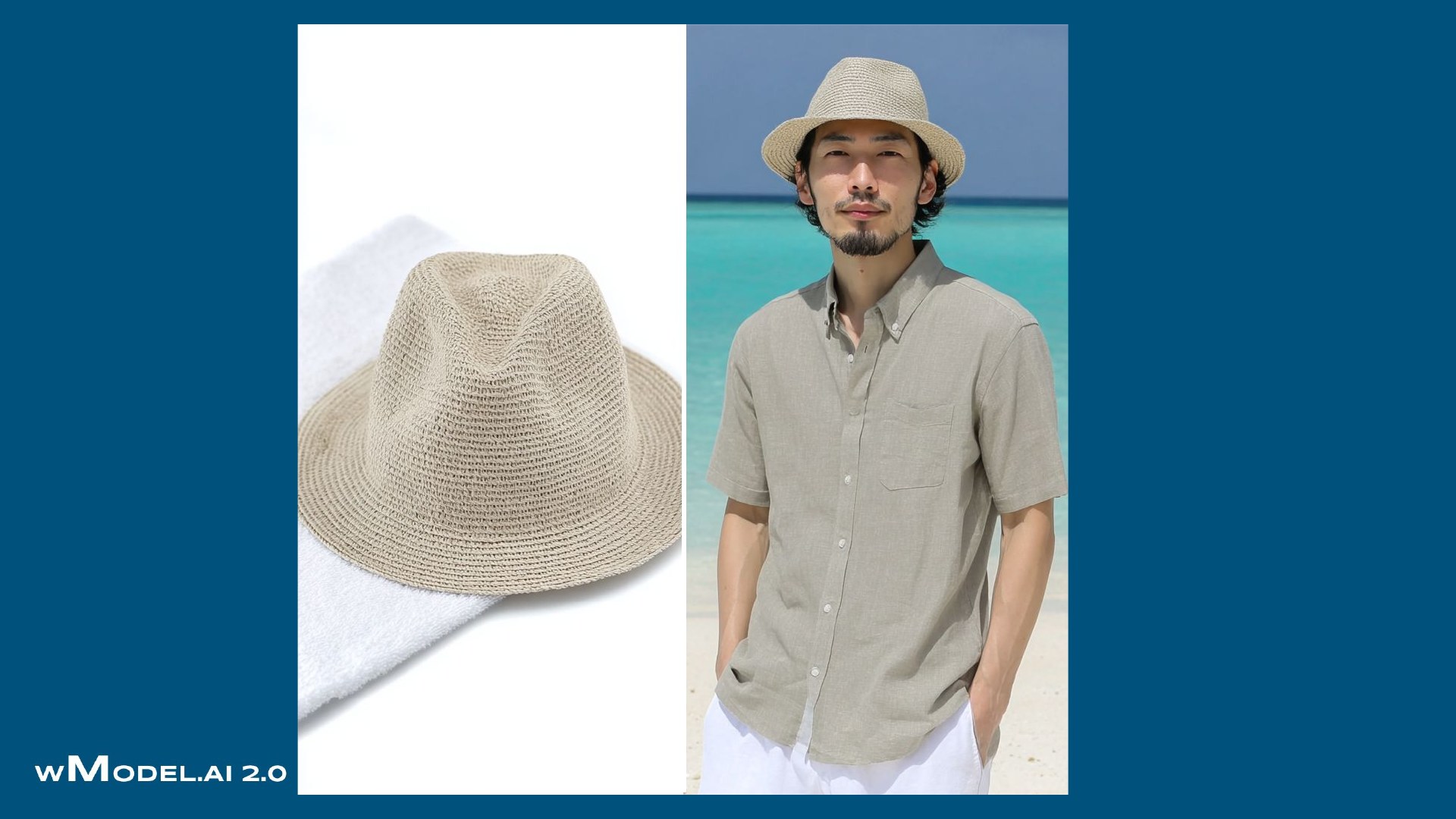
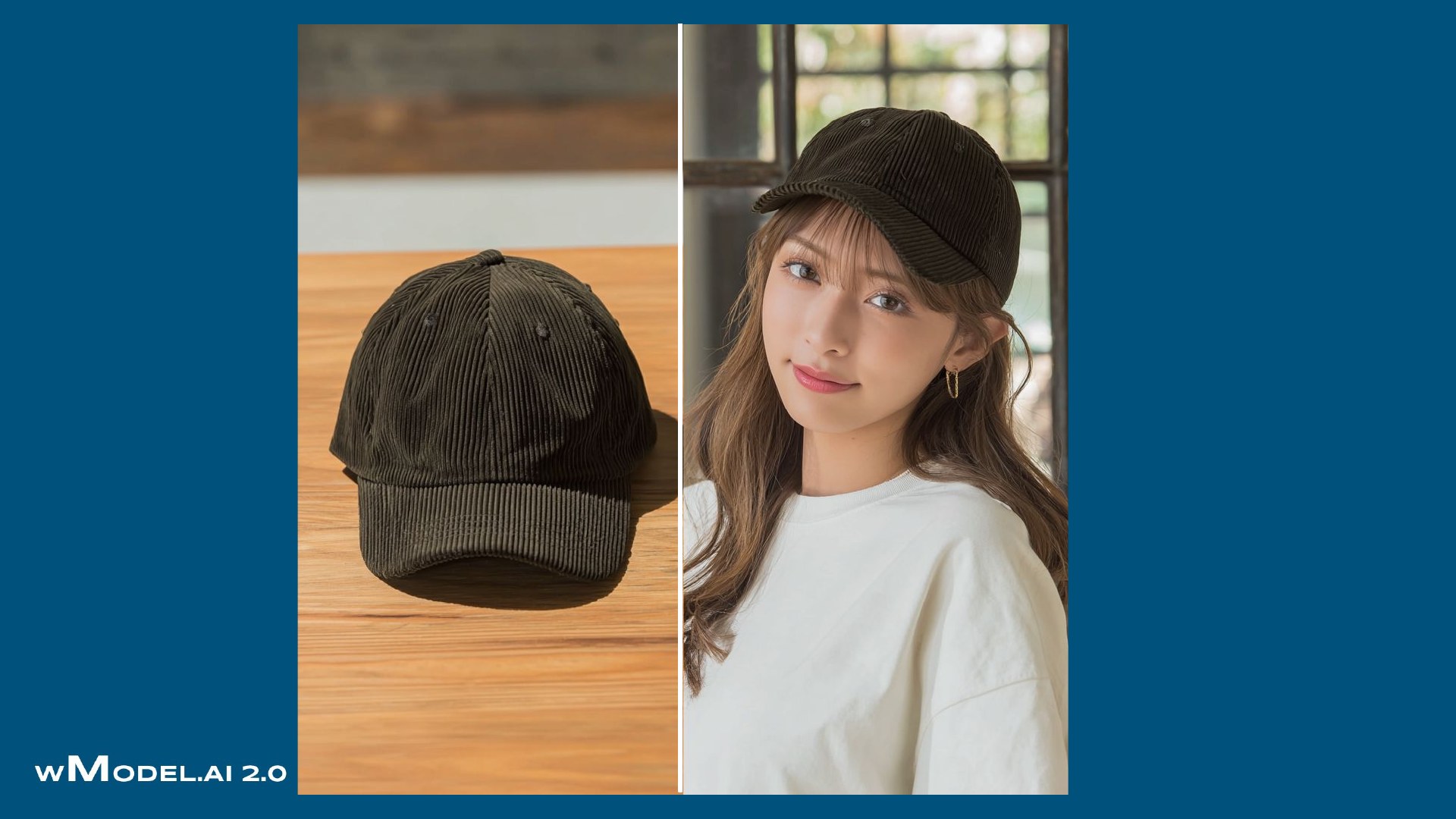
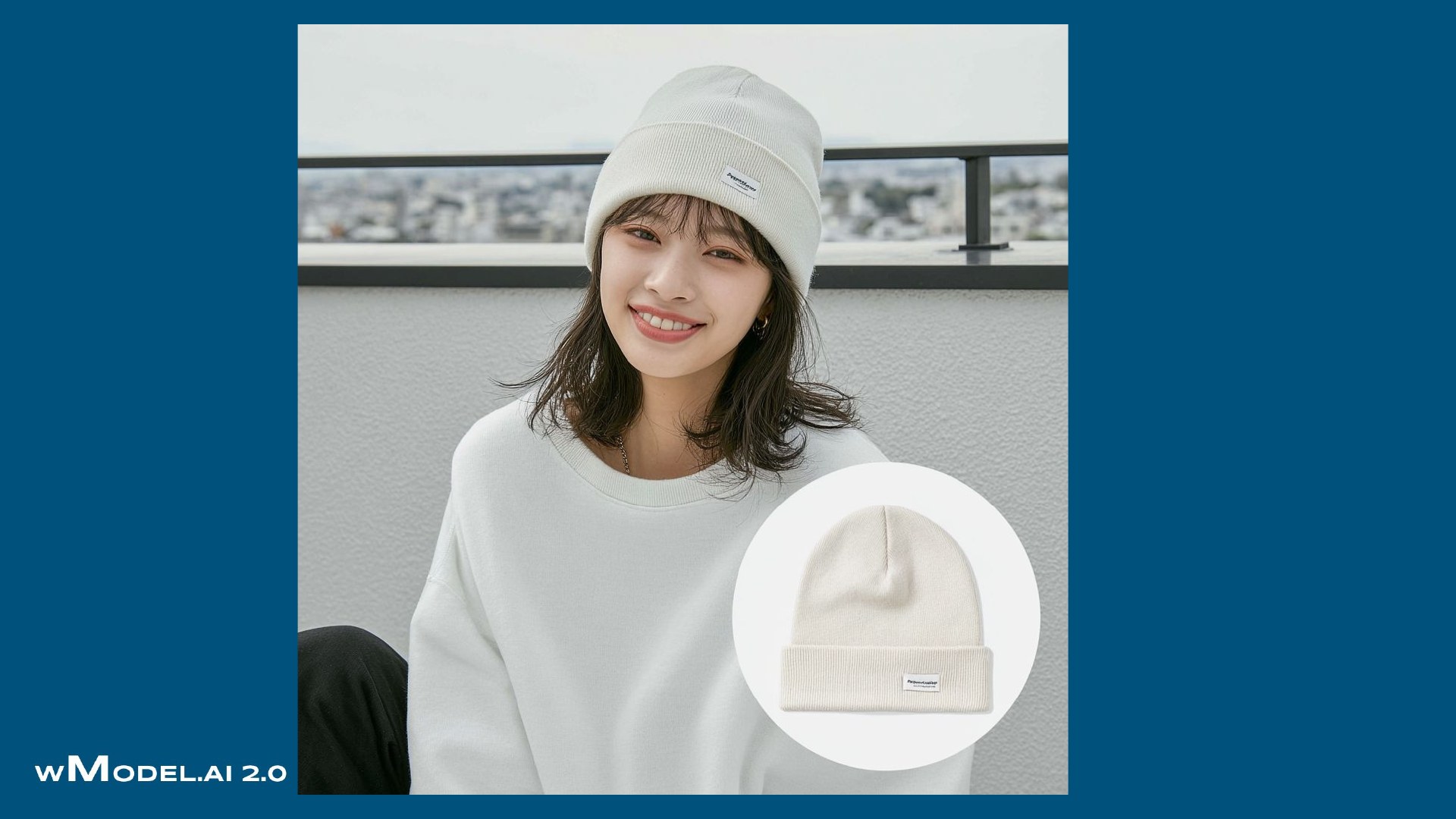
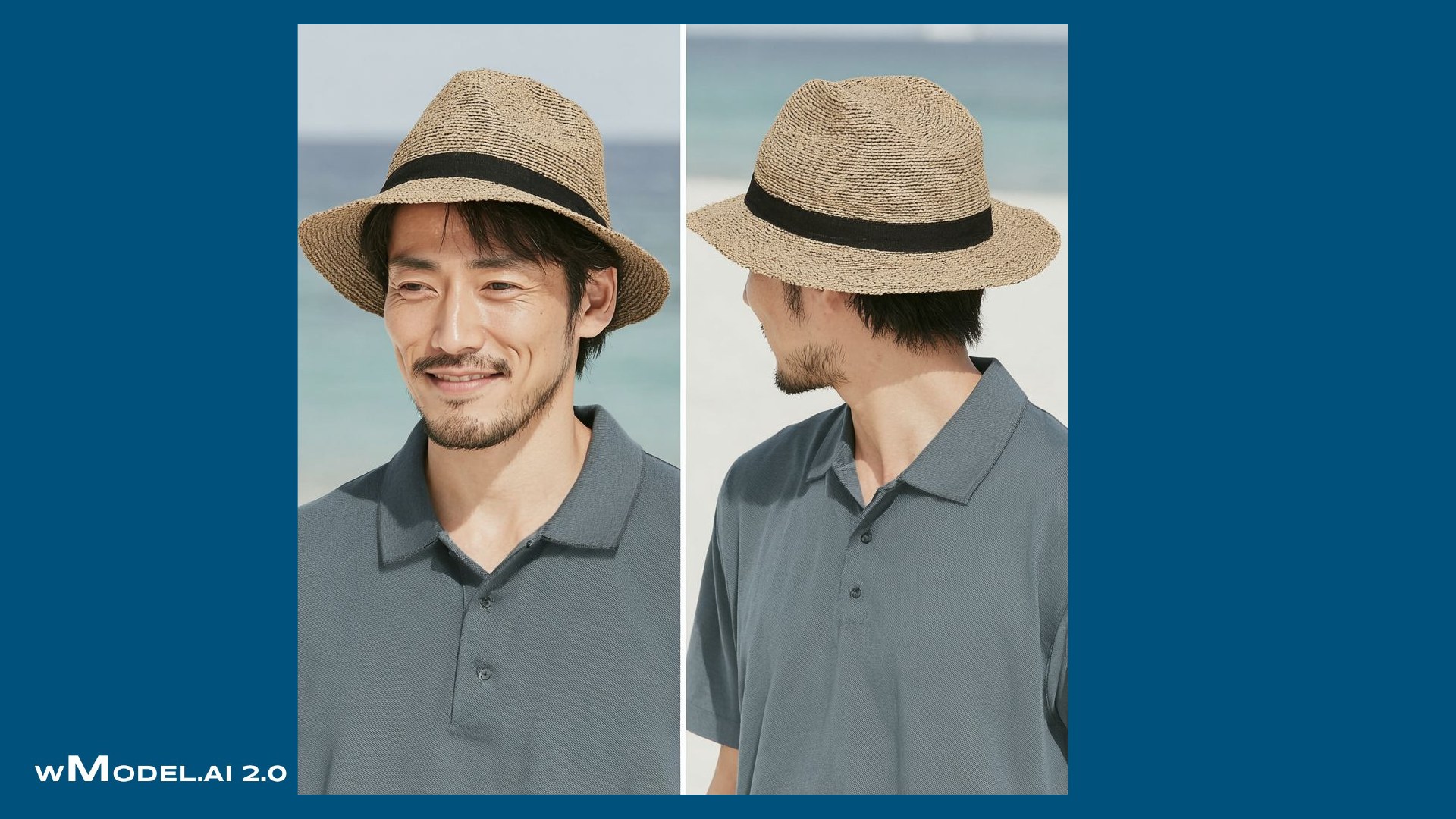
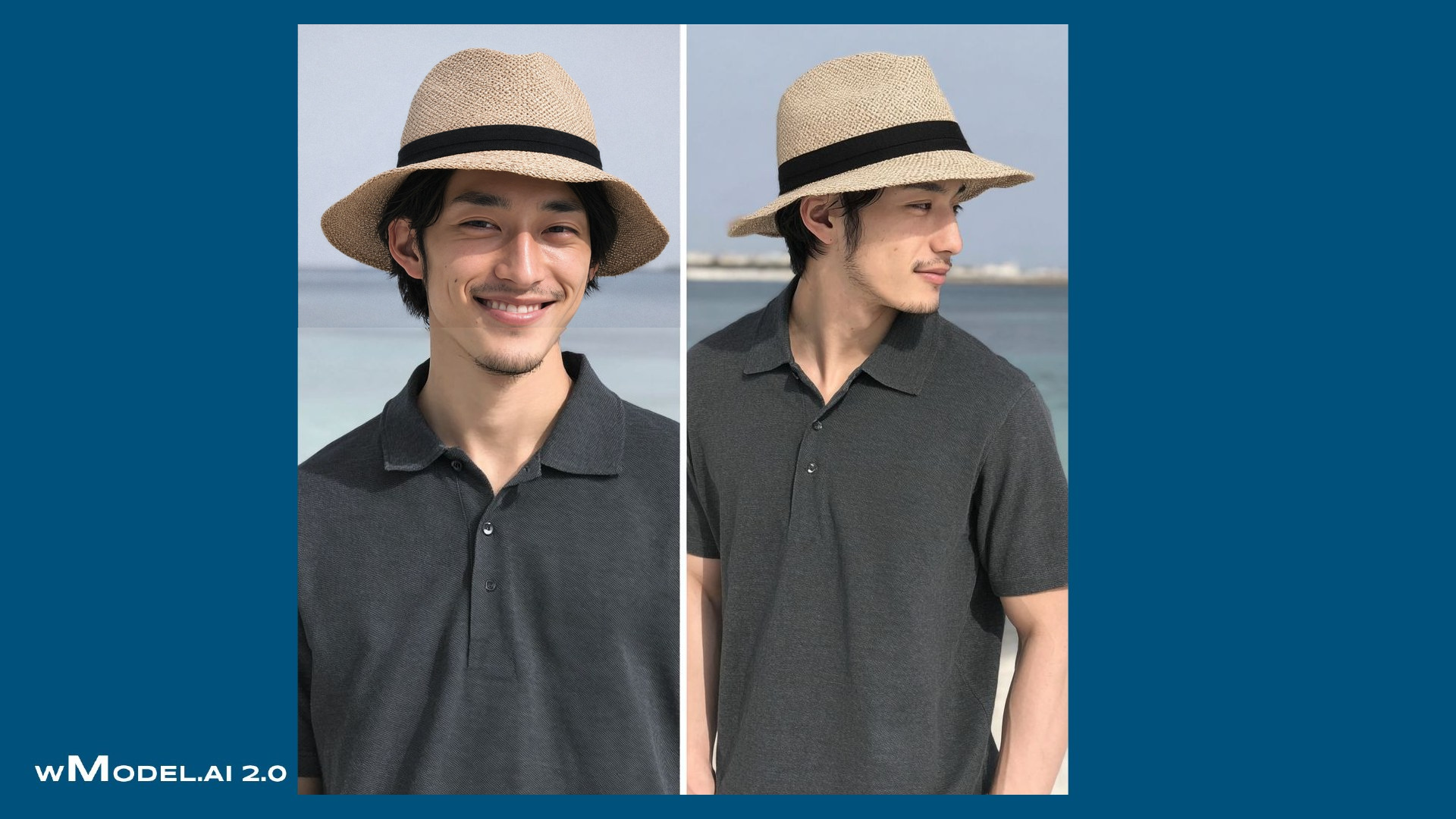
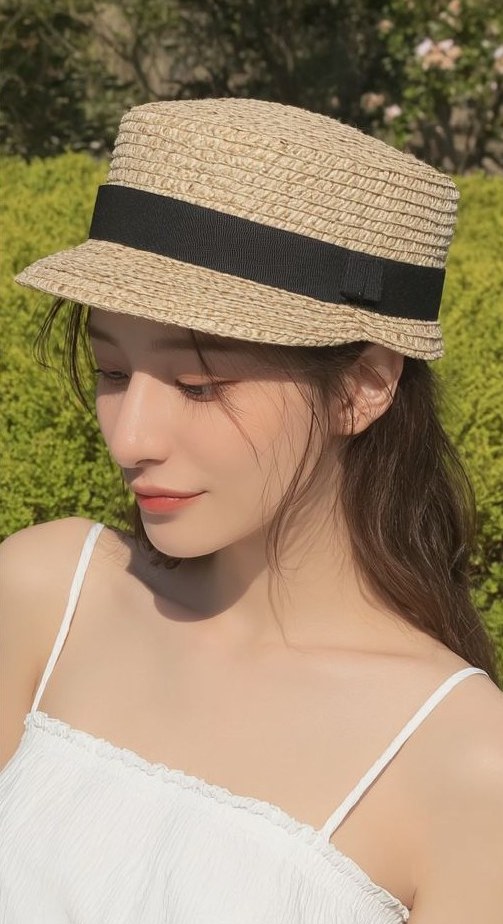
Without traveling to the coast or other outdoor locations, you can create AI model hat-wearing photos with different backgrounds from your product photos, at a low cost.
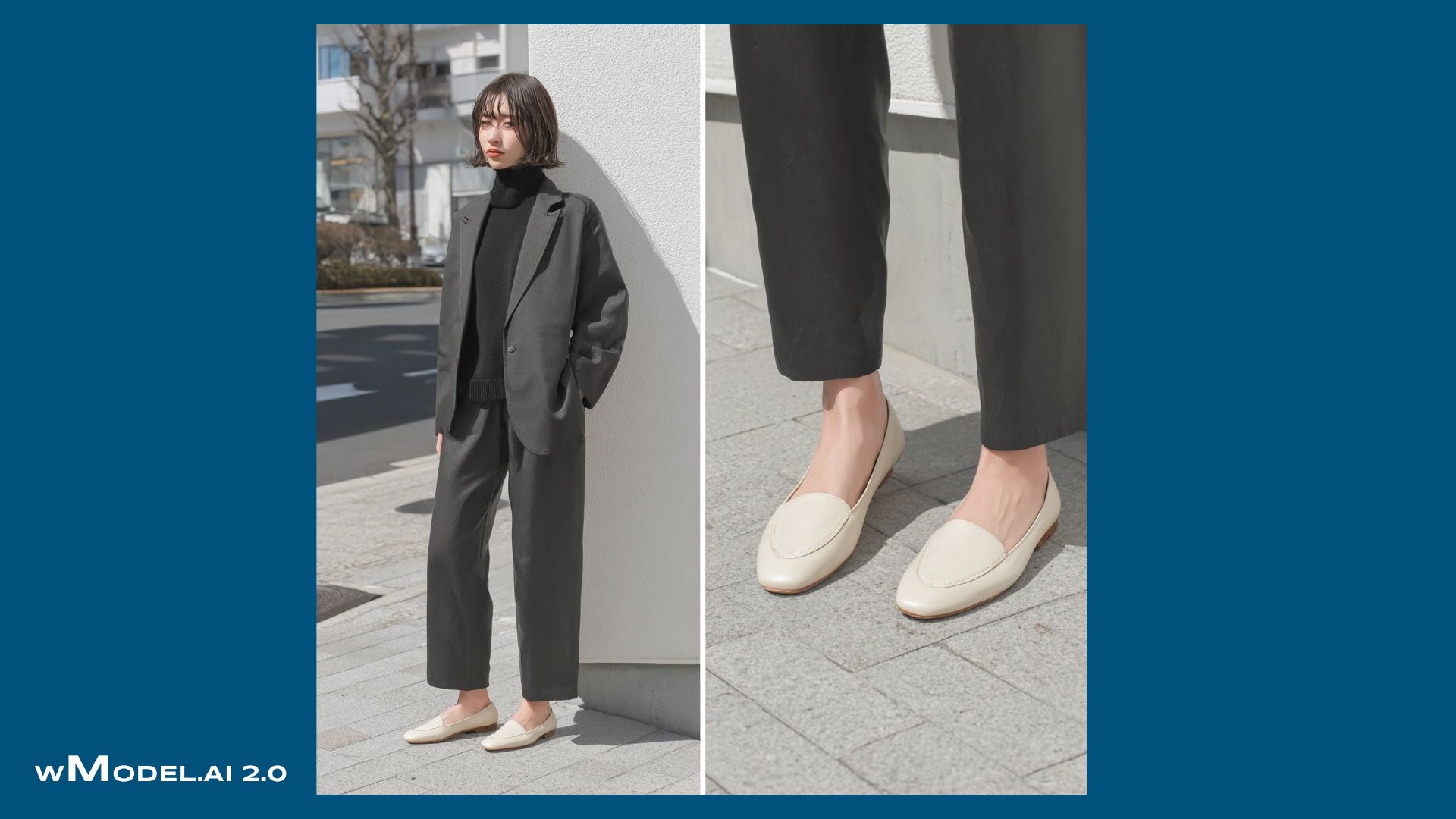
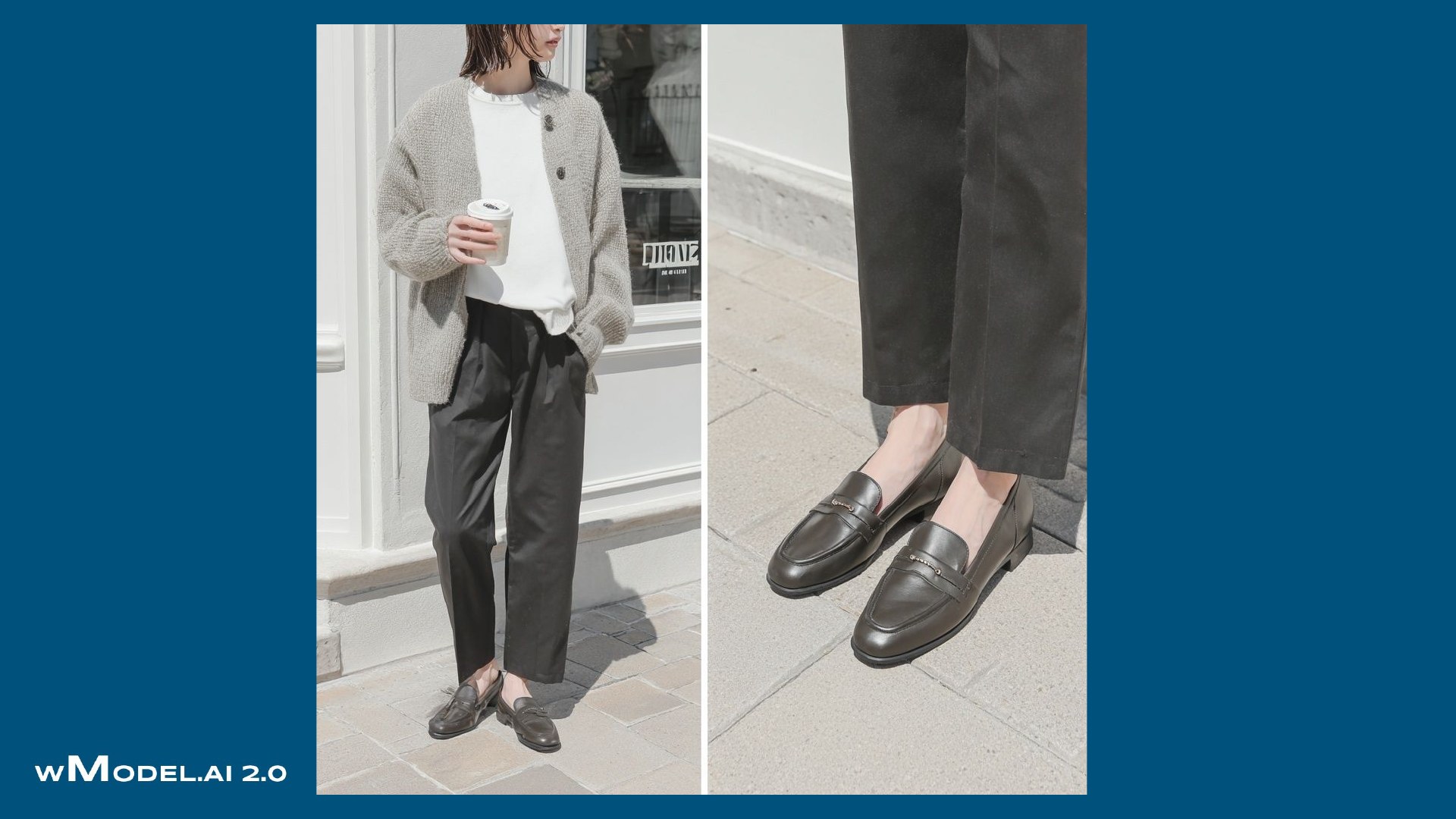
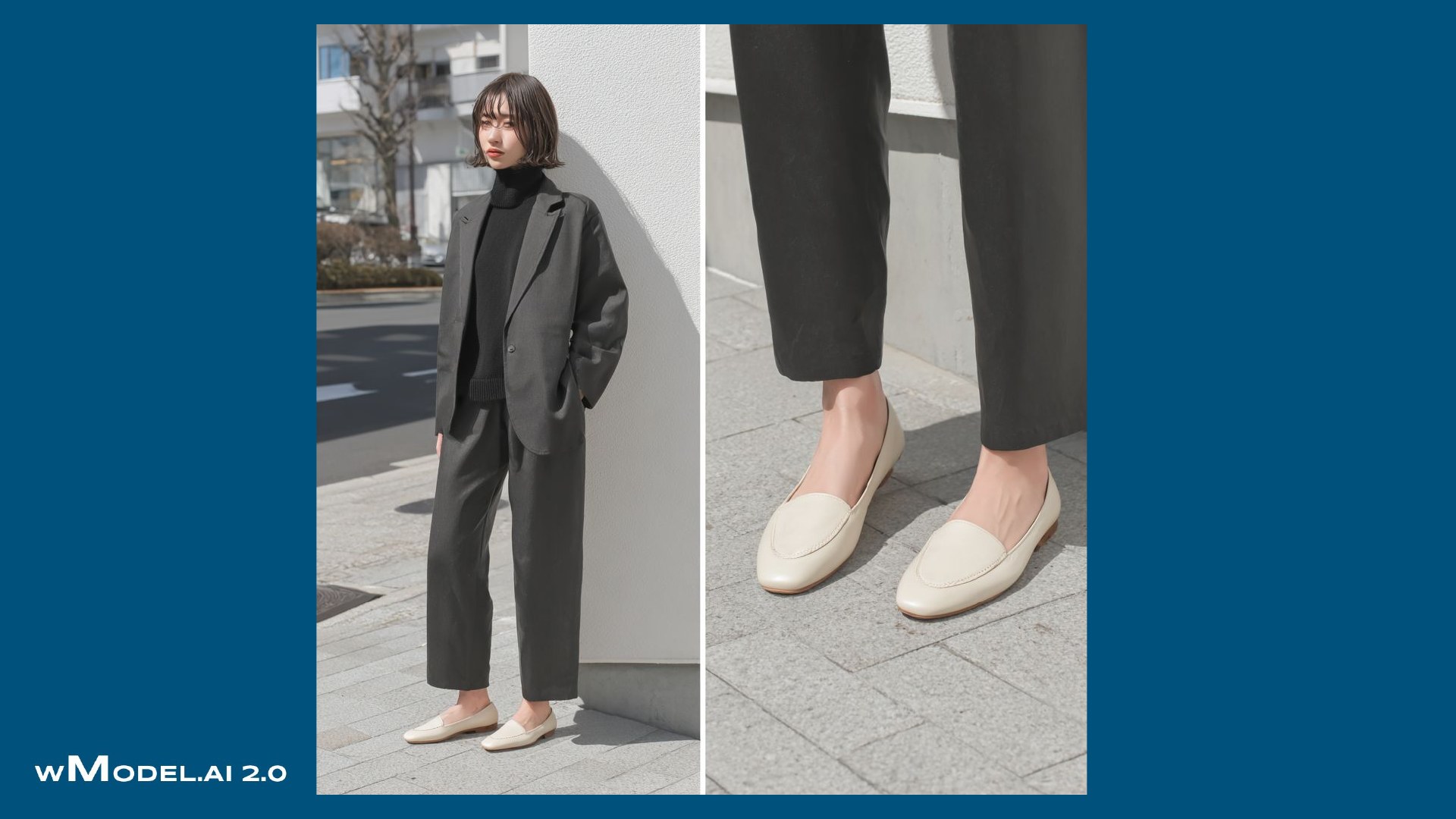
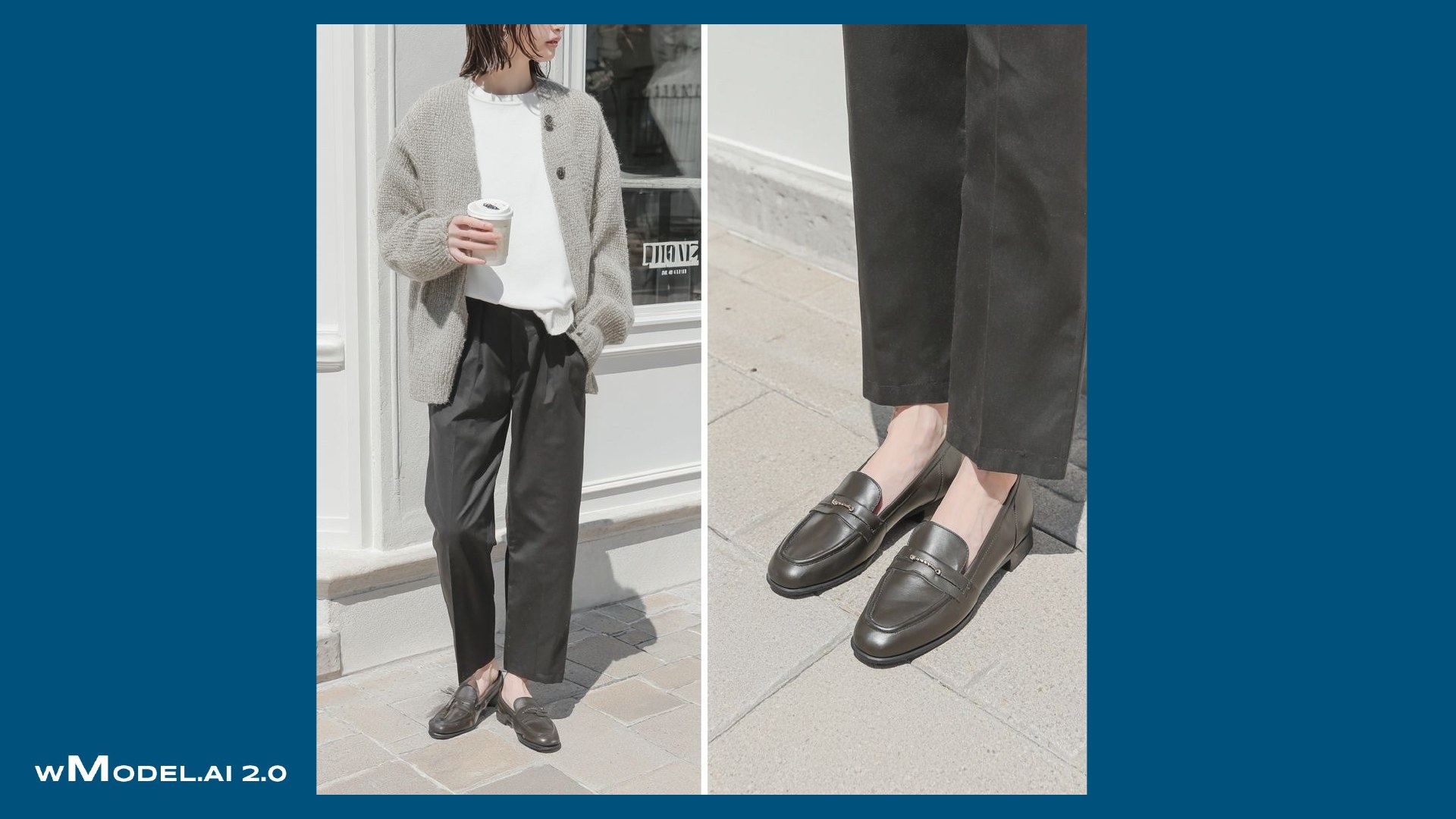
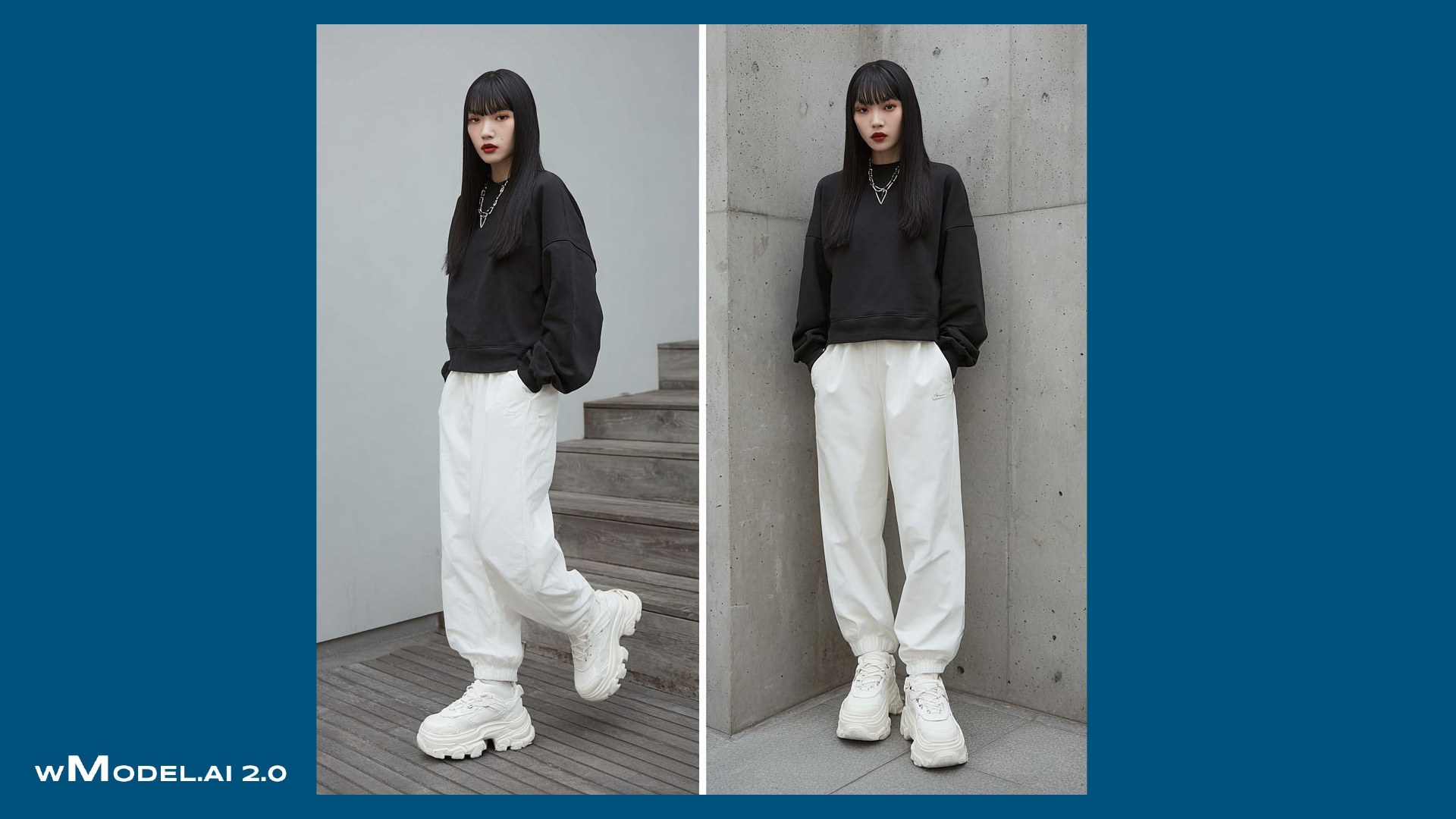
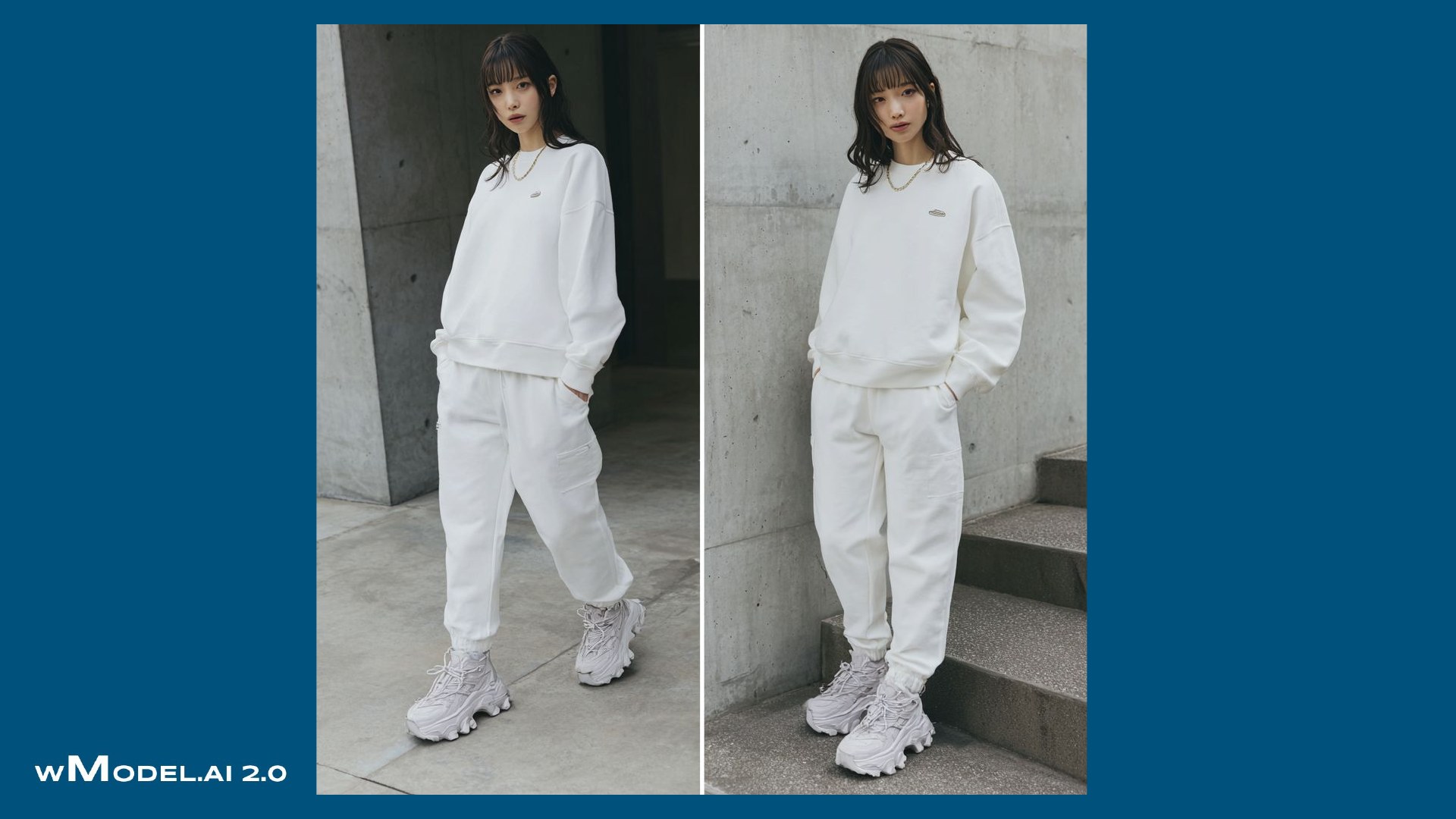
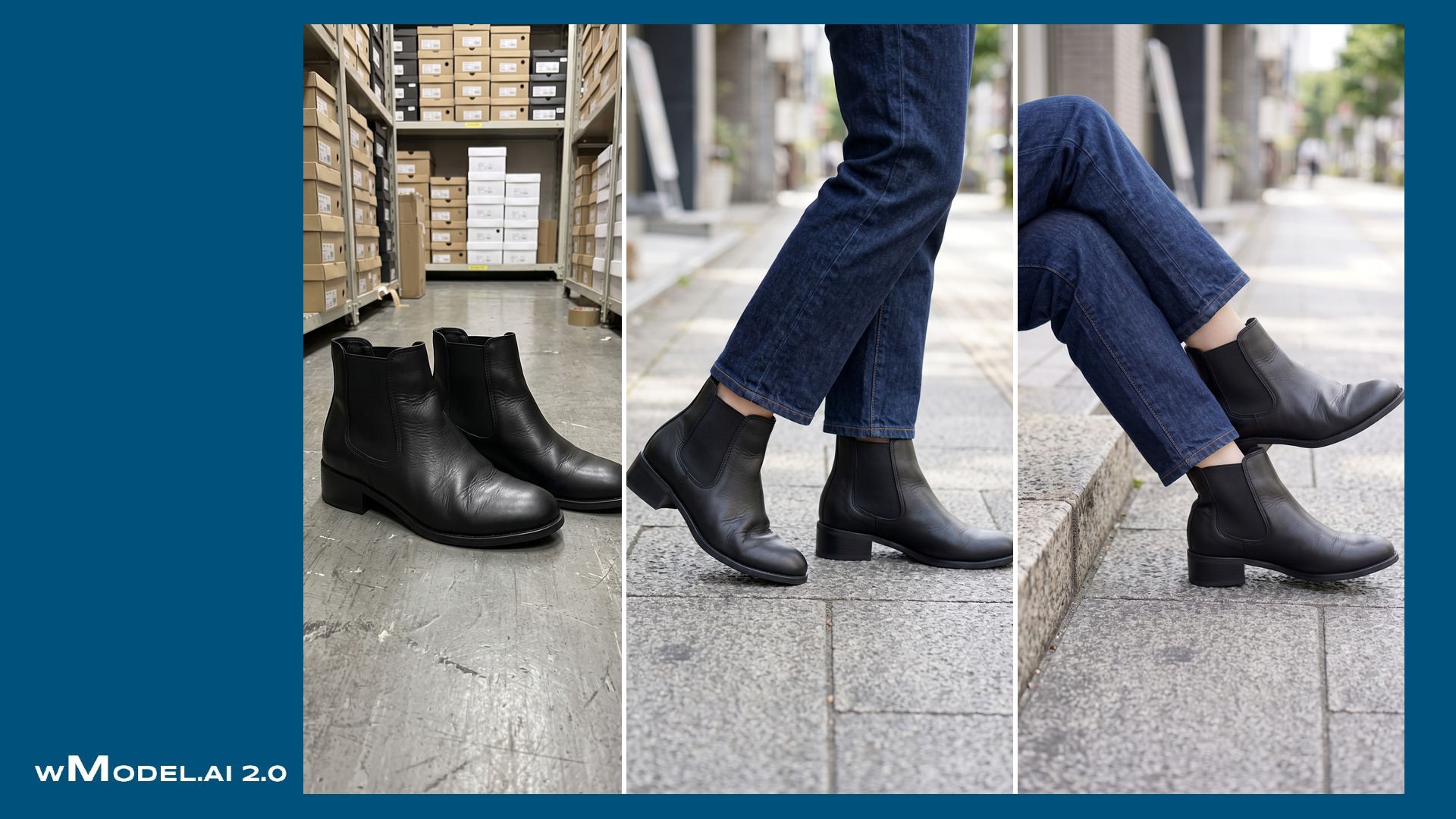
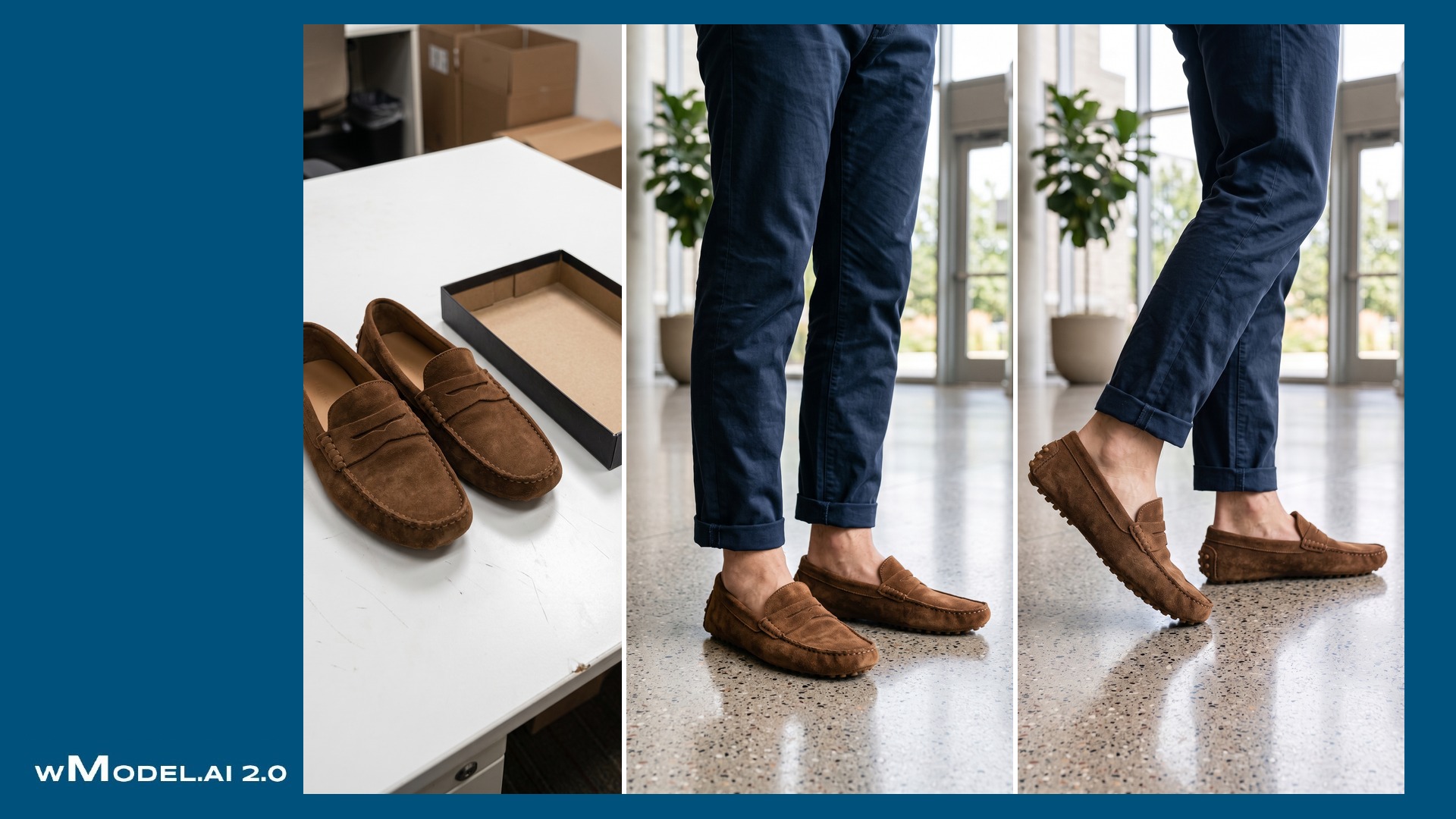
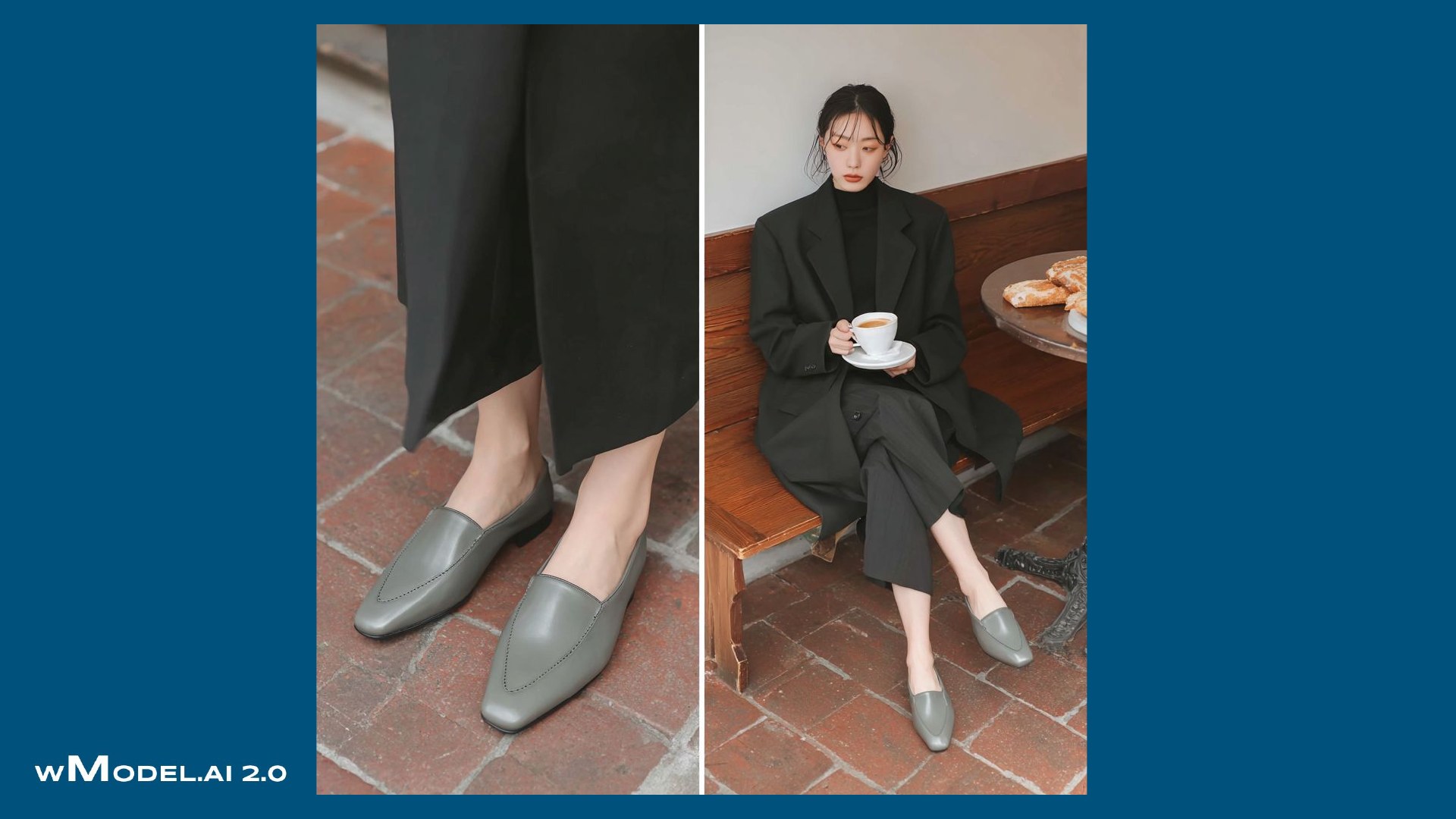
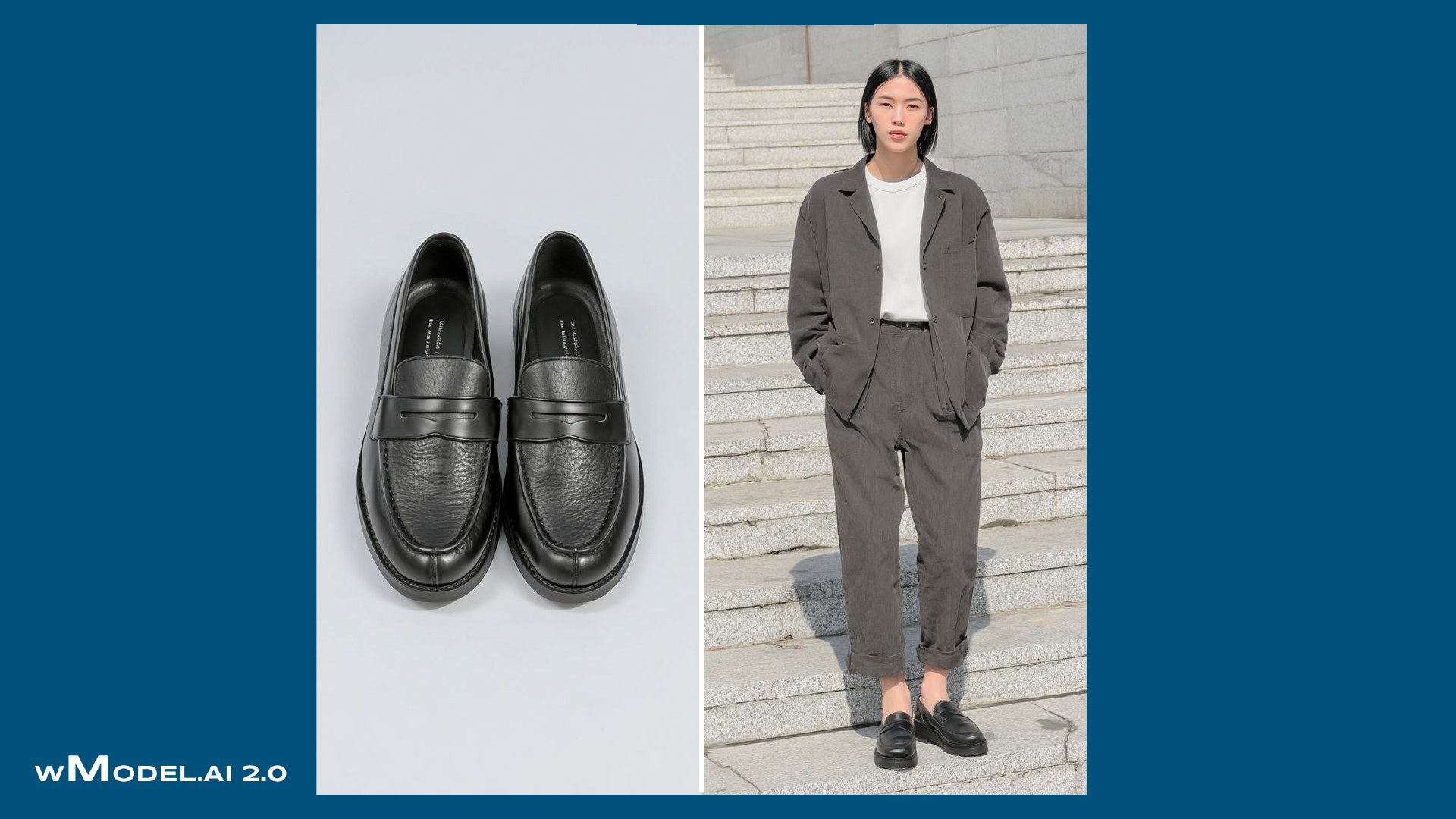
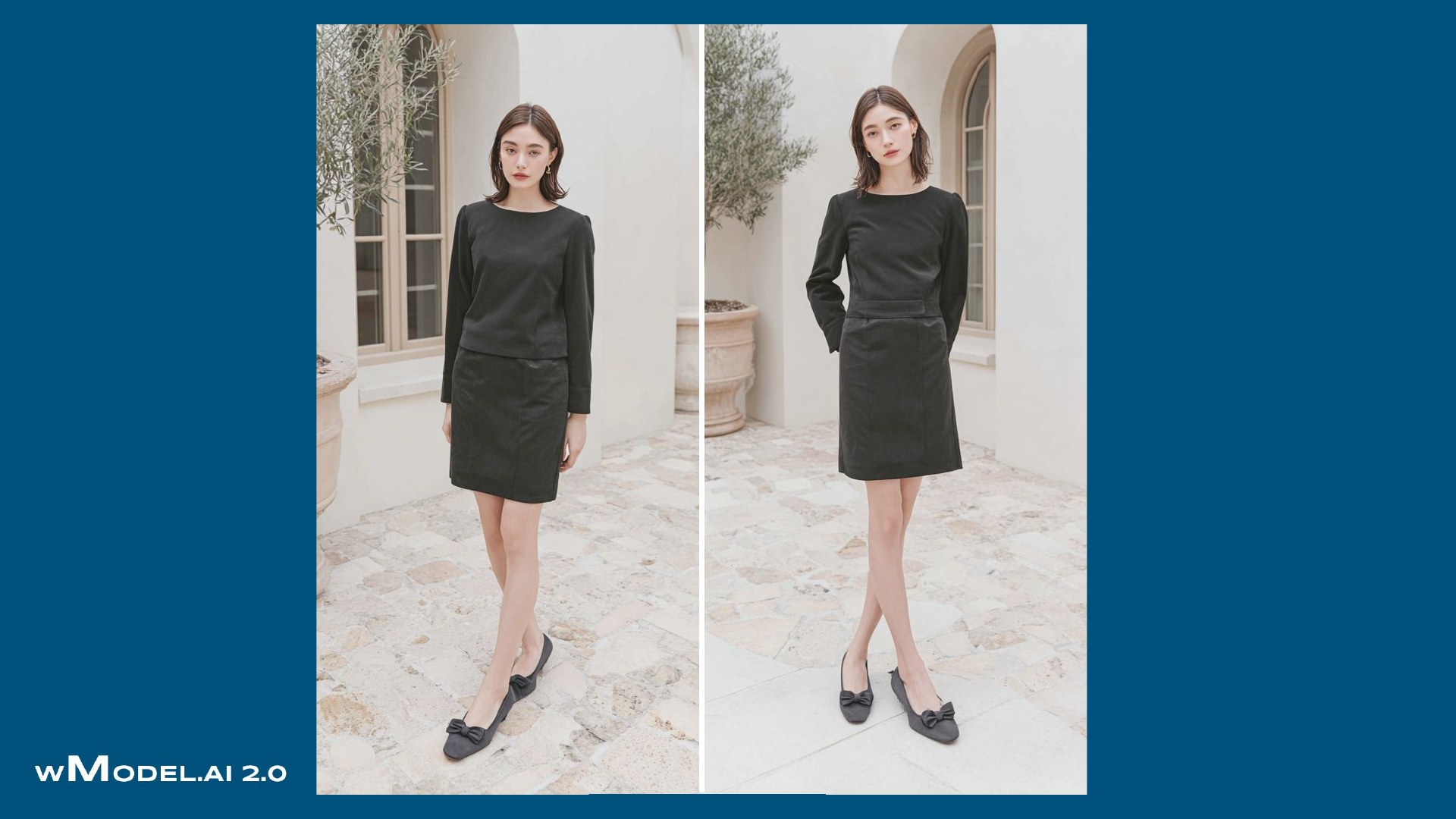
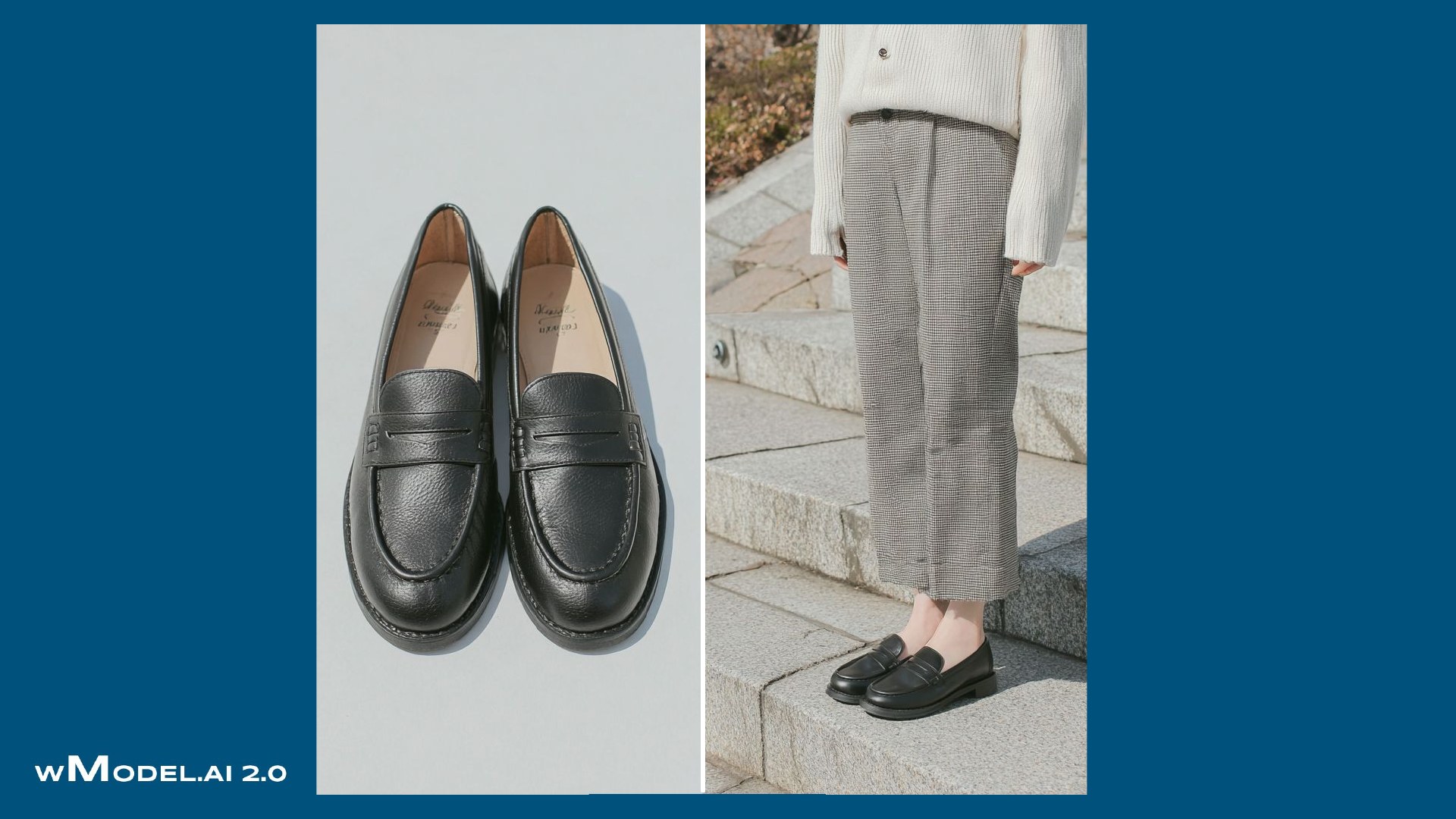
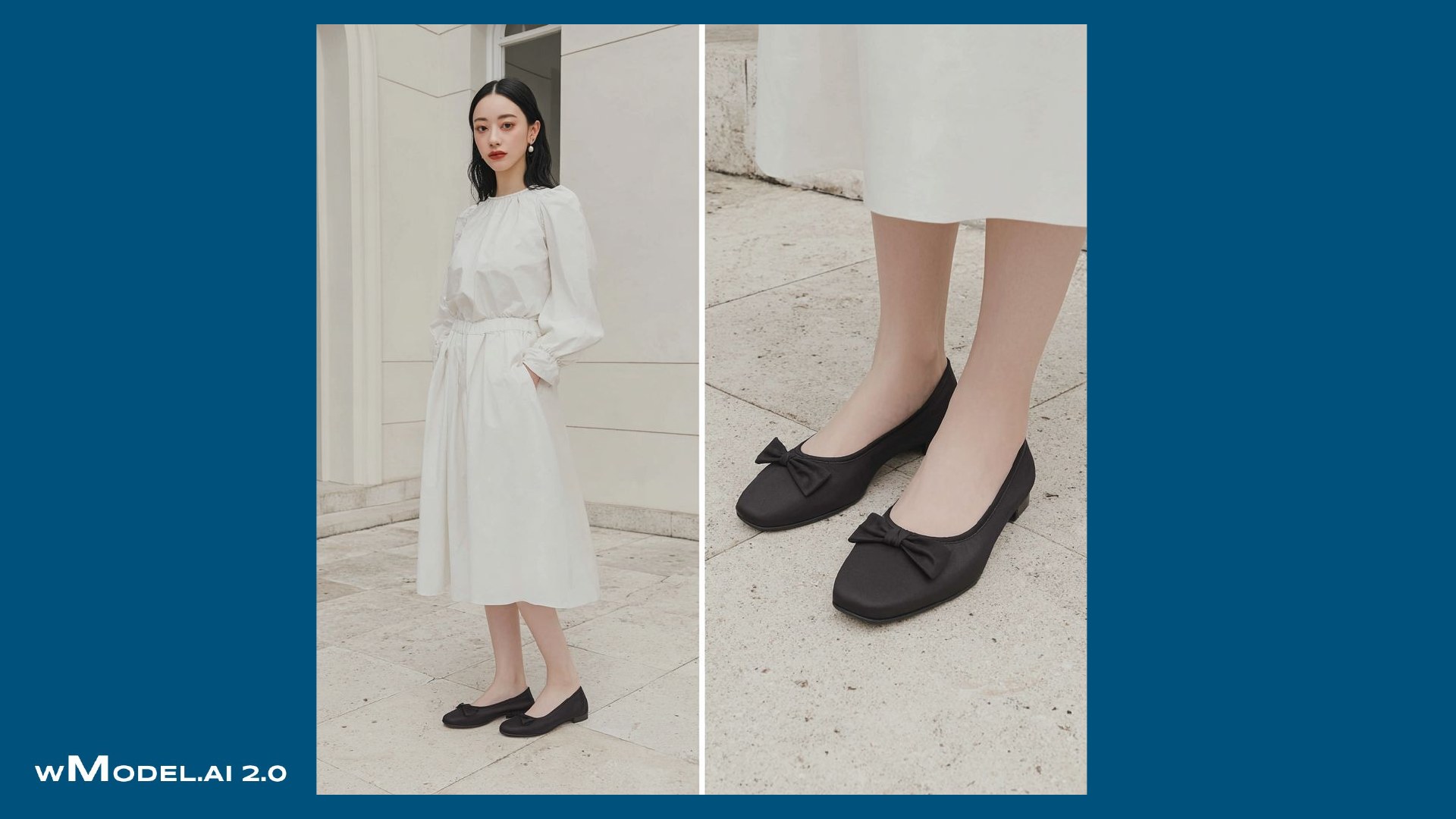
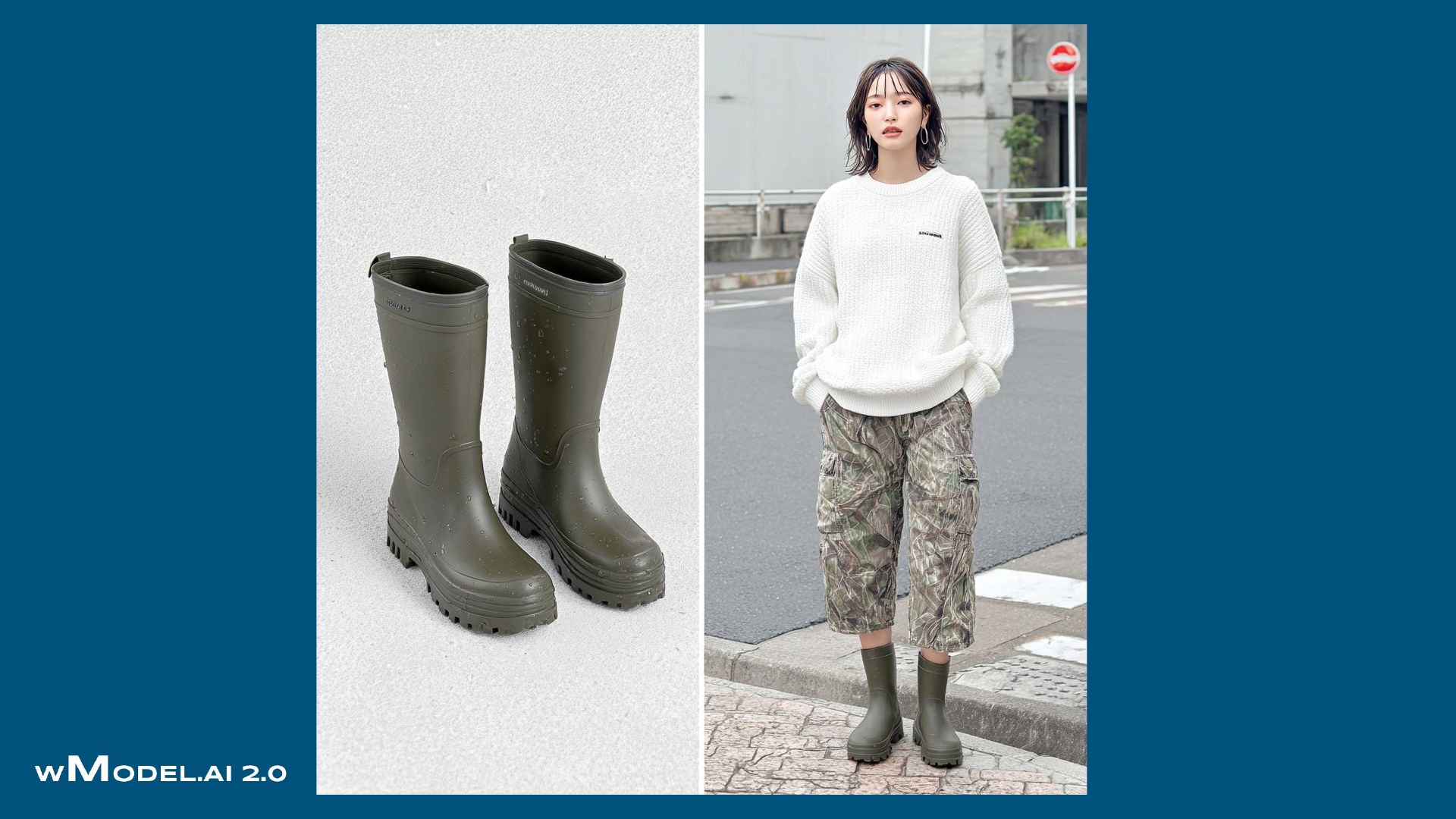
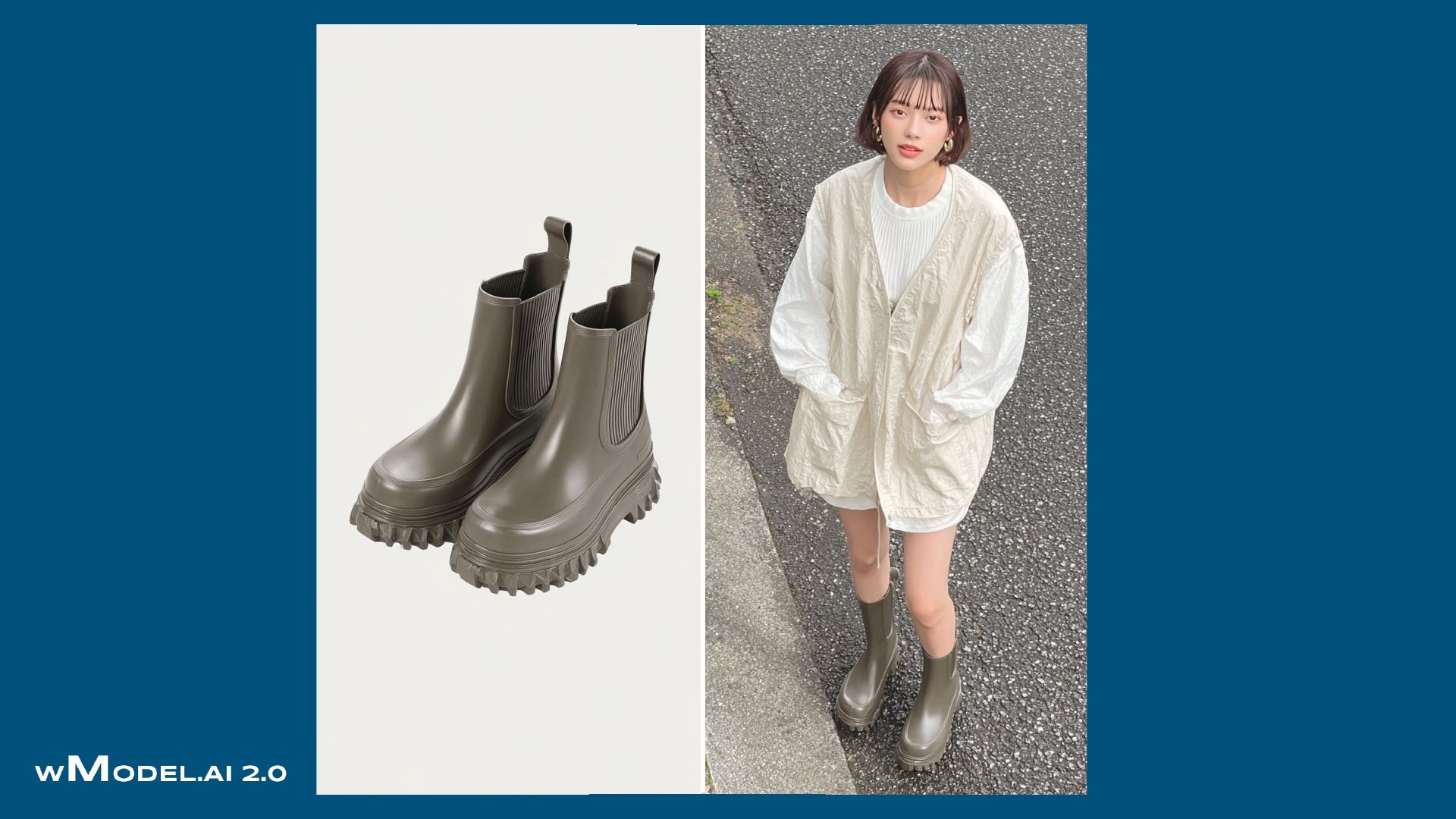
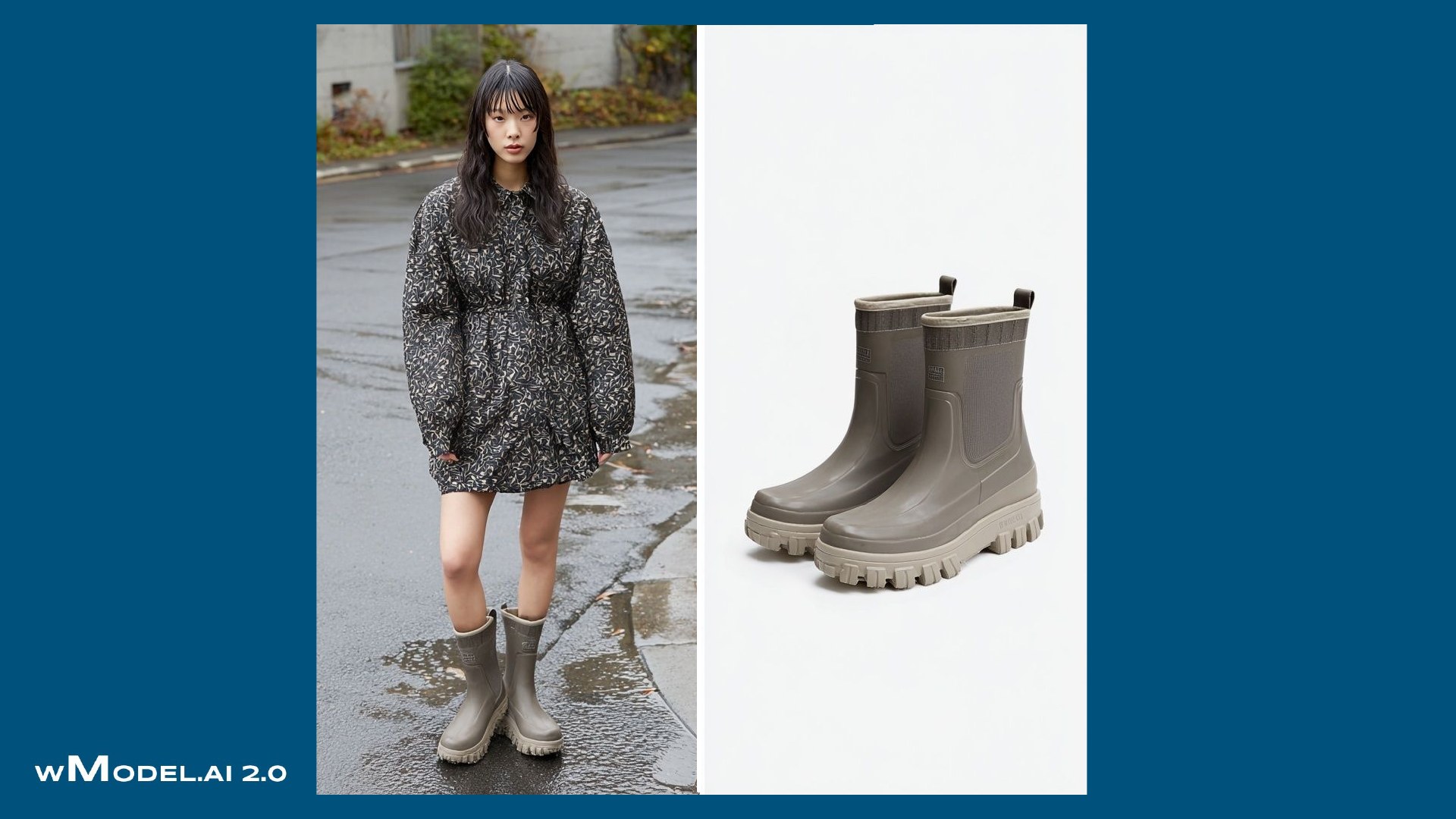
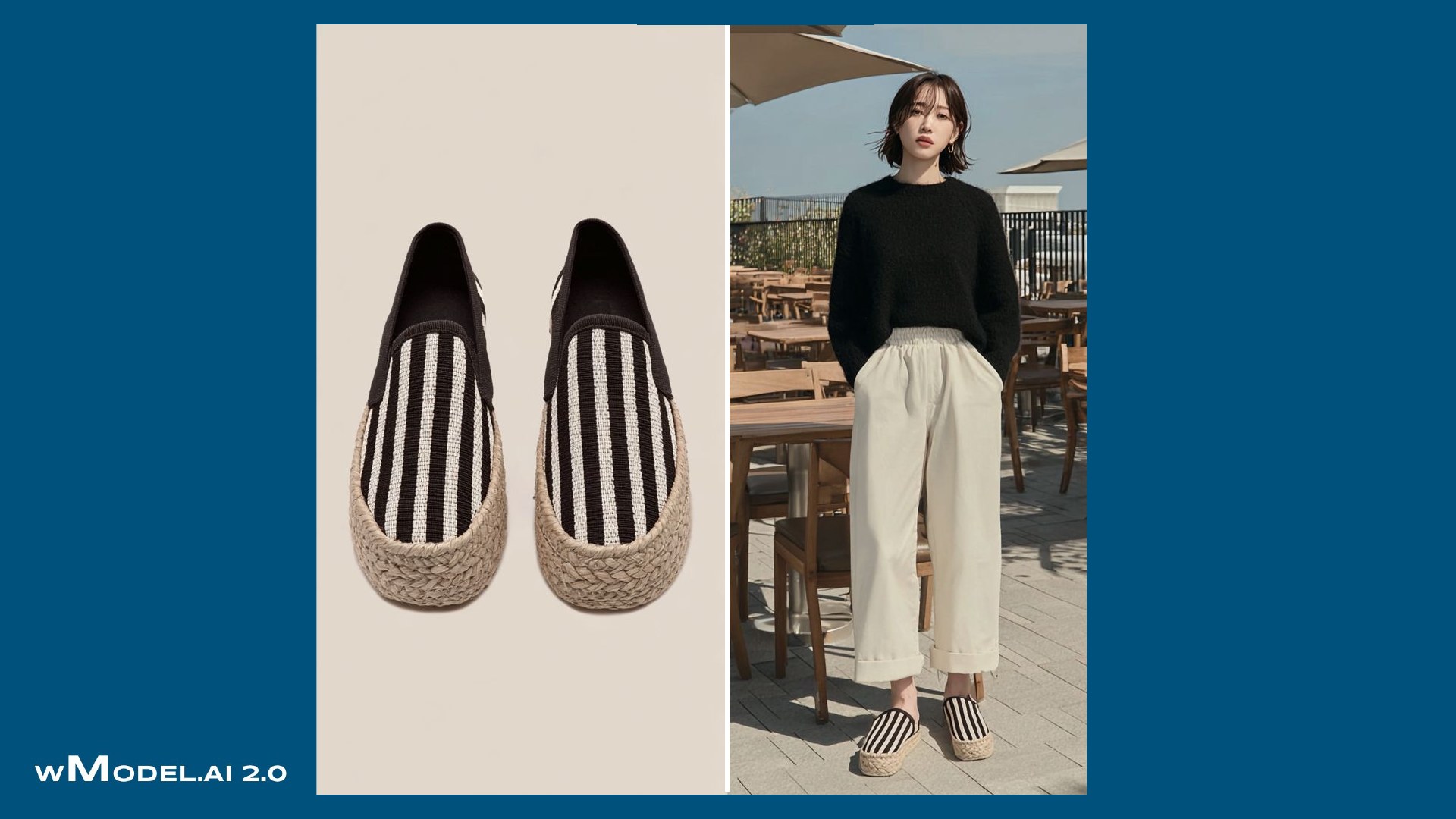
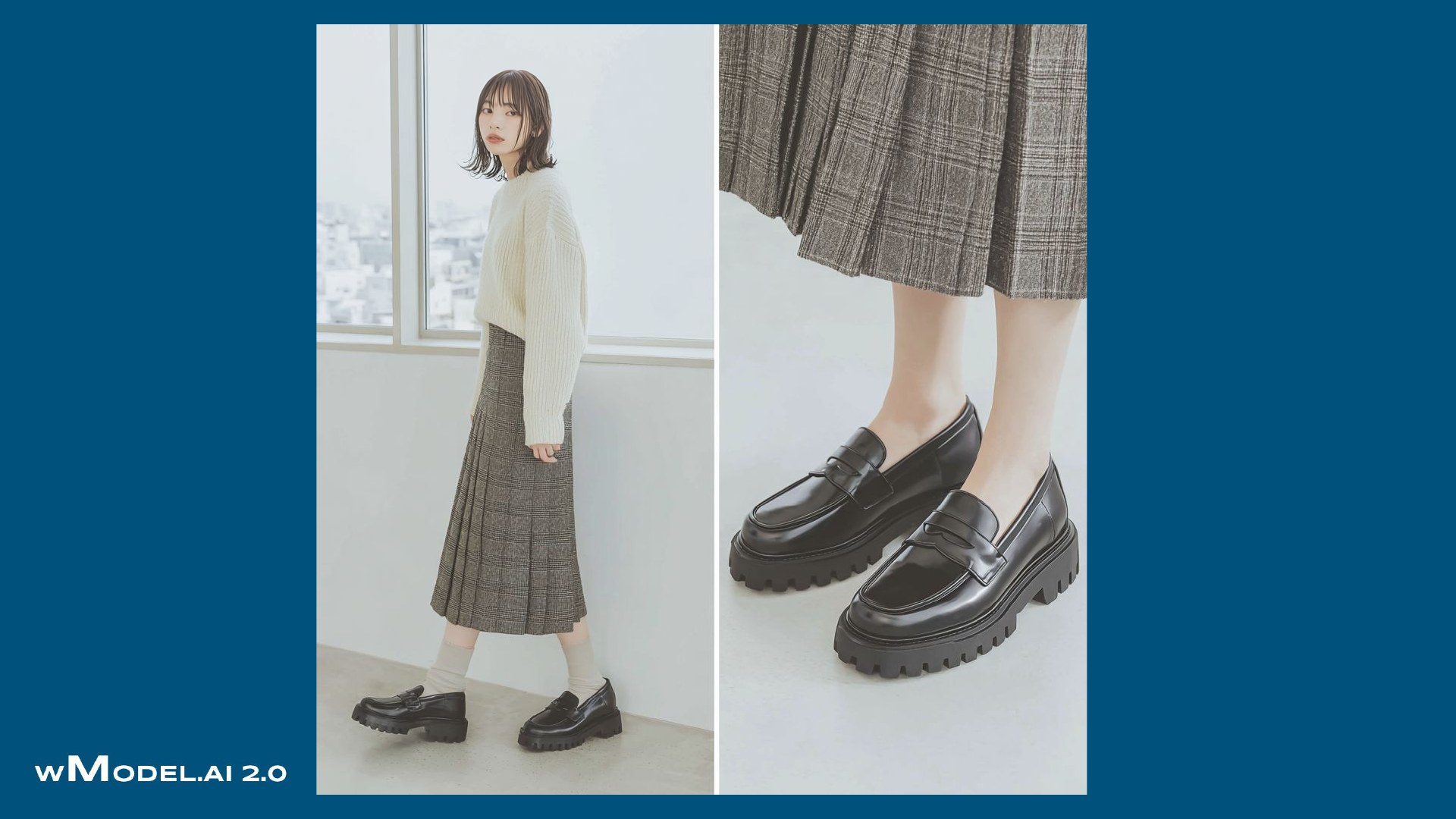
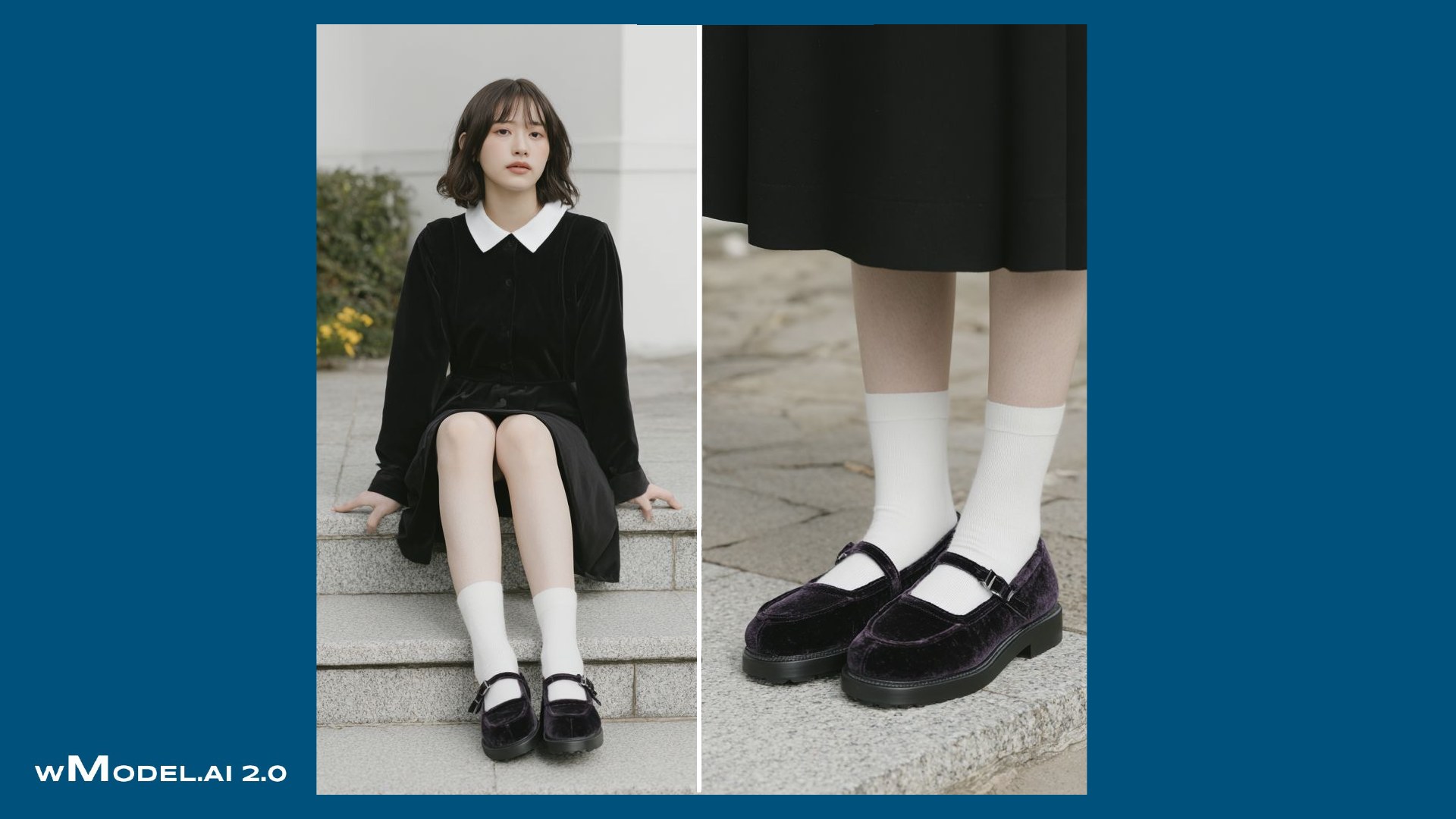
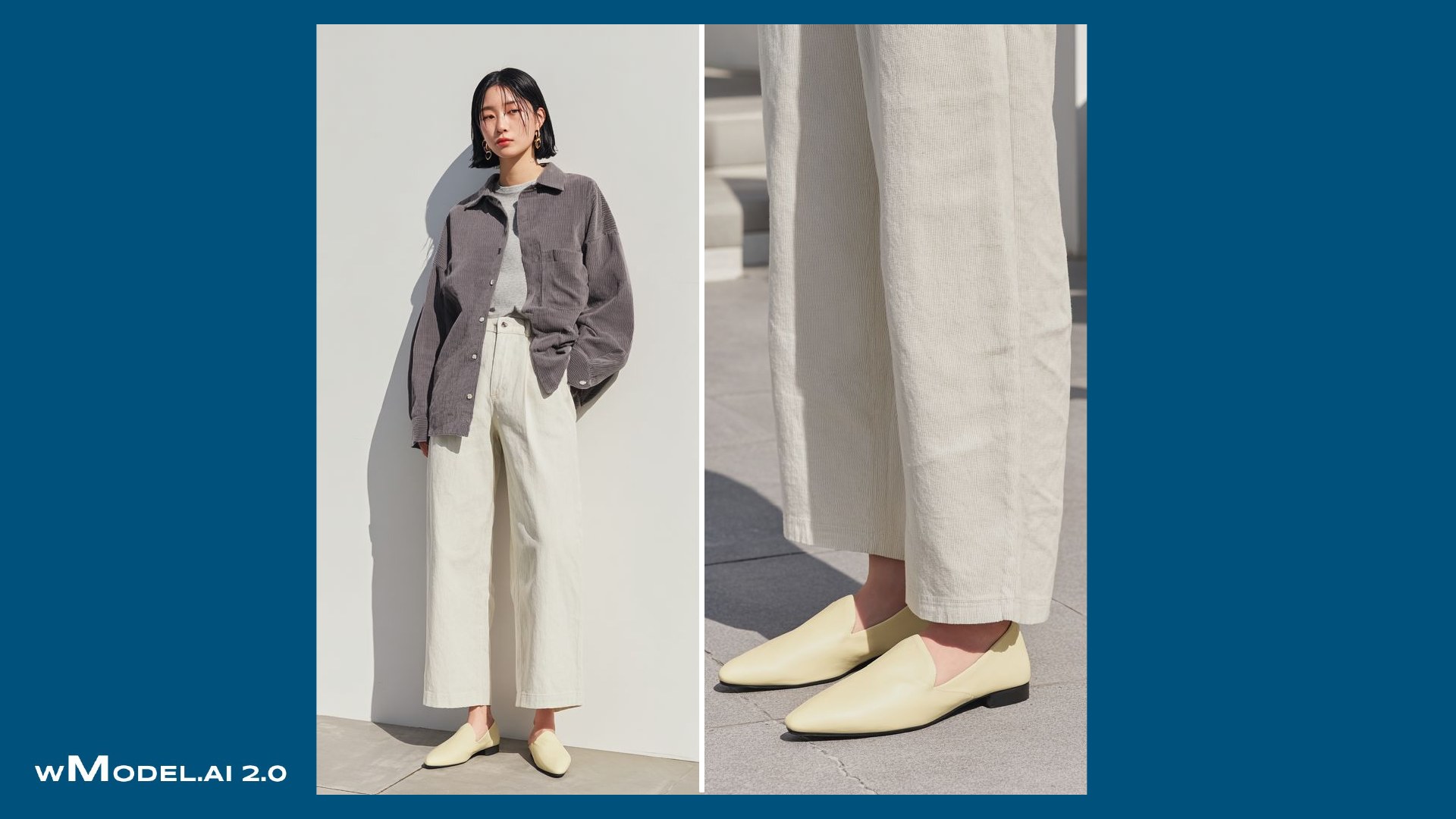
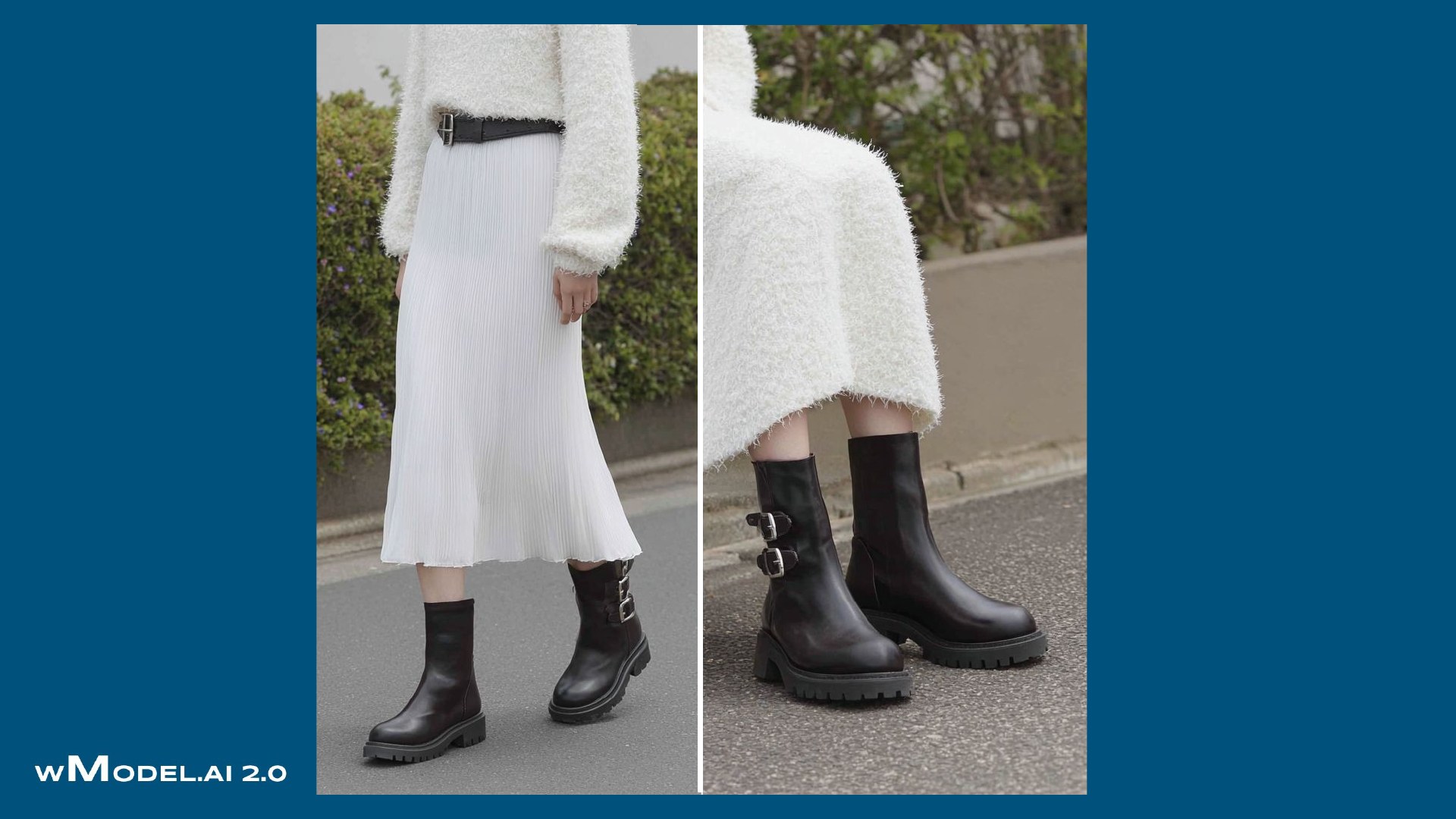
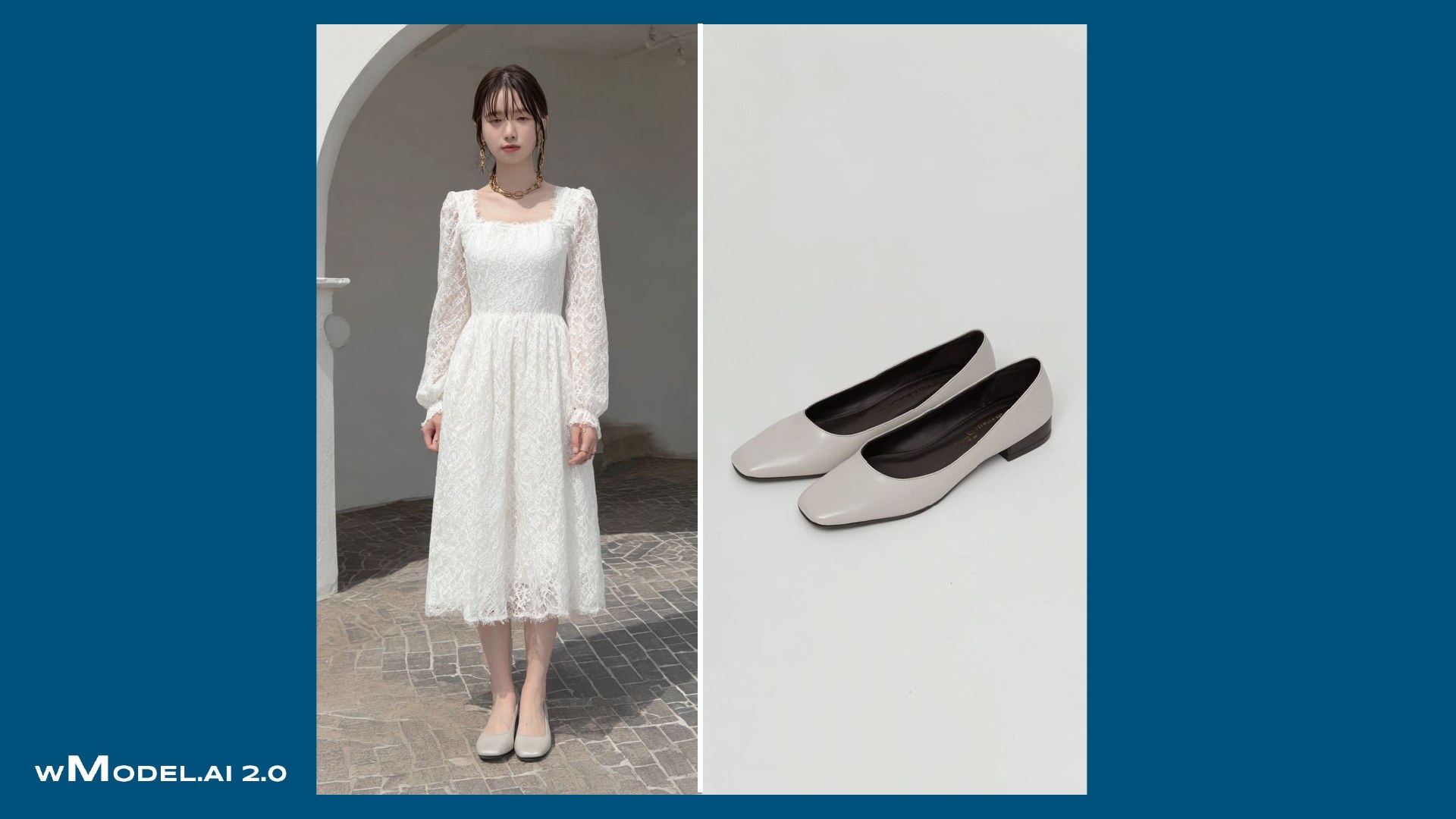
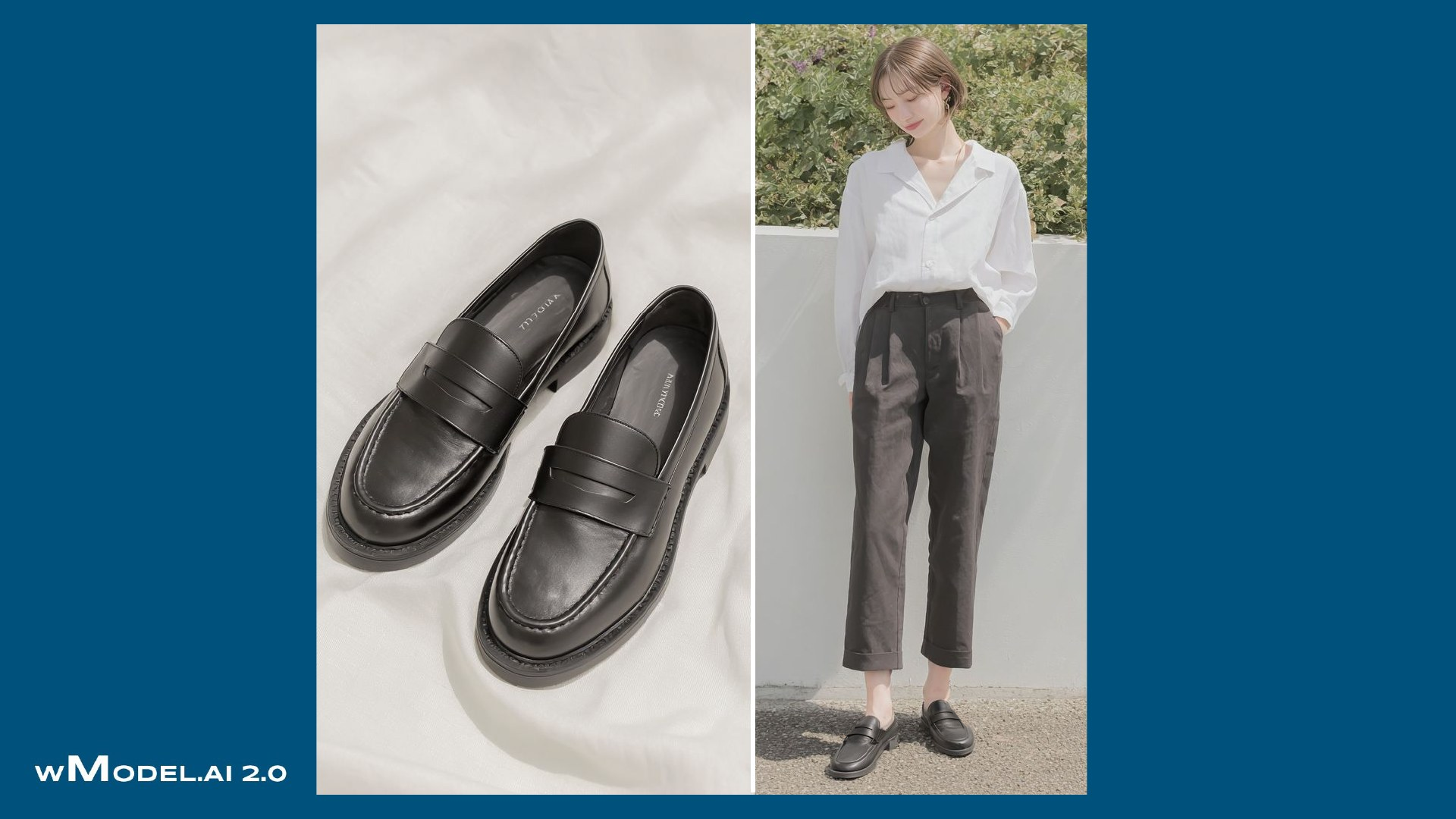
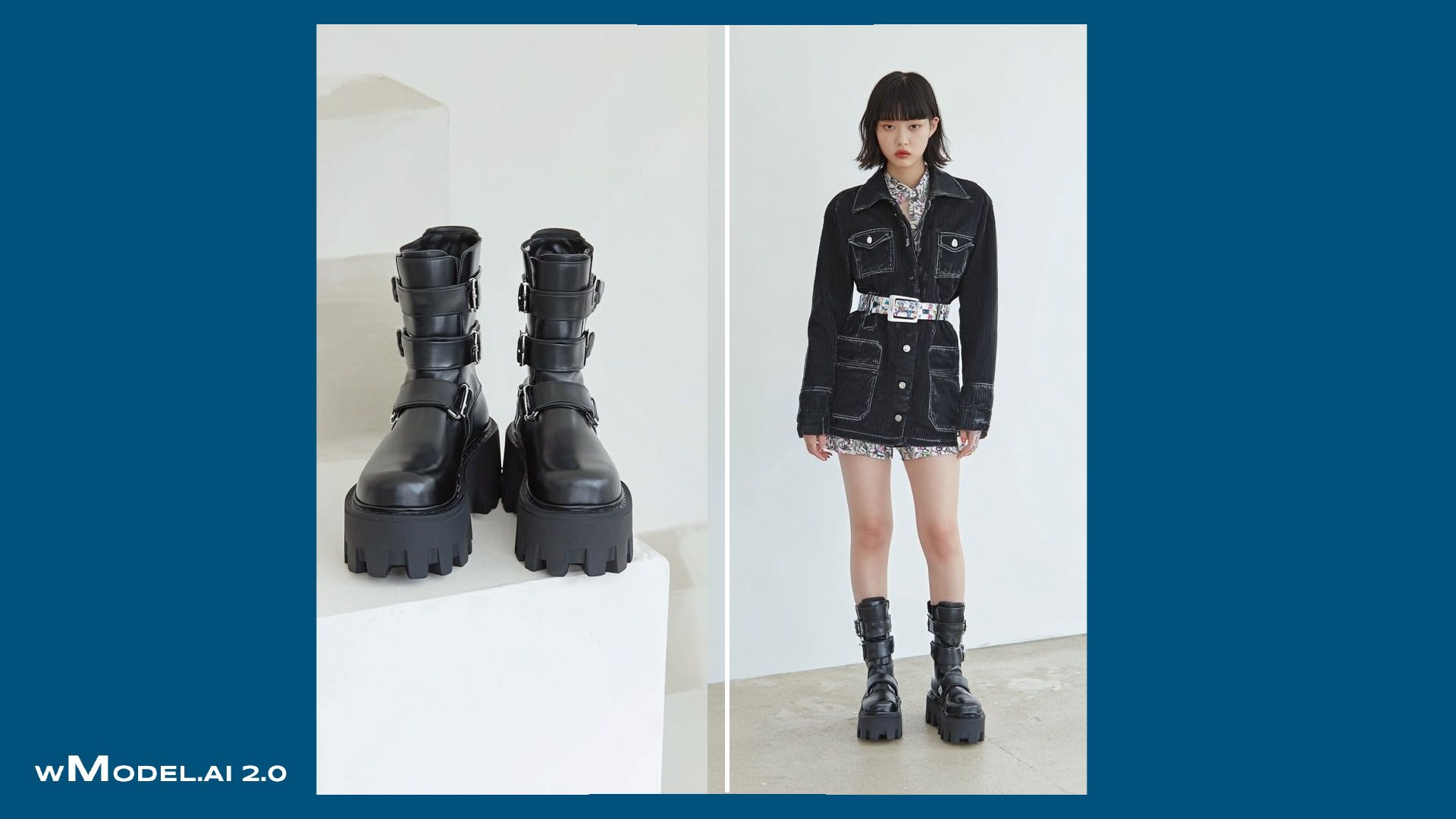
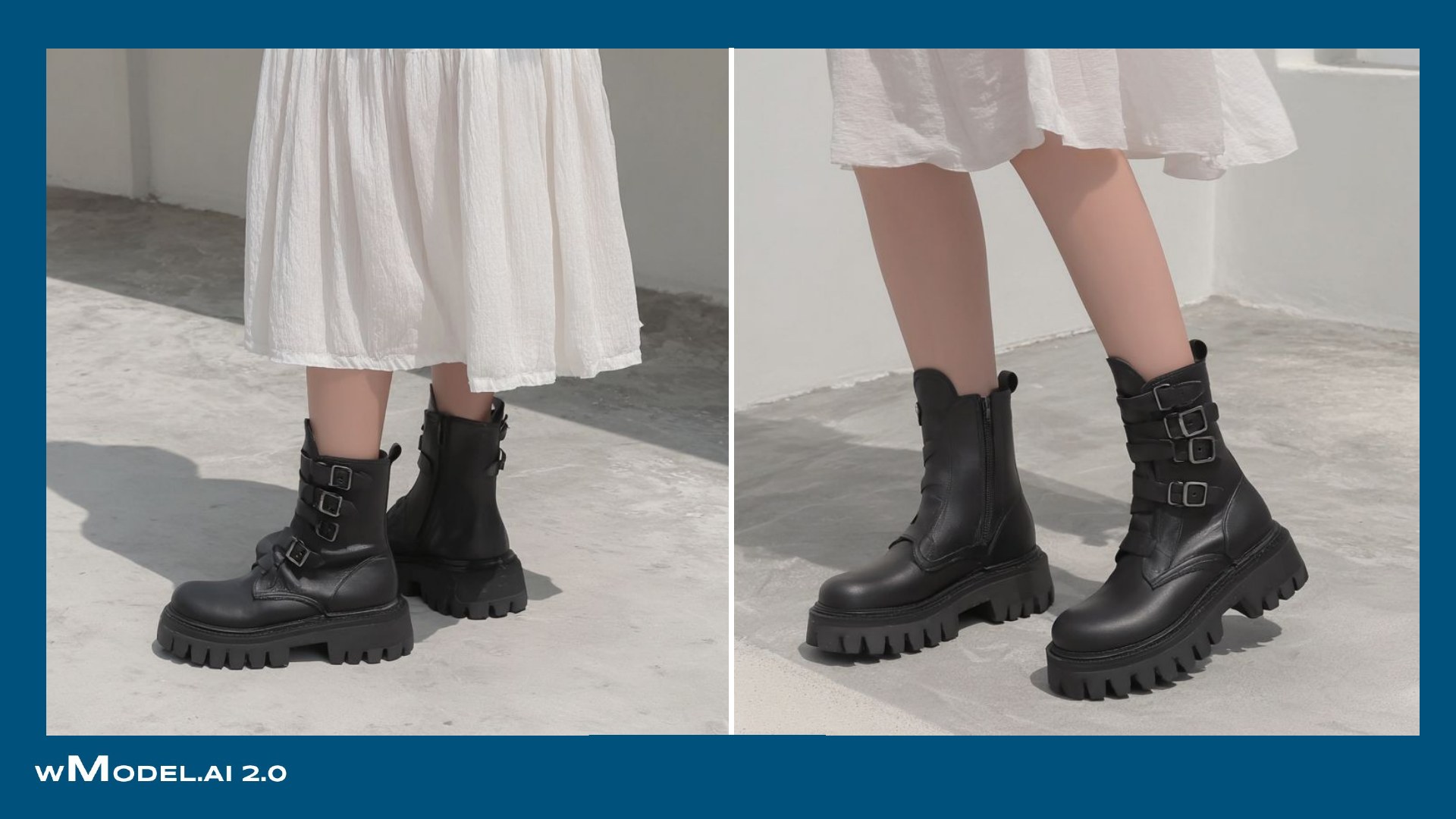
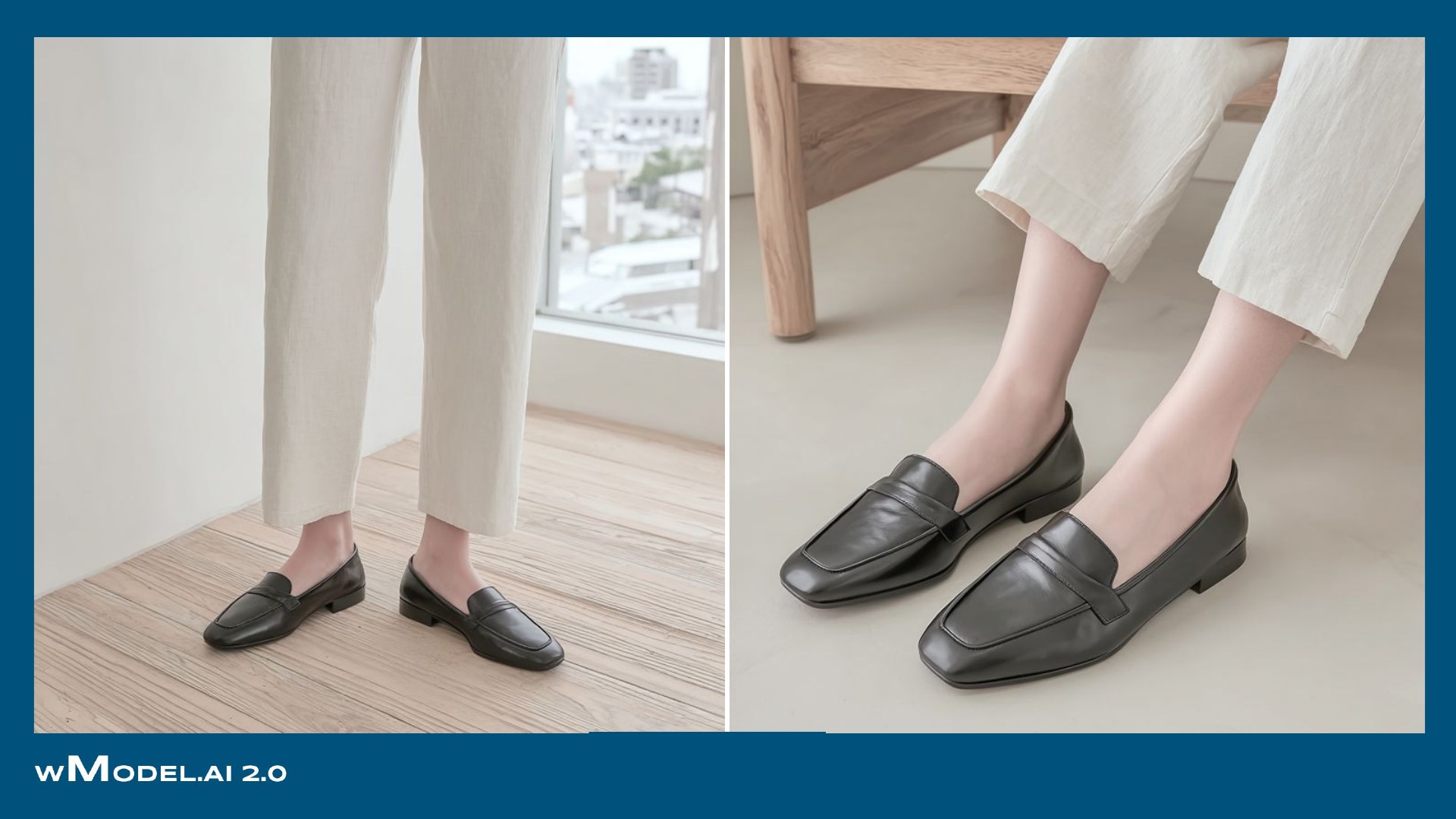
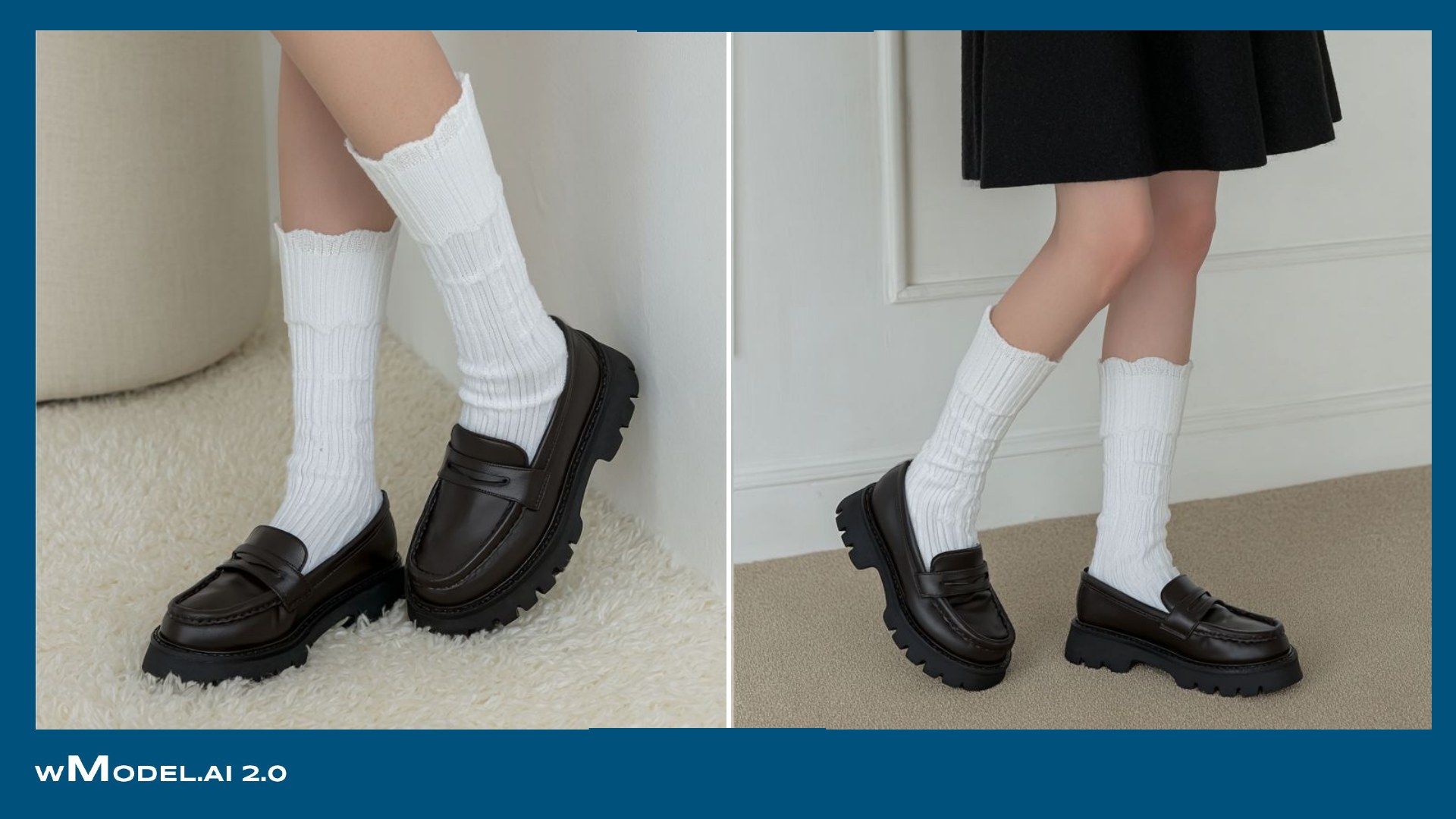
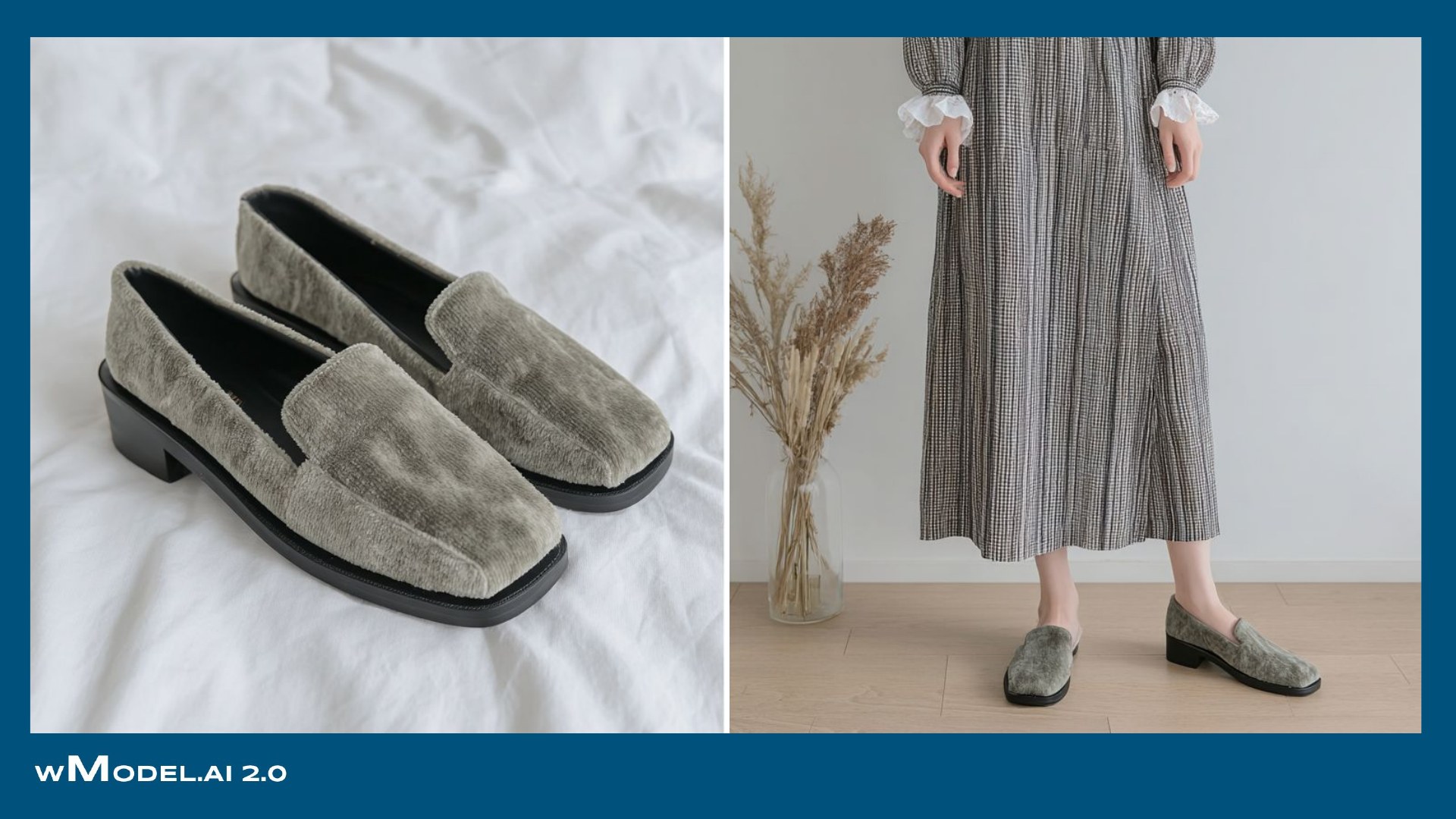
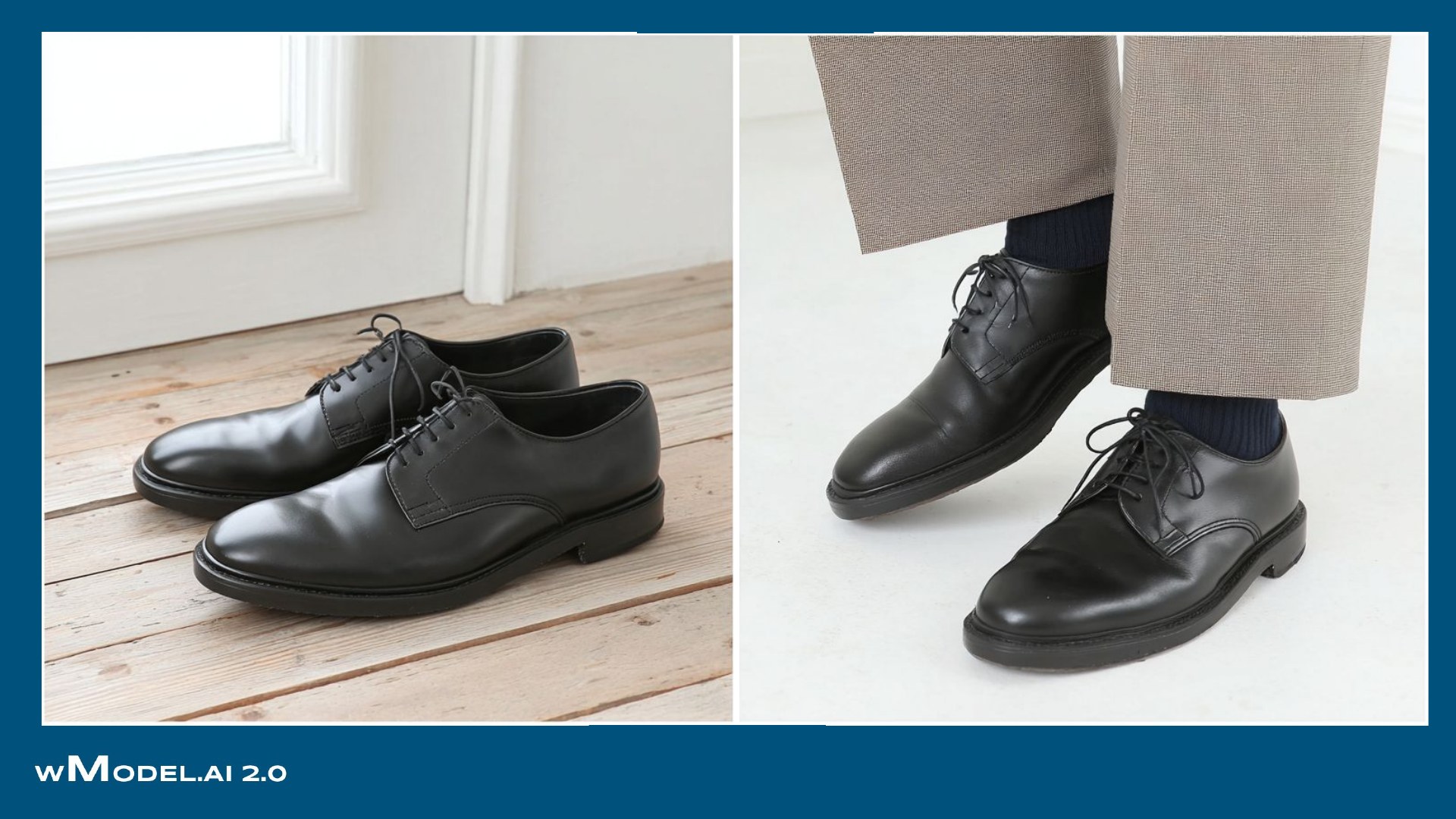
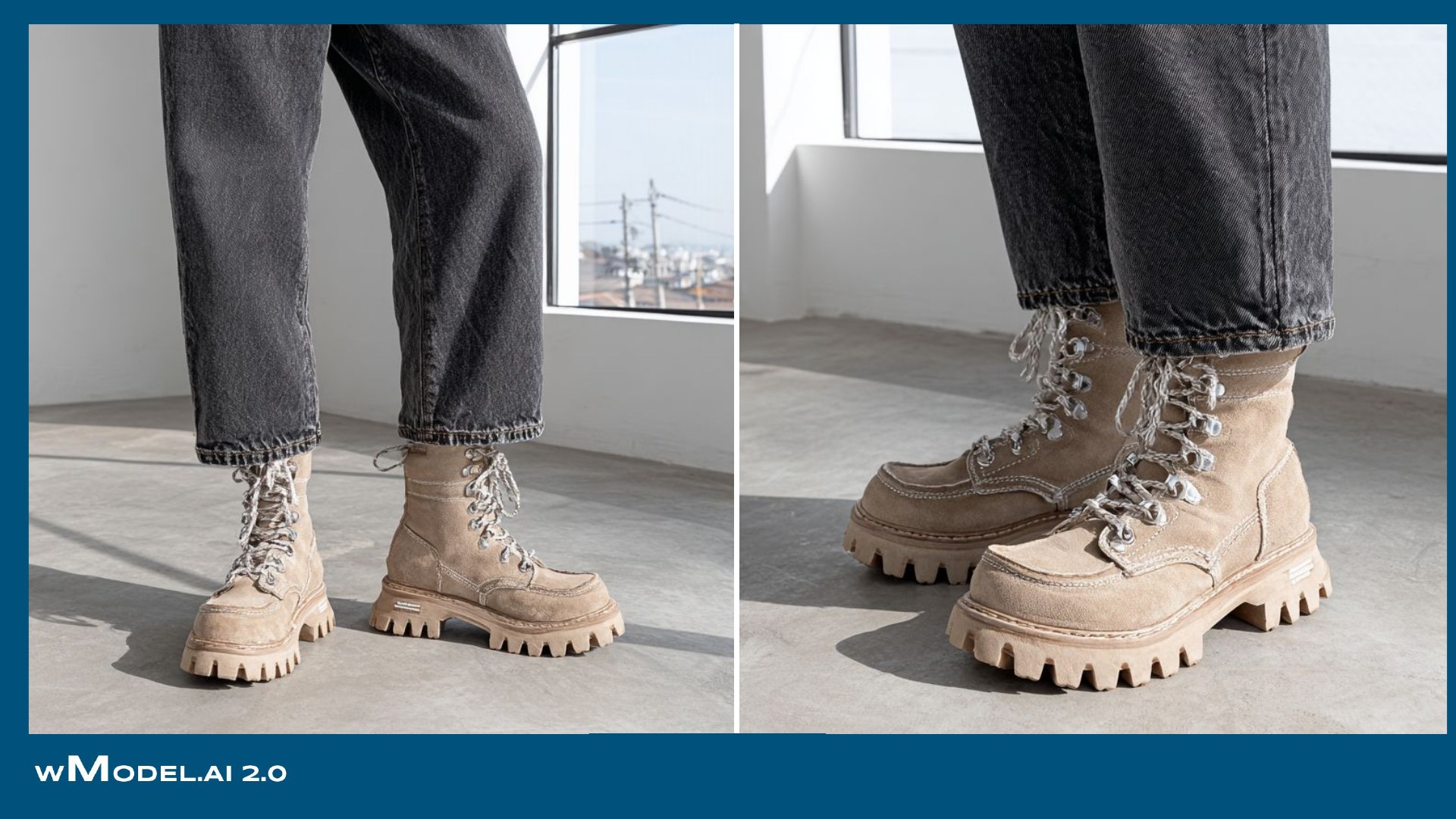
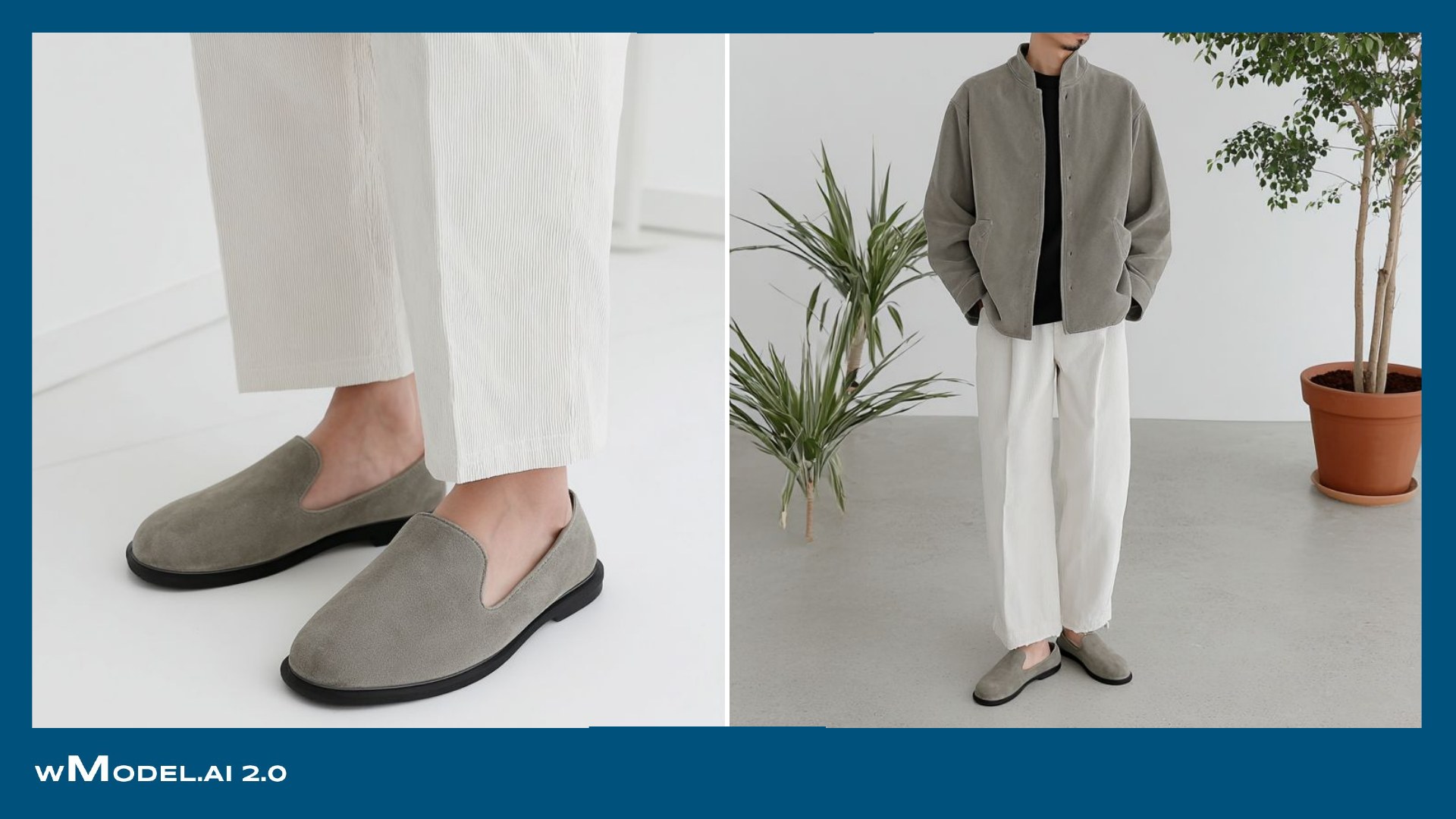
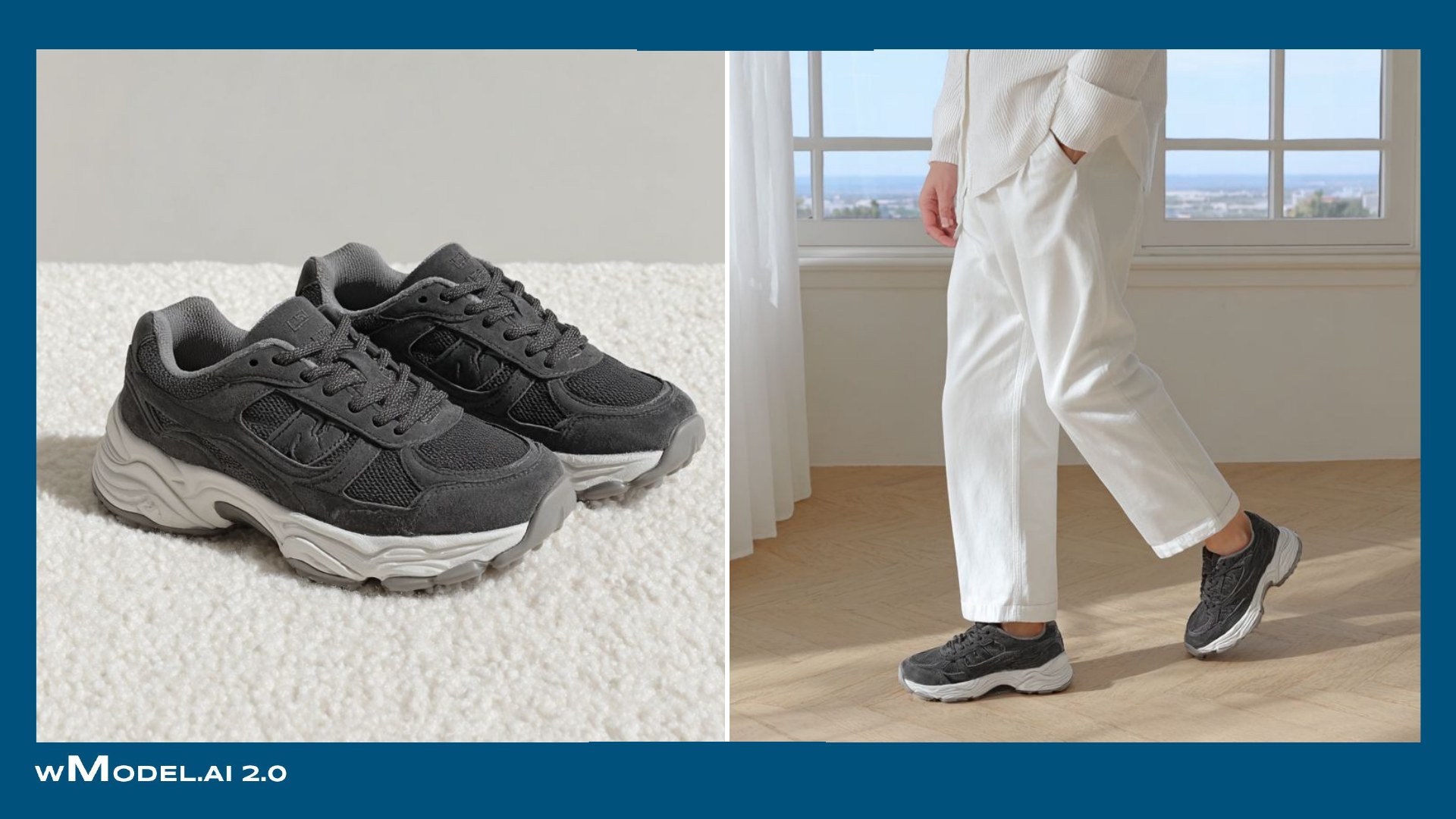
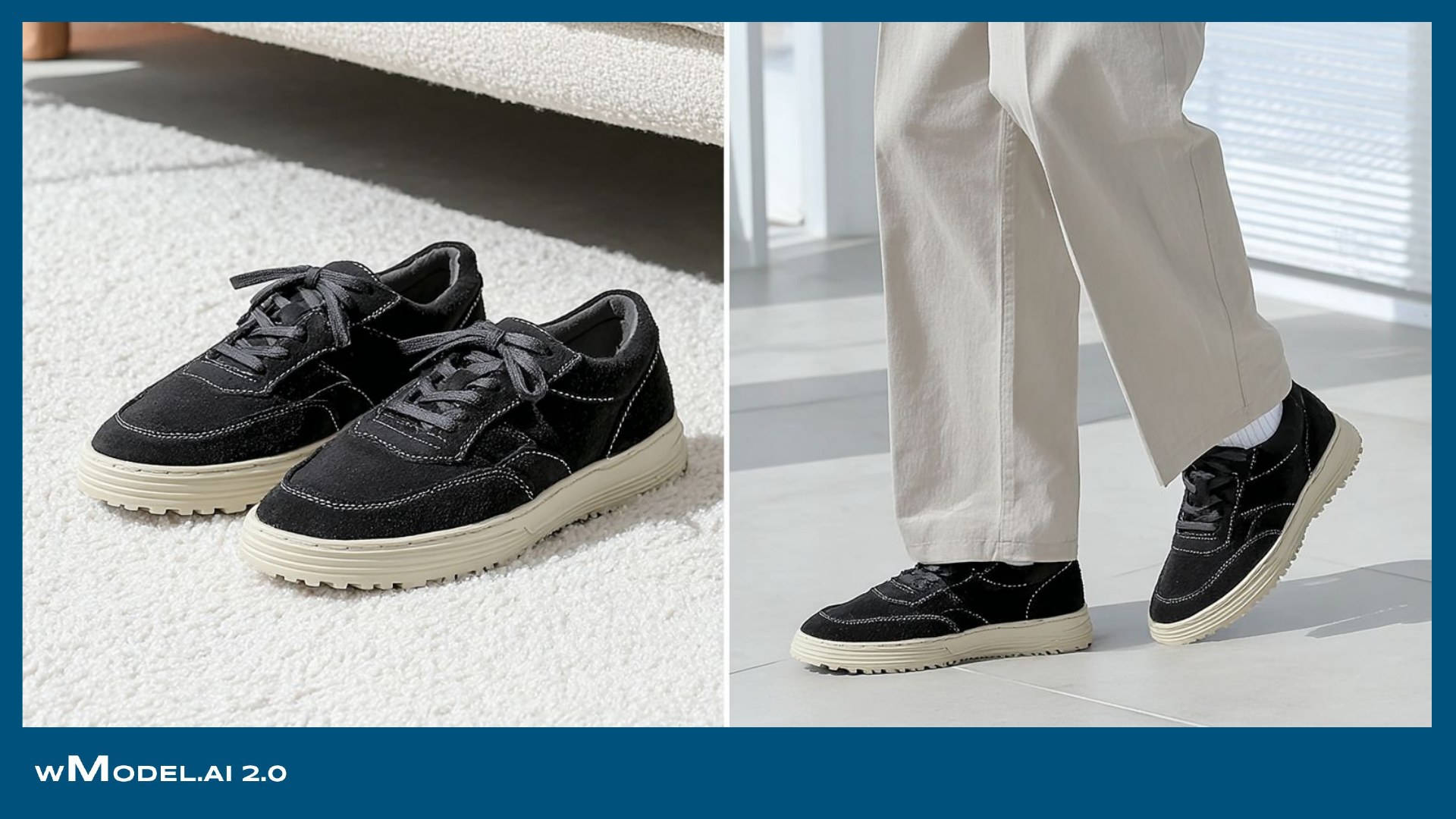
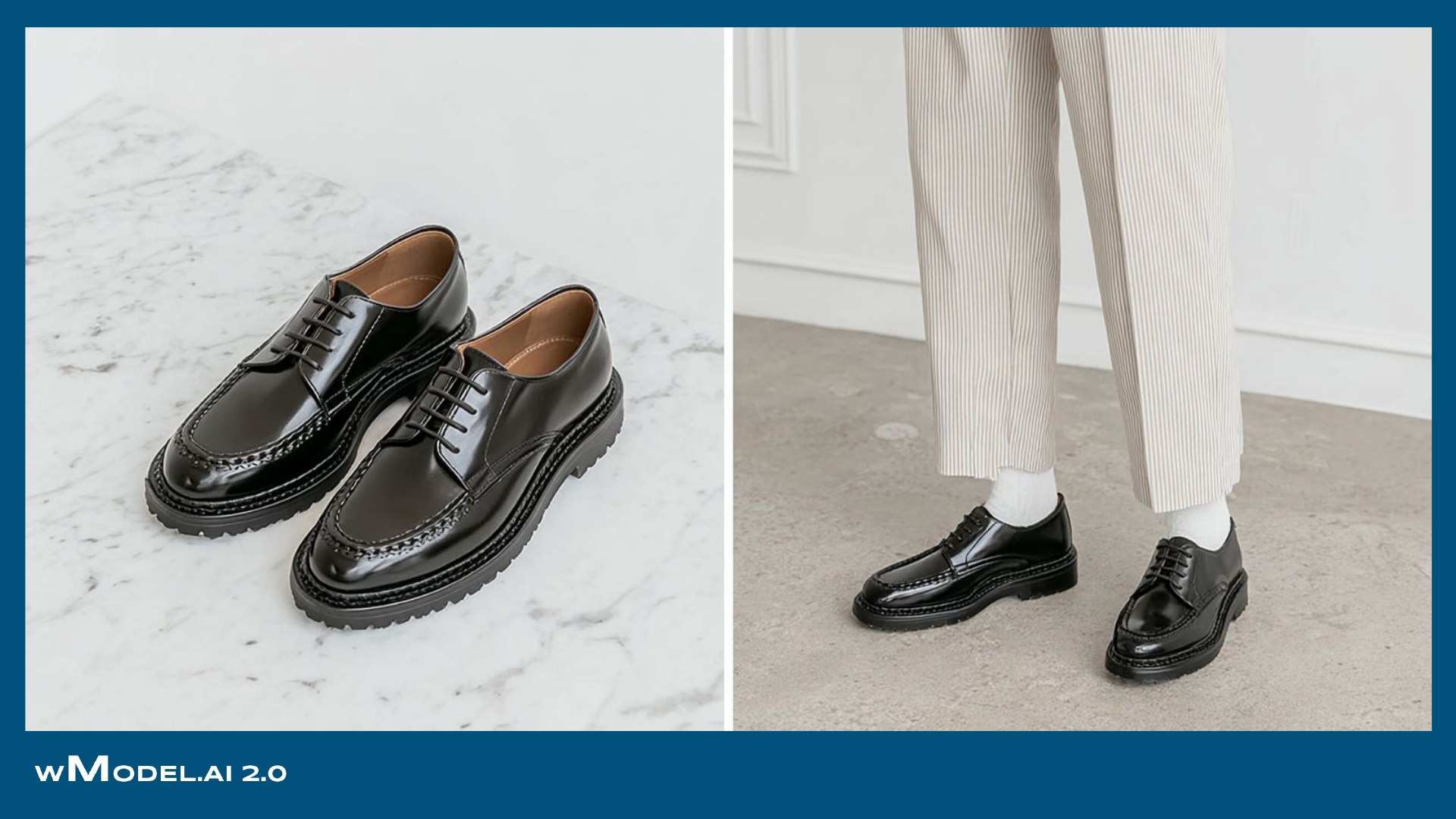
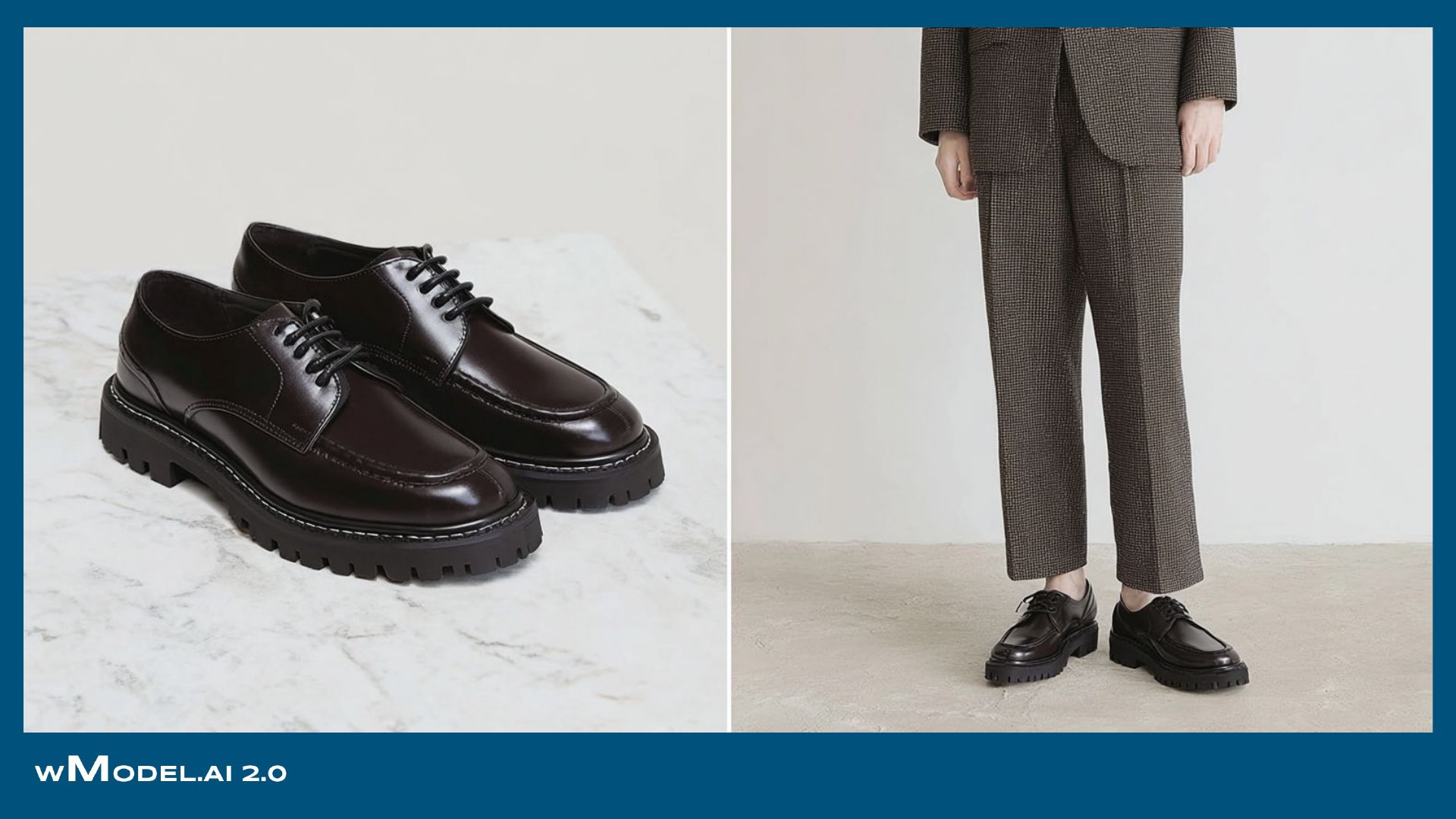
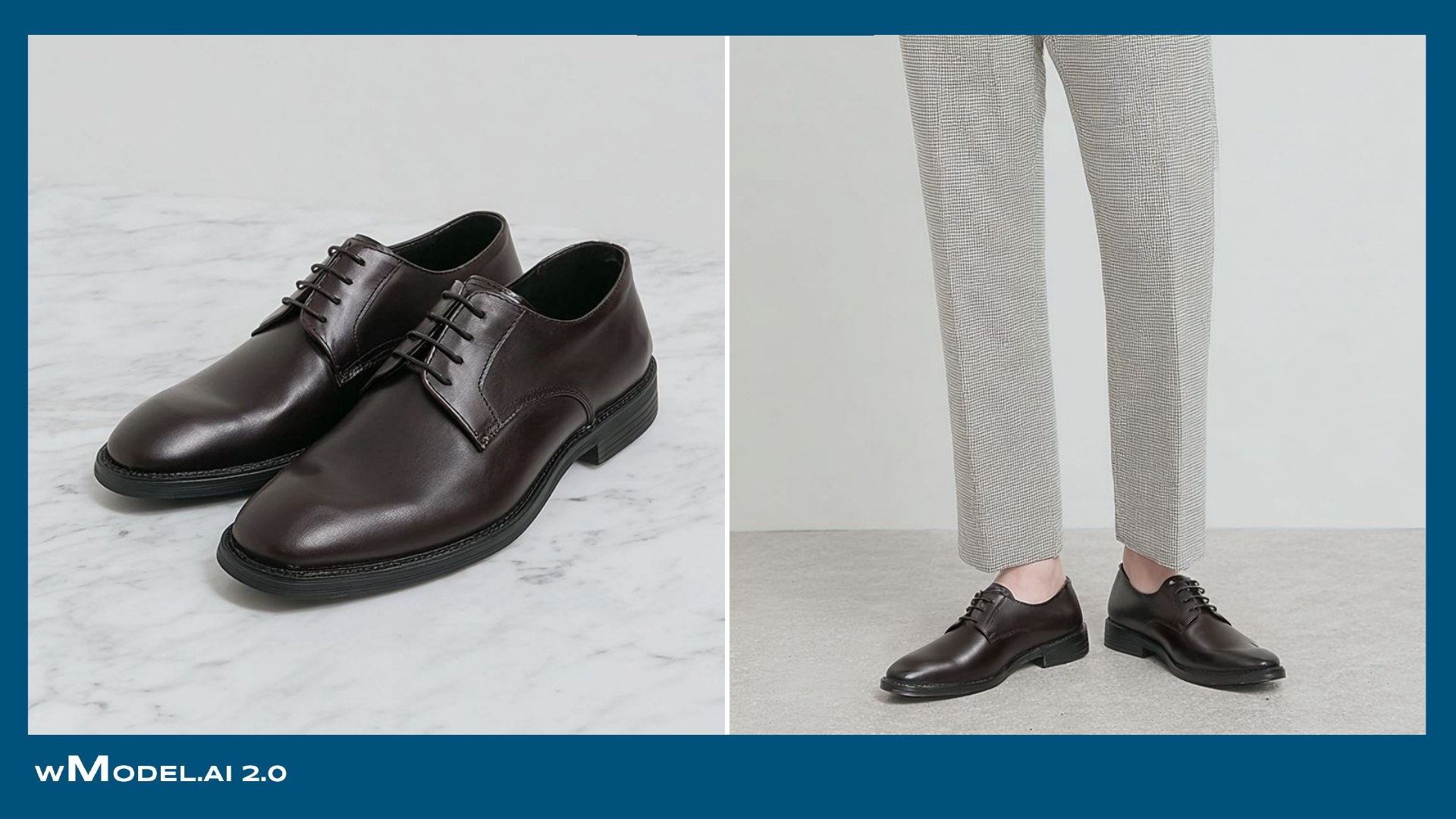
No need to cast foot models: you can create AI model full-body outfits and foot close-ups from a single product image, at a low cost.
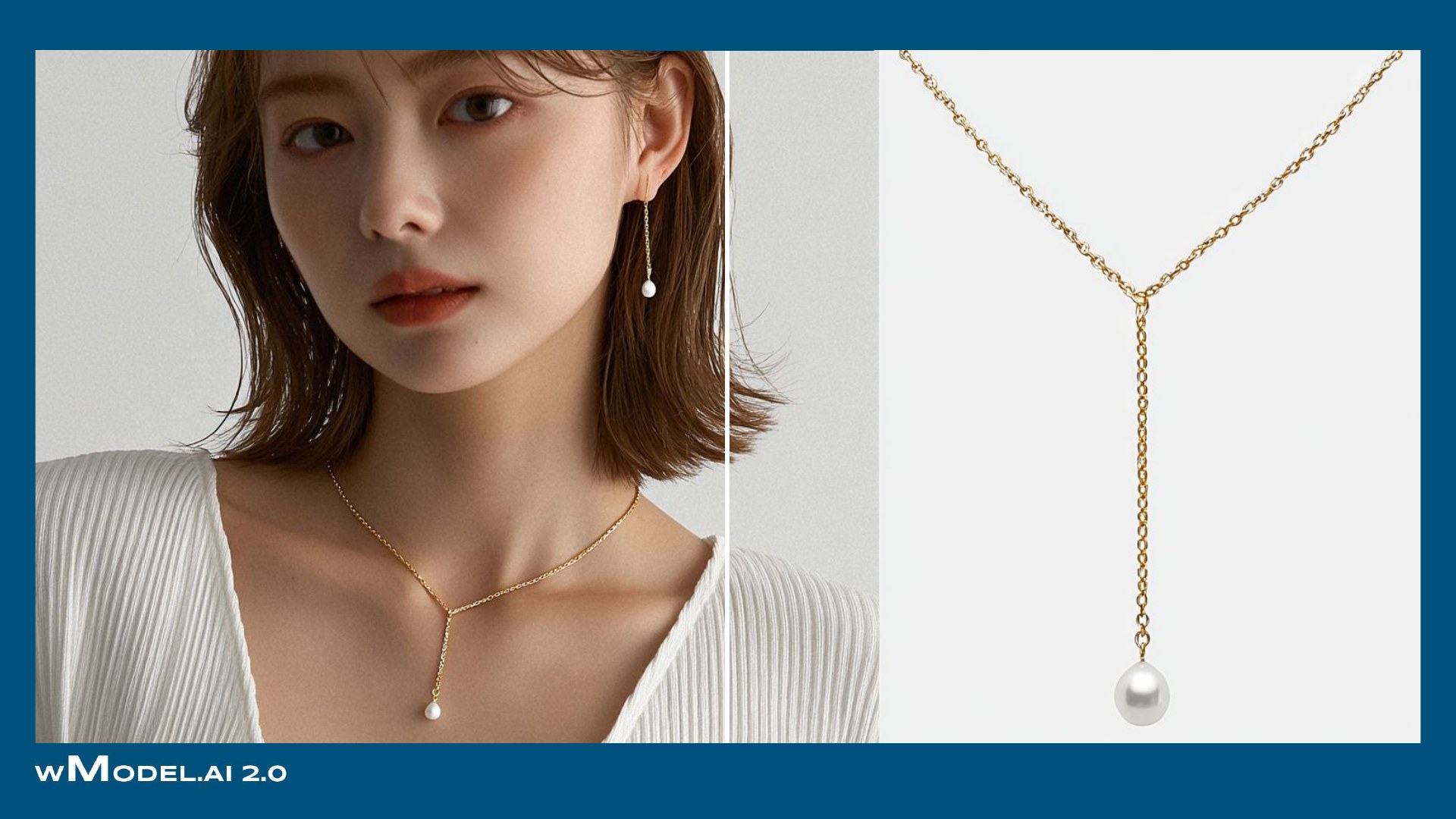
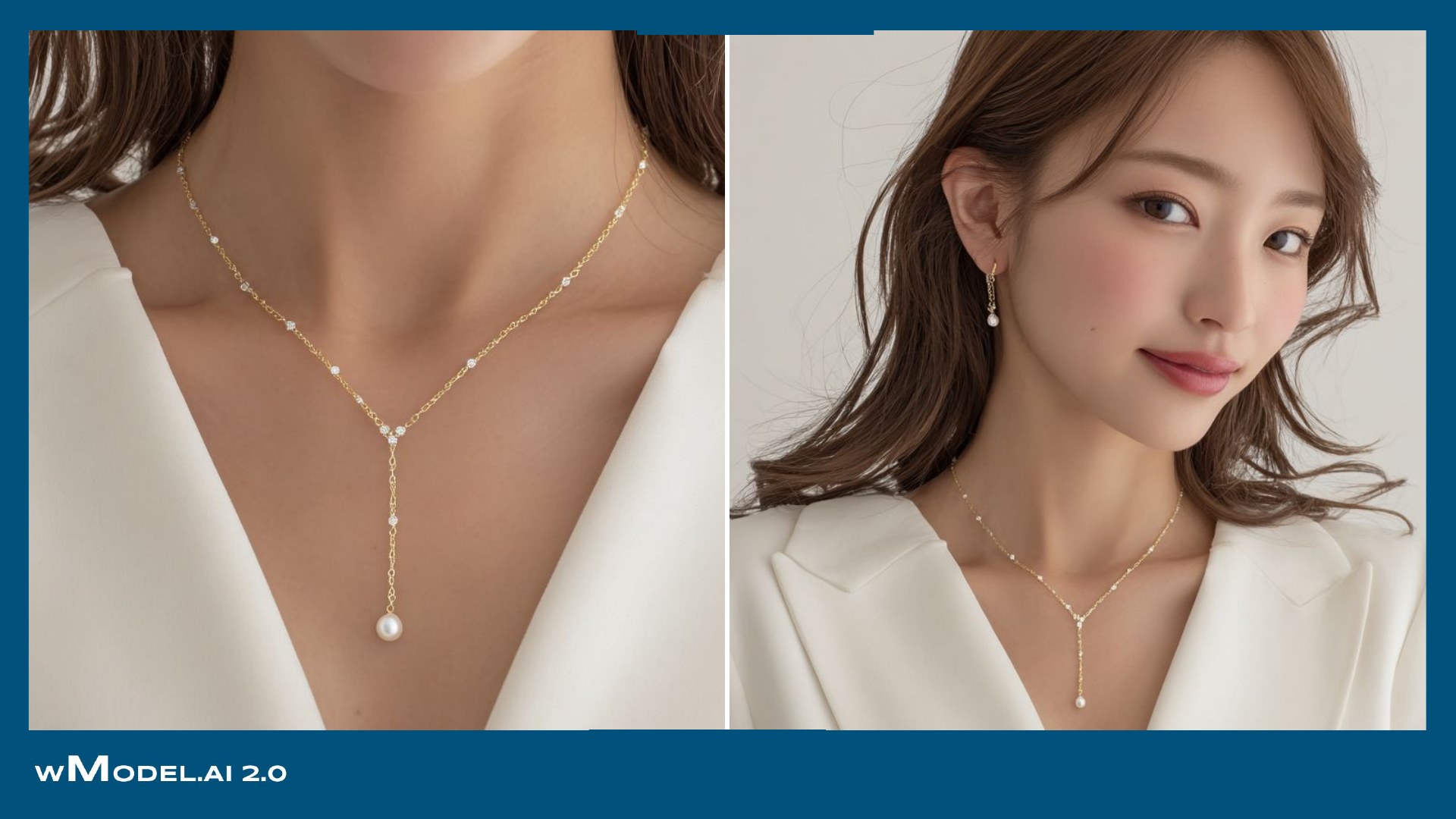
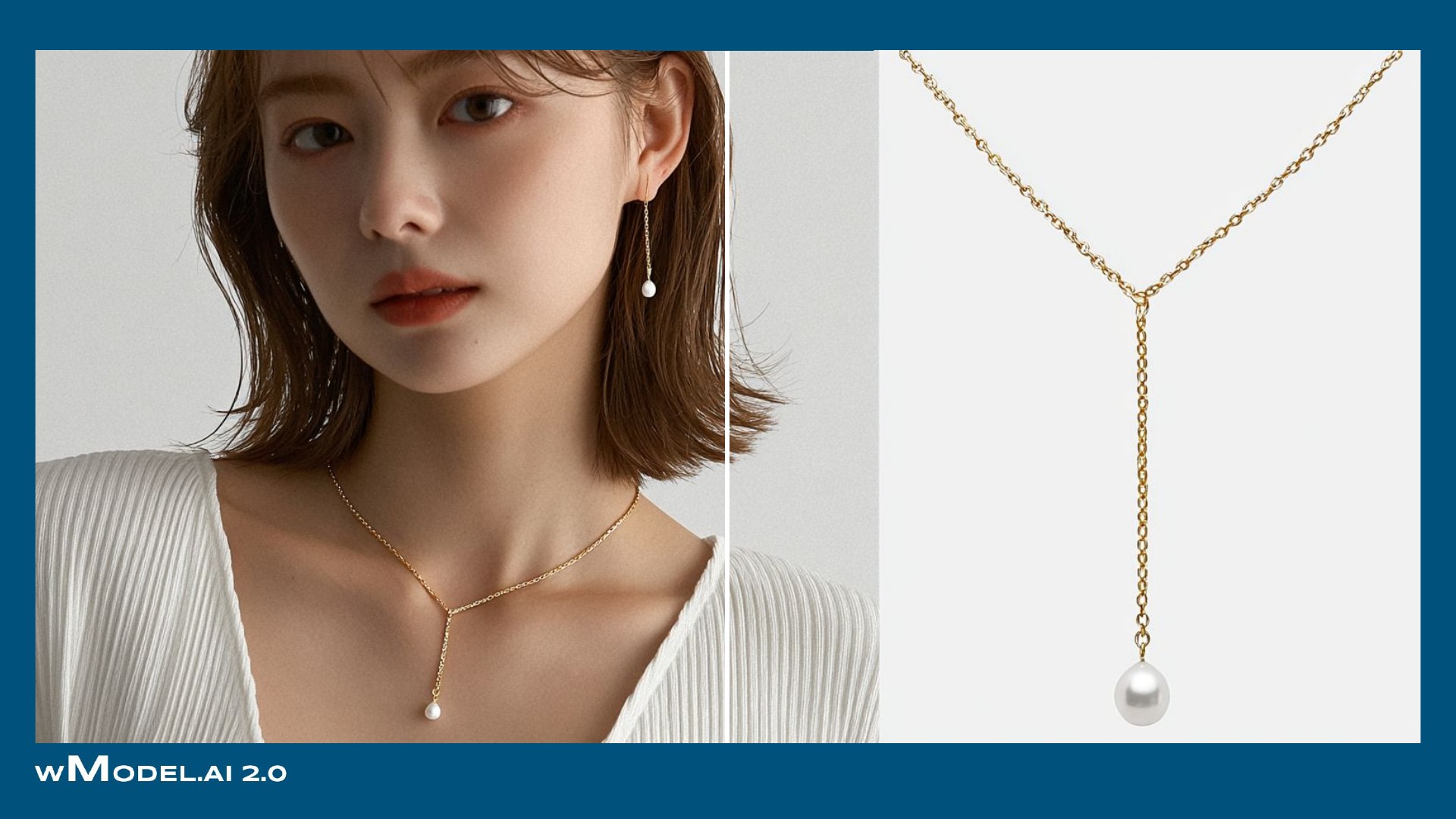
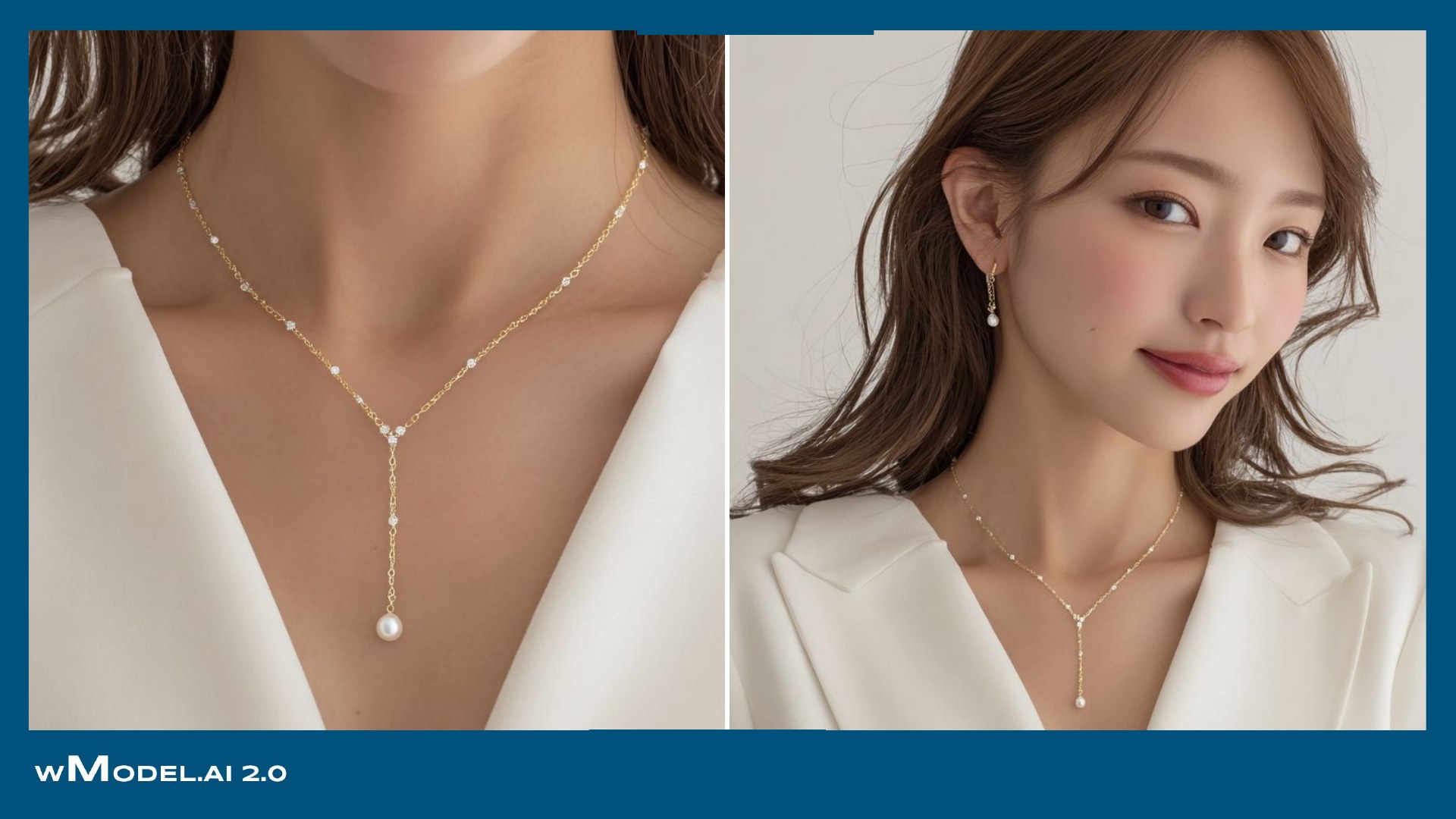
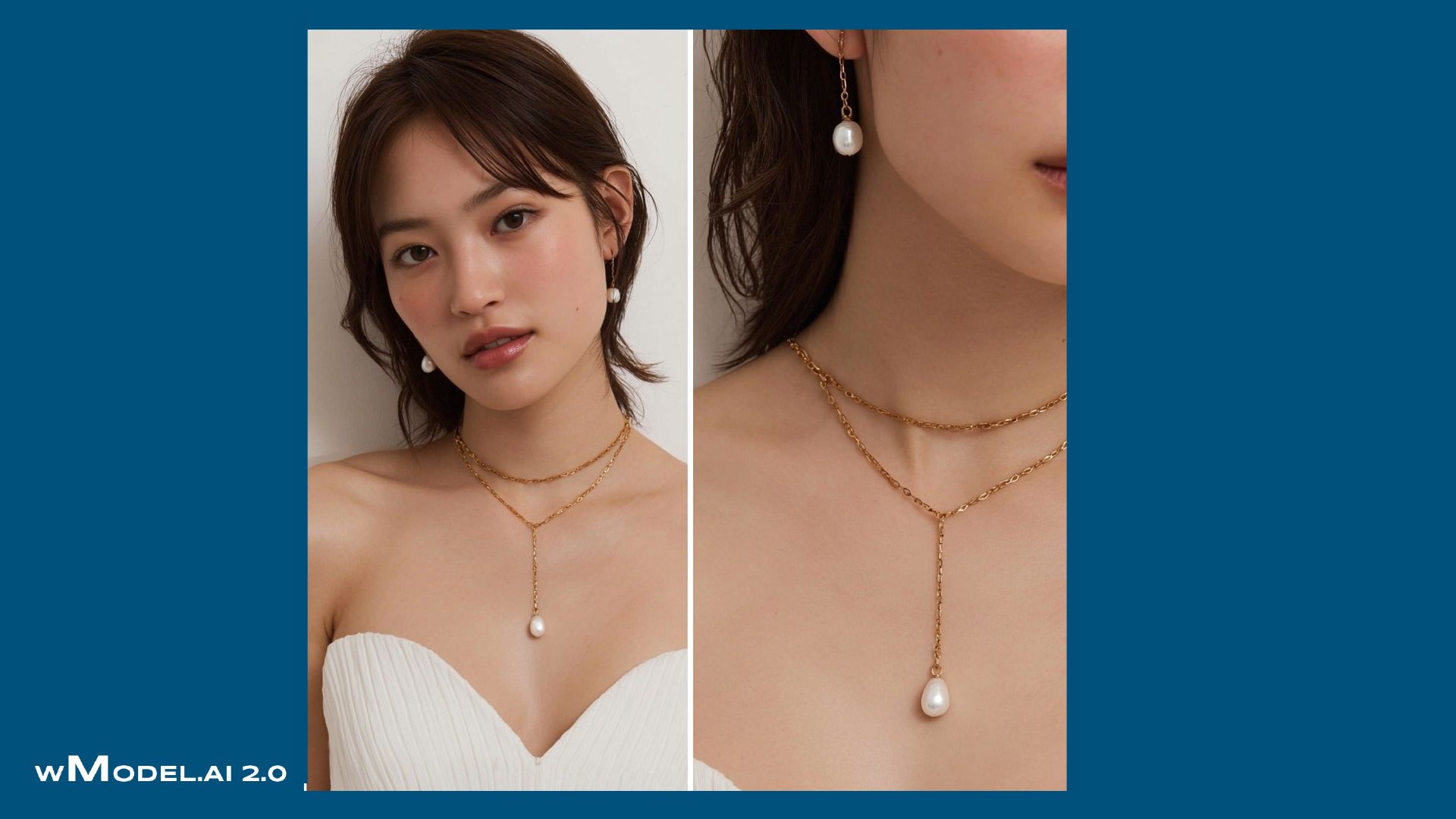
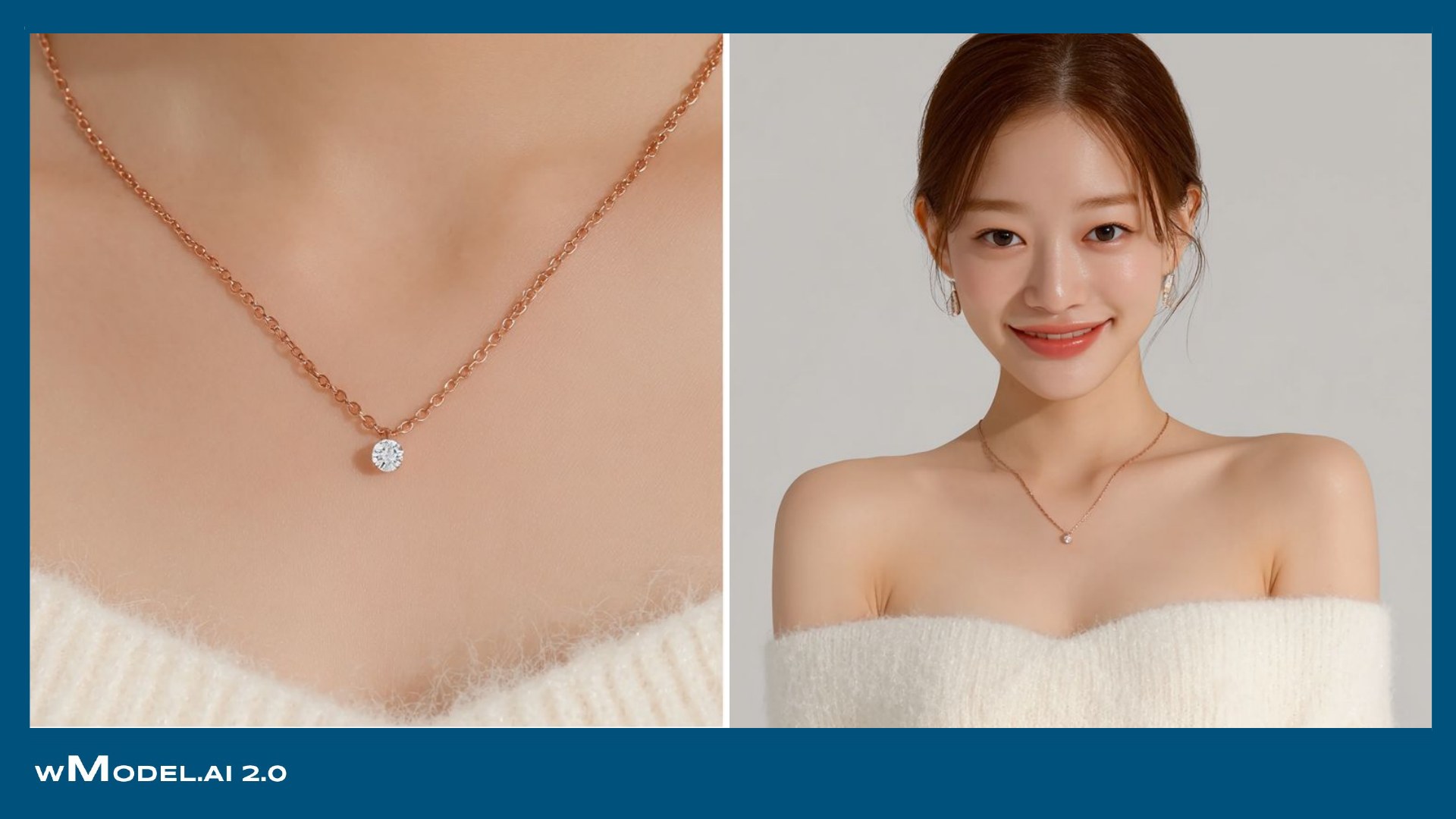
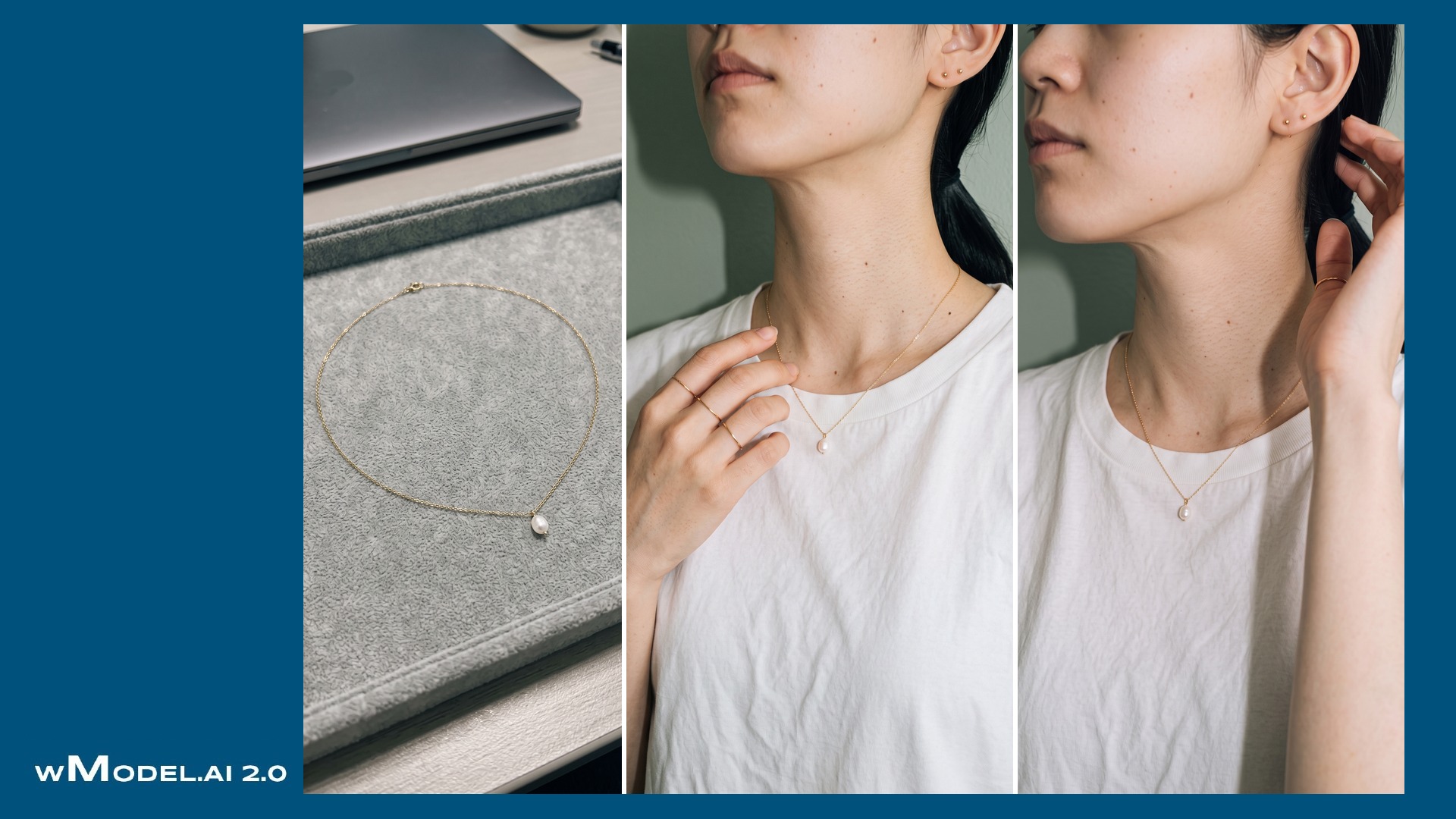
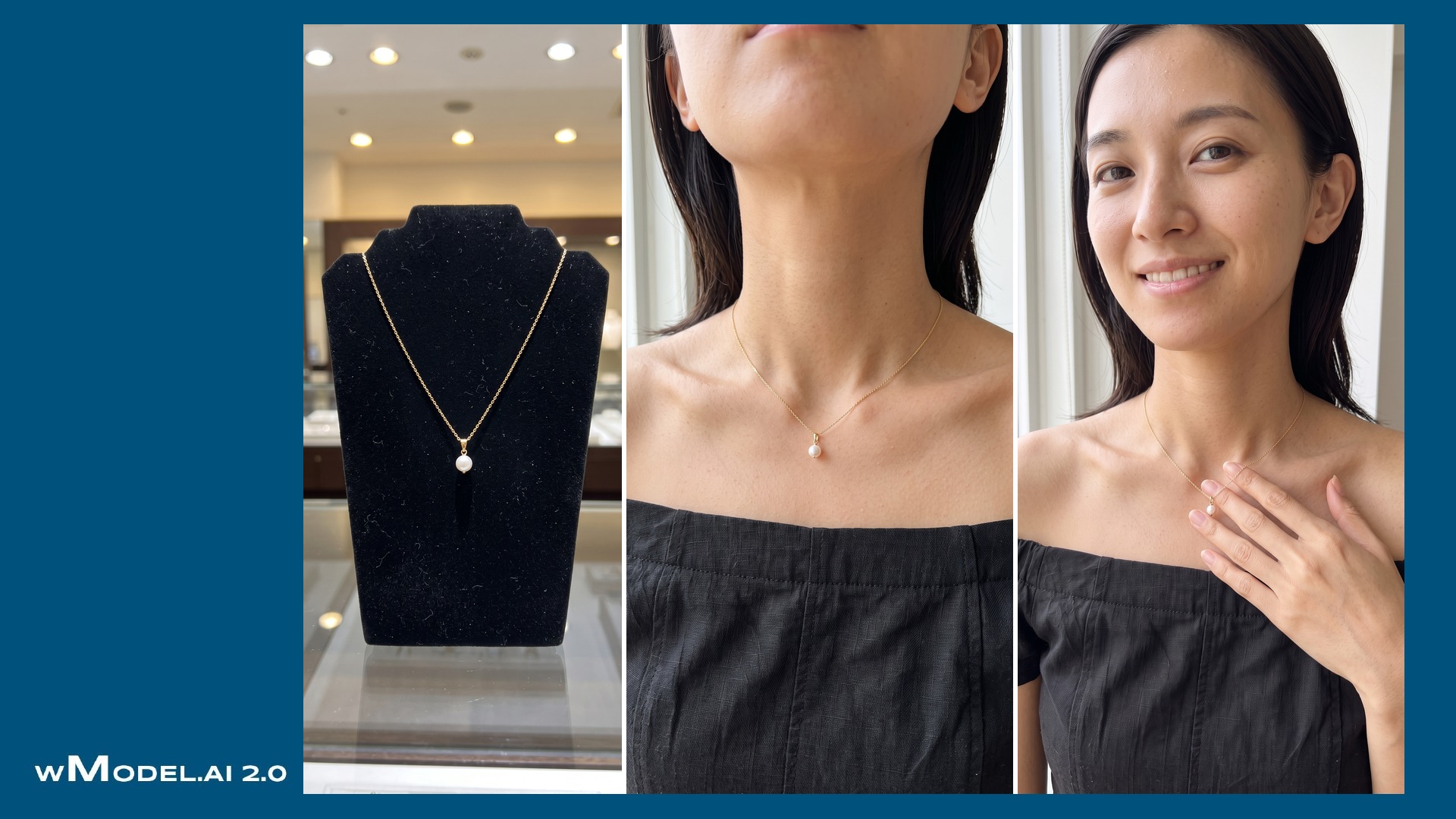
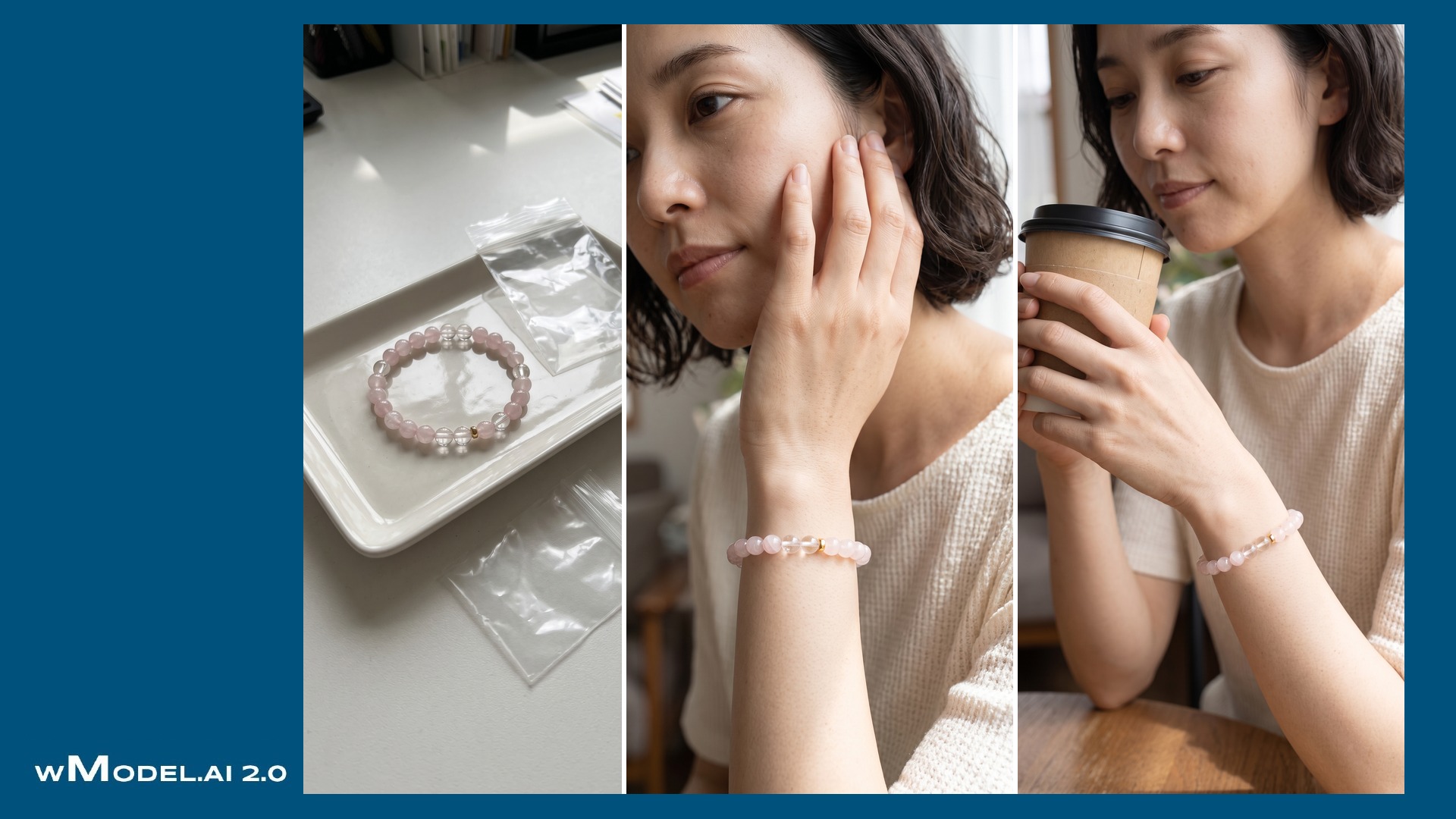
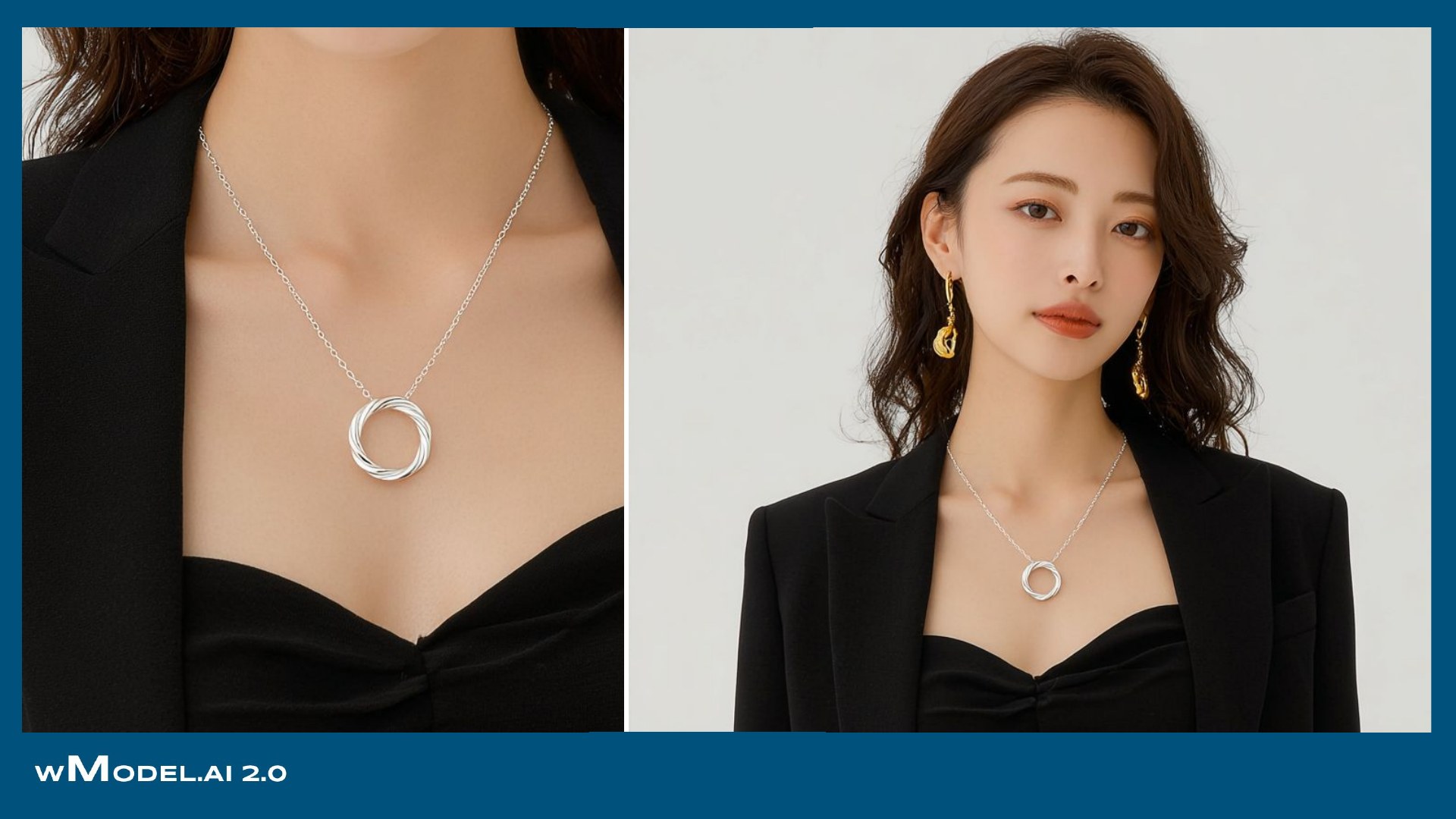
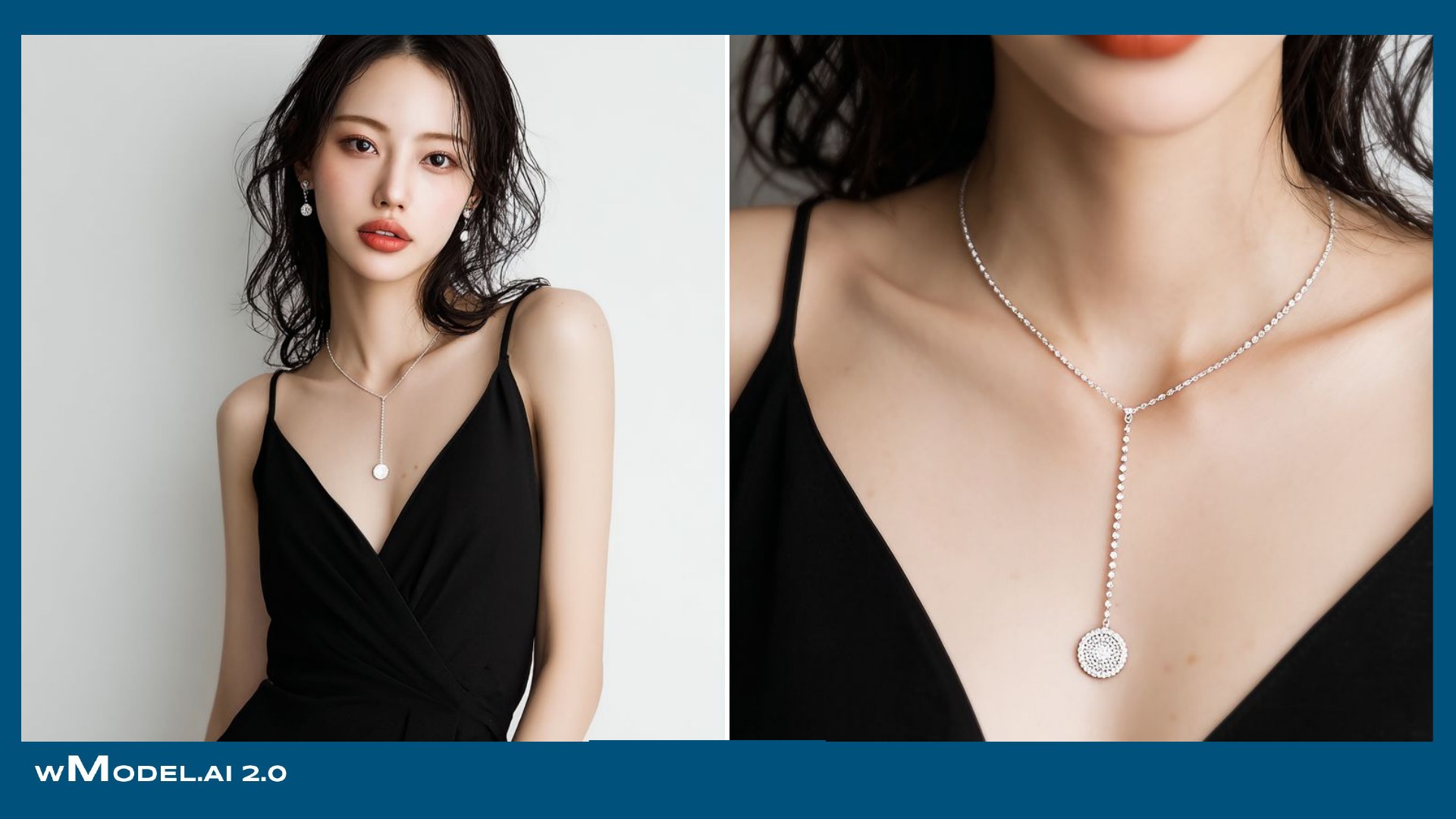
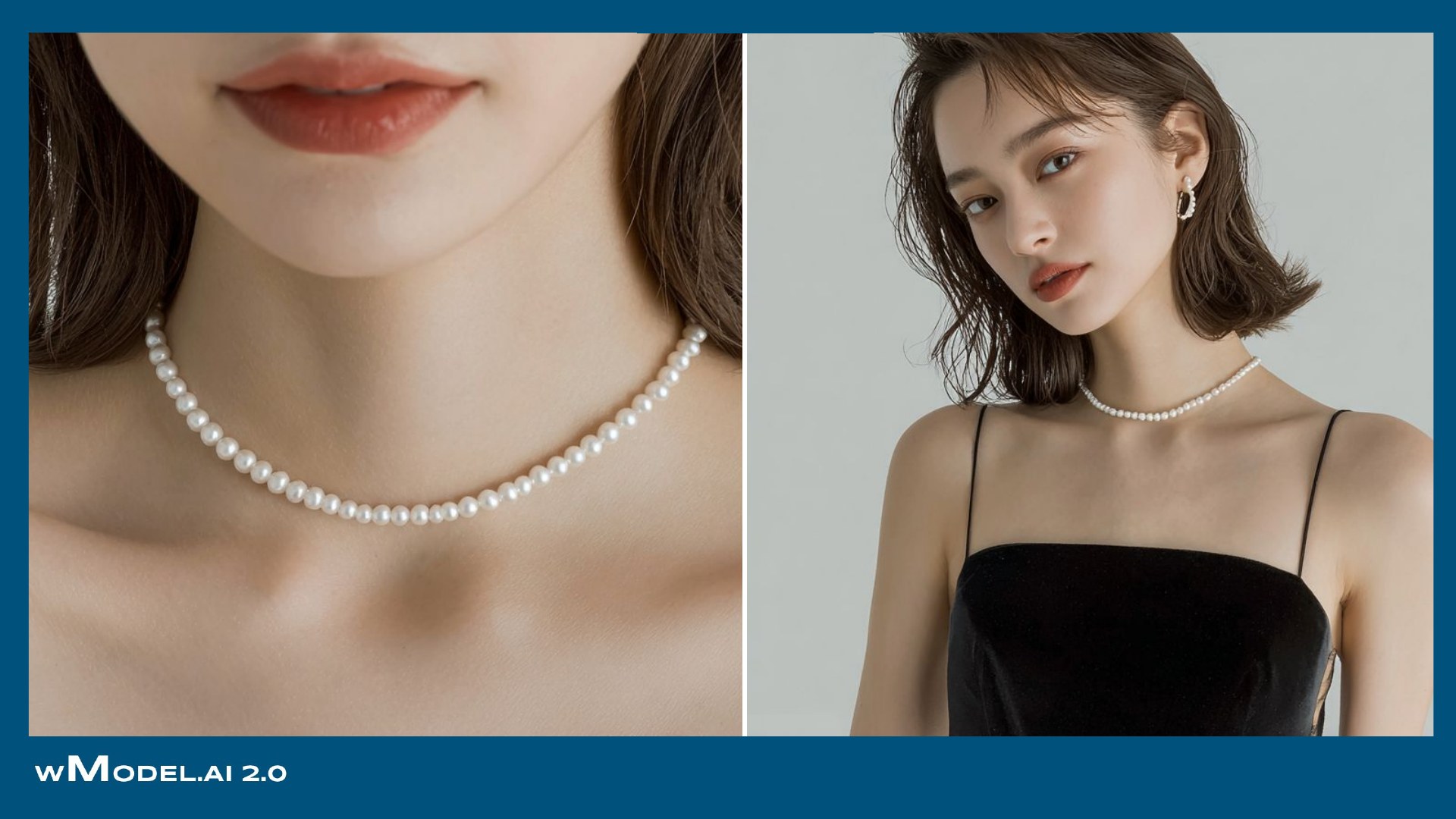
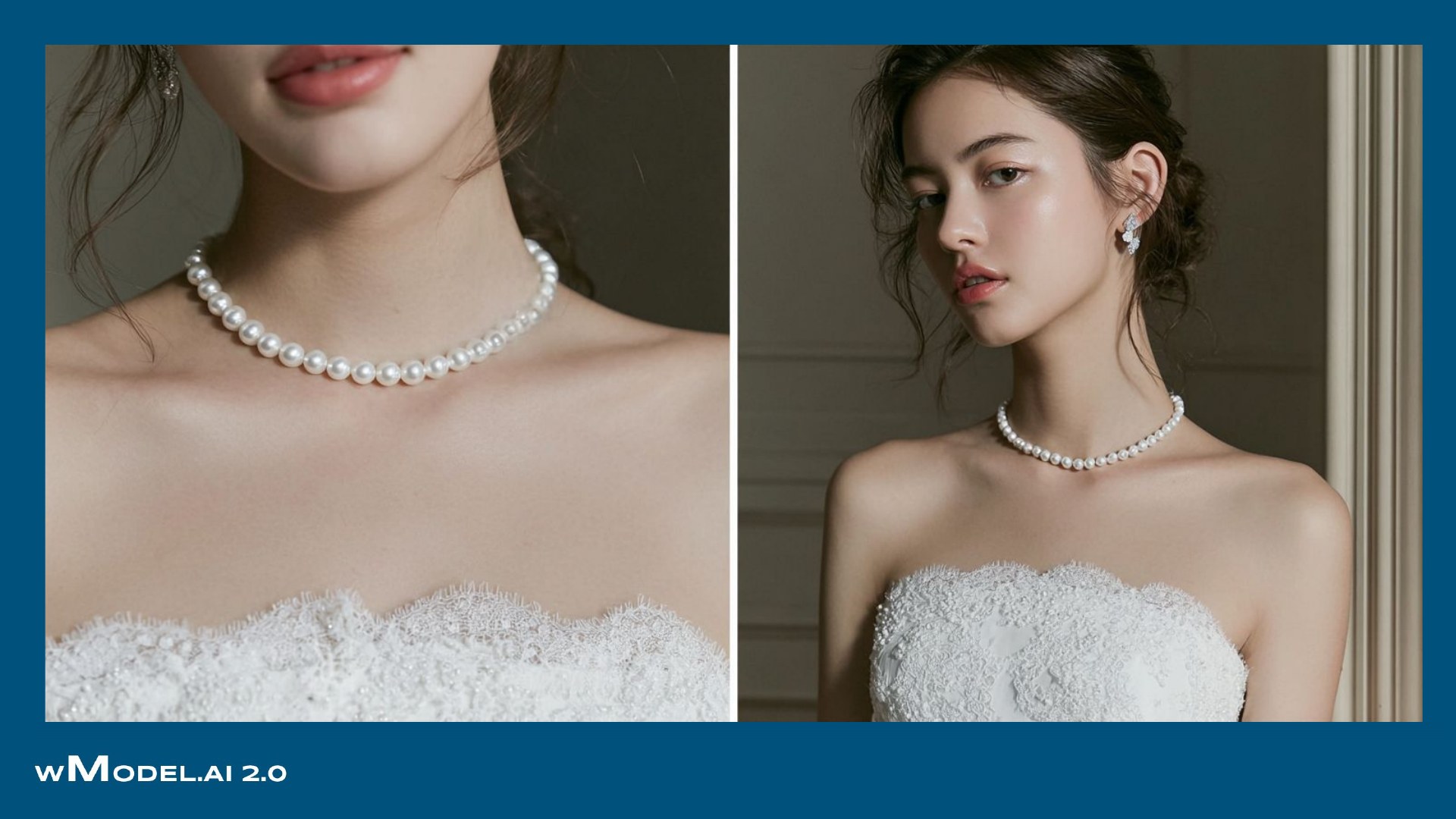
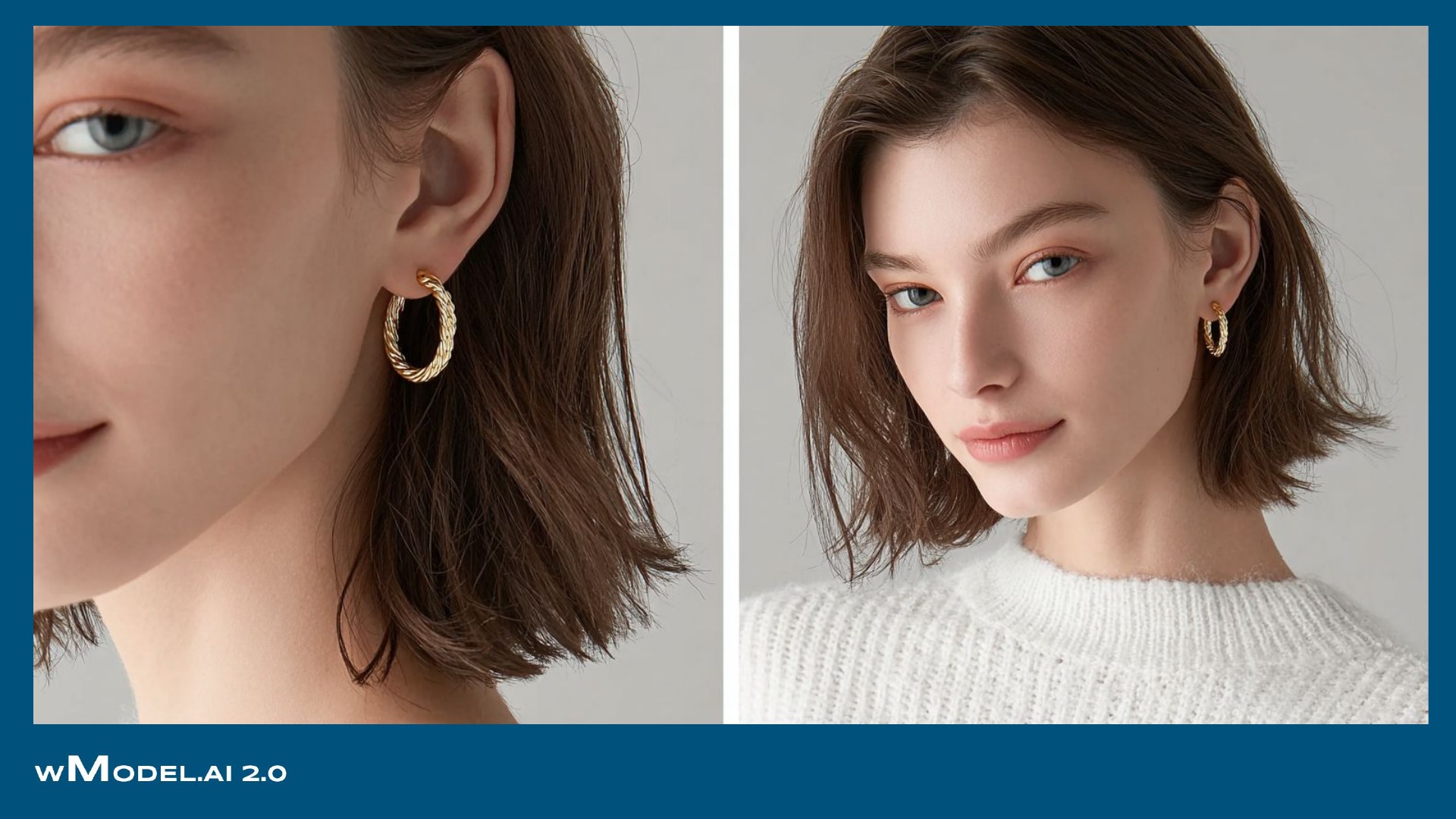
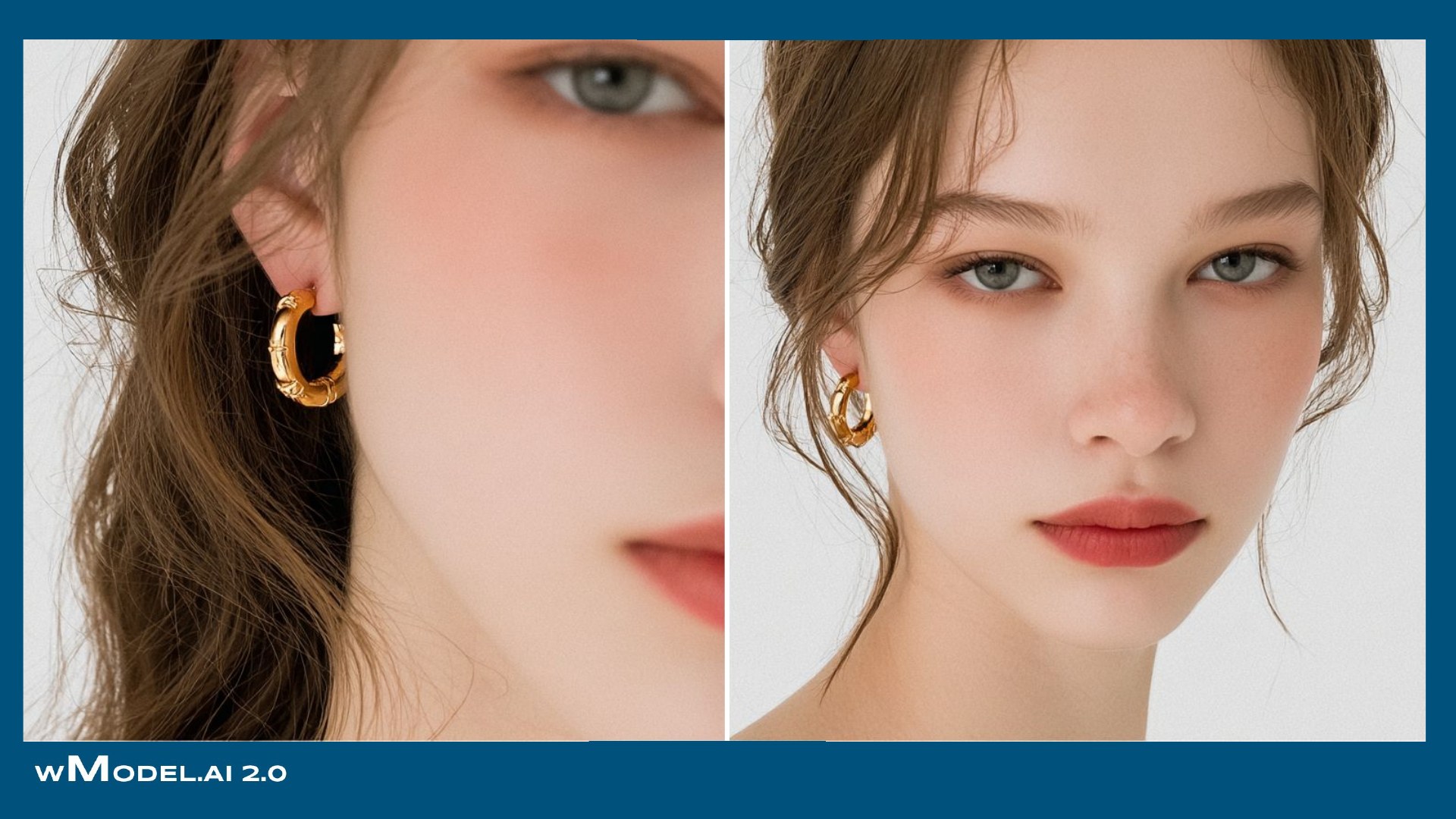
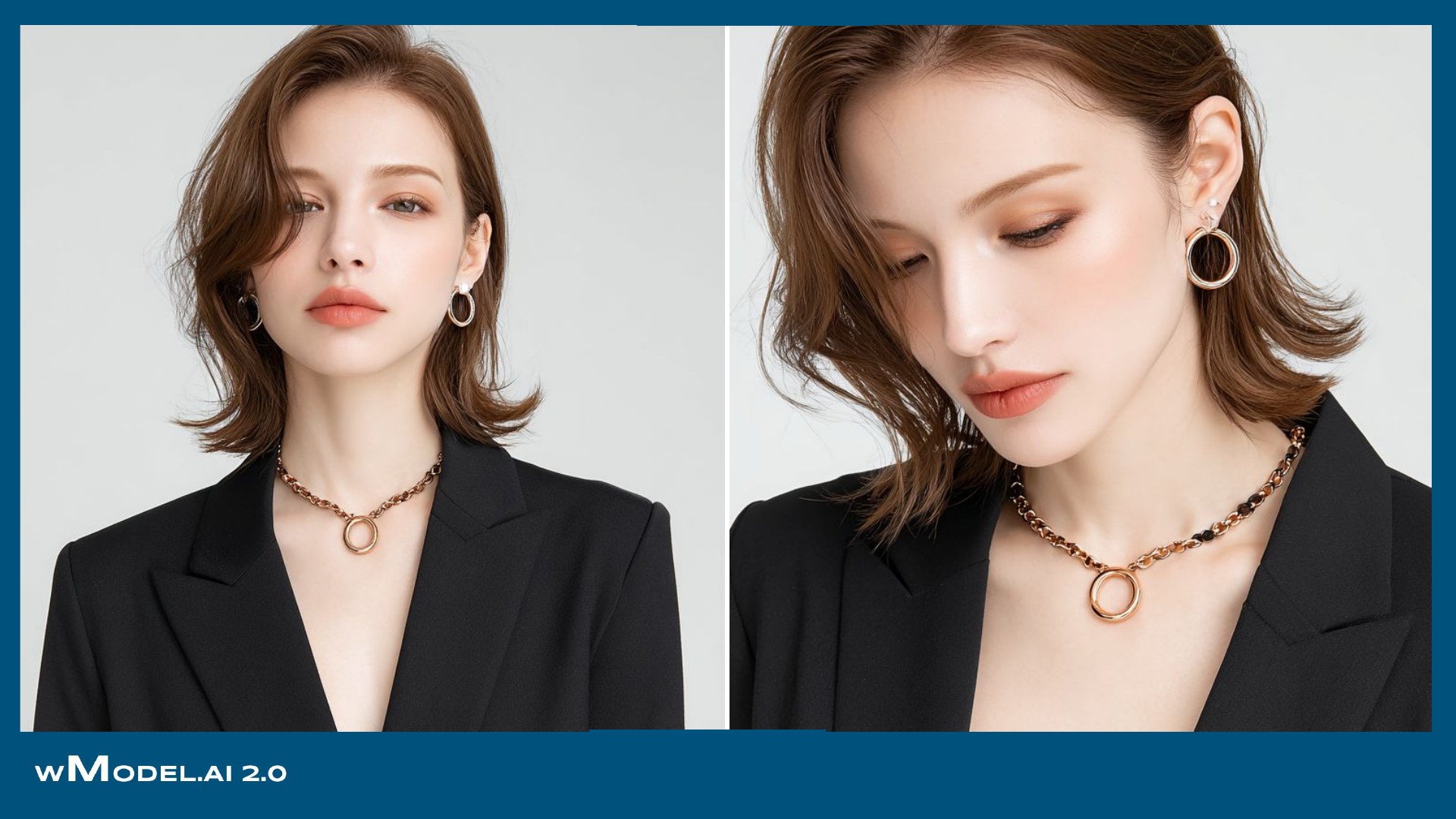
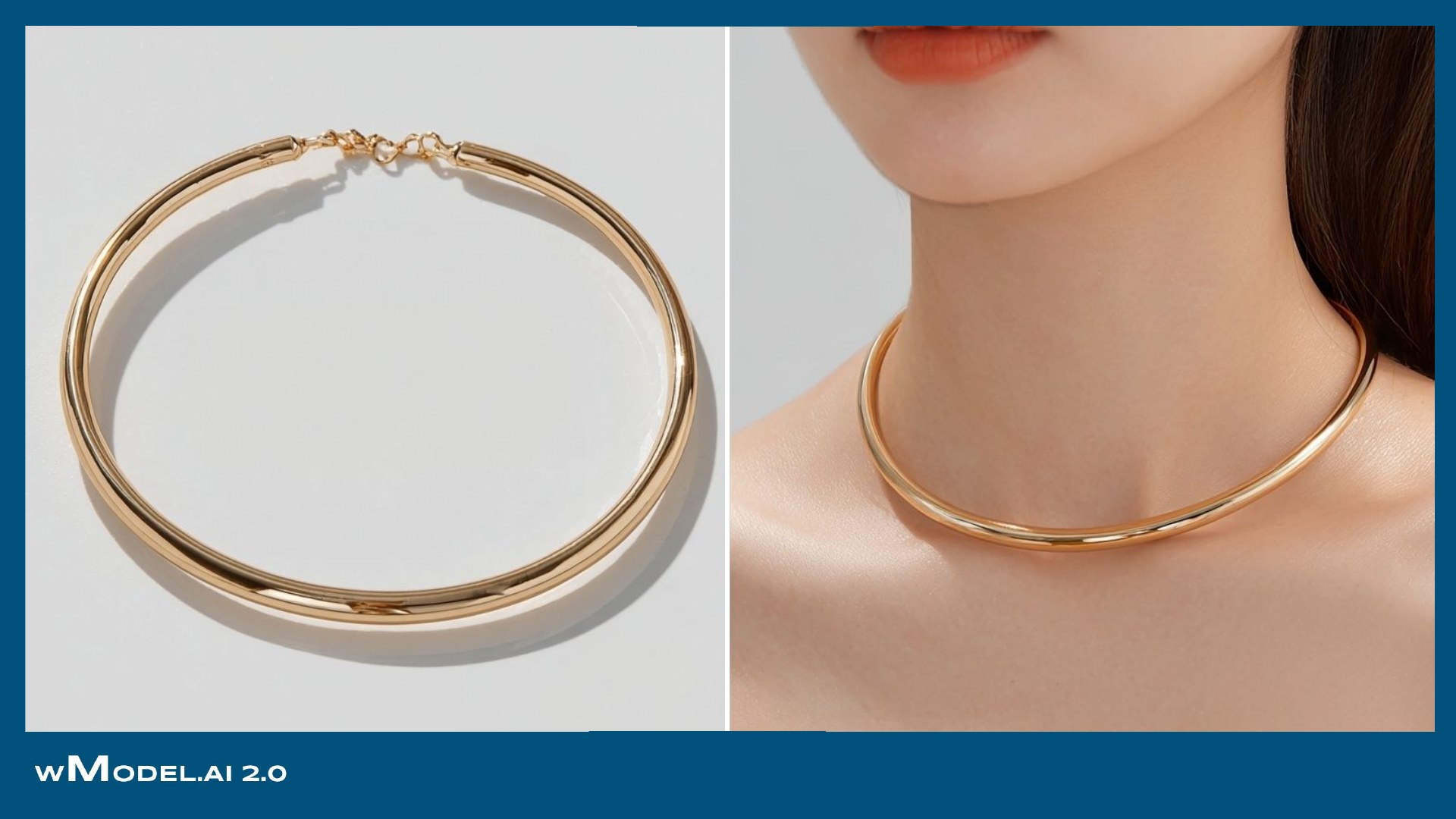
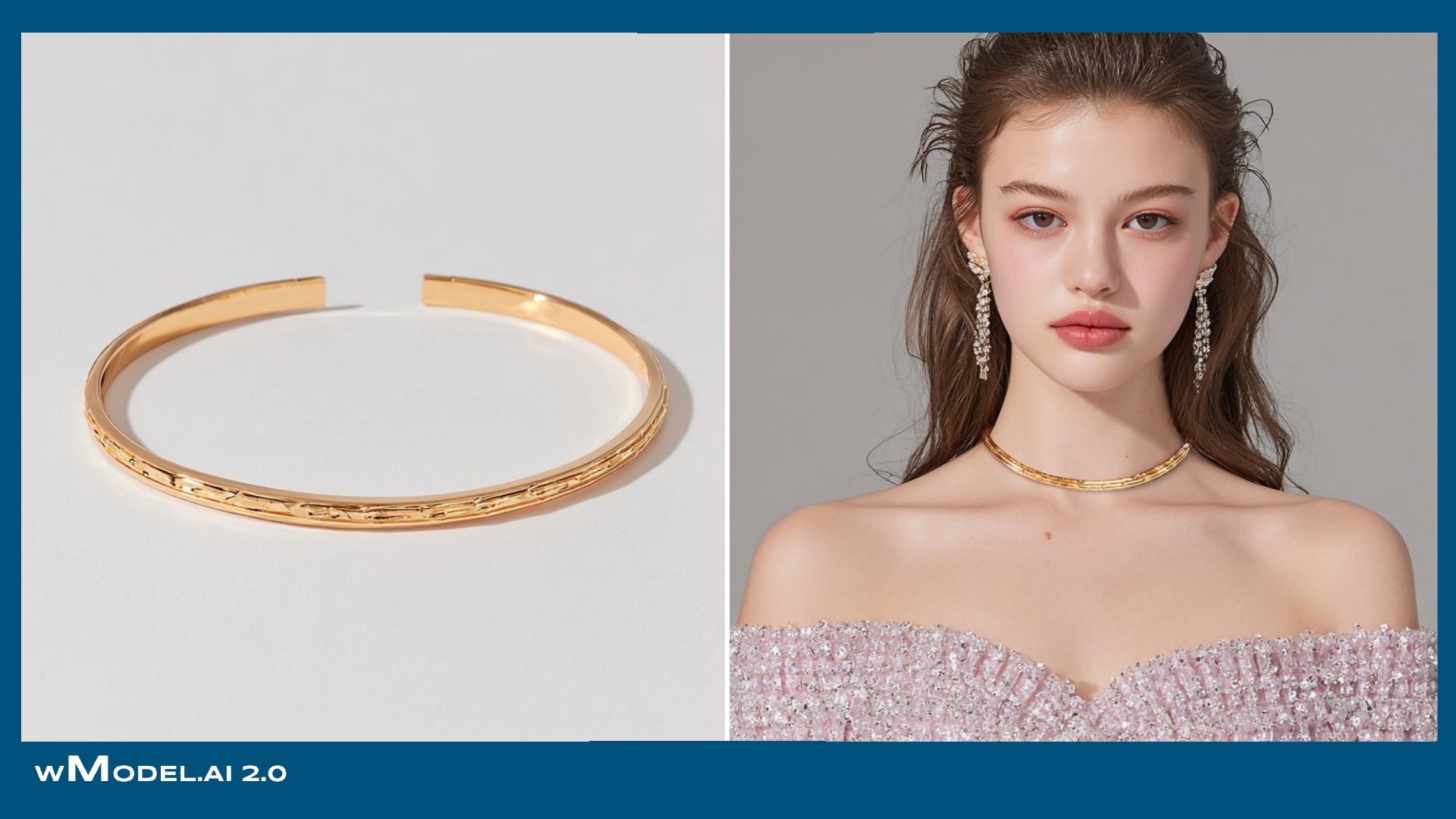
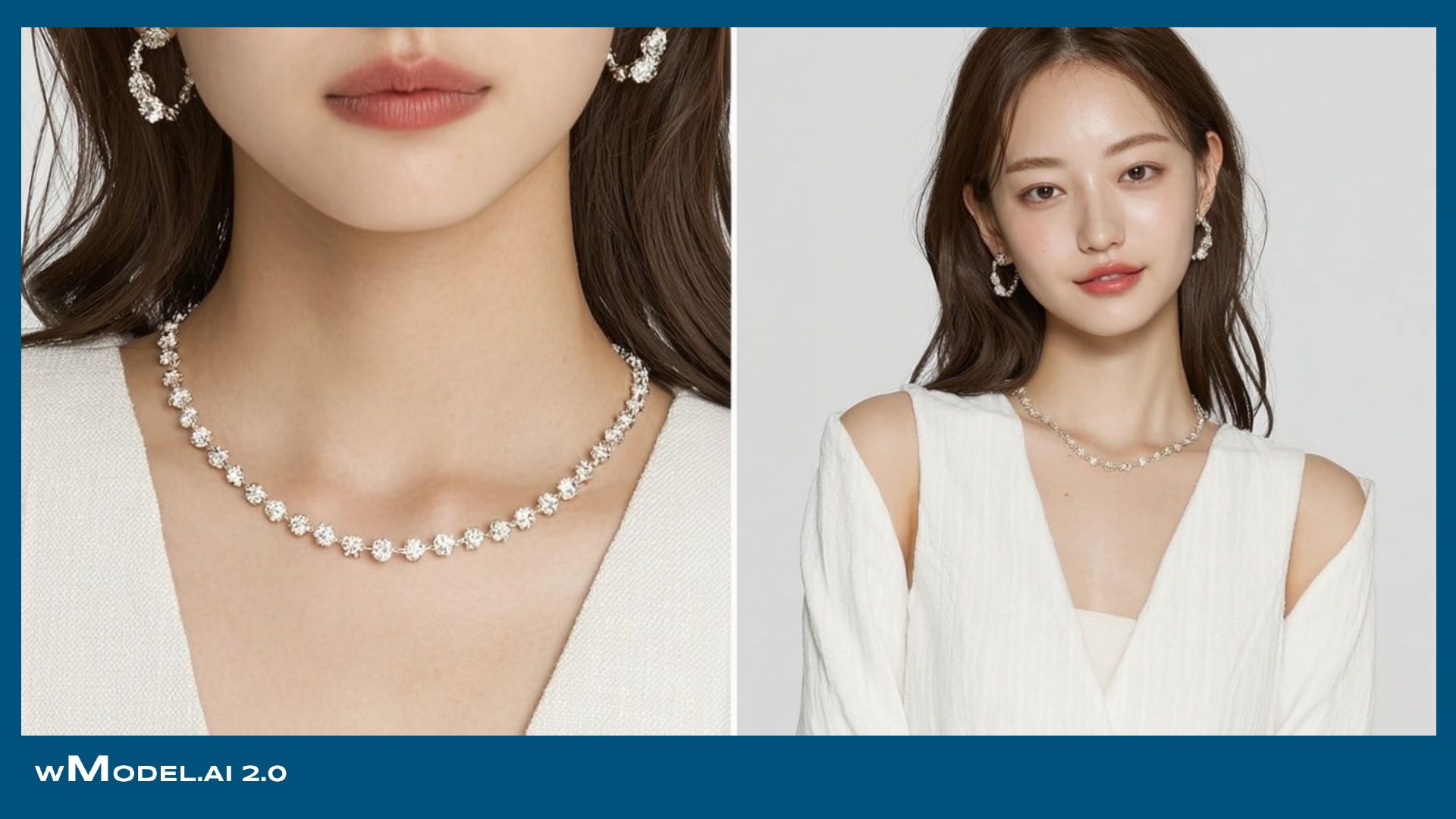
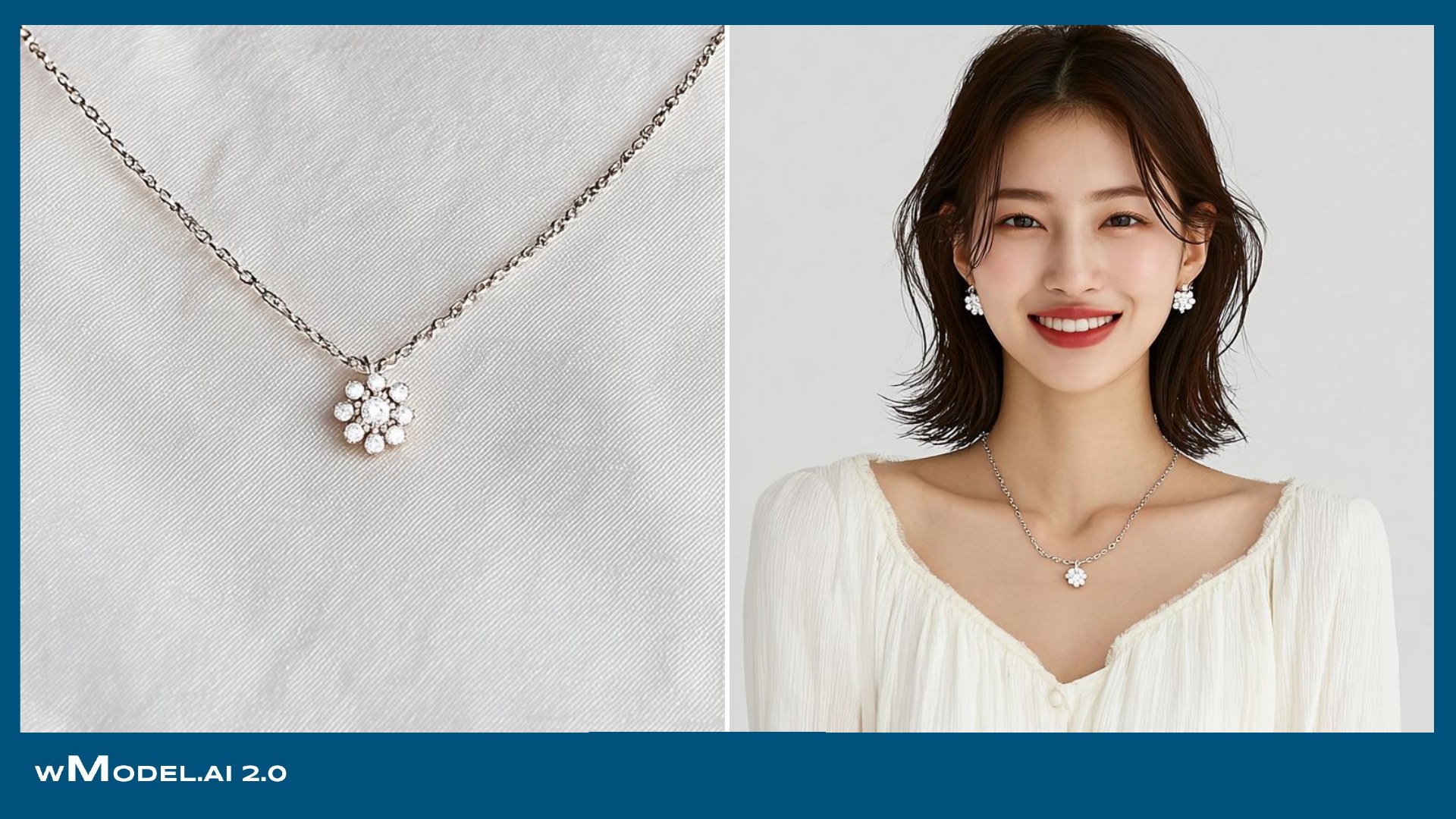
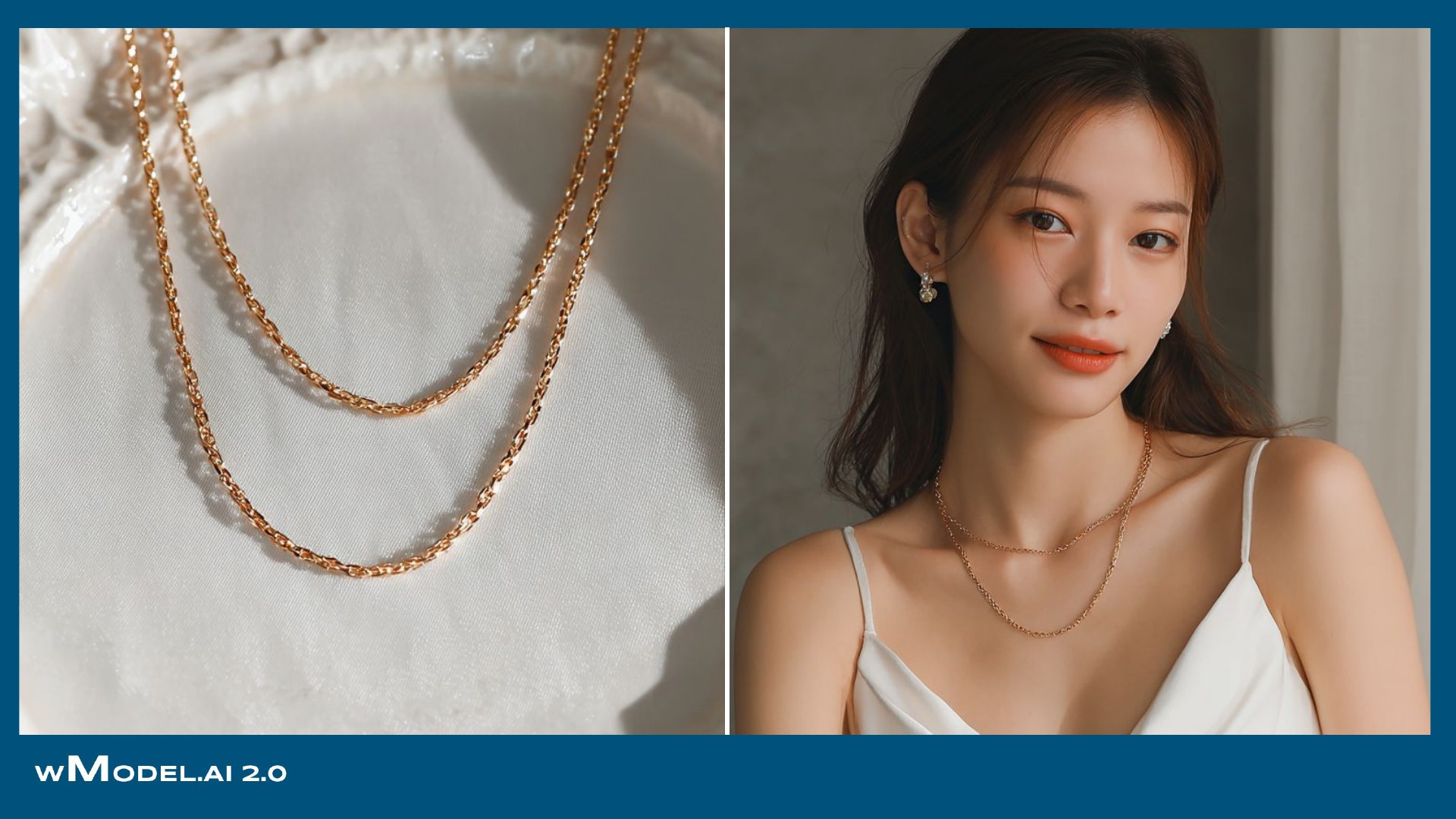
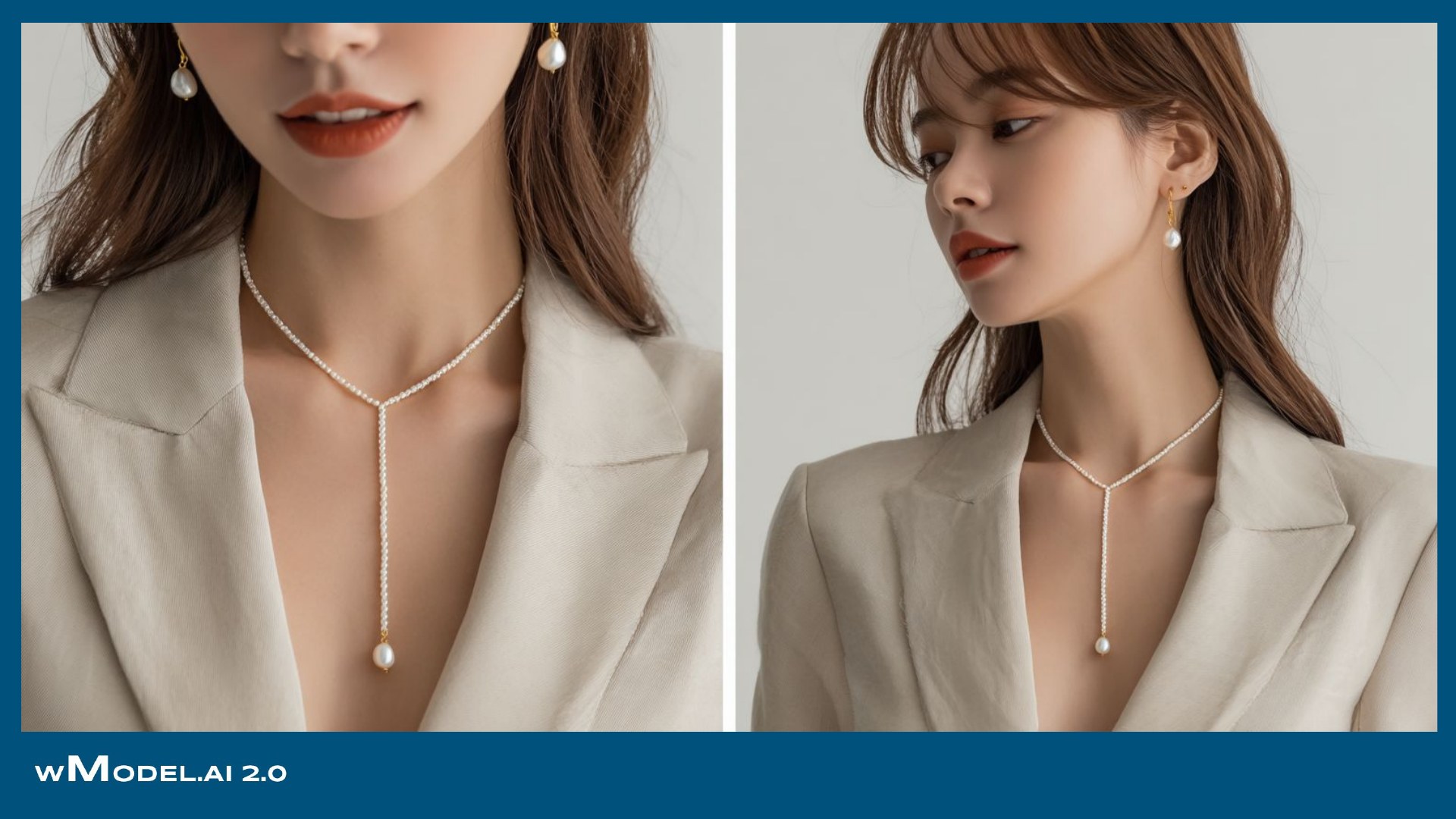
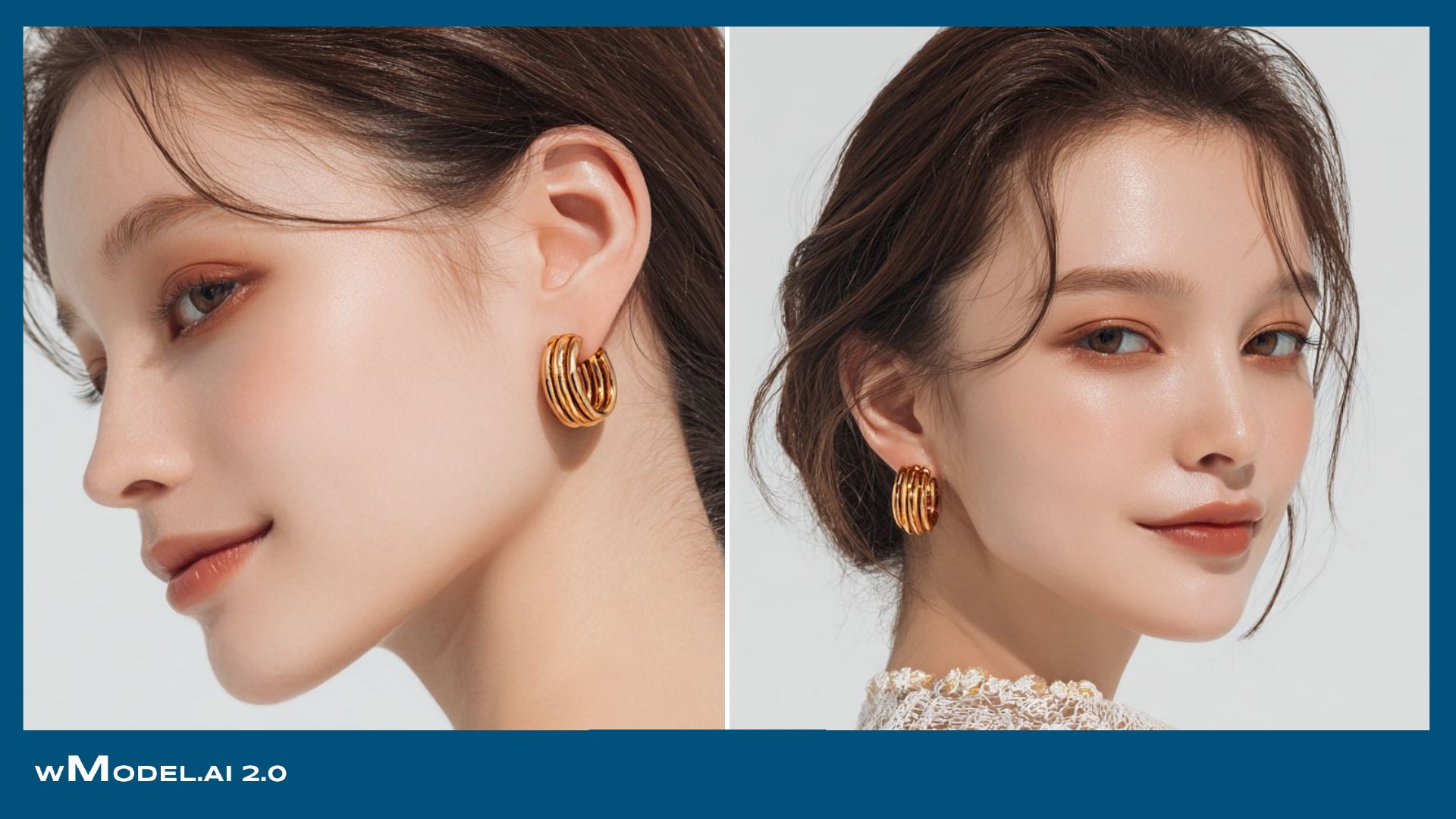
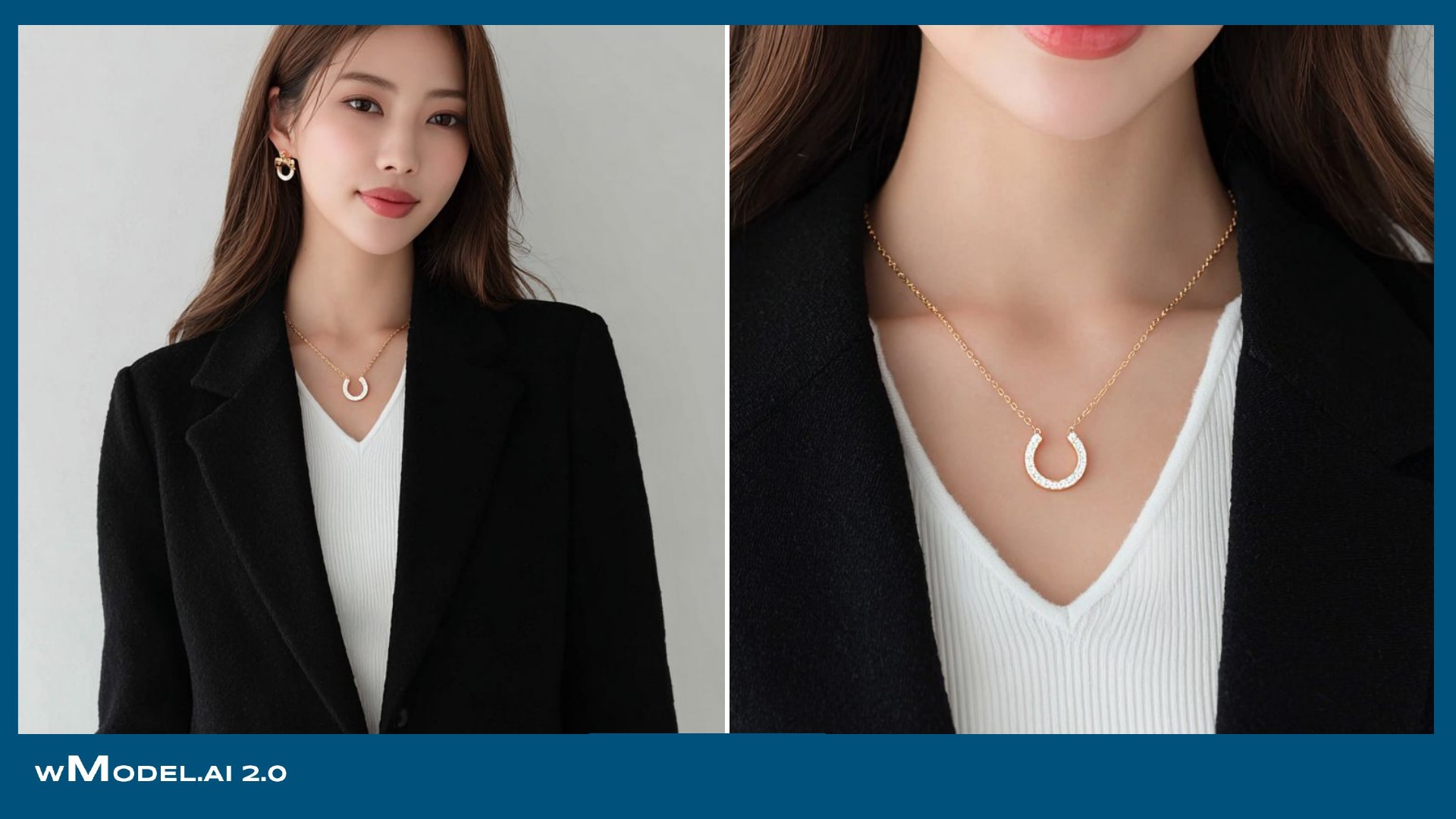
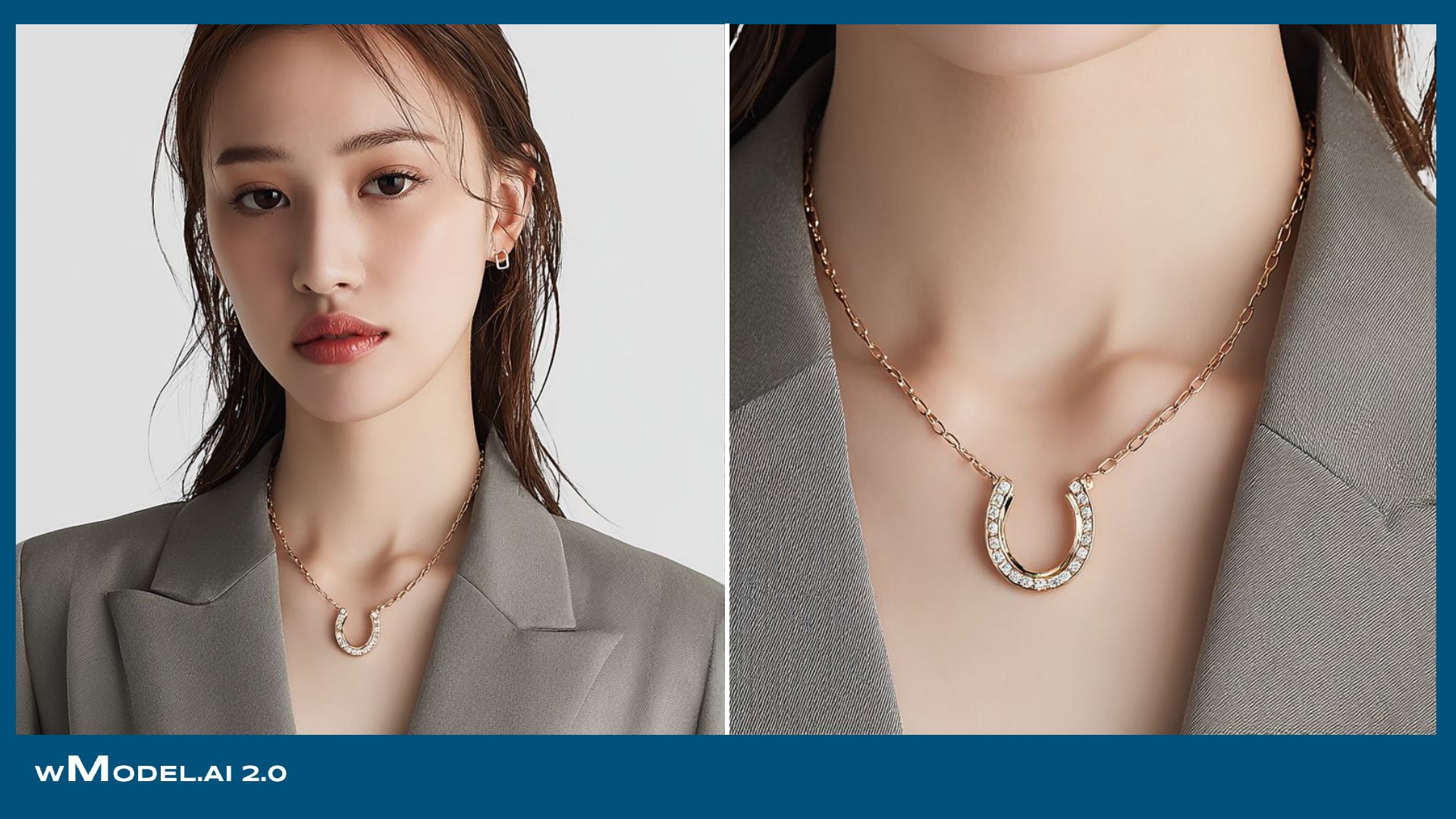
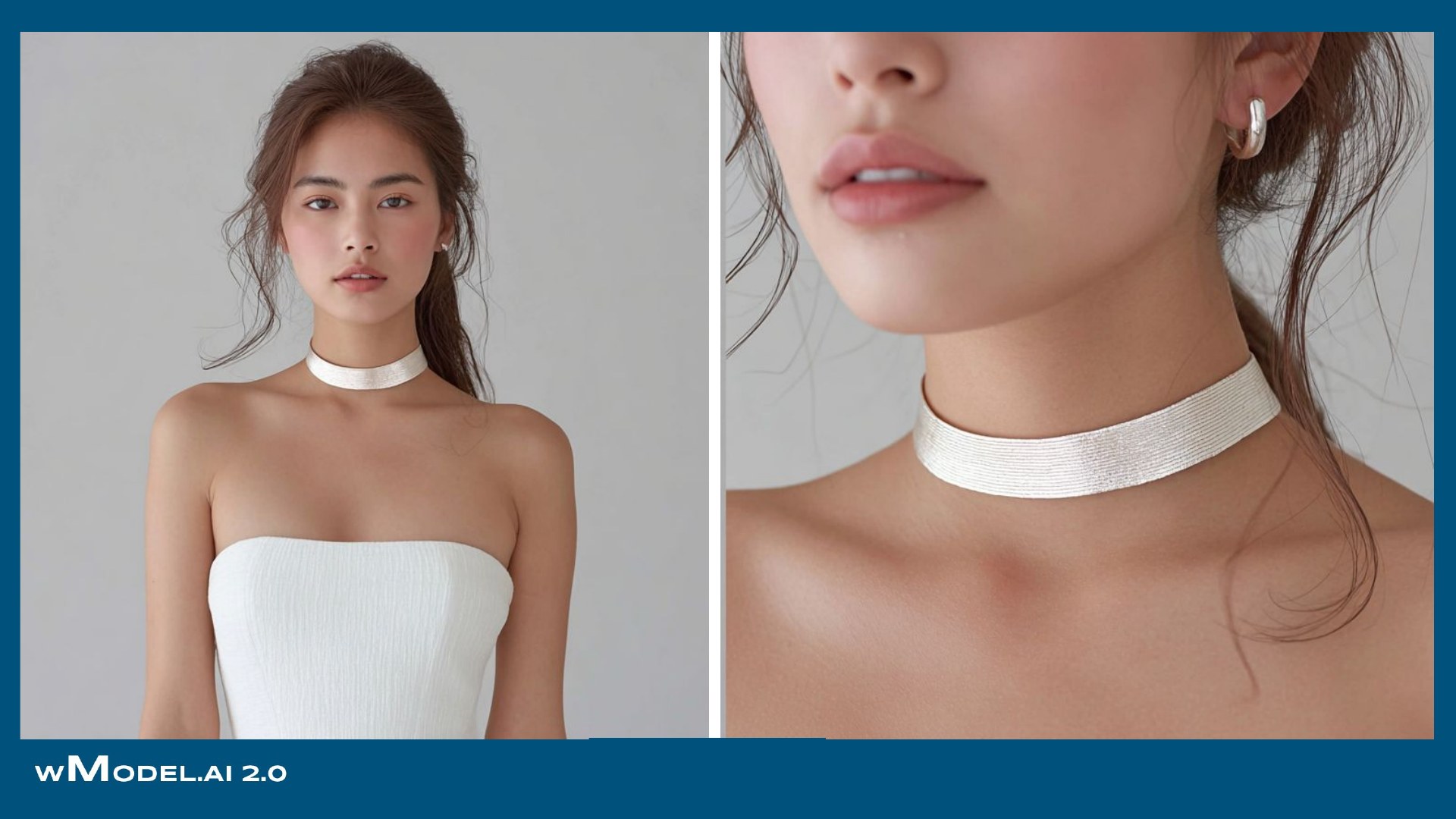
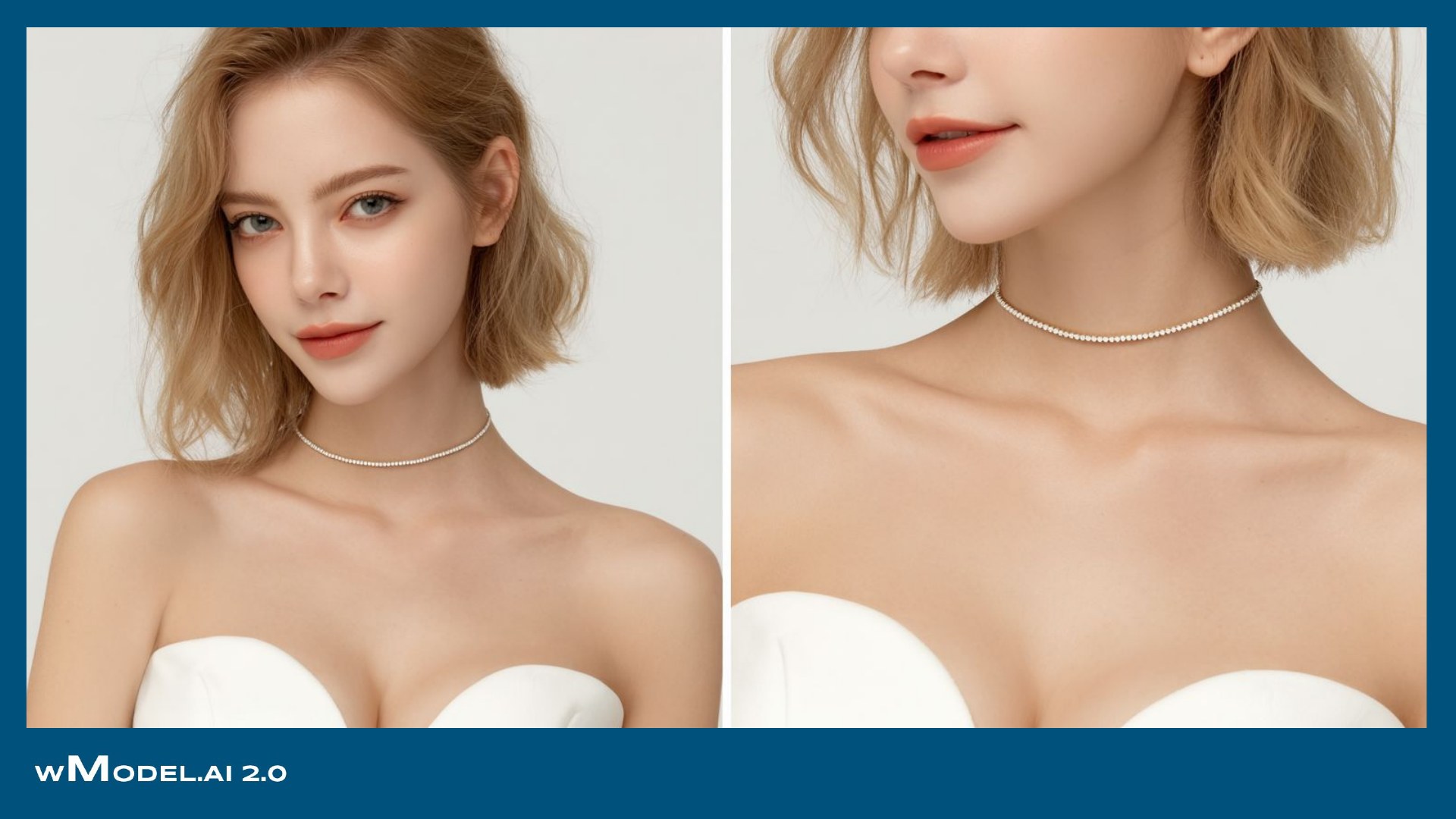
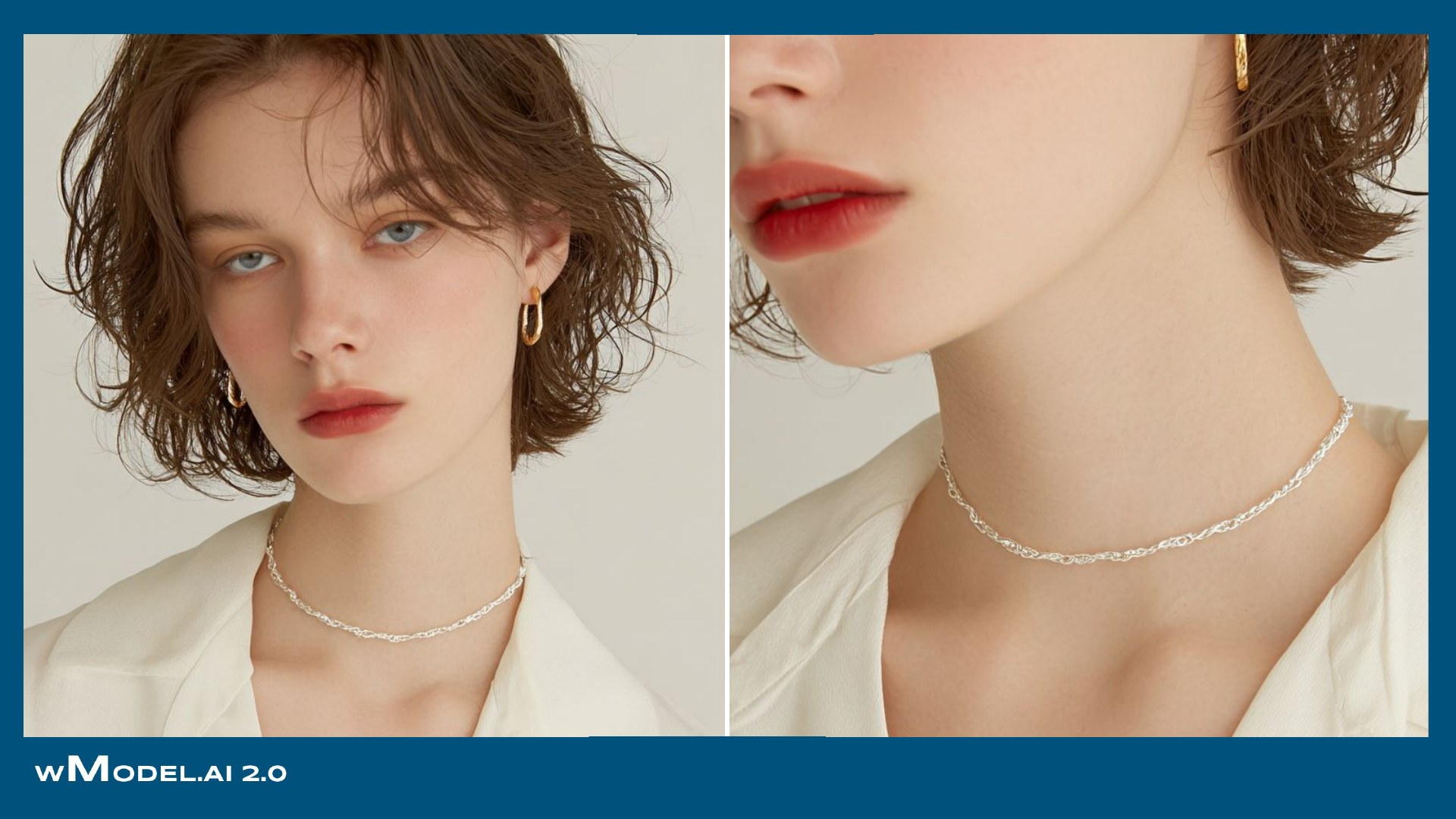
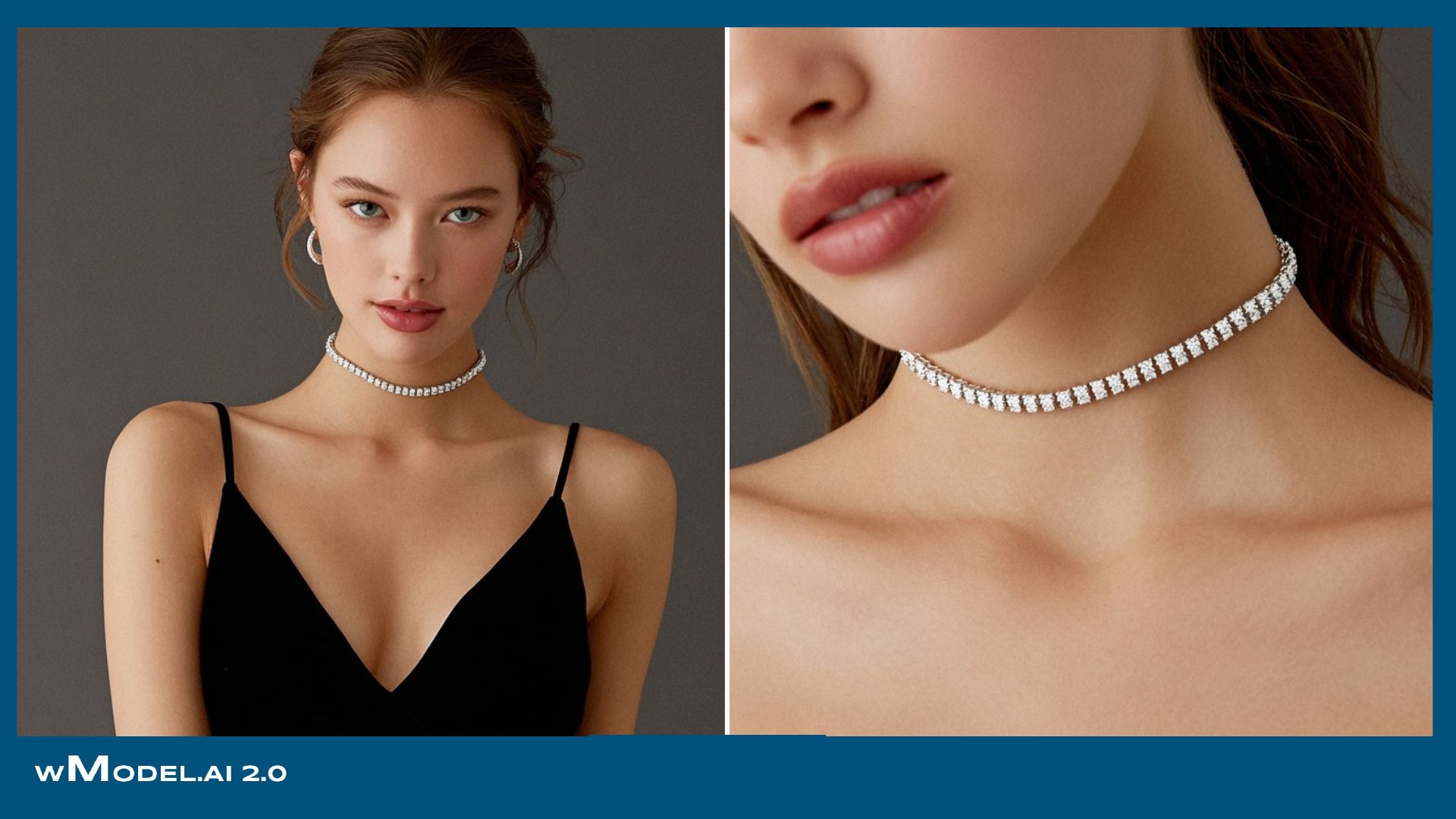
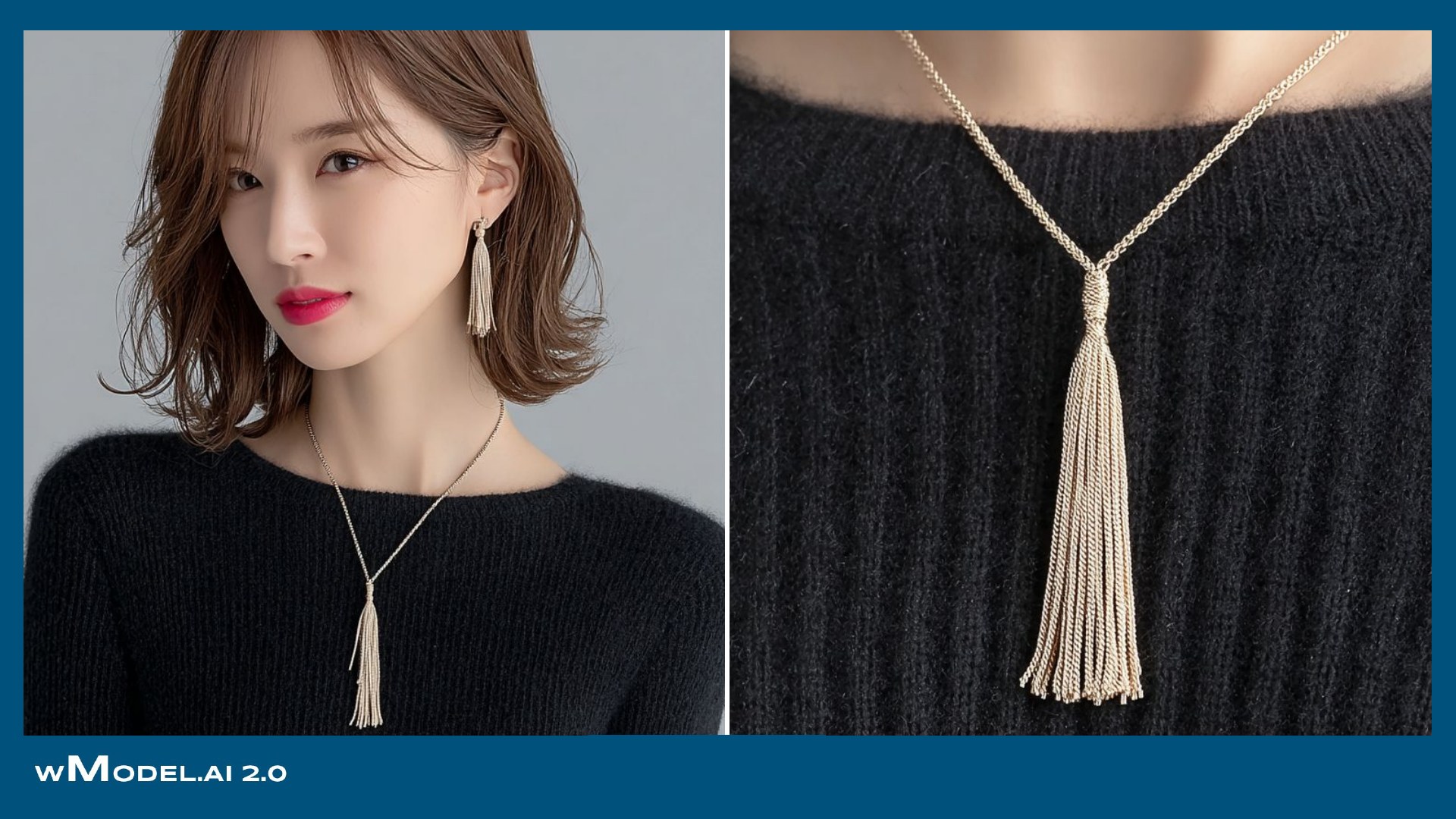
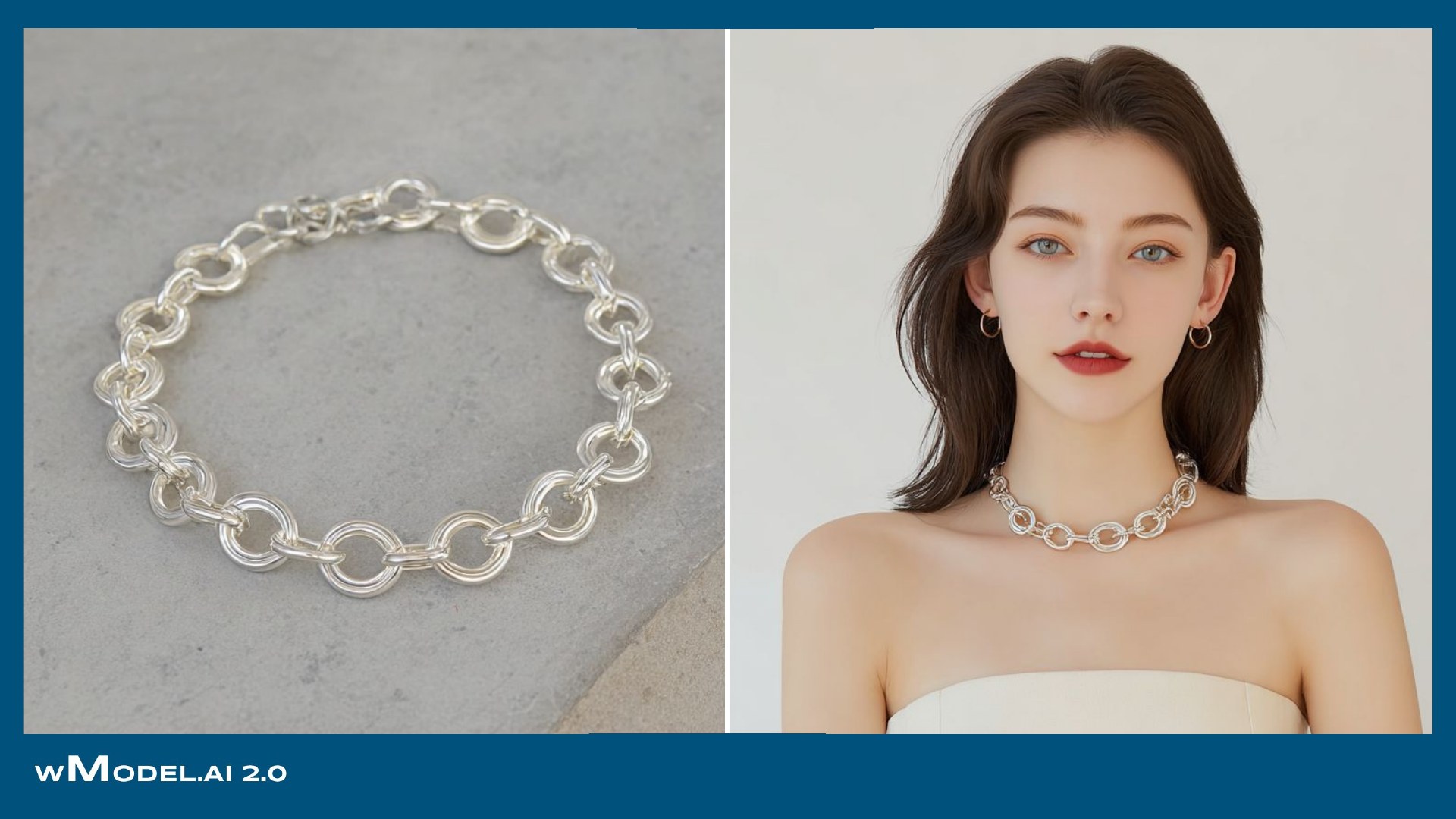
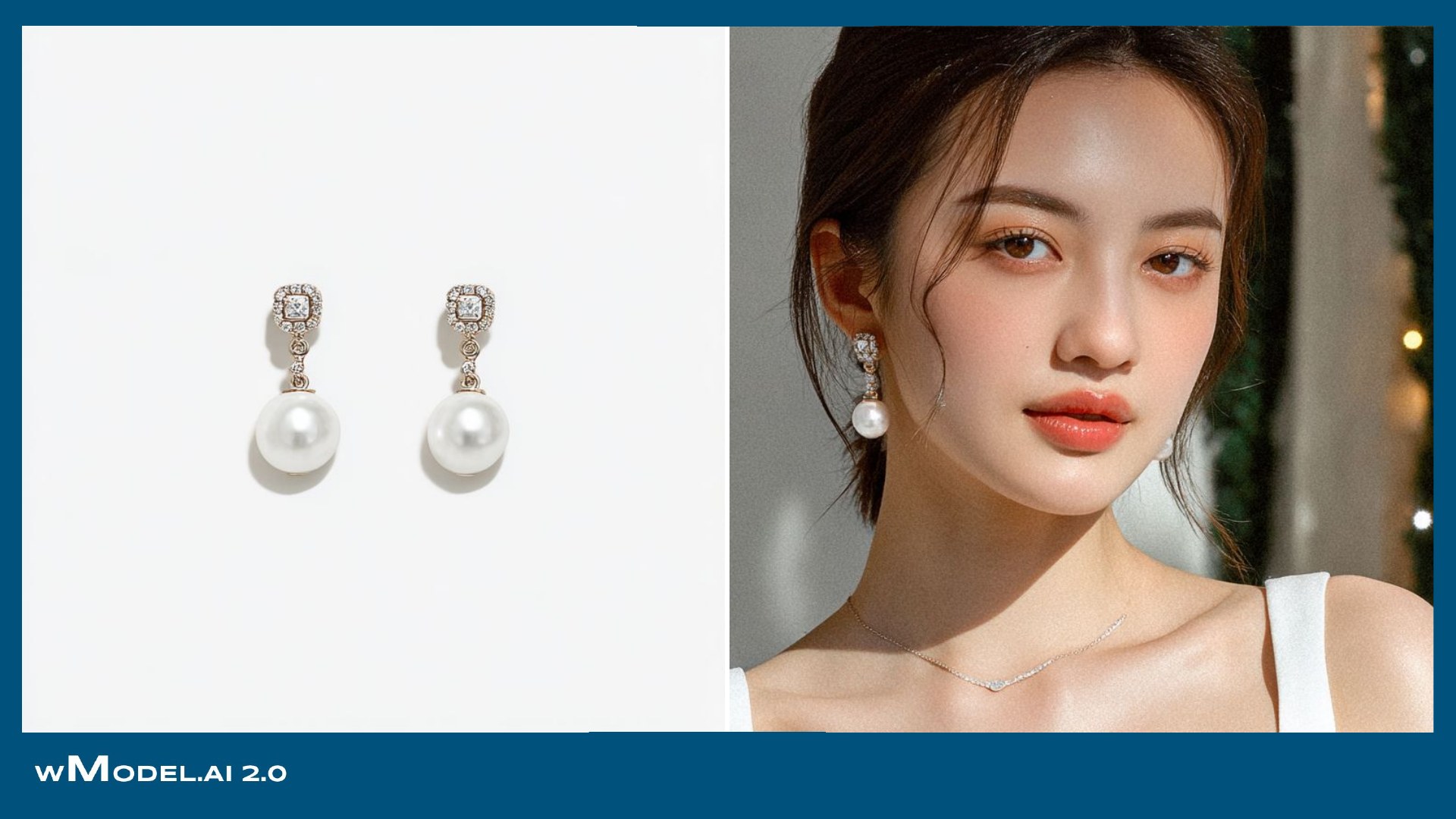
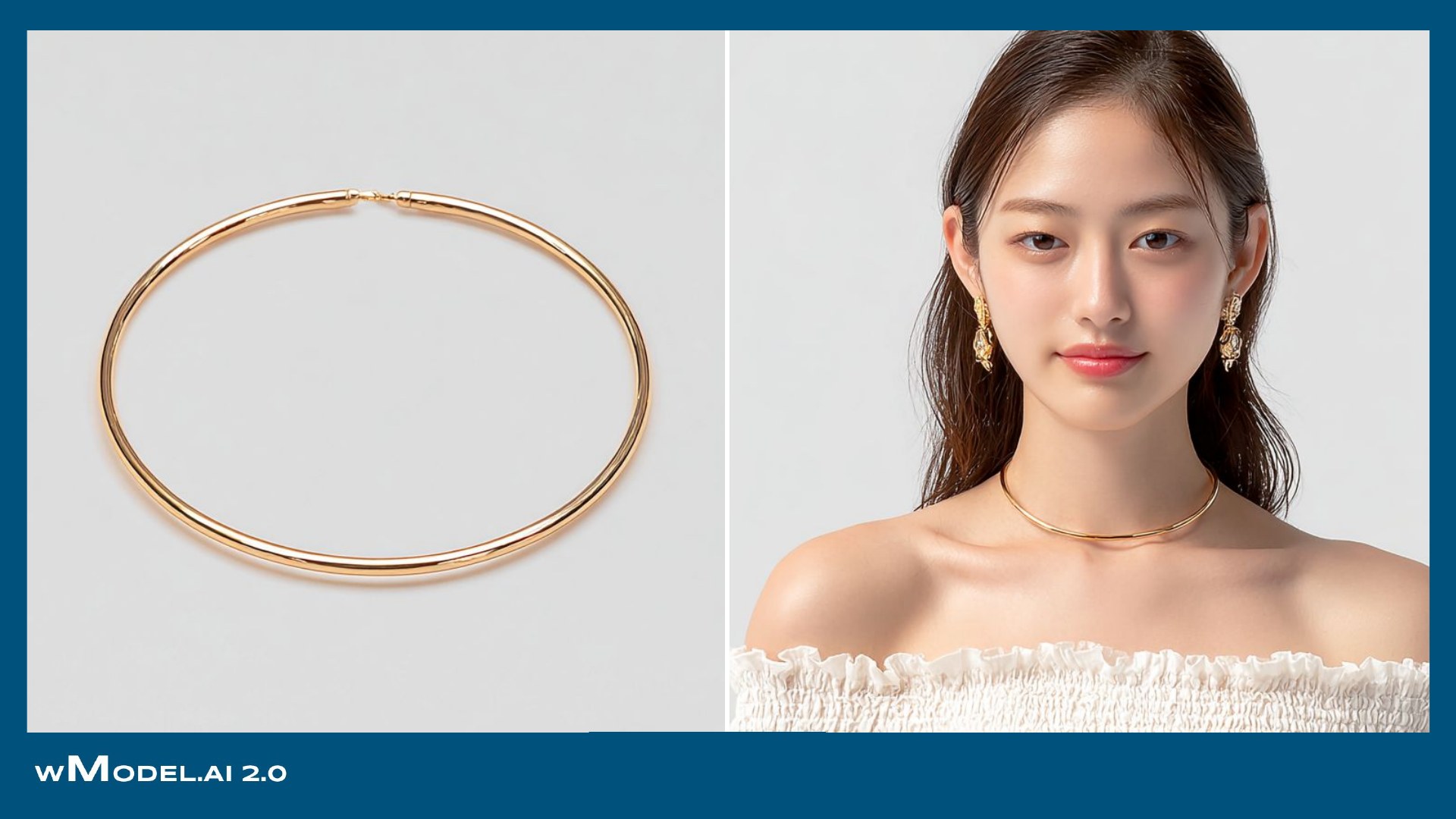
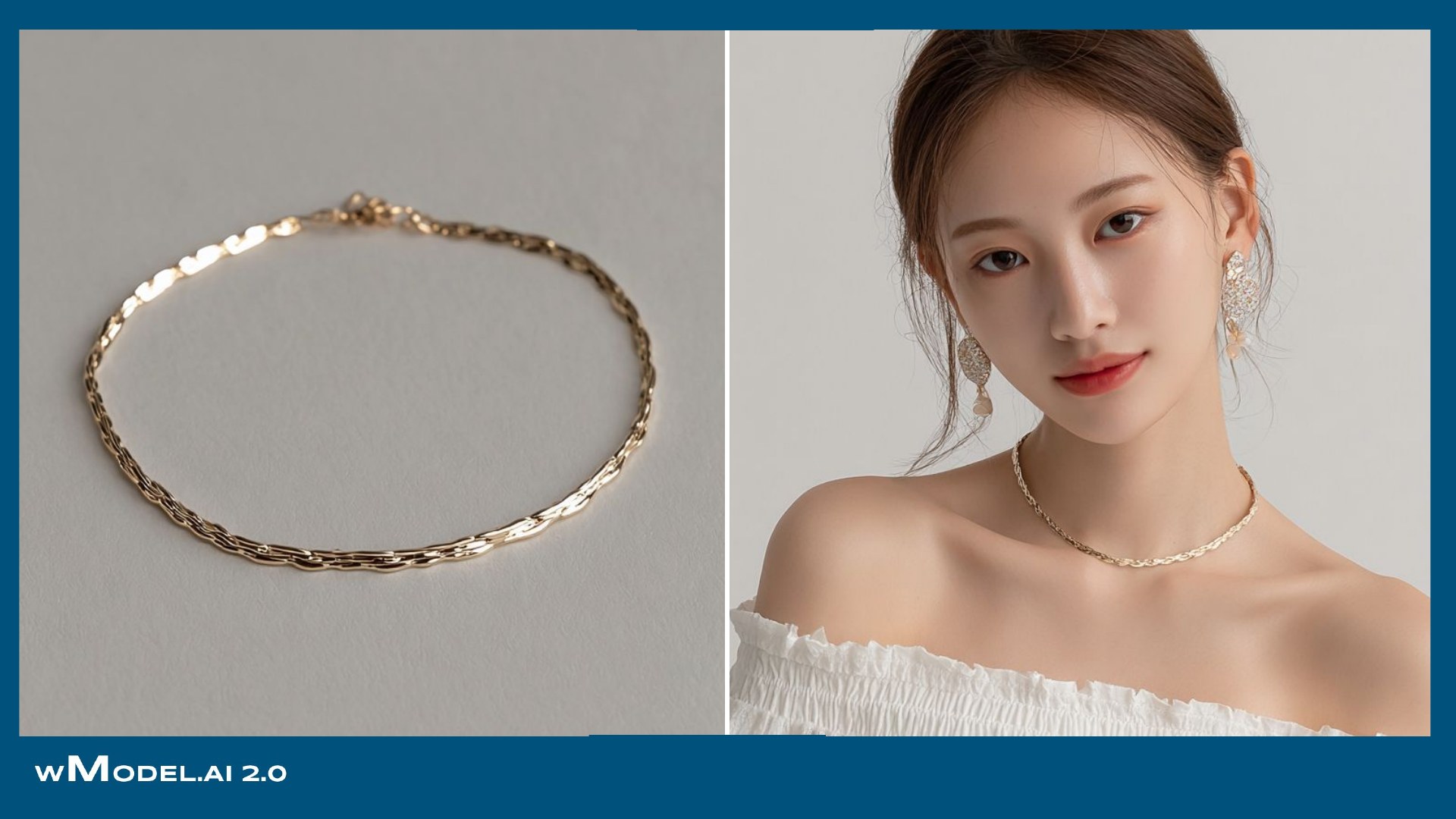
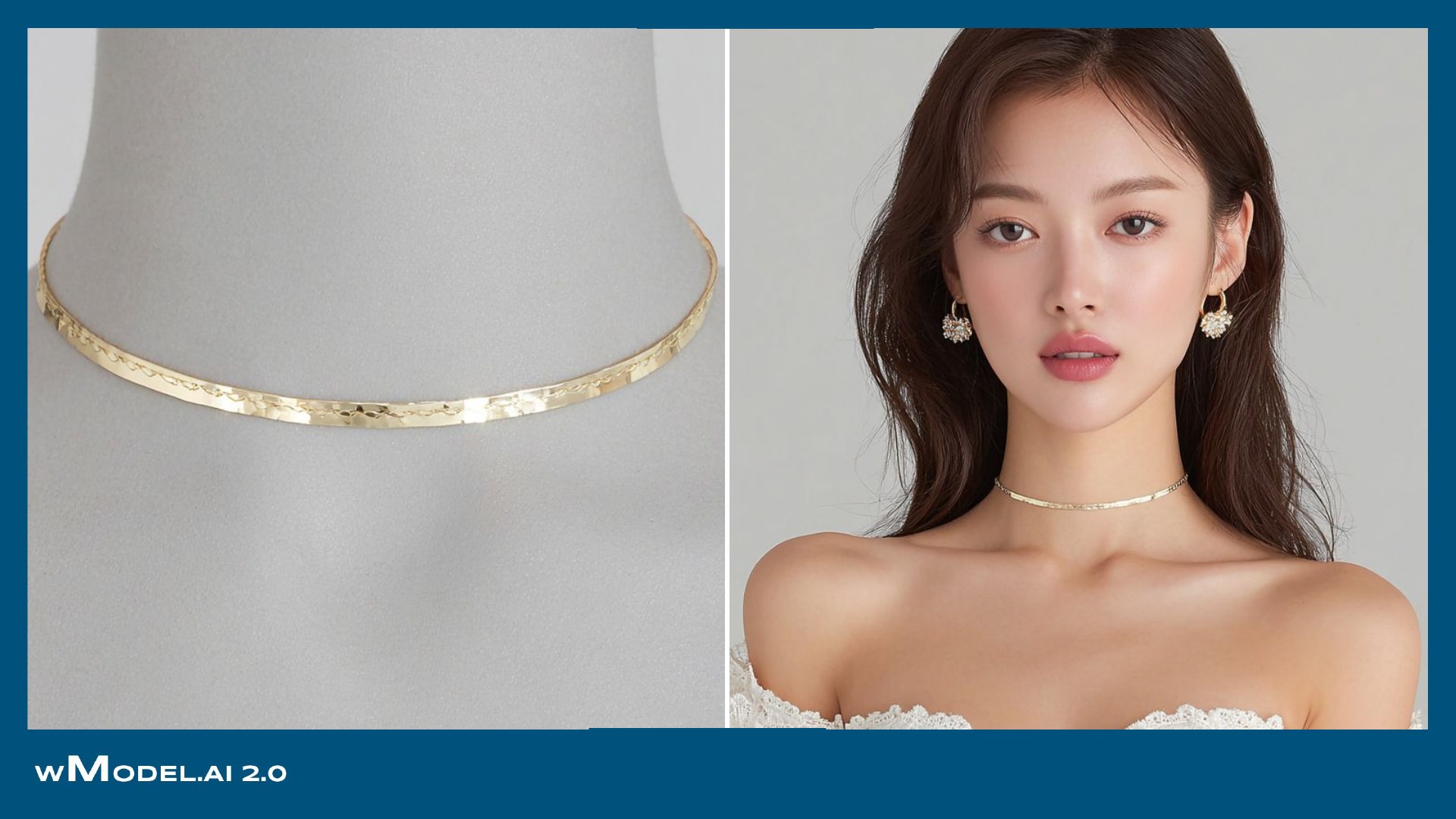
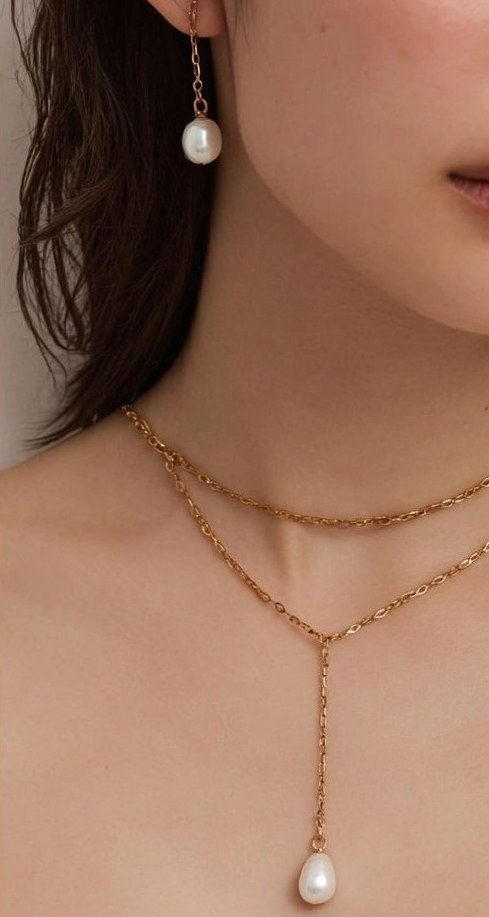
Jewelry too: we can create photos of an AI model wearing necklaces and earrings from your product images, at a low cost.
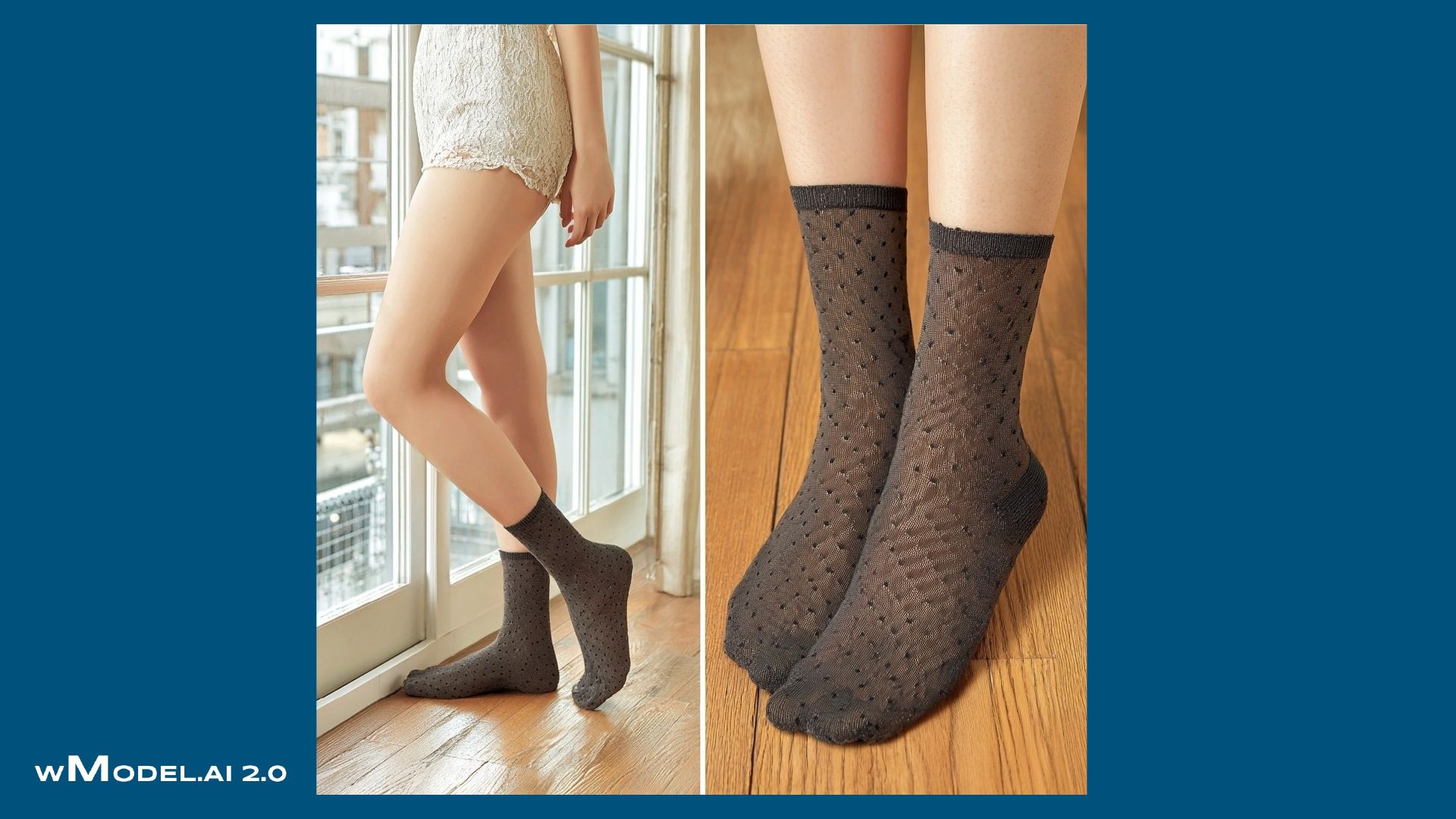
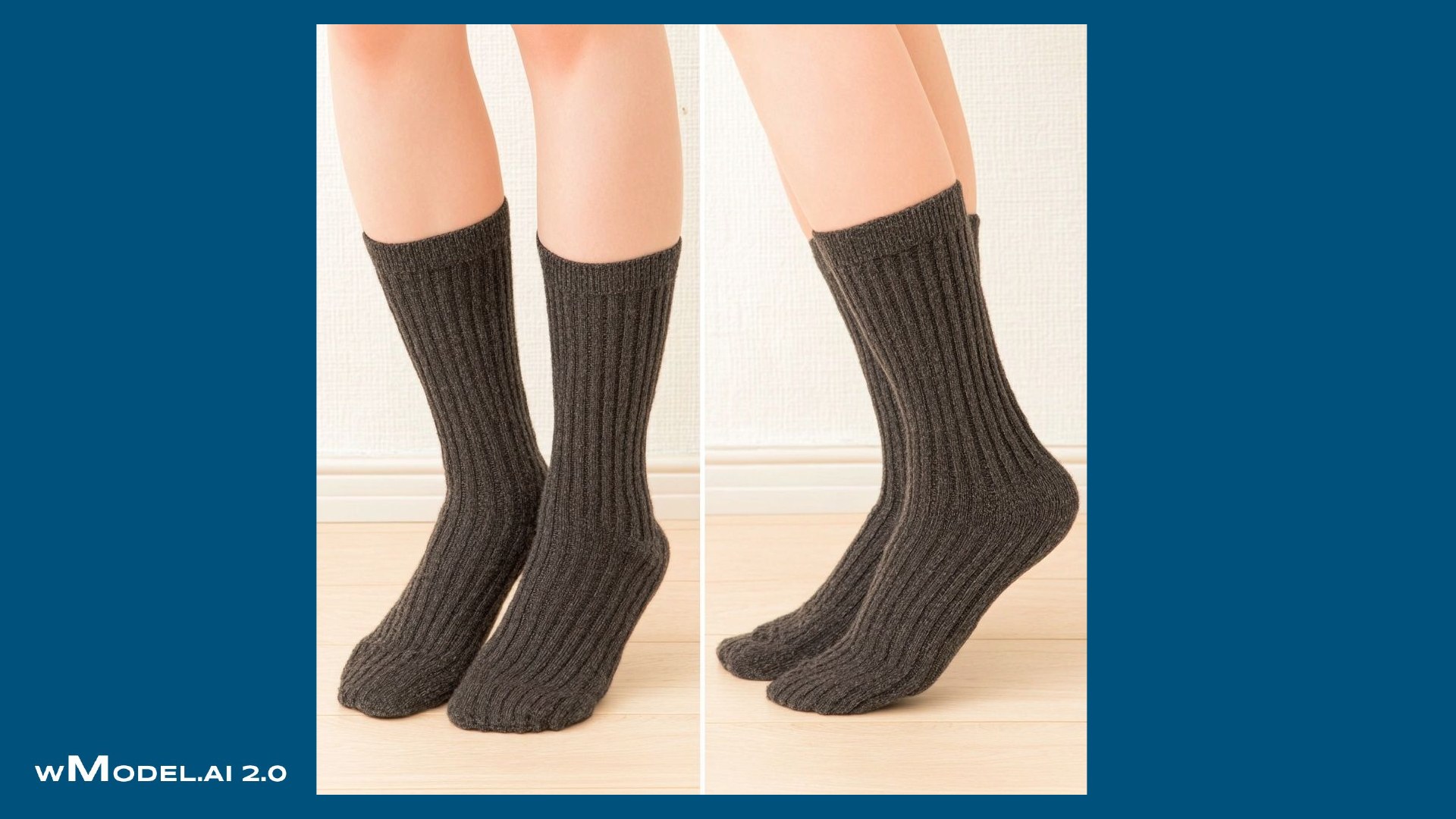
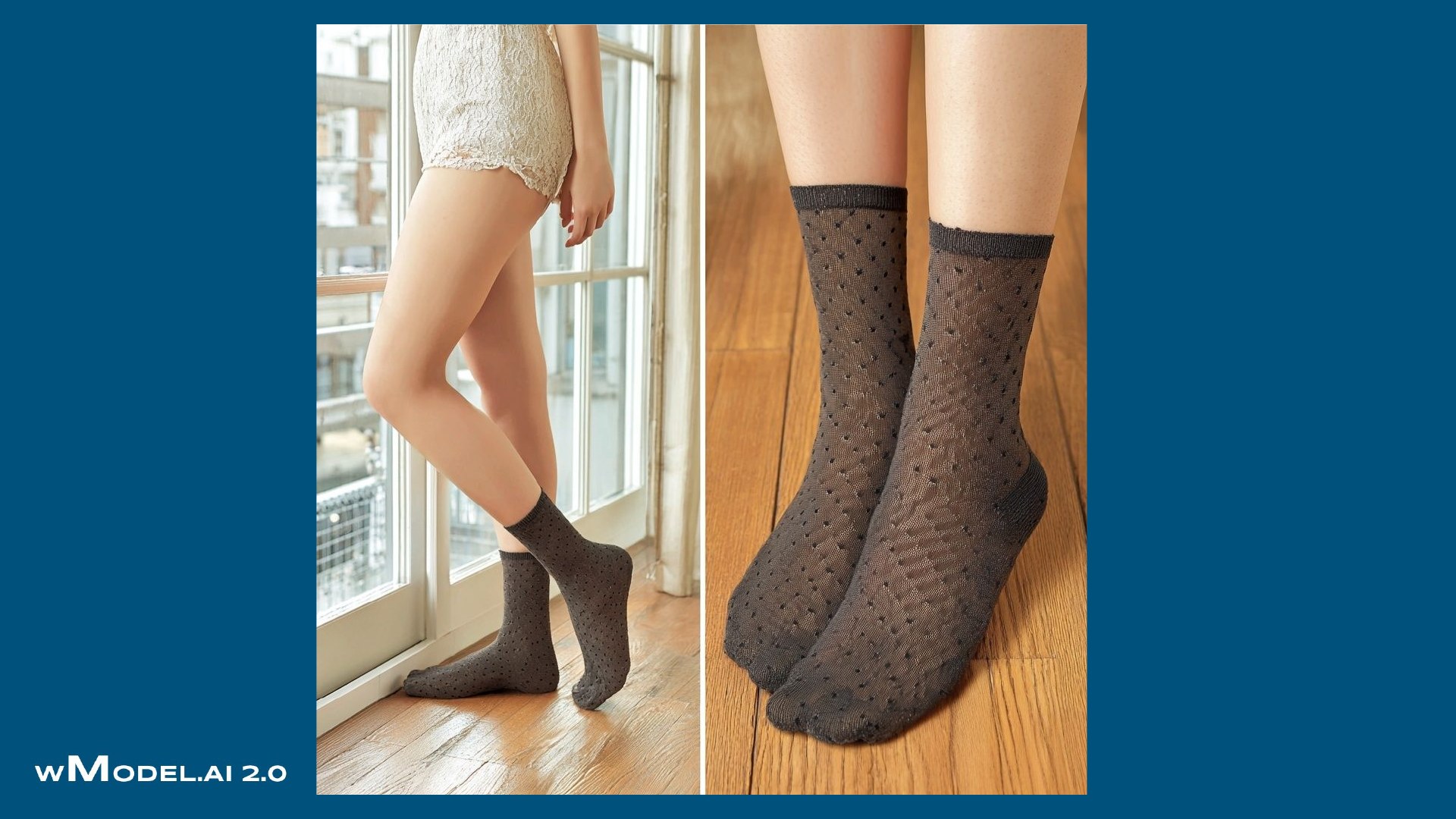
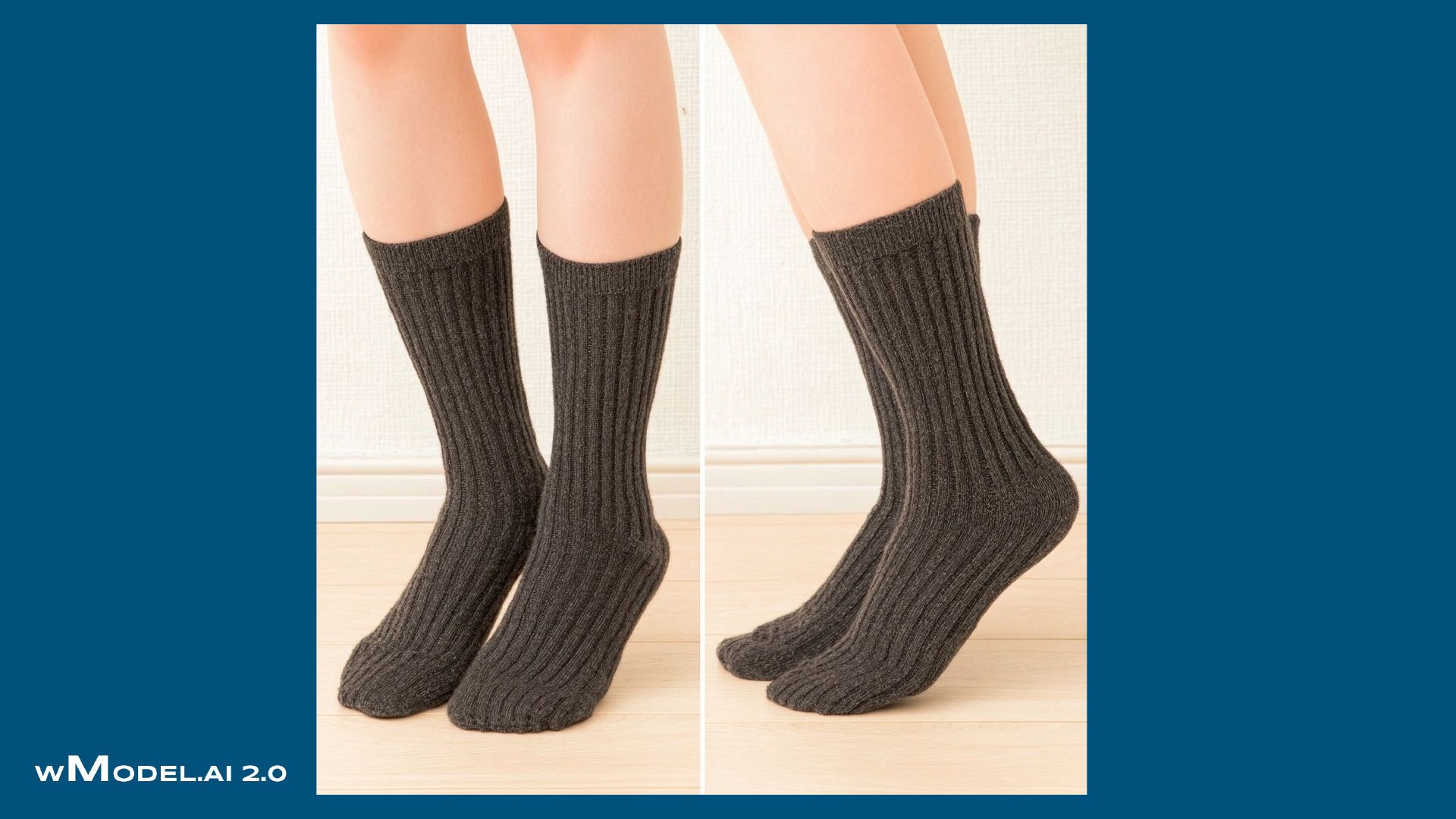
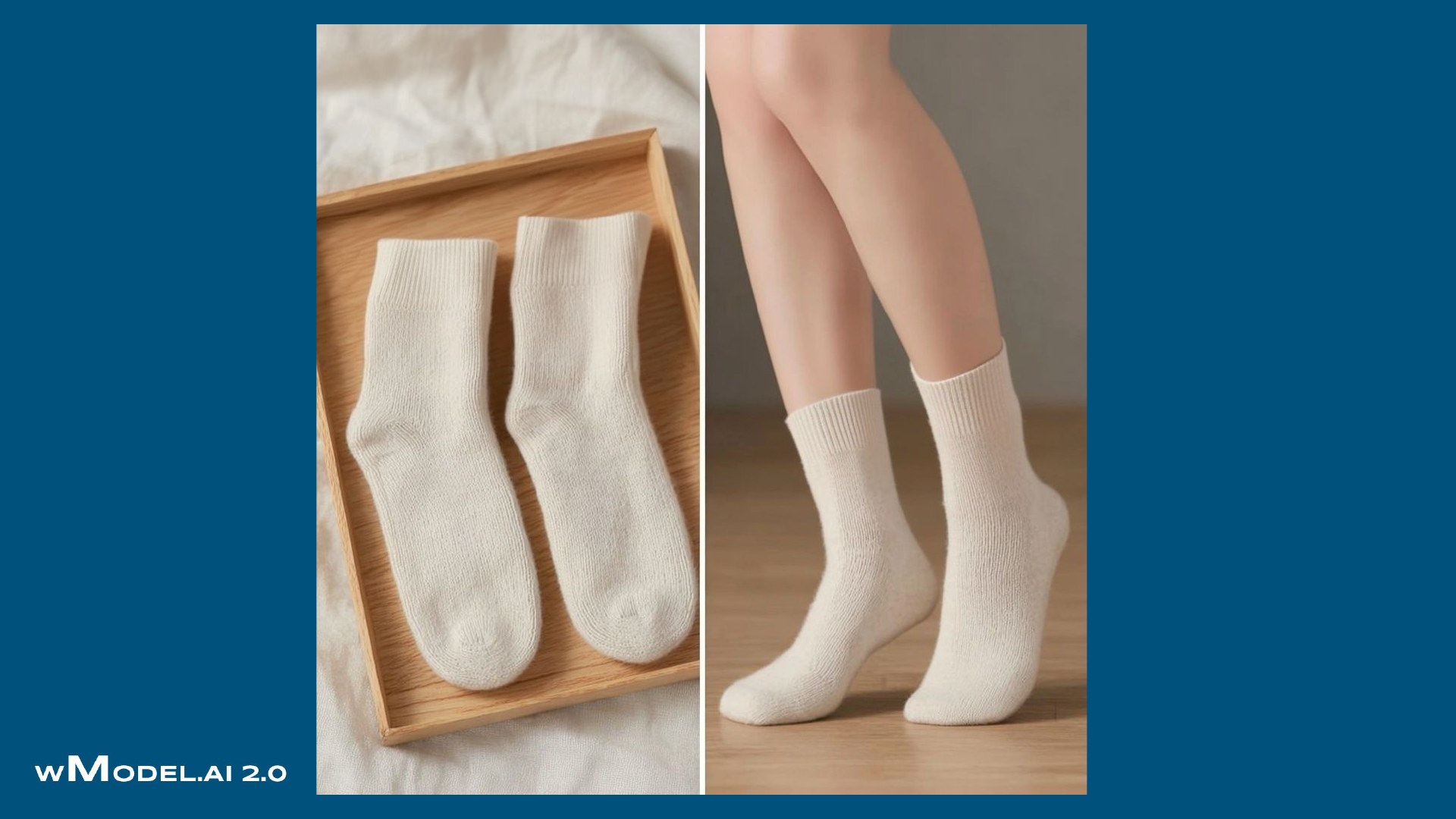
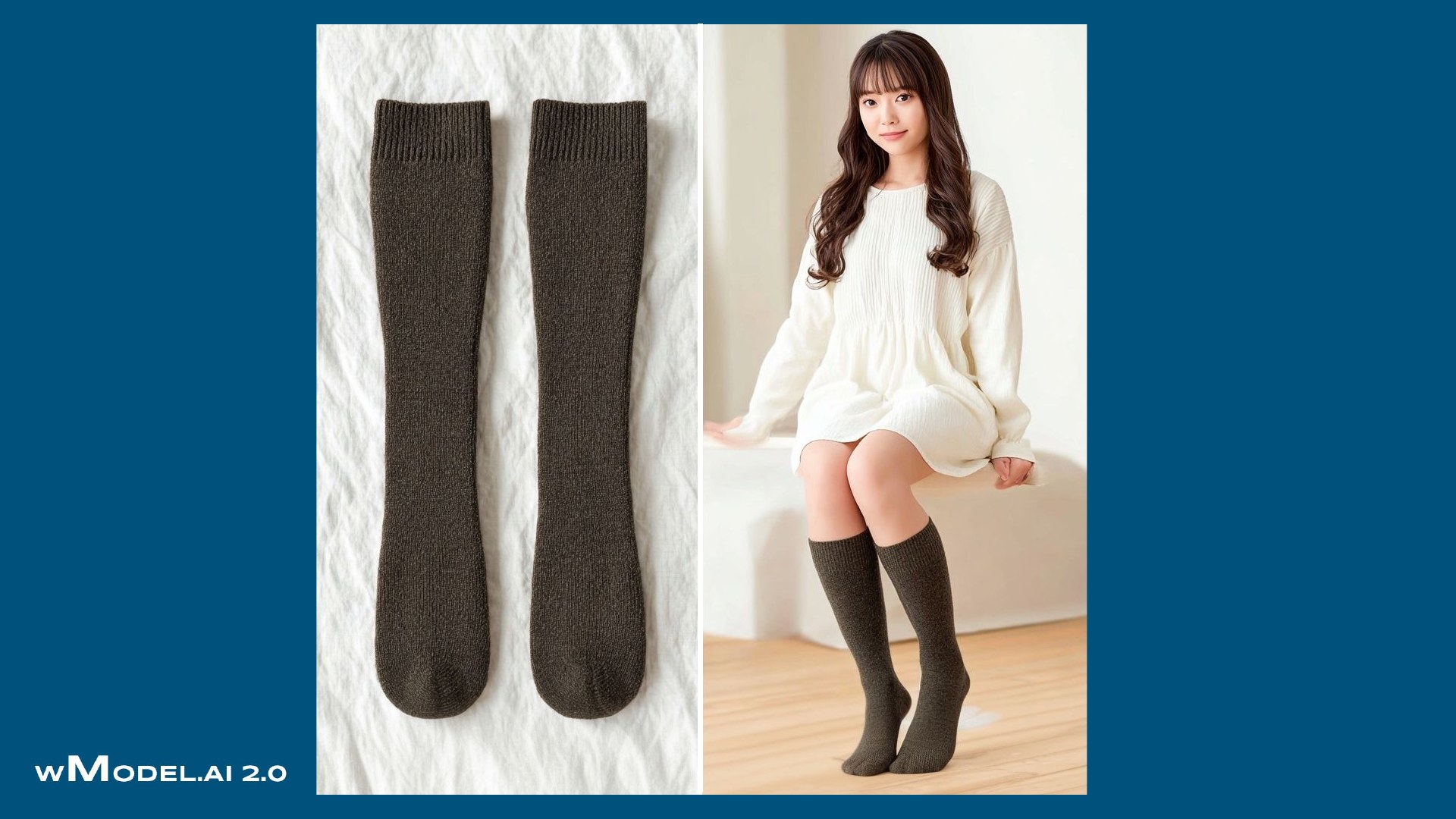
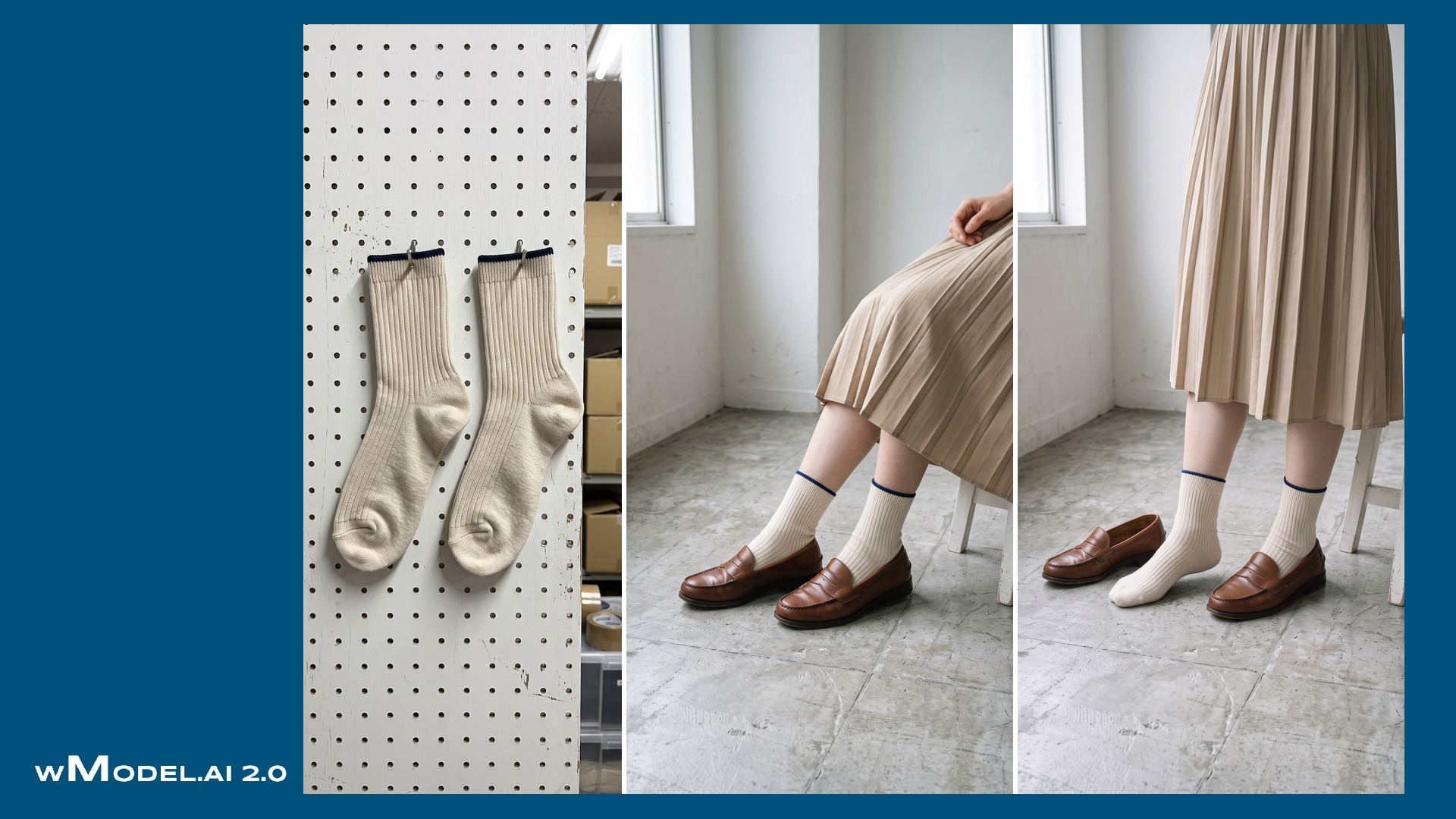
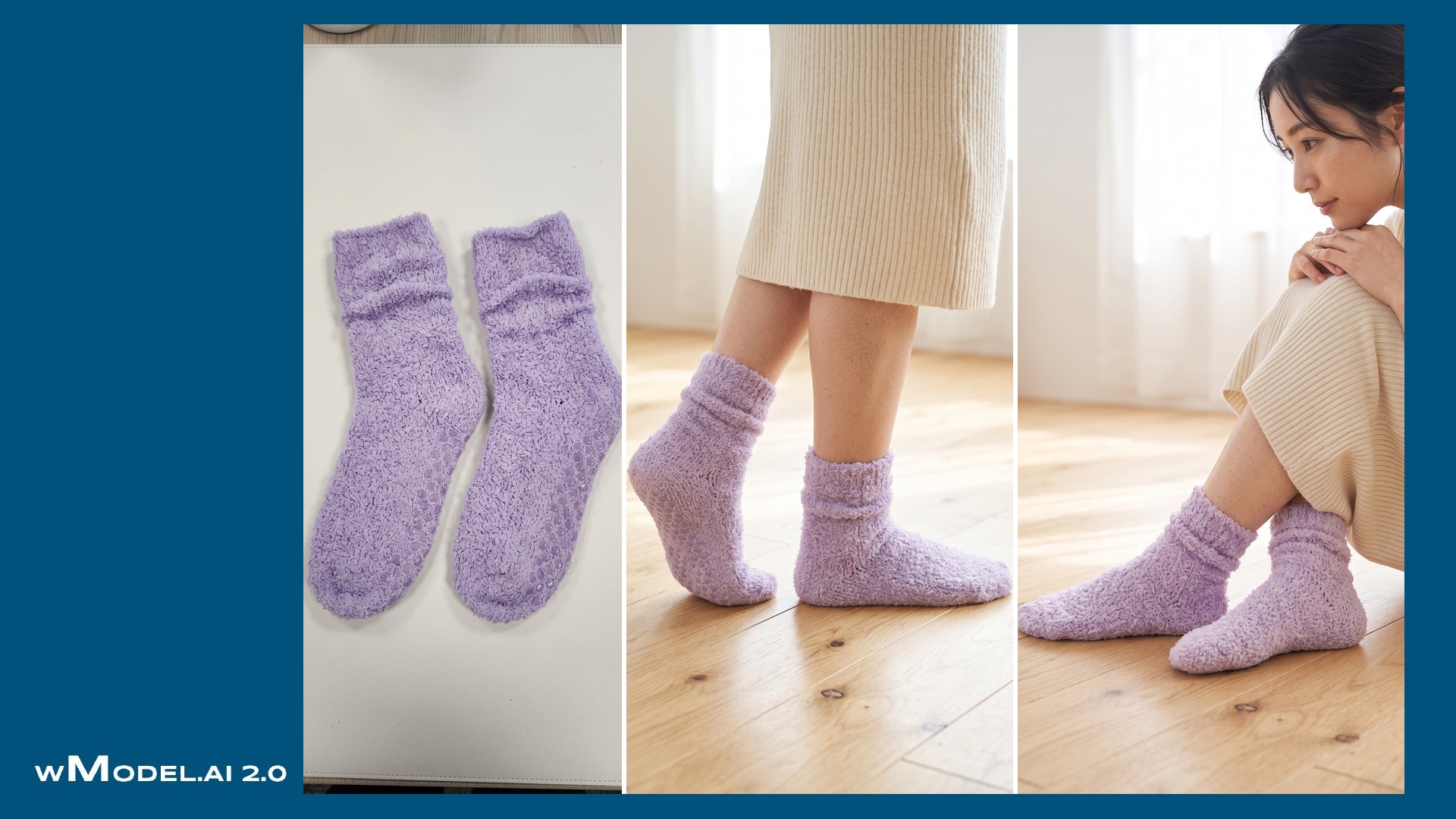
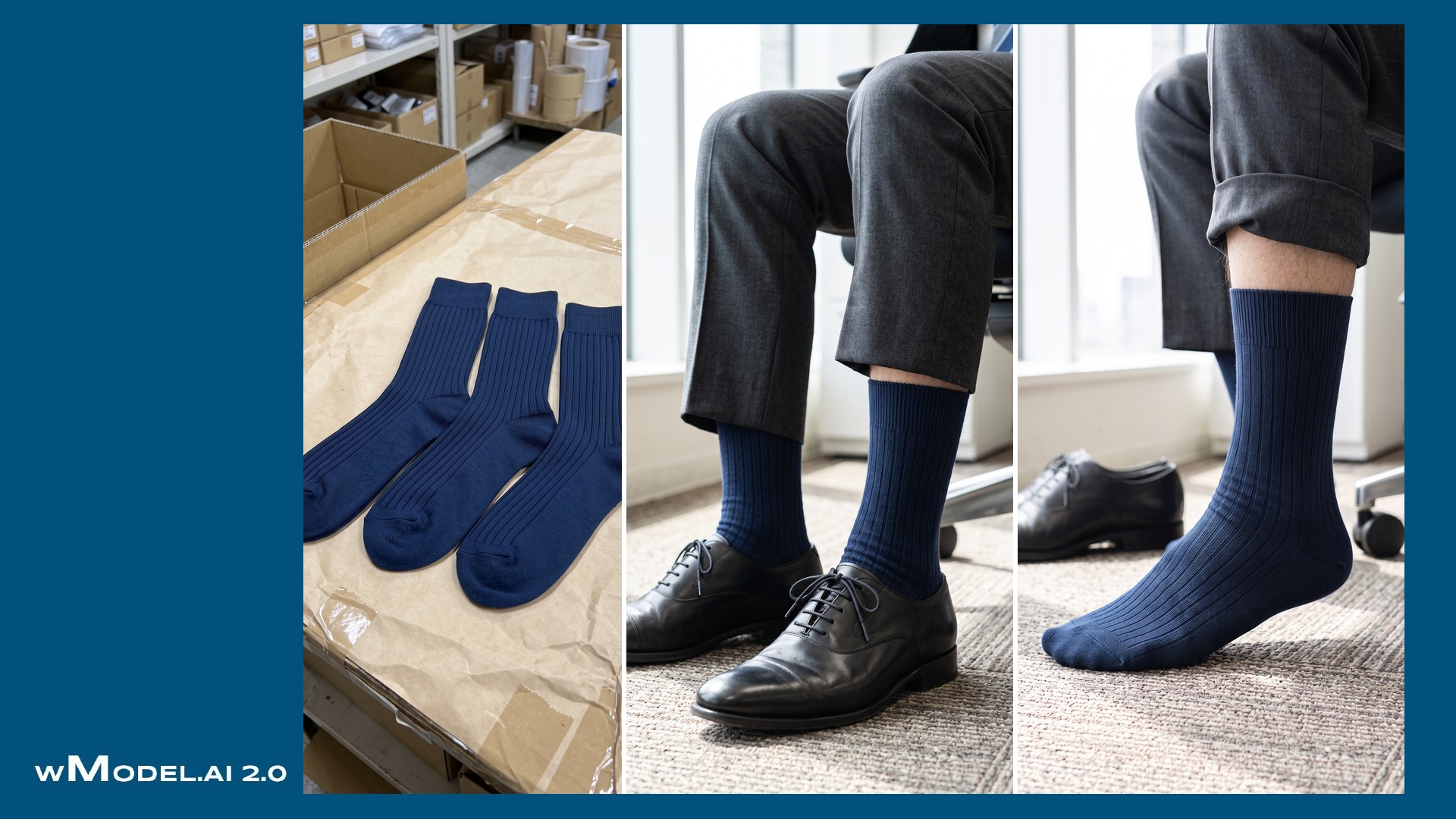
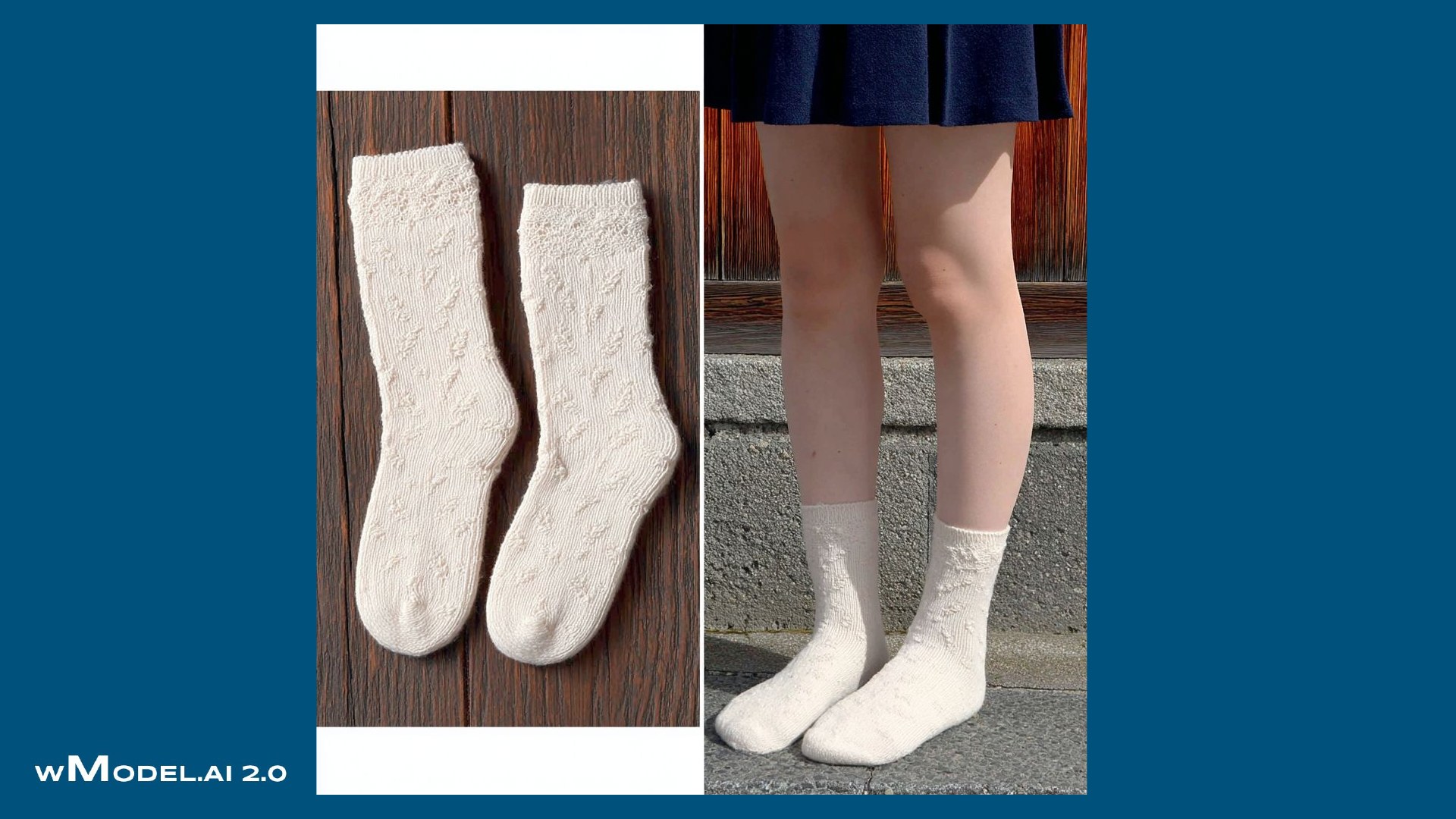
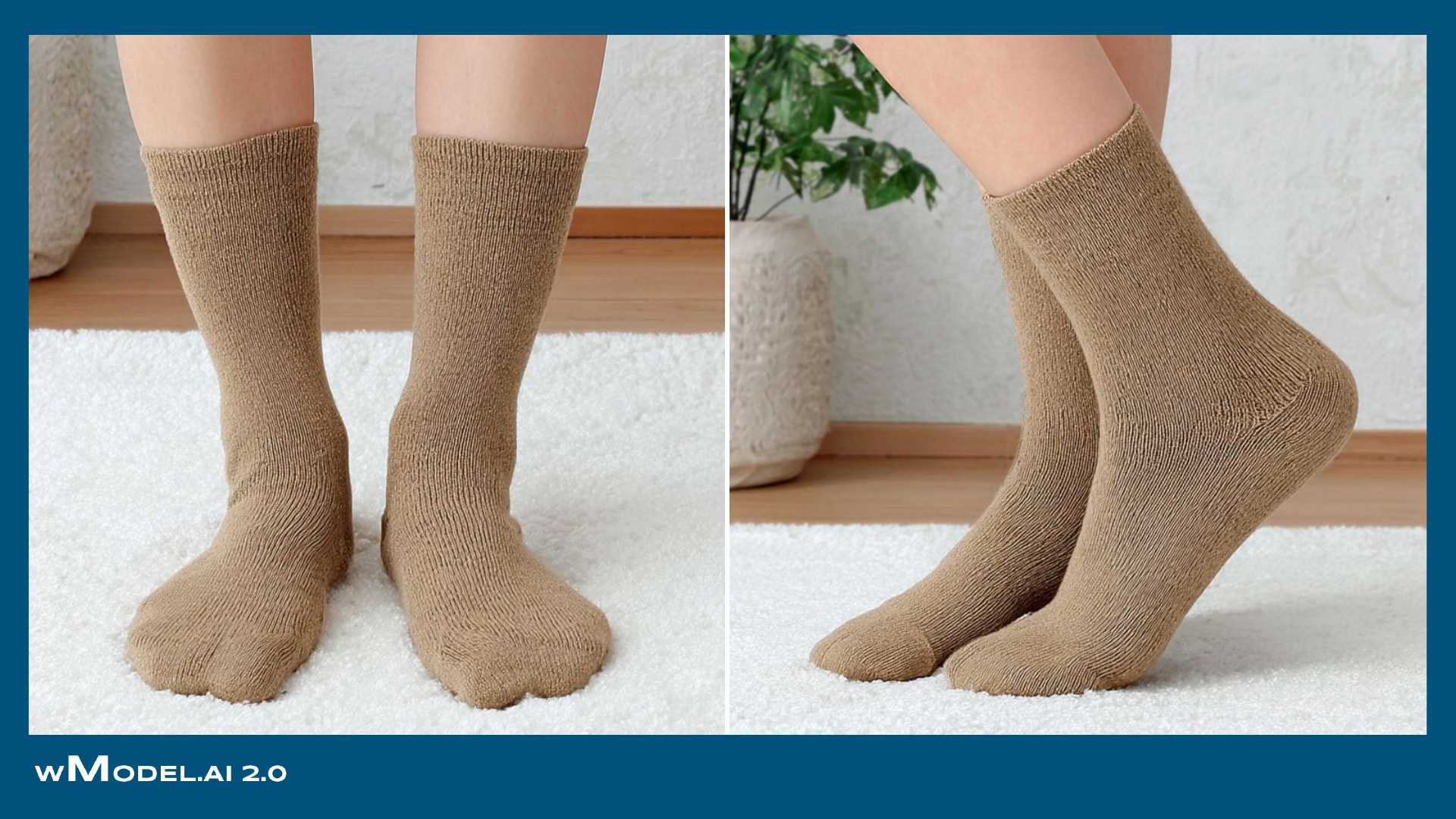
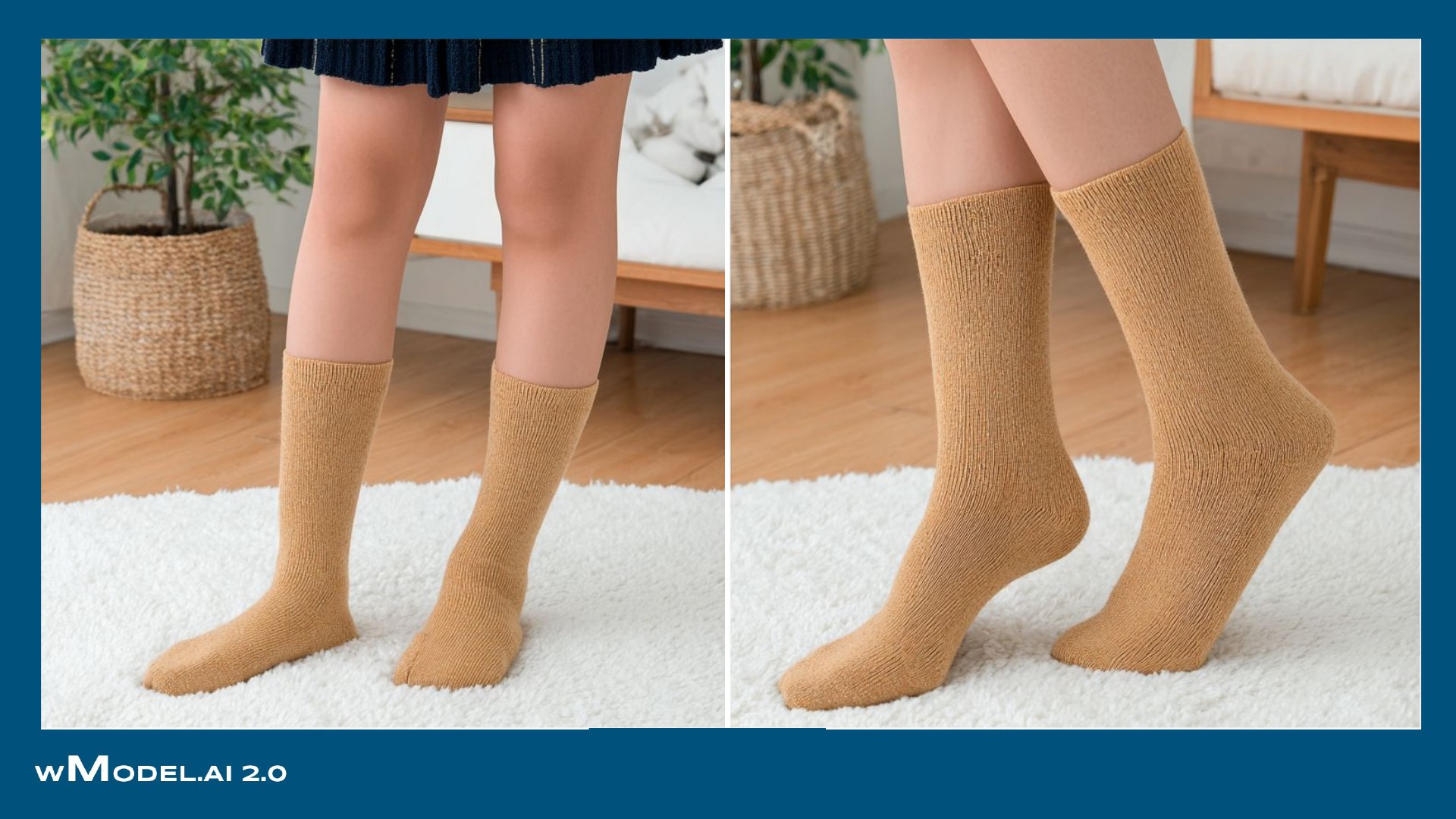
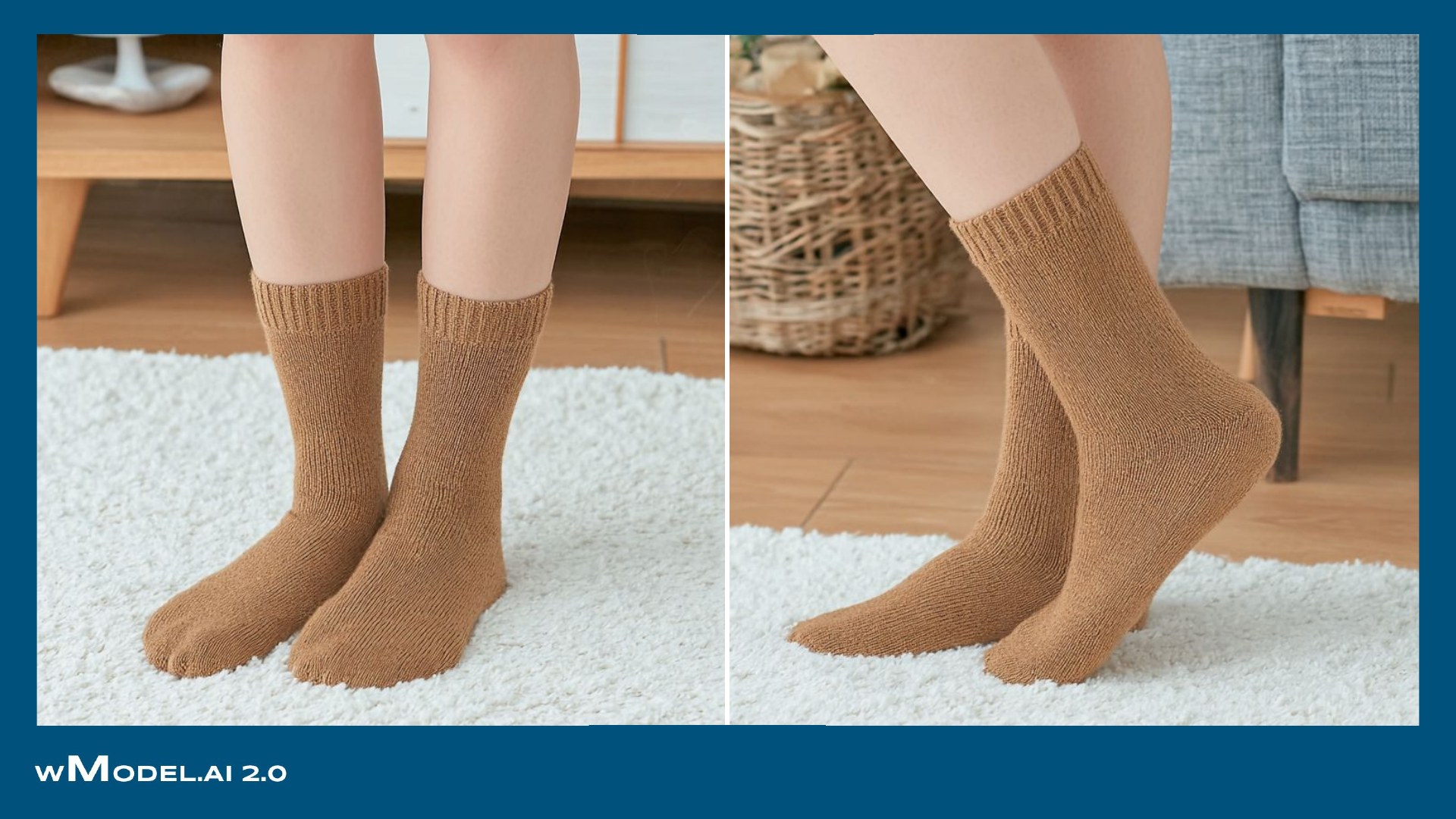
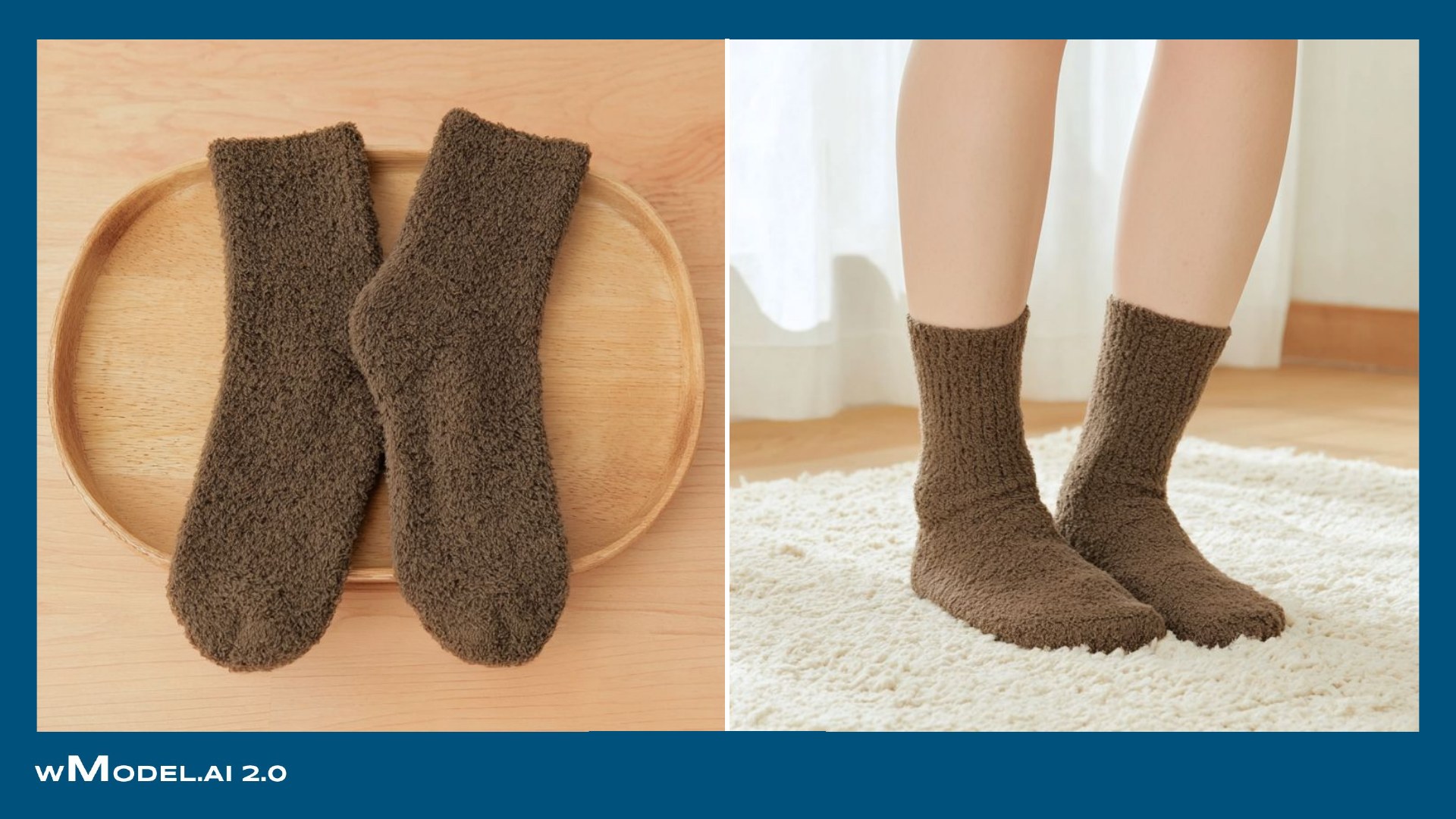
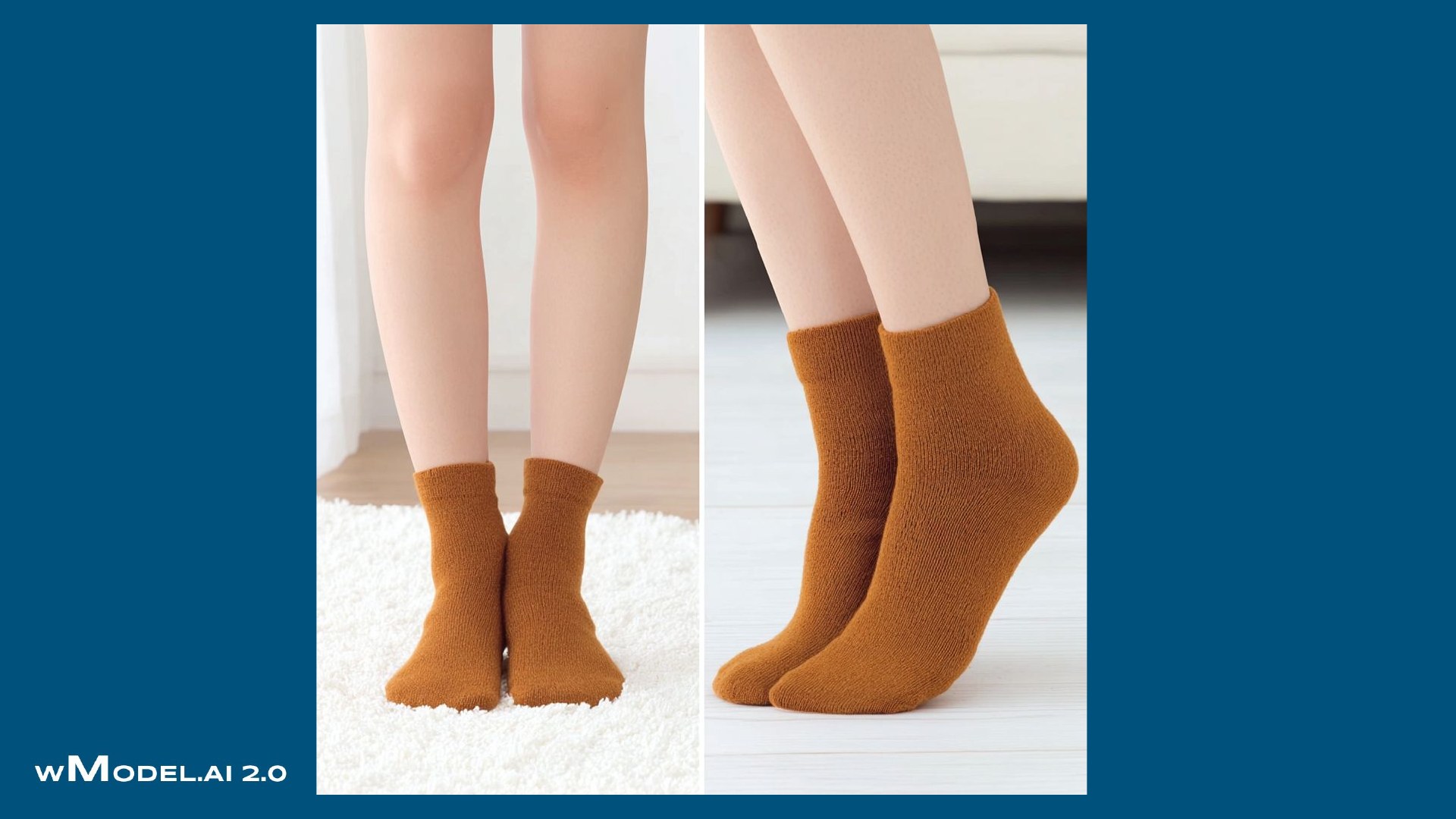
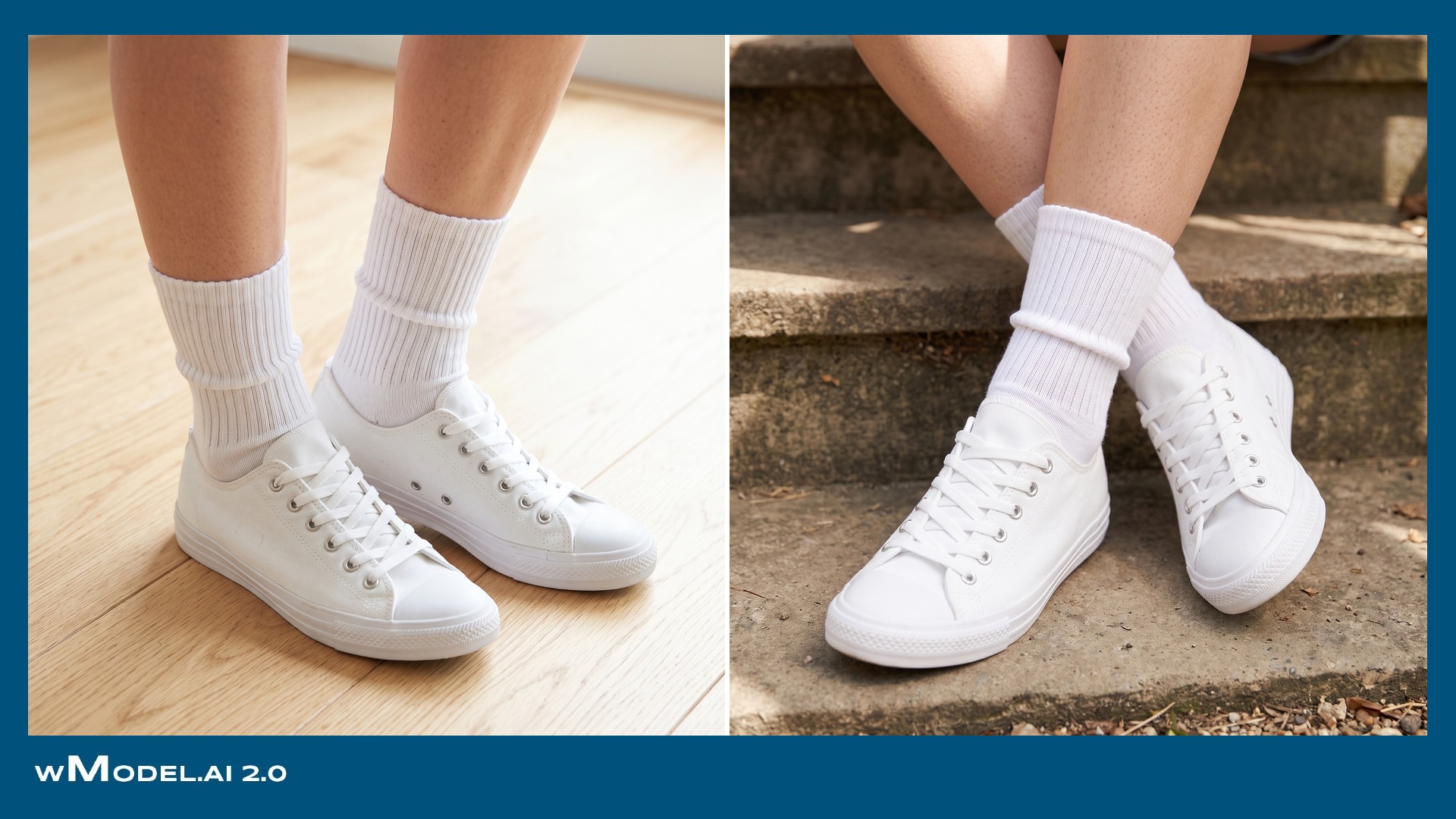
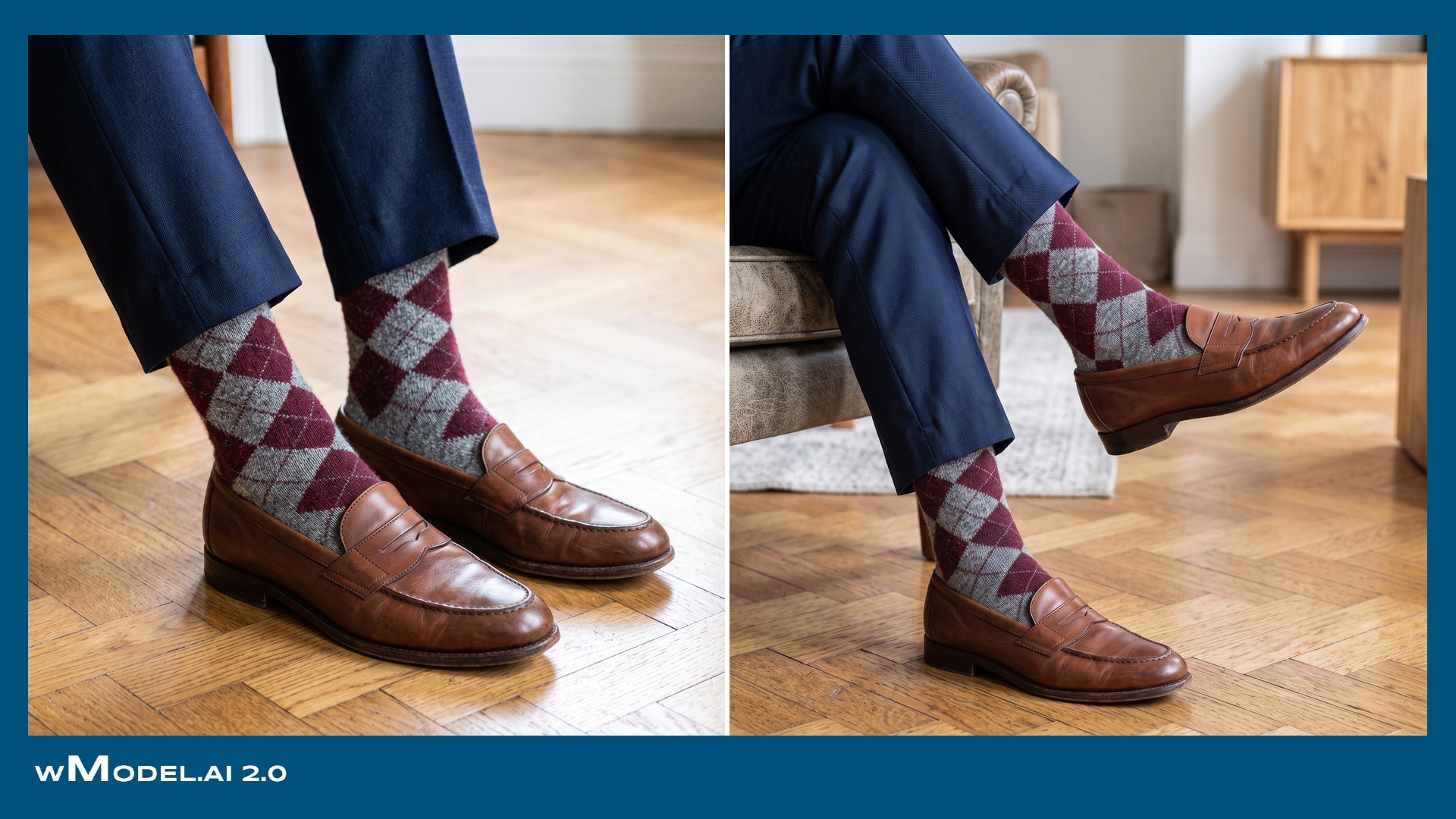
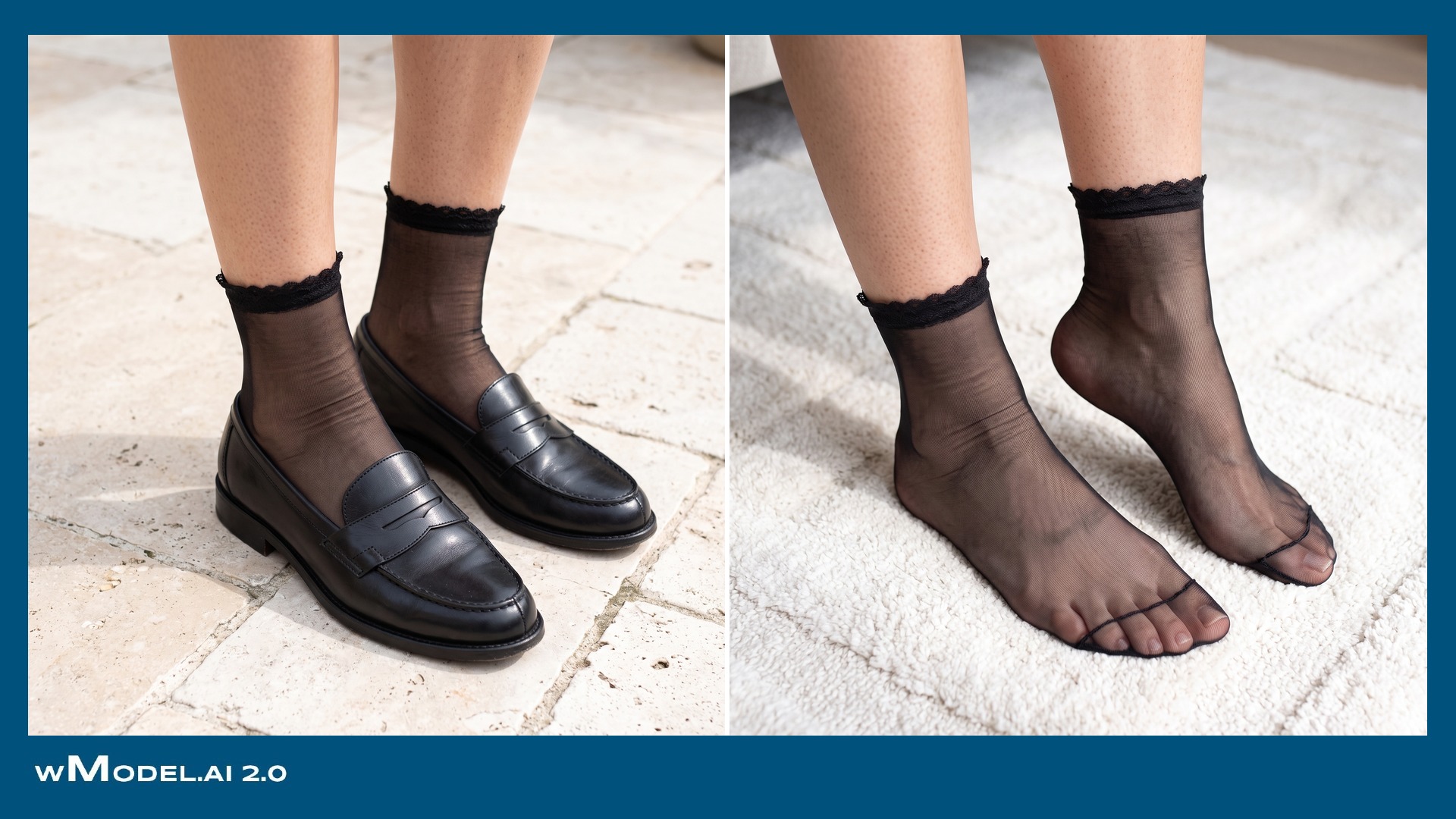
Create AI model foot photos from flat-lay or boxed product photos, with no models to book and no shoot.
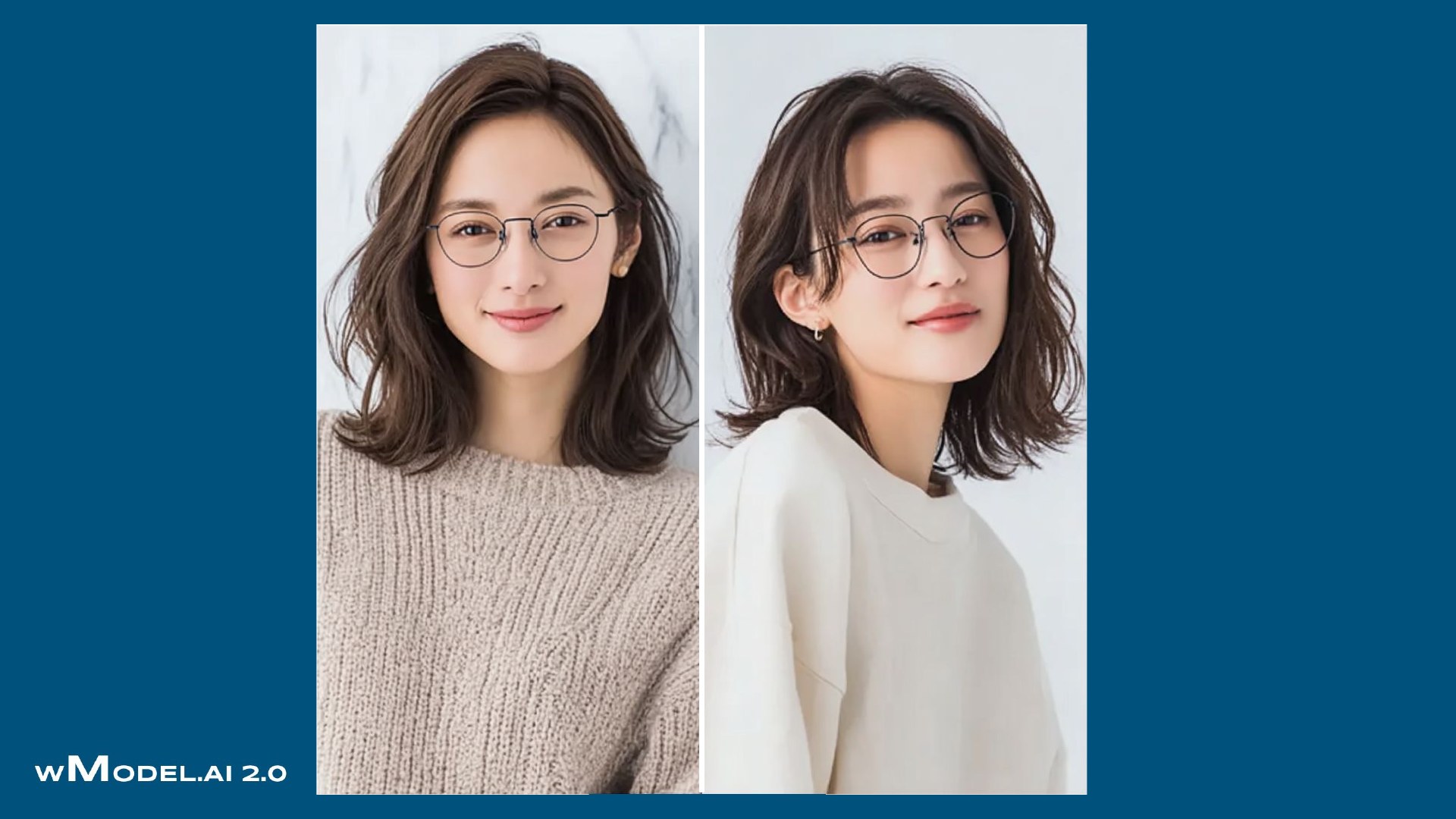
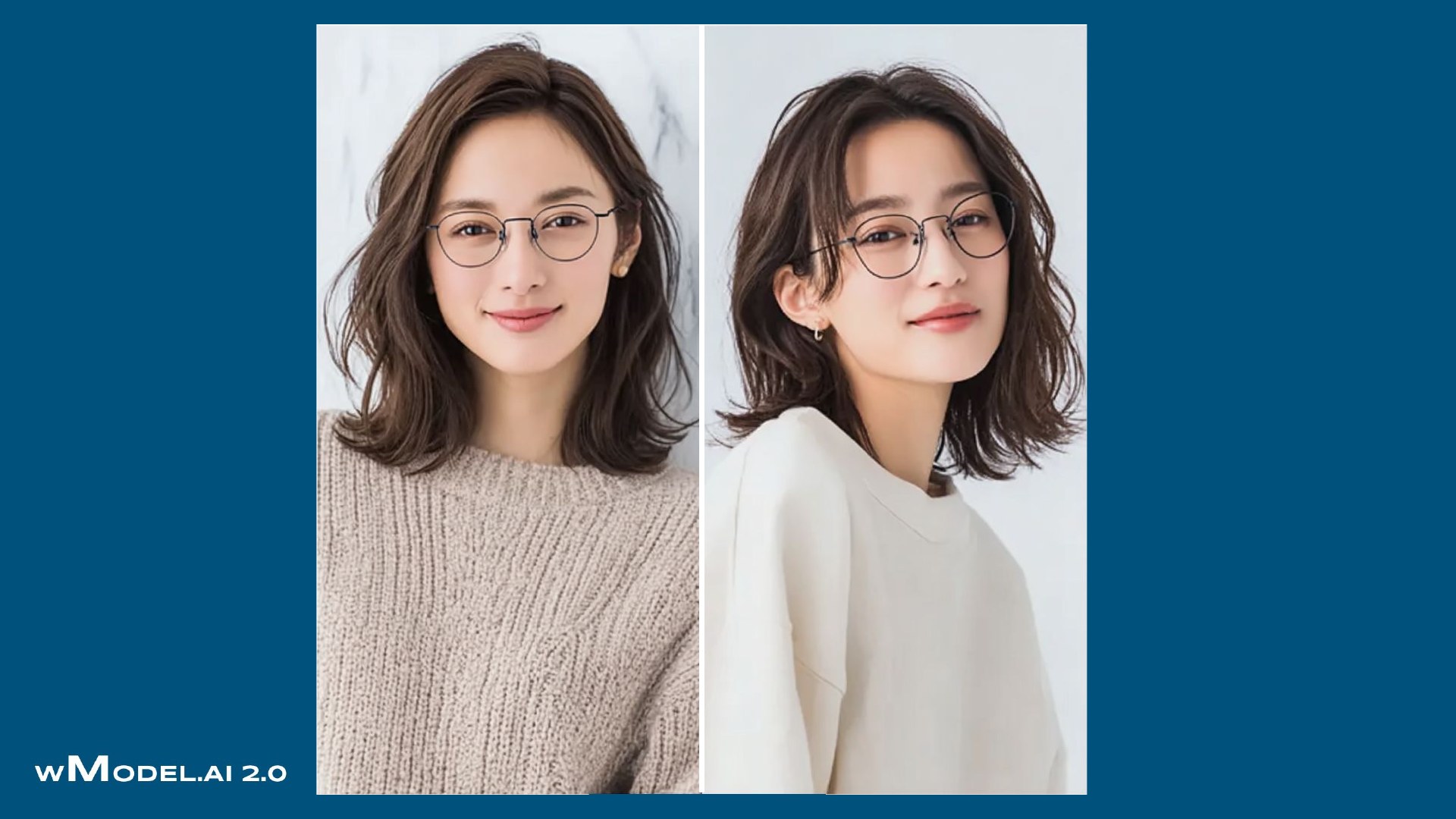
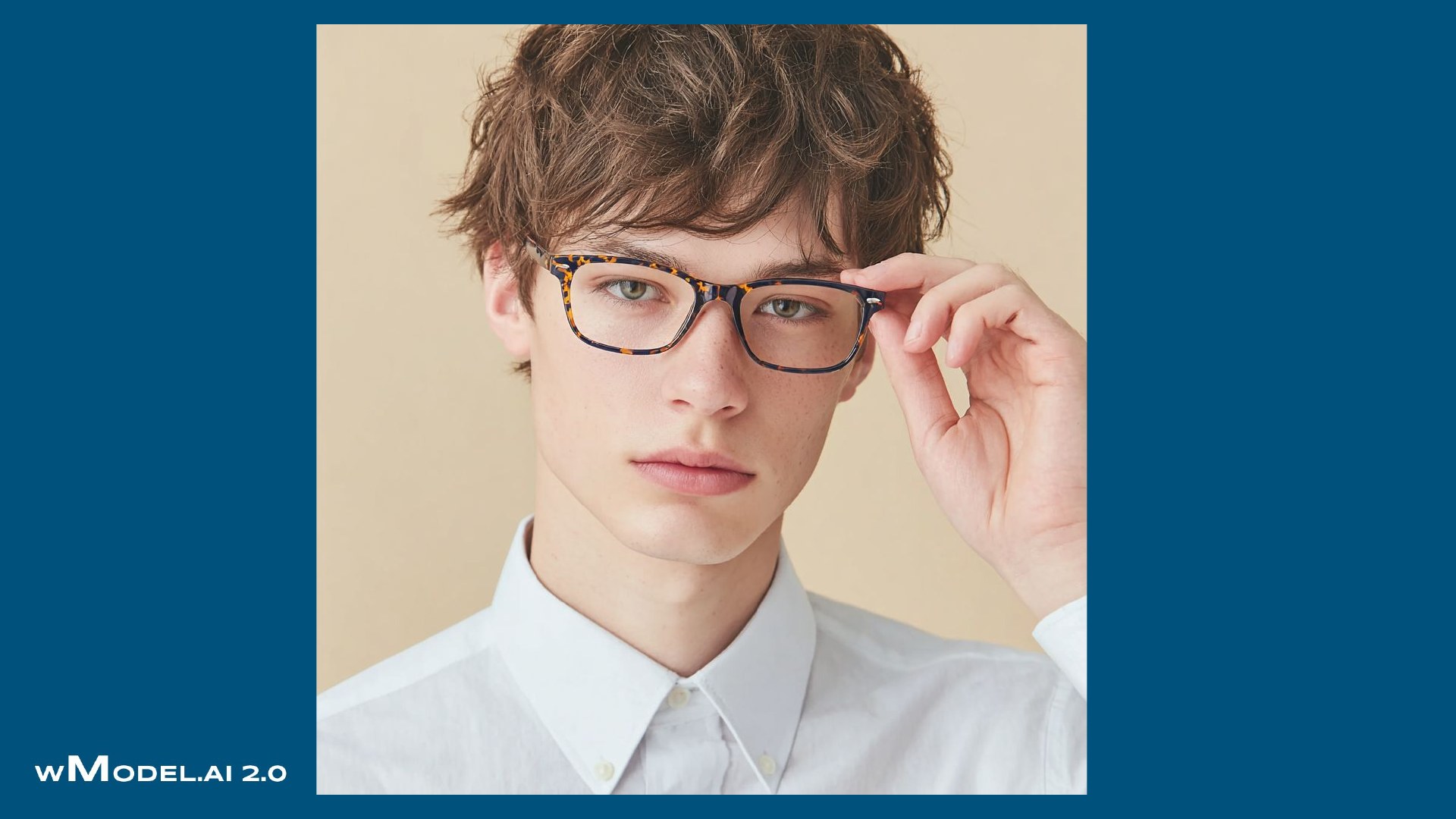
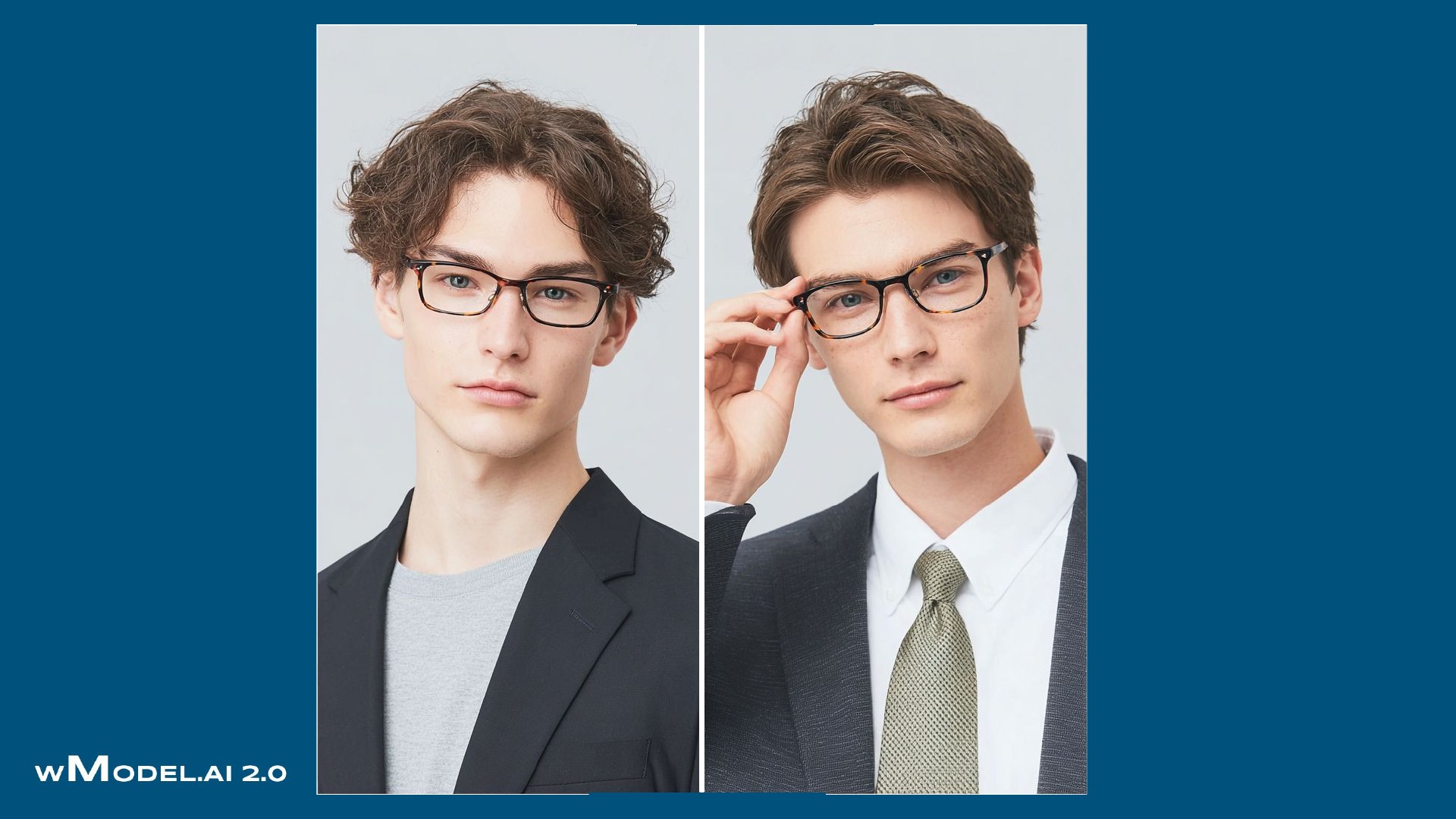
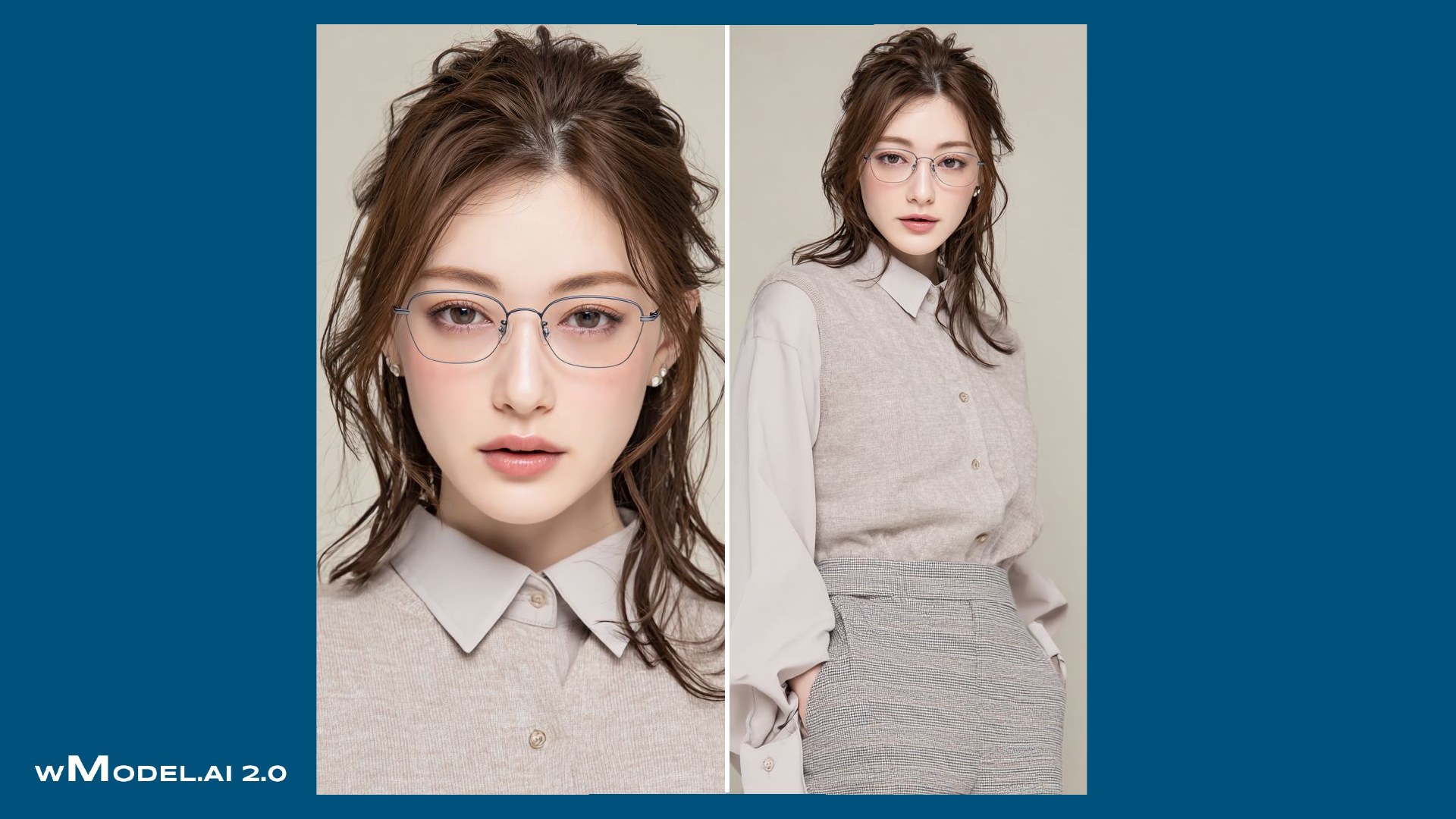
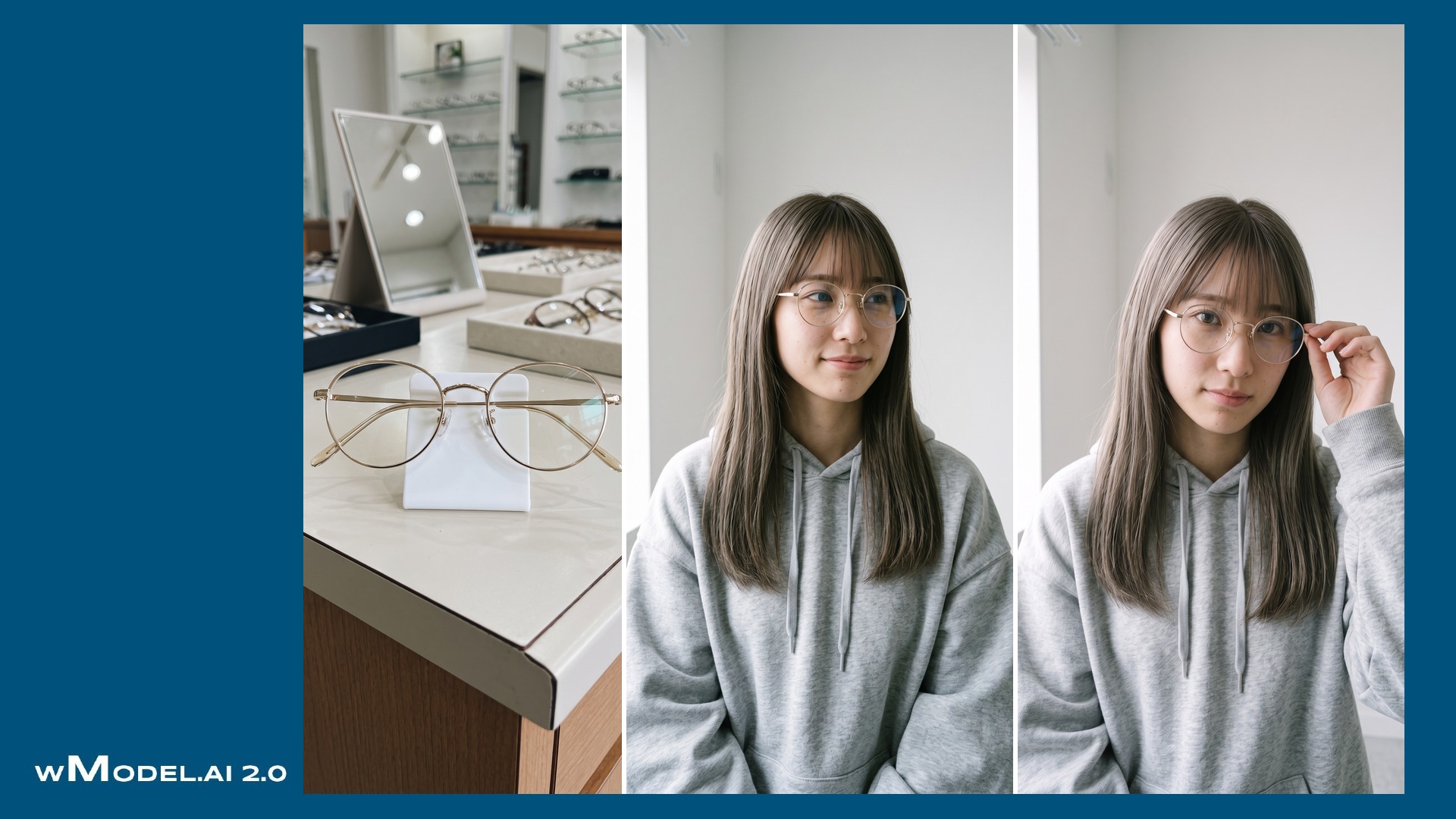
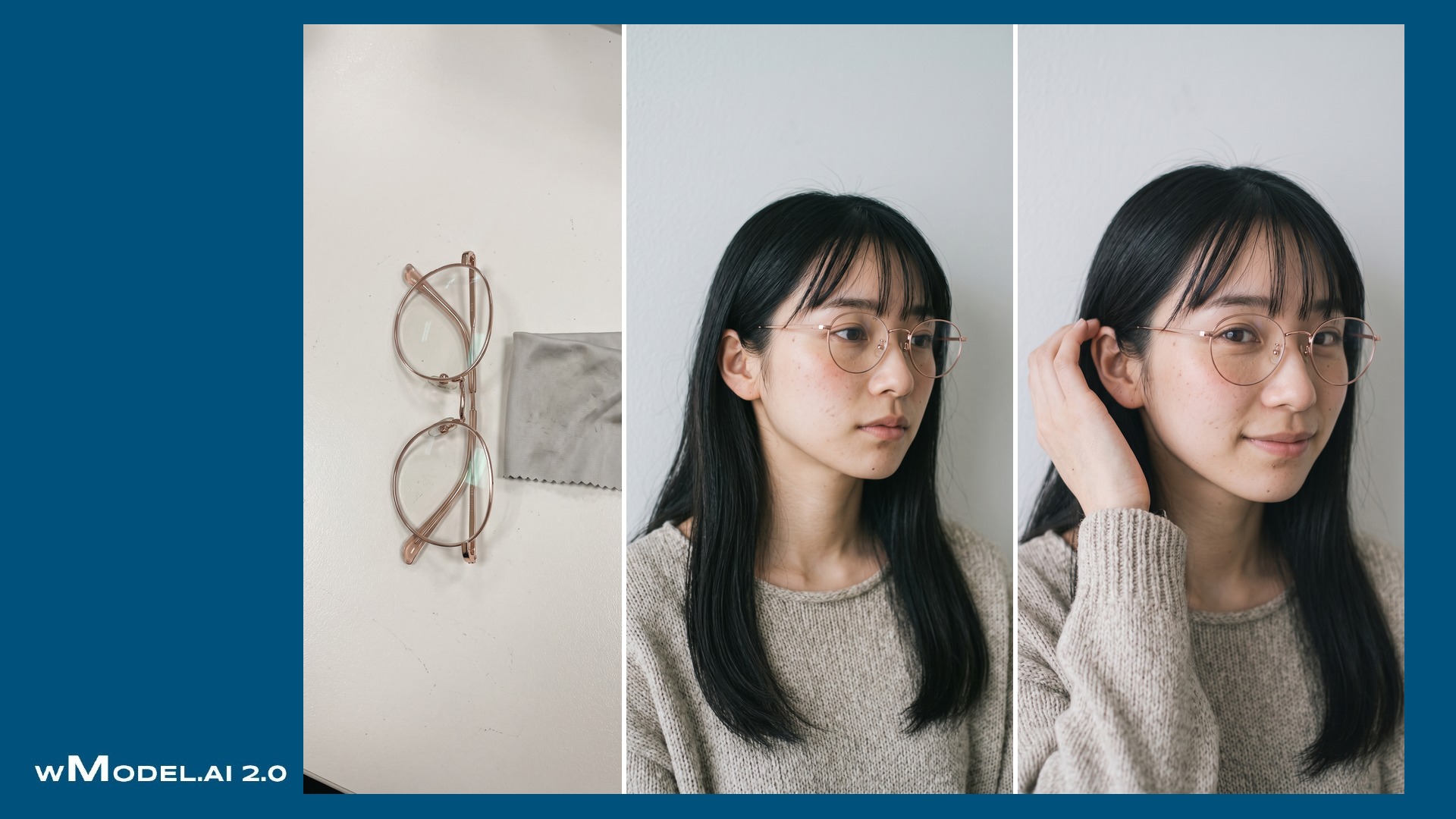
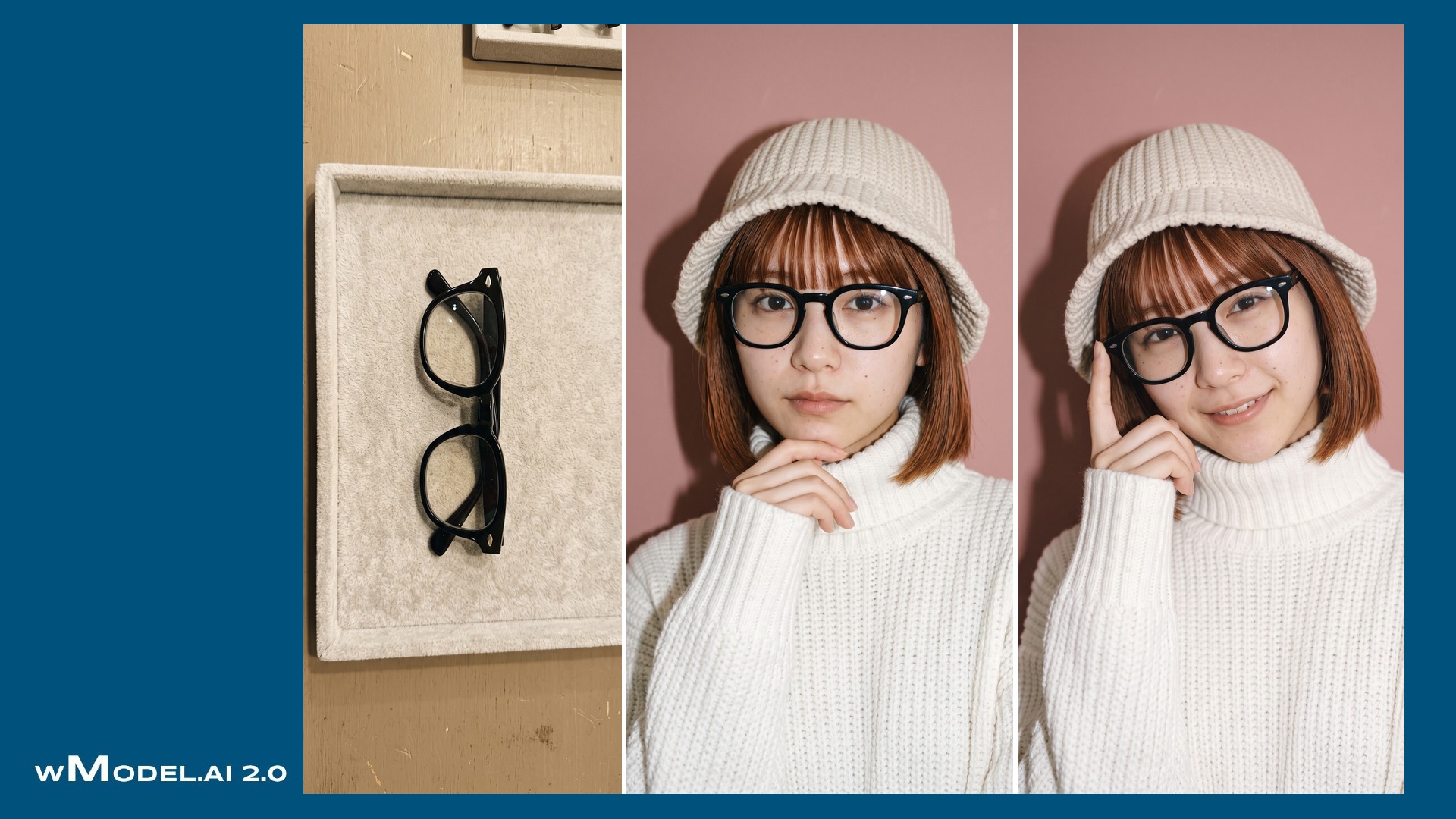
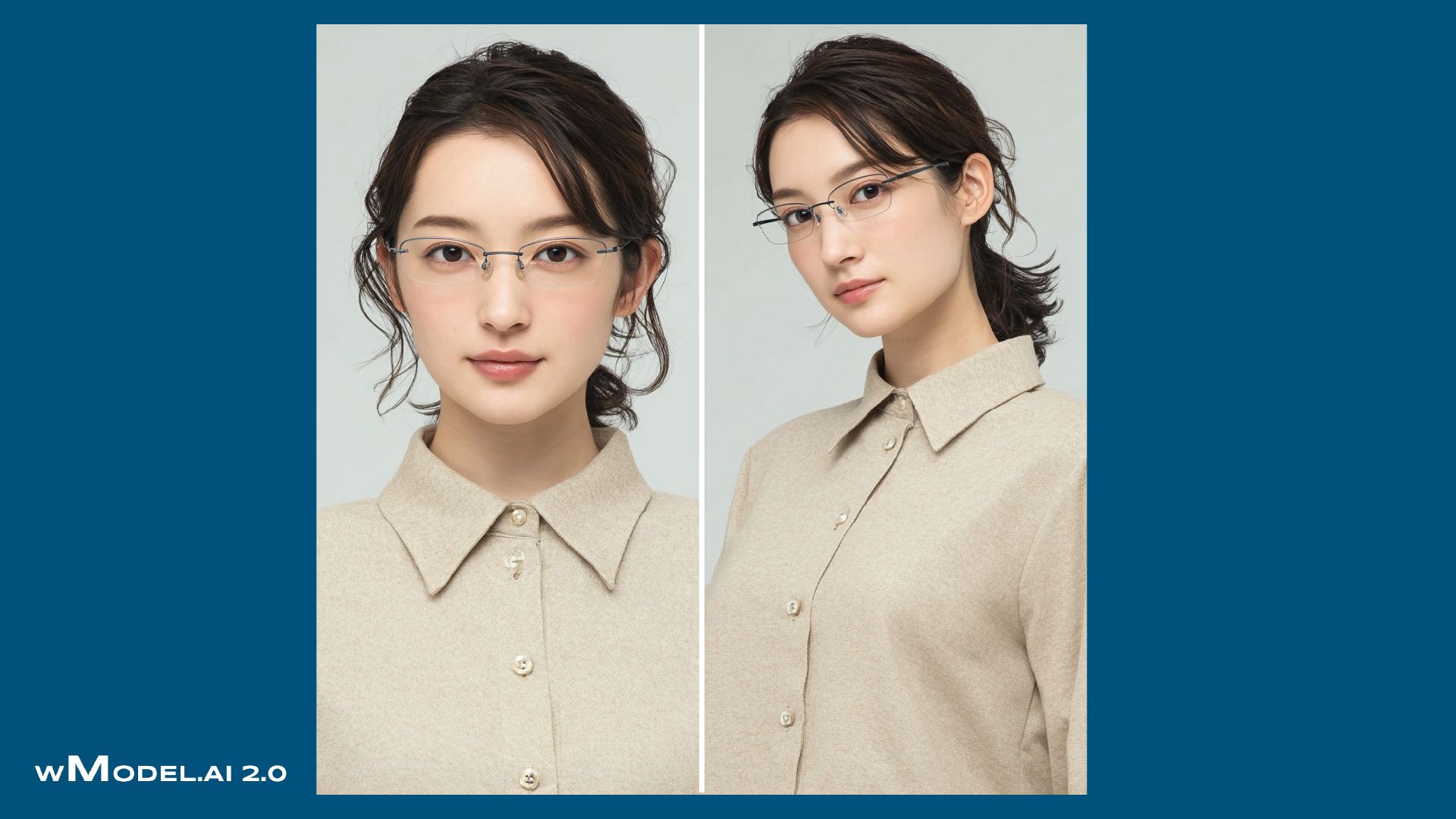
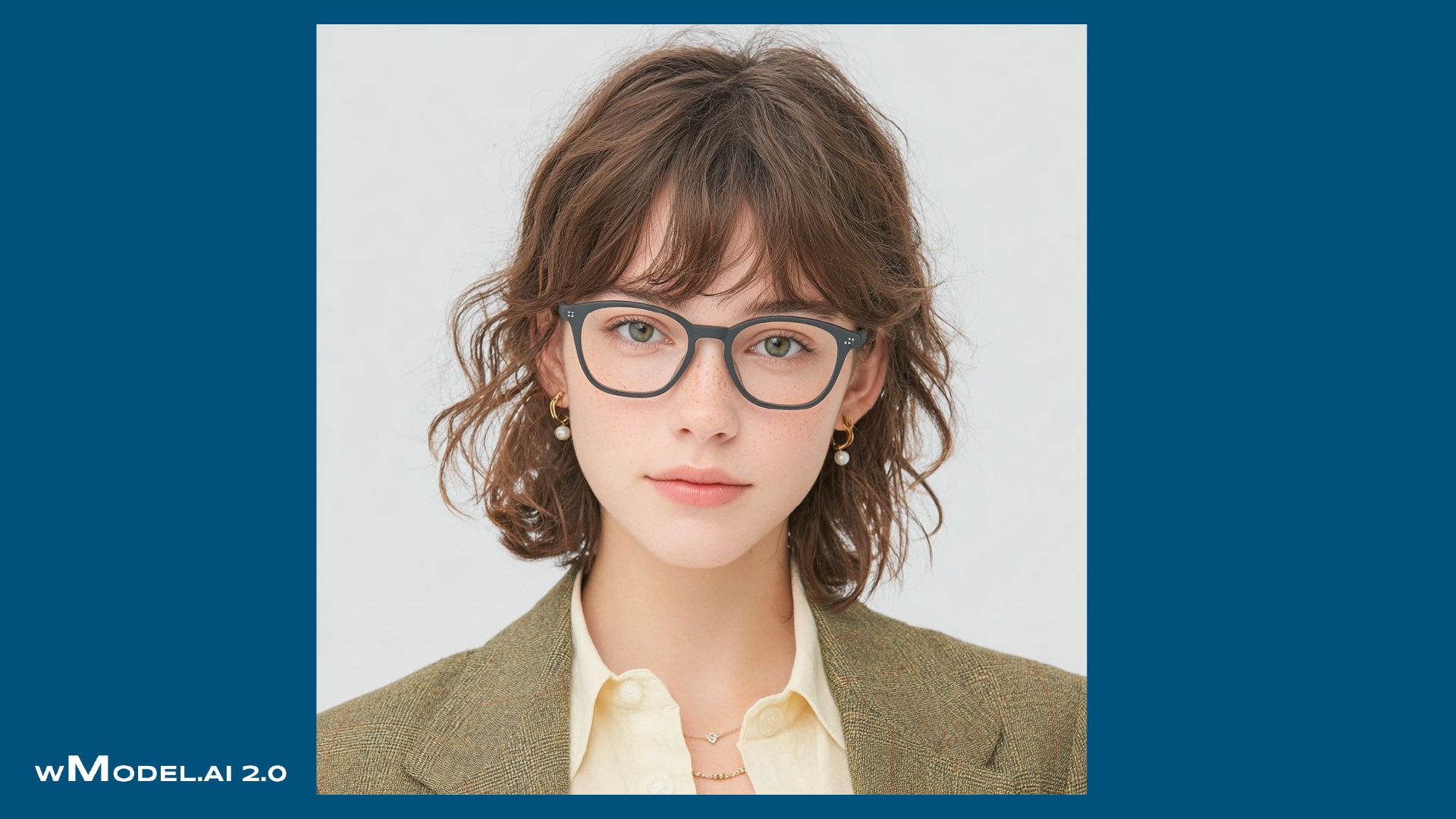
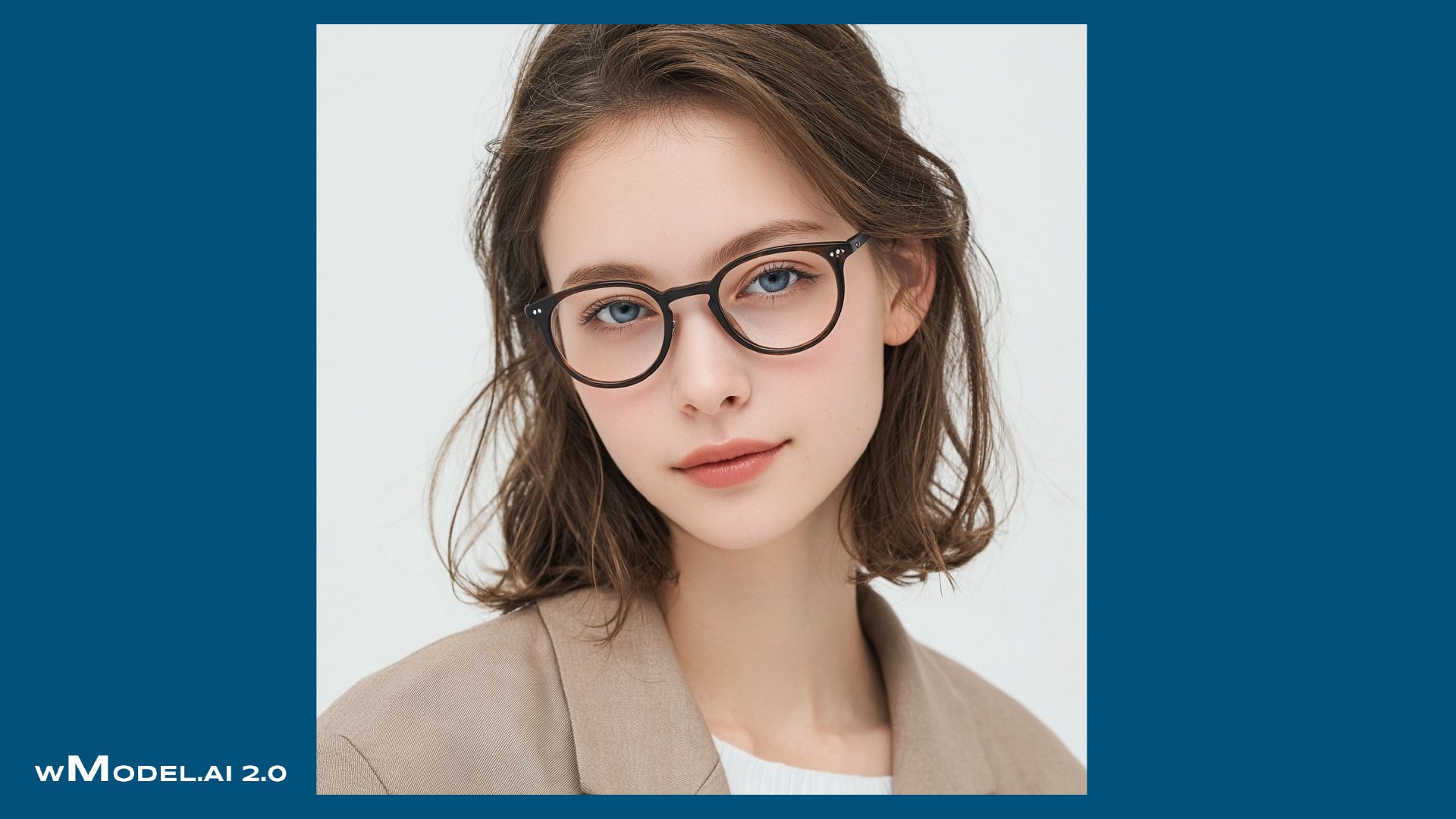
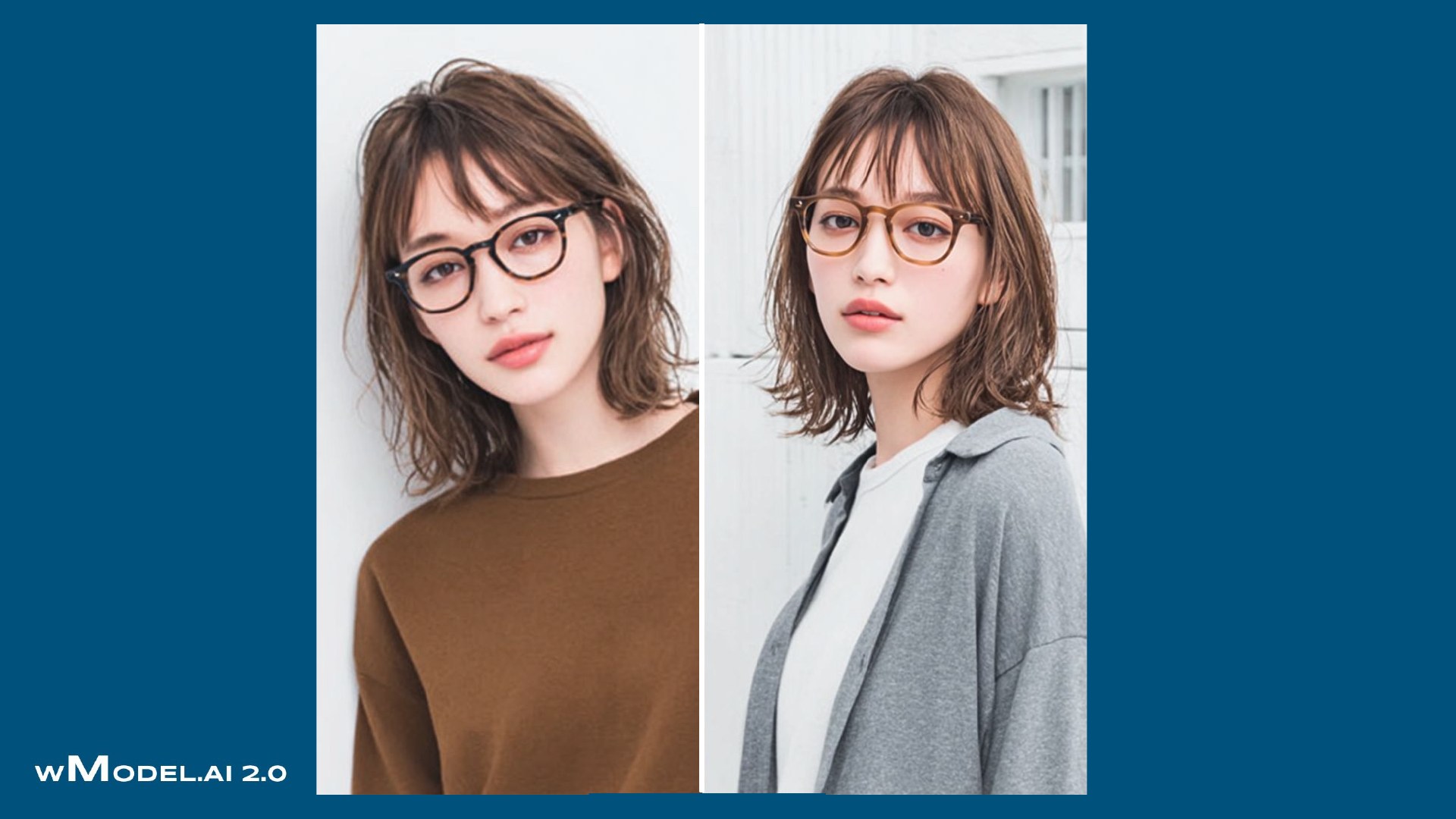
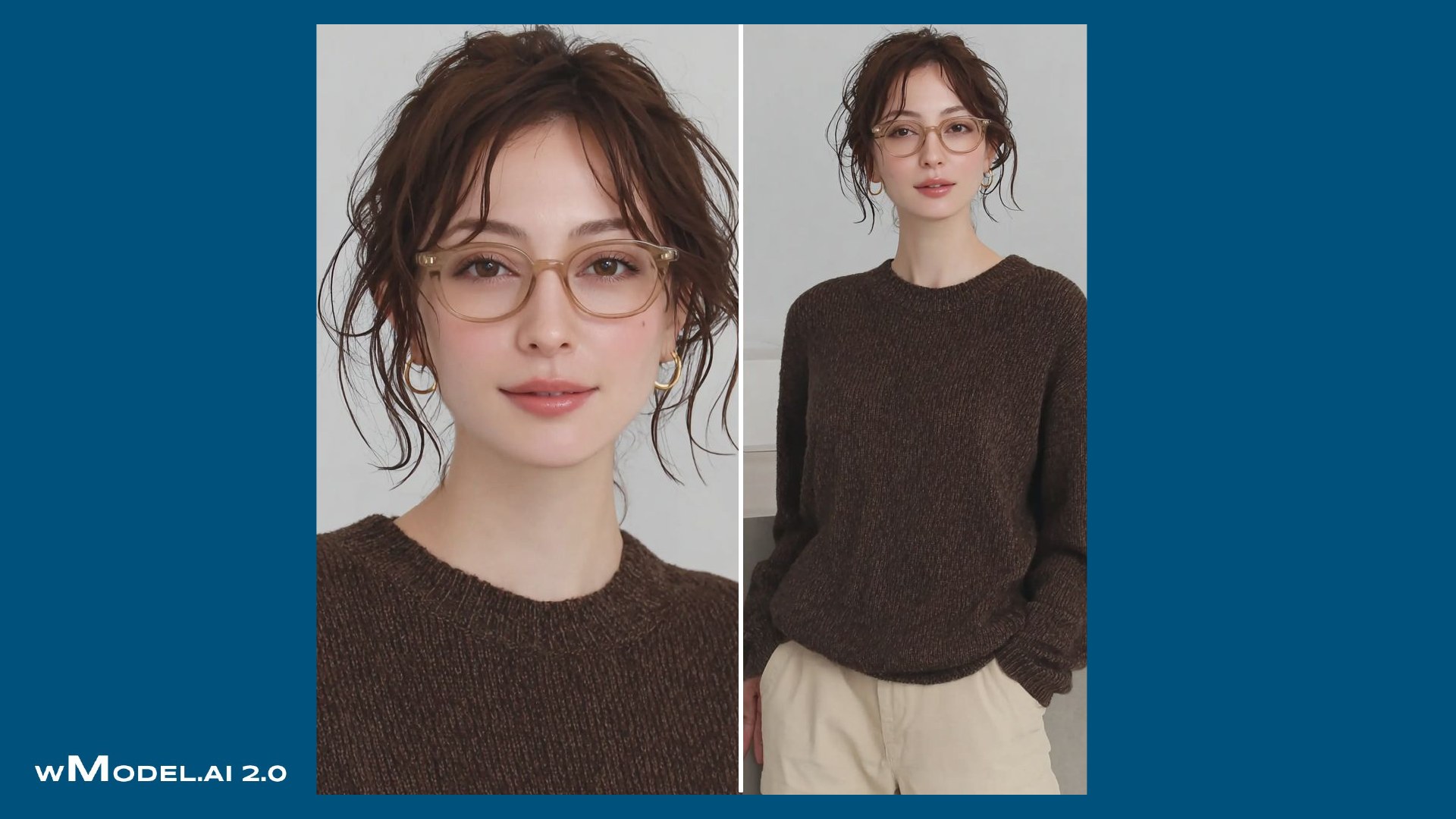
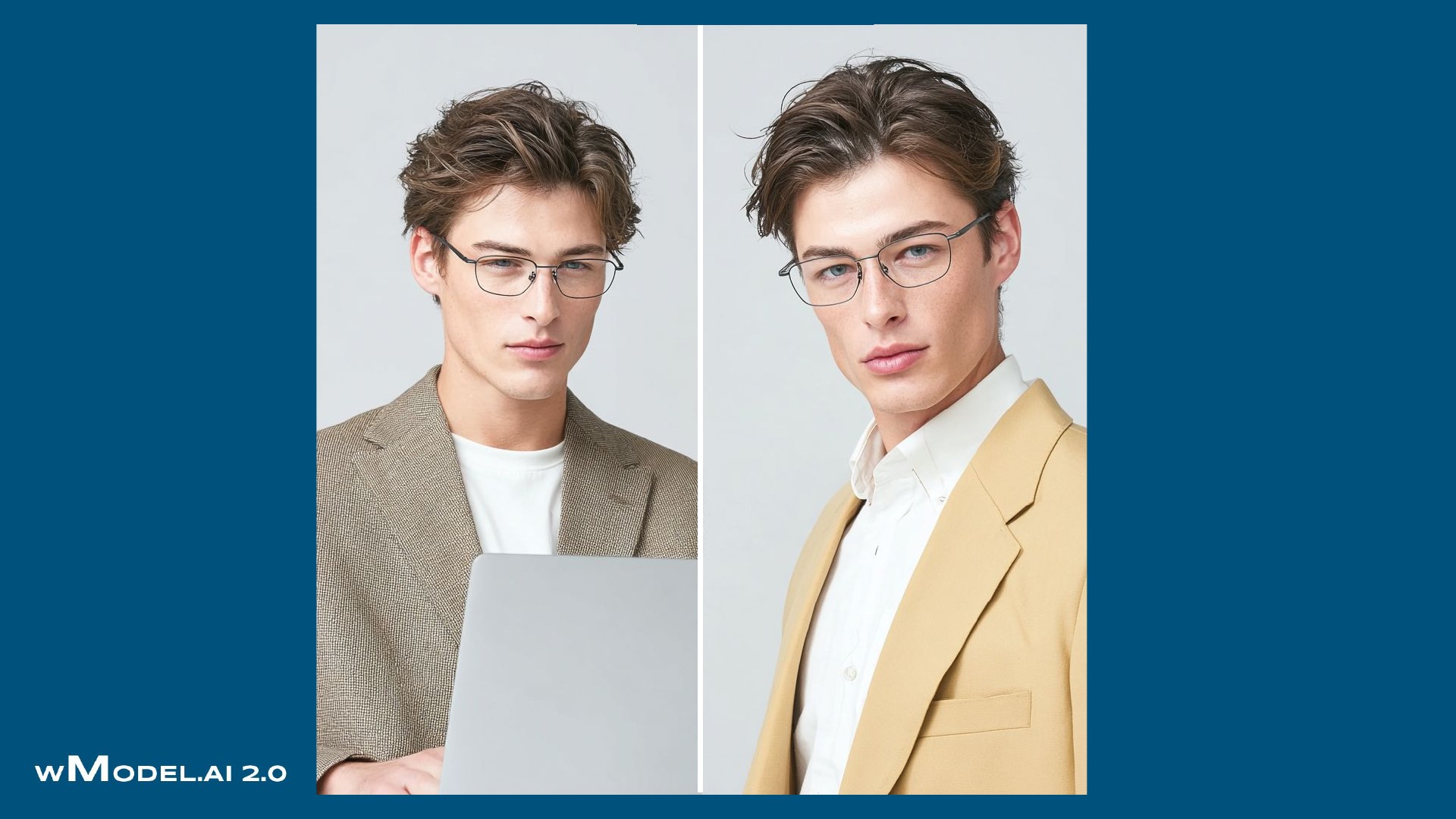
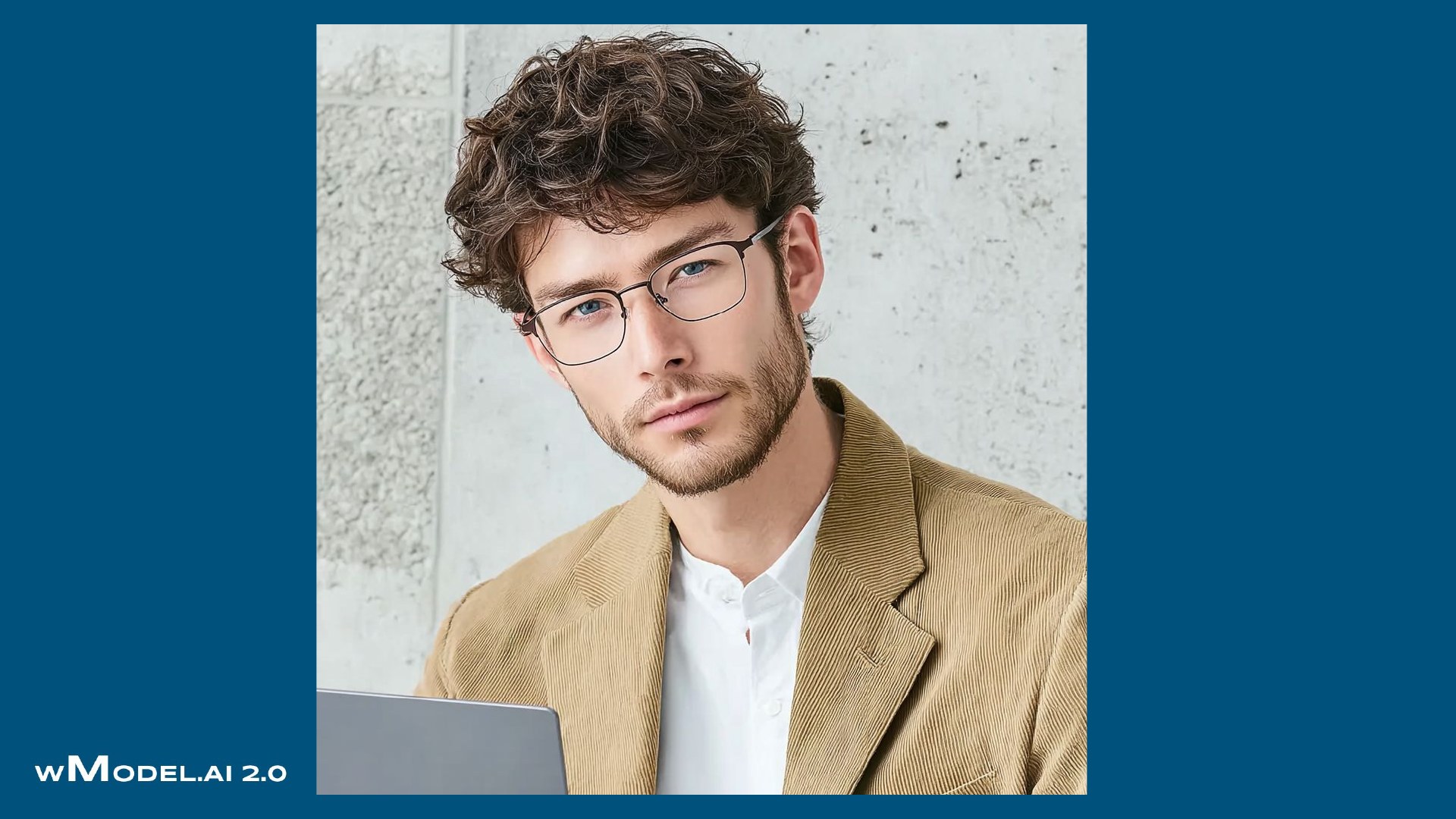
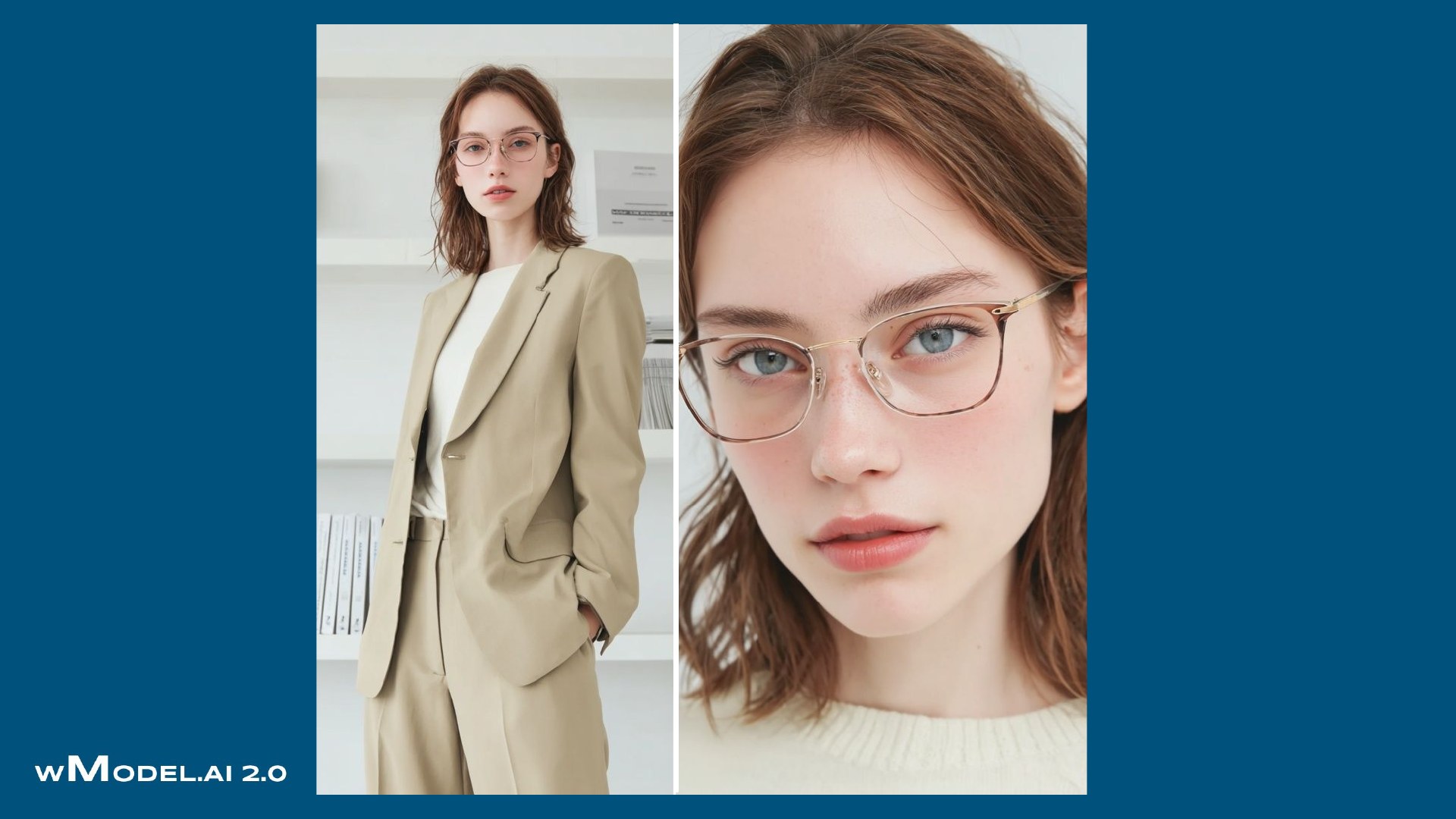
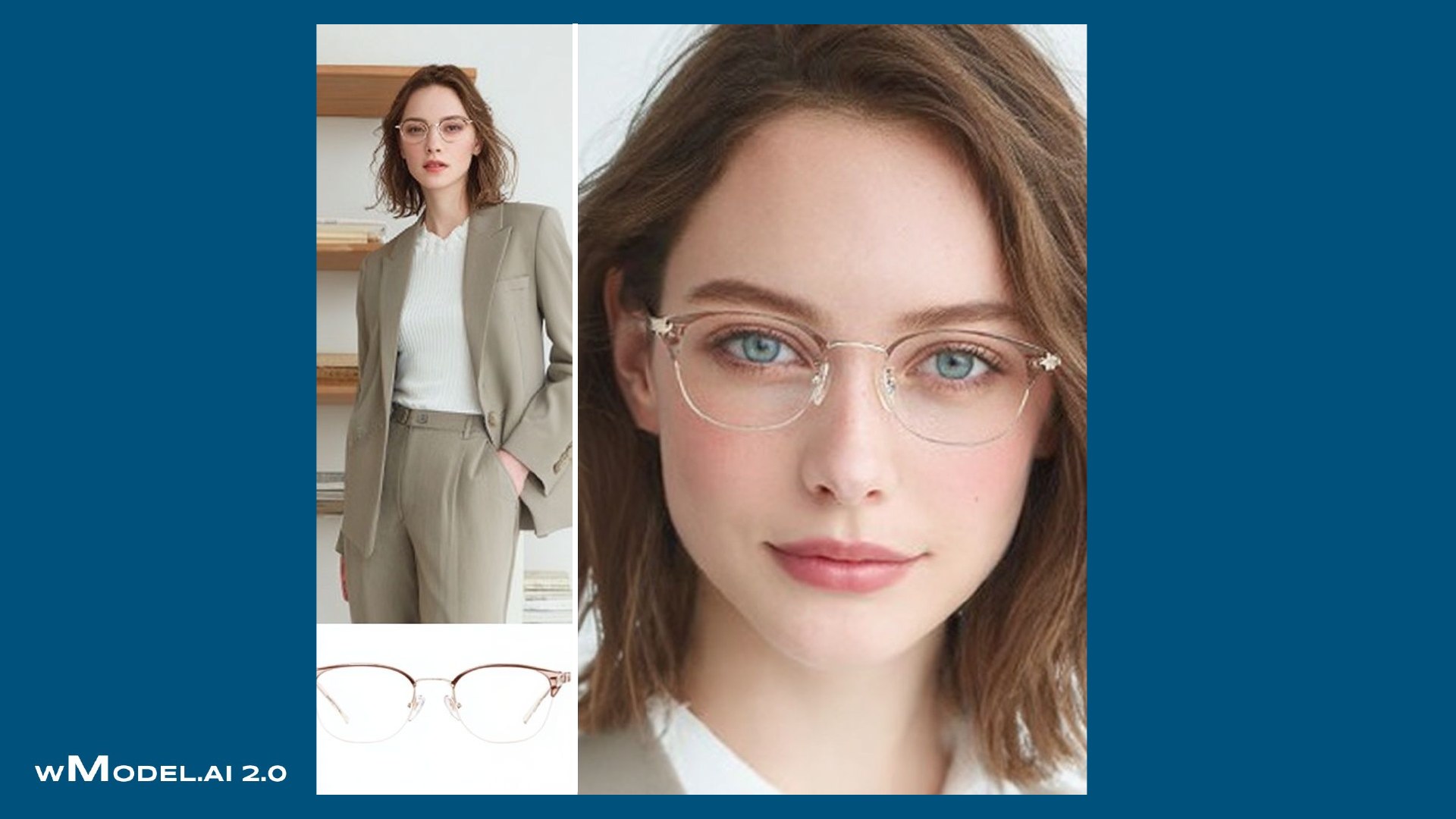
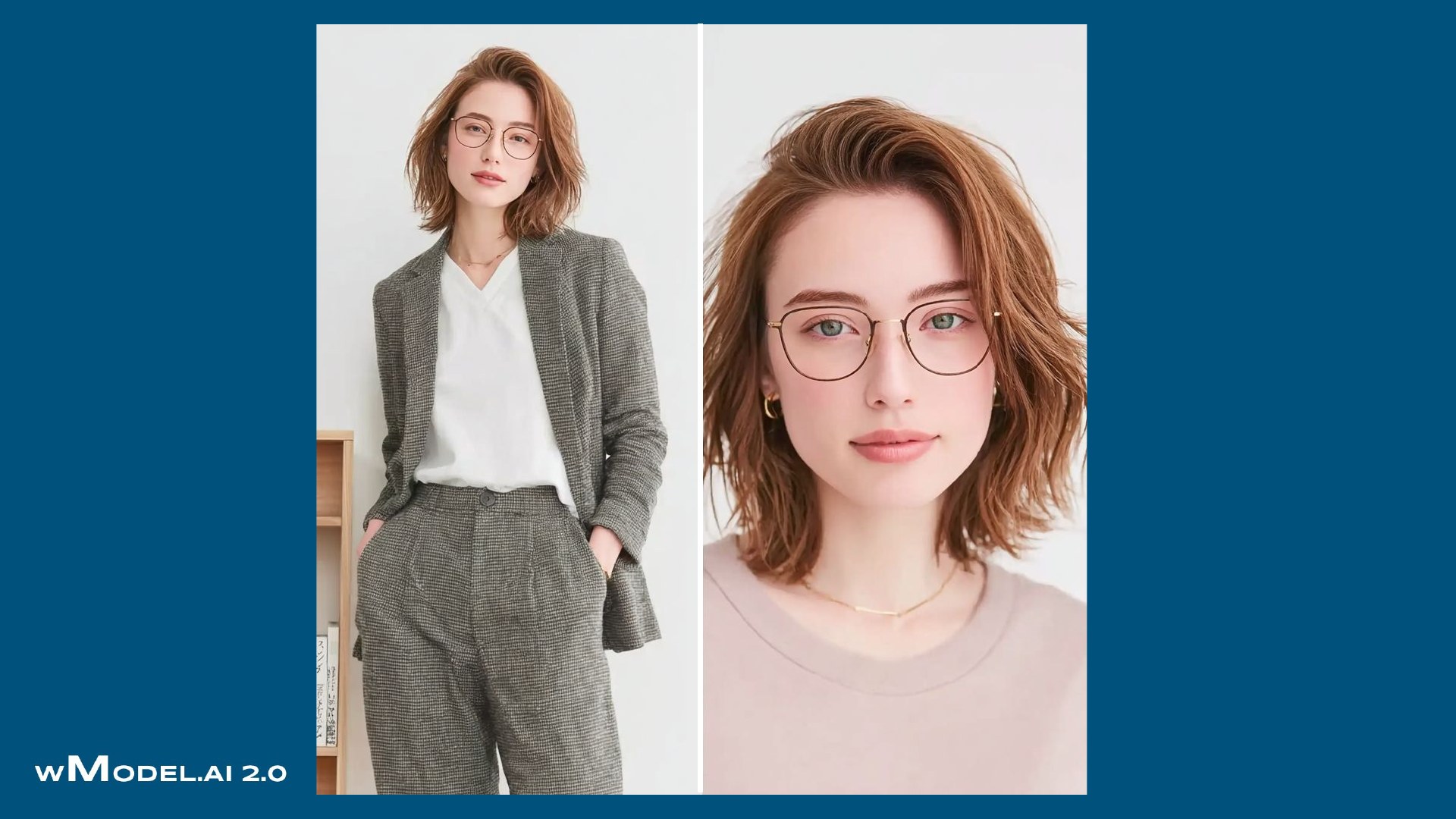
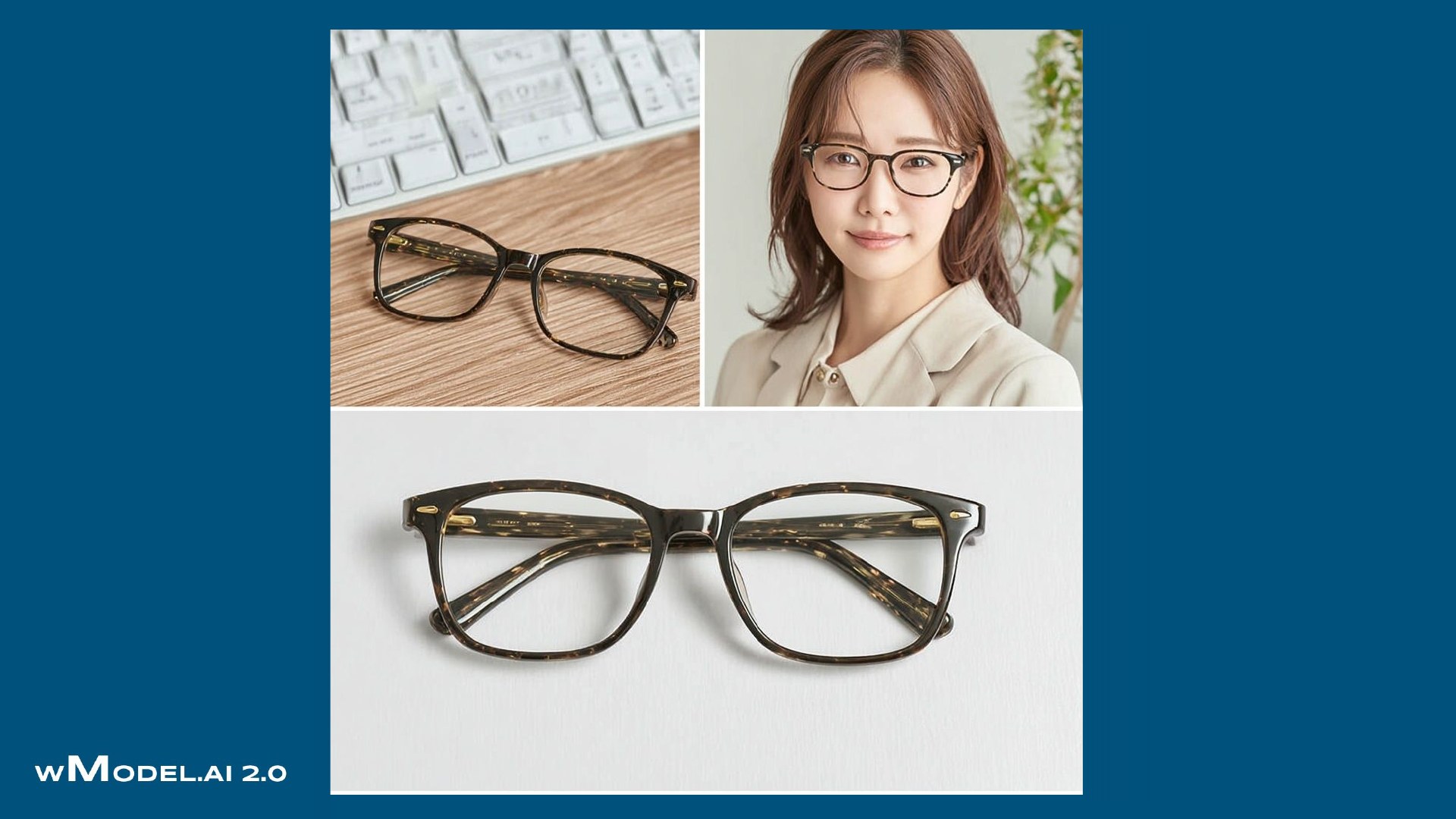
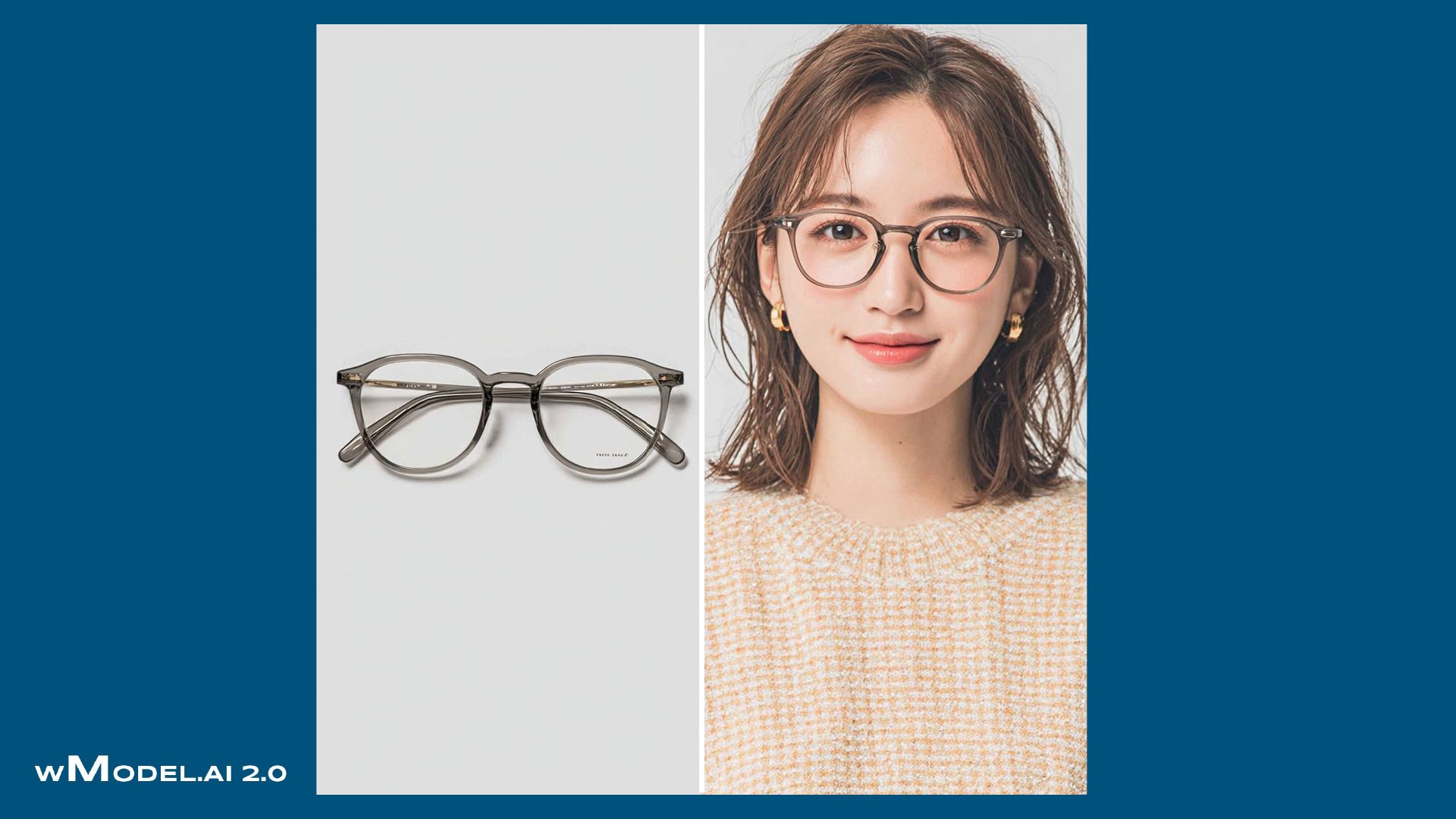
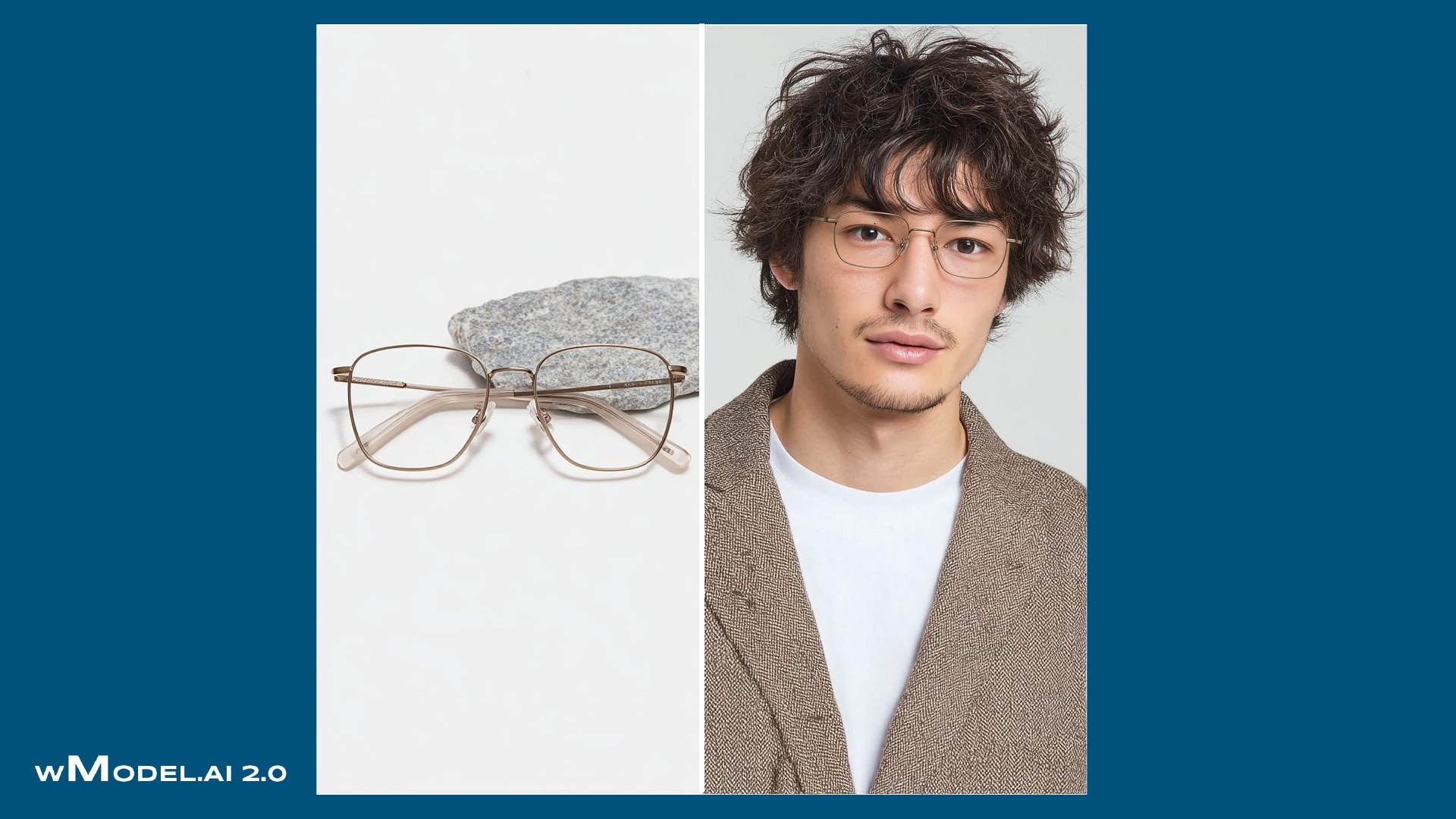
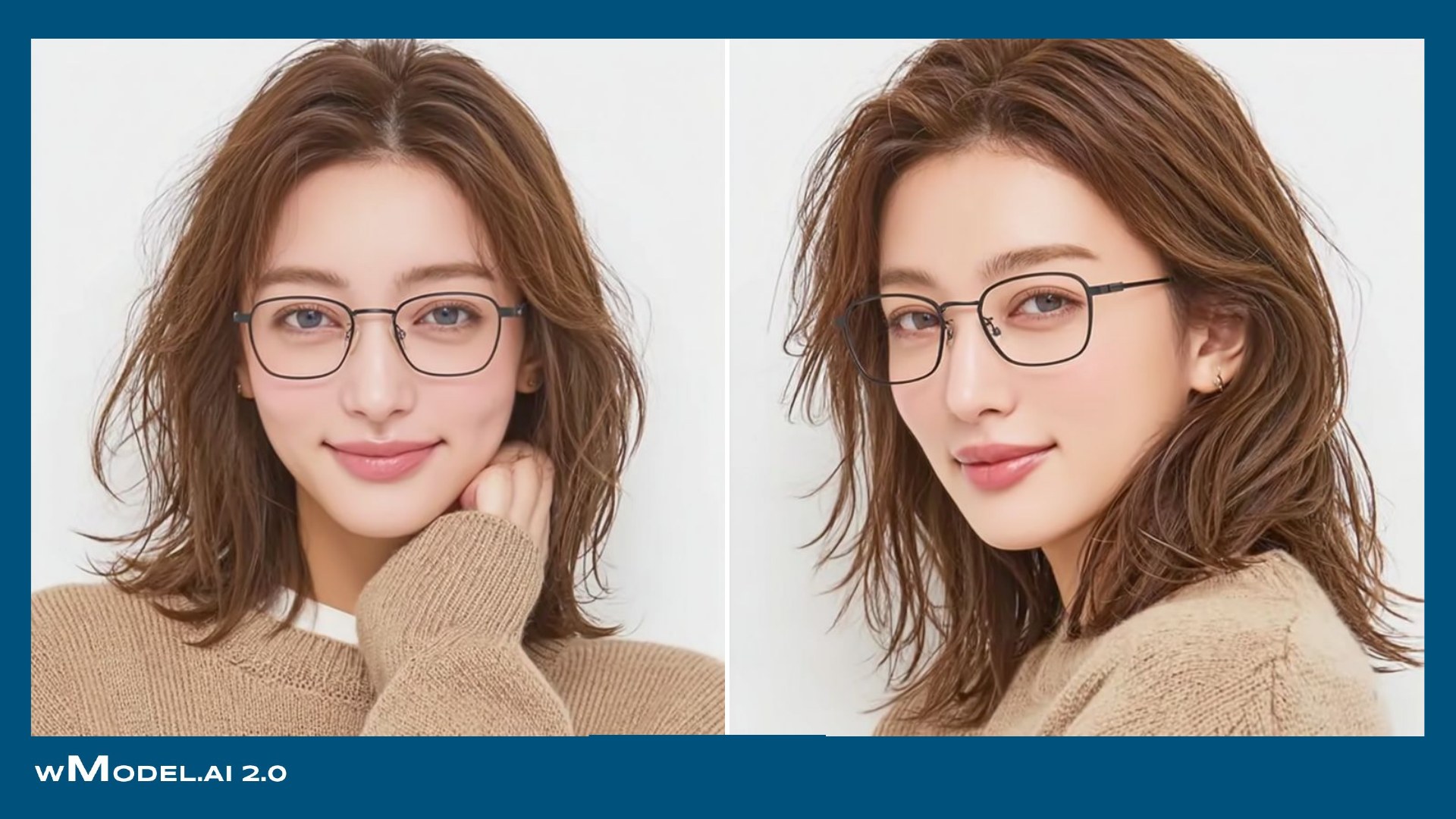
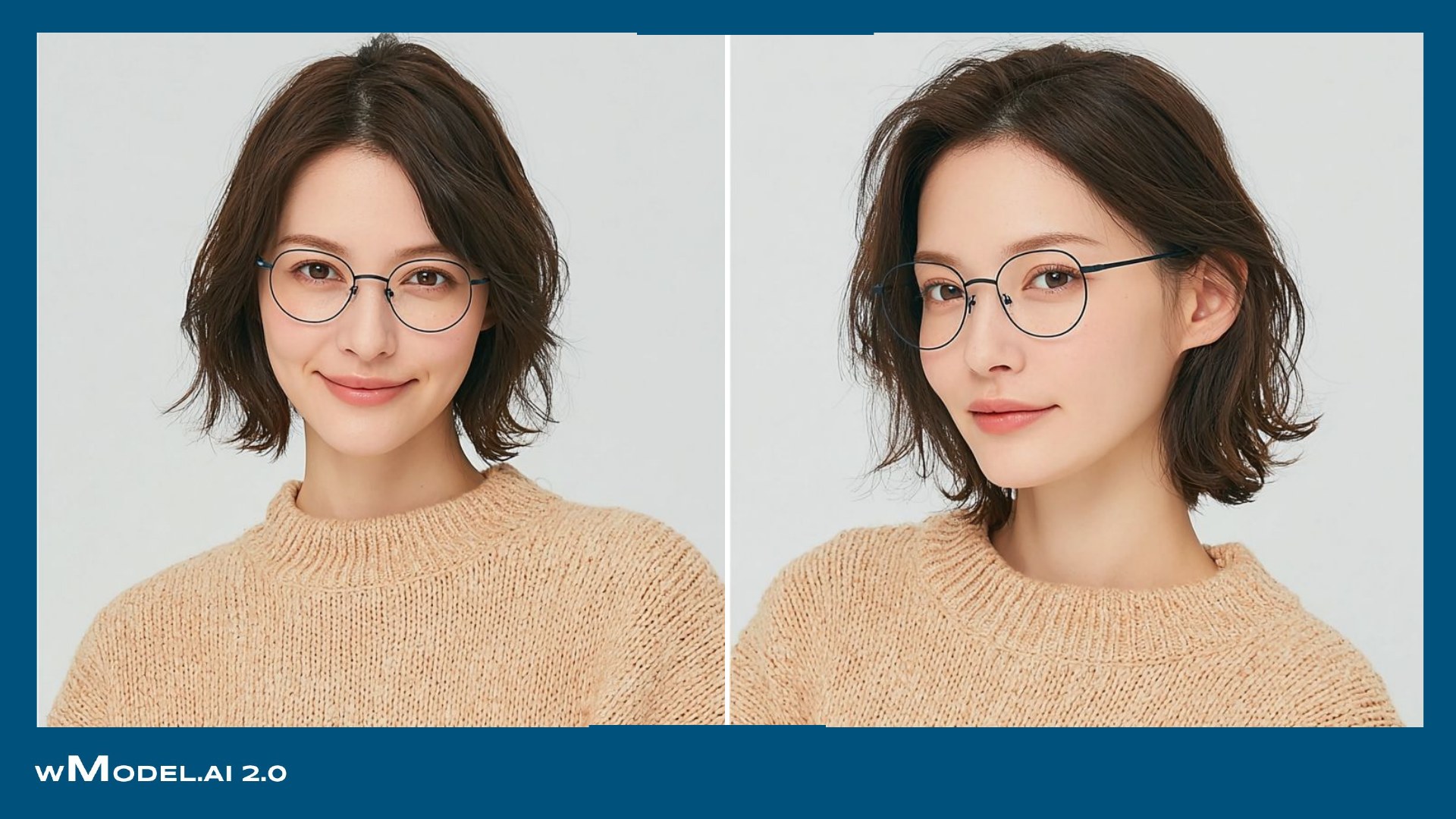
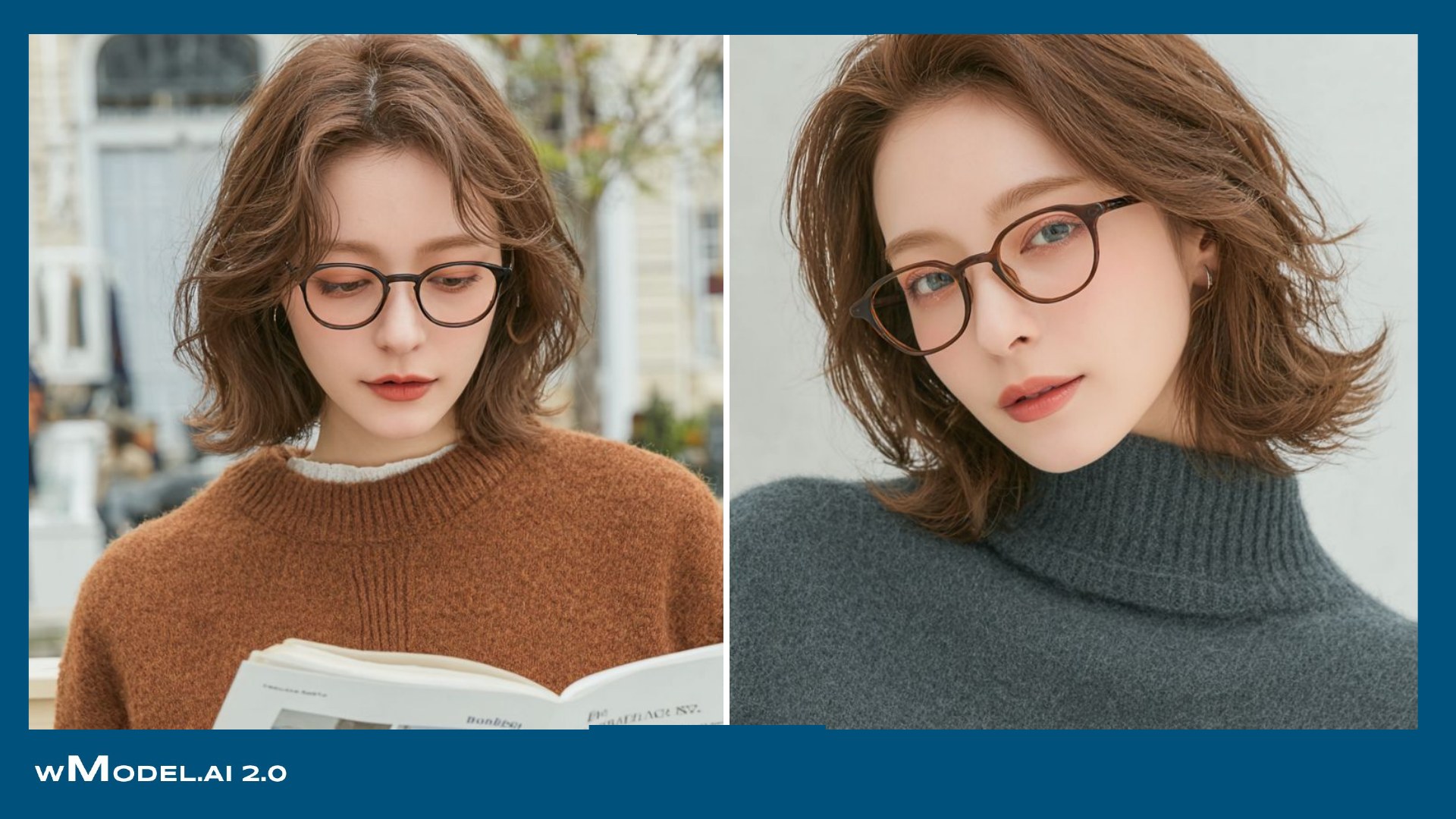
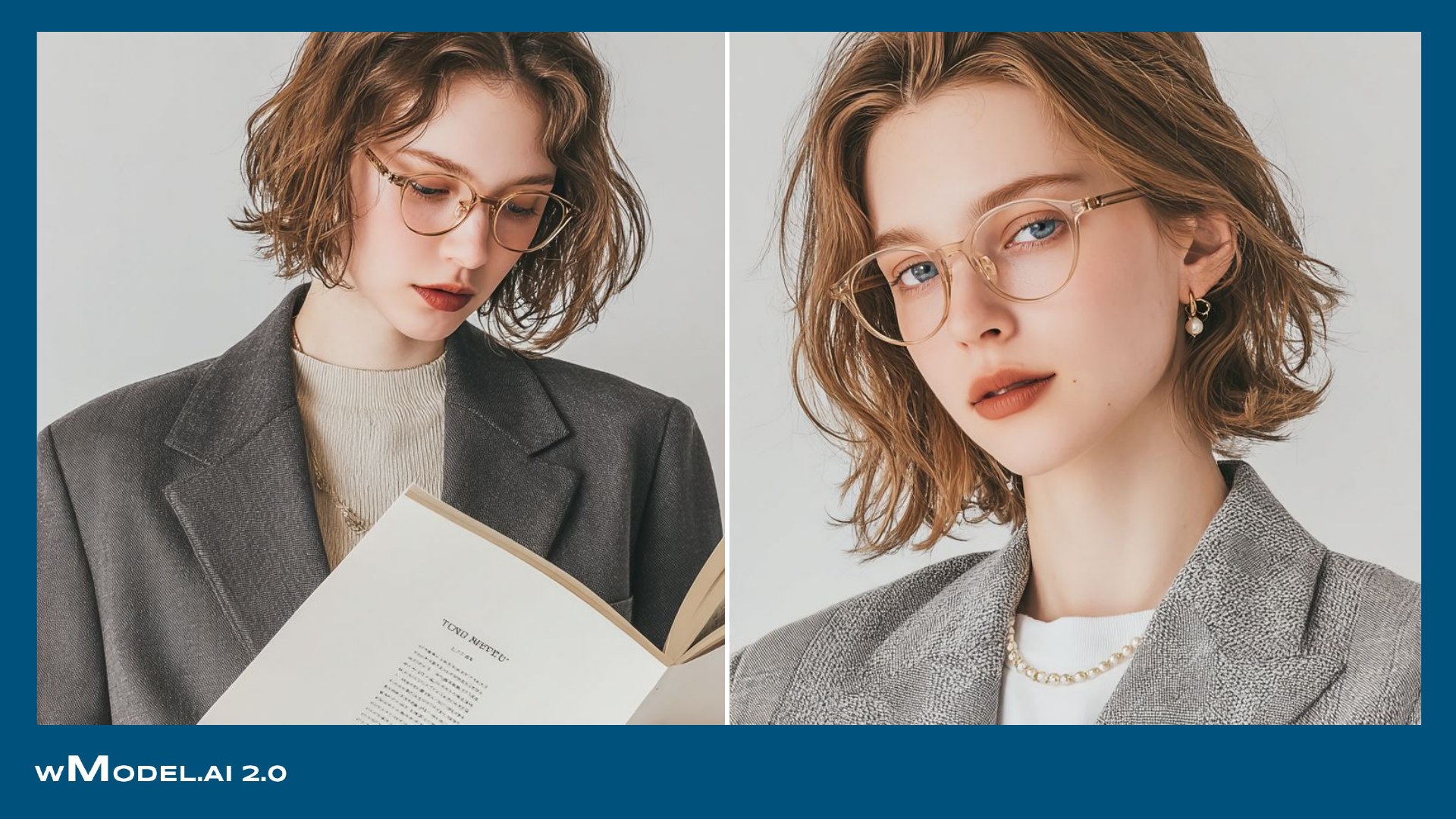
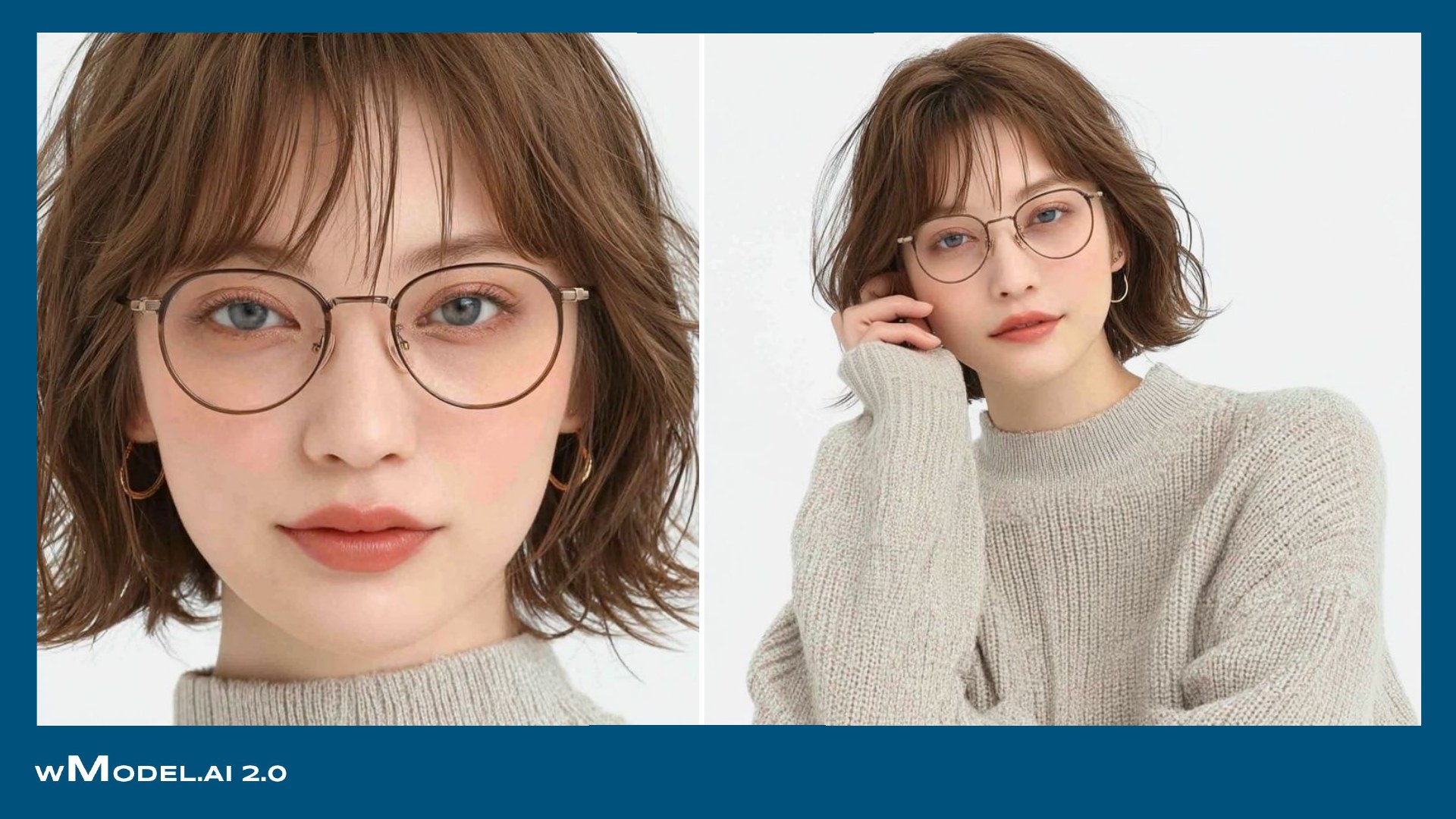
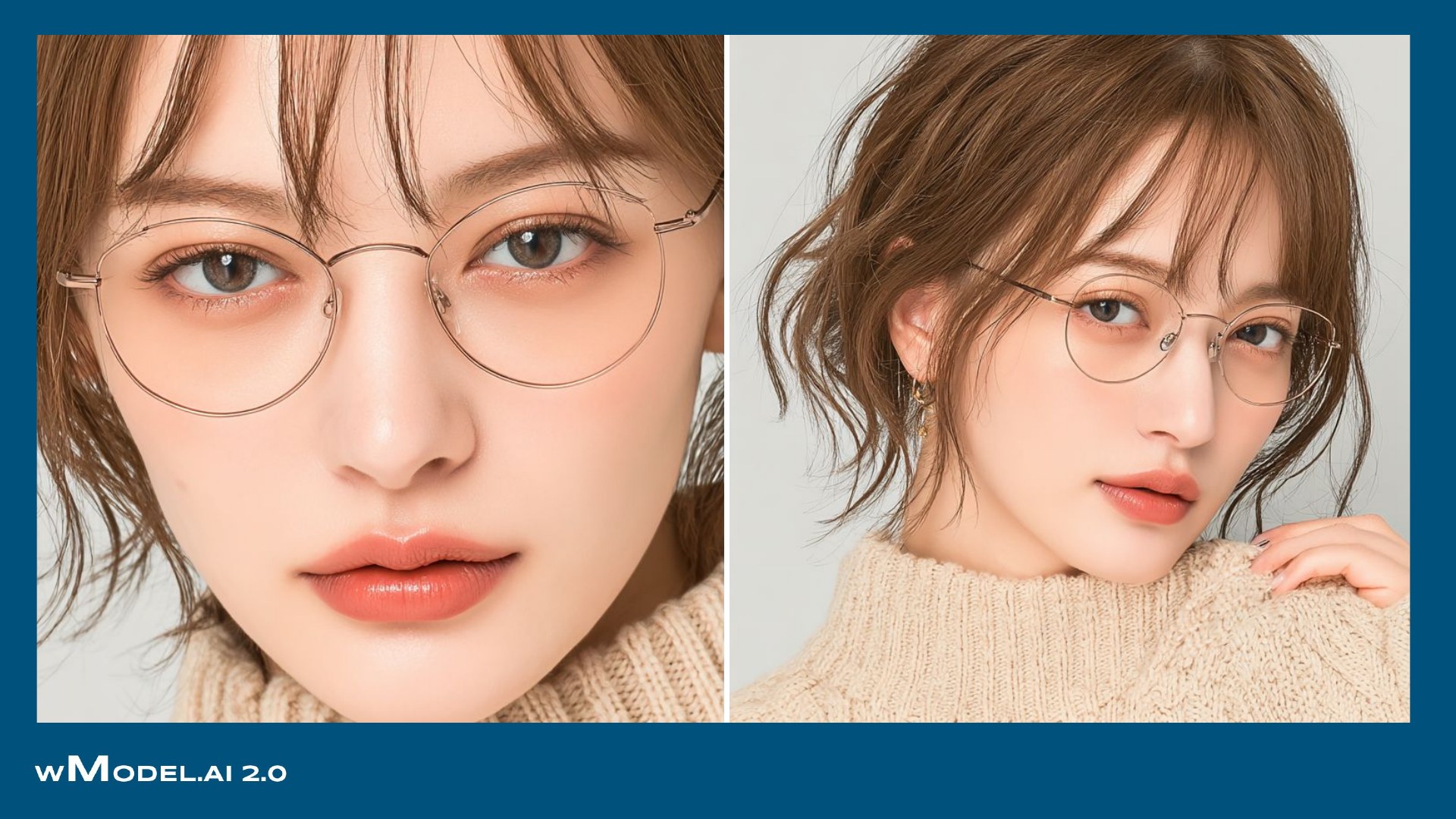
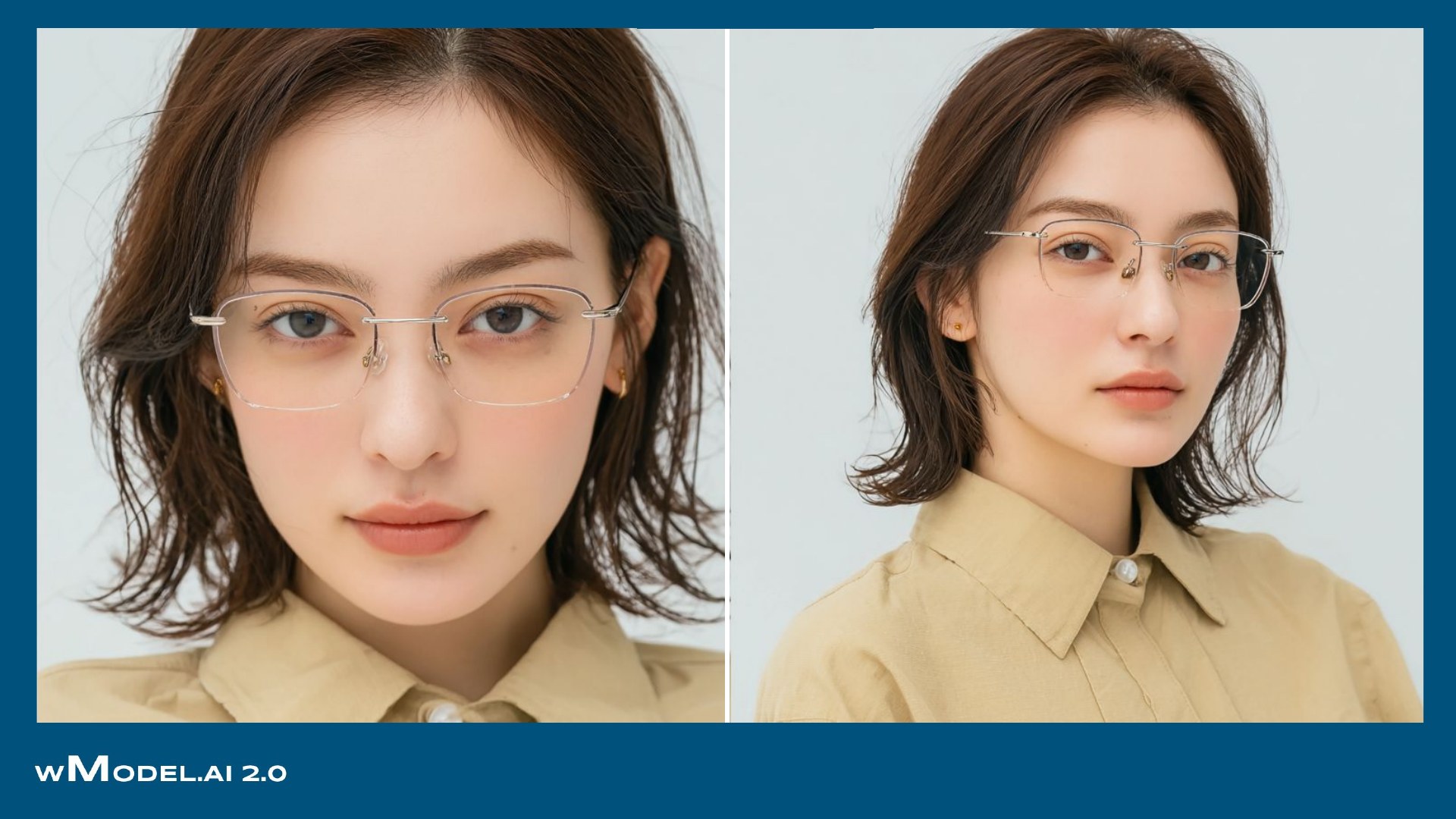
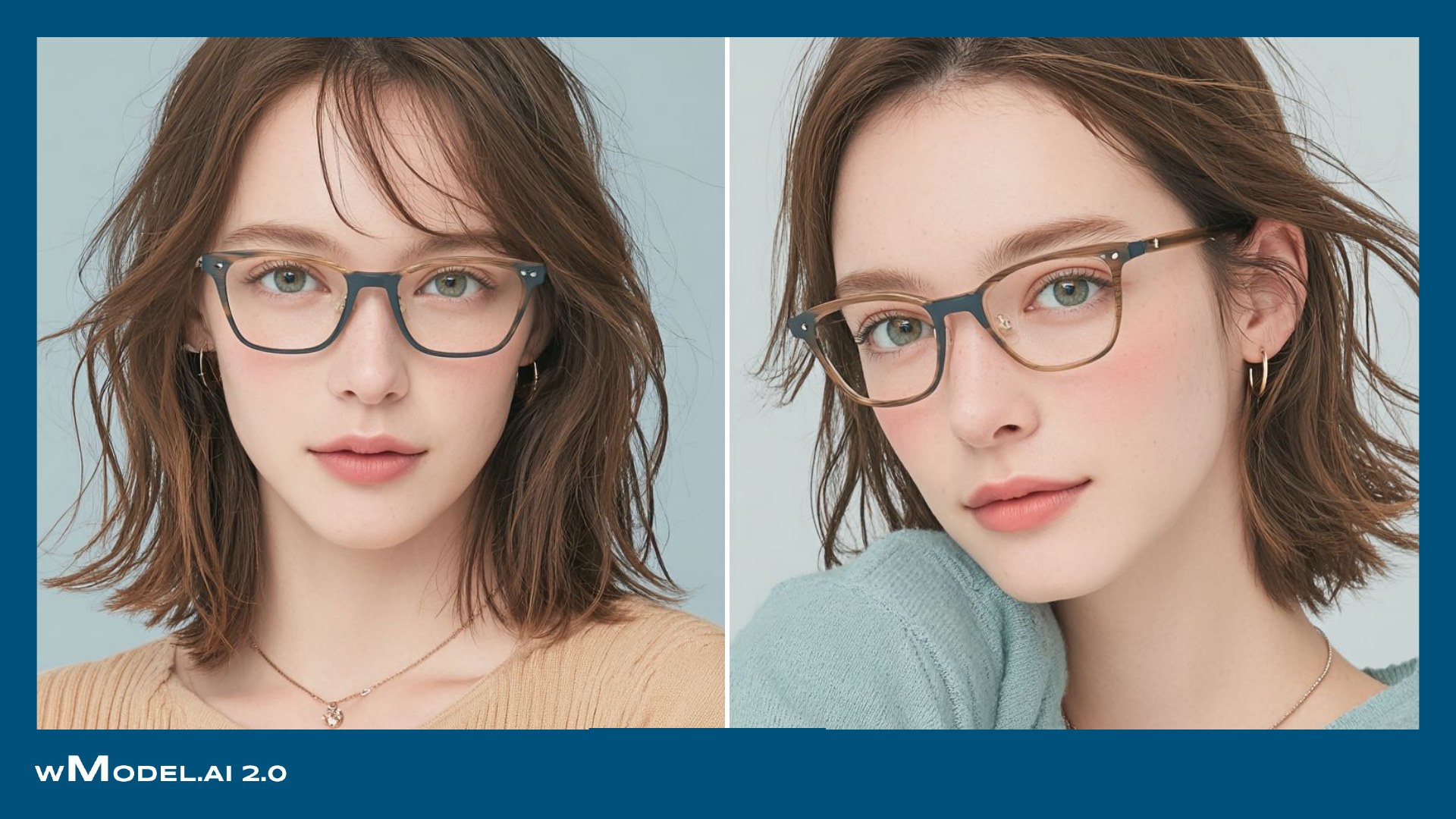
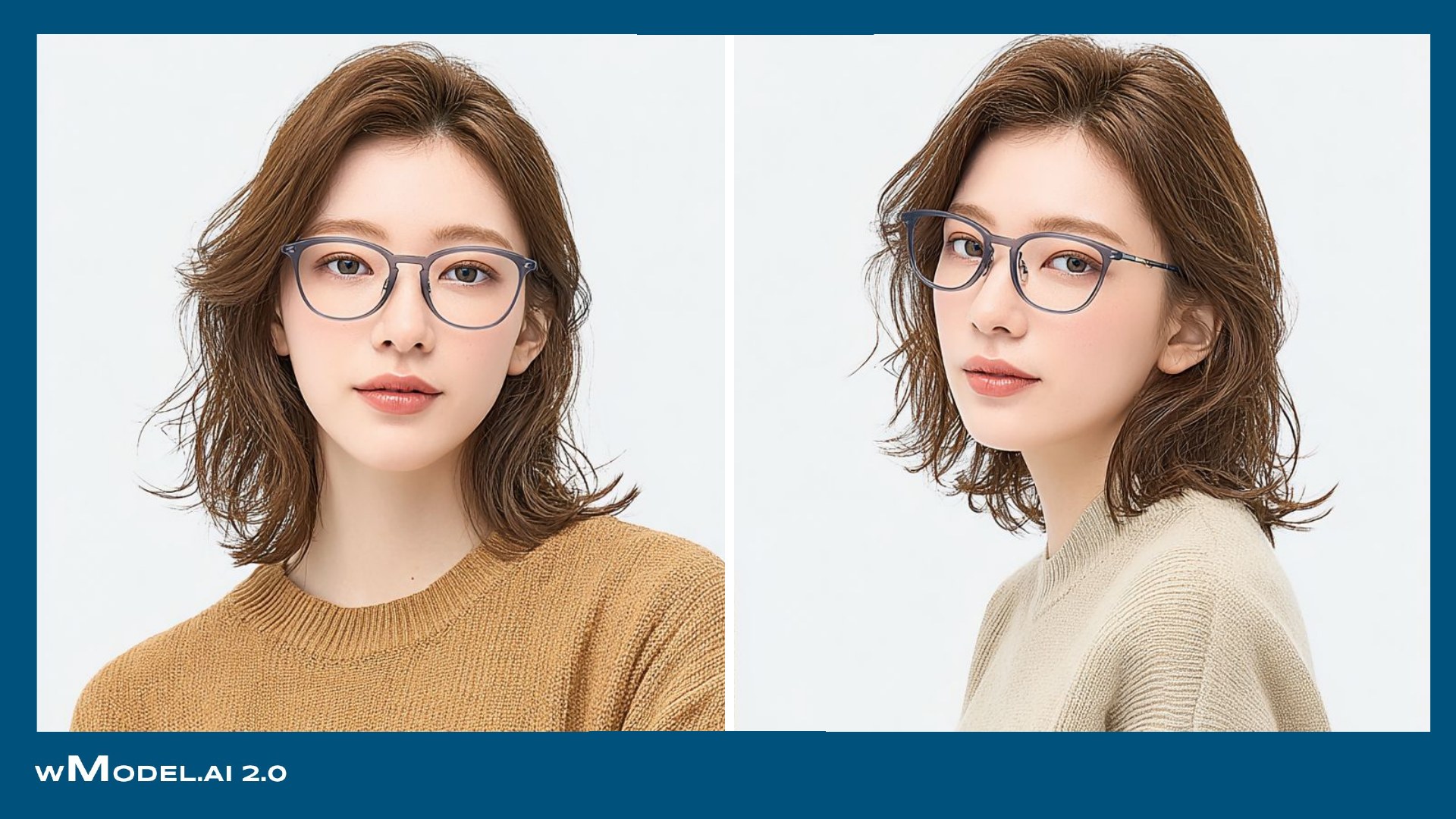
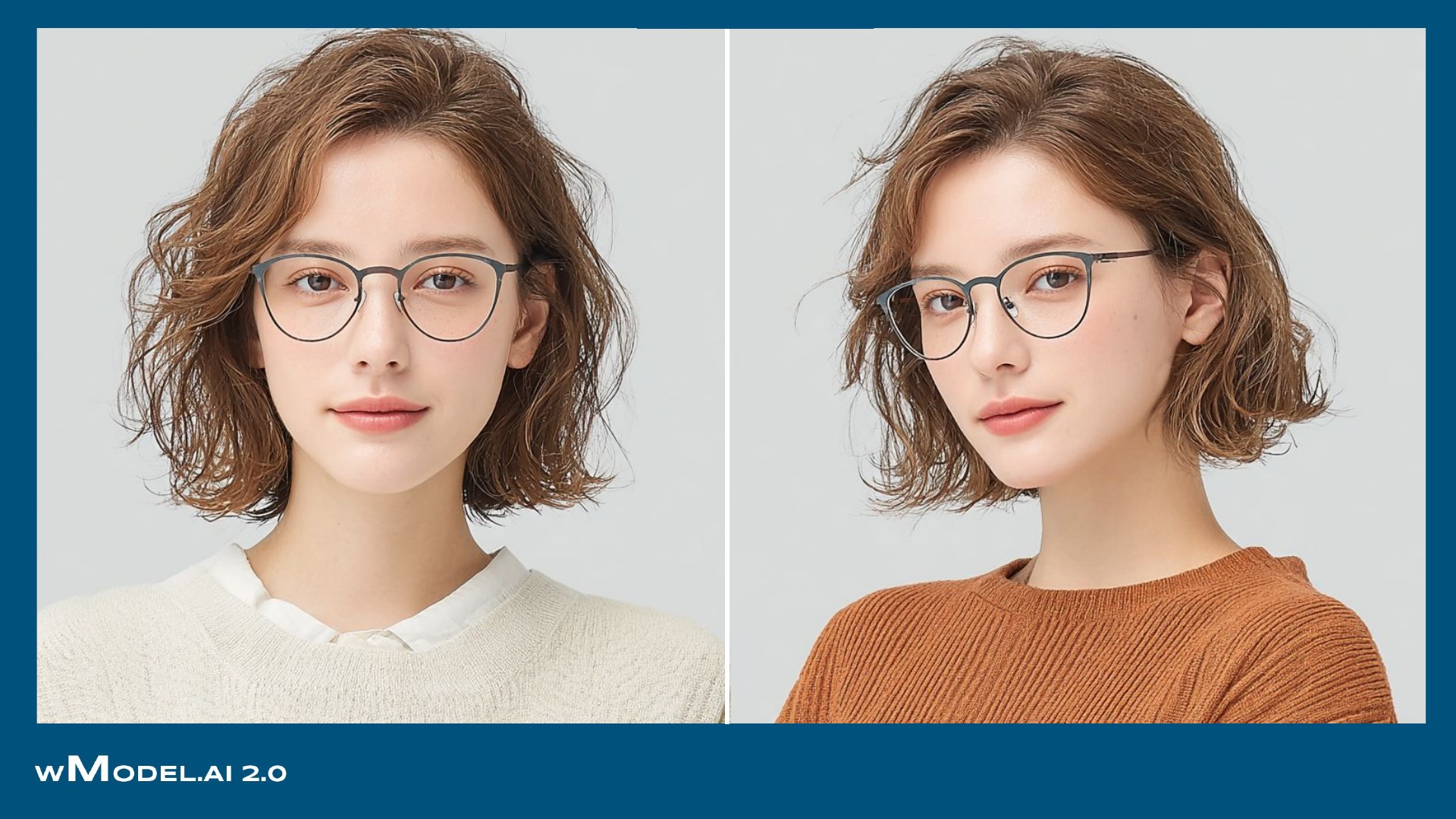
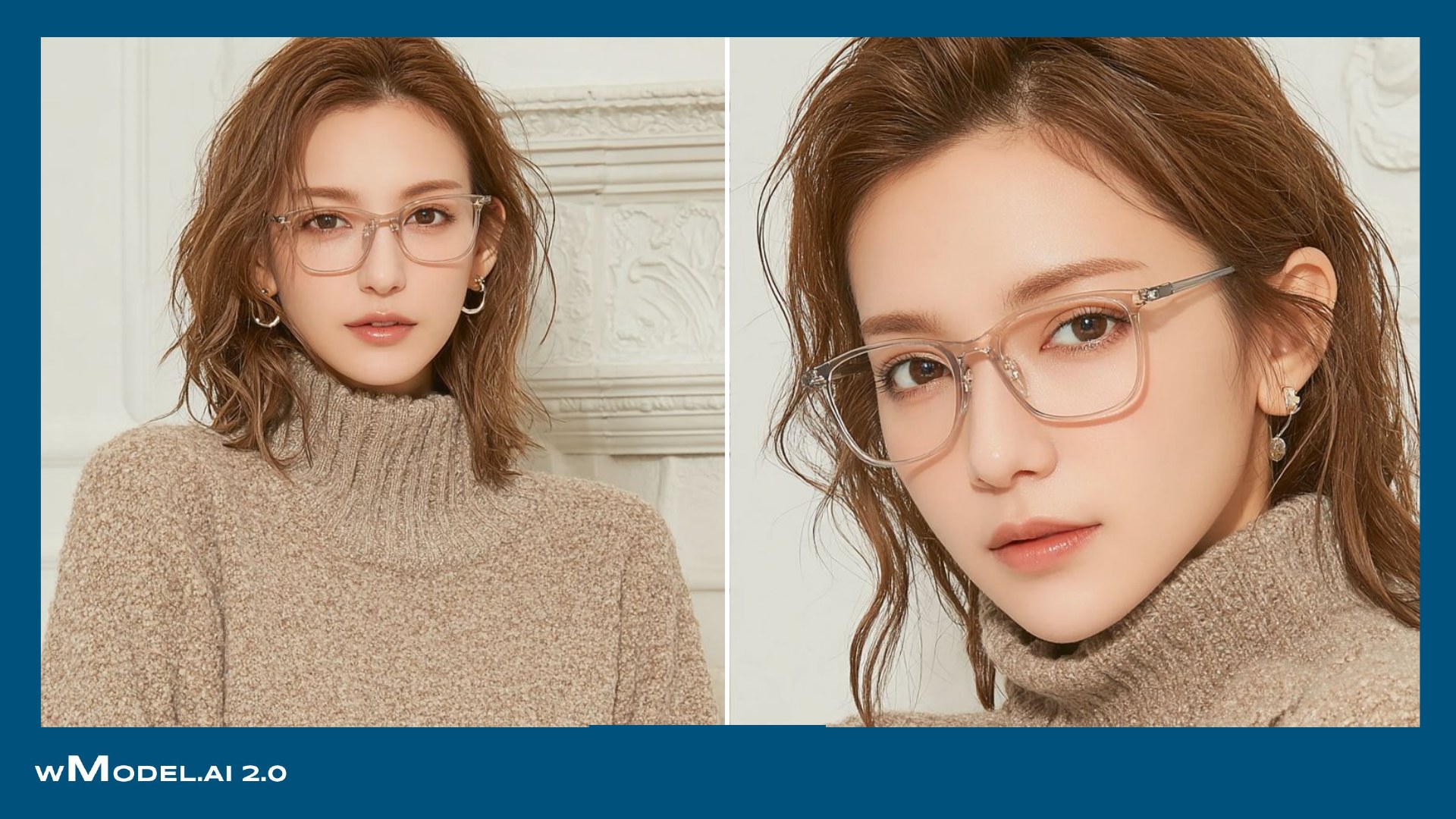
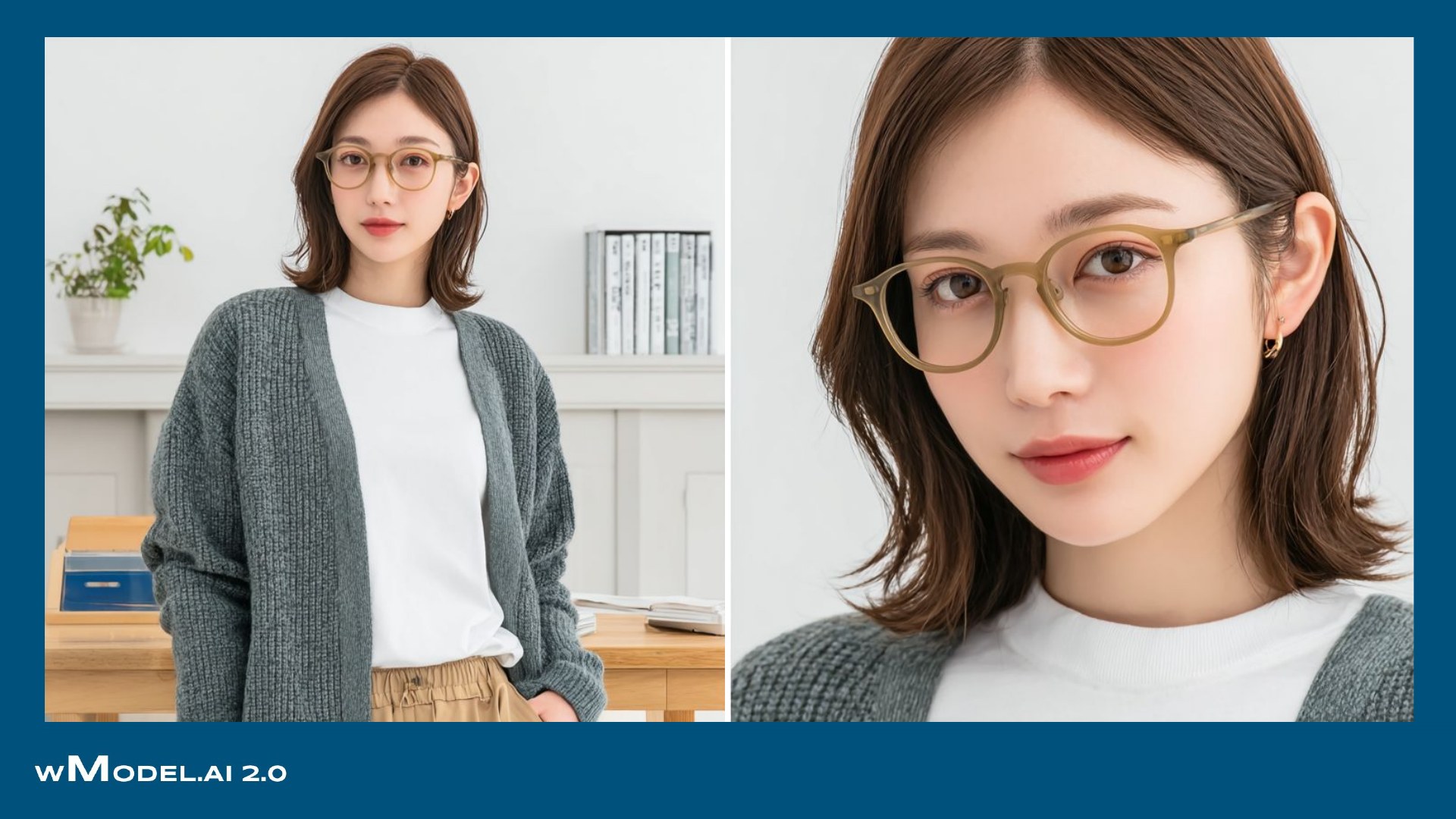
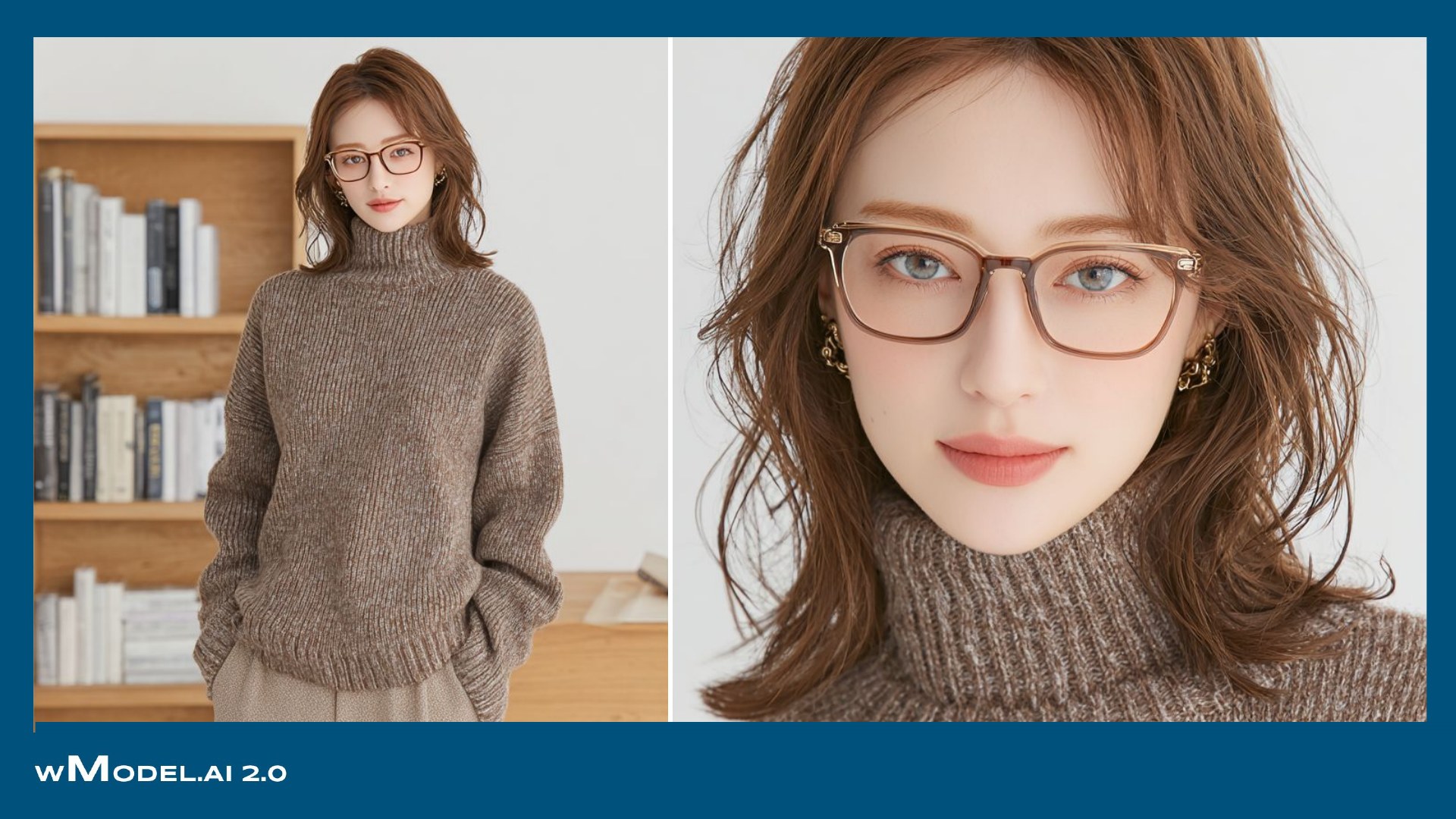
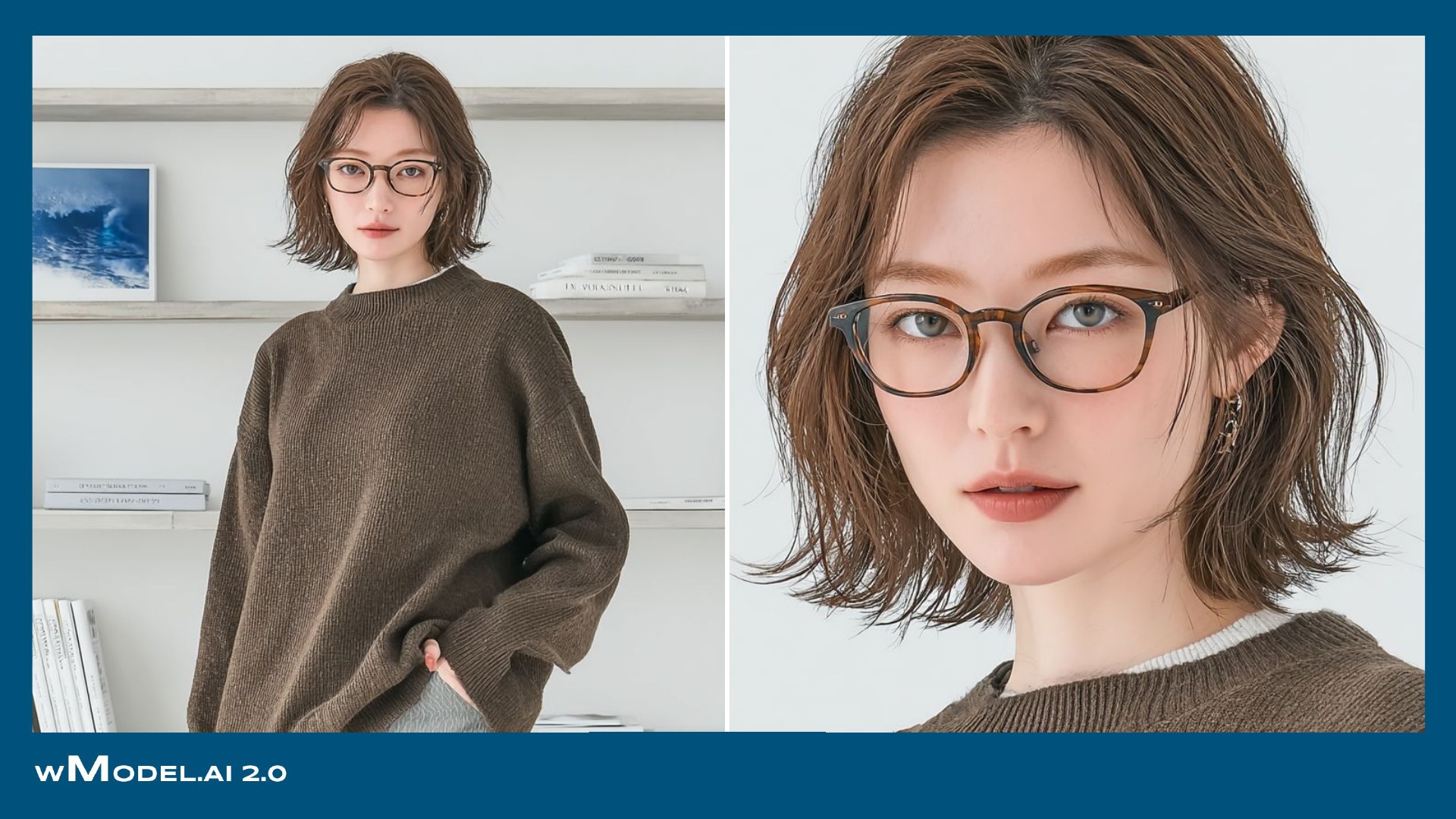
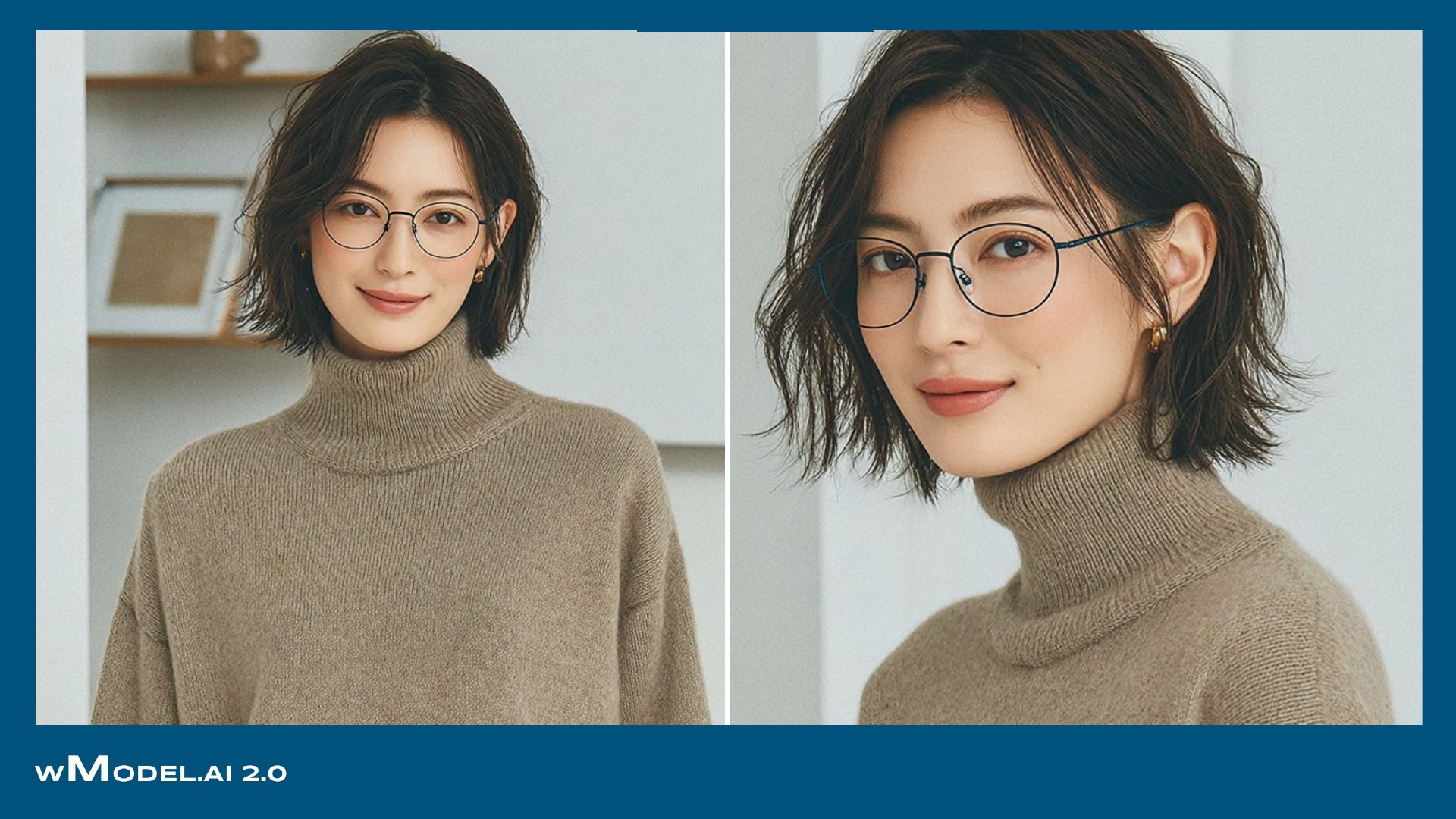
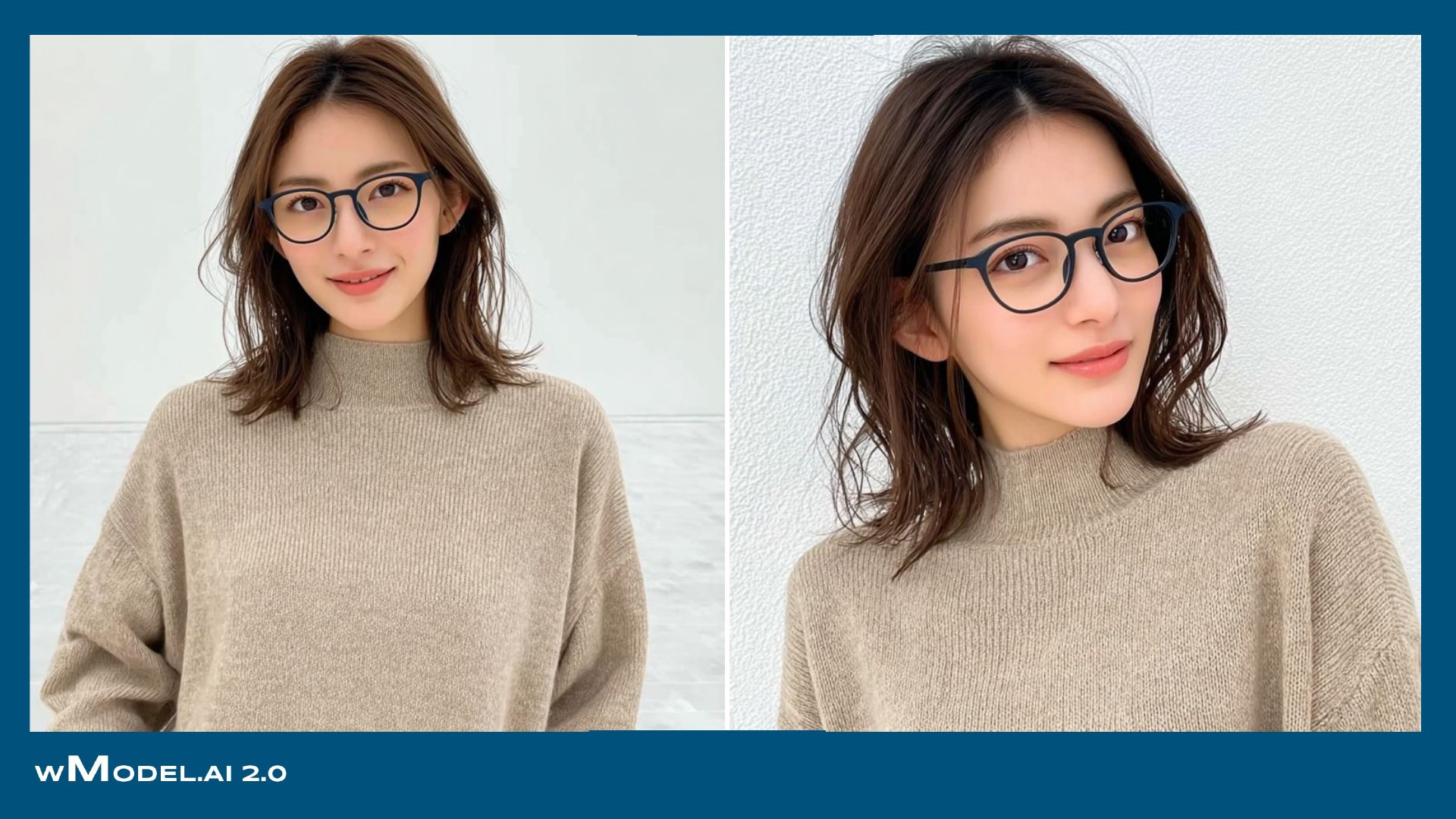
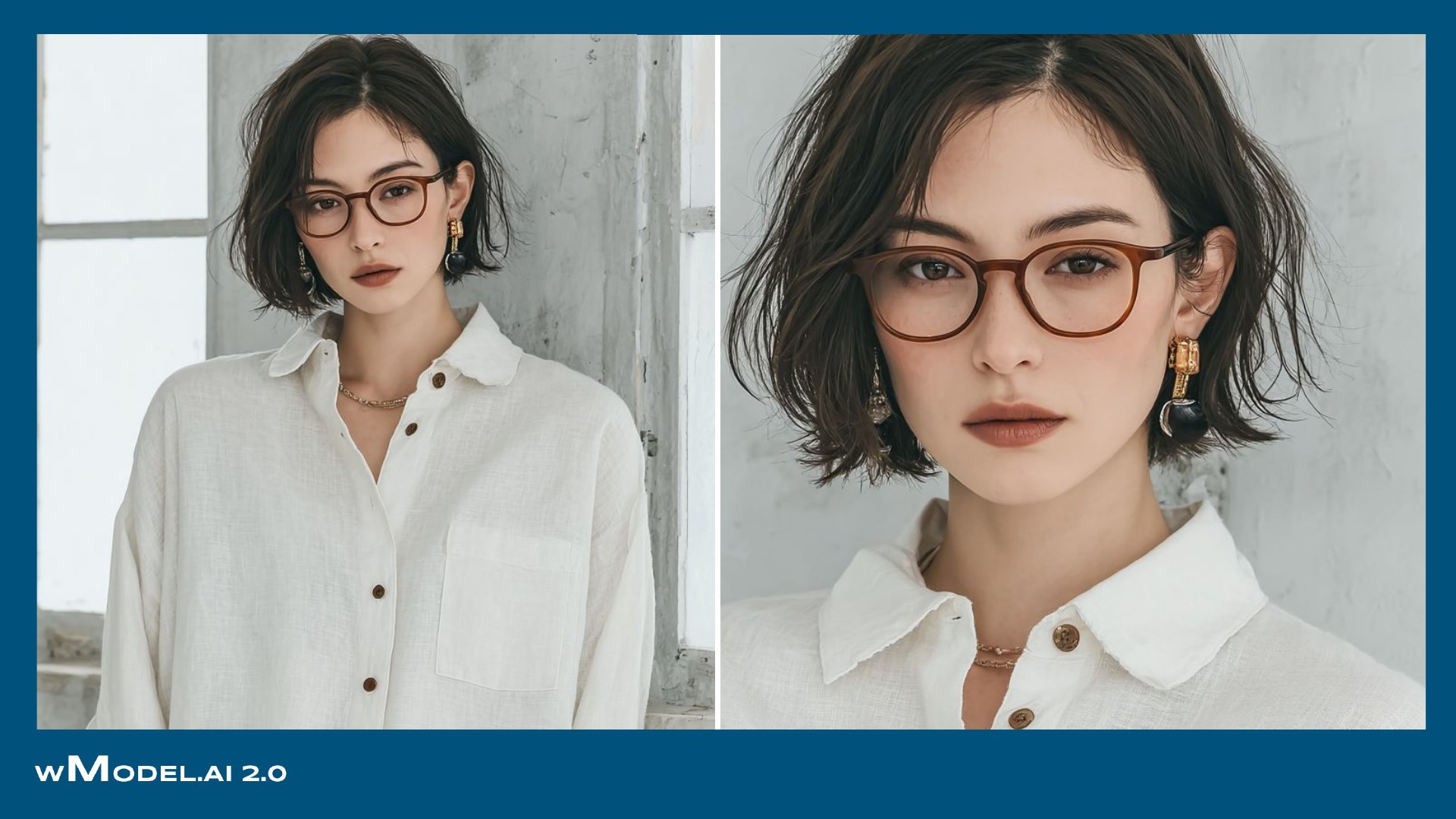
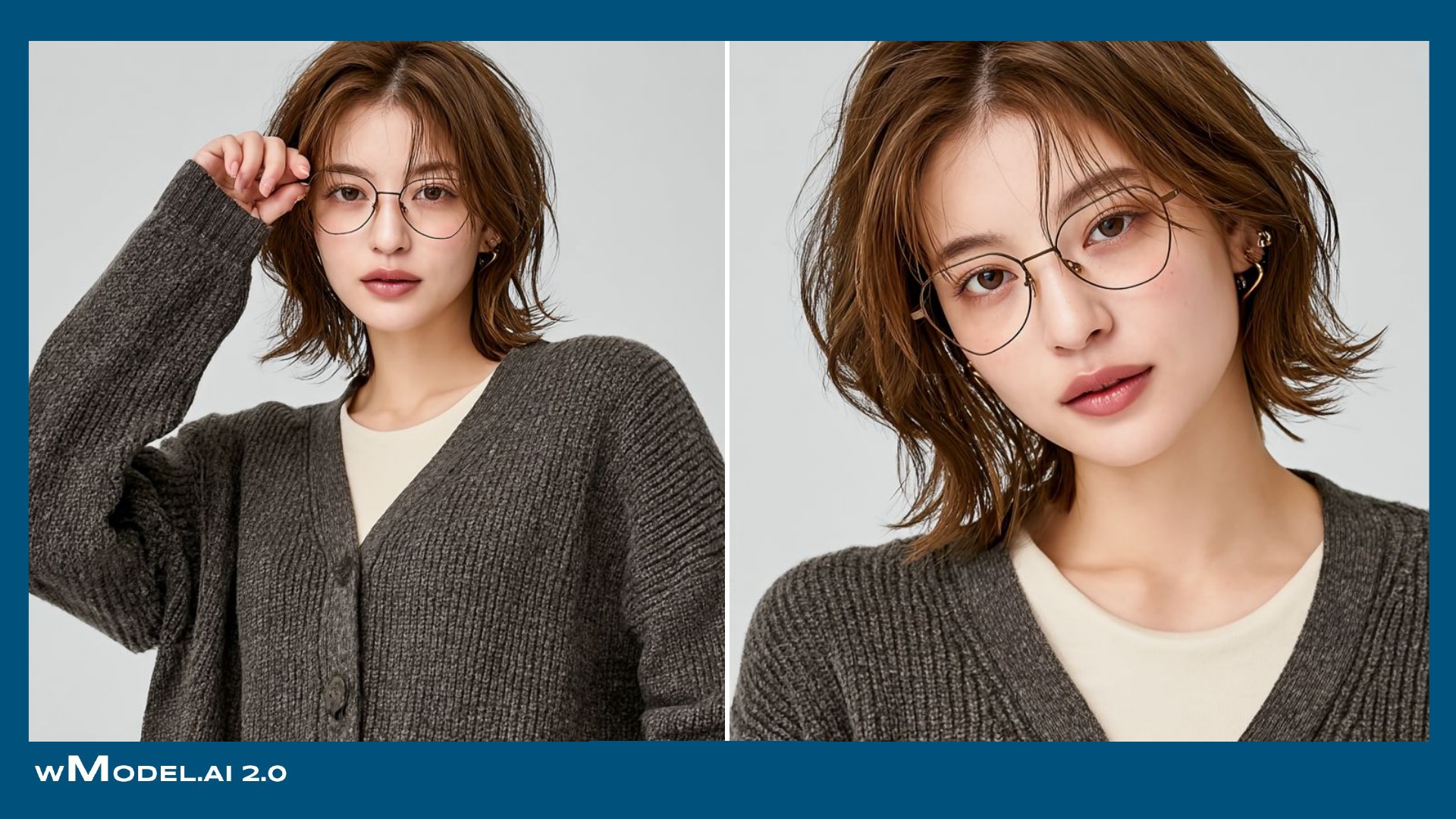
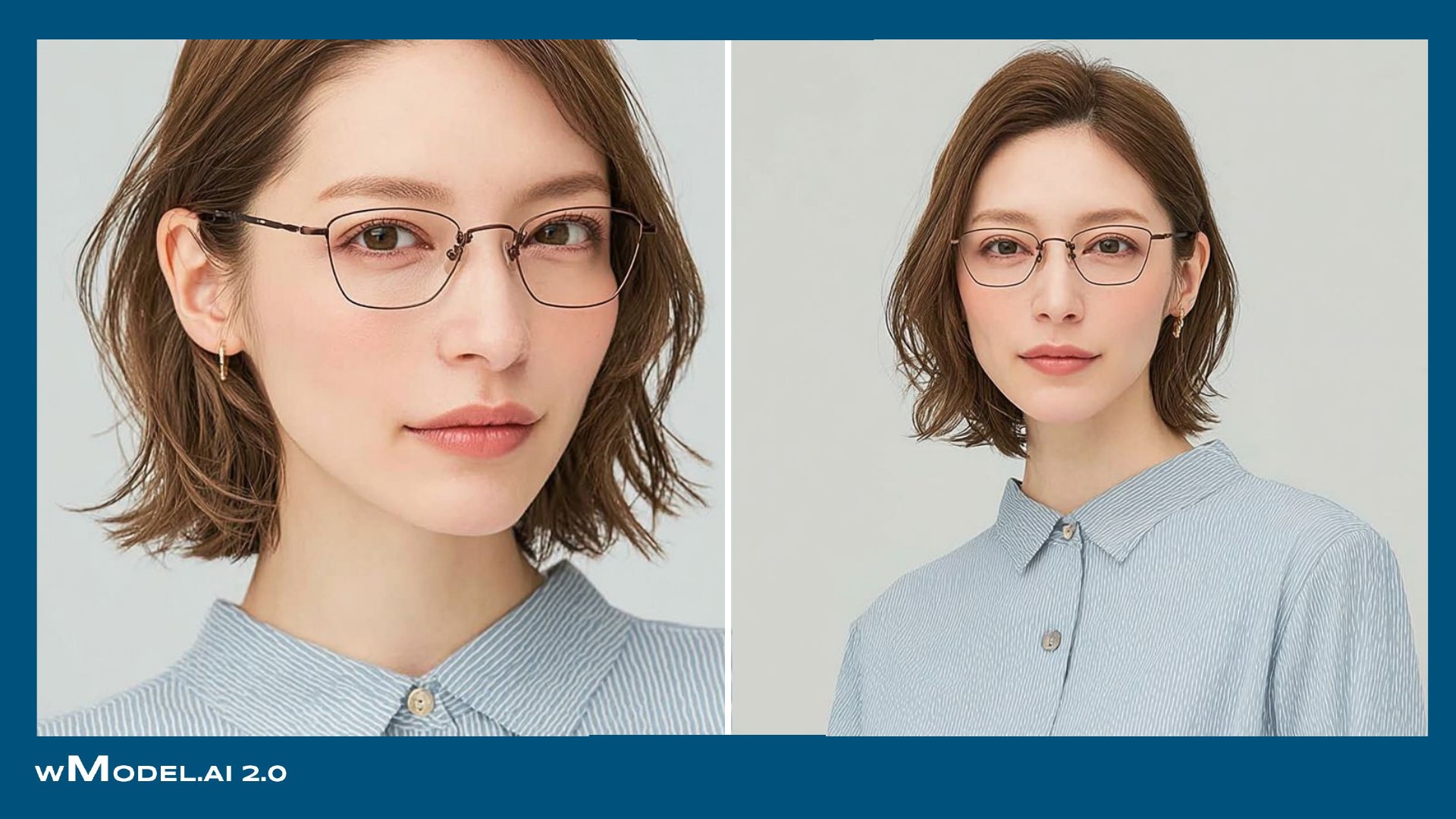
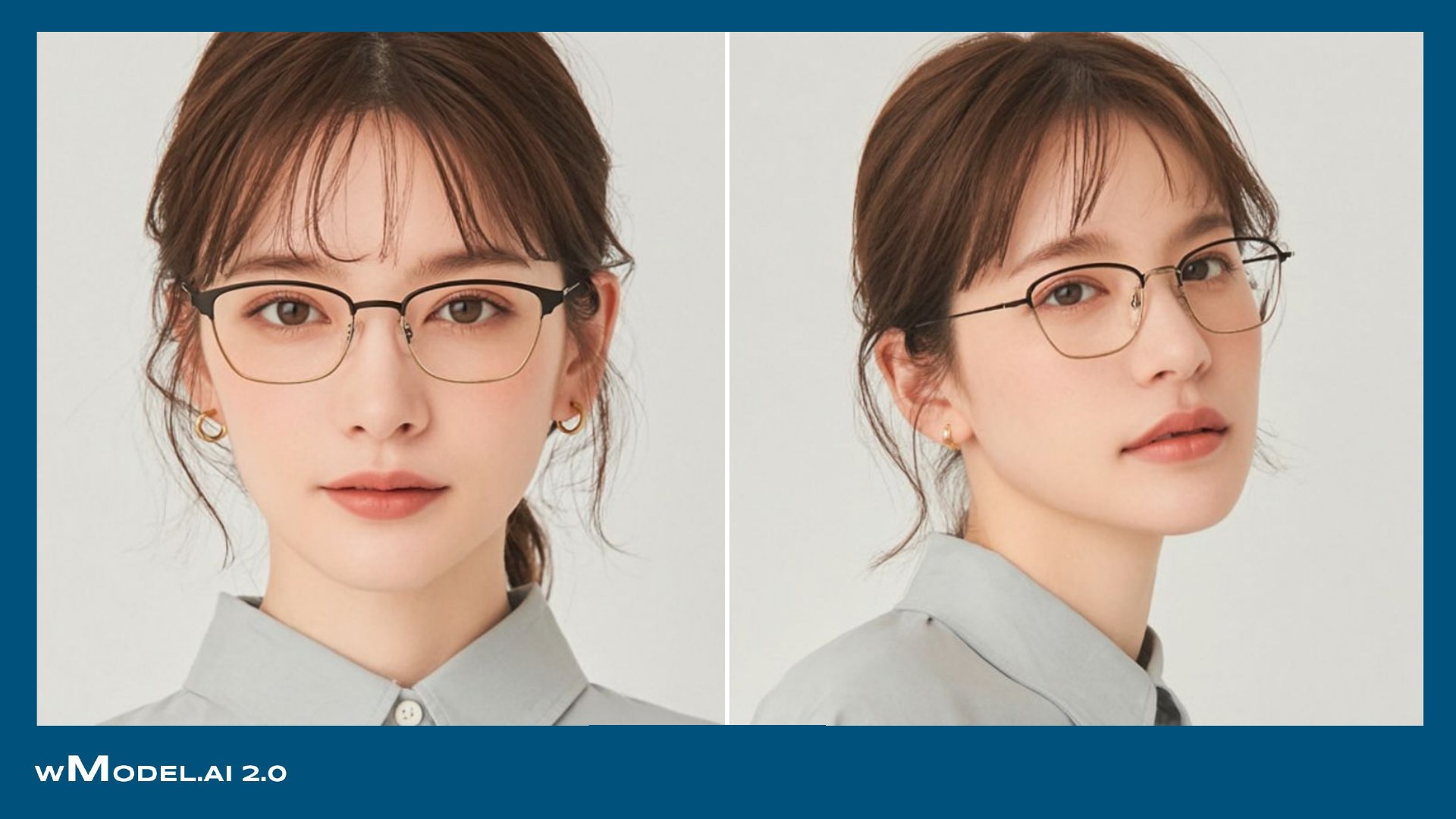
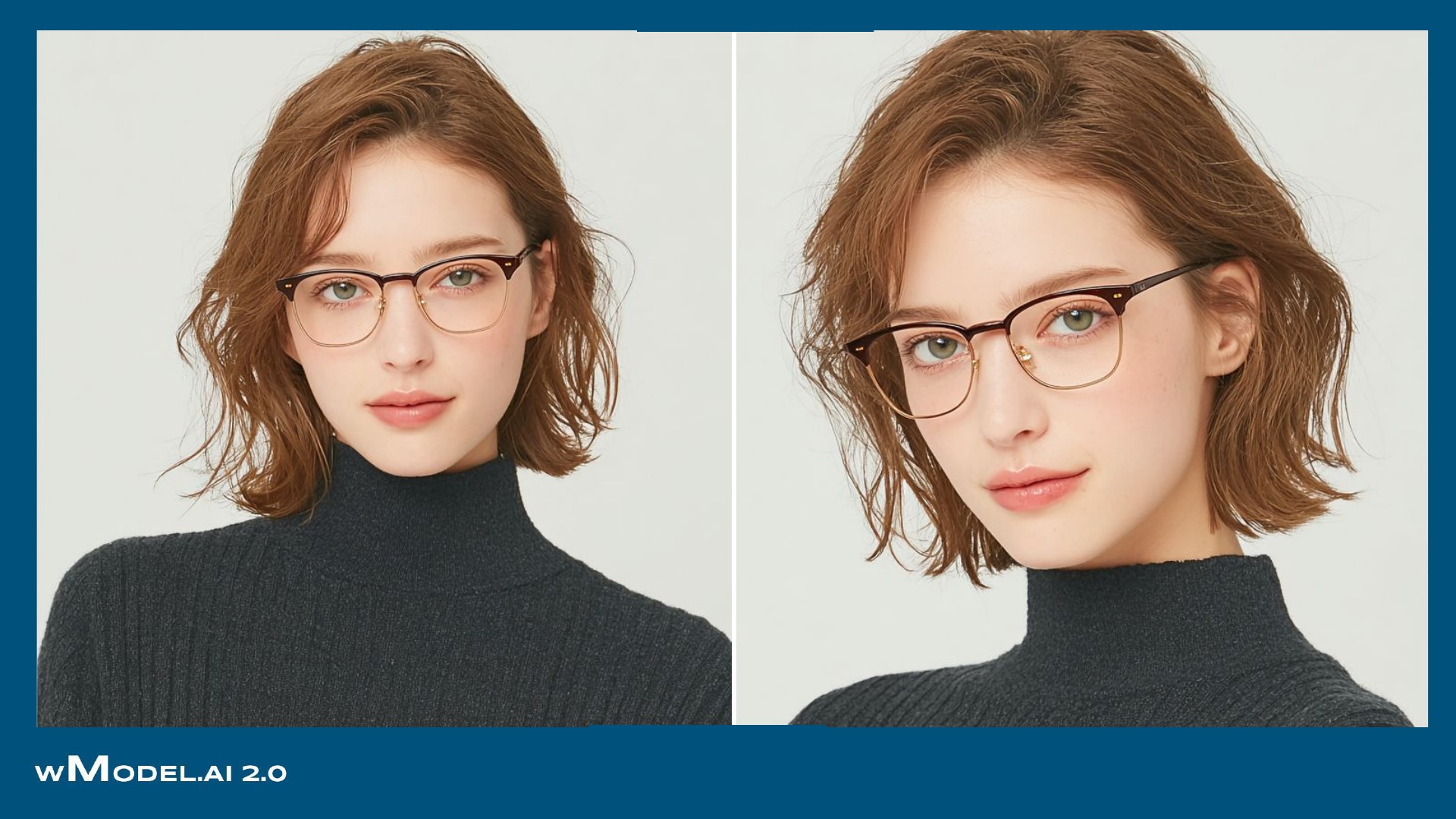
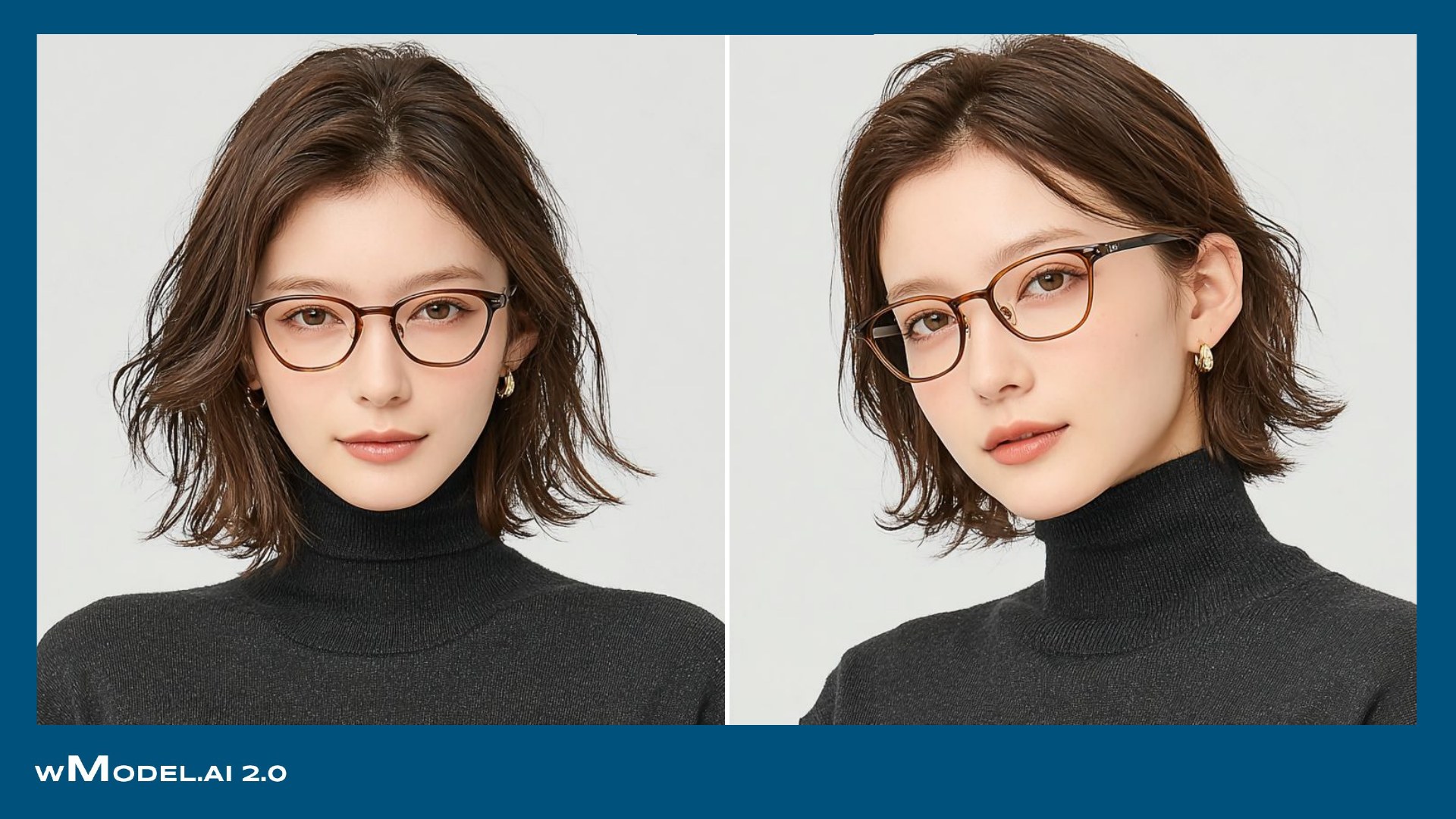
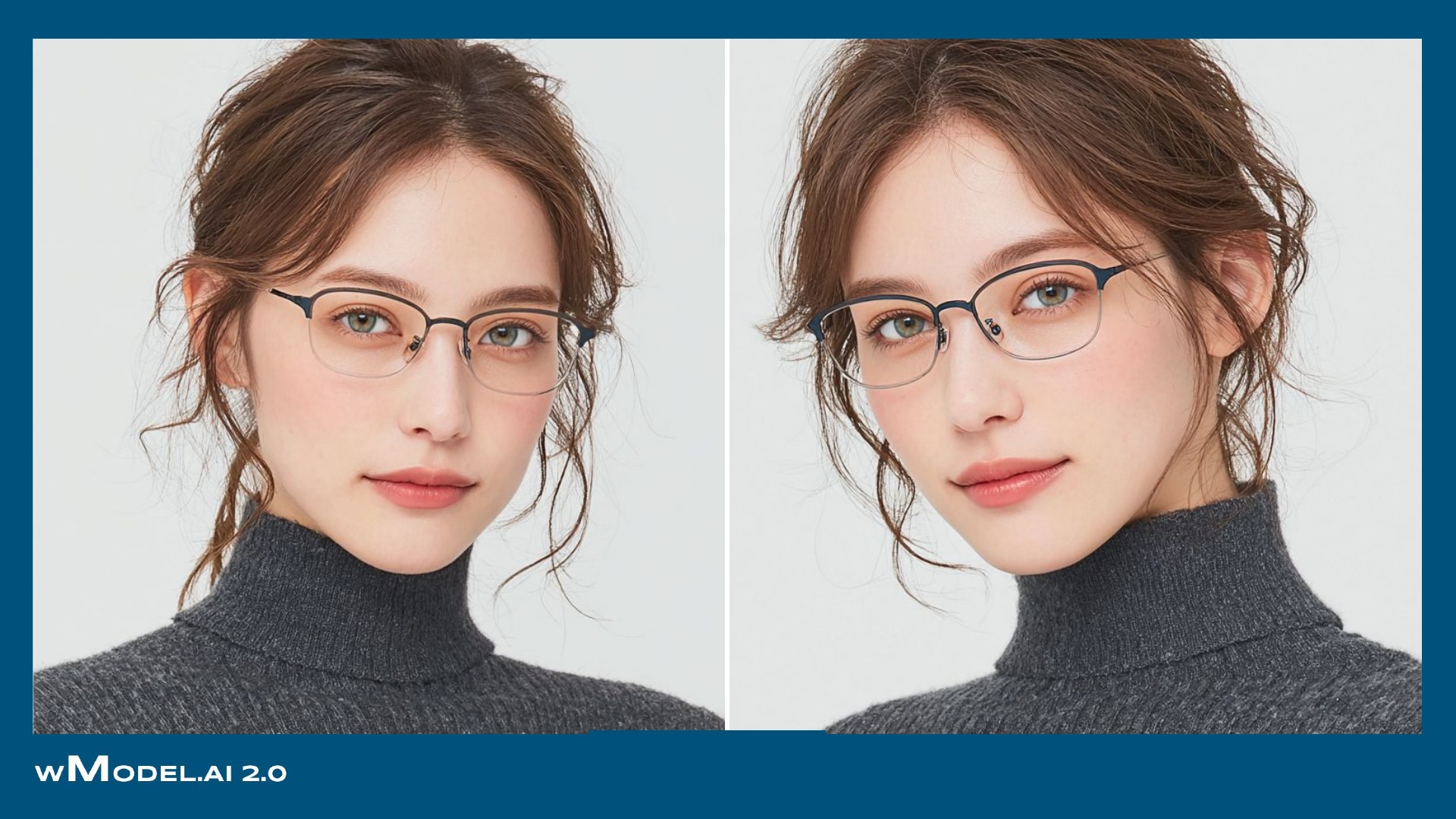
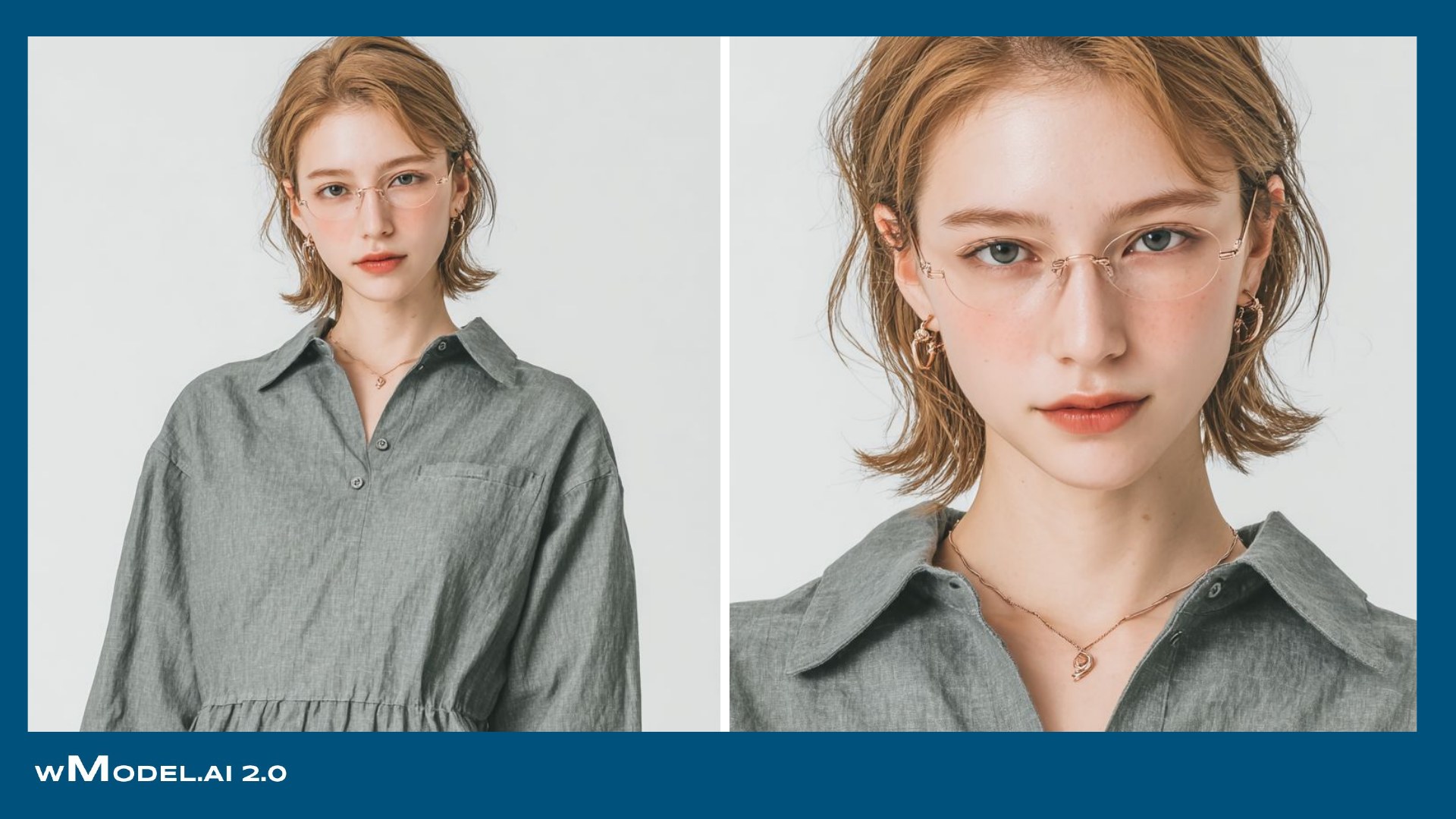
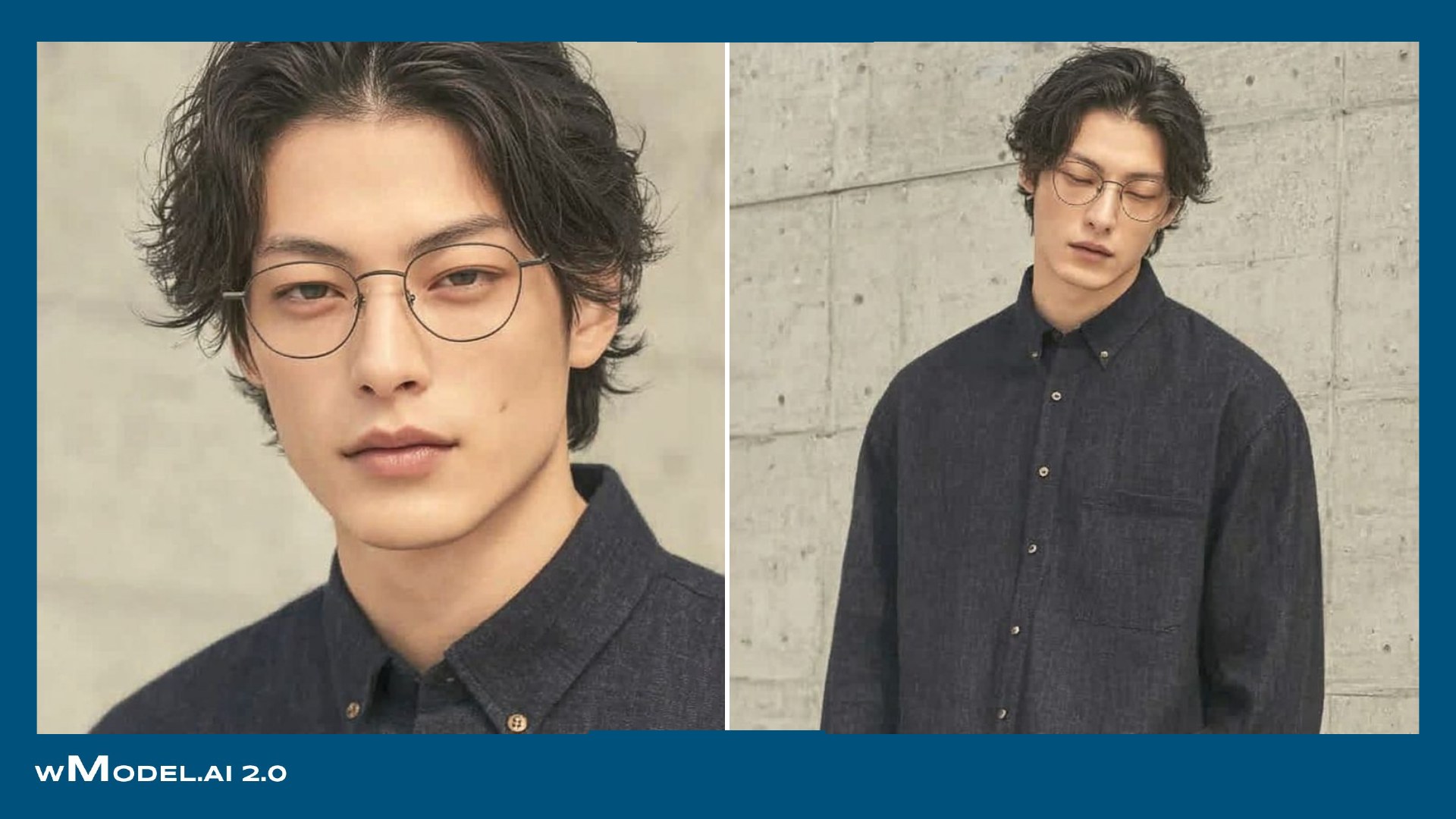
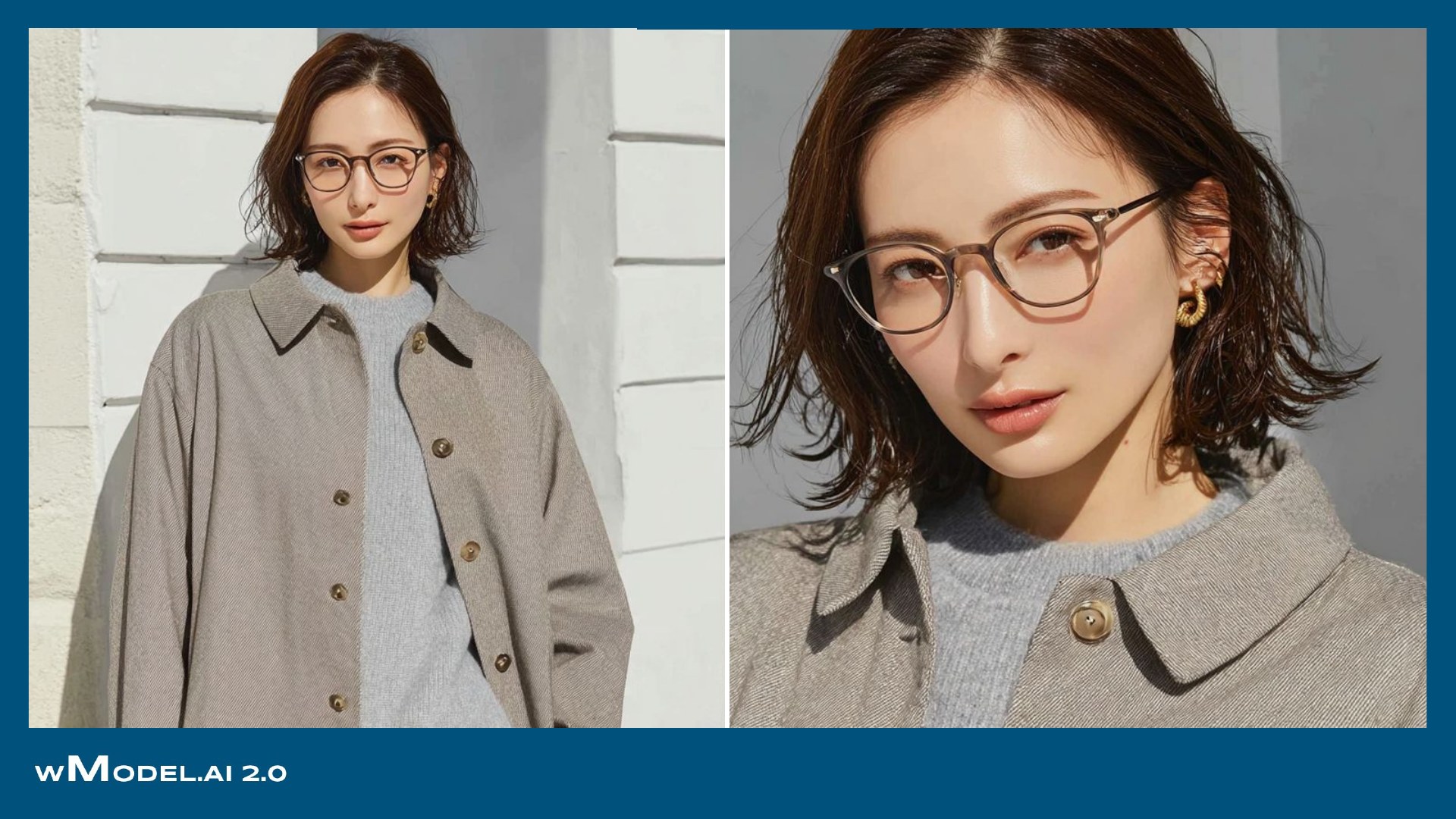
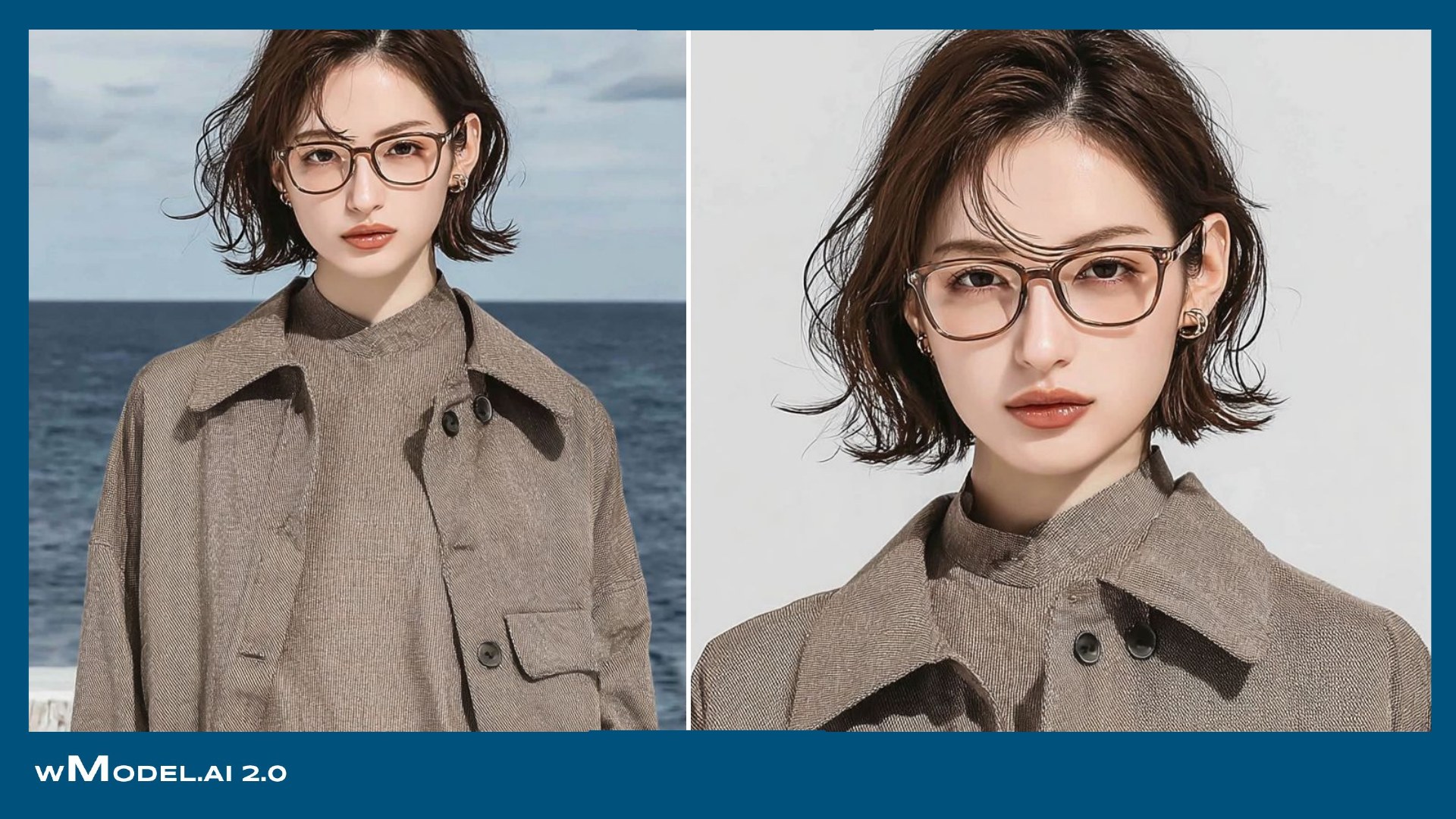
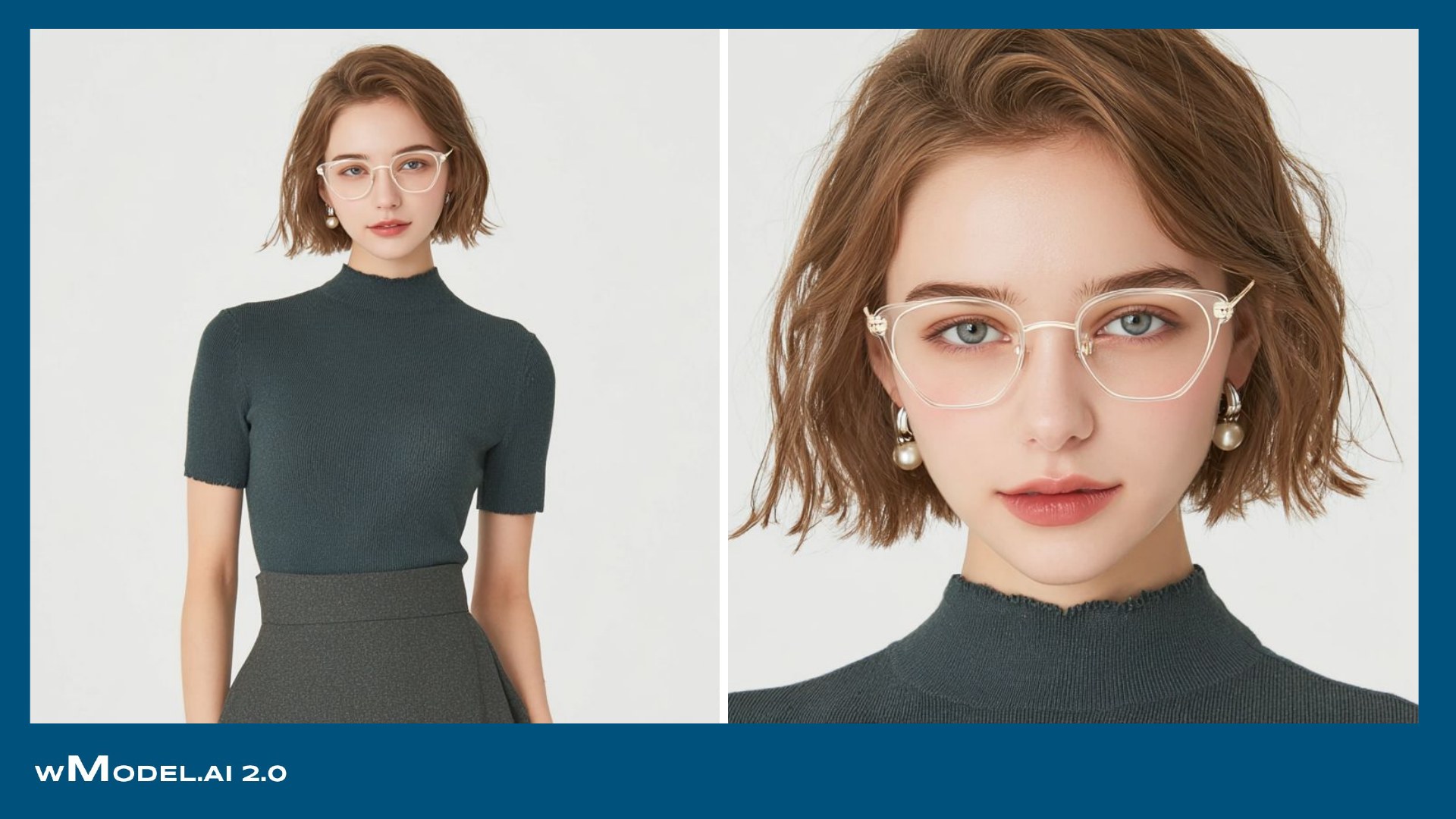
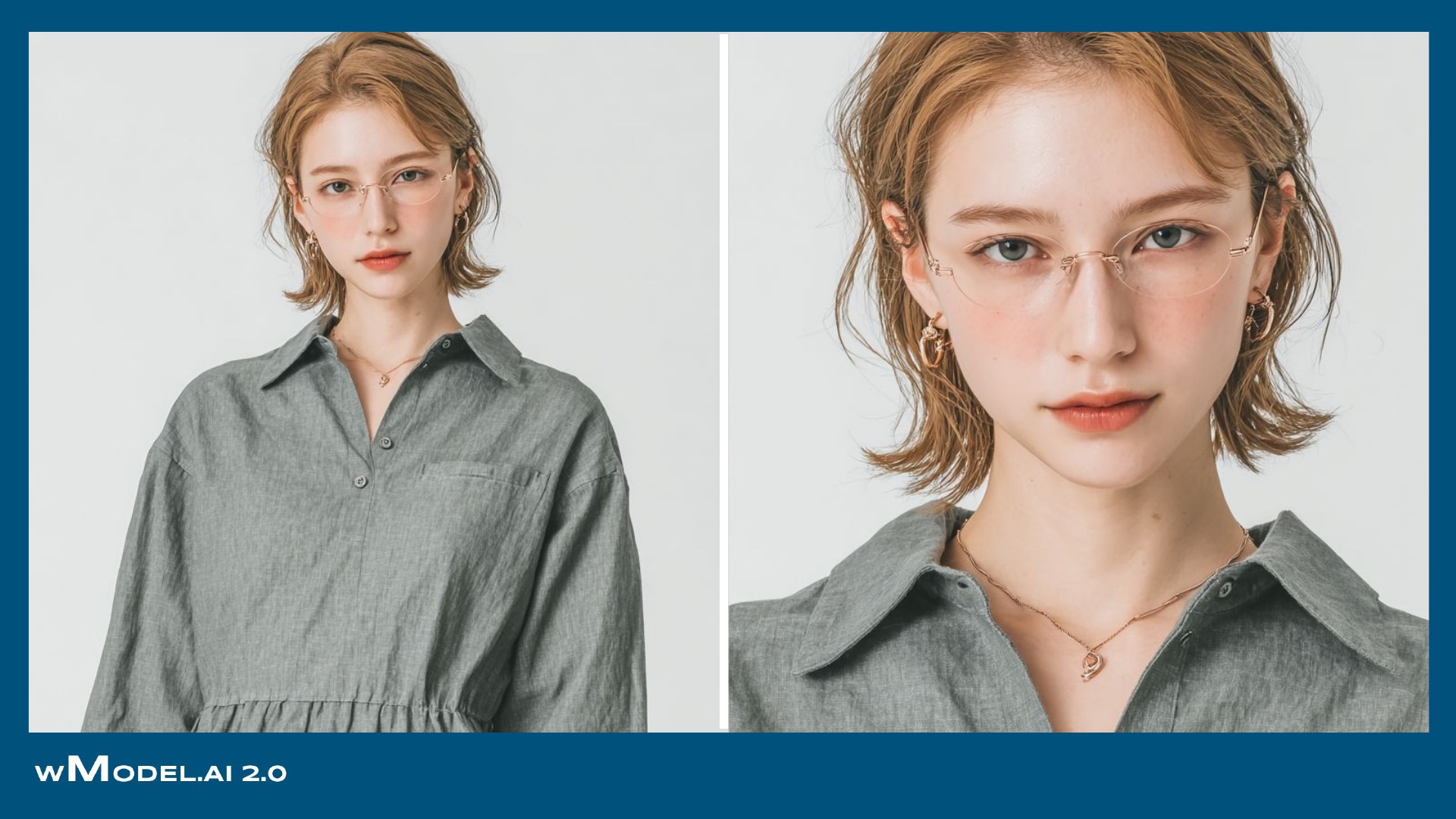
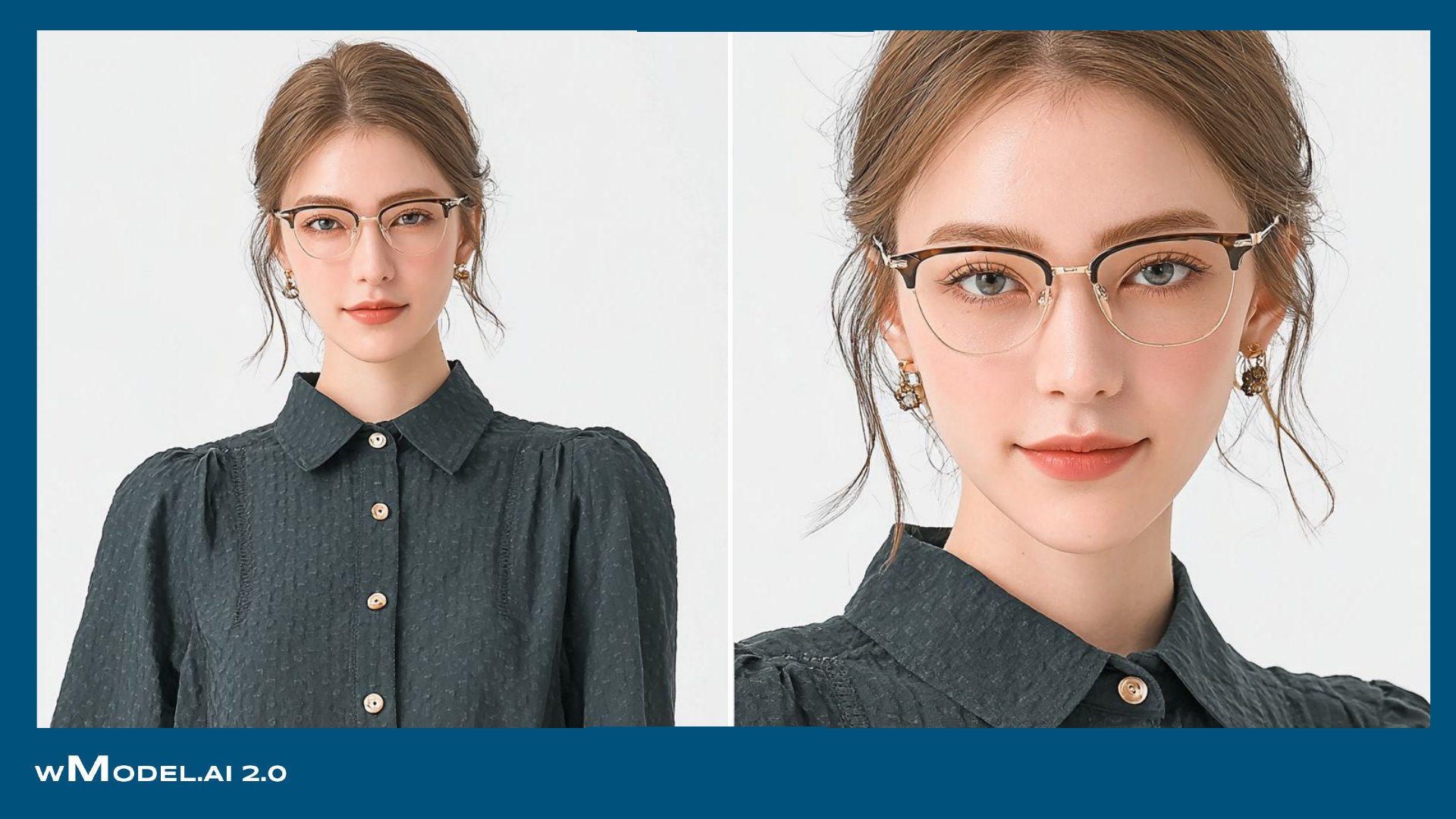
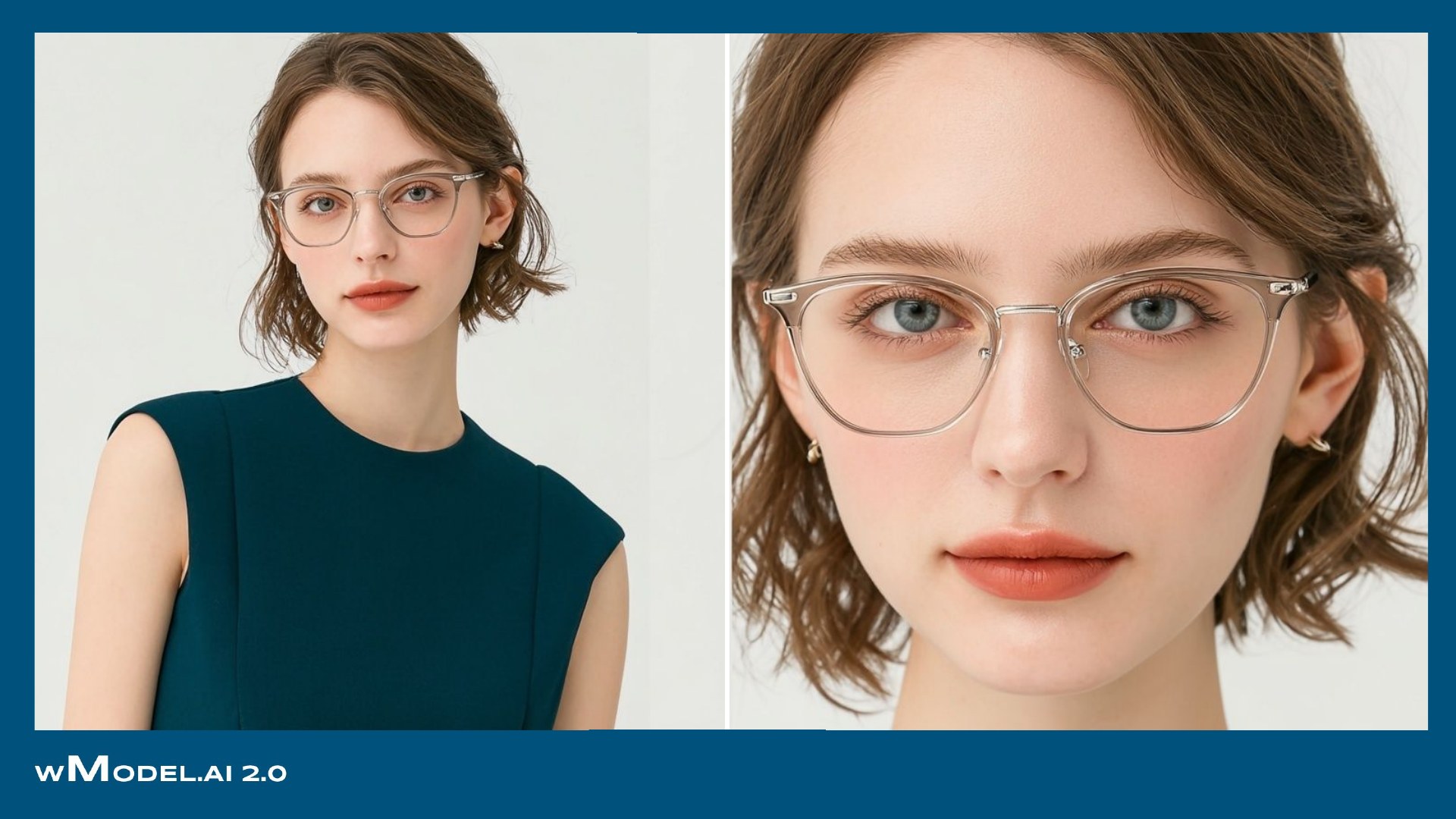
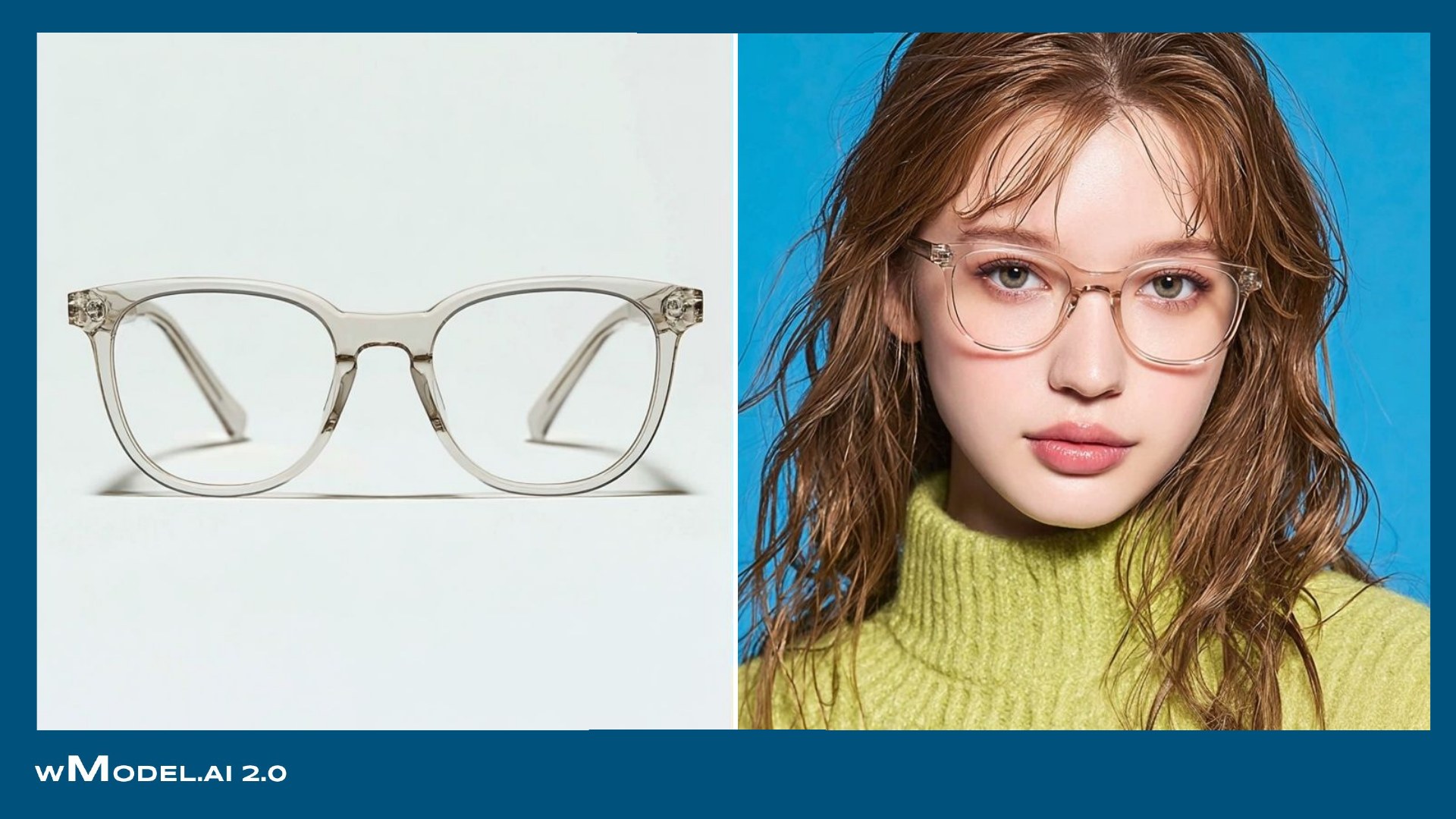
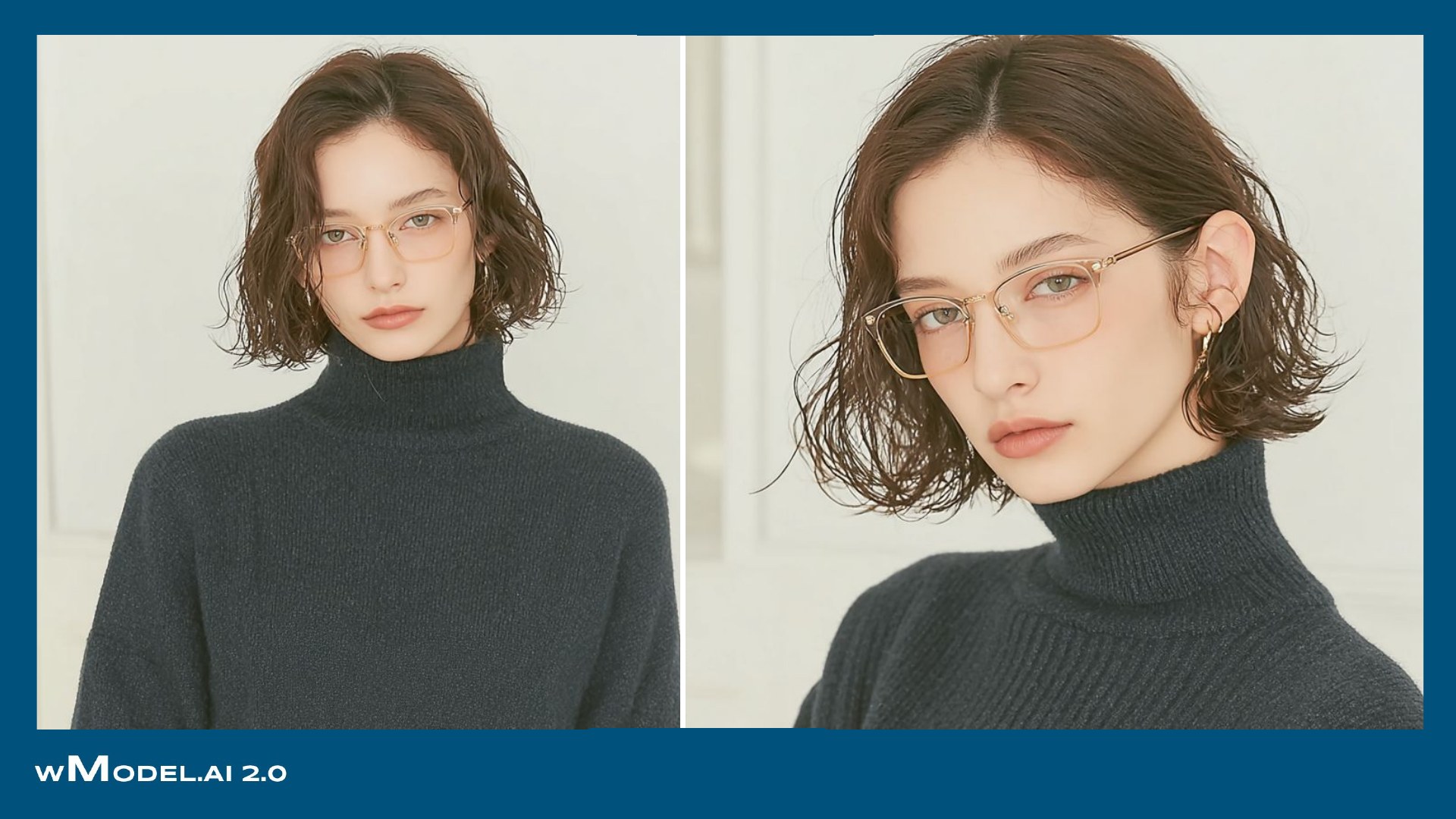
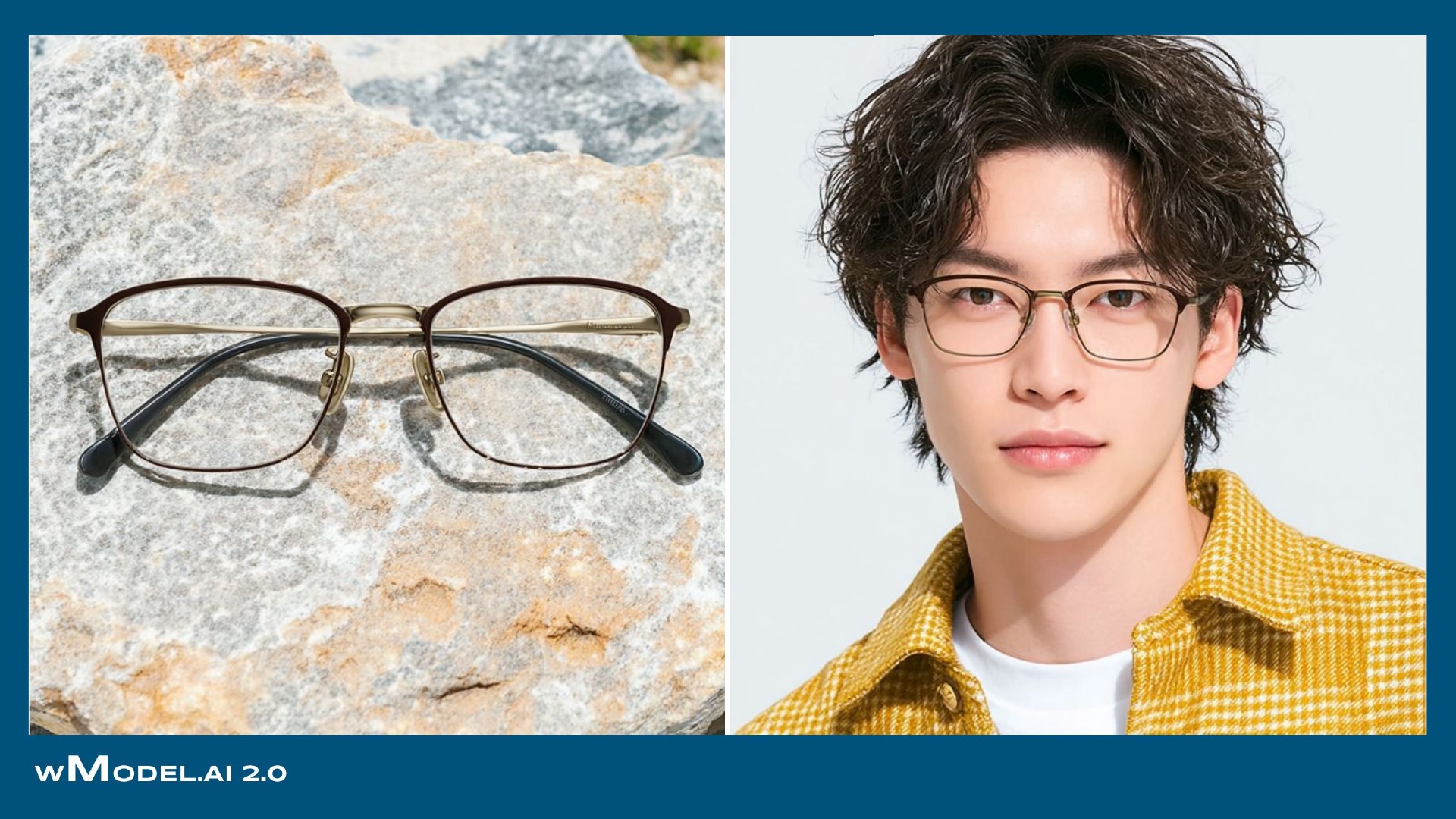
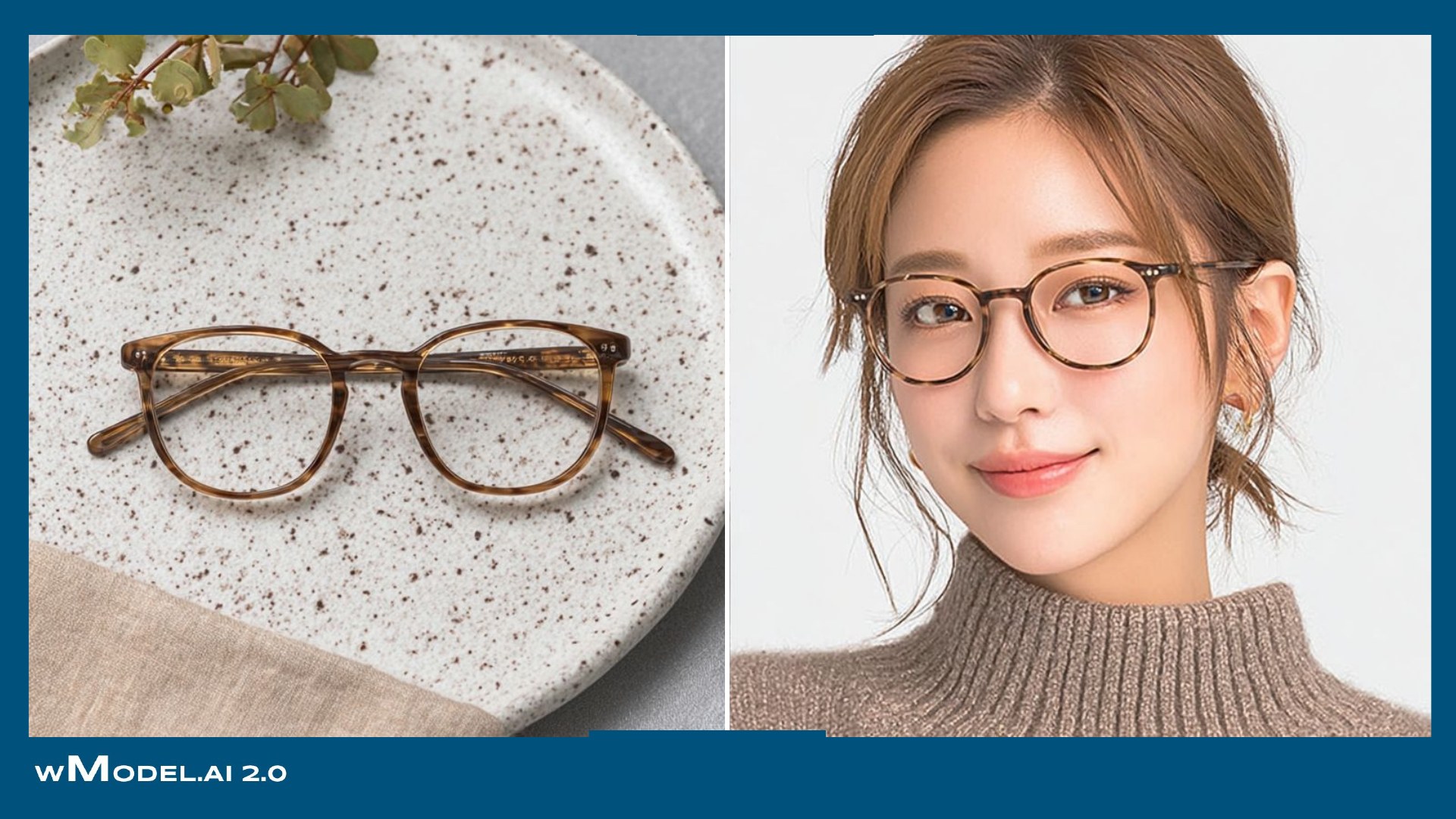
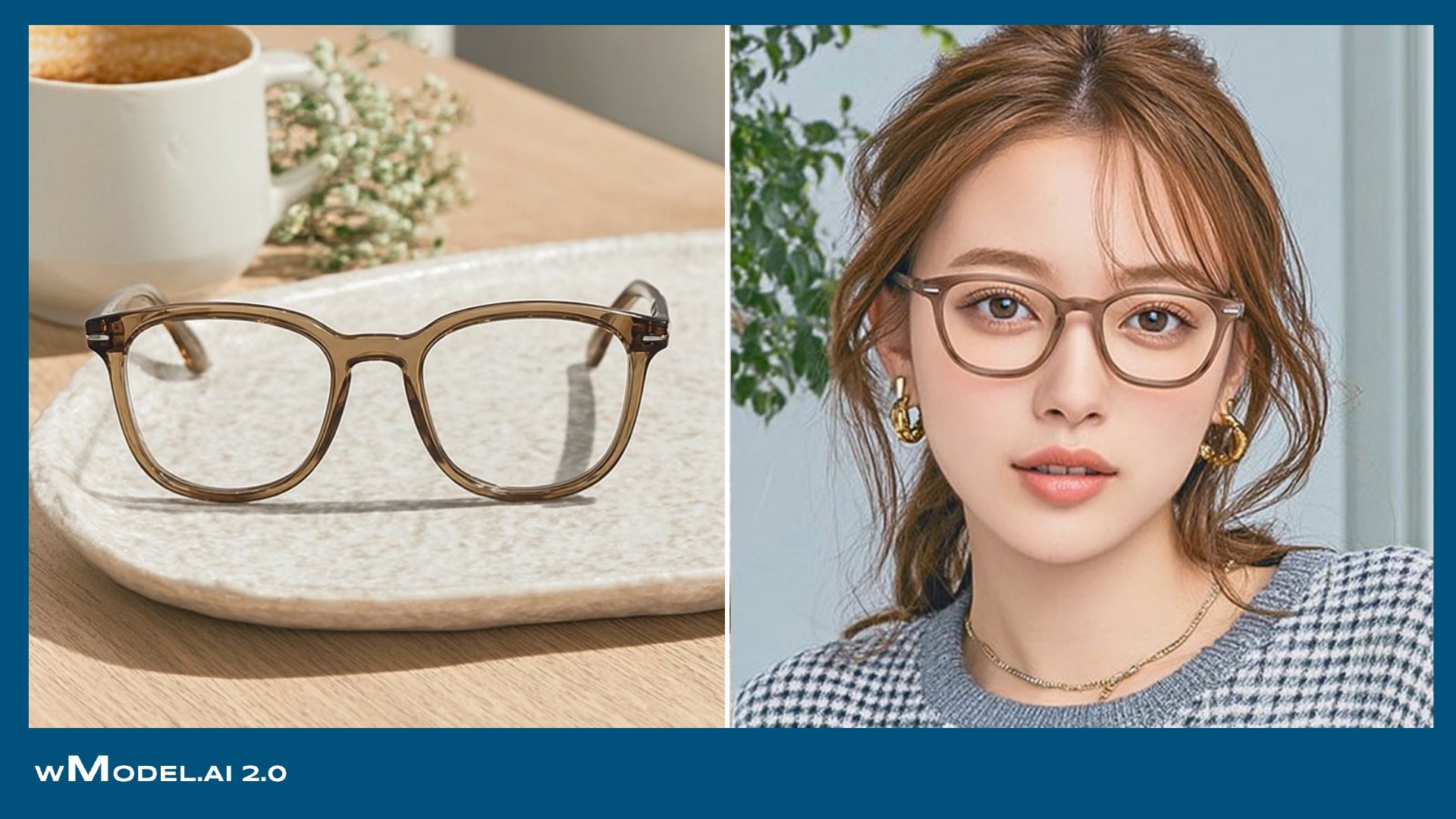
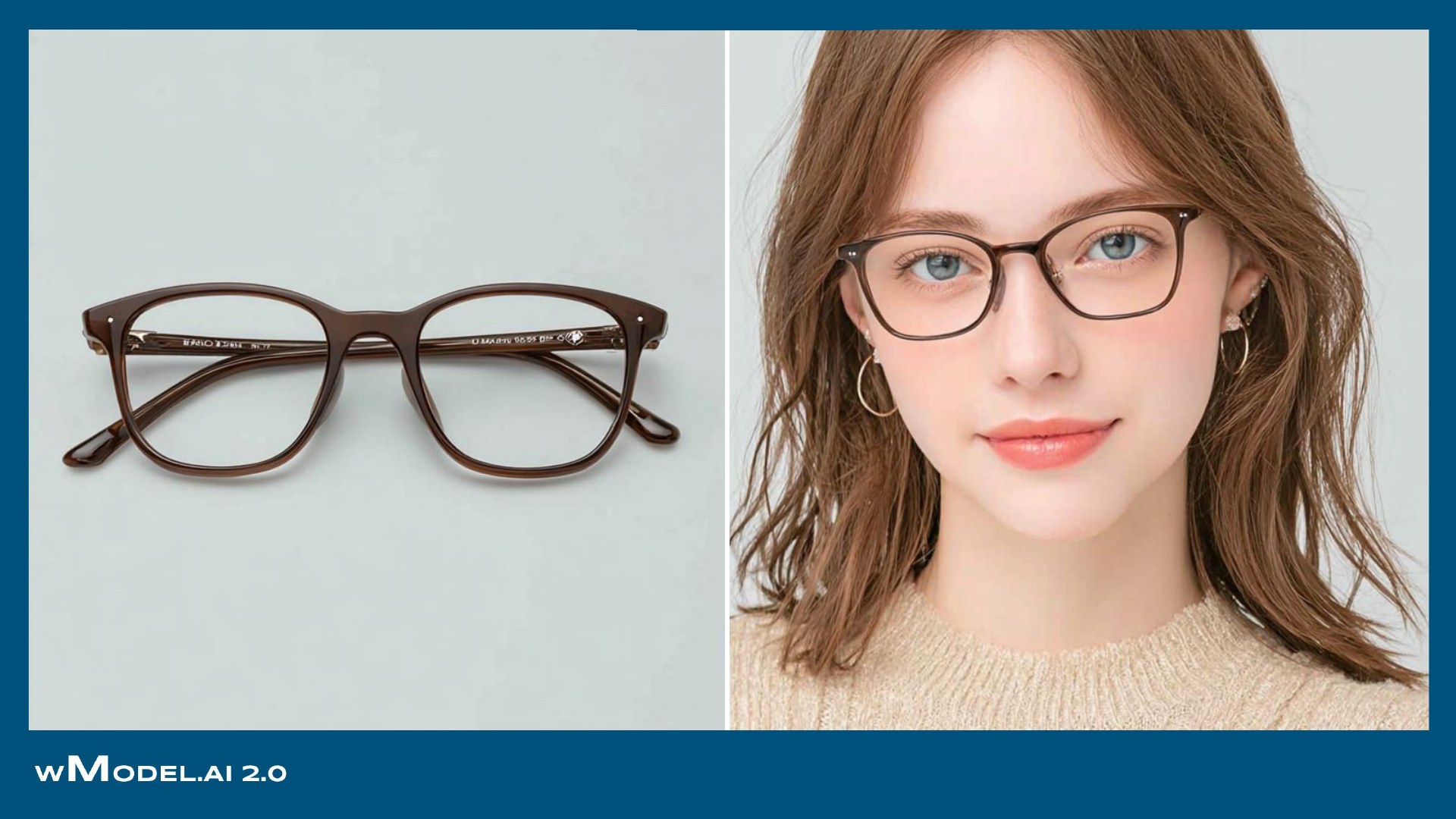
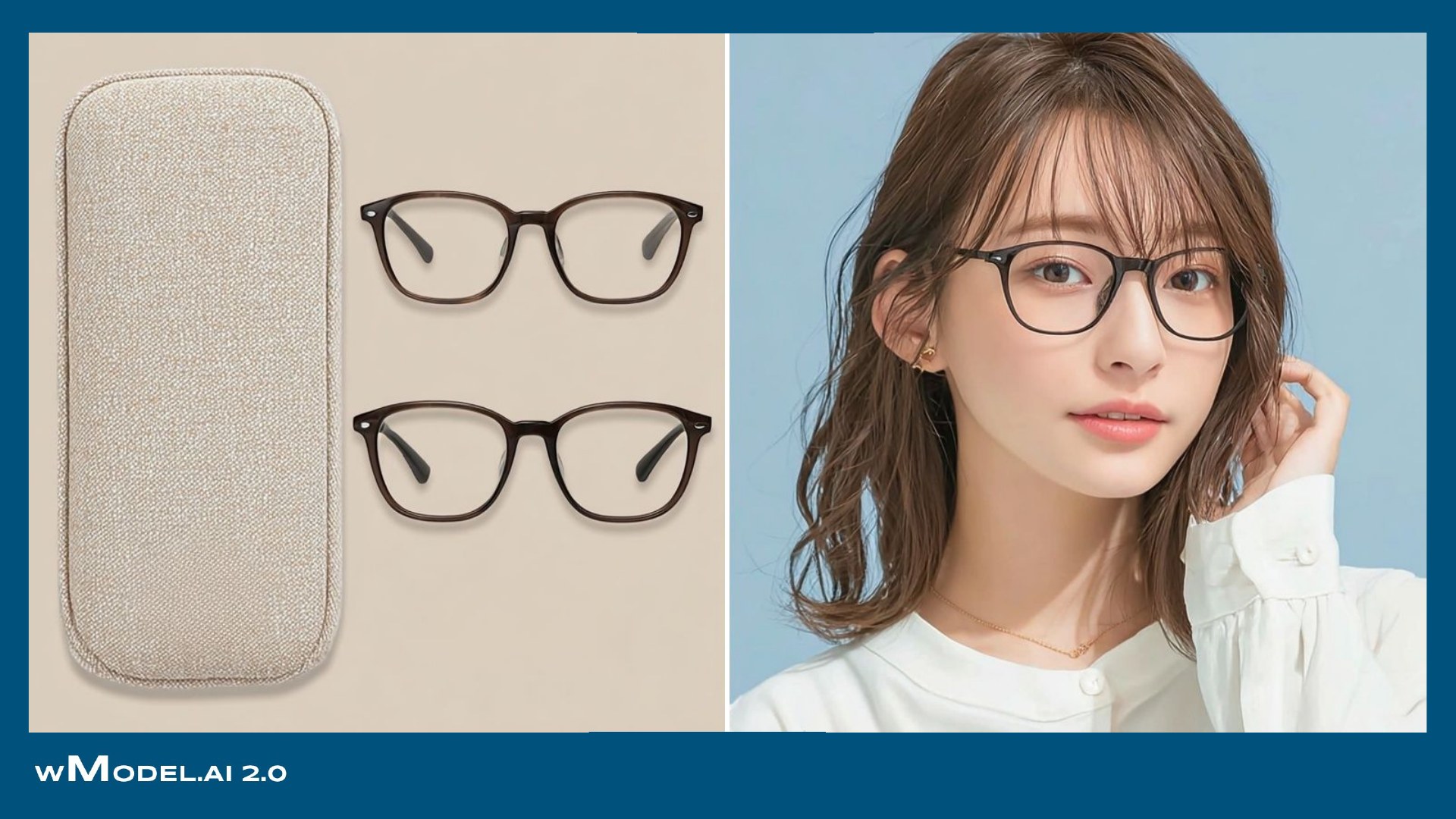
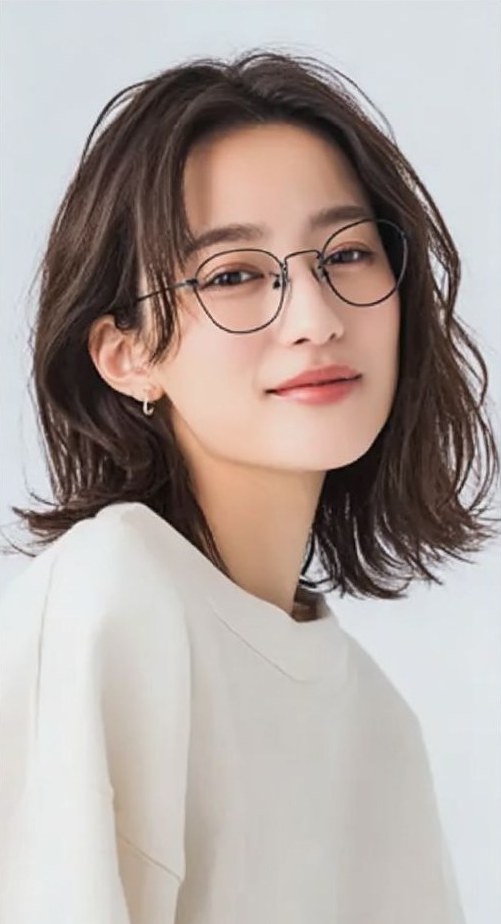
Glasses and sunglasses need no model shoot, and we can also create shots of an AI model wearing them with different outfits such as knits and suits.
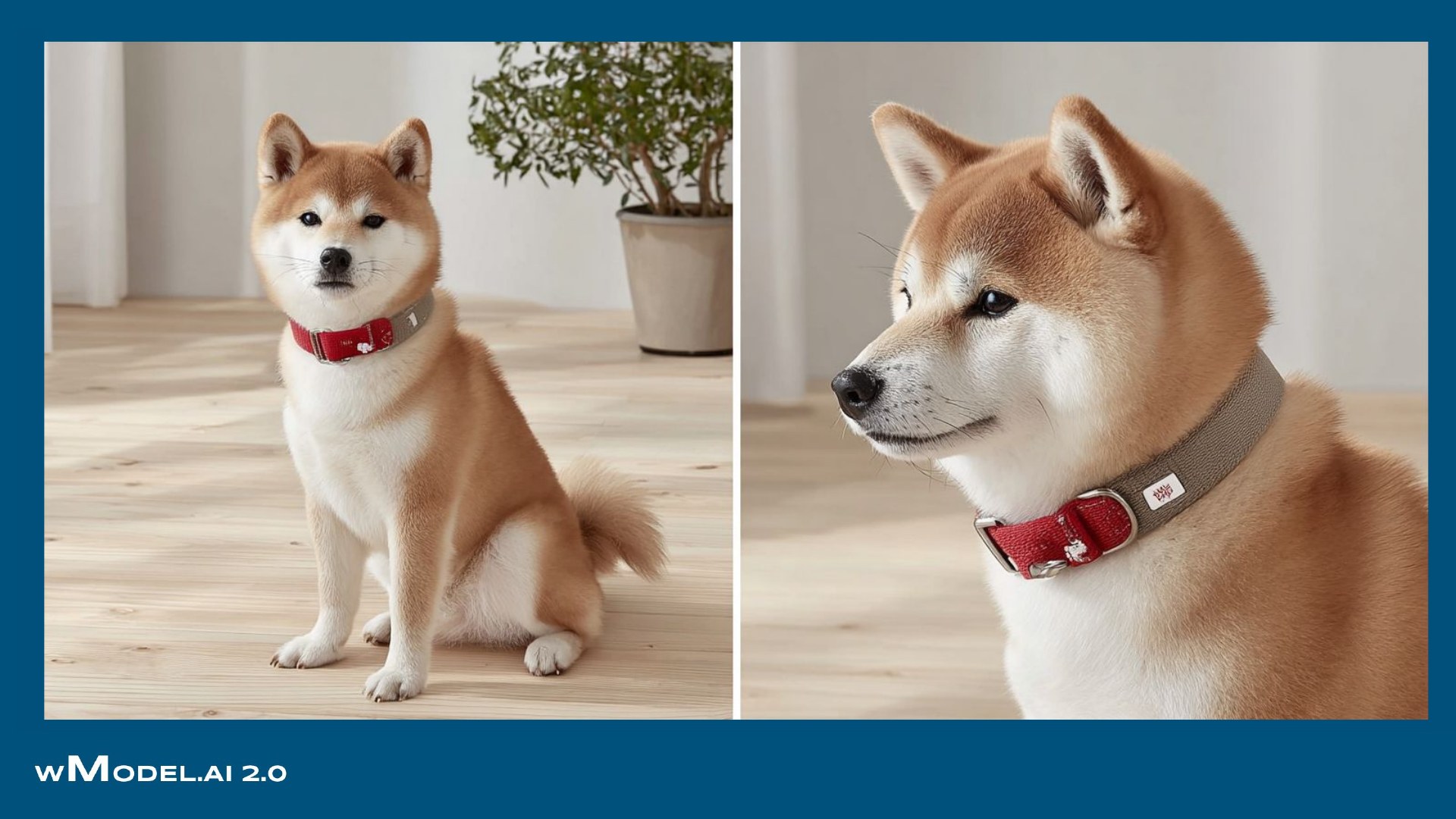
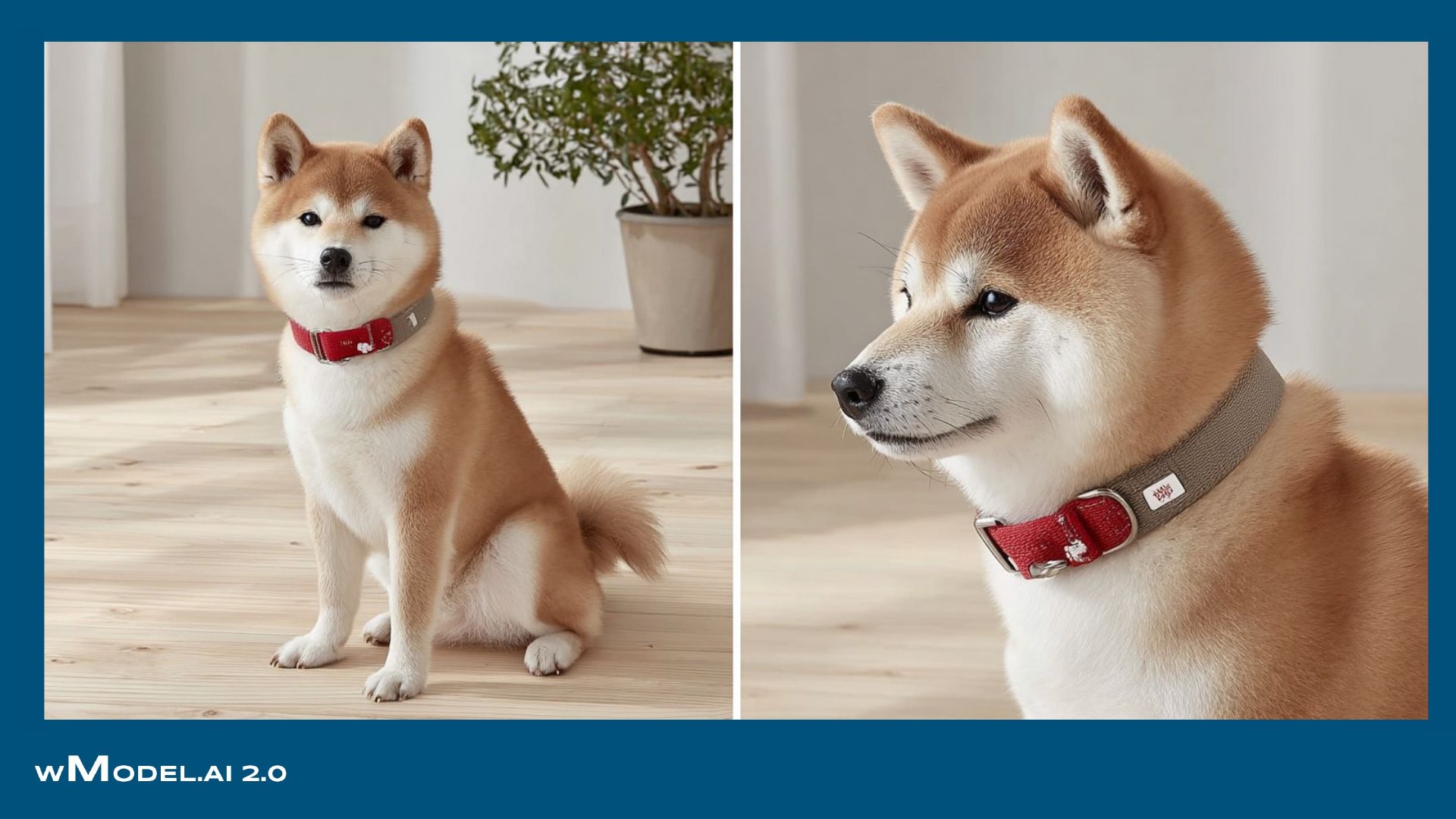
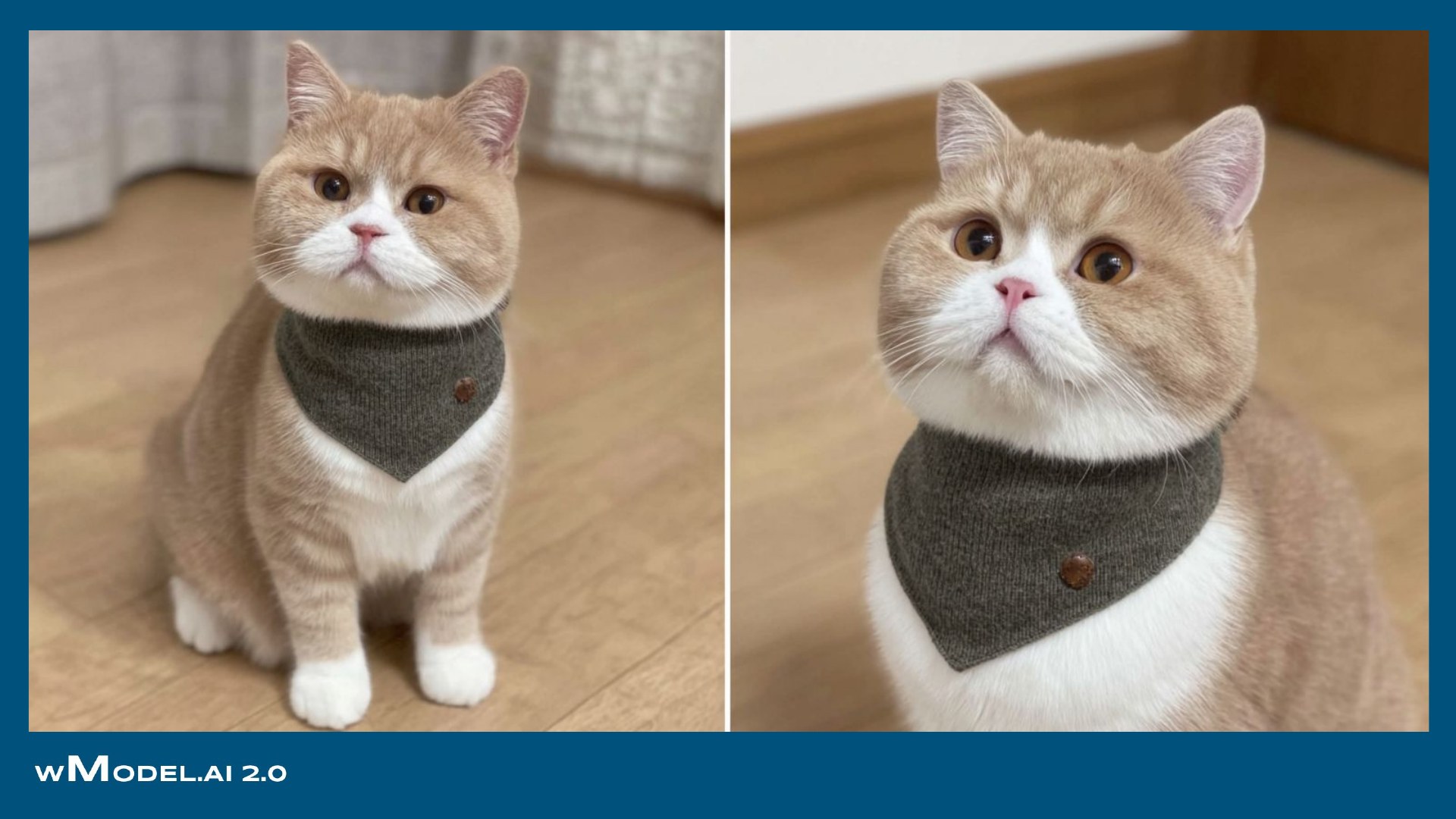
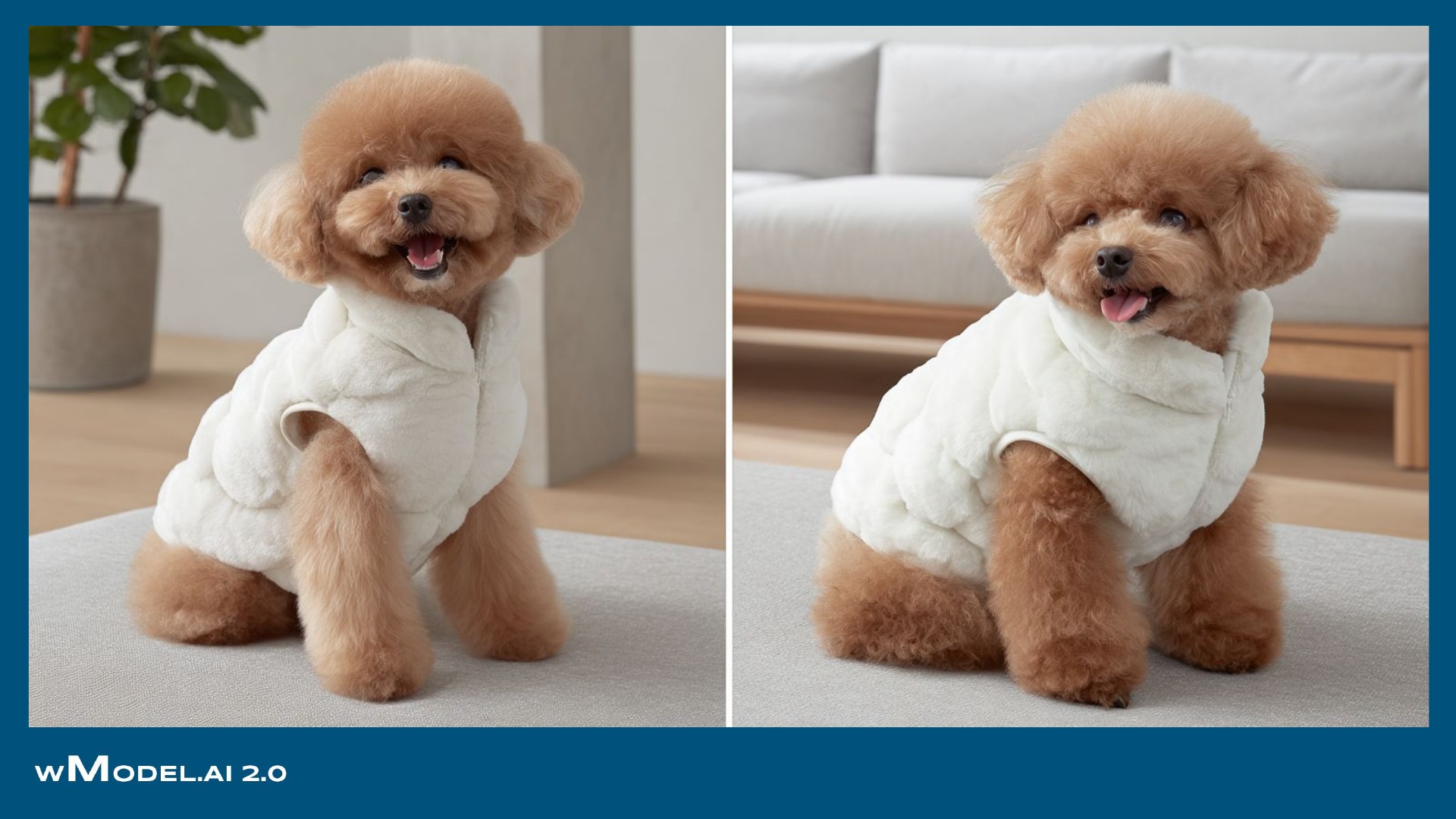
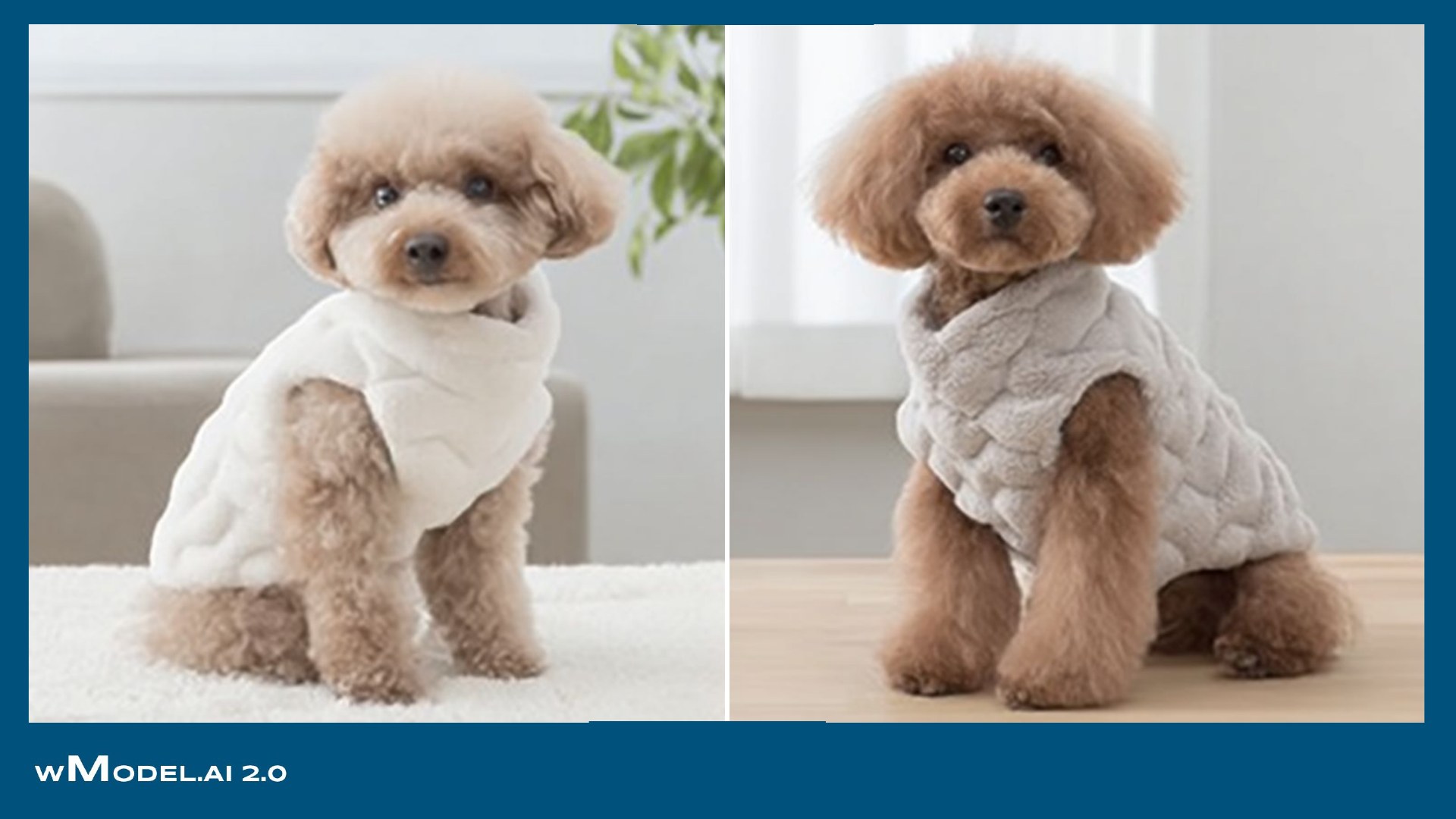
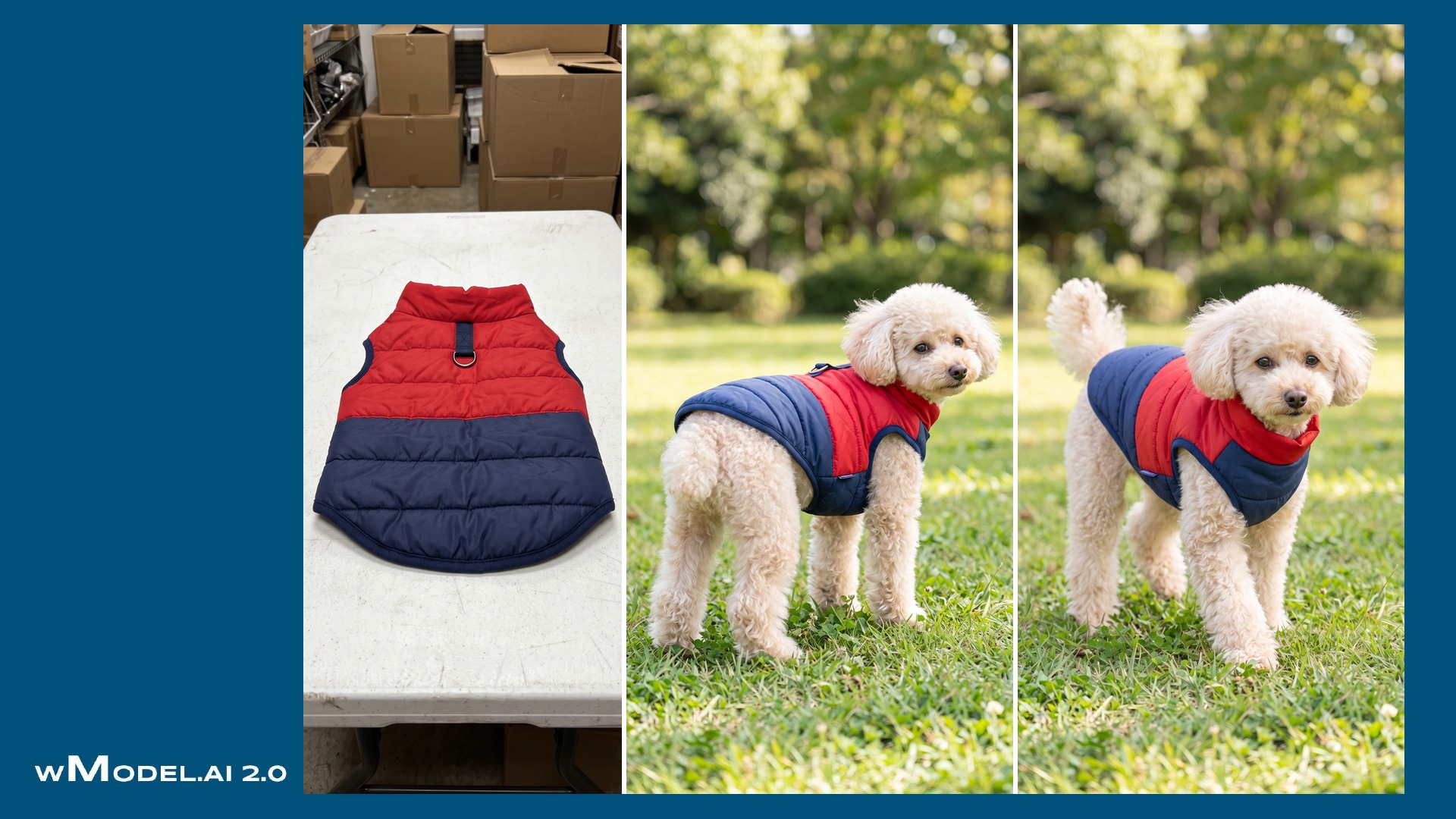
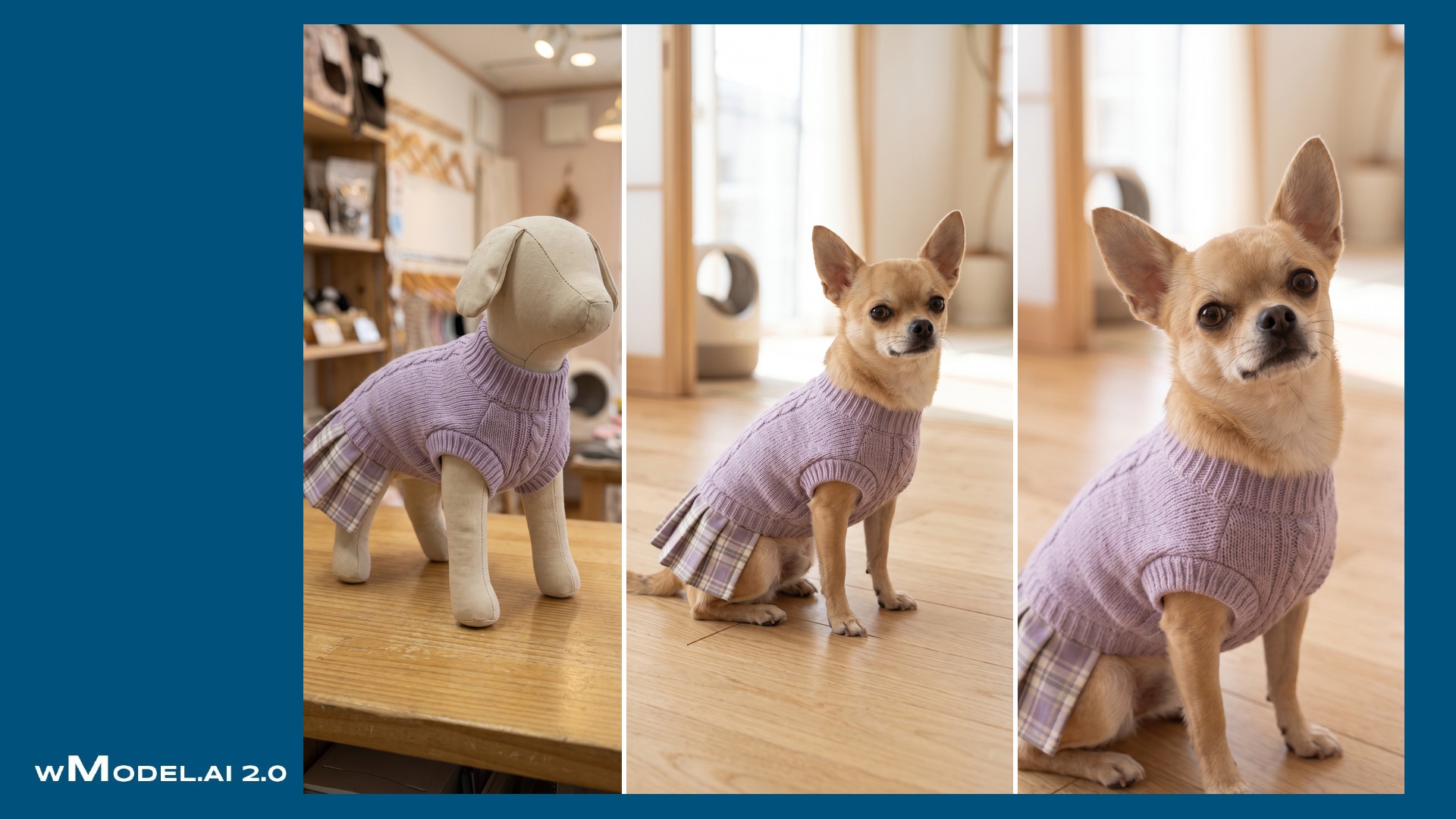
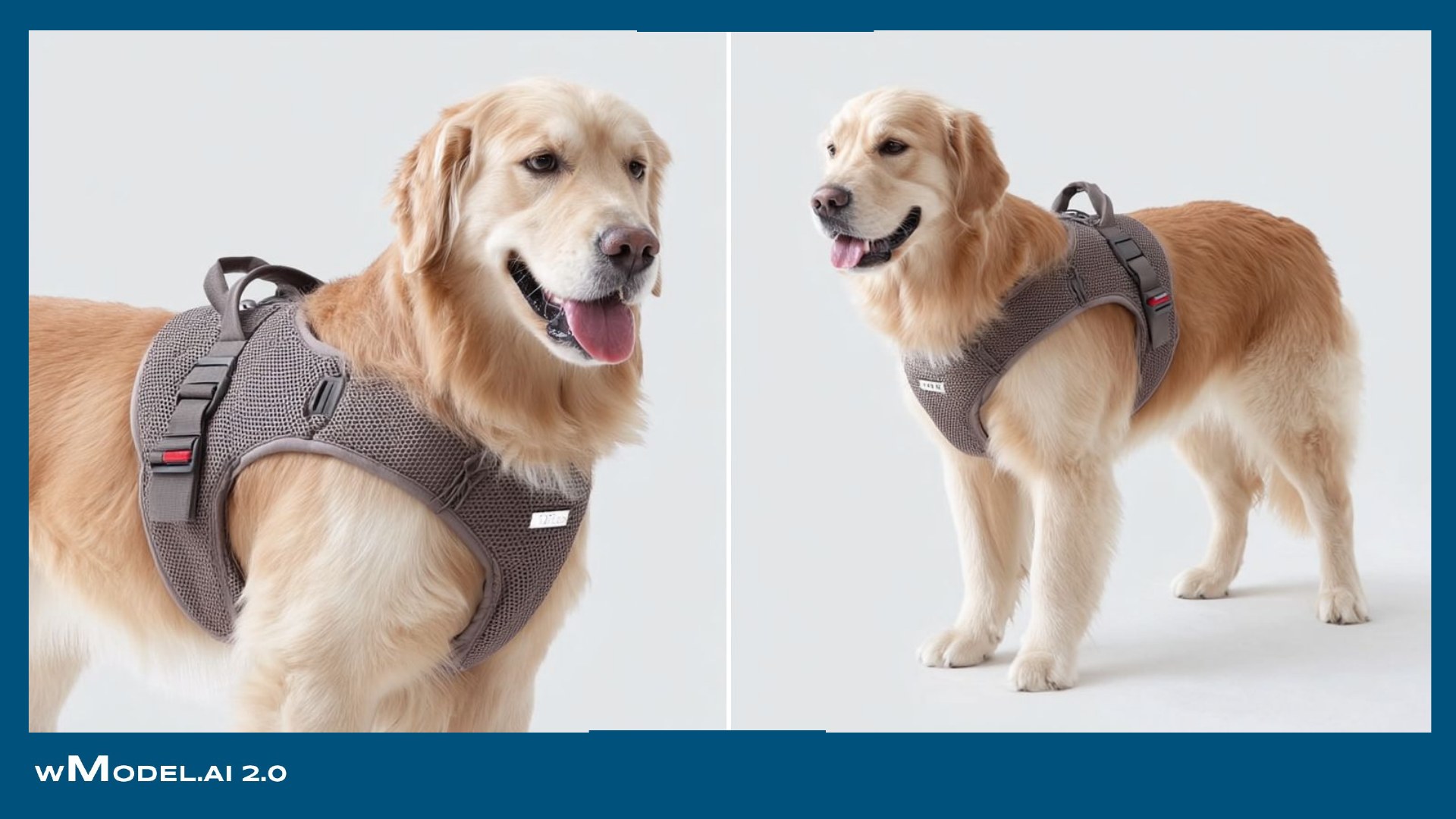
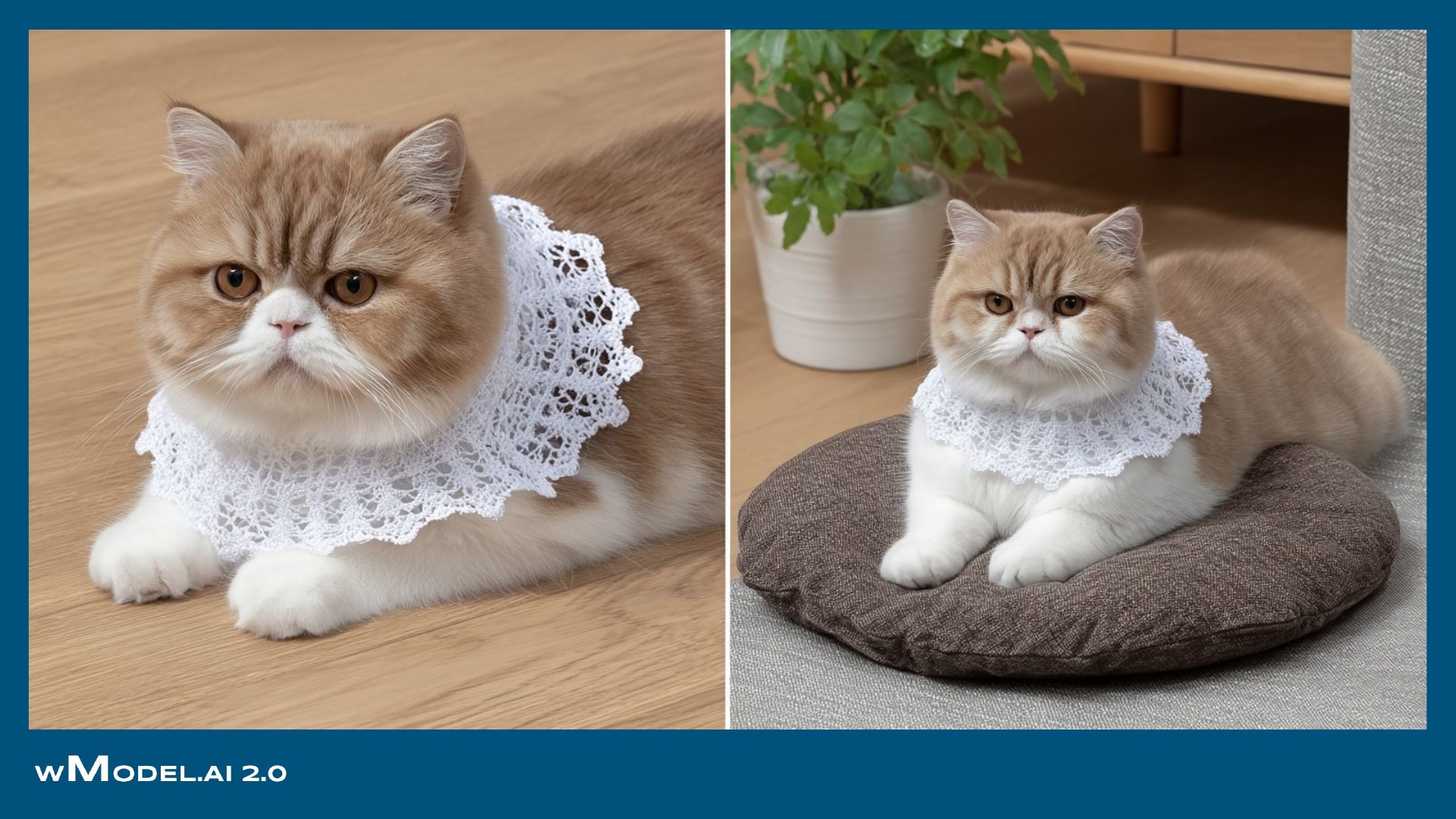
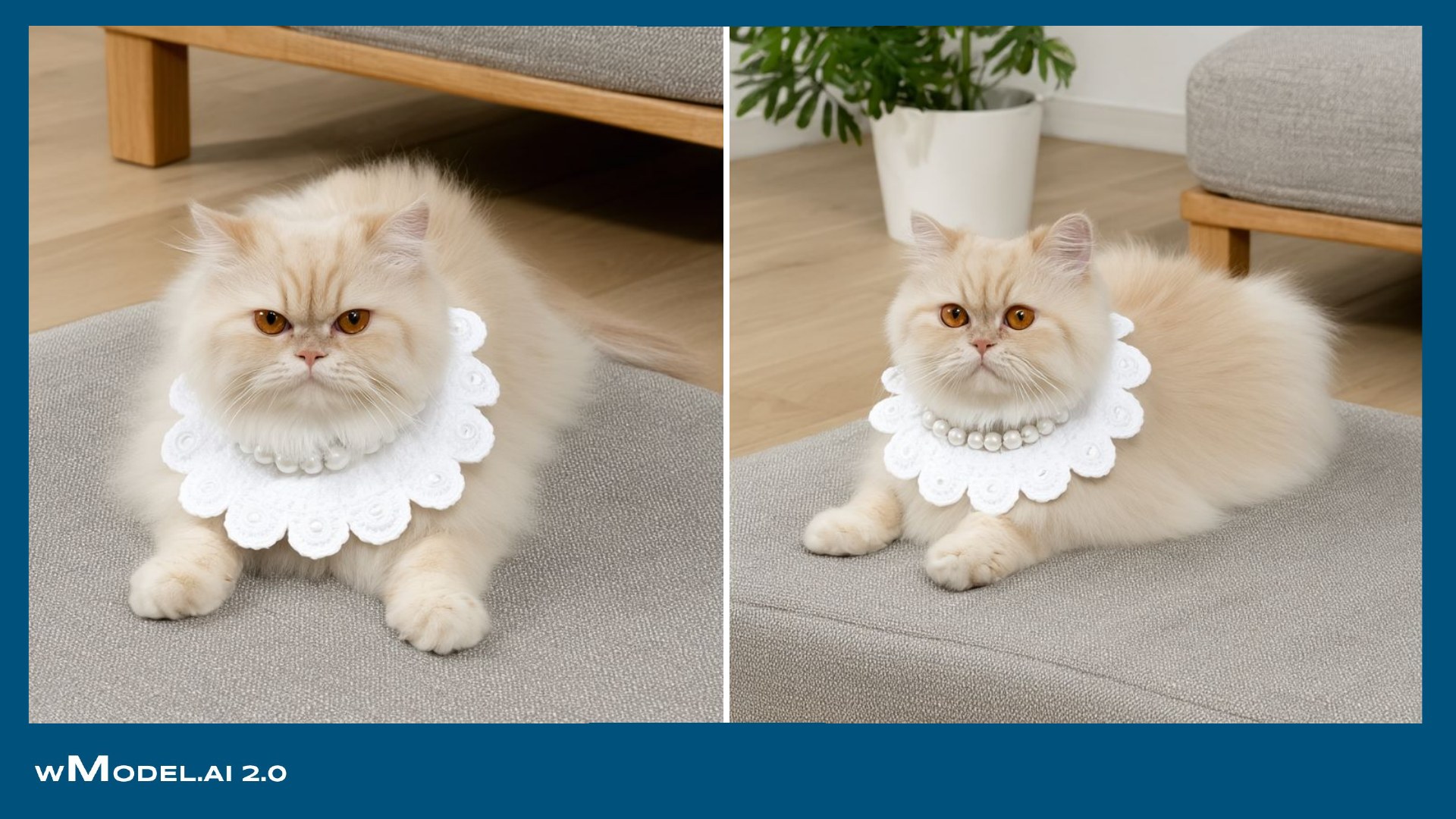
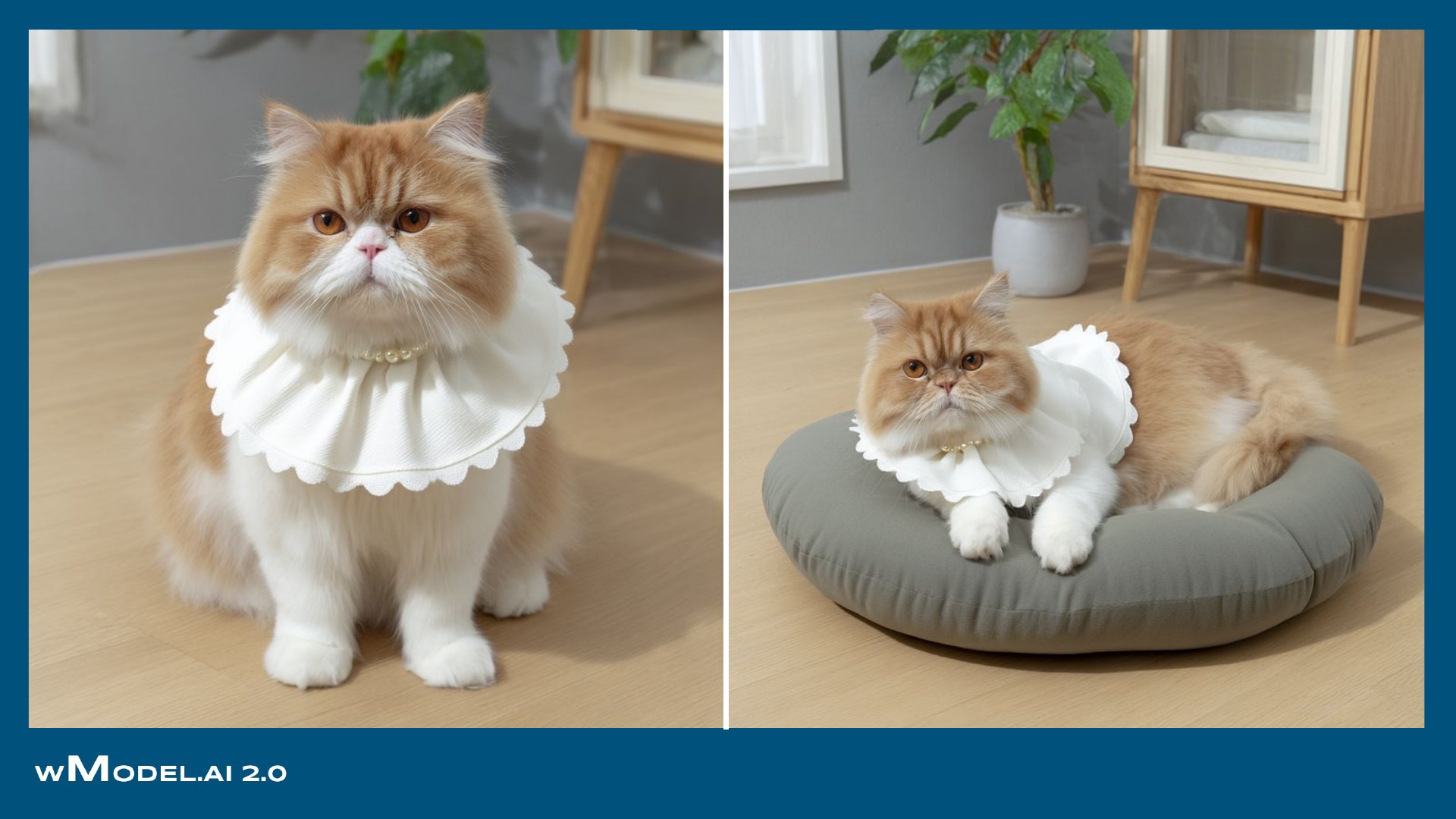
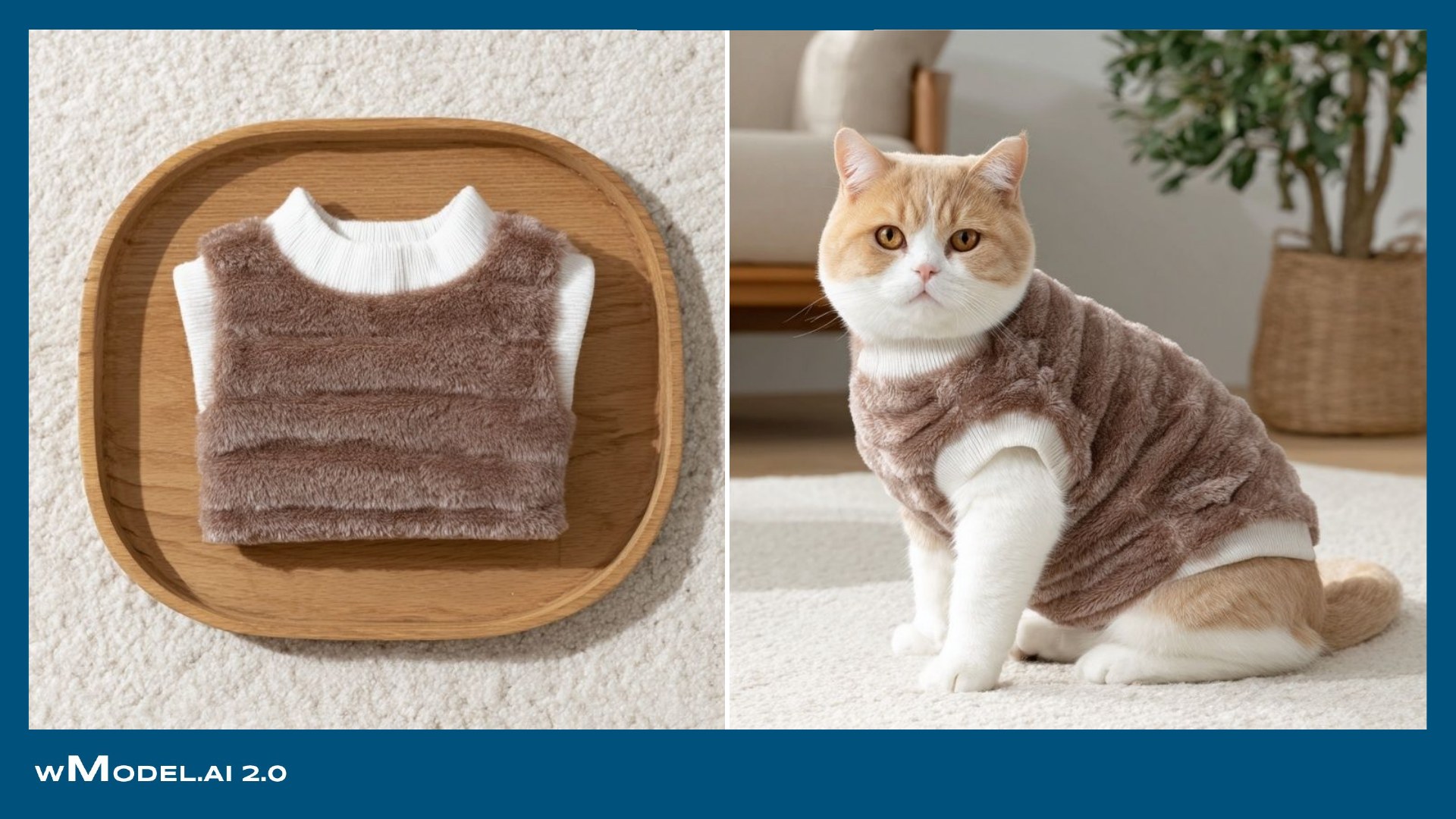
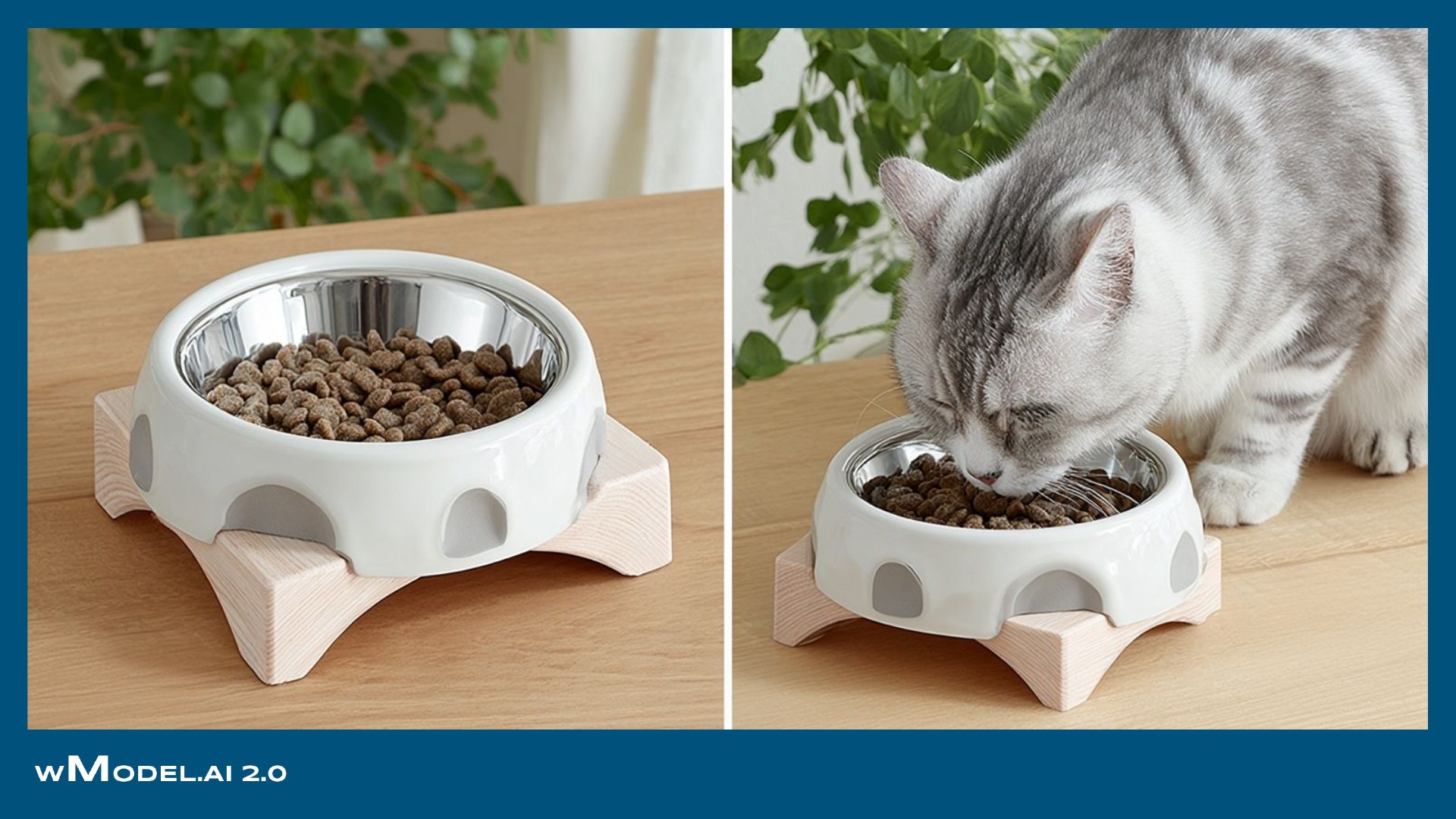
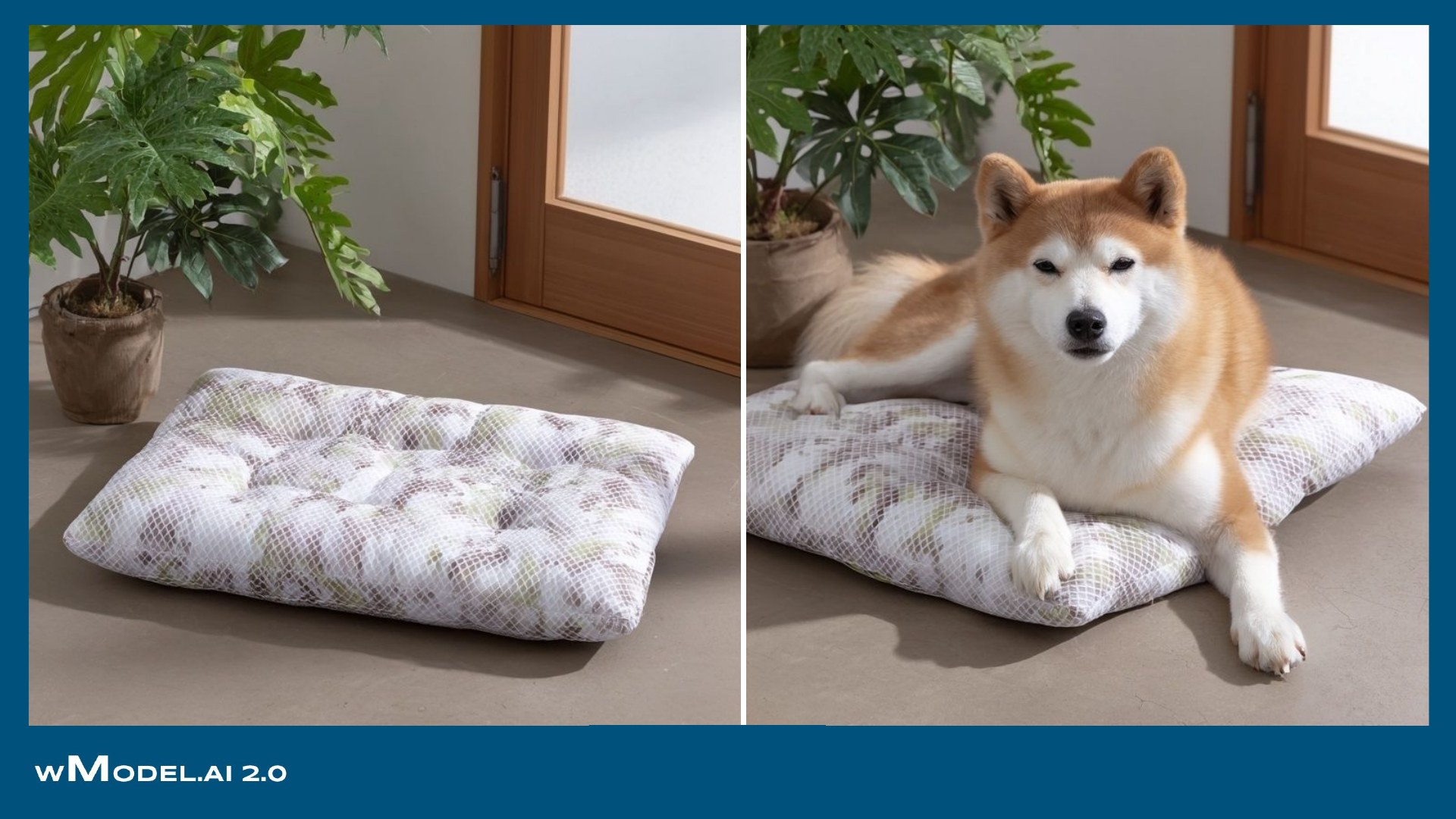
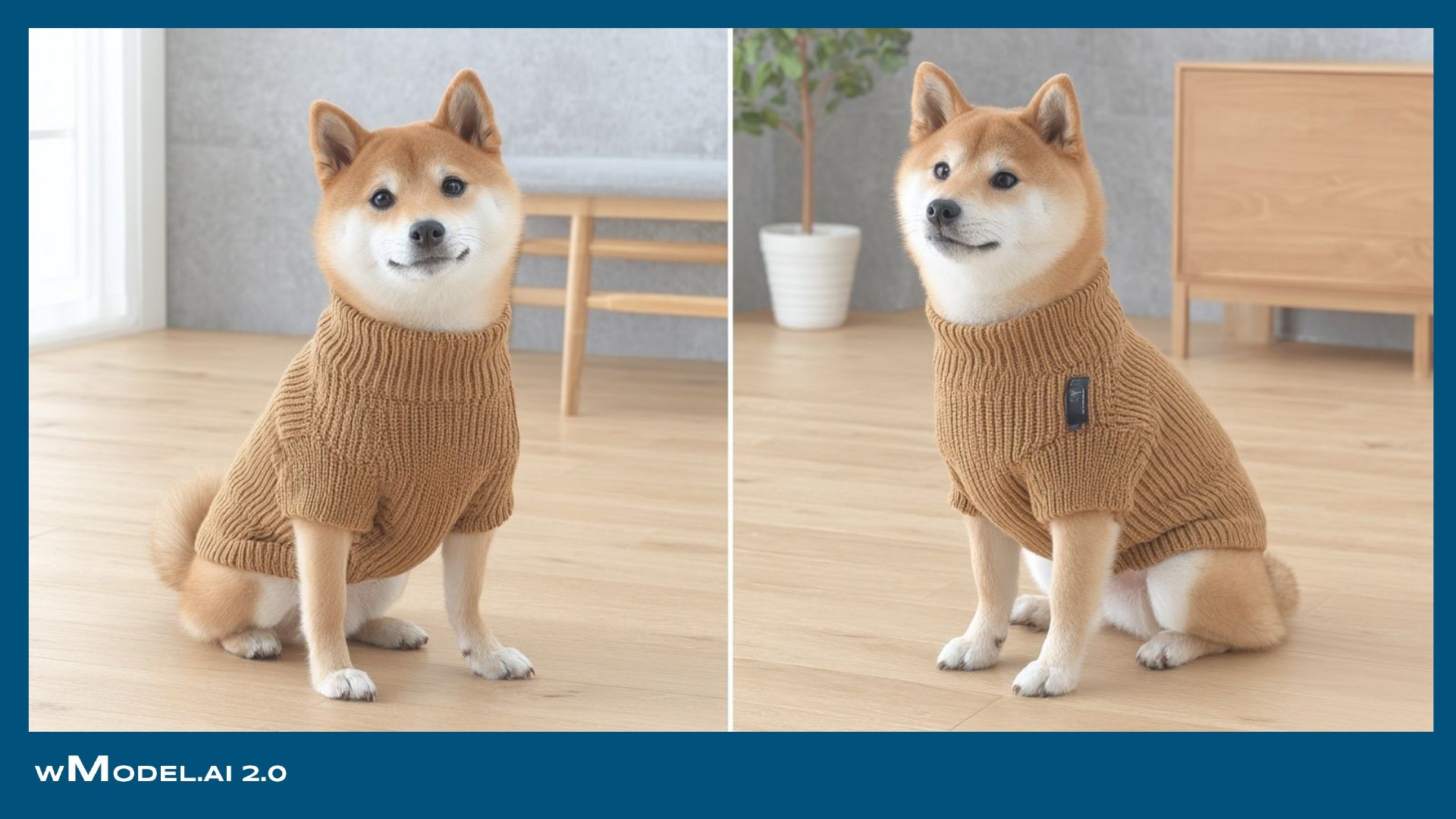
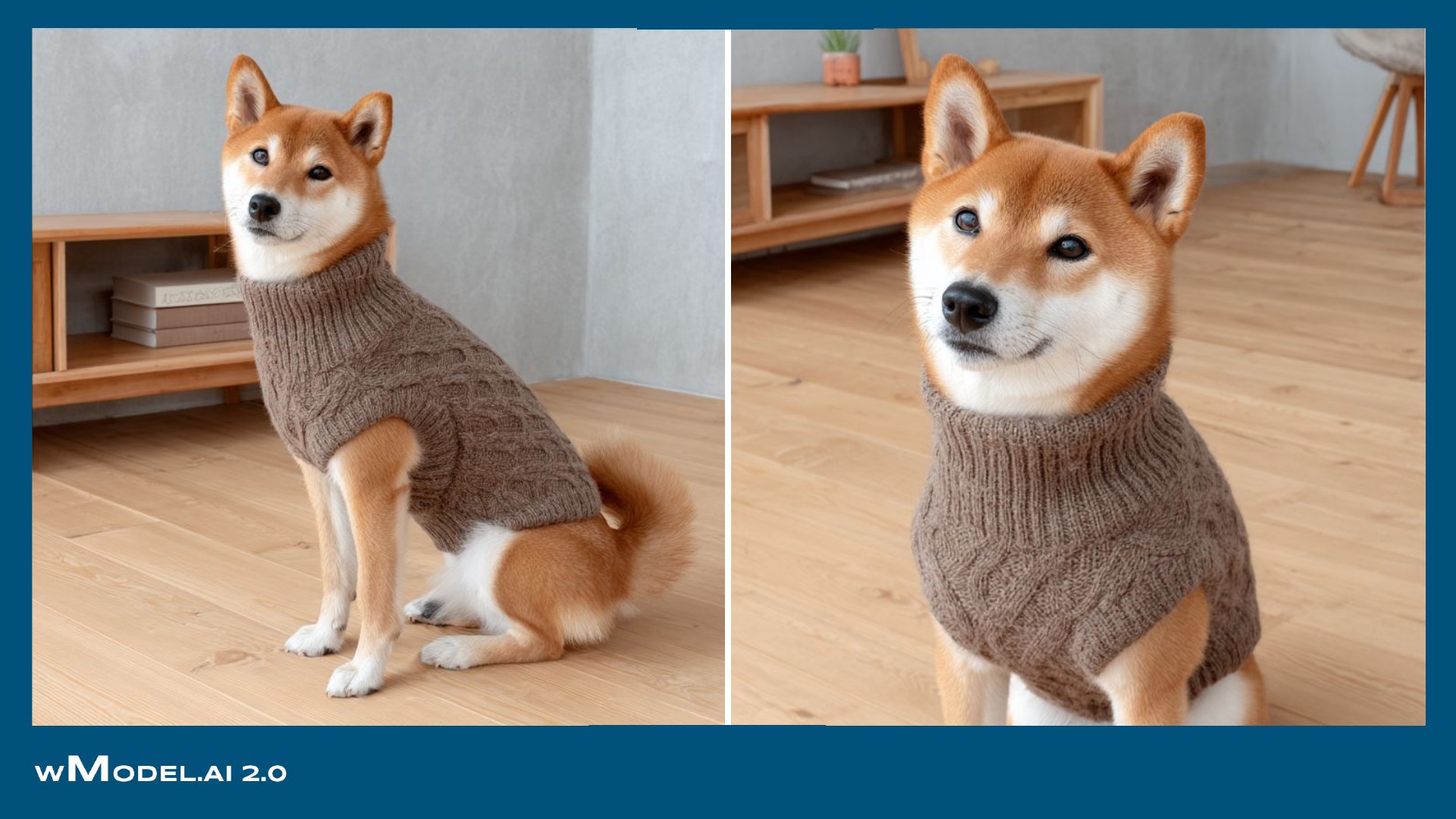
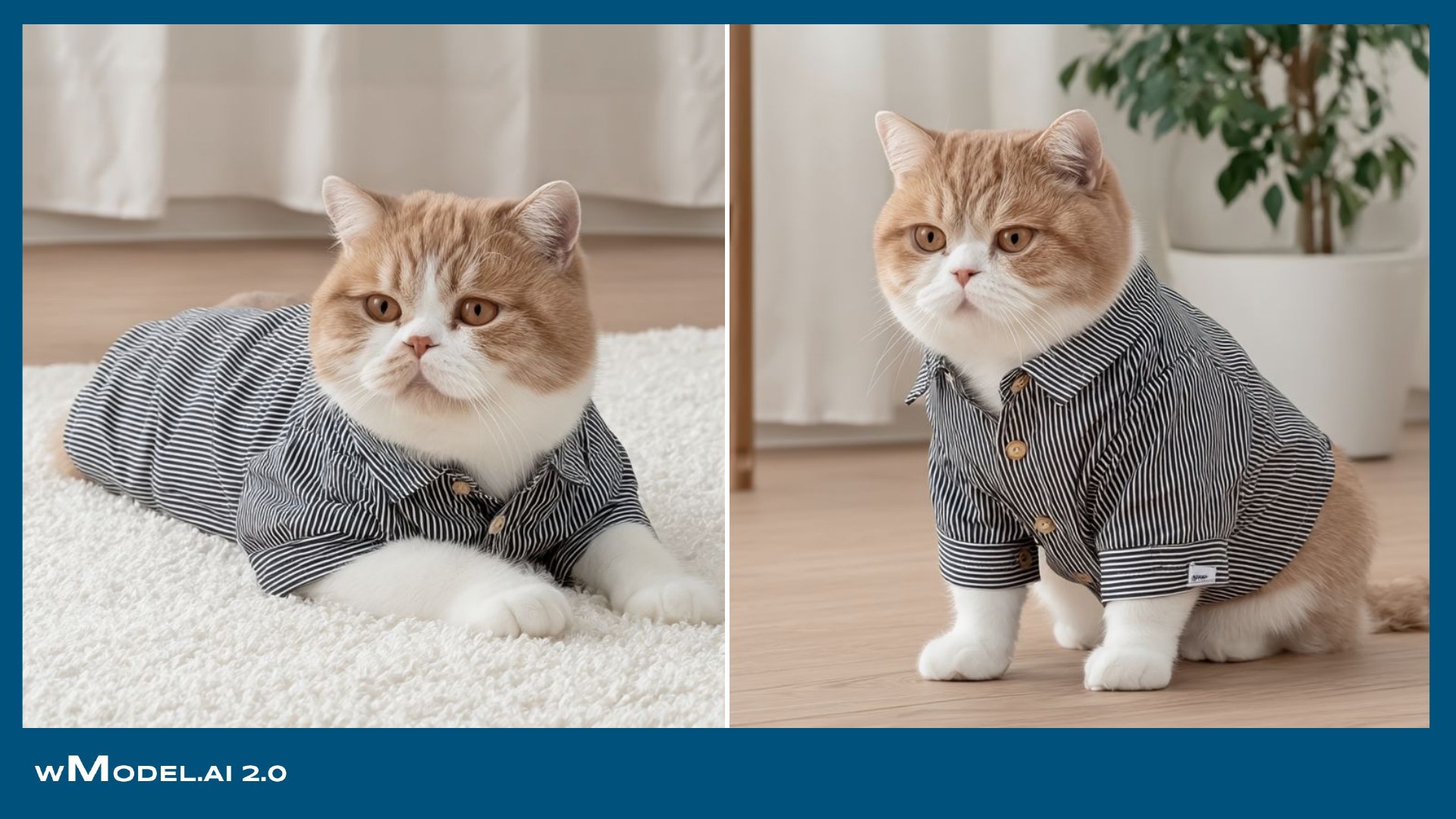
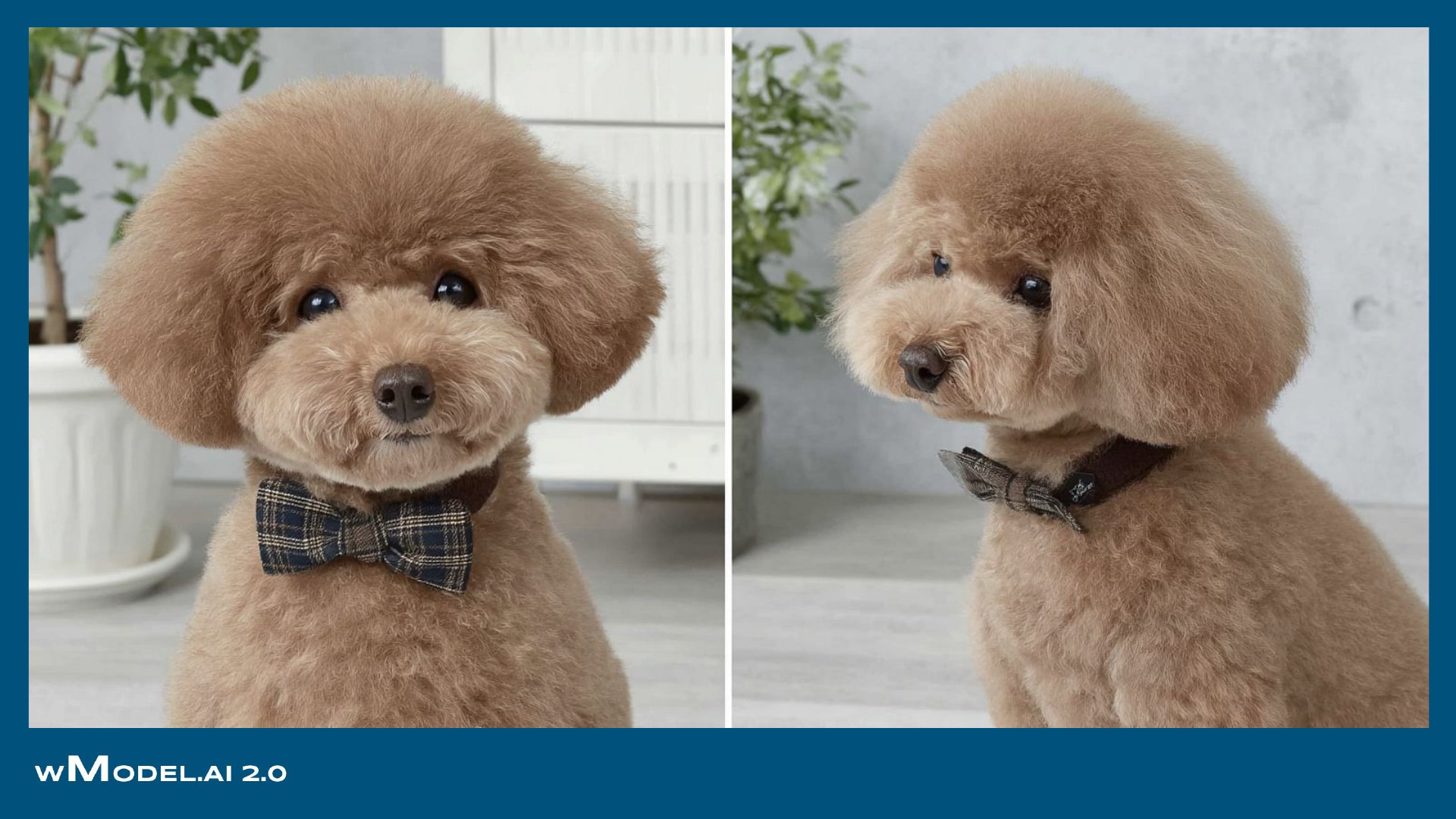
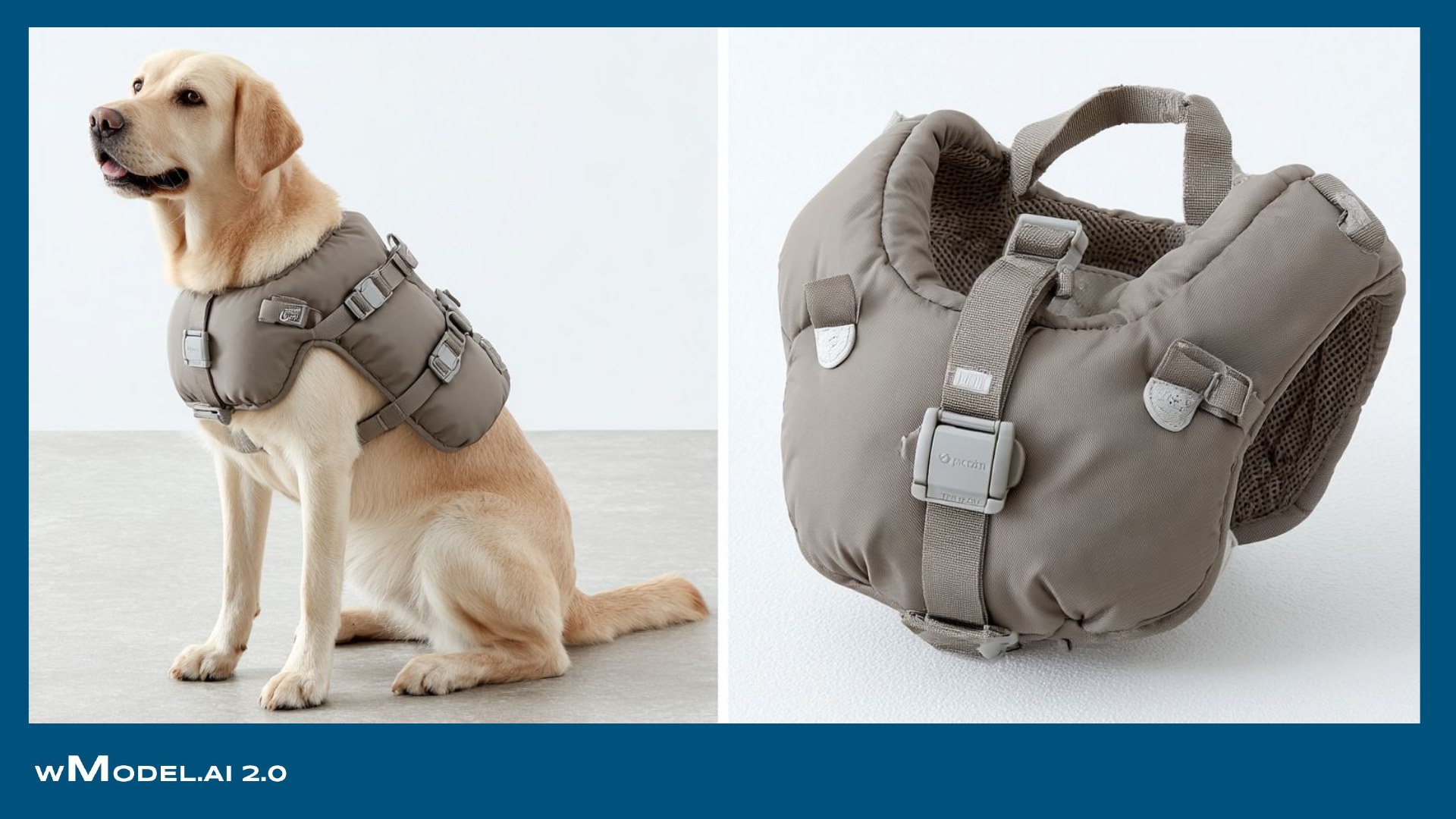
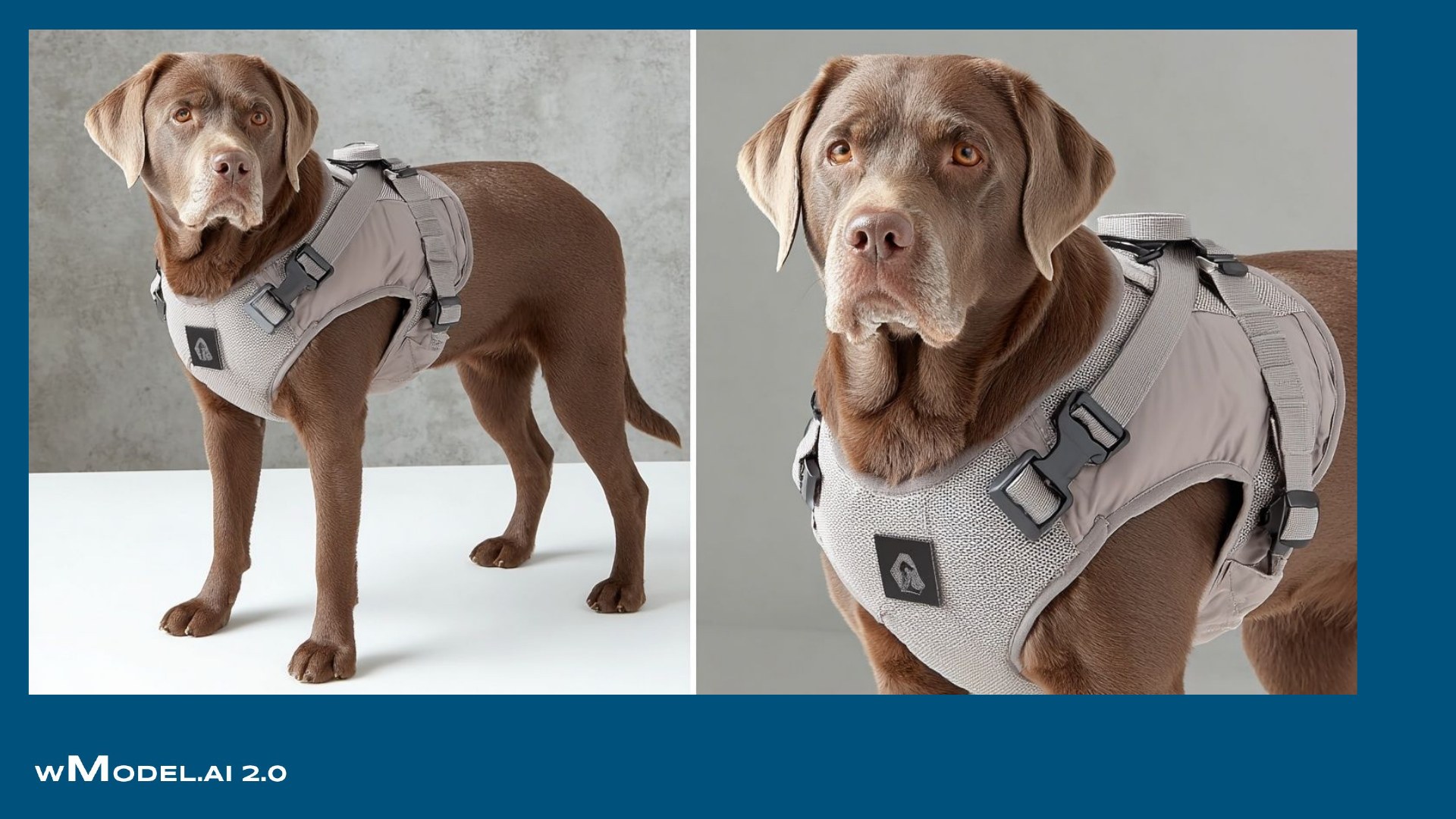
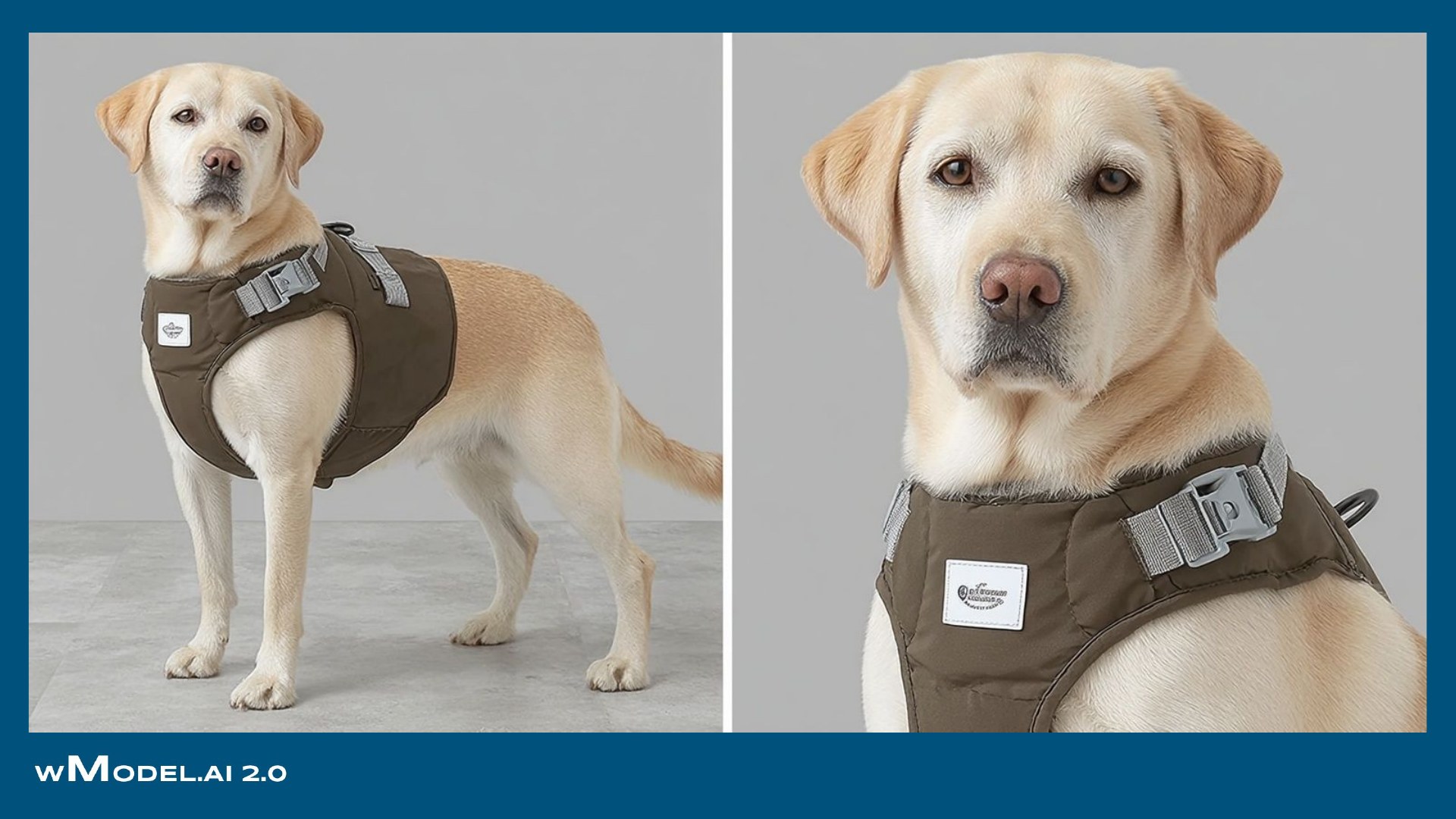
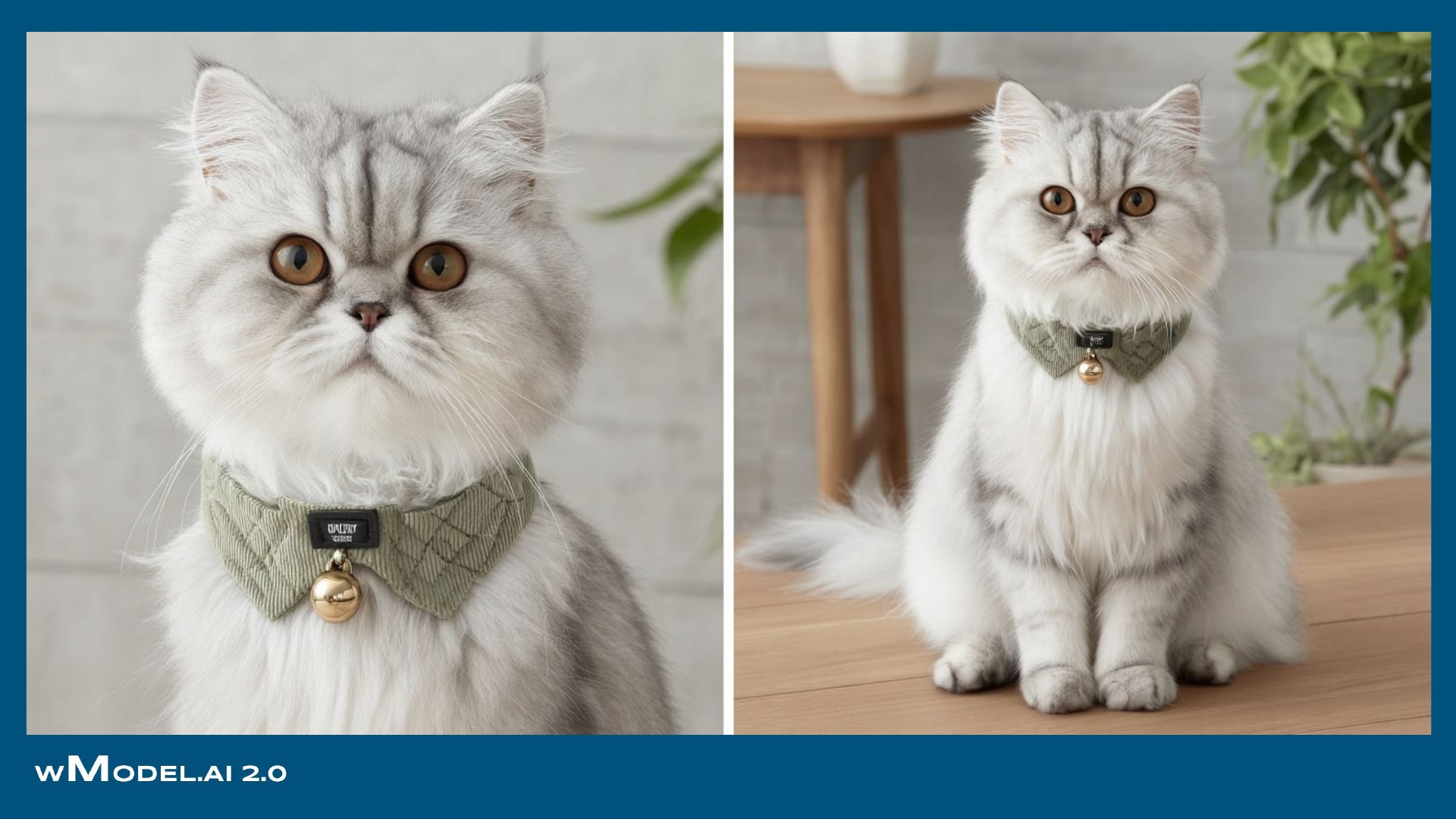
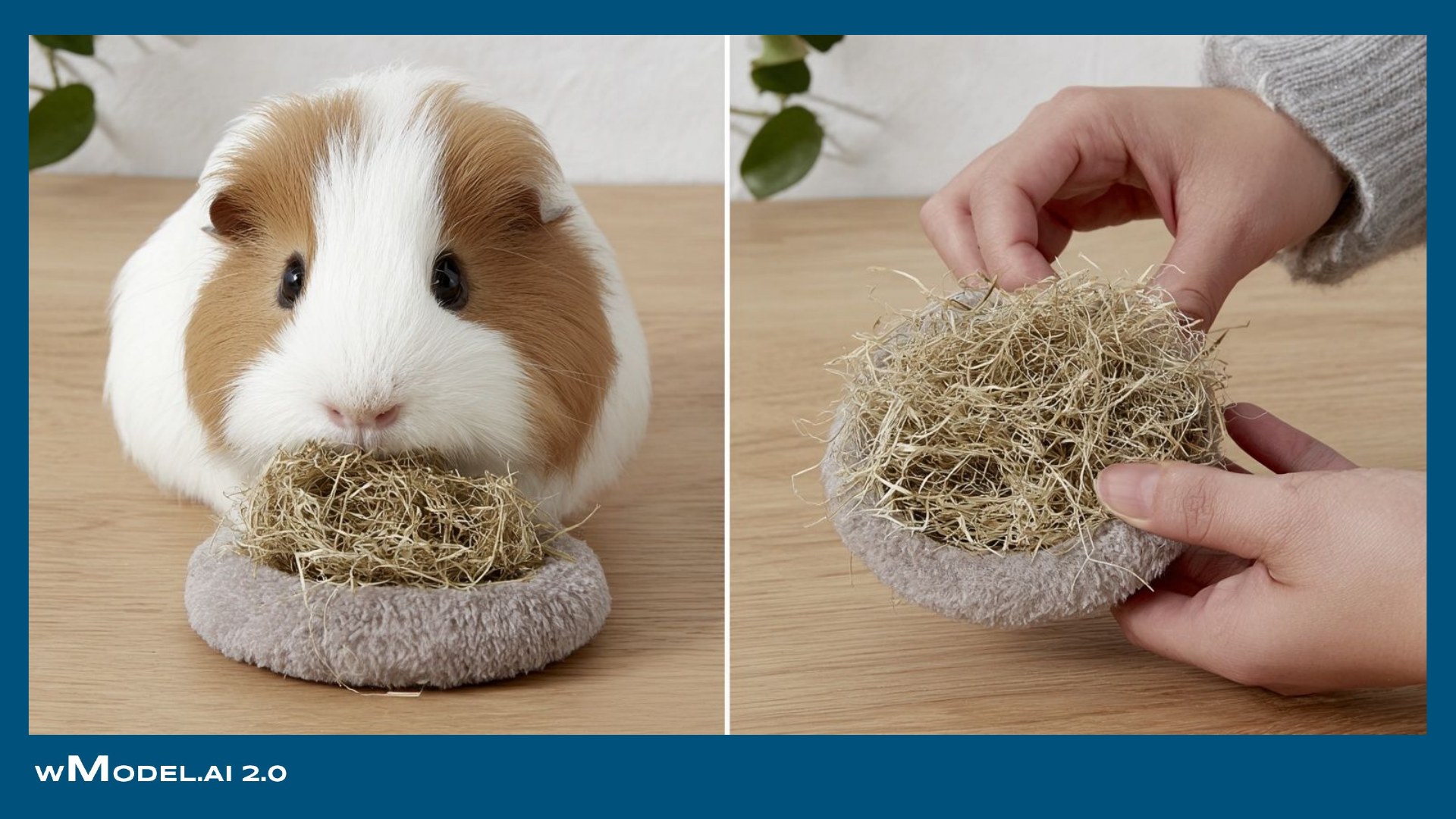
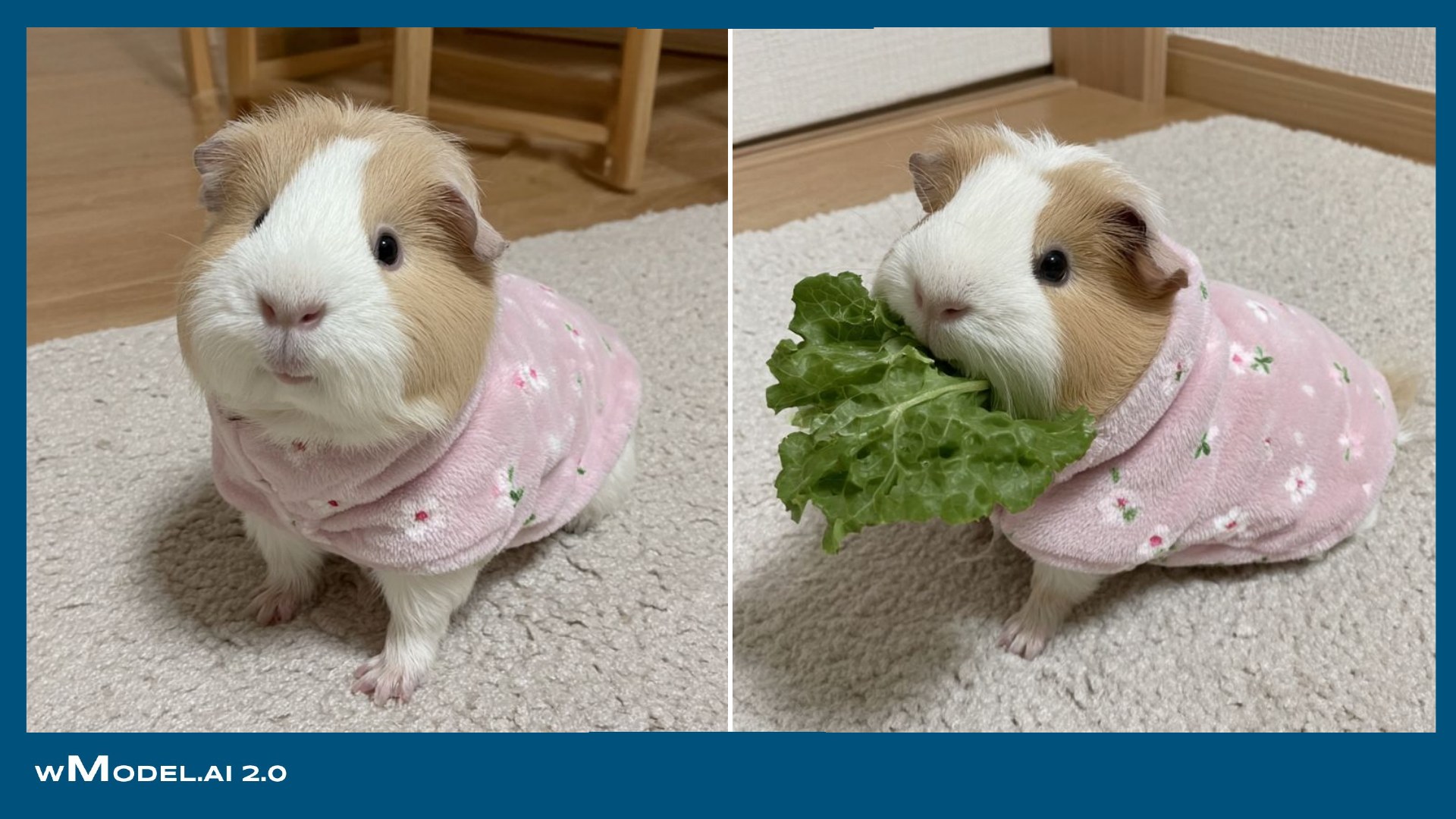
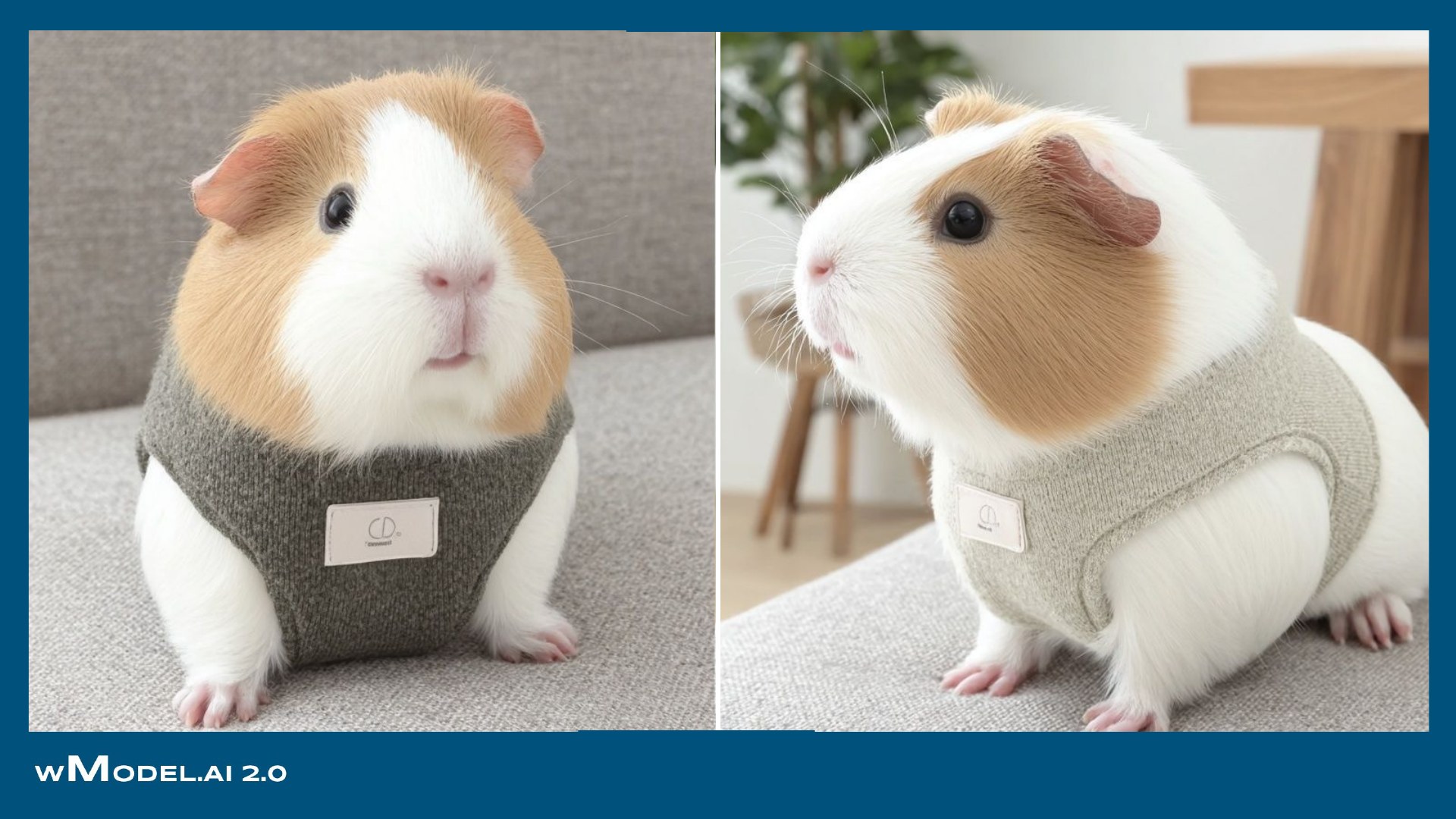
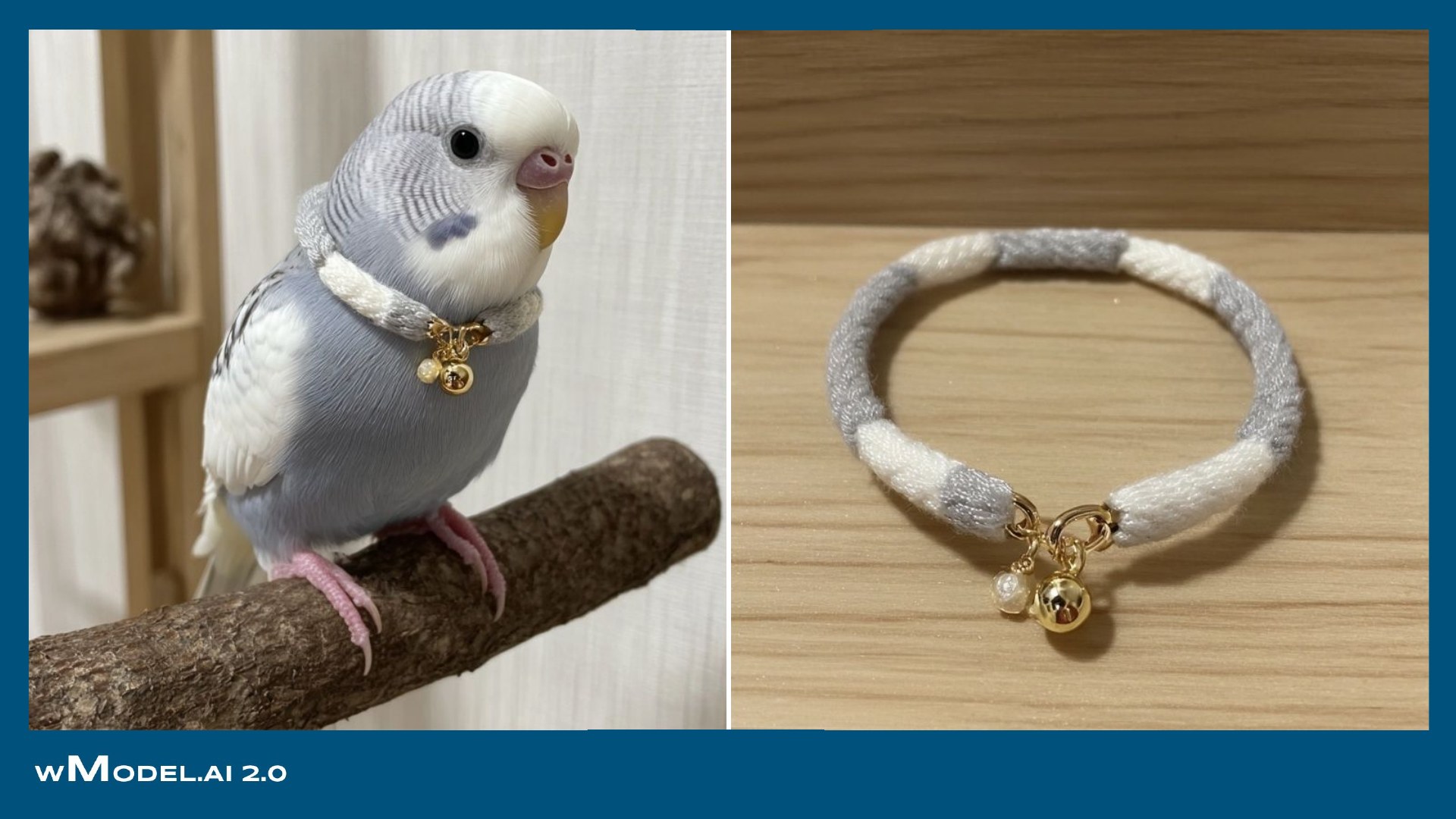
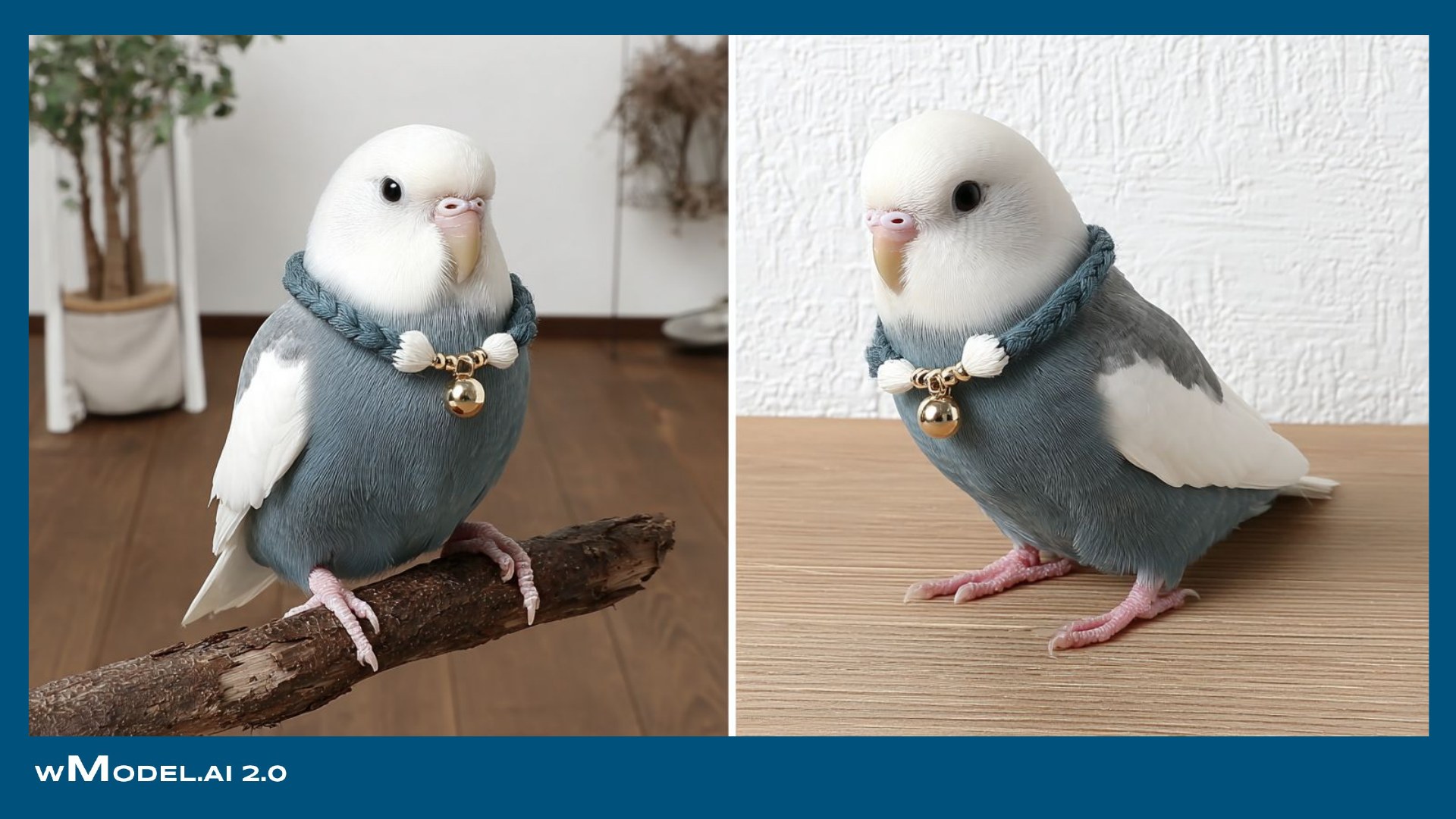
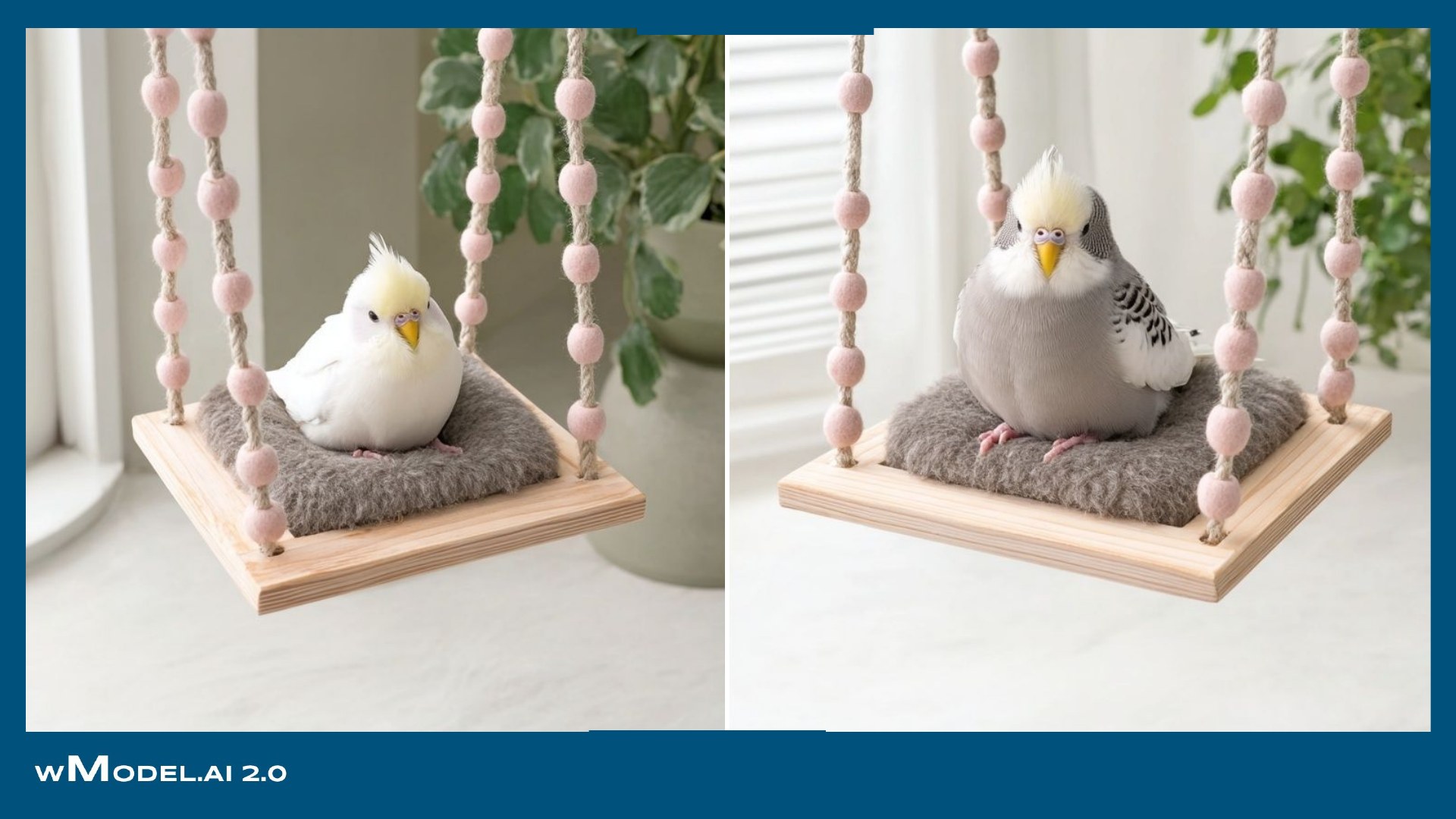
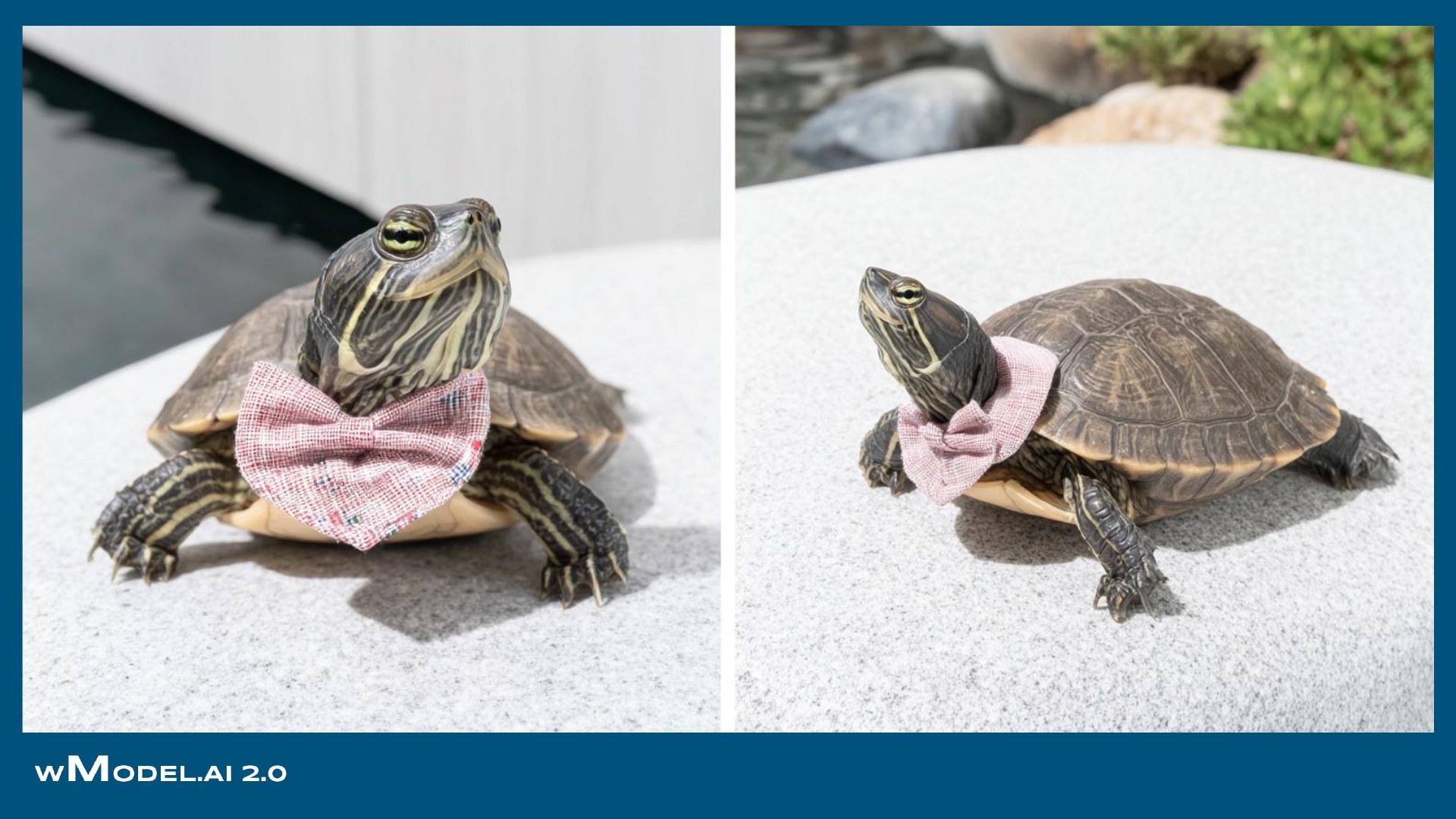
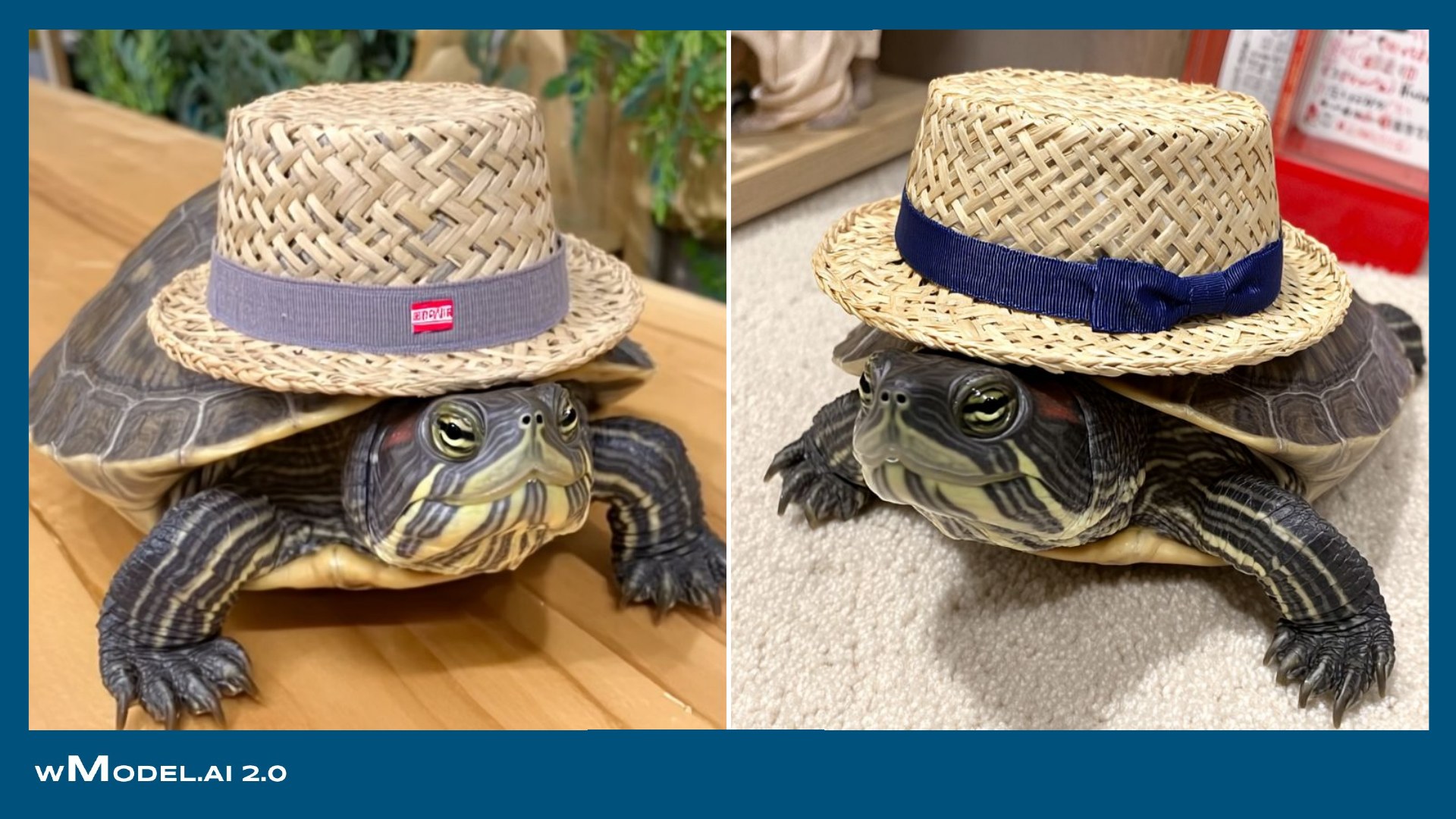
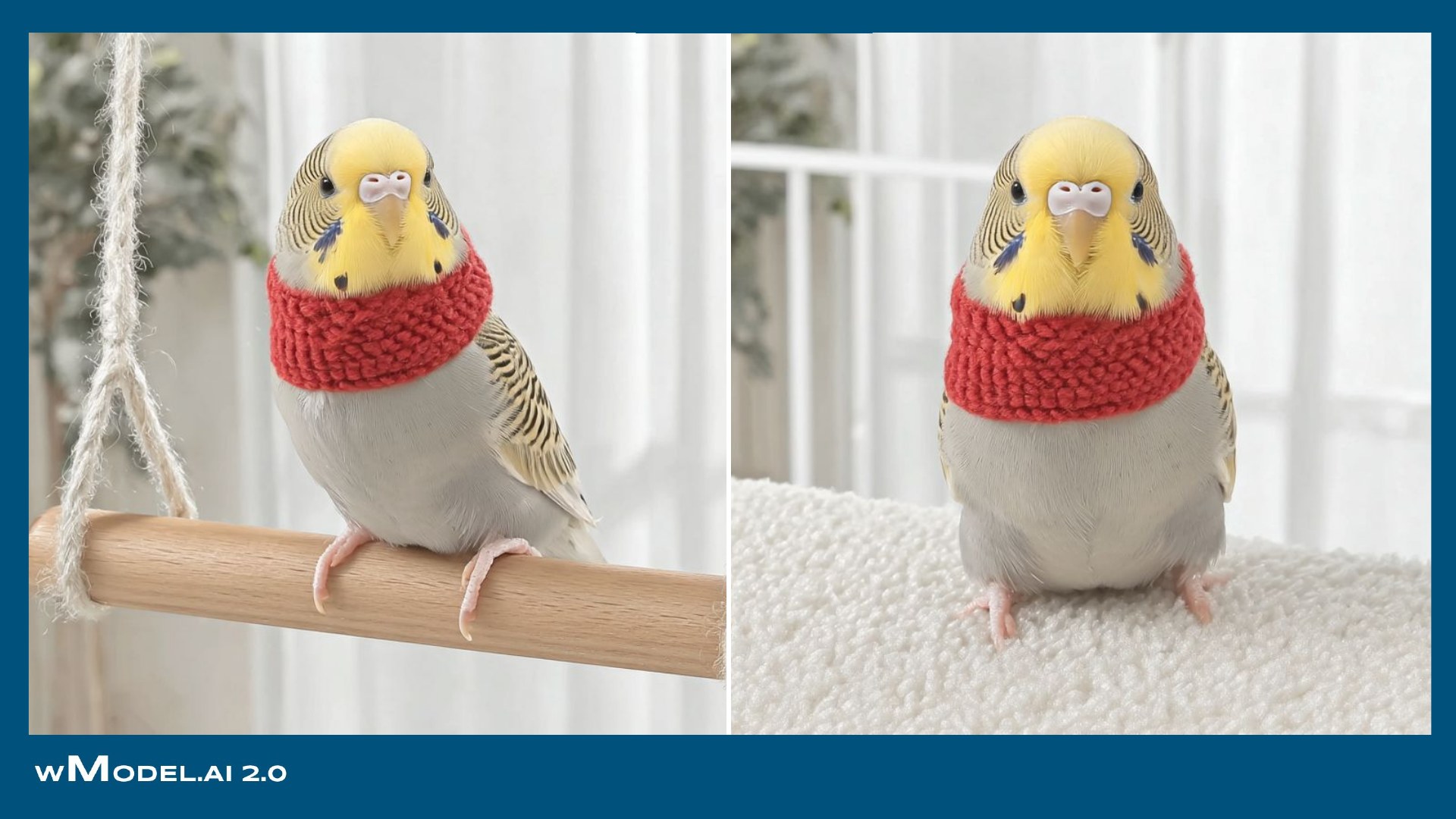
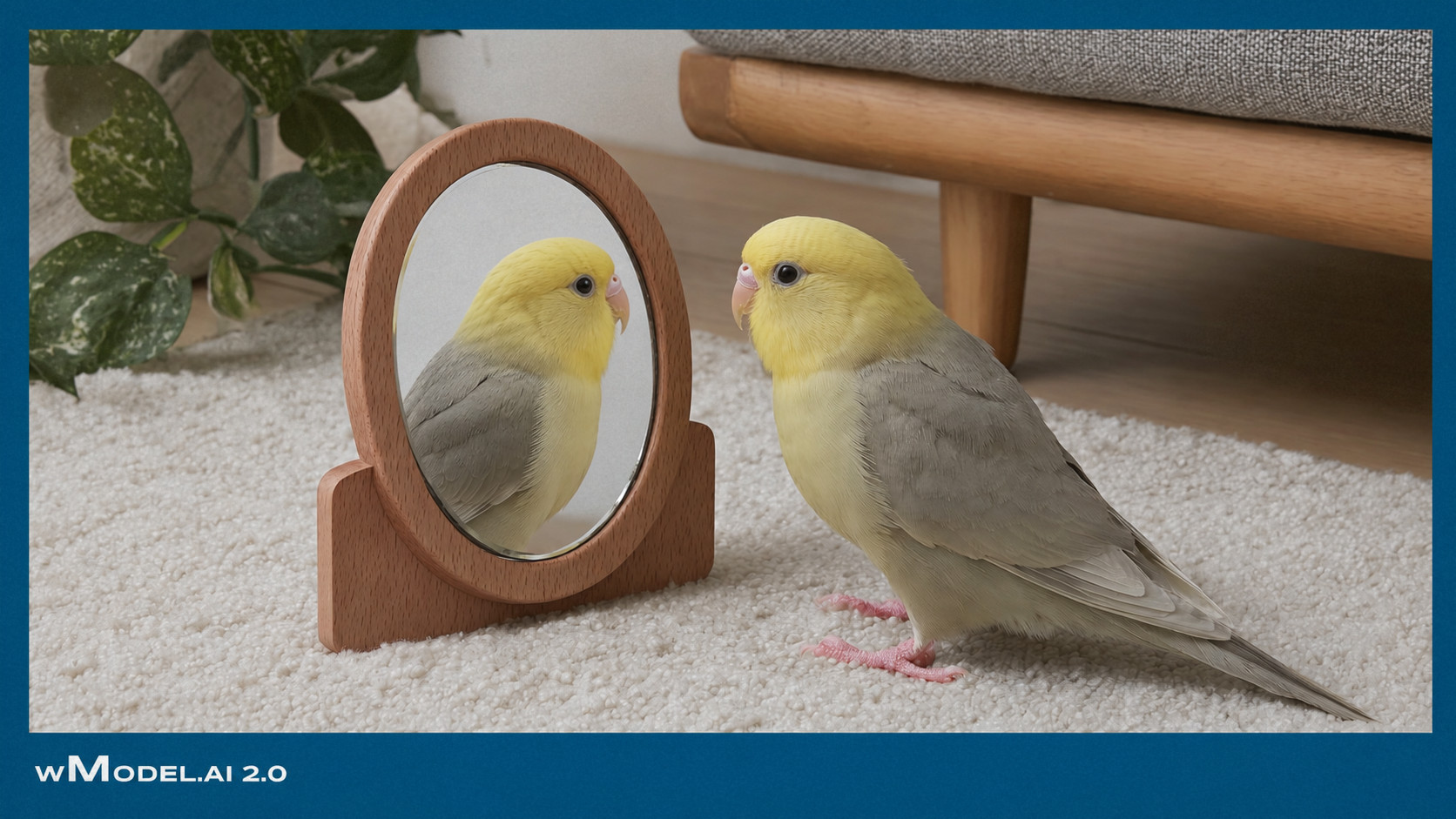
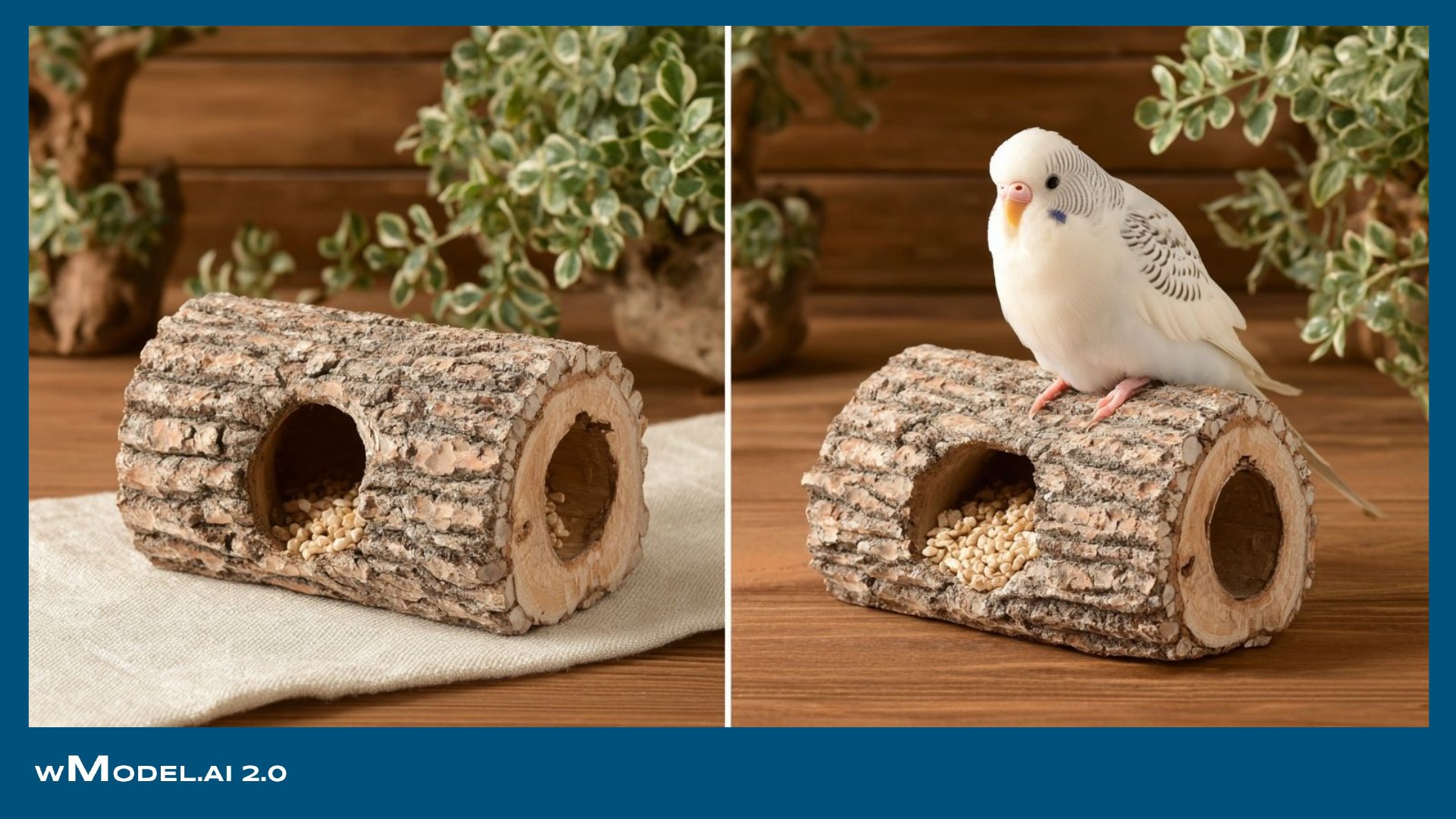
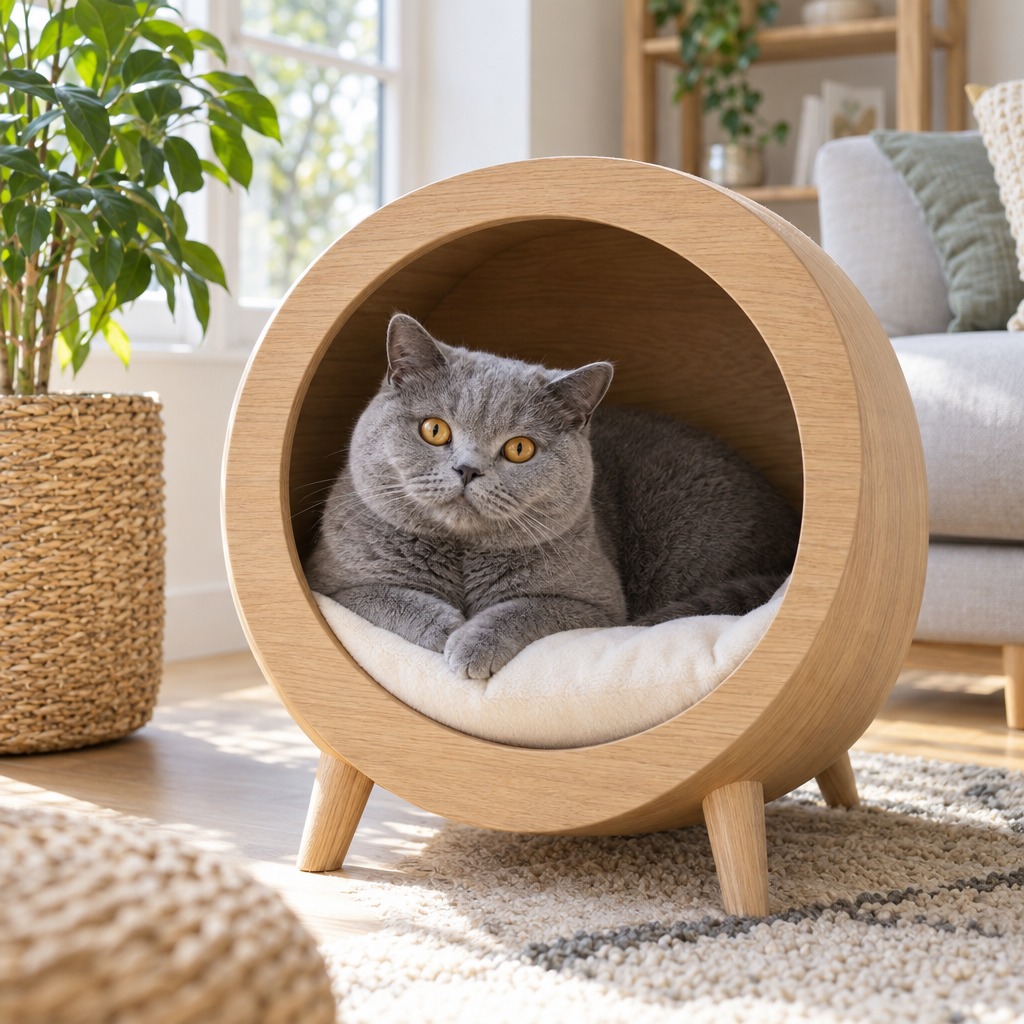
Show animal models actually using cat houses, dog beds, toys, bird boxes and other pet products. We can also work from a photograph of a specified pet, making the product's size and use easier to picture.
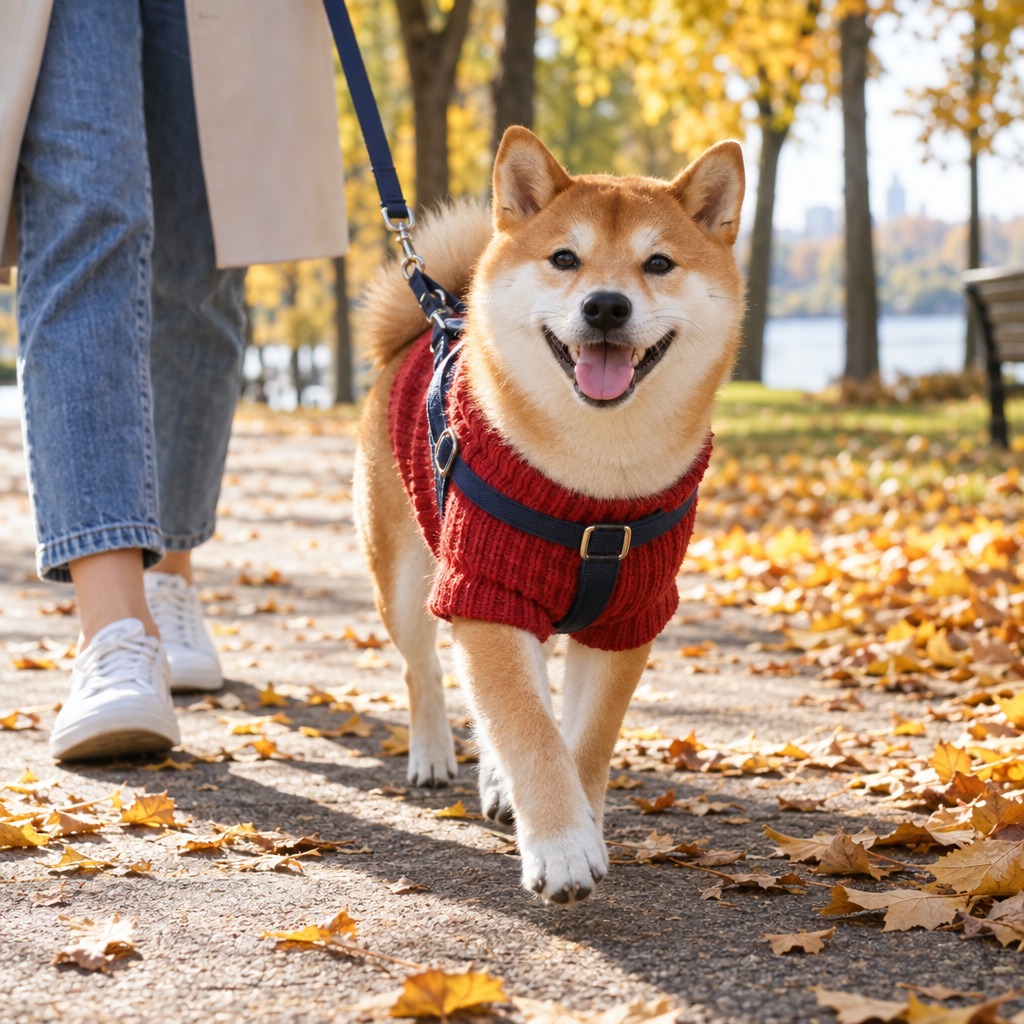
Create images of AI model dogs and cats wearing collars, leads, harnesses and pet clothing. Realistic on-animal views help communicate fit, scale and the wearing experience.
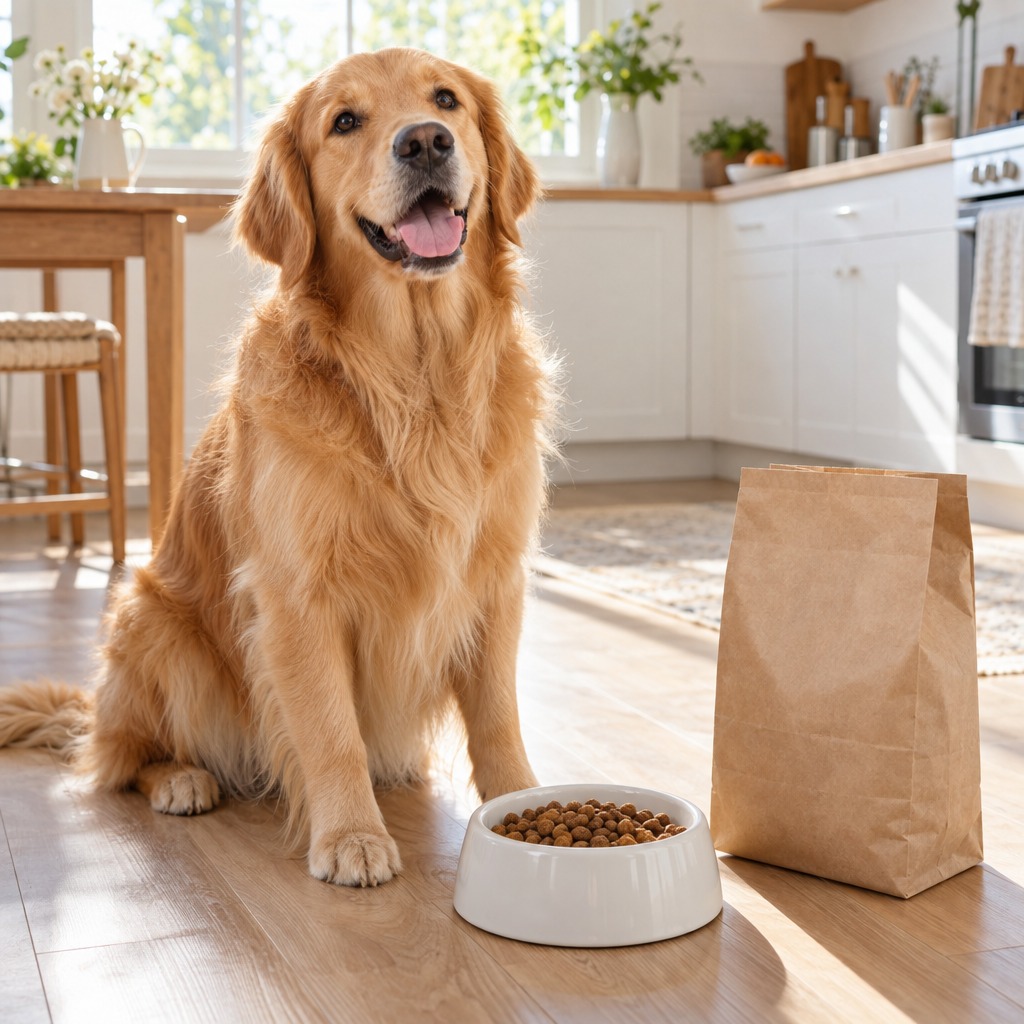
Present dog food, cat food and treats in appealing feeding scenes, from large dogs to cats, birds and guinea pigs. Go beyond the package image to show enjoyment and build a reassuring brand impression.
Animal shoots too, with no model dogs or shooting studios to book. We can also create animal AI model images from a photograph of a specified pet.
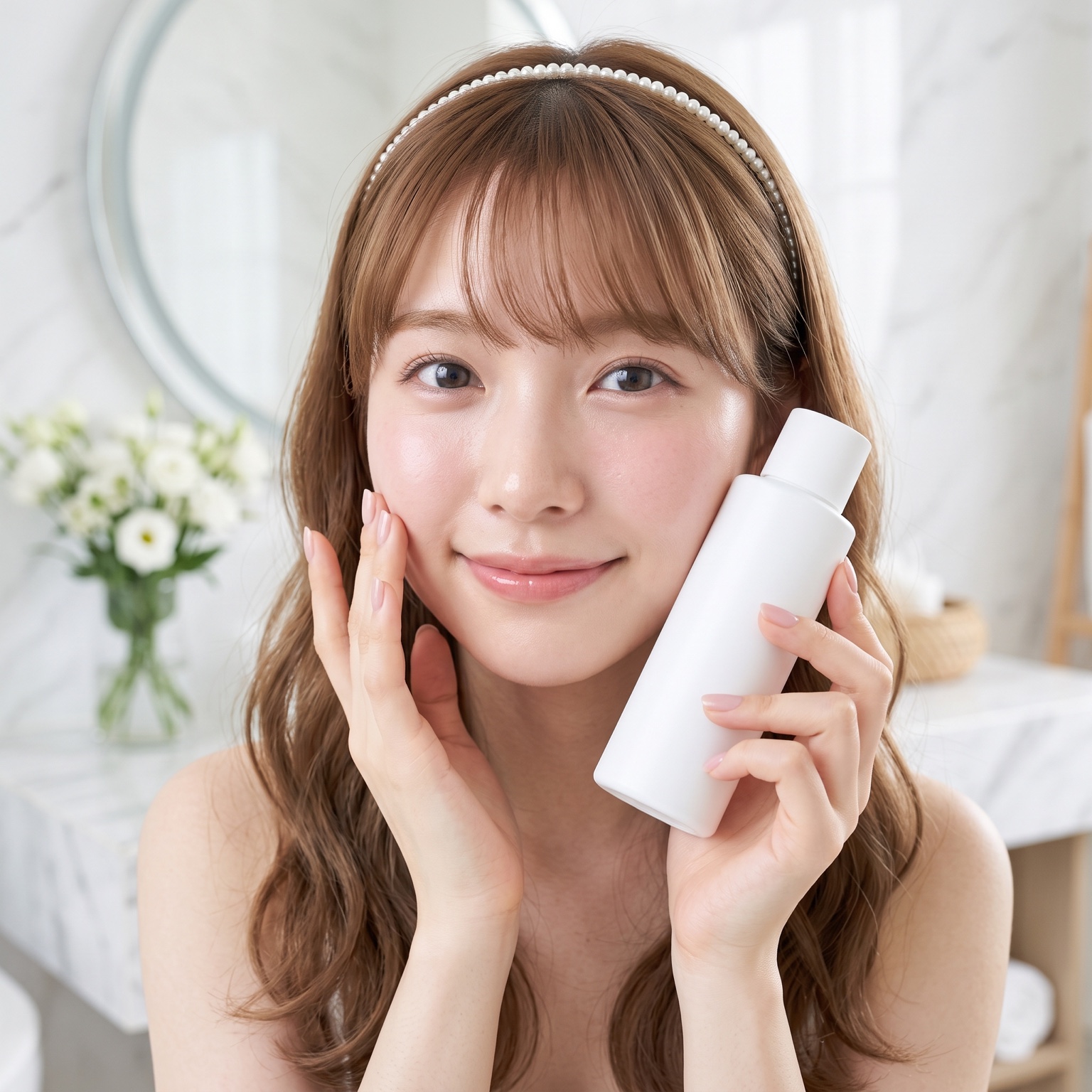
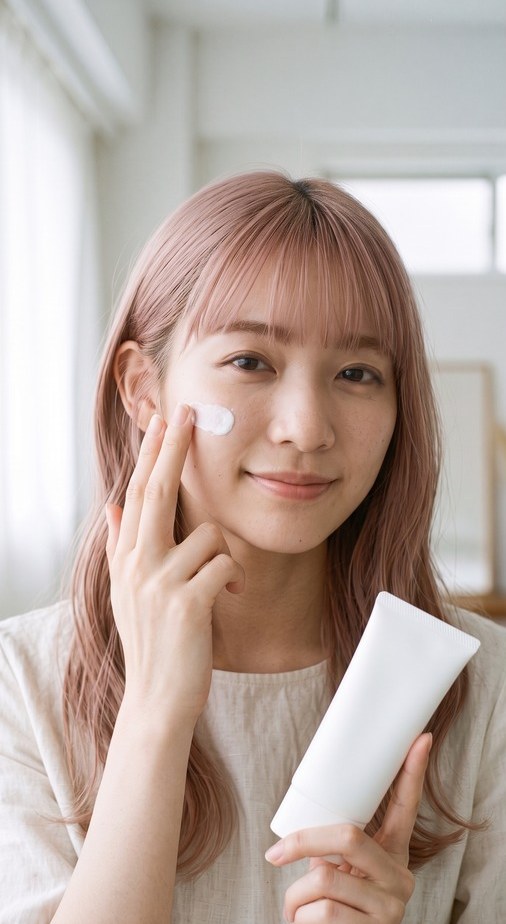
Turn one cosmetics or skincare product image into an advertising visual with an AI model holding the product. Lighting and skin texture are finished for a photographic look, creating brand-led key visuals for website heroes, online stores and banner ads.
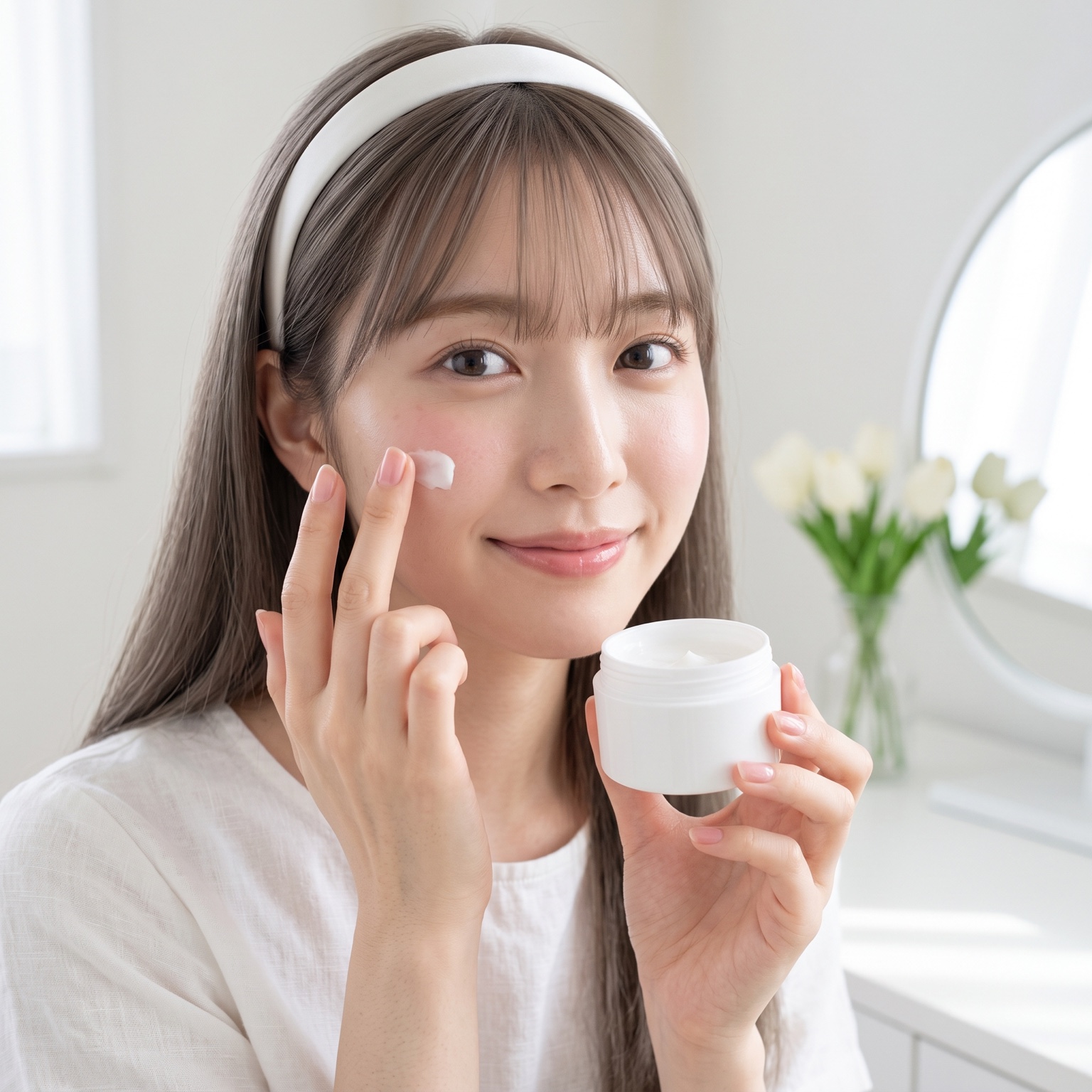
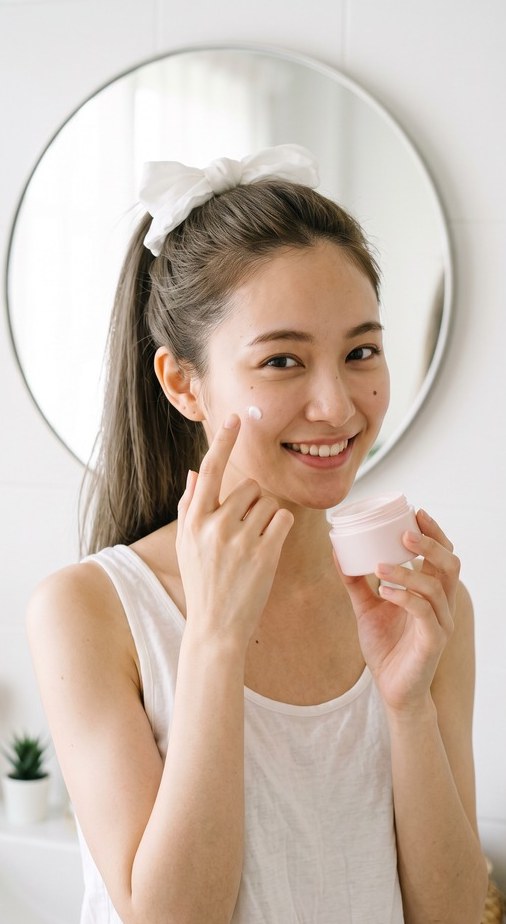
Show cream being worked into the skin or a drop of serum being applied. AI-generated product-use scenes make texture and application easy to understand and give product pages a more convincing demonstration.
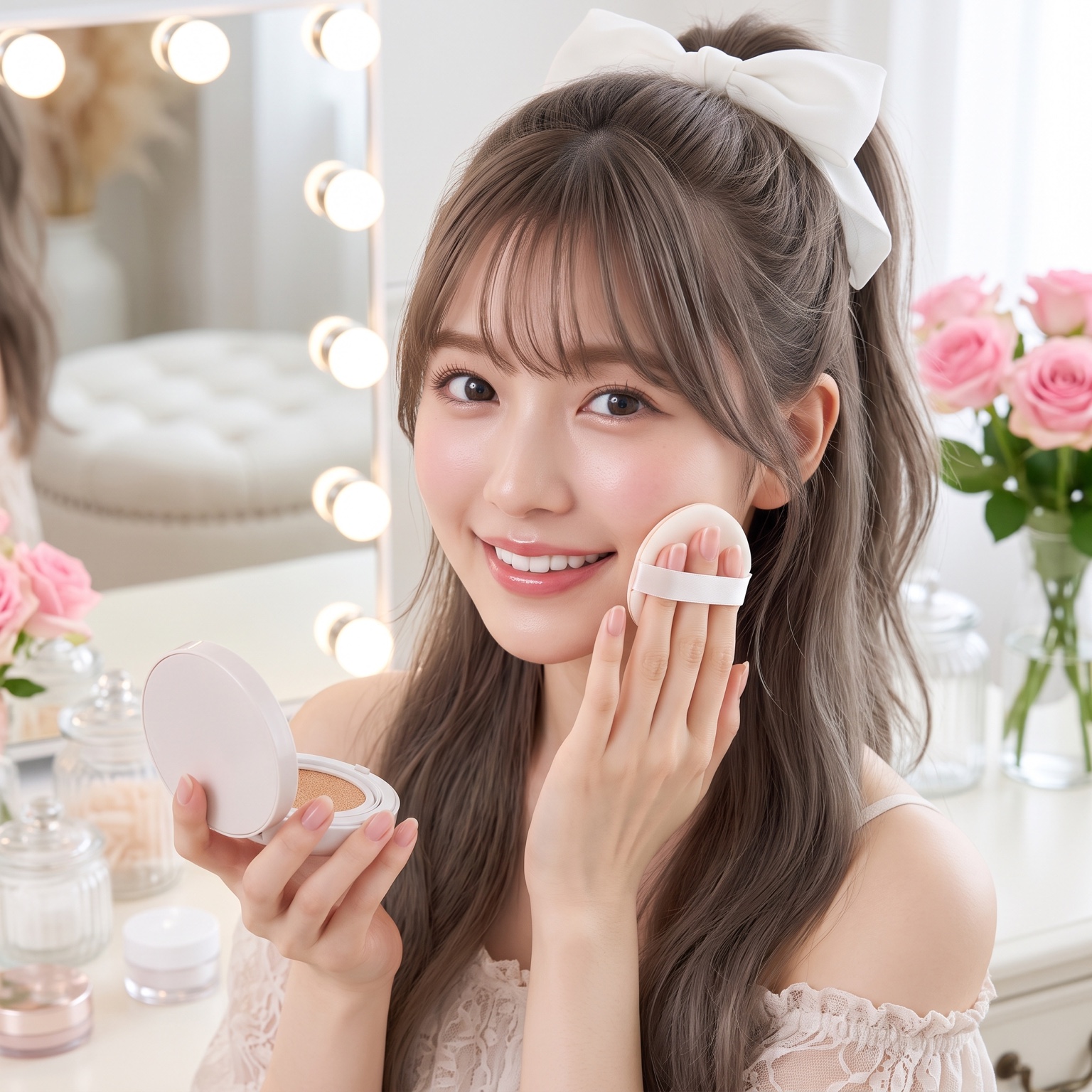
Create natural lifestyle scenes at a morning dressing table or beside a window. Build a consistent set of everyday images for social media and product pages.
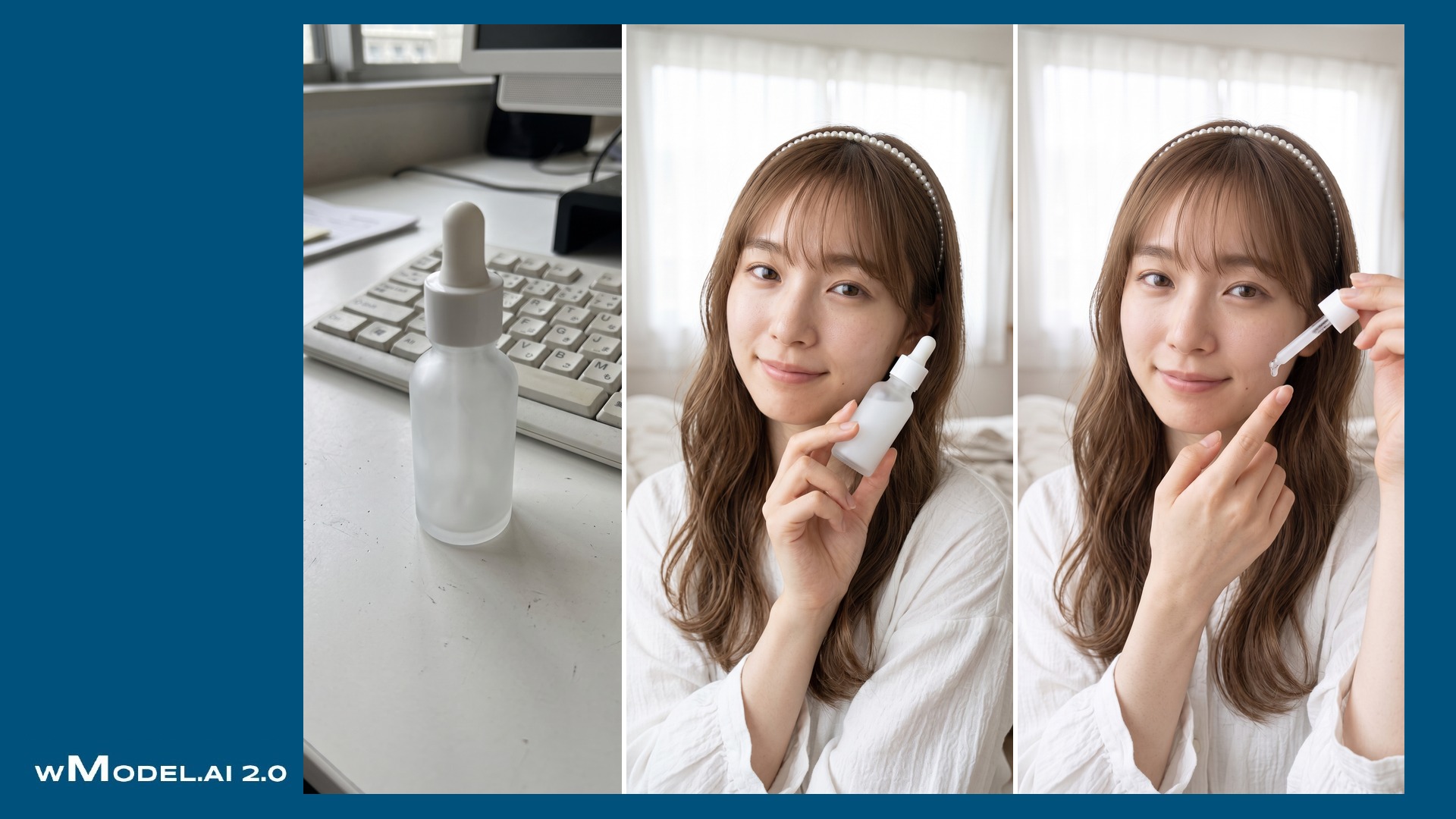
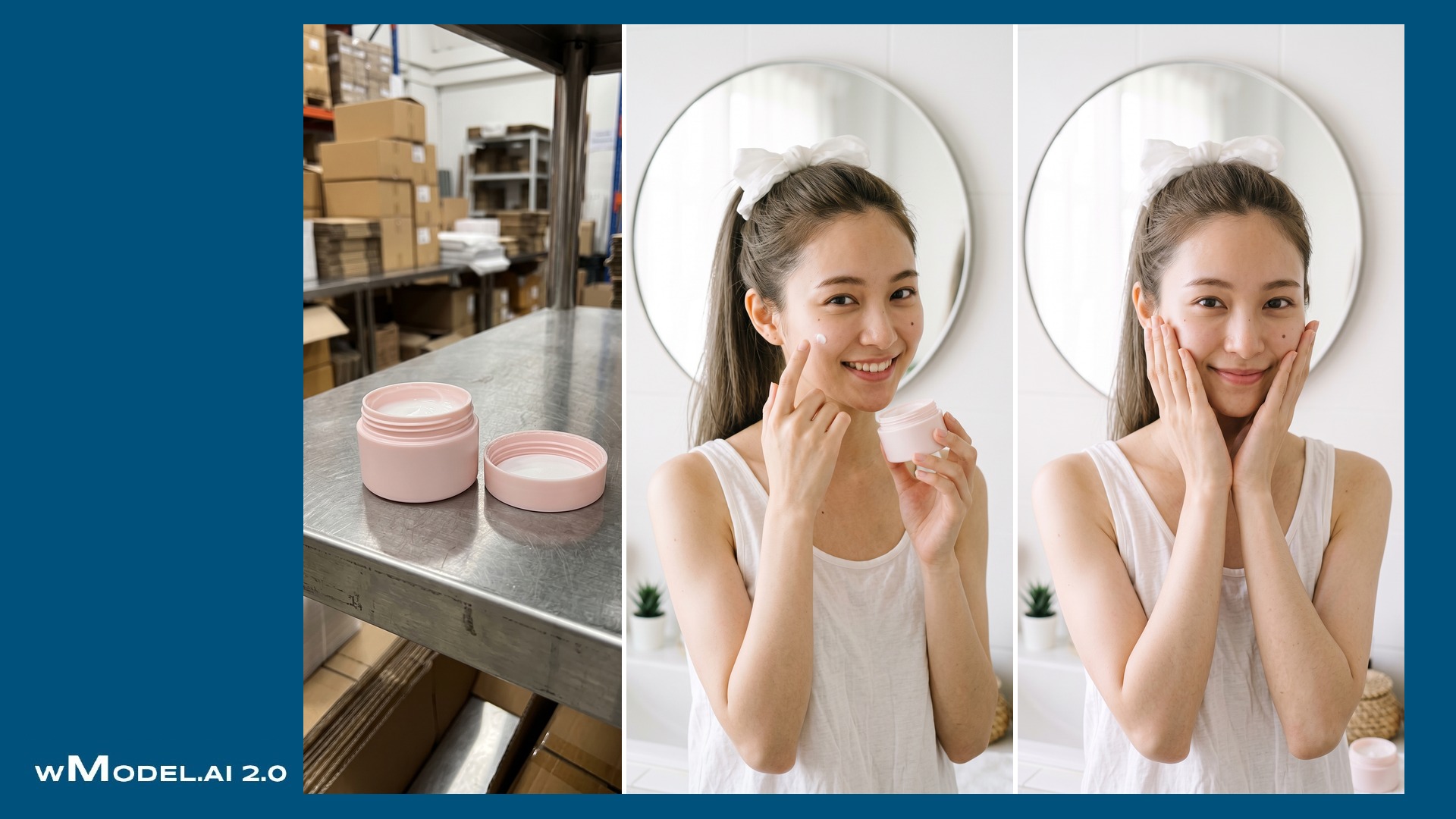
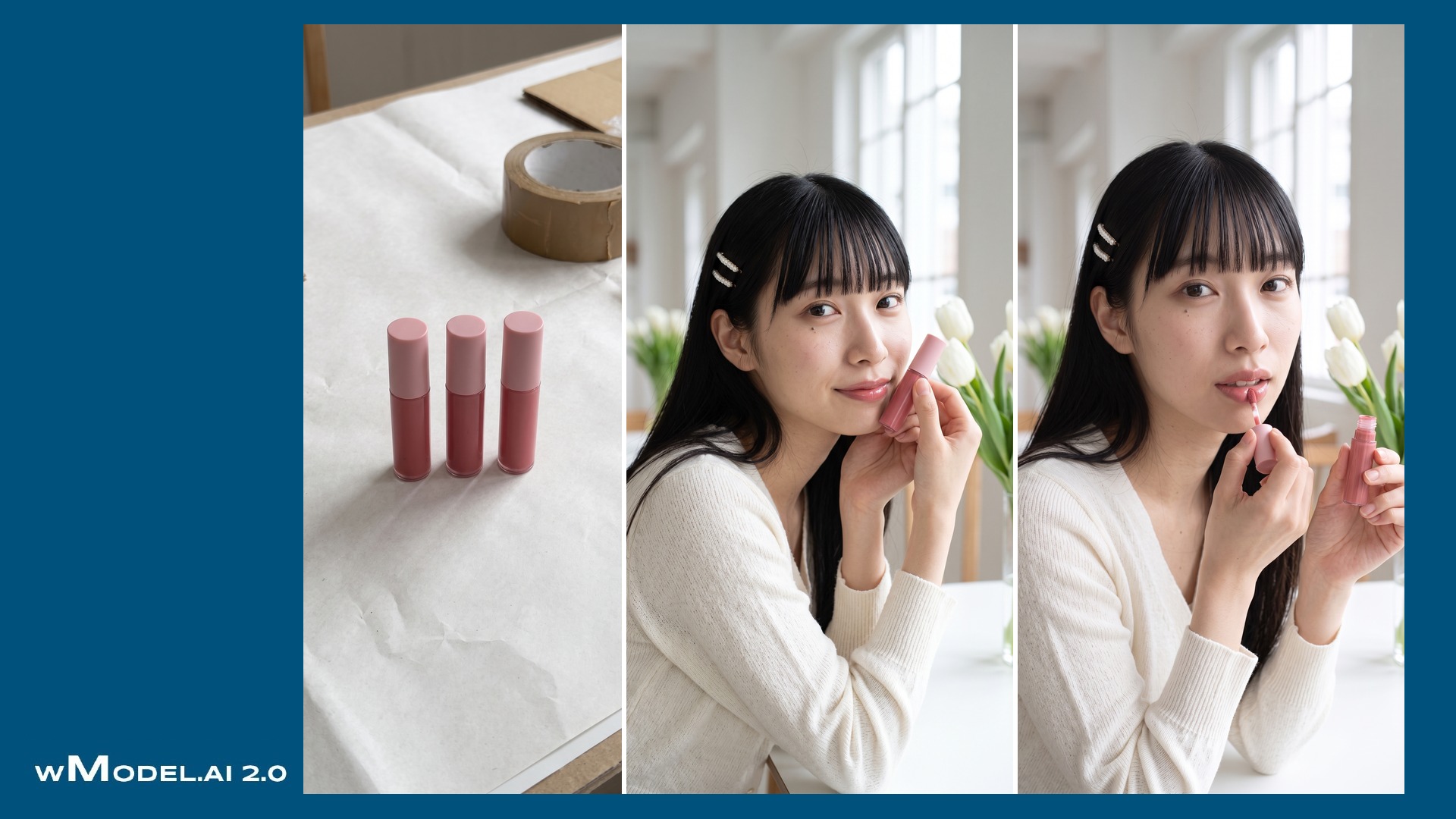
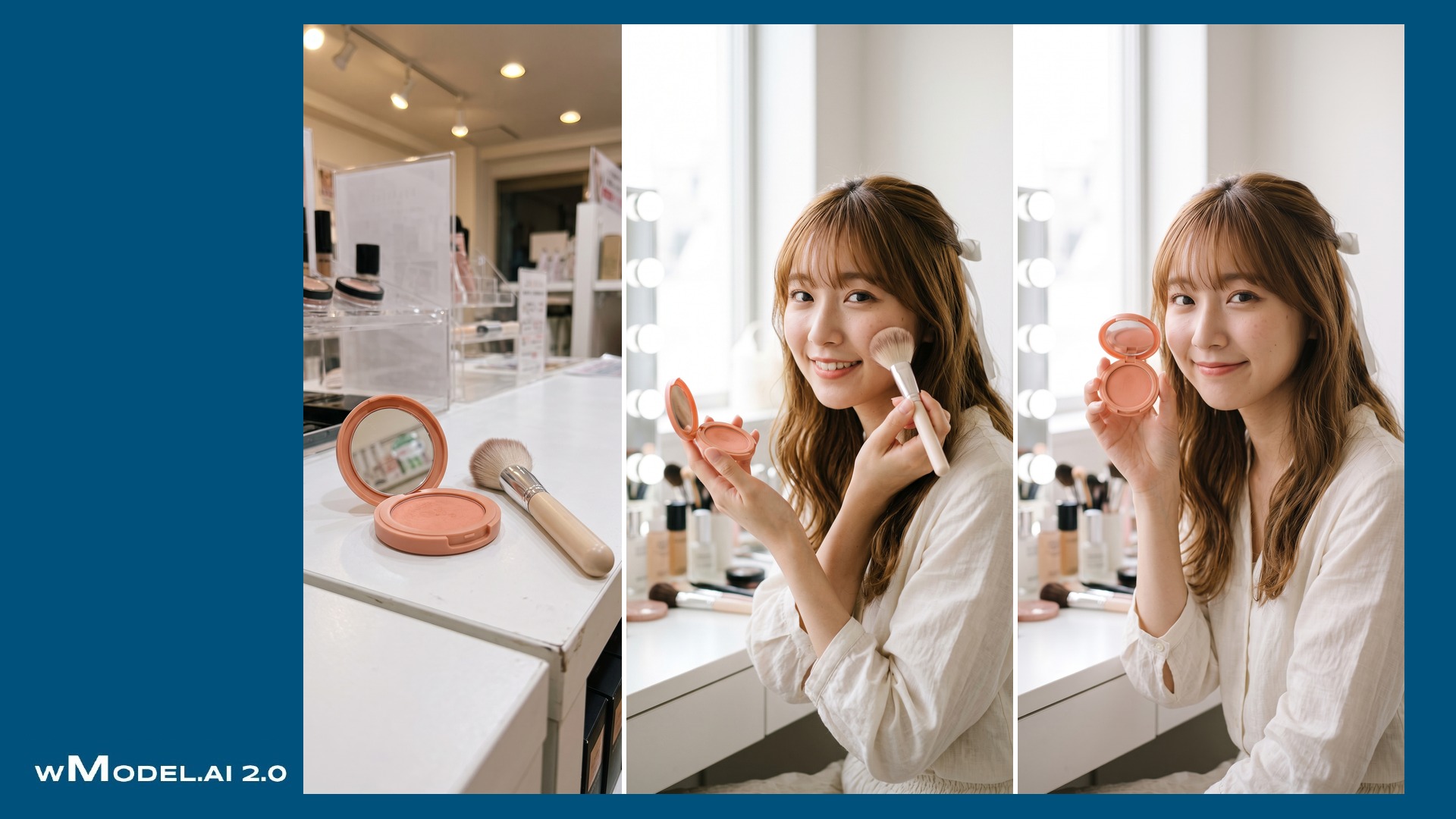
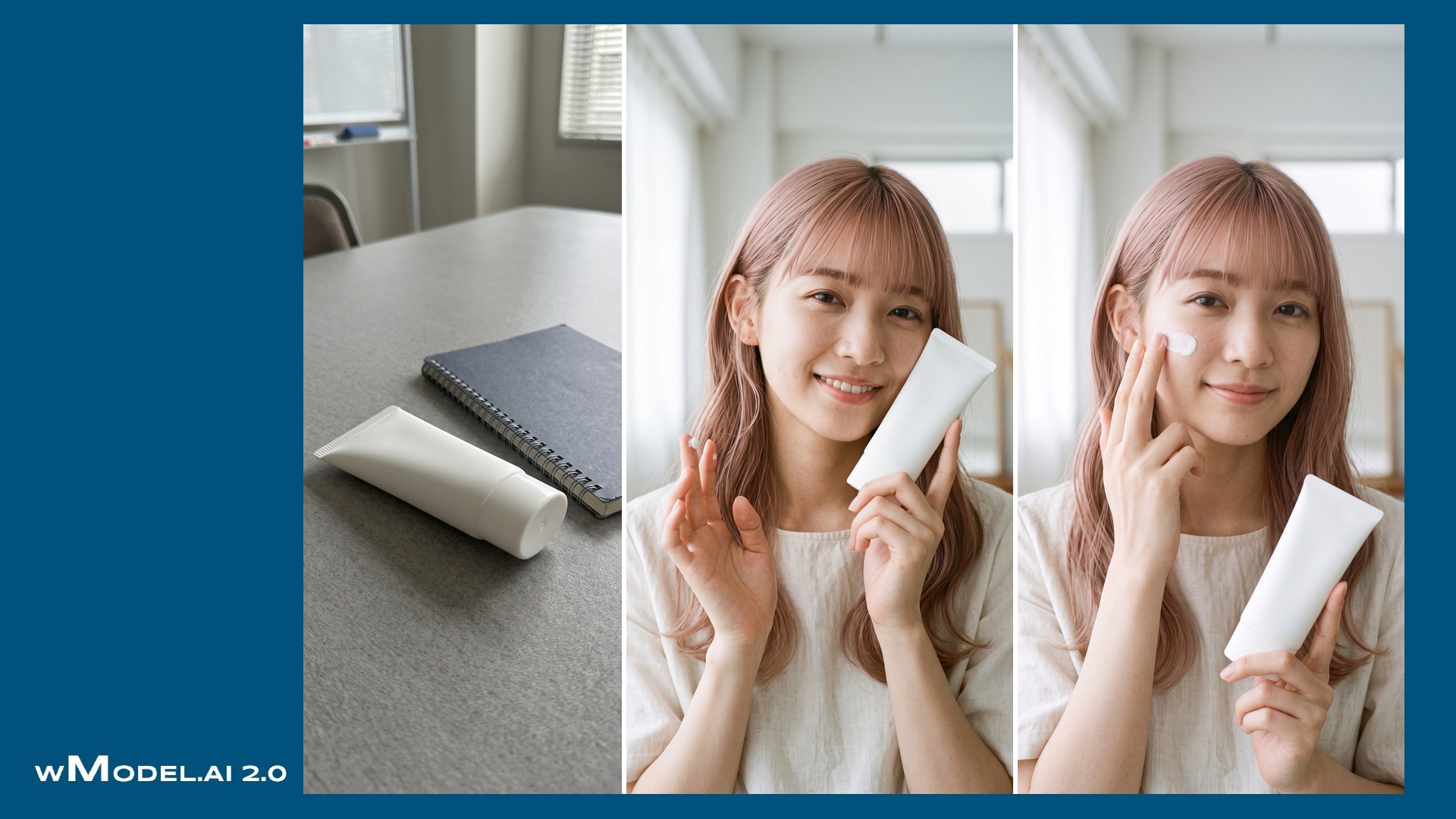
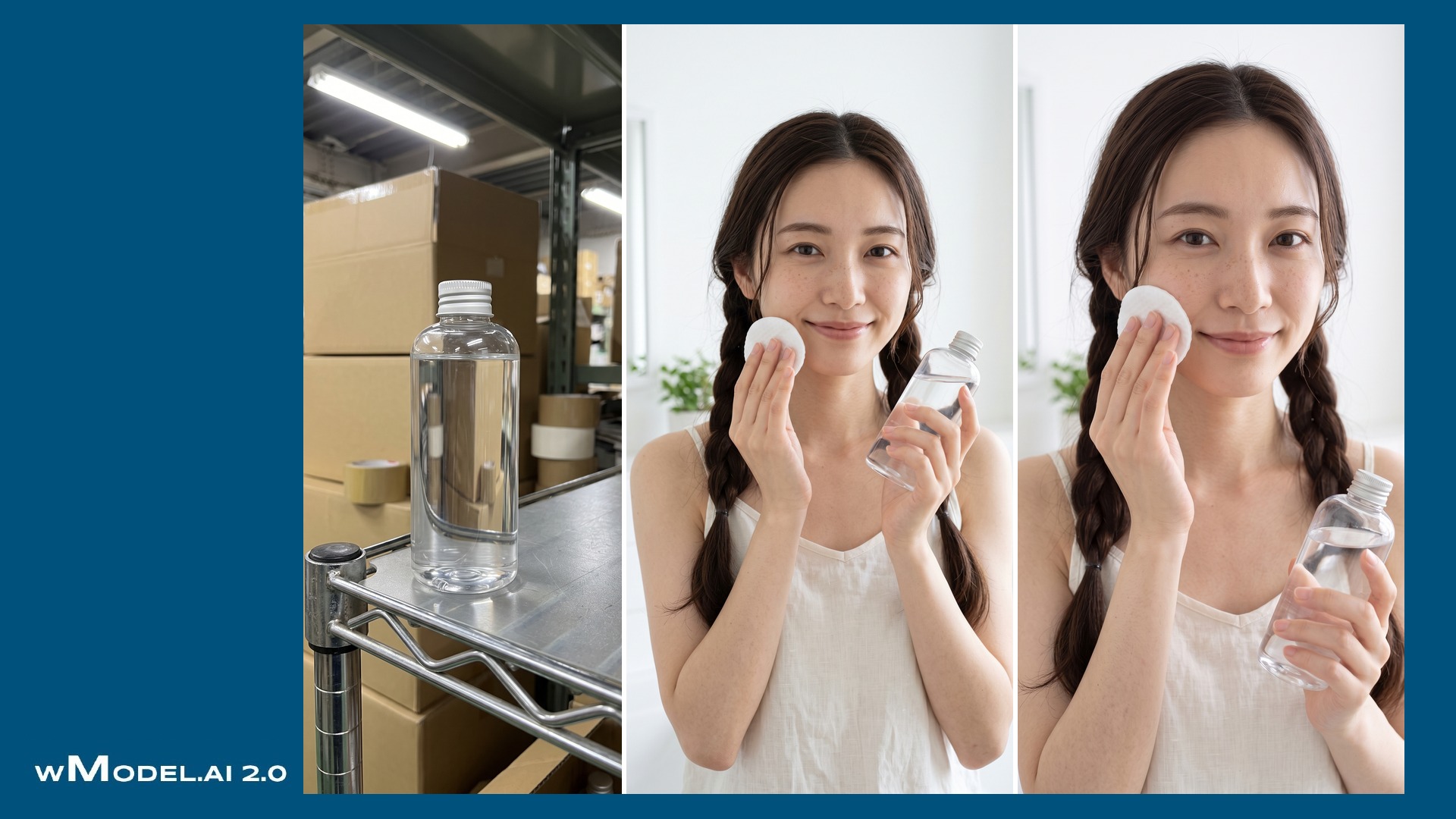
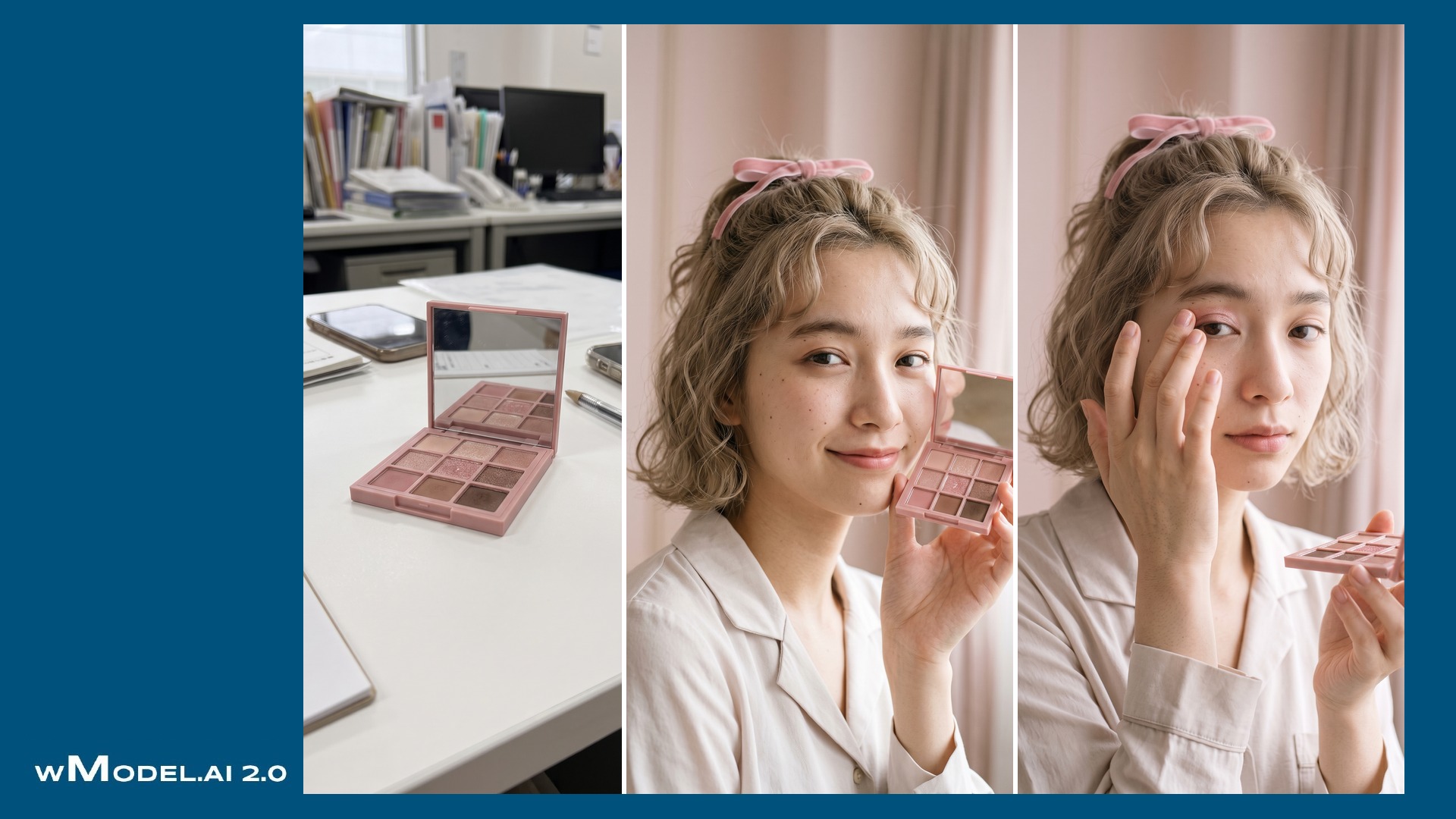
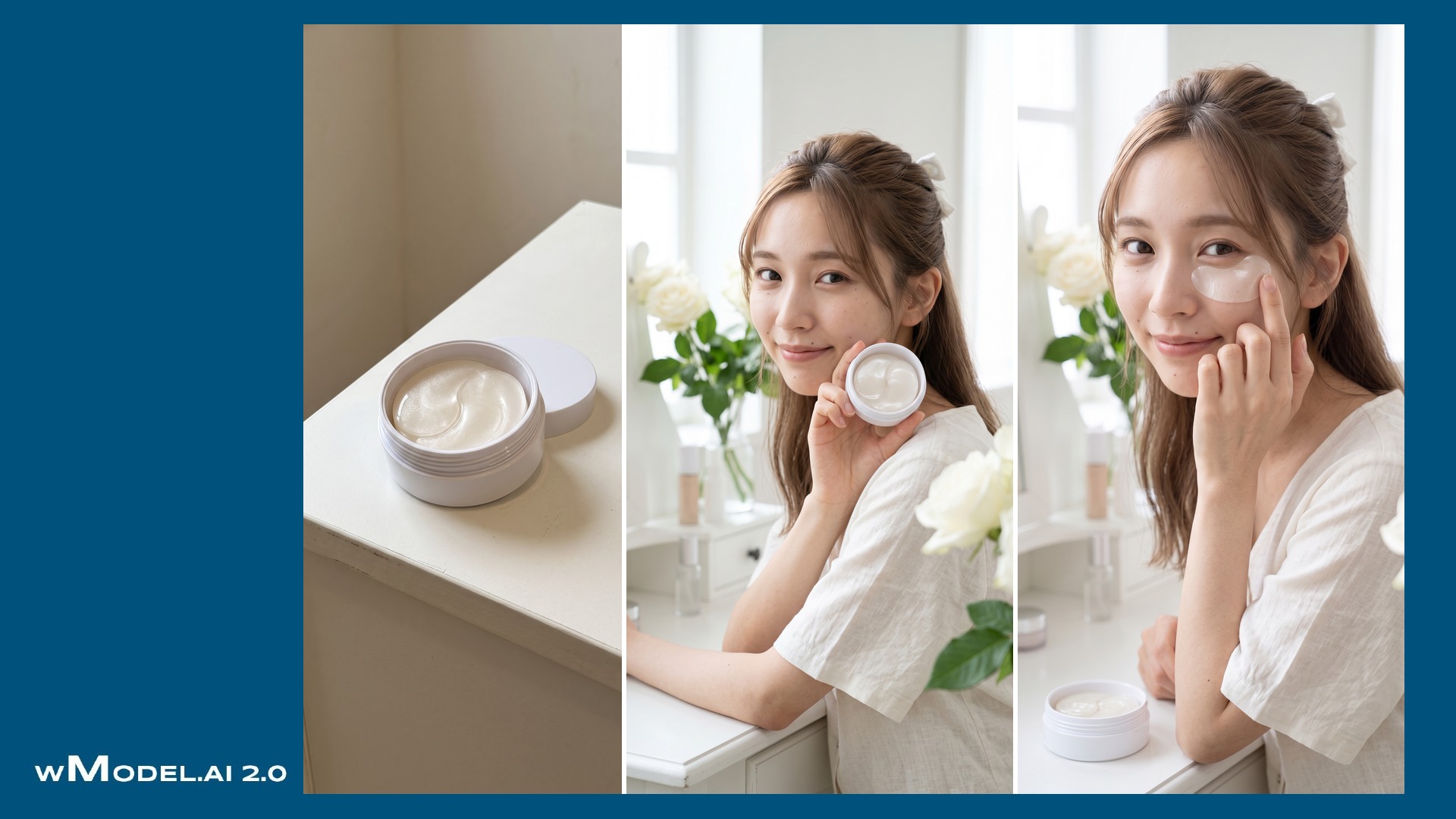
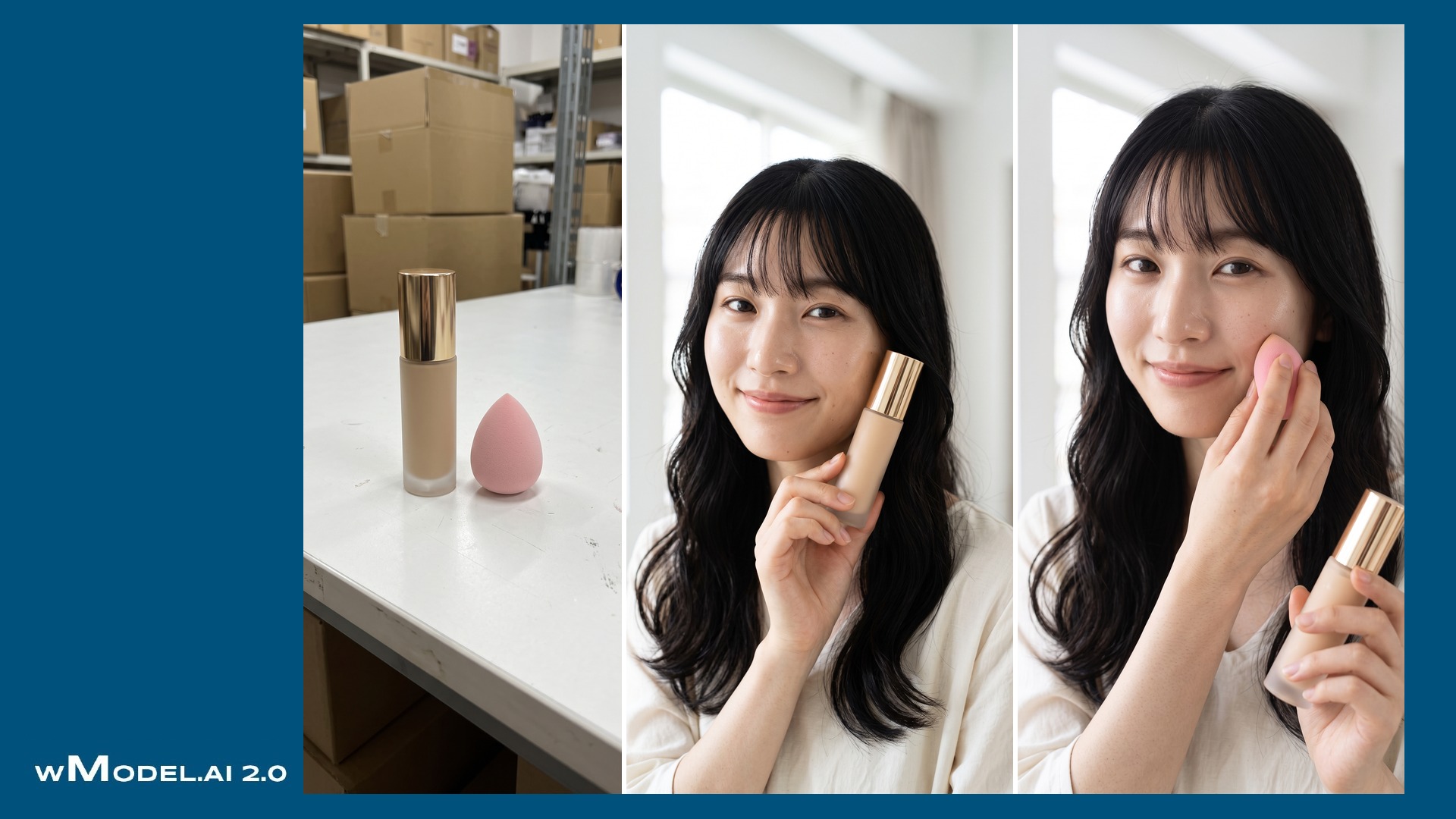
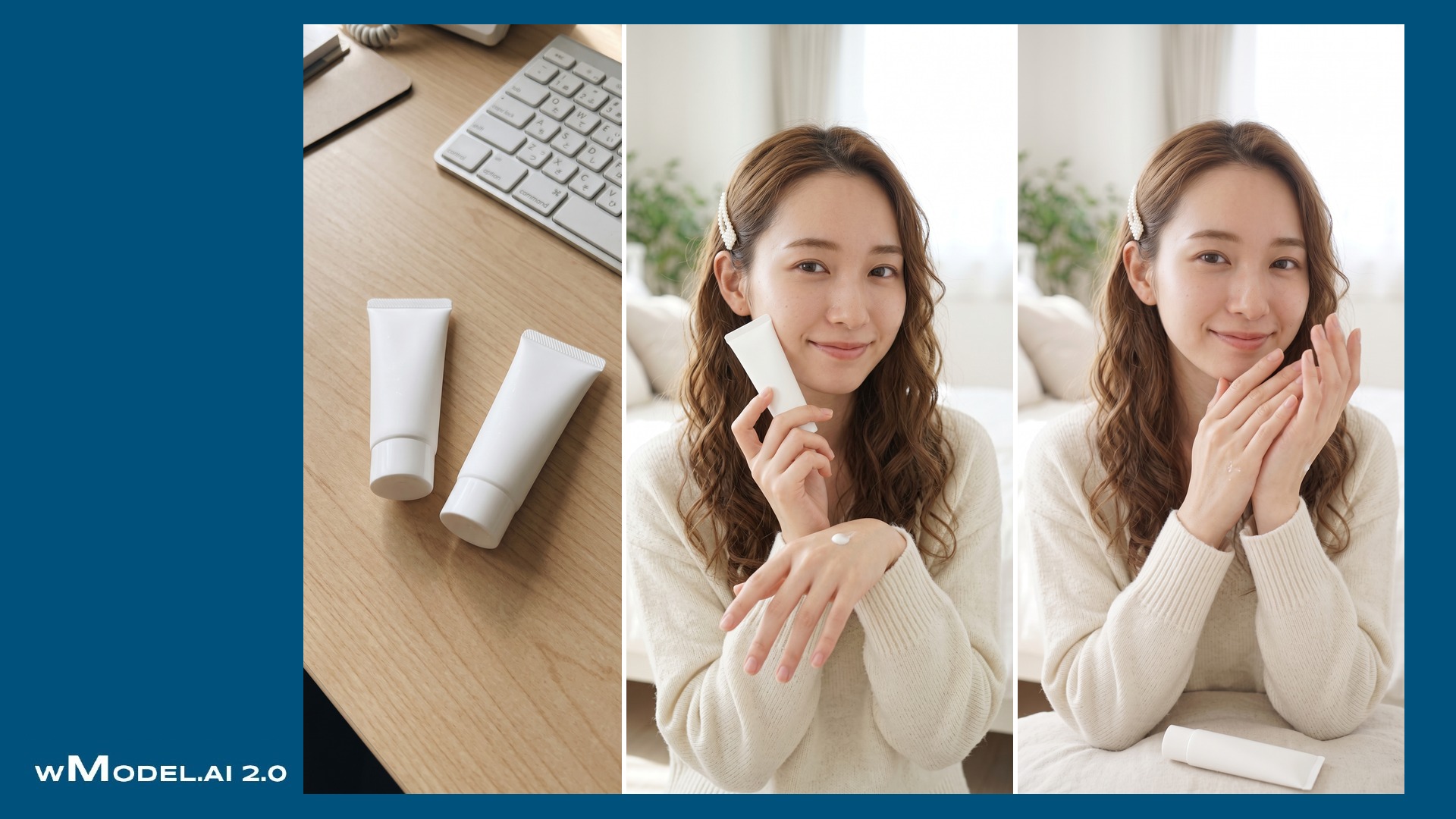
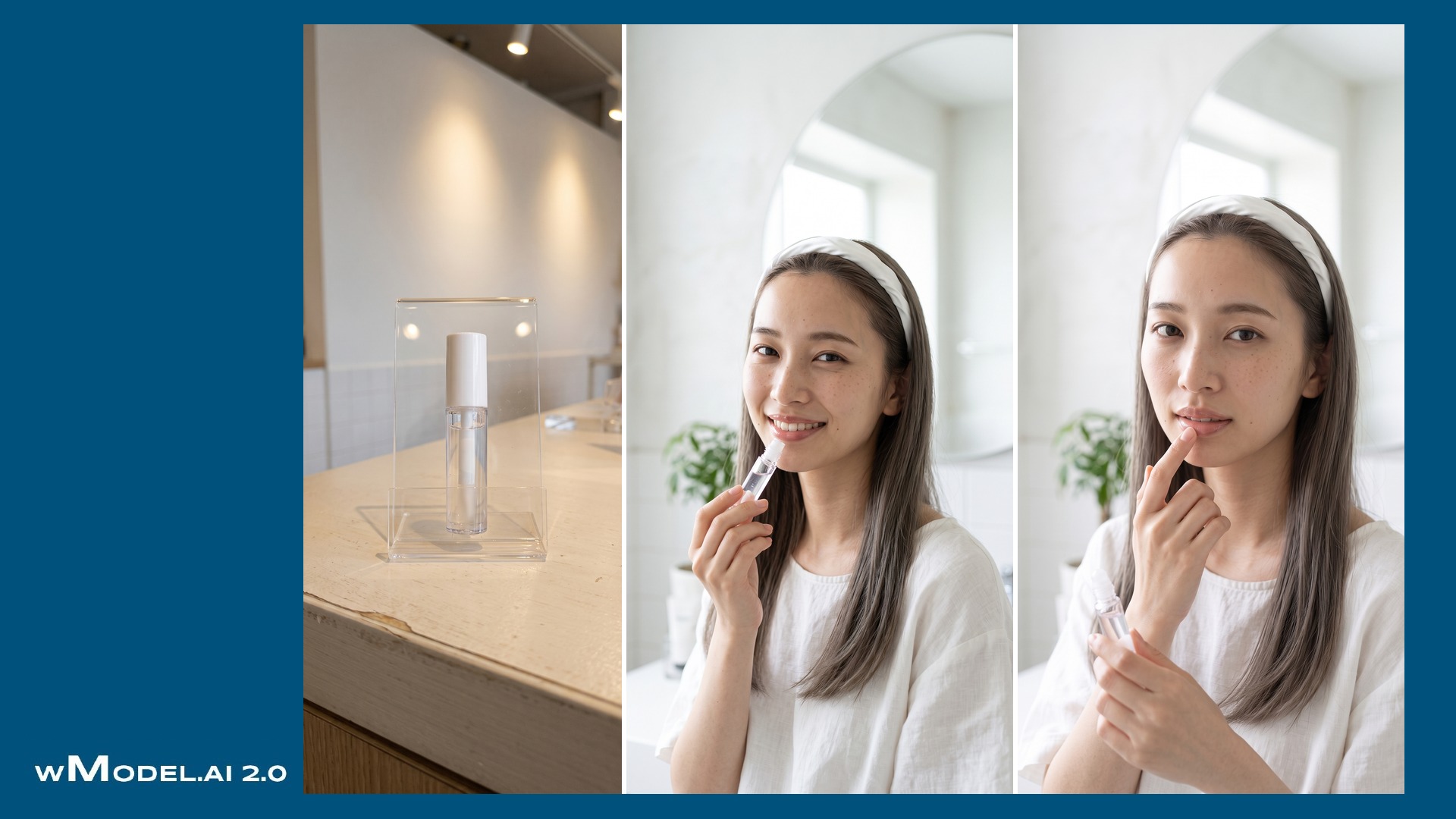
For beauty and cosmetics, with no casting, we can create shots of an AI model holding the product and usage scenes, at a low cost.
A product image and a photograph of you, or an AI model, can become a promotional image showing you using the product. A surfboard photo and a portrait, for example, can become a scene of you riding a wave.
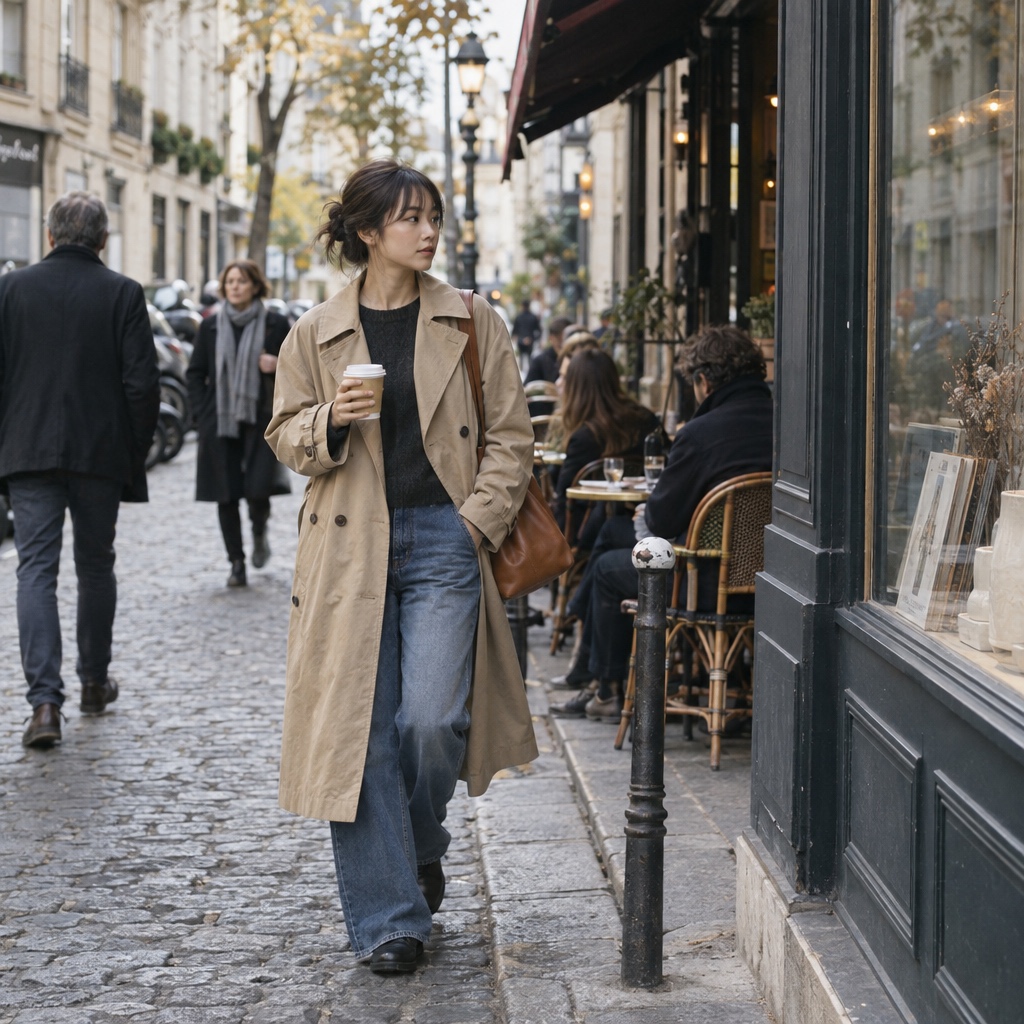
Show yourself or an AI model wearing your clothing and bags in promotional images for social media ads. Cafe terraces, city streets and other engaging settings help create social posts with an influencer-style presentation.
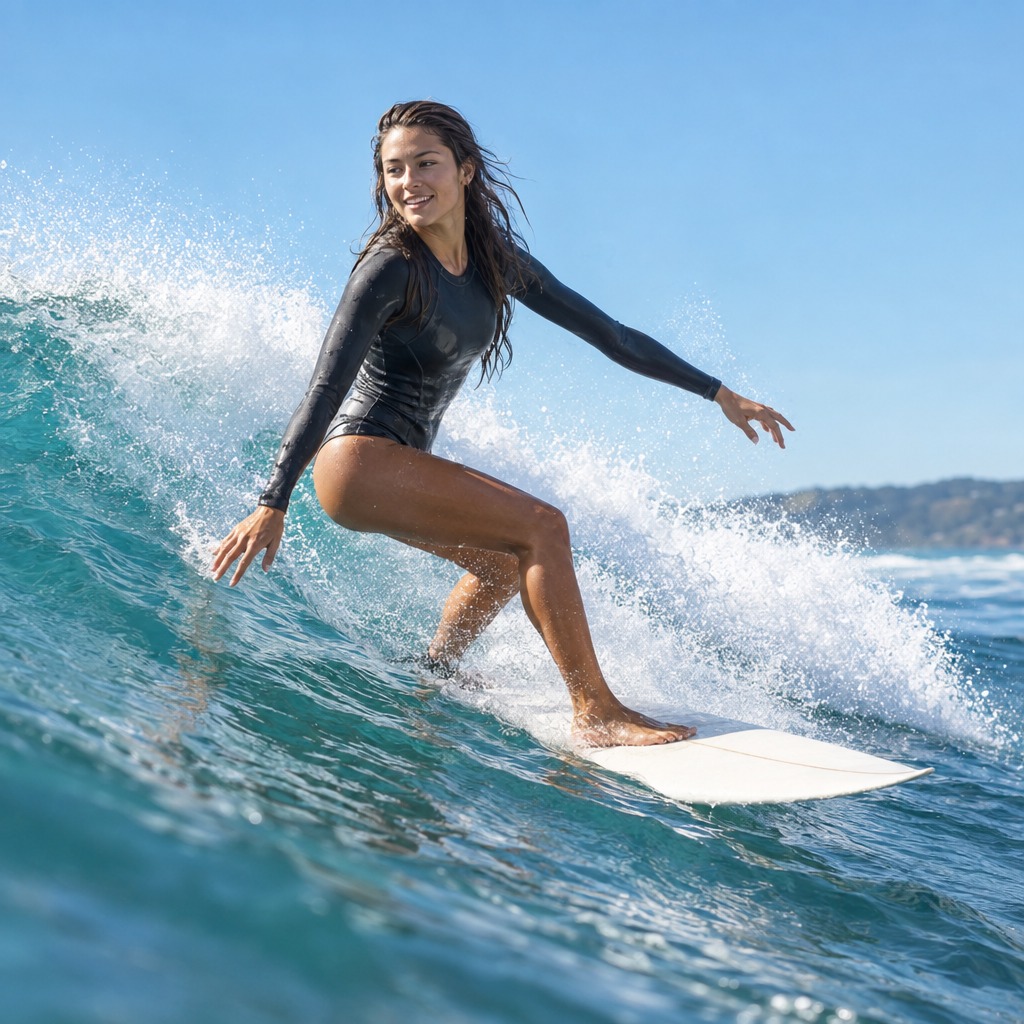
Capture energetic sports scenes such as surfing and running. A well-chosen action moment helps communicate the functionality of sporting goods and outdoor equipment.
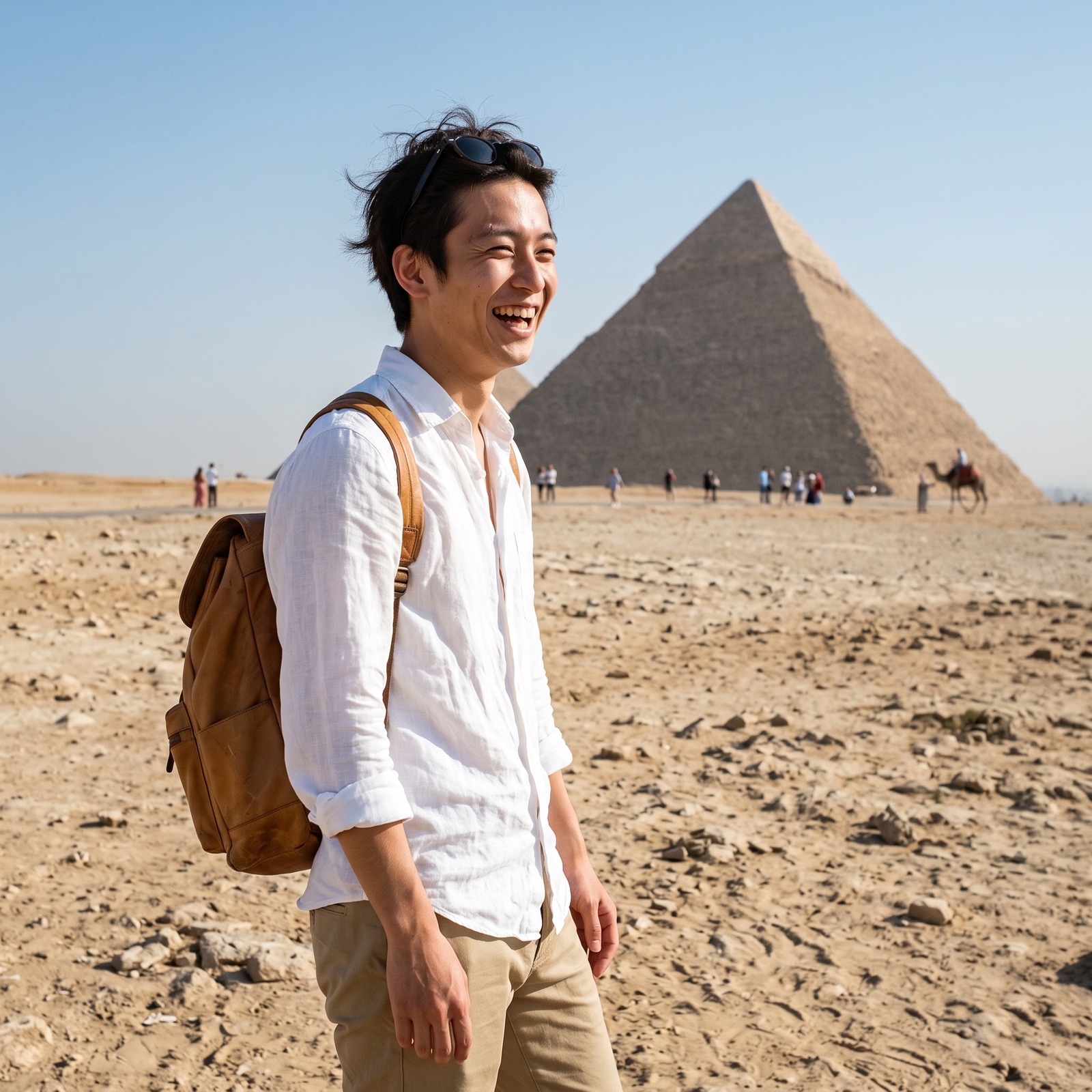
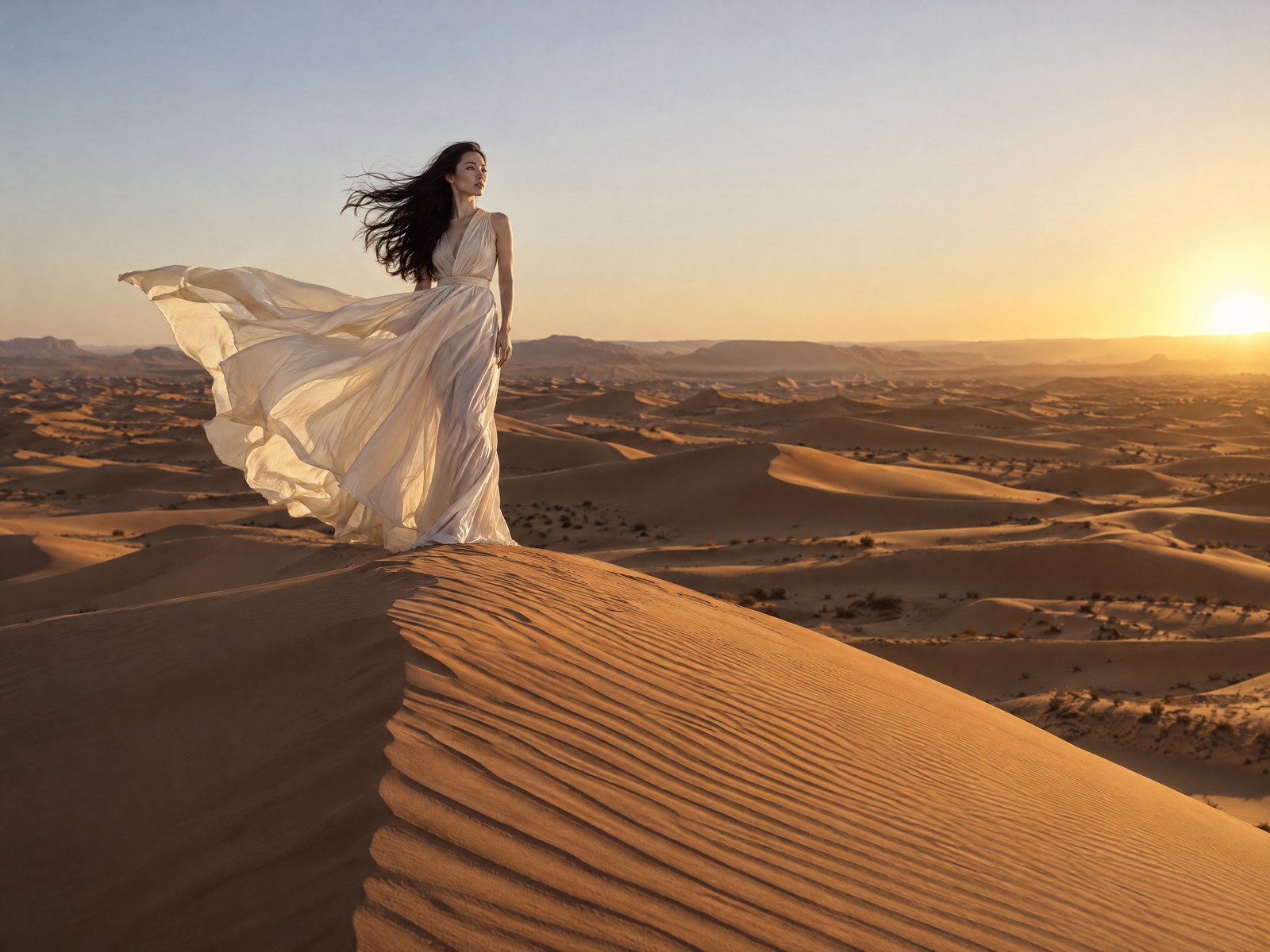
Set the scene at the pyramids, a tropical beach or a snowy mountain. Create travel and outdoor product visuals featuring you or an AI model at destinations around the world, without arranging an overseas shoot.
Images for social media and AI ads can be created without on-location shoots. With a portrait of yourself or an AI model and a product image, we can create promotional images.
We also work with products beyond apparel, such as cosmetics and pet products. Tell us what you have in mind.
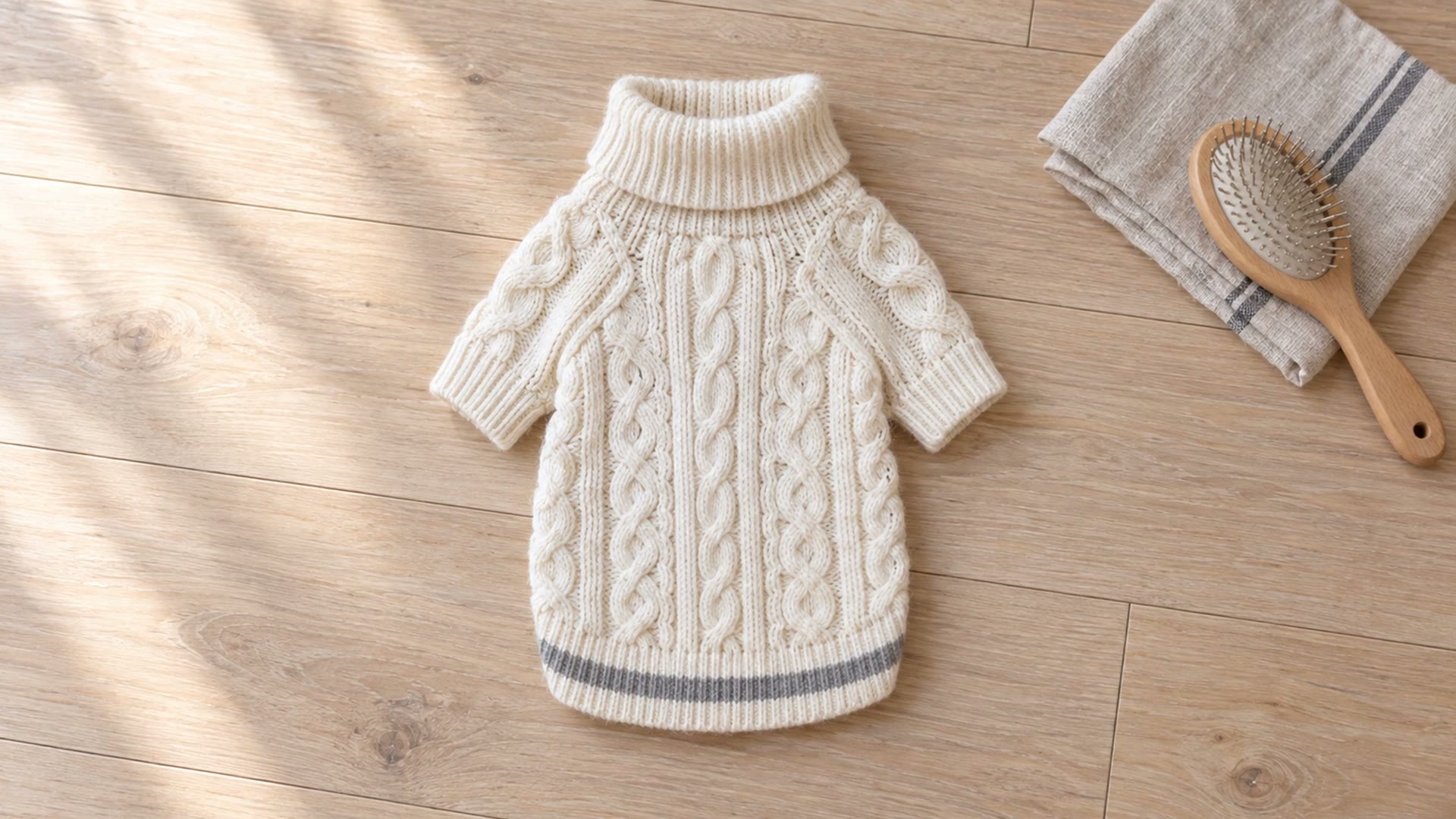
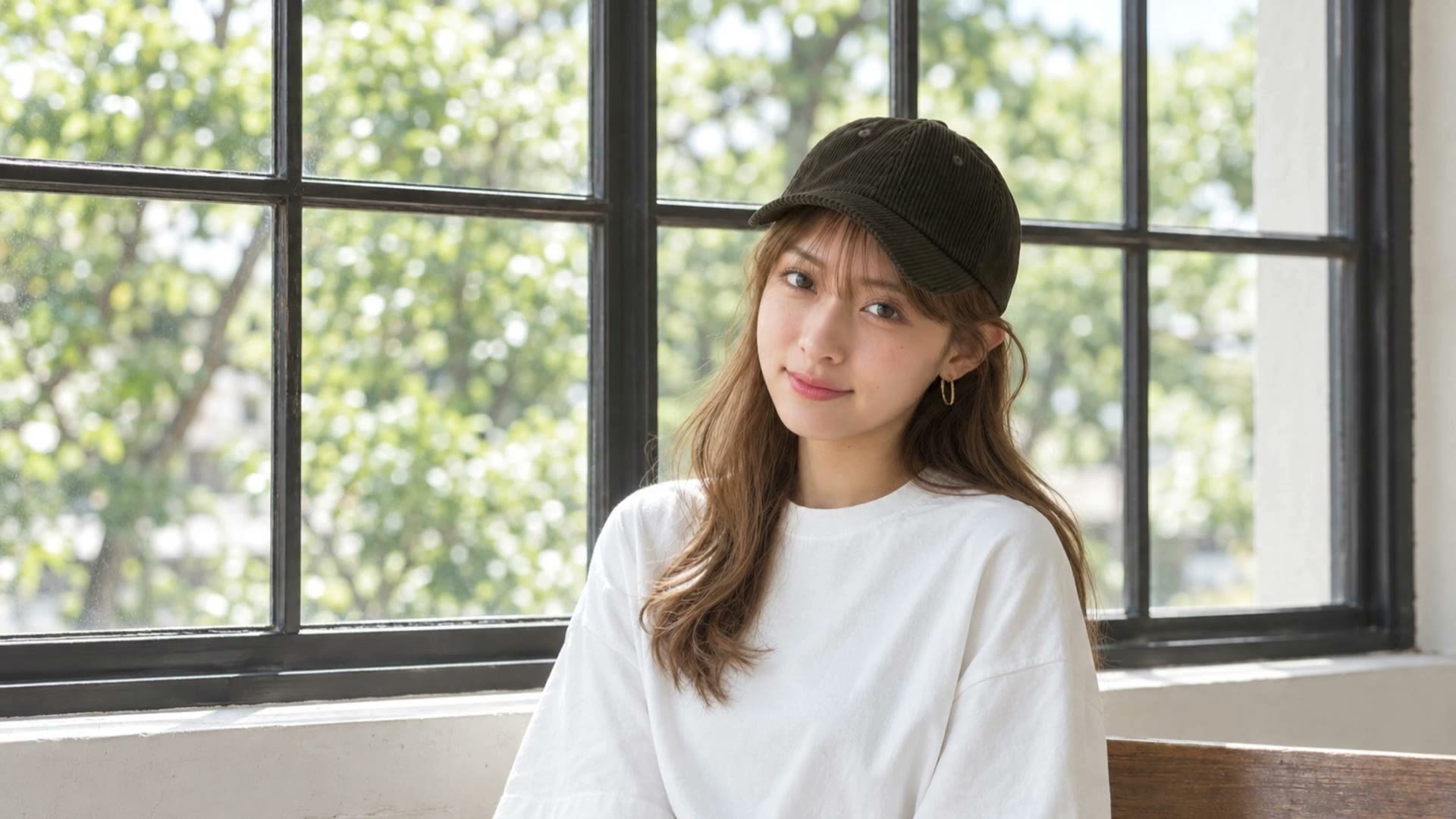
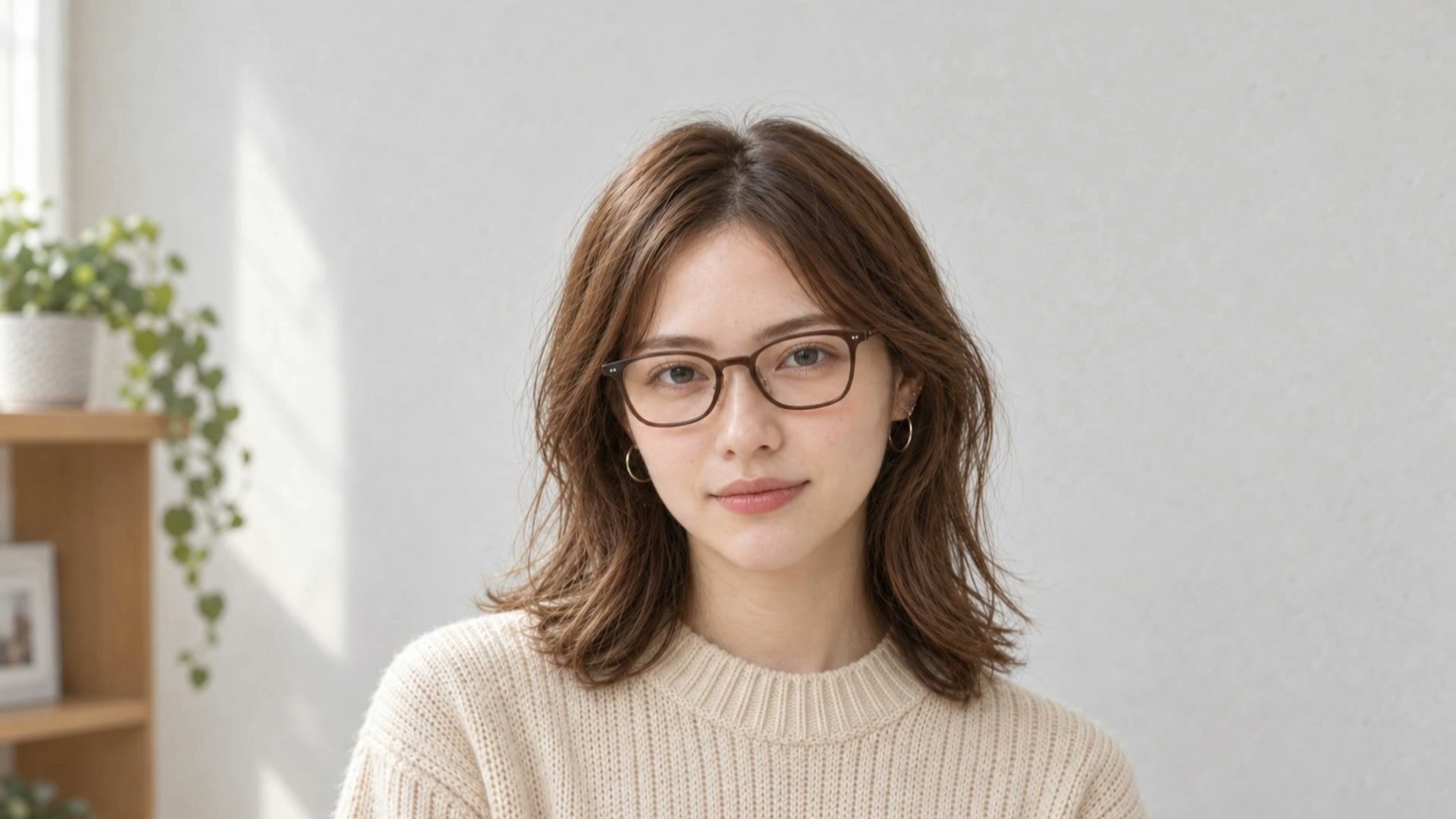
03 / 12
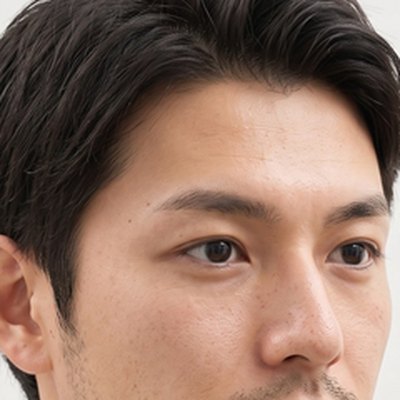
Beyond 2K, 4K and 8K, generate images at 10,000, 20,000 and 30,000 pixels. Explore skin, hair, stitching and material detail, with image data prepared around the ecommerce or advertising placement and output size.
Image width, height, file format and output use define the required specifications. Video resolution, frame rate, duration and aspect ratio are specified separately.
The larger the print, the more visible the flaws. We prepare image files, including the skin and hair of AI models, at 4K, 8K and up to 30K-class resolution to suit the use and output size, including files ready for outdoor and large-format print production.
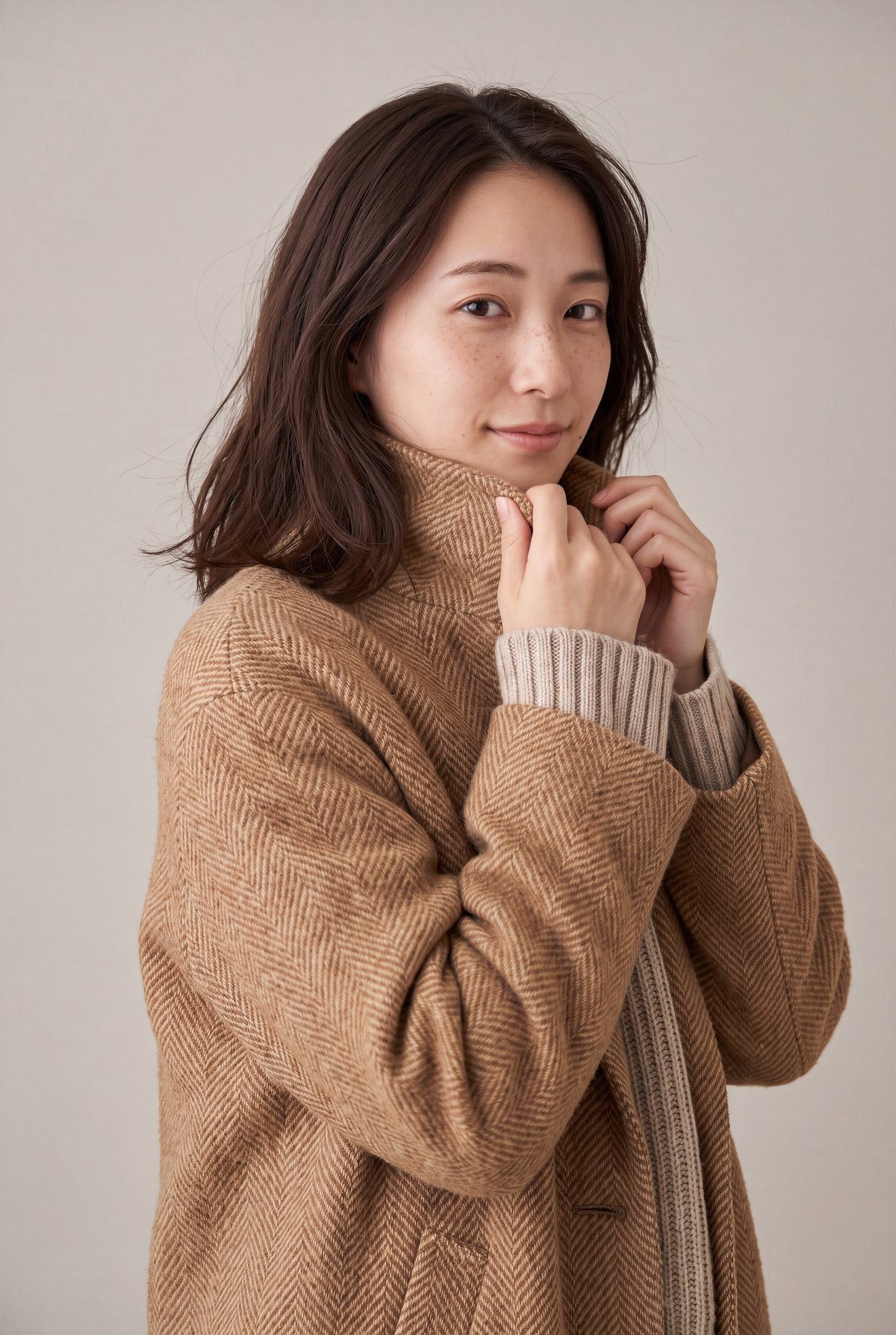 AB
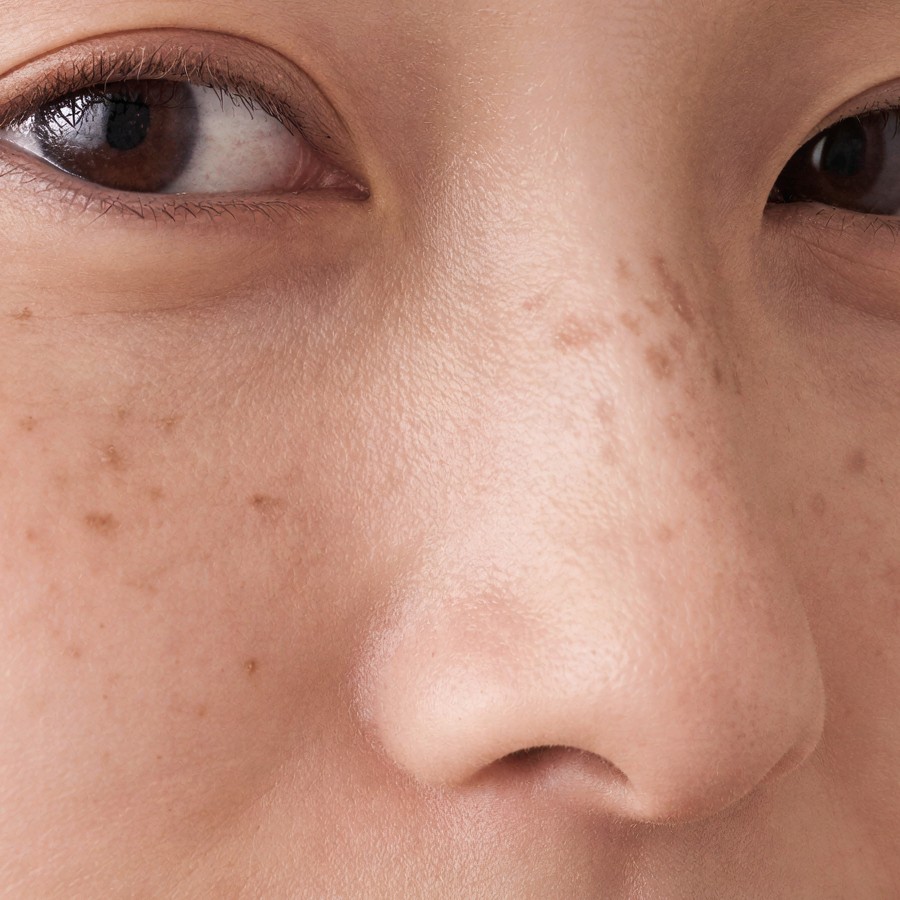
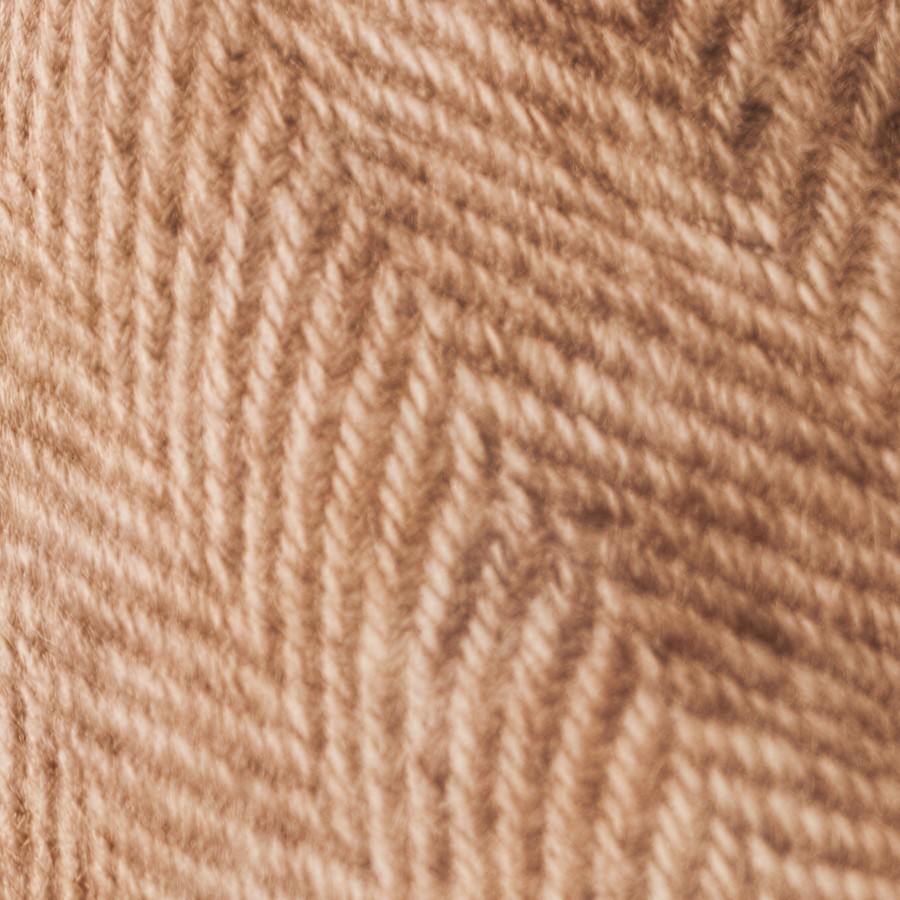
This is a section cropped from the source at actual size, showing the AI model's skin texture, fine facial hair and individual wool fibers.
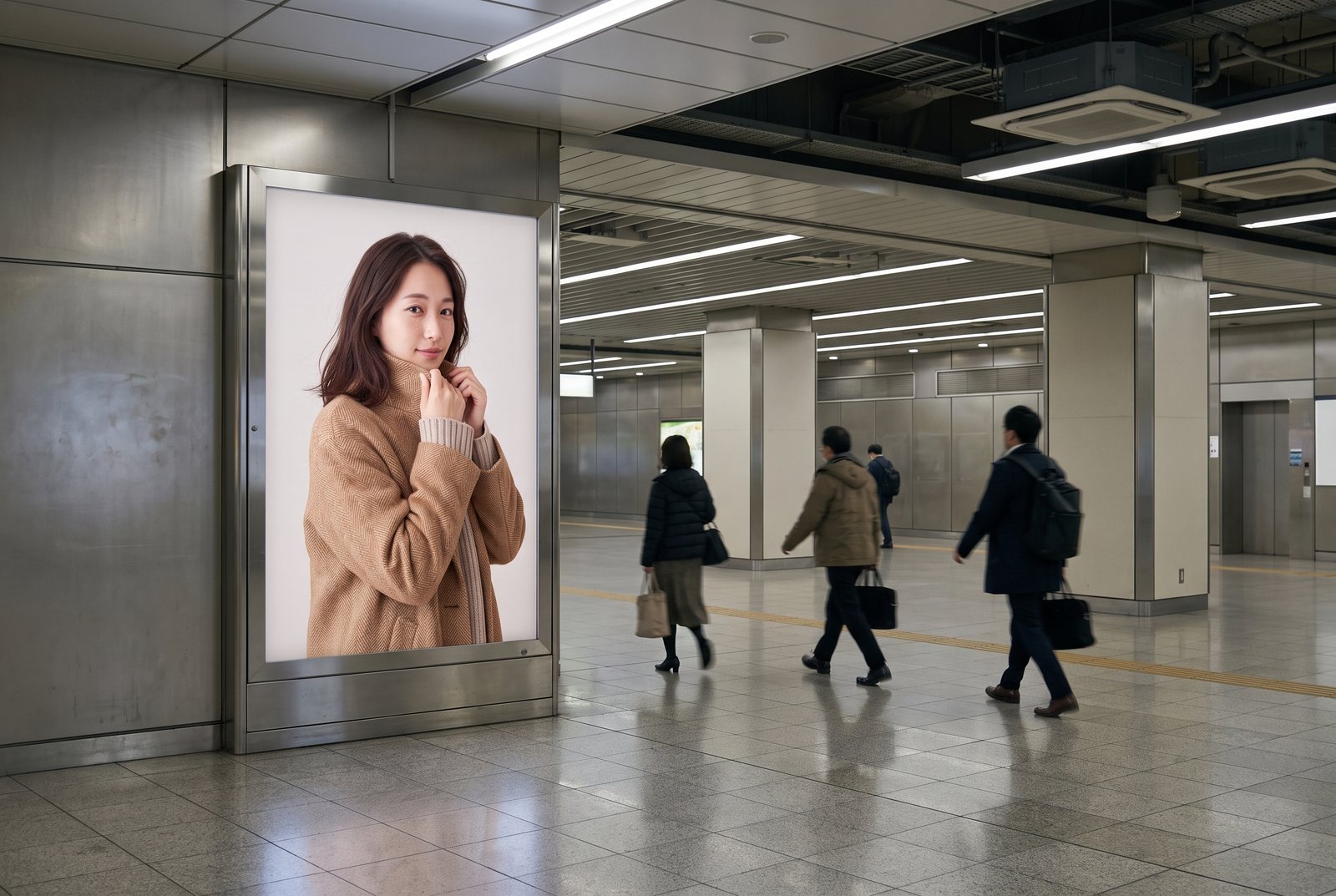
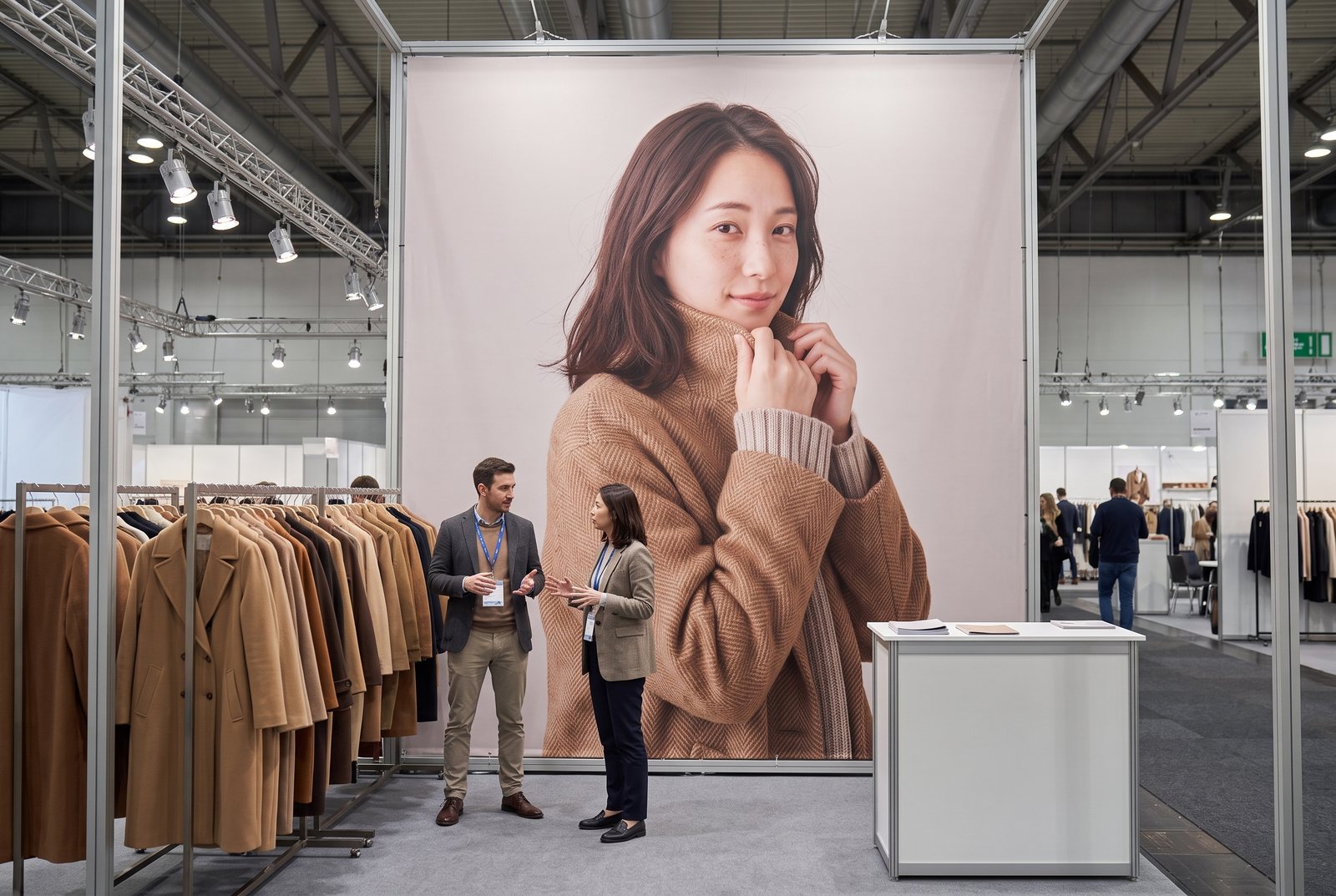
Product images for online stores and social media, on-model visuals, packaging, catalogs, brochures, posters, website films, short-form video, social video and longer advertising films: your company's wTransformer supports the full range of creative around your products, including everything featuring AI models (AI fashion models). Coordinate stills, print-oriented work and moving images through one service.
From websites and social channels to catalogs, publications, packaging, large-format posters, outdoor advertising and campaign films. Shared product and brand standards guide finished assets prepared for the expression and specifications of each channel.
People, color, materials and visual direction. Keep the brand expression consistent as the channel changes.
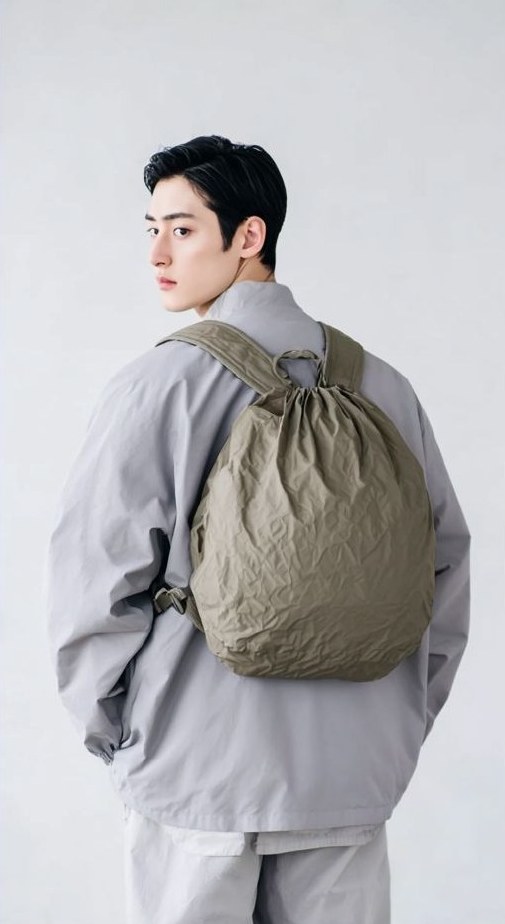 E-commerce hero image
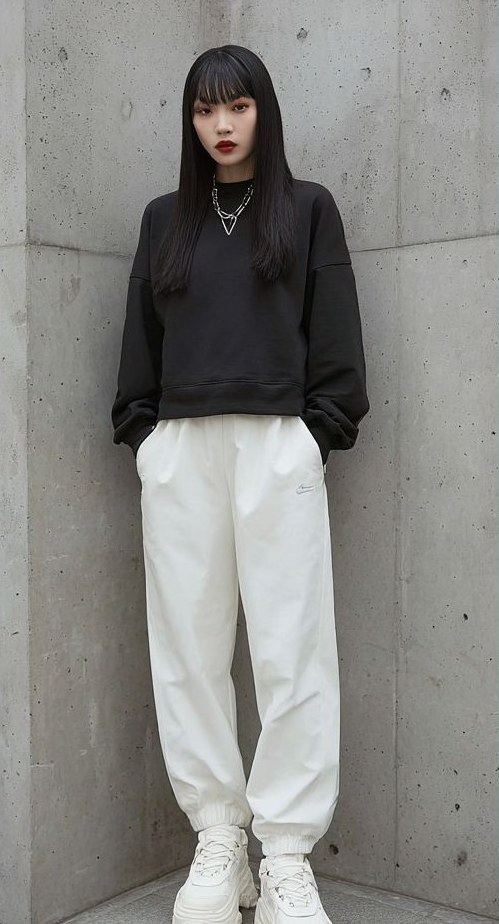 E-commerce supporting image
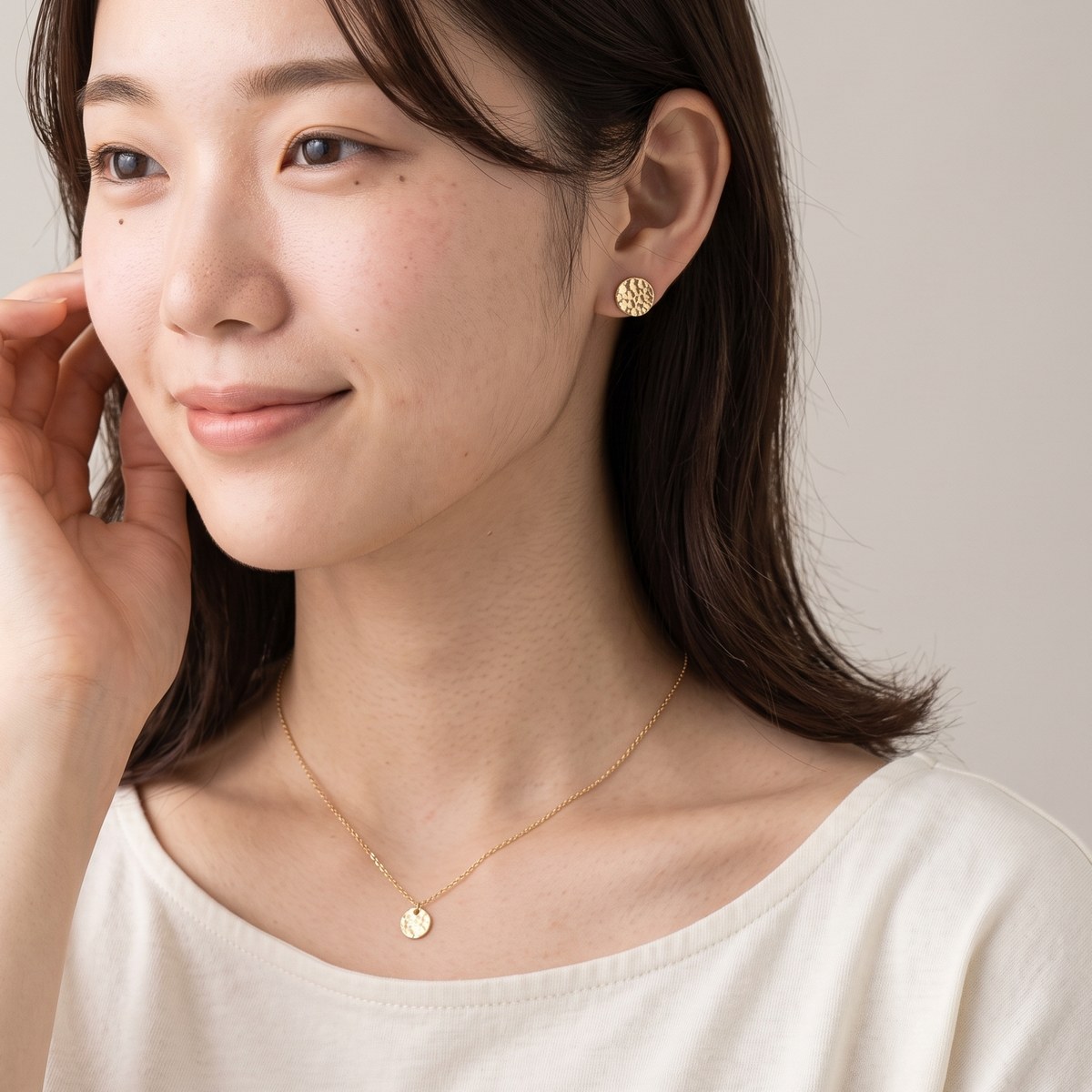 On-model view
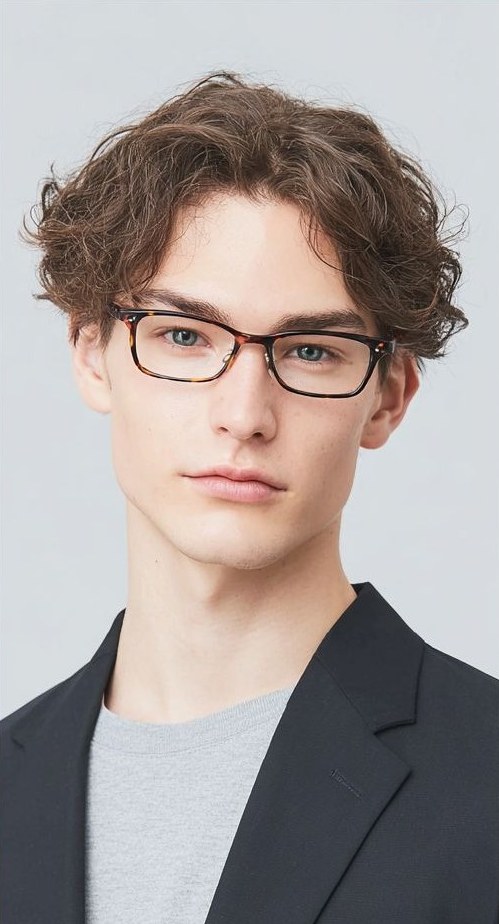 Color variants
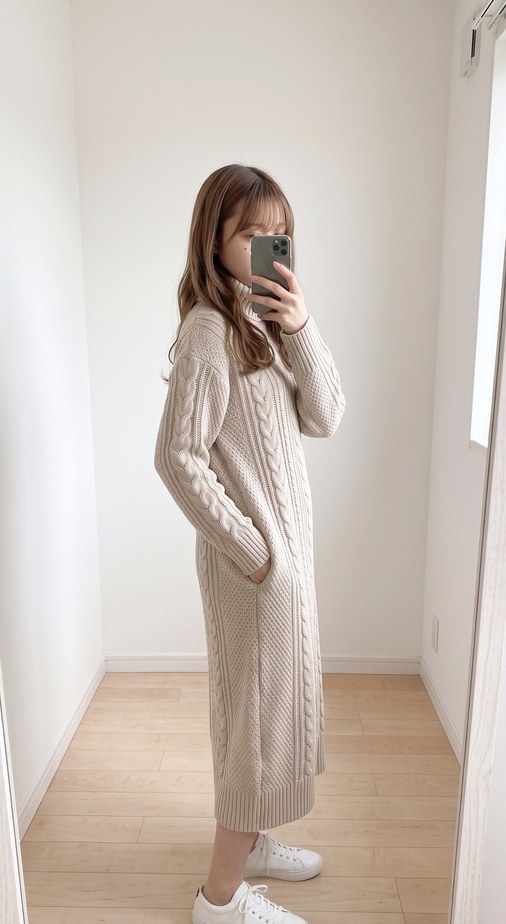 Social portrait format: 4:5New-product posts with the same model and tone as the online store.
 Social square format: 1:1Export marketplace and social formats from the same image.
Produce hero images, supporting views, color variants and on-model shots to consistent standards, adapted to marketplace rules and social-media aspect ratios. For companies looking for AI product image generation, we deliver product images and videos with AI models wearing the products, as finished assets.
Show your products worn or used by an AI model suited to your brand. Keep a company-specific model consistent across age, mood and appearance requirements.
Packaging visuals for boxes, labels and sleeves. Shared models and color standards align the impression on the shelf and online.
AUTUMN / WINTER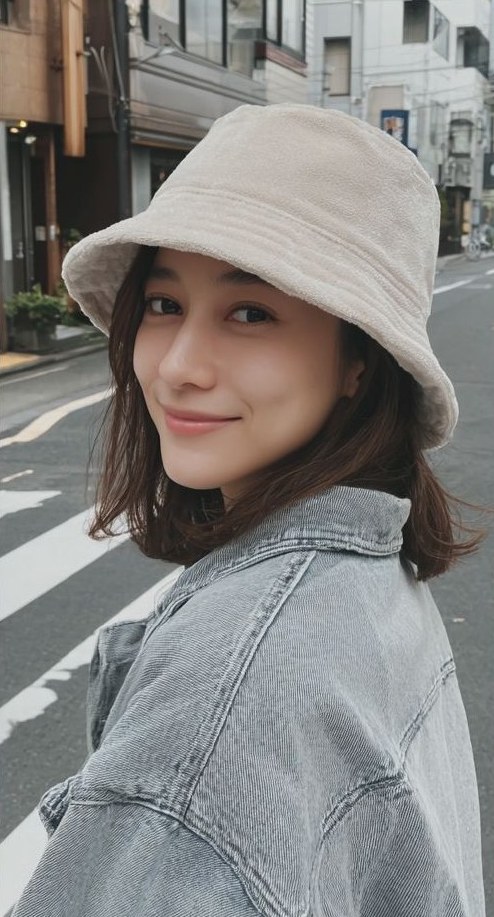
Bring a season's entire product range together in one catalog, with the same model and visual world.
Seasonal catalogs, product brochures and sales materials, built from your product data and images.
Create the face of a campaign for stores, events and transit locations, with resolution appropriate for large-format printing.
Product-page films, vertical short-form videos and social videos, featuring the same AI models as your still imagery.
Brand films and longer advertising videos, with scenes shaped into a complete piece from structure through finishing.
From seasonal fashion catalogs to uniform and workwear brochures, keep the AI model's face, lighting and color consistent throughout the book, with compositions planned for facing-page layouts.
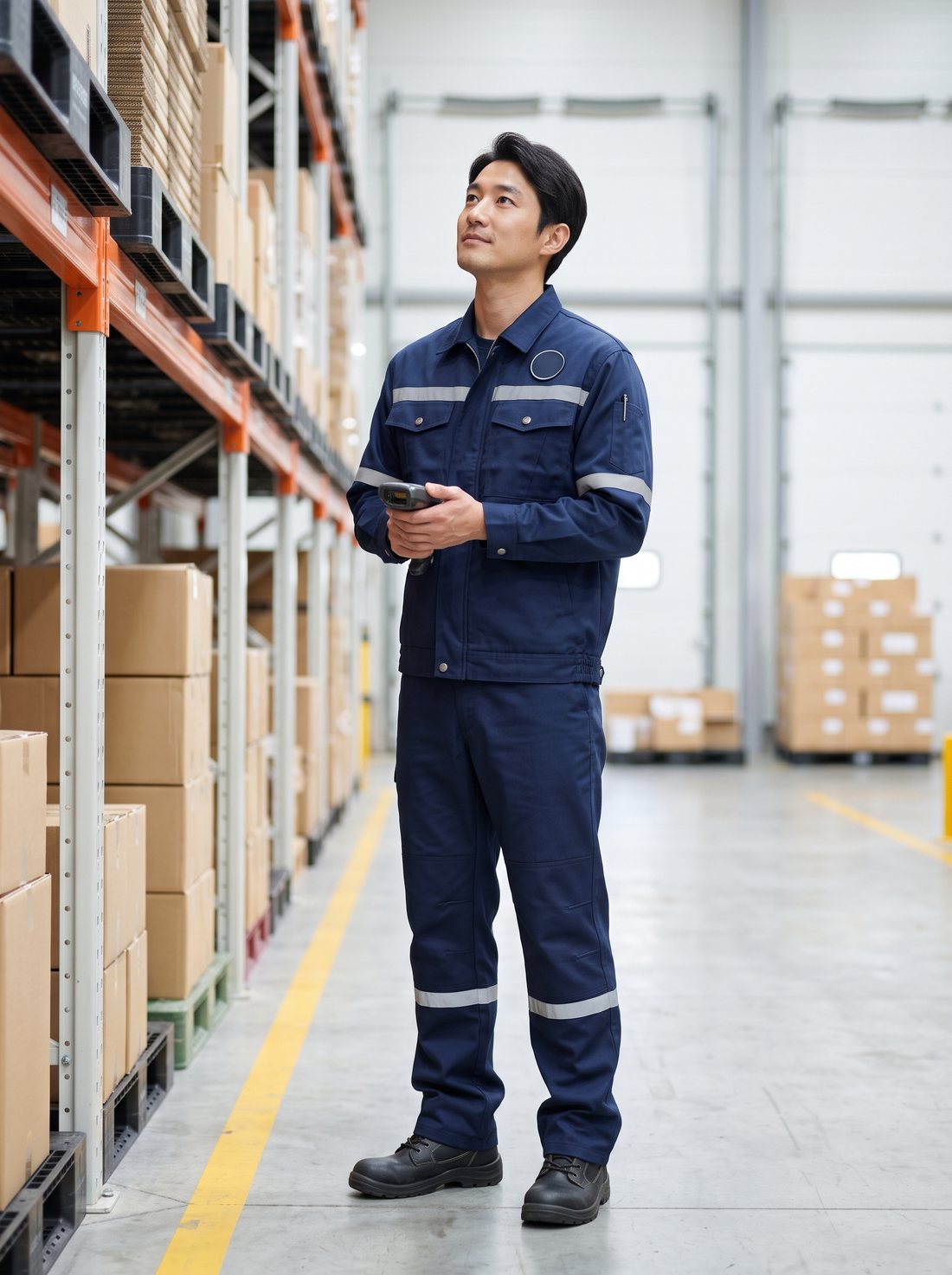
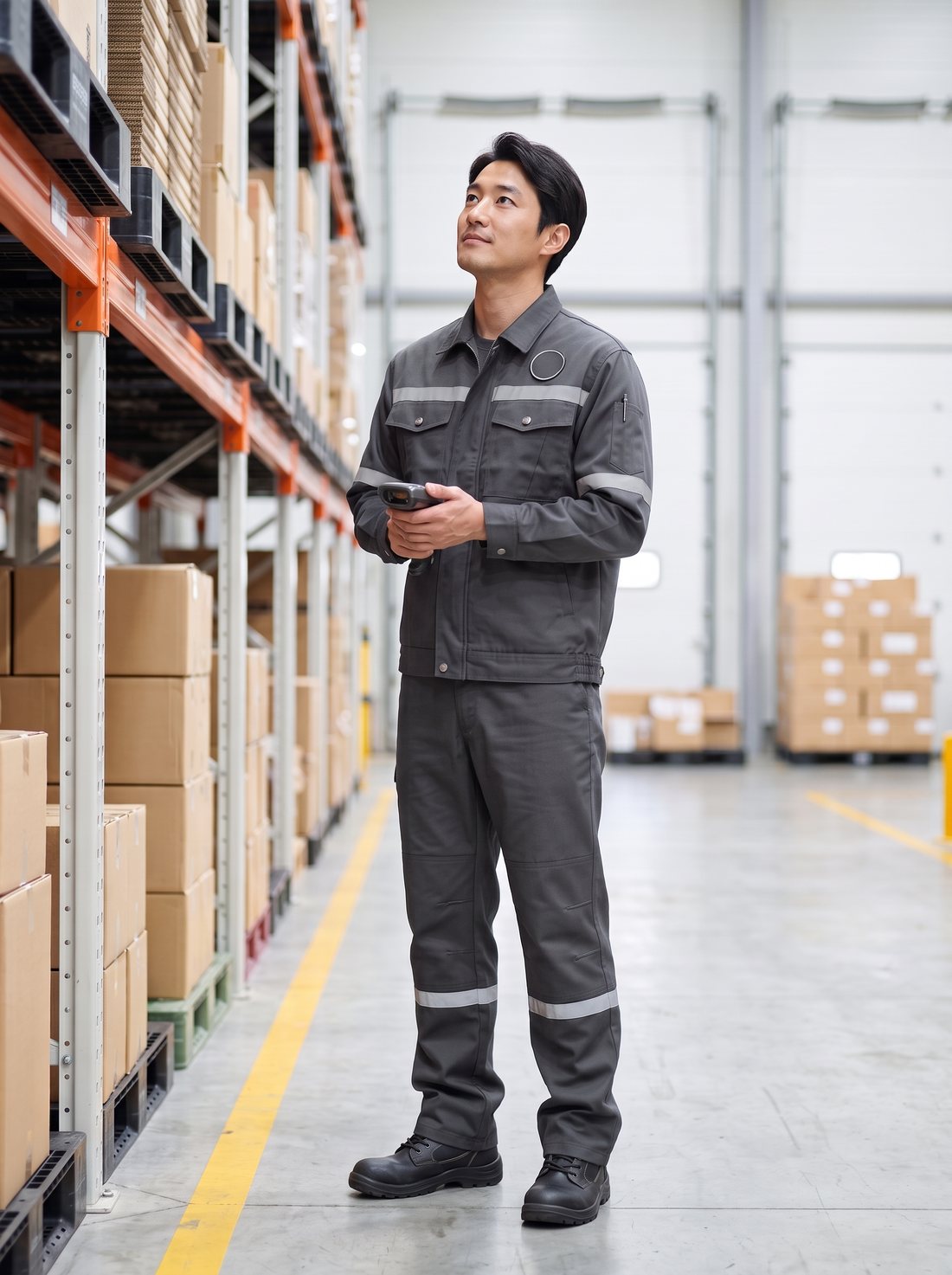
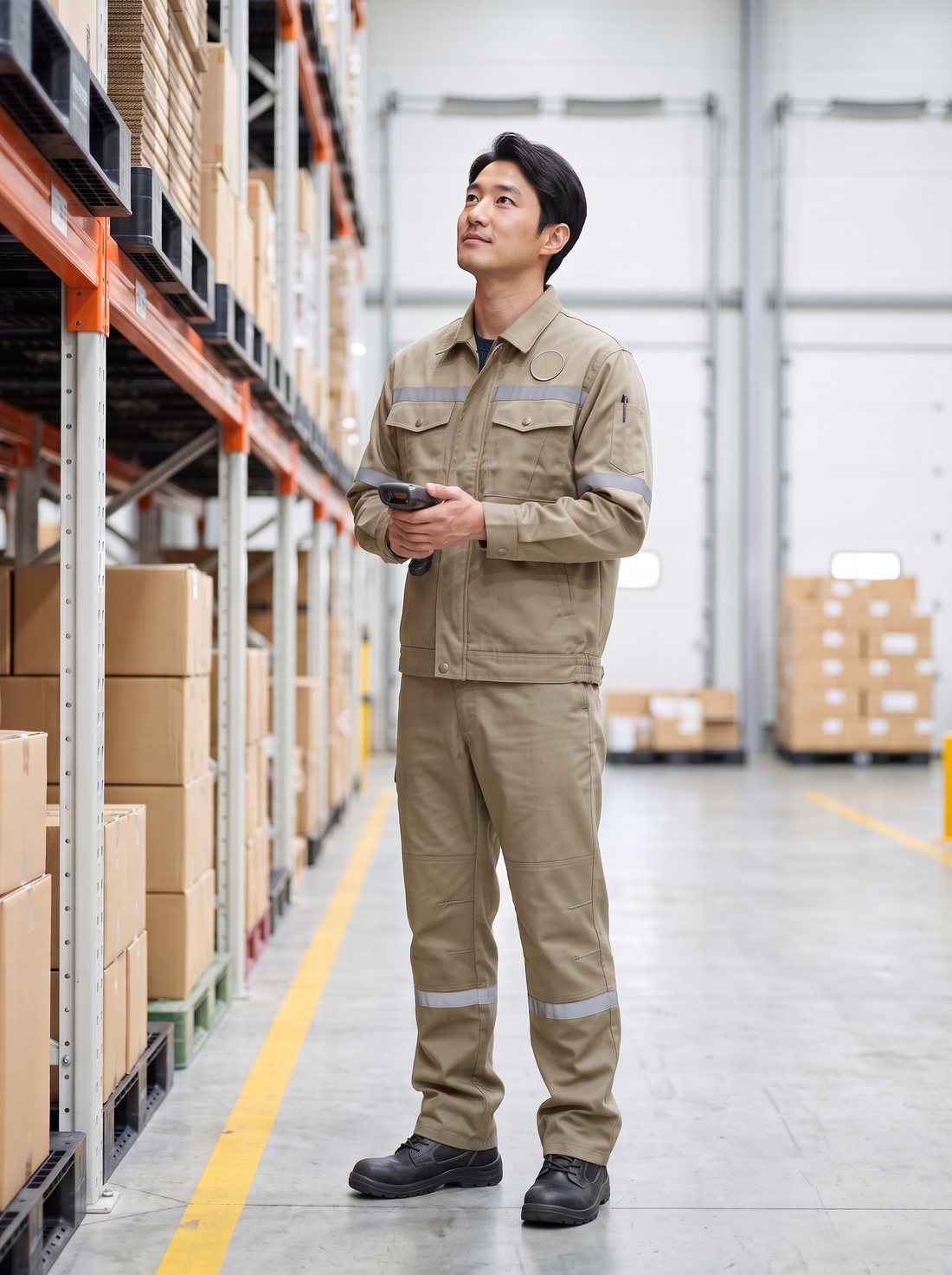
Color variants: changing the color can accidentally change buttons, stitching and pocket shapes.
→Change the color while keeping the product details consistent across the full range.
Models: faces change from page to page, breaking the consistency of the catalog.
→Use the same AI model throughout the catalog.
Facing pages: a face or product falls into the gutter and disappears after binding.
→Plan the composition for a two-page spread, keeping important content clear of the gutter.
Workwear: reflective strips change position or number, and embroidered chest marks become distorted.
→Check reflective strips, embroidery, pockets and pen holders against the product specification.
Size ranges: different sizes can produce unnatural proportions in garment length and width.
→Create on-model views that reflect the proportions in the size chart.
Why wModel
wModel.AI combines a dedicated AI generation platform with quality review, handling everything from understanding your requirements to delivering finished assets, with no models to book and no photo studio to reserve. You don't need to commission a shoot company or operate generative AI tools and sort through the results: you receive finished AI model assets without a studio shoot. It is an AI model generation service for companies that want to reduce shooting costs and the burden of managing production.
| What matters | Operating generation tools in-house | wModel.AI |
|---|---|---|
| How you work | Operate the tools and select the outputs | Share your requirements and receive reviewed, finished assets |
| Fit for your business | Configure the tools and build your own workflow | Generation and review tailored to your brand and quality standards |
| Quality review | Manage output review and revisions internally | AI checks product shape, colors, logos and text, plus hands and anatomy. Revisions and staff review before delivery. |
| Scale | Expand according to your tools and operating capacity | From one trial image to hundreds, with parallel generation across products and projects. |
From one trial image to ongoing generation at scale.Start with a single image or run ongoing projects across multiple products in parallel. Your generation workflow is tailored to your business requirements.
How wModel.AI sees AI progress
From your brief to finished assets, we handle the production process.
Share your product photos and requirements, and wModel.AI manages the work from production to delivery. Our AI system and team handle generation, quality checks and revisions, so you receive finished wearing images and videos ready for your intended use.
What should the result show, what is it for, and how should it look? AI interprets that intent alongside the company's product information and brand standards. It generates, checks its output, revises and generates again toward AI model images and video ready for real use. Learning complicated software, mastering prompts and trying again until something works should not become the customer's job. We connect the request and the finished result in one service.
wModel.AI connects the 4A AI Engine with wTransformer, toBeReal, Clearium and wBoard. A production workflow tailored to your business connects your requirements with generation, AI inspection and revisions, followed by staff review and your approval before delivery. Normally, no physical product shipping is required. Existing product photos become finished assets for web, social media, catalogs, publications, large-format and outdoor advertising, and video.
We incorporate your requirements and feedback into production and quality review, continuously improving our workflow and the finished results.
A shared AI foundation and dedicated enterprise generation lines support expansion across products, shots and media, guided by company standards. Learning from requirements and feedback informs the next brief and the next generation workflow. wModel.AI delivers finished assets while refining the quality and execution behind them: an AI generation service designed to evolve with the enterprise. wModel.AI delivers finished AI model assets without model shoots or the need to operate generative AI tools, providing everything from your requirements to finished assets as one service.
Stand in front of the car and turn the crank by hand.
Operate the starter; an electric motor turns the engine.
Read a paper map and work out the route yourself.
Enter a destination. Navigation calculates a route and adapts its guidance to traffic conditions.
With wModel.AI, the starting point is the result you want. AI and the generation foundation take on the iteration between that request and finished delivery.
No complex software, tool training or prompt craft to master. Start with product photos and your requirements. AI interprets the intent, generates, checks and revises toward finished AI model assets. We carry the process through to finished delivery, including the repeated attempts it takes to get there.
Ship-to-studio photography
Products go to a studio, where casting and photography are arranged, followed by a review of the resulting images.
Self-service AI tools
Upload photos, write instructions and adjust settings. You select the outputs and check their quality.
wModel.AI
In most cases, there’s no need to ship your products. There is no need to book models or a photo studio, either. Your dedicated AI generation line connects generation, AI inspection, staff review and revisions, delivering finished assets for your intended use. Without testing generative AI tools from scratch, hand us your product photos and requirements and receive finished AI model assets without a shoot. They can also be used for AI ads.
Continuous improvement
wModel 2.0 is an enterprise AI production service that turns your requirements into finished assets. It incorporates your feedback to deepen its understanding of your business and continually refine generation, quality review and revisions.
We incorporate your requirements and feedback into each project to deliver results aligned with your brand.
Compare outputs with the required standards. Identify where differences arose and which revisions worked. Refine generation, review and revision procedures, compare the results using the same quality criteria, and carry verified improvements into the next generation workflow (wTransformer).
Generation, verification and revisions bring AI model images and videos that fit your brand's world to completion. Your requirements and feedback guide our ongoing improvements.
Images from 2K, 4K and 8K to 10,000, 20,000 and 30,000px, with close attention to skin, hair and materials.
Explore this section ↓Generation, quality review and revision, followed by delivery of assets prepared for their intended use.
Explore this section ↓Social channels, catalogs, publications, packaging, outdoor advertising and campaign films.
Explore this section ↓Bring your product information, brand standards and approval process into the workflow.
Explore this section ↓Expand across products, shots and channels, carrying review decisions into the next round.
Explore this section ↓Check product shape, color, logos and materials while maintaining the AI model identity used across projects.
Explore this section ↓Review resemblance risks and retain revision and approval decisions.
Explore this section ↓Stills, print-oriented visuals and video share the same wTransformer. Brand rules, approved references and your models carry across media, keeping online-store images, posters and films visually aligned.
Image and video AI engines handle production. An AI inspection engine checks the work against each medium's criteria, followed by a final review by dedicated staff.
Images, packaging, catalogs and videos appear on the same board, so you can see progress across media in one place.
Deliver wearing images and videos at scale while retaining product character and brand standards. AI and a dedicated company production environment support generation, quality checks and project management.
wModel.AI / 4A AI Engine
4A supports a wide range of products and visual possibilities. A dedicated generation system executes that work against company standards, reviews quality and records decisions. wModel.AI 2.0 connects these capabilities into the path to a finished asset.
wModel.AI and its supporting technologies—wTransformer, Clearium and toBeReal—are researched and developed in-house.
Our company and its affiliates pursue R&D in web-based 3D engines, e-commerce systems, AI security, recursive self-improvement (RSI). We put that expertise to work on real business needs. wModel.AI applies advanced technology to generation, quality review and continuous improvement, addressing production challenges faced by businesses and industries.
Connect dedicated generation, verification and revision around product information, brand standards and review requirements.
Explore the technology ↗Shared progress, versions and reviewTrack progress, versions, revisions and approvals, retaining a record of what changed and why.
Explore the technology ↗Technology for natural-looking peopleRefine natural skin, hair, light and materials while retaining product and identity constraints.
Explore the technology ↗AI Public-Figure Likeness CheckProprietary AI technology checks for potential resemblance to public figures, helping teams review likeness risks before delivery.
Explore the technology ↗Customers rely on product images when deciding what to buy. wTransformer checks dimensions, outlines, color, logo placement, text and materials against source information. The aim is faithful product information, including details small enough to affect purchase confidence and returns. It also supports quality review of the AI model wearing images we produce.
With colored contact lenses, the overall diameter (DIA) and graphic diameter determine how large the lens appears on the eye. Wearing visuals are checked against dimensional proportions, edge thickness and pattern density.
A garment that looks too short or too narrow can cause a return. Check the marked measurement points in the size chart—back neck to hem, underarm to underarm, shoulder to shoulder and shoulder to cuff—and their proportions on the model.
Logo placement, print size and subtle brand-color changes matter. The inspection design measures logos and prints against reference lines and compares color with the source using ΔE, with tolerances set to the company's criteria.
A single distorted character in a product name, ingredient list, item number or size label can make an image unusable. Check text against the source, together with knit structure, weave direction, leather grain and metallic finish.
Compare each generated image with the original product references. If an item fails a check, return it with an explanation of the difference. Only passing work proceeds to the final staff review.
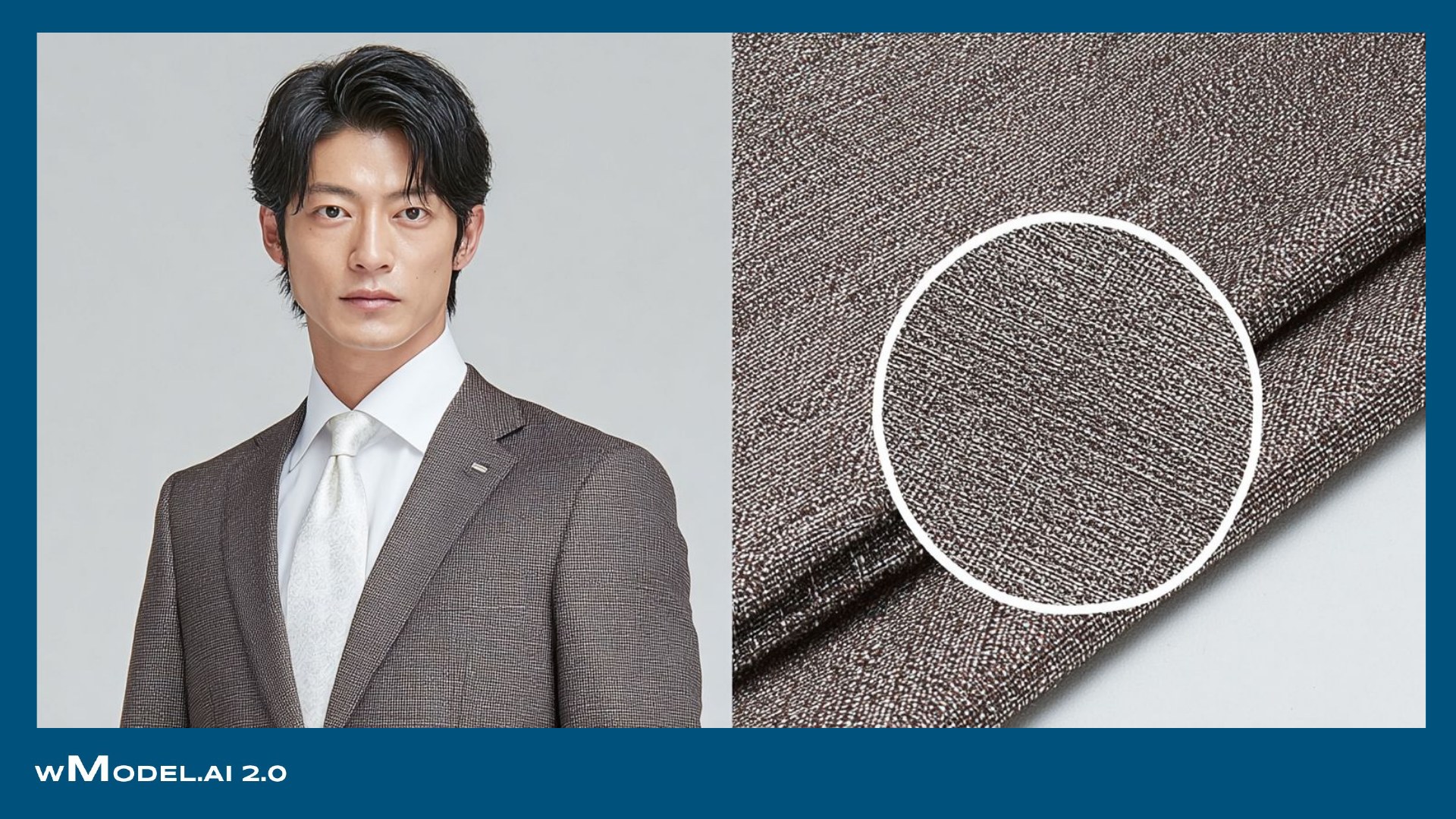
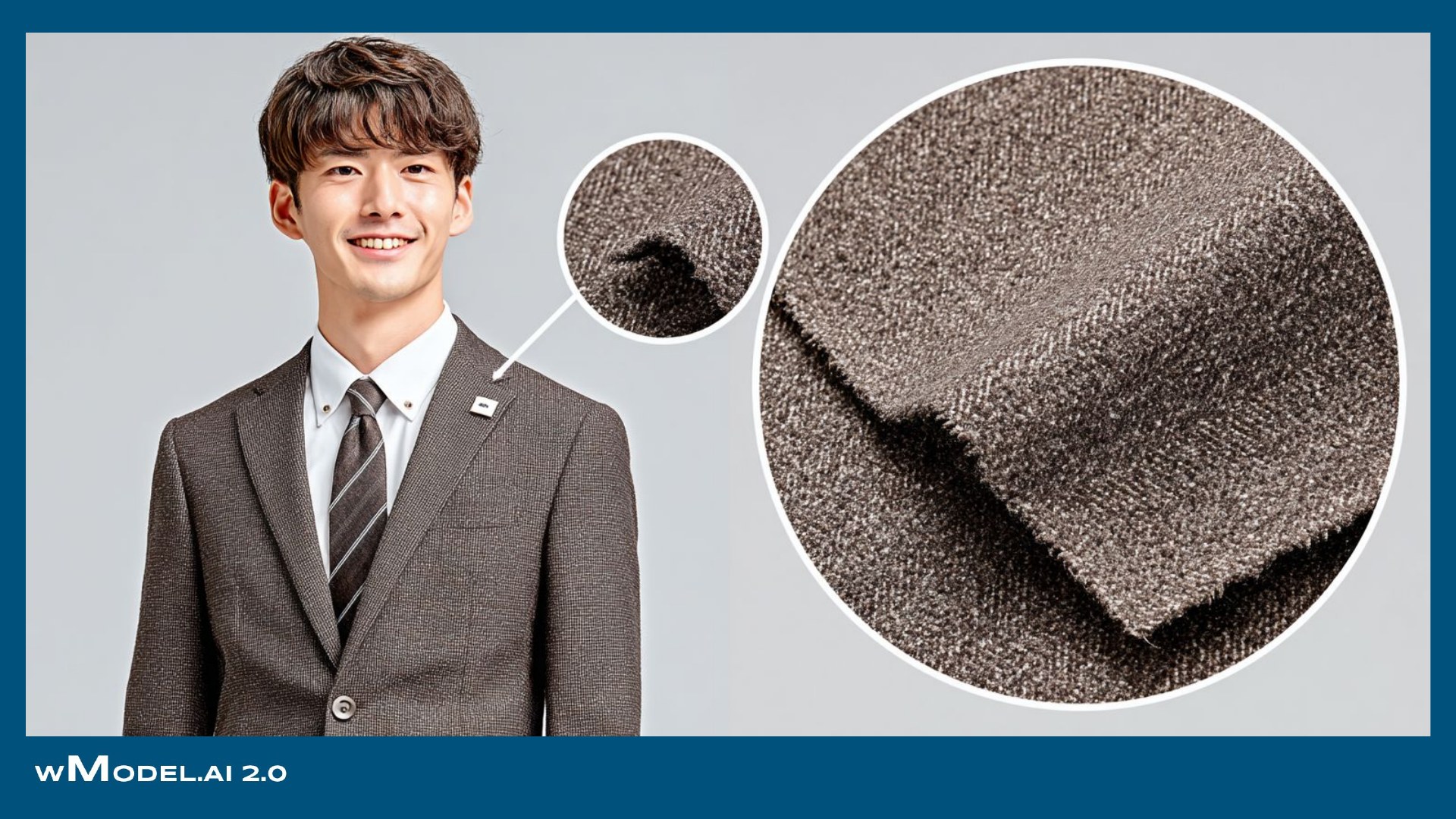
Suit patterns, stitching and button placement can be as challenging as the model's face in AI model wearing images. Product details must still look right when enlarged. wModel.AI focuses on the original fabric structure and construction details.
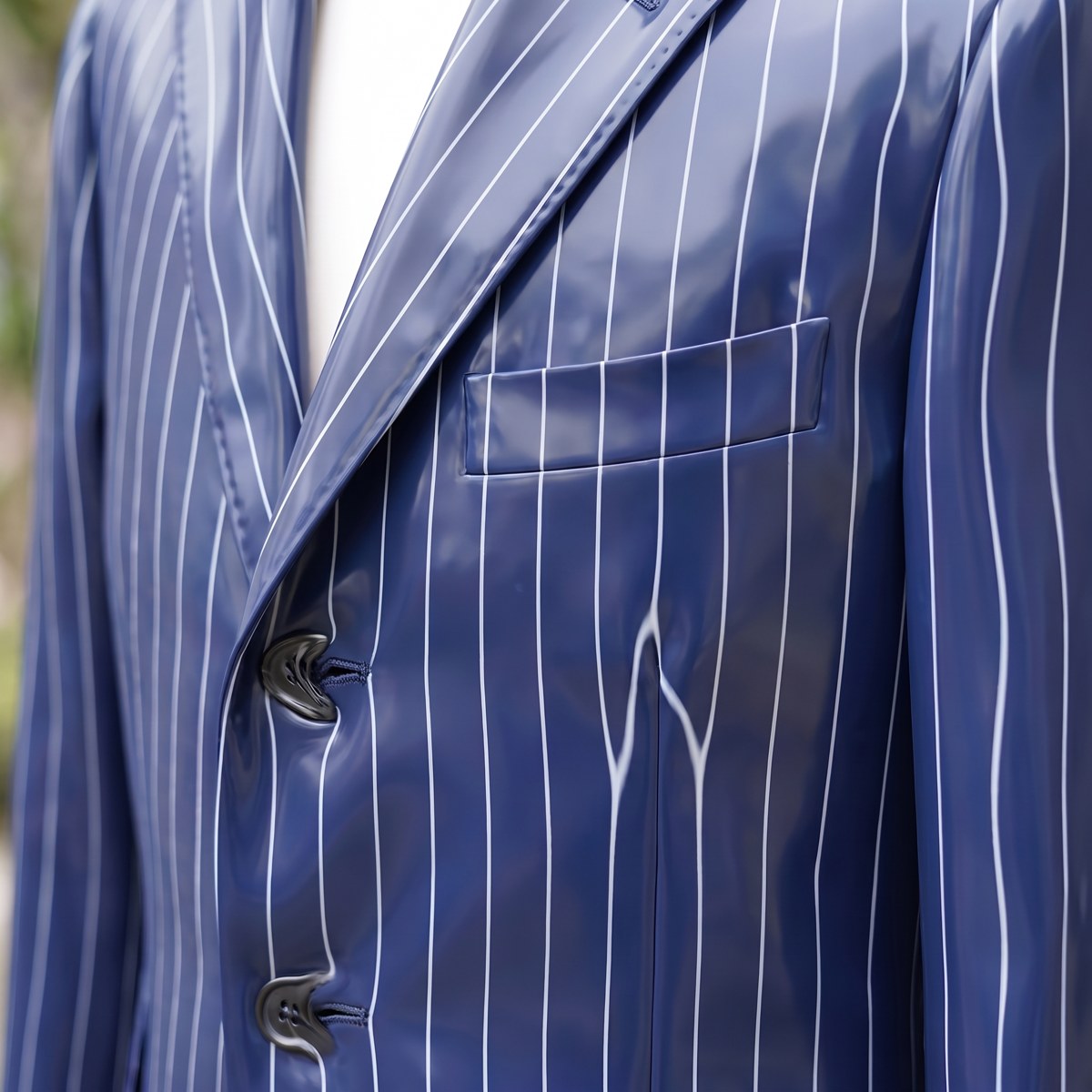
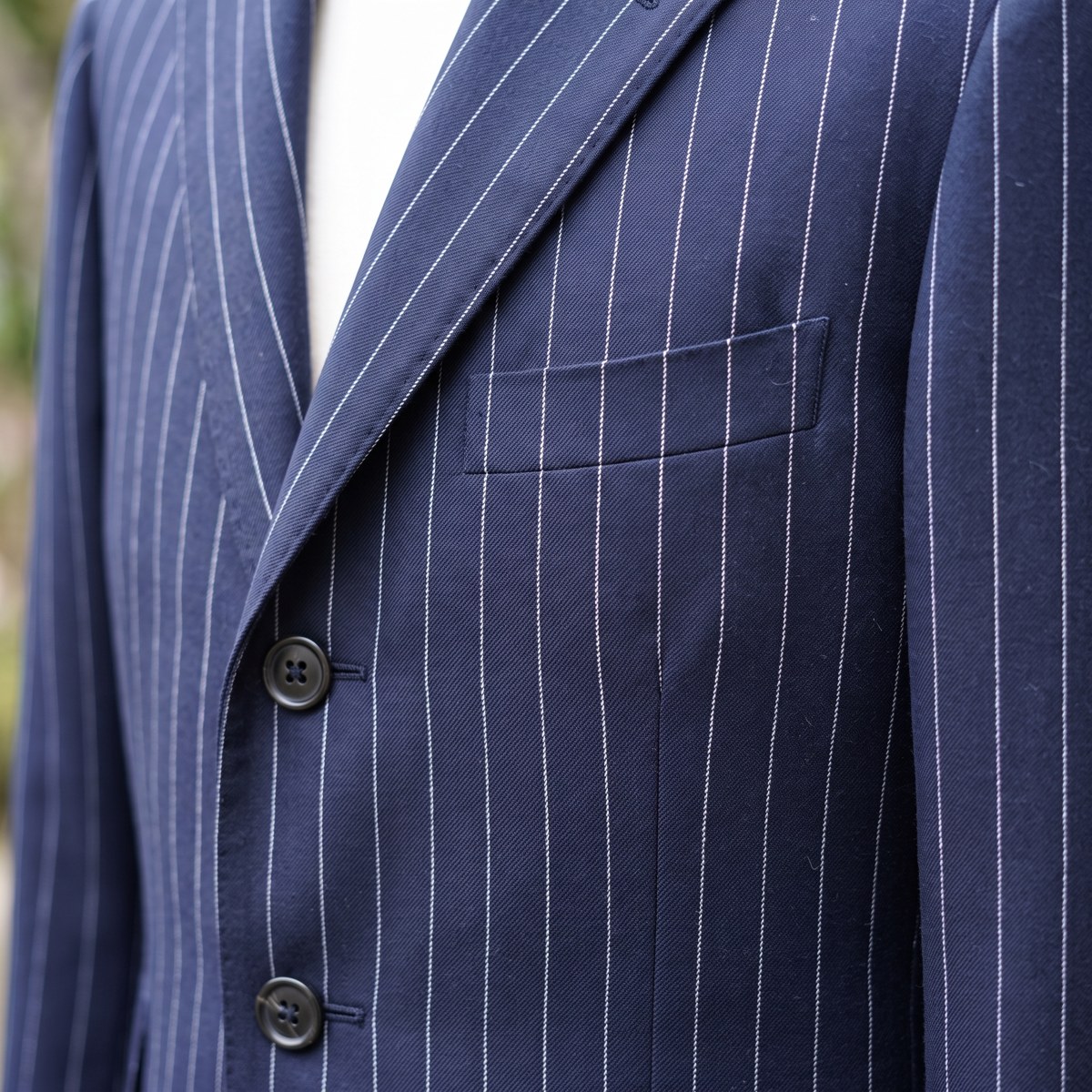 Source imageCommon AI-image issue
Generated resultwMODEL
Wavy stripes → Straight, continuous pattern
Check pinstripe spacing, herringbone direction and check repeat, including continuity across pockets and body seams.
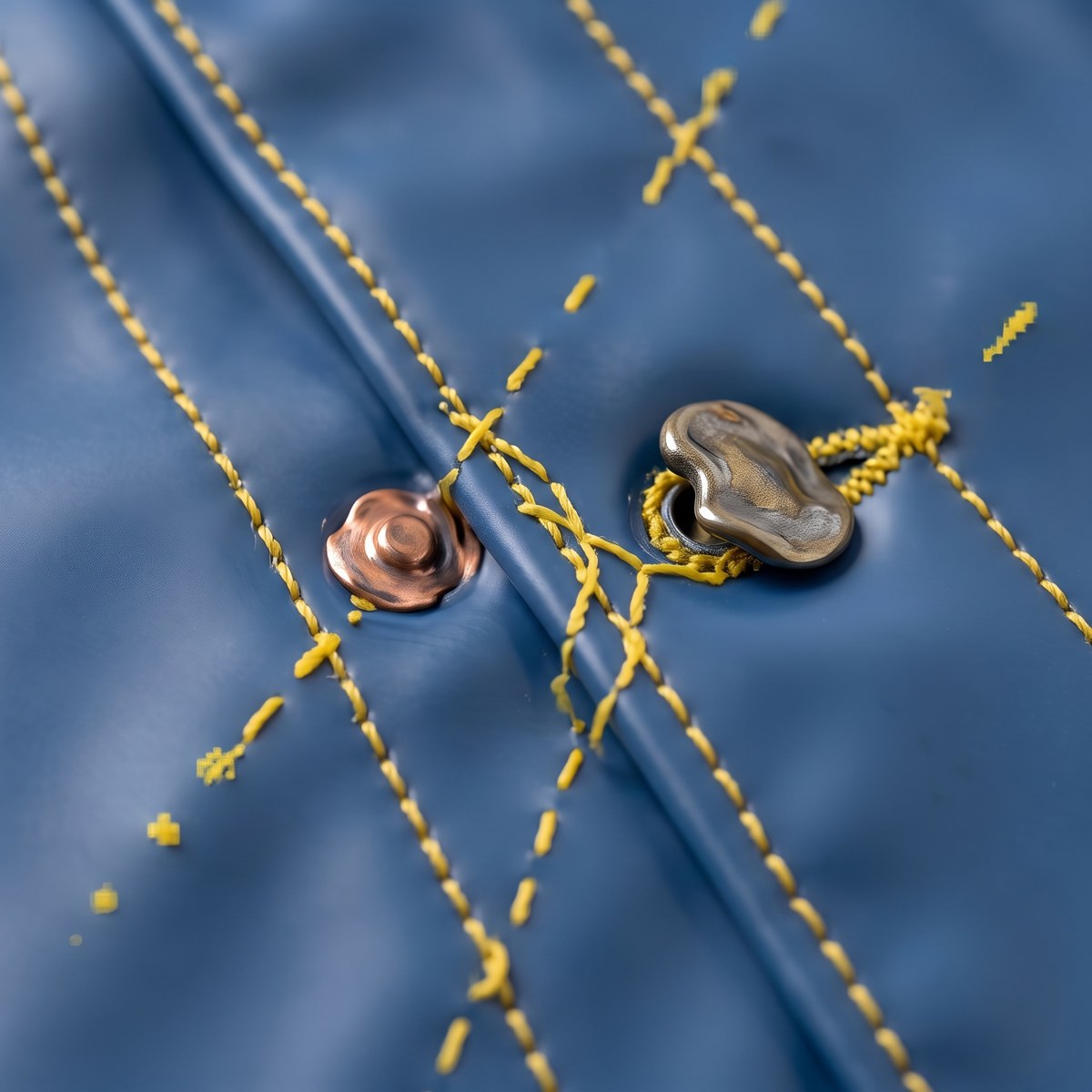
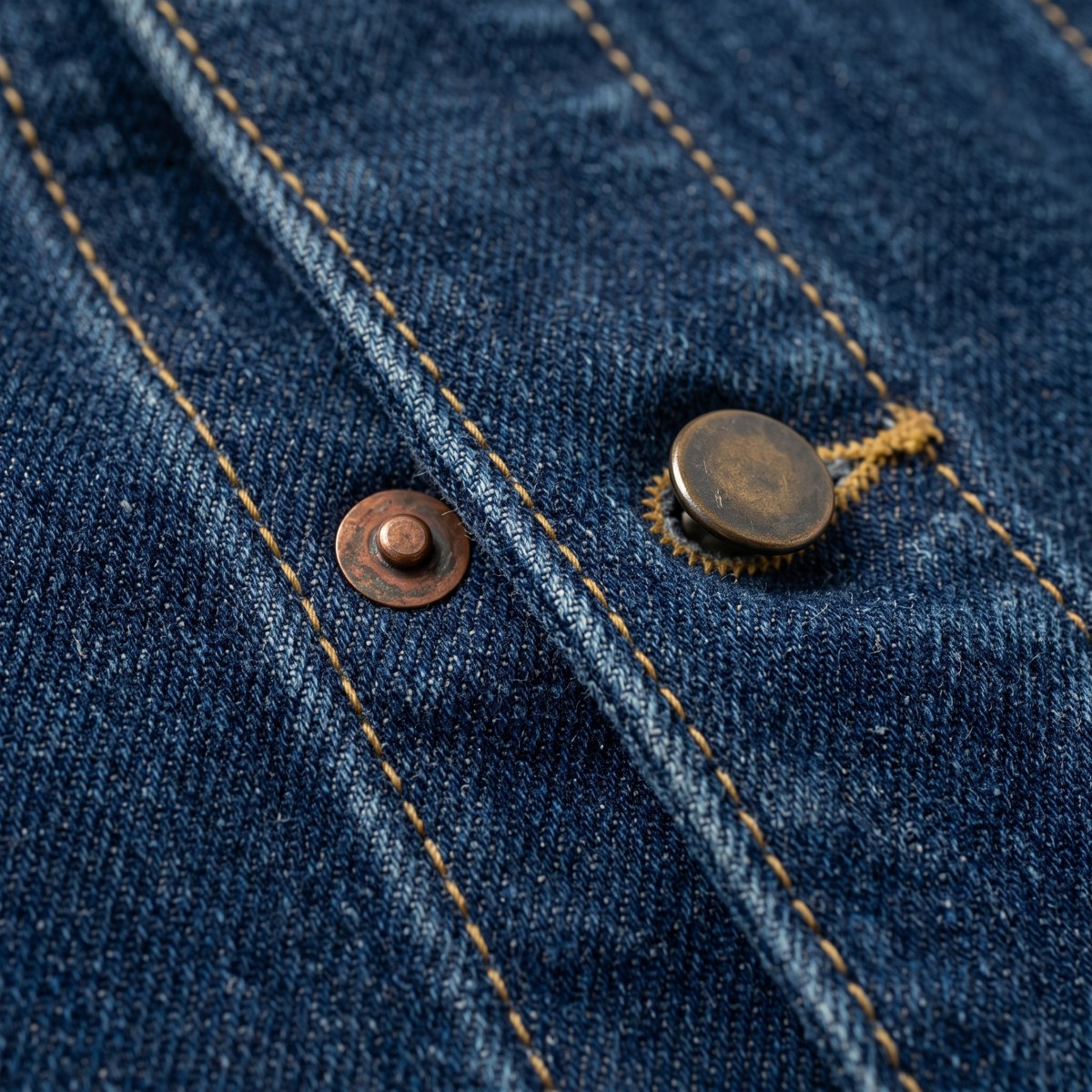 Source imageCommon AI-image issue
Generated resultwMODEL
Broken stitching → Evenly spaced double stitching
Preserve double-stitch width and spacing, denim twill and fading, and the shapes of rivets and buttons, avoiding missing, extra or distorted details.
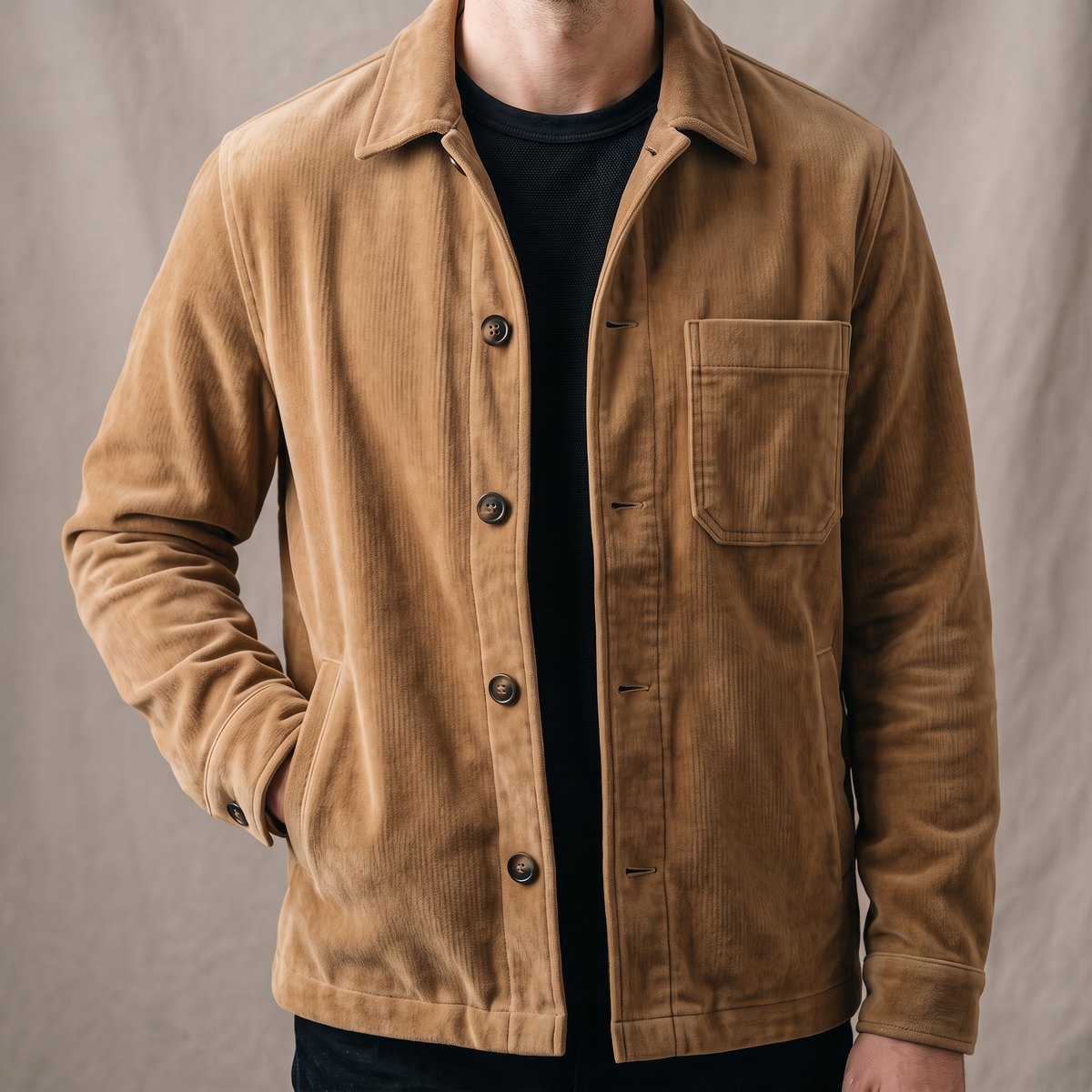
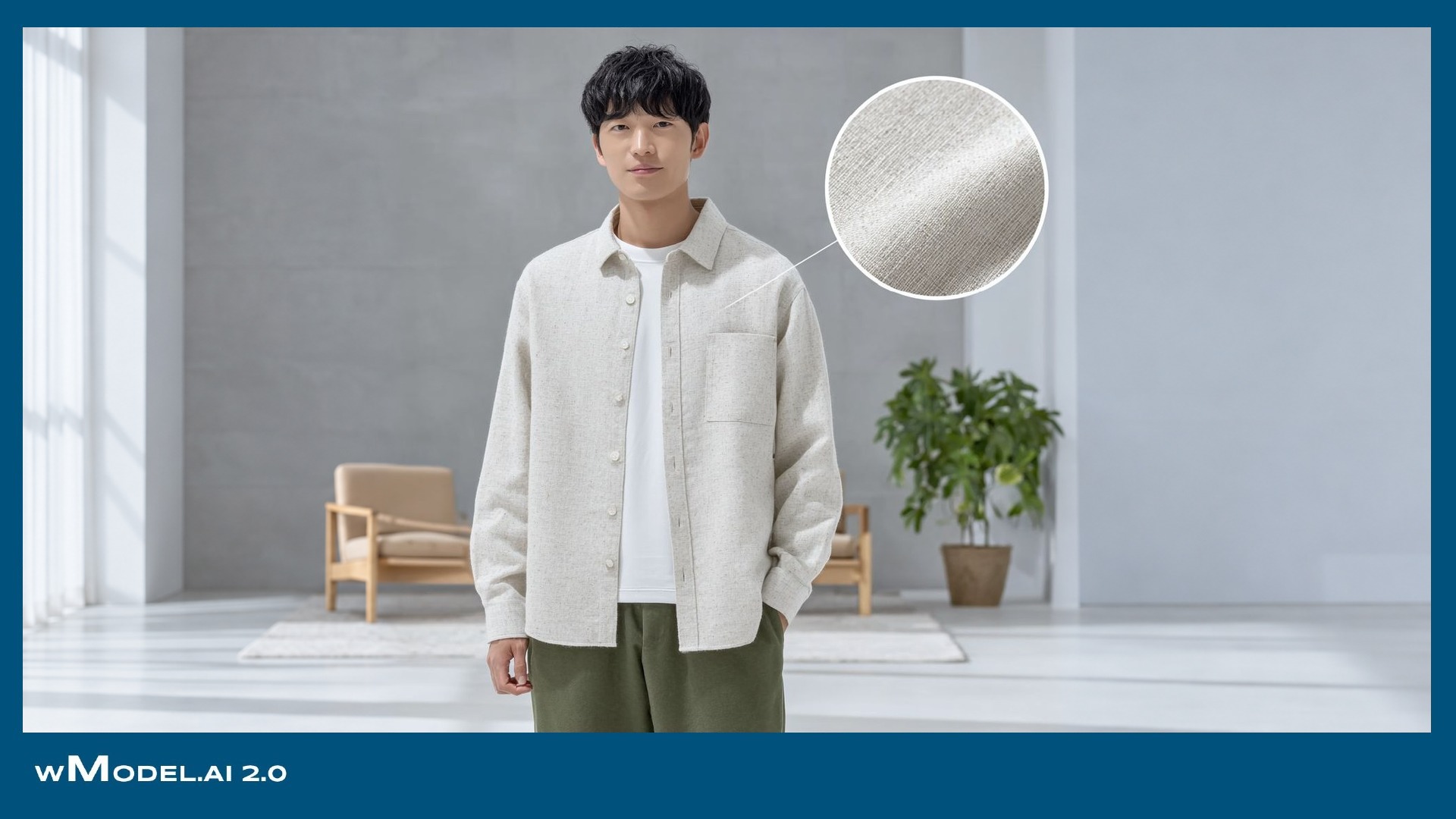
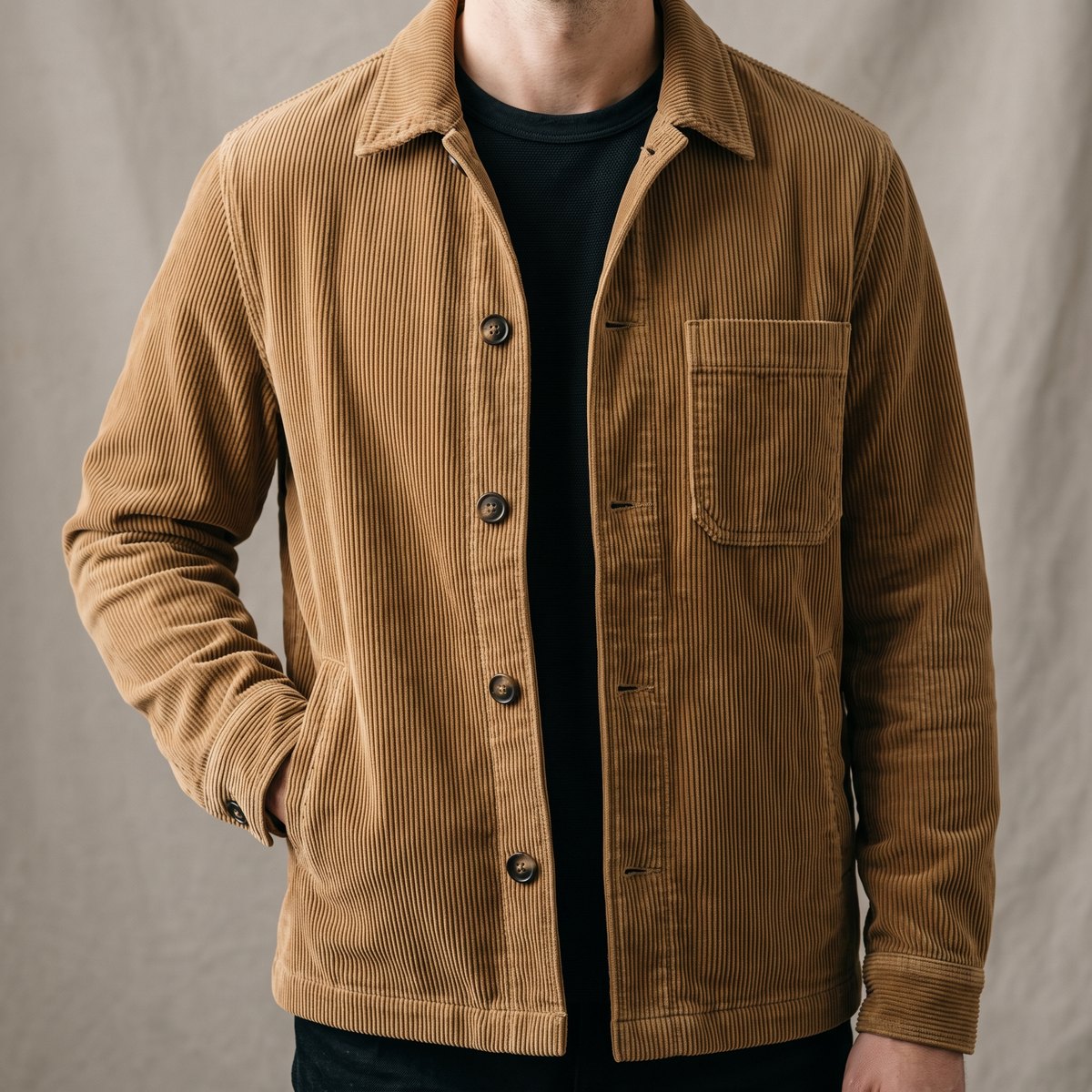 Source imageCommon AI-image issue
Generated resultwMODEL
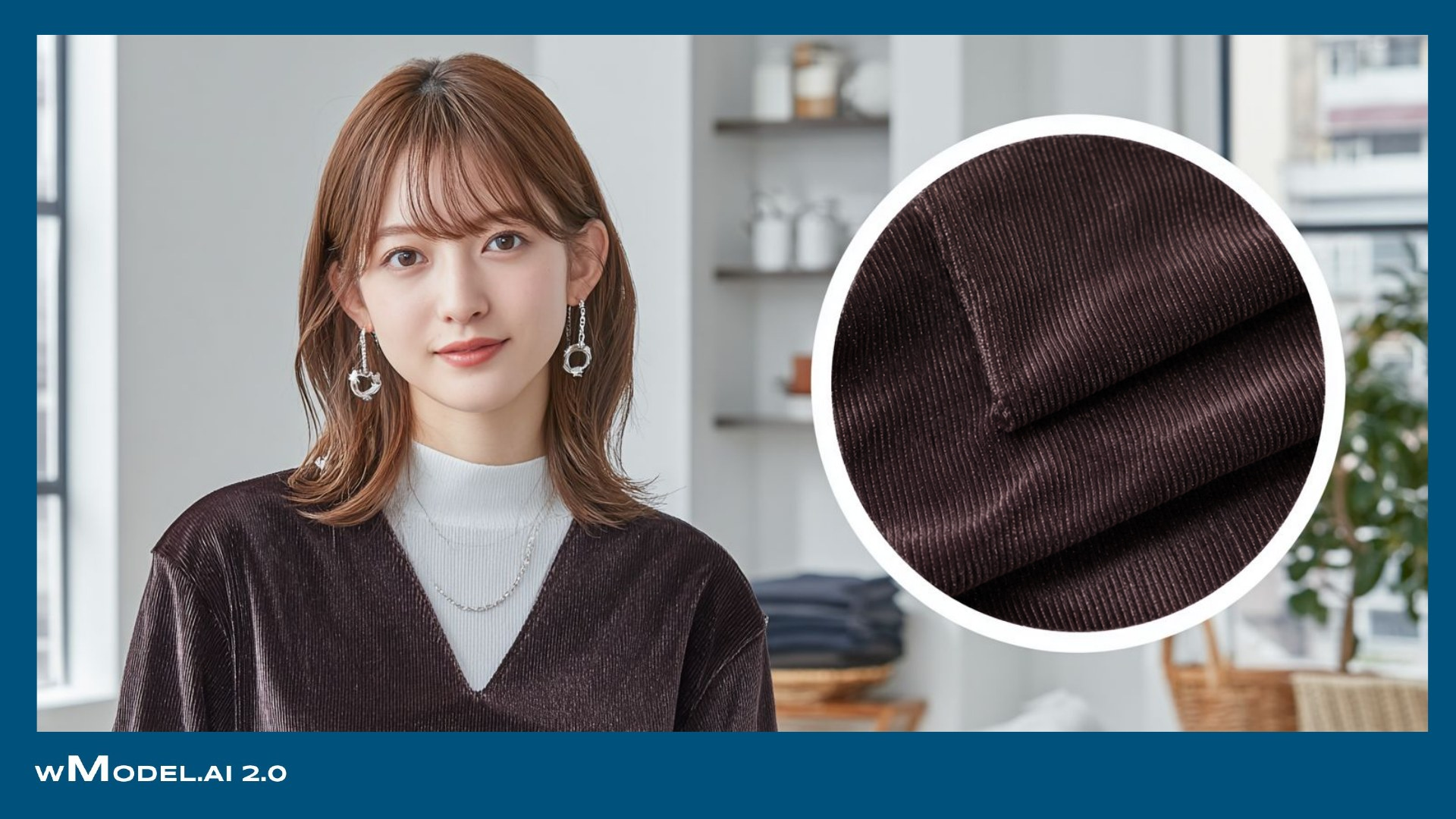
Flattened ribs → Distinct individual ribs
Corduroy ribs flatten into a fuzzy surface, or their shadows disappear with the lighting.
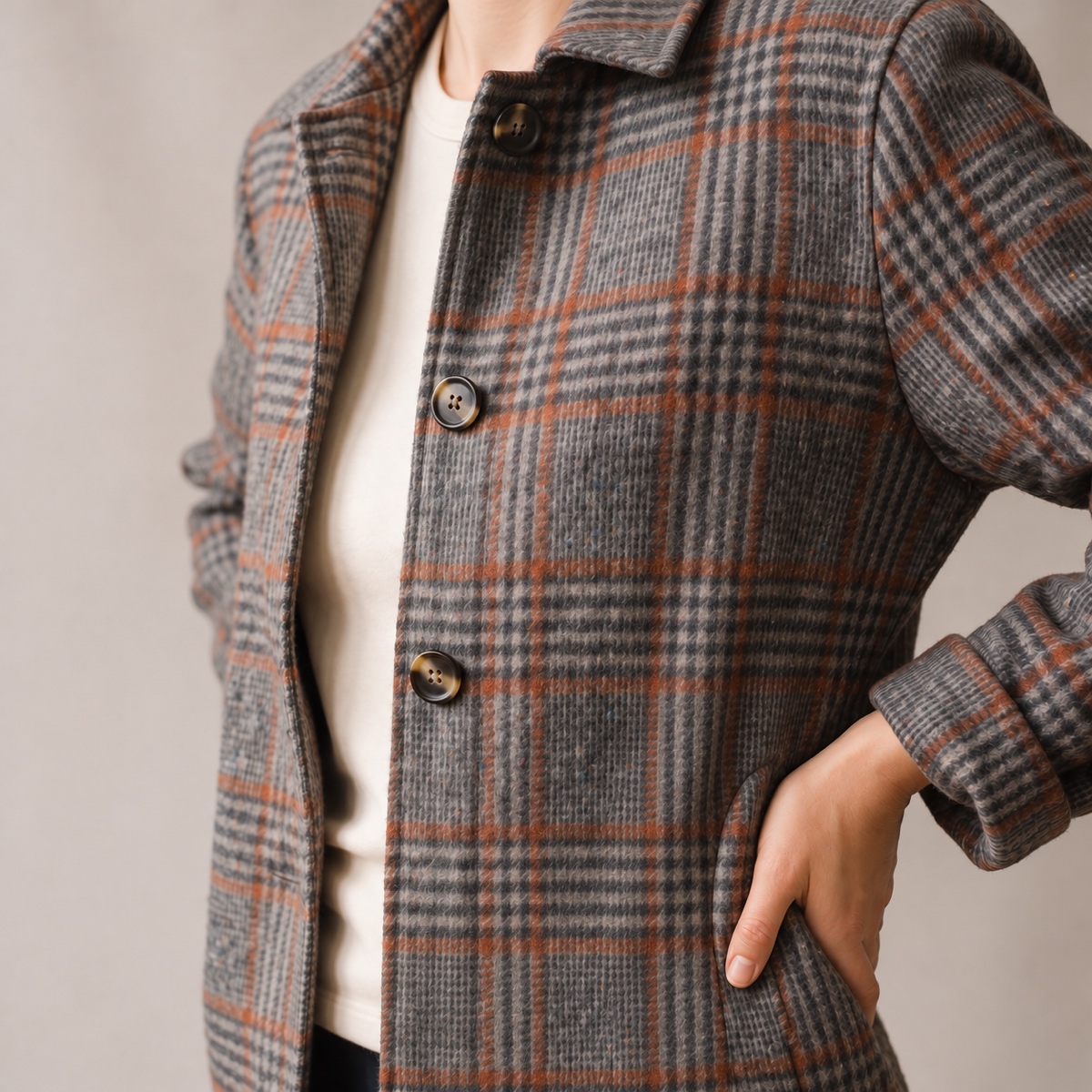
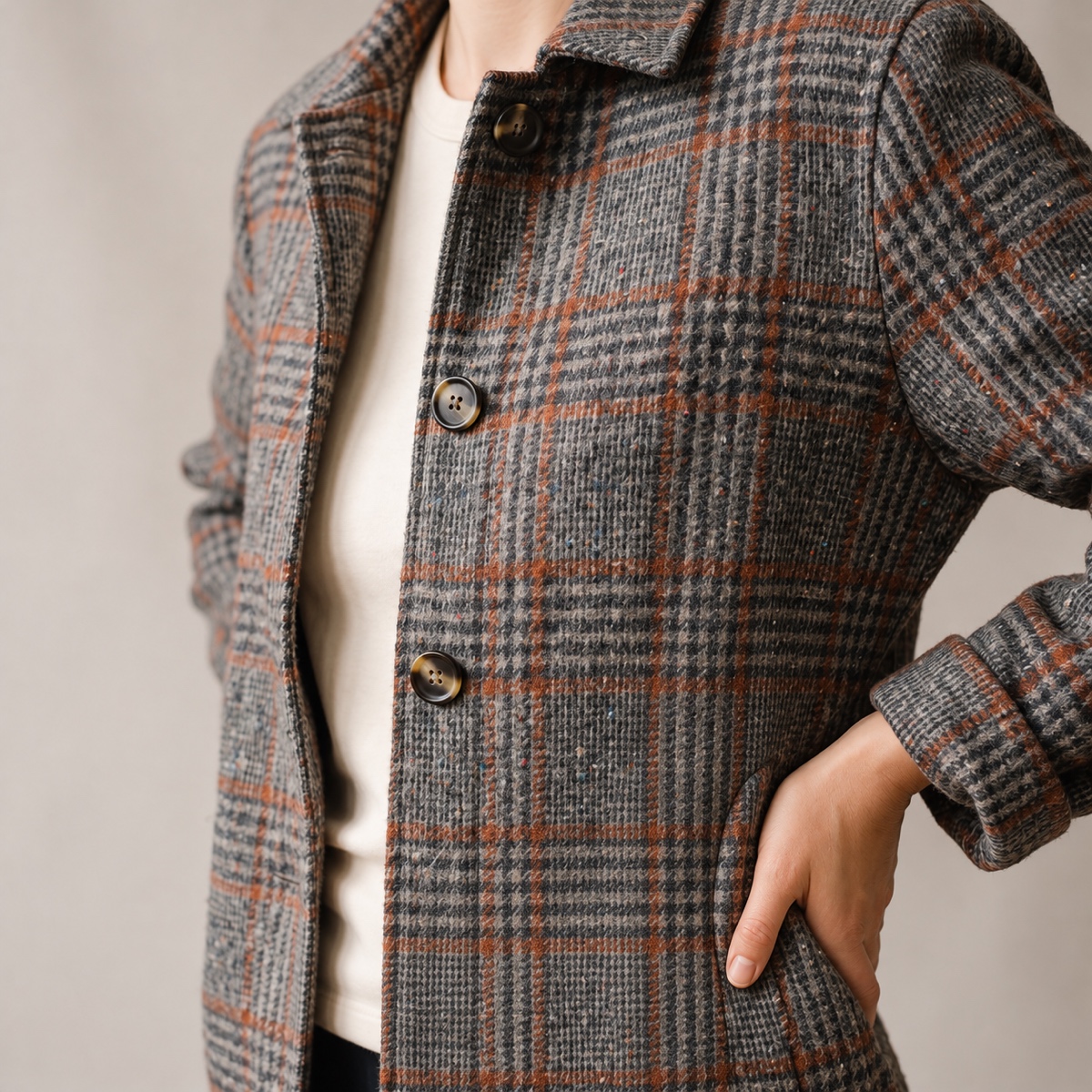 Source imageCommon AI-image issue
Generated resultwMODEL
Blurred checks → Fine lines and surface fibers
Fine glen-check lines blur, and wool loses its surface fibers.
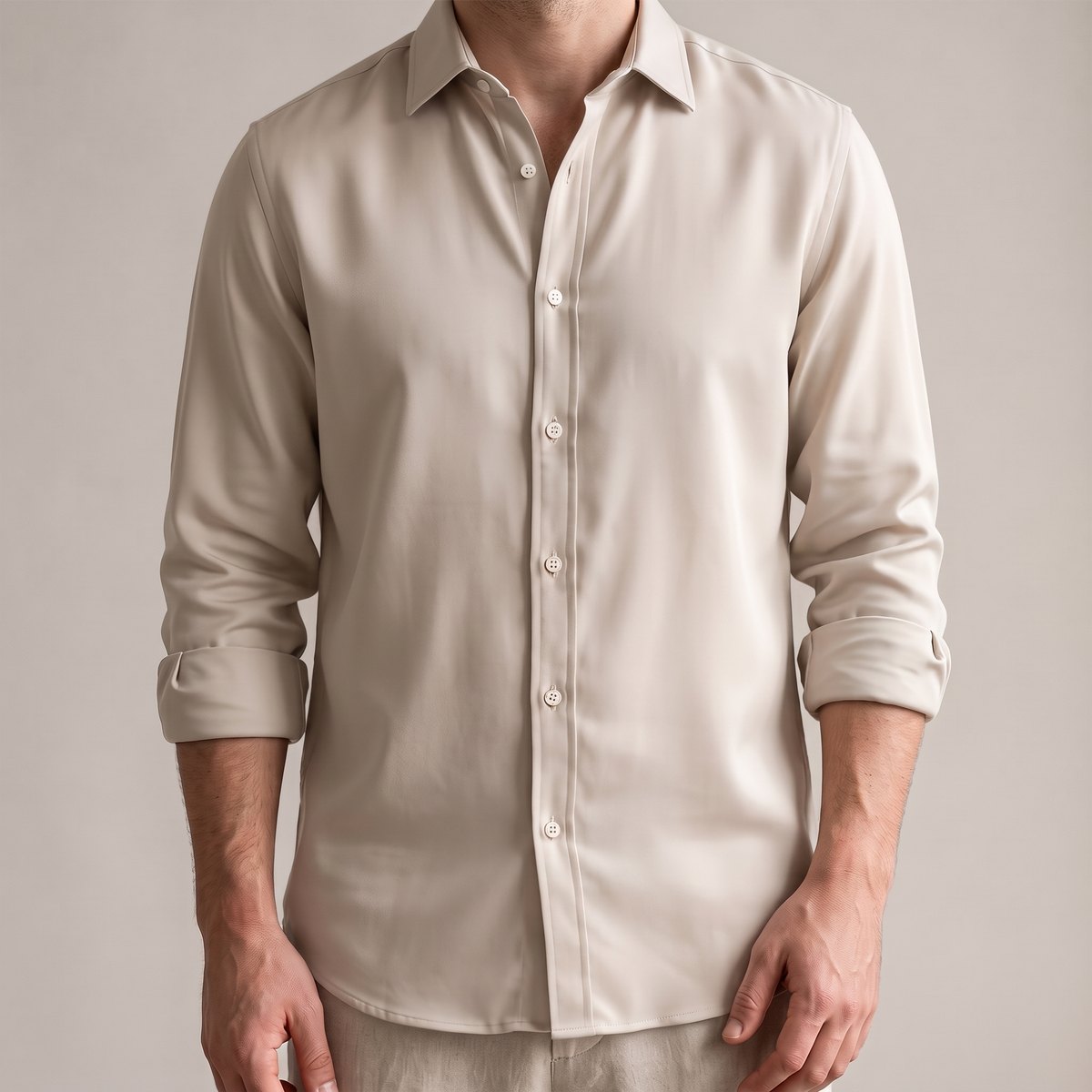
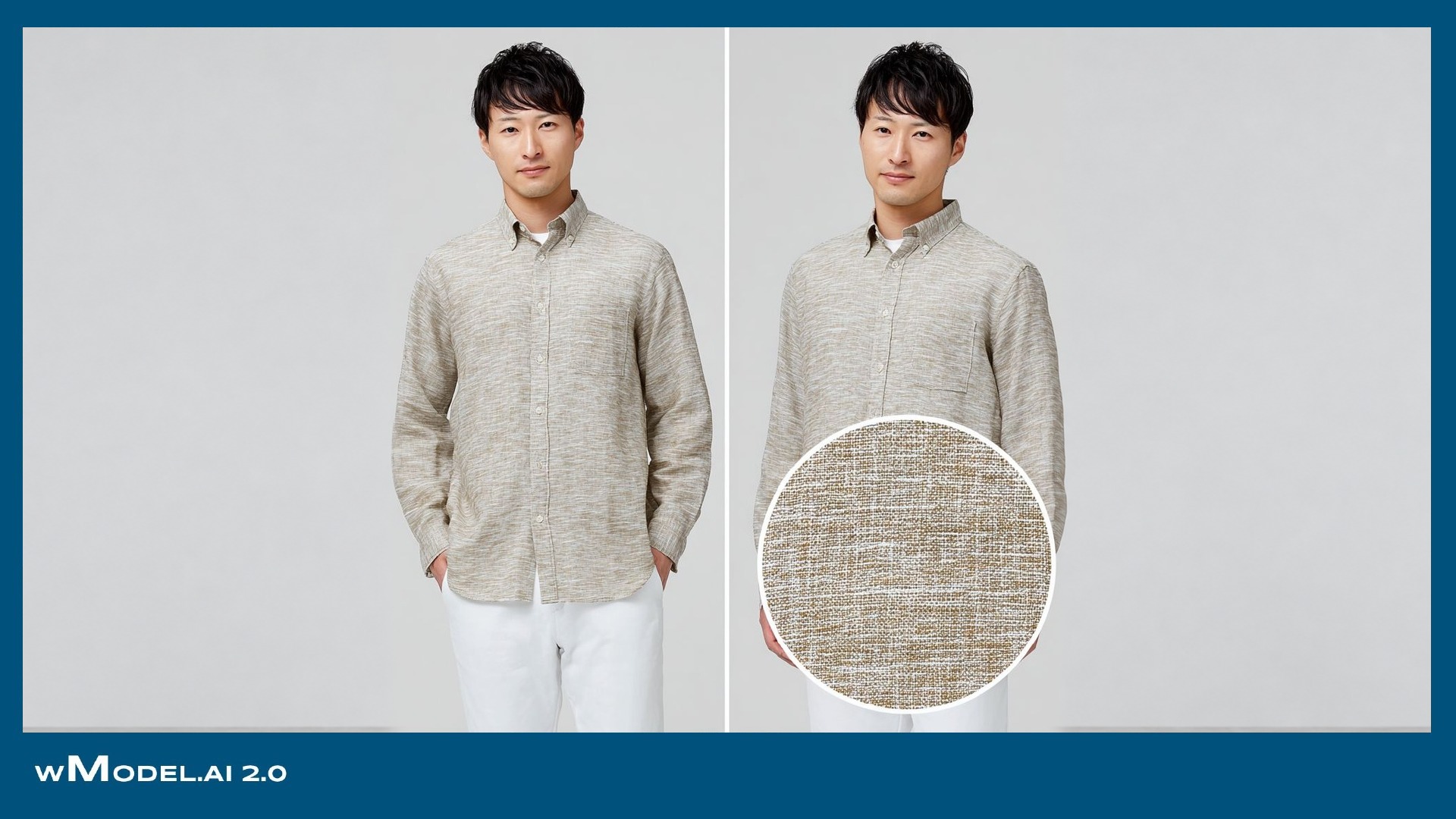
 Source imageCommon AI-image issue
Generated resultwMODEL
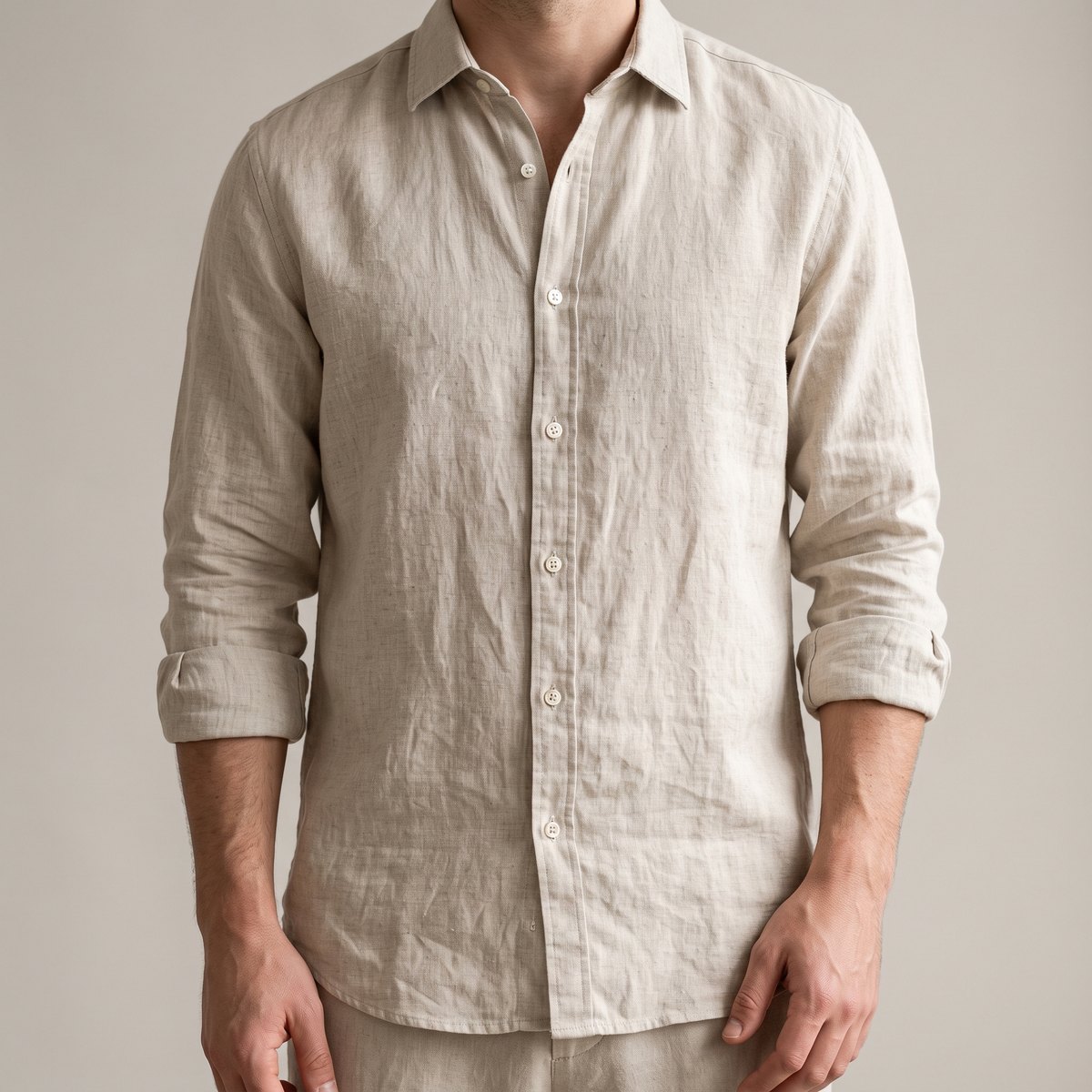
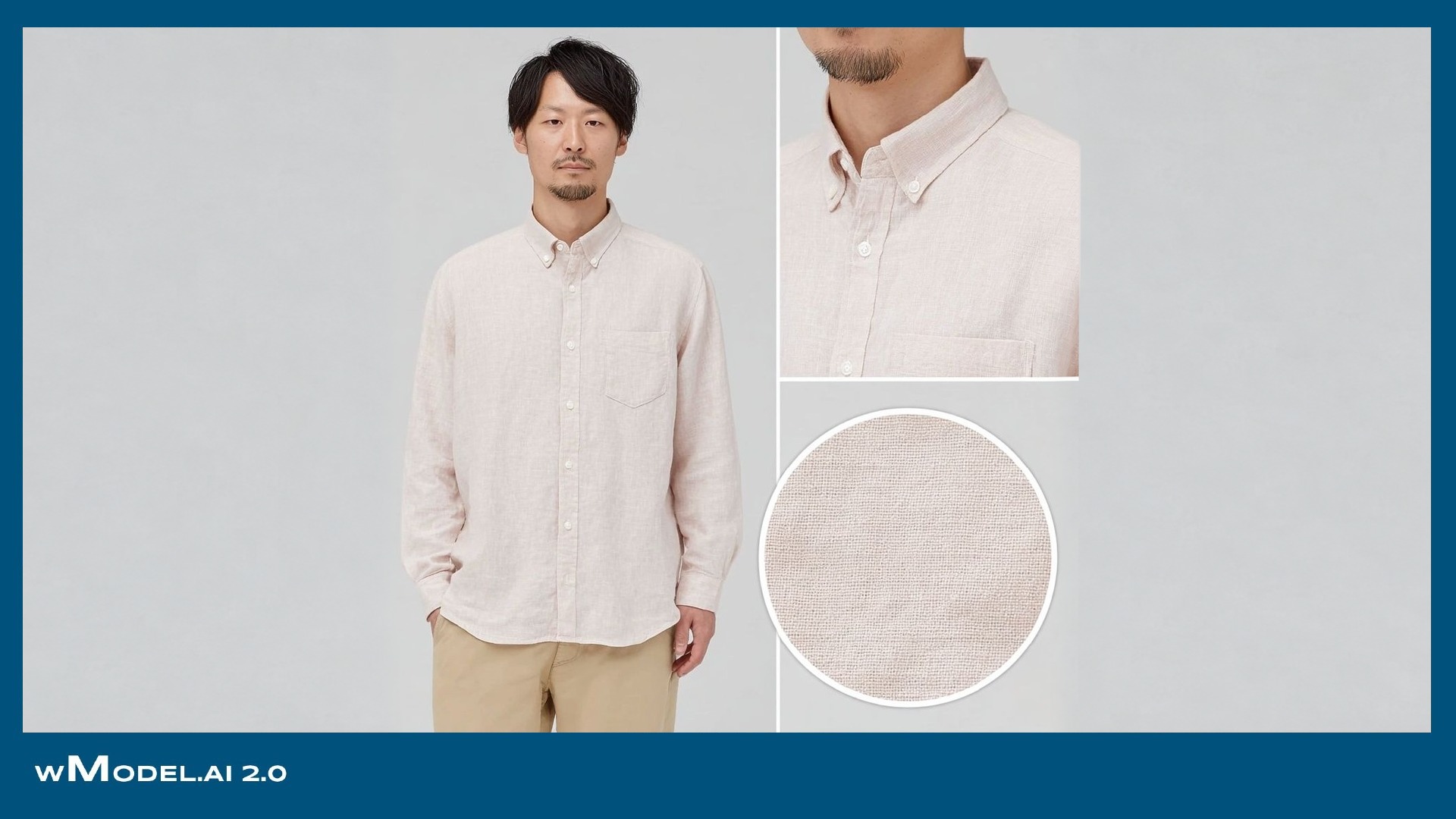
Overly smooth surface → Linen's irregular weave
Linen becomes smooth like synthetic cloth, losing the irregular thickness of its threads.
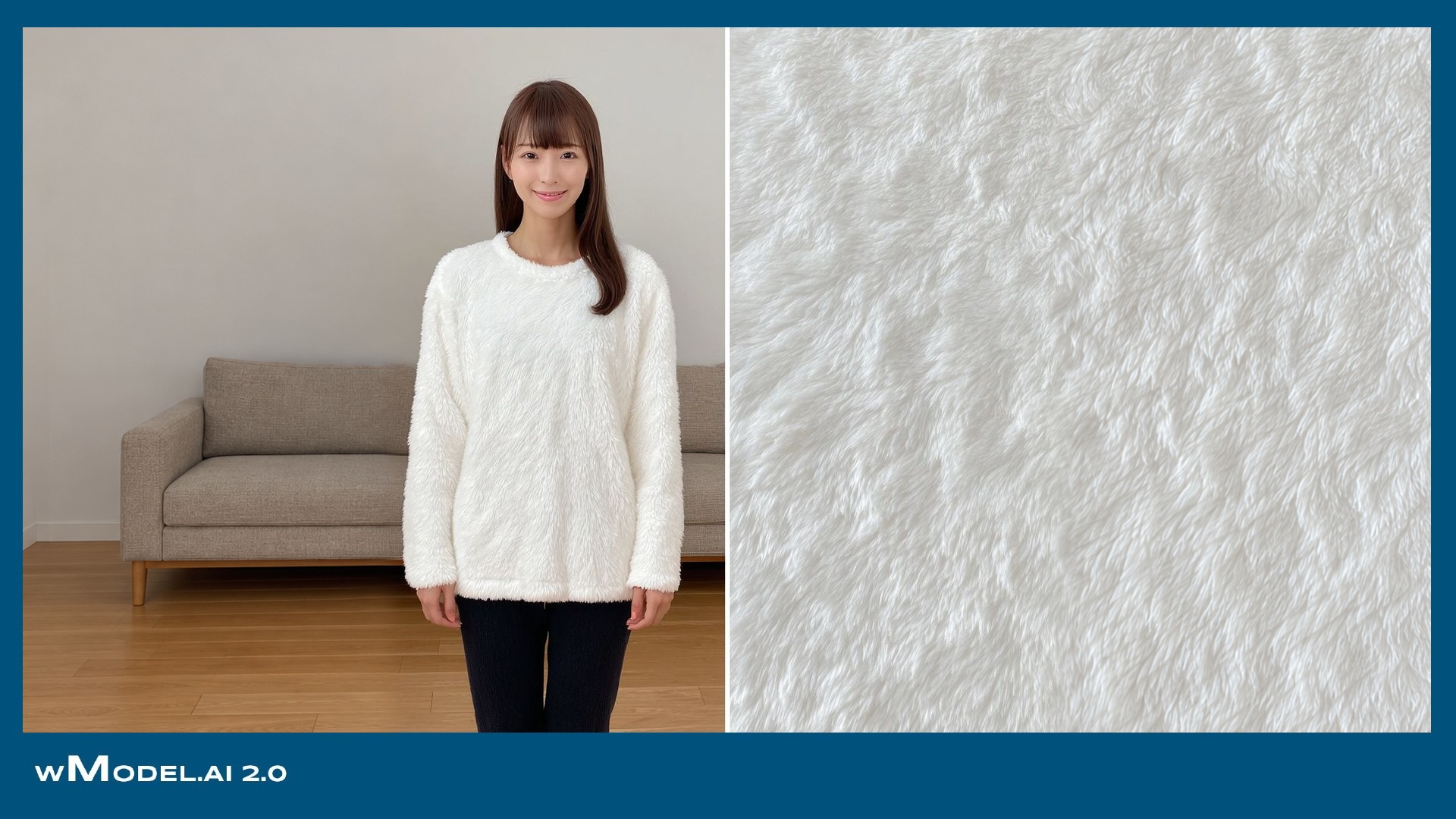
 Source imageCommon AI-image issue
Generated resultwMODEL
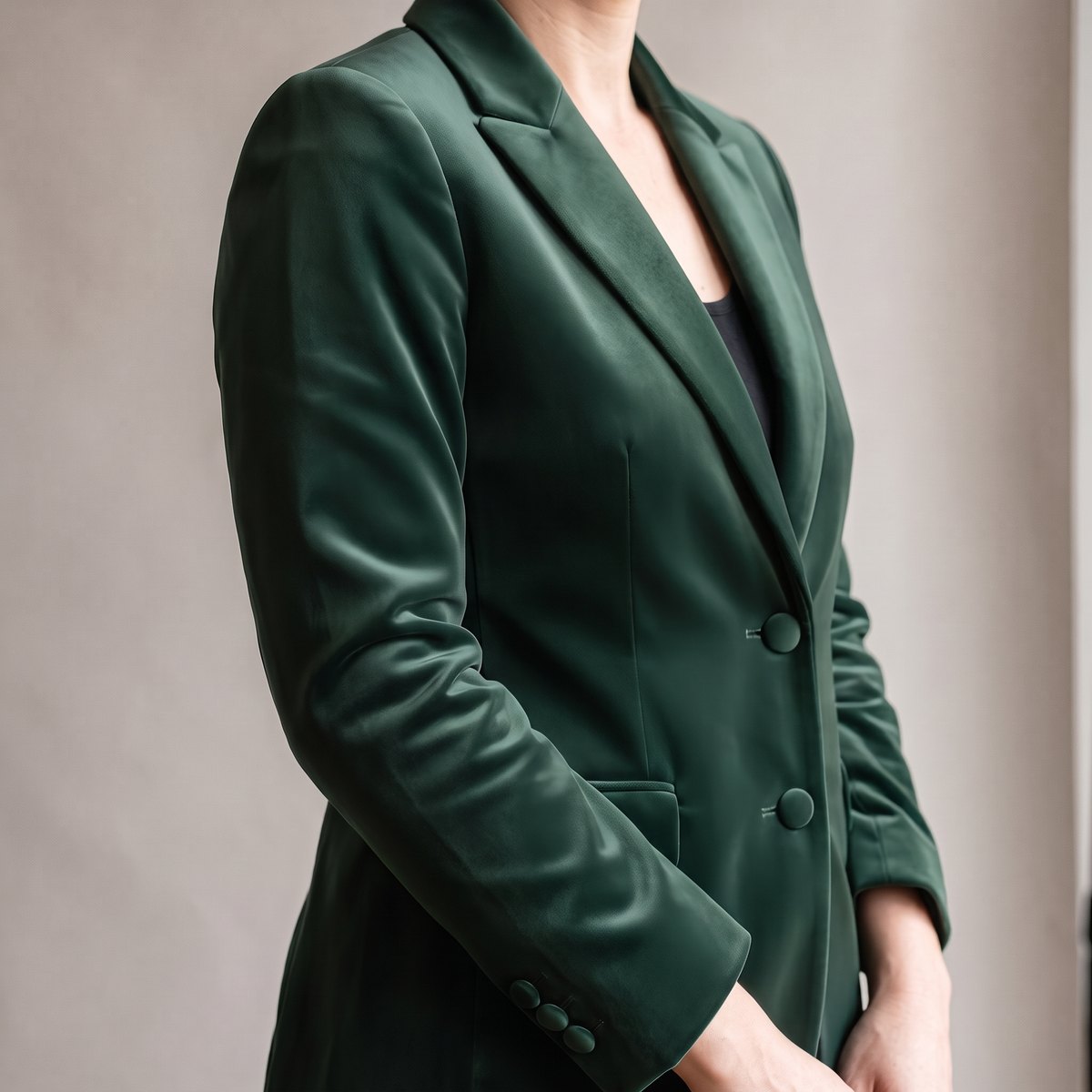
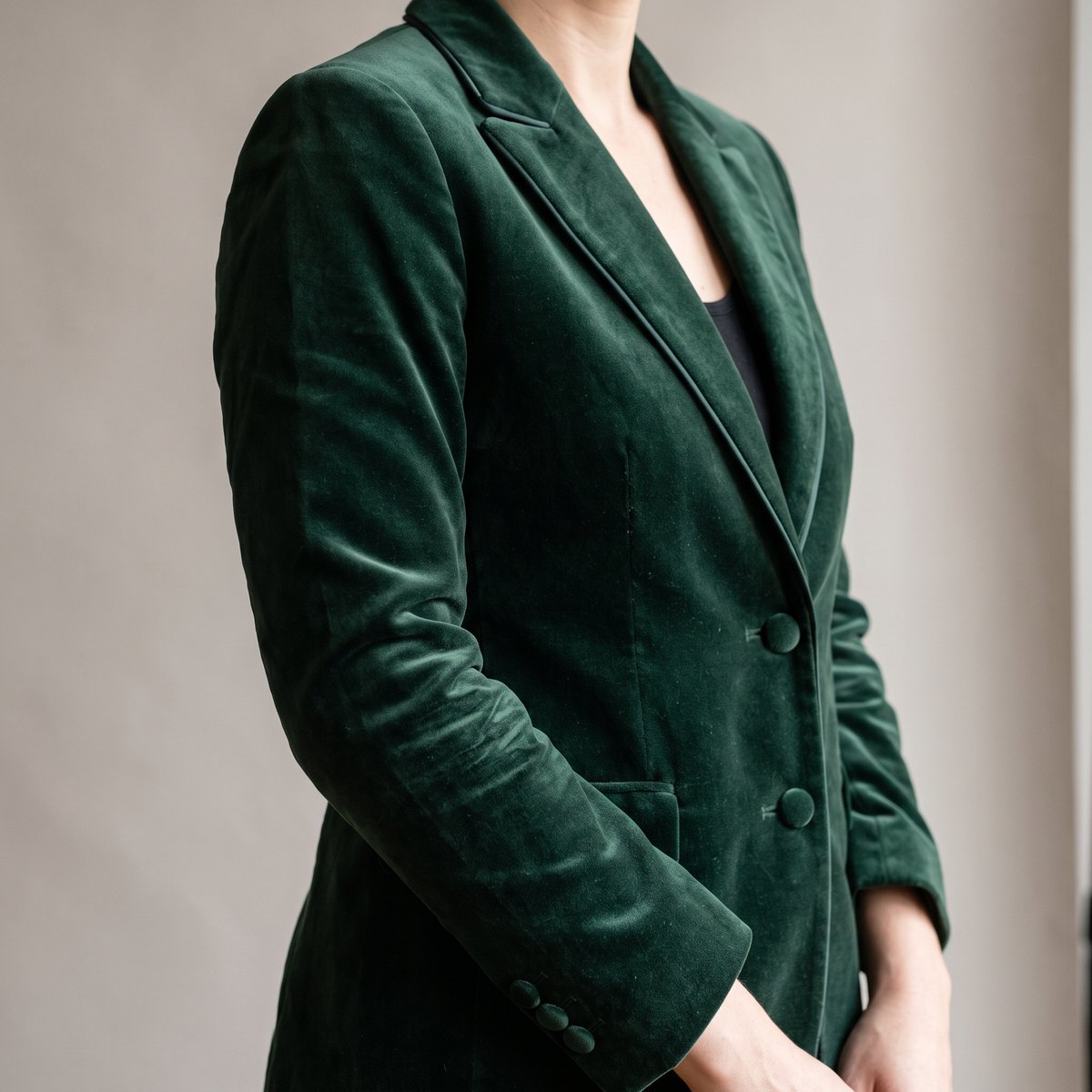
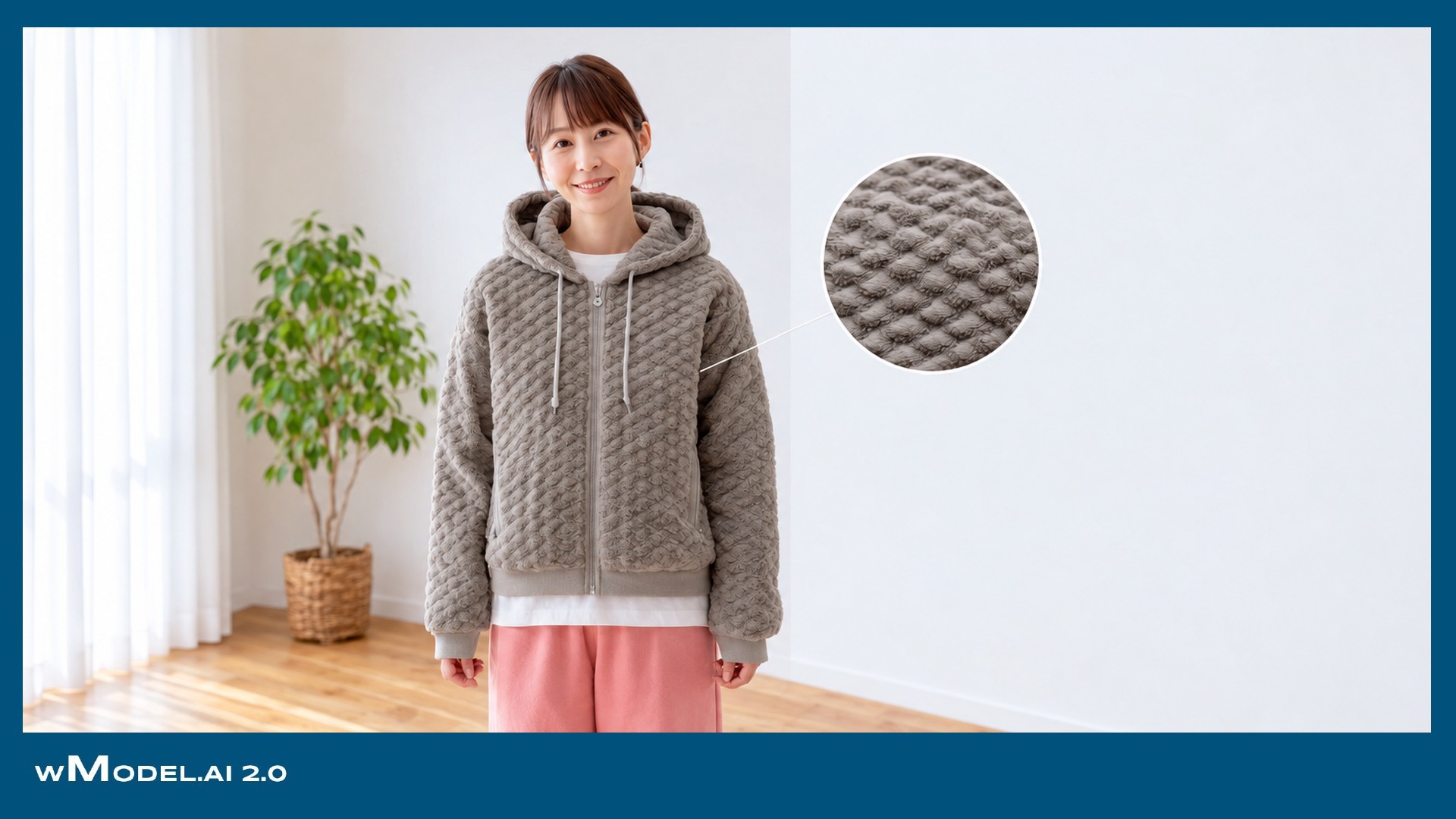
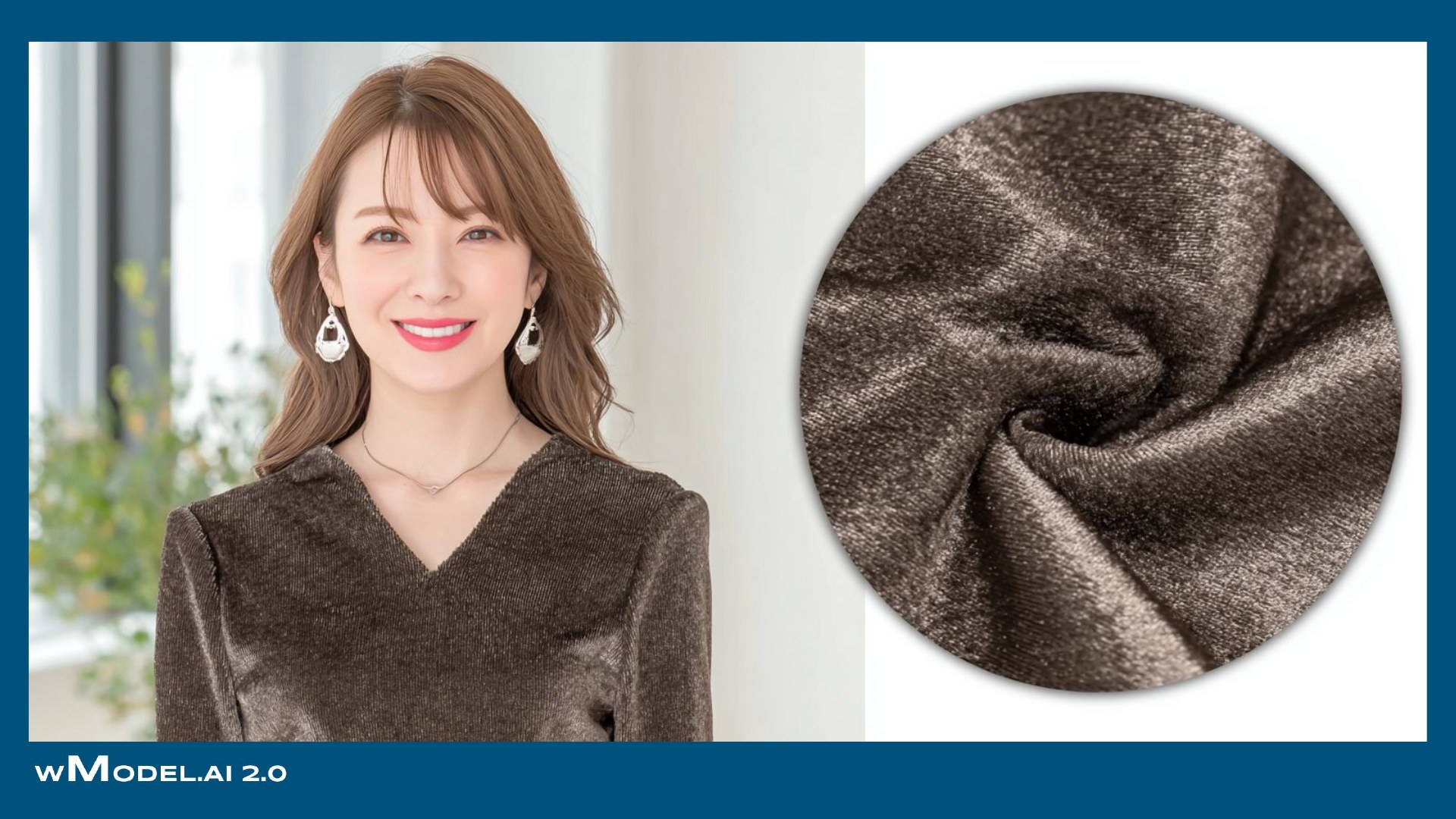
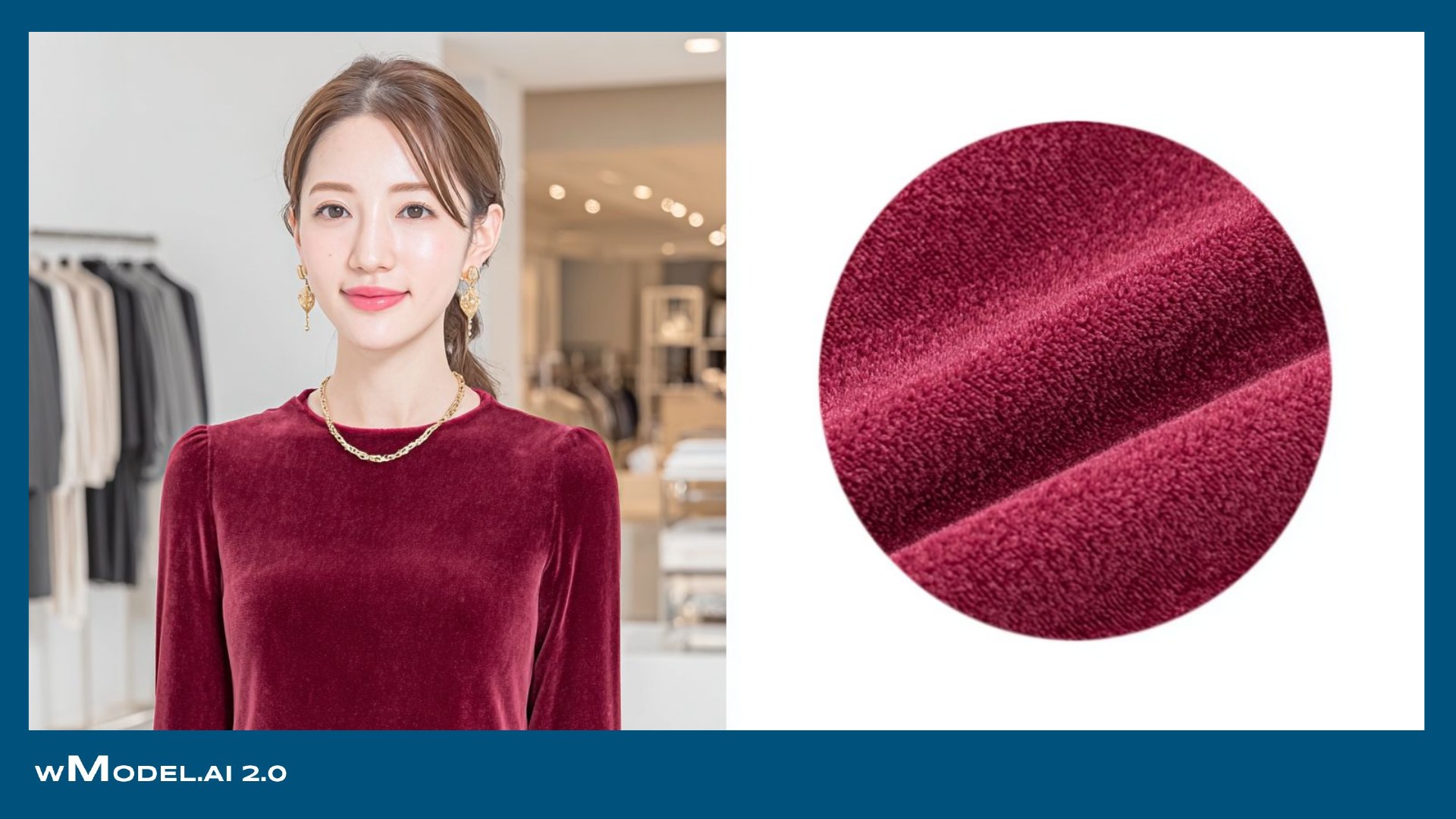
Vinyl-like shine → Shadows shaped by the pile
Changes in pile direction disappear, leaving a vinyl-like shine.
Three buttons become two from another angle, or a pocket appears where none exists. These errors stand out across image sets and in motion. Keep herringbone direction, button counts and positions, and pocket shapes consistent across generated images.
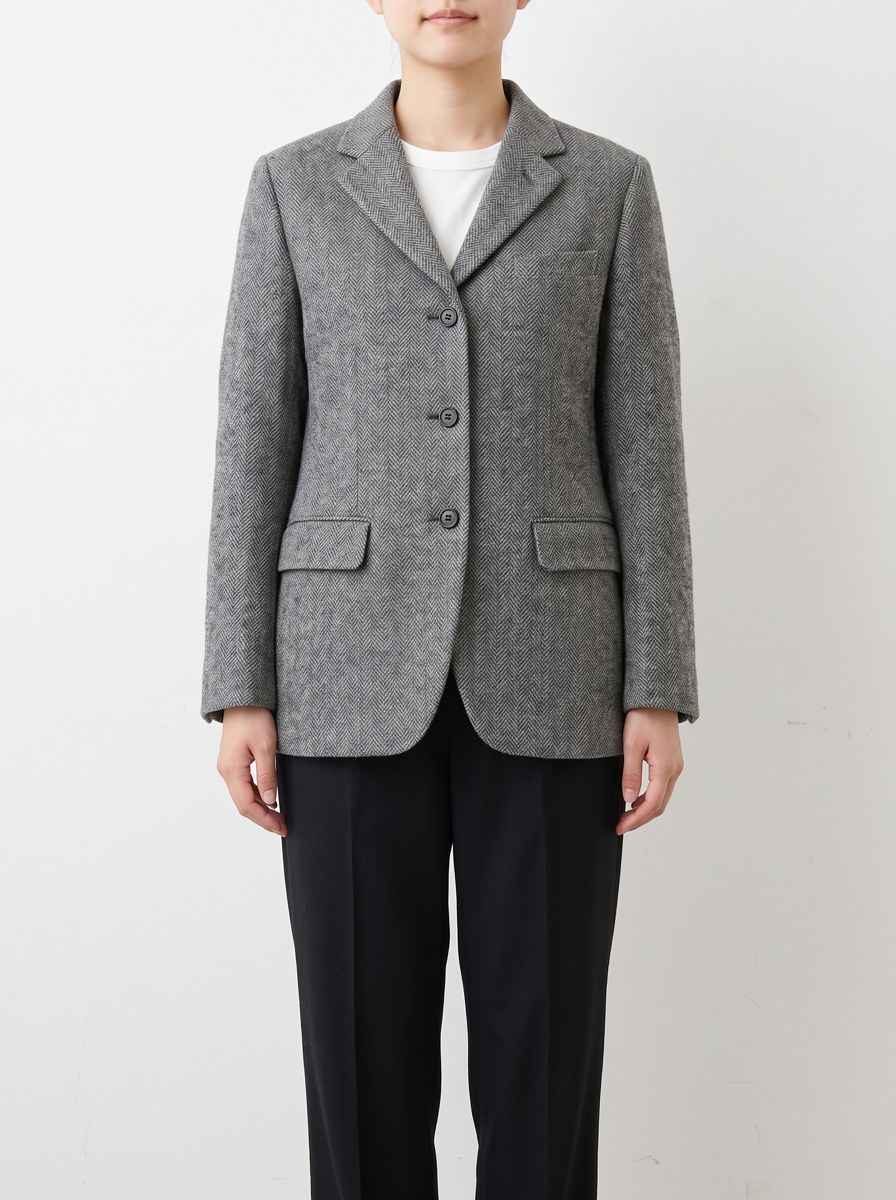
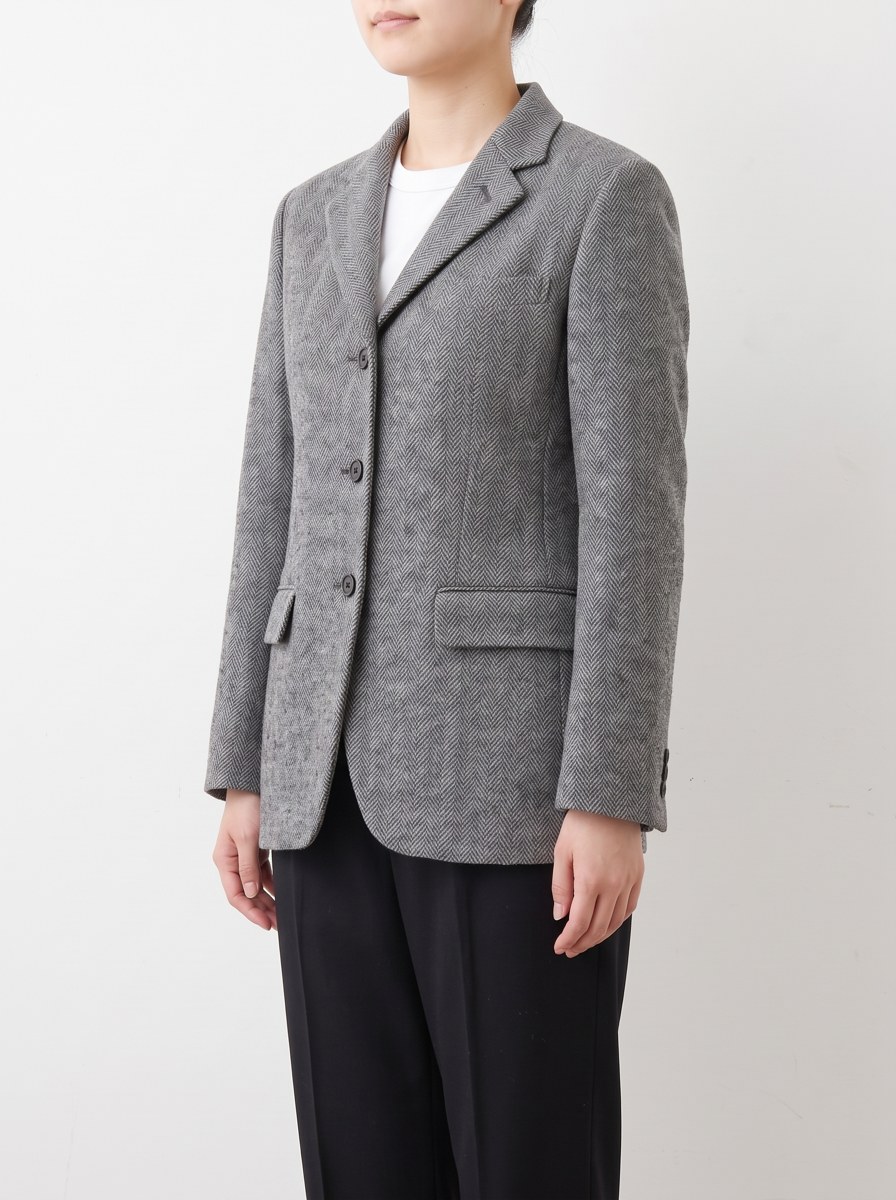
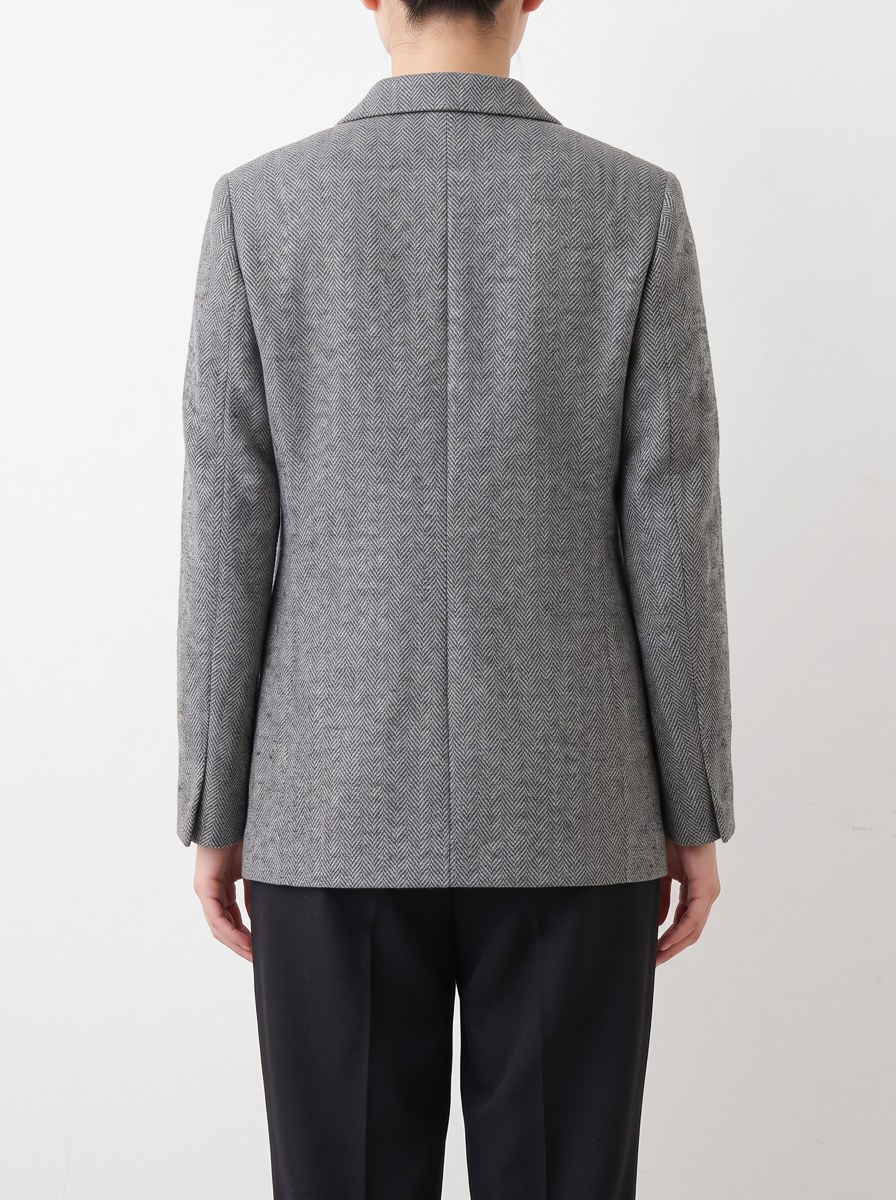
Compare the views from each angle
Shirt collars, skirt pleats, knit stitches and bag hardware each have different failure points.
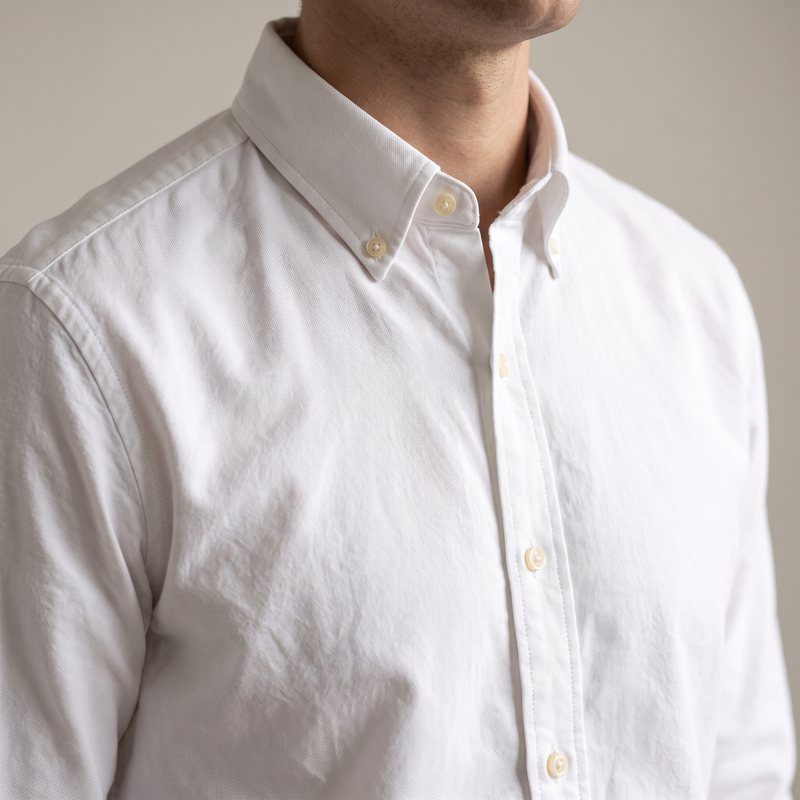
Common issue: collar-tip buttons disappear, or the two sides of the collar do not match.
wModel checks collar-tip buttons, collar-stand height and left–right shape.
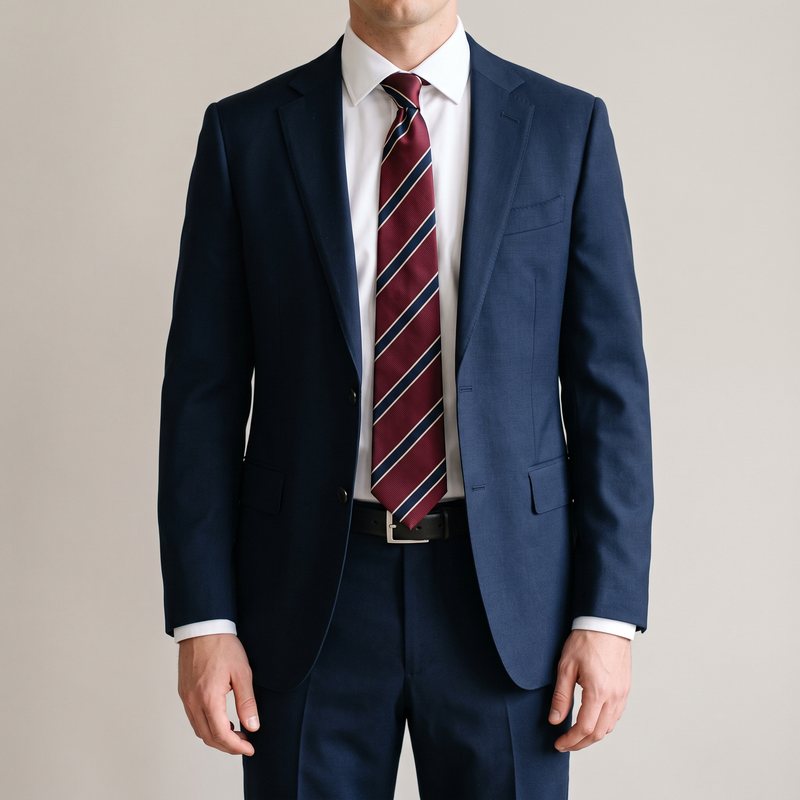
Common issue: diagonal stripes reverse direction, or the pattern breaks at the knot.
wModel checks stripe direction, width and color sequence against the original product.
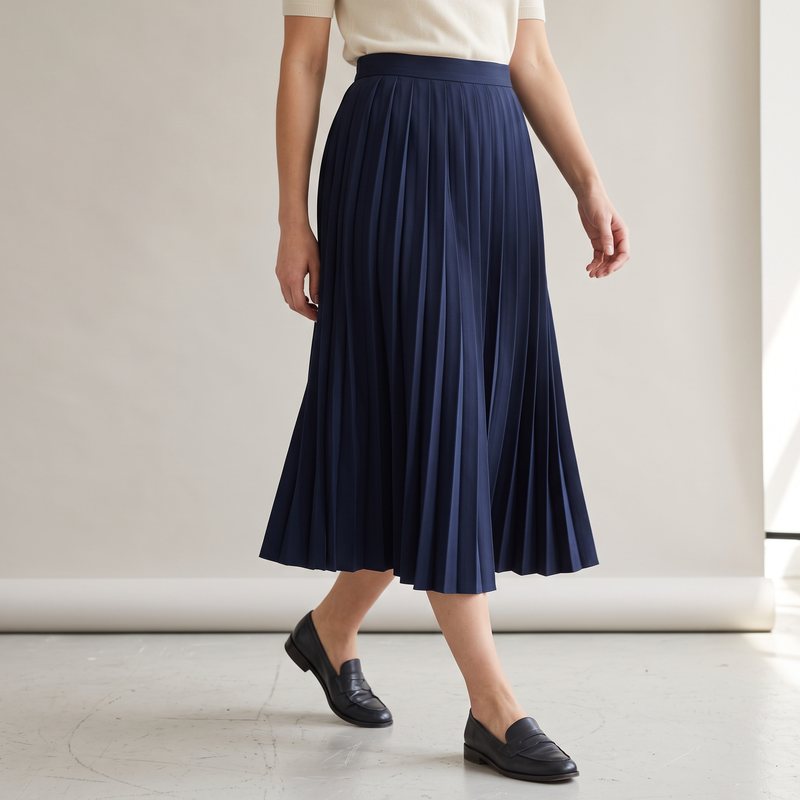
Common issue: pleat widths become uneven, or pleats dissolve in a walking shot.
wModel keeps pleat widths and folds consistent in shots with movement.
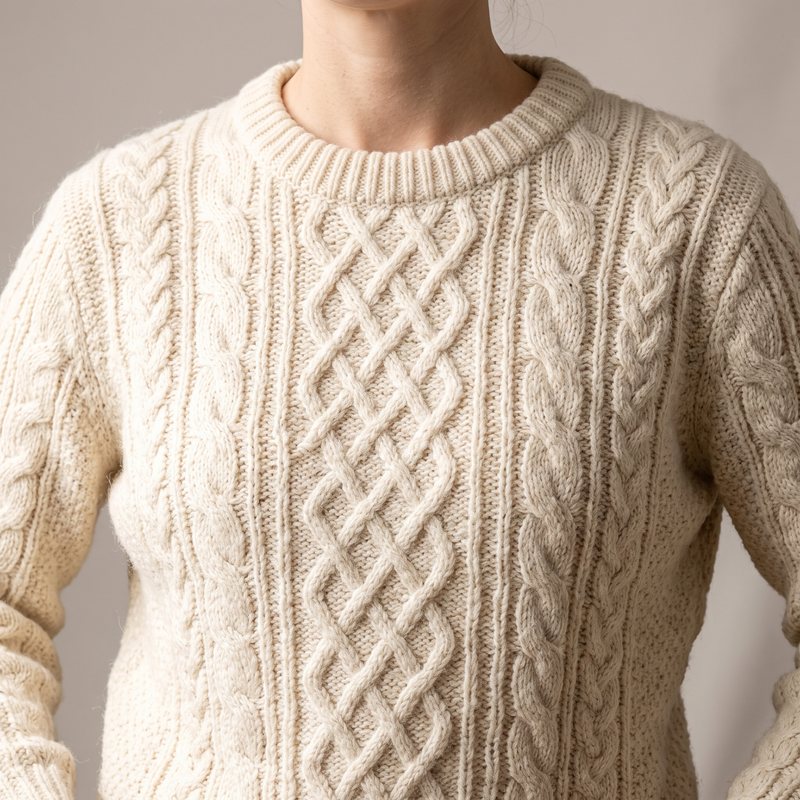
Common issue: cable-knit crossings do not connect, or the pattern order changes.
wModel checks the direction of cable crossings and the sequence of the knit pattern.
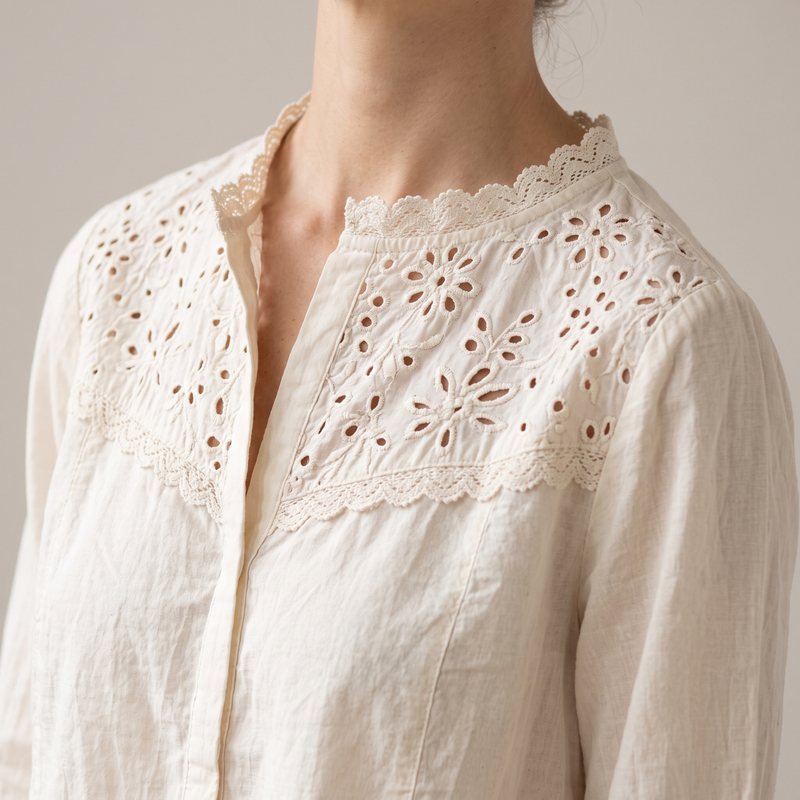
Common issue: openwork becomes a different pattern, or the scalloped edge disappears.
wModel compares openwork shapes and edging with the original product.
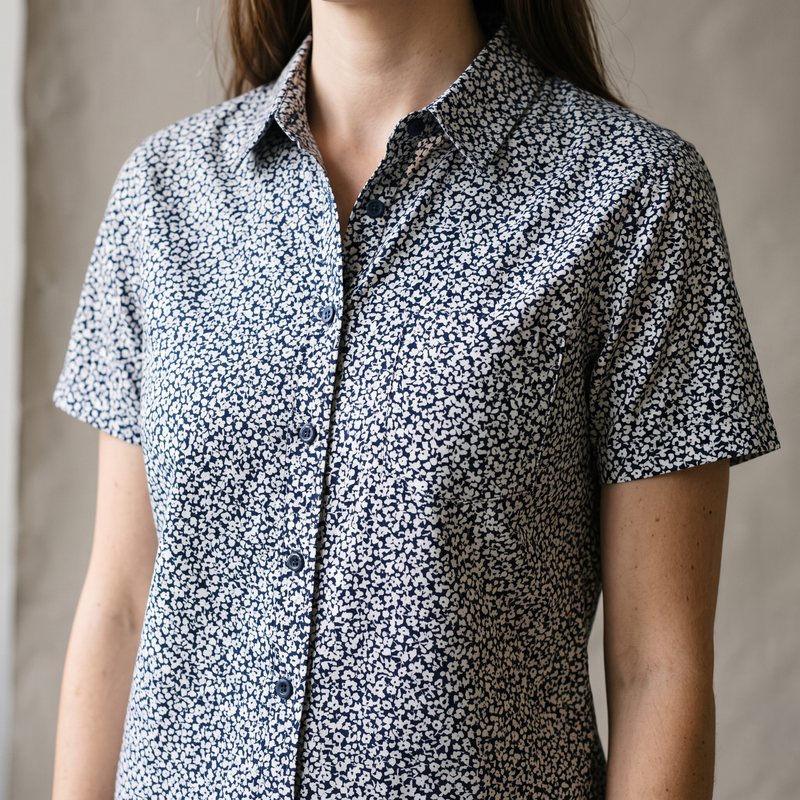
Common issue: a pattern becomes too large or small, or collapses at the placket.
wModel keeps pattern scale, density and color count aligned with the source.
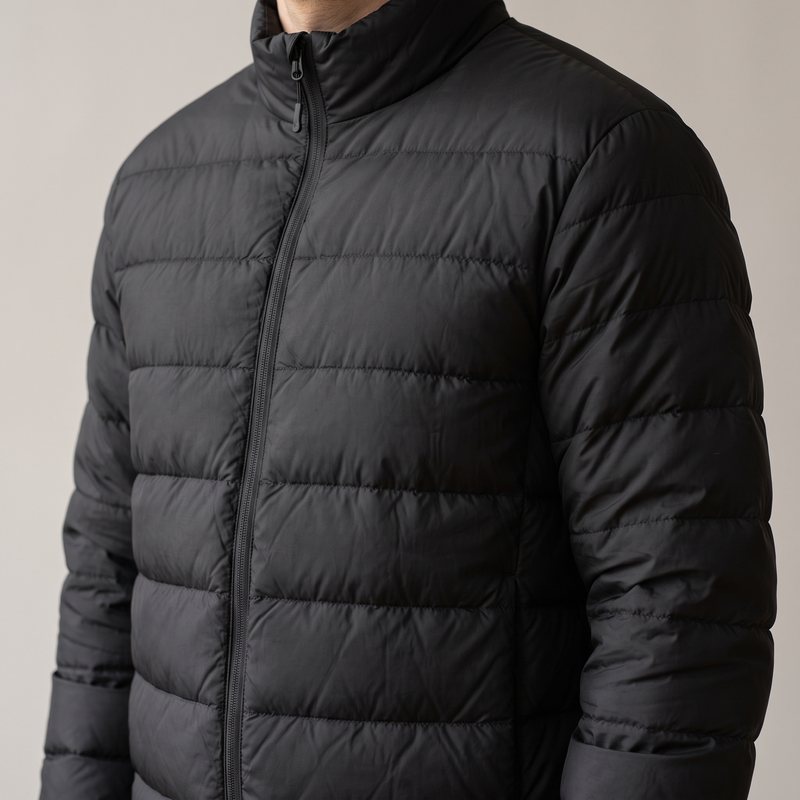
Common issue: quilted rows change in number, or the zip moves.
wModel checks quilted rows and the positions of zips and stitching.
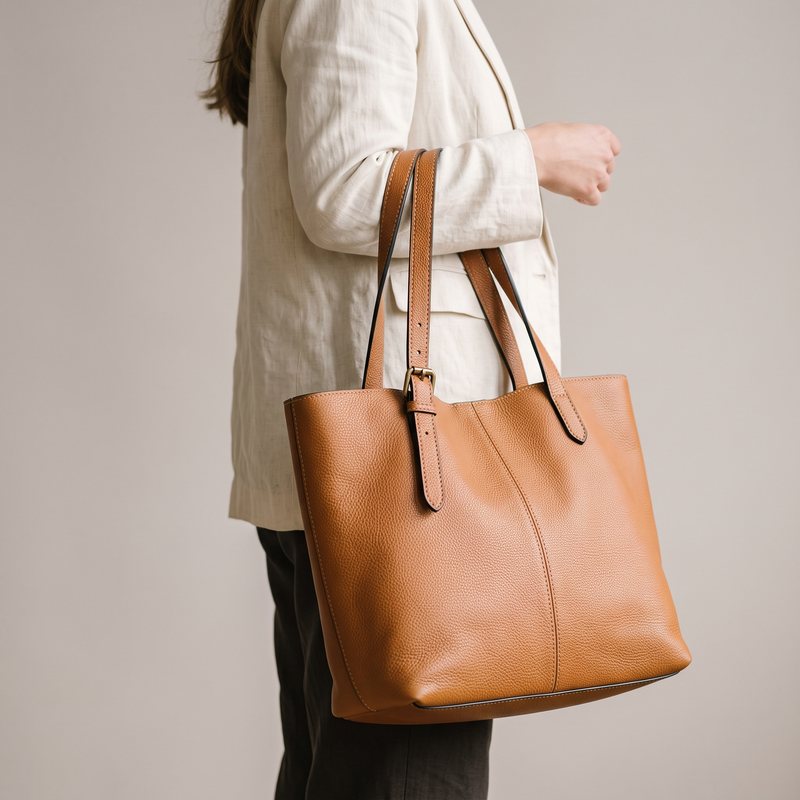
Common issue: extra handle fittings appear, or leather grain becomes flat and vinyl-like.
wModel reproduces the hardware count, stitching and leather-grain texture.
Pattern: checks and stripes become wavy or fail to align across seams.
→Compare pattern spacing, direction and continuity with the original product.
Stitching: topstitching or double rows disappear or become uneven.
→Preserve stitch-row count, width and spacing.
Buttons: three become two, or their size and number of holes change.
→Check button count, position and holes.
Hardware: zips, buttons and rivets become distorted or multiply.
→Check the shapes and counts of hardware and accessories.
Pockets: shapes change, or a rear view gains pockets or embroidery that do not exist.
→Keep the construction faithful to the original from the front, side and back.
Material: knit stitches become a flat pattern; silk and velvet look plastic; fine weaving disappears.
→Distinguish knit structure, weave and sheen according to the material.
Creases and drape: excessive smoothing leaves the fabric unnaturally flat.
→Retain creases and drape appropriate to the fabric's weight.
Logos: a chest logo melts into almost-readable lettering.
→Check the shape, orientation and position of logos and prints against the product.
Consistency: front and back colors differ, or each cut appears to show a different product.
→Keep still images and video consistent as the same garment.
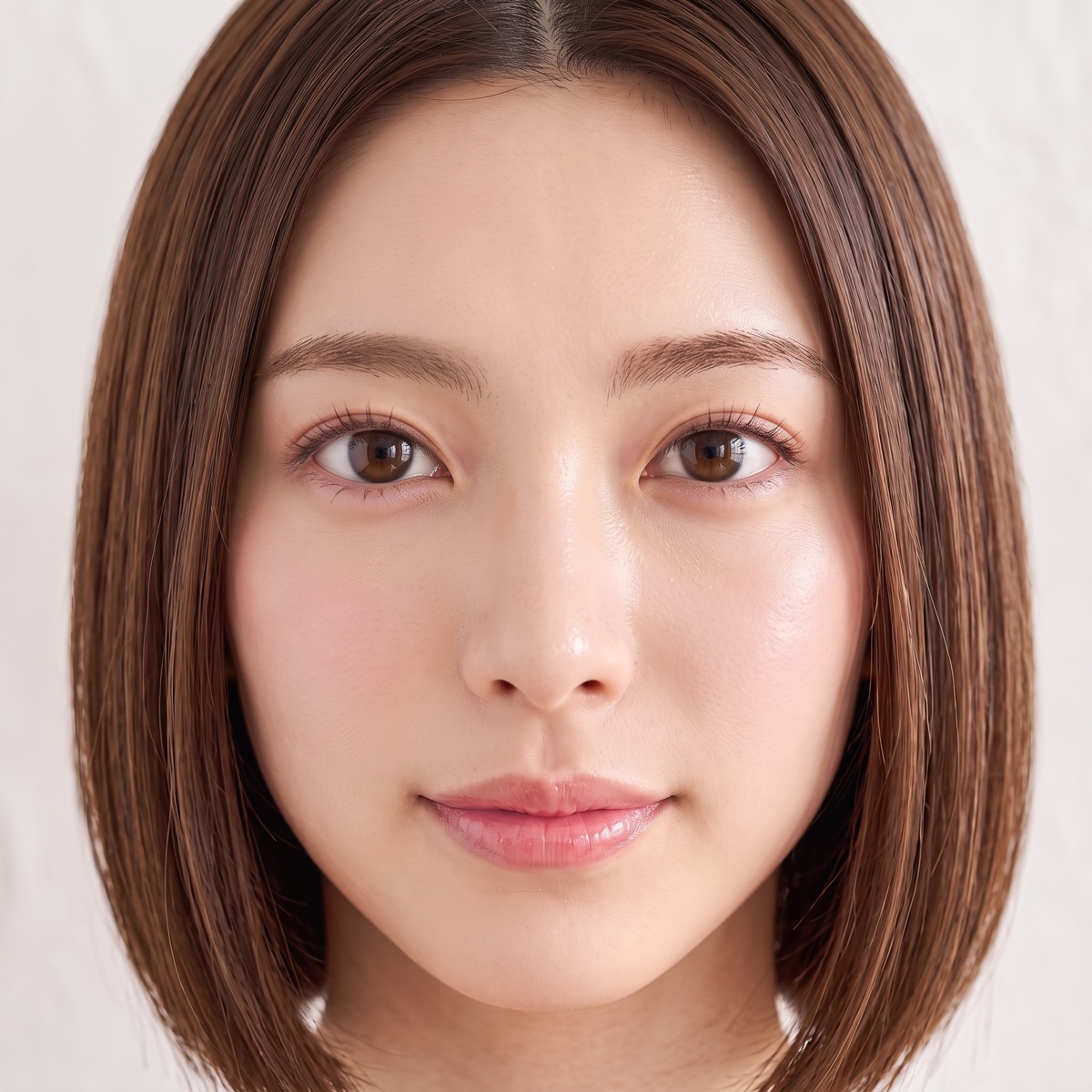
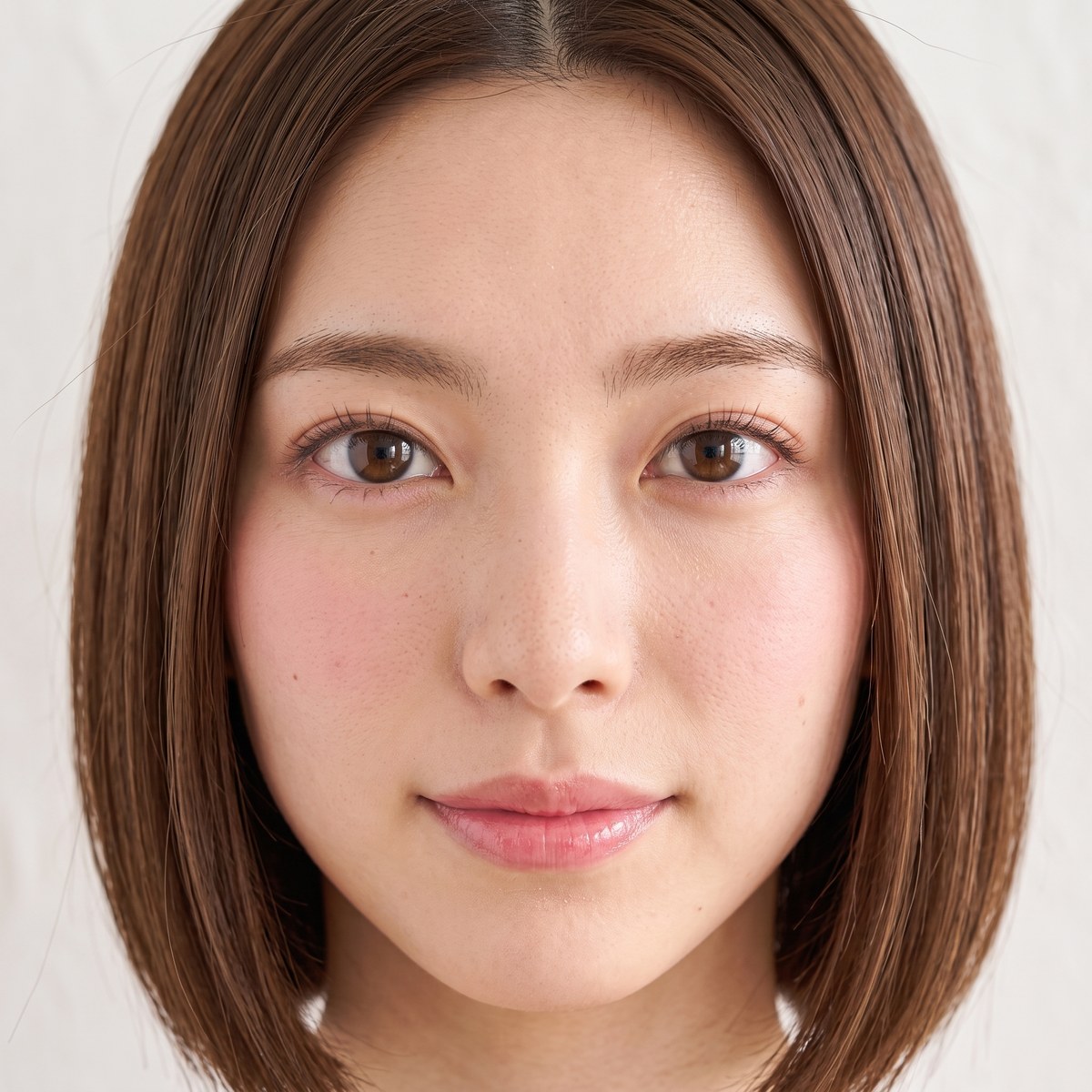
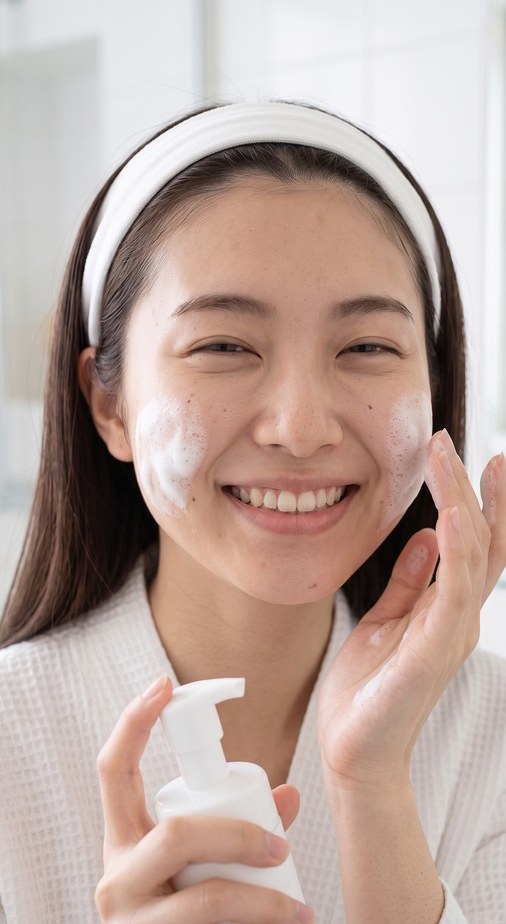
Over-smoothed skin, artificial lighting and awkward fingers make AI model wearing images feel unnatural. Our in-house toBeReal process refines skin texture and photographic rendering while preserving the person, pose and product. Move the comparison slider to inspect the difference.
 Source imageCommon AI-image issue
Generated resulttoBeReal
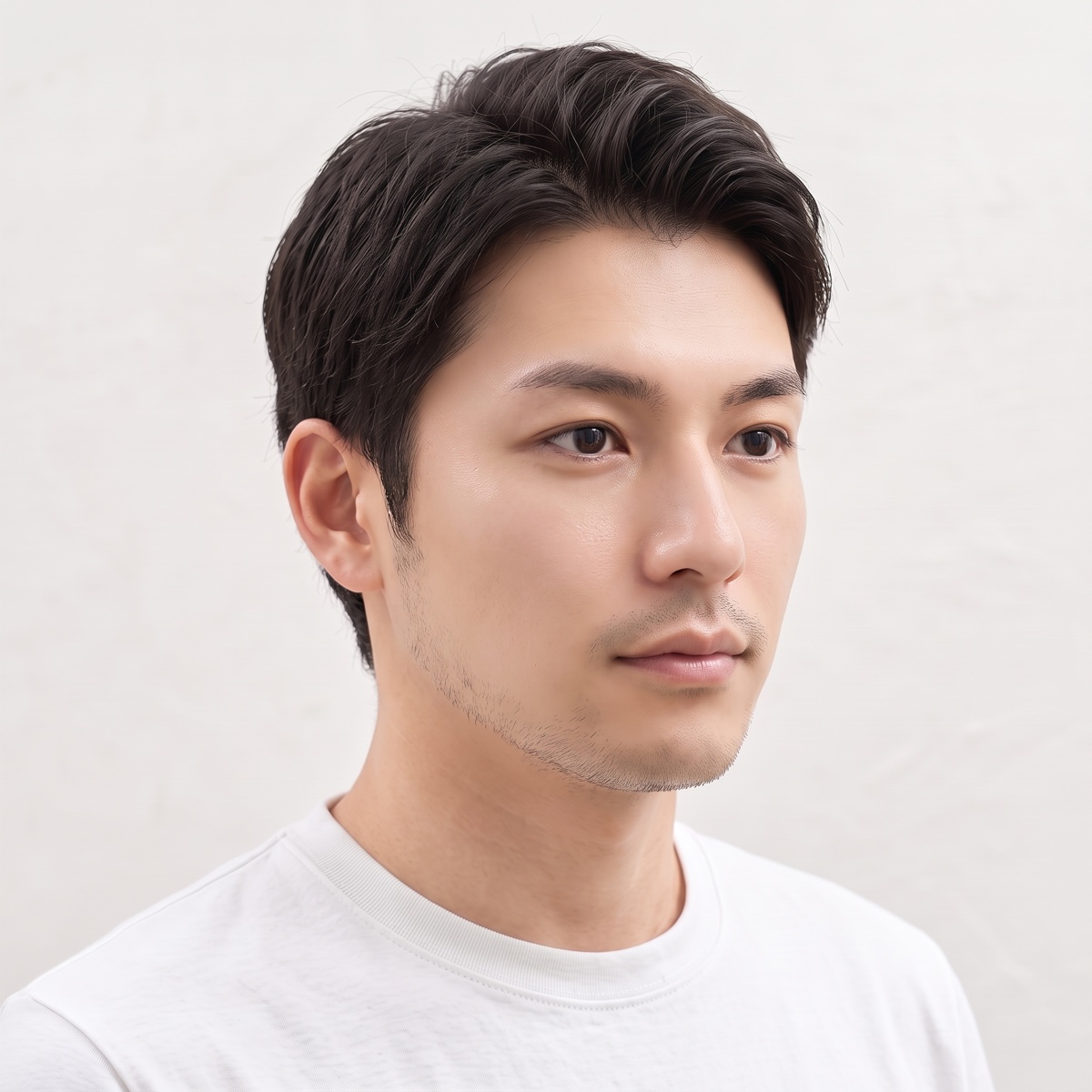
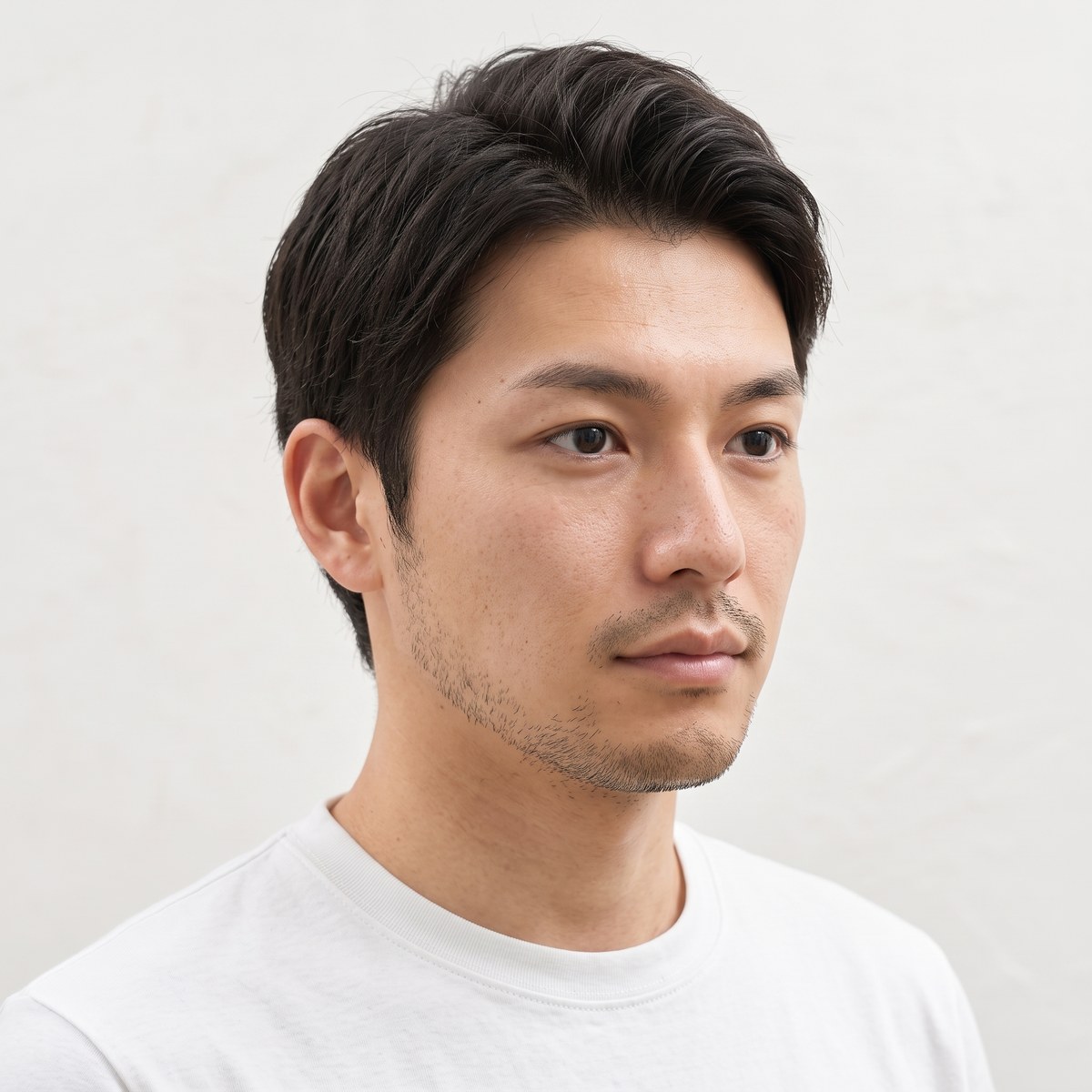
Over-smoothed skin → Natural pores and skin texture
Bring back pores, fine texture, facial hair and small marks to skin that looks over-filtered, while keeping the face and expression consistent.
 Source imageCommon AI-image issue
Generated resulttoBeReal
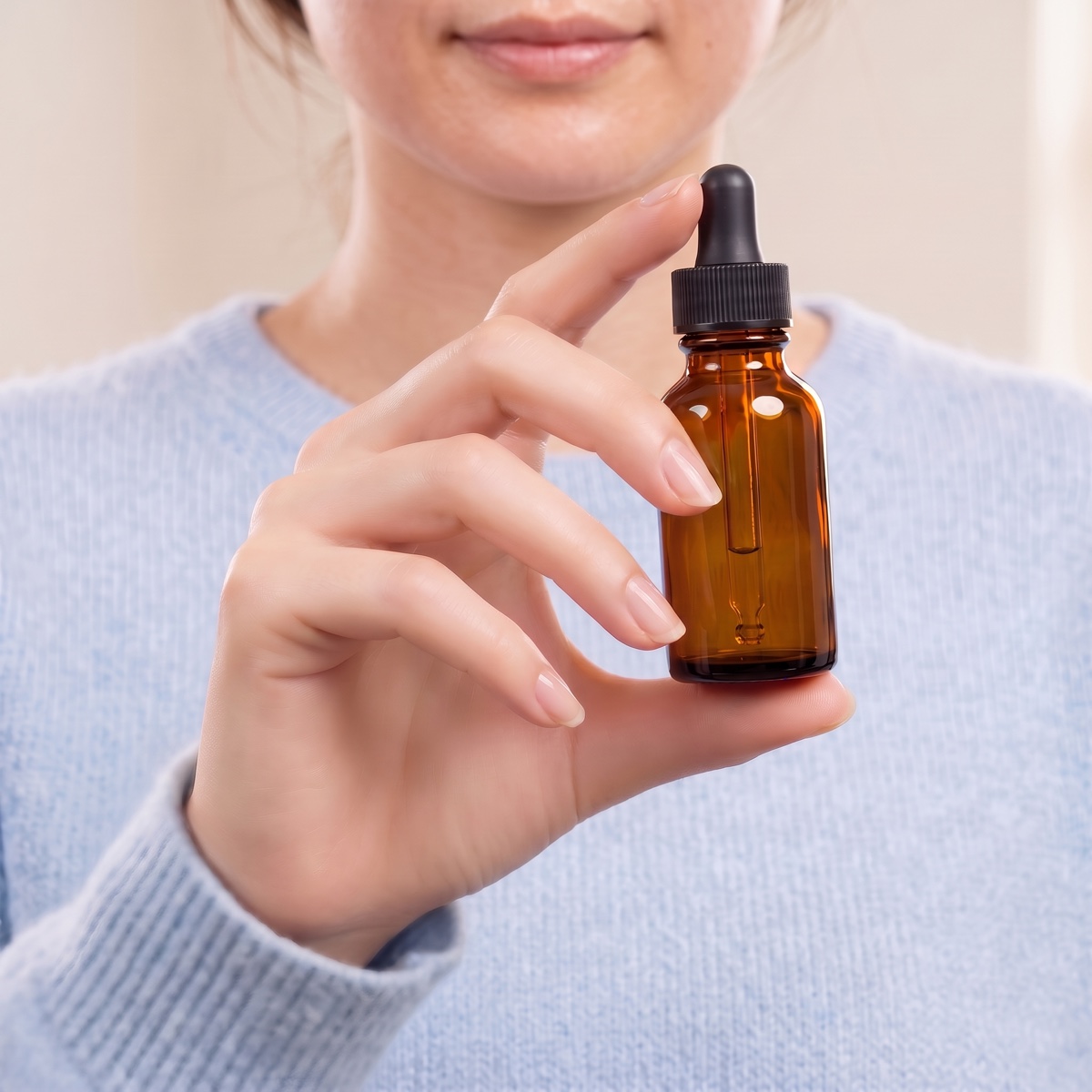
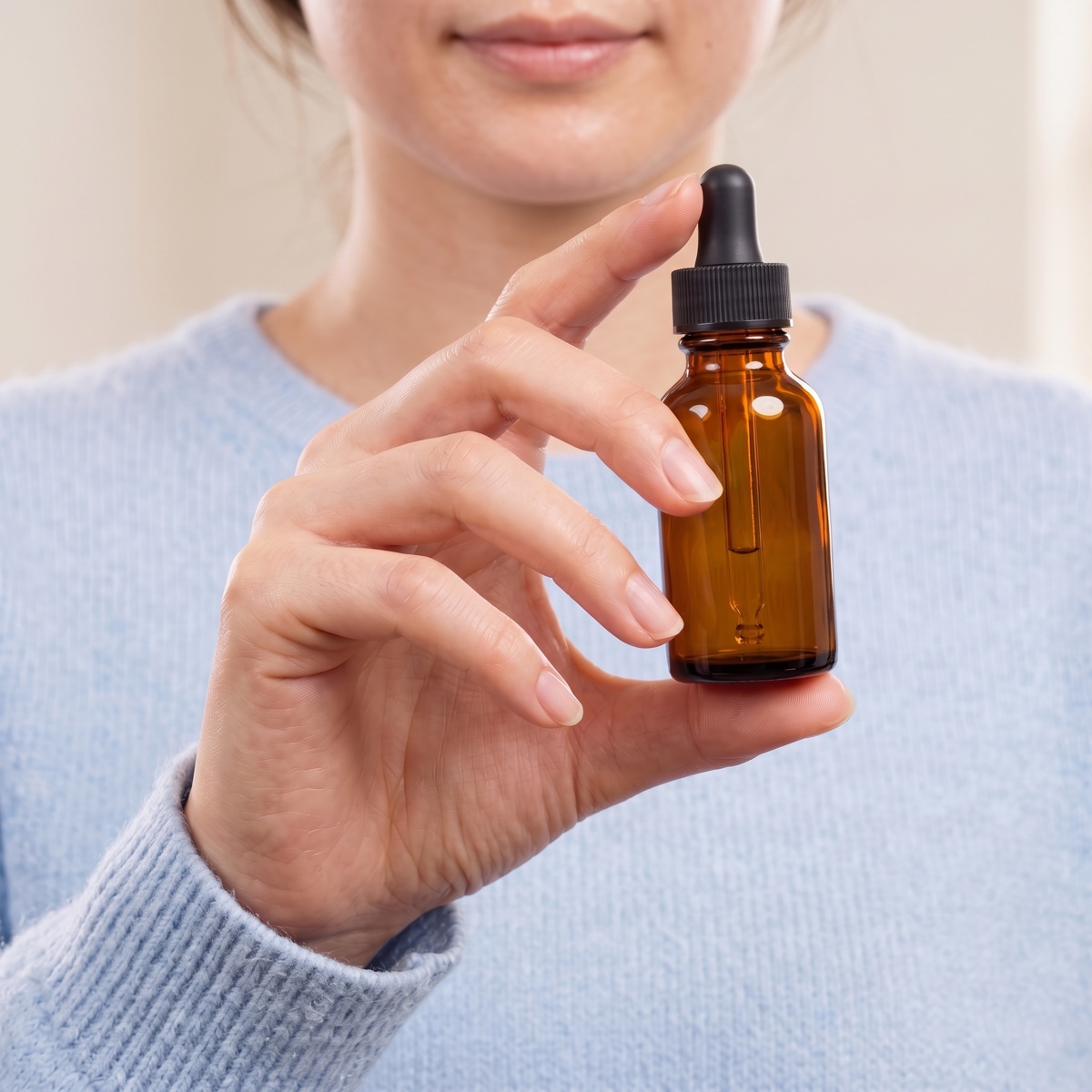
Overly smooth fingers → Joints and nails
Add joint creases, nail structure and subtle surface detail to overly smooth fingers, with a more natural grip on the product.
 Source imageCommon AI-image issue
Generated resulttoBeReal
Overly uniform hair → Individual hair strands
Give overly uniform hair natural variation and selective shine, with appropriate beard and skin texture.
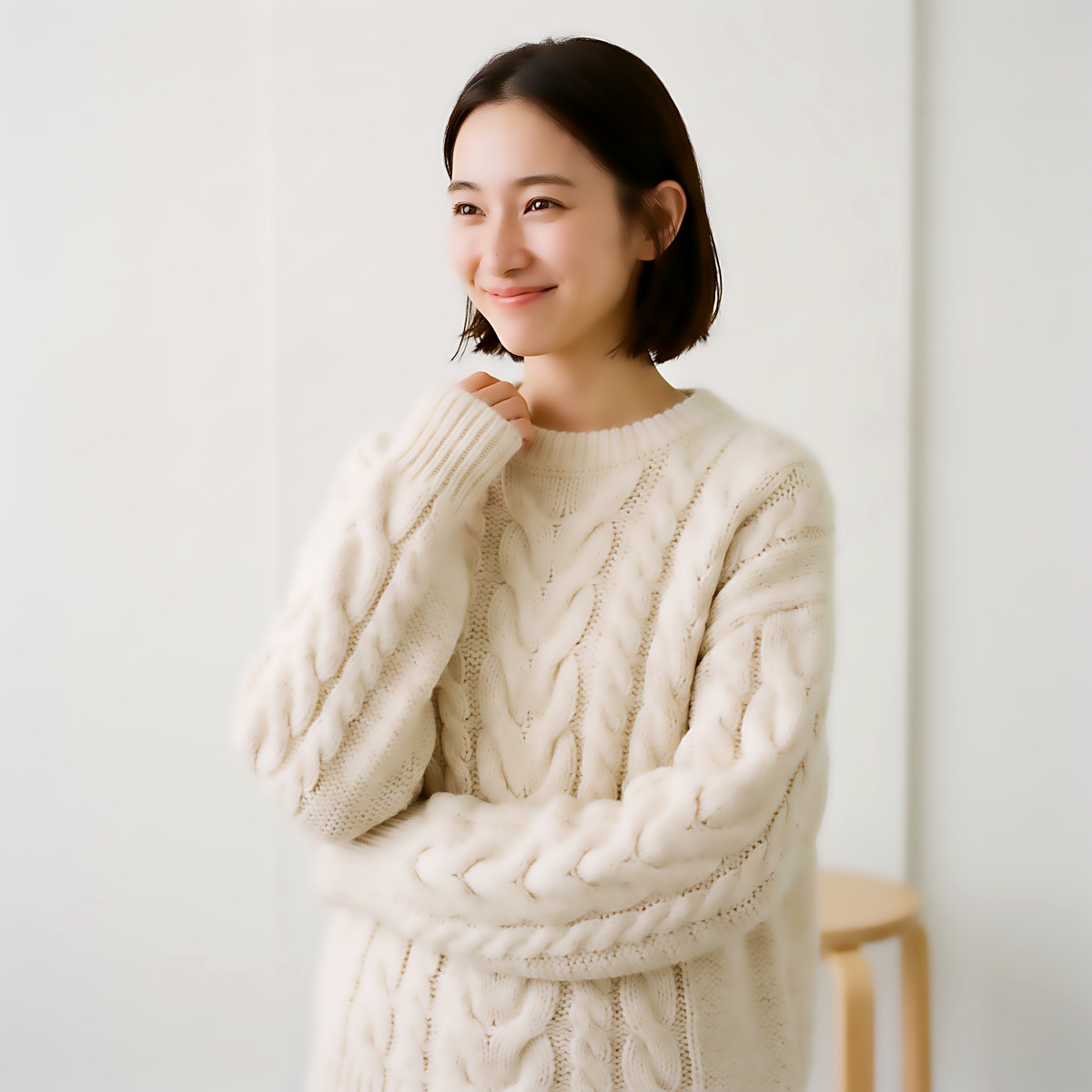
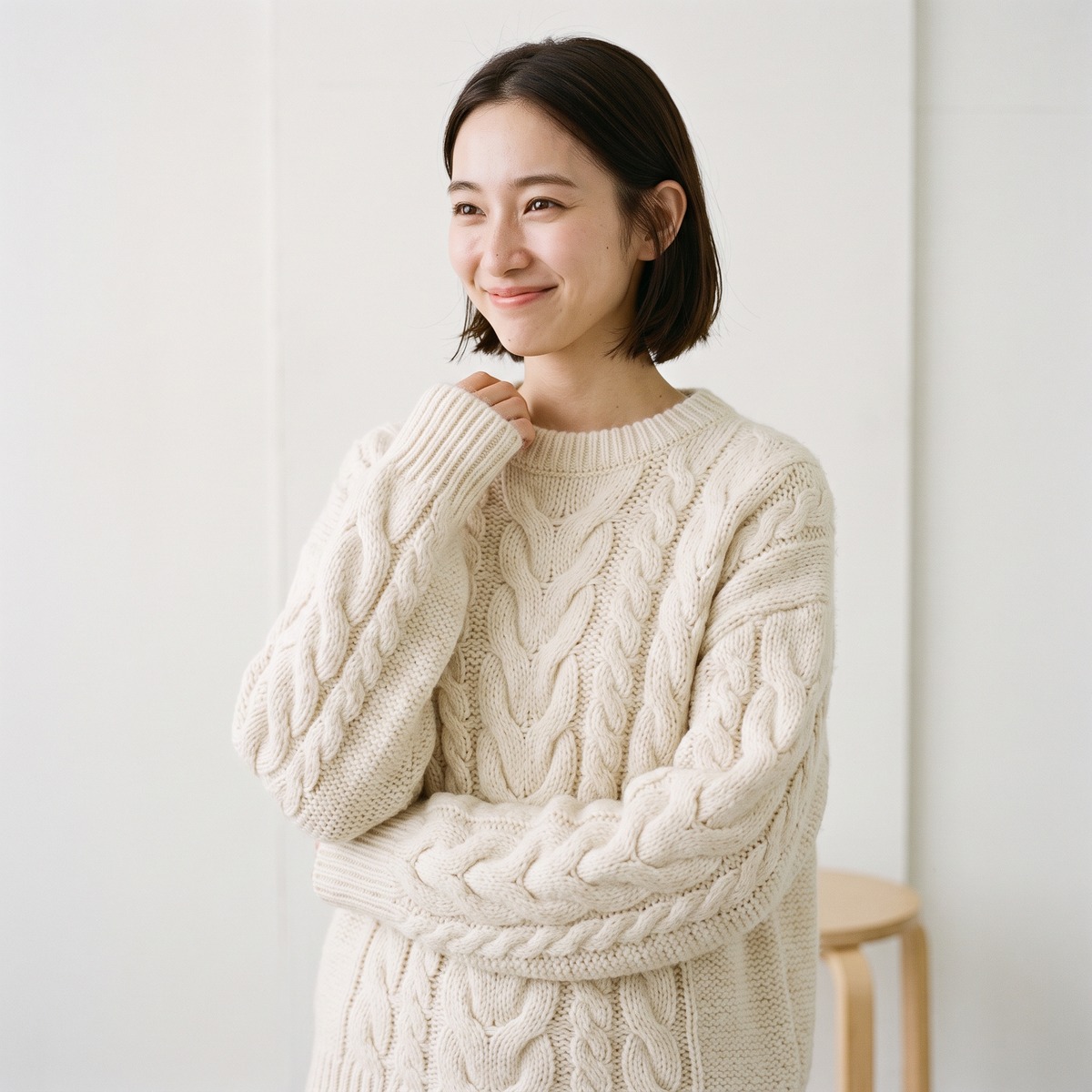 Source imageCommon AI-image issue
Generated resulttoBeReal
Overly uniform knit → Wool fibers
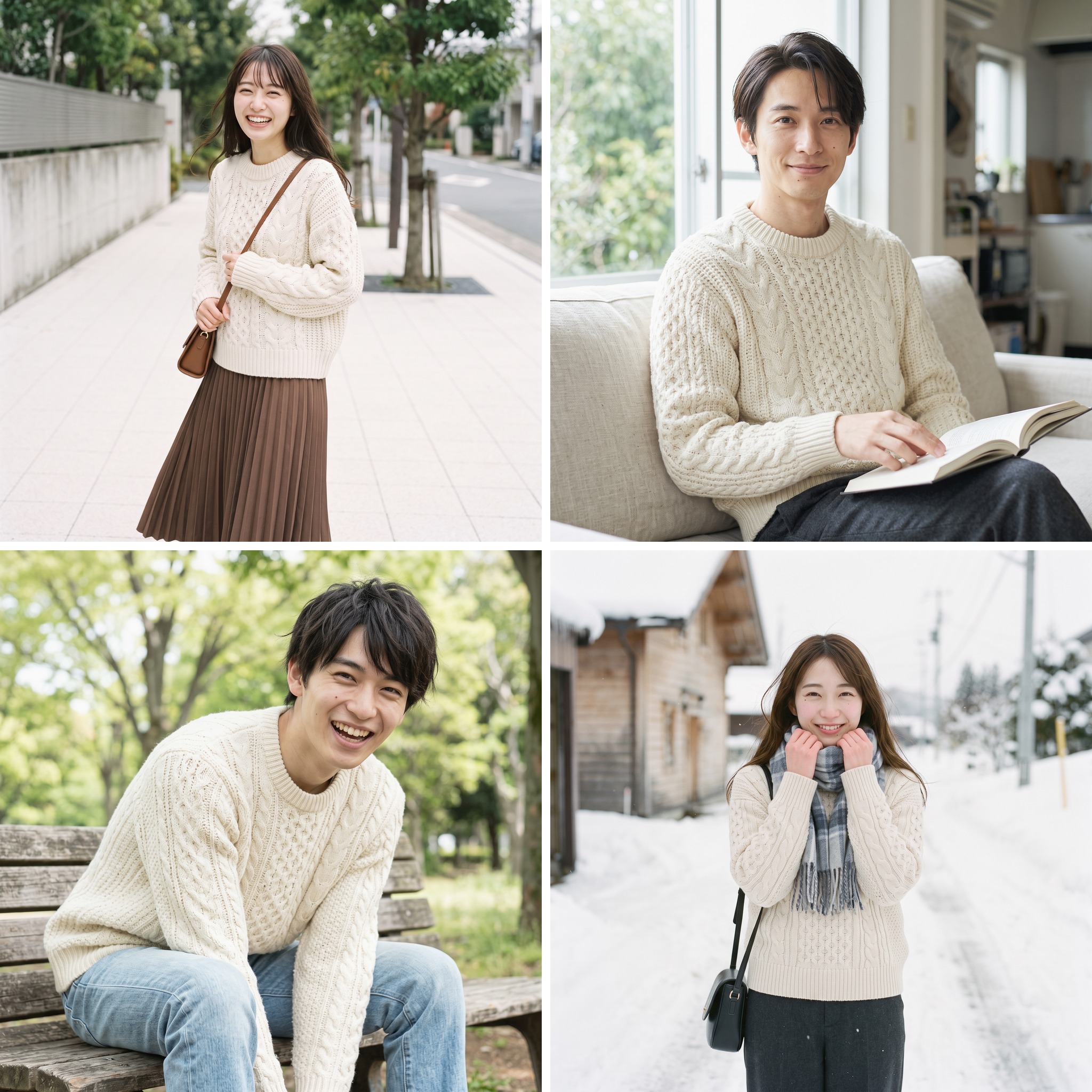
Restore wool fibers, the relief of cable knitting and surface fuzz so the fabric's material is visible.
Drag across the image to compare Before and After.
Preserve pores, fine texture, facial hair and slight tonal variation, avoiding an excessively uniform, over-processed skin surface.
Align light direction, shadow softness and background blur with a coherent photographic treatment.
Check fingers, joints, nails and how a hand holds an object—areas where AI imagery often fails.
Keep natural variation in hair ends, highlights and flyaways rather than a single solid mass.
Match creases to body movement and drape to fabric weight, preserving details that shape the product's impression.
Aim for focused eyes, natural catchlights and a believable expression.
An attractive finish should still feel human. Avoid an over-corrected, unnatural appearance and preserve the person's character. AI inspection and staff review both consider whether an artificial look remains.
toBeReal is wModel.AI's in-house finishing technology. It brings texture and rendering closer to photography while retaining the person, pose and product.
We check for resemblance to public figures worldwide.
Our proprietary AI detection technology analyzes similarities between people in AI-generated images and real public figures from multiple perspectives.
It flags potential similarities to public figures for review, supporting rights-aware use of AI-generated visuals in advertising, ecommerce and social media.
A resemblance concern raised after publication can affect campaign costs, timelines and brand trust.
Compare generated faces with public-figure references during production and flag similar faces before delivery.
Results determine whether an image proceeds to staff review or face regeneration. Regenerated images are checked again, and the results and actions taken are recorded as part of the delivery workflow.
Even an accidental resemblance can lead to image-rights or publicity-rights claims and inquiries from a person's representatives.
We check for resemblance to public figures worldwide.
Waiting until someone points out a resemblance can waste advertising, printing and production costs, as well as time.
Flag concerns internally before publication. Staff review faces marked Review before the work is delivered.
Adverse publicity can affect brand confidence and, for listed companies, market perception. Internal approval and later explanations need a record of the checks performed.
Keep comparison records to support internal approvals and later review.
Scroll the chart horizontally.
Clear results are available for the intended uses shown in the service.
Regeneration is recommended for advertising and key visuals when a result needs review.
A match normally calls for a new face and another check. Client-supplied portraits are not automatically regenerated.
Advertising projects can be configured to regenerate Review results as well. Discuss the setting with us.
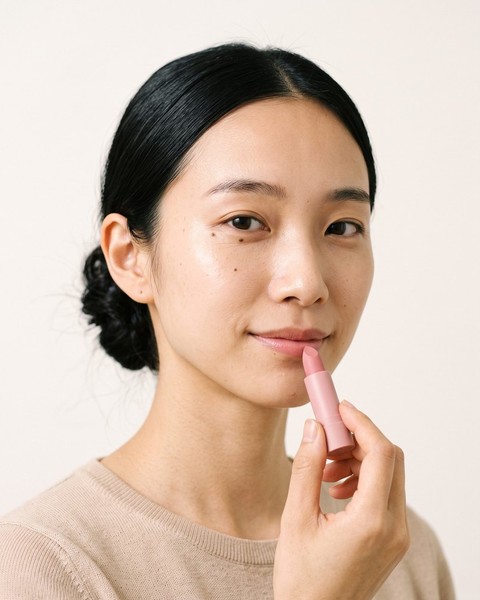
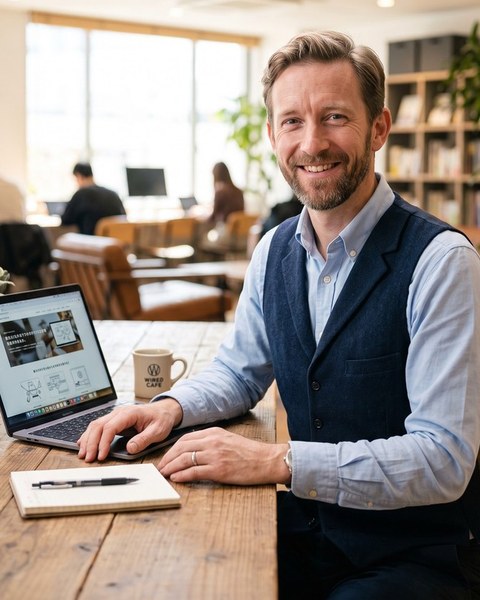

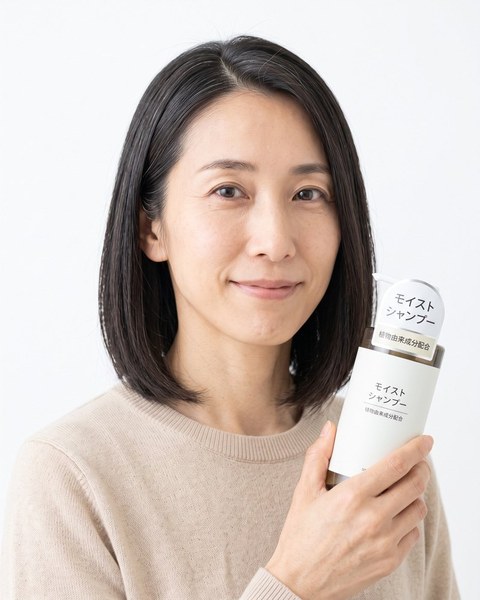
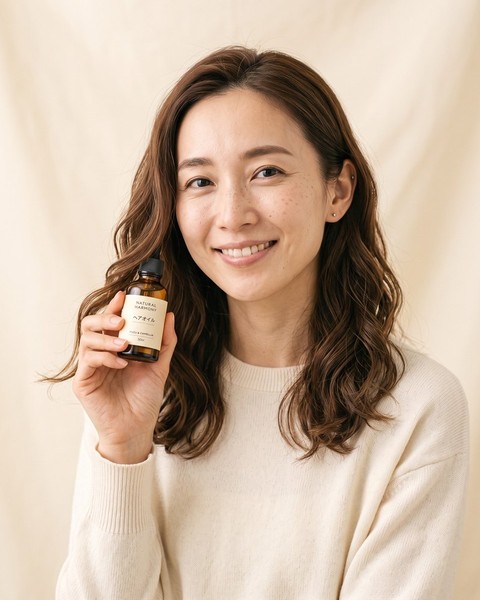
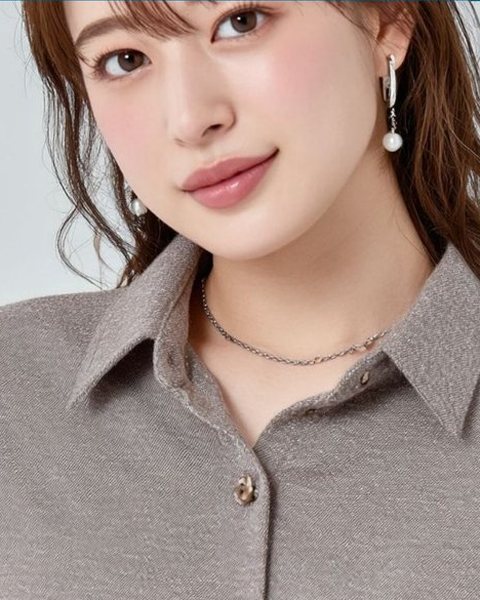
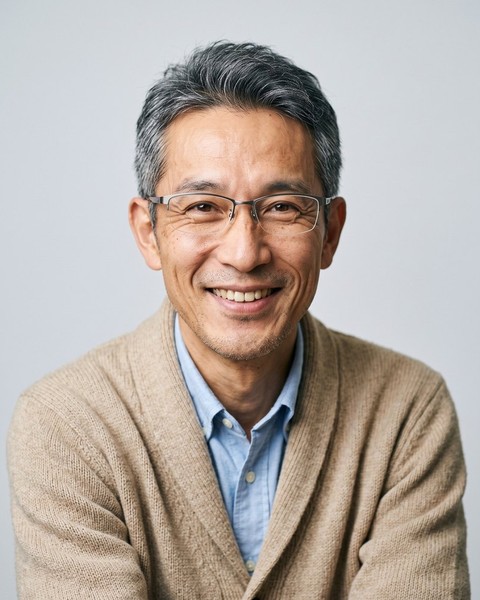
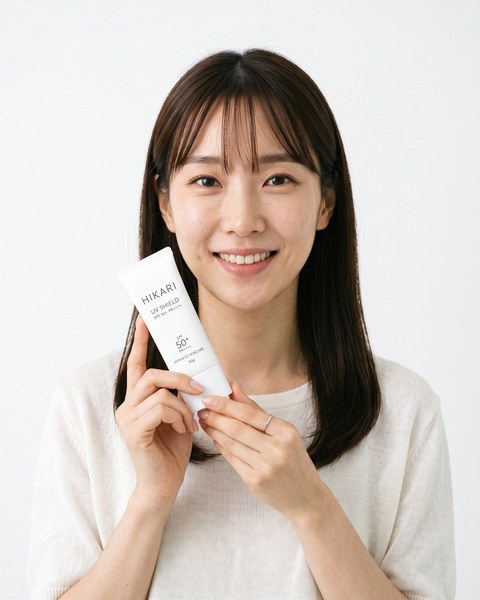
Images flagged for review are adjusted and checked again before delivery.
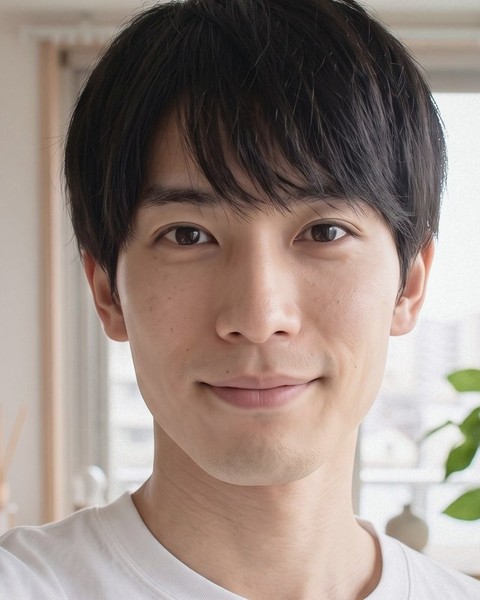
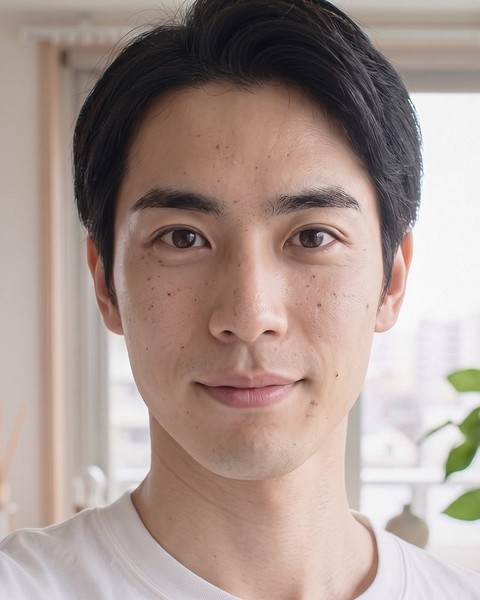
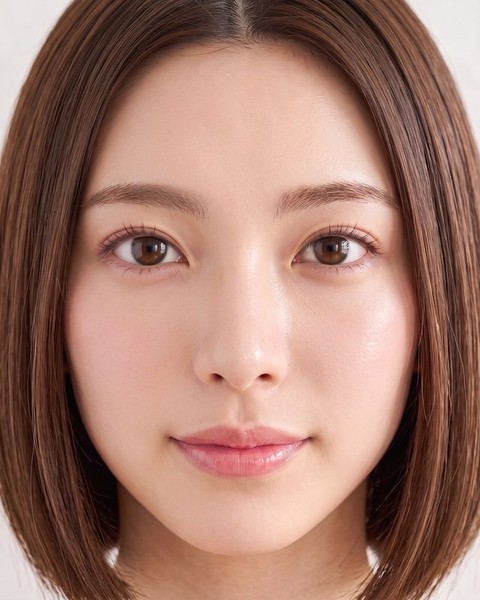
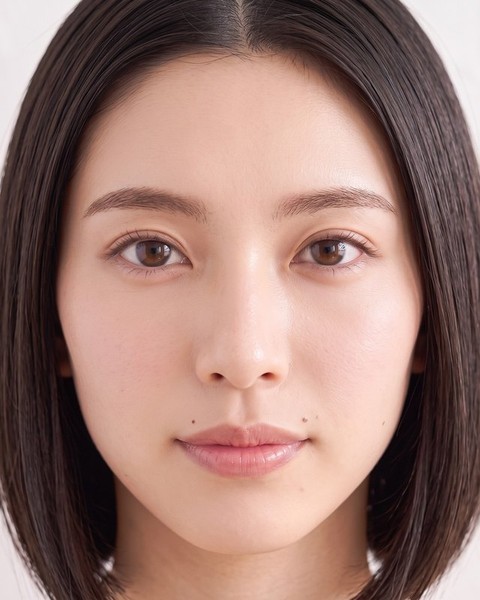
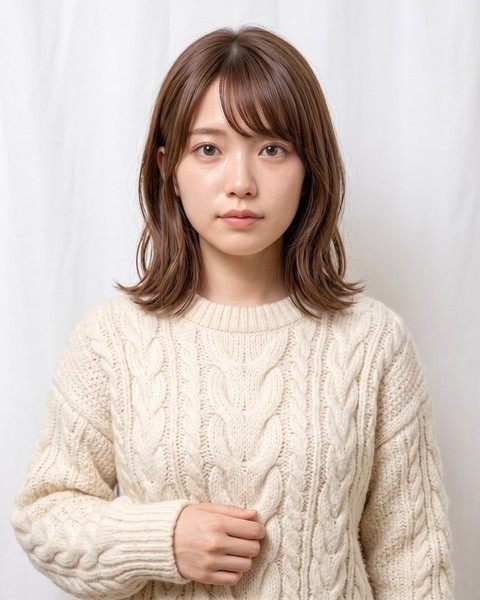
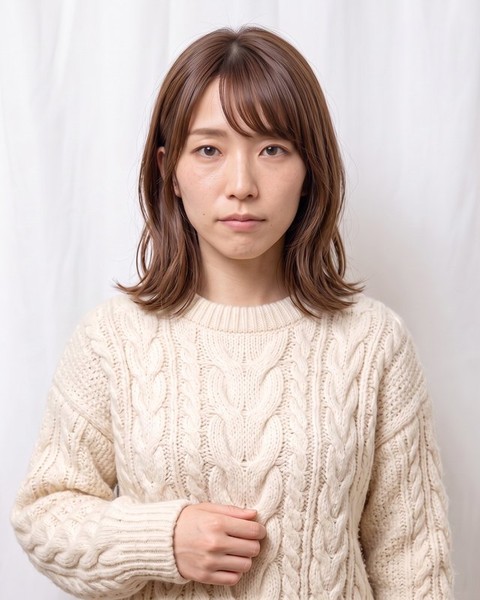
Internal test examples showing face regeneration followed by another likeness check.
public figures worldwide in the reference set
Ask us about individual people not in the comparison set, such as newly represented talent.
An illustration of comparison after cropping, resizing and other edits.
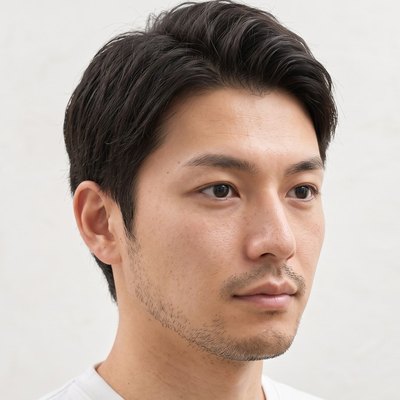



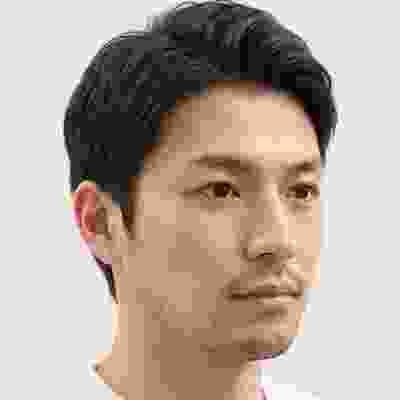
The images illustrate the edits using an AI-generated person; they are not the test photographs.
Record when an image was compared, the result, the action taken and who reviewed it. Comparison records support internal approval and quality review.
Image-level records show what was checked and how it was classified. They support internal approval, quality review and documentation under the company's AI-governance rules, including rules informed by Japan's AI Guidelines for Business.
For images based on a person's photograph supplied by the client, record the comparison result without automatically replacing the face.
Except for images based on a client's own supplied portrait, Match results are regenerated and checked again; Review results are checked by staff.
A. Clearium classifies generated people as Match, Review or Clear. Except for images based on a client's own supplied portrait, Match results are regenerated and checked again; Review results are checked by staff.
A. For images based on the client's own supplied portrait, we retain the comparison record without regenerating the face automatically.
Accidental resemblance to a real person can occur. wModel includes Clearium comparison in the generation and delivery workflow, routing results to regeneration or staff review as needed. Comparison results and the action taken are recorded as part of the checks before delivery.
A. We recommend regeneration for Review images. Advertising projects can be configured to regenerate these results automatically; discuss your requirements with us.
Depending on the result, images proceed to regeneration or staff review. We deliver the finished assets with records of the checks and actions taken.
A. Yes. Each image retains its comparison time, result, action and staff-review record for internal approval and quality review.
A. Please discuss the individual case with us.
Every industry has conventions: tie length for suits, measurement positions for apparel, appetizing presentation for food, or marketplace image requirements. wTransformer combines these conventions with your company's internal rules and quality criteria.
Requirements and feedback inform future generation conditions and quality criteria. As product ranges and use cases grow, your standards remain part of the process and quality is continuously refined. Progress and version differences are shared through wBoard, and finished work is delivered after your review.
A suit wearing image may need the tie tip at the center of the belt buckle. Such presentation rules become inspection criteria in wTransformer, alongside the company's own requirements, so each cut can be checked against them.
wTransformer is a foundation for building dedicated AI production lines around your products, uses and requirements. It incorporates brand rules, product conditions, quality standards, and review and approval workflows, connecting generation, comparison, revision and review.
Requests such as a slightly darker color or keeping a model’s hair down help the AI learn the intended expression. Feedback on revisions informs future projects, reducing the need to explain the same requirements from the beginning.
Analysis, composition, generation, consistency checks and finishing are organized as production stages. Multiple cuts, colors, angles and uses can proceed in parallel under the same criteria, supporting larger seasonal commissions.
Revisions focus on the requested area, with the rest of the approved image kept consistent.
This display illustrates the process.
Generated images do not go straight to delivery. An AI inspection engine checks generated images against the product for shape, color, logos, text, fit, anatomy and brand rules. Work below the standard returns to production with reasons; dedicated staff review the work that passes before approving delivery.
 Passed both review stagesAI check: hardware shape
Brand character matters as delivery expands. Learning from requirements and feedback informs review criteria, helping maintain a consistent visual direction across categories, teams and seasons.
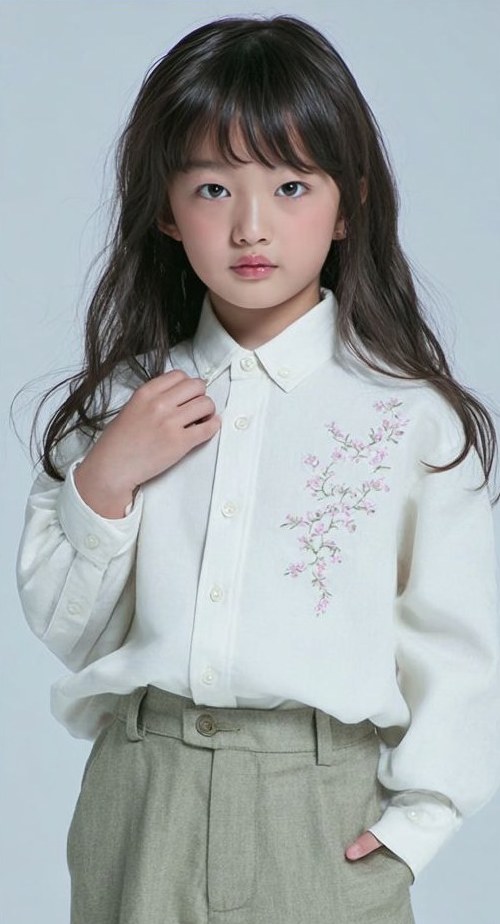
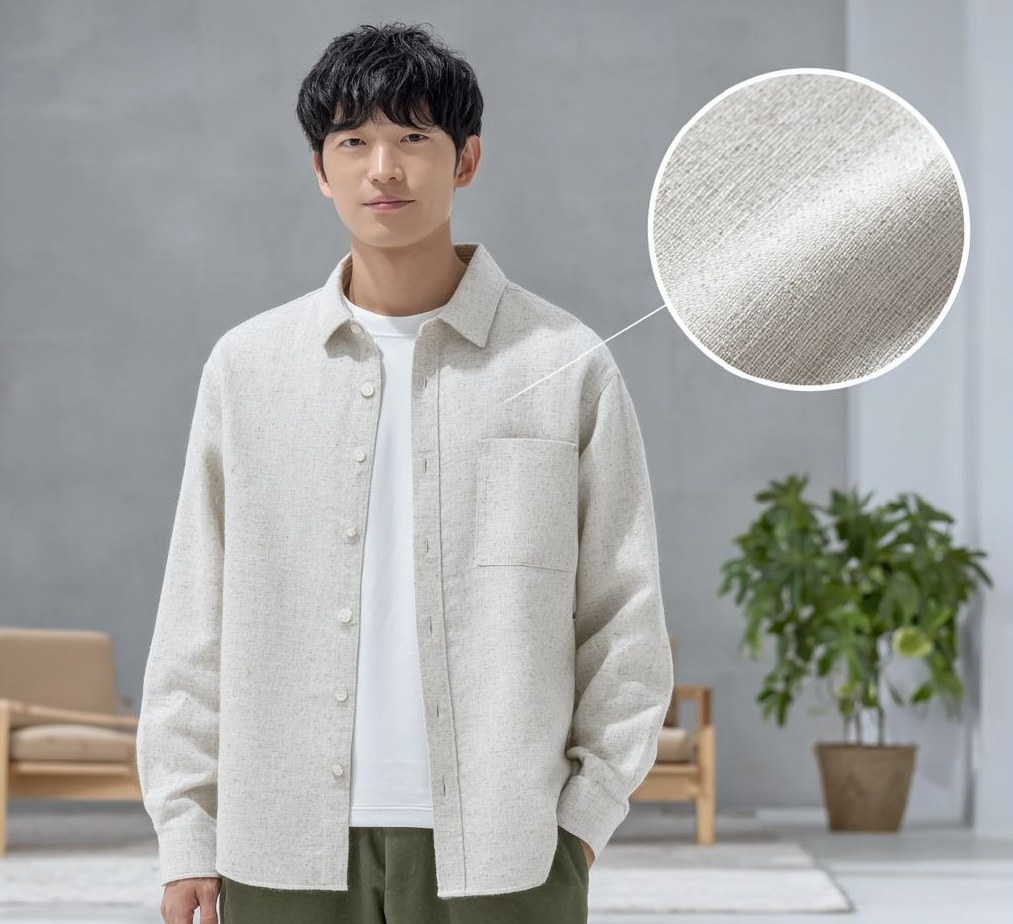
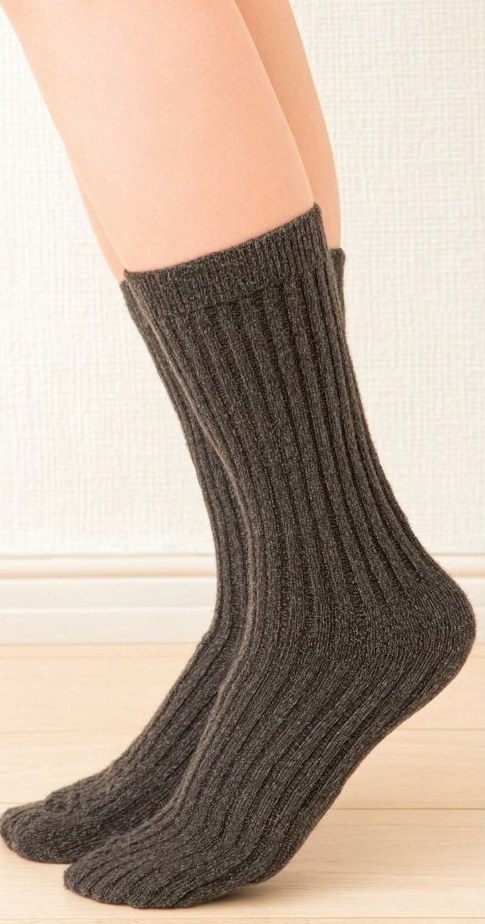
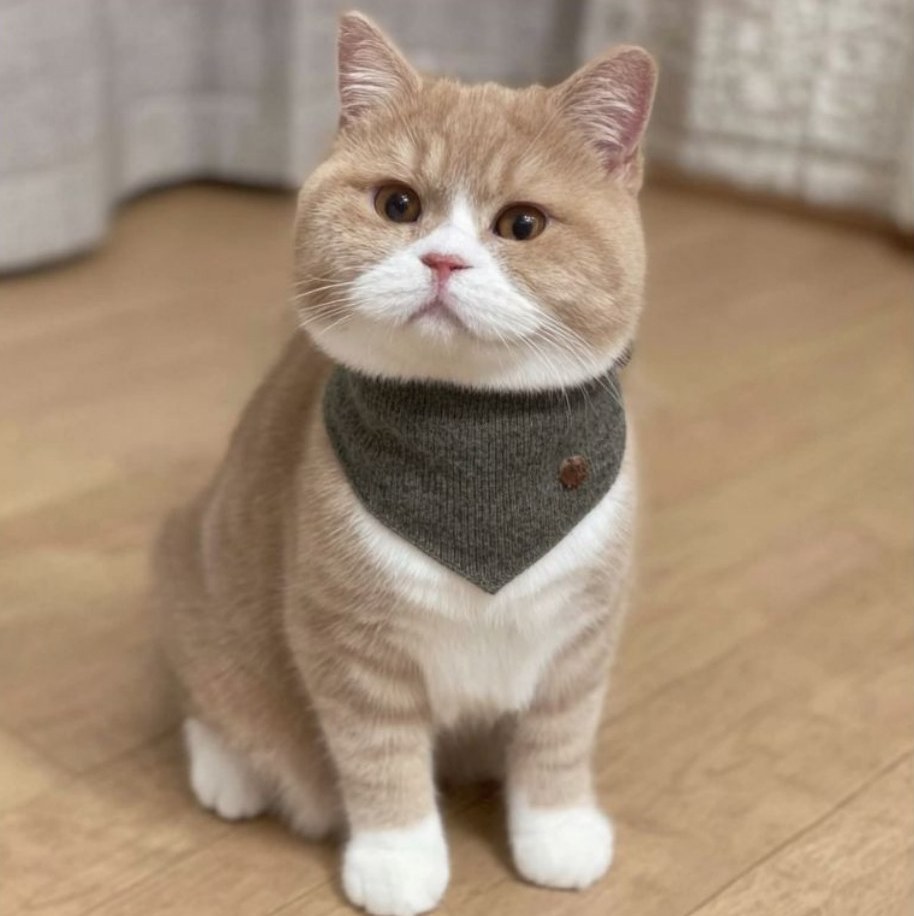
Each company's wTransformer is configured separately. Your brand rules, product information and decision history are used for your company's AI model wearing images and videos rather than mixed into another company's work.
wModel.AI supports AI model wearing images and videos from a single trial image to ongoing generation at scale, week after week and season after season. The generation workflow is tailored to your quality standards and review process so it can become part of your everyday operations.
Each company's wTransformer is separate. Brand rules, product data and decision history support that company's own production.
Deliver images in the sizes, aspect ratios and formats required by their destination, ready for the agreed publishing use.
Record who did what and when, including AI production, inspection results, final staff review and client approval, for each project.
| 10/02 09:14 | Client | Brief received | 12 autumn/winter knit items |
| 10/02 09:15 | AI engine | Production instructions prepared | Production requirements |
| 10/02 10:02 | Staff | Confirm production instructions | Confirm deadline and color range |
| 10/03 11:40 | AI engine | Generate No.05 v1 | Consistency check passed |
| 10/03 11:52 | AI inspection engine | Compare No.05 v1 with the product | Shape, color, logos, text and hands meet the criteria |
| 10/03 14:22 | Staff | Final review and approval of No.05 v1 | Share in wBoard |
| 10/05 18:03 | Client | Client feedback by reply | Cuff and washed-out tone |
| 10/06 13:31 | AI engine | Generate No.05 v2 | Revise the flagged areas |
| 10/08 10:12 | Client | Approve v2 | Proceed to delivery |
This display is an illustration of the project record.
Each cut has version numbers. Review what changed and which version was approved at any time.
Revisions follow the sequence: agree the plan → produce → inspect with AI → final staff review → client approval. Establish the shared understanding before reworking the image.
Whole seasons, multiple brands and multiple categories can use the same production structure: parallel AI creation, inspection of generated images and a final staff review, scaled to the project's workload.
wBoard is the online board for shared project status. Follow each cut from intake to delivery, including what the engine produced, what AI inspection found and what staff reviewed. Revision plans, version differences and the conversation history stay together, with notifications linked to the same project record.
Intake, AI production, AI inspection, final staff review, client review, revision and delivery: see the current stage of each cut.
Each stage shows who handles it—the production engine, AI inspection, staff or your team—making responsibility and pending actions visible.
Compare v1 and v2 with an overlay slider and inspect the actual visual changes.
Revisions are first presented as a plan. The engine then reworks the agreed items.
Replies are synchronized into the board so the project retains who said what and when.
Retain which version was approved, when and by whom, supporting your internal review workflow.
wTransformer connects your brand standards, product information and approval process in a dedicated generation line. An image AI engine generates the assets, AI inspection compares them with the original products, and specialists perform the final review. As production scales, each stage follows your standards through to delivery of ready-to-use AI model wearing images and videos.
Share your product information, intended use and brand standards. We handle generation, inspection and final review as one connected process, delivering finished commercial images ready to use. Track progress, revisions and approvals in wBoard, with email available for everyday communication.
Shared brand rules and models help keep the visual tone consistent across different media.
How does one product photograph become an AI model wearing image?
Share your product photo. We combine the AI model, product, interaction and style to create finished wearing images and videos.
The four dimensions are illustrated below.
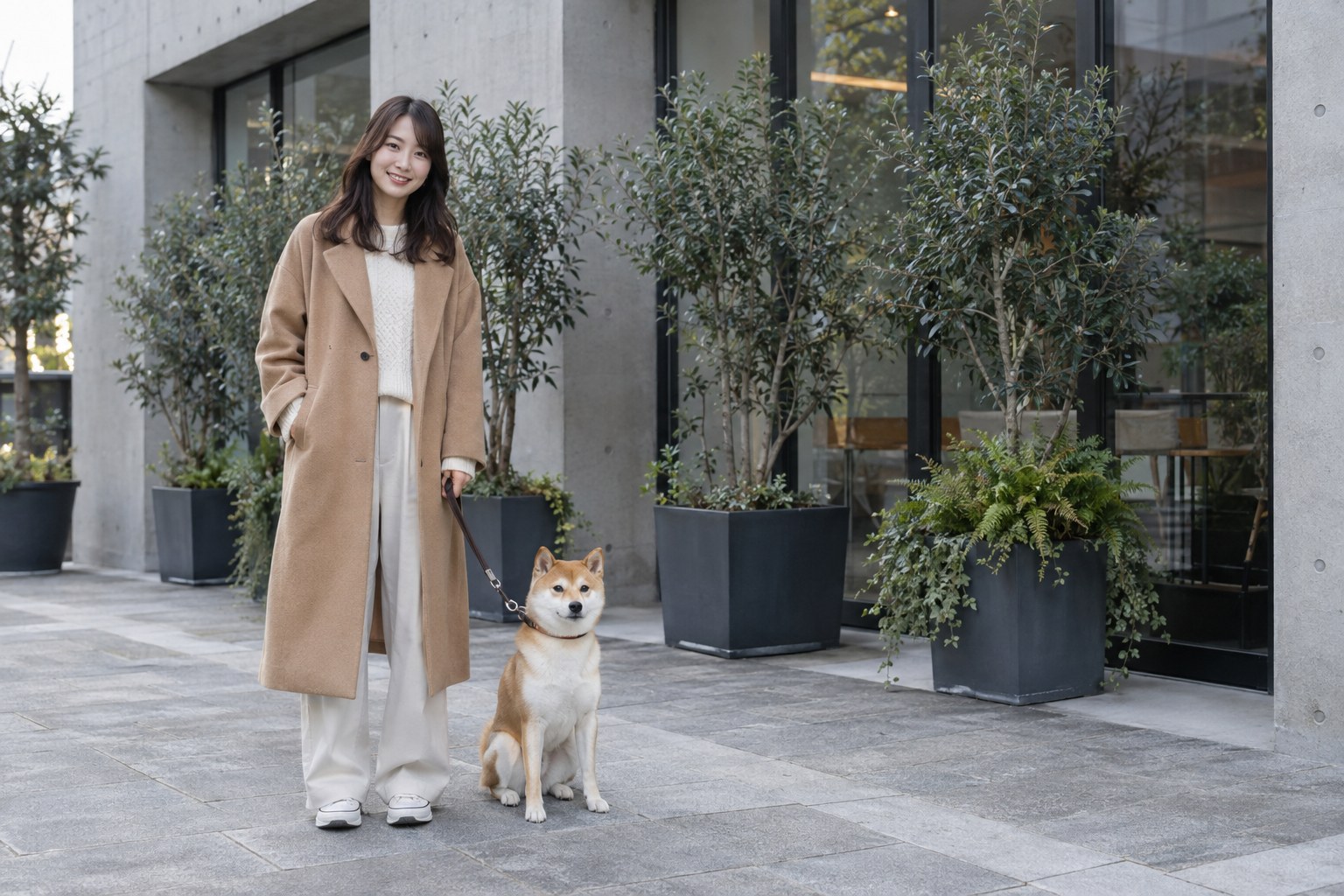
Centered on human AI models (AI fashion models), with animals, plants and buildings also available as subjects.
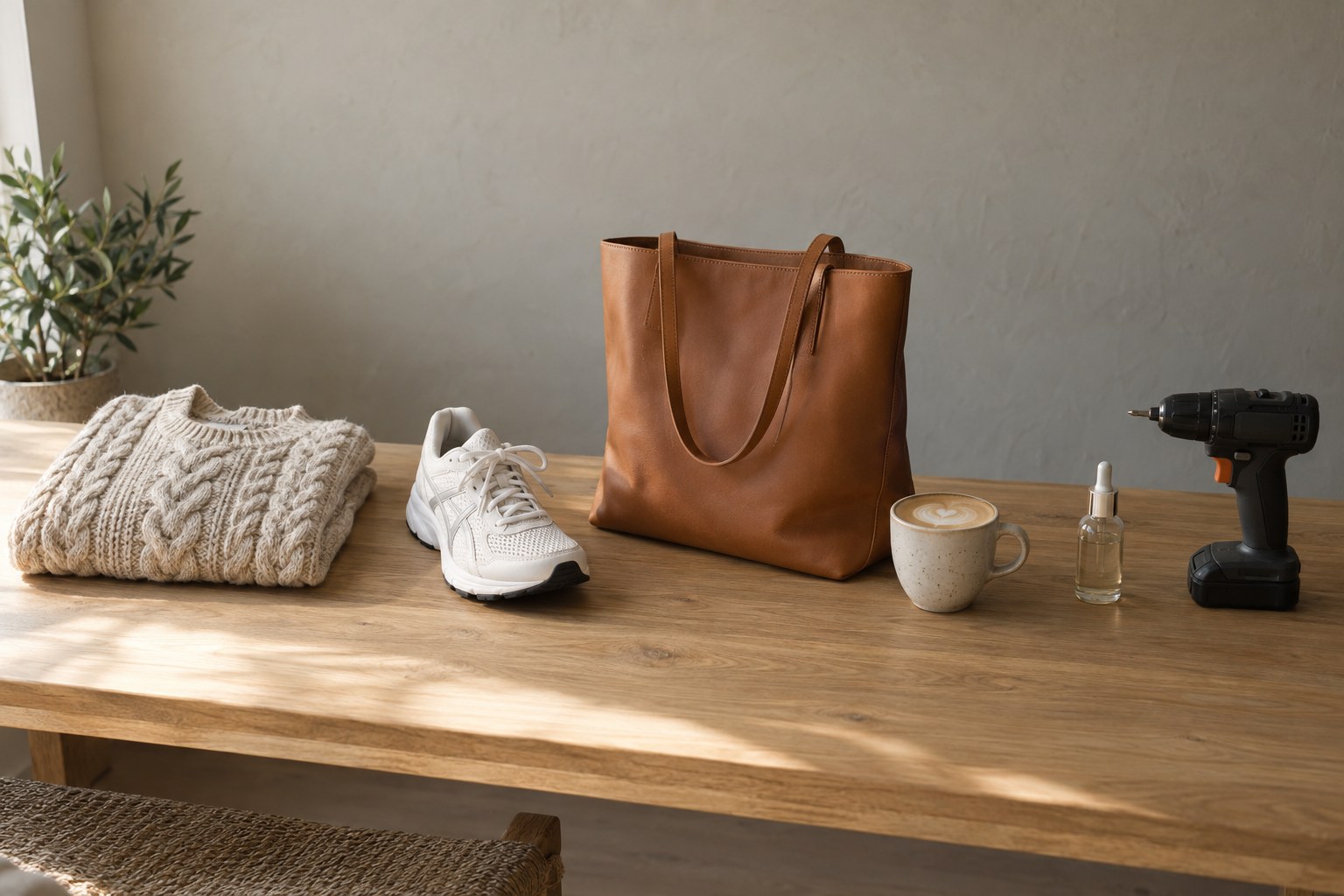
For products and services across apparel, fashion, sport, food, manufacturing and other industries.
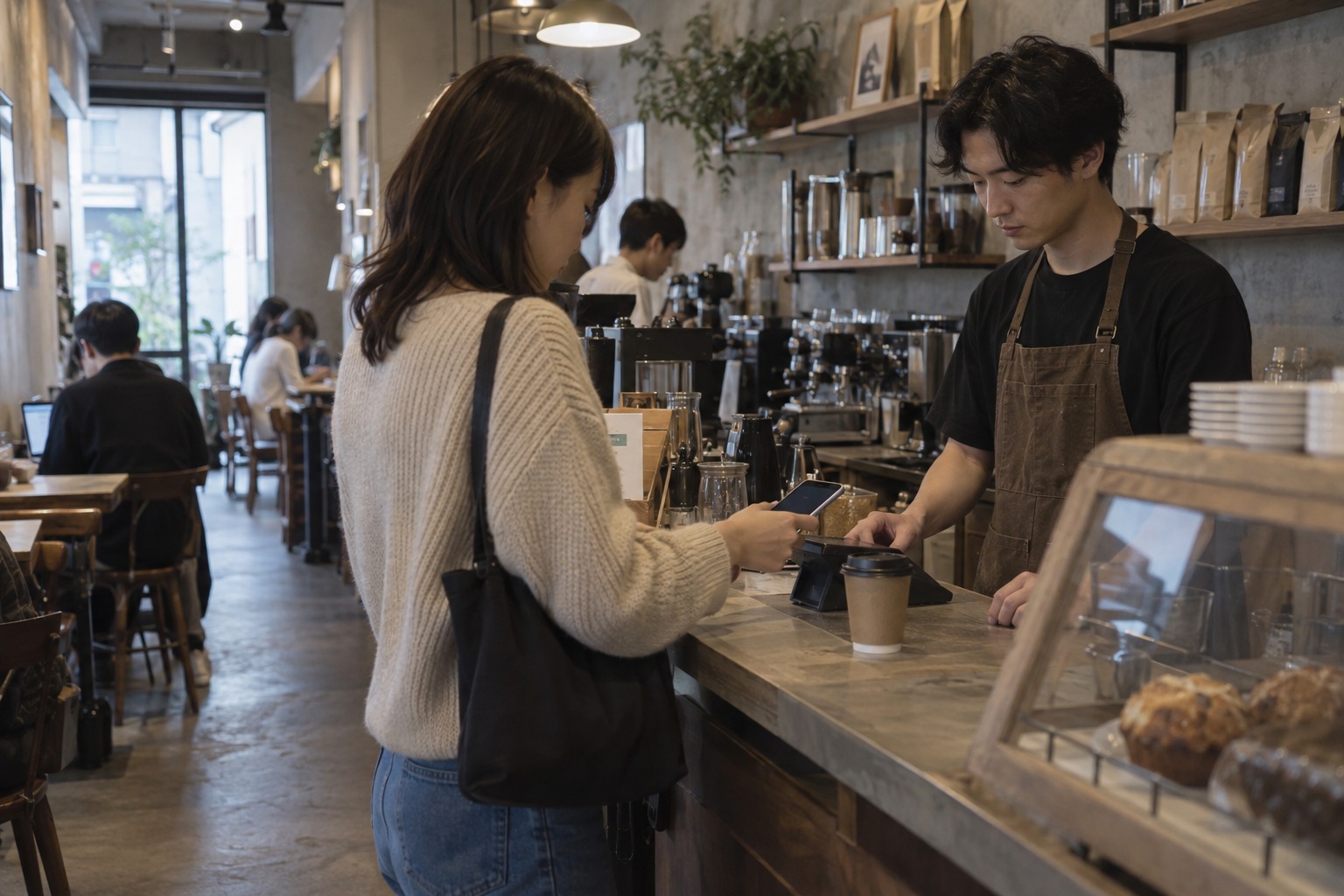
From images and videos of physical products being worn or used to scenes that illustrate services, hospitality and entertainment.
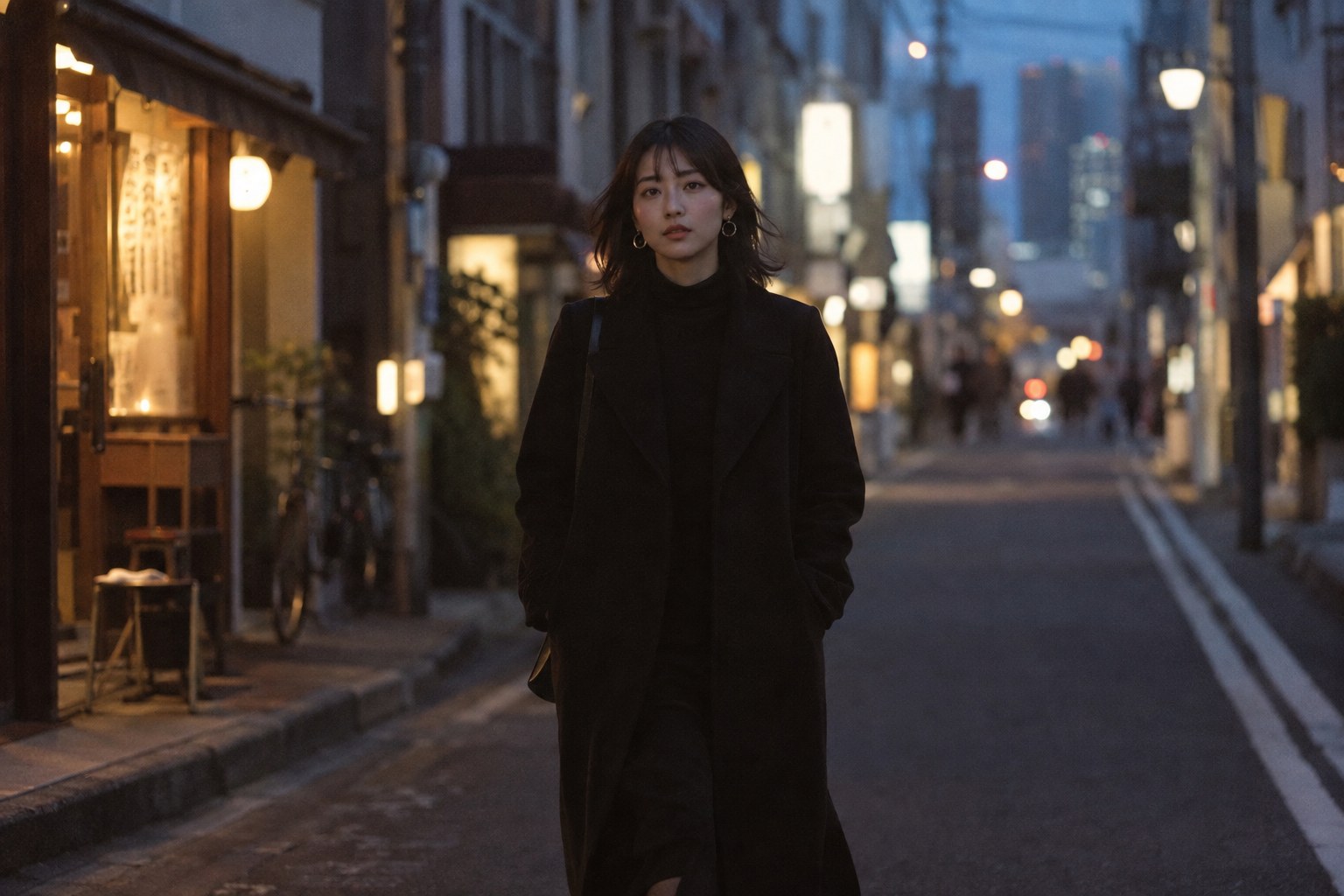
Different moods, visual styles and delivery specifications for websites, social media, catalogs, publications, still images and video.
See what AI model wearing images we can create from a single product image you already have.
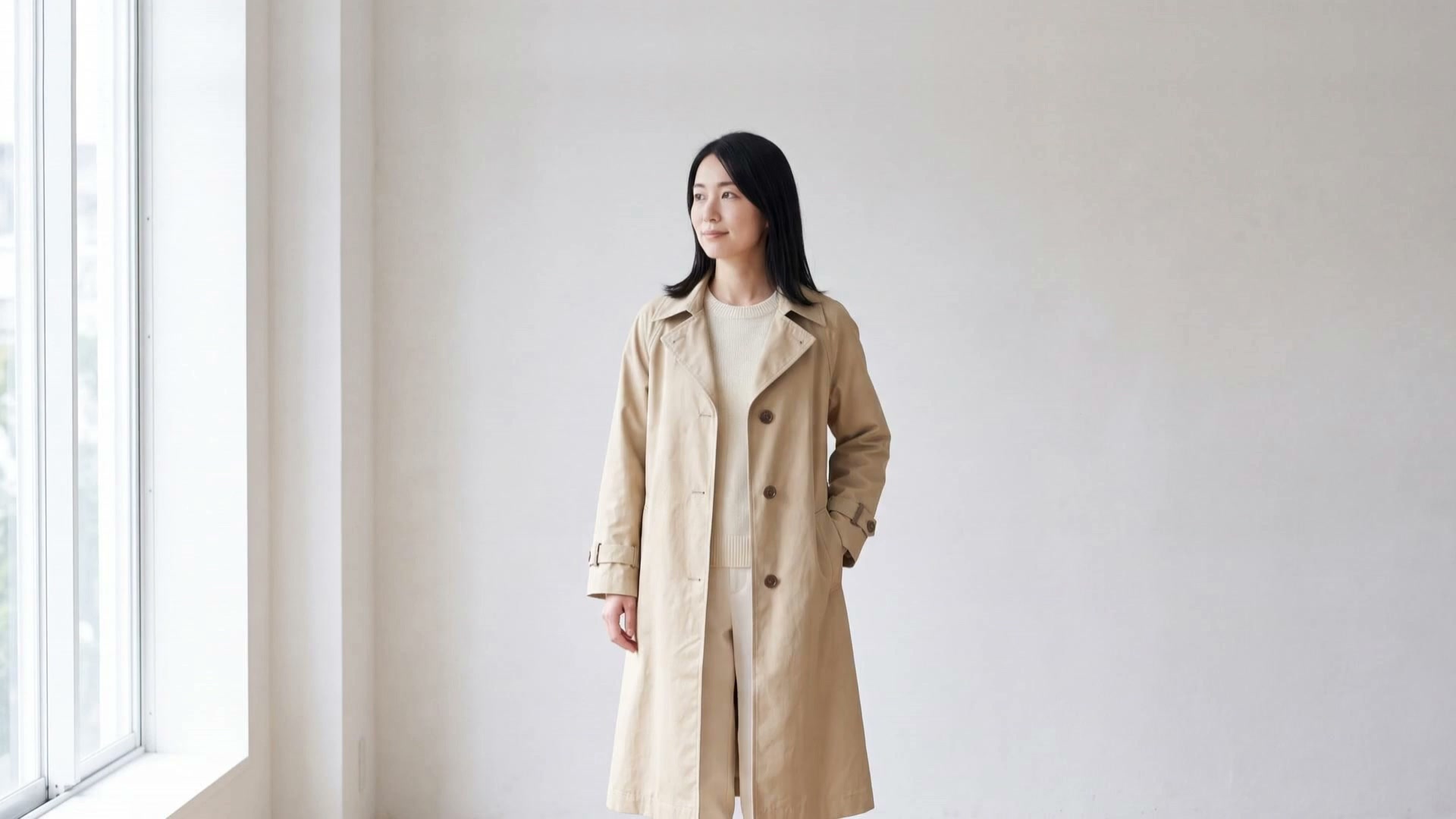
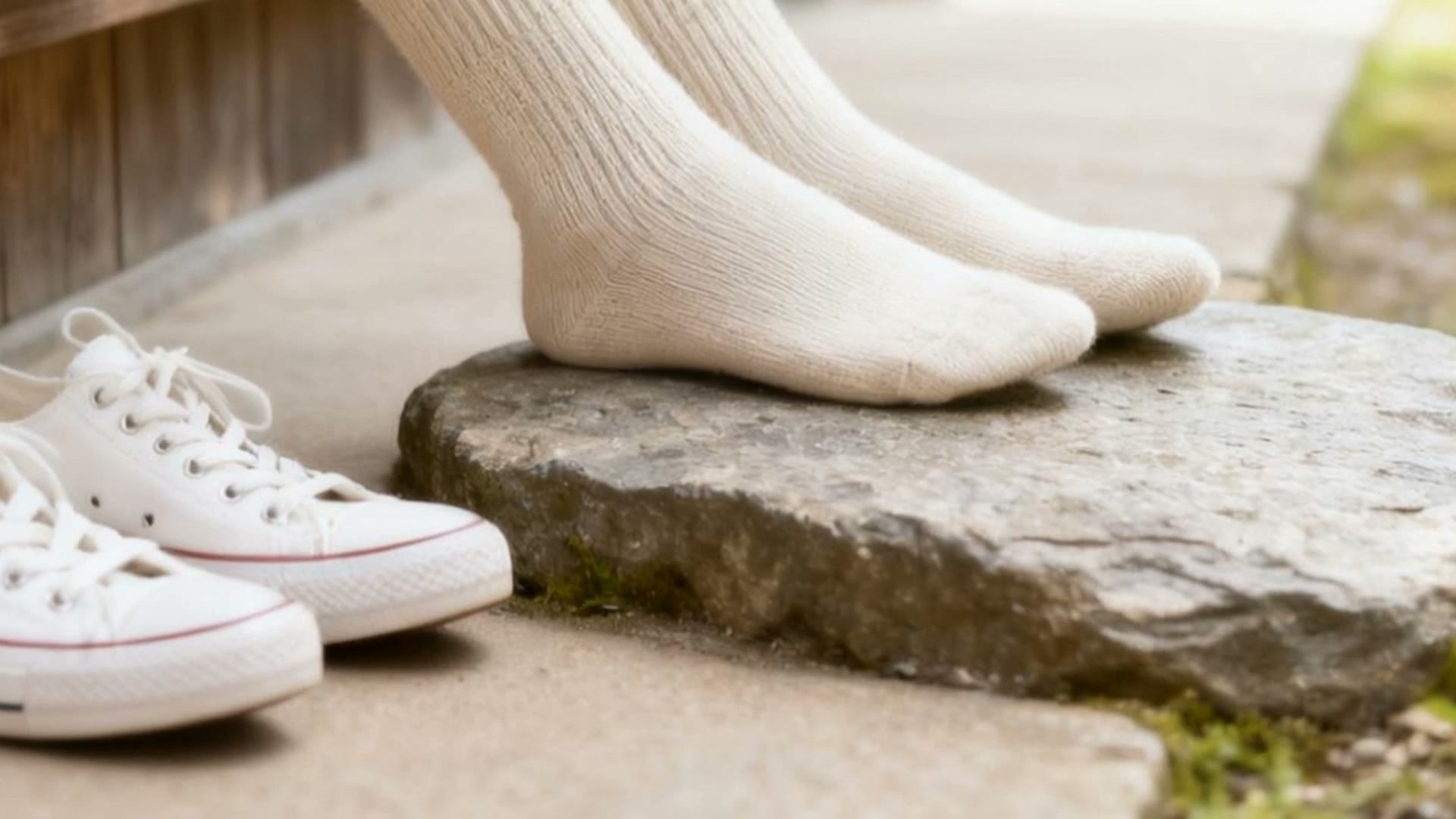
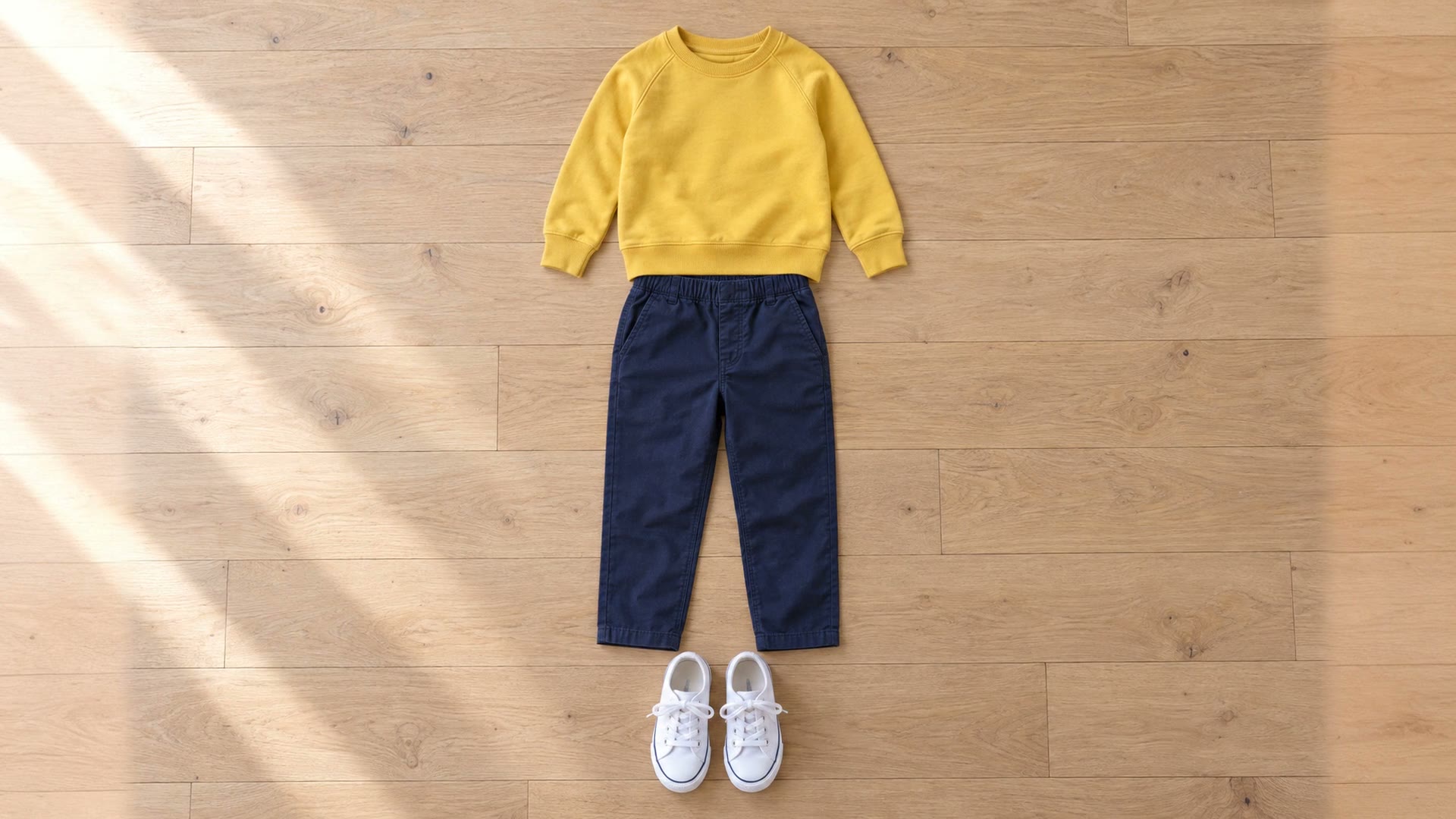
Brand key visuals, catalogs and publications, large-format print, Web, social media and advertising video. Expand your expression worldwide with consistent models and products.
Take your brand to the world.
Model appearance, skin tone, age and setting, selected for your product and the market you want to reach.4K, 8K and larger image output. Generated locations and studio settings, with material texture and fine detail.
AI models × apparel categories × wearing and usage × styles
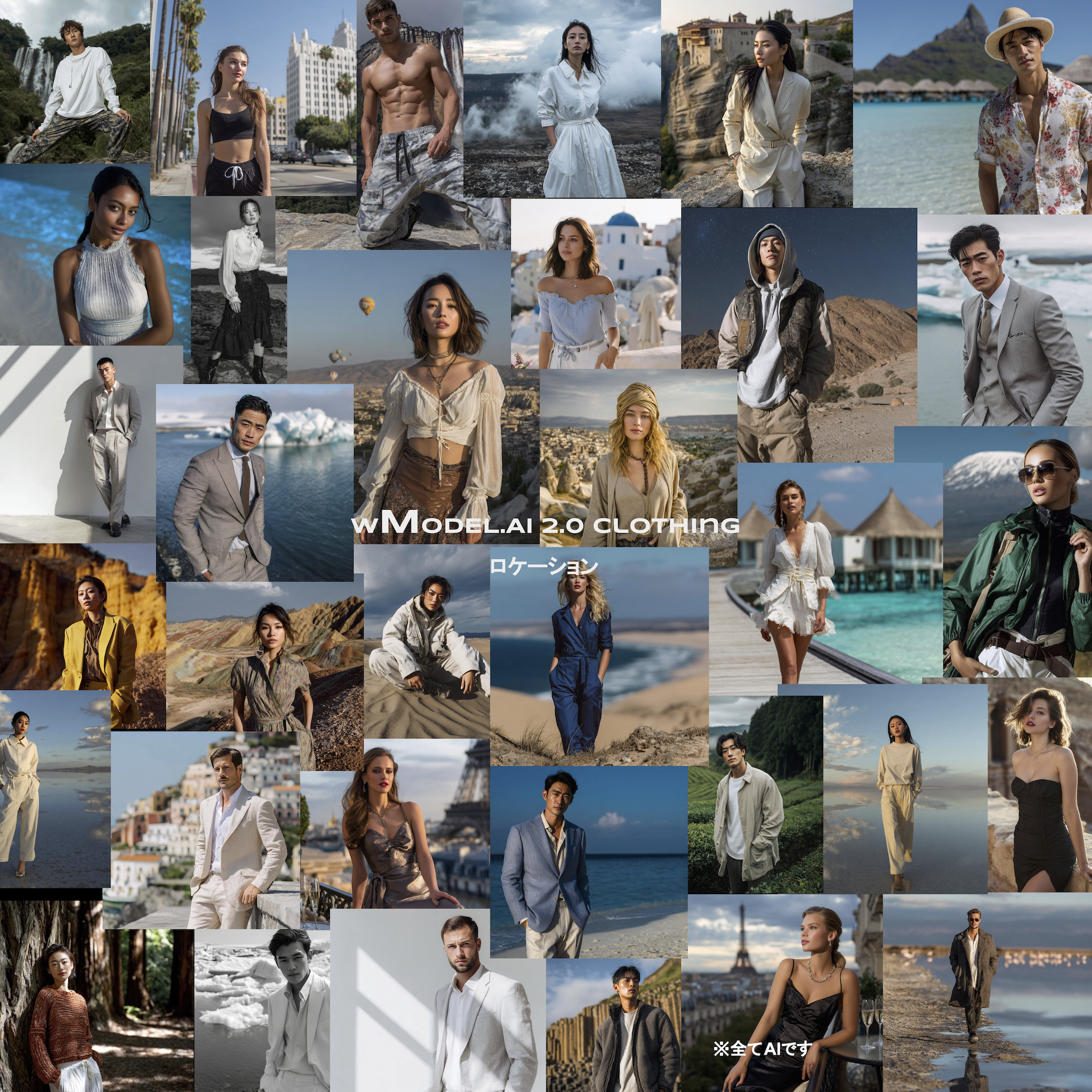
High-resolution image output: 4K, 8K and 10,000–50,000-plus pixels
Reproducing details, patterns and material texture
Flat lays, mannequins, hanger photographs and other source formats
Centered on human models, with animals, plants, buildings and other subjects combined with products and services to show a wide range of wearing, usage and experience scenes in images and videos of different moods and styles.
Put the finished images to work.
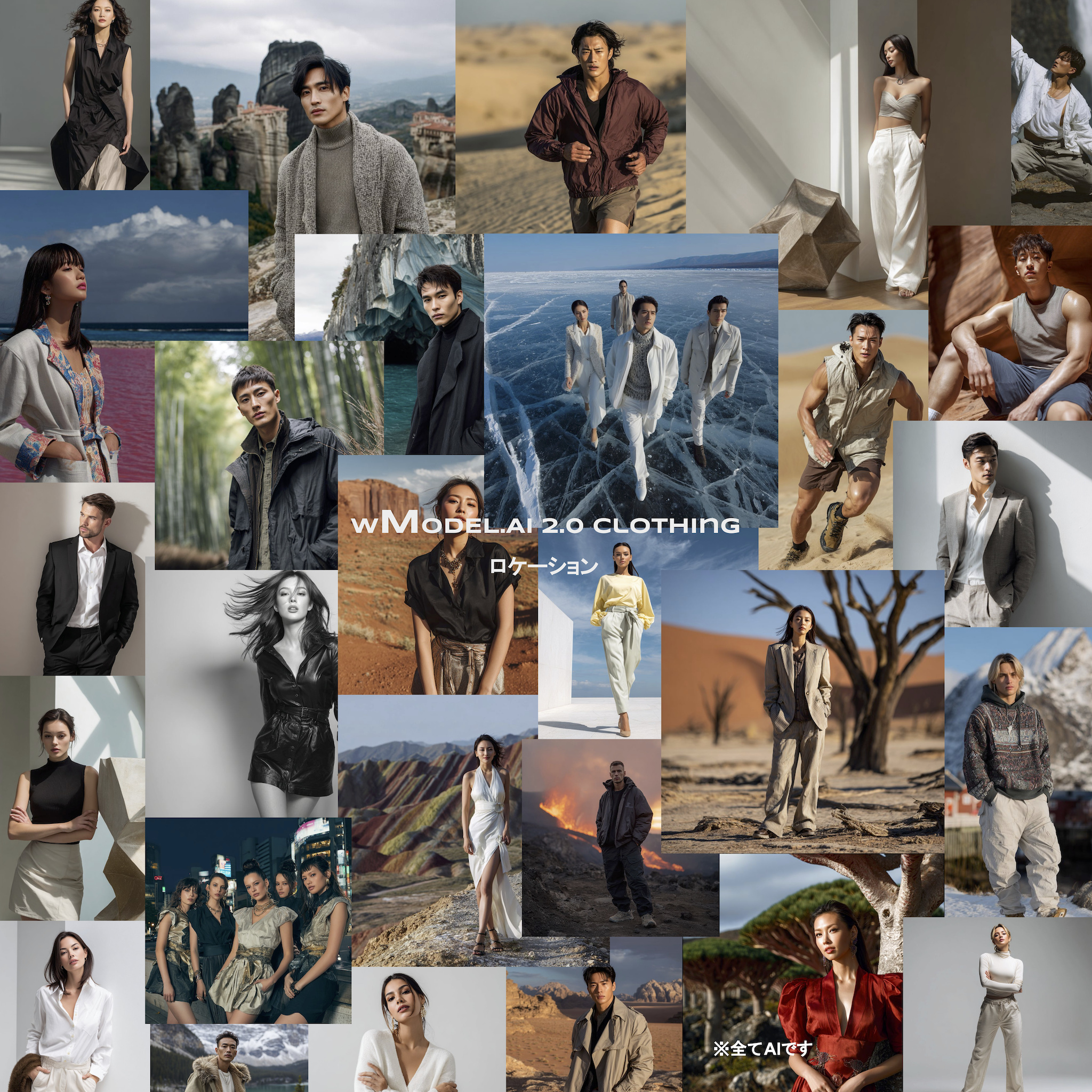
AI-model production for e-commerce, catalogs, social media and advertising. In addition to ecommerce, catalogs and social media, we can also create AI model images and videos for AI ads. Scenes that are hard to prepare with live shoots can also be created by our service, to suit the purpose.
On-model images for e-commerce, catalogs, social media and advertising.
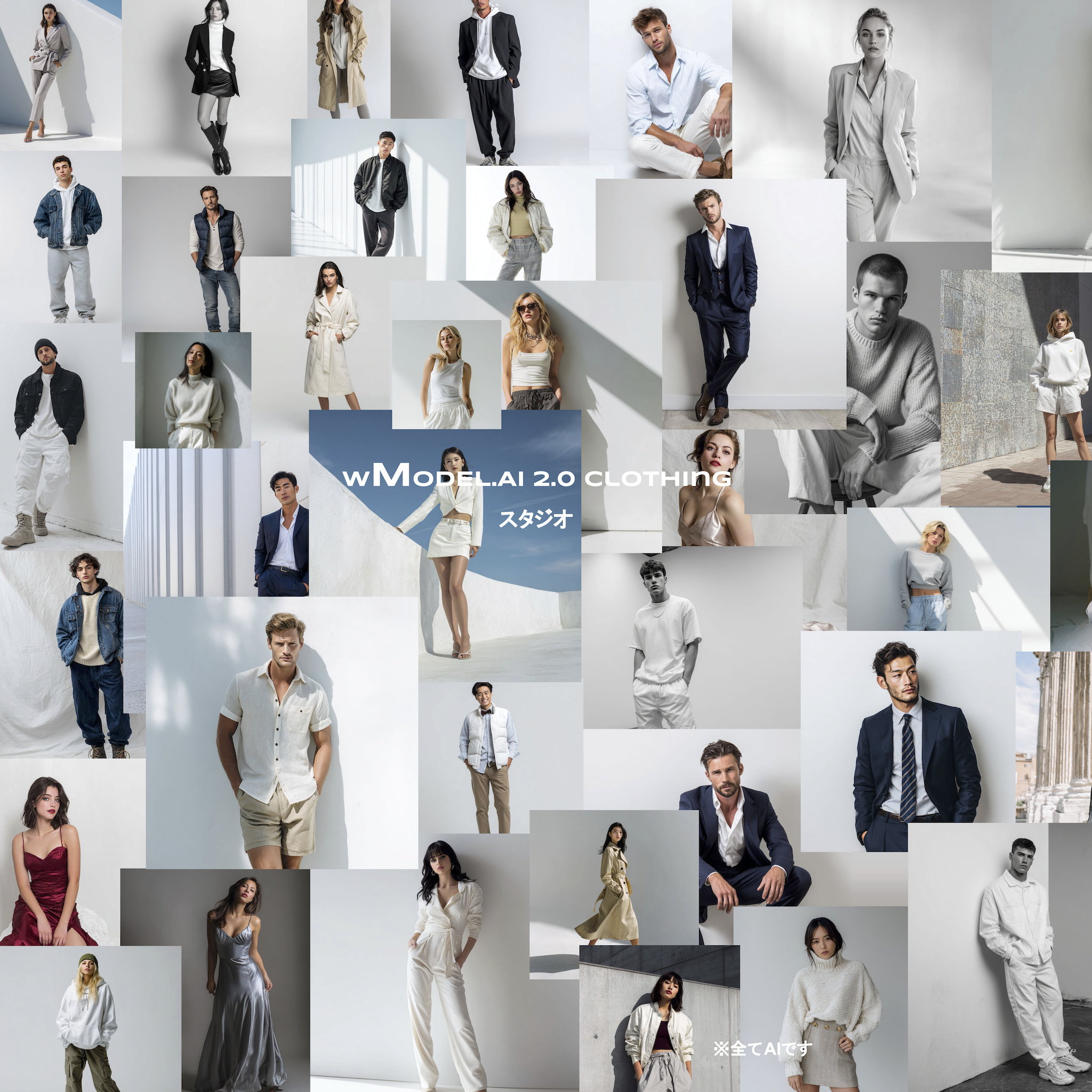
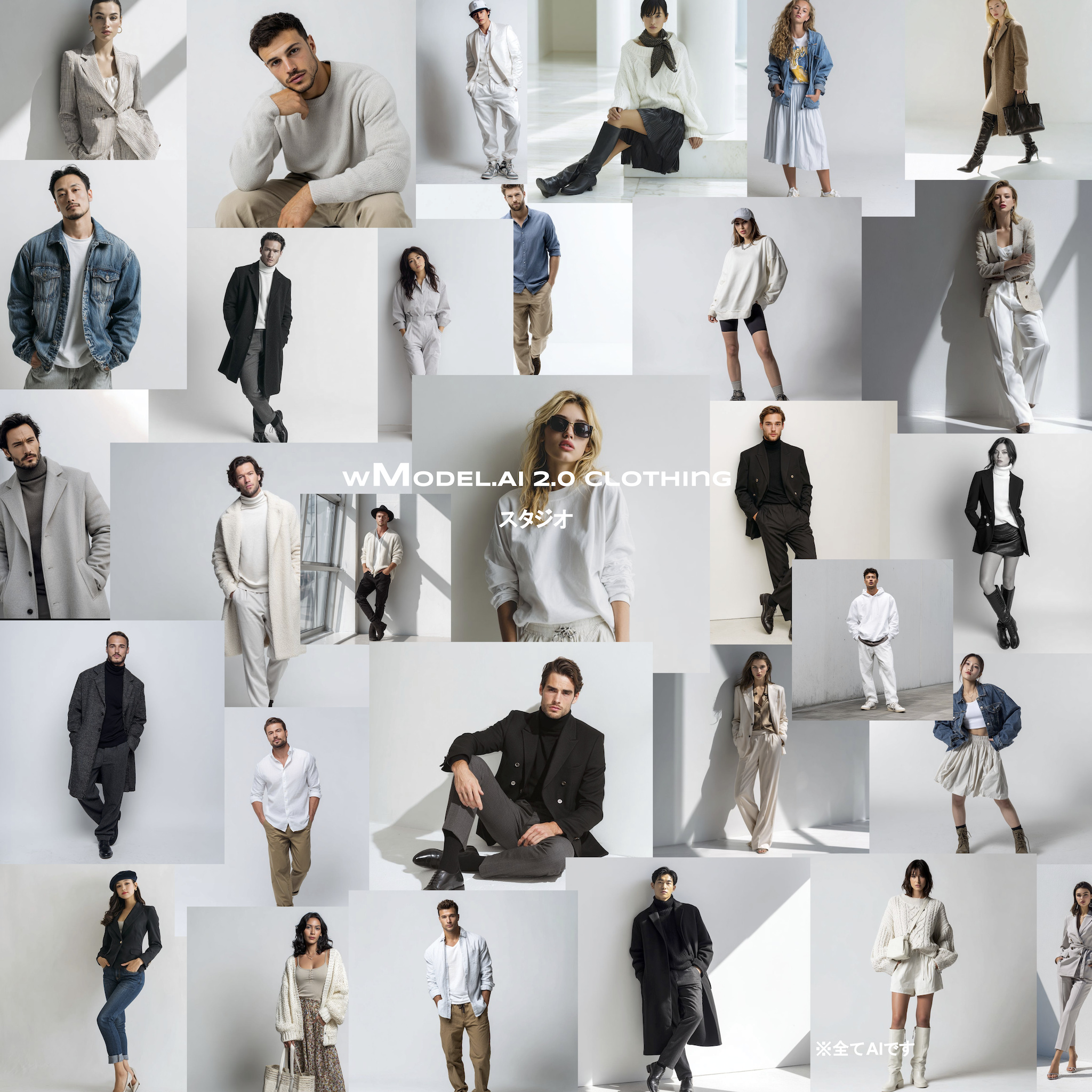
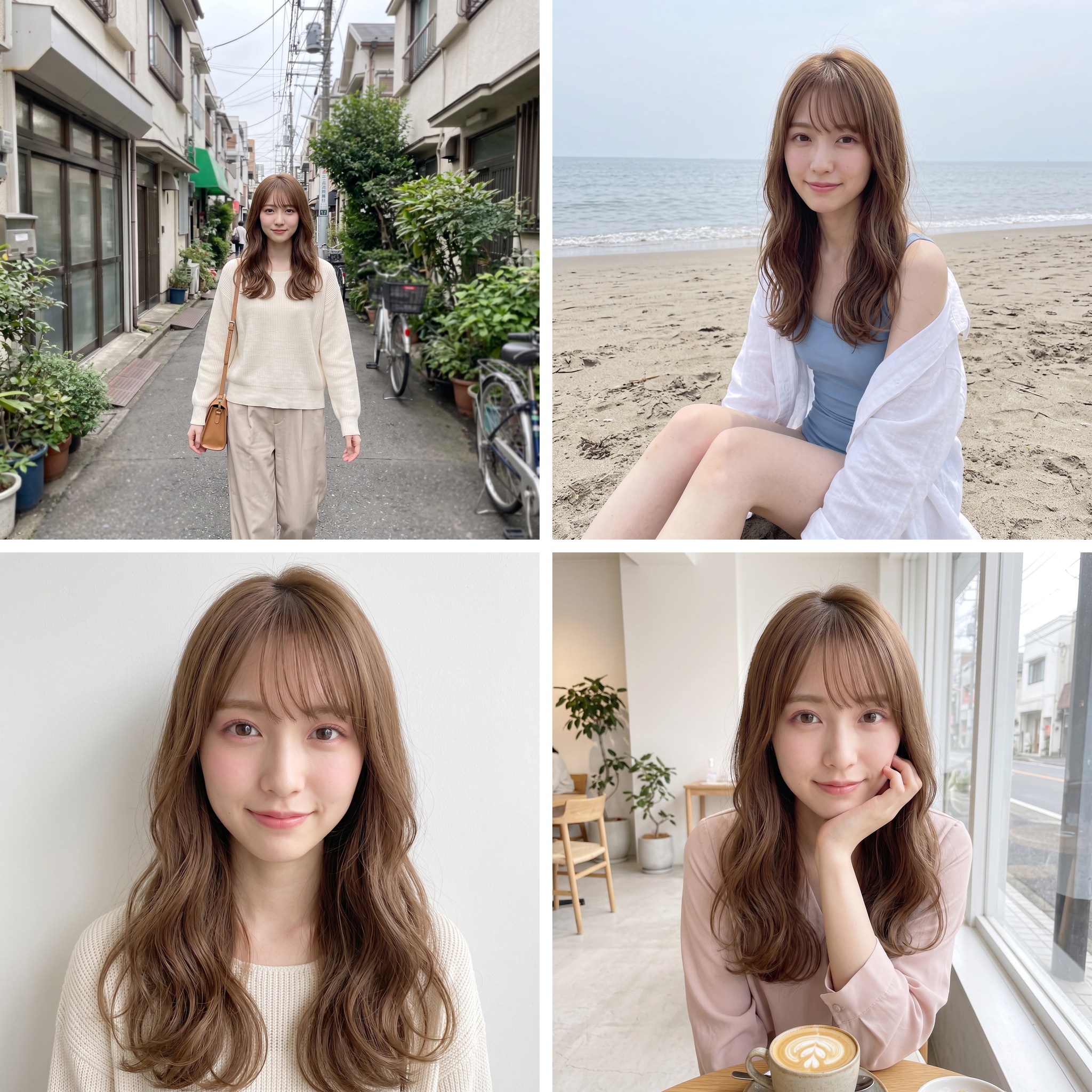 AI-generated examplesAI-generated examplesAI-generated examplesAI-generated examplesAI-generated examplesAI-generated examplesAI-generated examplesAI-generated examplesAI-generated examplesAI-generated examplesAI-generated examplesAI-generated examples
 AI-generated examples
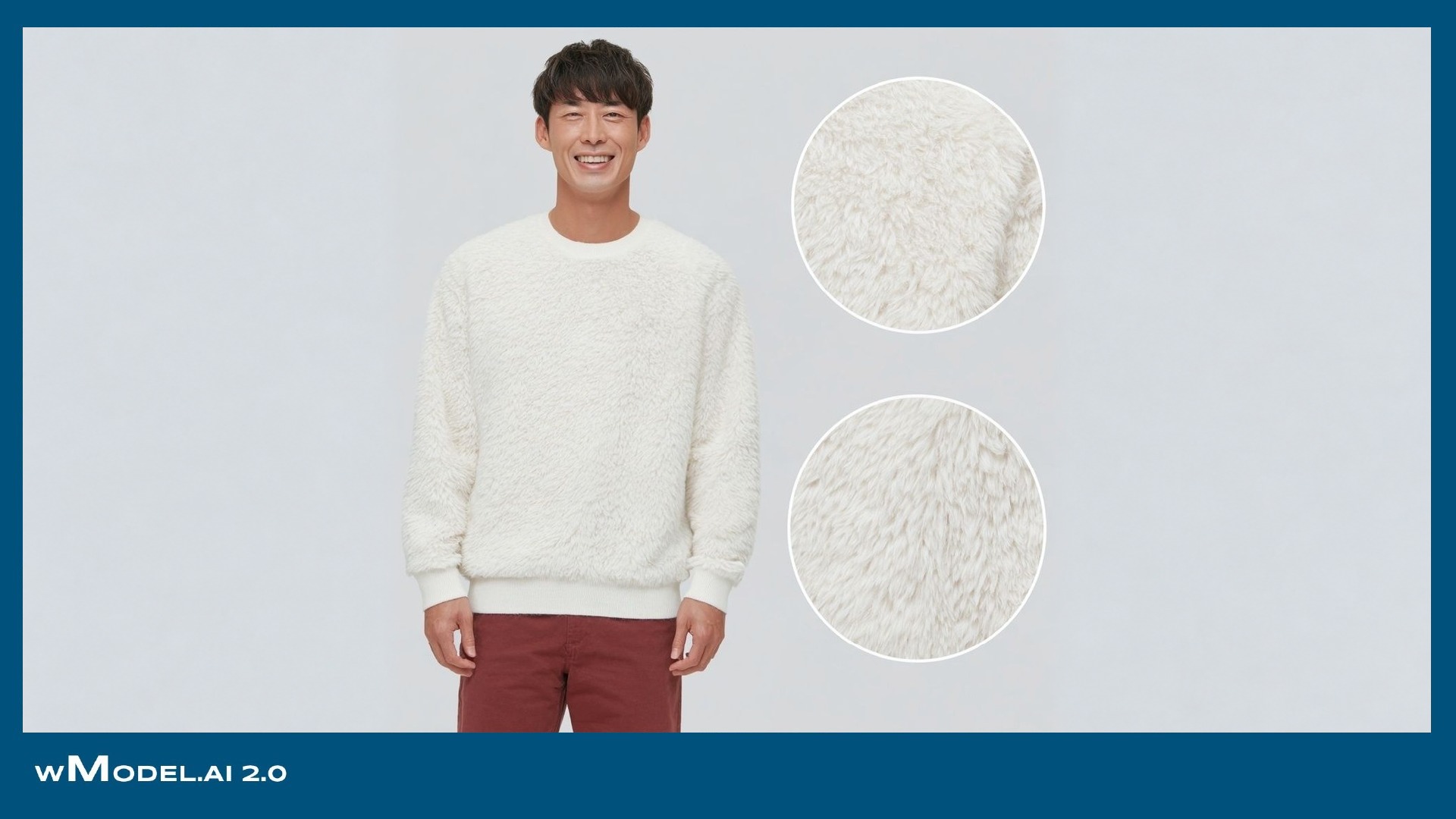 AI-generated examples

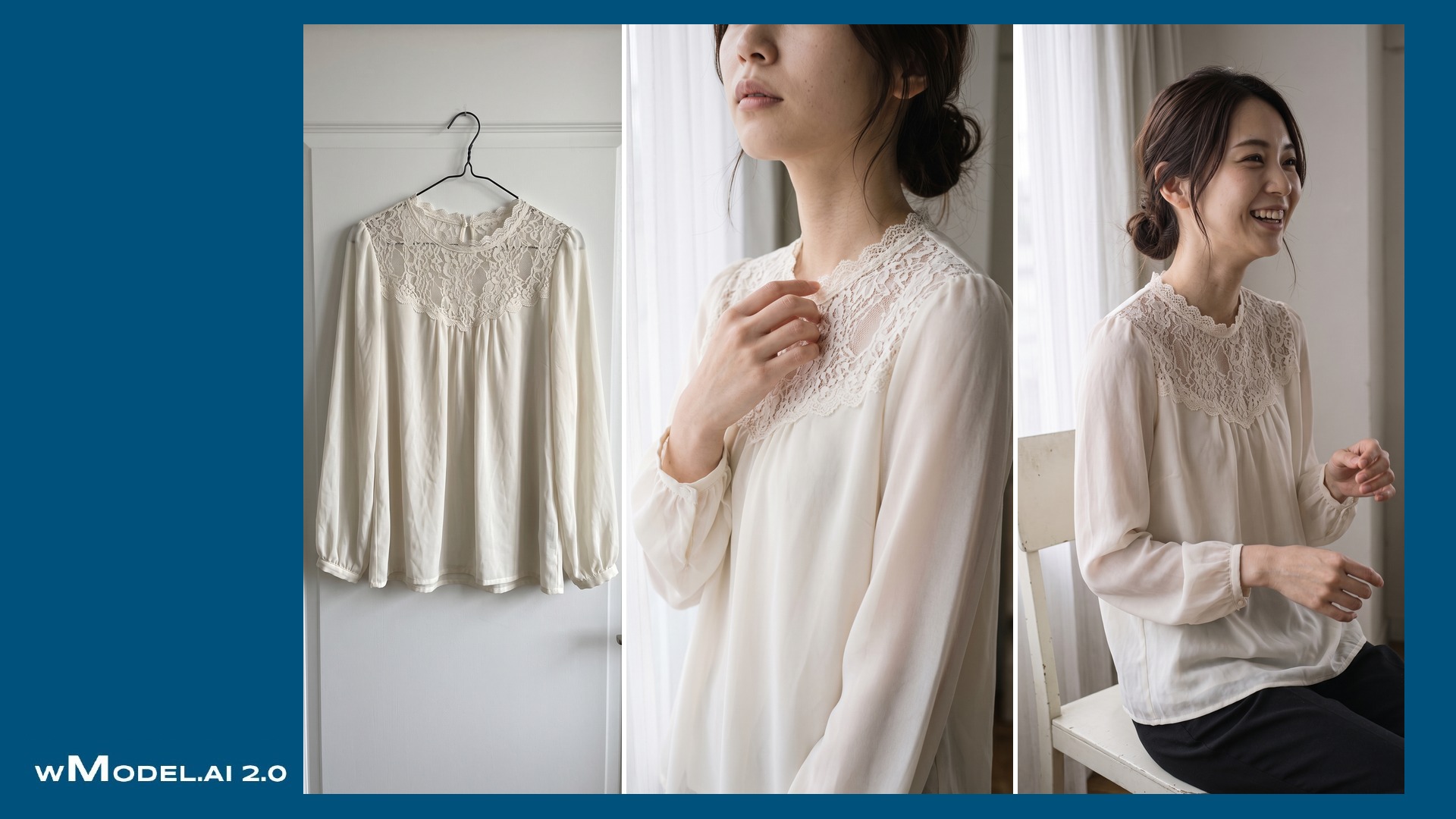
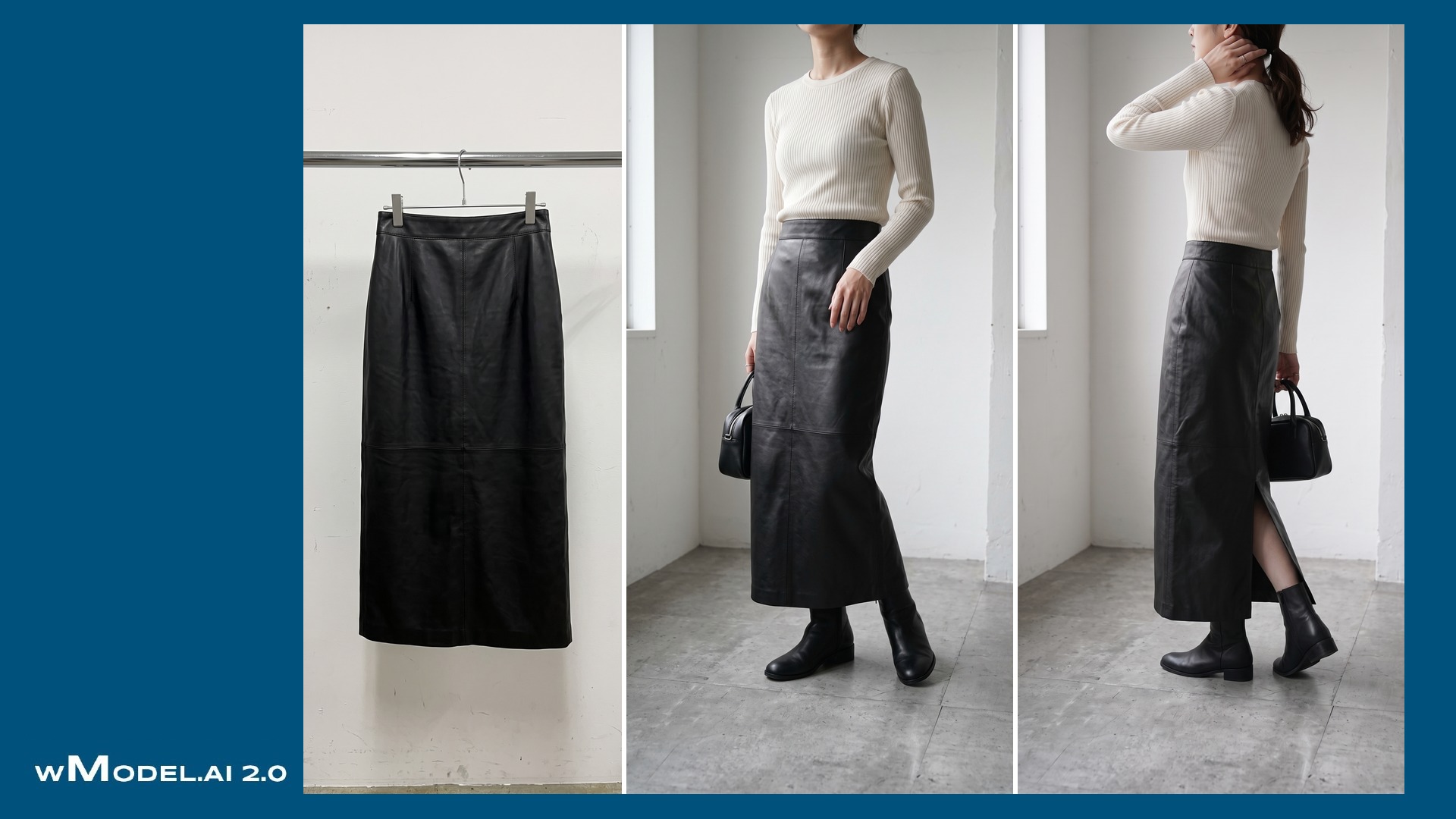
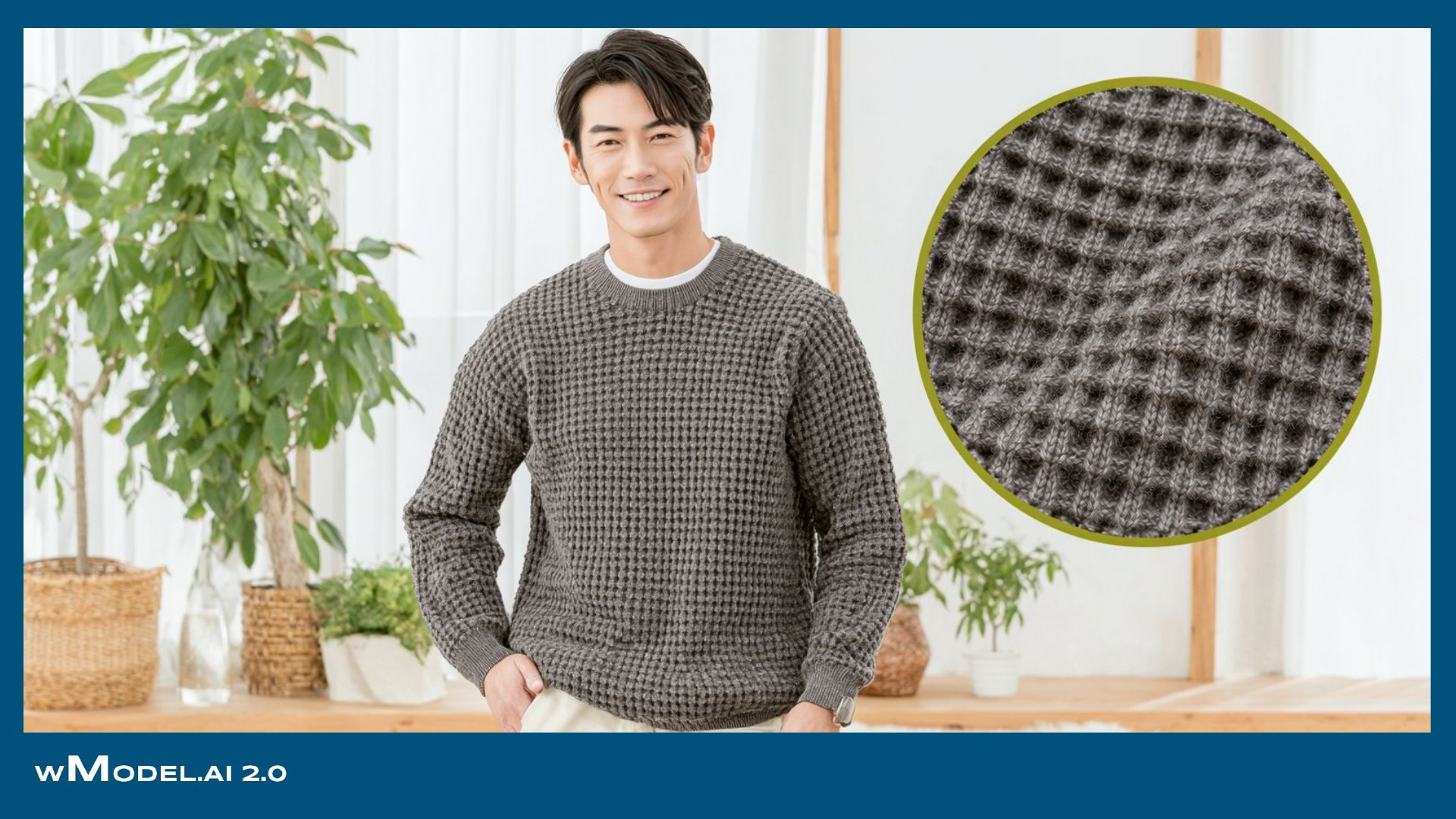
From fashion ecommerce wearing models to brand-exclusive AI models, discuss an approach suited to your intended use. Studio-style AI model shots can also be generated from a single product photo, without booking a studio. There is no model agency registration or audition. Start creating AI model wearing images from your product photos and requirements.
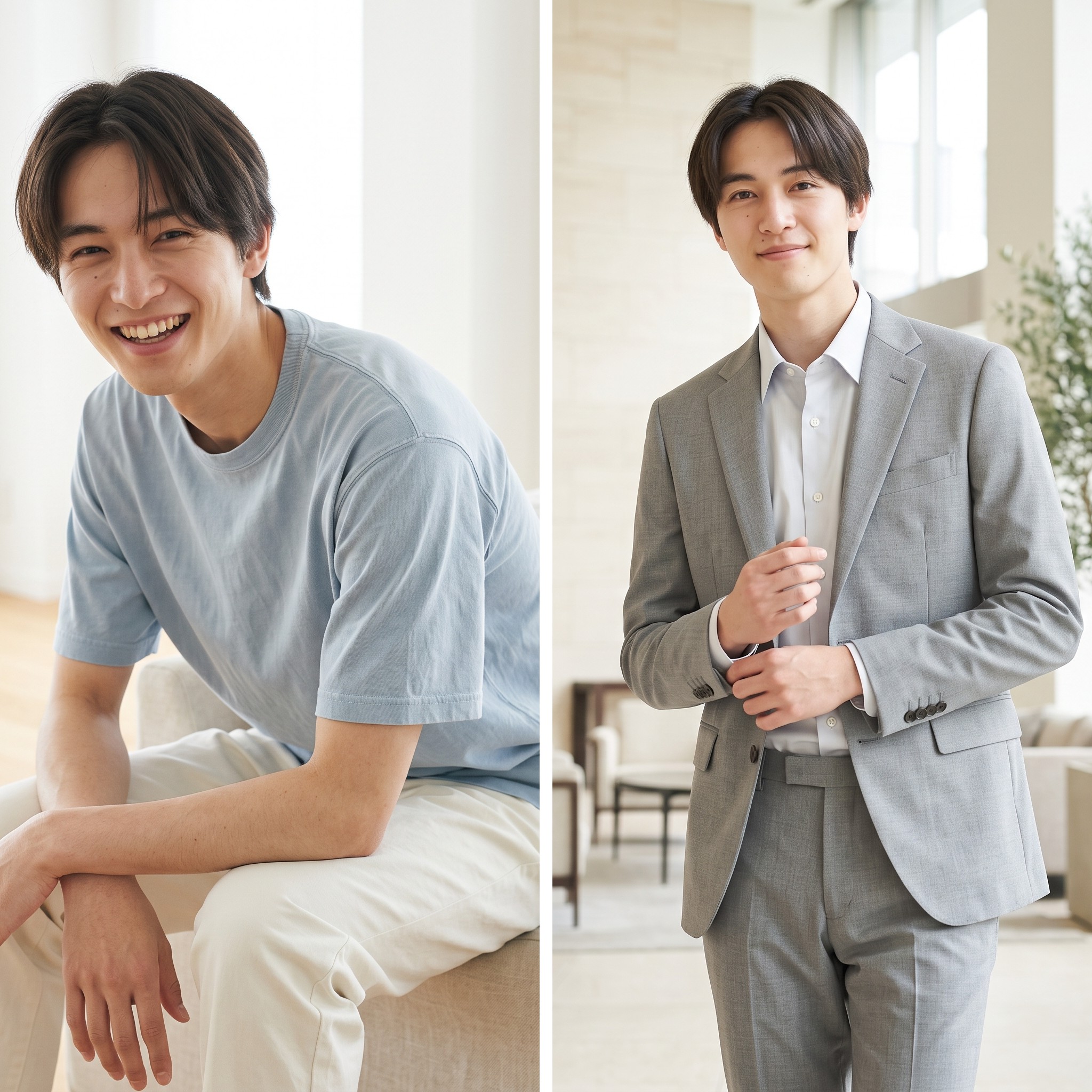
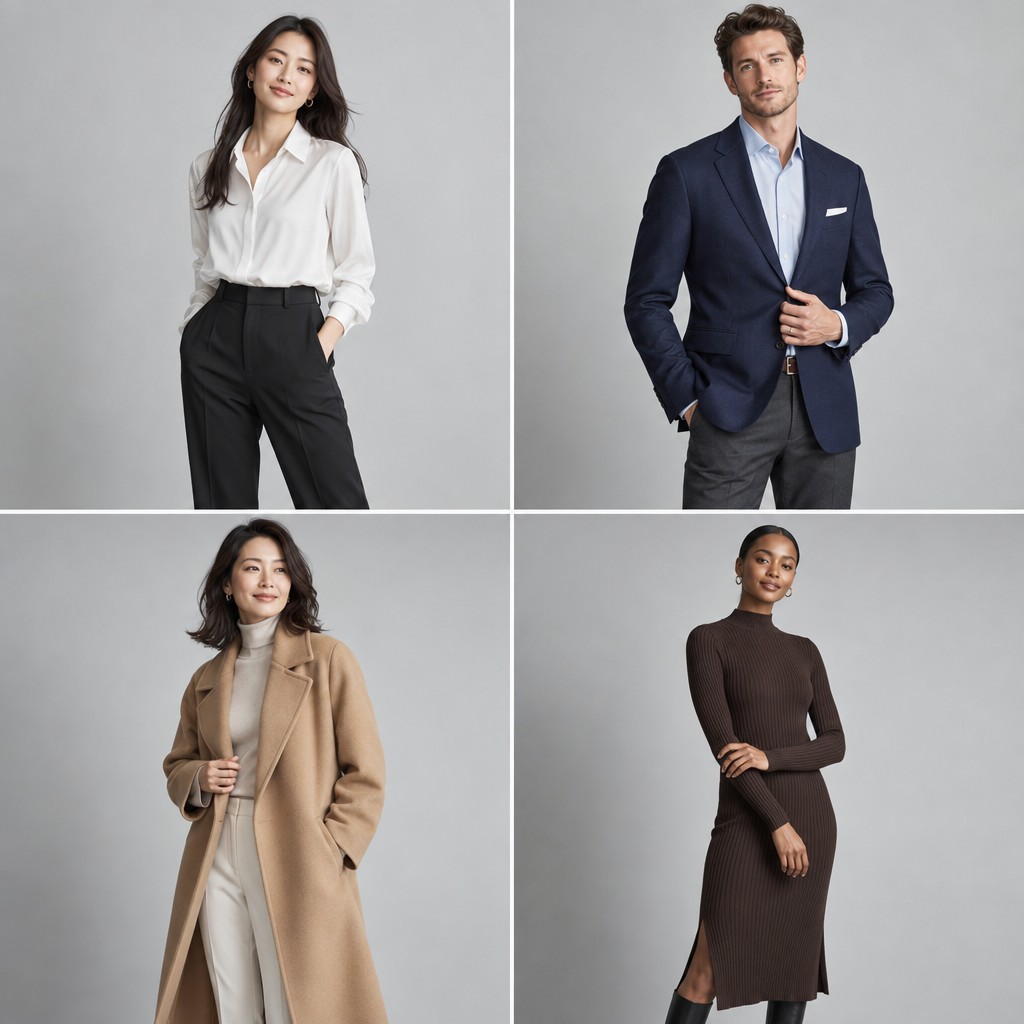
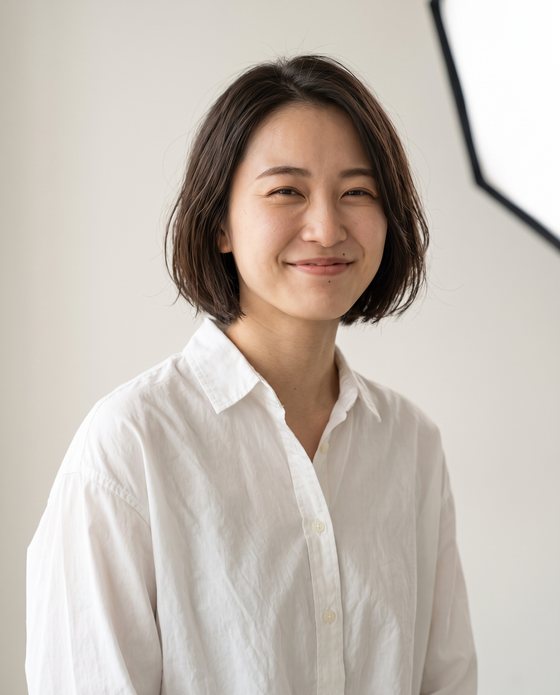
You do not have to choose from a fixed roster. We develop AI model options for your products, audience and brand each time, across different ages, genders and nationalities, as well as animal and plant shots. There is no fixed registered-model headcount; select from as many candidates as you like. If you are looking for fashion AI, we deliver wearing images and videos of AI fashion models as finished assets. AI fashion shoots start from a single product photo. Women or men, with the face, age and mood chosen to fit your brand. Unlike choosing from the roster of an AI model agency, we design the AI model for your brand each time.
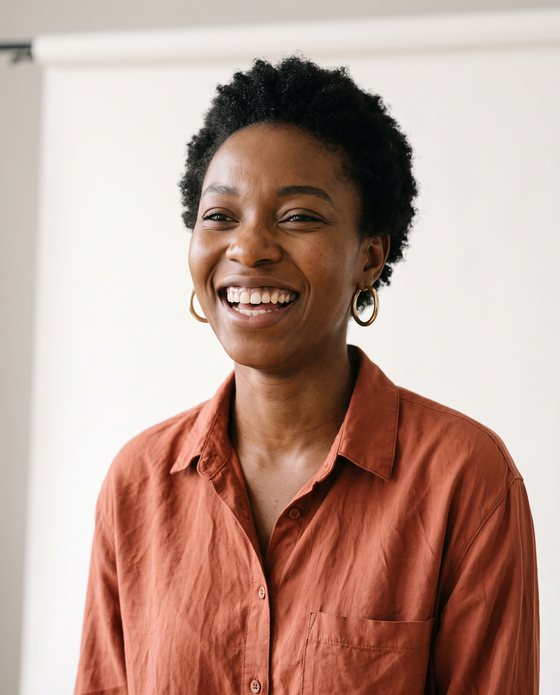
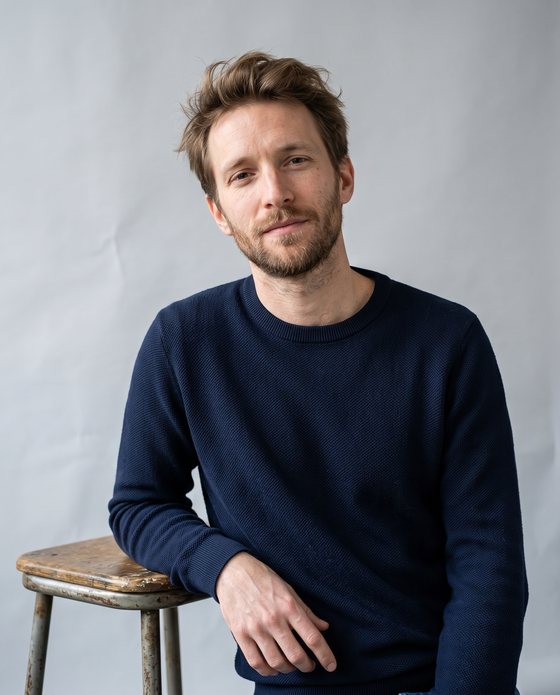
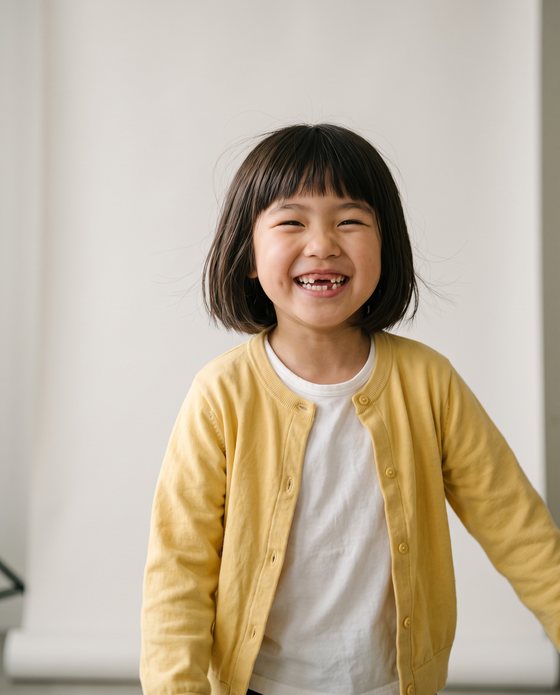
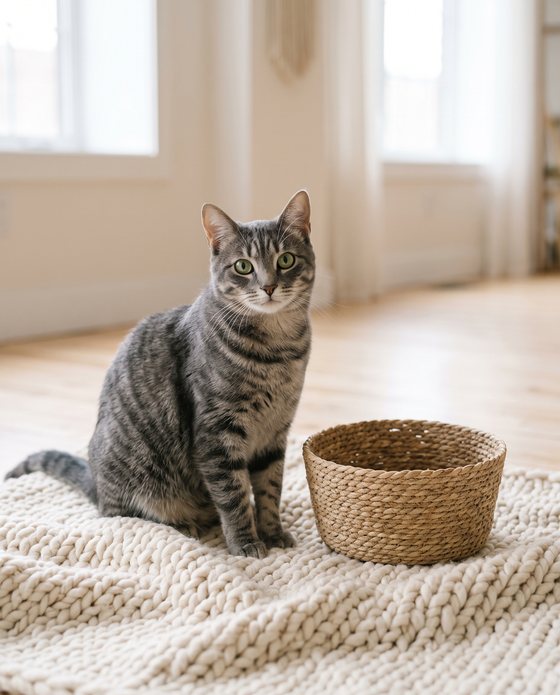
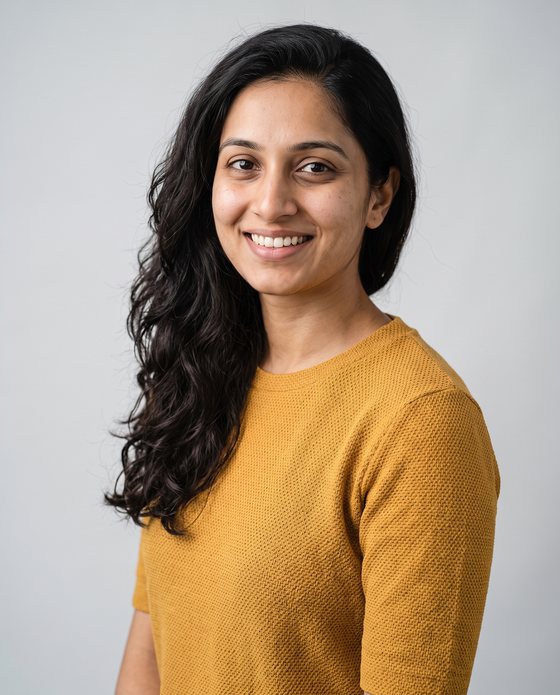
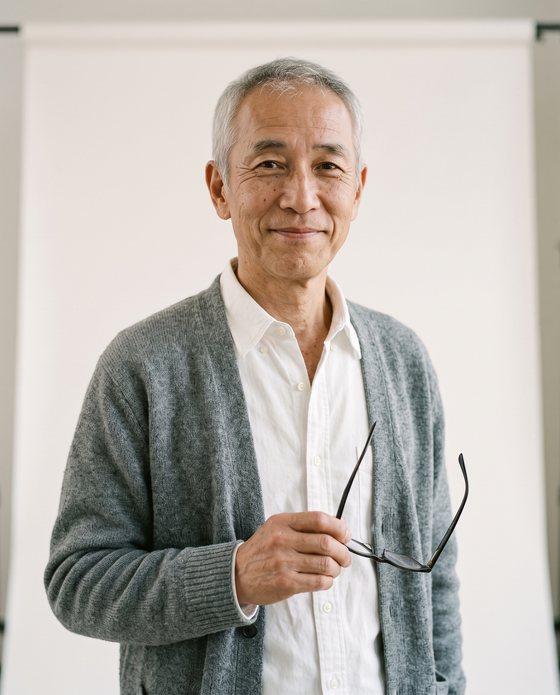
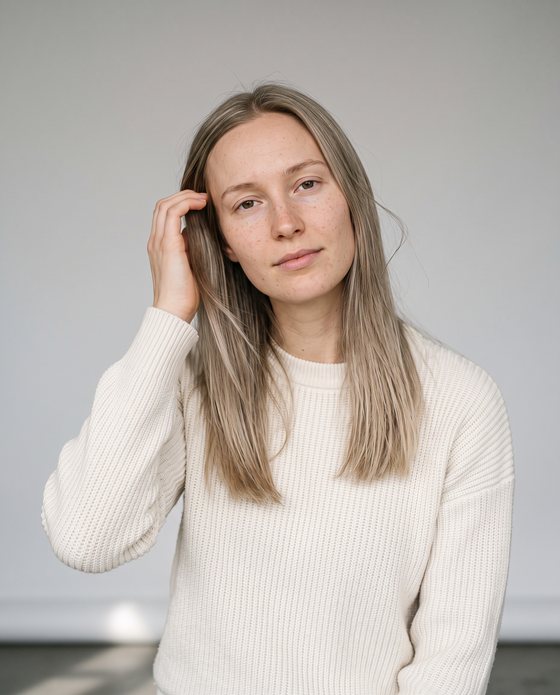
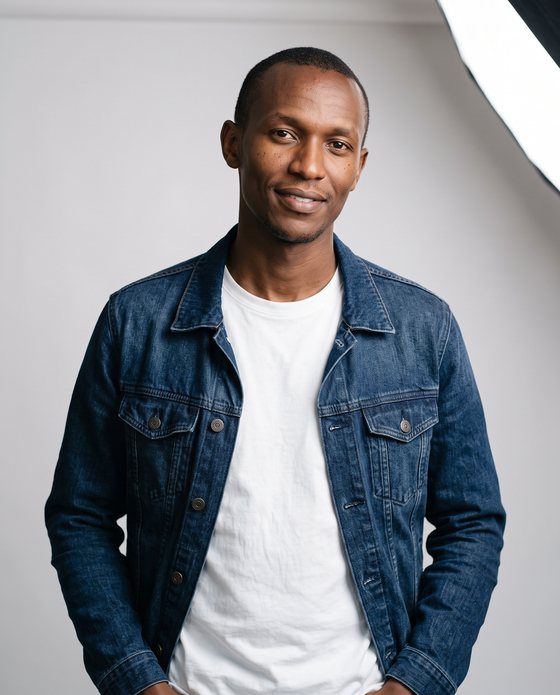
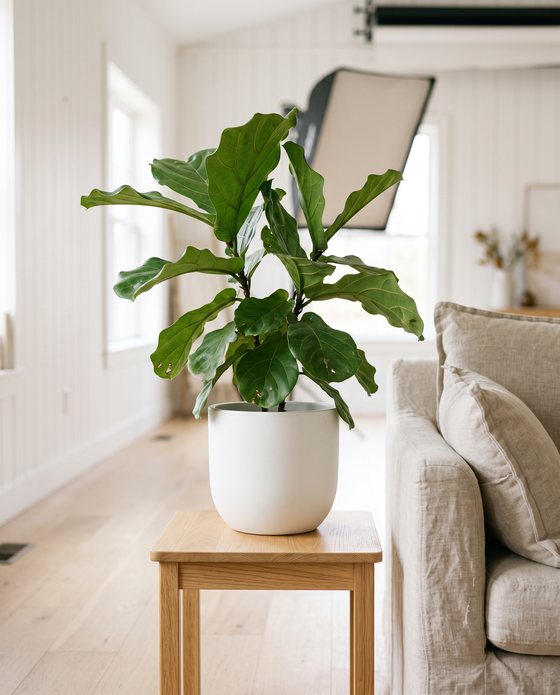
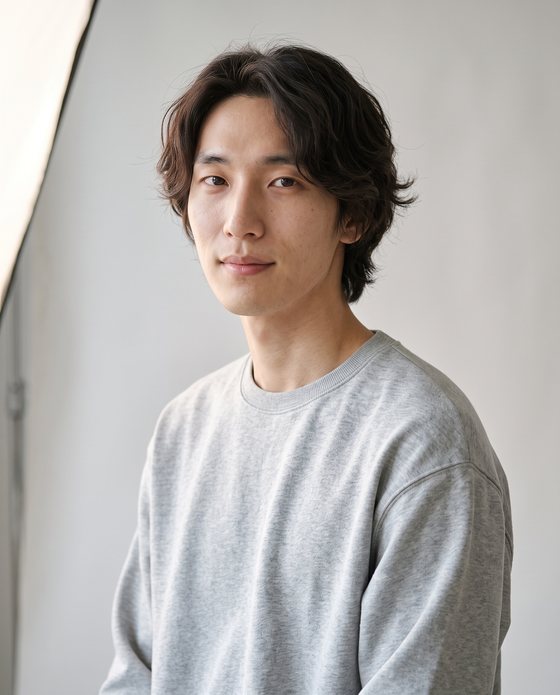
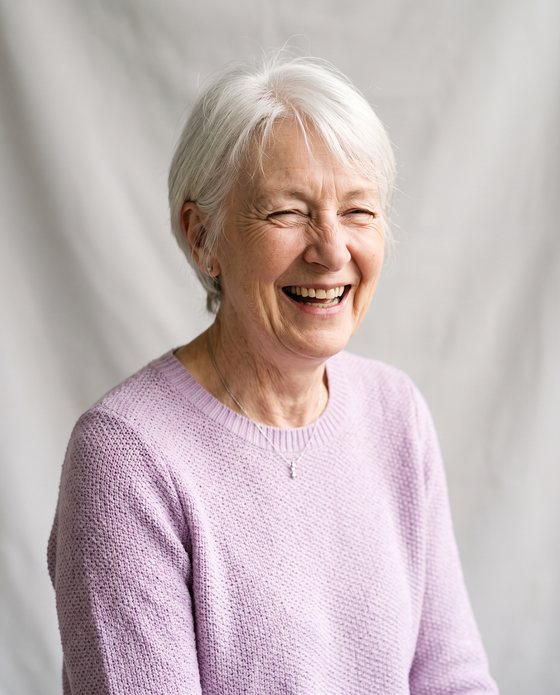
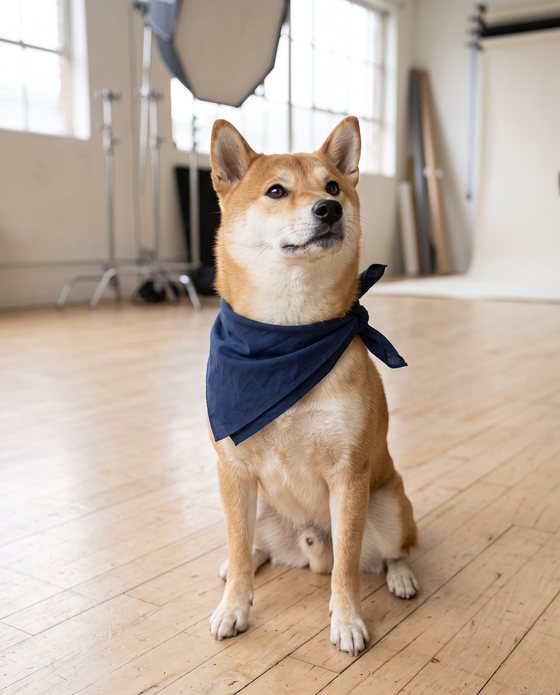
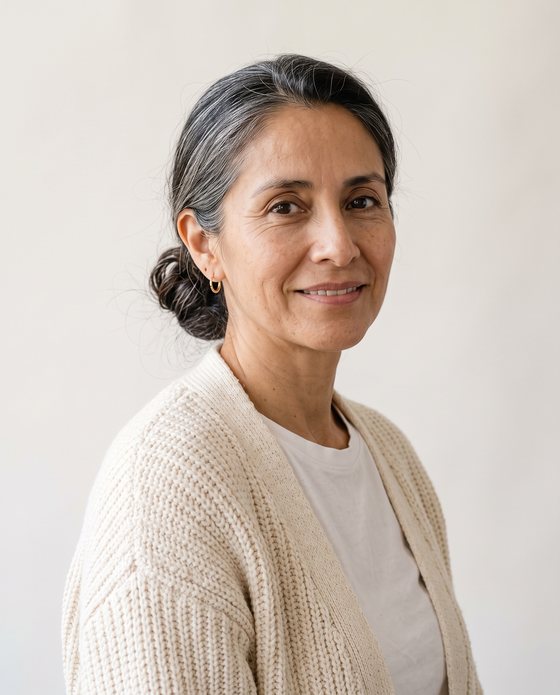
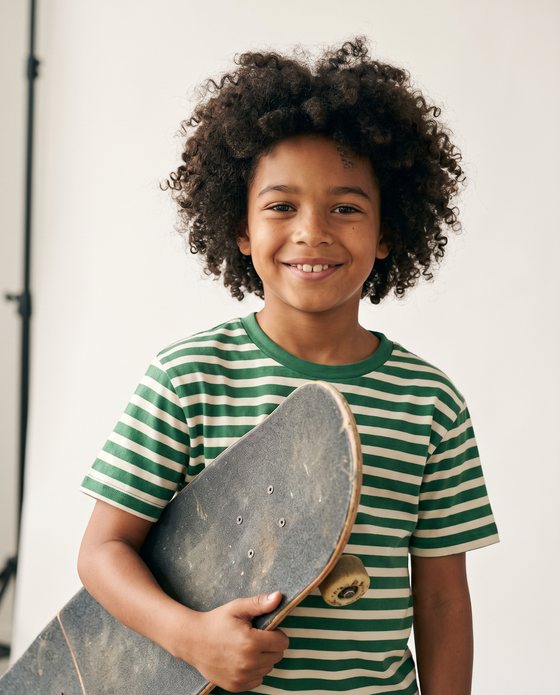
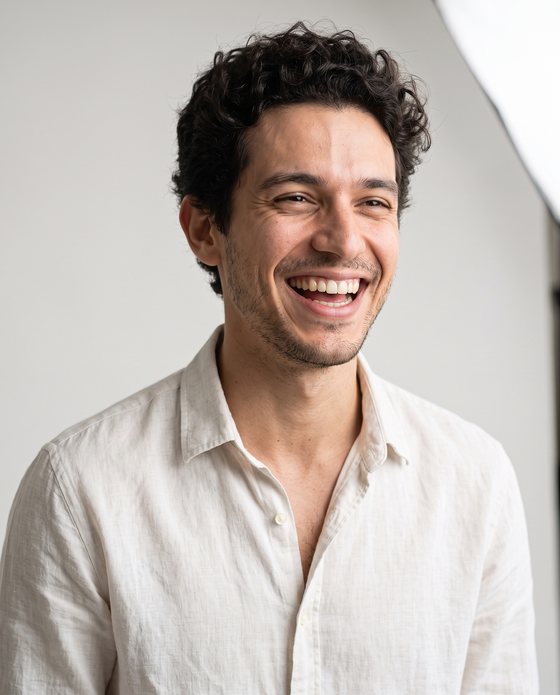
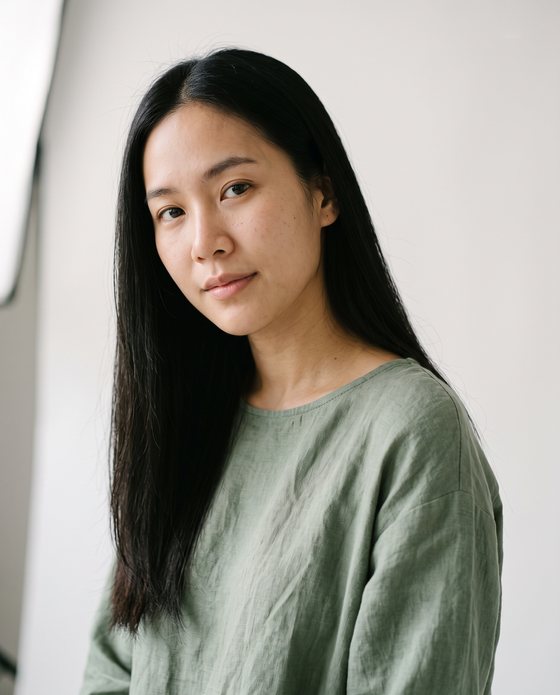
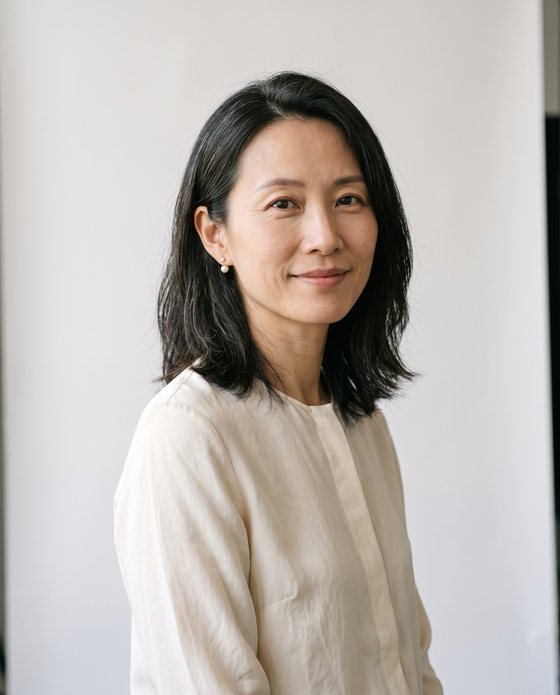
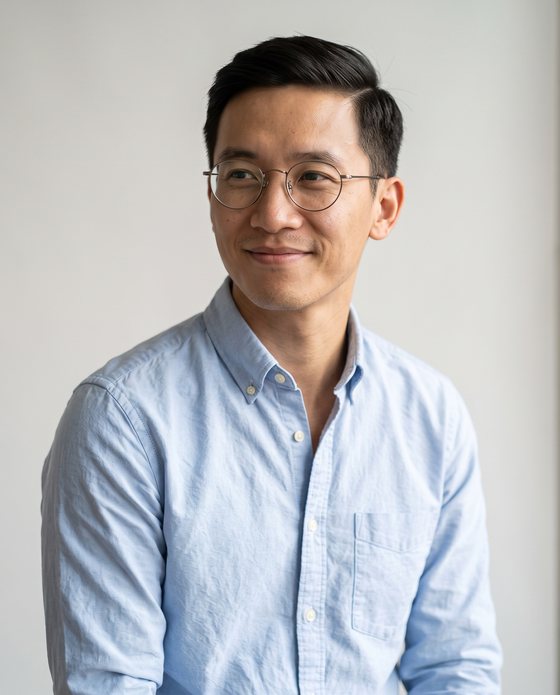
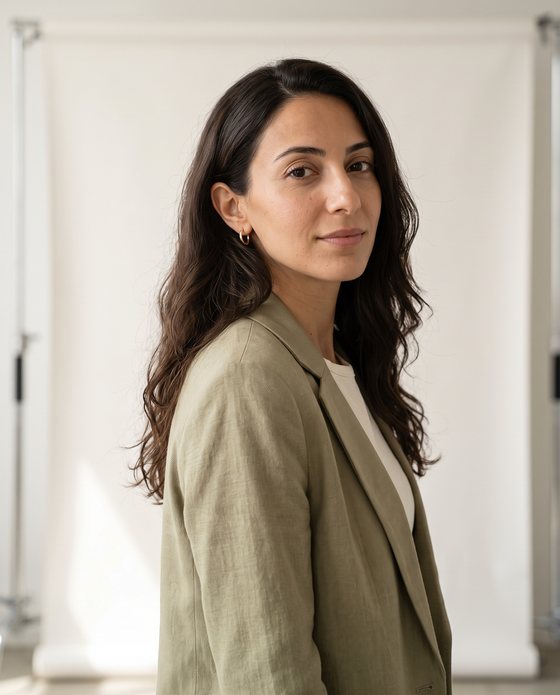
Define a dedicated AI model around your products, audience and brand identity.
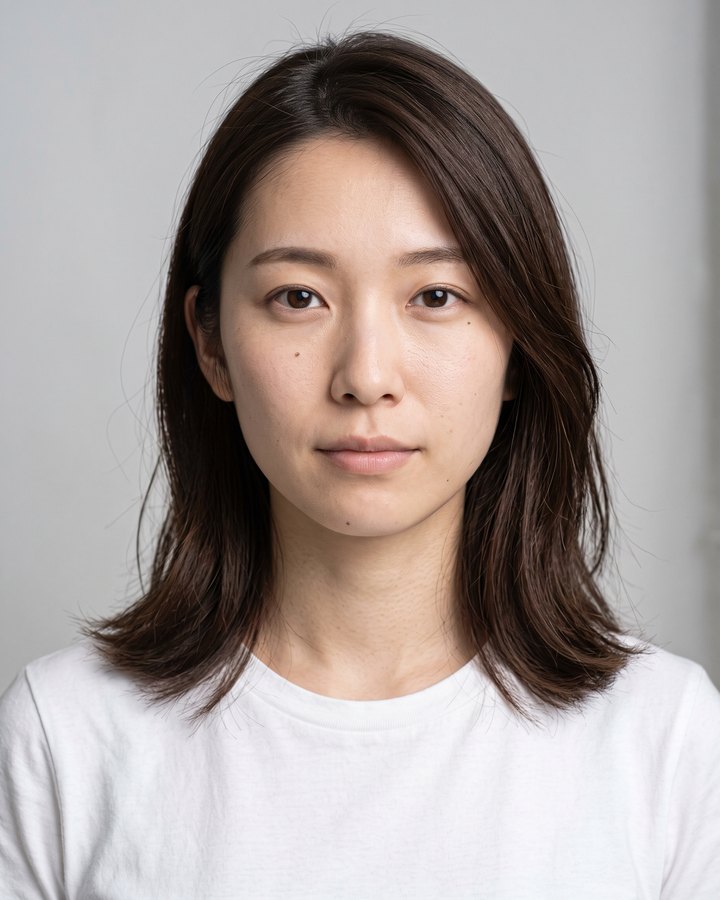 Selected
Your team chooses from candidates suited to the brief.
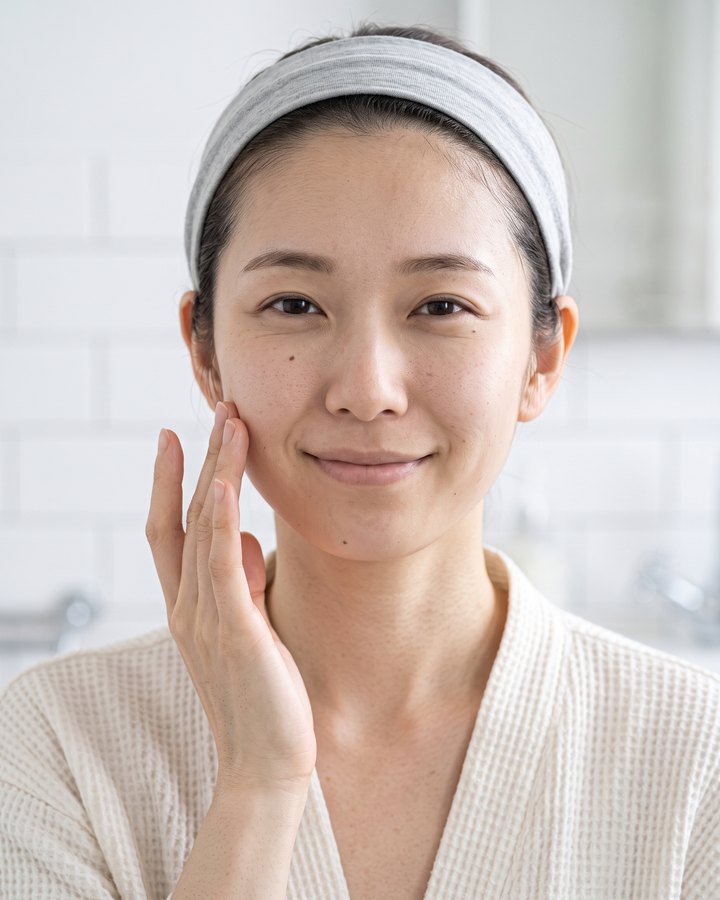
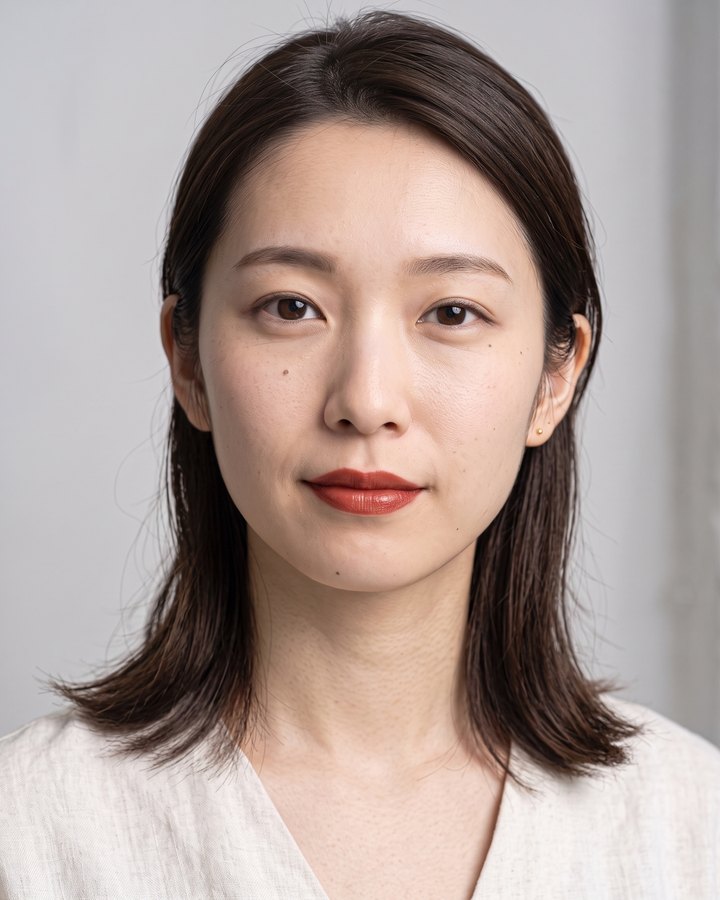
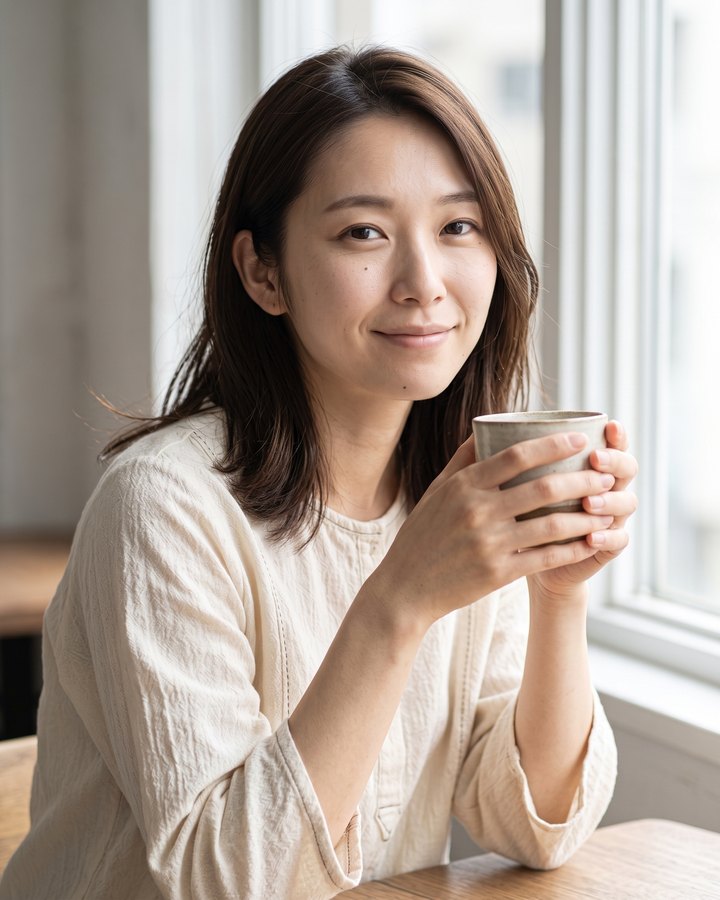
Your selected model appears in this project. Contact us about an exclusive model for ongoing use.How we maintain the same identity →Exclusive AI models are designed around your products, target audience and brand world. We also support generation using the face of a real person, such as a contracted model whose permission has been obtained.
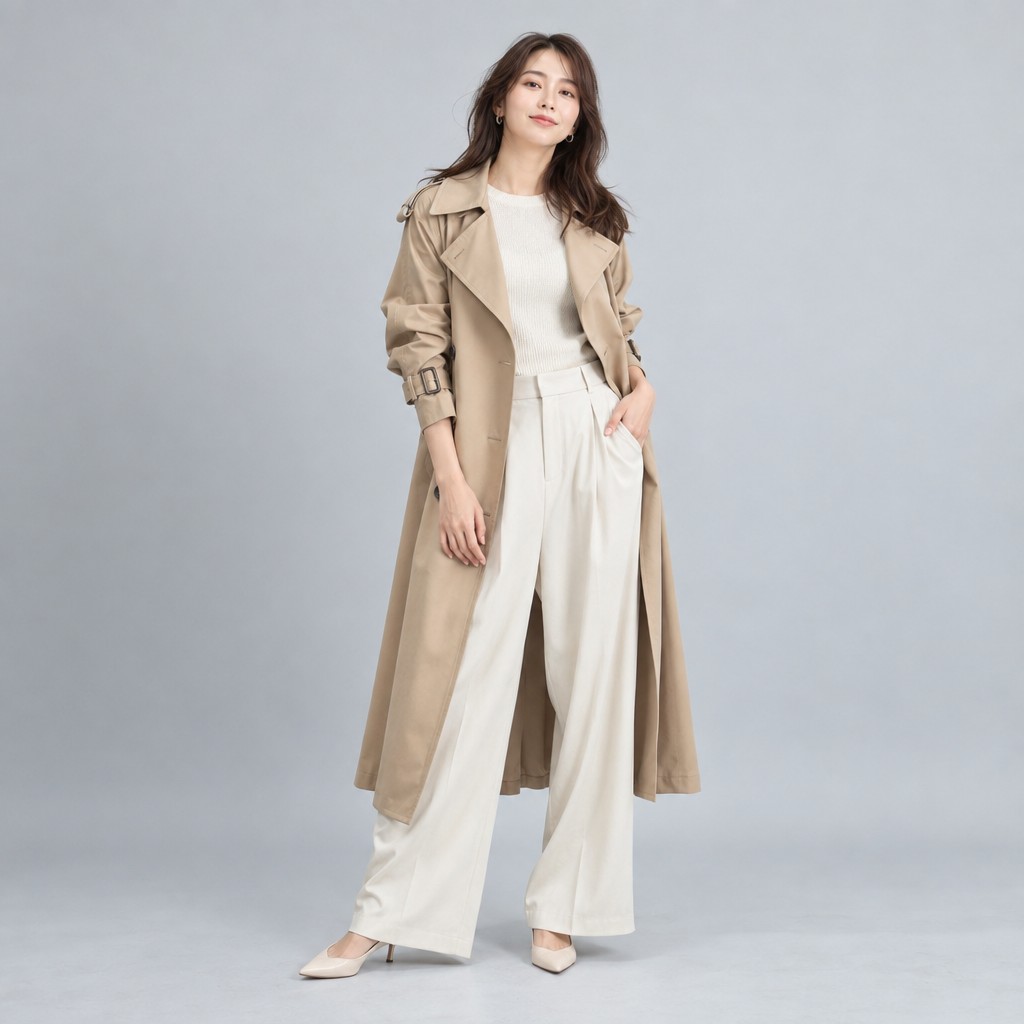
Our business-dedicated AI model service creates images of AI models wearing or using your products. AI-generated human models are sometimes called virtual models or AI talent. Provide product images and we develop model looks suited to your brand, with options across age, gender, nationality and mood. We handle the development of the model's appearance. AI model photos can be generated from a single product photo, with no new shoot, and full-body AI model images are supported too.
Prepare the views you need for launches, product pages and campaign banners, with different poses, expressions and backgrounds, and with no model casting or studio booking. Each project uses a model face that is not shared with other clients. There is no standard model fee, and delivered images can be used commercially without a time limit. For long-term, repeated use of the same model across projects, ask us about a brand-exclusive AI model.
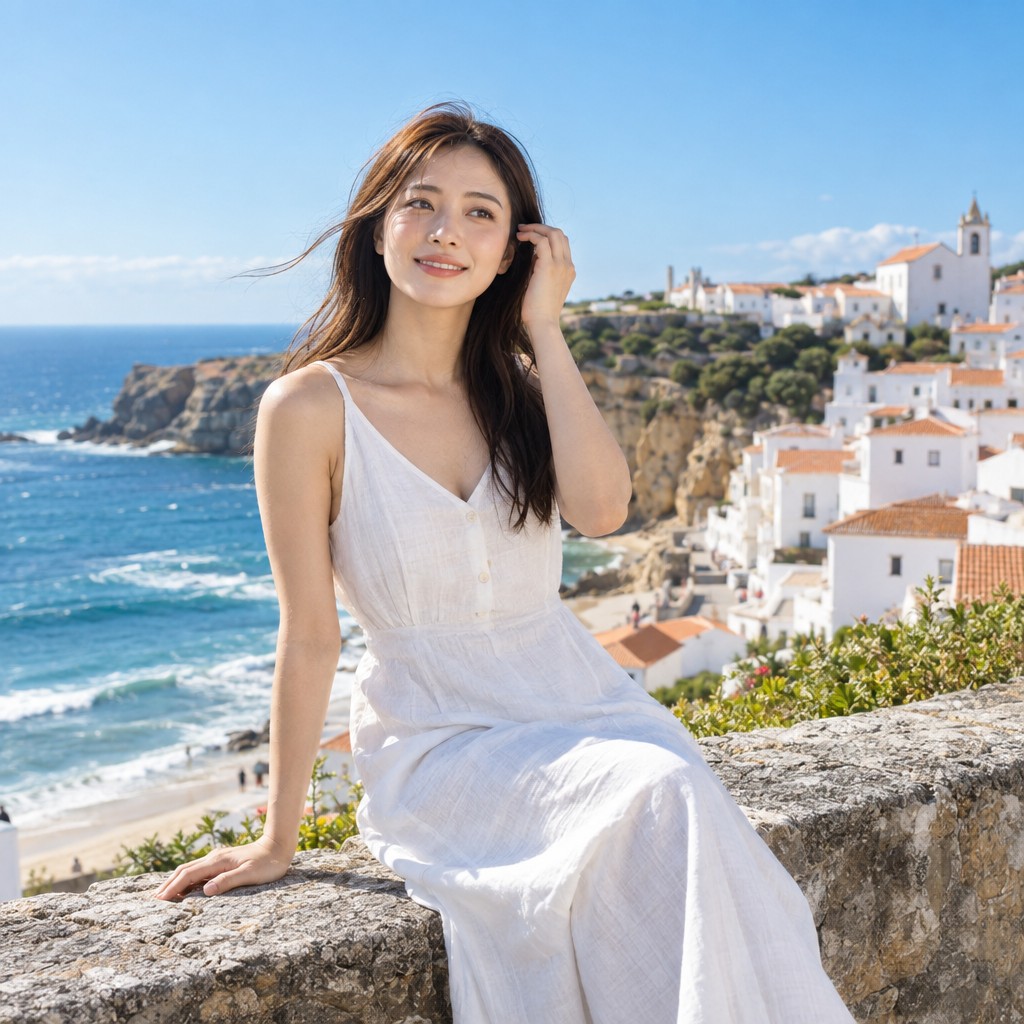
A brand-exclusive AI model gives your company an exclusive face. The same recognizable person can appear on the Portuguese coast, a Hawaiian beach or in a studio, becoming a lasting face for your brand. Like AI talent, the same AI model face can be used over time, with no need to re-cast for every shoot. A brand-exclusive AI model is not tied to a model's or talent's schedule and can be used continuously. Without going through an AI model agency to book models, you can prepare AI model wearing images that suit your brand from a single product photo. A brand-exclusive AI model, like AI talent or a virtual model, can be your own face across multiple projects. If you are looking for an AI model agency, start with a free sample to see how your AI model turns out.
Create the look of a faraway location without coordinating travel, model availability or weather. Keep catalogs, lookbooks, advertising and social media consistent without re-casting a model for every campaign.
Continue working with the same exclusive model across seasons and build a recognizable brand asset. Both the product imagery and the model's face are dedicated to your company.
Identity consistency is one of the hardest problems in AI product imagery. Different poses, cuts and production dates can subtly alter eyes and facial contours. wTransformer retains company-specific model references and compares facial appearance and body shape across cuts to support a consistent brand face.
Extend one approved reference into different products, compositions, seasons and video. The examples below were generated from the single central reference. Select an image to view an illustrative facial-reference overlay.
Reference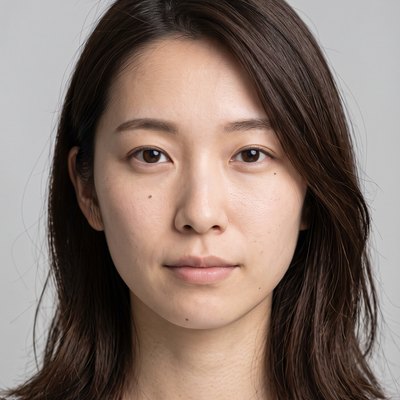
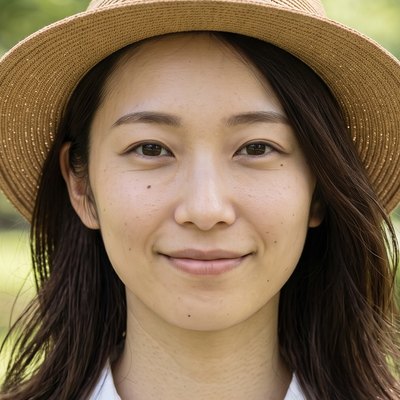
Facial landmarks in this image. Reference-face overlay, shown as an illustration of comparison.
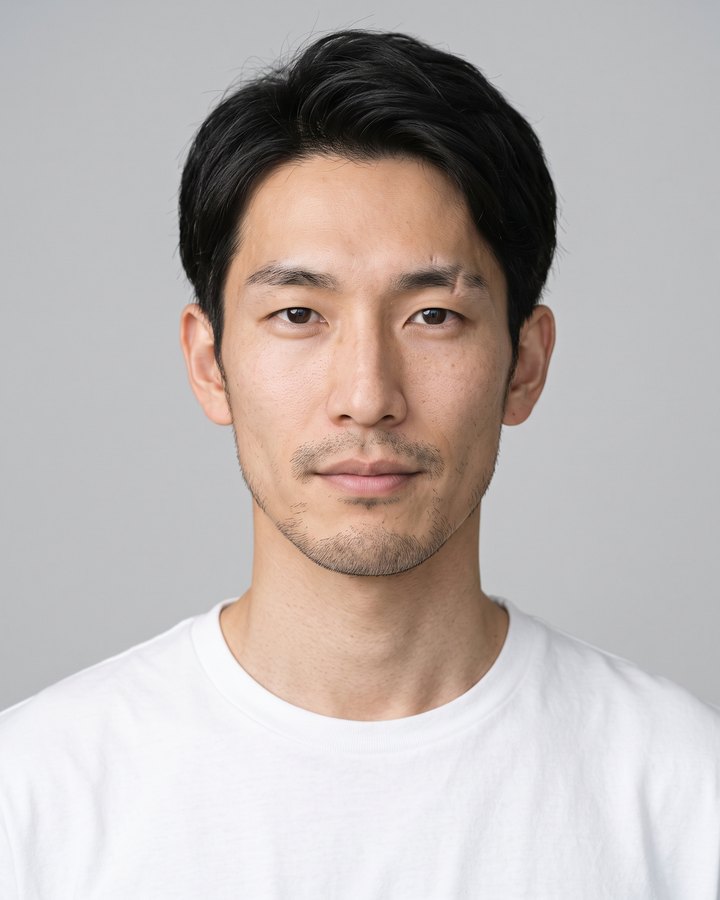 Reference
Approved facial features, body shape and hairstyle are retained as company-specific model data and used as references for new cuts.
Keep a recognizable model identity across online stores, social media, catalogs and video, even when the medium or framing changes.
Continue the same model impression from spring to autumn and build a recognizable brand face over successive seasons. Even when you use an AI model long-term like AI talent, the same AI model appears as the same person in AI ads and catalogs.
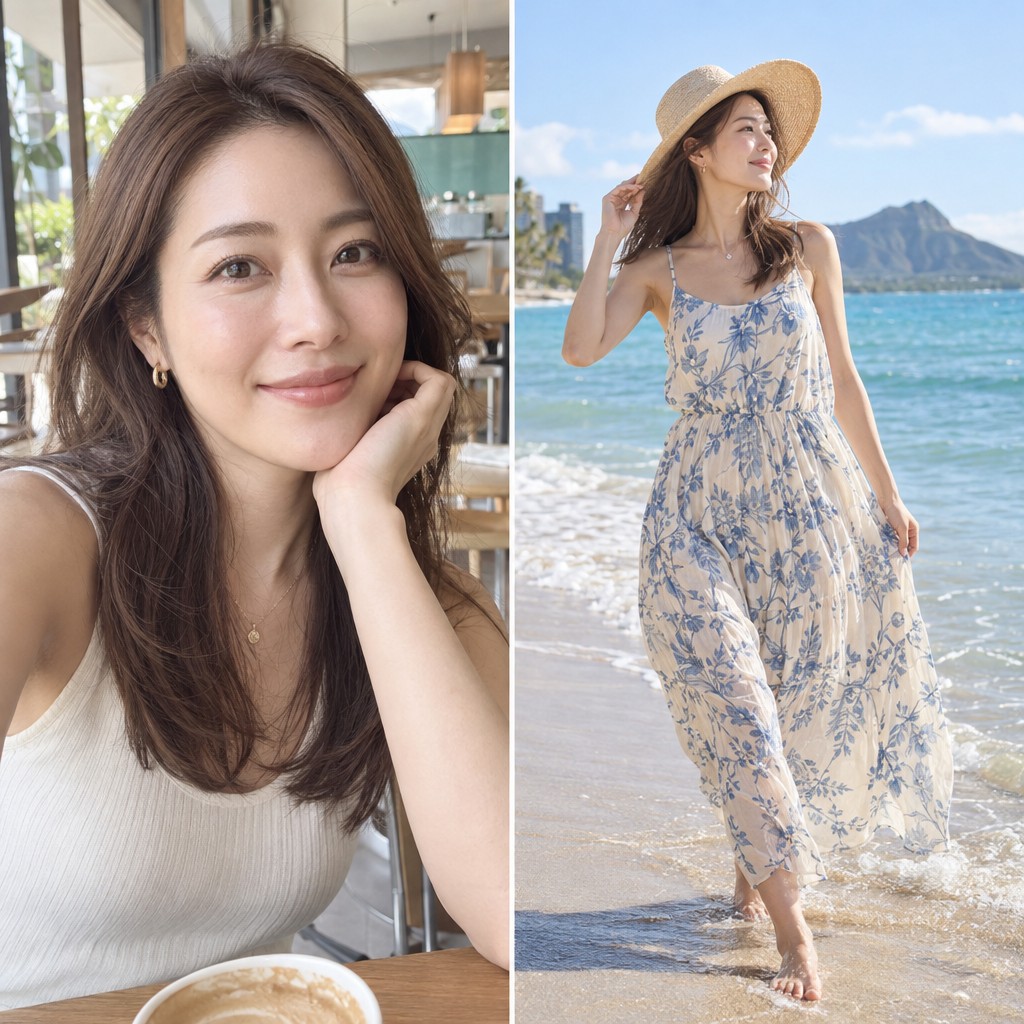
Create an AI model based on your own portrait. A fashion-brand distributor, for example, can appear wearing the clothing they sell or holding a featured drink in a promotional image.
From photographic scenes to fantasy and science-fiction visuals, place yourself on a Hawaiian beach or in front of historic architecture without traveling to the location.
Put a familiar face behind your promotion. For business owners strengthening their social presence, creators and influencers building a personal brand, an AI model based on your own face helps present products and services in your own voice.
Go beyond human models to animals, plants, objects and historical settings. Lifelike animal models can make pet products immediately understandable; natural environments can bring products inspired by plants and nature into focus.
Re-create a historical backdrop or a particular period to bring out a product's cultural context. Period settings work especially well for clothing, accessories and furniture associated with a specific era.
Turn a brand vision or story into distinctive AI-model visuals. Combine a photographic presentation with creative settings to support marketing and leave a memorable impression. AI ad materials that tell your brand story can also be created without a shoot.
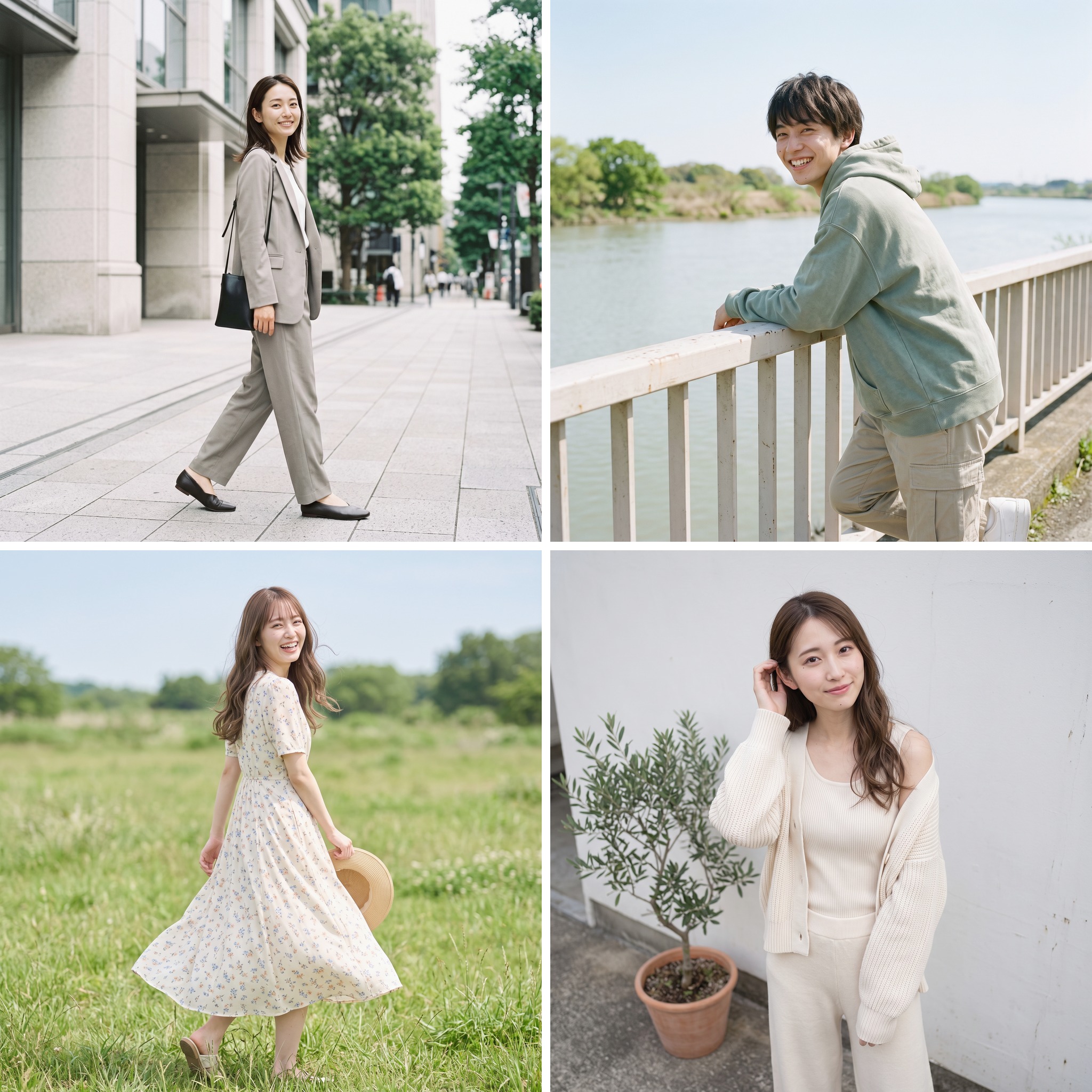
Formal, casual, bohemian or minimal: develop model imagery that fits the product and the brand. Present the same item differently for different audiences.
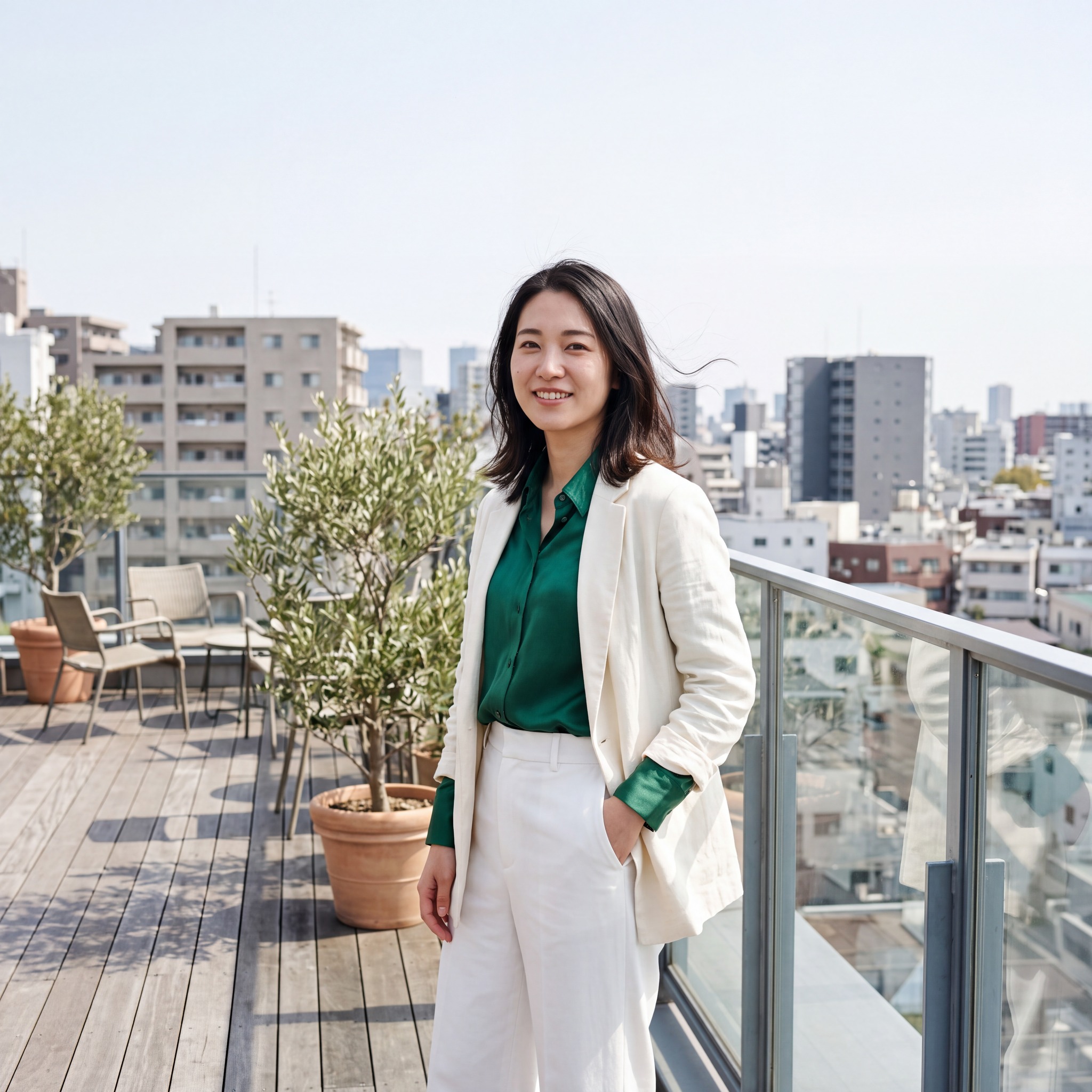
Choose a city skyline at night, a natural landscape or an imagined world. Audience-relevant settings help the product stand out in social feeds. AI ads for social media can also be created without a shoot, varying the AI model's background and mood.
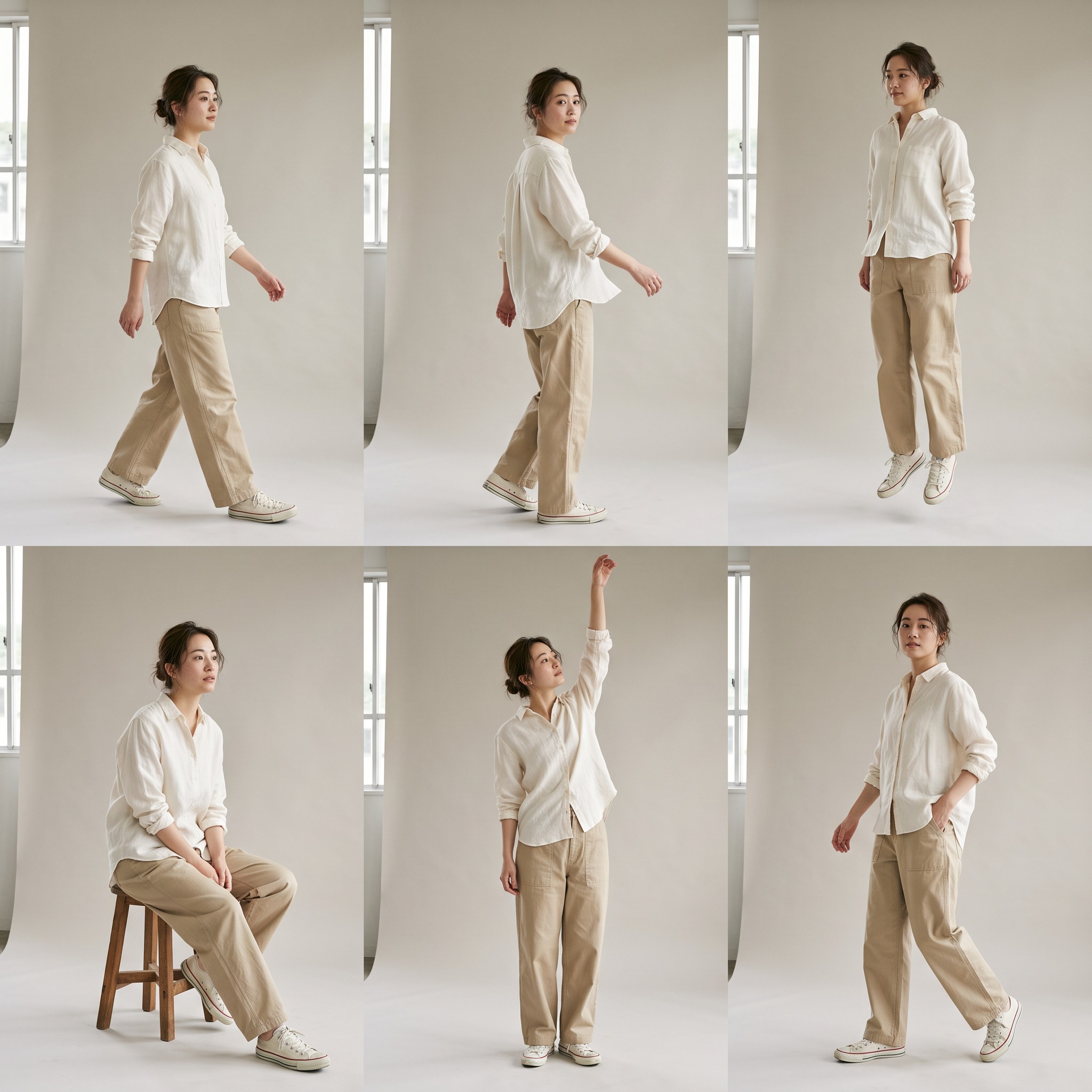
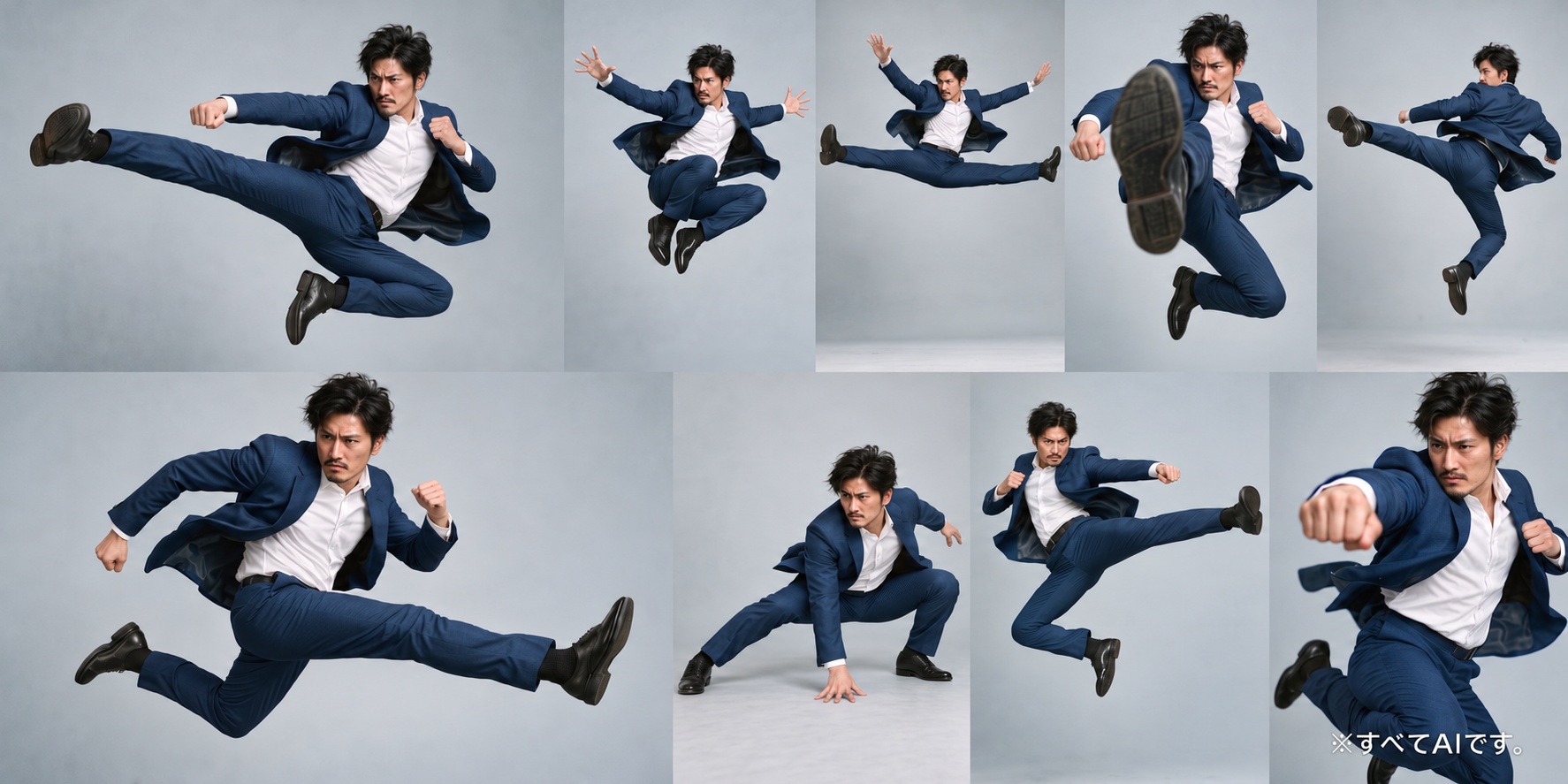
Keep the same model through a sequence from a run-up to a flying kick and landing. Show how suit fabric stretches and folds as the person moves, so the material remains part of the story.
Let's find the right way to use AI models for your business.
A complete AI advertising service, from on-model images to advertising visuals.
AI advertising
Go beyond AI model wearing images. wModel.AI creates campaign key visuals, faraway-location scenes, social-ad variations and seasonal promotions as one coordinated body of work. For AI ads, with no shoot to arrange, tell us about your product photos and requirements and we can create ad visuals featuring AI models.
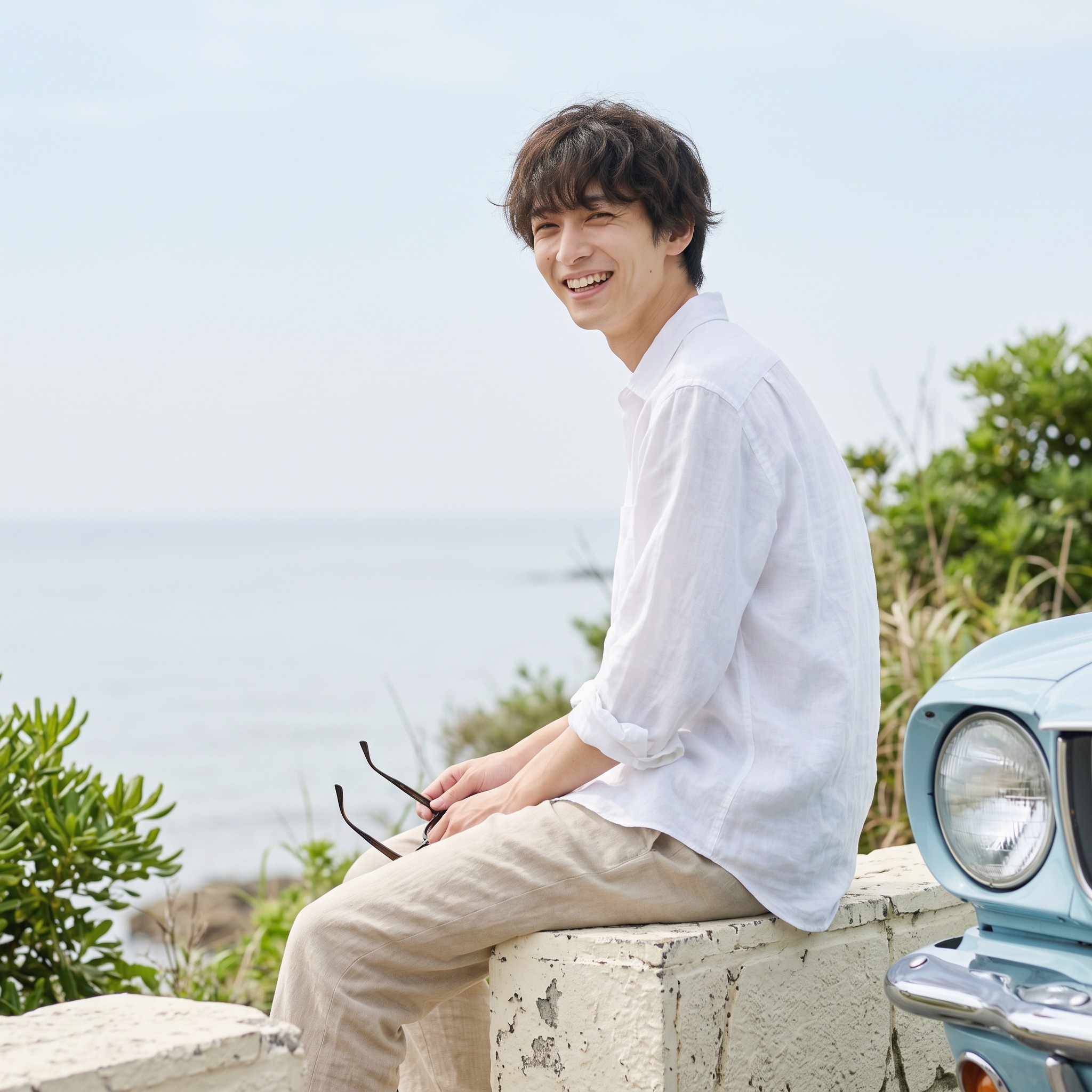
Create the visual that leads your campaign, with composition that leaves deliberate space for your headline.
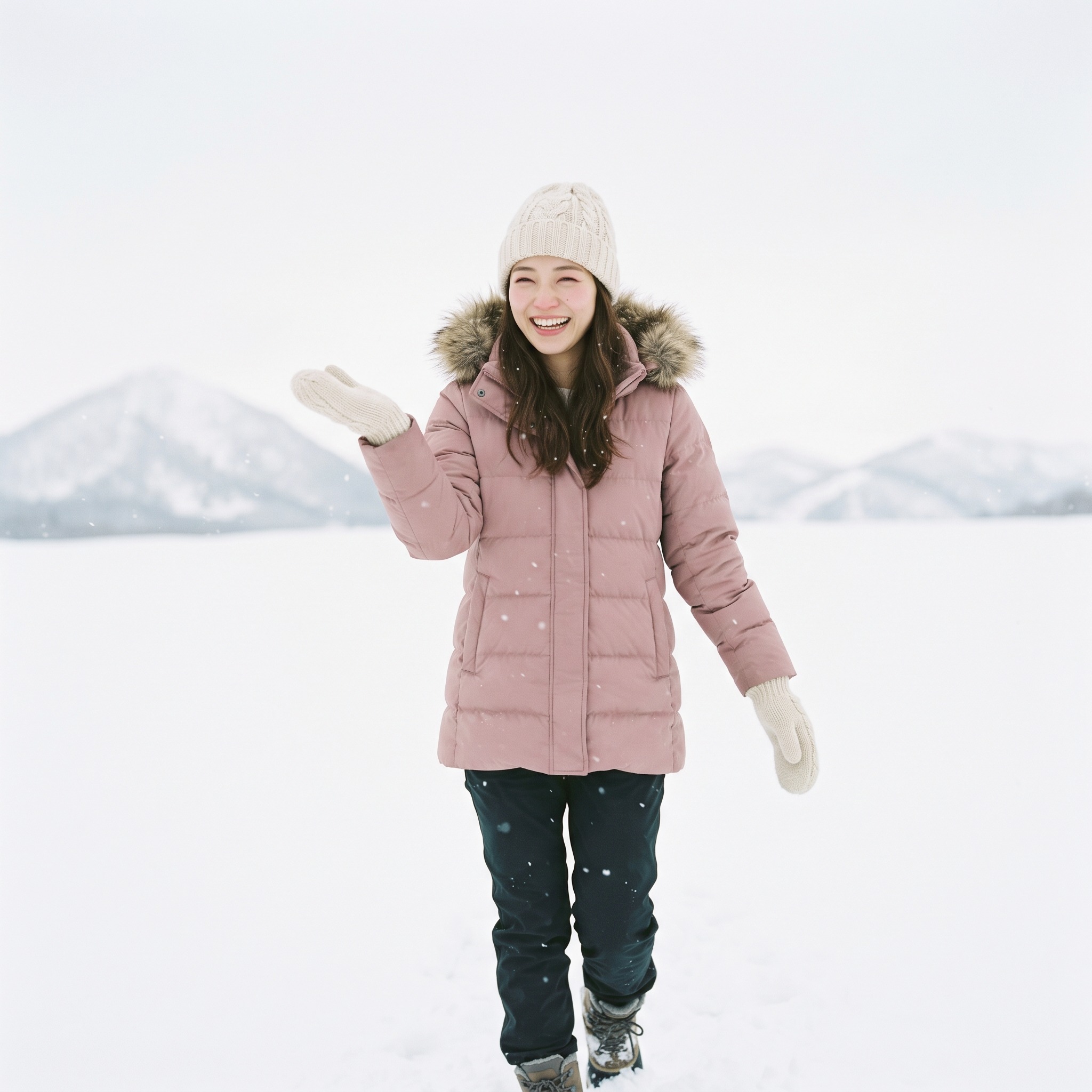
From an aurora-lit snowfield to a midsummer beach, create the scene your campaign needs without waiting for the right season.
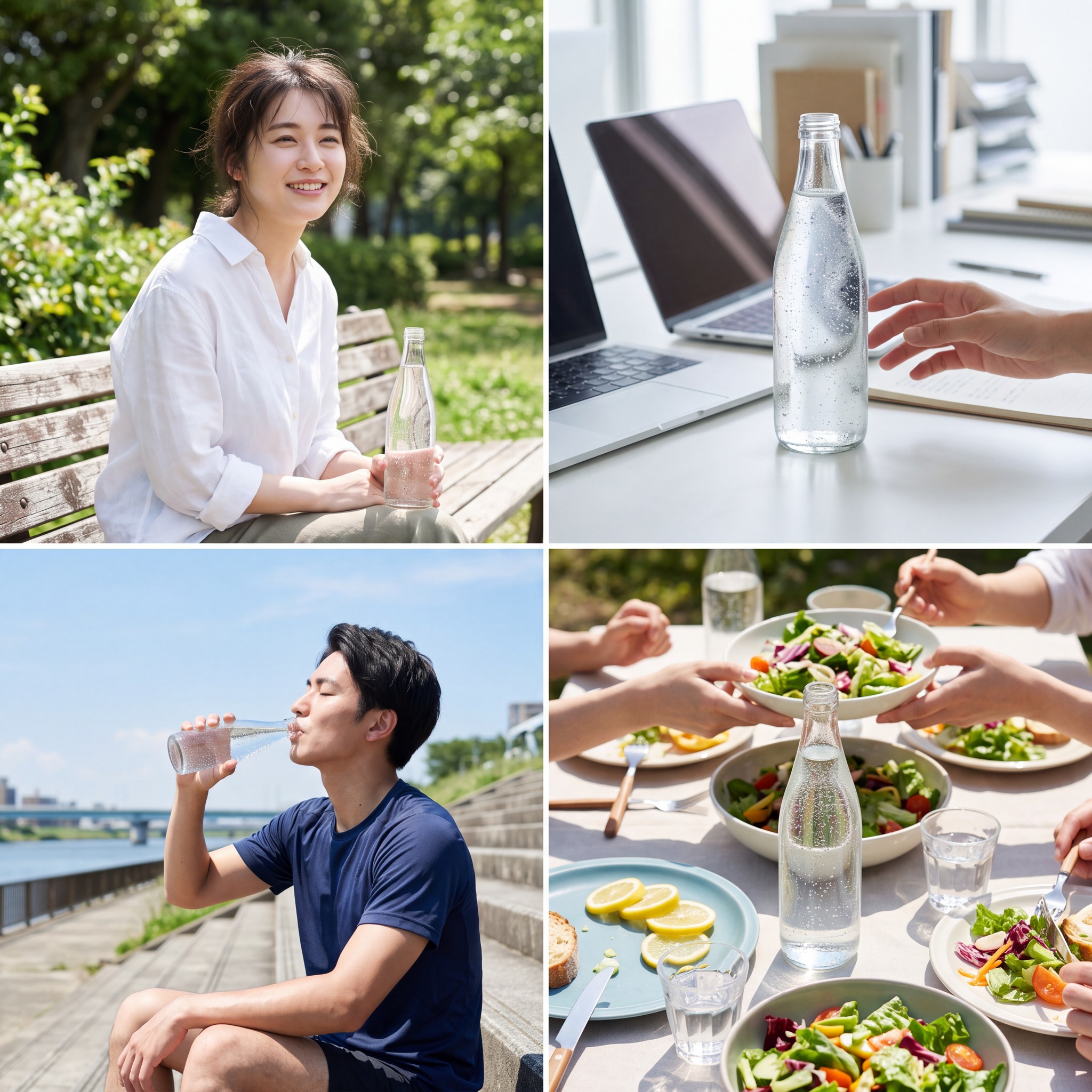
Explore multiple settings for the same product and prepare creative variations together for advertising tests.
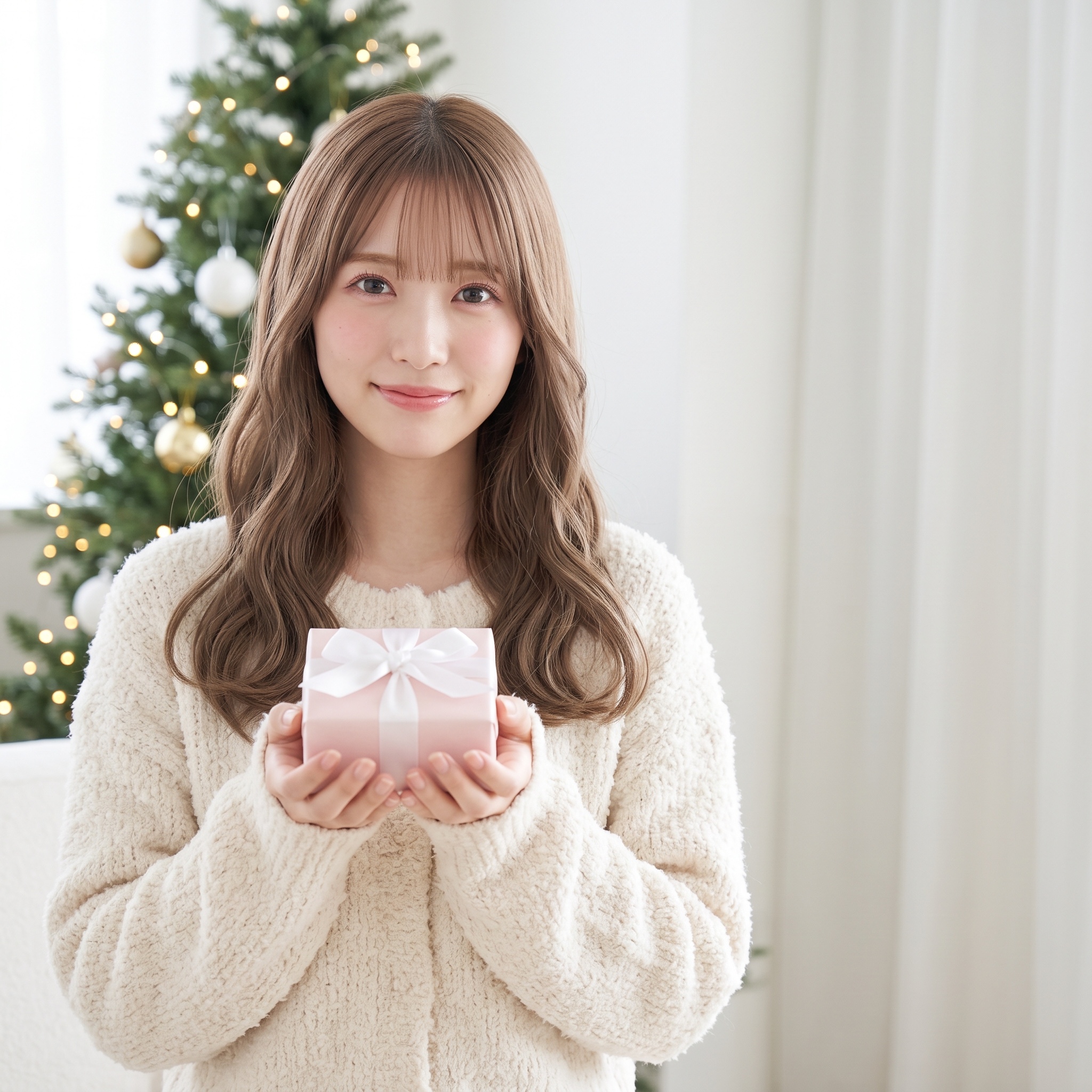
Christmas, summer sales and the start of a new chapter: prepare seasonal campaign images to match your promotional calendar.
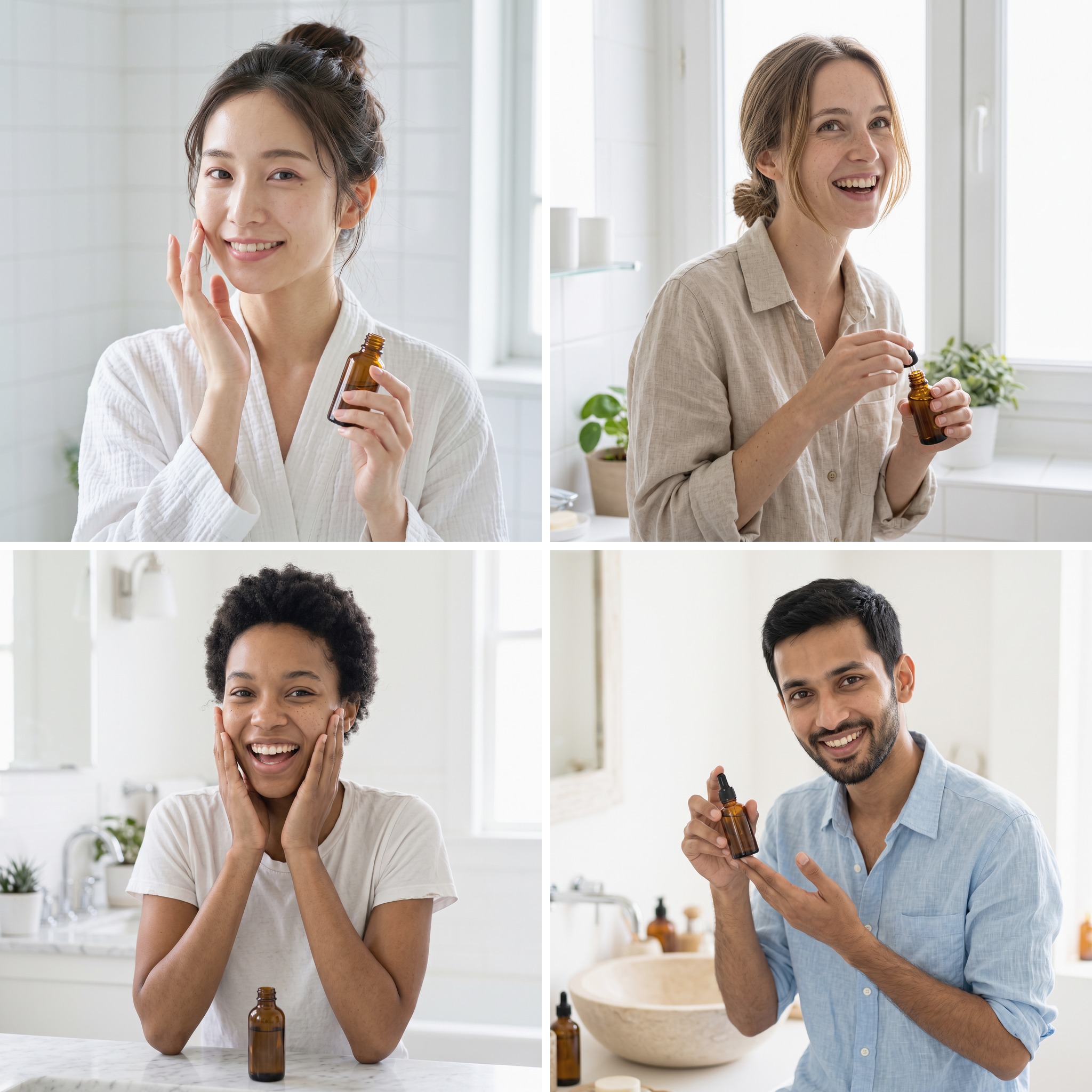
Adapt the same campaign with AI models suited to different countries and regions, supporting localization for international advertising.
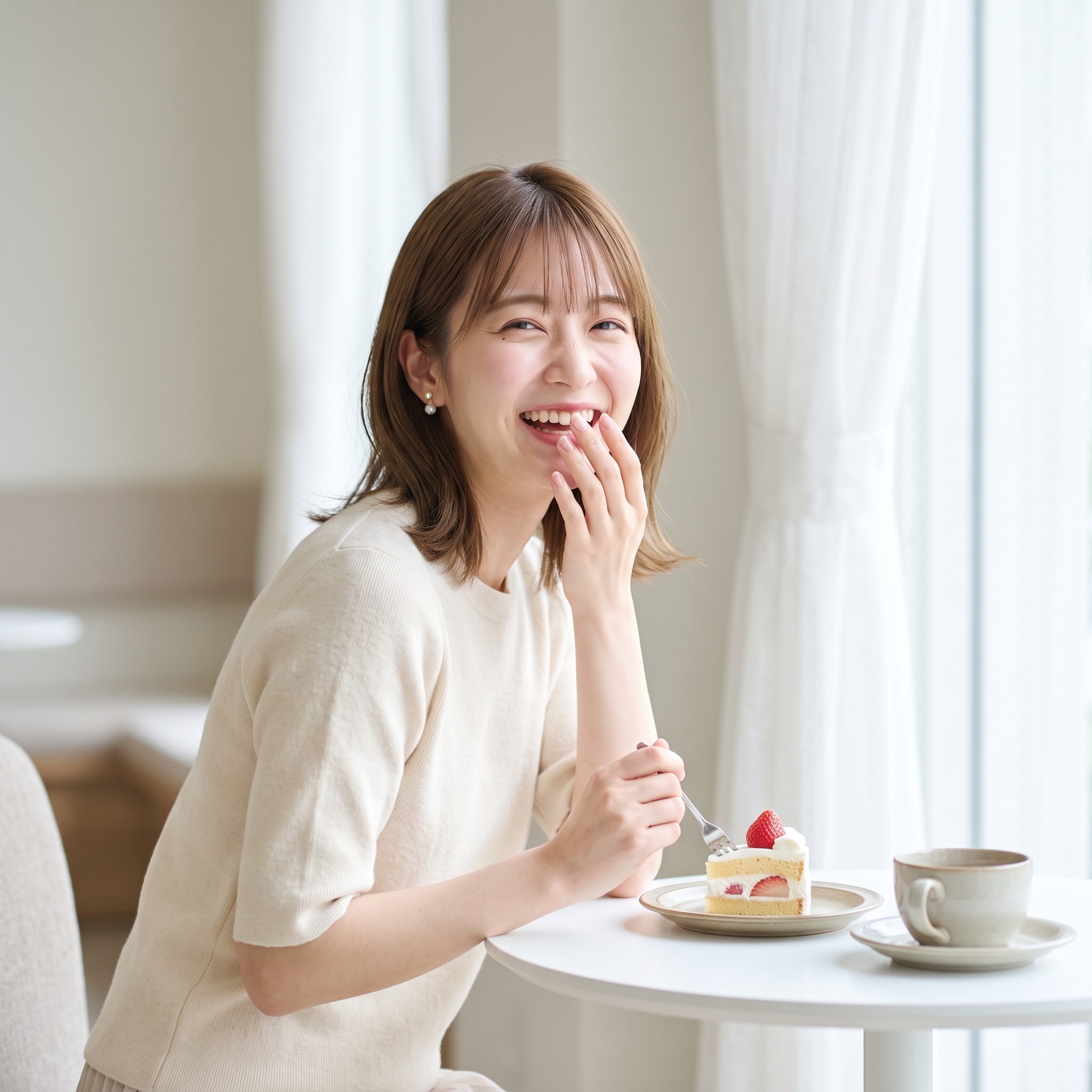
Advertising visuals for hospitality, restaurants, travel, beauty and other service industries are also available.
Tell us about your advertising project through the inquiry form. Hotels, restaurants, travel, beauty and other non-apparel industries are welcome to ask about AI ads too. For AI ad production, we handle everything from AI model images for ads to long-form AI video ads, from planning to finishing.
Requirements, AI generation and inspection of AI model wearing images, revisions, final review and delivery. wModel.AI handles the complete process. You don't need to learn how to make AI models or AI fashion models: from your product photos and requirements, we deliver inspected, finished assets.
wModel.AI is a B2B service that generates images and videos of AI models wearing your products from a single product photo. They are ready to use as-is for fashion ecommerce, social media and AI ads. Visuals for AI ads on social media and the web can also be created from product photos. The service replaces the effort and cost that went from arranging a model shoot to retouching afterward with generation from a single product photo. AI wearing images start from one product photo, finished as AI model images and videos that convey how the product looks worn. With AI model photography, you don't need to book models or a studio: one product photo becomes inspected wearing images and videos. If you are looking for generative AI for wearing images, we deliver images and videos of AI models wearing your products as inspected, finished assets. You can receive AI model wearing images without going through a model agency or an AI model agency.
One product photo. On-model images and video, ready for your brand.
From your product photos and requirements to images ready to use. New customers can request one free sample based on their product photos. We generate wearing images that put the garment from your product photo on an AI model. First-time customers can try one item free of charge.Bring your product images and requirements. wModel.AI handles generation, inspection and revisions, then delivers the approved image and video files. You don't need to look for a model shoot company or a studio: hand us your product images and requirements and we deliver finished AI model assets. They can also be used for AI ads.
Share product images, intended uses, quantities and the finish you want.
You and wModelCreate AI model wearing images and videos around the product and the brand's requirements.
wModelAI inspection and revisions, followed by final staff review.
wModelConfirm that the finished work meets the intended use and your requirements.
You and wModelReceive ready-to-use image and video files in the agreed specifications.
wModel → YouShare your product assets and requirements. AI engines handle production, an AI inspection engine checks generated images, and dedicated staff carry out the final review. Your dedicated wTransformer brings the process together, and wBoard lets you track progress. From e-commerce imagery to packaging, catalogs, posters and advertising video, we deliver finished, commercially usable work.
Next, see the process from your brief to delivery.
There is no need to learn a complex generation tool. Share your product images, intended use and requirements. AI organizes them into generation instructions, which our team reviews before generation begins. Generation, inspection, revisions and delivery follow in one connected process. To create AI model images and videos, you don't need to arrange a shoot, pay shooting costs or learn to operate generative AI tools.
Share requirements, product images and reference materials. We also use your project history and company rules to clarify the conditions for generation.
Send feedback and revision requests in the ongoing conversation. The project history and wBoard stay in sync.
After AI inspection and final human review, receive finished wearing images and videos in formats ready for your intended use.
Follow each stage from requirements review to delivery. Assets that do not meet inspection criteria return to the AI engine; only reviewed assets advance to the next stage.
Bring the brief and product materials into one project record, then align the production requirements with company-specific rules.
Generate the work using product information, approved reference images and brand standards. Multiple outputs follow the same criteria.
Check shape, color, logos, text, fit, hands, anatomy and brand rules against the source product. Return work that does not meet the requirements for revision.
Staff give automatically checked work a final review and share the approved version with you.
Receive finished files suited to your use, together with the review and approval history.
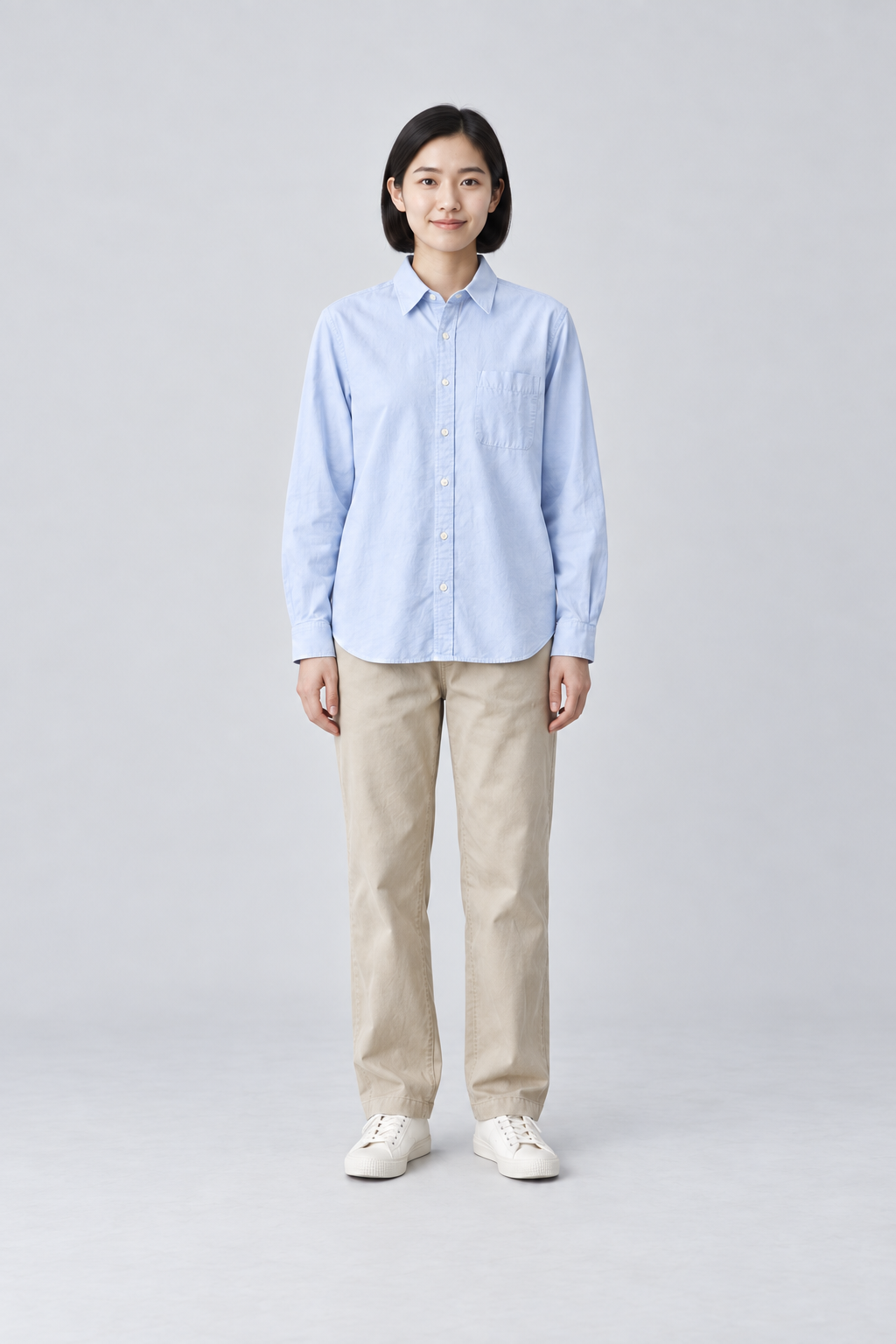
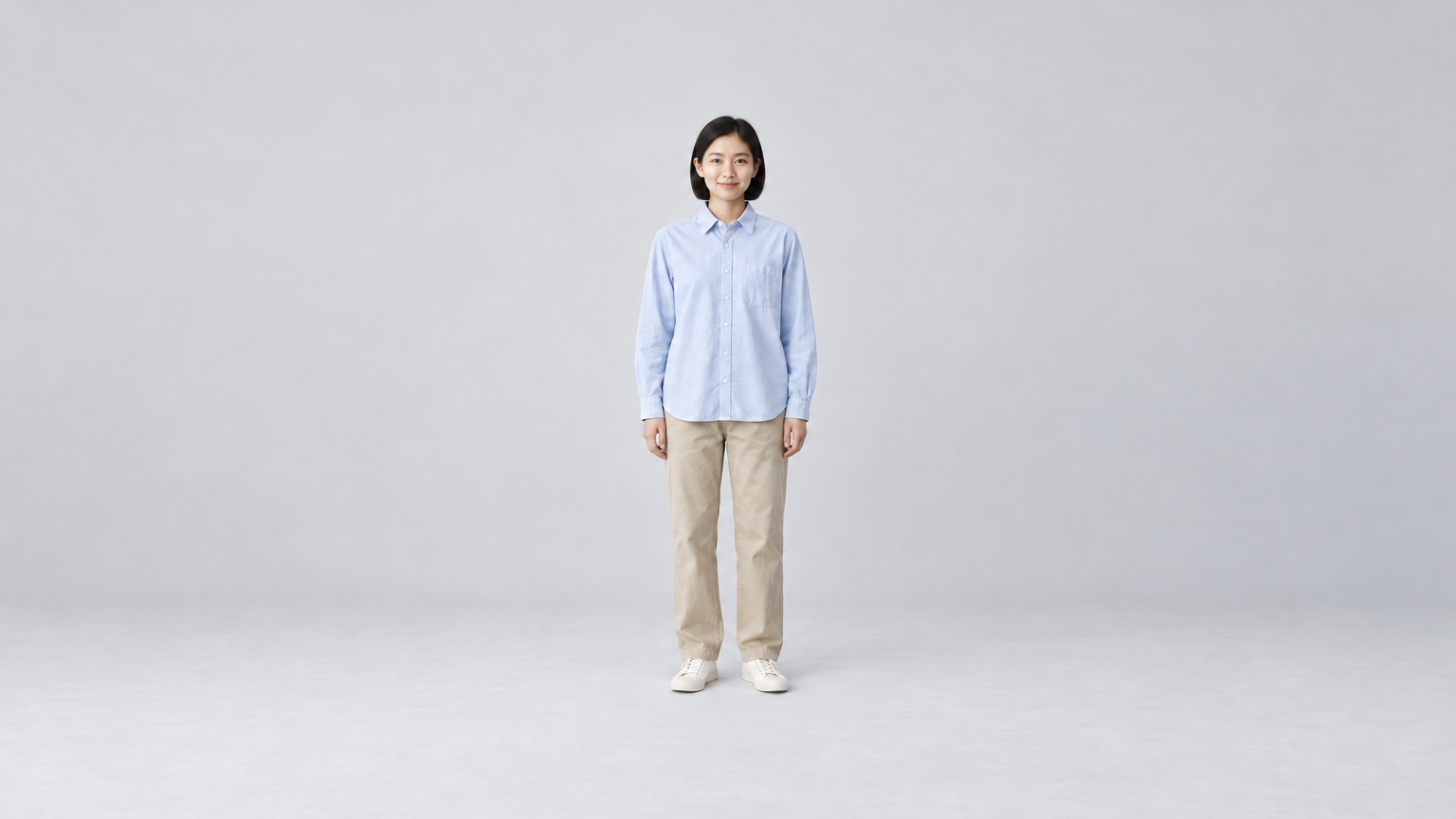
AI engines carry out image production. An AI inspection engine compares every generated image with the original product, and dedicated staff review the images that pass. Production, product checks and final human approval each have a defined role.
Using the brief and understanding developed through feedback, the engine connects composition planning, generation and refinement.
The AI inspection engine compares every generated image with the source product. Work below the agreed standard returns to production with the reason for revision attached.
Dedicated staff give AI-inspected images a final review, judging the overall impression, brand expression and suitability for commercial use. Only approved work moves to delivery.
| Typical image-generation service | wModel × wTransformer | |
|---|---|---|
| Client's work | Learn the interface and repeatedly generate and select images | Share requirements and receive ready-to-use finished assets |
| Production | Ad hoc generation with a shared general system | Production aligned with your requirements |
| Quality decisions | Each user judges the output | AI checks generated images against the product, followed by final staff review and approval |
| Learning from previous work | Repeat the instructions from scratch | Retain decisions for future projects |
| Larger commissions | Limited by the user's manual workload | Parallel production and two-stage review support larger workloads |
| Shared progress | Separate internal tracking needed | wBoard and notifications align stages, versions and approvals |
| Scope | Different providers for different media | One service for product and social imagery, packaging, catalogs, posters and video |
| What you receive | Raw material that you finish yourself | Finished commercial work, ready for its agreed use |
From everyday product images to detailed product visuals, high-resolution brand imagery and large-format print. Choose a plan for the intended use and finish.
Choose a plan for the finish you want.
Simple per-image pricing, with no standard setup or AI-model fee. Because our service does not do casting or studio shoots, those costs do not apply. There is no standard AI model fee either, and you can create images from $13 per image (excl. tax). There is no initial fee for starting to use the service.
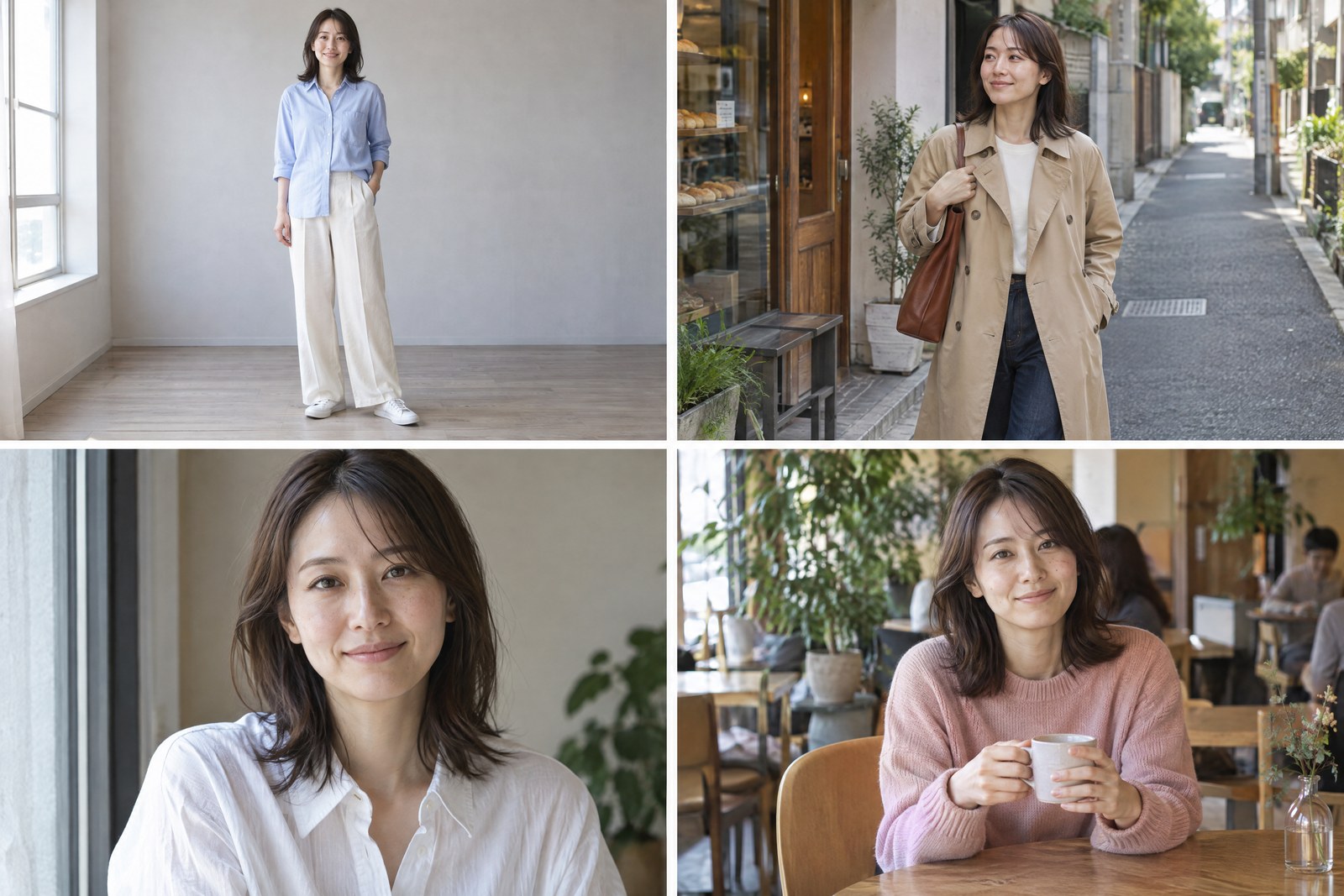 The same face, across every scene
| Plan | Image / piece | Image | Video | Up to 5s | Up to 15s | Up to 30s |
|---|---|---|---|---|---|---|
| Flash | $13 | 2K | 2K / 60 fps | $32 | $63 | $190 |
| Standard | $32 | 2K | 2K / 60 fps | $51 | $158 | $445 |
| Pro | $64+ | 4K | 4K / 60 fps | $126+ | $317+ | $943+ |
| Ultra | Quote | Quote | 4K+ / 60+ fps | Quote | Quote | Quote |
| Up to 5 seconds | $32 |
|---|---|
| Up to 15 seconds | $63 |
| Up to 30 seconds | $190 |
| Up to 5 seconds | $51 |
|---|---|
| Up to 15 seconds | $158 |
| Up to 30 seconds | $445 |
| Up to 5 seconds | From $126 |
|---|---|
| Up to 15 seconds | From $317 |
| Up to 30 seconds | From $943 |
| Duration and content | Contact us for a quote |
|---|
About the models
There is no fixed limit on the choice of models. We select a model for your requirements.
Video pricing
All prices, for both images and video, exclude tax. Video prices are per clip. Duration is rounded up to the next listed bracket: an 8-second video uses the up-to-15-second price; a 20-second video uses the up-to-30-second price. Free revisions also apply to video.
Currency
Prices are shown in US dollars and exclude tax. The actual settlement currency and amount are as stated in the quotation. This is the price of a finished product with guaranteed quality: every image is checked by AI inspection and given final approval by dedicated staff before delivery. It is not like a generation tool you operate yourself, where the result is a matter of luck.
Explore applications for your business, customer examples and answers to common questions before you commission a project.
For e-commerce businesses, manufacturers and promotion teams.
Compete through better images, beyond price alone. Make the same sourced product stand out with AI model wearing images that fit your store's world, without relying on a discount.
Give wholesalers, retailers and customers more ways to see a product's appeal. AI-model images from different angles support broader, faster distribution.
Bring ambitious ideas to life, faster and with fewer physical production hazards, with AI model images and videos made from product photos for each use.
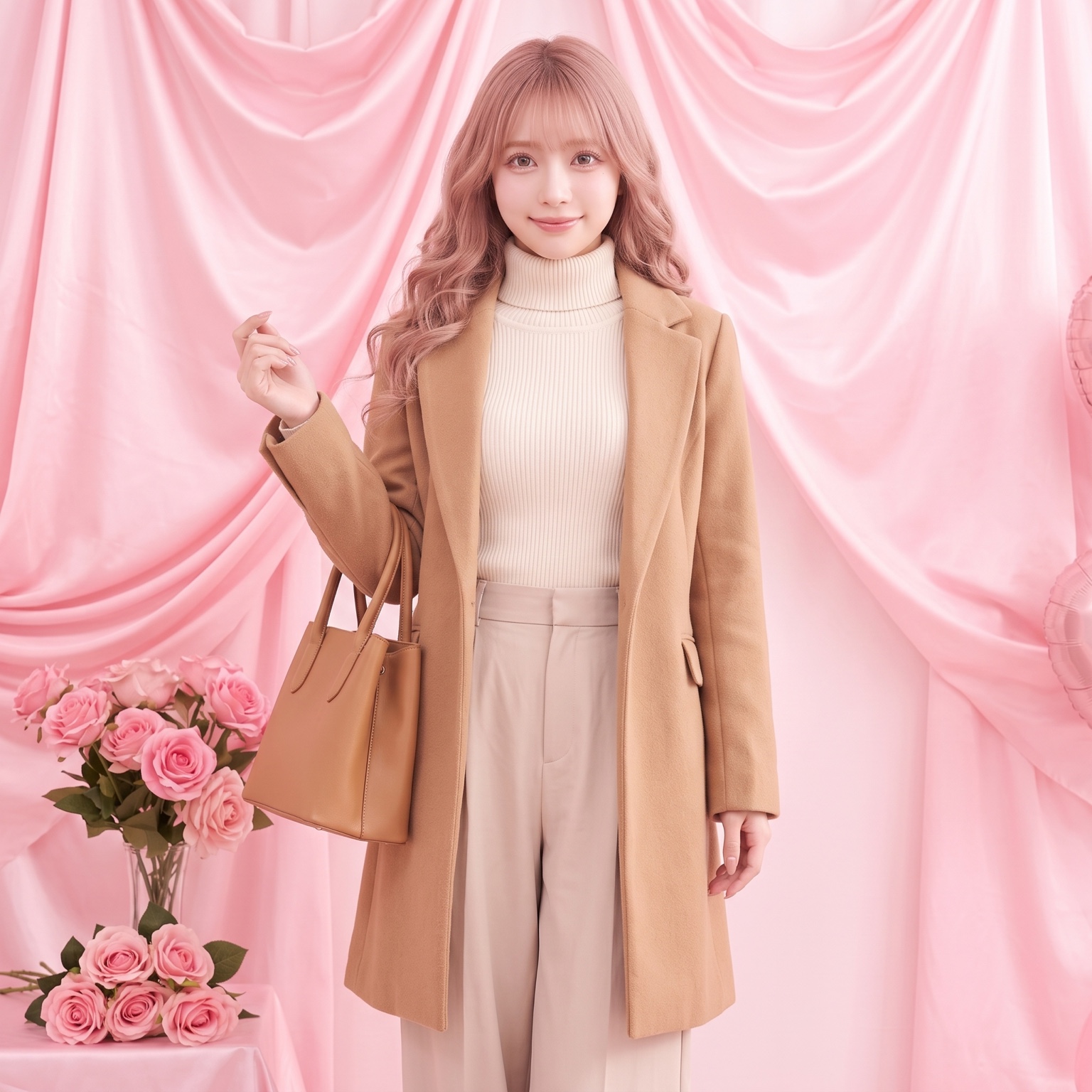
Product images strongly influence online and retail purchases. When stores share the same manufacturer-supplied photos, price can become their only visible difference. Distinctive imagery gives you another way to compete.
Starting with one product image, wModel.AI creates original AI model wearing images quickly and economically. Even when you sell the same brand and product as another store, your presentation can be your own.
On-model views communicate scale and styling that a white-background product shot cannot show alone, with no models or photo studio to book. Present bags and clothing in different settings to help visitors understand the product and make a purchase decision.
Prepare promotional visuals for changing seasons, sales and events, so your storefront can respond to the market.
Make your product's appeal visible and give customers a reason to choose your store beyond price. We can create AI model wearing images that match your store's world from your product images. We also run our own shop that uses AI model images and videos as product visuals, and have recorded sales results.
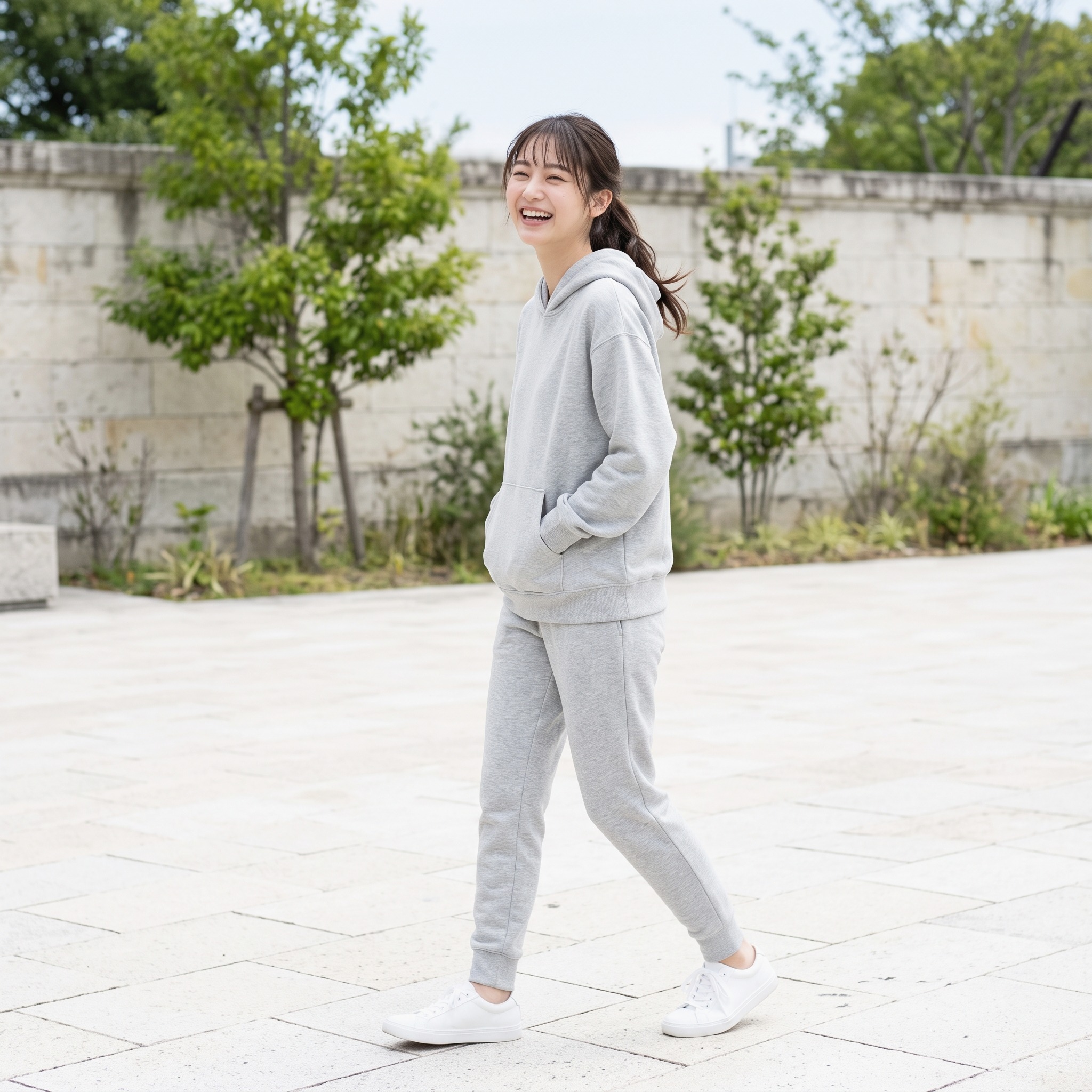
More useful images help wholesalers, retailers and end customers. wModel can present products with people of different ages and nationalities, animals and plants, in settings ranging from the past to the future and from Earth to space.
Choose models and settings that fit the product, making its features and uses immediately understandable.
Present a fashion collection with models from different cultural backgrounds in historical or futuristic settings. Or show an animal using a pet product aboard a spacecraft to create an unexpected promotional story.
Flexible choices of period and location make it easier to create seasonal and event-led campaigns and respond to market trends.
Help more wholesalers, retailers and consumers understand the value of your products with a broader range of AI-created visuals. While keeping down the cost of model shoots timed to new product launches, you can assemble the AI model images you need for catalogs and ecommerce with our service. There is no product shoot to arrange: instead of product photography, we generate AI model wearing images from a single product photo.
Starting from product photos, we create AI model wearing images and videos and advertising visuals. Advertising needs fresh ideas and images that make people stop, and wModel.AI delivers creative for ecommerce, social media and web ads to suit each use.
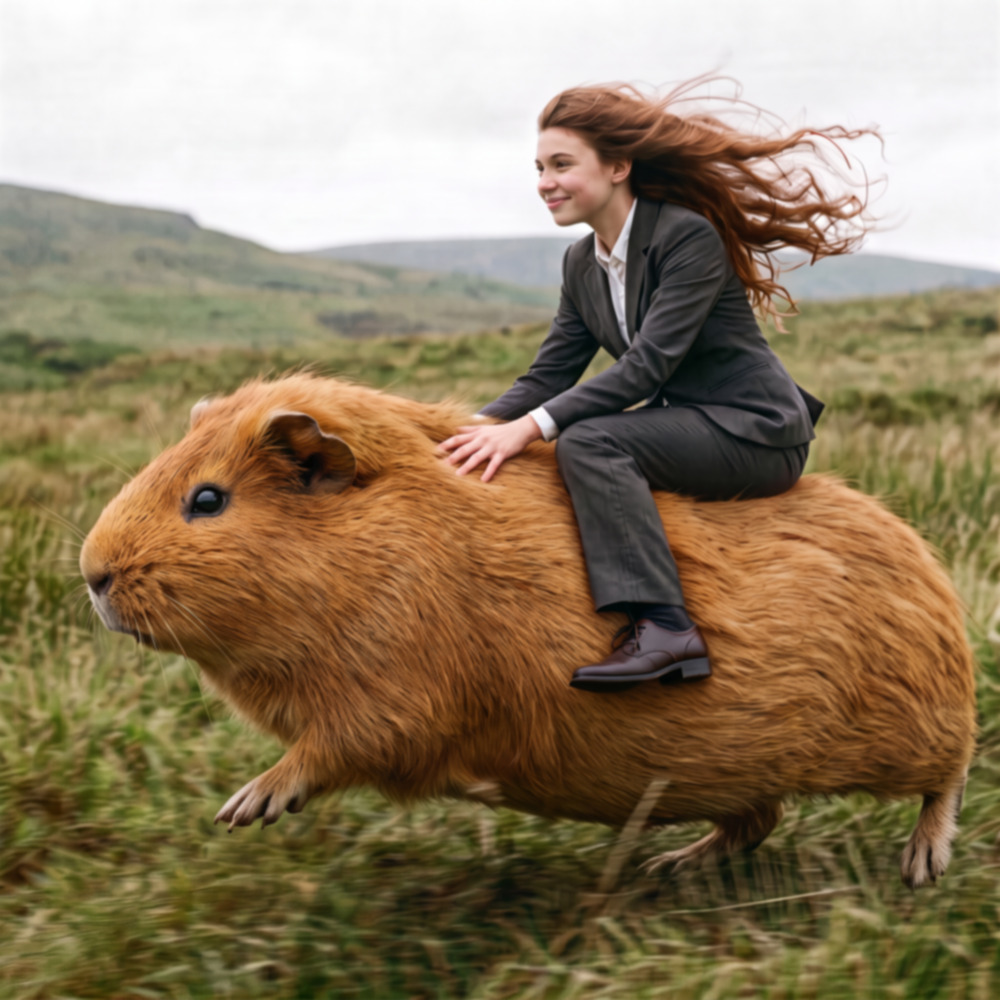
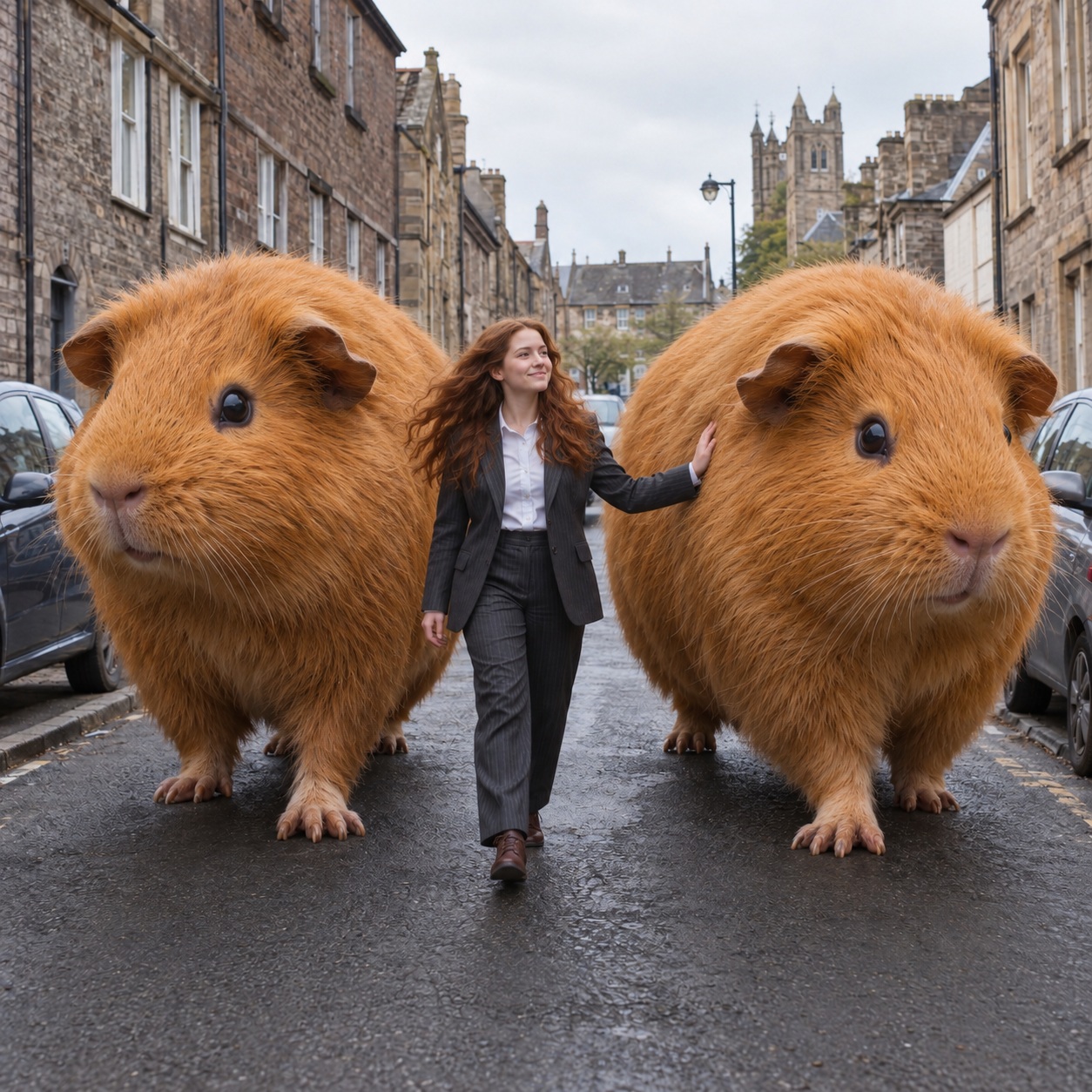
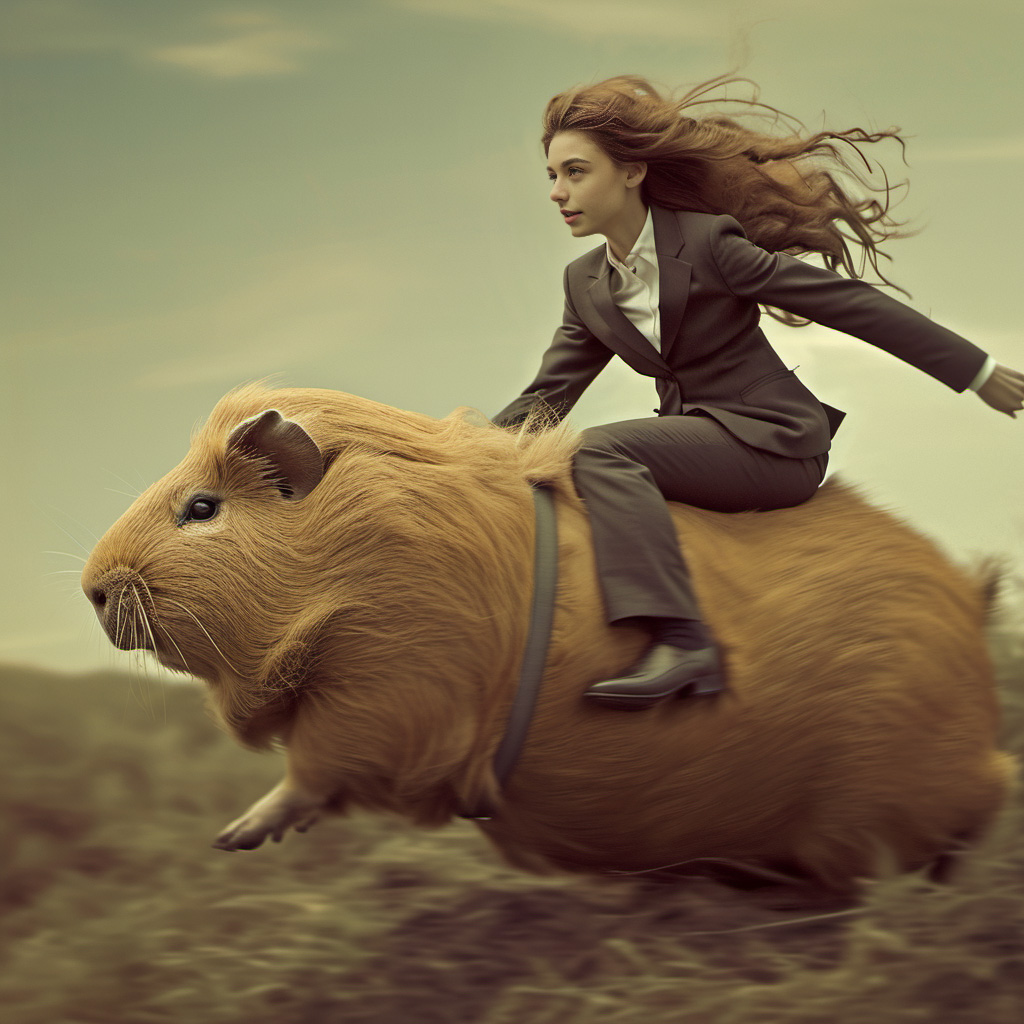
Ride a giant guinea pig through a city of skyscrapers: scenes that cannot be photographed in real life can be created with a photographic look, for memorable social and outdoor advertising.
Reduce the need for sets, location scouting and weather delays. Prepare revisions and variations efficiently to shorten the path from concept to campaign.
Create high-altitude action, dangerous stunts and restricted-location scenes without putting performers or crew into those physical situations.
wModel.AI helps you develop advertising that expands what your ideas can show and strengthens the brand. AI ads are less affected by locations, weather and studio shoot arrangements, and revisions and alternate versions are supported.

AI production helps prepare the number of images you need at a lower cost. Human or animal models and background choices can be specified without an additional selection fee under the existing service terms.

Generate visual variations in a short period to test product positioning and evaluate market response, supporting more flexible marketing decisions.

AI production reduces image-production time and helps deliver high-quality product visuals promptly. When you want to change the appeal of an AI ad, you can create multiple visuals in a short time, with no reshoot costs. Companies that want to review the model and studio costs incurred with every shoot can use our service. Even when launching an apparel brand, you can prepare AI model wearing images from a single product photo, with no models or studio shoot to arrange.

Explore imaginative settings and difficult-to-stage scenarios to give your product a distinctive visual presence.

Traditional model contracts may limit usage periods, territories and product combinations. wModel.AI helps prepare the images your business needs for different markets, without coordinating a new physical shoot for each one.

Distinctive AI product visuals attract attention and help build brand recognition and a consistent brand image.
Our approach to client disclosure, and our own use of the service.
Since its January 2024 launch, wModel.AI has served businesses from large enterprises to small companies.
We leave disclosure of a client's AI use to the client. We have not required clients to publish their names or case studies for our own advertising.
This is the current policy described in the source and may change.
Using your product images and requirements, we generate a cohesive visual of the model, fabric, lighting and background. Inspection and final review come before delivery of the finished image.
What you do not need to prepare.
AAn AI model (also called an AI fashion model) is a model generated by AI to wear, carry or use products in fashion and advertising, and usually means a human model. It is sometimes called a virtual model or AI talent. It is not the same thing as an "AI model" in machine learning.
ASend us one product photo and your requirements, and wModel.AI produces AI model wearing images and videos. Because we deliver finished assets that have passed AI inspection and final staff review, you do not need to do any complicated operation.
AThe standard AI model fee is $0. There are no initial setup fees or revision fees. You pay per image, and for video according to length: images from $13 each, and video from $32 per clip of up to 5 seconds (all prices exclude tax). See the pricing table for details.
ANo, you do not need to book models or a photo studio. We can produce AI model wearing images and videos from a product photo, so in most cases you do not need to ship the physical product either.
AYes. Delivered images can be used commercially with no time limit. Even standard AI models' faces are not shared with other clients and are used only for your production.
AIn most cases, no. We can start with your product photos and requirements.
A. No. The person, clothing texture, light and background are generated as one image, and the AI inspection engine checks the product details.
A. Clearium checks generated people for resemblance to approximately 100,000 public figures before delivery. Depending on the result, images may be adjusted, regenerated or reviewed by staff.
A. Yes. Extend one approved identity to different products, compositions and video while maintaining the reference model.
A. In most cases, there is no need to ship a physical sample. Share your timing and product details when you contact us.
AIt is a method of creating images and videos of AI models wearing products from a single product photo. It requires no model casting, studio booking or model shoot at all, and can be used for ecommerce, social media and AI ads.
ABecause we do not do model casting, studio arrangements or shooting, there are no shooting costs. The standard AI model fee is $0, with no initial setup fee or revision fee. Images start at $13 and video at $32 per clip of up to 5 seconds (all prices exclude tax).
AYes. Send us flat-lay, hanger or mannequin photos along with your requirements. In most cases, you do not need to ship the physical product or reshoot anything.
AWe also support generation using the face of a real person, such as a contracted model whose permission has been obtained. Contact us about how to divide use between faces you have used in past model shoots and AI models, according to your needs.
AThere is no revision fee. Video revisions are free as well. We first present a "revision plan," and the AI engine redoes only the agreed items.
ANo. The standard AI model fee is $0, and there is no initial setup fee. You pay only per image, and for video according to length.
AYou can assemble the images you need, in the number you need, at a low cost. First-time customers get one item free, so you can check the result first. The Flash plan for ecommerce and social media is $13 per image (excl. tax).
AAI ads are advertising campaign visuals generated with AI. We create key visuals, faraway-location-style shots, social ad variations and seasonal promotion images together.
AYes. Please contact us through the inquiry form. We support AI ads for industries beyond apparel, such as hotels, restaurants, travel and beauty, and can create them without arranging a shoot.
AIt is an AI model with an exclusive face that only your company can use. Like AI talent, it can serve as your brand's face for a long time, appearing with the same face in catalogs, AI ads and social media. You also avoid finding a new model for every campaign.
AYes, when your company has a contract with the person and has obtained permission to use their likeness. We can also design a new exclusive AI model and use it in AI ads as your brand's face, like AI talent.
AWith a generative AI tool, you adjust the conditions, select the results and check quality yourself. wModel.AI's AI model generation service handles generation, AI inspection, staff review and revisions, and delivers finished assets.
AWhether you receive finished assets and whether there is a quality-check system are good indicators. At wModel.AI, the AI inspection engine checks every item against the original product, and dedicated staff perform a final review before delivery. In the color-contact-lens category of the TikTok Shop we operate, we use AI model images and videos and have recorded top-tier sales (as of January 2026, company research).
ADelivered images can be used commercially with no time limit. We prepare images to suit your use, region of use and intended rollout: ecommerce product pages, social media, advertising, catalogs and more.
AYes. We can generate studio-style backgrounds as well as outdoor and overseas-location-style backgrounds. You can assemble AI model images with varied backgrounds without booking a studio, paying location travel costs or worrying about the weather.
AYes. We create AI model wearing videos from product photos. There are no video equipment or studio costs, and pricing is set by video length. Free revisions also apply to video.
AOnly product photos and your requirements. With flat-lay, hanger or mannequin photos, there is no need to schedule a model shoot or get a shooting quote. In most cases, you do not need to send the physical product either.
AOn the premise that you have a contract with, and permission from, the person, we generate from the person photos you provide. For images based on photos of your talent or other supplied people, the celebrity-similarity check only records the comparison result and does not trigger redoing the image.
Keeps learning. Improves its own process. Delivers work you can use.
Tell us about your product images, intended uses, required quantities and preferred finish. For projects outside Japan, contact us to discuss availability, pricing and delivery.
Start by sharing a product photograph.
Share a product photograph and your requirements. We will propose an approach for your intended use.
Share your product photos and tell us what you want to create. Your company's wTransformer brings the production process together from there. If you are looking for an AI ad production company or a shooting company, please feel free to ask about our service content and costs. For details on service content, pricing and results in our own shop, request materials or contact us.
Contact us
Beyond beauty. Beyond passion.
Let's talk about your project.
See how AI model wearing images turn out with your own products. New customers can request one free sample based on their product photos. Tell us your preferred product and use through the free sample form.
Request informationContactRequest a free sample© SSQQB Inc. | AI model generation service wModel.AI